logo elektroda
logo elektroda
X
logo elektroda

LN882H Firmware on WL2S (BL0937) Outlets: Slow Web Admin, High Ping, Unusual MAC Address

tadeu1 117 4
ADVERTISEMENT
  • #1 21801823
    tadeu1
    Level 5  
    I buy 3 power outlet to check if some I can apply tuya cloud cutter, no success
    2 of them its CB2S and one its WL2S, all of them with BL0973
    I read the tutorial and apply the fw LN882H.
    No MQTT, just standard config
    Code: JSON
    Log in, to see the code


    I have a weird operation with this module.
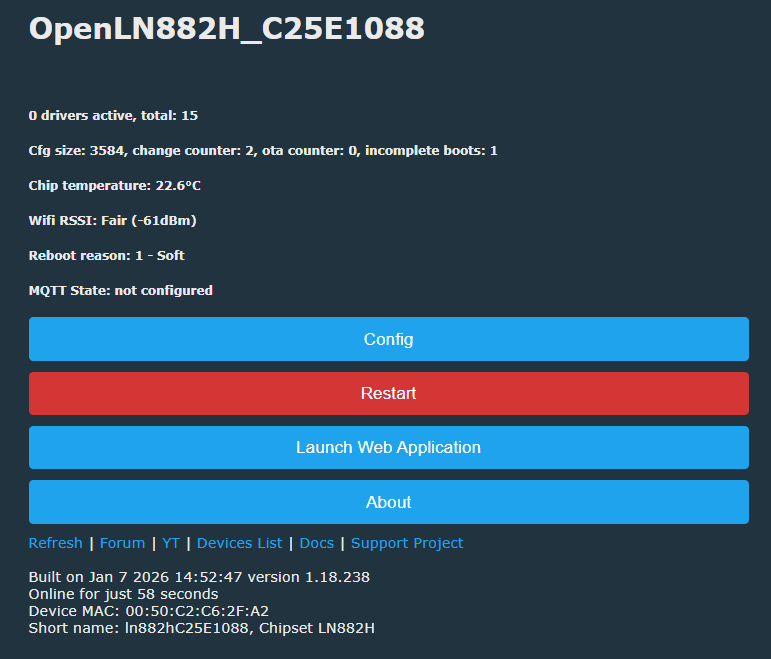
    its really slow, sometimes the ping its high, I try to change mac adress, because its started with 00:50:xxxxxxx, I never saw something like that.
    But the web admin its quiet slow, sometimes I loose the connection etc.
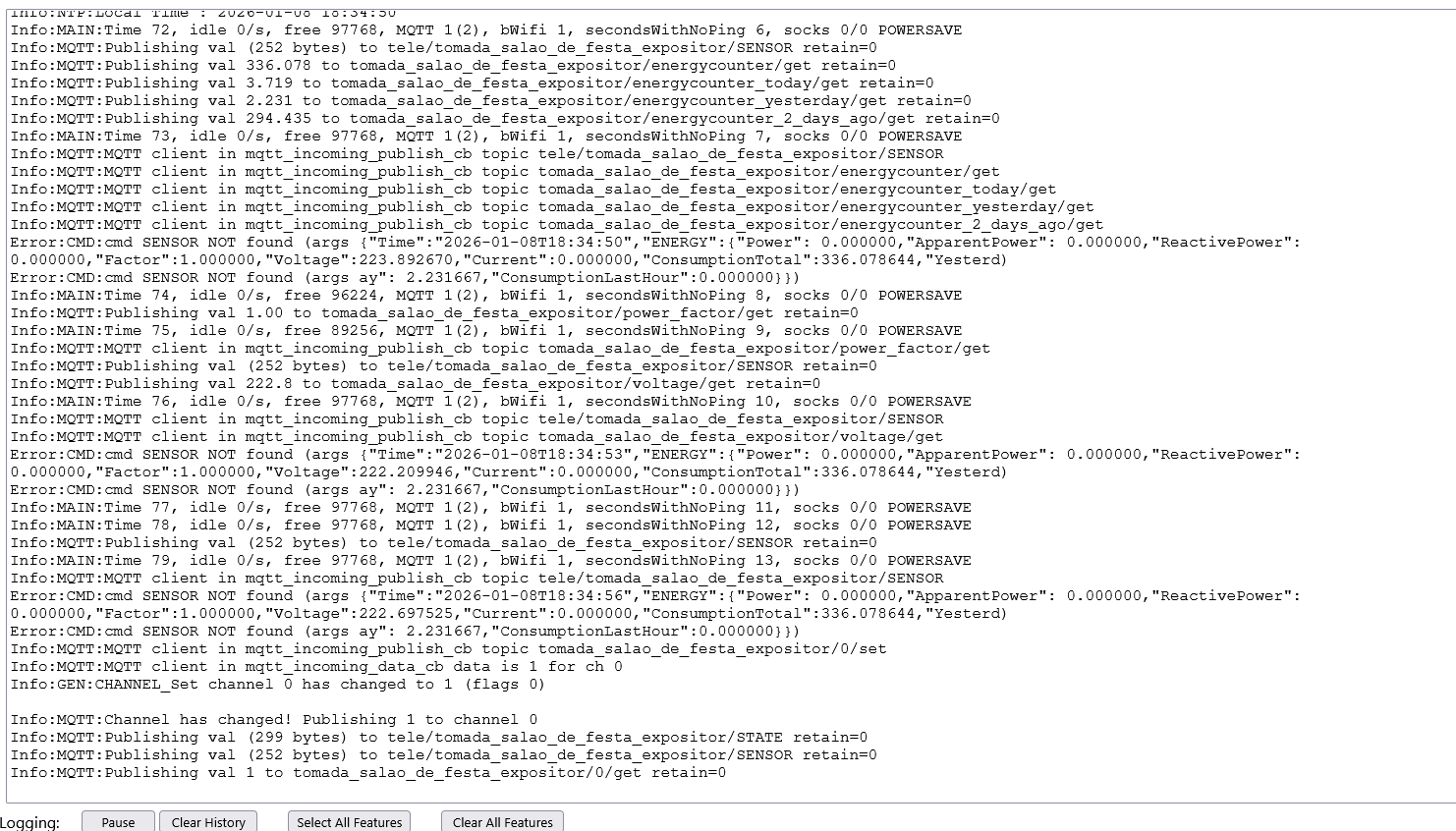
    I add the mqtt to test, same, i publish and takes time to read, and sometimes did not do.


    Any ideias?
  • ADVERTISEMENT
  • #2 21802010
    divadiow
    Level 37  
    which guide did you follow, which tool did you flash with?

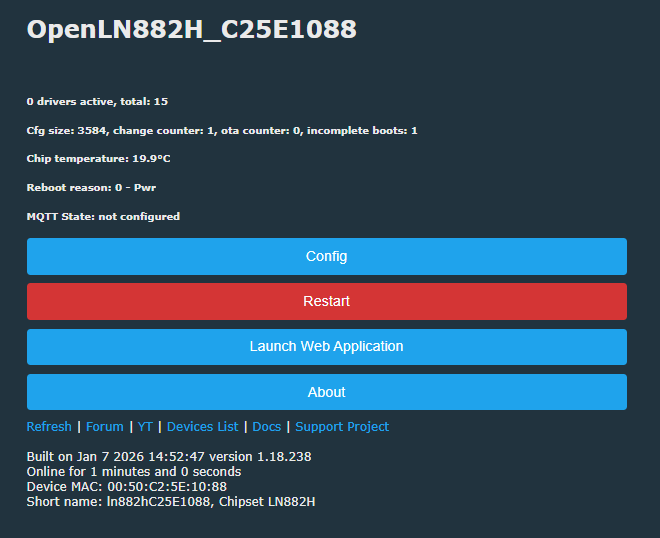
    does the mac at the bottom differ from or match (the latter part) the name at the top?

    User interface of OpenLN882H with configuration buttons and system dataControl panel of OpenLN882H device showing Wi-Fi status and configuration options

    Added after 7 [minutes]:

    sweetlilmre wrote:
    The MAC addresses are generated from random data after a flash erase (1 MAC for AP, 1 for STA).


    I think this is still the case
    https://github.com/NonPIayerCharacter/OpenLN8...6a858301425dc/components/utils/ln_misc.c#L176

    Added after 2 [minutes]:

    as for the poor wifi, this sounds familiar. I feel like there have been reports of such with LN882H for a few months.

    eg https://github.com/openshwprojects/OpenBK7231T_App/issues/1671#issuecomment-2963824624
  • ADVERTISEMENT
  • #3 21802076
    tadeu1
    Level 5  
    >>21802010 W
    I'm not at home right now. I'll do some tests at night

    I use Python to dump and the .exe to write the FW.

    MAC looks like you sent me, the random.
    Mine is a power outlet.
  • ADVERTISEMENT
  • #4 21803035
    tadeu1
    Level 5  
    I changed the MAC to tuya athom standard and still there

    4C:3A:93:19:38:C3

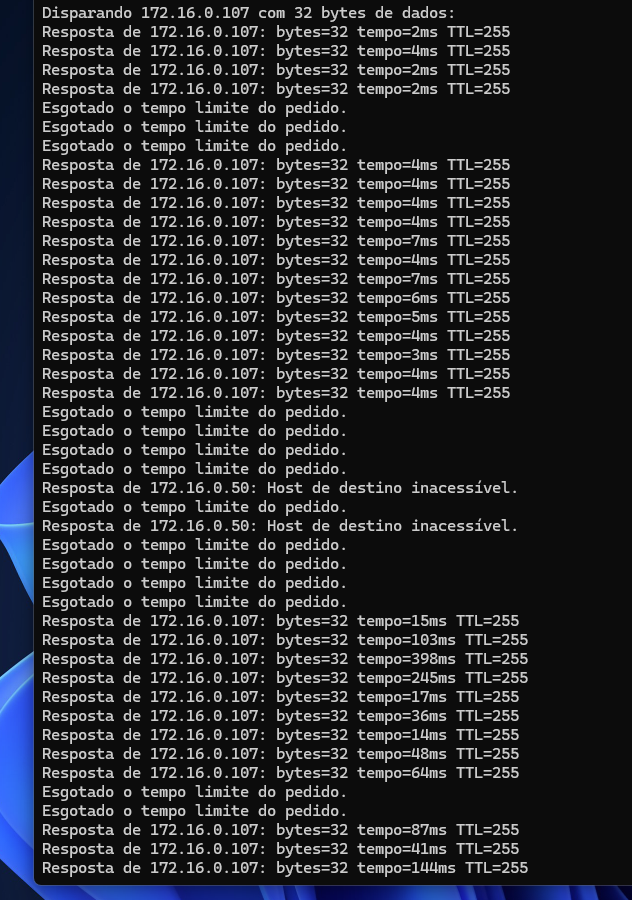
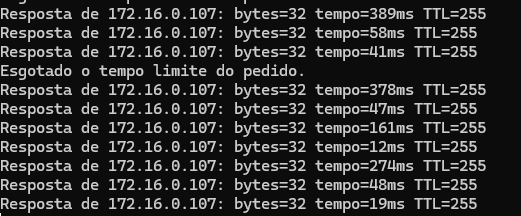
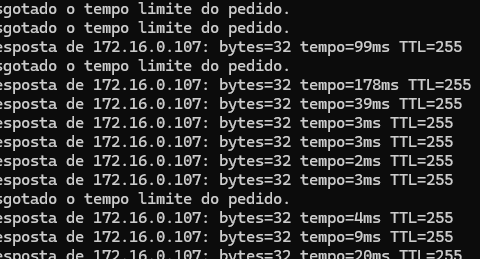
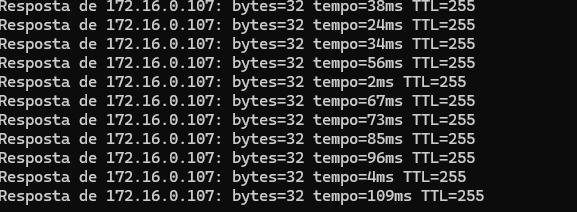
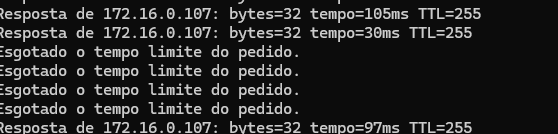
    also look the ping, its weird and when I toggle, I loose the connection, I'm beside the router.


    Ping results to 172.16.0.107 with variable response times and timeouts

    Terminal window showing ping results to 172.16.0.107 with irregular response times

    Added after 1 [minutes]:

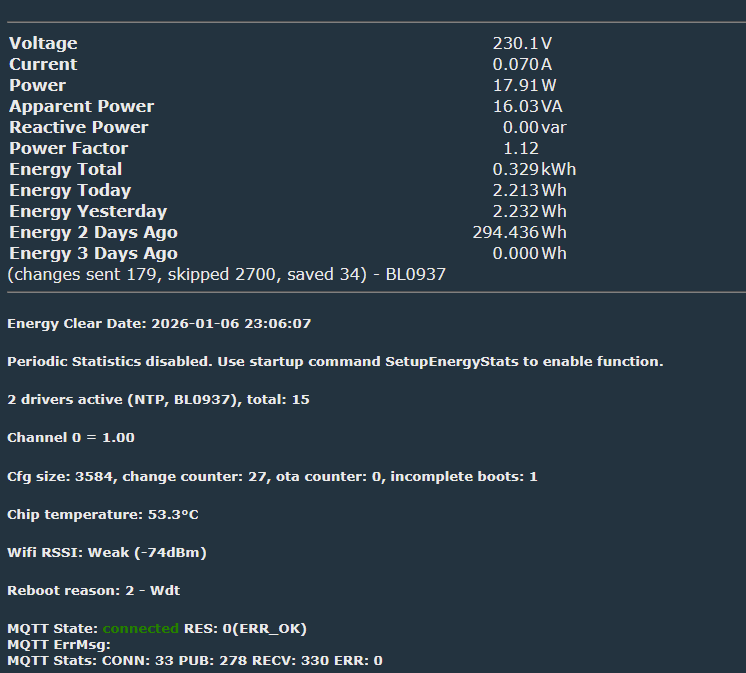
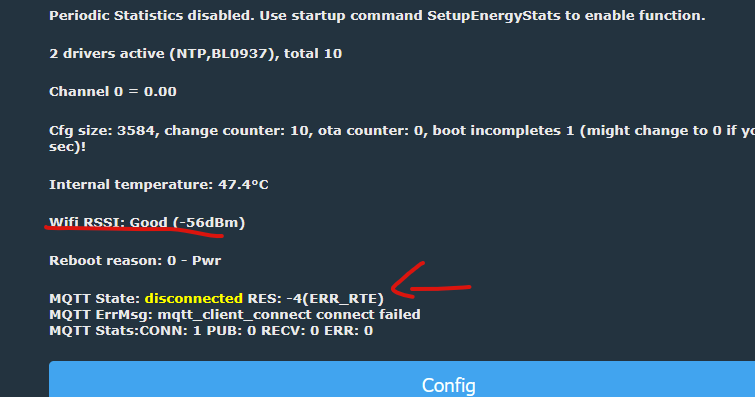
    the temperature is not bad
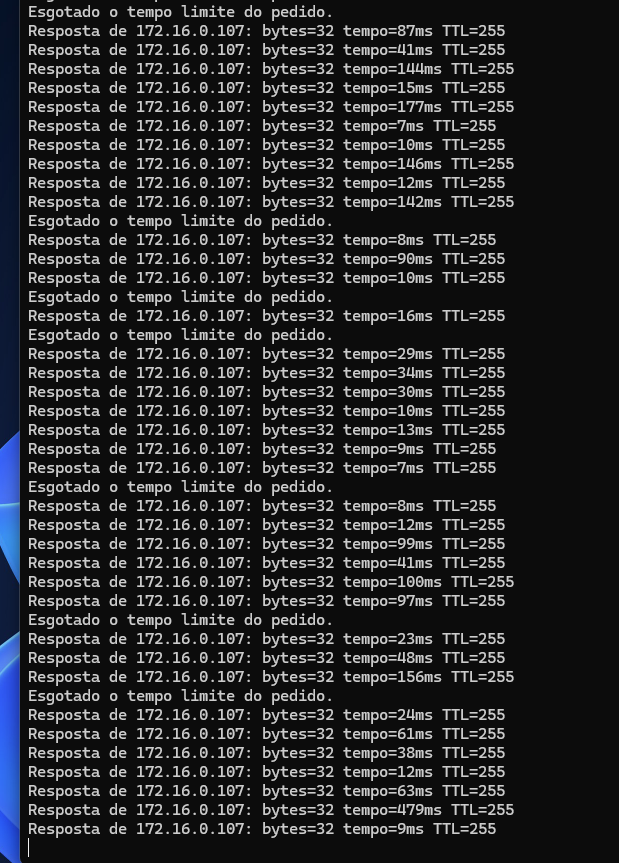
    also I turned the bulb off and still bad ping


    Screenshot of a metering device showing energy stats and MQTT connection status


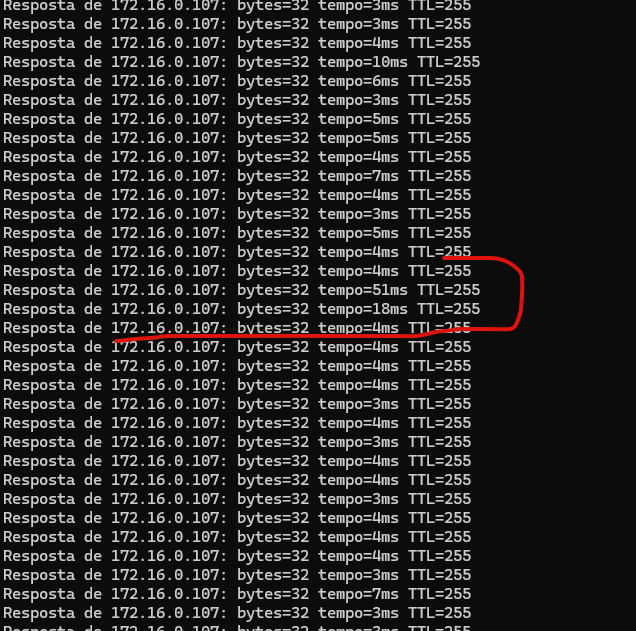
    Ping command output with unstable response times for IP 172.16.0.107

    Added after 7 [minutes]:

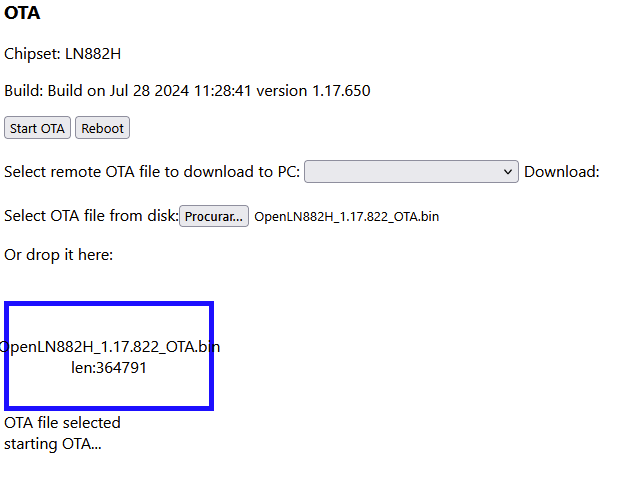
    version Build on Jul 28 2024 11:28:41 version 1.17.650 its better
    just when I press troggle I get slow right now

    Terminal window showing ping results to 172.16.0.107 with variable response times

    Added after 2 [minutes]:

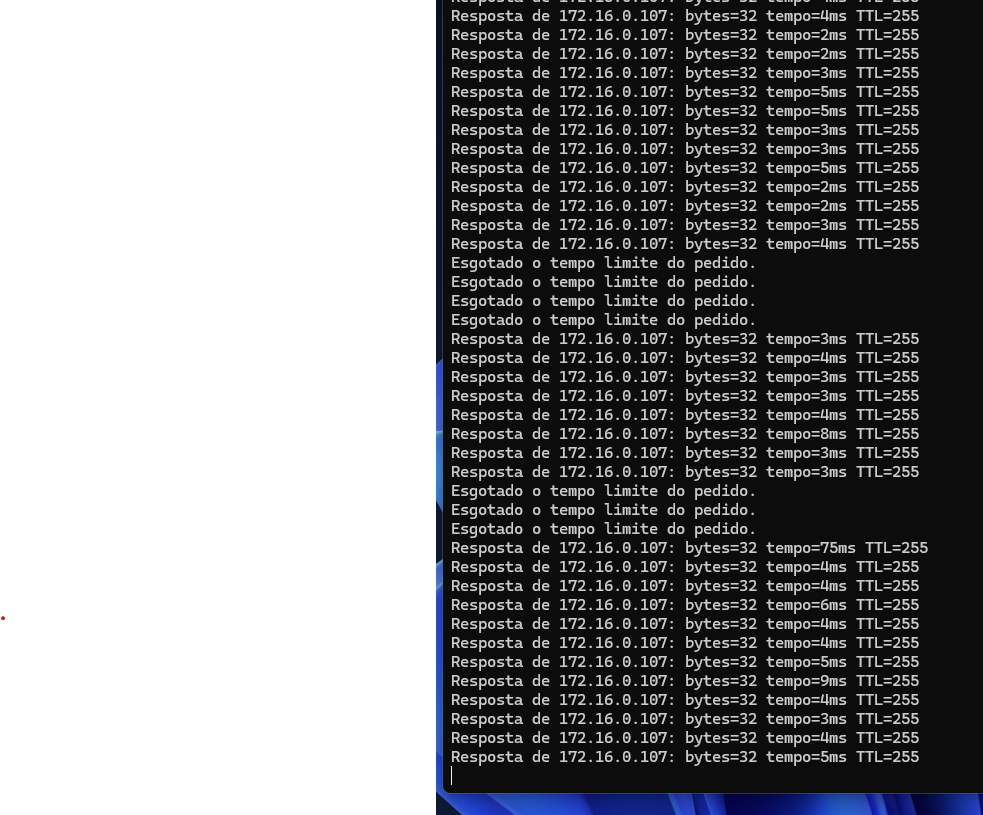
    I did some test at the homeassistant, still bad with mqtt


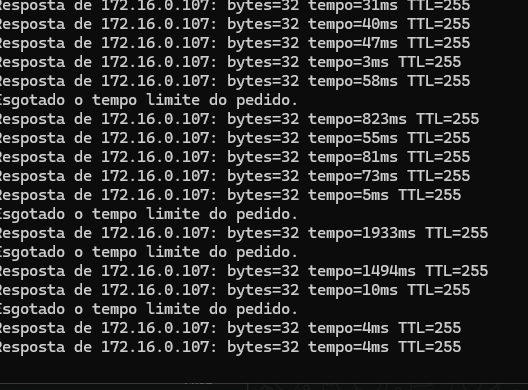
    Terminal window with ping responses from IP address 172.16.0.107
  • #5 21803239
    max4elektroda
    Level 22  
    The last screenshot shows weak signal.
    Do you maybe have more than one access point with the same SSID?
    LN882H is known to sometimes connecting to any AP, not the nearest. It's some time now, I once tried a solution, but didn't succeed, don't remember the last state...
ADVERTISEMENT