logo elektroda
logo elektroda
X
logo elektroda

Tuya DIY Smart Switch T1-CHL AU5101XA Flashing Issues with OpenBK7238_QIO_1.18.247 Firmware

gparduino 510 9
ADVERTISEMENT
  • #1 21814579
    gparduino
    Level 2  
    I have 6 new generic Tuya DIY smart Switches with a
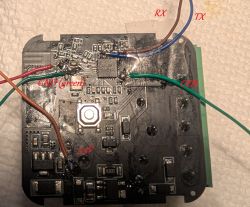
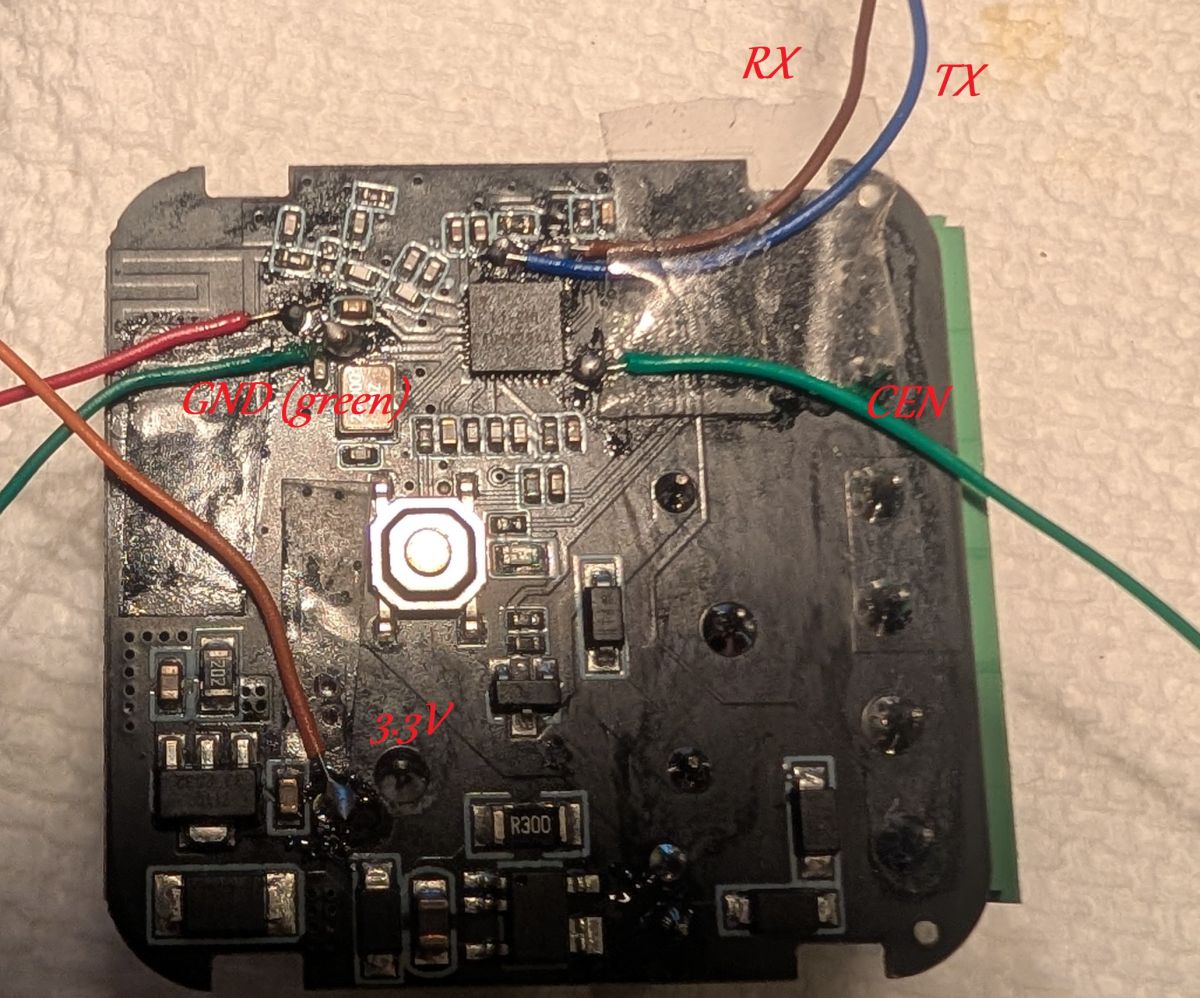
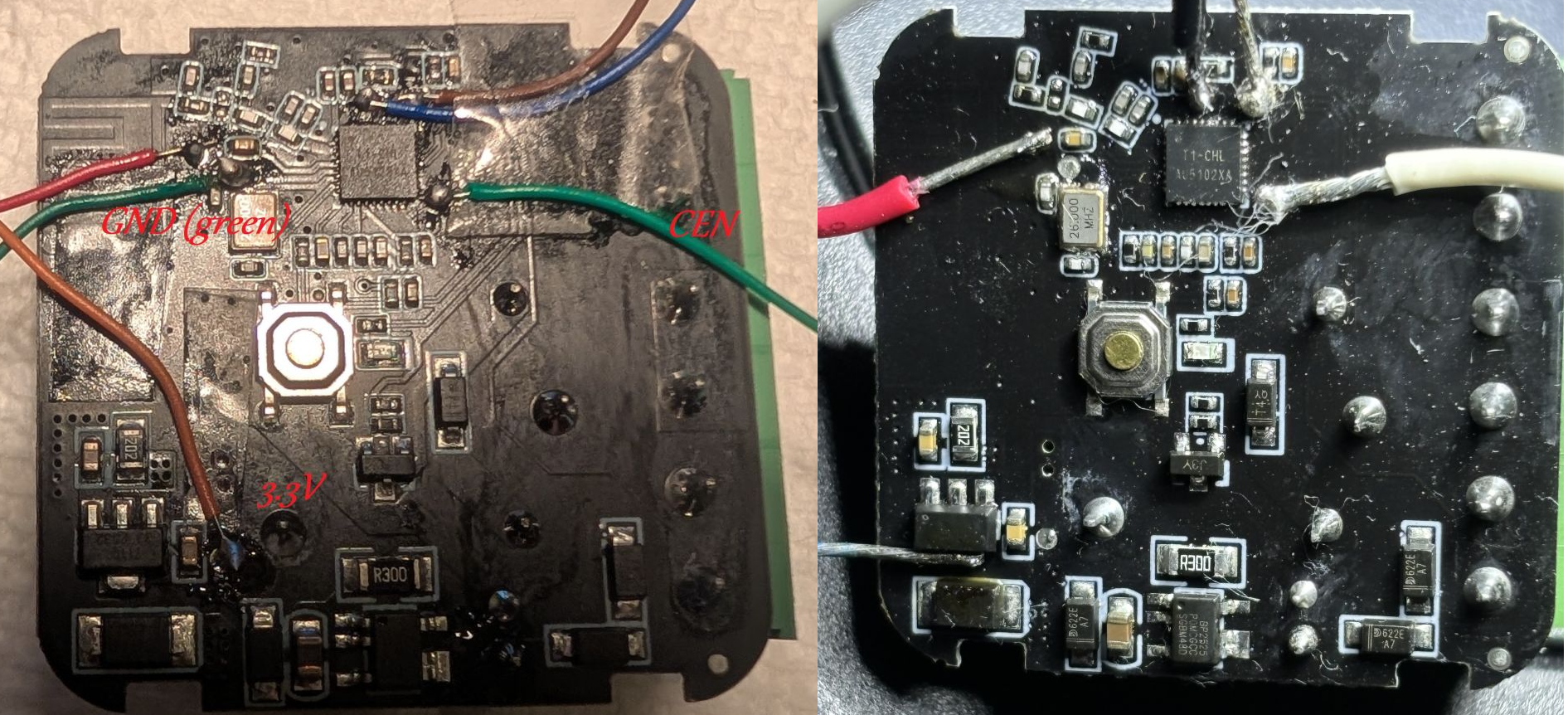
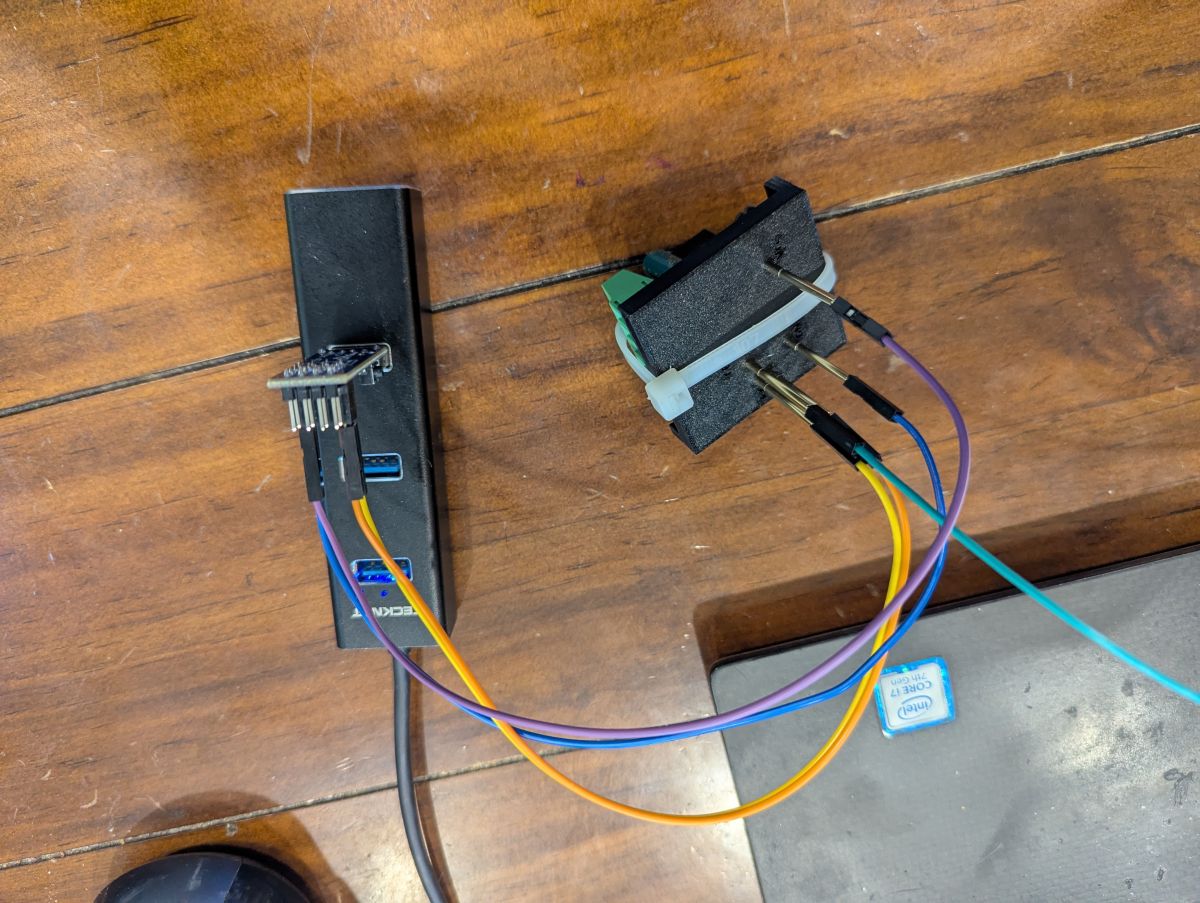
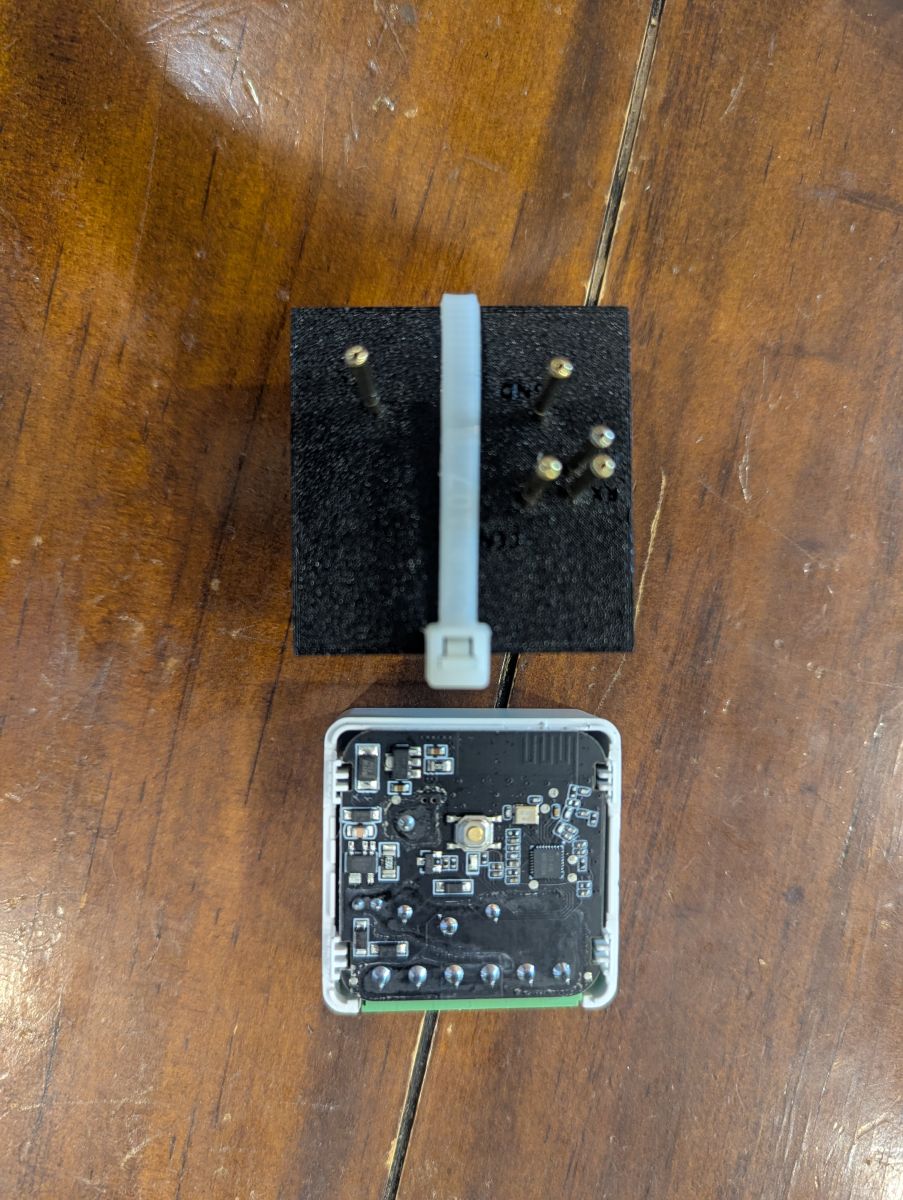
    Close-up of PCB with soldered wires labeled GND, RX, TX, 3.3V, and CEN
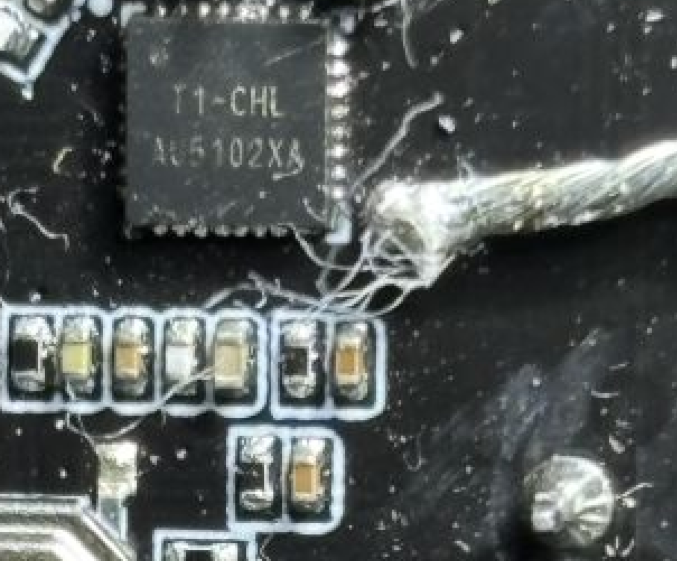
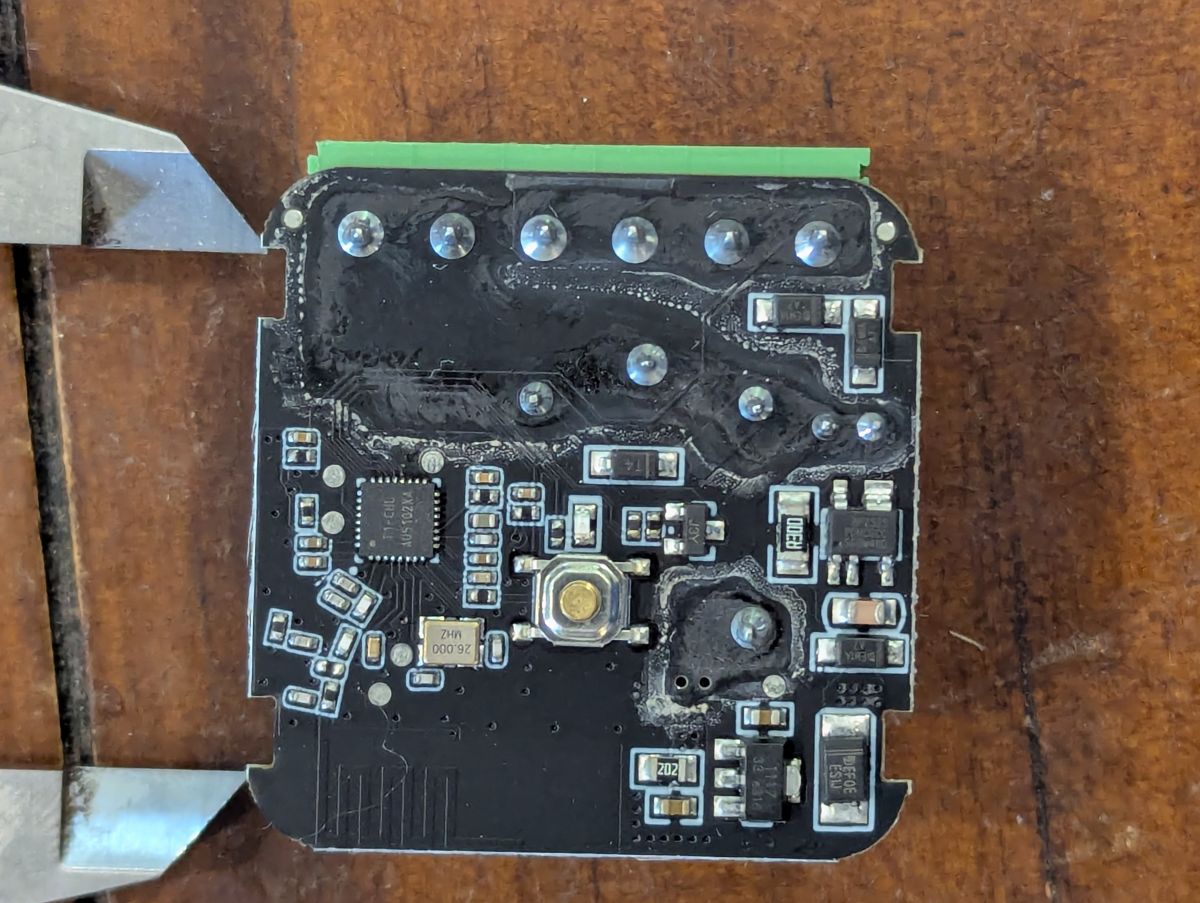
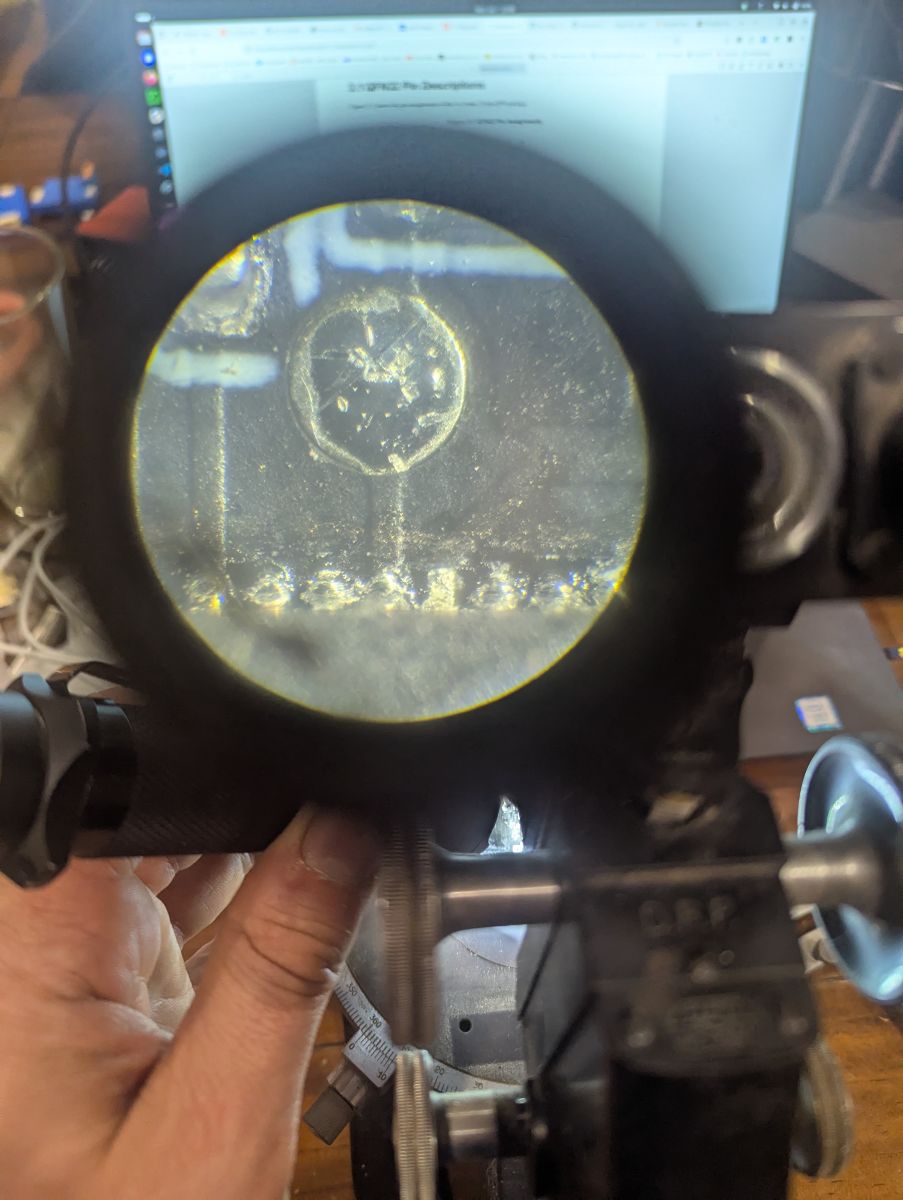
    T1-CHL AU5101XA chip and some unmarked pads on the bottom that I traced out and identified 3.3 V, GND, Tx, Rx, CEN.

    I am presuming that this is compatible with OpenBK7238_QIO_1.18.247 firmware (I tried several other ones in the repository).

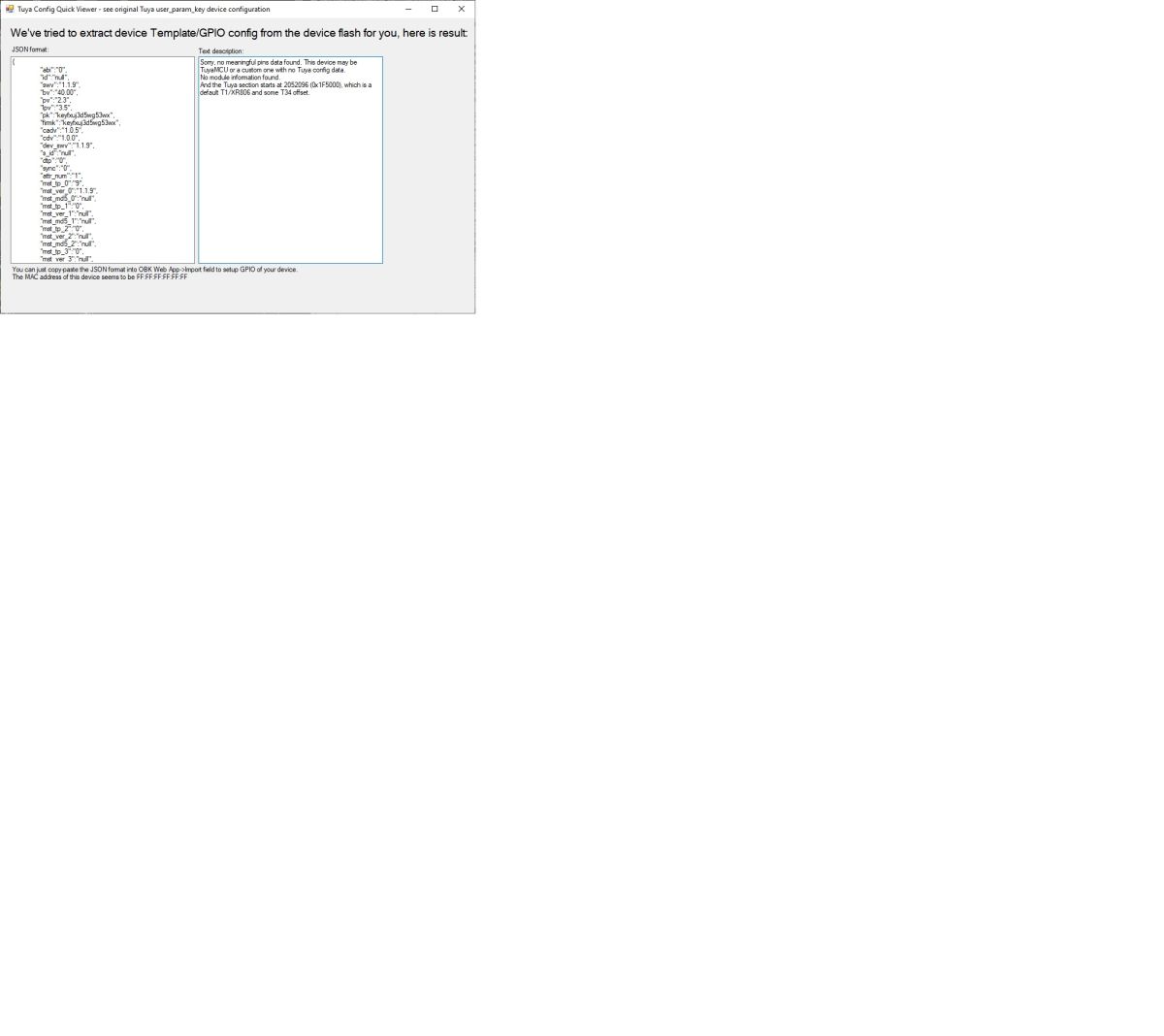
    I've made some progress Screenshot from Tasmota app showing GPIO configuration in JSON format
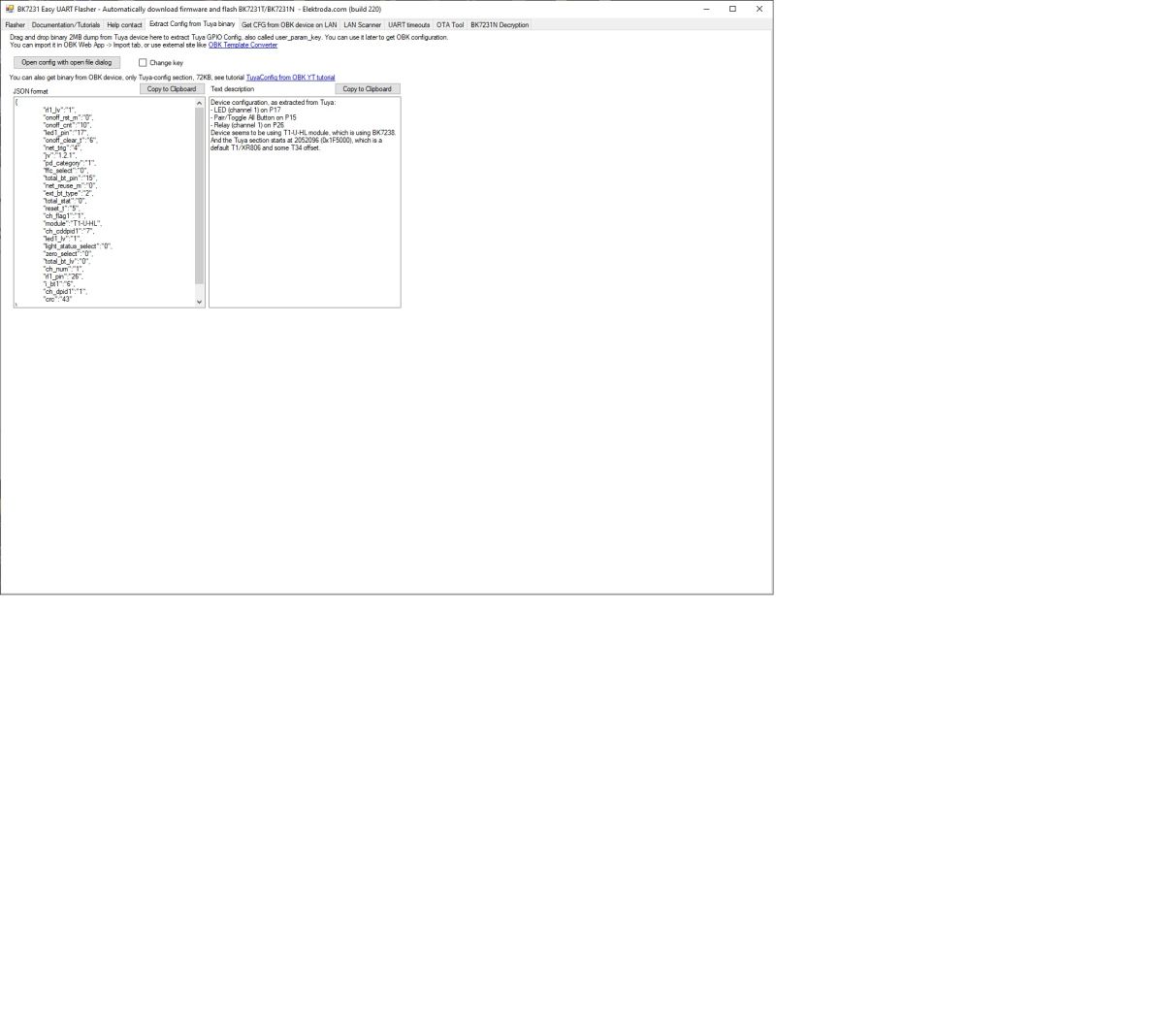
    Bk7231 GUI Flasher window with JSON configuration displayed
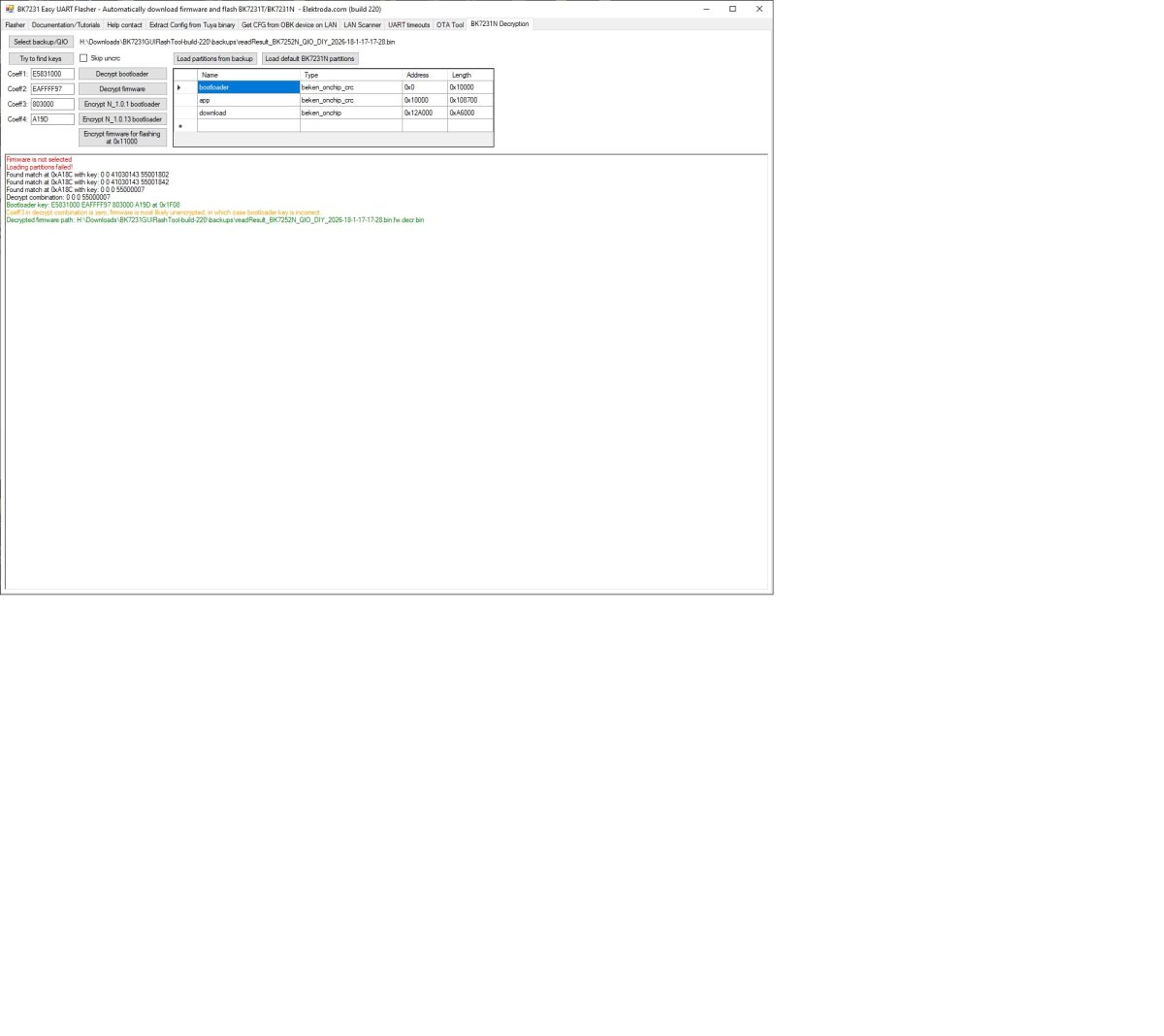
    Bk7231N Easy UFlash Flasher app interface showing partitions and decoding log.

    Of course, there are no signs of life after this flash. No access point. No LED.

    I eventually was able to get some signs of life for two of the units by overwriting the bootloader, writing OBK settings for the WiFi network and then finding it on DHCP. The relay responds in the web GUI. The RF section, according to the web app, is all FF FF. The MAC addresses of those two switches were identical. Using the web app, OTA flash seems to work using the overwritten bootloader. GUI MAC change does not; AP access point does not work. "Restore the RF part" from the UART flasher writes a few lines before the rest which, for the most part, are all FF FF FF according to the web app, but the GUI now shows a new random MAC which then appears on the network properly. Didn't get to test MQTT.

    It seems that the offsets may be an issue or I'm completely wrong as to which firmware to use. Any insight on how to set up the flasher for the new offsets would be appreciated. Attaching the read file from a stock device.

    So the sequence that at least gets me a GUI on the network was to: flash the firmware, overwrite the bootloader, then flash OBK separately with WiFi credentials, then restore RF part, apparently not completely to the right place. Once I do this, I get a GUI only on the network and am unable to restore from backup.
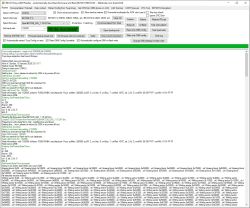
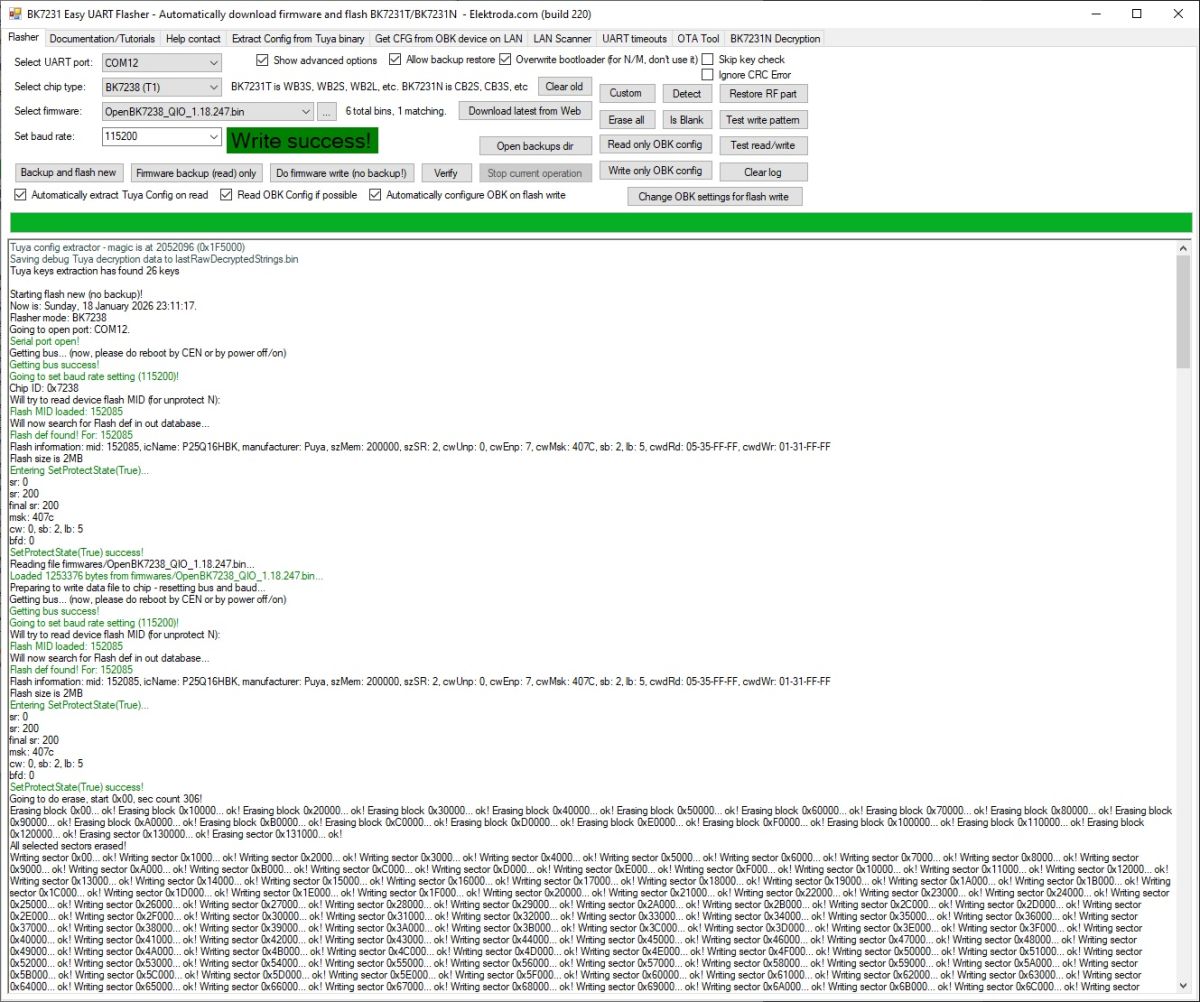
    Firmware flashing tool interface for BK7231 with Write success! message visible

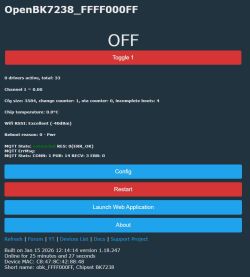
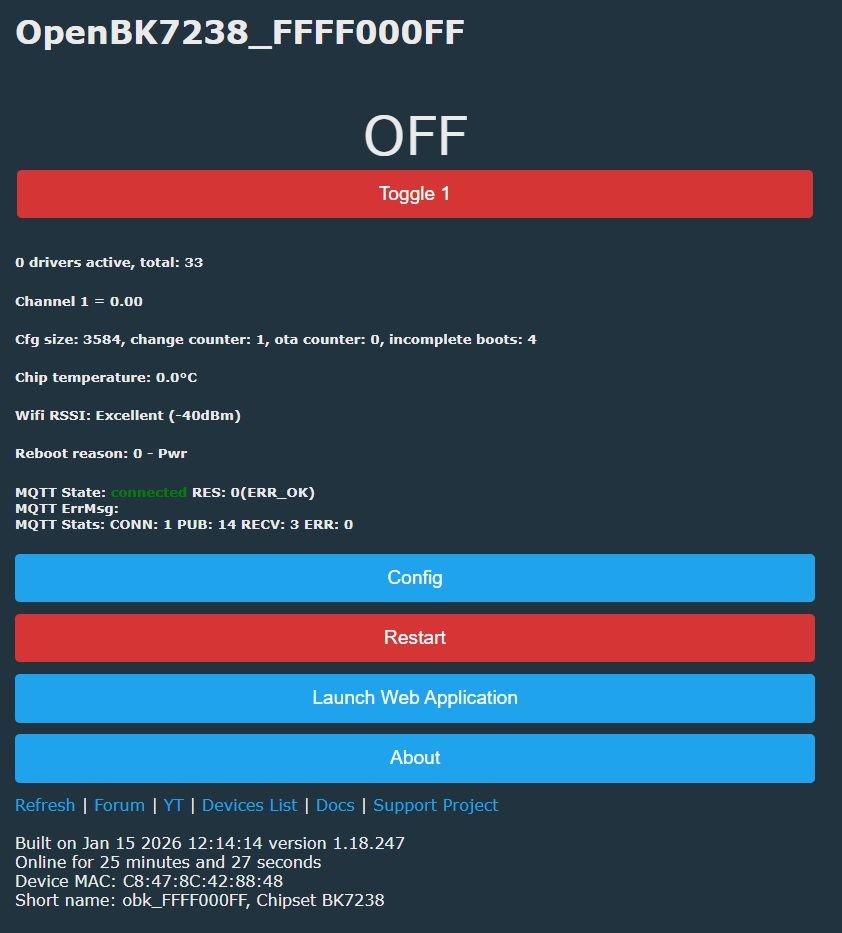
    OpenBK7238 interface showing OFF status and MQTT connection data
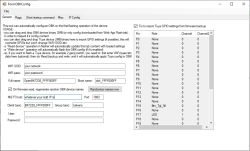
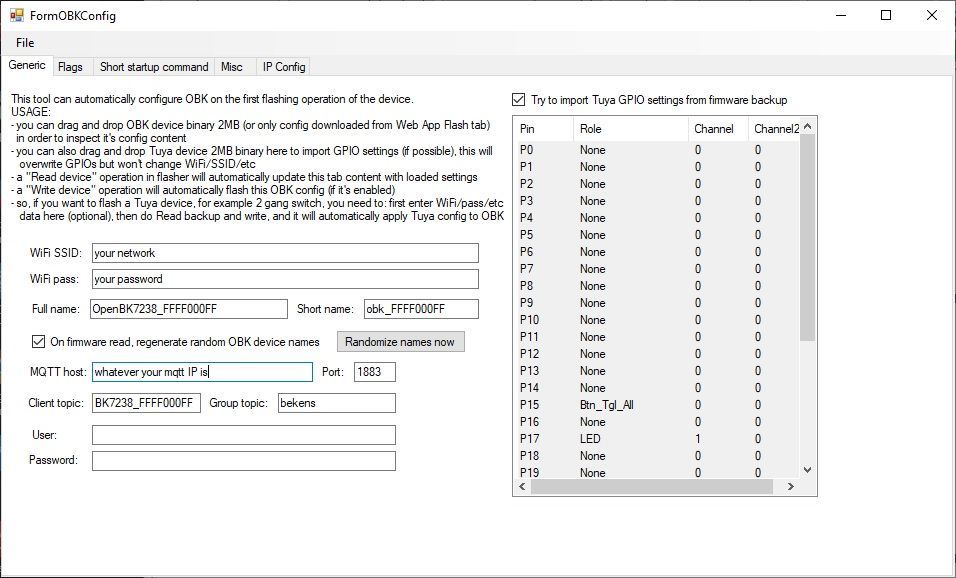
    FormOBKConfig configuration window with network and GPIO settings
  • ADVERTISEMENT
  • ADVERTISEMENT
  • #3 21814854
    gparduino
    Level 2  
    I opened a second batch of switches with the same chip name, but these perform differently when flashing.

    Now the sequence: 1) "Backup and flash new" with OpenBK7238 v247 - "Automatically configure OBK on flash write", "Allow Backup restore", and don't overwrite bootloader. 2) Before doing that, "Change OBK settings for flash write" with the correct GPIO data - as automatic GPIO seems not to work. 3) Restore RF part. Works.

    All the stuff that didn't work on my last two units of hardware works well with this new batch.
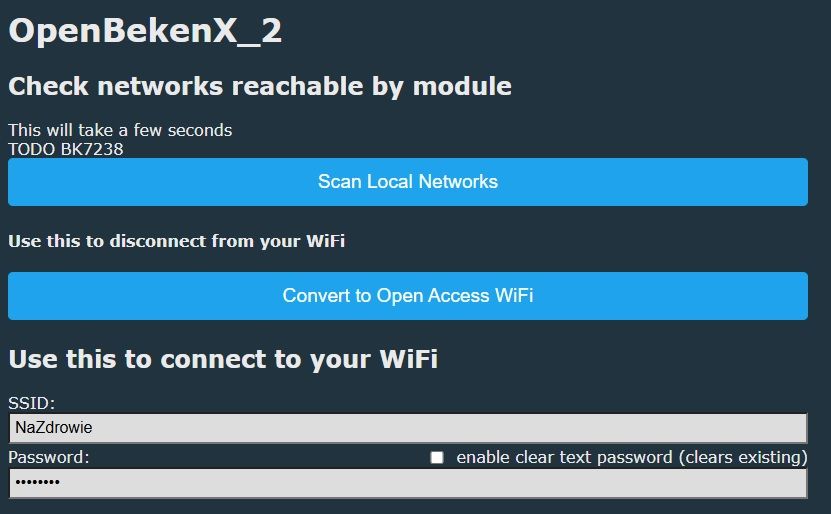
    Tested: OTA update with .rbl file, access point, change MAC with GUI, MQTT. Wi‑Fi SSID changes.

    OpenBekenX setup interface with WiFi options and SSID field NaZdrowie

    Thanks for your reply.
  • #4 21815727
    gparduino
    Level 2  
    Looking at the forum, it is difficult to keep a database on these generic TUYA switches with the same packaging, same case, no labels on the circuit board, and no model numbers.

    This one works with different pin settings compared to many of the templates.

    "pins": {
    "6": "TglChanOnTgl;1",
    "15": "Btn_Tgl_All;1",
    "17": "LED;1",
    "26": "Rel;1"
    }

    It appears to respond to a PowerSave 1 command properly, based on the log.
  • ADVERTISEMENT
  • #5 21815937
    divadiow
    Level 38  
    The JSON below can be seen decrypted from your dump. Easy Flasher doesn't extract enough currently to map pins from it and even then it doesn't know about your pin6, which I guess is either

    Code: JSON
    Log in, to see the code
    or
    Code: JSON
    Log in, to see the code


    Code: JSON
    Log in, to see the code


    do you have any more pictures of your device so one can be added to the device list in a new template?
  • #6 21815965
    gparduino
    Level 2  
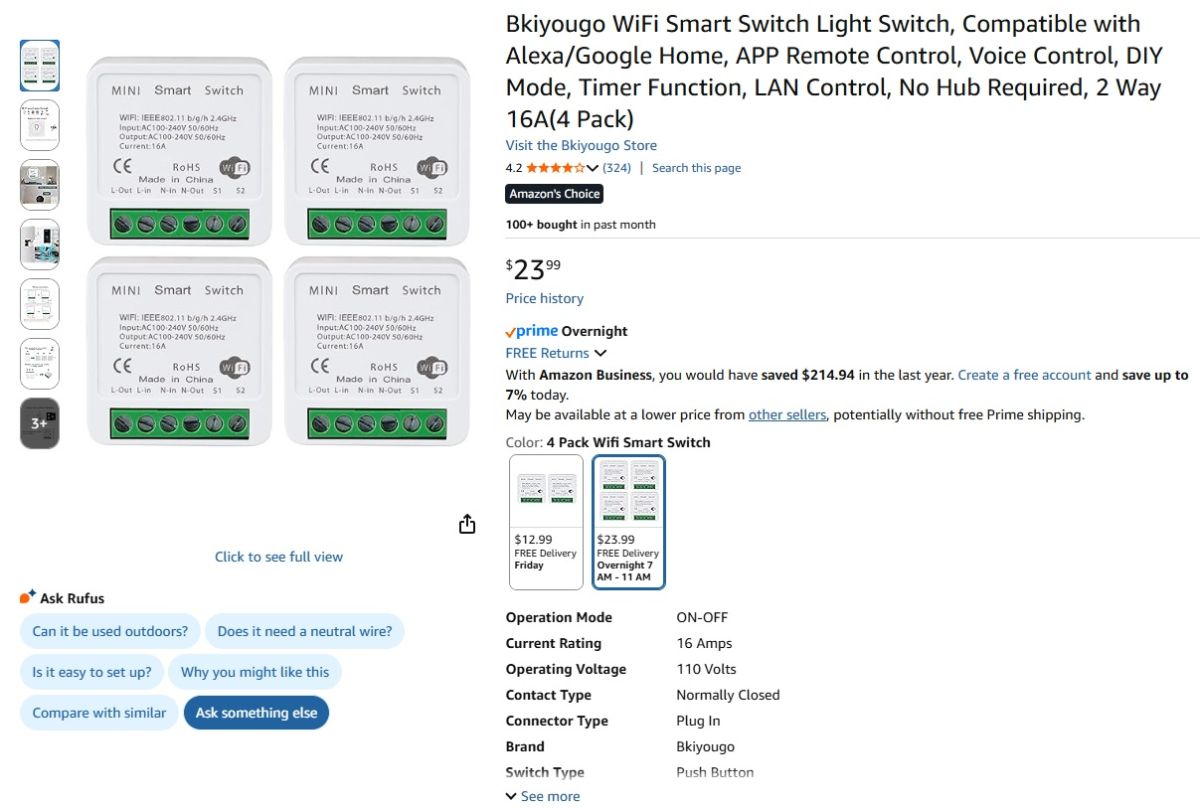
    >>21815937 I'm getting a third batch from this vendor tomorrow. If they behave the same way and look the same on the inside, I'll upload the internal pics. The vendor and product on Amazon are attached.
    Set of 4 Bkiyougo MINI Smart WiFi Switches shown on Amazon product page
  • #8 21816566
    gparduino
    Level 2  
    >>21815998
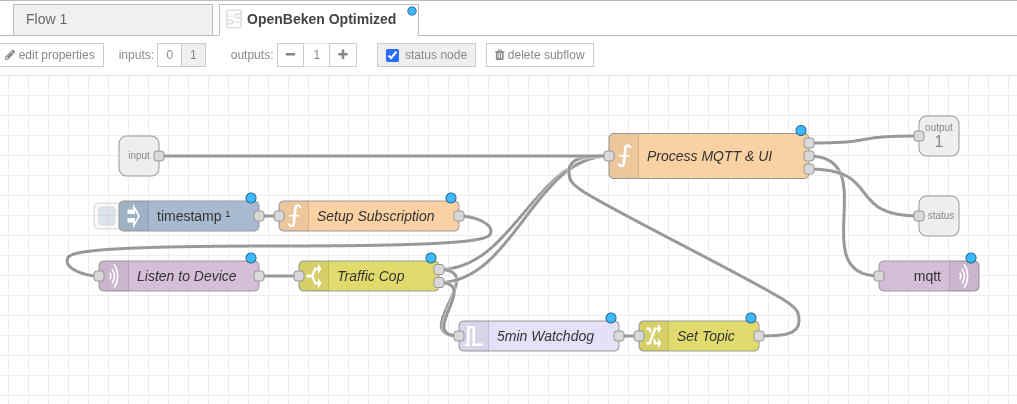
    While I am waiting for the new device package to test out, I made a Node-RED subflow that seems useful specifically for Open Beken flashed devices.

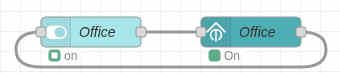
    The usage is a custom node that only requires a topic and a pop-up selection of an MQTT server known to flow. It takes an input from a Dashboard 2.0 switch node and feeds back to the input of the switch node to update its state. There is a status display below the custom node that displays online, offline, on, and off states.

    Example flow usage picture and design of the subflow node. JSON of the subflow node.

    Testing and comments would be appreciated.

    Automation flow with two connected “Office” blocks showing active states
    Data flow diagram in OpenBeken with MQTT and control logic nodes
  • #9 21816898
    gparduino
    Level 2  
    >>21816566
    The new batch just came in and appears to be the same from this vendor.
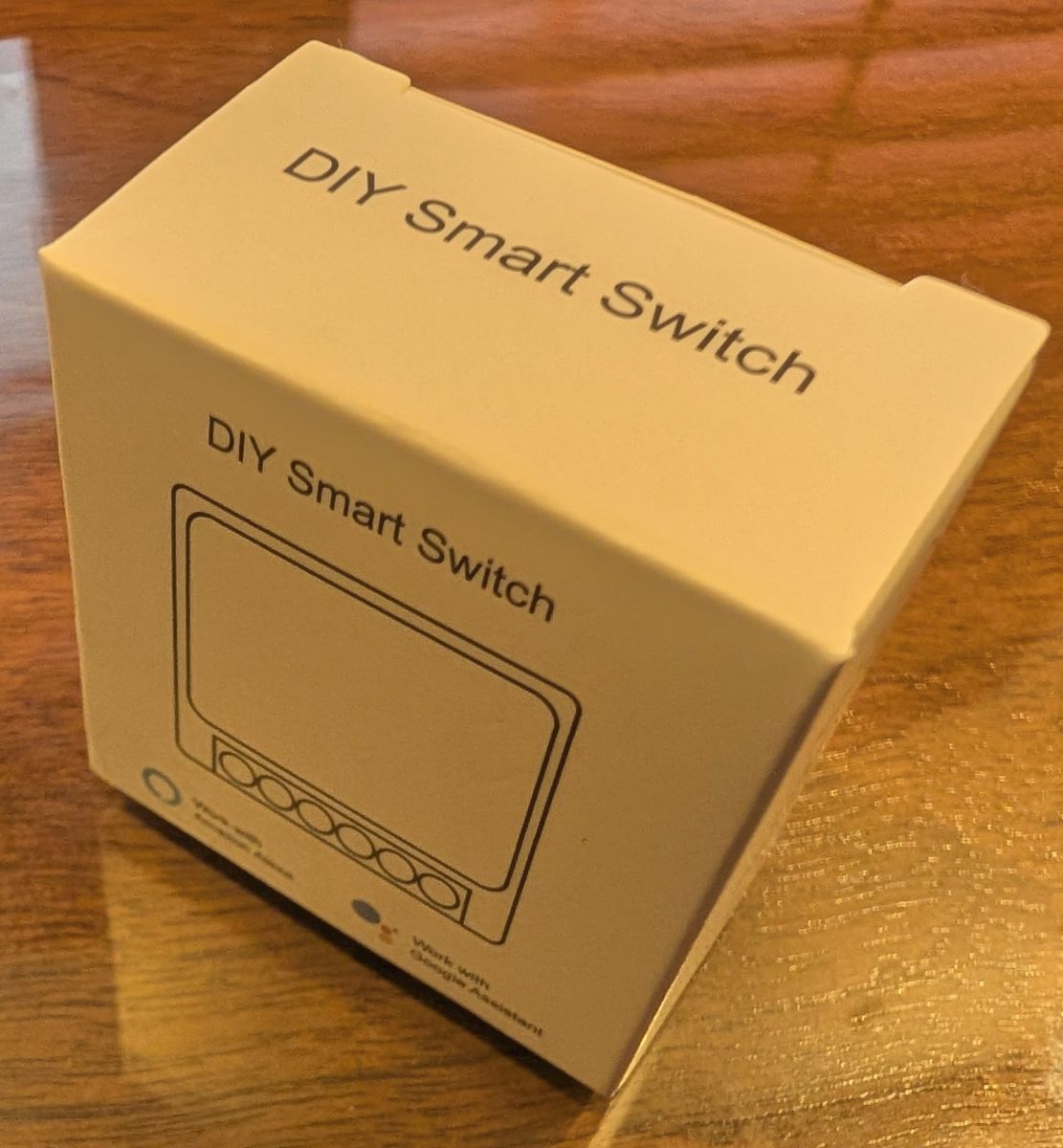
    Pics:

    Box labeled “DIY Smart Switch” on a wooden table
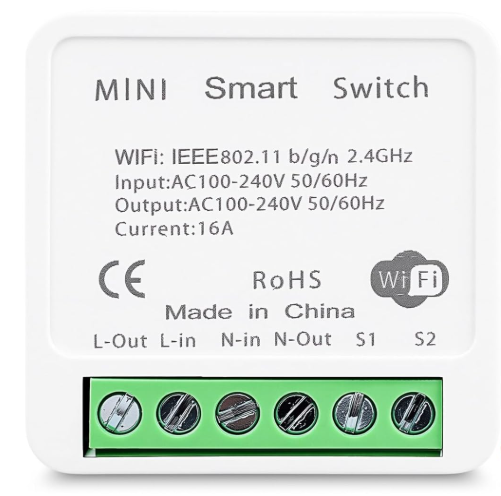
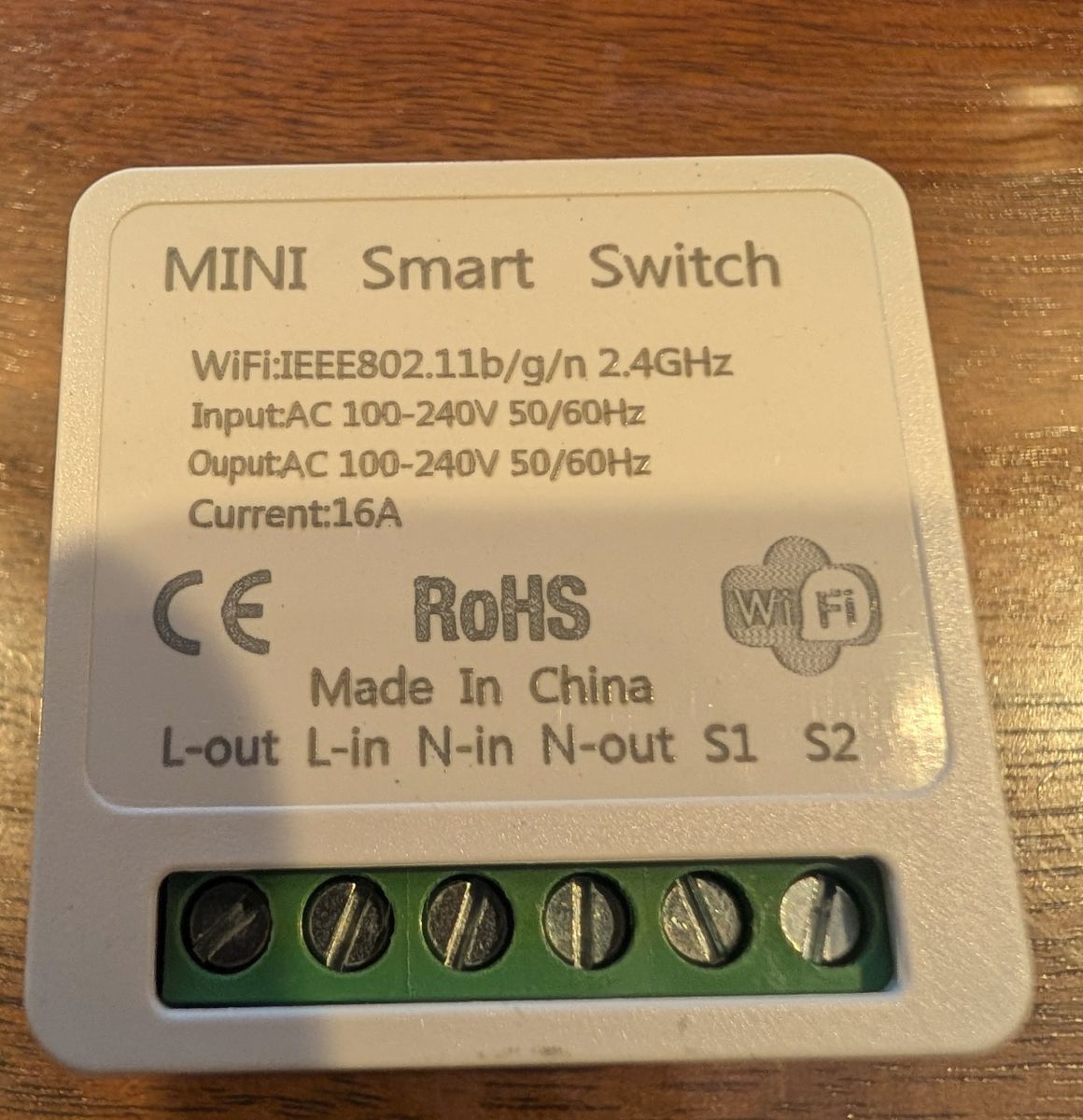
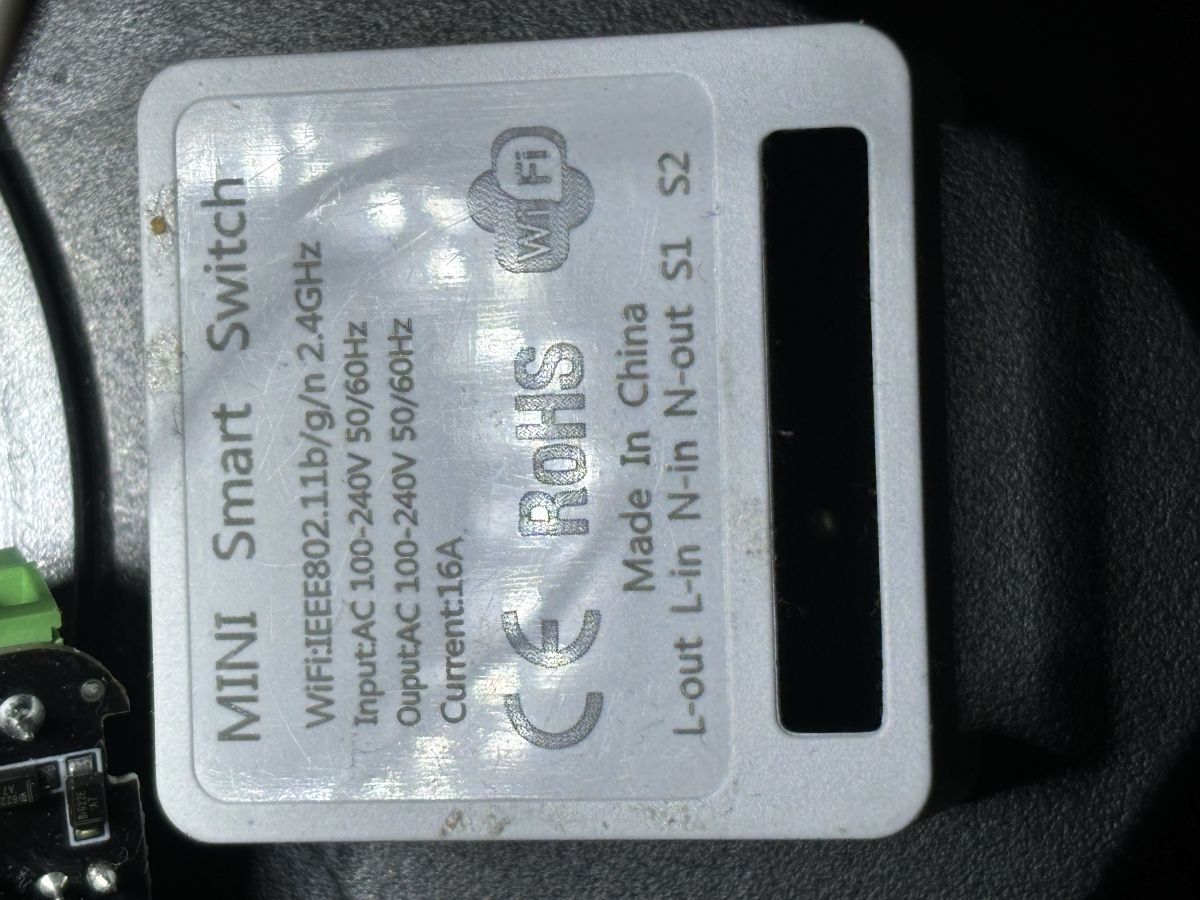
    Mini Smart Switch with technical specifications label and screw terminals visible
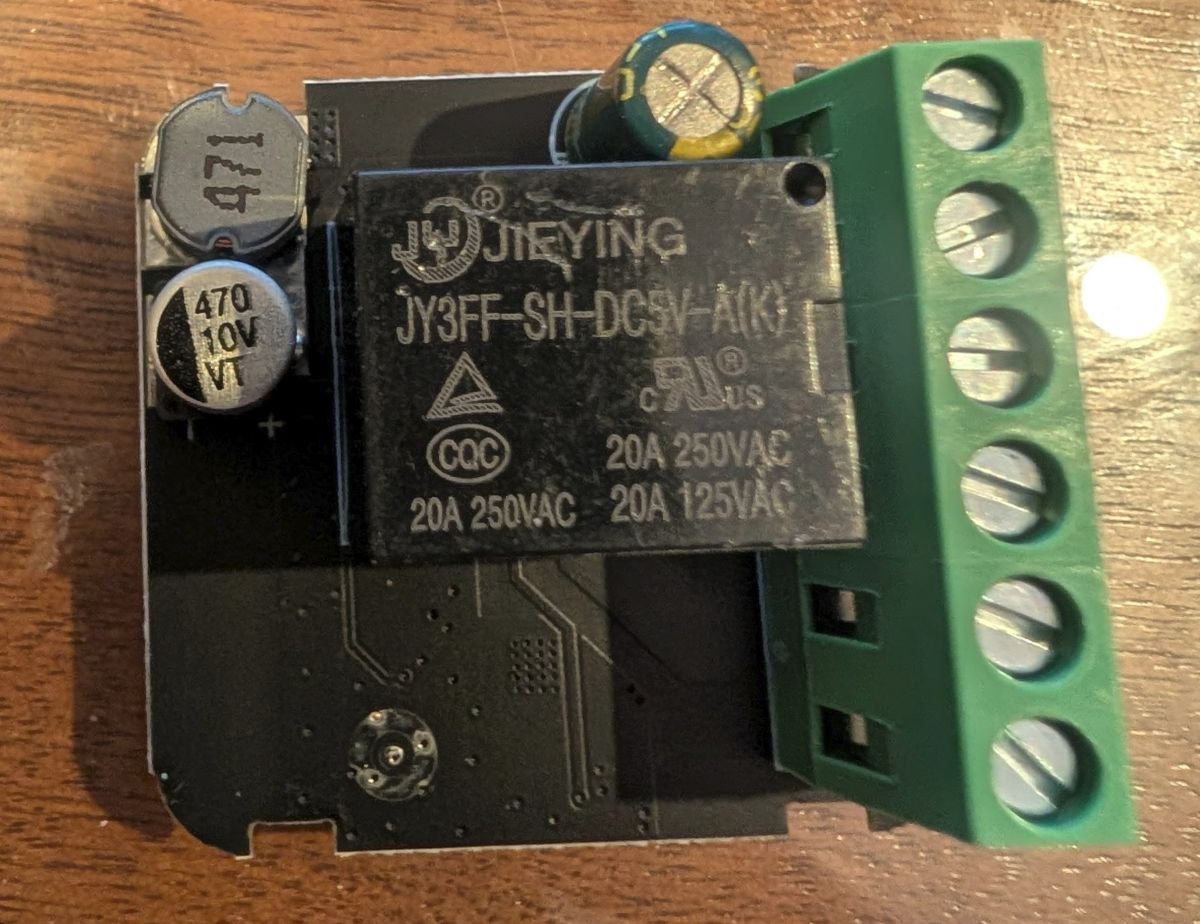
    JY3FF-SH-DC5V-AK relay module with screw terminals and capacitors
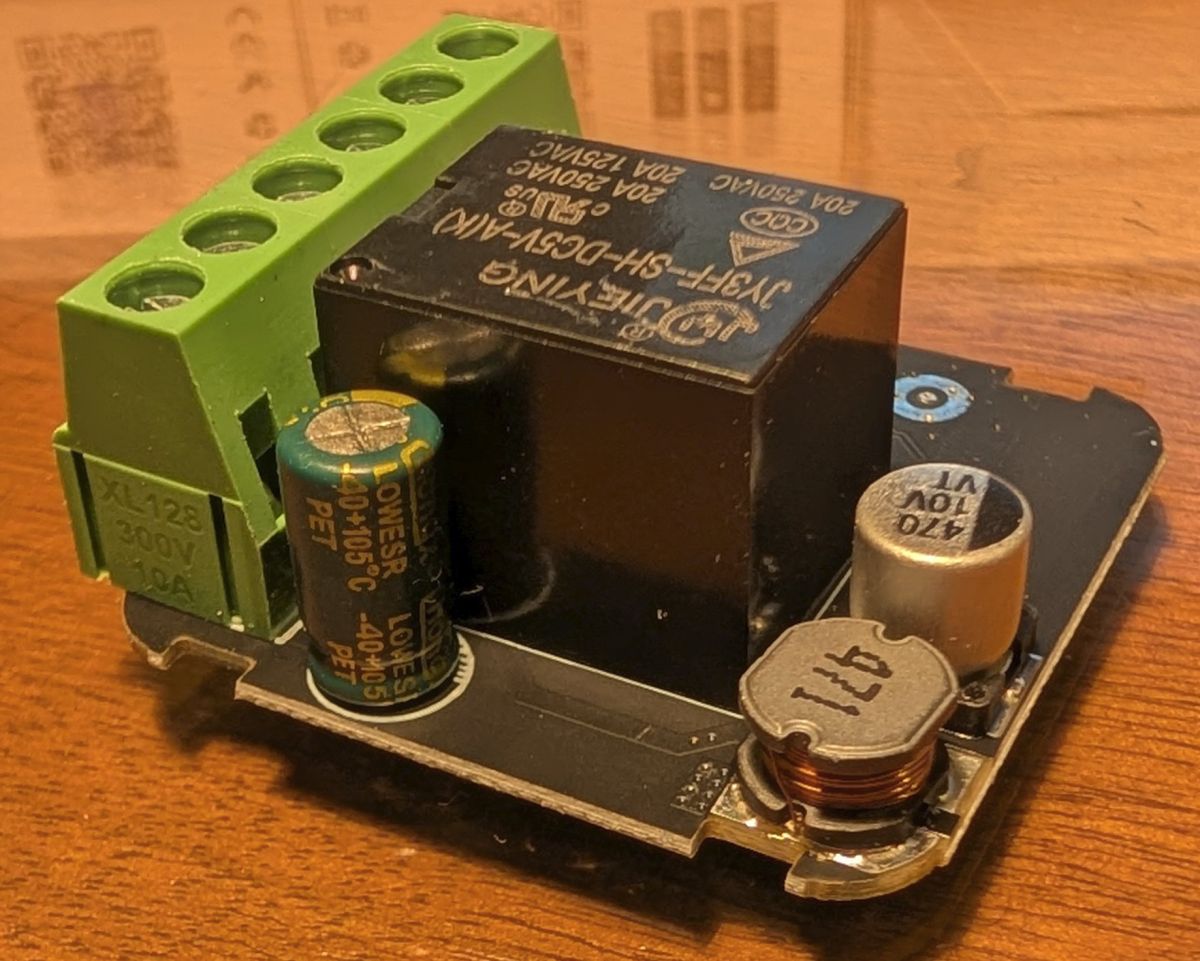
    Relay module with capacitors and terminal block on a wooden surface
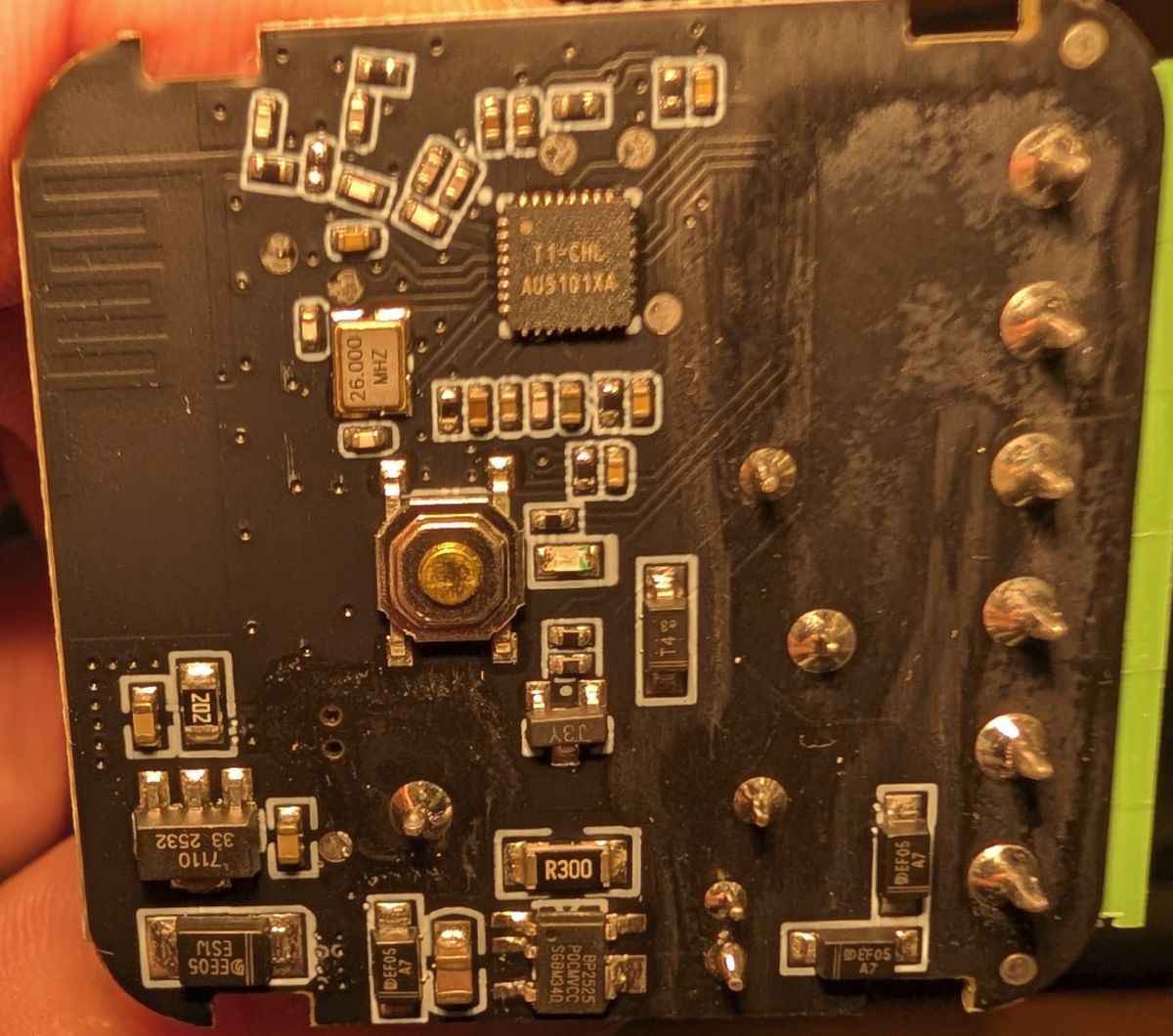
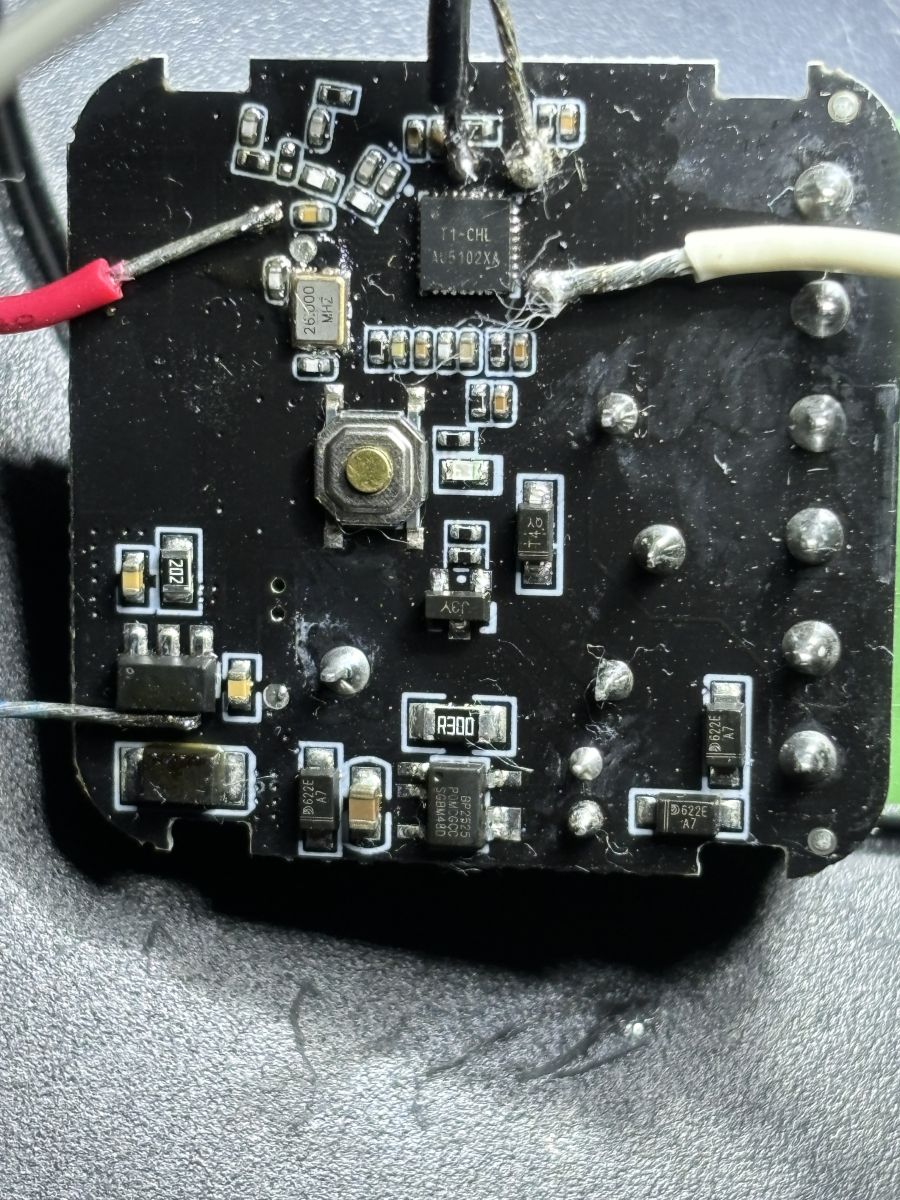
    Close-up of a PCB with AU5101XA chip and various surface-mount components.
  • ADVERTISEMENT

Topic summary

Six generic Tuya DIY smart switches with T1-CHL AU5101XA chips were tested for compatibility with OpenBK7238_QIO_1.18.247 firmware. Initial flashing attempts resulted in no device activity, no access point, and no LED indication. Partial success was achieved on two units by overwriting the bootloader, configuring OBK WiFi settings, and restoring the RF section, though these units showed identical MAC addresses and invalid RF data (FF FF). A recommended solution involves backing up and restoring the original RF data to the correct BK7238 memory location to avoid RF issues. A second batch of switches with the same chip name exhibited different flashing behavior and was successfully flashed by following a sequence: backing up and flashing with OpenBK7238 v247 while enabling automatic OBK configuration and backup restore without overwriting the bootloader, manually setting correct GPIO data before flashing, and restoring the RF section. This method enabled full functionality including OTA updates, access point creation, MAC address changes via GUI, MQTT, and Wi-Fi SSID changes.
Summary generated by the language model.
ADVERTISEMENT