logo elektroda
logo elektroda
X
logo elektroda

LSC Smart Panel Lights (EAN: 8718964243419, OPENBK7231N) RGB and Warm White Output Configuration
cyclemat 1254 24
ADVERTISEMENT
  • #1 21820315
    cyclemat
    Level 2  
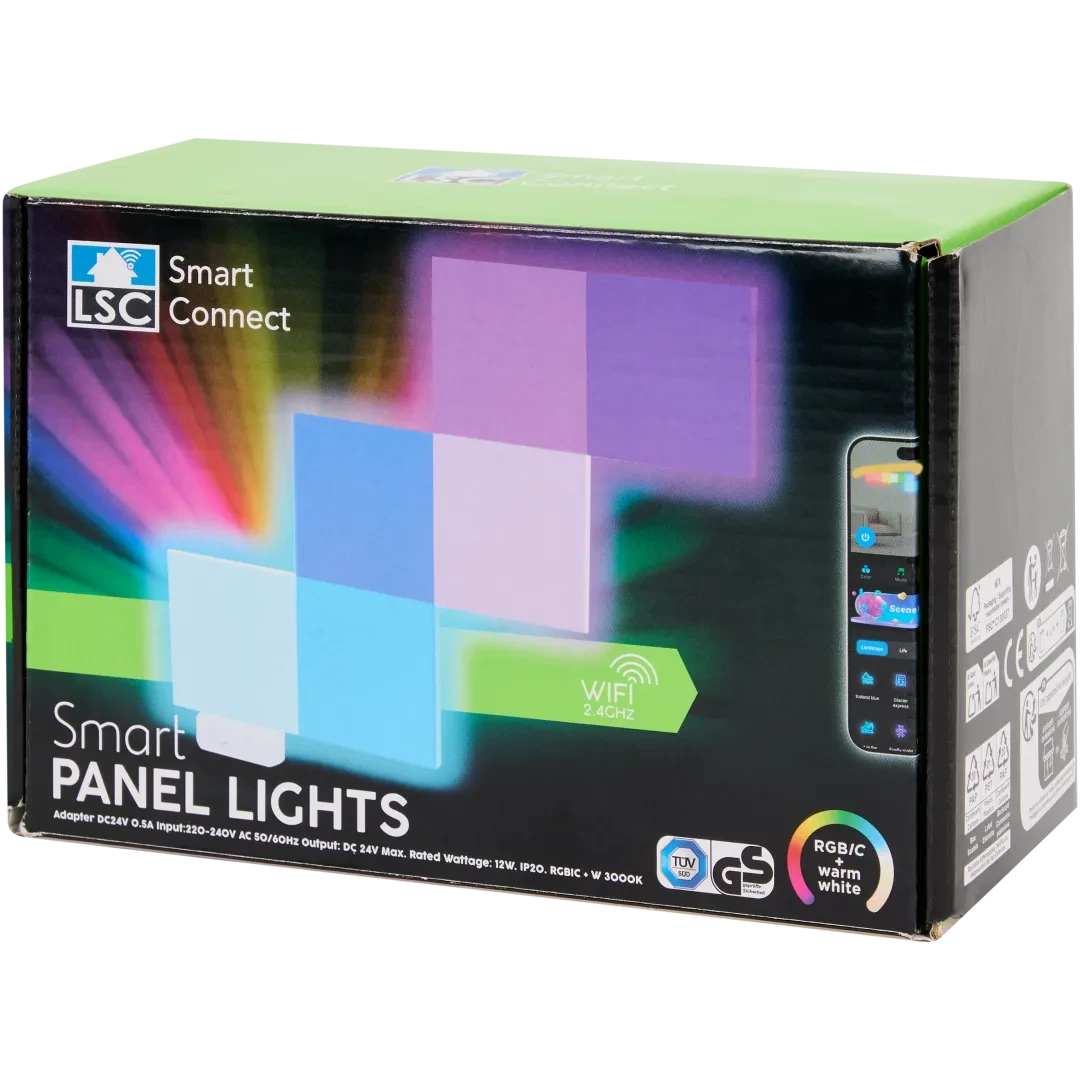
    LSC Smart Panel Lights
    LSC Smart Panel Lights (EAN: 8718964243419, OPENBK7231N) RGB and Warm White Output Configuration


    EAN: 8718964243419
    OPENBK7231N

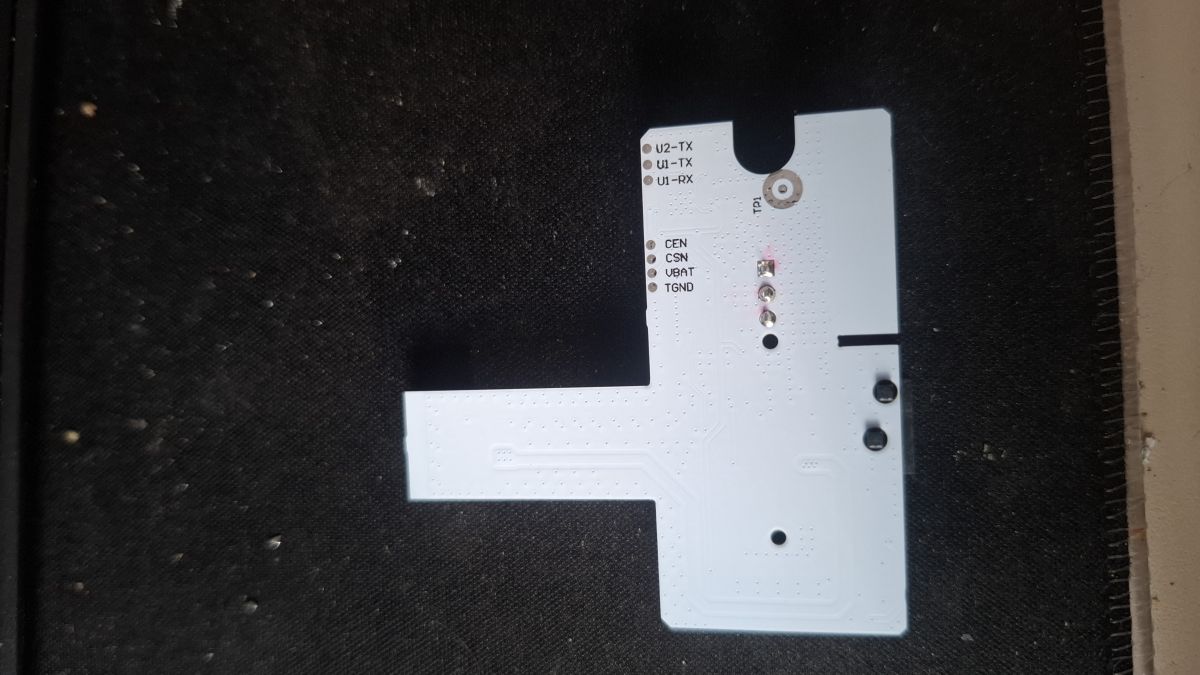
    How to Flash: UART

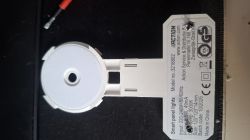
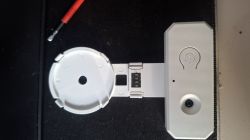
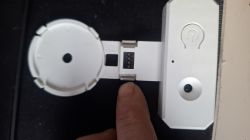
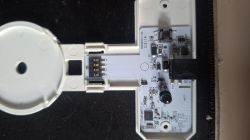
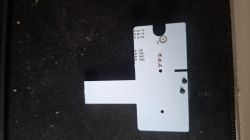
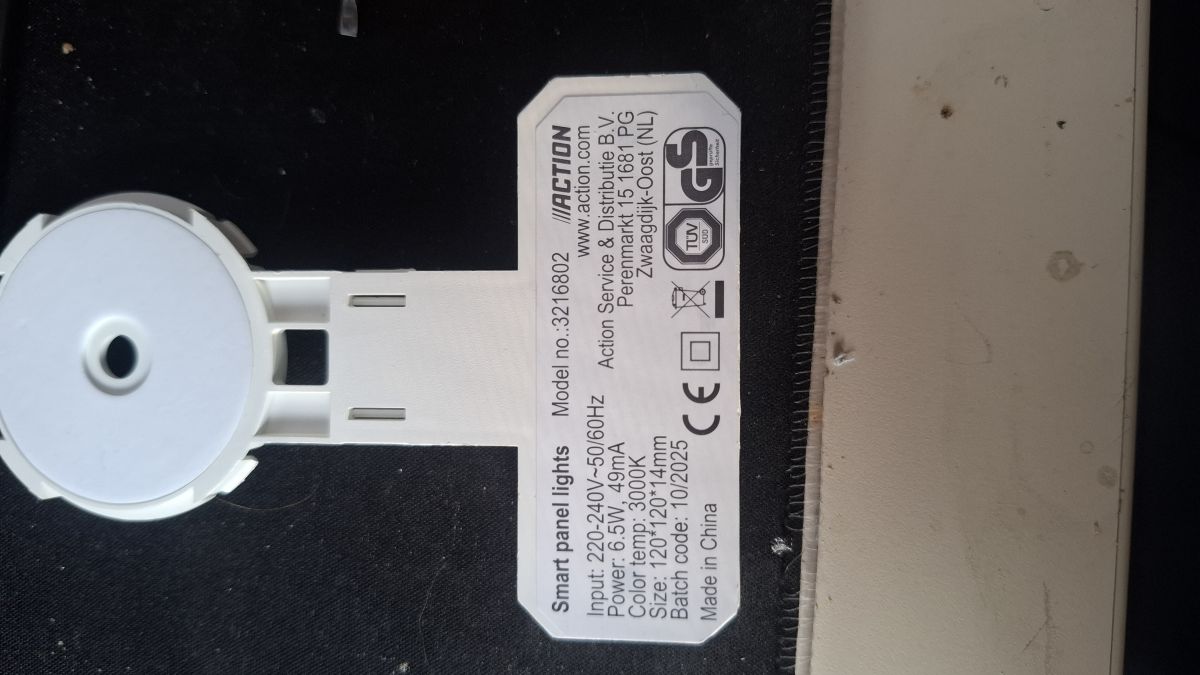
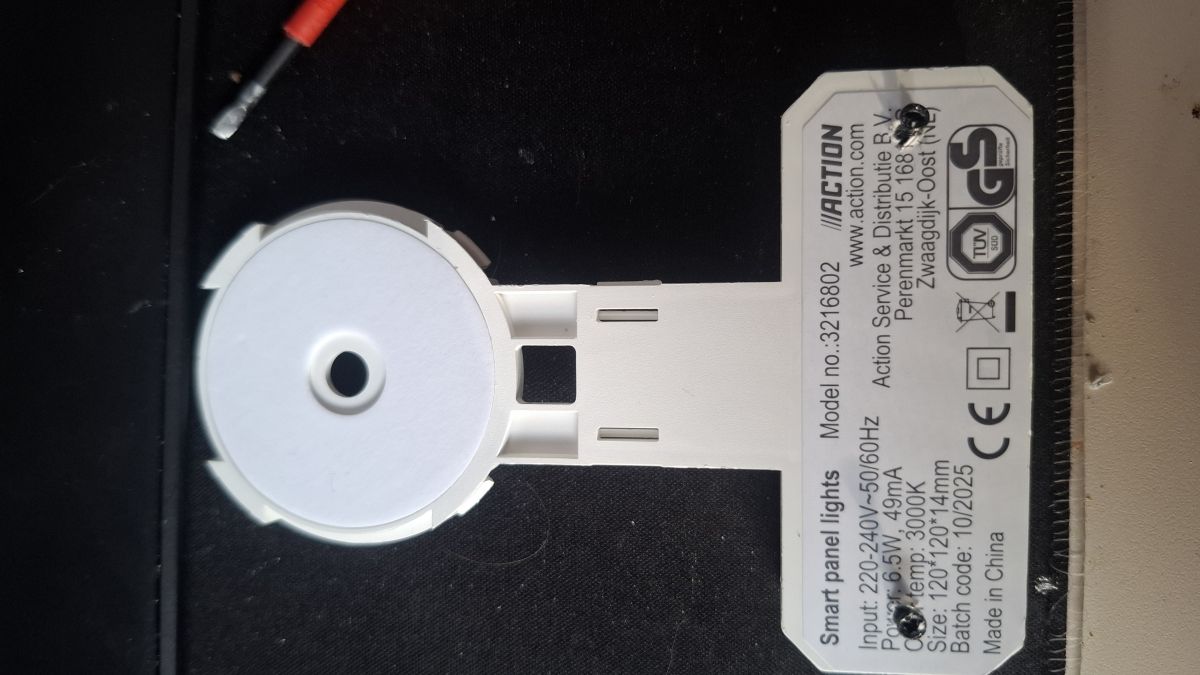
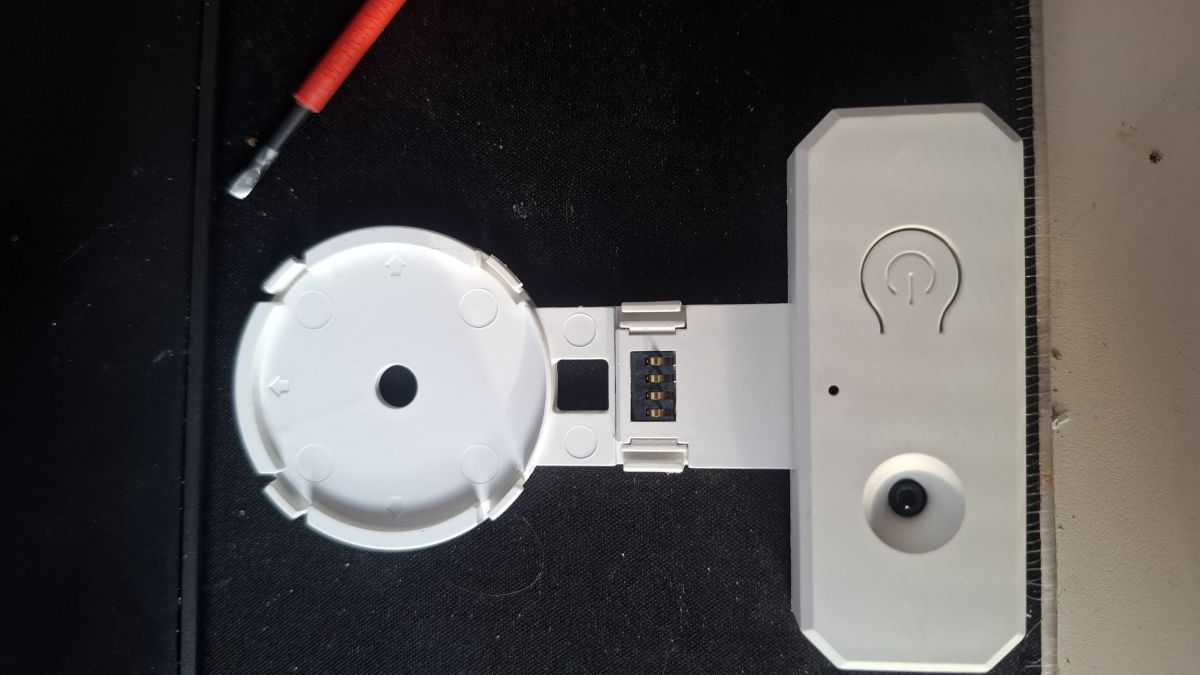
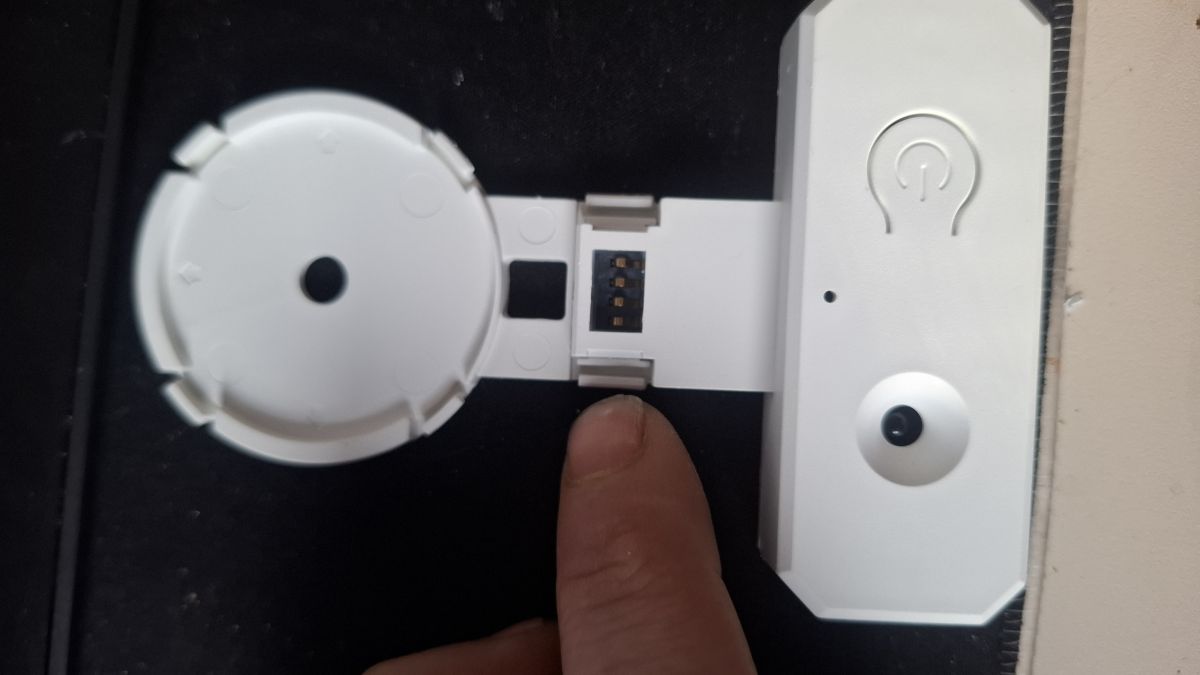
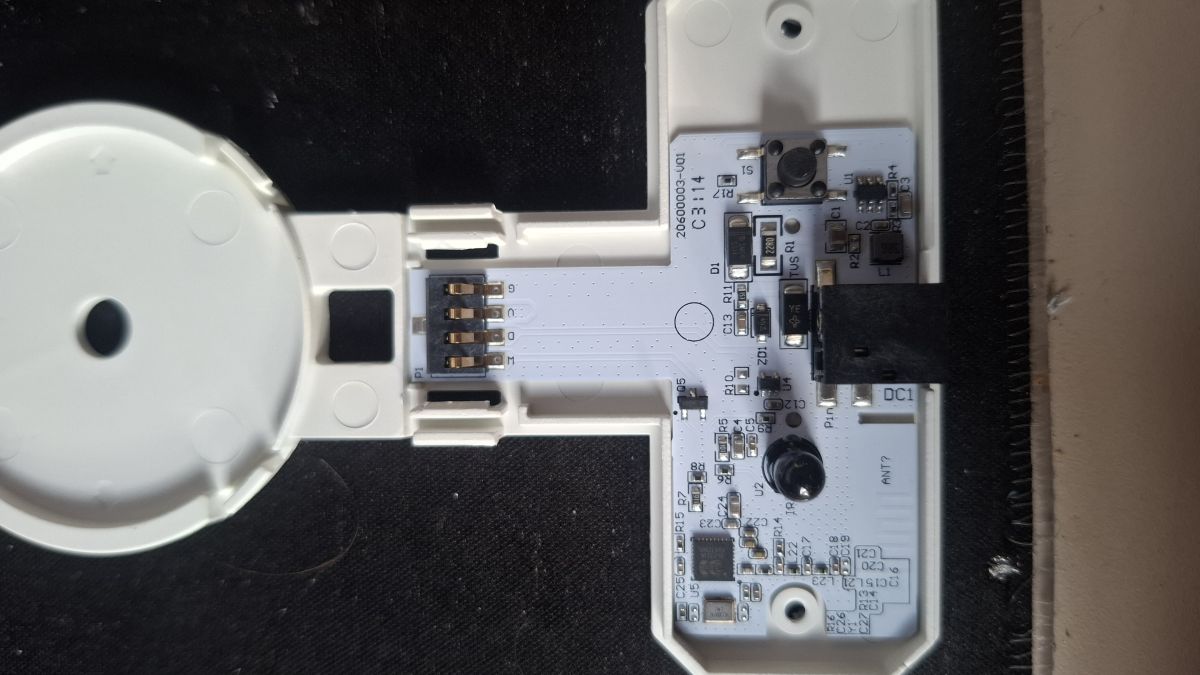
    PINS are all easy to solder on the backside of the controller; only 2 screws needed to open it.

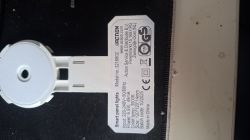
    [Nameplate on the back of the LSC Smart Panel Lights unit, showing electrical specs Technical label on housing of LSC Smart Panel Lights model 3216802 Disassembled LSC Smart Panel Lights controller with exposed UART connector Close-up of the UART pin connector on LSC Smart Panel Light controller LSC Smart Panel Lights PCB with visible UART pins and electronic components Rear side of PCB showing UART label and pin pads for soldering


    PINOUT:
    P9: SM16703P_DIN
    P24: Warm White LED
    P26: IRRECV
    P28: Button

    Works great but my problem is to bring the software to use RGB for color and Cold White and the Warm white output to use as Warm white anybody an idea
    AI: Which firmware or software are you currently using or planning to flash on the controller (e.g., OpenBK7231N, Tasmota, ESPHome, etc.)?
    OpenBK7231N
    AI: Have you already tried any specific software configurations or templates to set up the RGB, Cold White, and Warm White outputs, and if so, what did you try and what was the result?
    4. Configuration Attempts

    Attempt A – RGBCW Mode (FAILED)
    - Warm White configured as LED
    - RGBCW / temperature flags enabled
    Result:
    - Warm White mixed into RGB
    - Temperature slider appeared
    - RGB pulled Warm White
    Conclusion: Not usable.


    Attempt B – PWM Warm White RGB (WORKING)
    - Warm White on PWM (Channel 4)
    - SM16703P used only for RGB
    Result:
    - RGB correct
    - Warm White independent
    - Two toggles appear (expected)


    Attempt C – CW Emulation via RGB (FAILED)
    - Emulate Cool White with RGB enabled
    Result:
    - Incorrect color mixing
    - Warm White leaked into RGB
  • ADVERTISEMENT
  • #3 21821096
    cyclemat
    Level 2  
    >>21820943 and this he says they only have 3-pin output; I have a 4-pin output "Power" "Data" "WW PWM" "GND"
  • ADVERTISEMENT
  • #4 21823020
    cyclemat
    Level 2  
    It looks to me the SM16703P driver is the problem. I mean it didn't set the channels right; it looks; it thinks that the 4th channel is the only RGB channel, so it maps it to red, so every time I set warm white, red WW will go at the same time.
  • #5 21823066
    divadiow
    Level 38  
    not a solution, but here's Easy Flasher's extraction verbatim, for the record

    Code: Text
    Log in, to see the code


    Added after 1 [minutes]:

    as a side note EF seems to have missed key_pin:28

    Code: JSON
    Log in, to see the code
  • ADVERTISEMENT
  • #6 21837405
    cyclemat
    Level 2  
    Problem stays had anybpdy an idea ?
  • #8 21840457
    mihaim1980
    Level 5  
    Can you post a OpenBK configuration here?
  • #9 21840562
    cyclemat
    Level 2  
    With the newest version the red problem ist solved but warmwhite didnt work .

    Code: JSON
    Log in, to see the code
  • #10 21844534
    Diabe1337
    Level 3  
    Hey, did you manage to get this working?
    cyclemat wrote:
    With the newest version the red problem ist solved but warmwhite didnt work .
  • ADVERTISEMENT
  • #11 21847150
    divadiow
    Level 38  
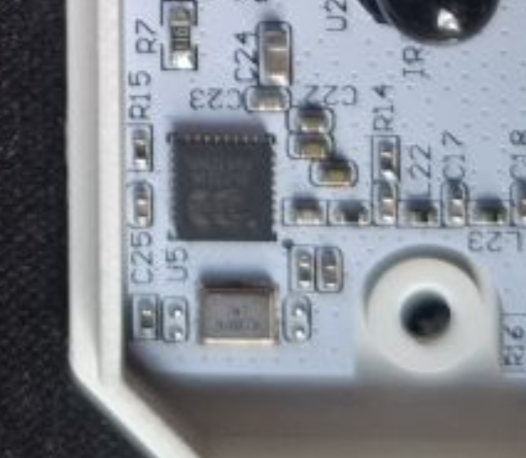
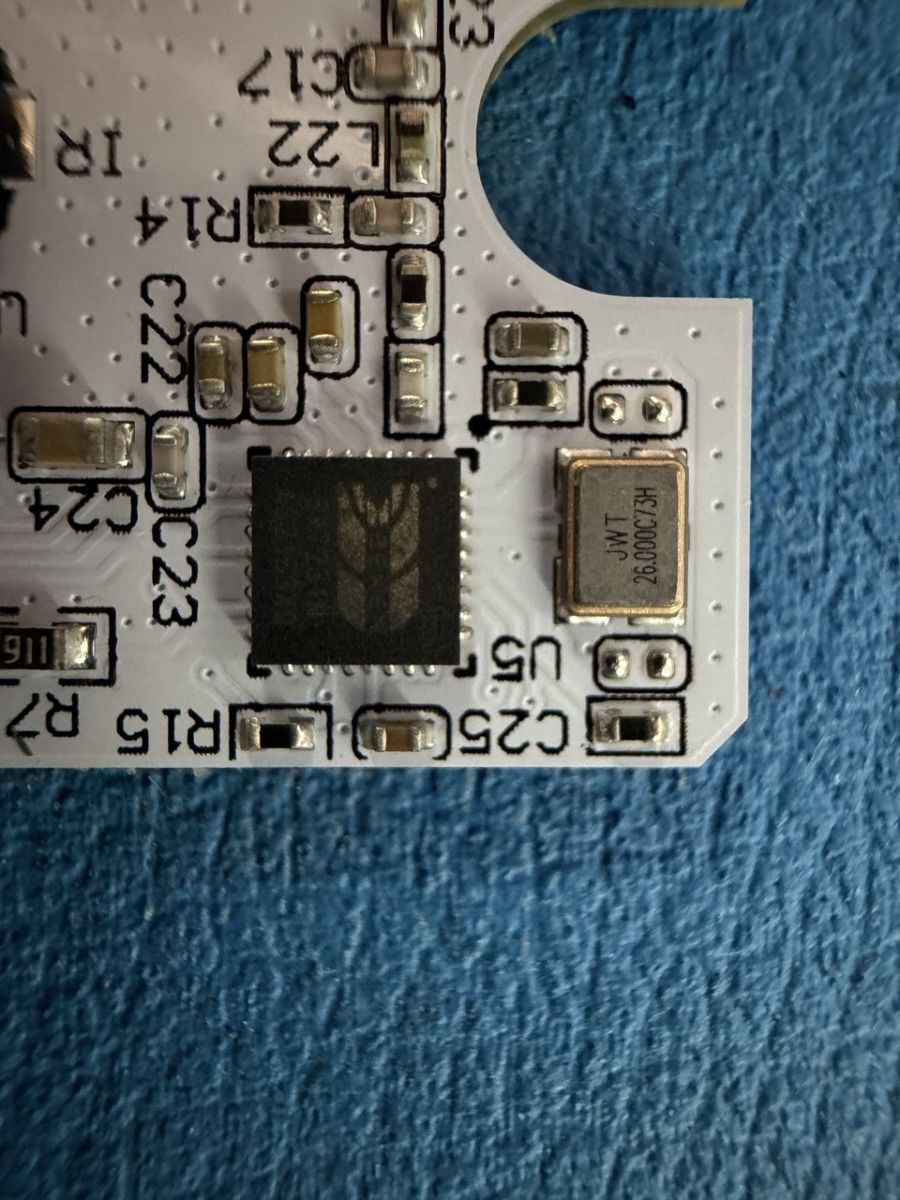
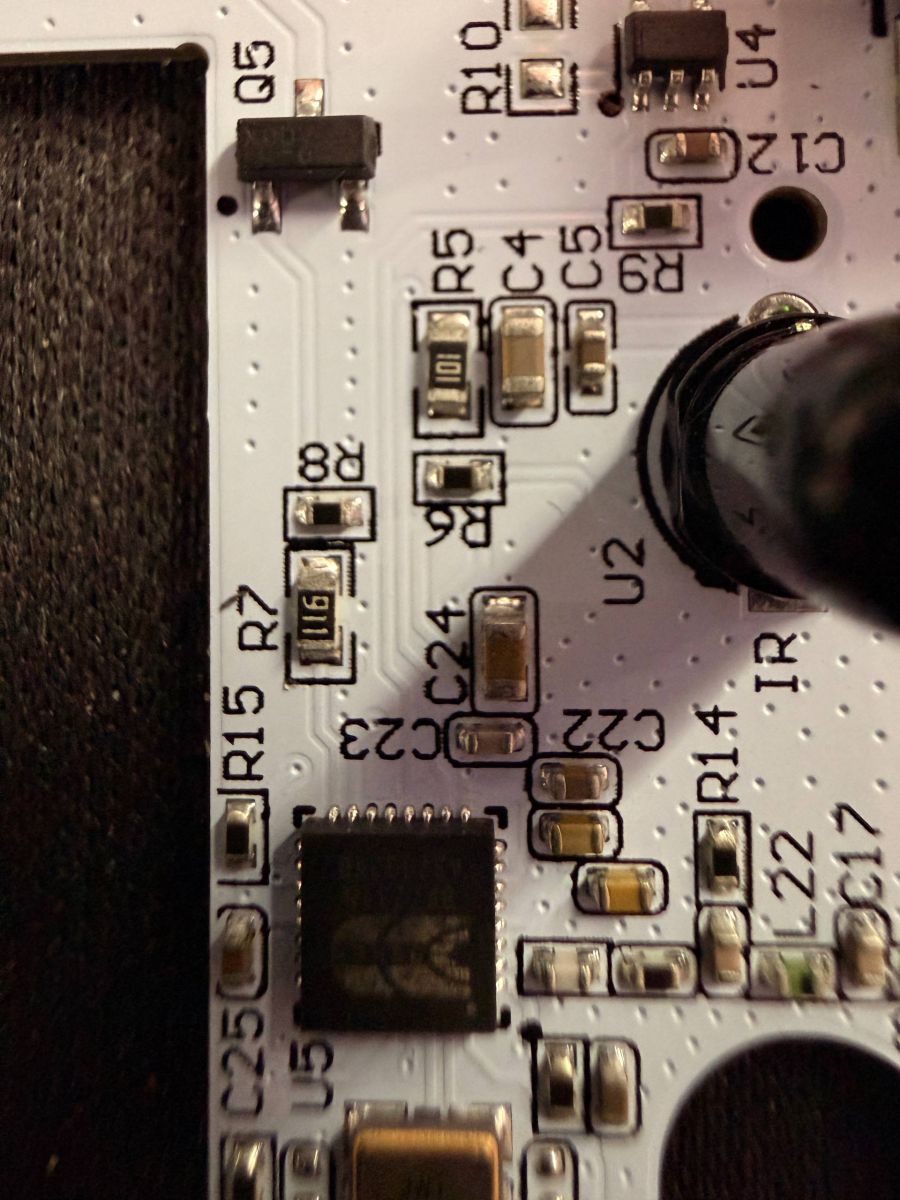
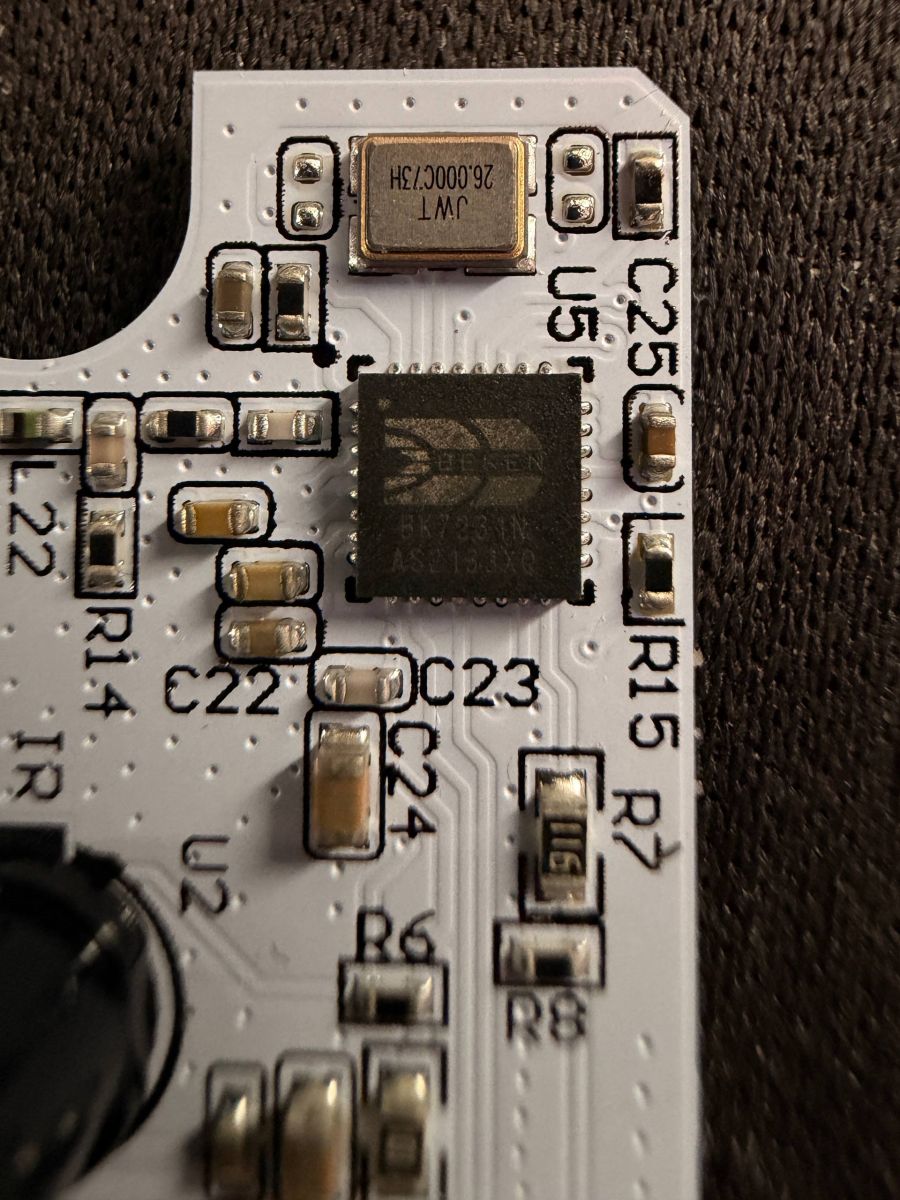
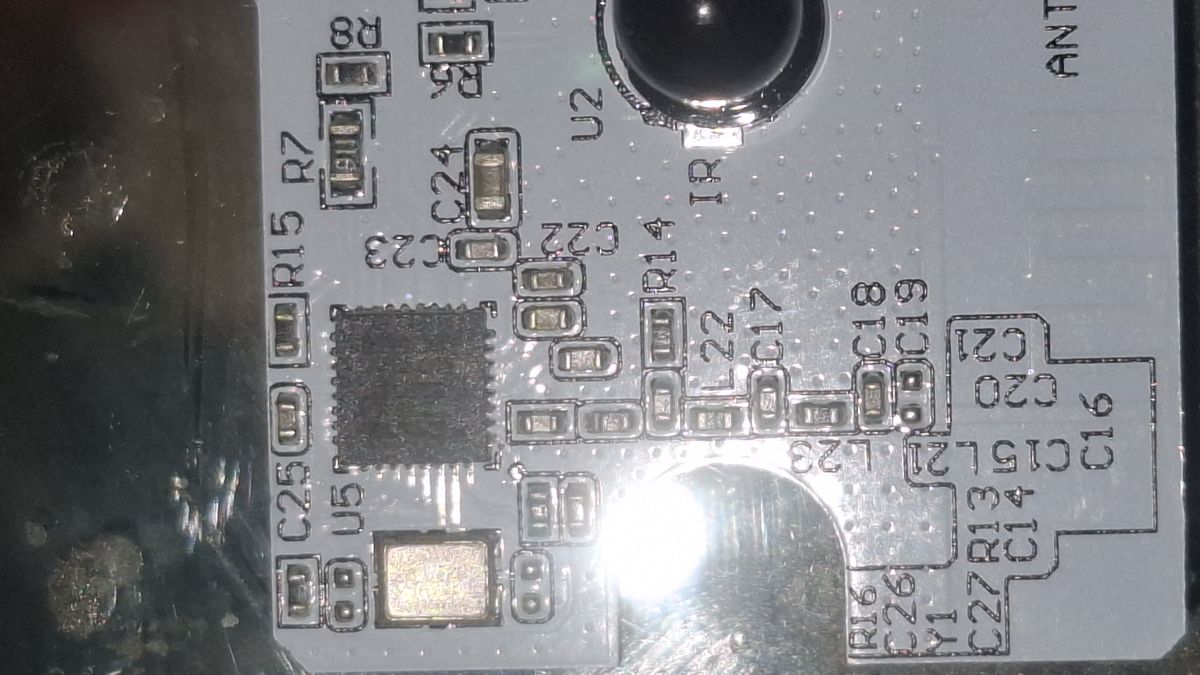
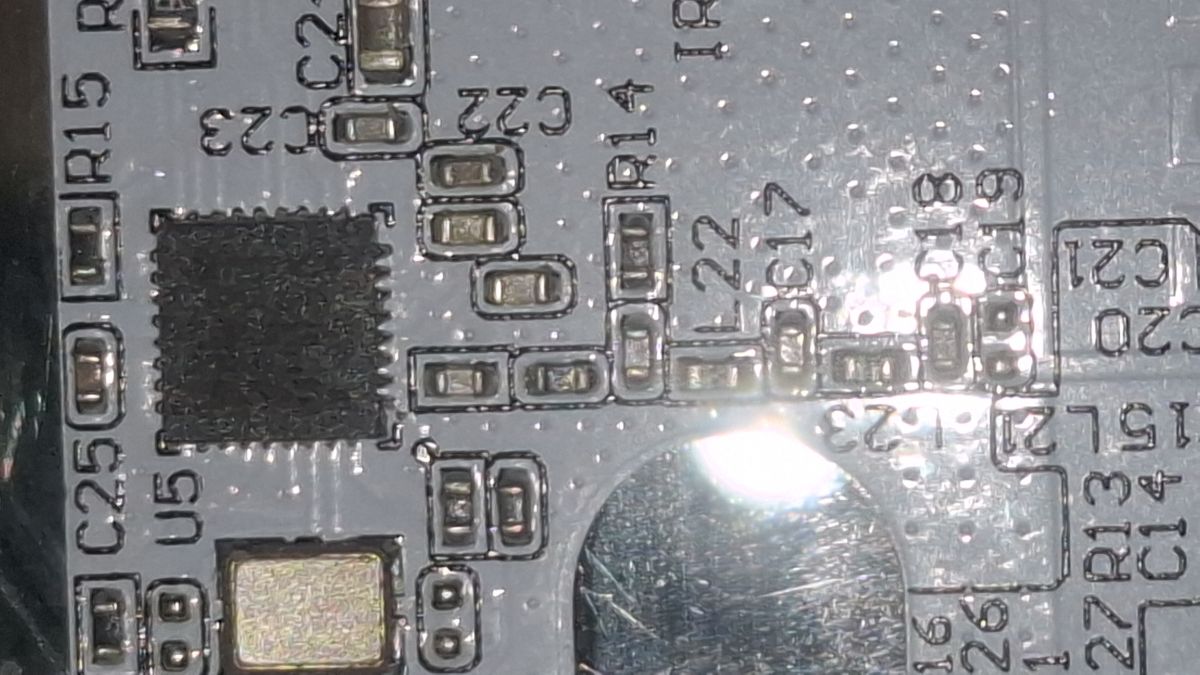
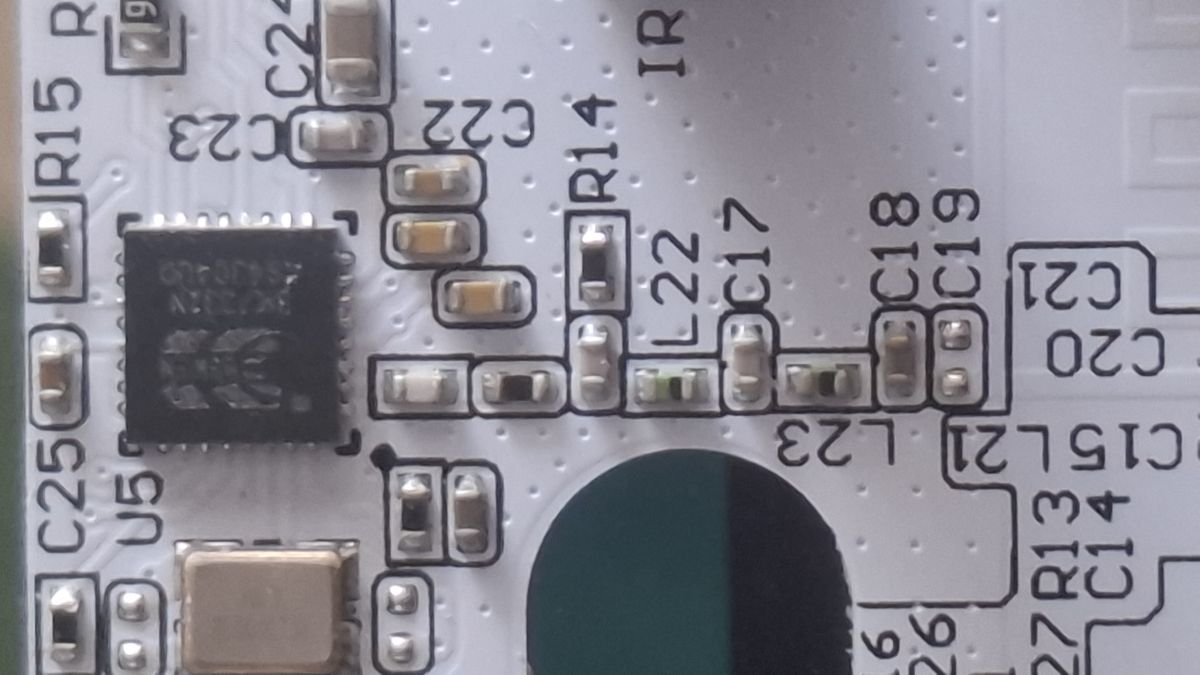
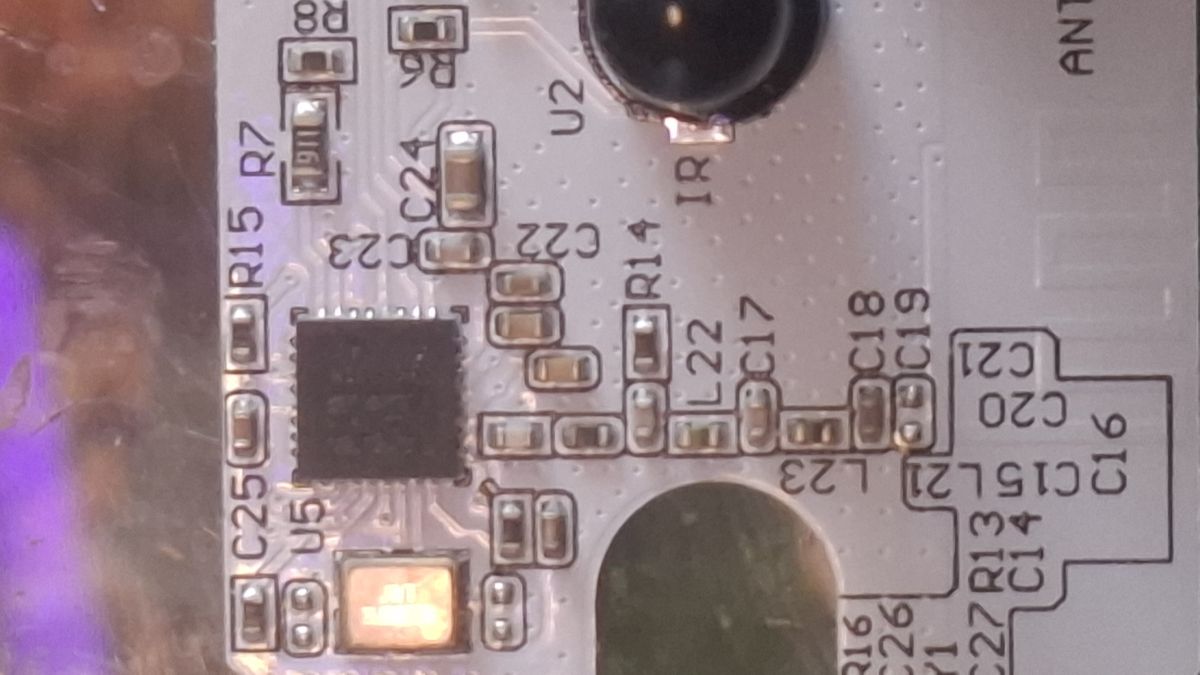
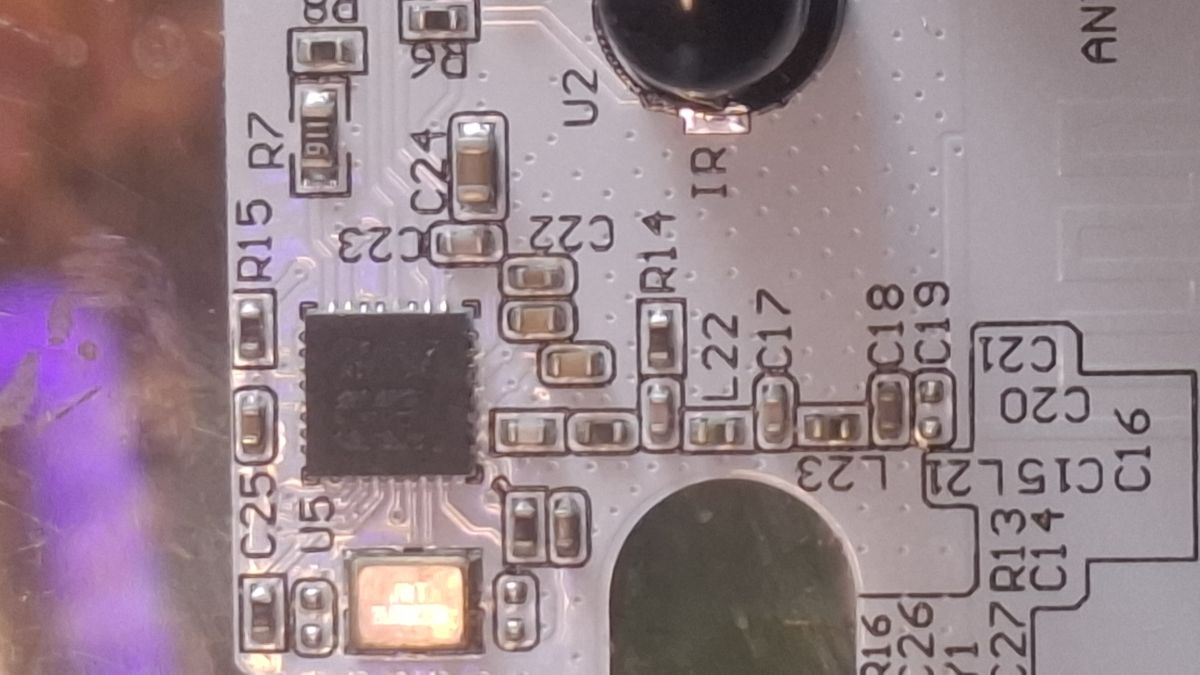
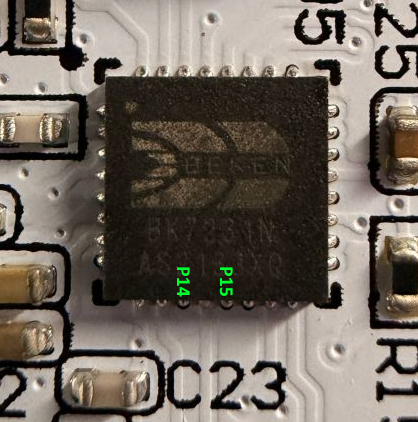
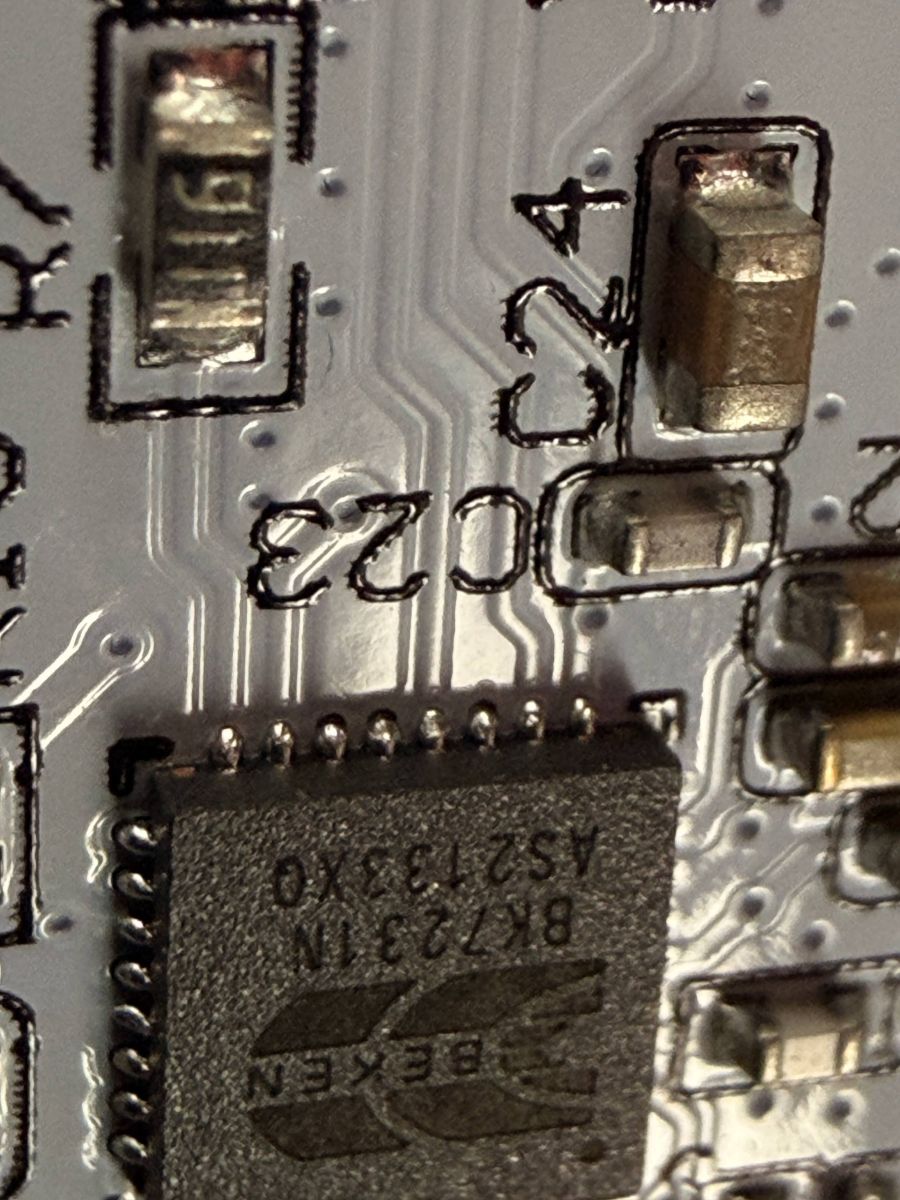
    is anyone in a position to get a nice hi-res clear image of the PCB, especially this area so the traces from each leg of the BK7231N is visible?

    Close-up of a PCB with an IC chip, SMD components, and a mounting hole
  • #14 21847486
    divadiow
    Level 38  
    cool, cheers. I was curious to know if any attention should be given to P14/P15

    Close-up of an IC on a PCB with visible markings C23 and green labels P14 and P15

    doesn't seem like they are connected to anything, so it seems no.
  • #16 21847562
    p.kaczmarek2
    Moderator Smart Home
    cyclemat wrote:

    P9: SM16703P_DIN

    Where did it came from? It's impossible and unlikely on Beken. WS2812 and similar are always using P16. I need a source of this P9 pin information.
    Helpful post? Buy me a coffee.
  • #17 21847752
    Diabe1337
    Level 3  
    >>21847562 So you mean like?

    "pins": {
    "16": "SM16703P_DIN;0",
    "24": "PWM;4",
    "26": "IRRecv;0",
    "28": "Btn;1"}
  • #18 21847761
    cyclemat
    Level 2  
    I used the trial-and-error method and it works. I can use effects on RGB, and with the older firmware I can use a second slider for the warm white. I have over 20 panels and it works. The problem on the old firmware was: every time I changed the WW channel, the R channel followed. Now, with the new firmware, when I set the WW channel to CH4, it didn't work. I can make a video; I have two controllers on old and new firmware.
  • Helpful post
    #19 21849009
    divadiow
    Level 38  
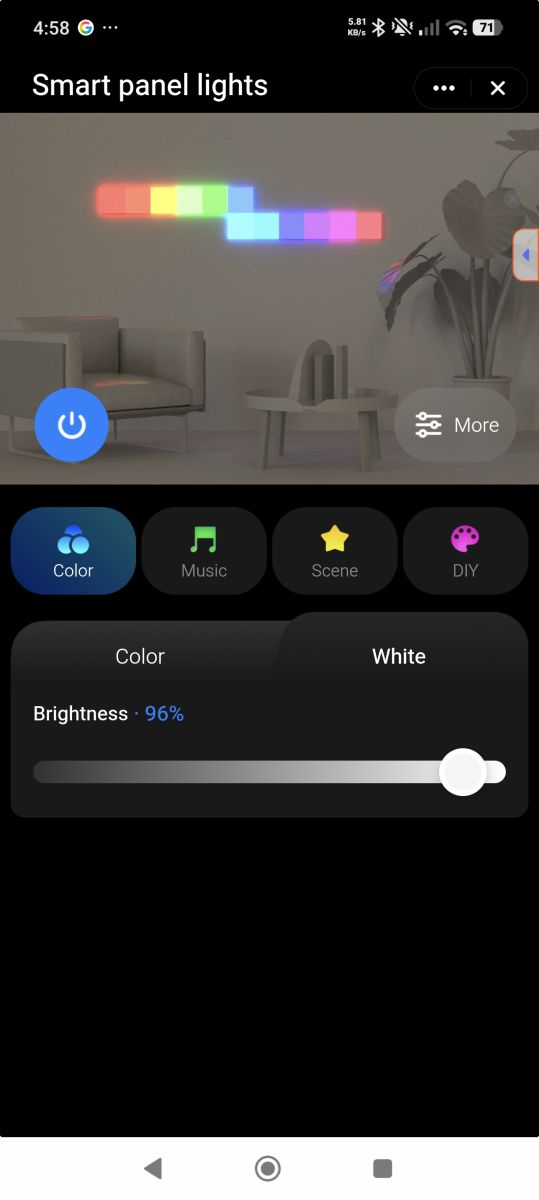
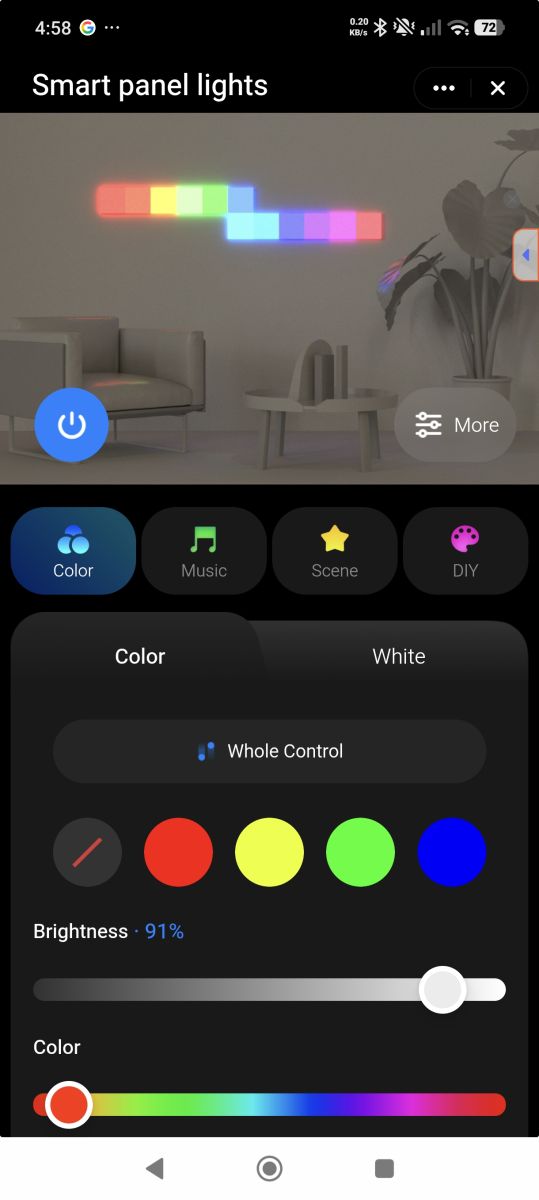
    regarding the factory behaviour of the white channel vs RGB, it kind of looks like control is separated in the Tuya app.

    Screenshot of “Smart panel lights” app with brightness slider and Color, Music, Scene, DIY modes. Screenshot of the “Smart panel lights” app showing a preview of multicolor LED panels and brightness/color controls.

    if you put white down to 0/off brightness and then play with colour settings only, does the white come on at all?
  • #20 21849610
    Diabe1337
    Level 3  
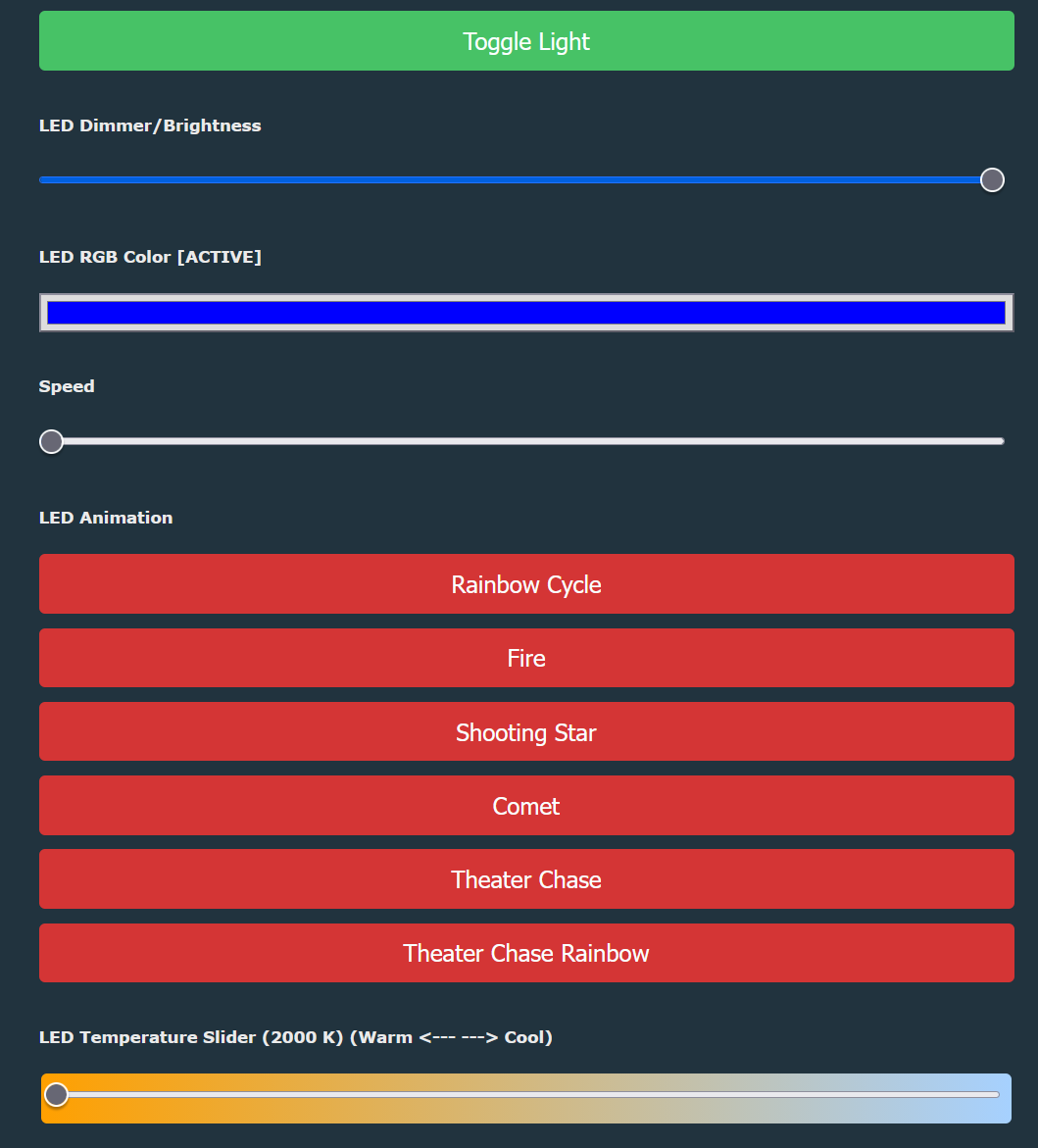
    >>21849009 Using the config from this thread, I get these controls. If I put the brightness down, nothing turns on anymore
    LED control panel with Toggle Light button, brightness, RGB color, speed sliders, and animation buttons
  • #21 21854519
    Diabe1337
    Level 3  
    Anything I can do to assist to get to a solution? I'm not that familiar with OpenBK.
  • #22 21854560
    cyclemat
    Level 2  
    So here the Config with Firmware version what i used for RGB

    Release: Built on Feb 13 2026 10:32:23 version 1.18.260

    Code: JSON
    Log in, to see the code
  • #23 21854688
    p.kaczmarek2
    Moderator Smart Home
    Helpful post? Buy me a coffee.
  • #24 21855359
    Diabe1337
    Level 3  
    >>21854560

    When I try this, I get 'invalid command: delay' and the pixelanim starts
  • #25 21855516
    cyclemat
    Level 2  
    I can send anyone a controller and a panel who can program this shit 🤣. Have 4 controllers here

Topic summary

The discussion focuses on configuring the LSC Smart Panel Light (EAN: 8718964243419, model OPENBK7231N) to properly utilize its RGB, Cold White, and Warm White LED outputs via UART flashing. The device's controller pinout includes SM16703P_DIN for RGB data input, Warm White LED output, IR receiver, and a button. The main challenge is achieving correct software control to separate RGB color output from the Warm White LED, avoiding unwanted mixing of Warm White into the RGB channel. Attempts to configure the firmware in RGBCW mode with temperature flags enabled resulted in Warm White blending into RGB output and partial functionality of the temperature slider. The firmware used is OpenBK7231N, and the user seeks guidance on software or firmware settings that allow independent control of RGB, Cold White, and Warm White channels without interference. The hardware is accessible for UART flashing with easily solderable pins on the controller's backside.
Summary generated by the language model.
ADVERTISEMENT