logo elektroda
logo elektroda
X
logo elektroda

Cloud-Free Control for Niveo Smart Tuya Fan Heater Using OpenBeken and Home Assistant

markusdd 660 33
ADVERTISEMENT
  • Helpful post
    #31 21857259
    p.kaczmarek2
    Moderator Smart Home
    You can't have empty client topic, how would you be able to tell the difference between two devices if they have the same blank name?

    Futhermore, you can't change client topic after doing HASS Discovery. You must redo discovery after every client topic change.
    Helpful post? Buy me a coffee.
  • ADVERTISEMENT
  • #32 21857275
    markusdd
    Level 2  
    >>21857259

    I guess this is where I am new to OBK, haha. With Tasmota, the devices basically use their short name as the default, so I implicitly assumed the same. I got fooled by the HA discovery lines, where I thought it used the full name (also for the entities).

    I will delete the device in HA and rediscover and report back.
  • ADVERTISEMENT
  • #33 21857279
    p.kaczmarek2
    Moderator Smart Home
    Well I can add this behaviour for you, if you want.... it's certainly better than getting bugged mqtt topics
    Helpful post? Buy me a coffee.
  • #34 21857286
    markusdd
    Level 2  
    >>21857279

    I think I do know now haha. It works!!! Thanks so much. I will then try to create a Home Assistant climate entity out of the single ones we have now and share it here as long as we do not have native climate entities in OBK.

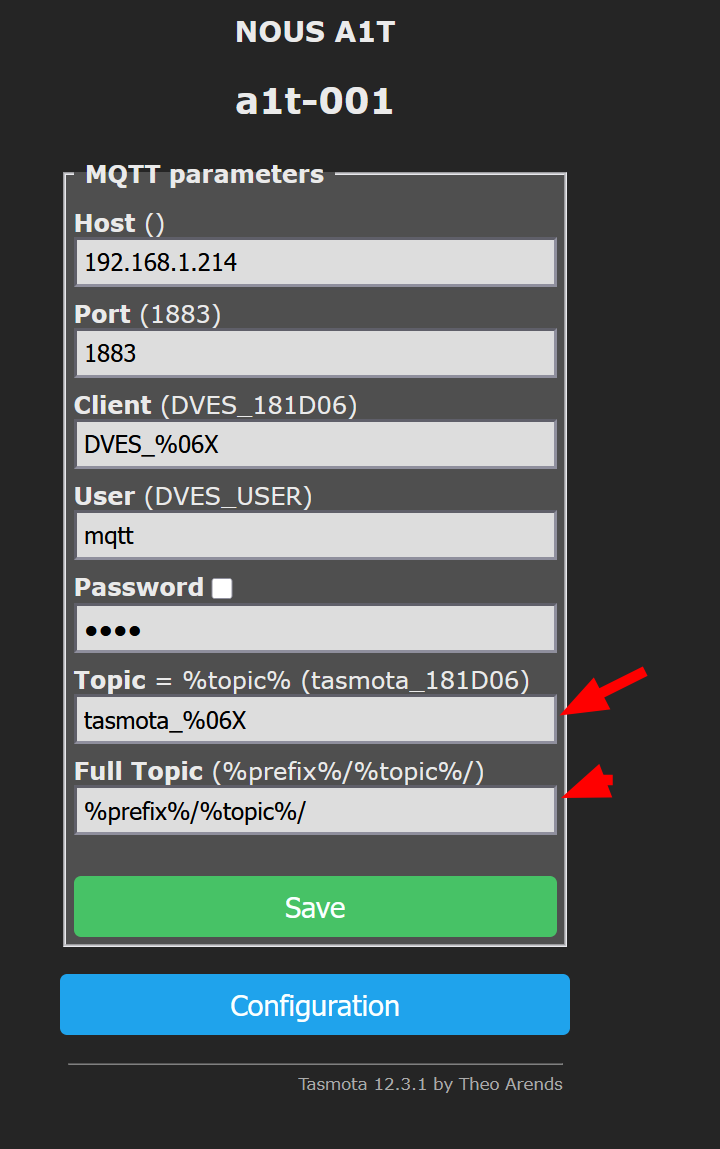
    As for MQTT, I think Tasmota did a decent job for sane default settings, maybe this is worth copying? Or just using the short name as default as this is anyway also used for HA auto-discovery, so it is a sensible default IMHO. And maybe just simply adding an error when base topic is empty?
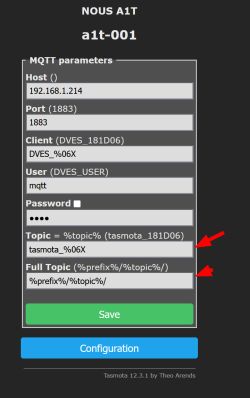
    Tasmota “MQTT parameters” screen showing host, port, client, user, topic, and full topic fields


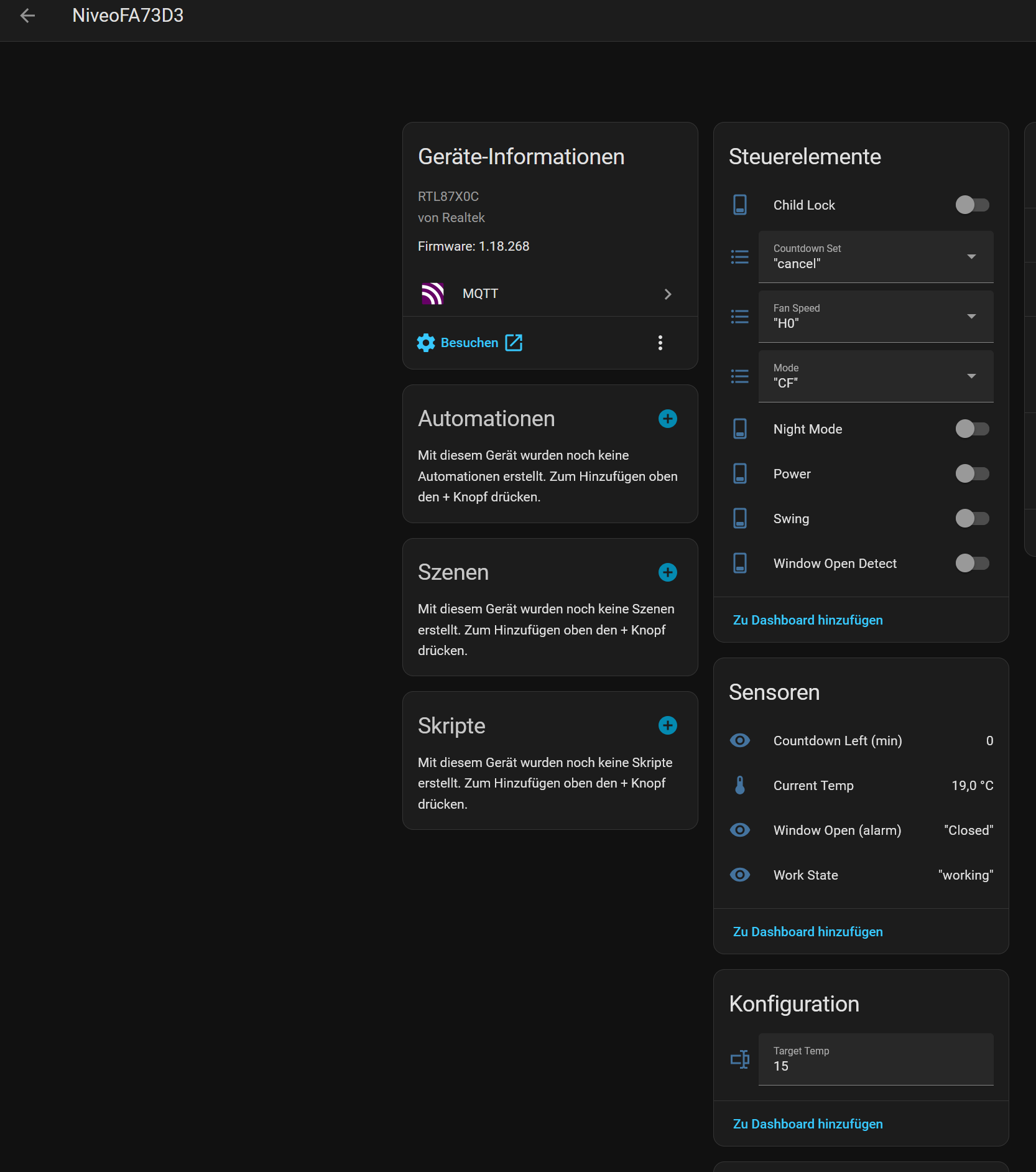
    We got this now in Home Assistant and the controls work, so it should be easy to construct a climate thermostat from that.
    Home Assistant screenshot showing device NiveoFA73D3 with control elements, sensors, and configuration cards

    Added after 6 [hours] 30 [minutes]:

    Beauty!
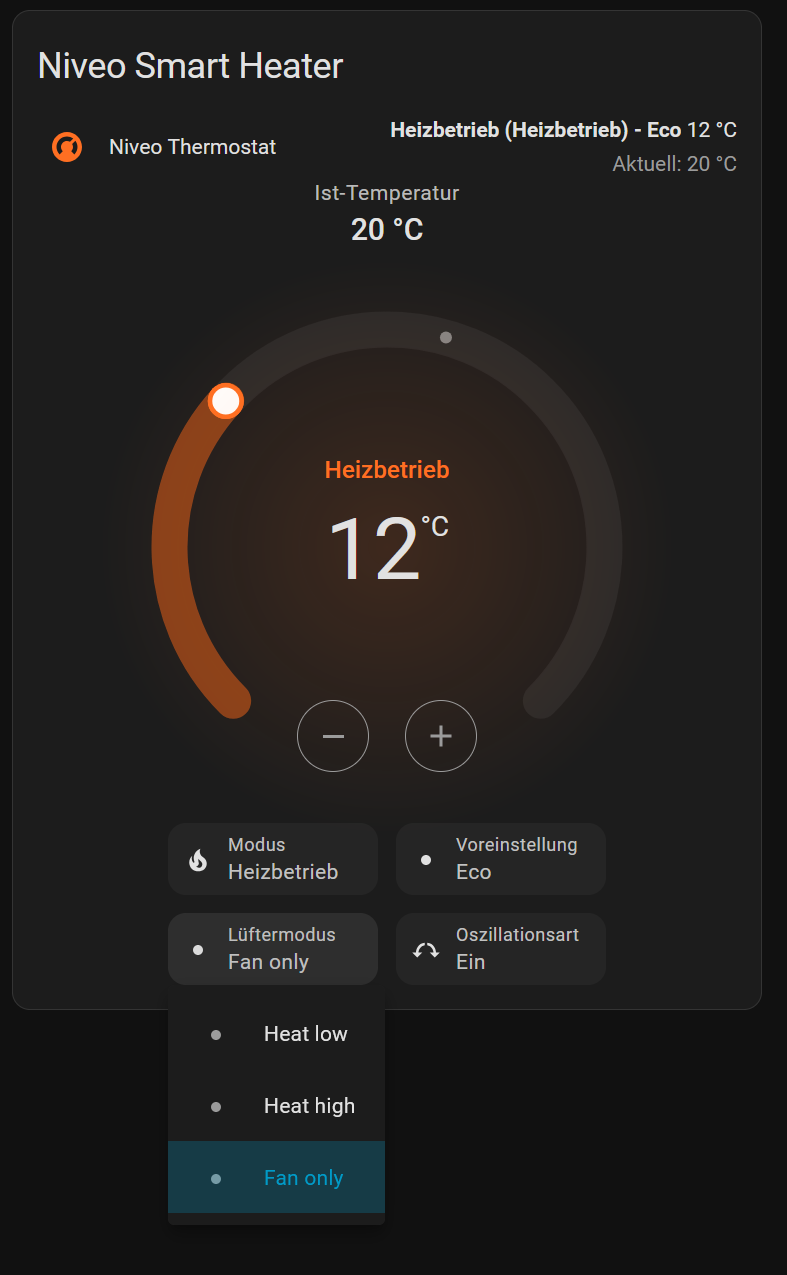
    So I tweaked this a little and now we have a wonderful cloud-less thermostat for this heater!
    This can easily be adapted probably also for other Tuya heaters with slight tweaks for the modes and so on.
    I hope this is valuable!
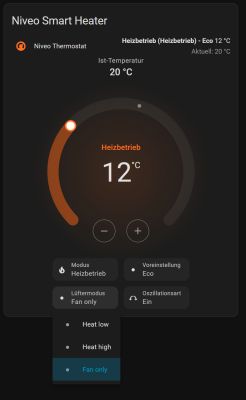
    “Niveo Smart Heater” thermostat screen: heating mode, setpoint 12°C, current temperature 20°C

    Code: YAML
    Log in, to see the code


    niveoFA73D3 obviously has to be replaced with your MQTT base_topic. Be mindful this uses HA's 'MQTT climate' integration. You are basically free to map whatever for preset_modes, but modes have to be a subset of their default values. swing_modes is recommended to be just 'on' and 'off' then you get the nicest UI integration and localization.
    fan_modes is again arbitrary and can be mapped by you.
    I removed some of the preset modes as they do not really make sense when used with home assistant where doing automations is much more powerful than whatever they ship by default. You can of course comment them in if wanted. Just be careful to replicate the enum mapping exactly as in your autoexec.bat on the device otherwise it won't match, hence I have all values in the mapping even if they are not in the choice list.

    Thanks again for everyone who participated here, pretty crackin result for one weekend I dare say.


Topic summary

The discussion addresses the integration of a small wall-mounted fan heater for frost protection and temperature control in a seldom-used bathroom, complementing an existing R290 Midea Xtreme Save Blue inverter heating system. The user seeks a smart, timer-programmable solution with local control, avoiding cloud dependency. Two main options considered are generic Tuya-based devices and Dreo fans, with preference for Dreo 517s hardware but lacking cloud-free control solutions. A cost-effective alternative found is the Niveo Smart Tuya fan heater (~60€), documented in a German manual, suspected to use TuyaMCU firmware. The suggested approach involves hardware inspection and applying a TuyaMCU flashing and integration method as per a referenced guide to enable local control via OpenBeken and Home Assistant, aiming for cloud-free operation.
Summary generated by the language model.
ADVERTISEMENT