logo elektroda
logo elektroda
X
logo elektroda

[LN882HKI] How do I flash Mini Smart Breaker RMW002 WB02A-0882H?

wiredesk 414 1
ADVERTISEMENT
  • #1 21869692
    wiredesk
    Level 1  
    Posts: 1
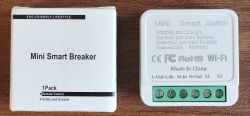
    I have bought a device named Mini Smart Breaker RMW002 from AliExpress.
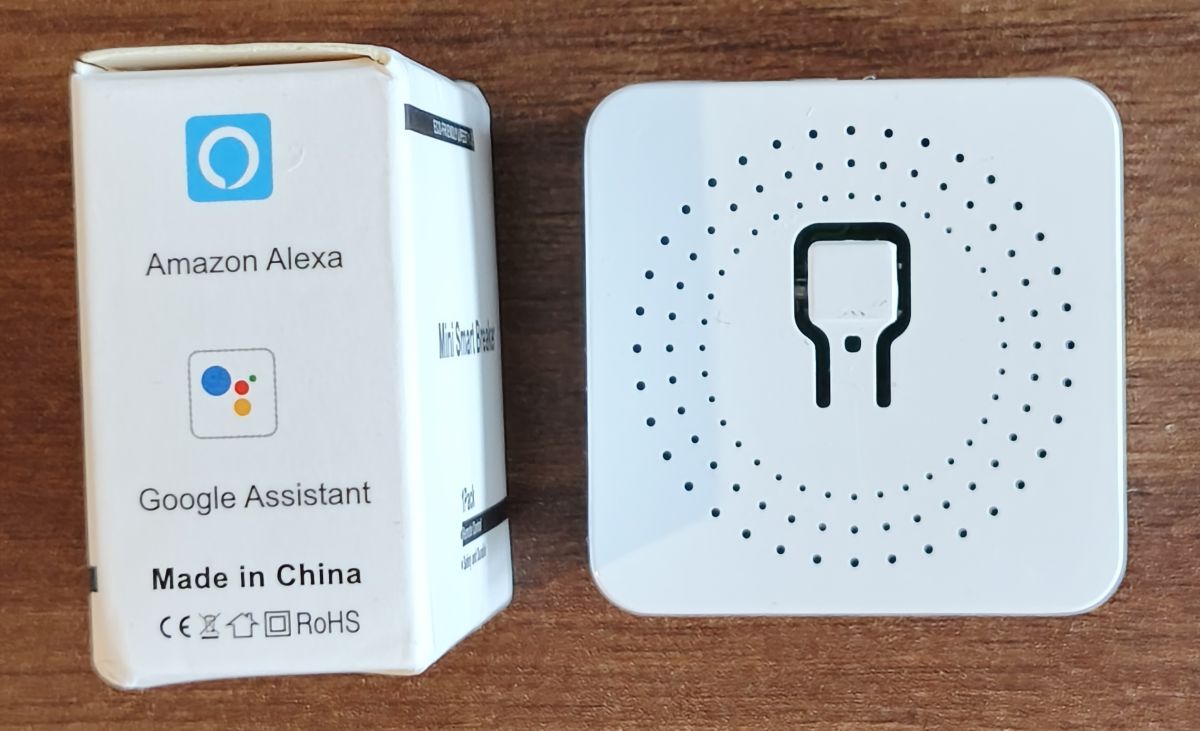
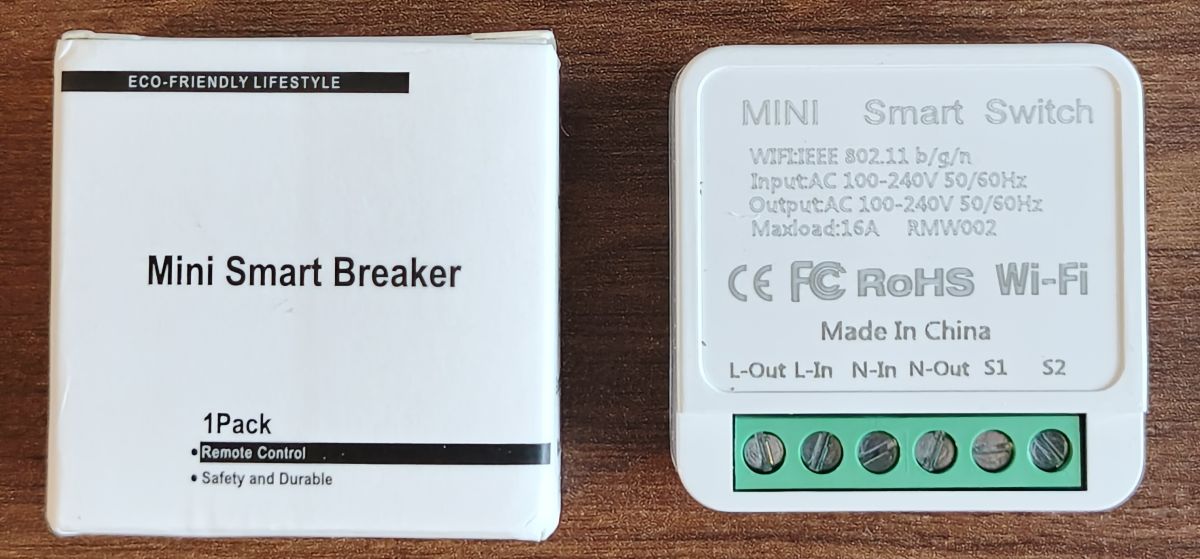
    Looks the same as in this topic:
    https://www.elektroda.com/rtvforum/topic4009765.html
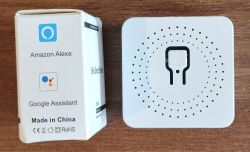
    Box labeled Amazon Alexa and Google Assistant next to a white perforated square device on a wooden surface
    Box labeled “Mini Smart Breaker” next to a white Wi‑Fi mini smart switch with a green screw terminal block

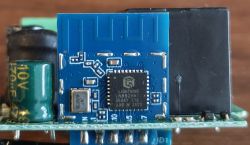
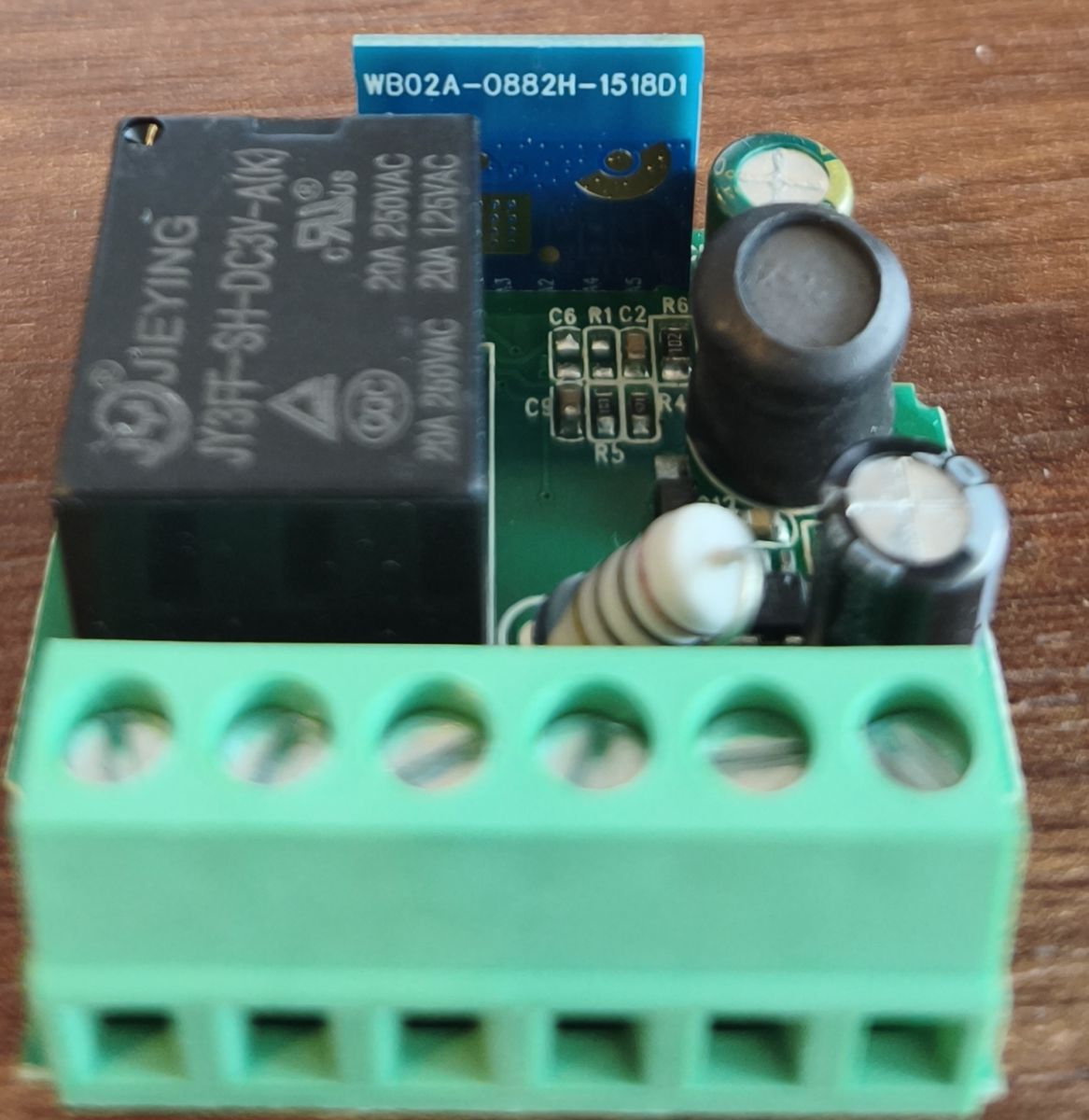
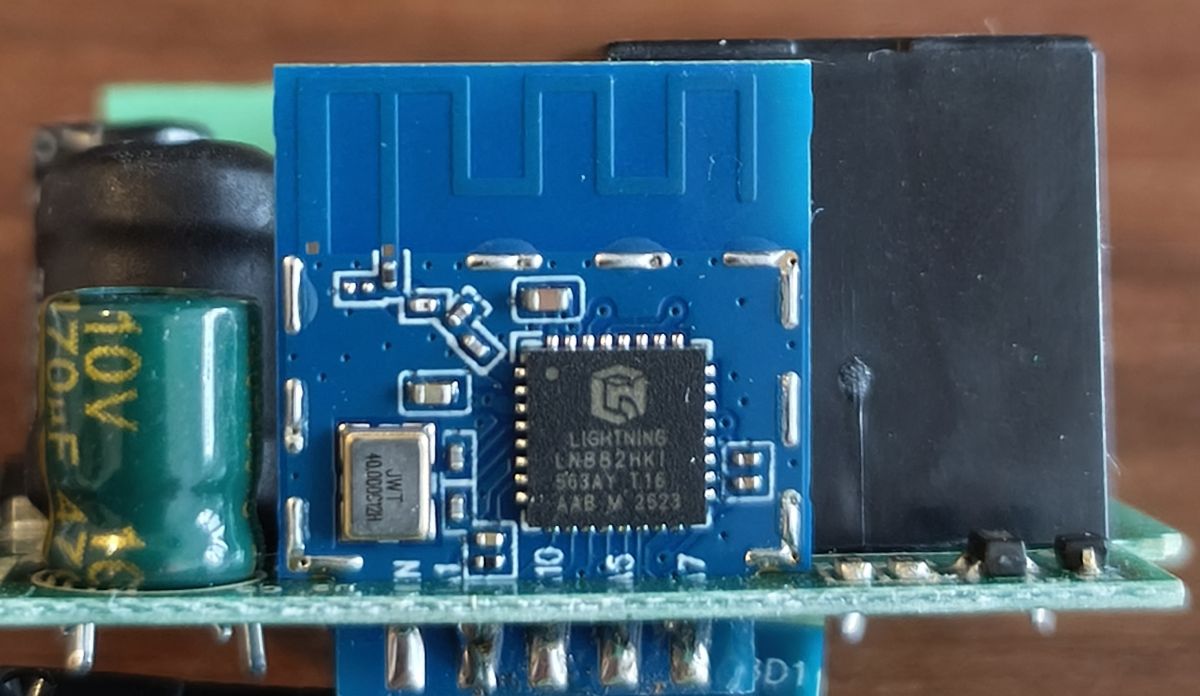
    When teared it down, I saw a board named WB02A-0882H with LN882HKI.
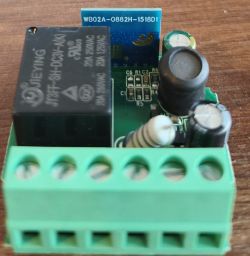
    Close-up of a PCB with a relay, capacitors, and a green screw terminal block on a wooden surface
    Close-up of a PCB with a blue module, an IC labeled “LIGHTNING,” and a 10V electrolytic capacitor.

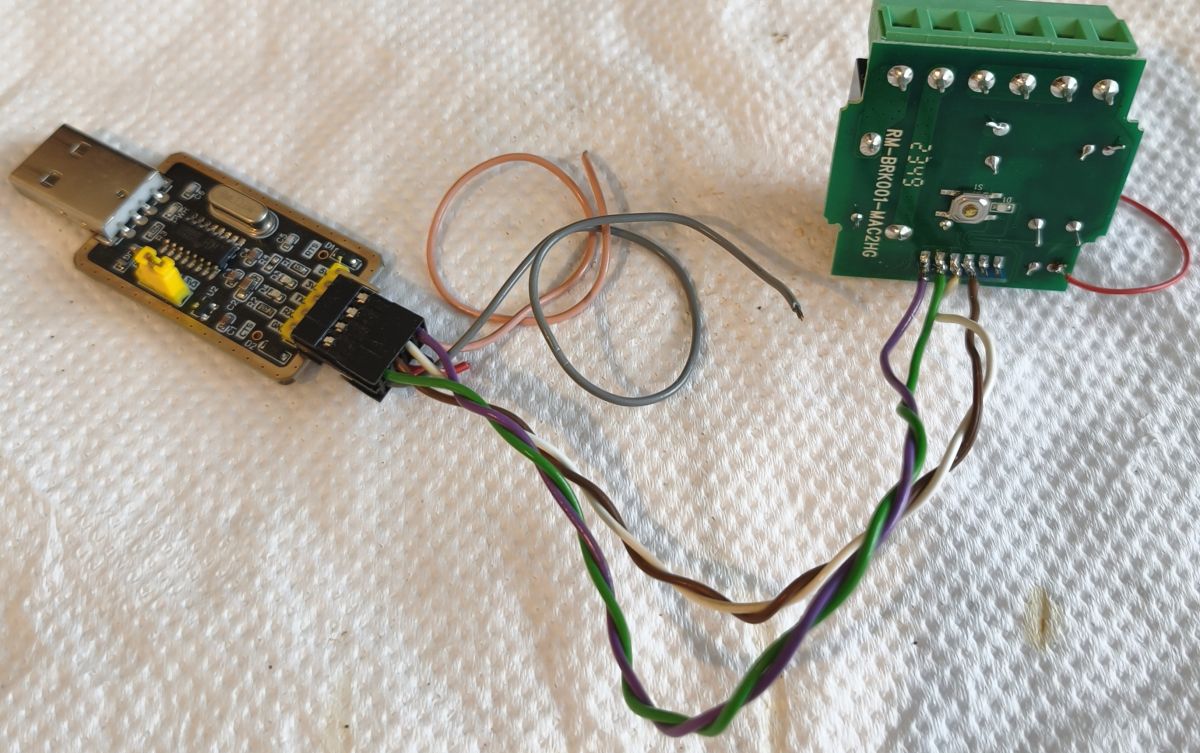
    Soldered it to a flasher (from left to right - Vcc, GND, Rx, Tx):
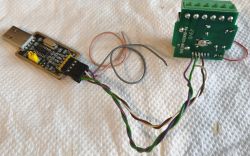
    USB plug circuit board wired to a green module with a screw terminal block

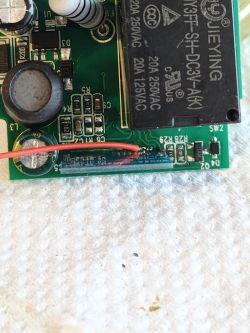
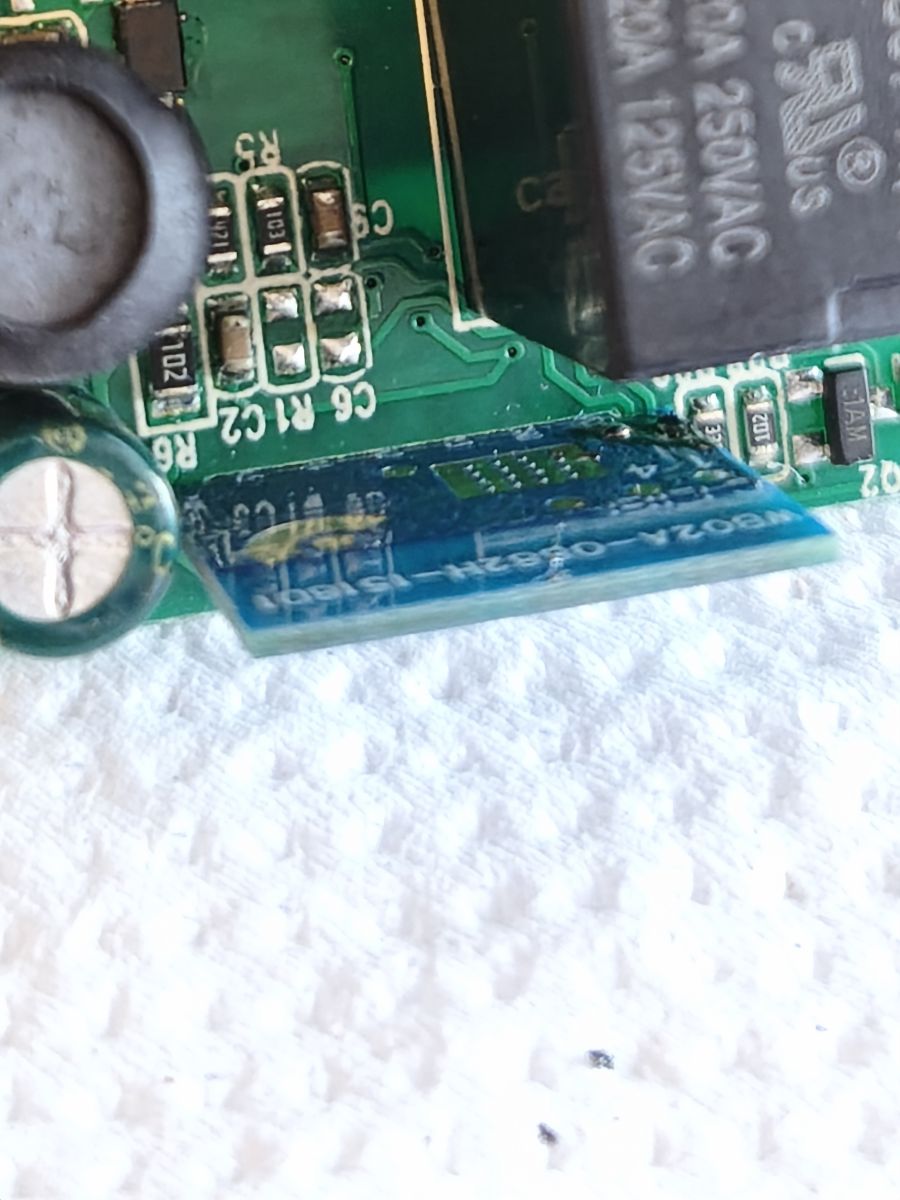
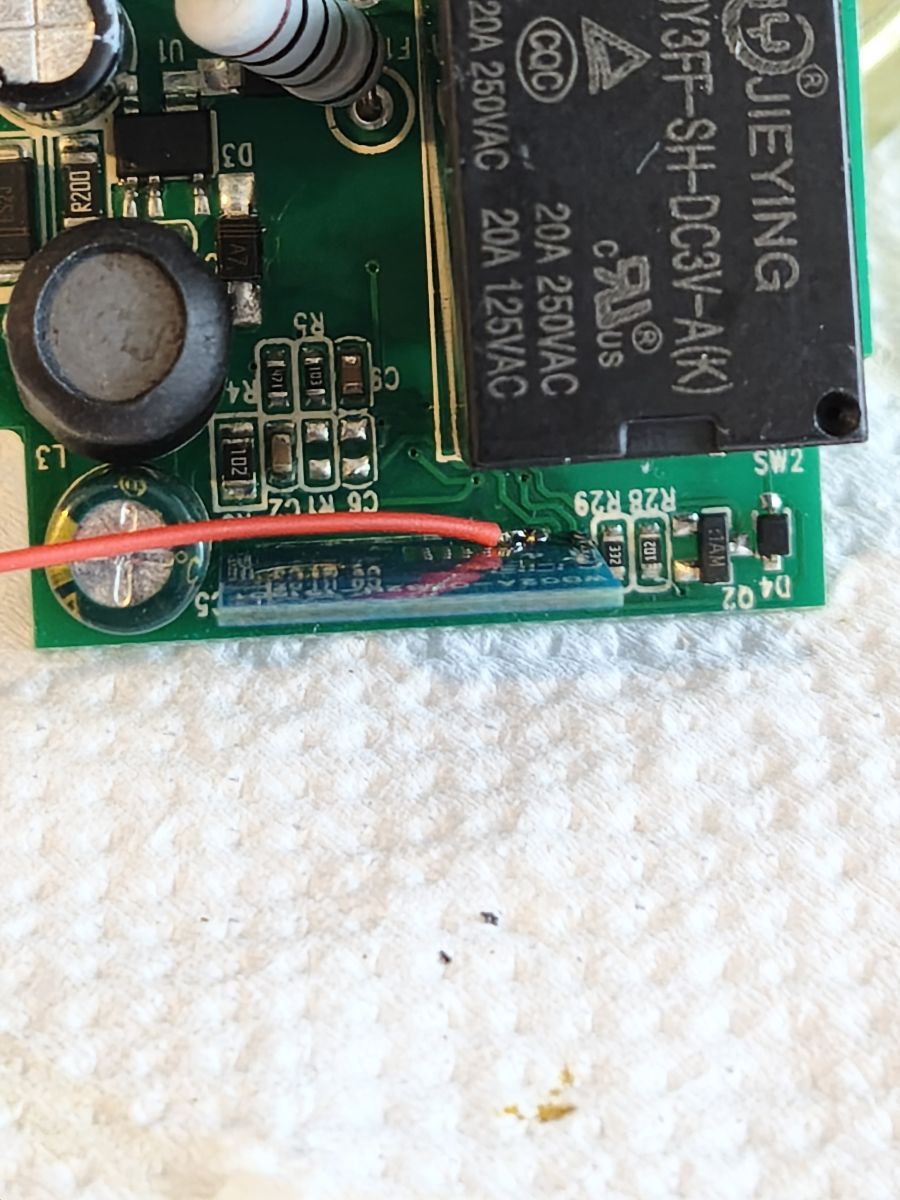
    The tricky part was soldering the boot pin to ground. The space for the iron is tight, but manageable:
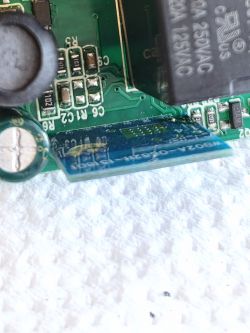
    Close-up of a PCB with SMD components and a blue module at the edge Close-up of a PCB with a JIEYING relay, capacitors, SMD parts, and a red wire

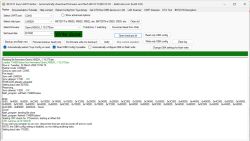
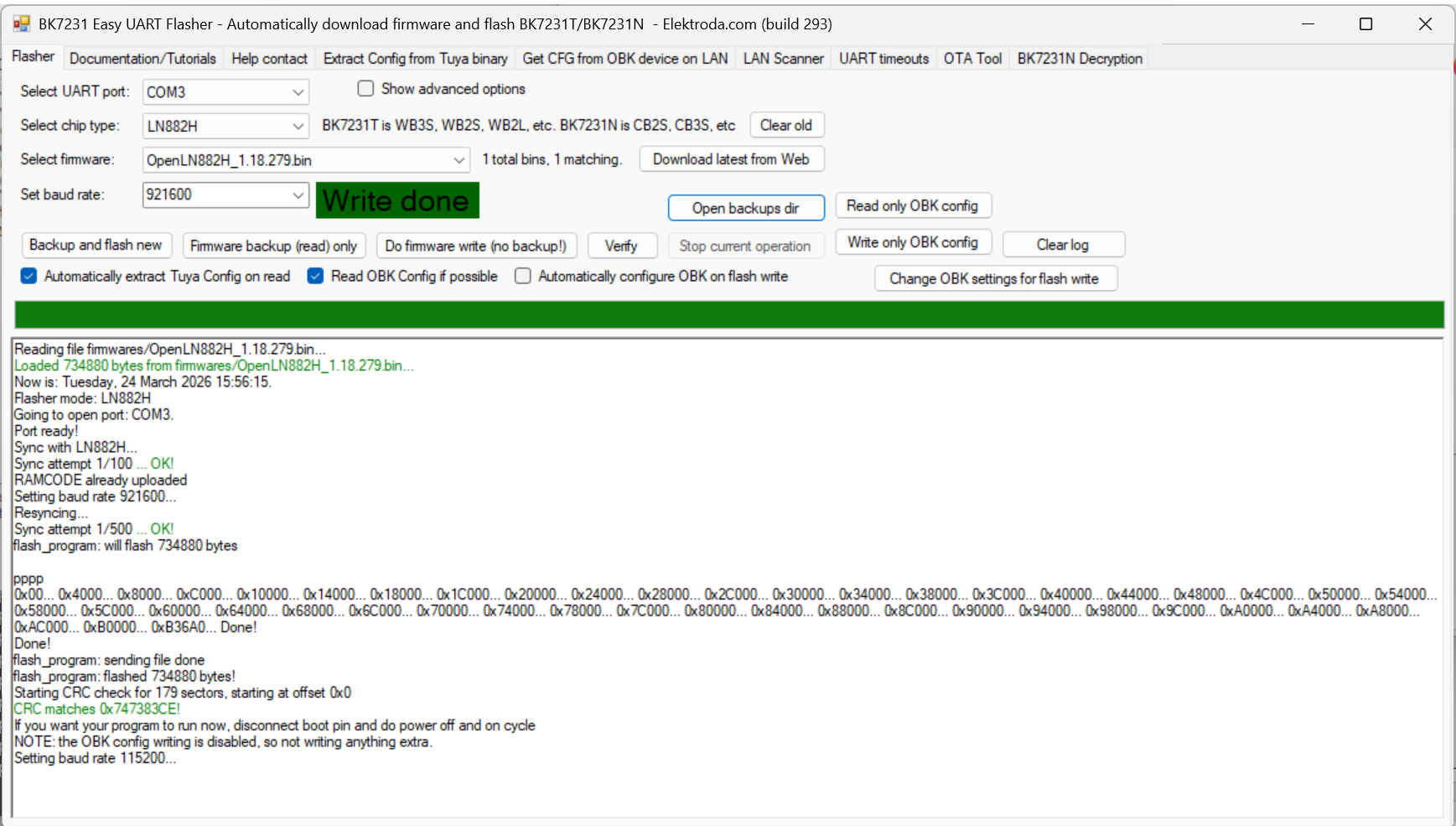
    The flashing went flawlessly:
    Screenshot of BK7231 Easy UART Flasher showing “Write done” and a flashing operation log.

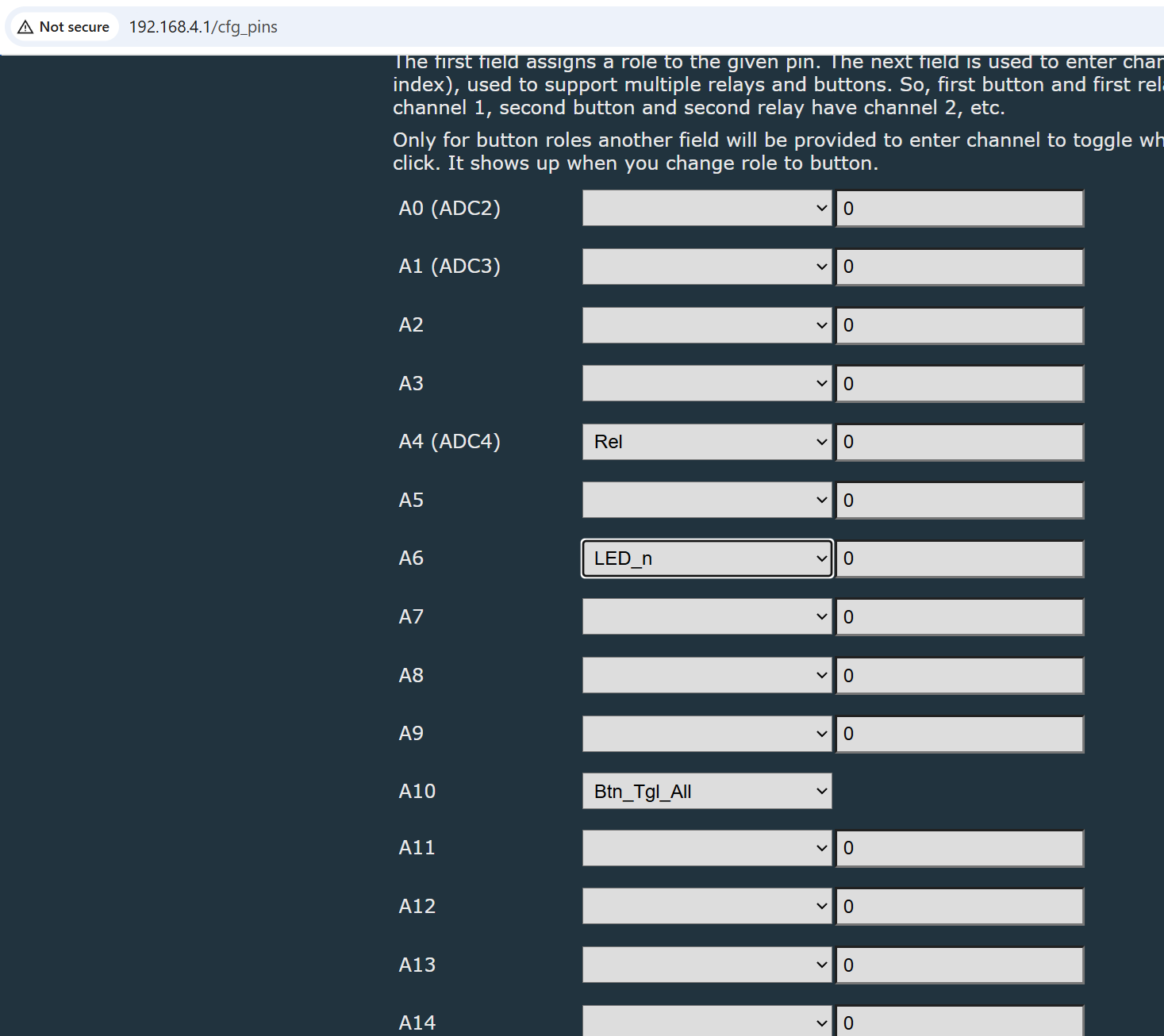
    With GPIO finder discovered the right config:
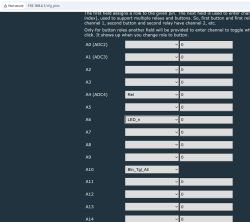
    Screenshot of 192.168.4.1/cfg_pins showing A0–A14 pins with role dropdowns, including Rel and LED_n

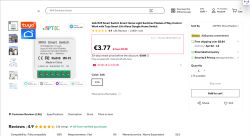
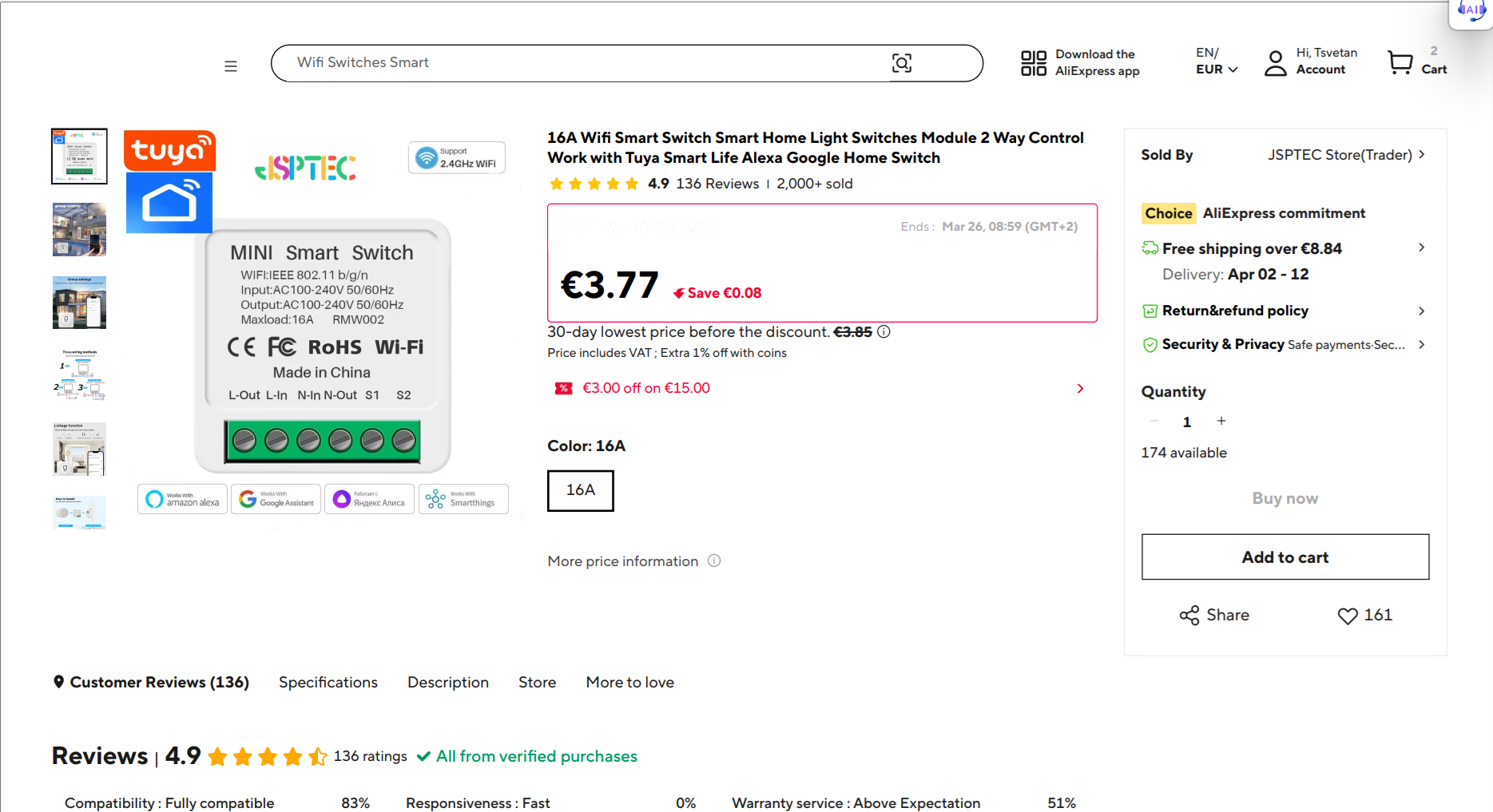
    Here is the store page:
    AliExpress product page screenshot: Tuya 16A Wi‑Fi MINI Smart Switch module, priced at €3.77.
  • ADVERTISEMENT
  • #2 21869874
    btechi365
    Level 2  
    Posts: 2
    To flash the Mini Smart Breaker RMW002 (WB02A-0882H), you need to upload firmware via UART communication. This device uses the LN882HKI chip, a new type of Wi-Fi chip often loaded with open-source firmware like OpenBeken for local control via Home Assistant instead of using the Tuya cloud.

    1. Hardware Preparation
    USB-to-UART converter circuit: Requires 3.3 V logic support.
    Power supply: A stable external 3.3 V power supply (such as an AMS1117 module) should be used because the 3.3 V power from the USB-to-UART pin is often insufficient for stable chip operation during flashing.
    Connecting wires and soldering: Solder the connection pins directly onto the WB02A-0882H module.

    2. Pinout Diagram
    You need to solder 5 wires connecting the UART circuit to the module as follows:
    VCC: Connect to the 3.3 V pin.

    GND: Connect to the ground pin.

    RX: Connect to the TX pin of the module.

    TX: Connect to the RX pin of the module.

    BOOT (GPIOA9): This is the most important pin. You must connect the BOOT pin to GND (strong) throughout the flashing process to put the chip into bootloader mode.

    3. Procedure
    Soldering: Solder the wires according to the diagram above. Note that the BOOT pin is usually quite small and in a confined area, so be careful not to damage surrounding components.
    Software Connection: Use the LN882H_CMD_TOOL or a dedicated flashing tool for this chip series (such as the latest version of BK7231GUIFlashTool which supports LN882H).
    Backup: Always back up the original firmware before flashing new firmware so that it can be restored if needed.

    Flash Software:
    Keep the BOOT pin connected to ground.
    Power on the device.
    Select the firmware file (usually in .bin format) and press Start on the firmware.

    Note: If the process fails, disconnect the power, unplug the USB-to-UART adapter, plug it back in, and try again from the beginning.
ADVERTISEMENT