logo elektroda
logo elektroda
X
logo elektroda

RMshebei WTDZW-63A2(T1-3S) Smart Circuit Breaker Teardown, and OpenBeken programming

dufu 42 1
ADVERTISEMENT
  • Helpful post
    #1 21783453
    dufu
    Level 7  
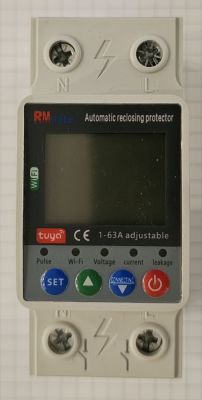
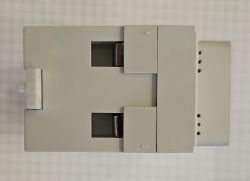
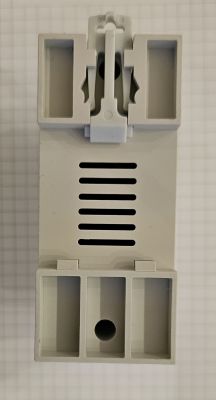
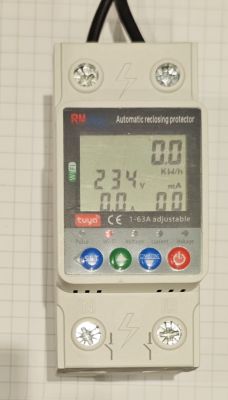
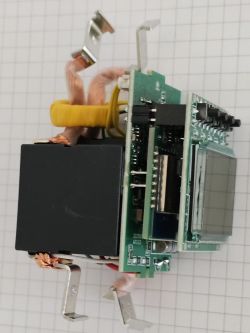
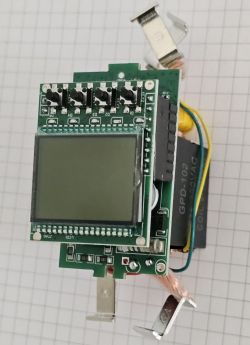
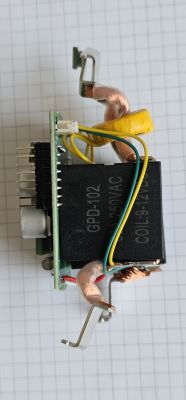
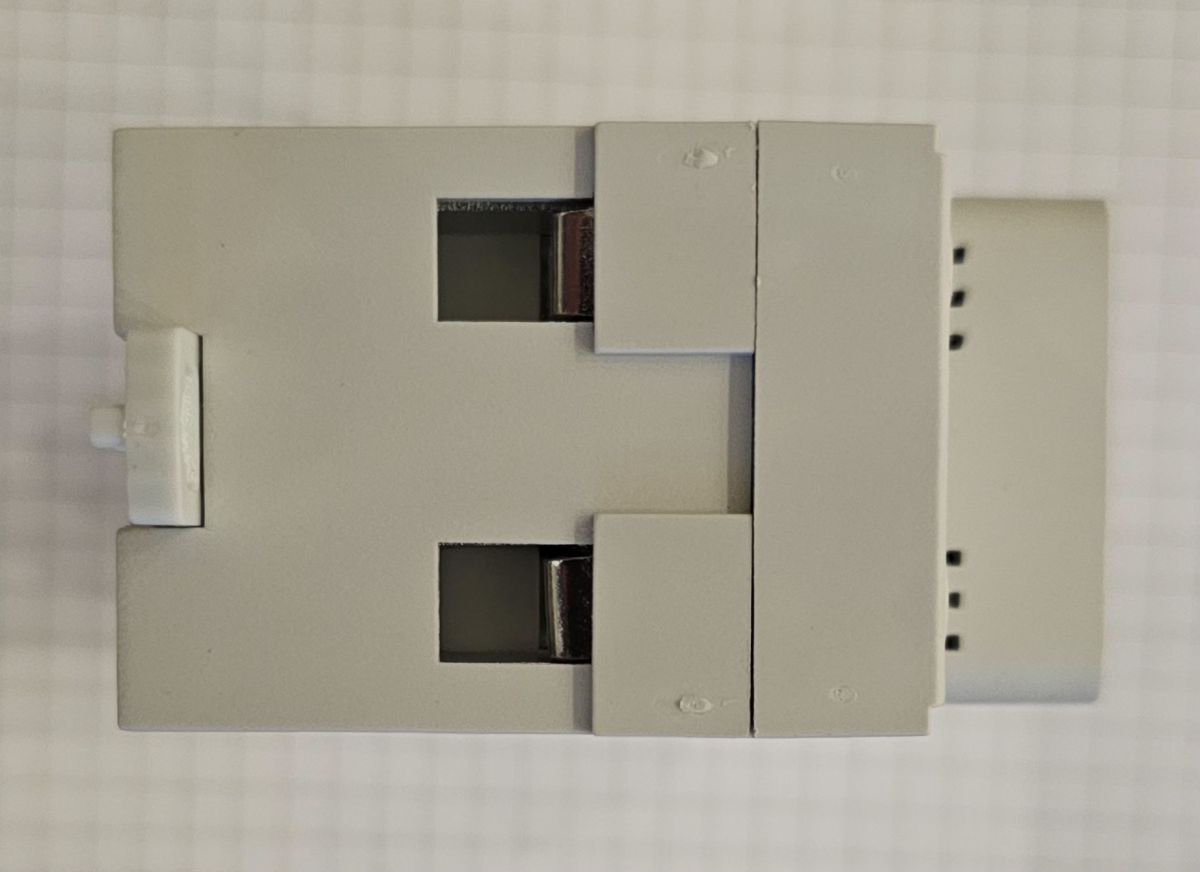
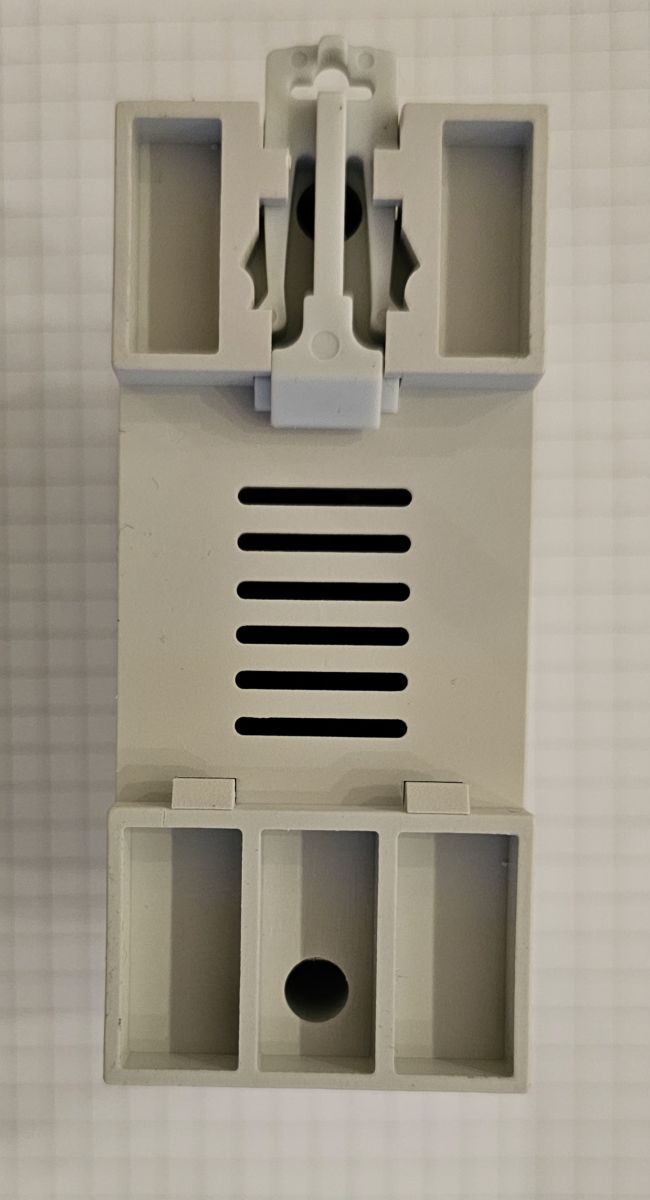
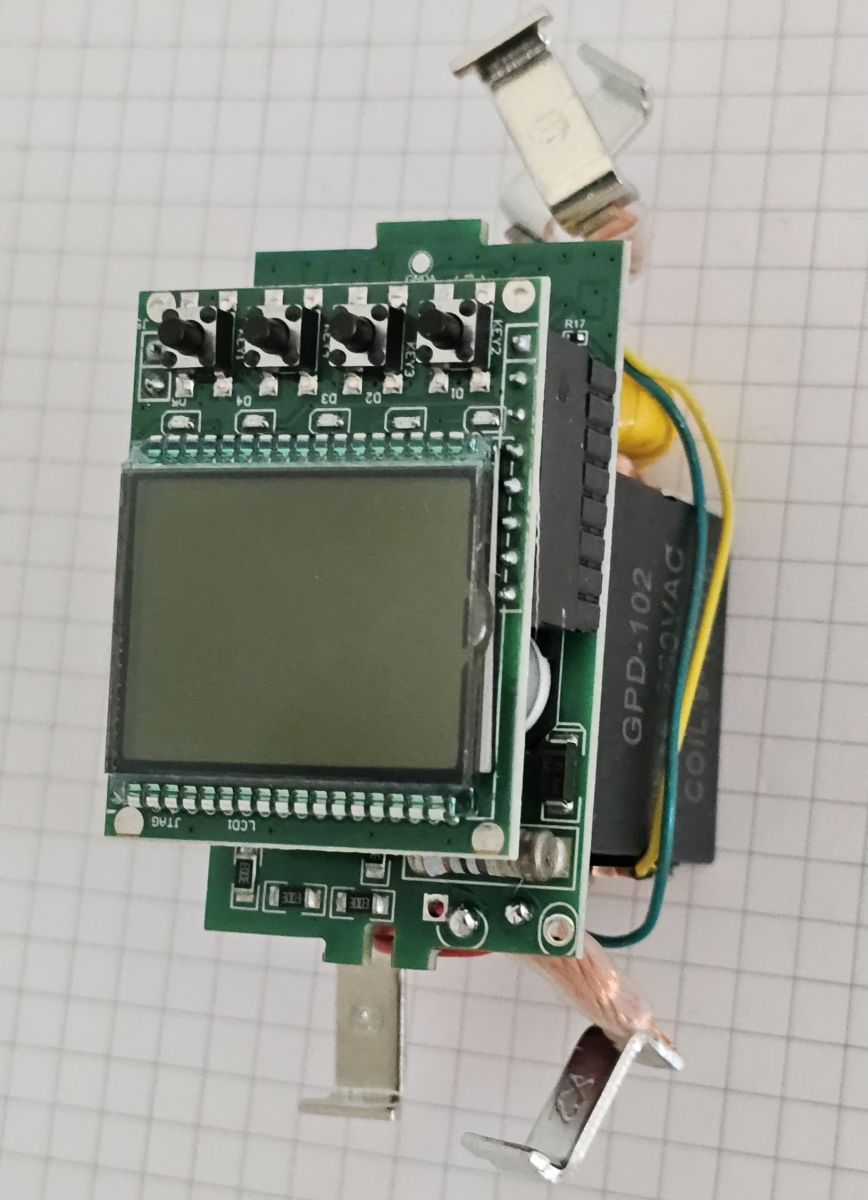
    Quick teardown. Very easy to disassemble, just unscrew two screws and open the case.

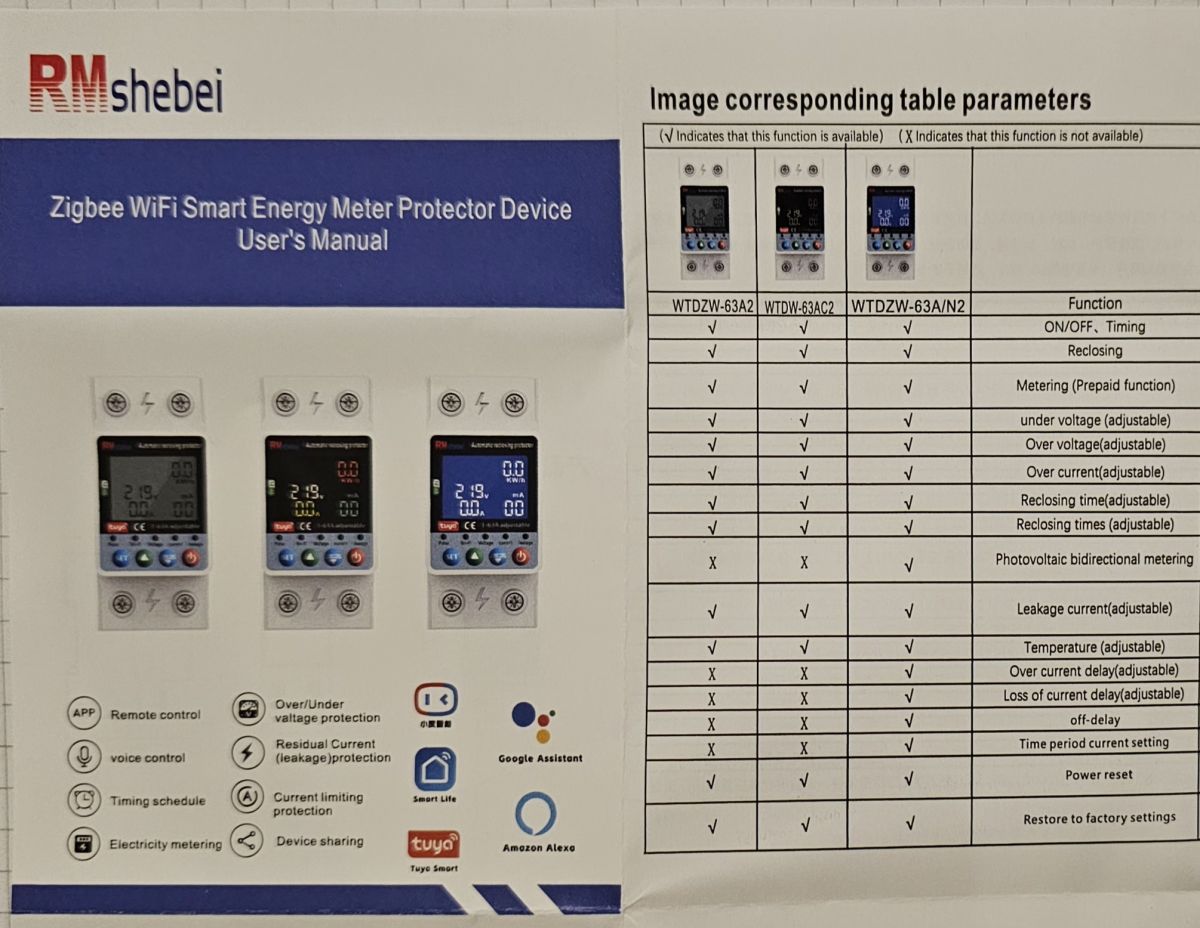
    Box with outline of an electronic device against grid paper background Zigbee WiFi Smart Energy Meter manual with model comparison table
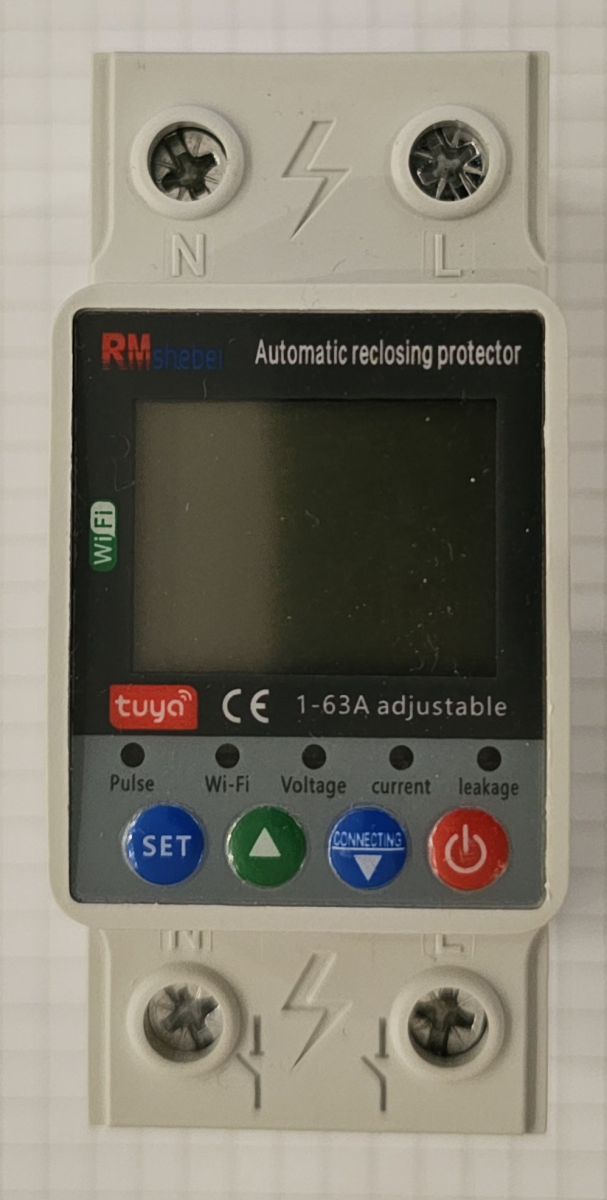
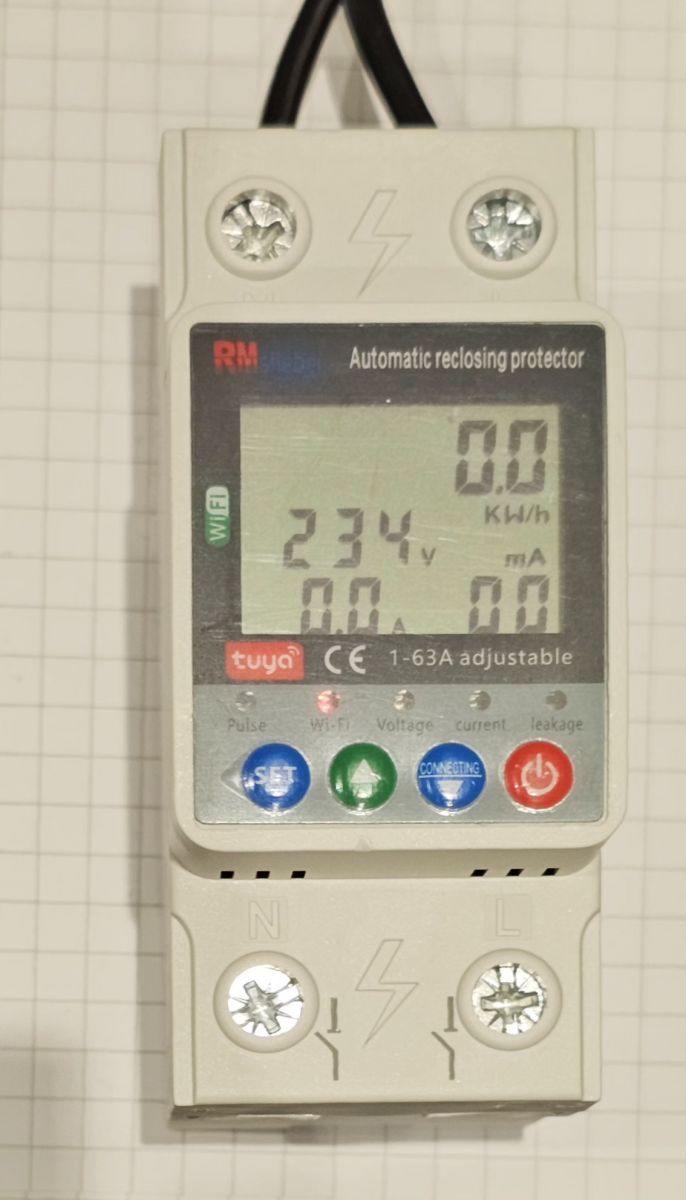
    Electronic RM shebei circuit breaker with display and control buttons Side view of a gray mounting module placed on grid paper Top view of a gray DIN rail-mounted electrical module Plastic DIN rail module housing with vents and mounting clip Display of automatic reclosing protector showing 234V reading.

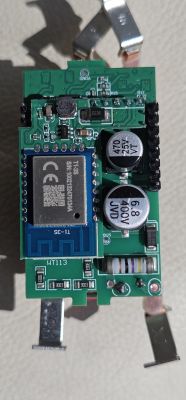
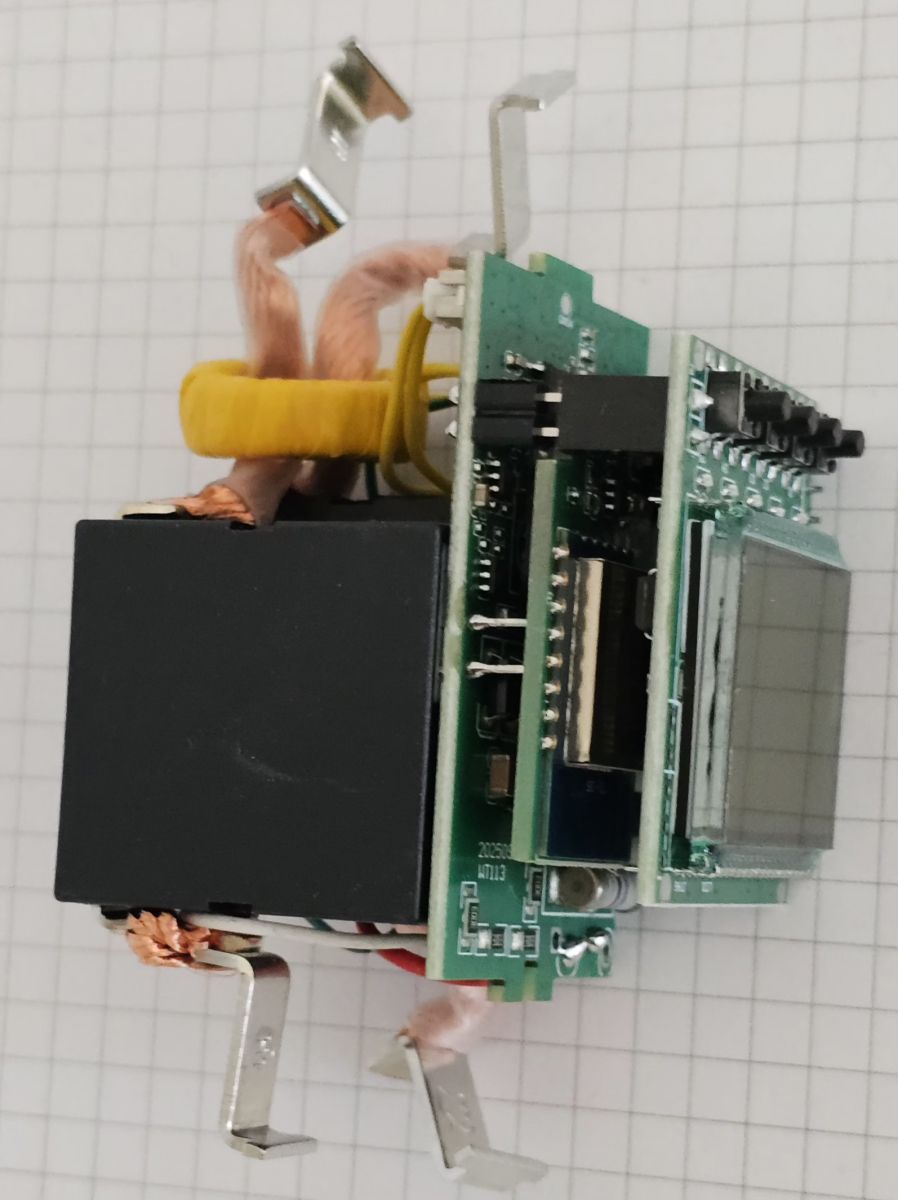
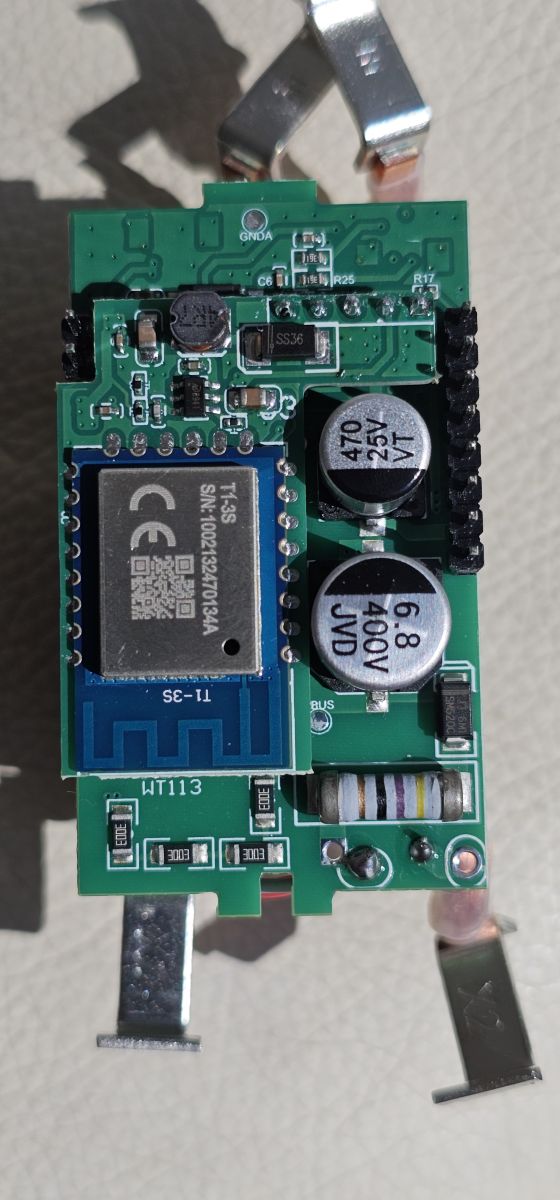
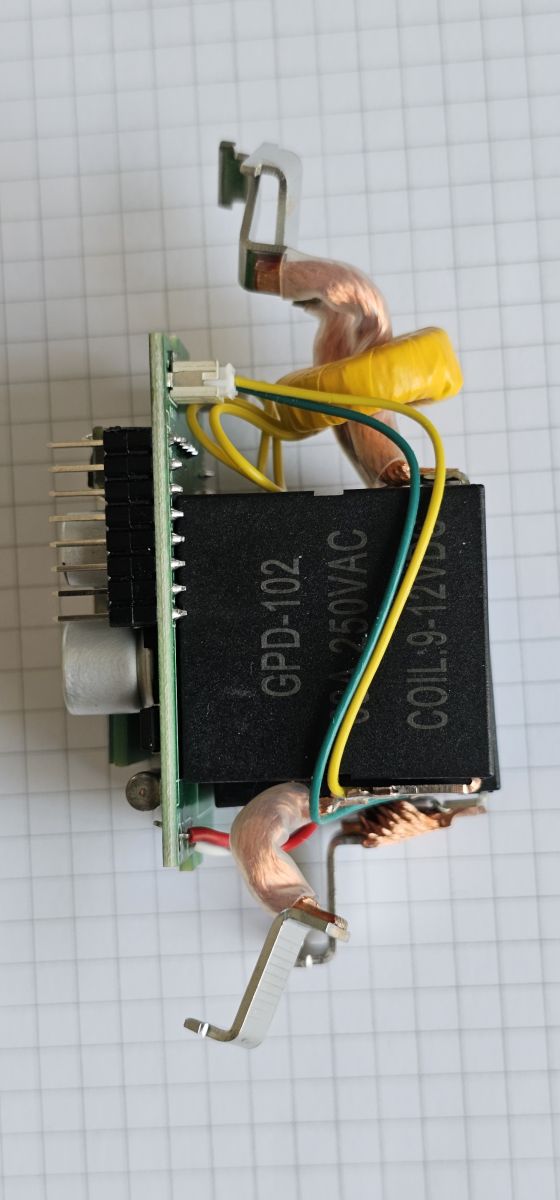
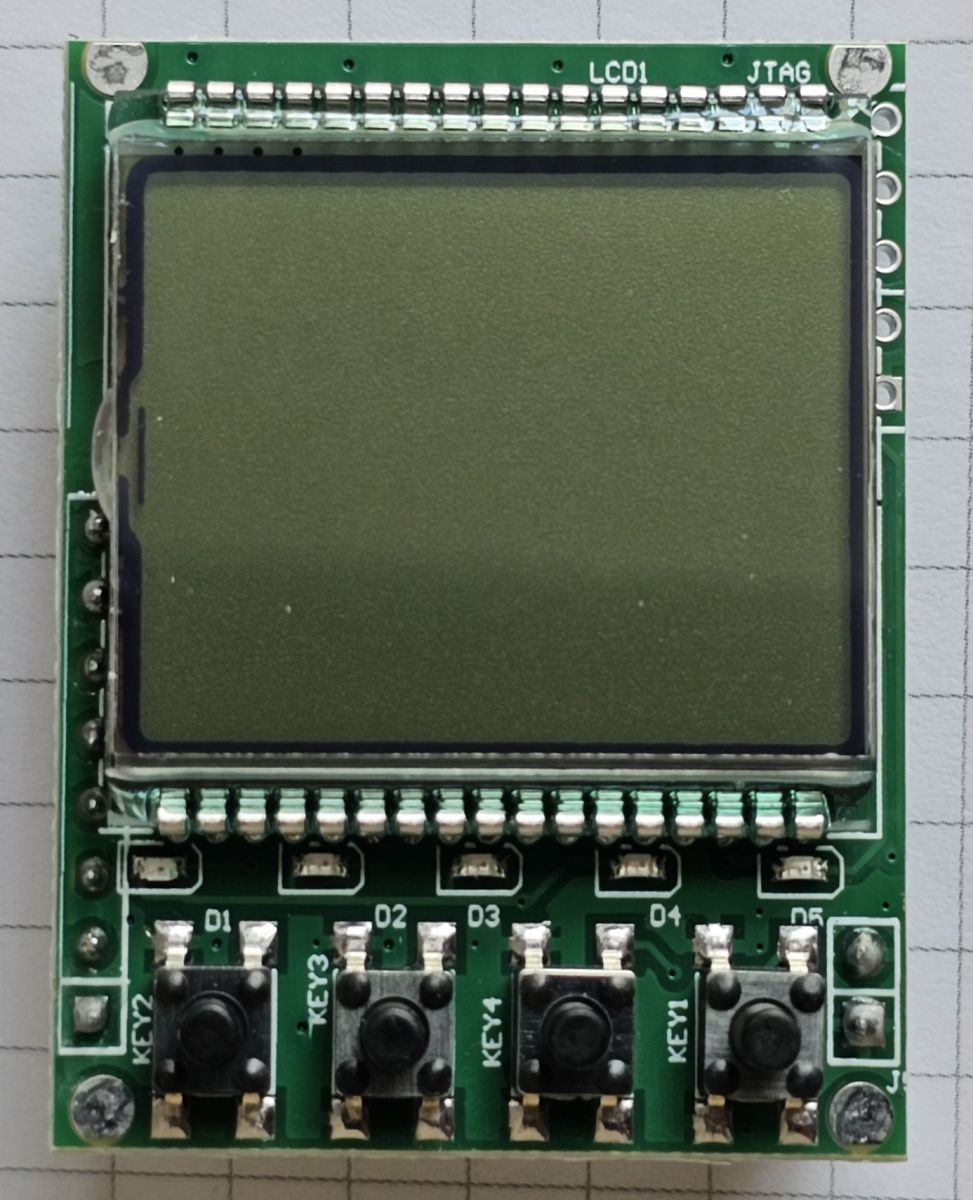
    Device has very slid design. WiFi module - T1-3S

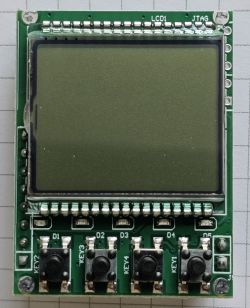
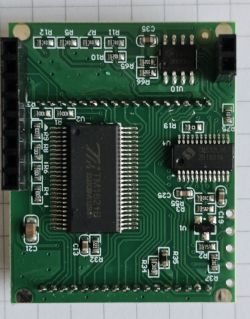
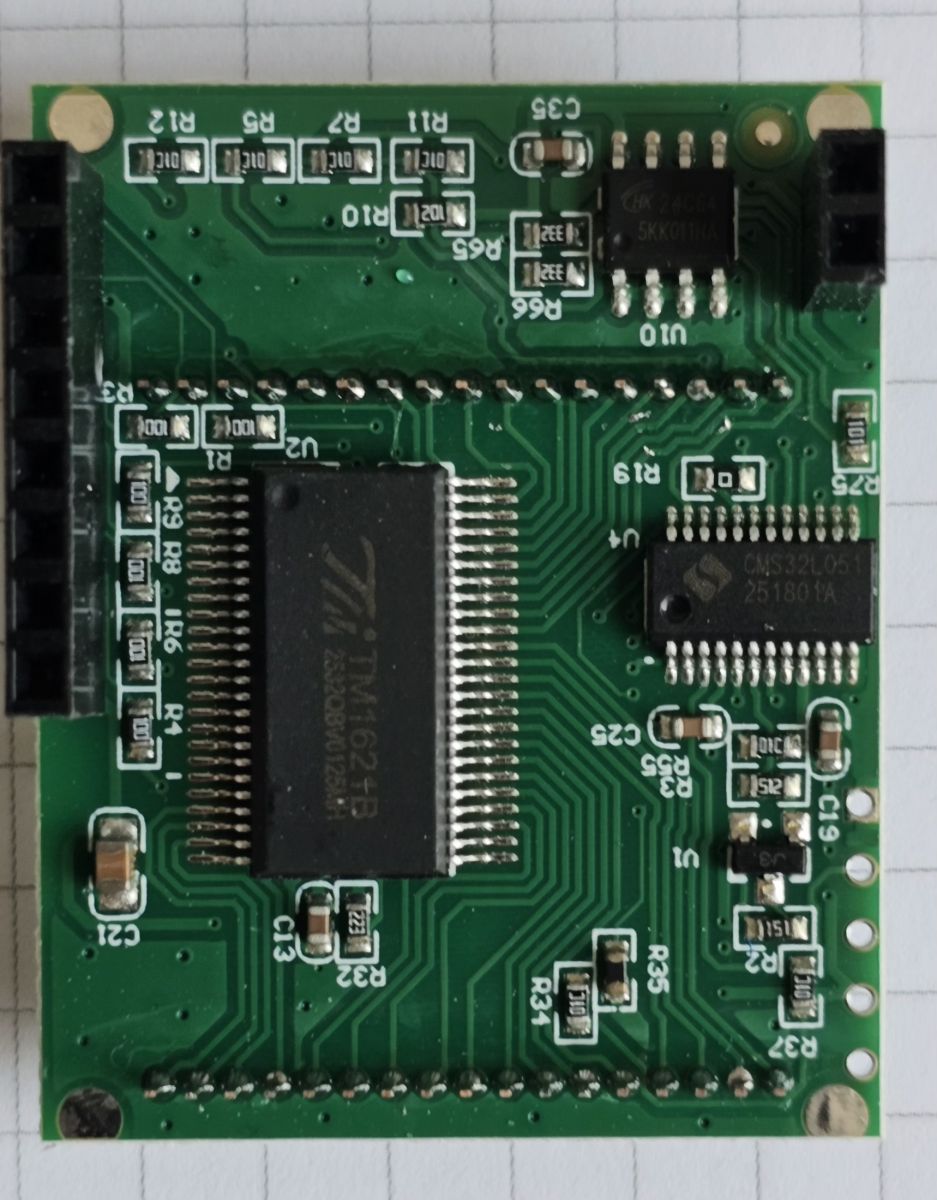
    Electronic module with ESP chip, capacitors, and metal connectors Electronic module with GPD-102 relay and copper wires on grid paper Electronic module with LCD screen and five labeled push buttons Close-up of a green PCB with ICs and surface-mounted components

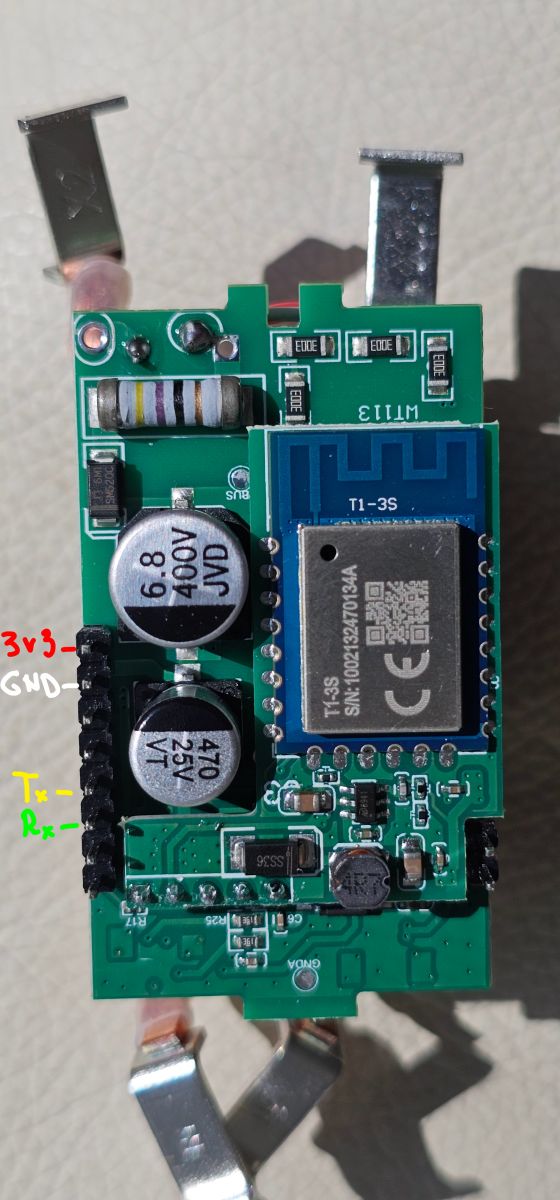
    Connections to read/program flash
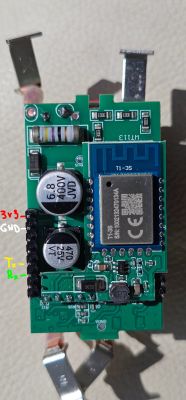
    Electronic module with ESP8266 chip and labeled pins Tx, Rx, GND, 3V3.

    Factory dump attached.

    DPIds translated.

    Code: JSON
    Log in, to see the code


    autoexec.bat

    Code: Text
    Log in, to see the code


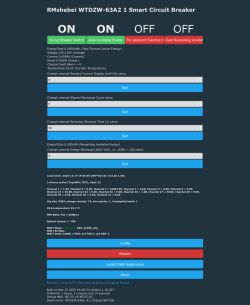
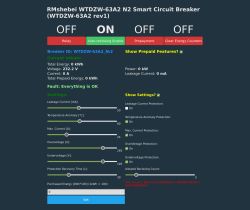
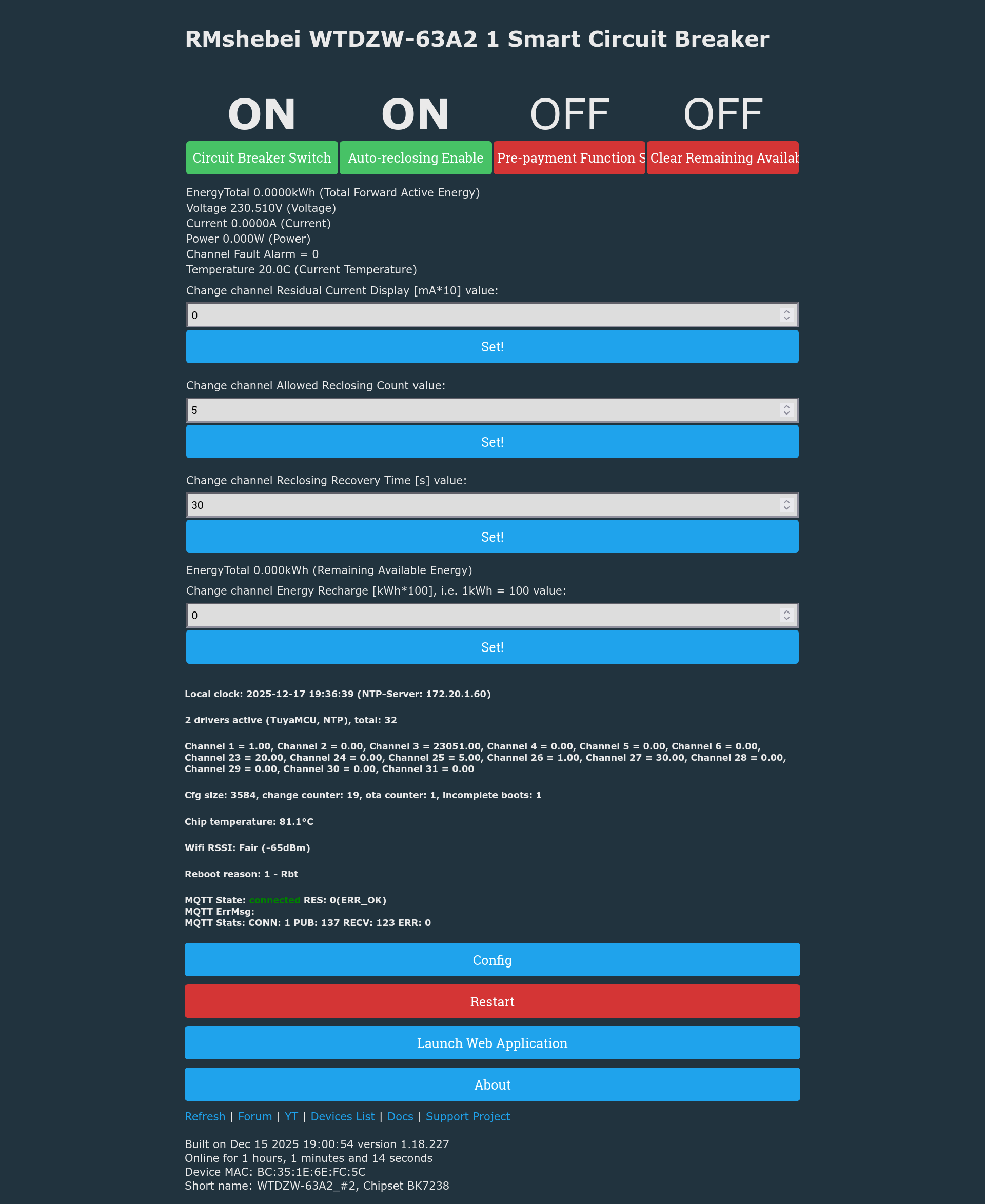
    Web Interface

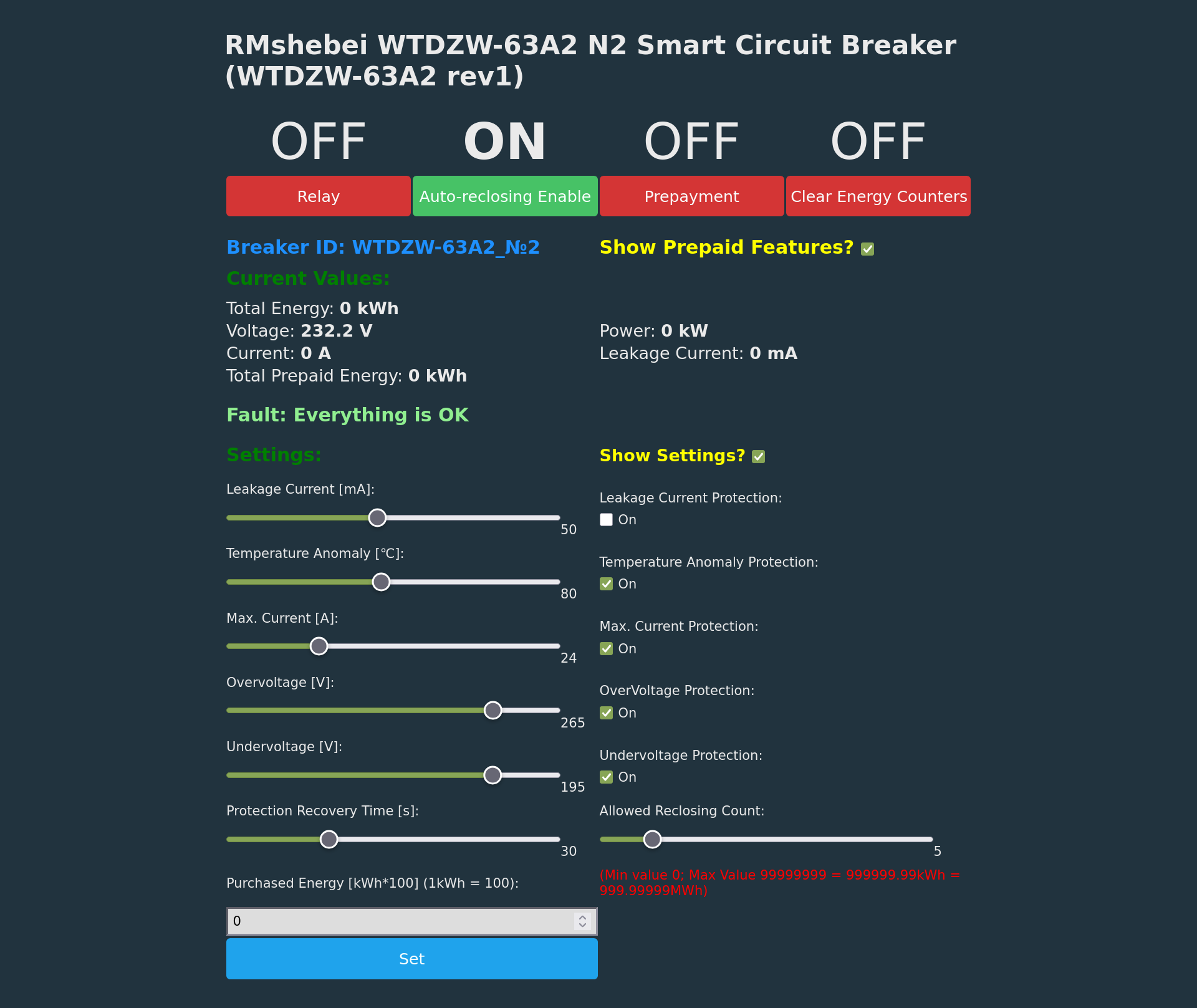
    Smart breaker RMShebei WTDZW-63A2 control panel with energy data and configuration options.

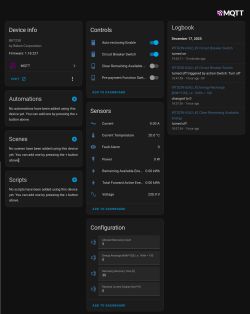
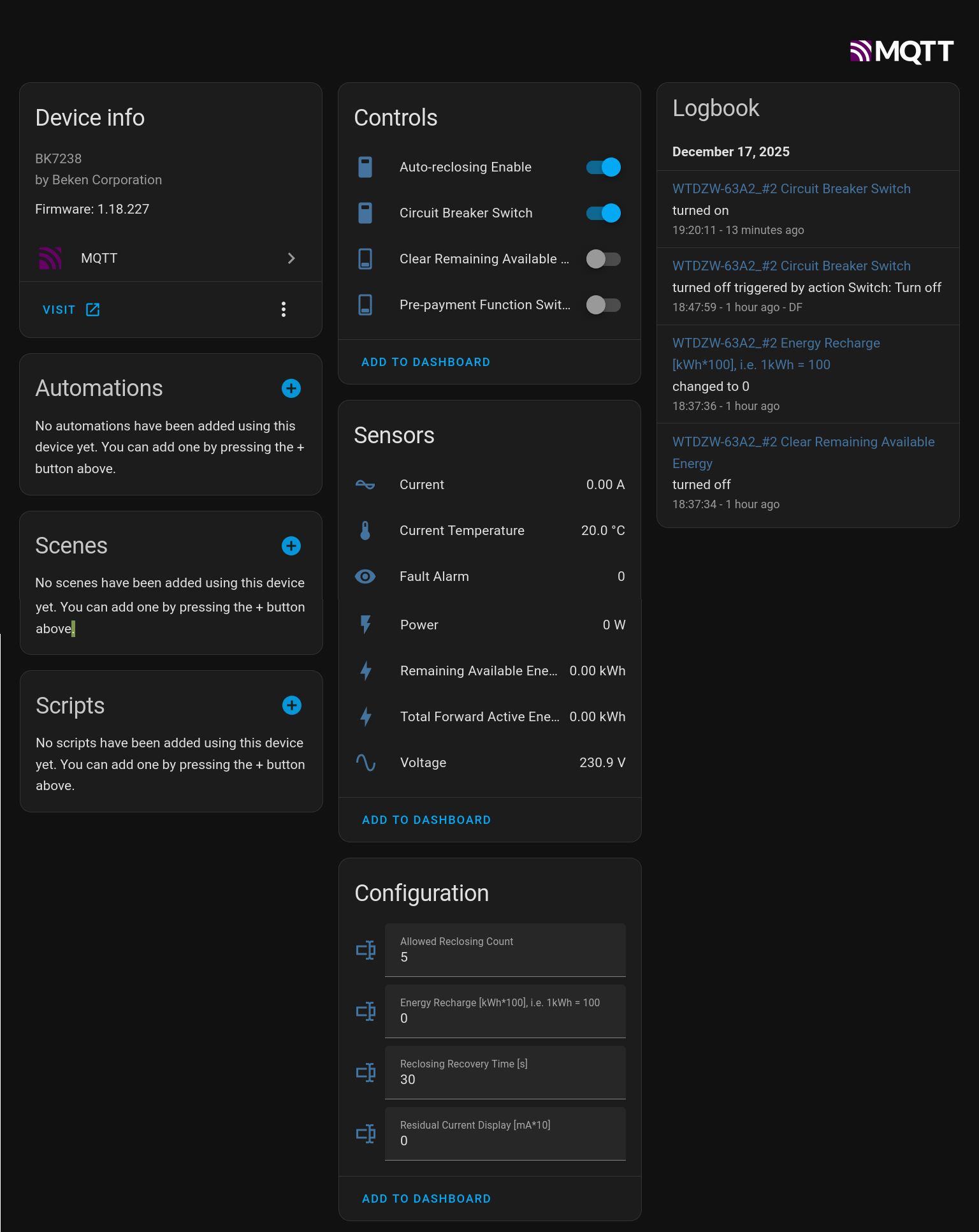
    MQTT/Homeassistant

    BK7238 device control panel with information, controls, sensors, and logbook.


    AI: Could you clarify what specific help or information you are looking for regarding the RMshebei WTDZW-63A2 Smart Circuit Breaker?
    Don't understand how to implement the following DpIds

    9
    1. Alarm
    2. Big-endian, HEX, 4 bytes
    3. Frame format: report all 4 bytes.
    Each alarm bit: 1 = alarm present, 0 = no alarm.
    Unused bits are padded with 0; undefined high bits are also 0.
    Example: 0x00 00 00 09 indicates
    leakage self-test abnormal alarm and short-circuit alarm;
    no other alarms.
    4. Communication logic: whenever any alarm occurs or clears,
    report the full 4-byte field to update the panel.

    17,18

    1. Alarm threshold enable control and settings.
    2. HEX, big-endian. Total length = number_of_alarms × 4 bytes.
    3. Frame format: each alarm uses 4 bytes:
    byte1 = alarm present;
    byte2 = breaker action when alarm occurs
    (0x01 = trip/open, 0x00 = no action, alarm only);
    bytes3–4 = alarm threshold.
    Example: 0x01 01 00 00 03 01 00 14 →
    short-circuit alarm supported and trips automatically (threshold padded 0);
    overload alarm supported and trips with threshold 20 kW;
    no other alarms.
    4. Communication logic:
    A) After successful pairing, report in this format so the panel knows which
    alarms are supported. If setting fails, re‑pair and report again.
    B) Also report once at breaker power‑up. C) The panel sends alarm settings
    per protocol.
    AI: Are you experiencing any particular issues, errors, or challenges with the device, or are you sharing this information for reference?
    Sharing this information
    Attachments:
  • ADVERTISEMENT
ADVERTISEMENT