FAQ 
TL;DR: 15 answers, "RTSP hidden" explains how Ezviz C6C teardown owners can restore port 554 streaming, assess STM8S003F3 hardware, and avoid cloud lock-in when using NVRs, Hikvision port 8000, or ONVIF alternatives. [#20552929]
Why it matters: Cheap cloud cameras can lose local-recording value when firmware, account binding, or missing web access blocks independent operation.
| Option |
Local access noted in thread |
Cloud dependence |
Approx. cost |
| Ezviz C6C CS-CV246 |
RTSP 554, Hikvision 8000 |
Ezviz proprietary cloud also present |
160 PLN |
| Xiaomi Mi Home Security Camera 360 PTZ 2K Pro |
No direct stream given |
Cloud or alternative firmware |
Not stated |
| Ingenic T21 bullet camera |
ONVIF by default |
Lower, with OpenIPC path |
60–70 PLN |
| Ingenic T31 dual-lens PTZ clone |
ONVIF by default |
Lower, with OpenIPC path |
110 PLN |
Key insight: The best local-recording path is not the cheapest cloud camera. Choose hardware exposing RTSP, Hikvision protocol, or ONVIF before purchase.
Quick Facts
- Ezviz C6C CS-CV246 A0-3B1WFR uses RTSP on port 554 and Hikvision protocol on port 8000. [#20552587]
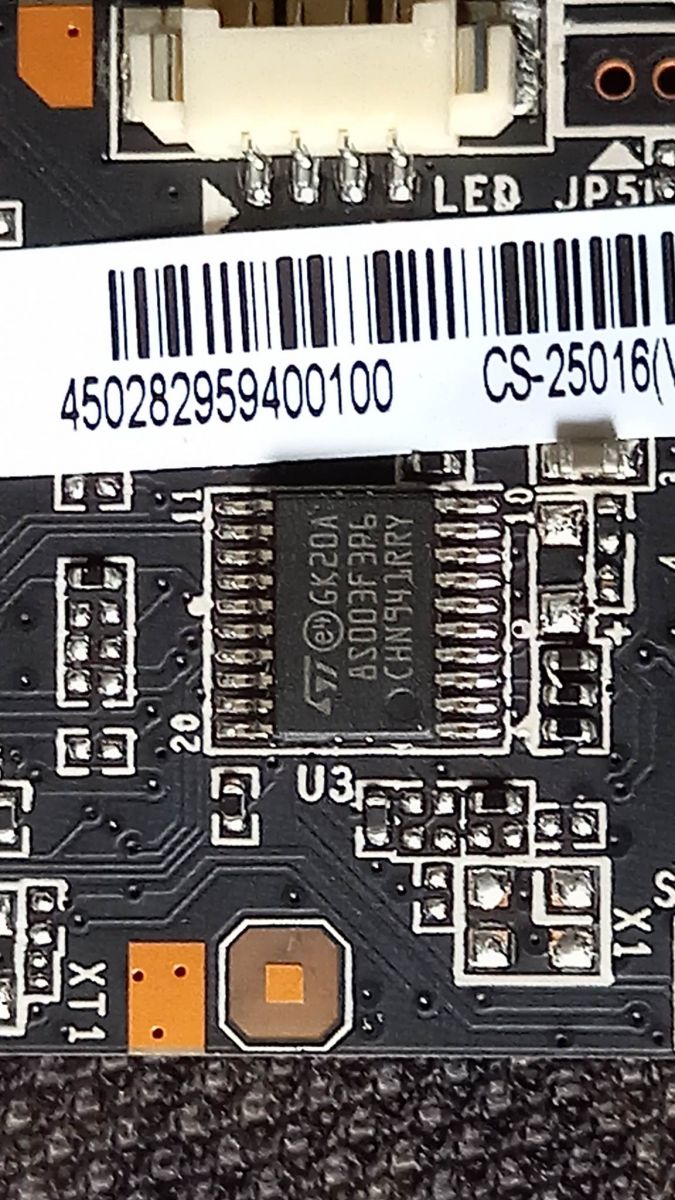
- The visible control MCU is STM8S003F3P6: 16 MHz, 8-bit STM8S, 8 KB flash, 128 B EEPROM, 10-bit ADC, UART, SPI, and I²C. [#20552587]
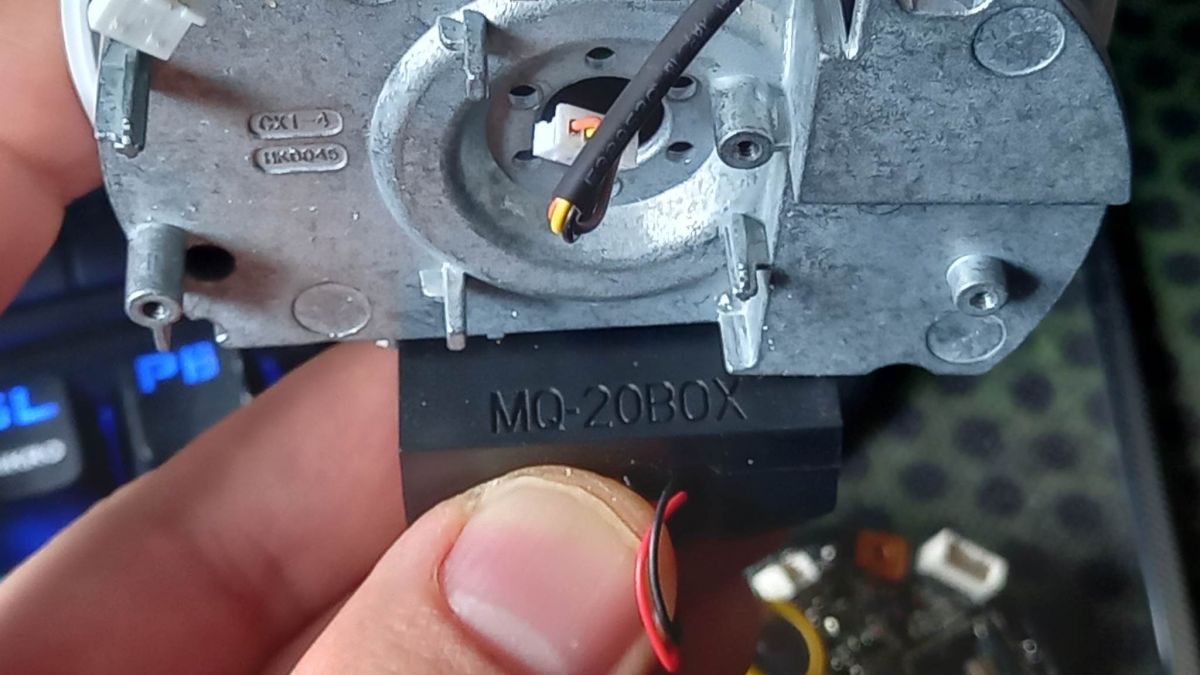
- The housing opens non-invasively: bottom screws sit under a rubber band, and the camera head uses latches. [#20552587]
- A forum user reported two cameras losing settings after about 1 year, despite a 3.3 V battery measuring correctly during disassembly. [#20553250]
- Cheap Ingenic alternatives mentioned later expose ONVIF by default: T21 bullet models cost about 60–70 PLN, and T31 dual-lens PTZ clones about 110 PLN. [#20773129]
How do you safely disassemble an Ezviz C6C CS-CV246 camera without damaging the housing or camera head latches?
Disassemble it non-invasively by removing the hidden bottom screws first, then opening the head latches carefully.
- Peel back the rubber band on the bottom.
- Remove the housing screws located underneath it.
- Release the camera head latches without prying the shell apart violently.
The thread states the remaining screws are not hidden, so forced cutting is unnecessary. [#20552587]
What hardware components are inside the Ezviz C6C CS-CV246 A0-3B1WFR, including the STM8S003F3 microcontroller?
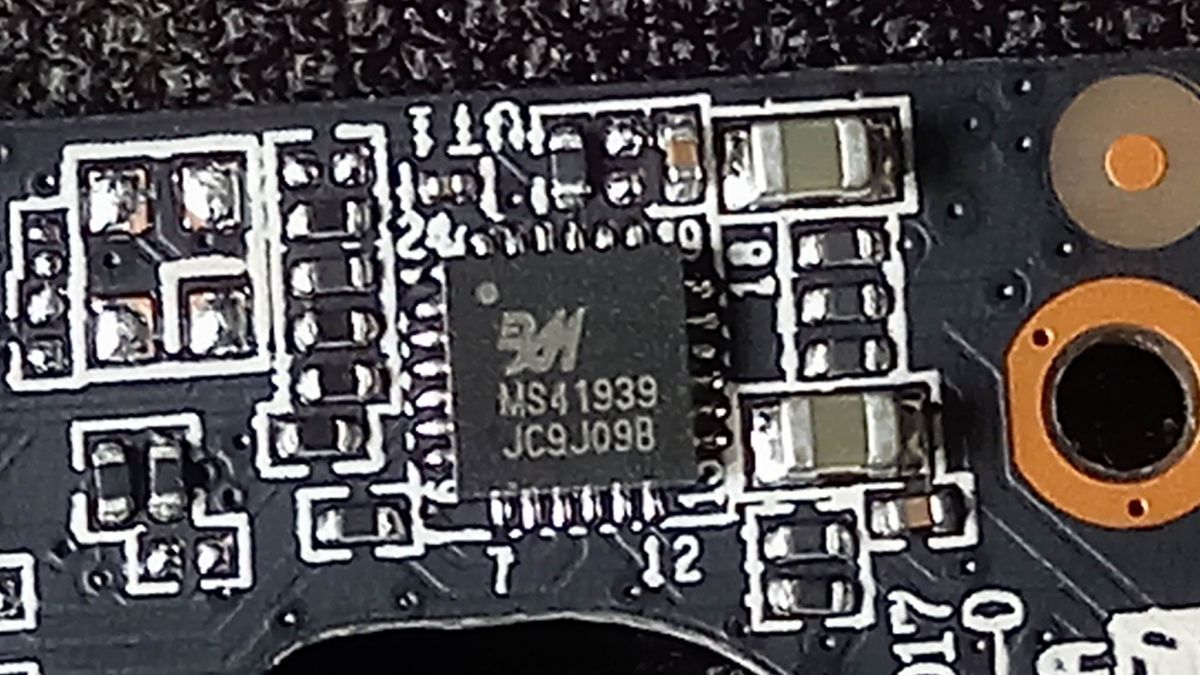
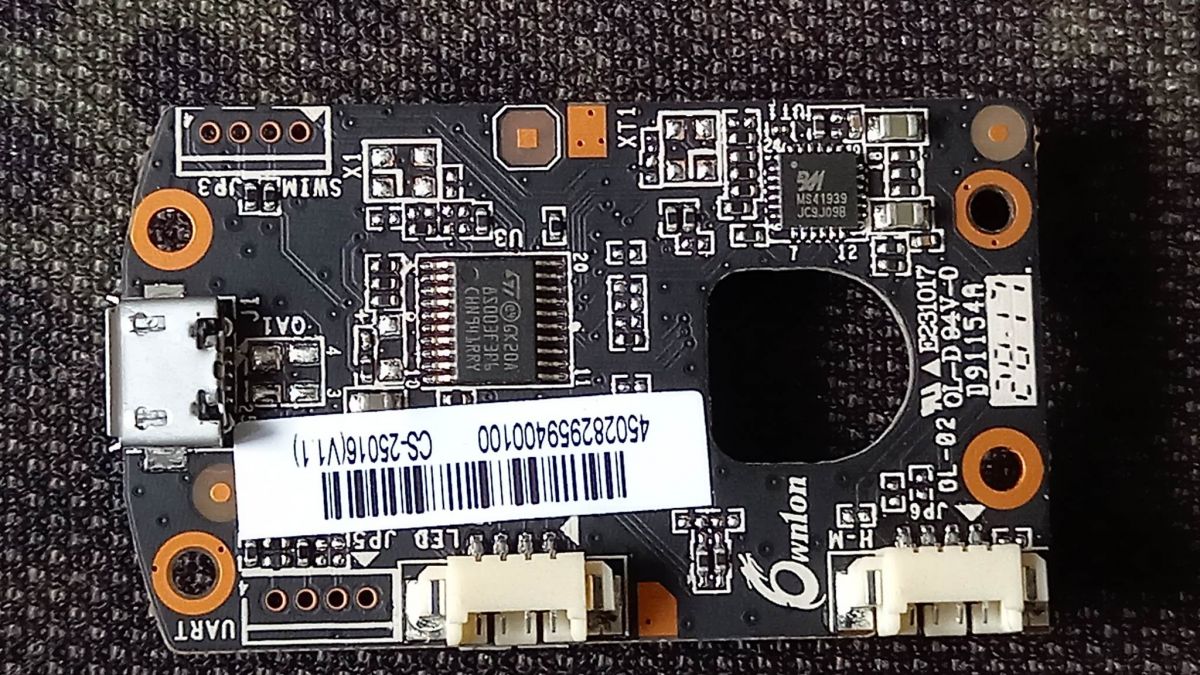
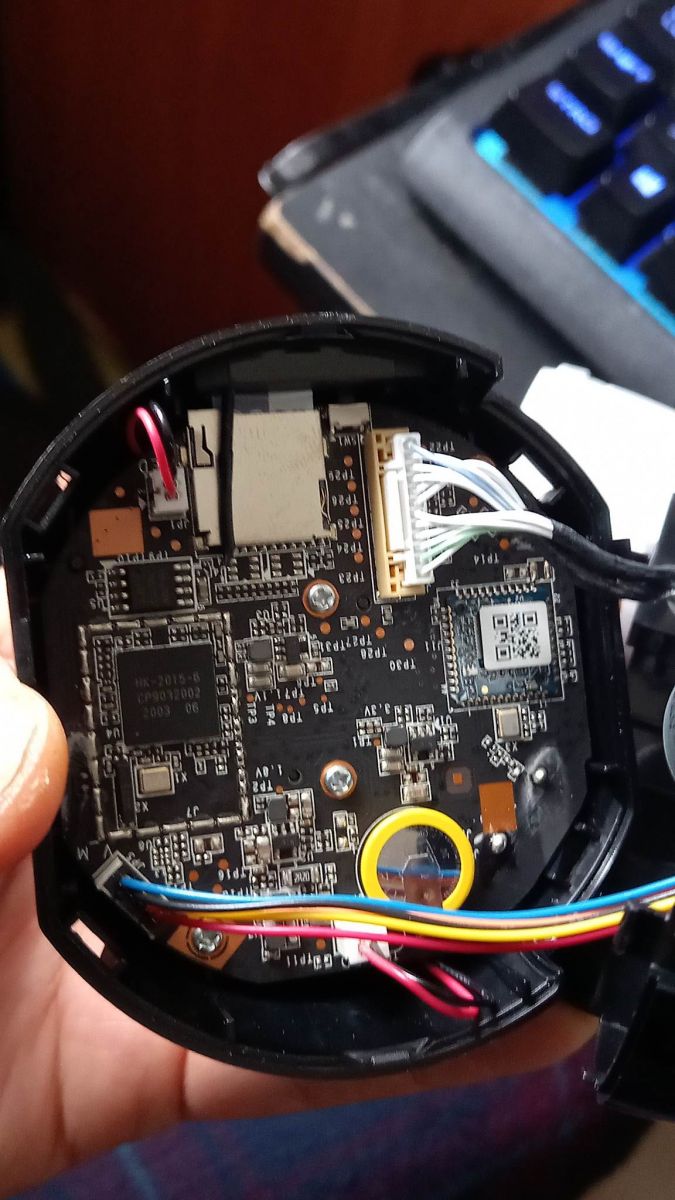
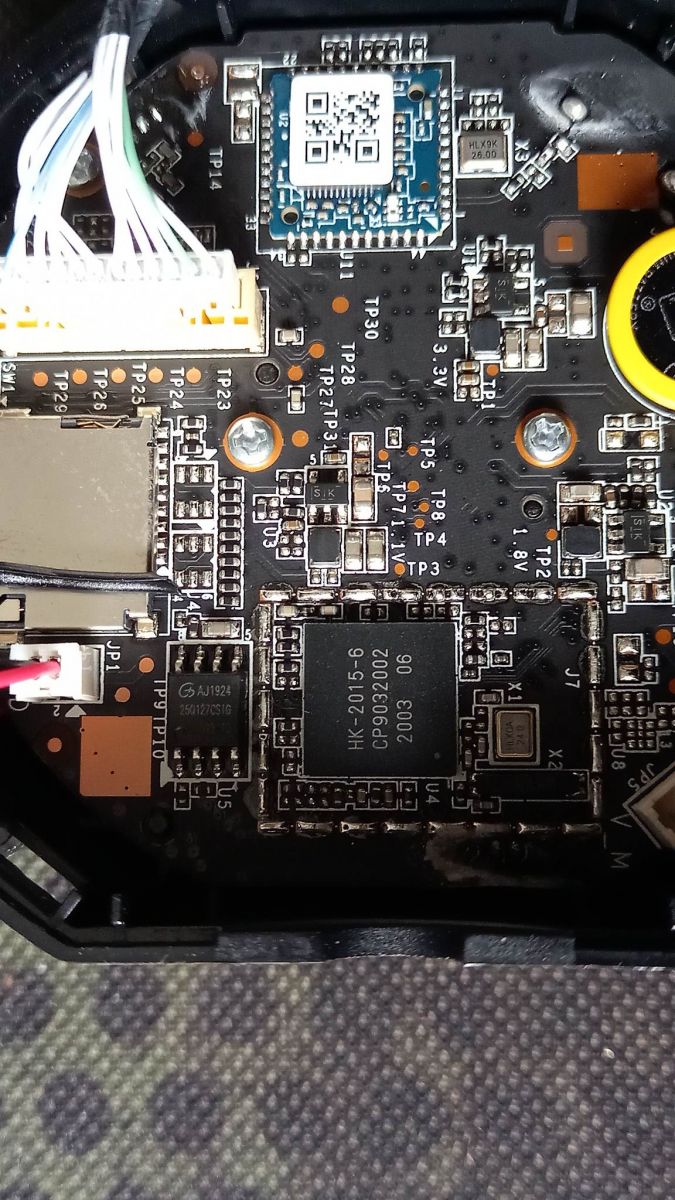
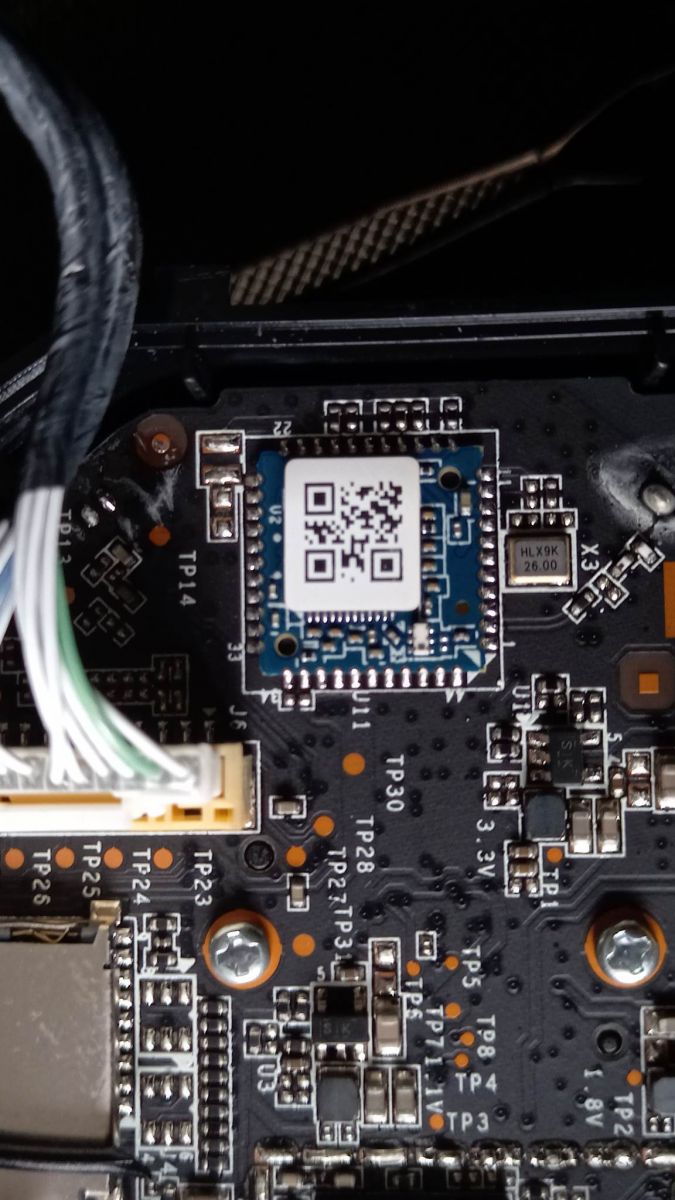
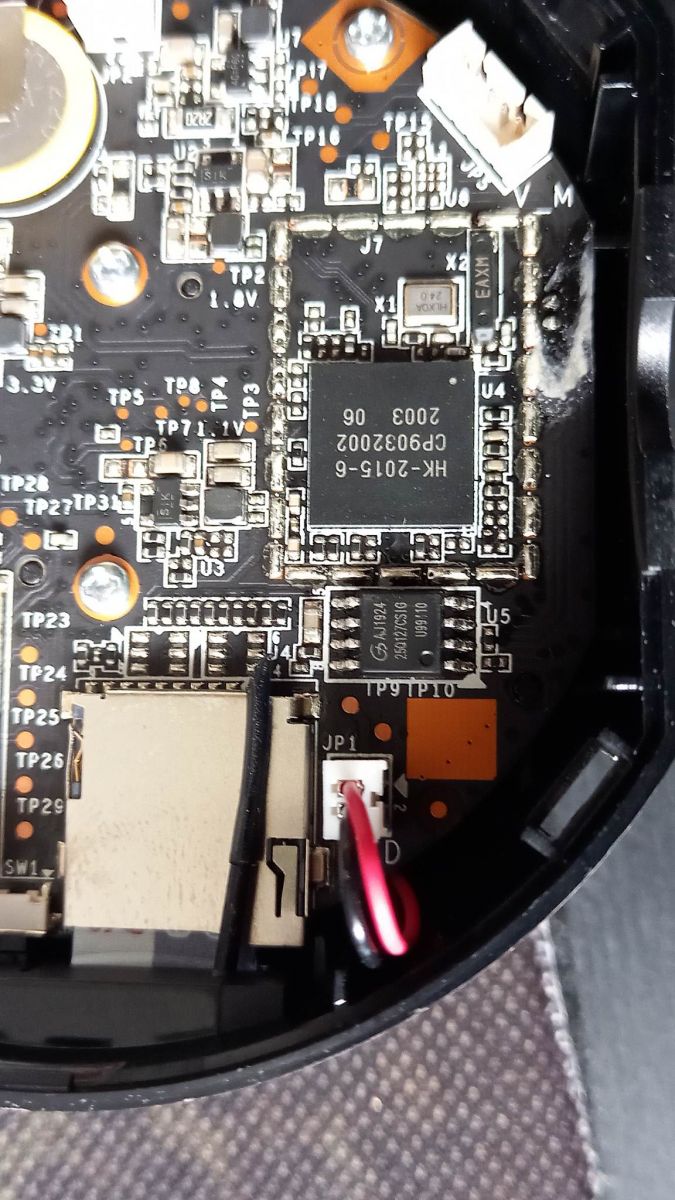
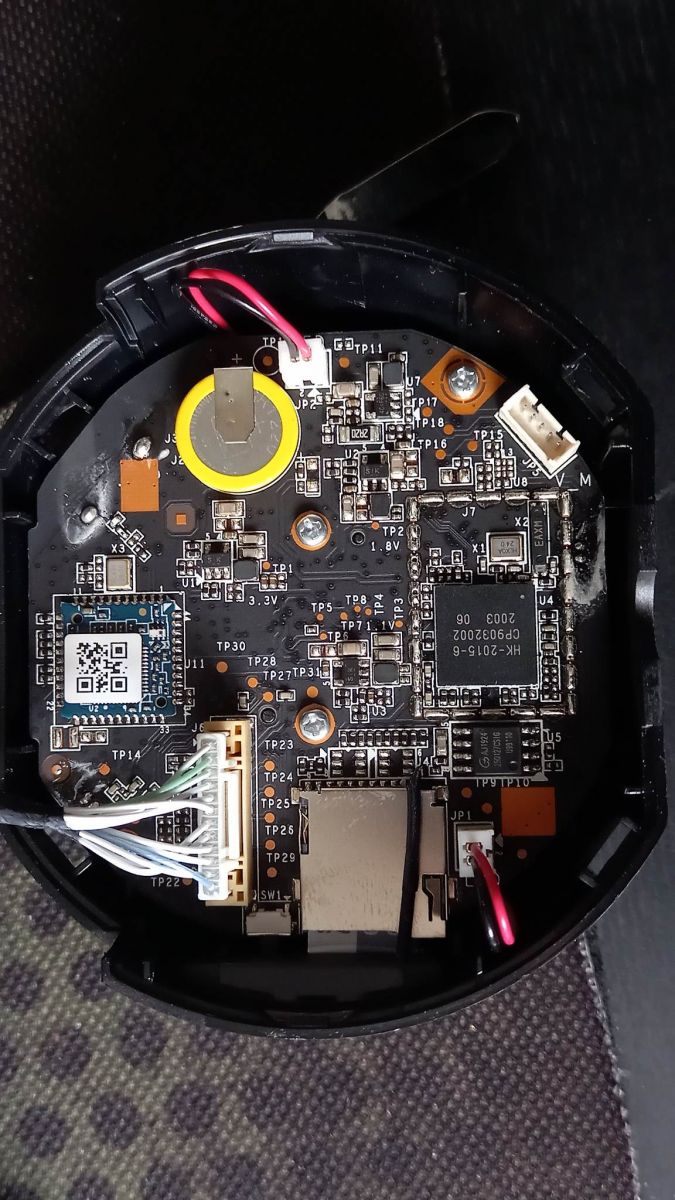
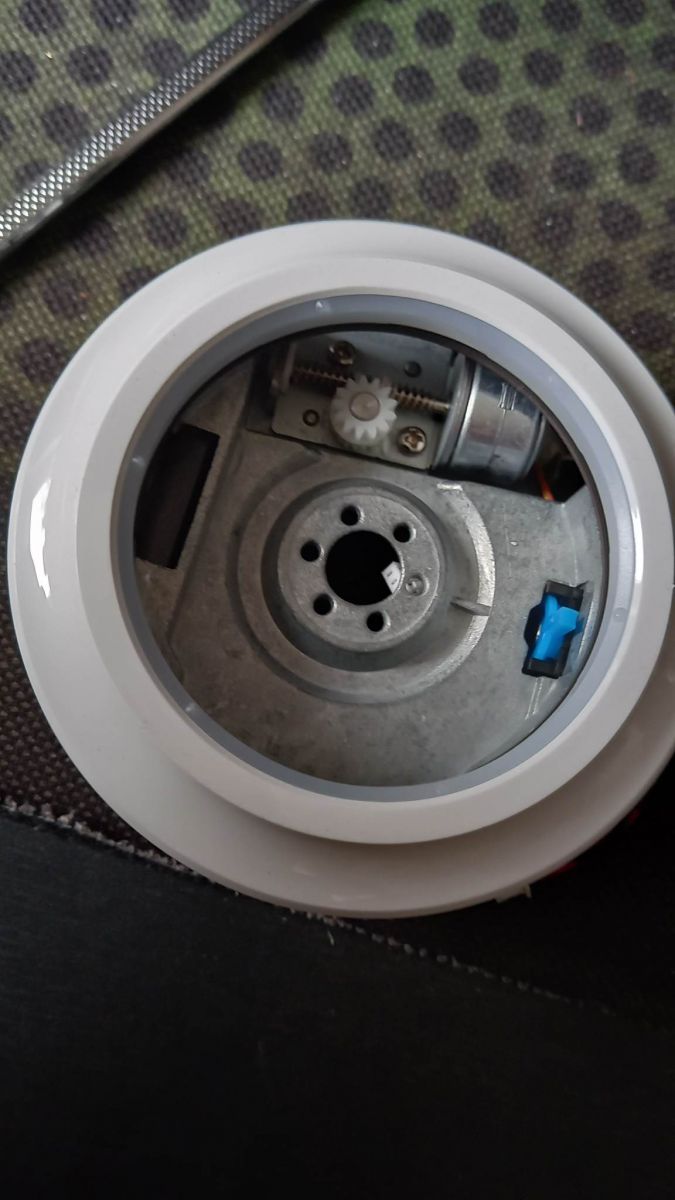
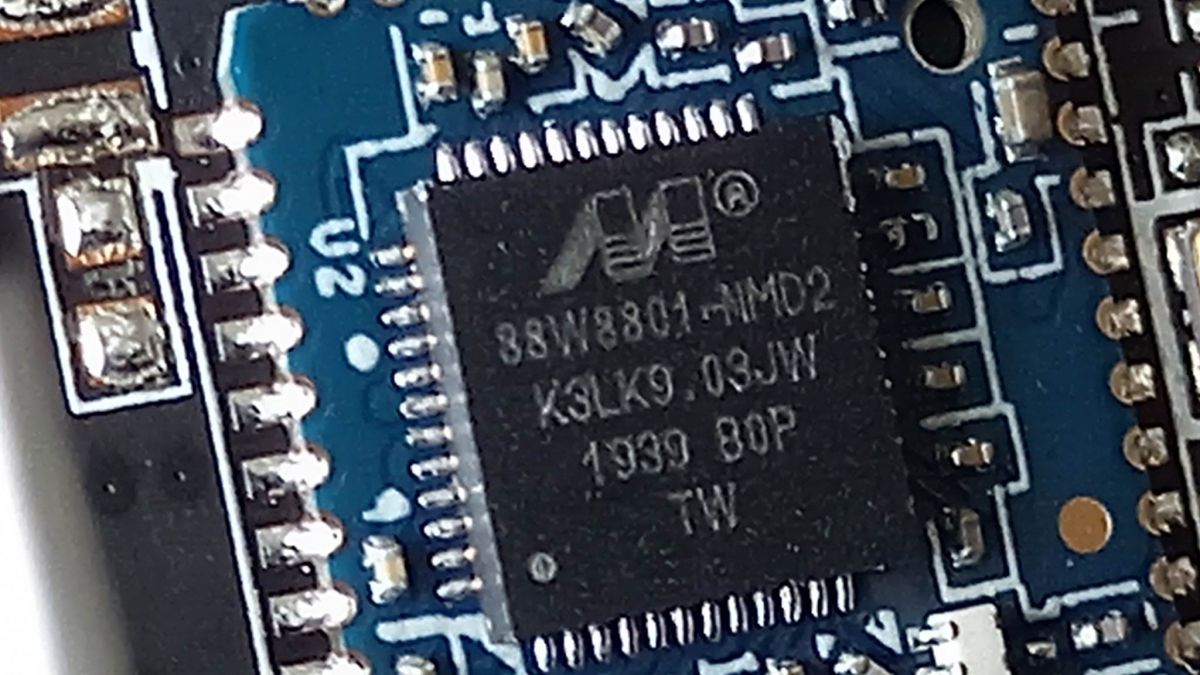
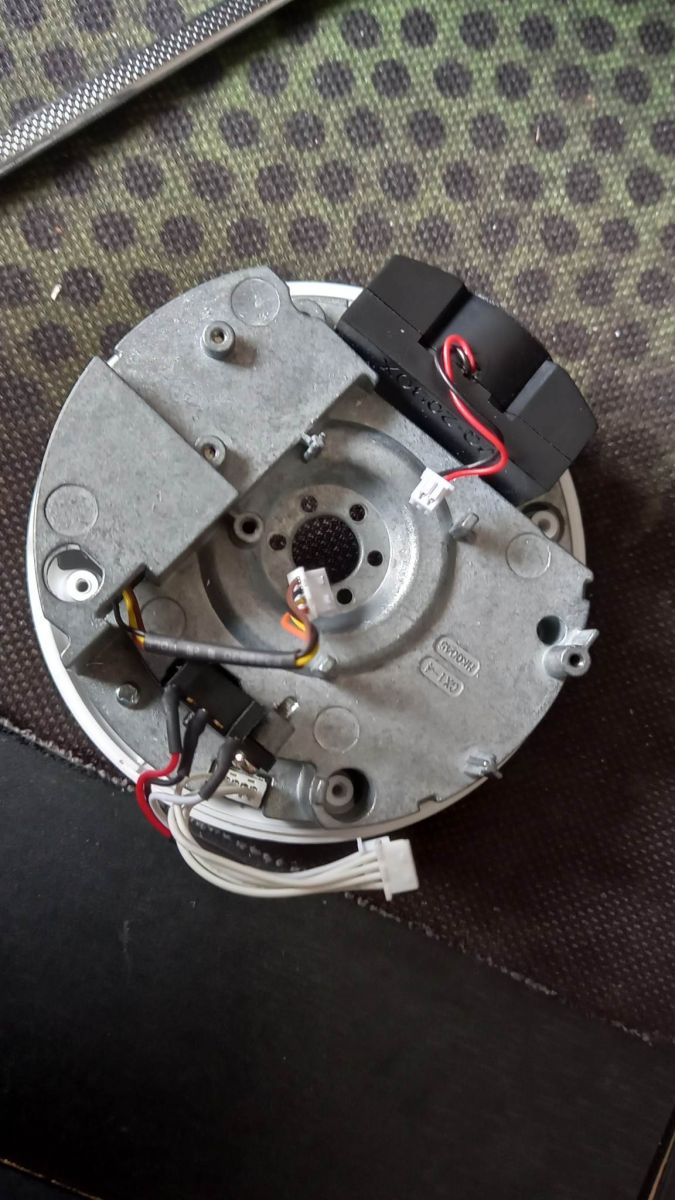
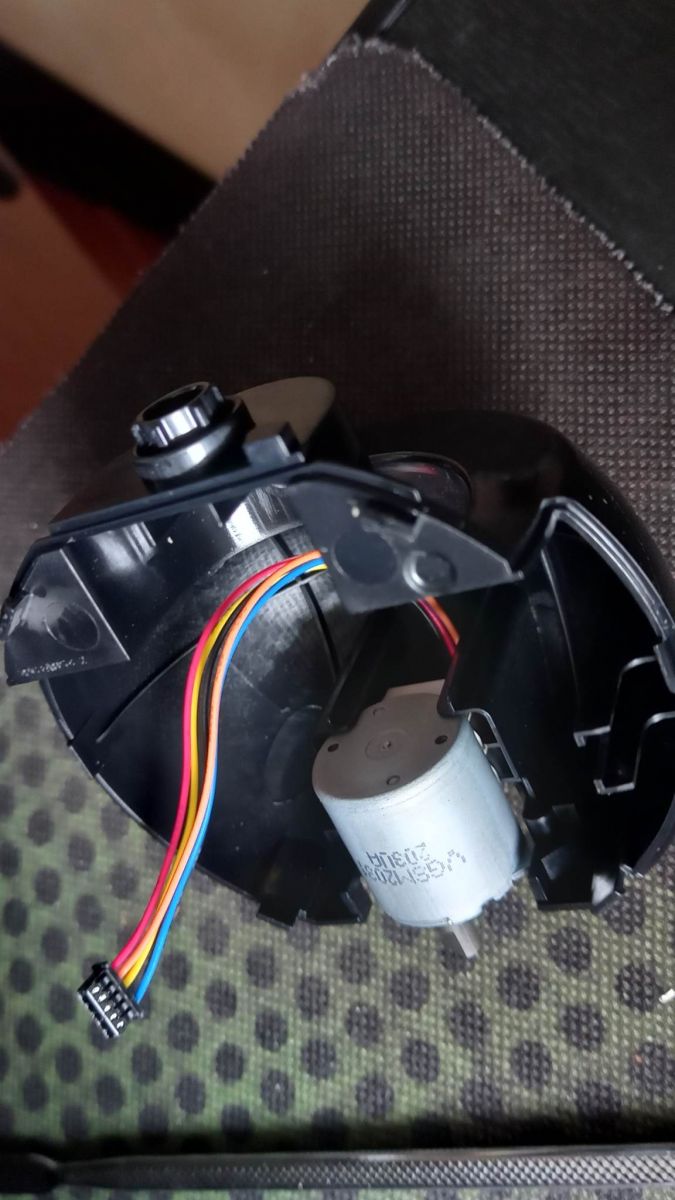
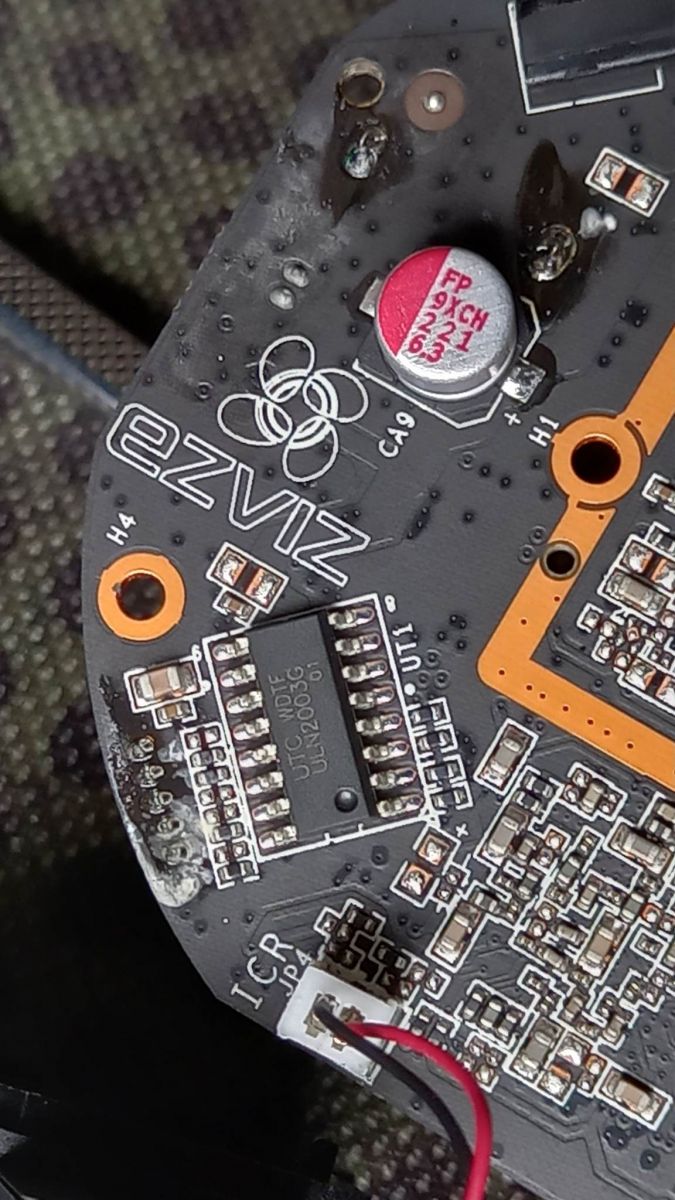
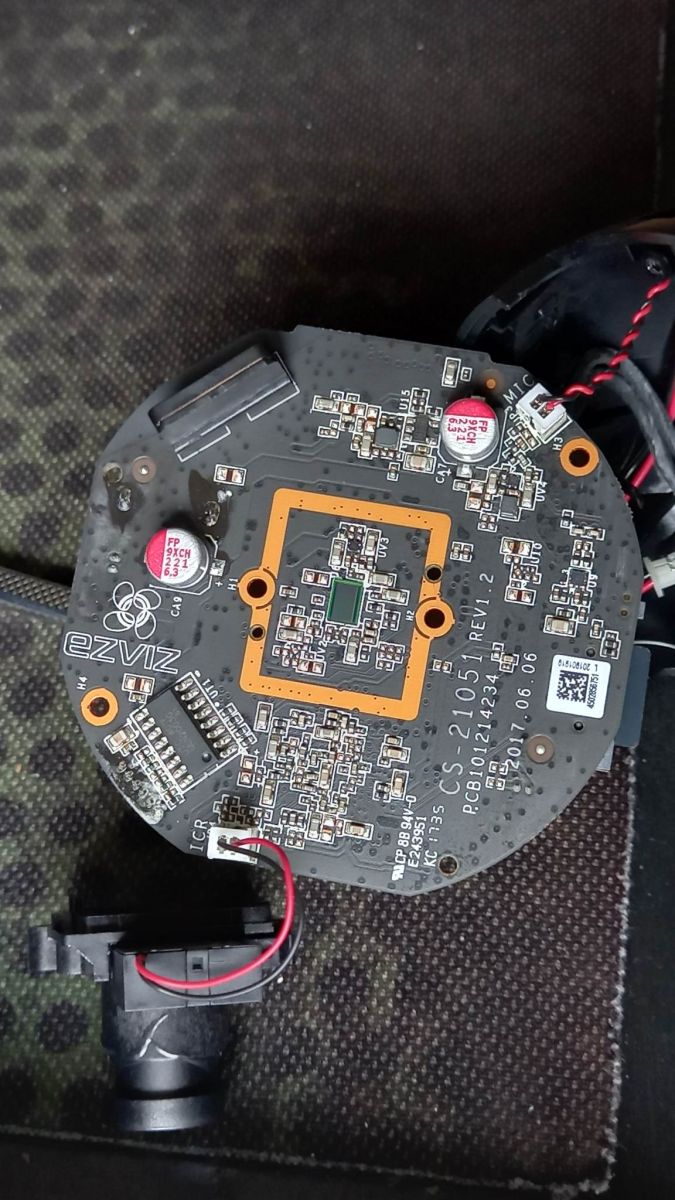
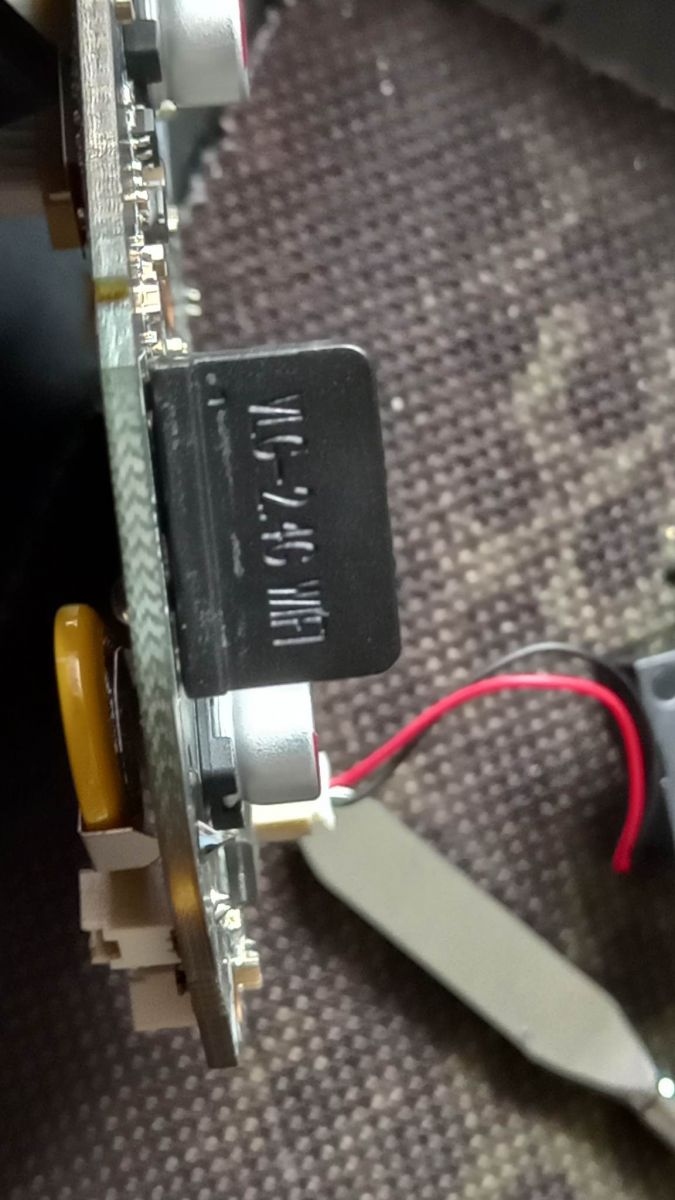
The Ezviz C6C contains an STM8S003F3P6 microcontroller and camera boards shown in teardown photos.
"STM8S003F3 is an 8-bit microcontroller that handles embedded control tasks, with 16 MHz clocking, 8 KB flash, 128 B EEPROM, 10-bit ADC, UART, SPI, and I²C interfaces." Other circuits were photographed, but no alternative firmware was available at teardown time.
[#20552587]
How can RTSP be enabled again on an Ezviz camera after a firmware update disables the stream by default?
Enable RTSP again inside the original Ezviz app while the phone and camera share the same local network. The RTSP option sits in local camera settings. Firmware updates can disable the stream by default. The option is hidden, and offline mode does not expose those settings in the app. One user warned: if RTSP matters, skip Ezviz firmware updates.
[#20553250]
Why do some Ezviz C6C cameras lose their settings after a power cut, even when the 3.3 V battery still measures correctly?
Two Ezviz cameras reportedly stopped retaining settings after about 1 year, even though the 3.3 V battery measured correctly. The thread does not identify a confirmed component fault. The verified failure mode is clear: after power loss, the cameras need reconfiguration. That makes unattended installations risky, even when the backup battery voltage looks normal during teardown.
[#20553250]
What is RTSP and how is it used to view an IP camera stream on port 554?
RTSP provides the local video stream path used by this Ezviz C6C on port 554.
"RTSP is a streaming control protocol that lets a client request live IP-camera video, commonly using a network URL and a dedicated service port such as 554." In this thread, RTSP matters because updates may turn it off, pushing users toward cloud or memory-card recording.
[#20552929]
What is the Hikvision protocol on port 8000 and how does it relate to Ezviz cameras?
The Ezviz C6C works through Hikvision protocol on port 8000 because Ezviz is tied to the Hikvision ecosystem.
"Hikvision protocol is a proprietary camera-control and video-access protocol that NVRs and client apps use over TCP, with port 8000 commonly used for device communication." The teardown author wanted a way to control the camera and download streams through this port without cloud dependence.
[#20553250]
How does the Ezviz cloud proprietary protocol work compared with direct local RTSP or Hikvision protocol access?
Ezviz cloud uses a proprietary protocol, while RTSP 554 and Hikvision 8000 allow direct local access when enabled. In the thread, cloud access becomes the fallback when firmware hides or disables RTSP. Direct local access suits NVRs and closed LANs better. A forum reply explicitly described it as an “EZVIZ cloud proprietary protocol.”
[#20552882]
How can an Ezviz C6C camera be connected to an NVR with basic PTZ functions without relying on the Ezviz cloud?
Connect it as a Hikvision-protocol camera to an NVR and use TCP rather than the Ezviz cloud. The thread says cameras using Hikvision protocol should work with almost any NVR, including basic PTZ functions. Remote access still needs infrastructure: a fixed external IP or DynDNS. The cleaner result comes from a more branded recorder.
[#20553704]
What apps can be used to access Hikvision, Dahua, BCS, Xionmaitech, or Ezviz-compatible cameras over TCP instead of through the cloud?
Use the app matched to the recorder brand, but expect trial and error. The thread names DMSS for BCS or Dahua variants, BitVision for Hikvision devices, and ISS Mobile 1.5.7 for Xionmaitech/XAI chipsets. The key requirement is camera or NVR configuration through a web interface. Without web access, matching a TCP app has no guarantee.
[#20558431]
How can someone use two Ezviz cameras that are still bound to another account and only work in LAN mode?
The thread gives no verified method to unbind those two Ezviz cameras or restore full cloud mode. The reported state is specific: two Ezviz cameras remain bound to another account and work only in LAN mode. For independent use, test local RTSP or Hikvision access inside the same network before relying on them for recording.
[#20556121]
How can a Xiaomi Mi Home Security Camera 360 PTZ 2K Pro stream be used in Home Assistant?
The thread says it cannot be used directly and needs alternative firmware or cloud use. The Xiaomi model named is Mi Home Security Camera 360 PTZ 2K Pro. No working Home Assistant stream URL appears in the discussion. The concrete advice given was short: “You can’t,” unless you use alternative software or the cloud path.
[#20557100]
What alternative firmware options such as OpenIPC are available for cheap IP cameras, and which chipsets are supported?
OpenIPC appears as the named alternative firmware path, especially for cheap cameras with suitable chipsets. The thread later highlights Ingenic T21 and T31 cameras because they expose ONVIF by default and have SDK availability.
"OpenIPC is alternative firmware for IP cameras that can replace vendor software, enabling local control when the hardware chipset and boot path are supported." [#20773129]
Ezviz C6C vs cheap Ingenic T21/T31 ONVIF cameras — which is better for local network recording without cloud dependence?
Cheap Ingenic T21/T31 ONVIF cameras look better for cloud-free local recording in this thread. They expose ONVIF by default and have OpenIPC potential. The Ezviz C6C offers RTSP 554 and Hikvision 8000, but firmware updates may disable RTSP. Cost also favors Ingenic: T21 models were about 60–70 PLN, while a T31 dual-lens PTZ clone cost about 110 PLN.
[#20773129]
How can Wireshark be used to inspect cloud camera traffic and investigate whether a local stream can be accessed directly?
Use Wireshark to capture camera packets, then inspect domains, certificates, and protocol behavior. The thread frames this as a CTF-style research task, not a guaranteed method. A user planned to test whether certificates could be tricked or whether the cloud protocol had a weak implementation. This is exploratory traffic analysis, not a confirmed Ezviz bypass.
[#20579908]
What are ONVIF, DynDNS, DHCP reservation, and fixed external IP in the context of setting up IP cameras and NVR access?
ONVIF enables standards-based camera discovery and NVR integration; DynDNS maps changing IPs to a name. DHCP reservation fixes a camera’s local IPv4 address by MAC. A fixed external IP gives stable remote access to an NVR. The thread also notes closed networks can reserve IPv4 addresses and omit an upstream gateway for isolation.
[#20577885]
AI summary based on the discussion. May contain errors.






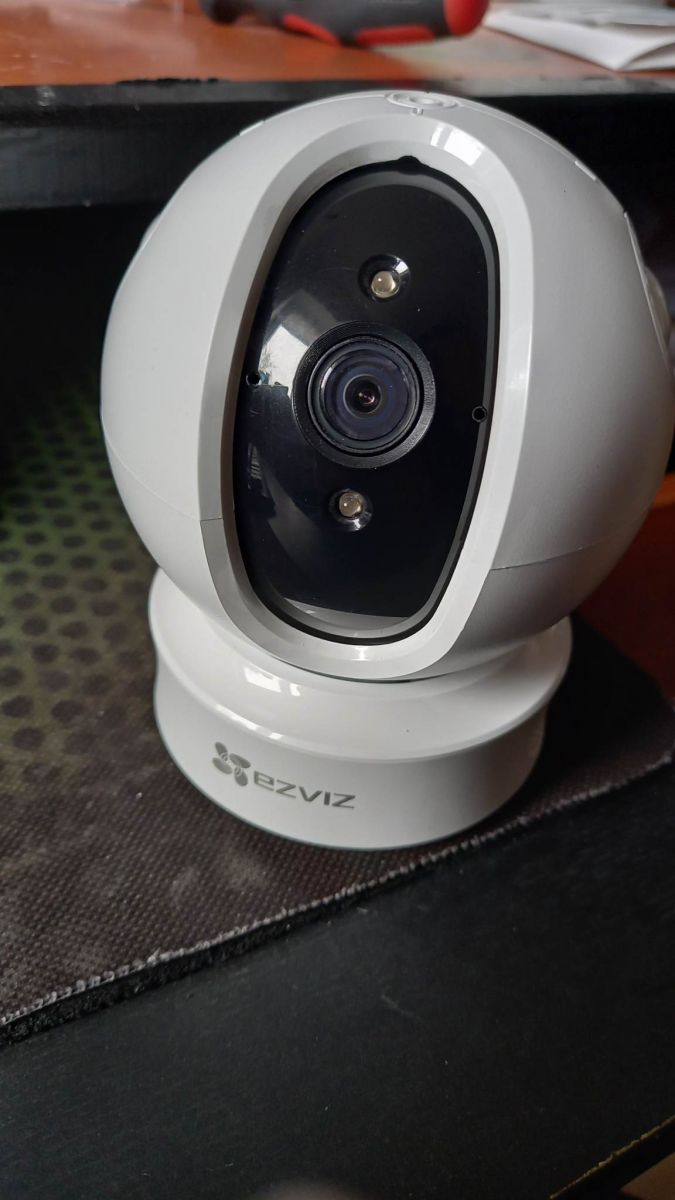
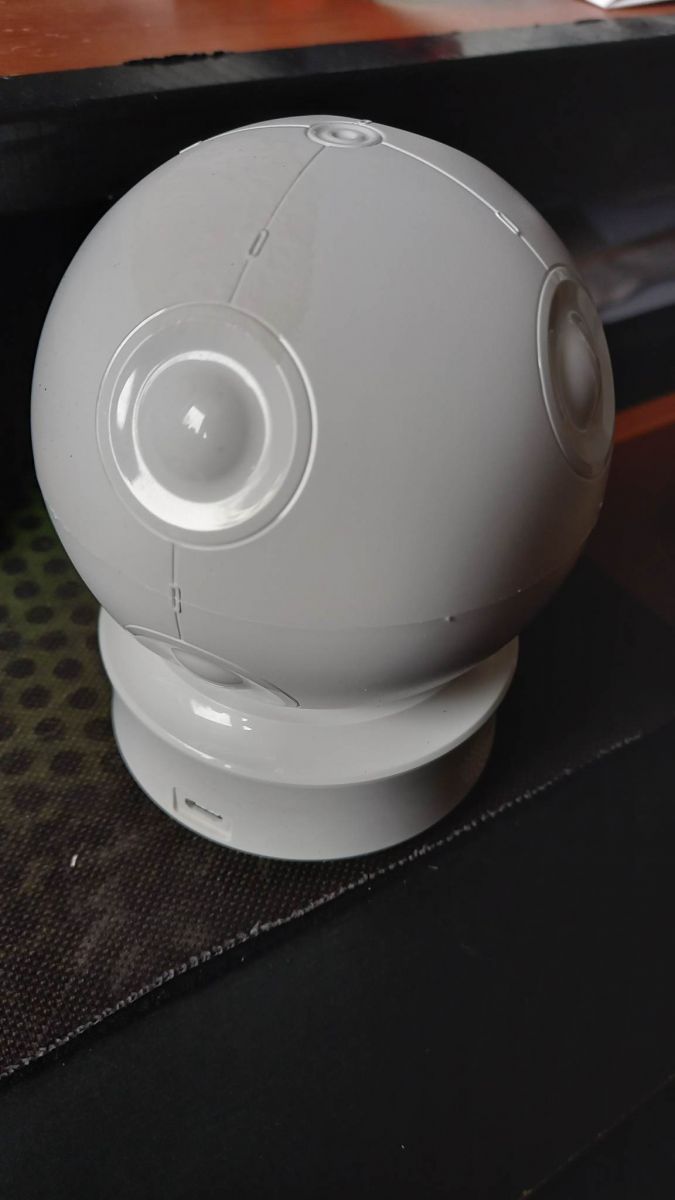
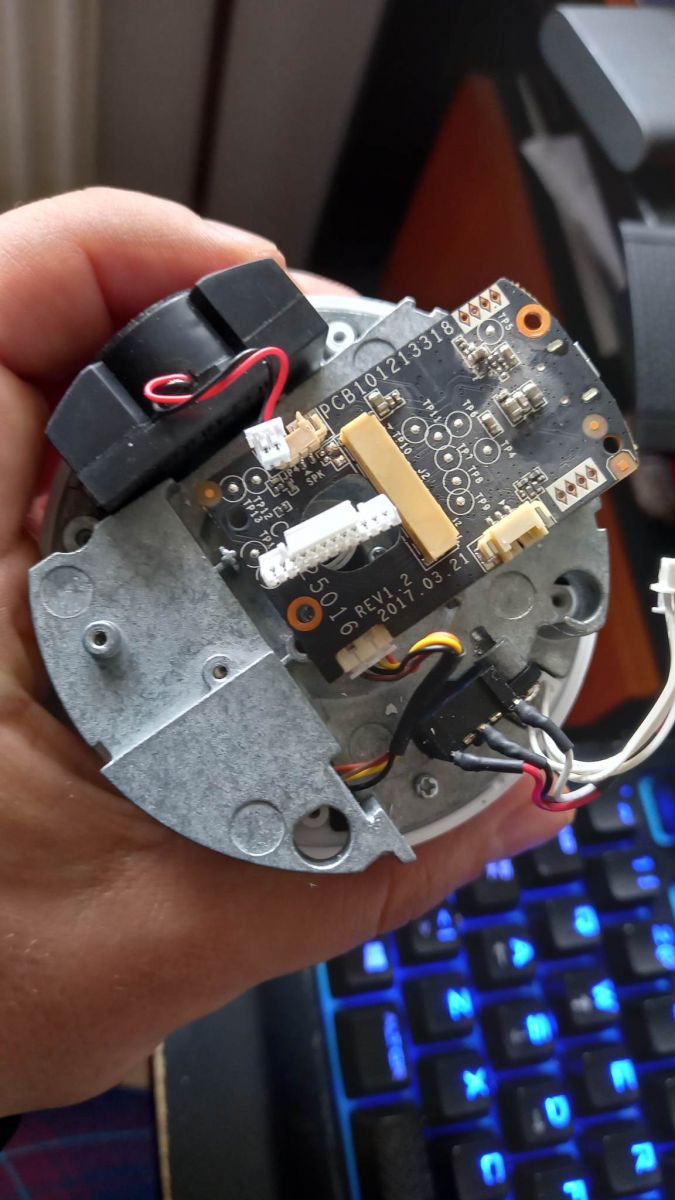
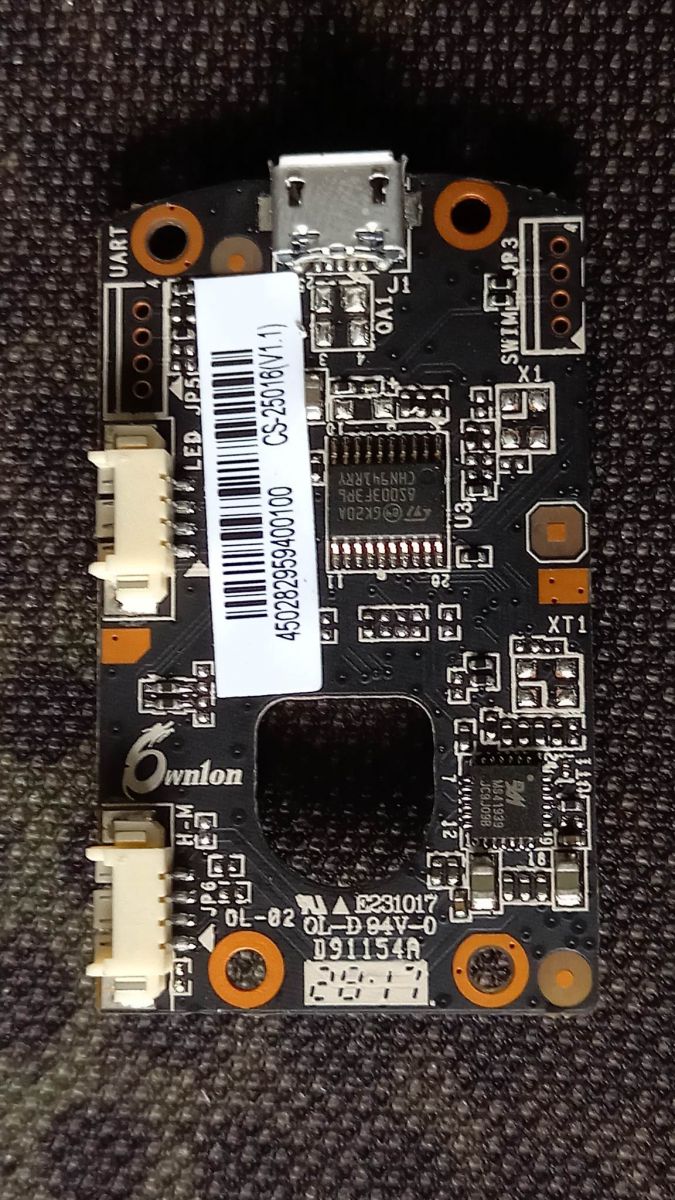
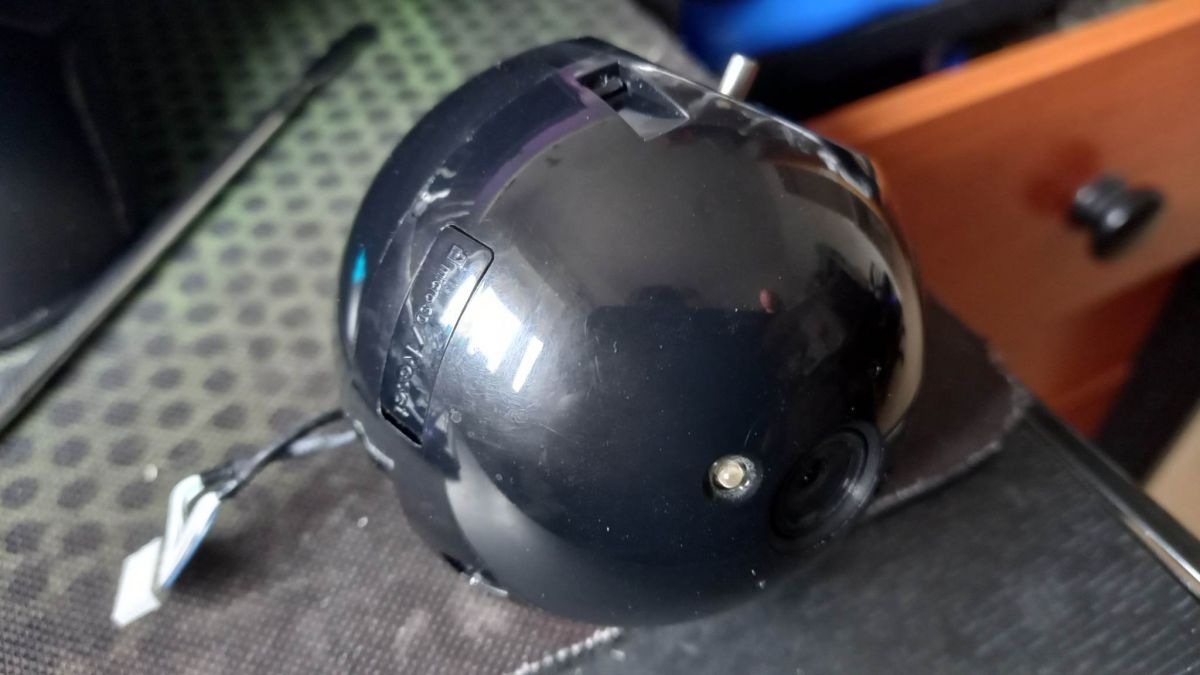
Comments
Thanks for showing the inside. The camera is very cheap, only PLN 160. Does it send any data to an external cloud? Can you just connect to Hikvision cameras? [Read more]
Manufacturer's website (in Polish): https://www.ezviz.com/pl/product/c6c-ez360/1254 EZVIZ cloud proprietary protocol Added after 6 [minutes]: EZViZ is a brand of Hikvision, and Hikvision: ... [Read more]
Hi In addition, in recent camera firmware updates, EZVIZ began to mess with the RTSP stream, turning off the stream by default, thus "encouraging" users to use the cloud or memory cards to record events.... [Read more]
The advantage of cameras is that they are cheap. The downside is that after about a year, the two cameras do not keep the settings and after the power is cut off, they need to be reconfigured. I did not... [Read more]
Maybe a little off the topic of changing the firmware, but since the camera works on the HikVision protocol, it will work with almost any NVR (including basic PTZ functions), and this can usually be forced... [Read more]
I have a whole box of IP cameras, I'm counting on projects in the style https://github.com/OpenIPC/firmware because all these cloud freaks are the same problems, not to mention security. [Read more]
I do not know about this model, but I once had the misfortune of configuring another camera-like product from the land of rice, no www, no possibility to connect the application via LAN, preview only via... [Read more]
Hello i have two ezviz camera ,they are not unbind from account. works only in lan mode . Can i use in other mode ? [Read more]
I recently bought a similar XIAOMI Mi Home Security Camera 360 PTZ 2K Pro. How to take strim from it because I want to use it in Home Assistant. [Read more]
You can't, you need to look for alternative software. Or ride through the clouds. [Read more]
Can a friend recommend such an app? [Read more]
Adult registrars have a dedicated app, but personalized for a specific company; for example, in the case of BCS, Dahuy, these are different types of DMSS, HikVision devices have the BitVision app, personally... [Read more]
Can you tell me more about alternative software? [Read more]
It's a pity that in these cameras Ezviz does not go to set presets. [Read more]
Maybe someone will make a list of cheap outdoor IP cameras and PTZ, which can be technically configured inside the local network without external clouds and unreliable applications? This would greatly... [Read more]
How is access to a stream blocked? If strim goes through the cloud how does it work? [Read more]
When it comes to the smart IP cameras themselves, there is no blockage here. Normally, the camera's API architecture is client-based and connects to the domain name through which access to stream,... [Read more]
How can you take over strim to the cloud to view the image directly in the local network? [Read more]
This is a river topic dedicated to those who sit at CTFs. When I get such a camera, I will use wireshark to examine the packets and maybe I can somehow cheat certificates or find some very lame implementation... [Read more]