logo elektroda
logo elektroda
X
logo elektroda

[ESP8285] SE831L intelligent garage door controller - interior, analysis

p.kaczmarek2  13 3828 Cool? (+7)
📢 Listen (AI):

TL;DR

  • Analyzes the SE831L/GD-DC5 WiFi garage door controller sold as Sonoff eWelink, focusing on the ESP8285-based interior and firmware replacement path.
  • The PCB combines an ESP8285, an AMS1117-3.3V regulator, and a separate STC15W104 8051 MCU, while GPIO0 is wired to the button and RX/TX remain accessible.
  • The set cost about PLN 73 and takes 5V from USB, which is stepped down to 3.3V for the ESP8285.
  • Tasmota flashing works with esptool.py, and desoldering the extra MCU frees the ESP8285 GPIOs for custom Tasmota or Home Assistant use.
Generated by the language model.

I will present here a short analysis of the interior and the firmware change of the WiFi SE831L/GD-DC5 garage door controller advertised as Sonoff eWelink. As a standard, I will free it from the cloud, give the procedure for changing its firmware and configurations of its GPIO. This time the discussed driver will be based on ESP, so there will be a little change from what I usually show. I showed the driver based on BK7231 some time ago in the topic WiFi garage gate controller, Smart Garage Opener Tuya - Home Assistant , there I also provided an example YAML configuration for HA, I will not repeat it here.

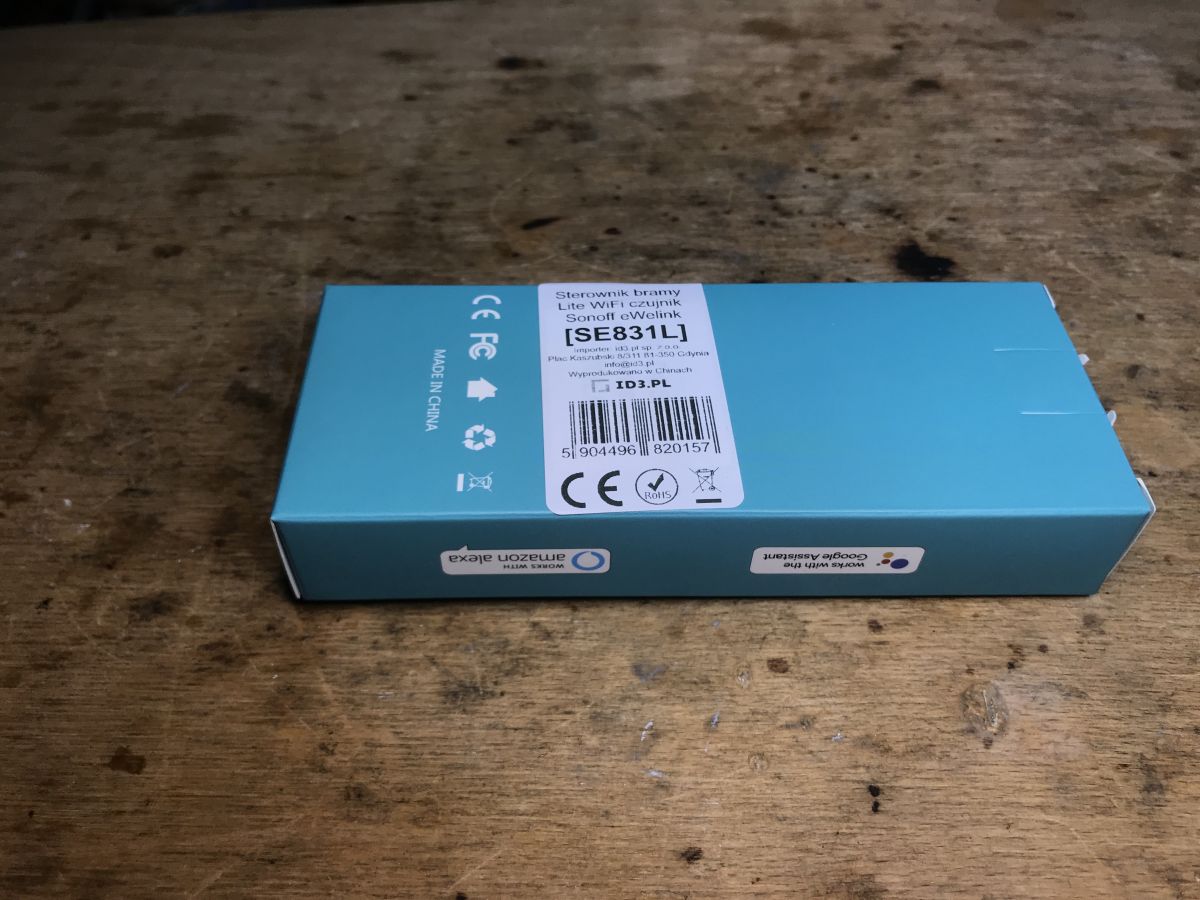
Purchase of the ECN SN kit
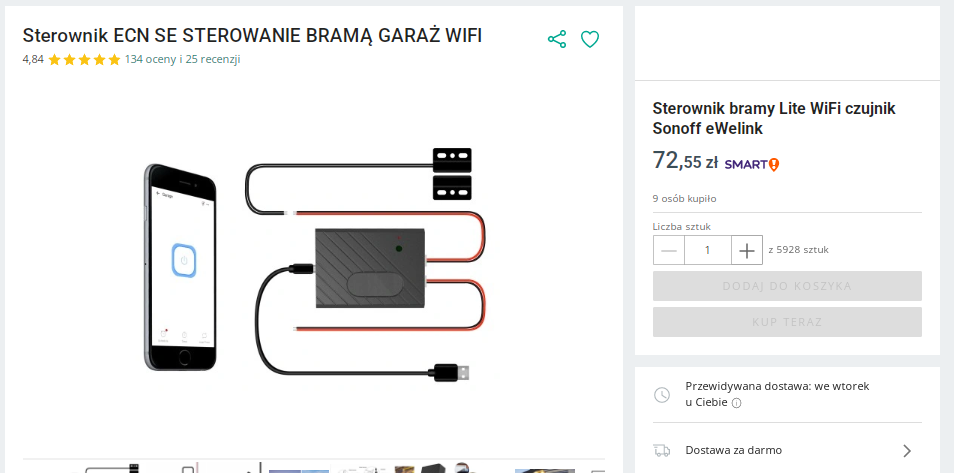
The set was bought on a Polish auction site for about PLN 73:
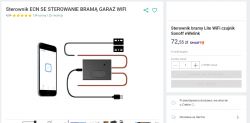
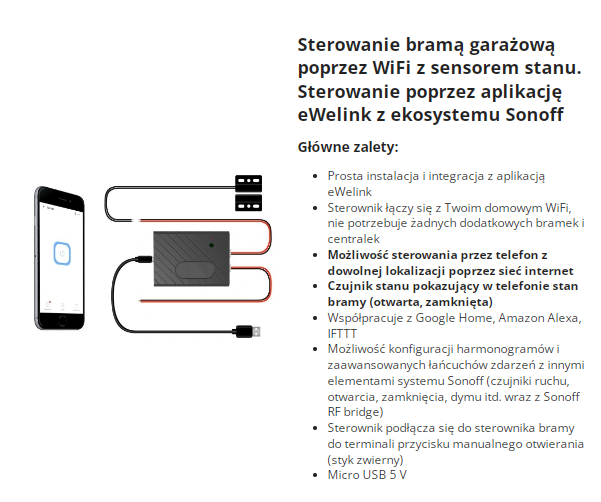
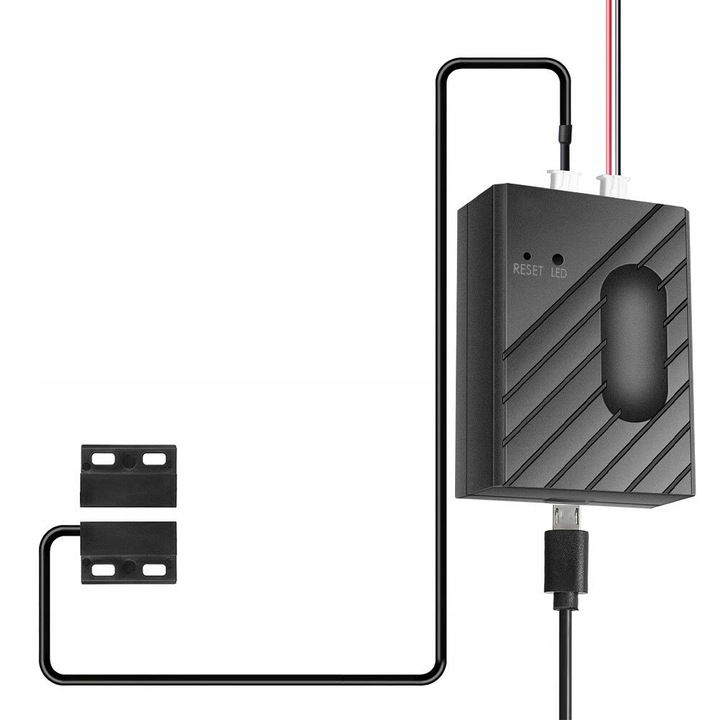
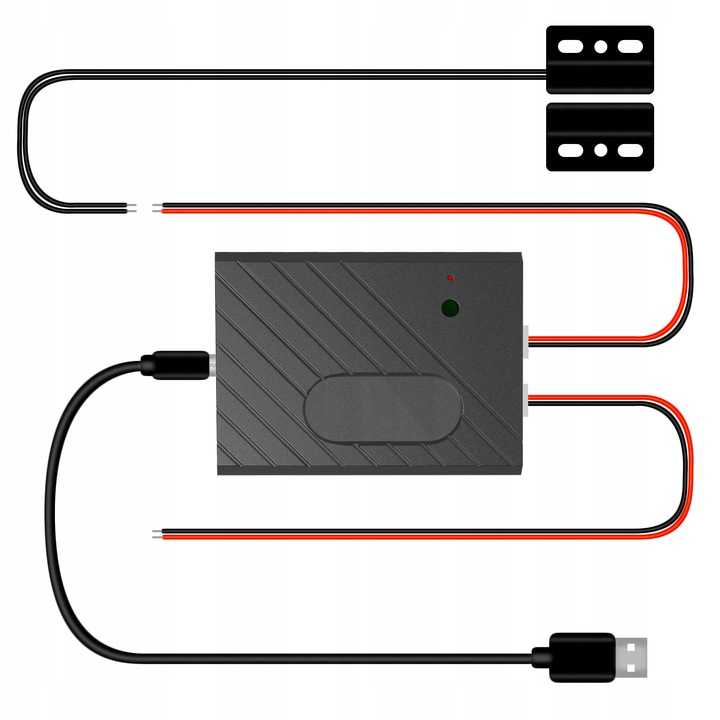
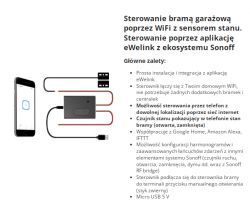
Let's take a look at its description so you know what kind of product it is:
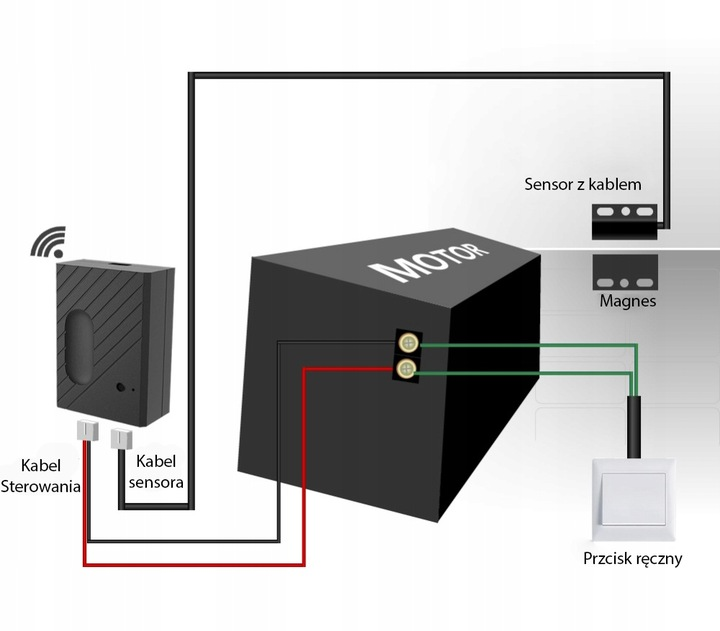
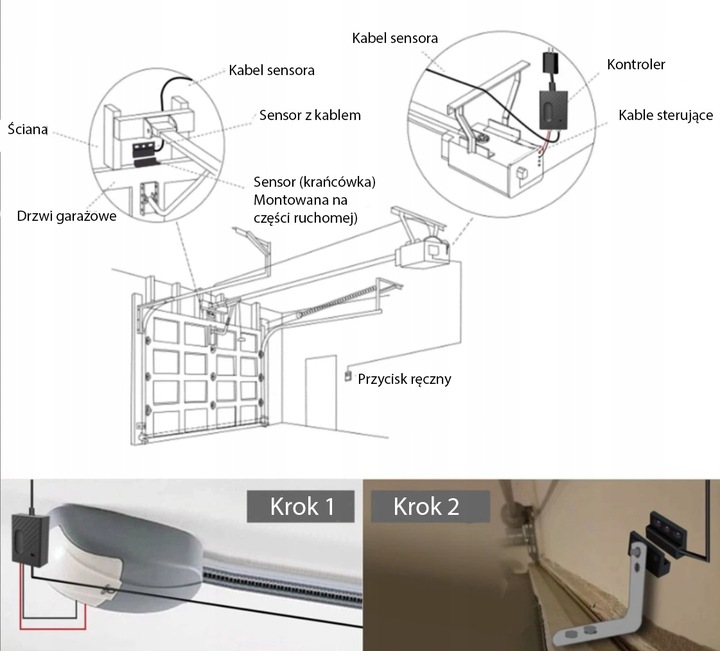
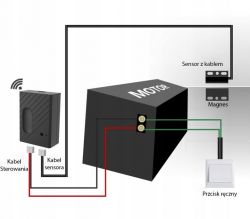
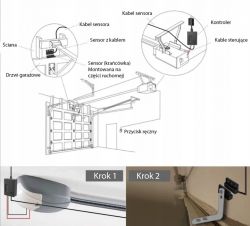
Assembly instructions:
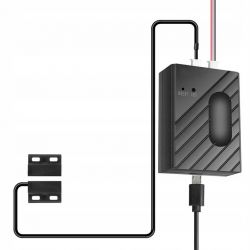
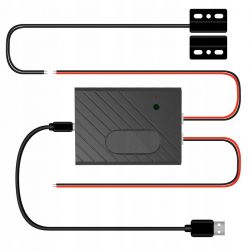


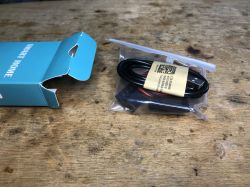
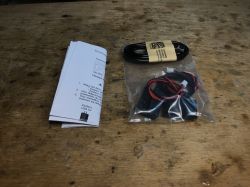
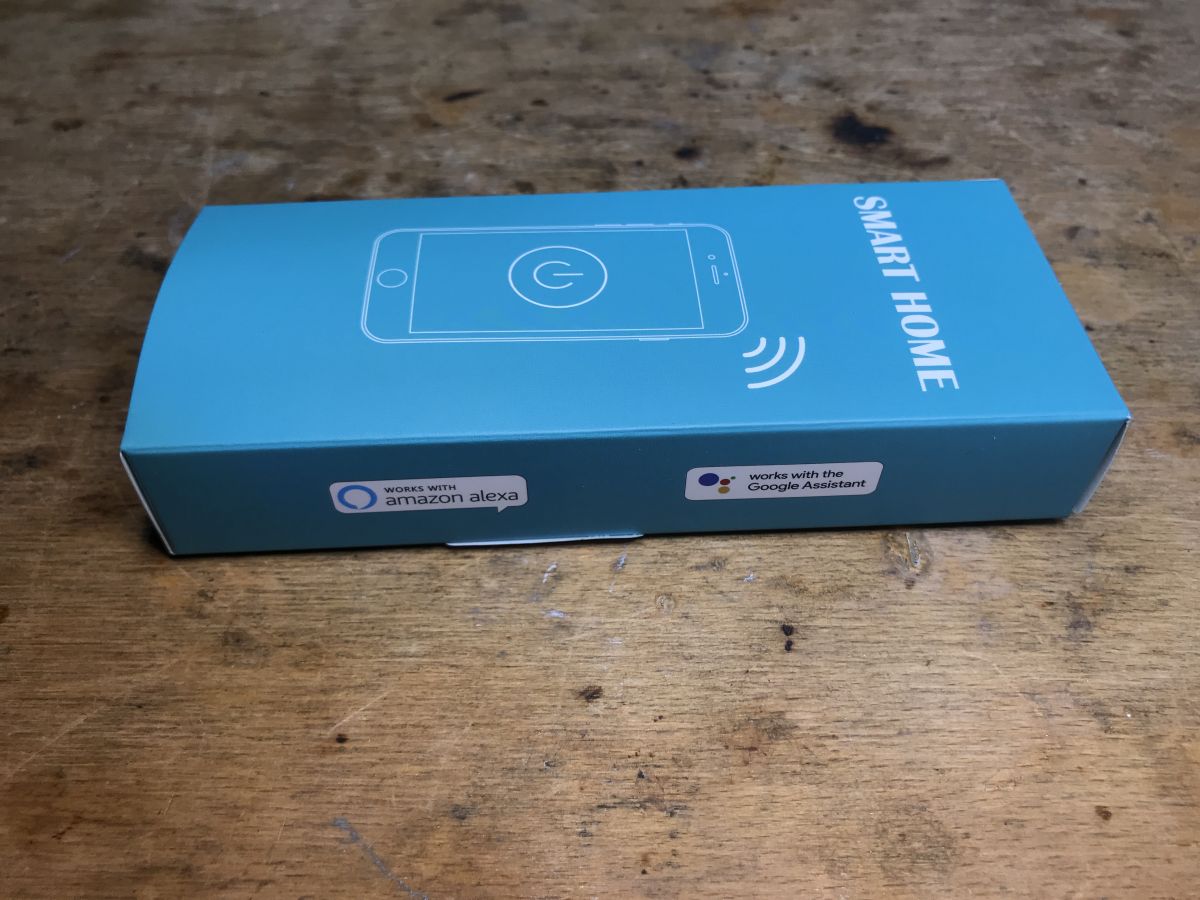
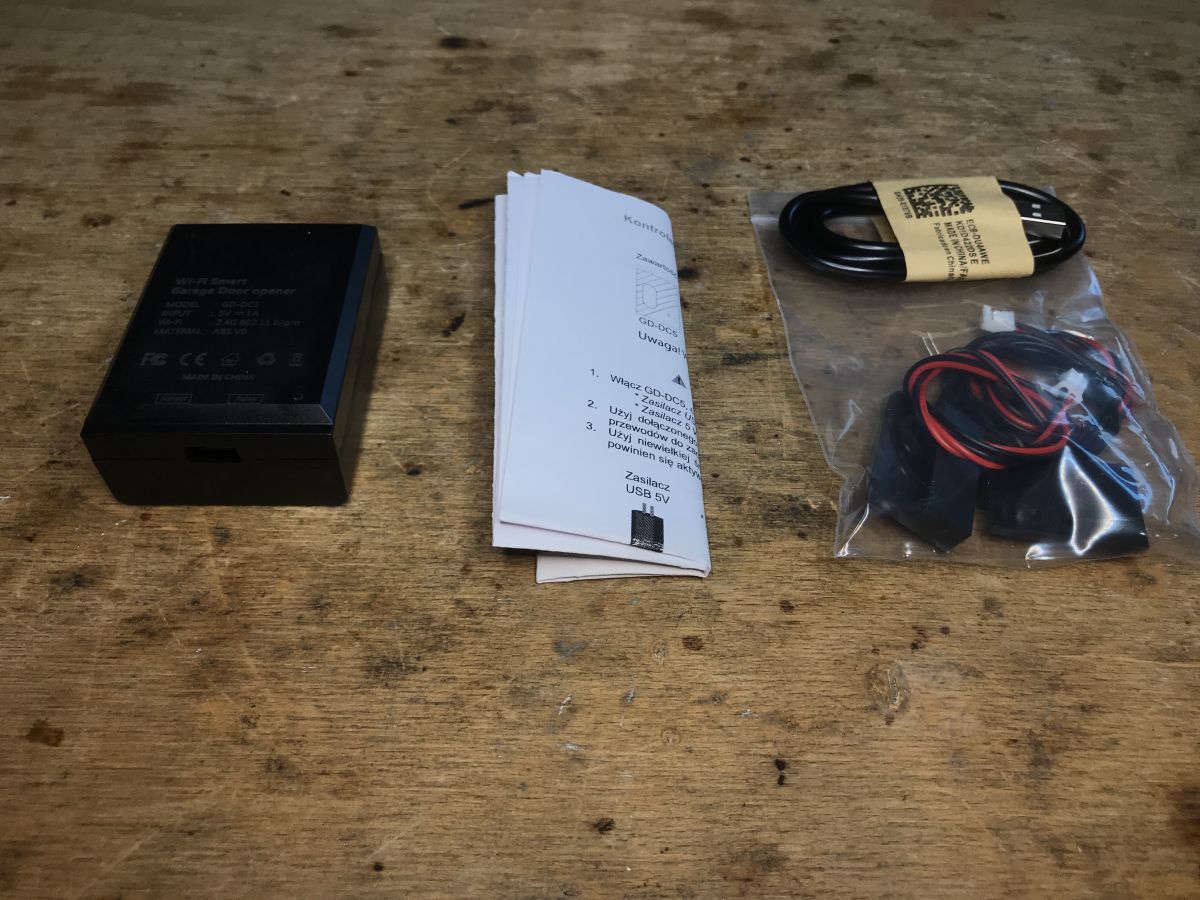
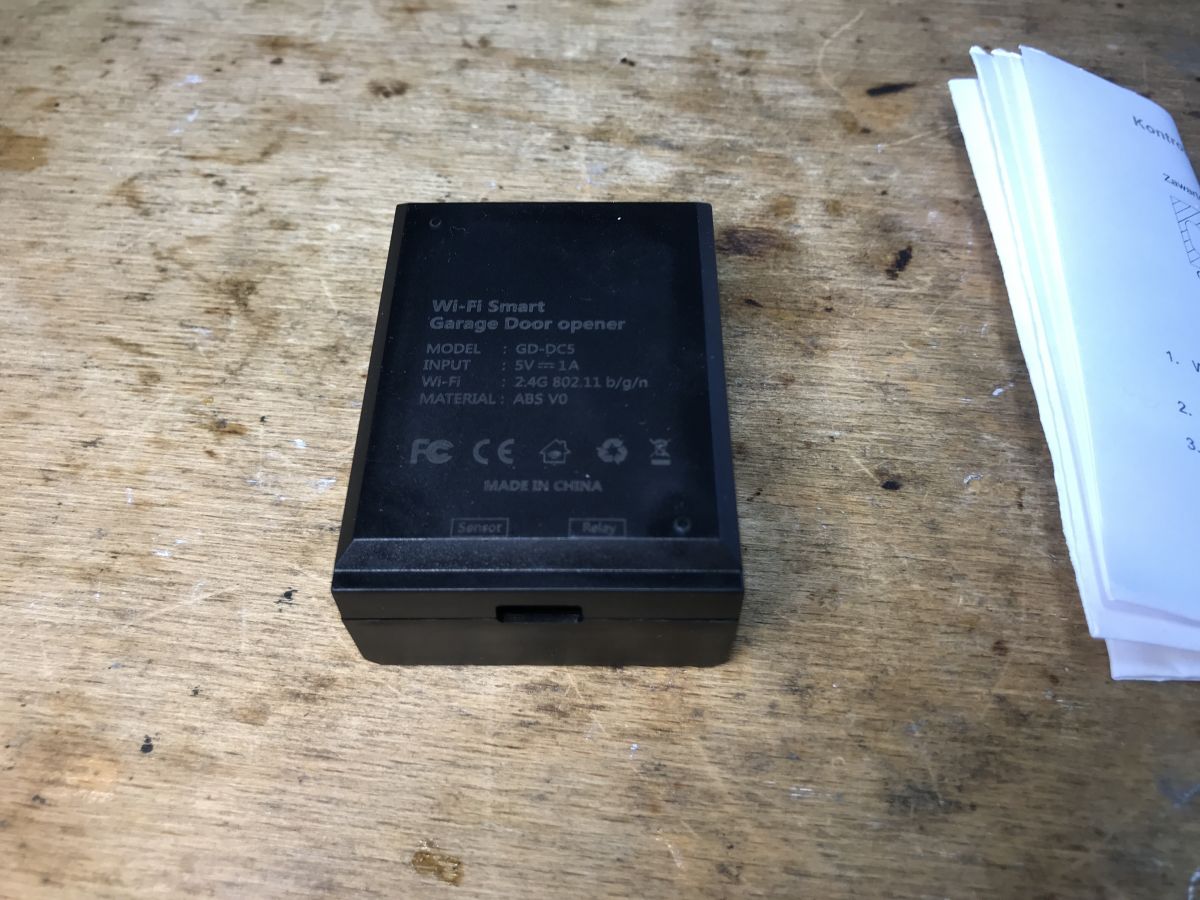
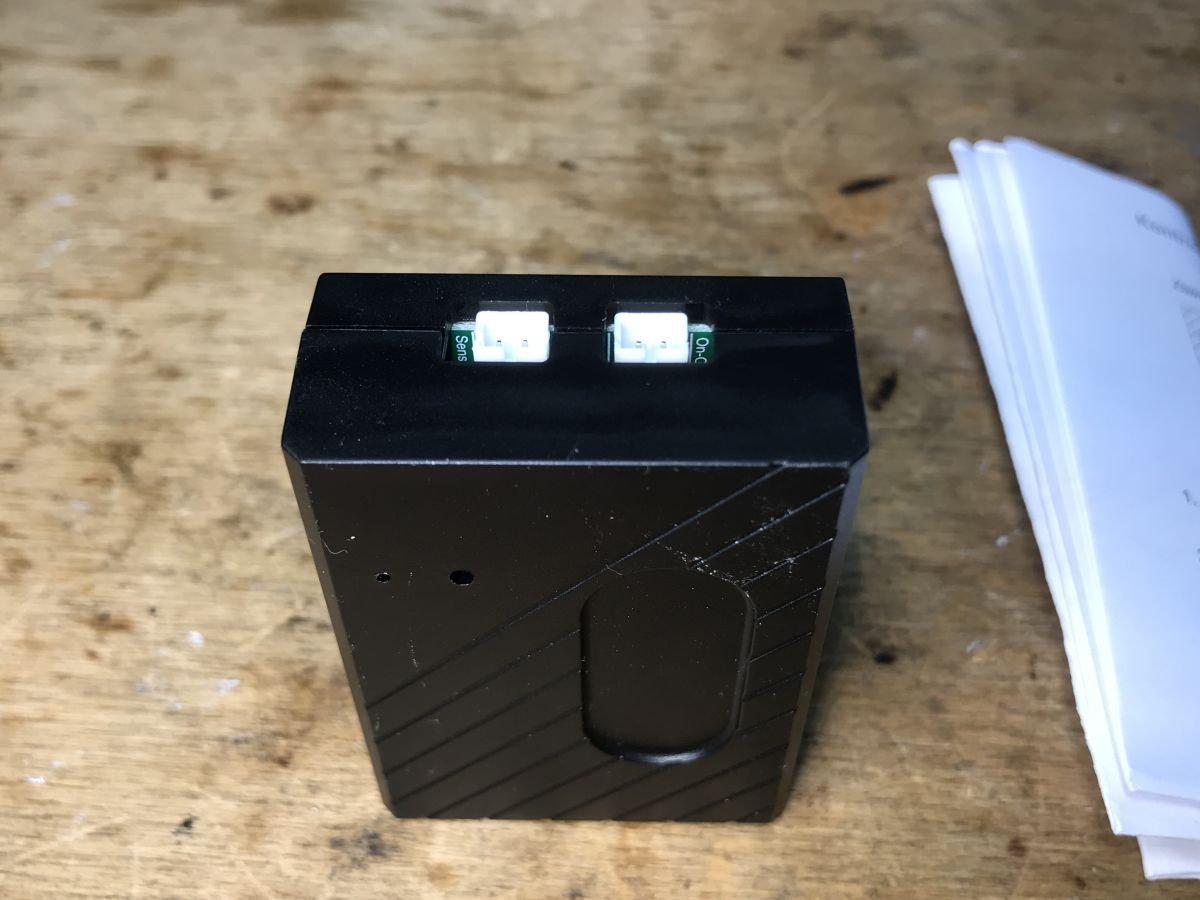
Received set
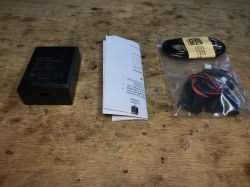
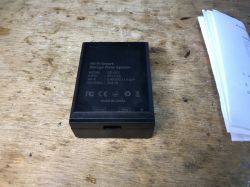
Let's see what we get in practice:
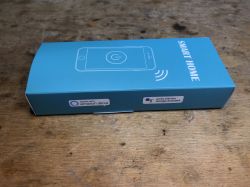
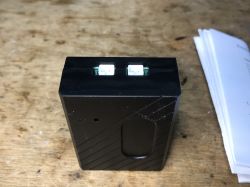
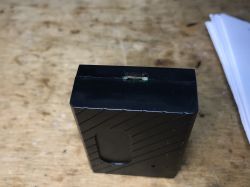
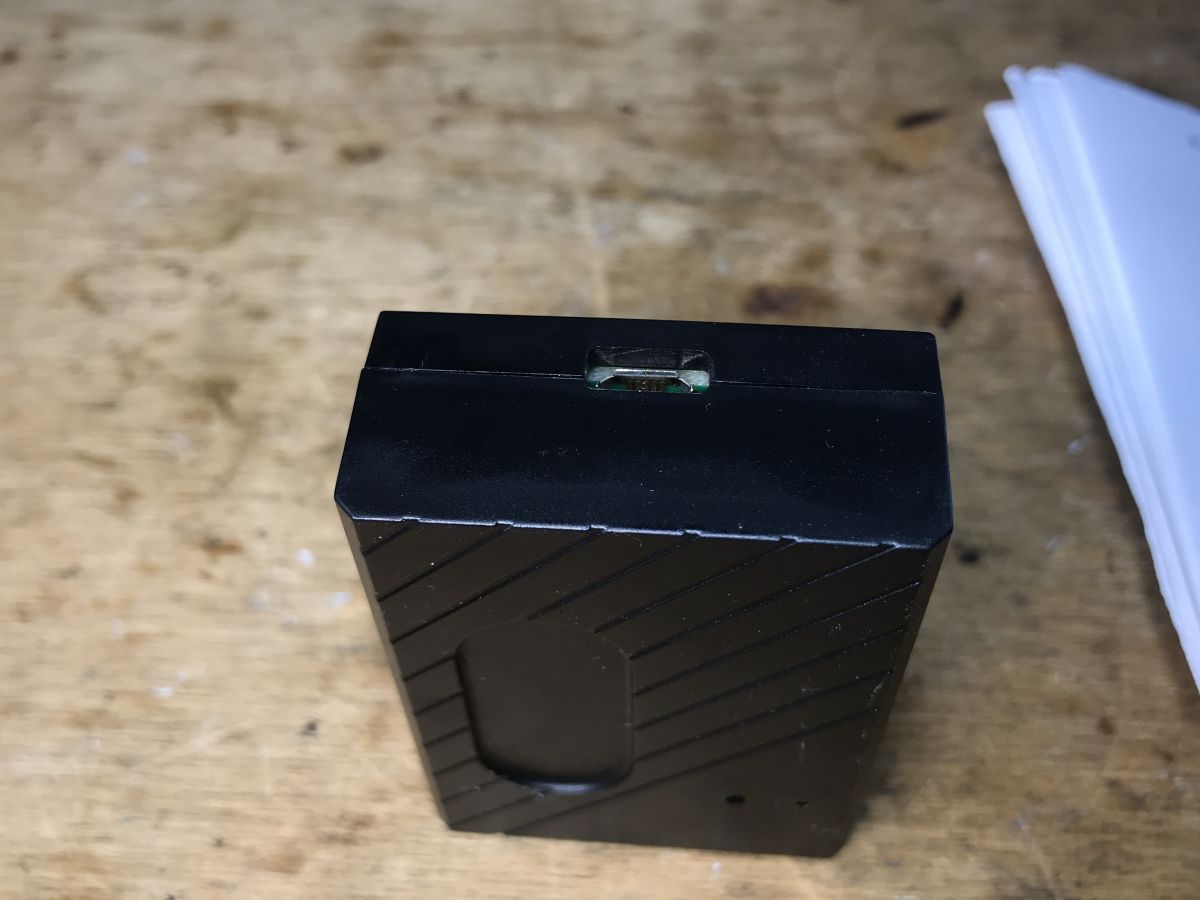
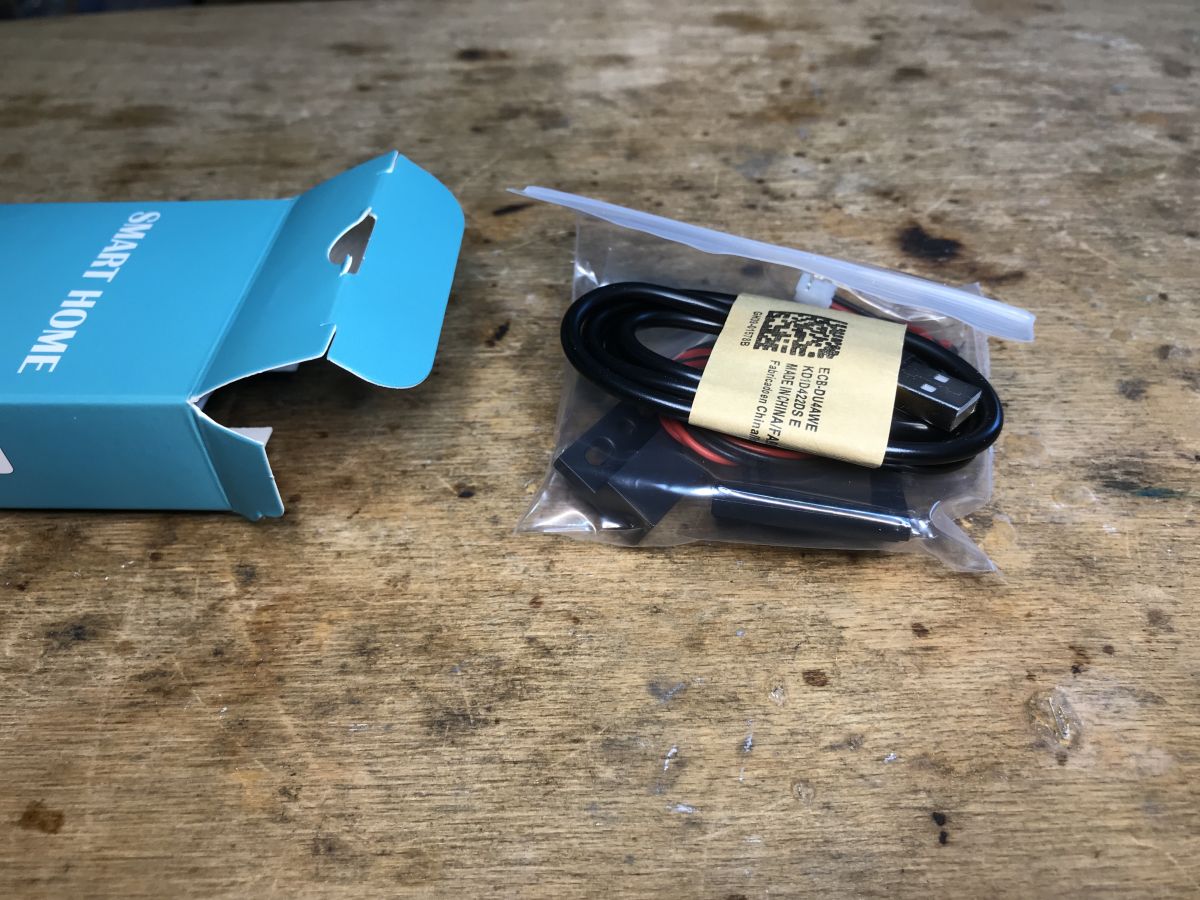
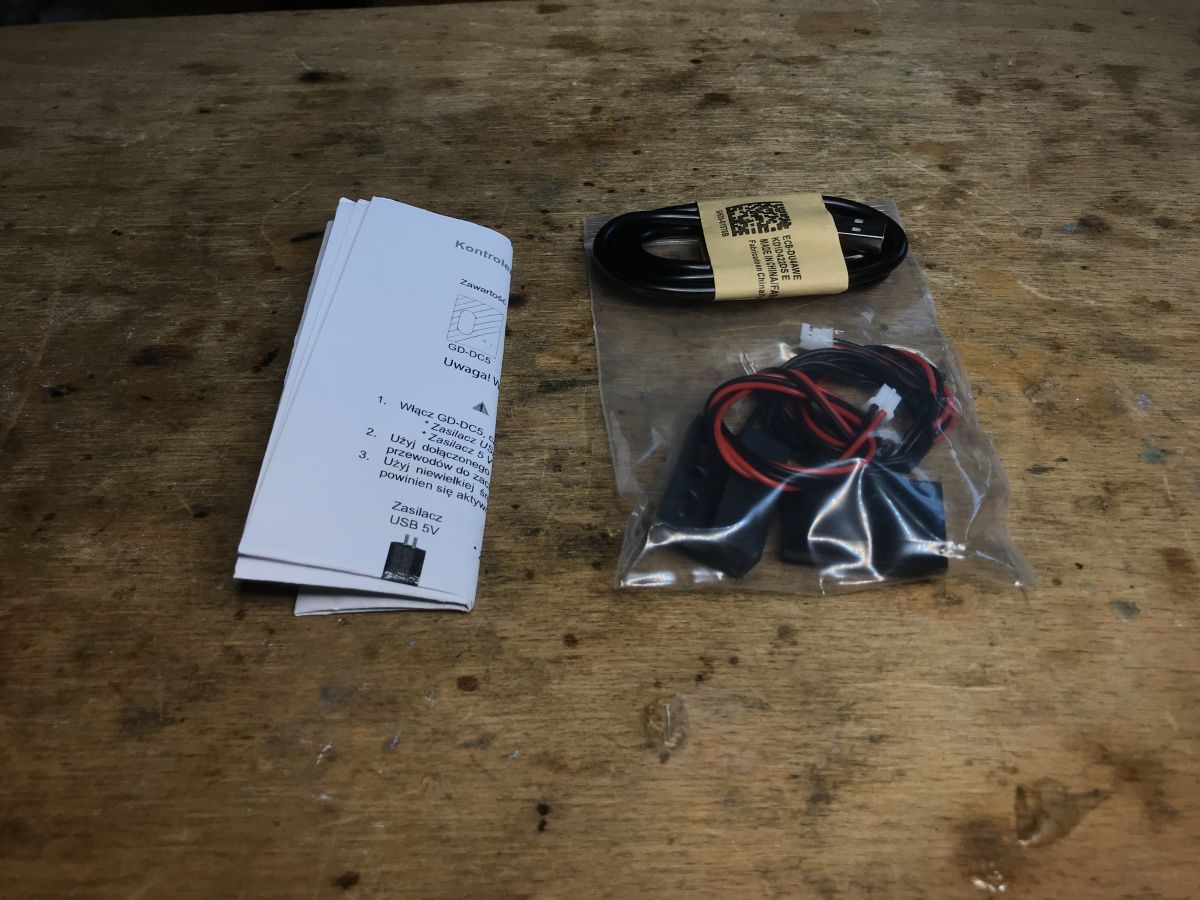
Everything is there, there is an opening sensor, there is a cable to connect the button, there is a USB cable for power supply, and the manual and the device itself are also present.
How does such a controller even work?
I already described this in the previous topic about the gate, there was a controller on CB3S (BK7231N):
WiFi garage gate controller, Smart Garage Opener Tuya - Home Assistant

The inside of the controller
I skip the tests with the manufacturer's application, we immediately look inside. Just pry the cover up.
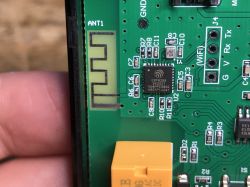
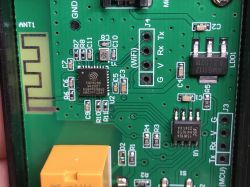
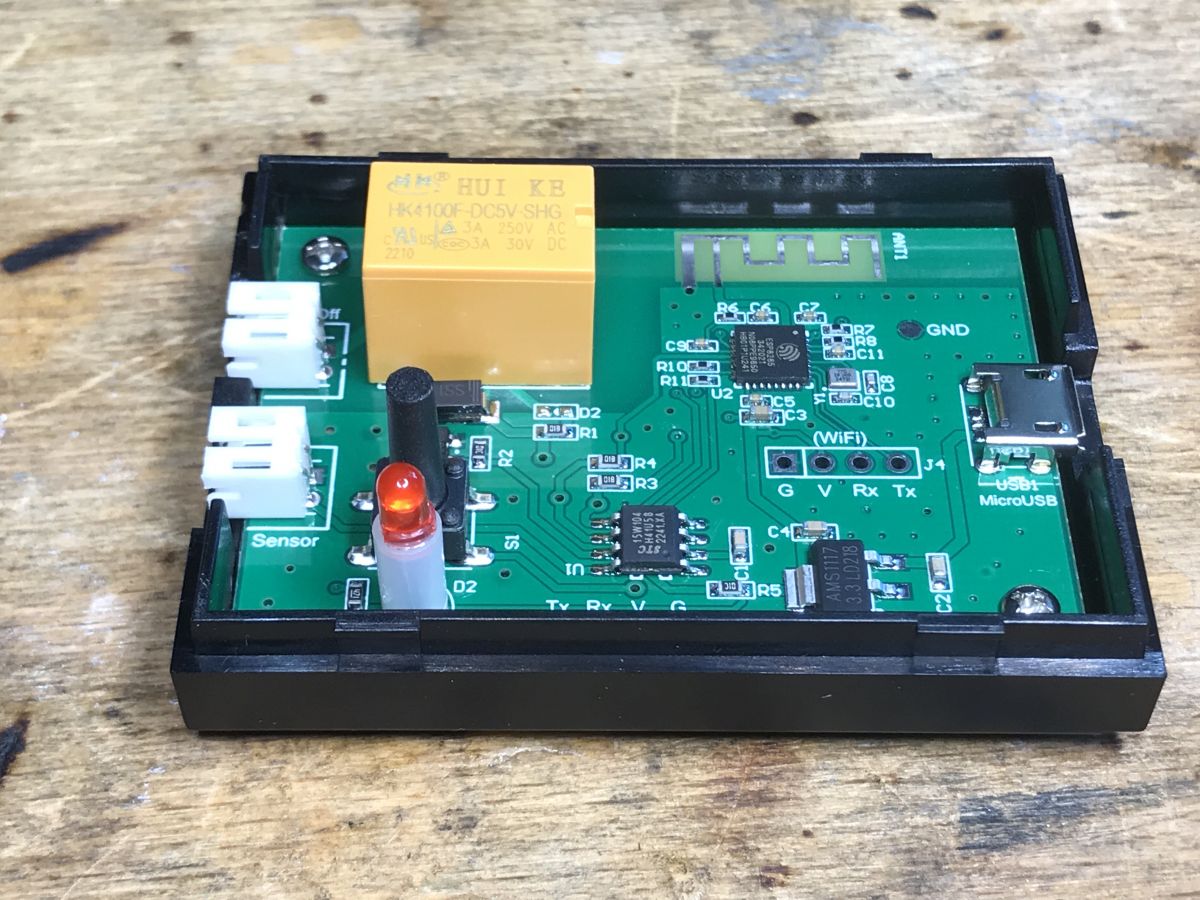
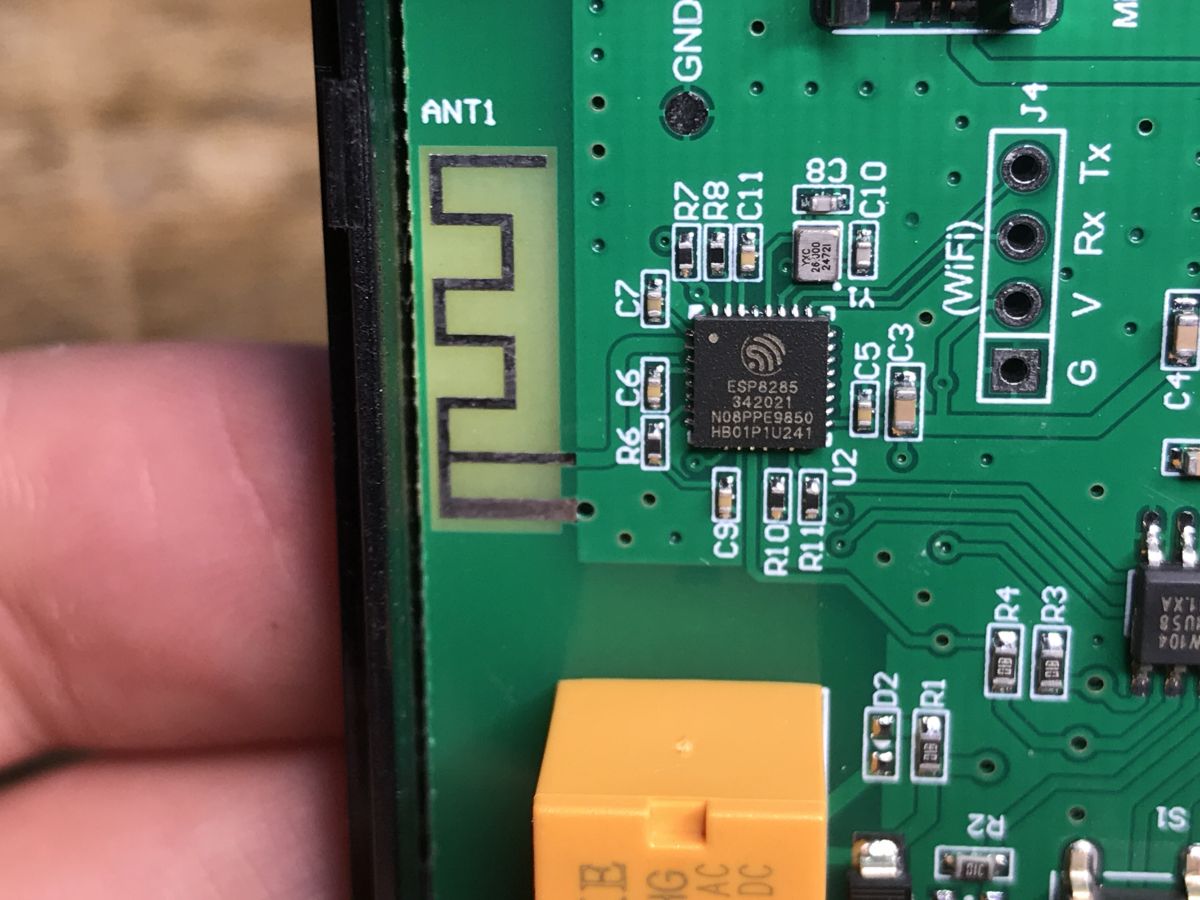
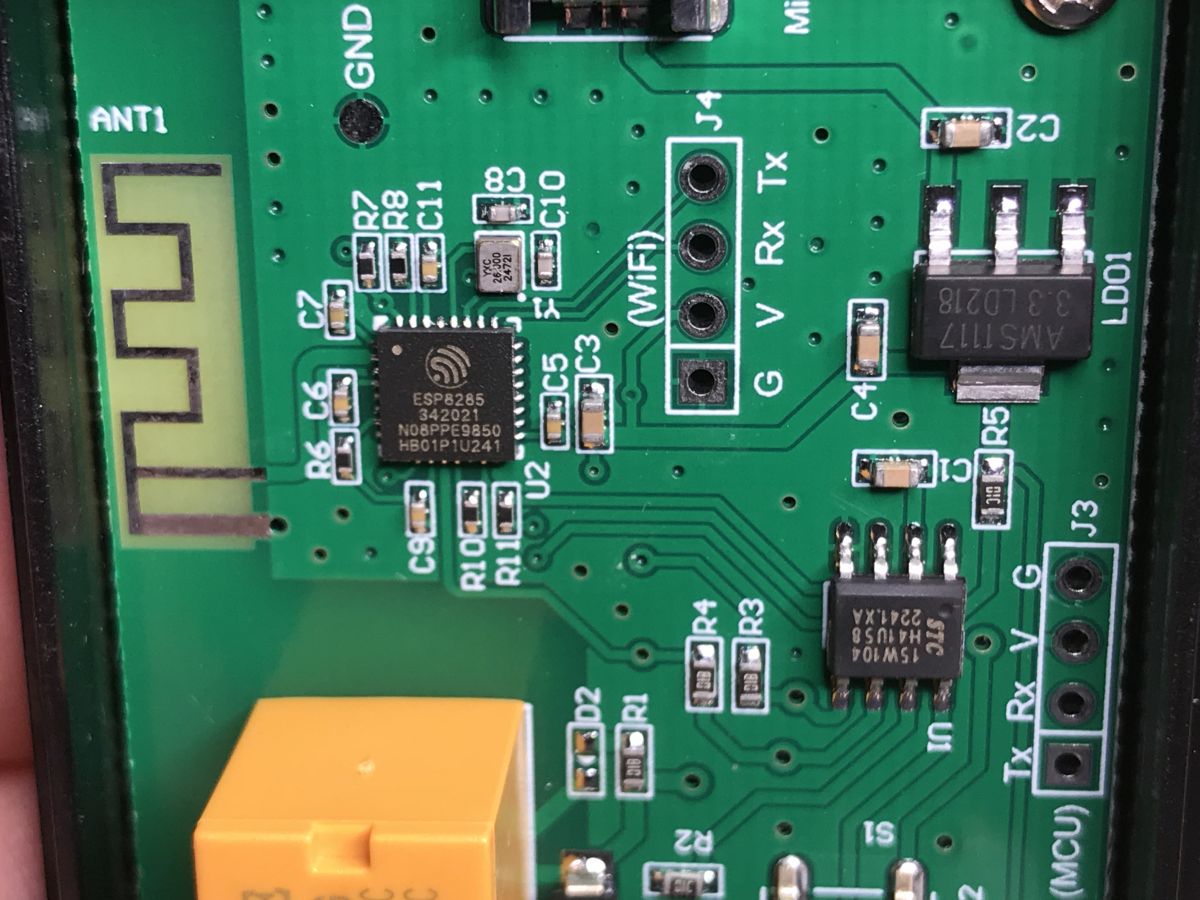
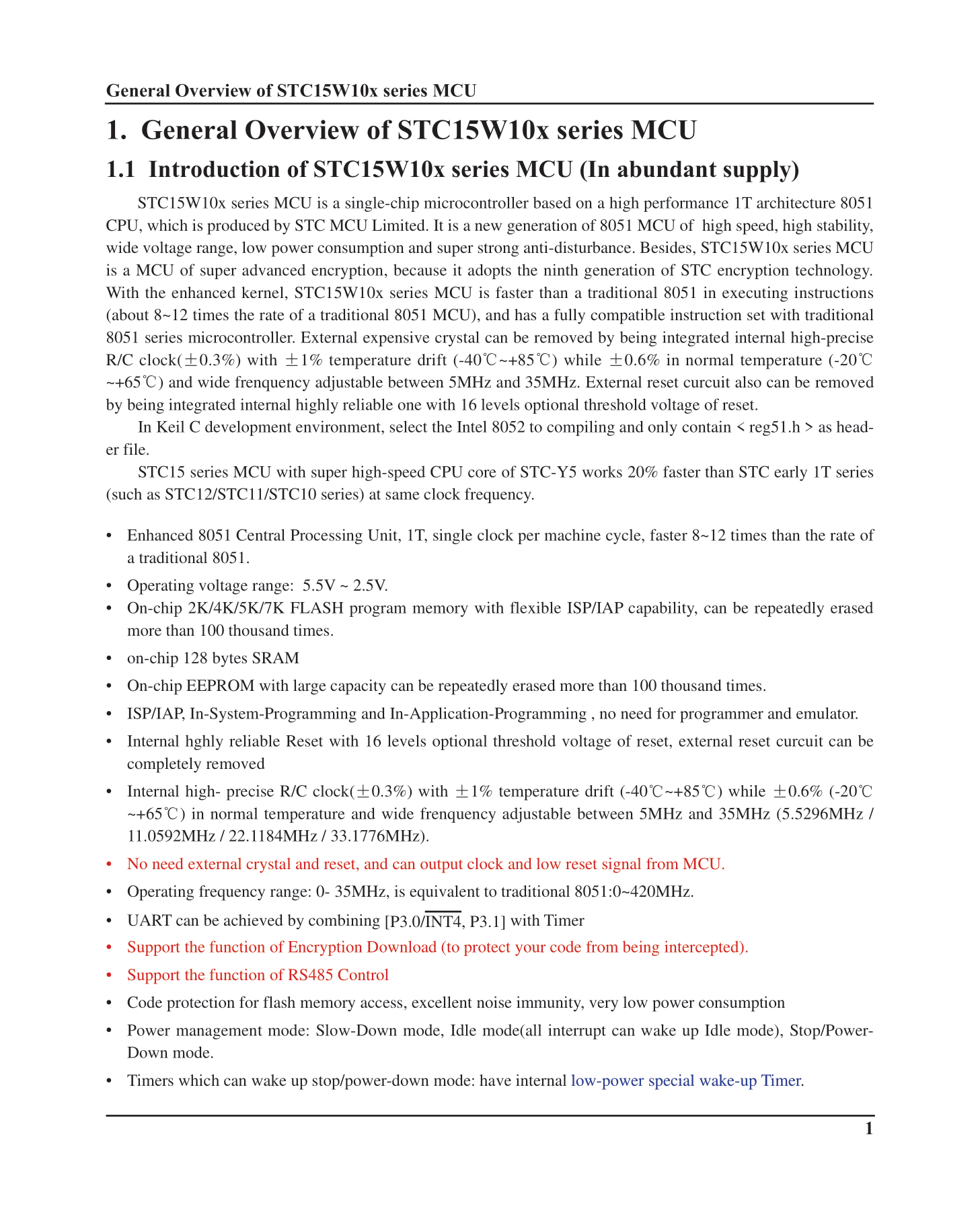
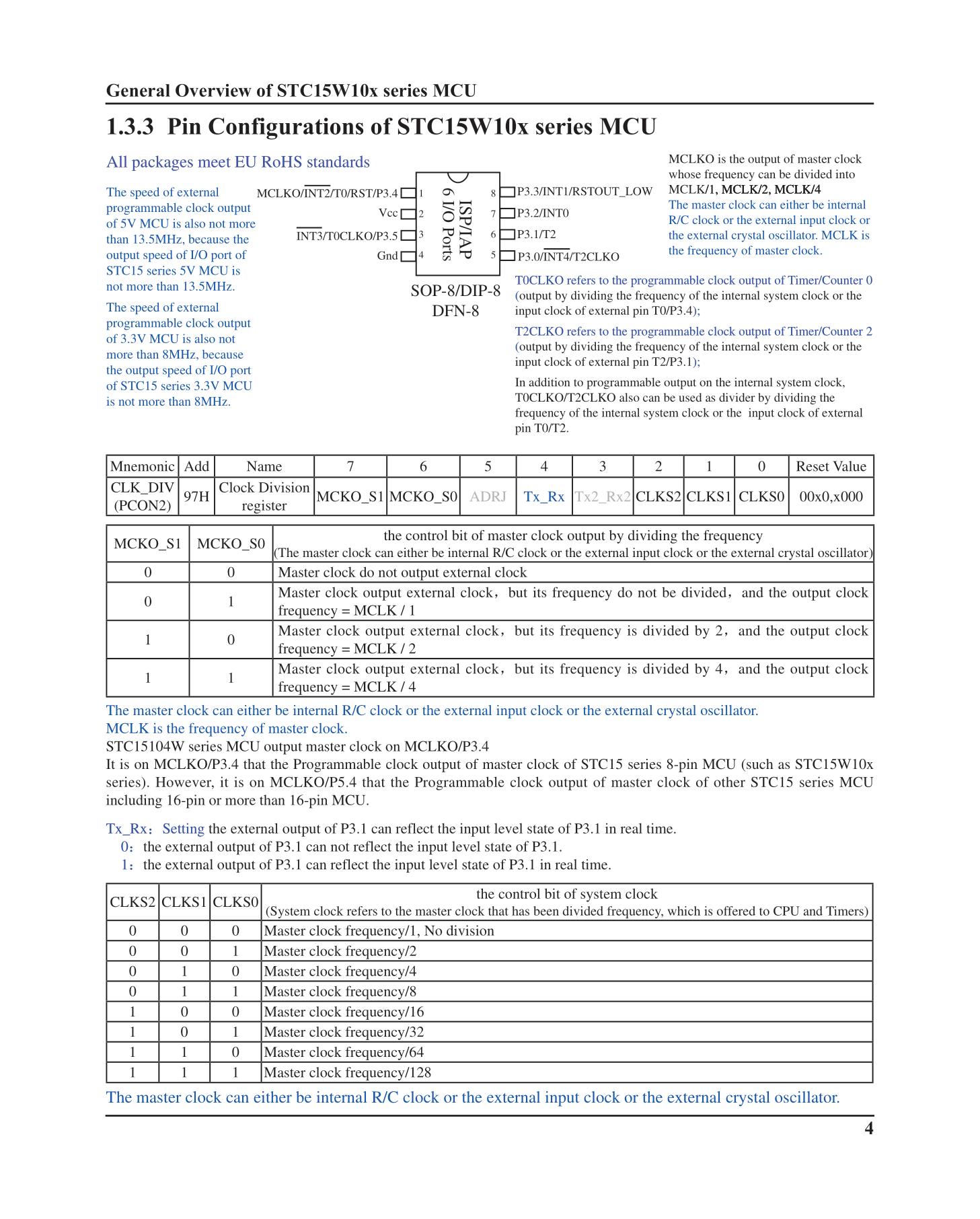
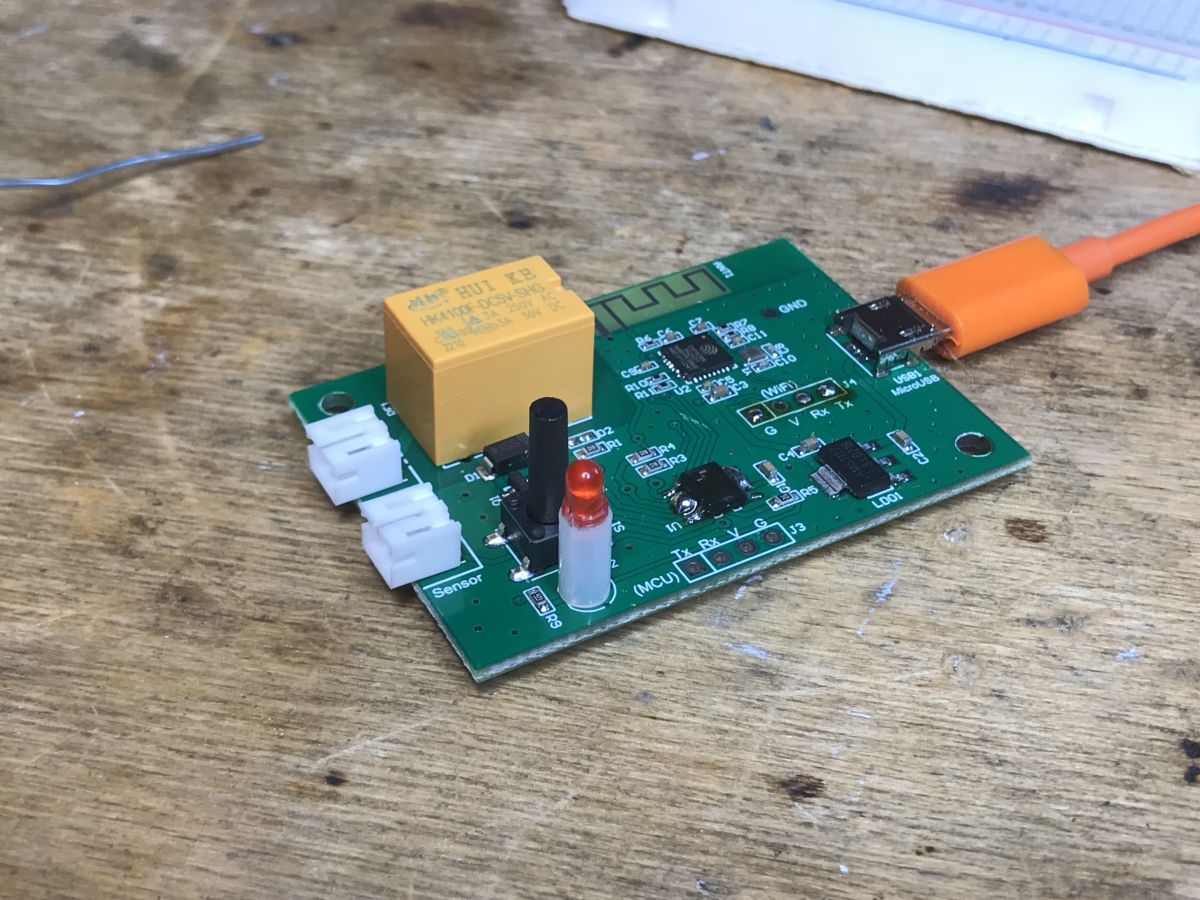
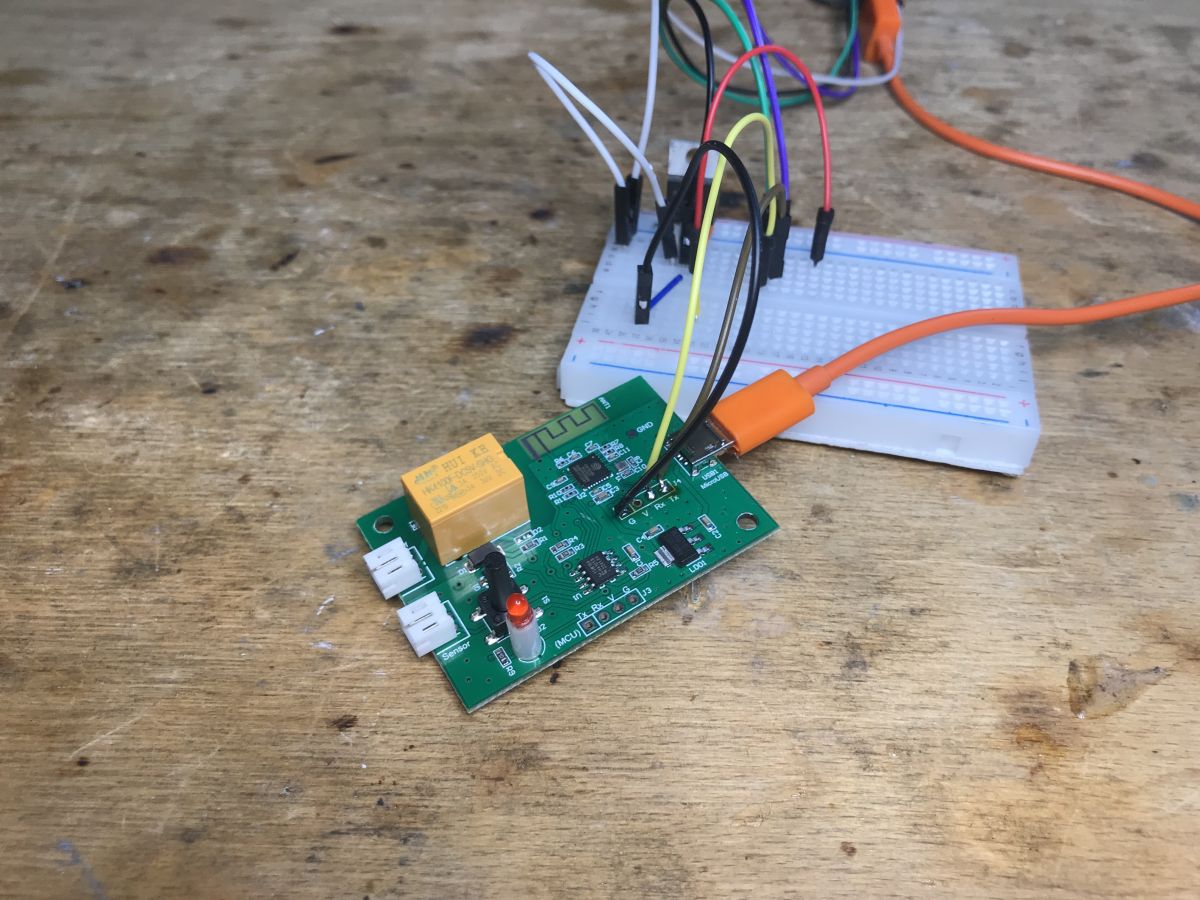
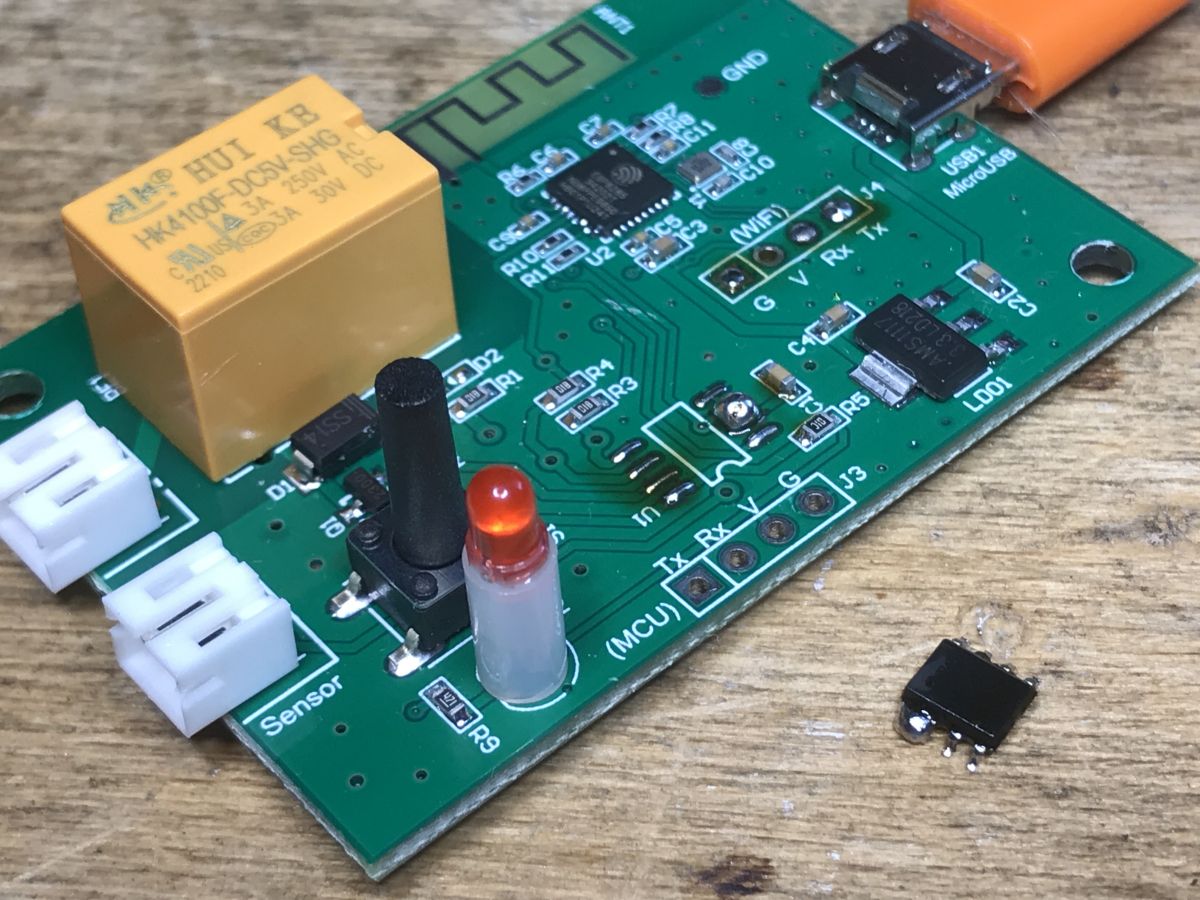
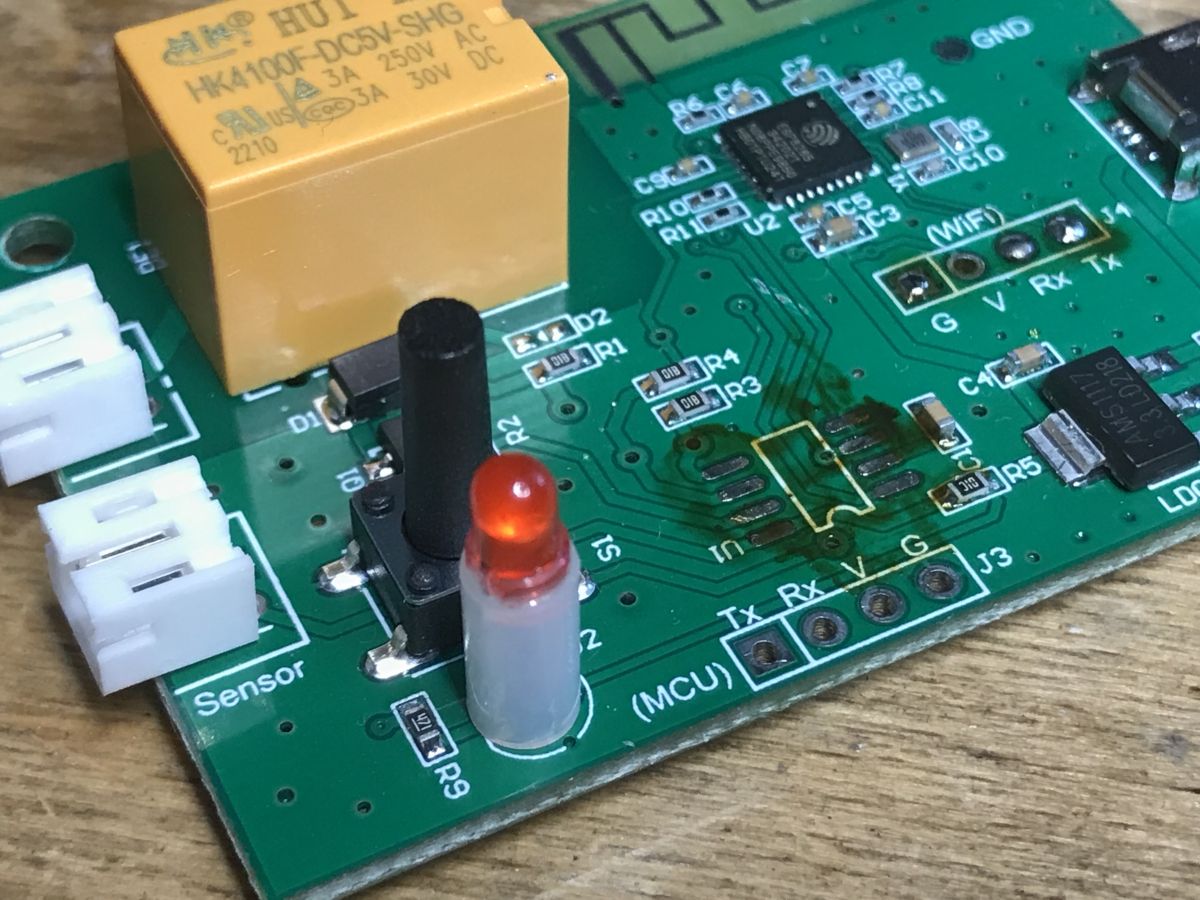
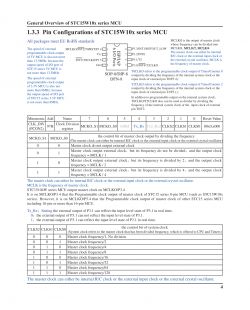
The ESP8285 is directly on the PCB here. There is also AMS1117-3.3V, because ESP requires 3.3V, and the input is 5V from USB. There is also a small SOIC8 chip inside, STC 15W104 H41U58 2241.XA. It is a microcontroller, core 8051.
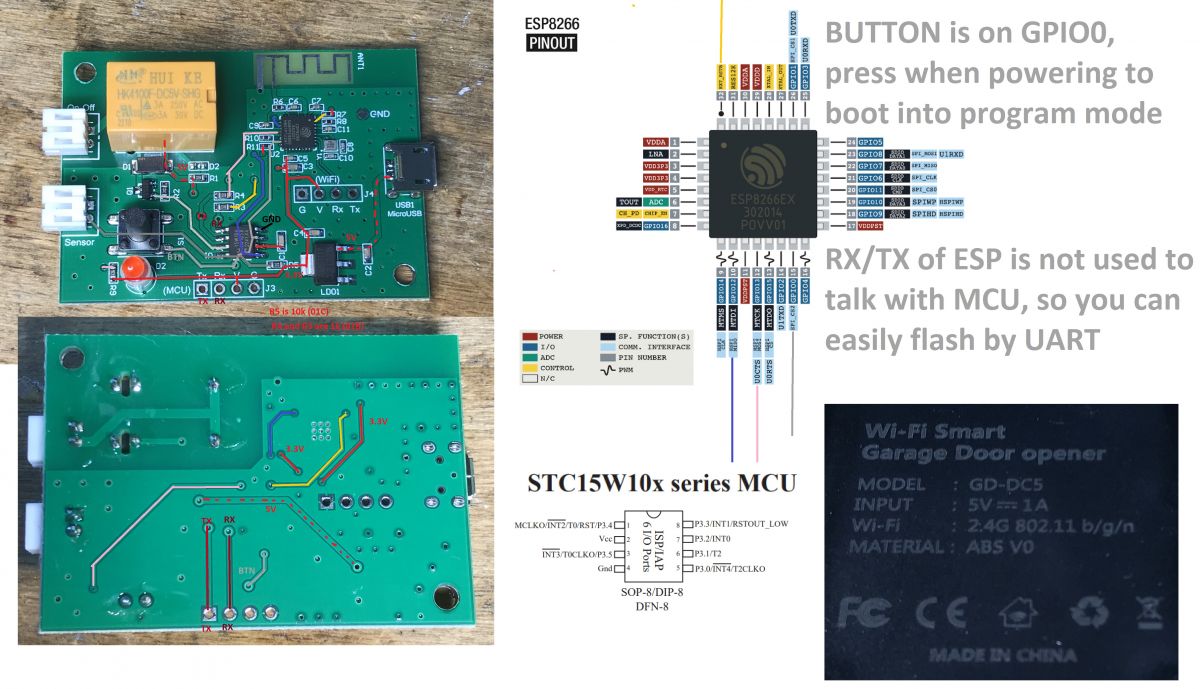
Pinouts:
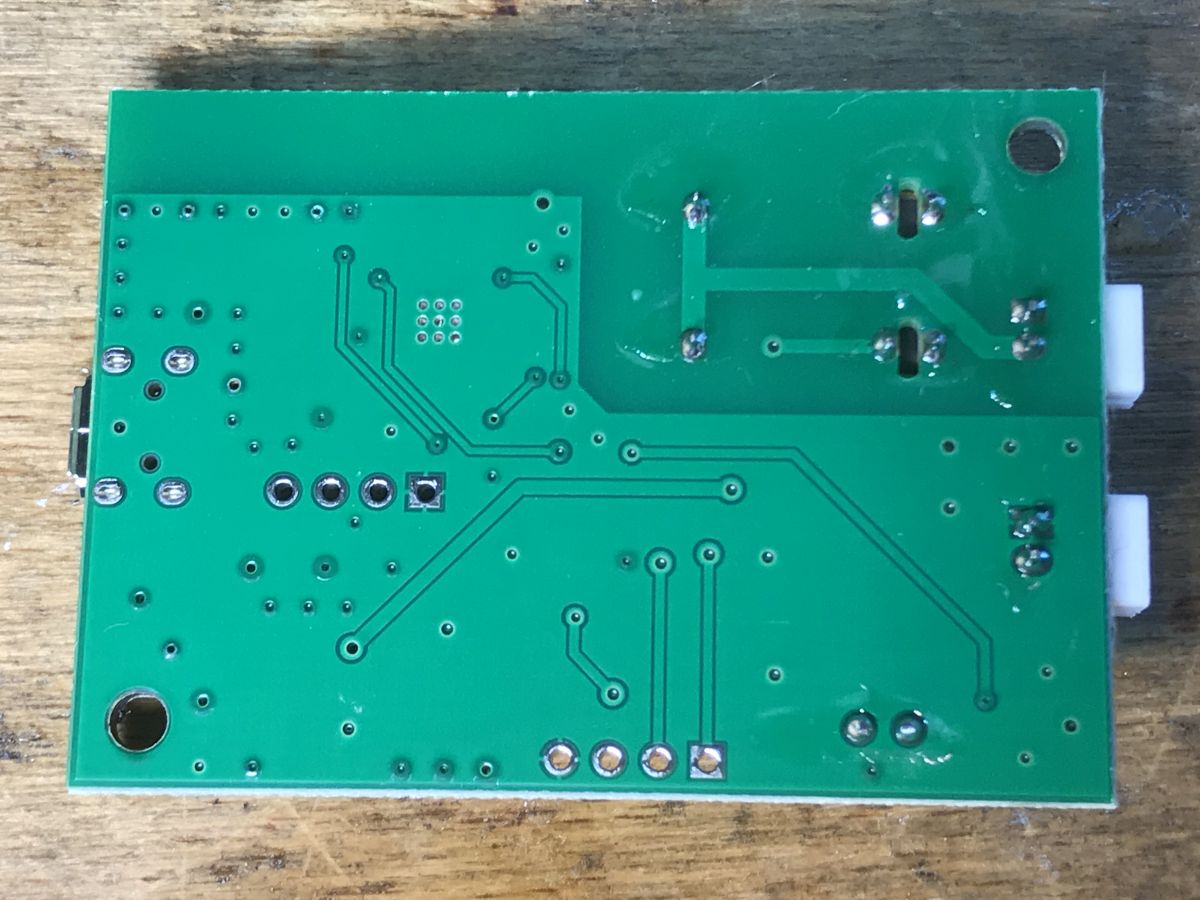
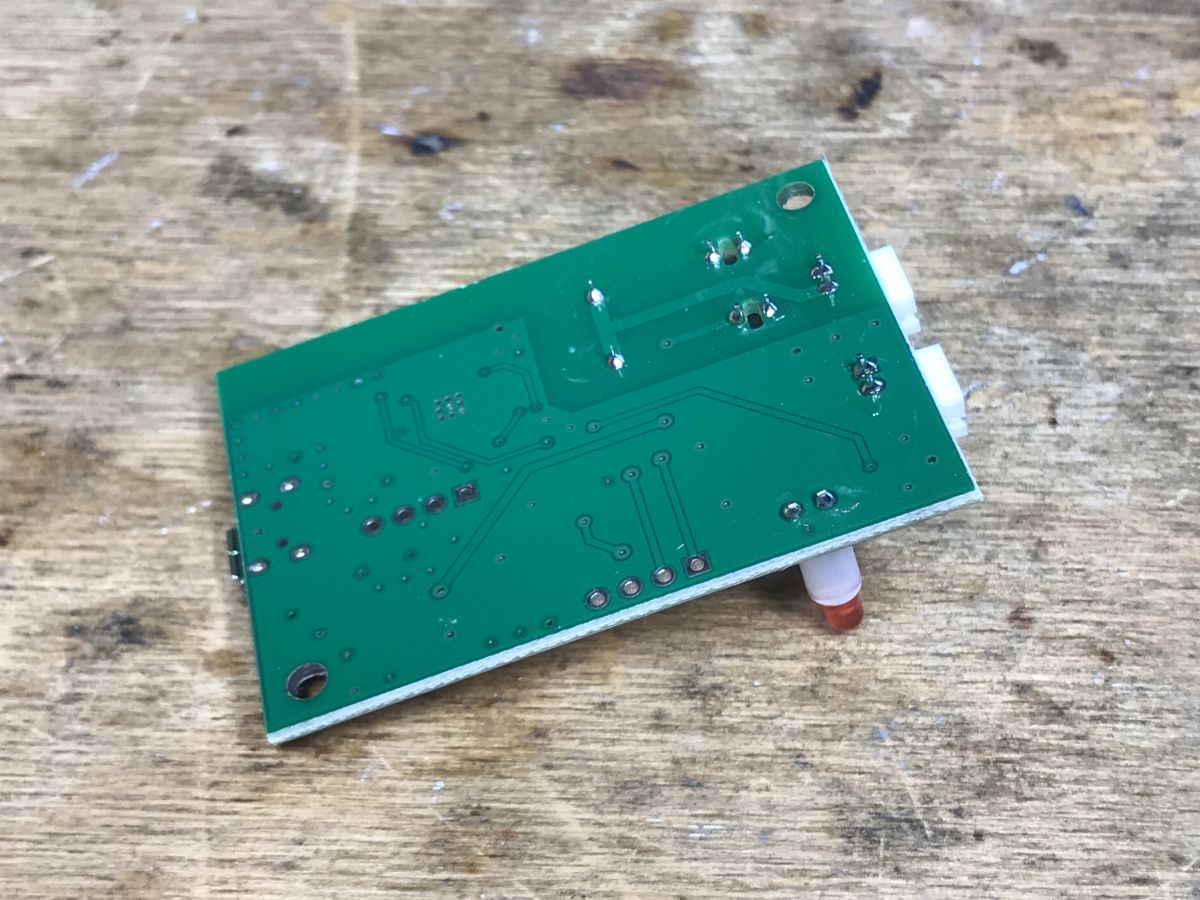
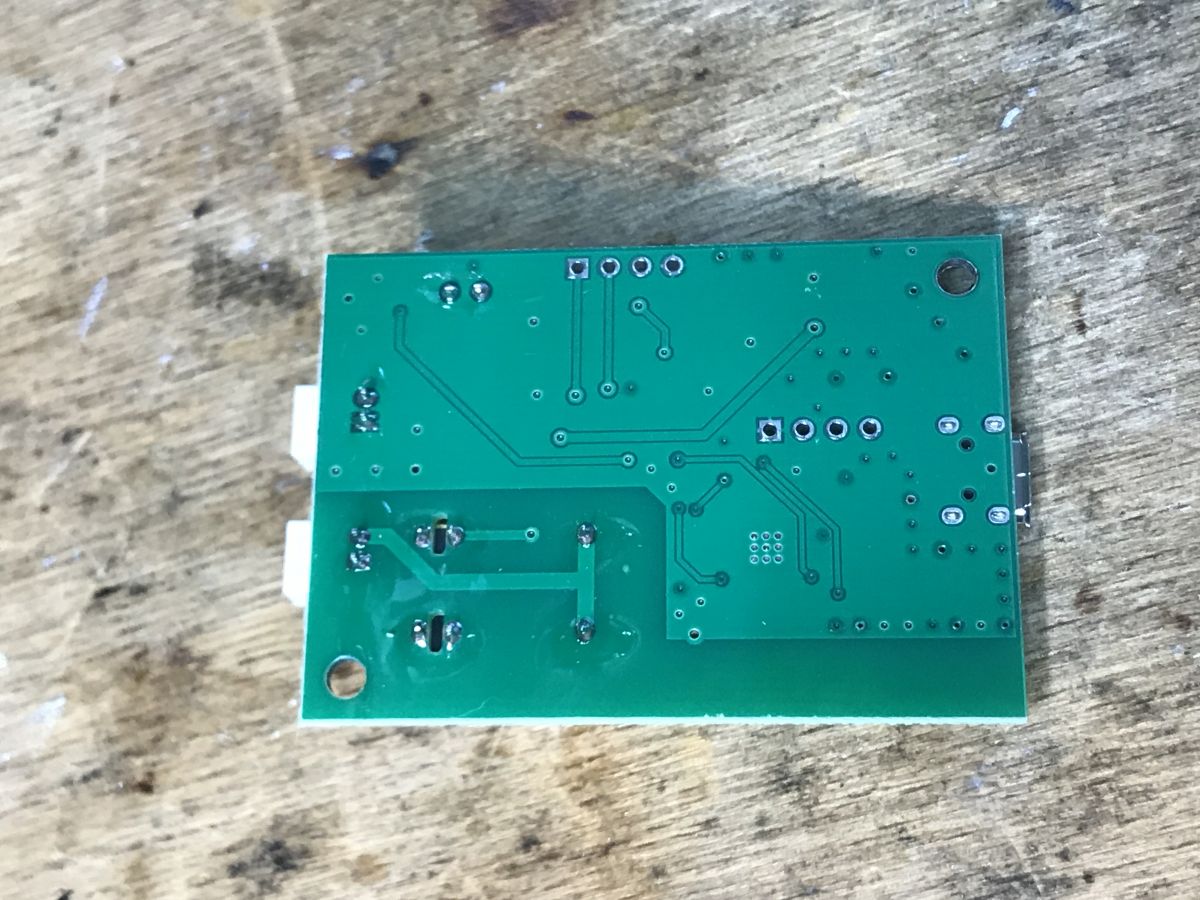
There is nothing interesting on the bottom of the PCB:
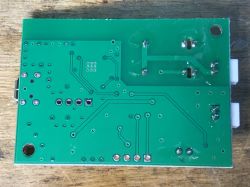
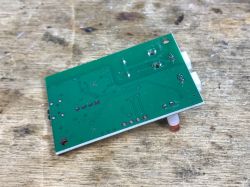
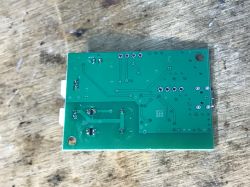
Based on the photos, I made a list of connections - it will also be useful for setting the Tasmota's GPIO:
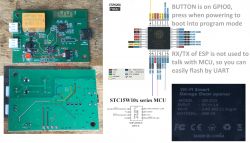
Only that... if there is an additional MCU here, how can we set the GPIO? About that in a moment.

Firmware change
You can easily upload Tasmota here. RX and TX is available. The UART port is not occupied by the MCU, it is not a TuyaMCU device. This microcontroller is on a regular GPIO.
GPIO0 is on the button, just press it before connecting the power.
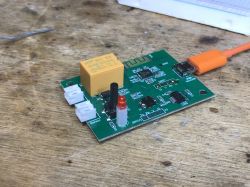
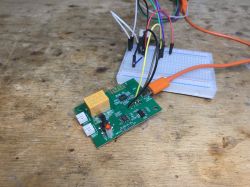
esptool.py works, as I have already described several times:
https://www.elektroda.pl/rtvforum/topic3866386.html
The only thing left is what about the MCU...
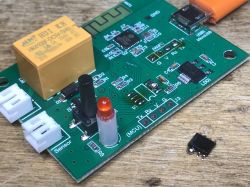
My suggestion is to desolder it. First, we apply flux, then additional lead binder (we make bridges on its pins), and then we quickly heat both sides with a soldering iron. The layout can be removed after a while with tweezers:
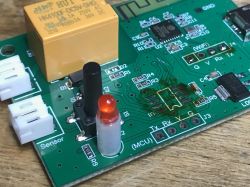
And that's it for now. Then it is enough to make jumpers and program the Tasmot IO, but more on that another time.

Summary
Changing the firmware turned out to be very simple. At first I was worried about GPIO0, but it turned out that this signal is brought out to the button, so there was no problem with putting the ESP into programming mode. I also had concerns about this mysterious MCU, but it turned out that you can desolder it and just freely use the ESP8285 IO and script it as we like in Tasmot / Home Assistant.
I will try to show the configuration of the sensor itself, connecting it to the gate and a practical presentation soon, in a separate topic.
Does any of the readers have such "intelligent" (whatever it means - this is the language of advertisers) garage doors controlled by WiFi? There are no problems with the WiFi range Before gate? Maybe I'm just too skeptical. I invite you to the discussion.

About Author
p.kaczmarek2
p.kaczmarek2 wrote 14607 posts with rating 12622 , helped 654 times. Been with us since 2014 year.

Comments

tmf 02 Jul 2023 12:17

So, I'm curious about two things. The first - sense. According to the descriptions, it is connected to the gate drive. Generally, probably all drives come with a receiver and remote controls. So what... [Read more]

p.kaczmarek2 02 Jul 2023 13:13

I don't know if I'm the right person to answer the first question, because I'm interested in these gadgets from a technological point of view, and at home I mainly have "dumb switches" (read:... [Read more]

tmf 02 Jul 2023 14:51

Thanks for the info. I actually think the same about it. I am not talking about the general benefits of home automation, but about this particular device. As you wrote, originally it is strongly related... [Read more]

ArturAVS 02 Jul 2023 18:12

After all, the situation is almost identical with other devices, e.g. CCTV IP cameras. Unfortunately, people wanting to make their lives easier forget about their own privacy. [Read more]

krzbor 02 Jul 2023 23:22

What was that MCU 8051 there for? ESP will easily handle the reed switch and relay. [Read more]

p.kaczmarek2 03 Jul 2023 06:04

@tmf I am against all kinds of subscriptions, even those for VOD services, although at the same time I see (even from family members) that some people wouldn't manage without them. A much bigger problem... [Read more]

William Bonawentura 03 Jul 2023 06:20

Does the manufacturer warn in the manual about the legal risk of installation? The motorized gate is not a toy and must comply with the requirements of the Machinery Directive. As long as it was controlled... [Read more]

noel200 06 Jul 2023 09:59

I attached a small magnet to the gate, and next to the gate I screwed a yunshan plate with a reed switch at the entrance. I have in the app whether the gate is closed. Unfortunately, I often forget "did... [Read more]

metalMANiu 06 Jul 2023 14:31

I have 2 garage doors with an electric drive and control with a 433MHz remote control. Half a year I couldn't find time to connect some "Smart" switch to it. Once I found the time and sat down, I... [Read more]

borba 08 Jul 2023 19:08

I have the exact (or very similar) model. And it's been working for a year now. Because the backyard garage is built of concrete walls about 15 cm thick, unfortunately, it was necessary to add a... [Read more]

metalMANiu 09 Jul 2023 07:52

@borba and isn't this Ewelink based on Tuya? [Read more]

borba 09 Jul 2023 07:56

I don't know anything about it. From what I've read (I'm just an amateur, that's why I haven't uploaded my own software to the WiFi controllers that I have with 9 at home yet), eWelink... [Read more]

Perelka 06 Apr 2025 11:13

Hi I have been a user of a number of Sonoff units around the house for several years. Mainly the Mini R2 but also three of the same as in the subject for the gates in the garages and the entrance gate.... [Read more]

FAQ

TL;DR: For a 5 V USB garage controller sold for about PLN 73, “free it from the cloud” captures the thread’s main fix: flash the ESP8285 with Tasmota through GPIO0, remove the extra 8051 MCU, and keep local control. This FAQ helps DIY users understand SE831L/GD-DC5 flashing, wiring limits, and cloud-security trade-offs. [#20638623]

Why it matters: A garage controller can open a physical entry point, so firmware choice, sensing, Wi-Fi reliability, and remote-control safety matter more here than with a smart bulb.

Option Control path Internet dependence Notes from the thread
Original eWeLink/Sonoff firmware Cloud app High Convenient remote access, but users raised privacy, lockout, and trust concerns
Tasmota + Home Assistant Local-first Low Author recommends it after flashing the ESP8285 and removing the extra MCU
Read-only sensor use Status only Medium One user used only the magnetic contact to check if the gate was closed

Key insight: The hardware is moddable because the ESP8285 exposes RX/TX and GPIO0 is wired to the front button. The thread’s strongest recommendation is local, open firmware with no cloud dependency for any device that can move a gate.

Quick Facts

  • The SE831L/GD-DC5 kit was bought for about PLN 73 and includes the controller, opening sensor, button cable, USB power cable, and manual. [#20638623]
  • Power enters as 5 V from USB, then an AMS1117-3.3V regulator feeds the ESP8285 at 3.3 V. [#20638623]
  • The extra onboard MCU is identified as STC 15W104, an 8051-core SOIC-8 microcontroller, separate from the ESP8285. [#20638623]
  • One user solved concrete-garage Wi-Fi drops through roughly 15 cm walls by adding a repeater; after that, the link stayed stable for about 10 months. [#20646858]
  • A later user reported a regression on Sonoff firmware 3.6.0: when the magnetic contact changes state during opening, the controller emits an unwanted output pulse and stops the gate after only a few centimetres. [#21508733]

How do you flash Tasmota onto the SE831L/GD-DC5 garage door controller with an ESP8285 using esptool.py?

You flash it through the exposed ESP UART, because RX and TX are available and the extra MCU does not occupy that port. 1. Connect to the ESP8285 serial pins. 2. Hold the front button while applying power, because that pulls GPIO0 for flashing mode. 3. Use esptool.py to upload Tasmota. The author says this part was "very simple" and had no GPIO0 problem. [#20638623]

What GPIO connections were identified inside the SE831L controller, and how should they be mapped in Tasmota?

The thread confirms only the high-value mappings in text: GPIO0 goes to the button, RX/TX are free for flashing, and the extra MCU sits on regular GPIO rather than UART. The author also says he made a full GPIO connection list from PCB photos for later Tasmota setup, but this excerpt does not print each pin-to-function mapping in text. Use the post’s board photos and diagram before assigning every Tasmota GPIO. [#20638623]

Why is there an STC 15W104 8051 MCU inside the SE831L garage controller if the ESP8285 can handle the reed switch and relay by itself?

The thread does not give a confirmed reason; the author explicitly says he does not know. He notes the STC 15W104 is an 8051-core MCU and shows another smart relay where an external MCU also exists, even though the Wi-Fi module could handle simple I/O. In this SE831L case, his practical conclusion is that the MCU can be desoldered and the ESP8285 can then use the I/O directly. [#20639748]

What is TuyaMCU, and how is it different from a garage controller where the extra MCU is connected to regular GPIO instead of UART?

"TuyaMCU" is a device architecture that uses a separate microcontroller to handle local hardware and communicate with the Wi-Fi module over UART, using a defined serial protocol. In the SE831L thread, the author says this controller is not a TuyaMCU design because the extra MCU is on regular GPIO and the ESP UART remains free for esptool.py flashing. That difference makes reflashing easier than on a UART-coupled TuyaMCU board. [#20638623]

What is a reed switch in a garage door opener, and how does it report whether the gate is open or closed?

"Reed switch" is a magnetic contact sensor that changes electrical state when a nearby magnet moves into or out of range, letting the controller detect position without touching the moving gate. In the thread, users mount a magnet on the gate and the reed-switch board near the entrance. The app then shows whether the gate is closed, and one user used it as status-only monitoring before wiring remote control. [#20643936]

Why does pressing the button while powering the SE831L put the ESP8285 into flashing mode through GPIO0?

It works because the front button is wired to GPIO0, and the ESP enters programming mode when GPIO0 is held during power-up. The author first worried about access to that boot pin, then confirmed the signal is already brought out to the button. That means no PCB trace cutting is needed just to enter flashing mode on this board. [#20638623]

Which is better for a smart garage door setup: keeping the original eWeLink cloud firmware or replacing it with Tasmota and Home Assistant?

Replacing it with Tasmota and Home Assistant is the thread’s preferred option when you want control, privacy, and operation without cloud dependence. The author recommends freeing the device from the cloud, and other users argue for open firmware, no subscription risk, and continued operation when the internet fails. Original eWeLink firmware still offers easy app access, but the discussion treats that convenience as a weaker priority than local ownership and predictable behavior. [#20639001]

What security risks were raised in the thread about cloud-connected garage door controllers such as Sonoff eWeLink or Tuya-based devices?

The thread raises three concrete risks: unauthorized cloud access, loss of privacy, and extraction of saved Wi-Fi credentials from device flash. One poster warns that any internet-connected device should be treated as reachable by third parties. The author adds that he has repeatedly recovered SSIDs and Wi-Fi passwords from ESP8266, ESP8285, and BK7231 devices, and he cites a buffer-overflow-based Tuya flashing method as evidence of weak security practices. [#20638838]

How can Wi-Fi range problems at a concrete garage be solved when an eWeLink garage controller keeps losing connection?

Add a repeater if the garage structure attenuates the signal too much. A user with concrete walls about 15 cm thick said the controller had connection problems until he installed a Wi-Fi repeater near the existing router/modem. After that, the setup stayed stable for about 10 months, so the thread supports improving RF coverage before blaming the controller firmware. [#20646858]

What practical benefits of a Wi-Fi garage door controller did users mention beyond the standard 433 MHz remote control?

Users mentioned centralized control, status logging, voice-assistant integration, automation, remote closing, and simple confirmation that the gate is actually shut. One poster listed four advantages: one app instead of many remotes, assistant control, automation with lights or sensors, and an open/close history. Another user valued remote opening for couriers and checking the magnetic contact when he forgot whether the gate was closed. [#20638838]

How should remote opening of a motorized gate be evaluated from a safety and legal perspective under the Machinery Directive?

Treat remote internet opening as a higher-risk change that may alter compliance requirements. A commenter warns that a motorized gate is not a toy and says local remote use kept the operator under direct supervision. Once control moves to the internet, he argues the status changes and extra protections such as curtains or pressure sensors may be needed under Machinery Directive expectations. [#20639759]

Why might a smart garage door app show the wrong relay state, and what checks help confirm the real gate position?

The app can disagree with reality when relay state and physical gate position are not the same thing, or when the cloud state goes stale. One user says his Tuya app often shows the relay on/off indicator in the opposite state to the actual output. The thread’s practical check is to trust independent feedback: use a magnetic contact for open/closed status, and add a real-time camera view if you want confirmation before remote movement. [#20644291]

What could cause a Sonoff garage controller on firmware 3.6.0 to send an unwanted output pulse when the magnetic contact changes state during opening?

The reported trigger is a state change from the magnetic contact during opening on firmware 3.6.0. The user says the Sonoff sees that contact event and immediately emits an output pulse, which stops the entrance gate after only a few centimetres. Garage doors in the same installation do not show that behavior, so the thread points to a firmware-specific logic regression or edge case tied to that gate’s sensor transition. [#21508733]

How can a camera view and magnetic contact sensor be combined to make remote garage door control safer?

Use the magnetic contact for binary status and the camera for visual verification before issuing a remote command. One user with three gate controllers says he also installed Sonoff cameras in the garages and checks the view while opening. Another user said he would only trust similar remote control with real-time camera preview, even though camera links can also disconnect, so the two signals complement each other rather than replace each other. [#21508733]

Where do eWeLink, Sonoff, and Tuya differ in ecosystem design, hub requirements, and local-control options for garage door automation?

In this thread, eWeLink and Sonoff are presented as cloud-app ecosystems that connect devices directly to home Wi-Fi without a central hub, while Tuya appears mainly as a protocol and platform family discussed through its MCU designs and security concerns. One user states eWeLink does not need a hub and works by individual Wi-Fi connection. Local-control preference appears only after replacing stock firmware with Tasmota or integrating with Home Assistant. [#20647195]
Generated by the language model.
%}