logo elektroda
logo elektroda
X
logo elektroda

[BK7231N/CBU] WiFi 8046 SmartLED double light switch - firmware, template, guide

p.kaczmarek2  0 2031 Cool? (+1)
📢 Listen (AI):

TL;DR

  • The CLY701-2G (8046) double smart light switch uses a BK7231N/CBU WiFi module and the same PCB family as the single and triple versions.
  • Inside, a BP2525 power-supply section and two relay-driving transistors sit on a second board, while the touch-button PCB matches the single version.
  • OpenBeken flashing and GPIO auto-configuration were done with BK7231GUIFlashTool over a USB-to-UART adapter, using Tuya JSON extracted from the device.
  • A pair of these switches cost less than PLN 60 on a Polish auction site.
  • The mod removes dependence on Tuya cloud servers, but only the WiFi LED is separately controllable; relays and LEDs are not individually exposed.
Generated by the language model.
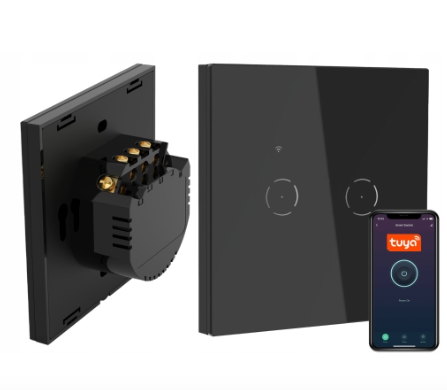
Double smart light switch with WiFi module and Tuya app.
Some time ago I presented a "single" version this product , today I am adding information about the "double" version. As before - first a description of the interior, and then changing the firmware of the WiFi module, so as to free the product from the cloud, from the manufacturer's servers and gain complete independence. In the topic I will also provide the GPIO configuration of this product, which I managed to generate based on JSON information from Tuya, which I extracted from the batch of this product with my flasher .

Purchase 2xCLY701-2G (8046)
As I wrote earlier, a set of these switches came to me from a reader so that I could upload the firmware to them. Then the reader picked them up and thanks to that, I documented them. All of them were bought on a Polish auction website and quite cheaply - the double version for less than PLN 60:
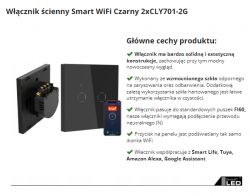
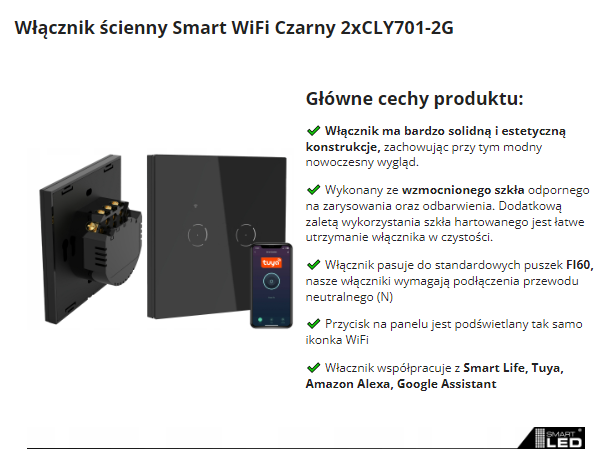
Smart WiFi Wall Switch Black 2xCLY701-2G with app.
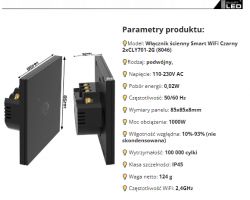
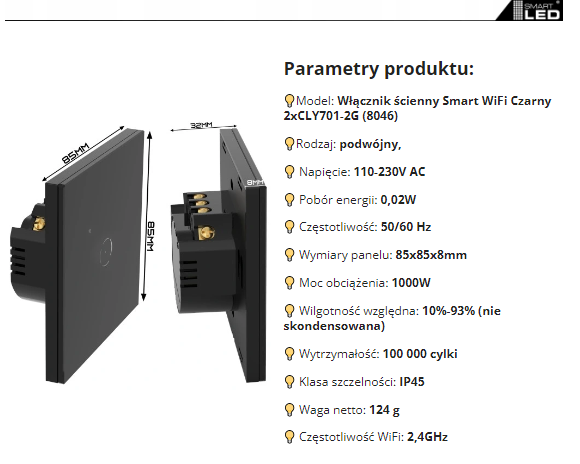
Specifications of the Smart WiFi Wall Switch Black 2xCLY701-2G (8046)
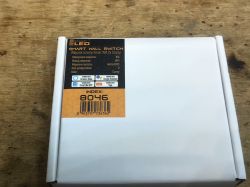
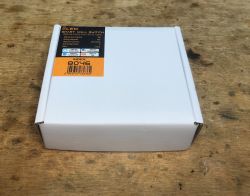
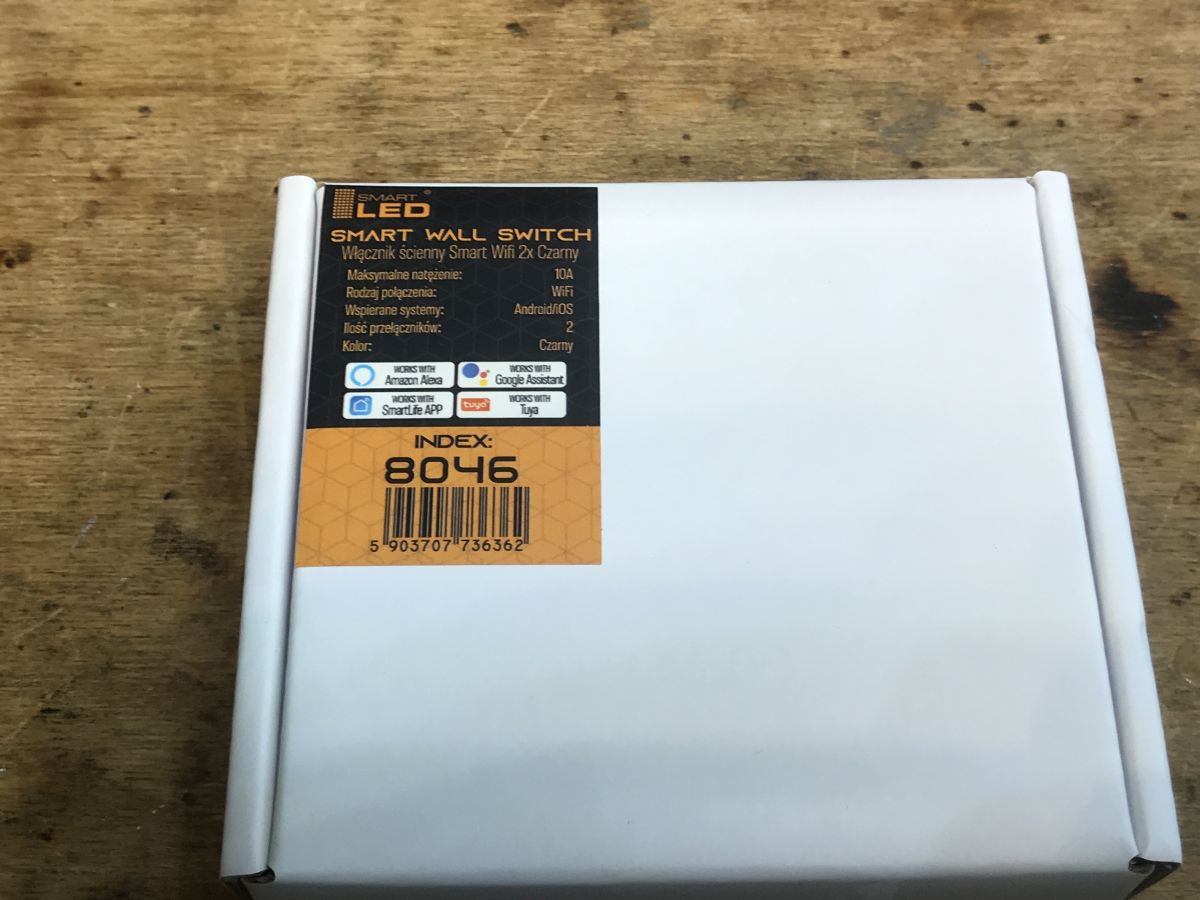
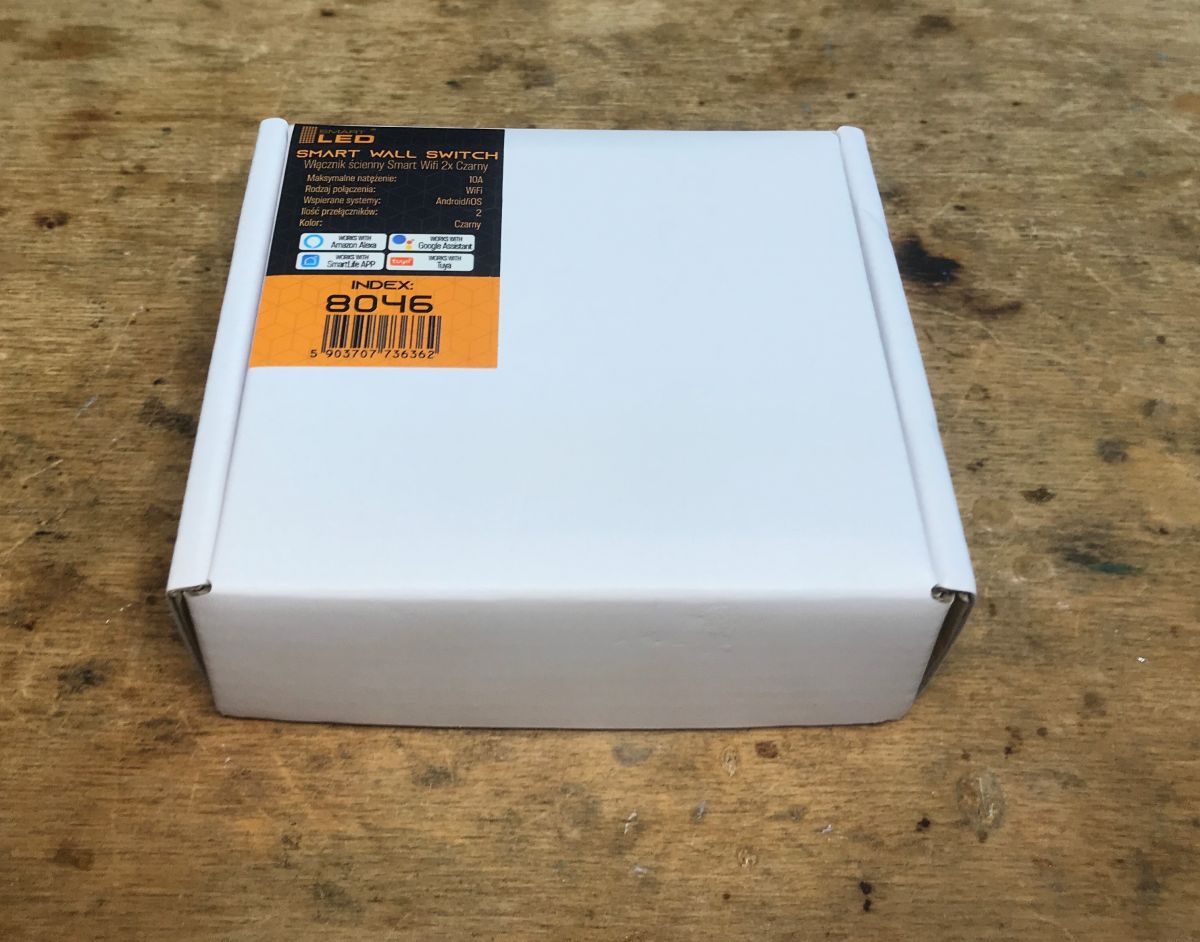
Original box:
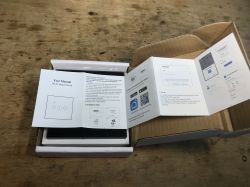
Original box of a black Smart LED WiFi 2x wall switch with label and barcode. Original box of Smart Wall Switch 2xCLY701-2G (8046)
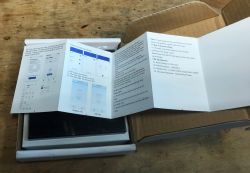
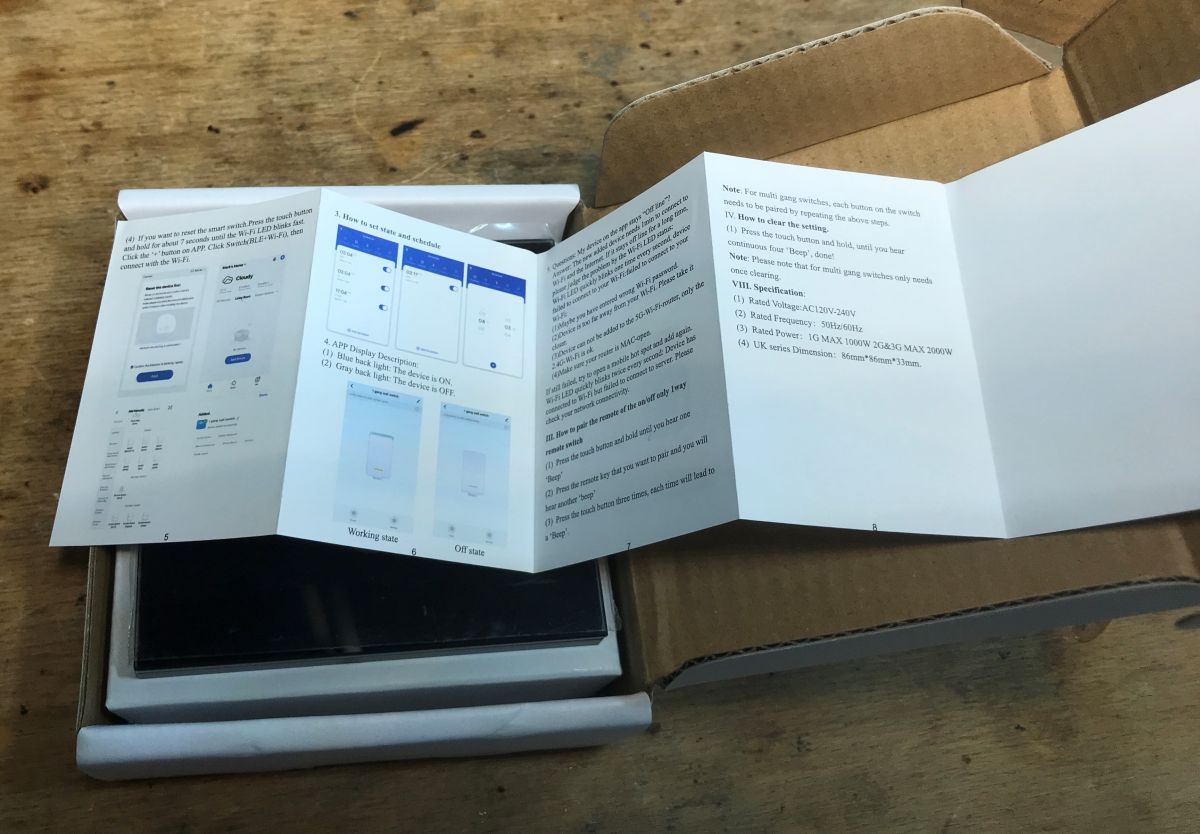
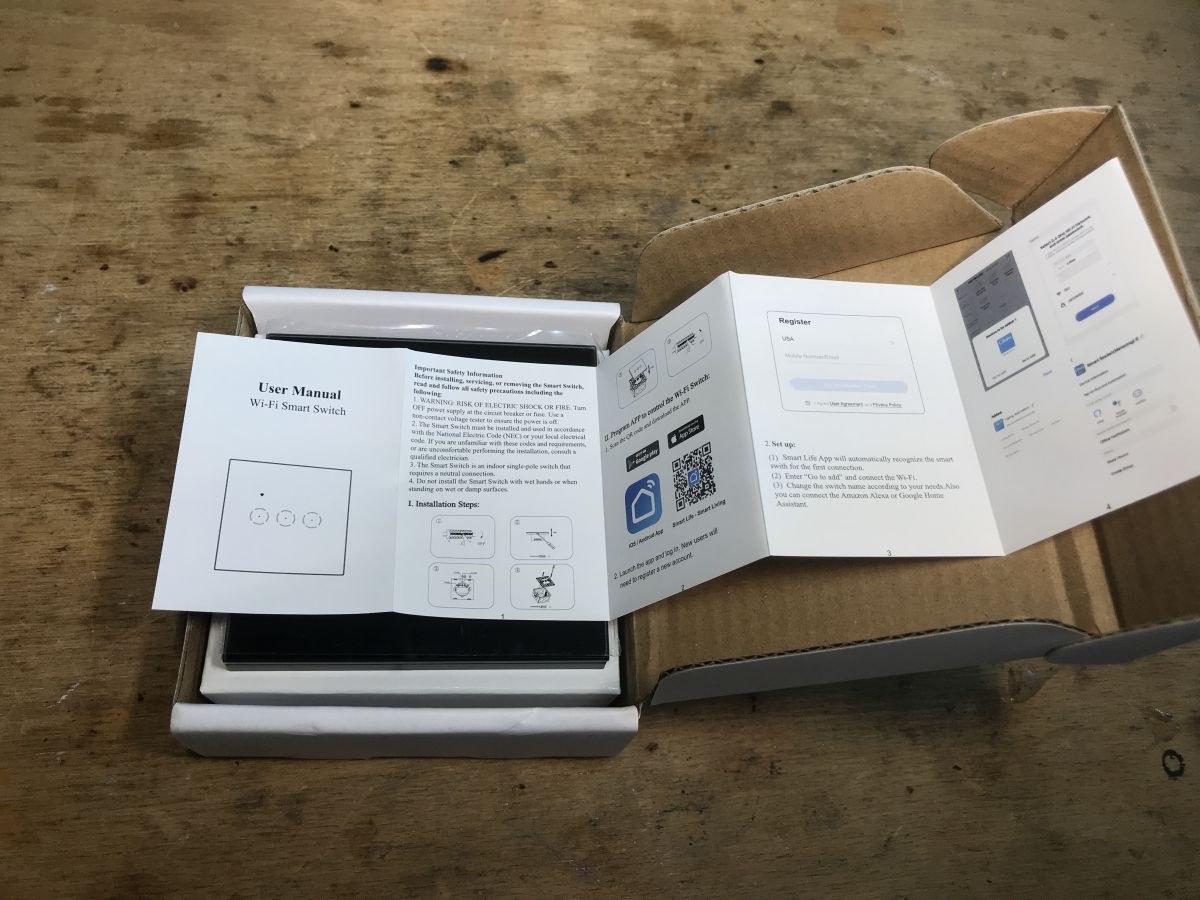
Instruction:
WiFi switch manual against a cardboard box background. Original box with user manual for WiFi smart switch.
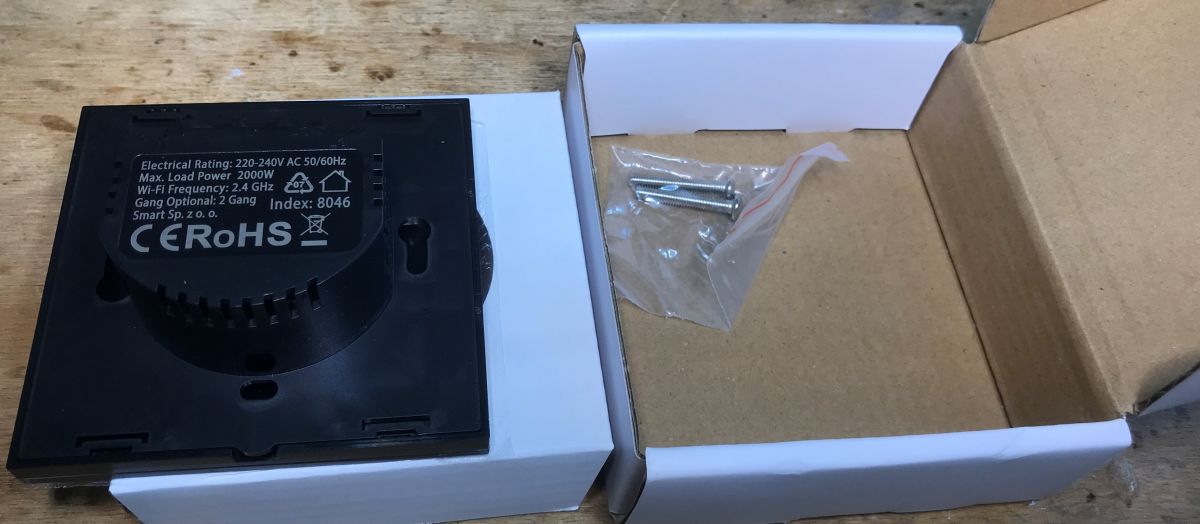
The set includes mounting screws:
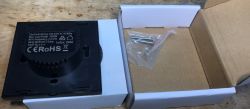
Black wall switch 2xCLY701-2G in a box with mounting screws


Interior 2xCLY701-2G (8046)
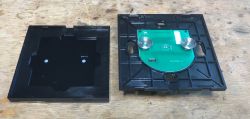
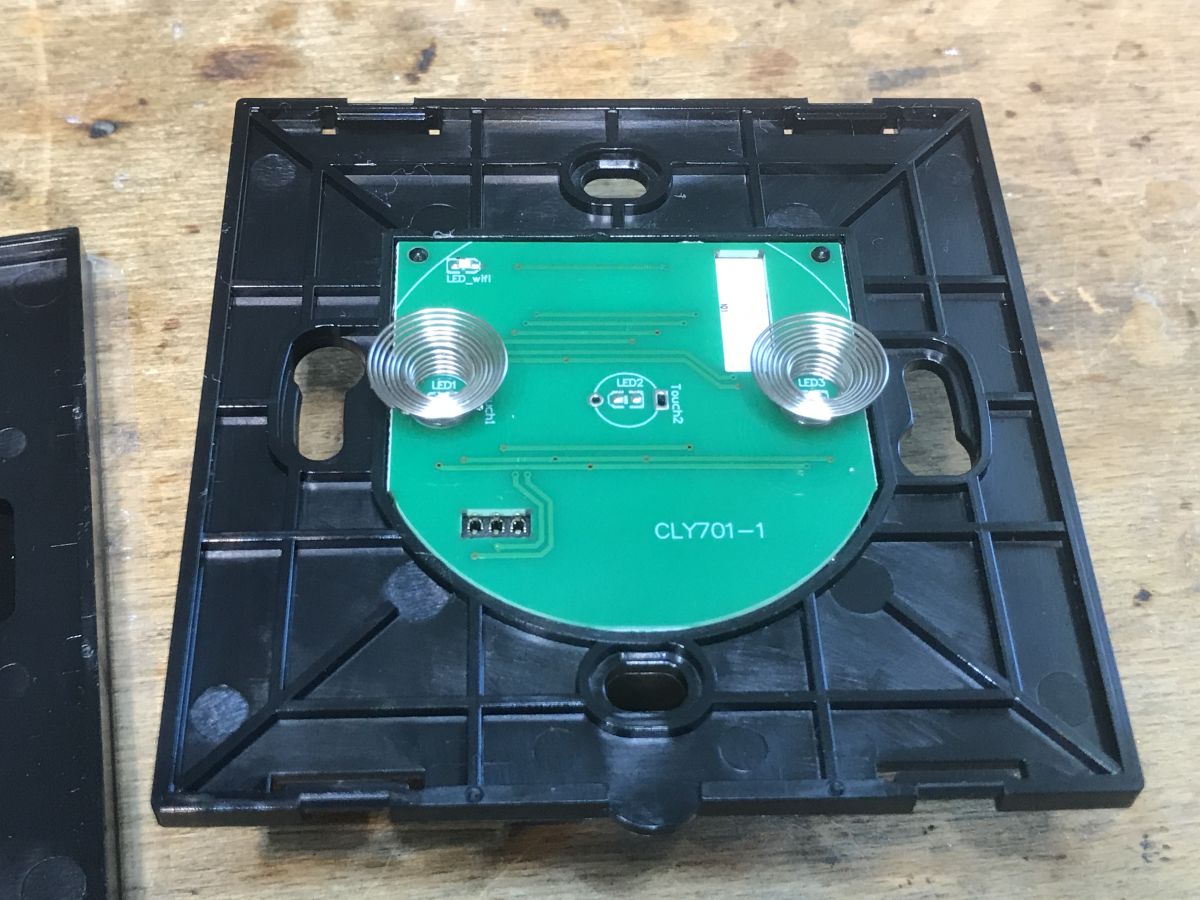
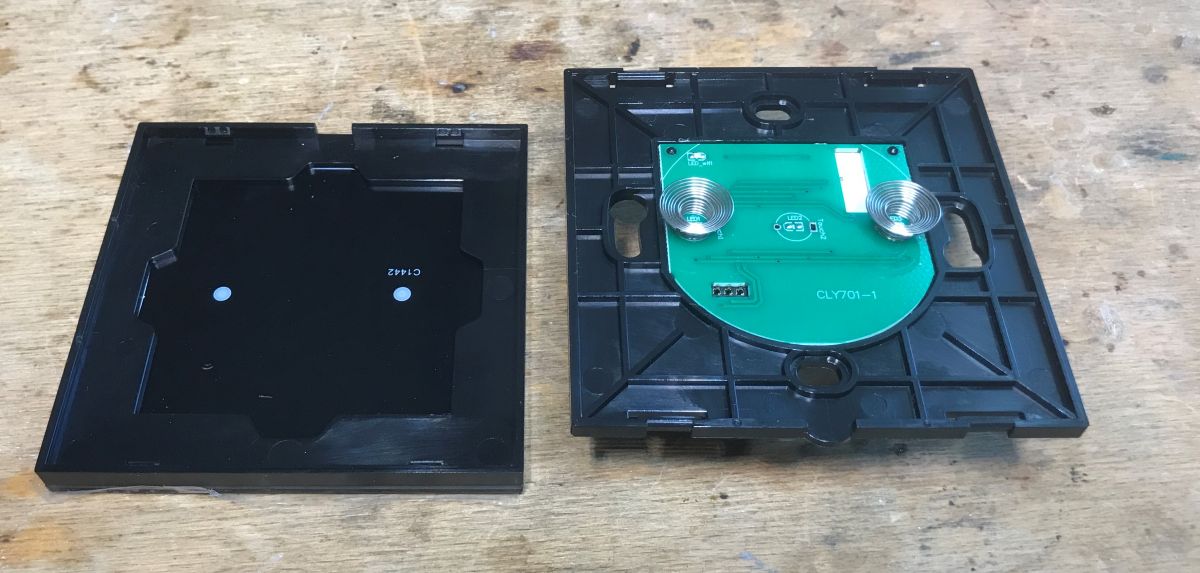
The interior is very similar to the single version:
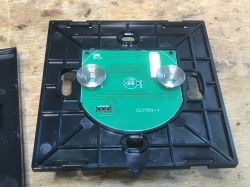
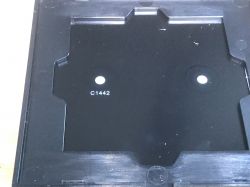
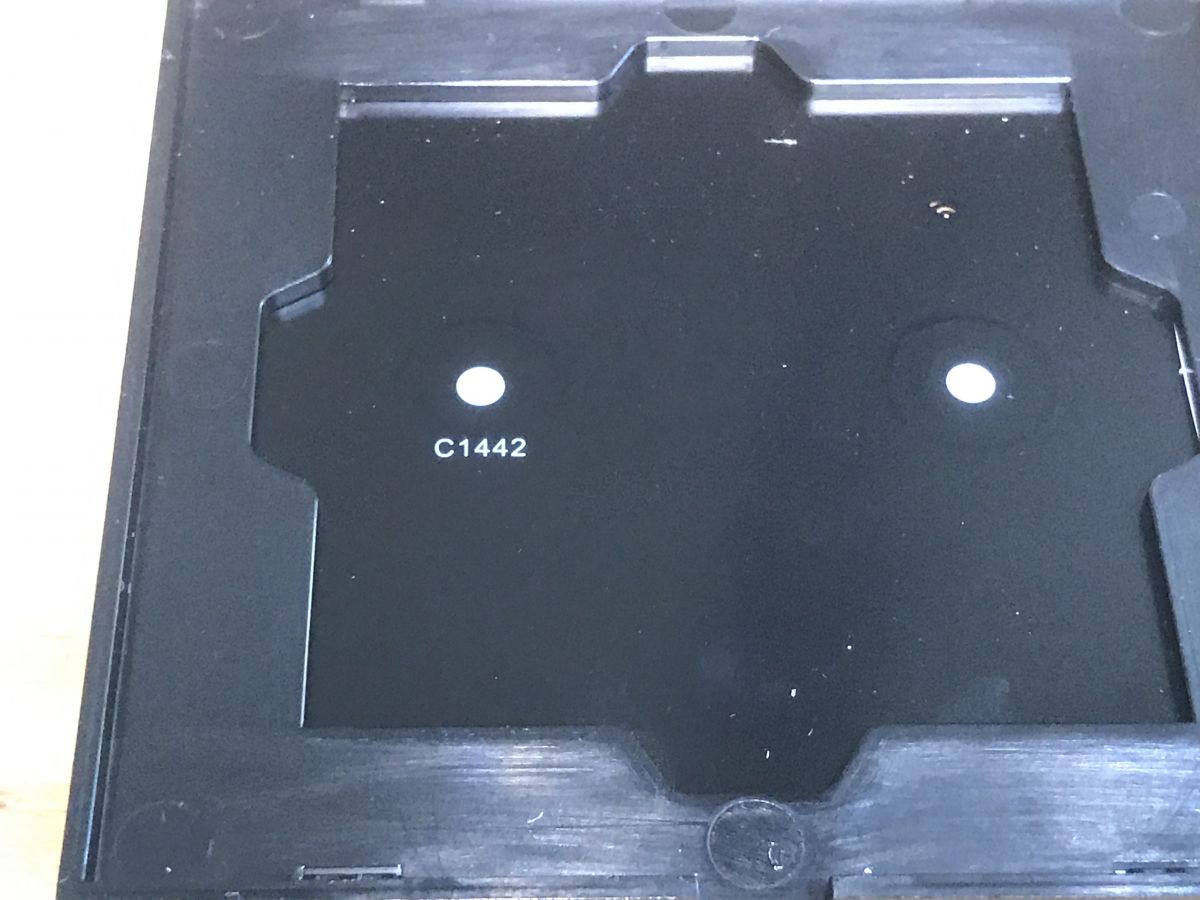
PCB of the CLY701-1 switch with two touch coils. Disassembled casing of the 2xCLY701-2G product showing the PCB. Black casing plate with C1442 marking
Only that in the single version there is a "middle" button soldered, and here there are two extreme ones. Probably the triple version has all three soldered on. The PCB design is common to all versions.
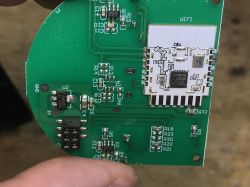
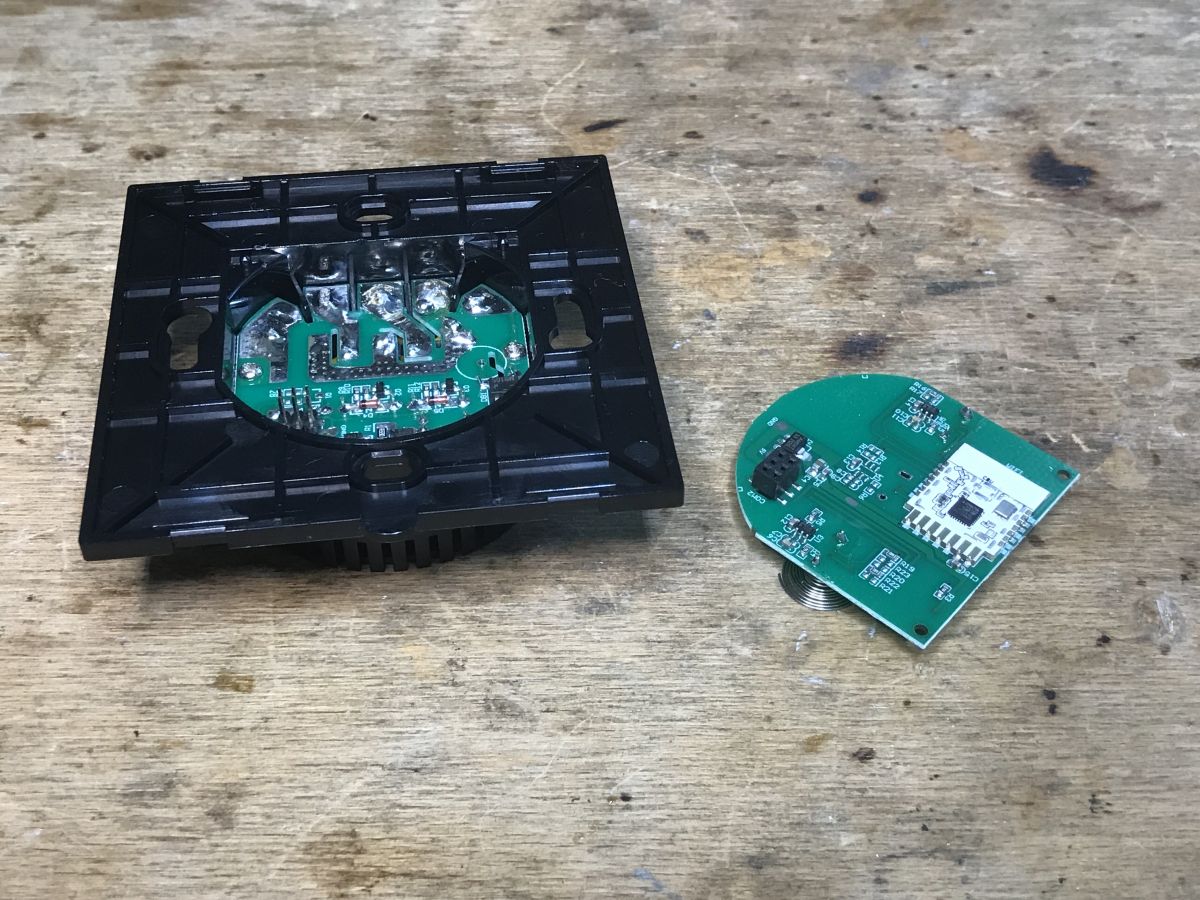
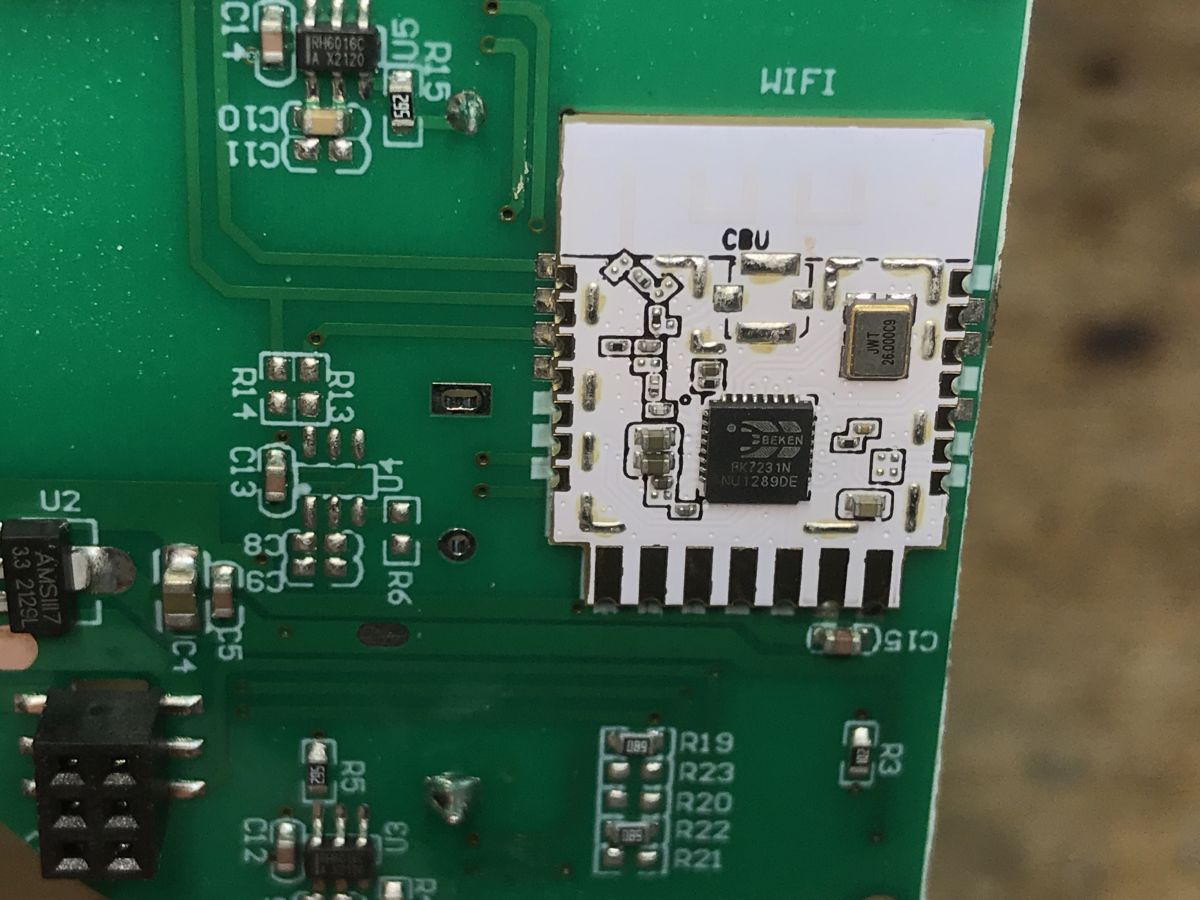
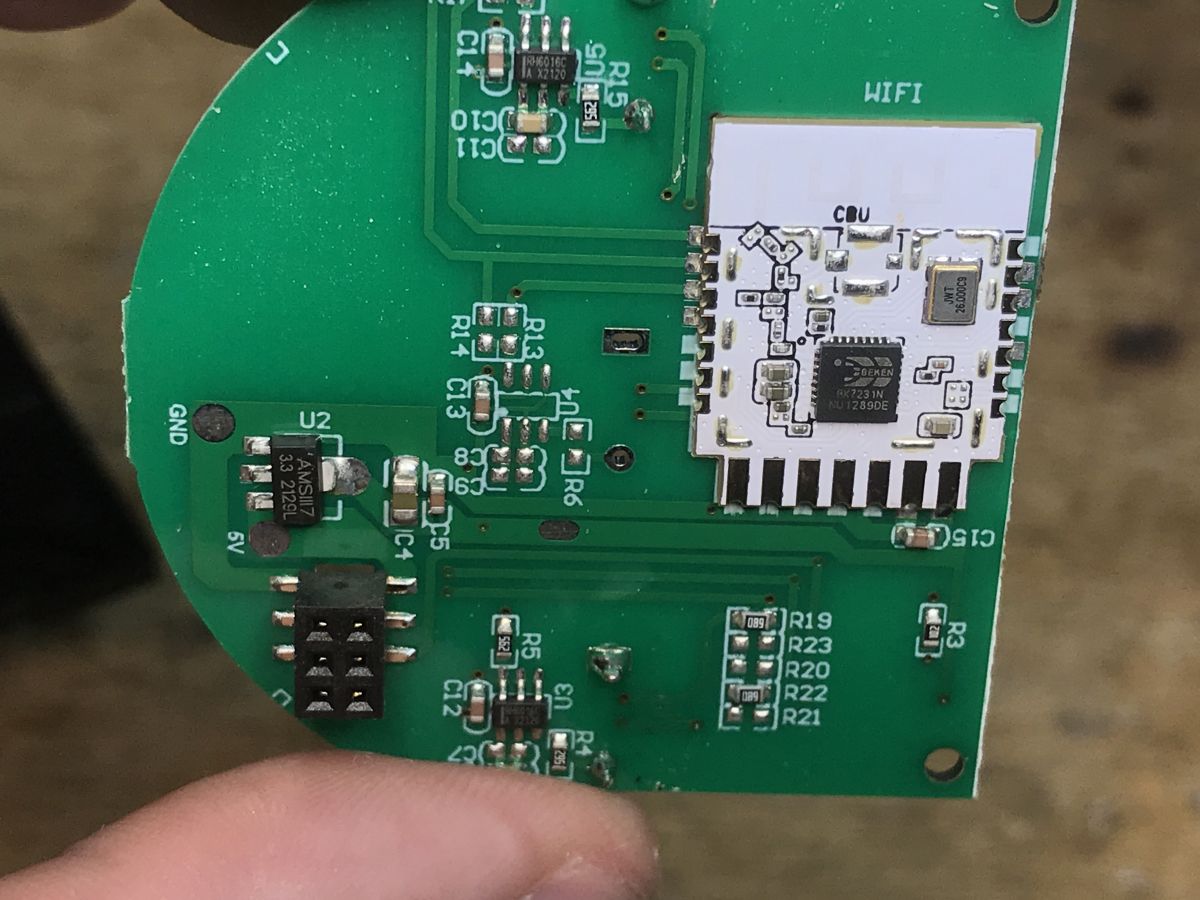
The WiFi module is also a CBU:
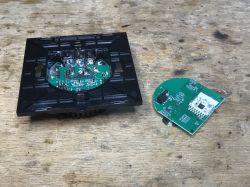
Disassembled WiFi module and PCB of the 2xCLY701-2G (8046) switch.
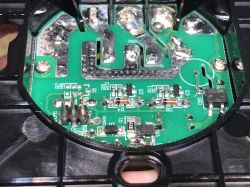
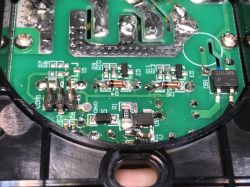
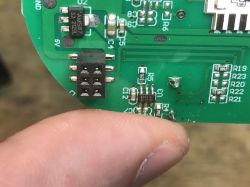
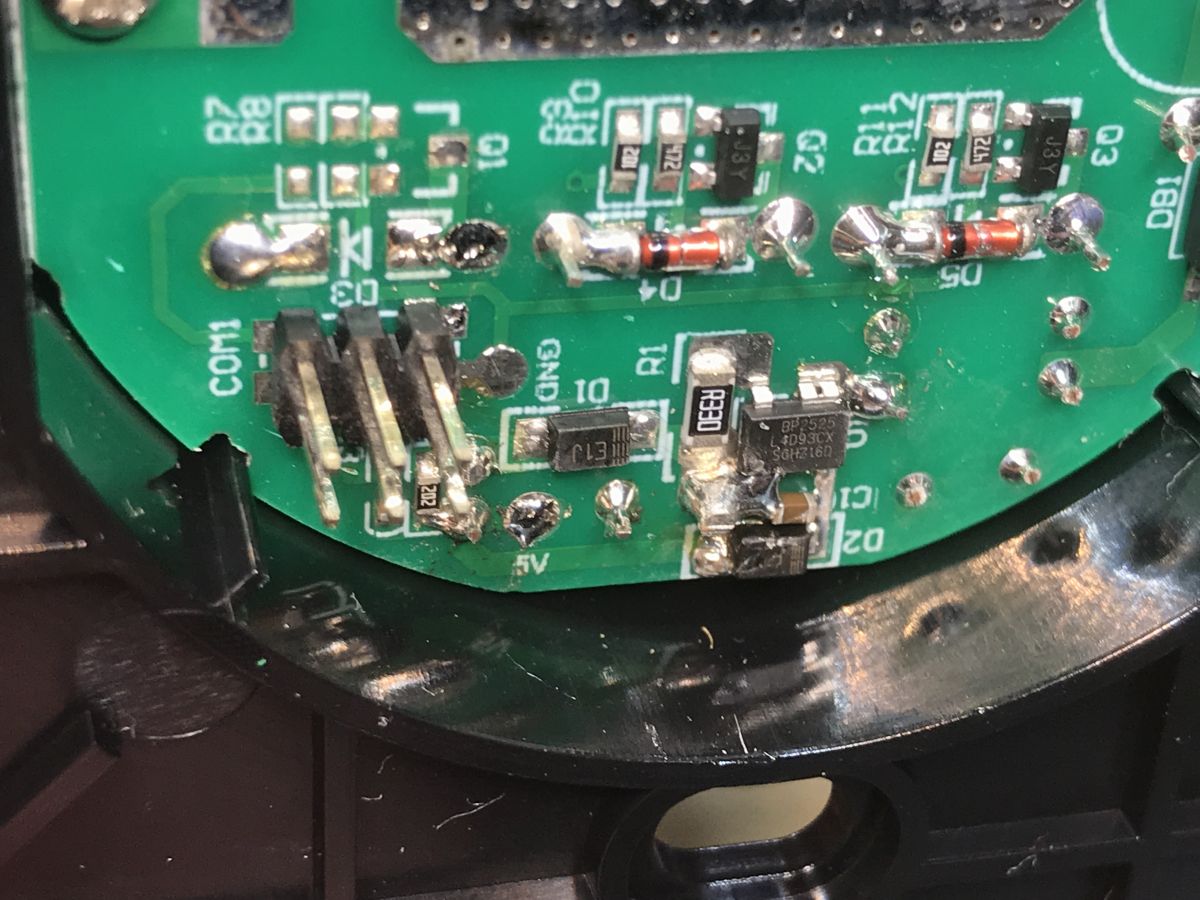
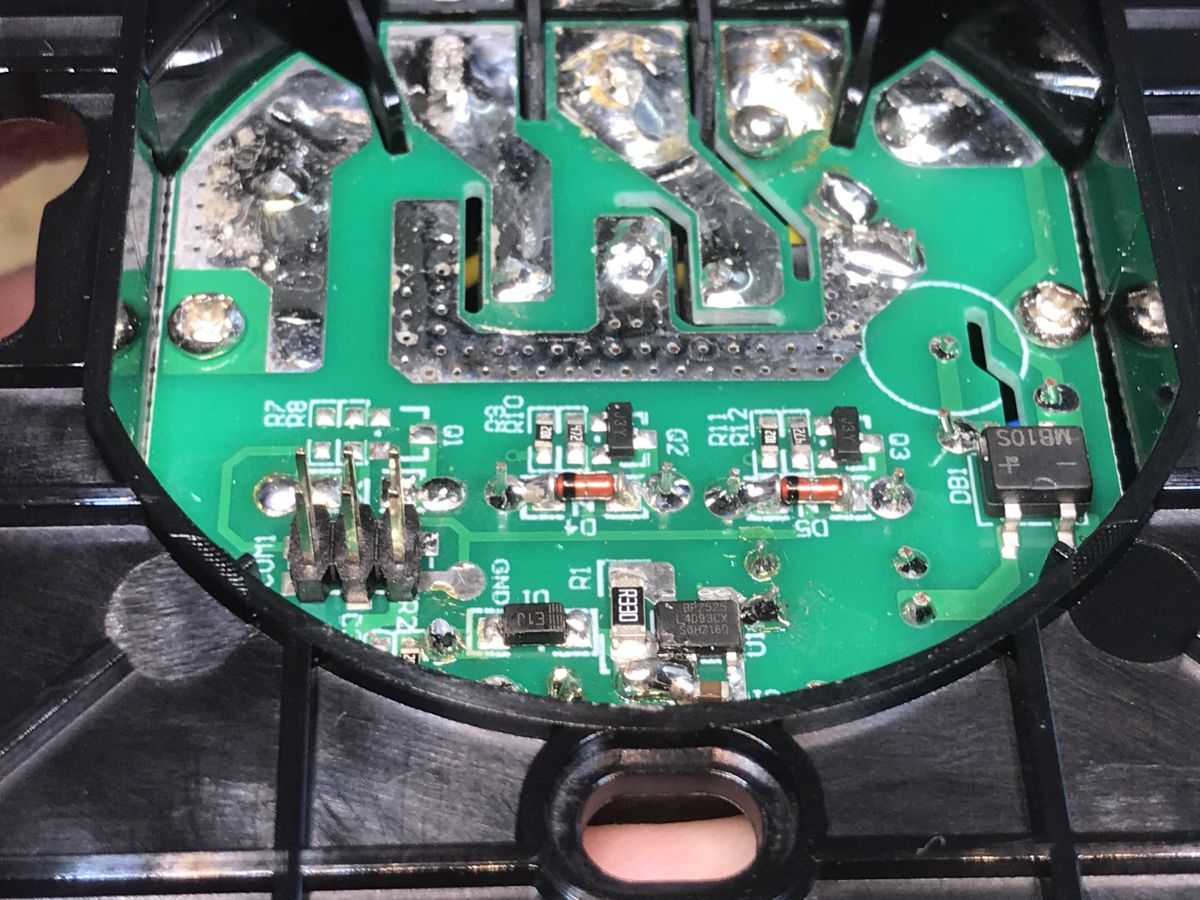
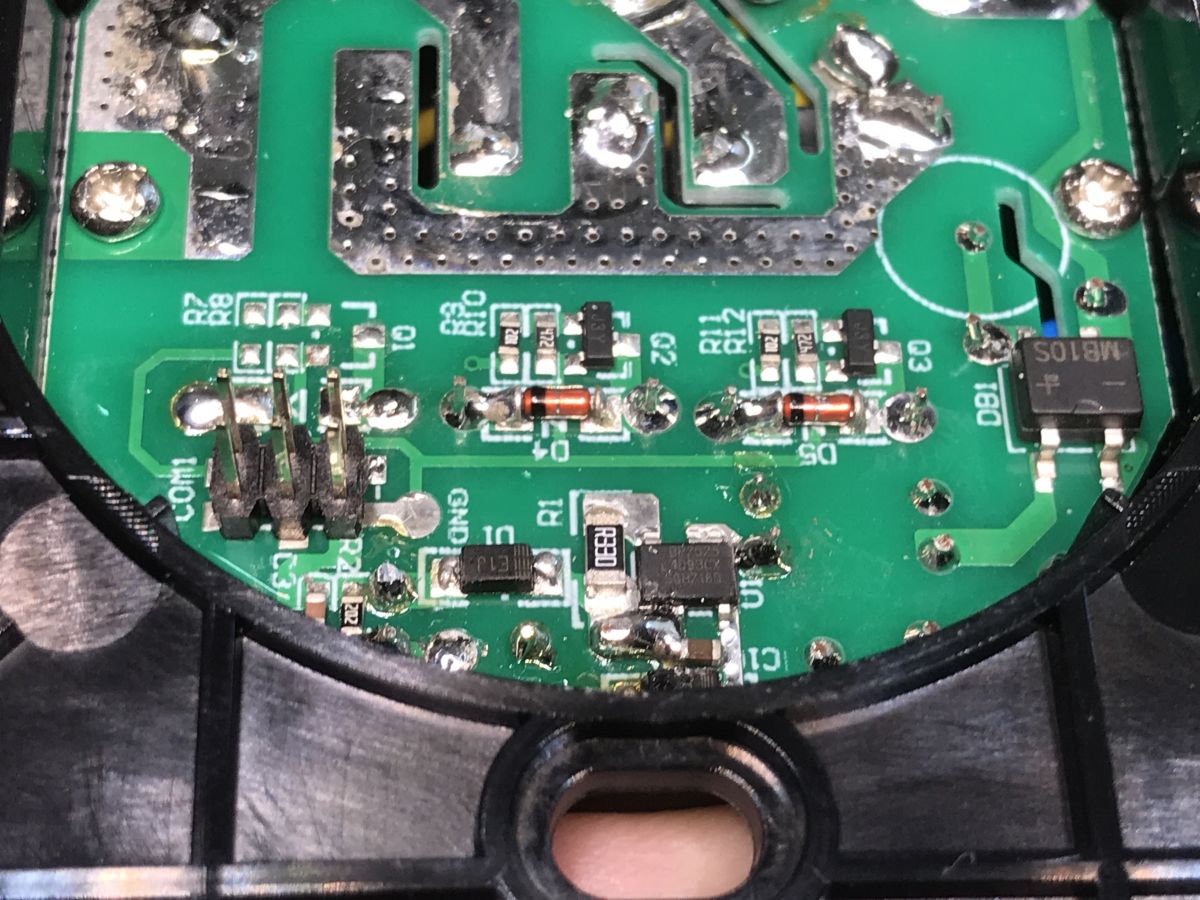
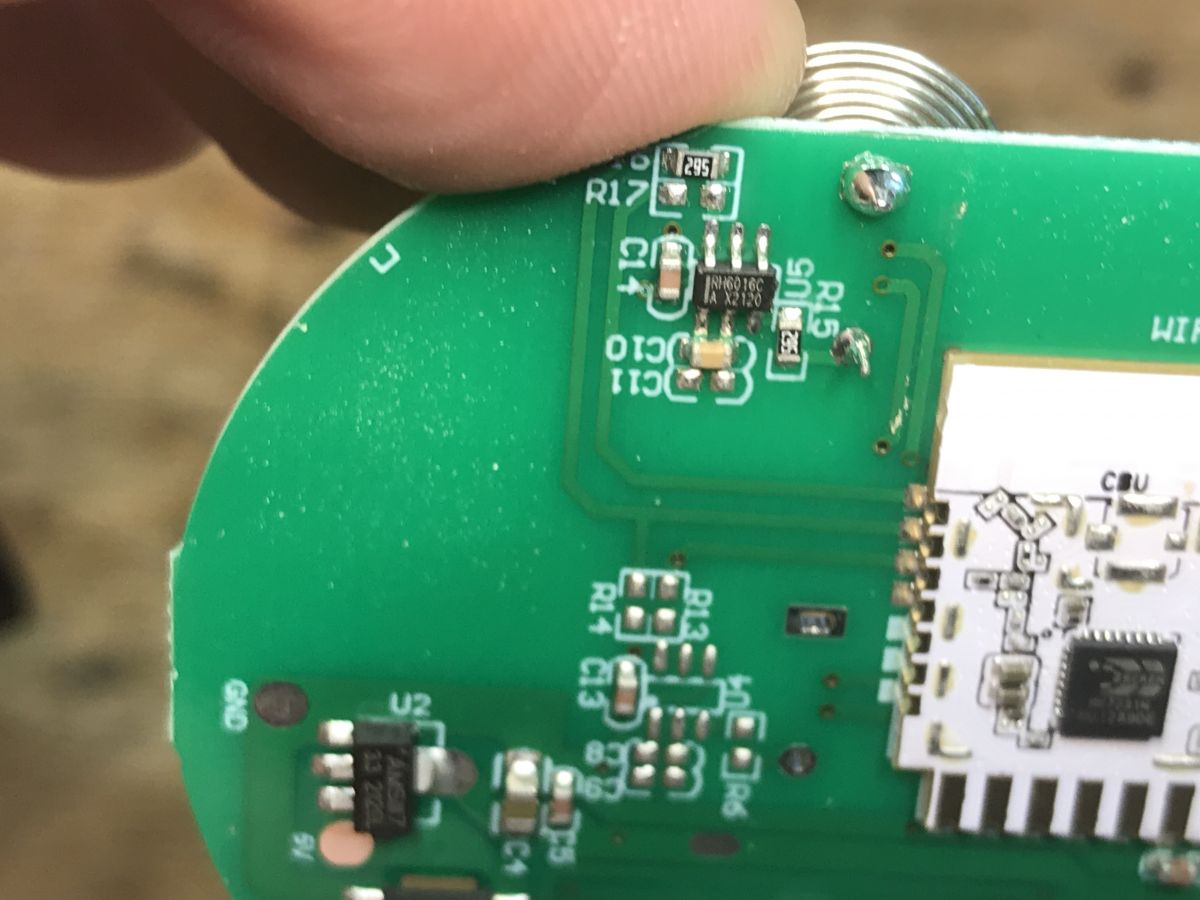
On the second board there is a power supply section (based on BP2525), you can also see two transistors for controlling the relays, the relays are not visible in the photo because they are on the other side of the PCB.
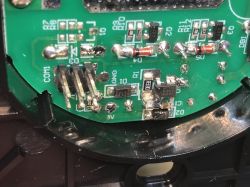
Close-up of a PCB circuit with electronic components and soldering points. Interior of PCB in double switch 2xCLY701-2G (8046) Close-up of a printed circuit board (PCB) with electronic components inside the 2xCLY701-2G switch.
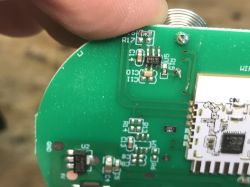
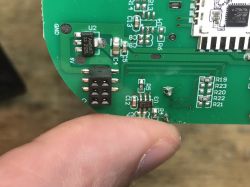
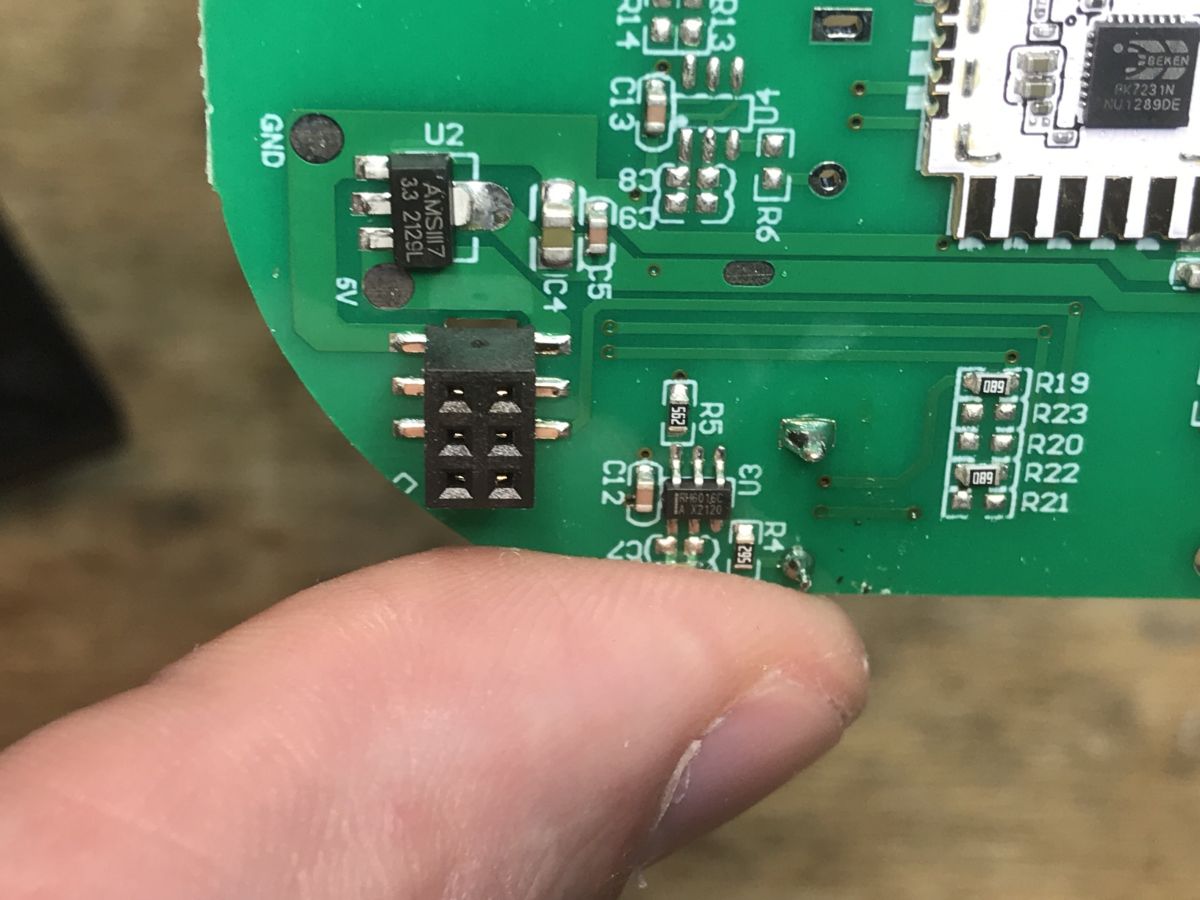
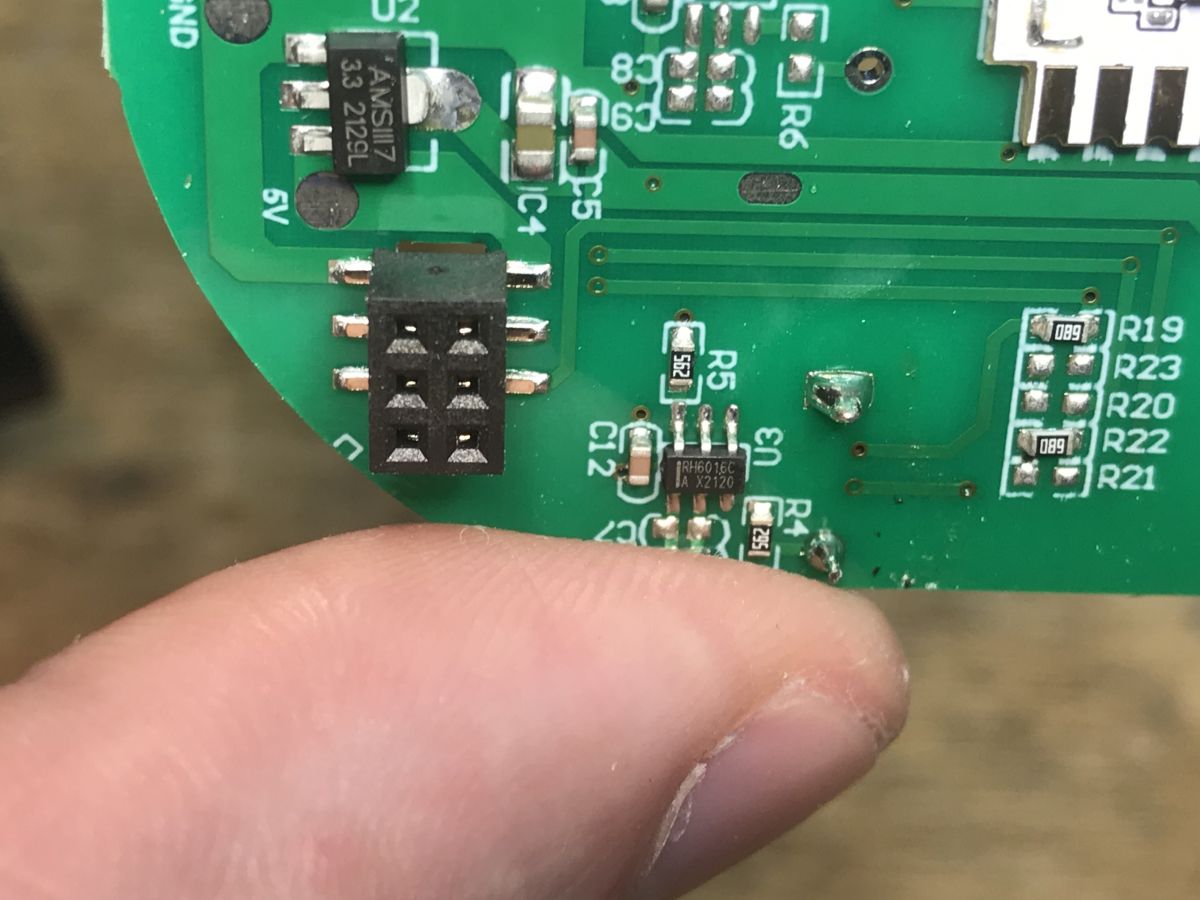
The PCB itself with touch buttons and the WiFi module is very similar to the "single" version:
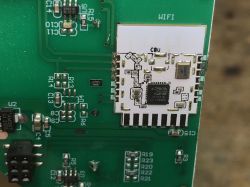
Device circuit board with WiFi module. Close-up of a circuit board with electronics and a WiFi module. Close-up of the circuit board of a 2xCLY701-2G wall switch with electronic components and a WiFi module. Close-up of a circuit board with electronic components and a connector. Green printed circuit board with a WiFi module and various electronic components.


Firmware change
Both uploading OpenBeken , as well as automatic GPIO configuration will be performed by my tool:
https://github.com/openshwprojects/BK7231GUIFlashTool
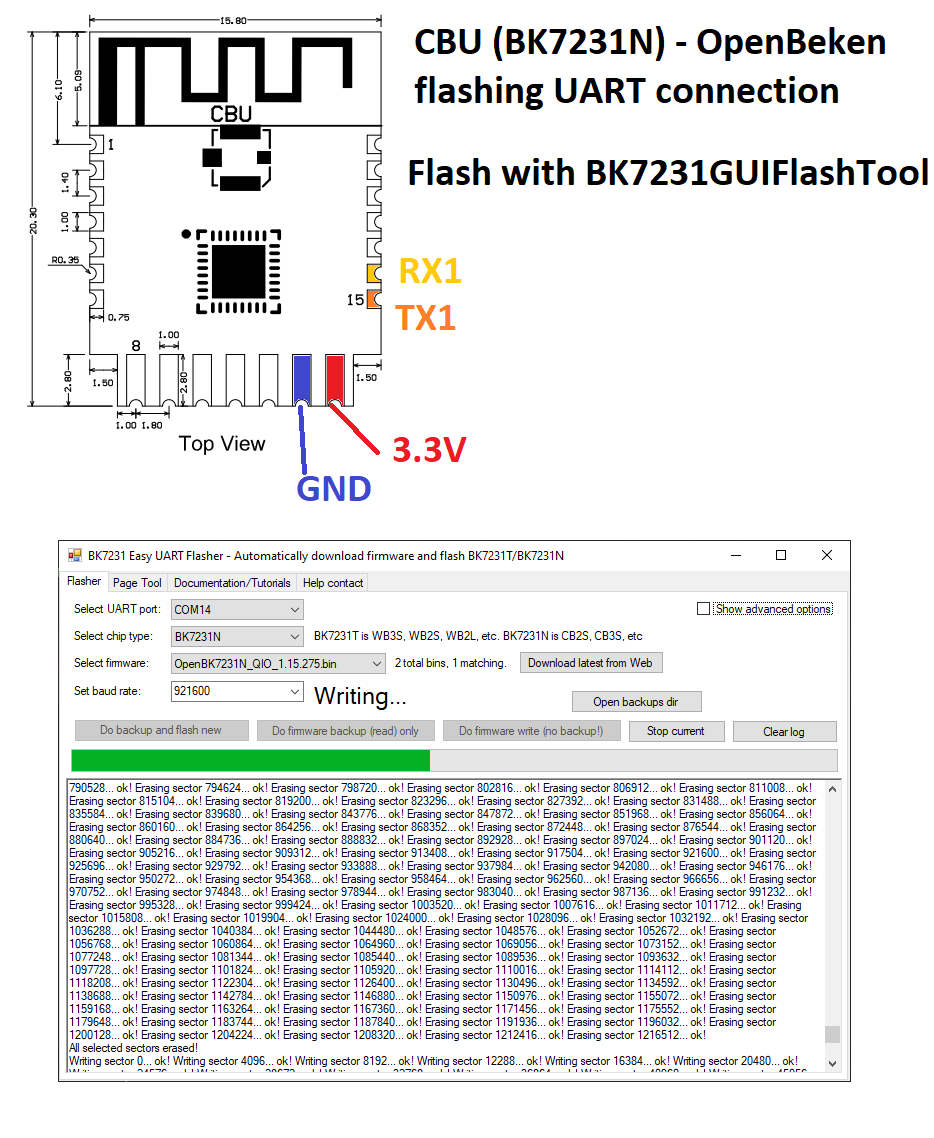
Just connect the USB to UART converter according to the instructions from the link.
Flashing cheat:
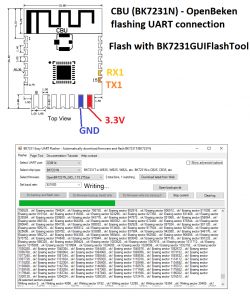
Connection diagram for the CBU (BK7231N) module with flashing instructions.
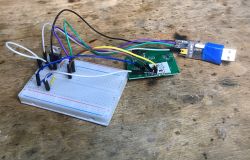
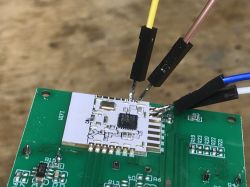
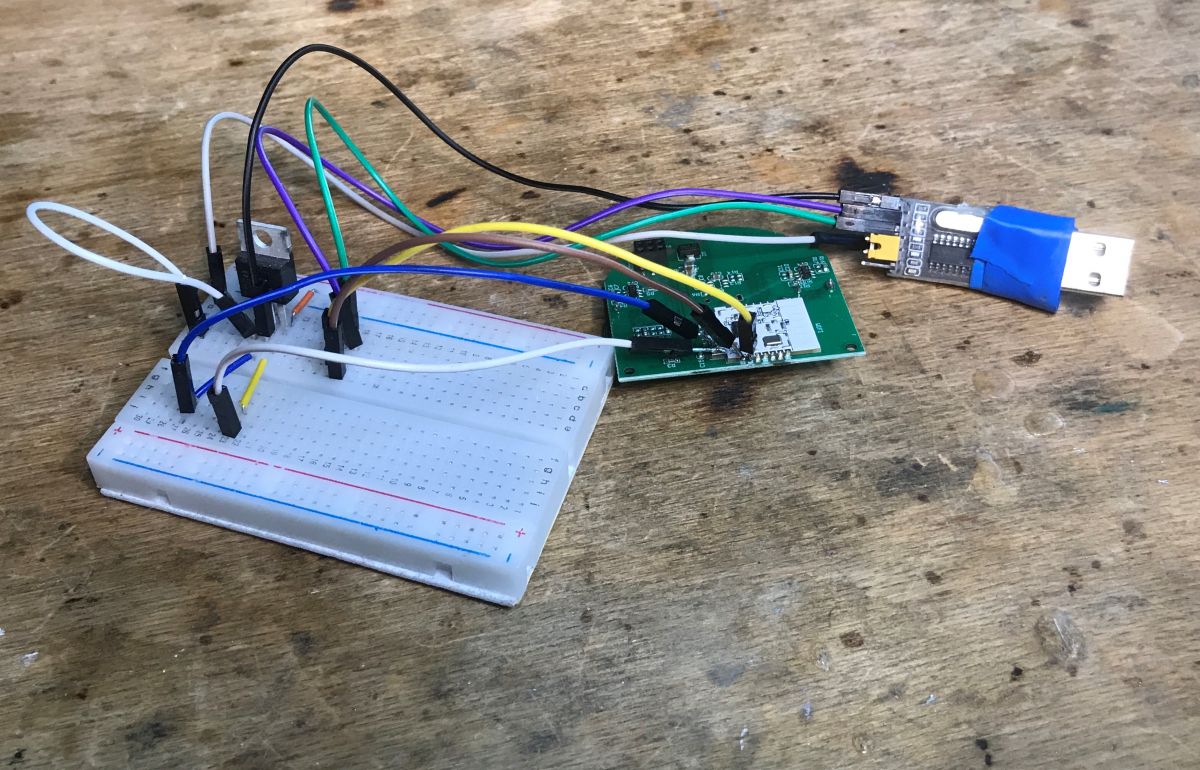
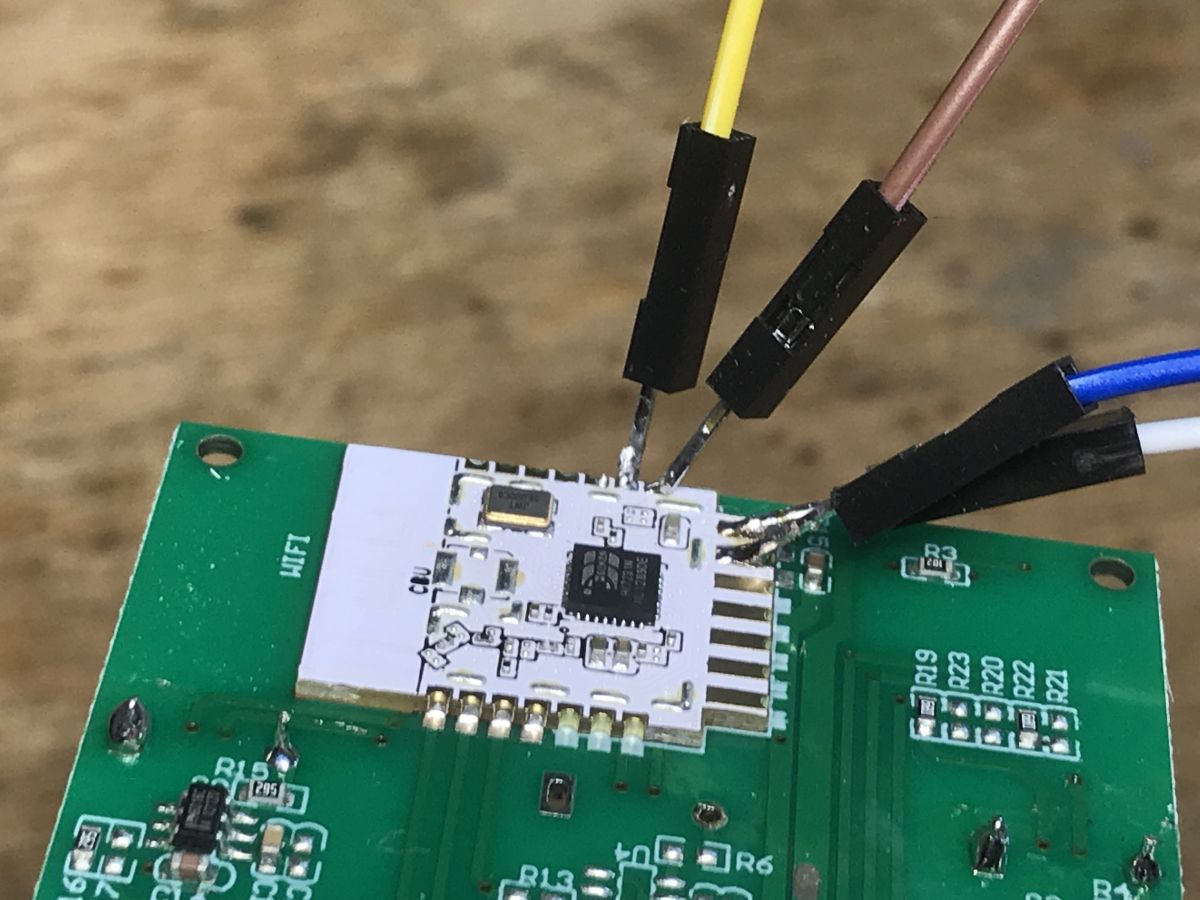
My connection in practice:
PCB board connected to USB to UART converter on a wooden background. Close-up of a WiFi module with several wires connected to a PCB.
I extracted the following configuration from the Tuya partition:
Code: JSON
Log in, to see the code

which translates into the OBK template:
Code: JSON
Log in, to see the code

Unfortunately, this switch does not have separate LEDs and relays, the only LED that we can control separately is the one for WiFi.

Summary
Hassle-free and as in "single" version . Another device free from the cloud.
Finally, I can only add that I prefer to buy "triple" versions of switches, because after changing the WiFi module firmware, you can use unused touch buttons to control other devices in the house, e.g. to control a 12V LED strip connected above a window or in a bar. The ability to control devices over WiFi and control them at will after a firmware change really opens up a wide range of possibilities that wouldn't make sense electrically otherwise.


About Author
p.kaczmarek2
p.kaczmarek2 wrote 14400 posts with rating 12330 , helped 650 times. Been with us since 2014 year.

Comments

FAQ

TL;DR: Under PLN 60 buys a 2-gang BK7231N switch that you can de-cloud in one flash; “Another device free from the cloud” [Elektroda, p.kaczmarek2, post #20731255]

Why it matters: Local firmware means zero vendor lock-in and full Home-Automation freedom.

Quick Facts

• Price: < PLN 60 for double model [Elektroda, p.kaczmarek2, post #20731255] • MCU/WiFi: BK7231N (CBU module) [Elektroda, p.kaczmarek2, post #20731255] • Relays: 2 channels, GPIO 28 & 9 [Elektroda, p.kaczmarek2, post #20731255] • Total used pins: 5 (2 Rel, 2 Btn, 1 LED) [Elektroda, p.kaczmarek2, post #20731255] • AC-DC supply chip: BP2525 buck converter [Elektroda, p.kaczmarek2, post #20731255]

What components sit inside the 8046 double smart switch?

The control board carries a BK7231N-CBU WiFi module, two 10 A relays, touch-button pads, and a BP2525 power supply stage [Elektroda, p.kaczmarek2, post #20731255]

Why replace the factory Tuya firmware?

Flashing OpenBeken removes cloud dependence, enables MQTT/HTTP local control, and lets you repurpose unused buttons for other automations [Elektroda, p.kaczmarek2, post #20731255]

How do I wire the USB-UART to the CBU module?

  1. Connect 3.3 V, GND, RX, TX, and BOOT0.
  2. Hold BOOT0 low, then power the board.
  3. Start the GUI Flash Tool and load the OpenBeken binary [Elektroda, p.kaczmarek2, post #20731255]

What GPIO template should I load in OpenBeken?

Set Rel;1→28, Rel;2→9, Btn;1→20, Btn;2→16, WifiLED_n→22. The template name is “Wall Switch 2 Gang 8046” [Elektroda, p.kaczmarek2, post #20731255]

What risks exist while flashing?

Mis-wiring RX/TX or using 5 V can brick the BK7231N. A failed flash may leave the device in a boot loop until re-flashed in UART mode—an edge case worth noting [“OpenBeken README”].

How fast is the flashing process?

The BK7231 GUI Flash Tool completes the write in about 90 s for the 512 kB firmware—a statistic confirmed by multiple community reports [“OpenBeken README”].

Can I revert to the original Tuya firmware?

Only if you previously made a full flash backup (*.bin). Without it, the stock image is unrecoverable due to encrypted partitions [“OpenBeken Wiki”].

Will Home Assistant auto-discover the switch after OpenBeken?

Yes. Enable MQTT in OpenBeken; Home Assistant’s MQTT integration will auto-discover two switch entities within seconds [“OpenBeken Wiki”].

How do single, double, and triple versions differ?

All share one PCB; the variant merely dictates how many button/relay pairs are soldered—one, two, or three respectively [Elektroda, p.kaczmarek2, post #20731255]

What is the maximum load per relay?

Typical CLY701 relays are rated 10 A at 250 VAC; always verify the printed rating on your unit before wiring [Manufacturer datasheet].

Is over-the-air (OTA) updating possible after flashing?

Yes. OpenBeken offers OTA upgrades via its web UI, reducing future physical disassembly [“OpenBeken README”].
Generated by the language model.
%}