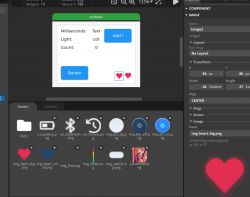
.
Today we are learning the basics of LVGL, which is a "lightweight and versatile graphics library for embedded". To make things easier for us, in this topic I'll use its ready-made integration with the ESP32-2432S028R board and create the interface elements themselves in SquareLine Studio. Here we'll see what creating a user interface for an ESP32 board using the SquareLine visual editor might look like and then analyse how it works.
NOTE: This topic is based on SquareLine Studio which is somewhat truncated in the free version. If you want to write in LVGL manually, without SquareLine Studio, then I recommend waiting for the next part, where I will do the program without the UI visual editor.
This topic is a continuation of the story about the ESP32-2432S028R. Here are the previous parts:
ESP32 and touchscreen display - tutorial - part 1 - how to program? Basics .
ESP32 and touch display - part 2 - how to draw pixels, lines, shapes, performance issues
ESP32 and touch display - tutorial part 3 - interactions, games and fun .
ESP32 and touchscreen display - tutorial part 4 - web weather, APIs, JSON
This topic will be about LVGL, so it's worth quoting their documentation right away:
https://docs.lvgl.io/master/intro/index.html
LVGL examples:
https://docs.lvgl.io/master/examples.html
Each example above has its own source code, you can also run them in the project I will present here.
Running the esp32-smartdisplay-demo example .
We could manually integrate LVGL into our project, but why? Especially since I am trying to target the needs of beginners with this topic.... for this reason we will use a ready-made example available for free on Github. To download, we have the entire project in PlatformIO:
https://github.com/rzeldent/esp32-smartdisplay-demo
We download the repository as a zip or "clone" it via Git.
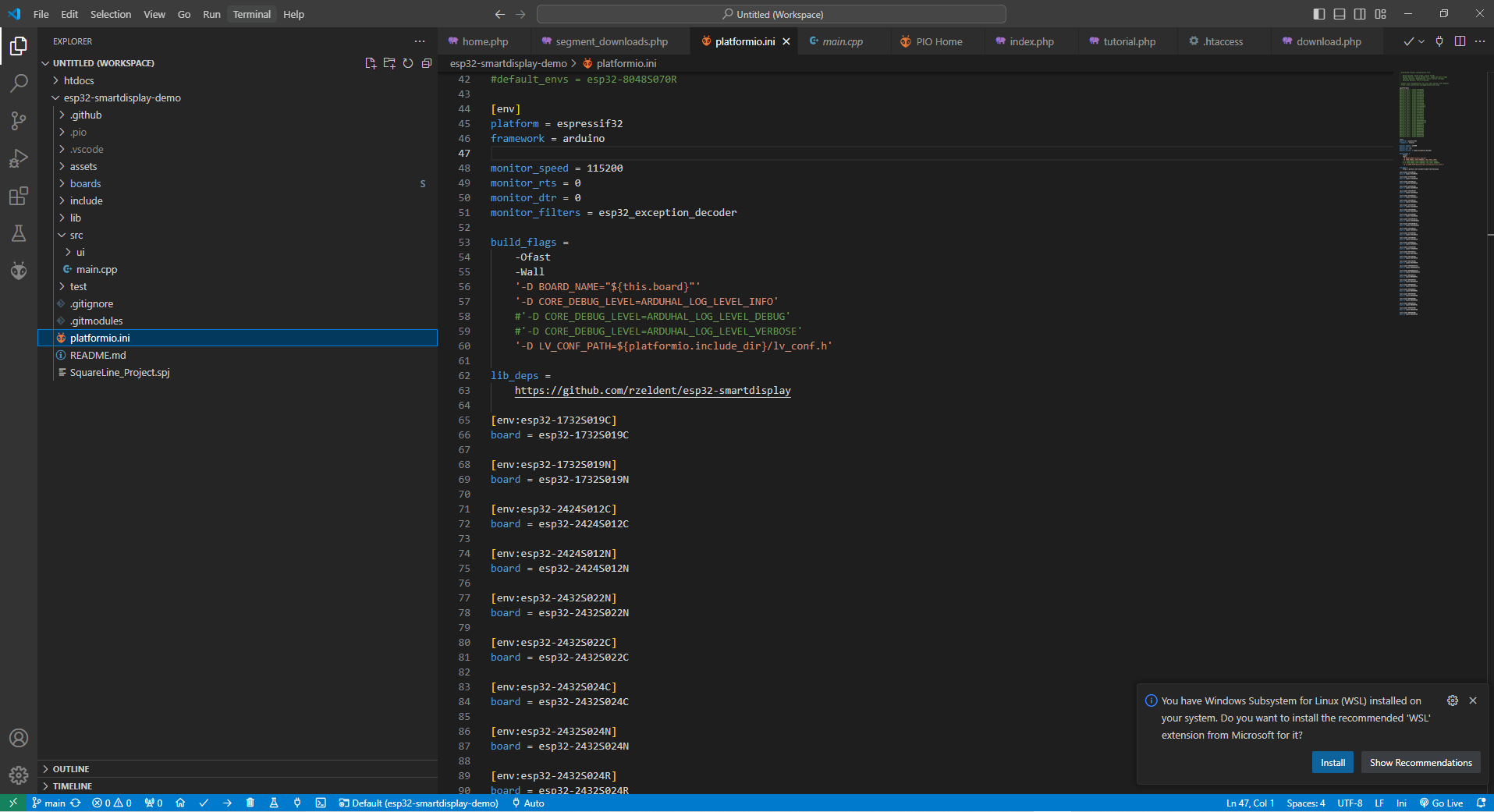
We open it in PlatformIO:
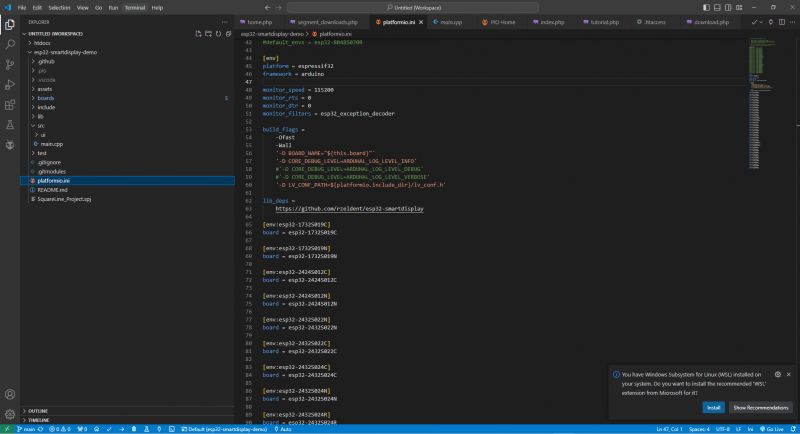
.
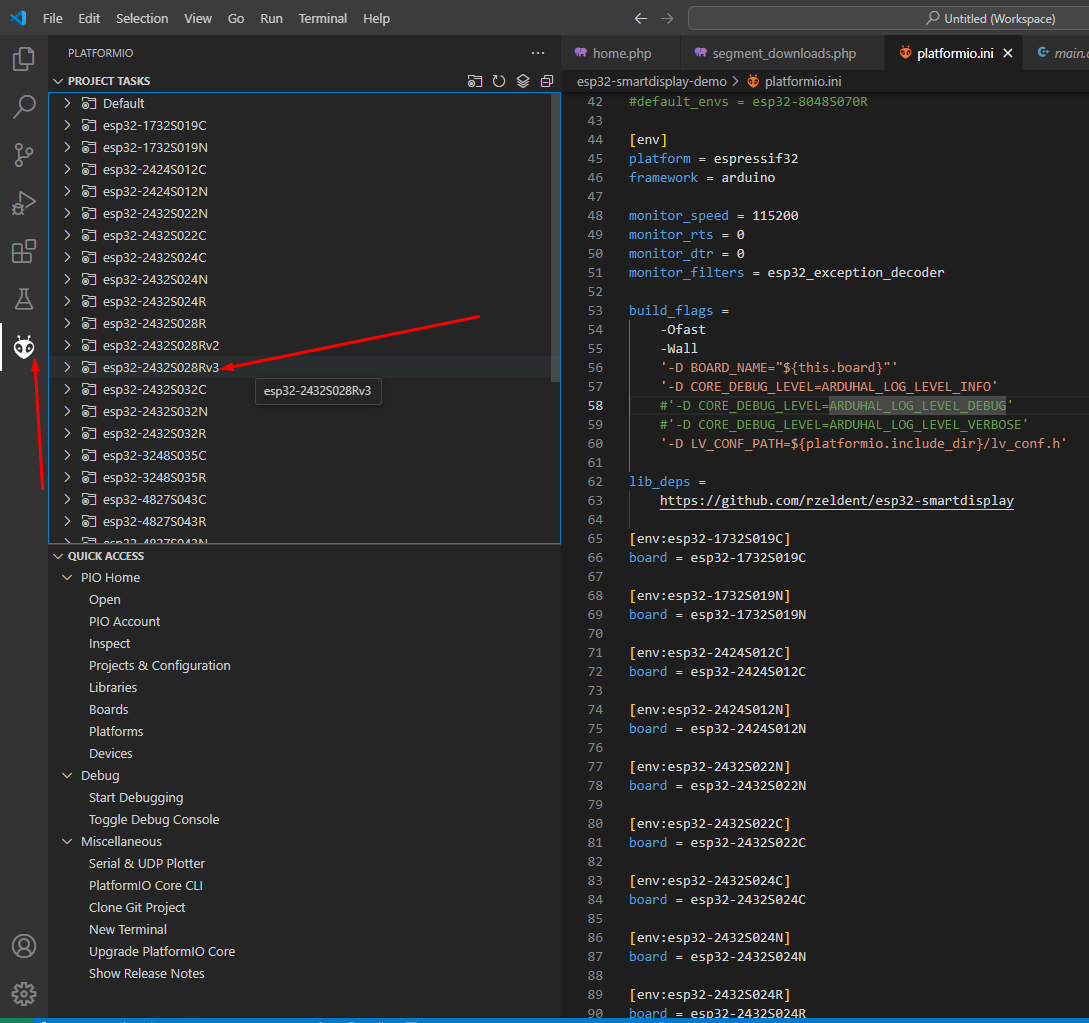
This project supports a wide range of boards with a variety of displays. Most importantly, however, it also supports our ESP32-2432S028R.
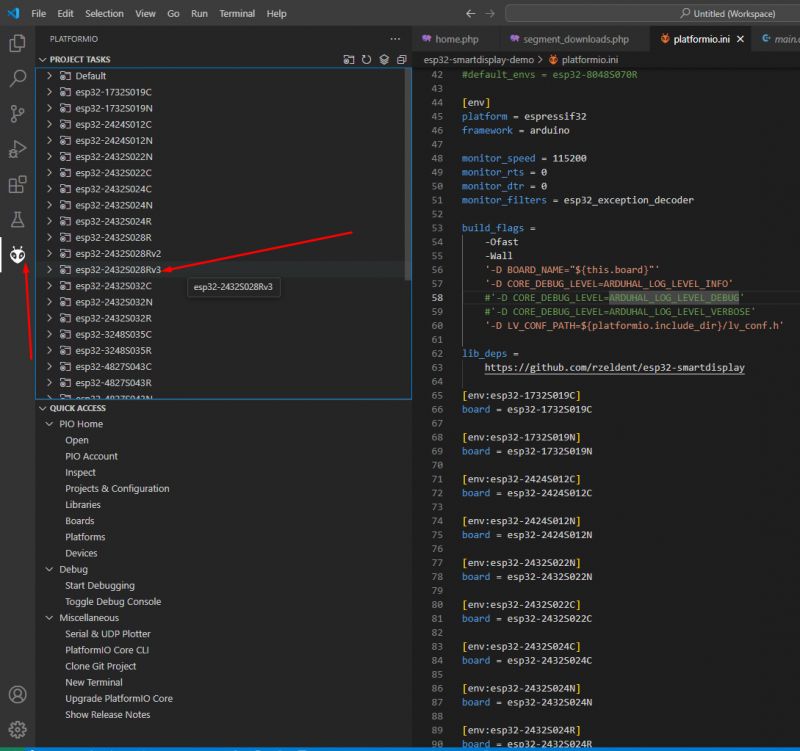
.
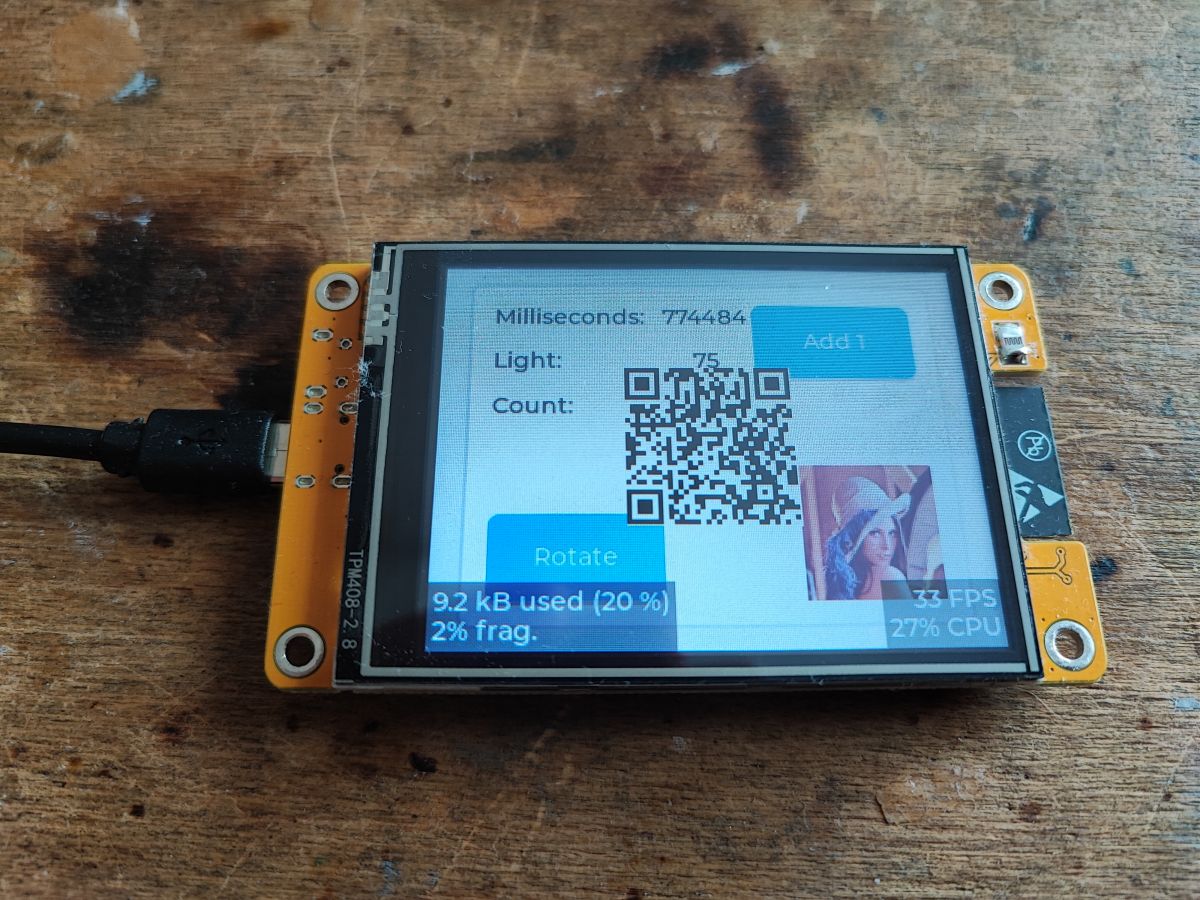
At first I was a bit confused about which version I should run, as there is esp32-2432S028R, esp32-2432S028Rv2 o esp32-2432S028Rv3. In my case, only the third option gave a picture. Just compile and upload and see what the effect is:
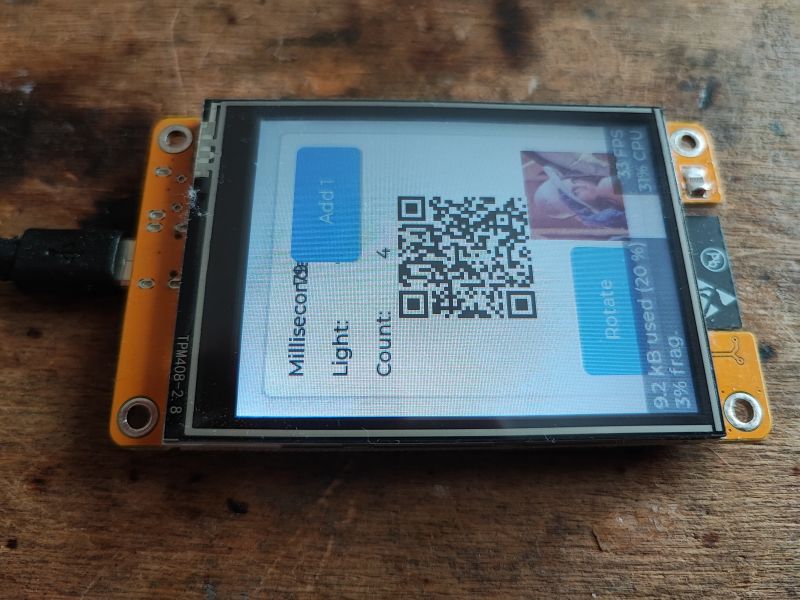
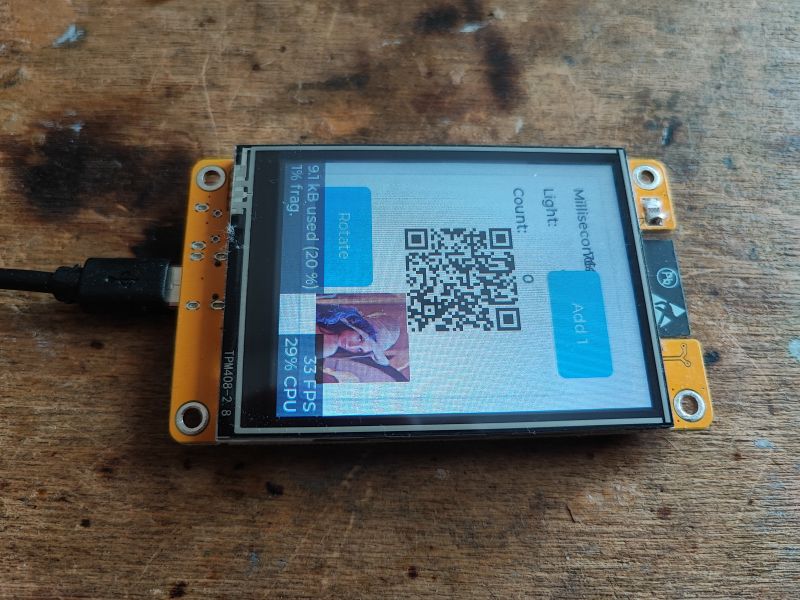
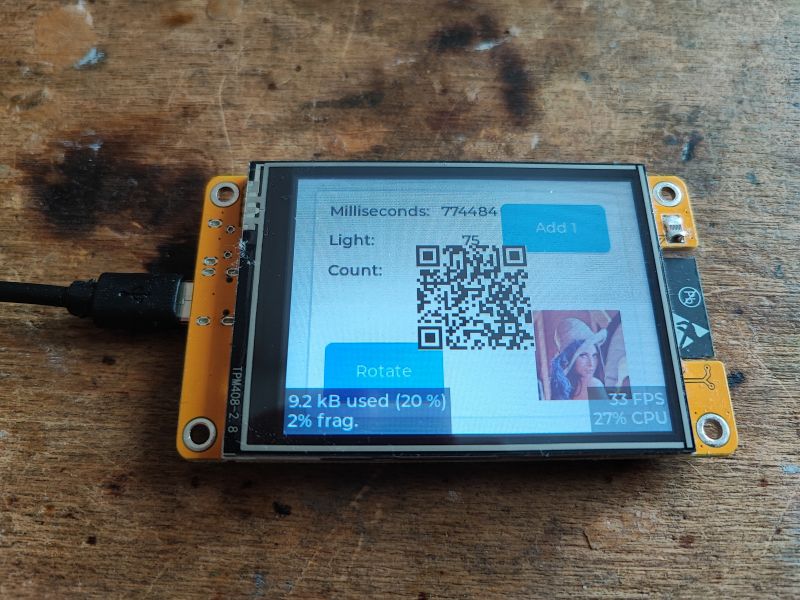
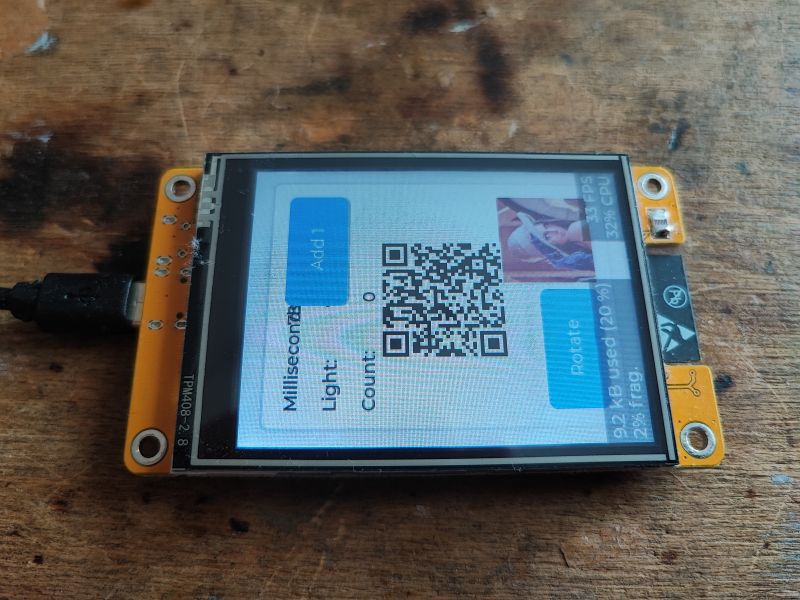
.
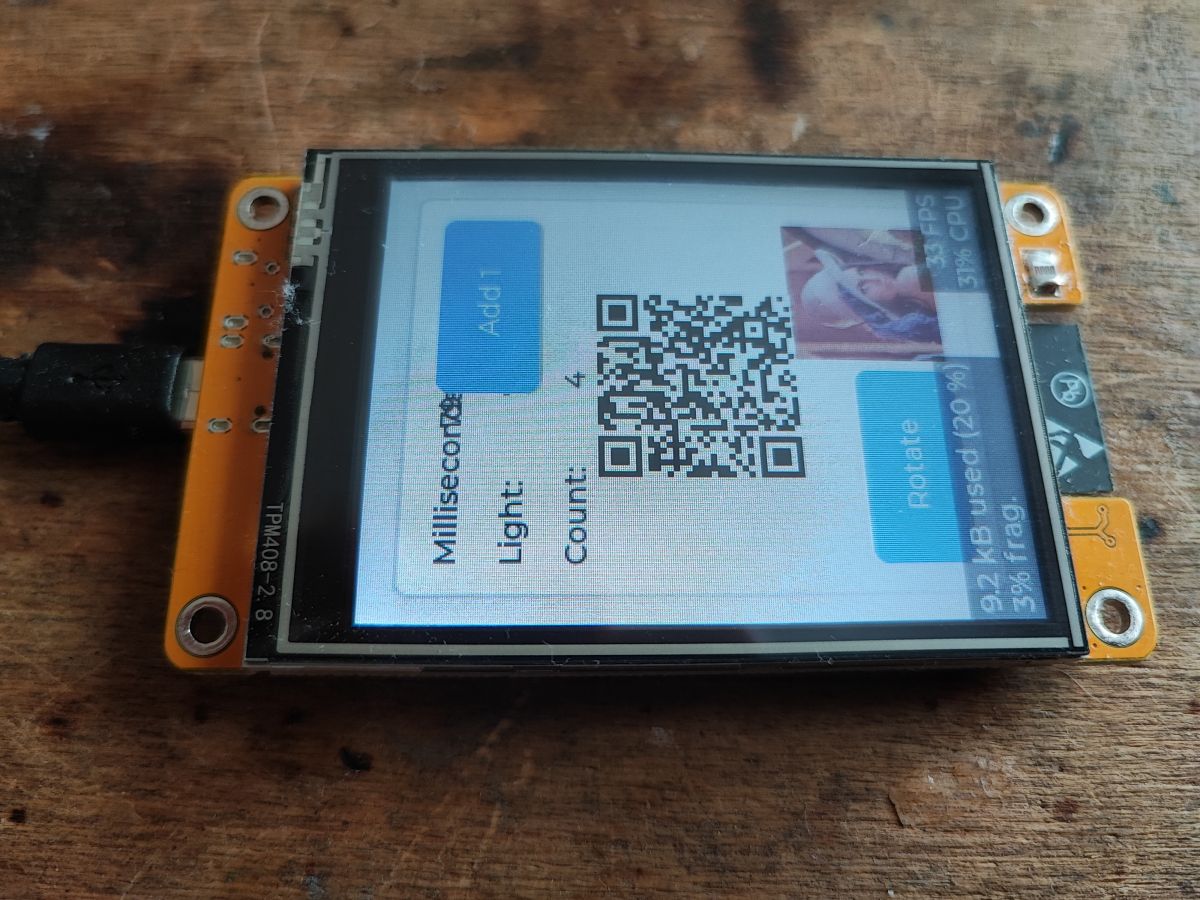
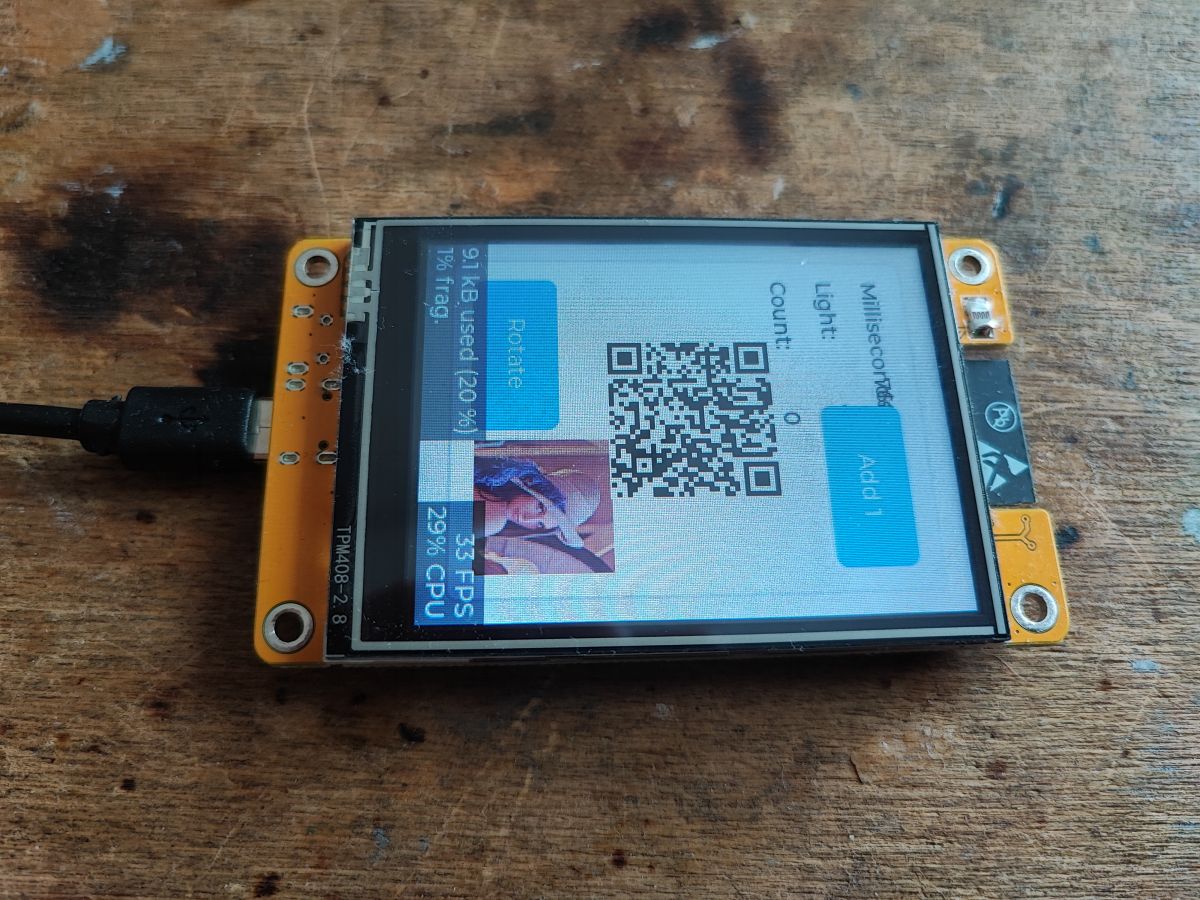
Well it doesn't look neat, but the effect is there, the graphics, the QR code and even the interactive button.
Let's examine the example code. Headers:
.
The LVGL integration is already done for us - it is in esp32_smartdisplay.h.
The function that handles the button click event (we'll see how it's tacked on to the button later):
.
The above function also changes the
text of the label (the set_text_fmt version supports ForMaTing such as sprintf, printf).
The argument of the function is lv_event_t, which is
an object representing an event ..
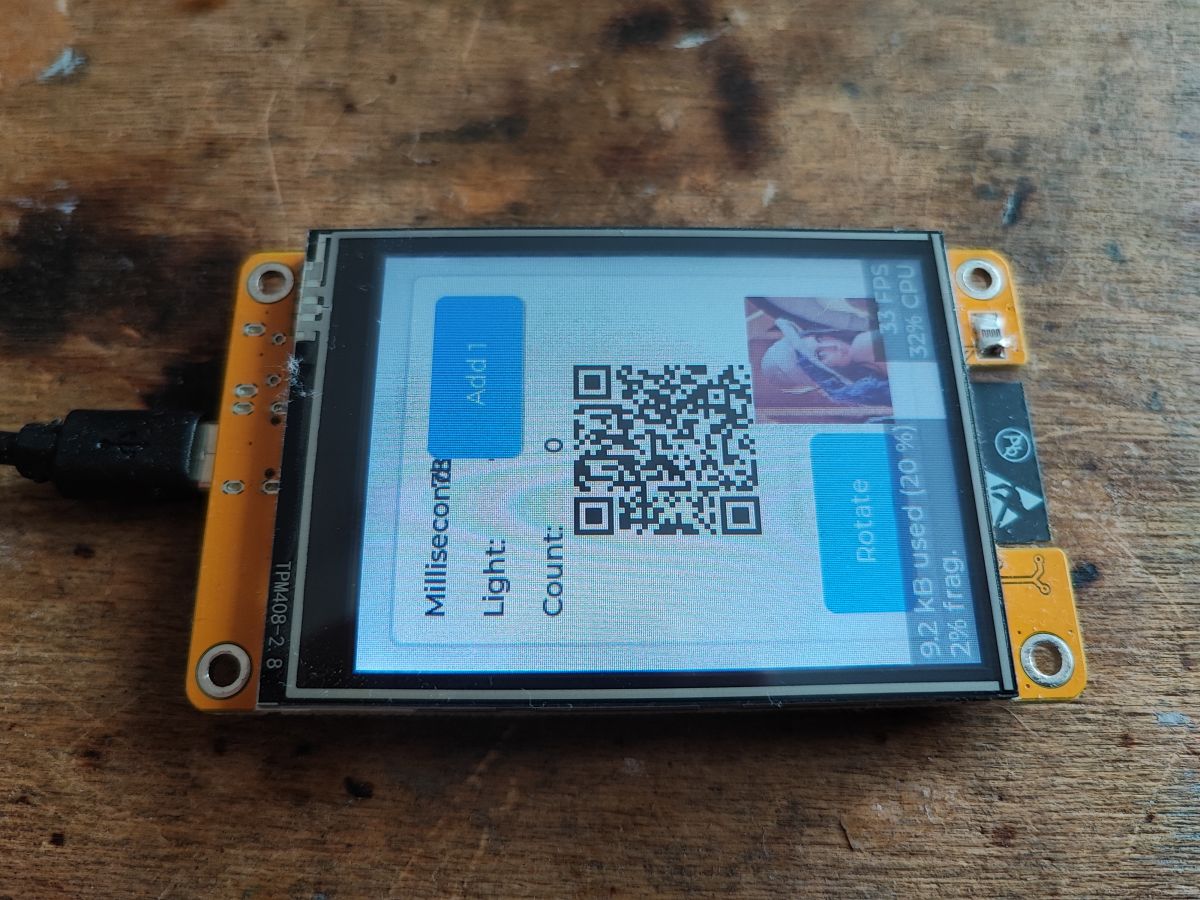
Push-button operation from turning:
.
lv_disp_set_rotation sets
rotation of the screen (lv_disp_rot_t enumeration).
And then there's the setup function - initialising the program:
.
It also calls smartdisplay_init and ui_init, which can be written by us or by SquareLine Studio:
.
Below, in turn, an extension is used to prepare the QR code. Everything is based on ready-made mechanisms:
.
QR code documentation:
https://docs.lvgl.io/master/libs/qrcode.html
The main loop code remains.
.
In the main loop the most important thing is the regular call
lv_timer_handler that is the LVGL update. In addition, there is an artificially added event handler every 500 ms in which, among other things, the colour of the LED is changed and the text on the screen is updated.
But that's not all... this project is not based on C code alone, we also have an SPJ file here:
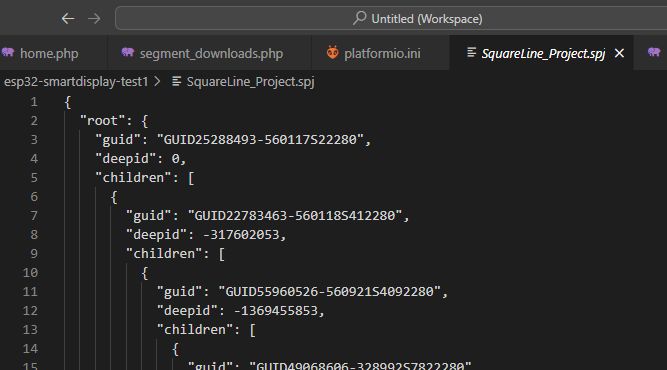
.
This is a UI project made in SquareLine Studio. SquareLine Studio then converts it into C code, which we only then compile normally under ESP. Clever! Here there is no UI "intermediate format" like HTML or XML, we have the code straight away.
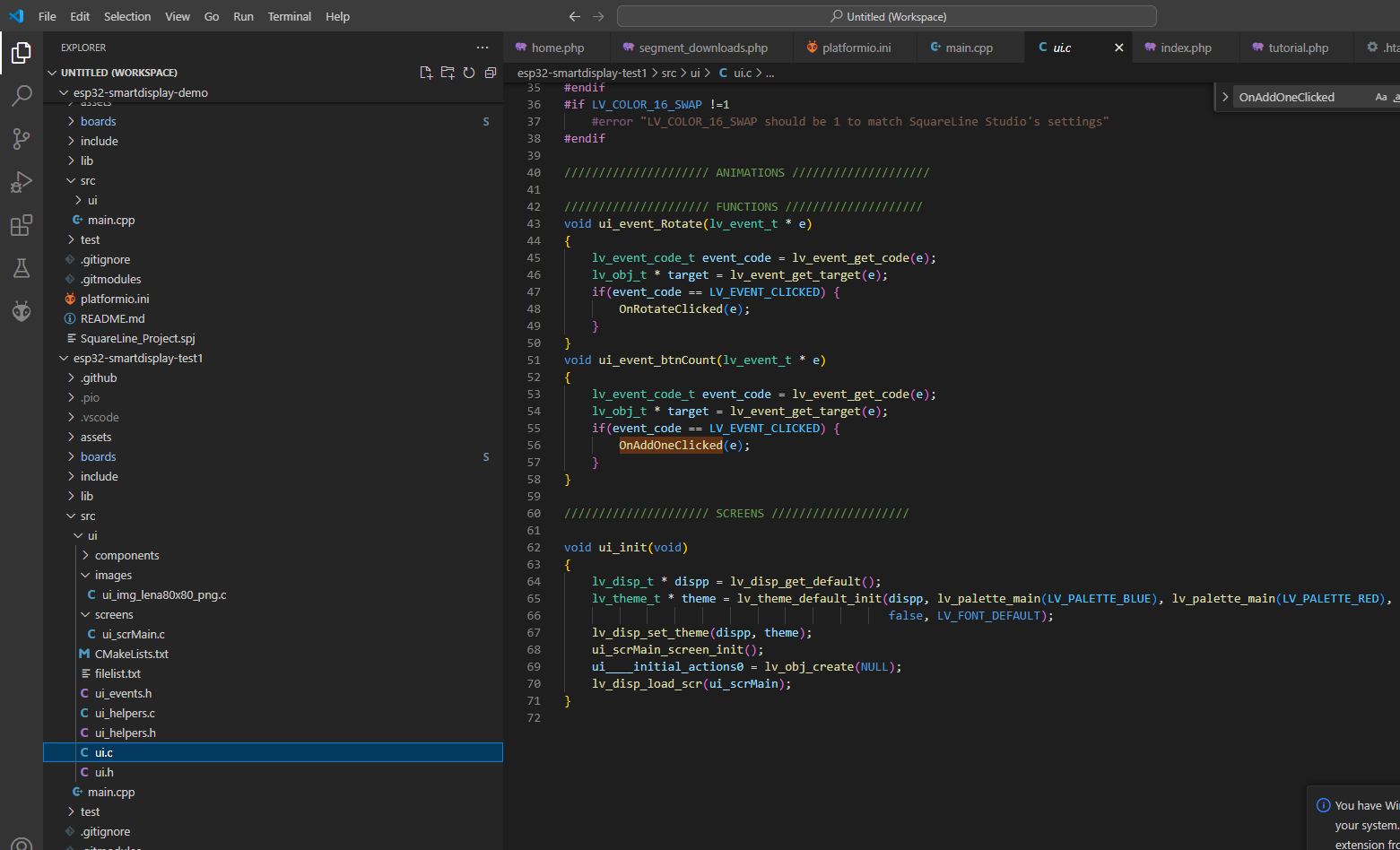
So let's consider where the button press event is set, for example OnAddOneClicked?
This is automatically plugged in by SquareLine Studio:
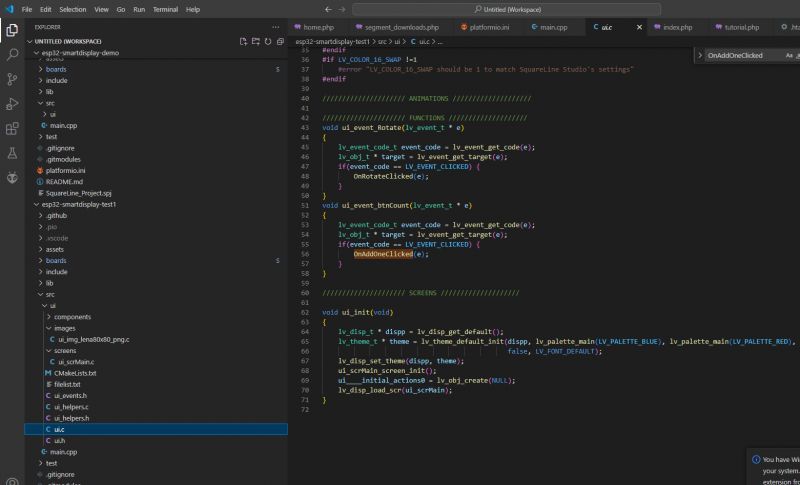
.
The code above shows how the interface is created in C code. The panels and the relationships between them are created separately and the event handler functions are plugged in.
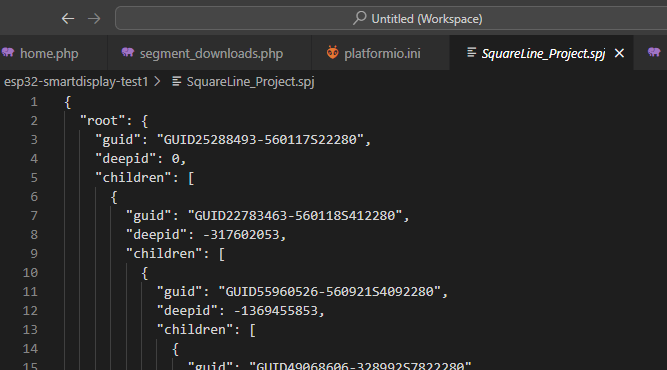
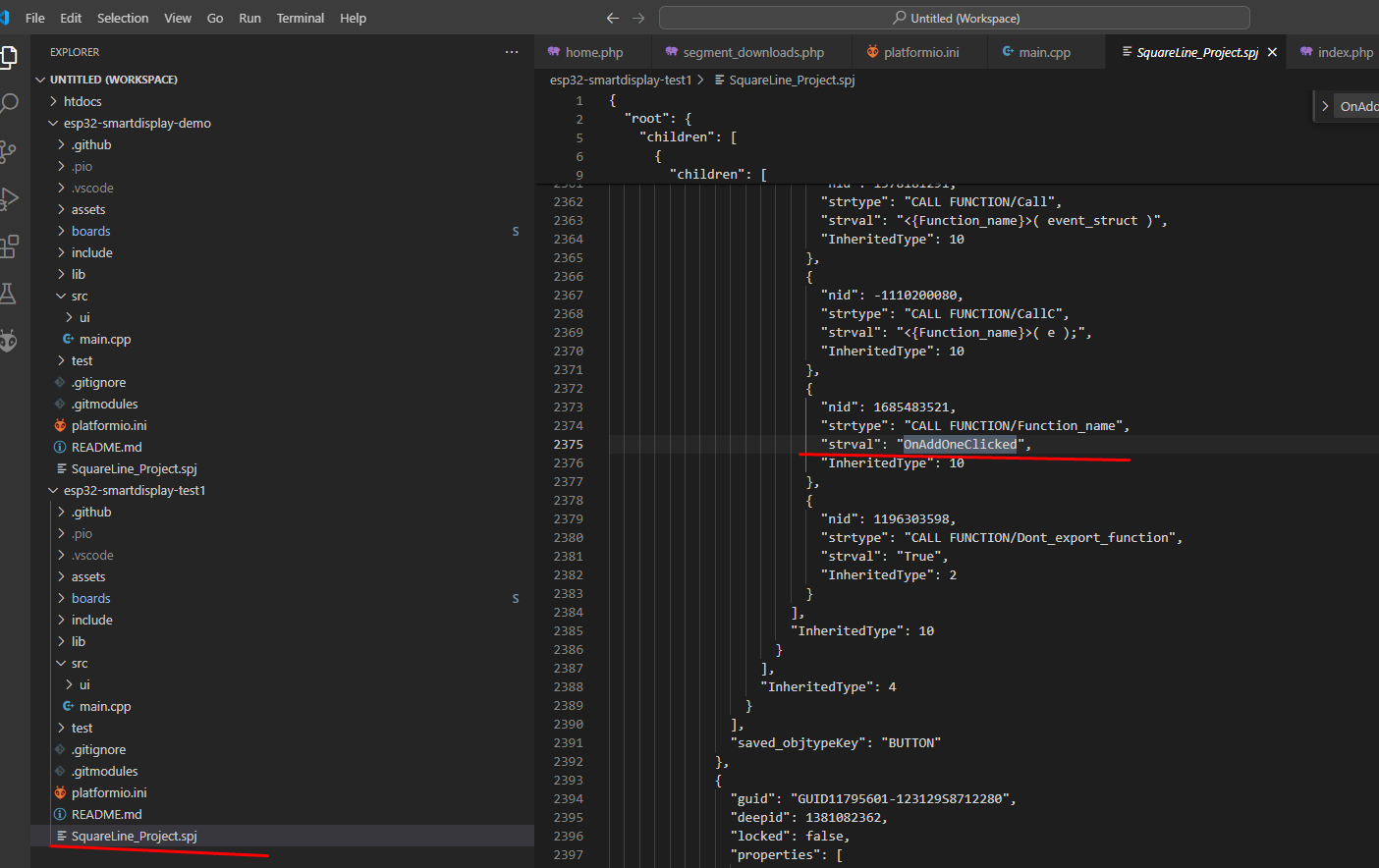
But this code is automatically generated from the aforementioned SPJ file, below is the relevant excerpt:
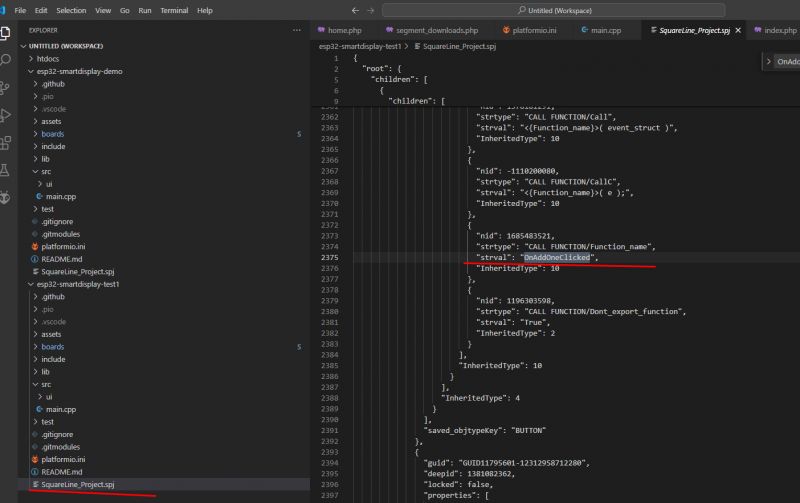
.
But we are still missing something. What does the callback ui_event_btnCount set?
This in turn is in the 'screens' folder, creating a 'screen' sets the callback:
.
Analysing deeper:
- lv_obj_set_width - sets the width of the object
- lv_obj_set_height - sets the height of the object
- lv_obj_set_align - sets the alignment of an object relative to its parent
- lv_obj_set_x - sets the X position of an object
- lv_obj_set_y - sets the Y position of an object
- lv_obj_add_flag - adds specific flags to an object (e.g. enables the scrollbar)
- lv_obj_clear_flag - removes the specified flags from the object
- lv_label_set_text - sets the label display text
- lv_img_set_src - sets the image source to display
- lv_obj_add_event_cb - adds an event handling callback for the object
This explains a lot. All the code above is generated automatically. This is how SquareLine creates the UI in LVGL.
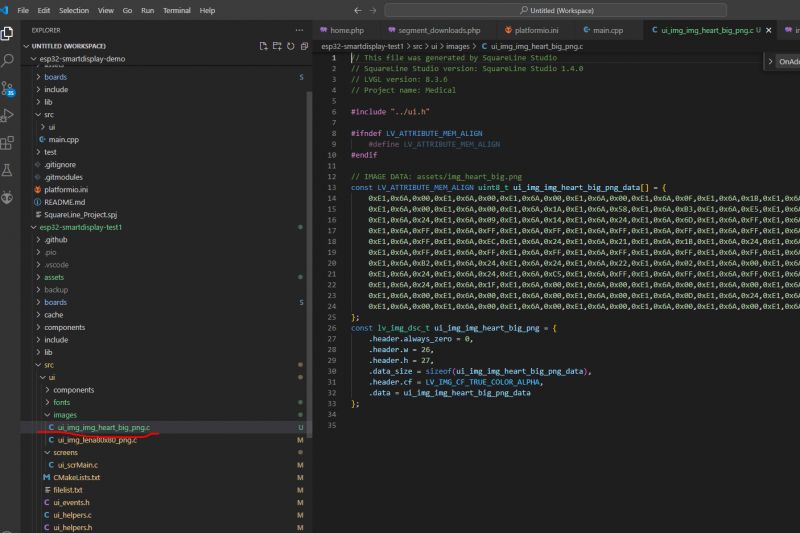
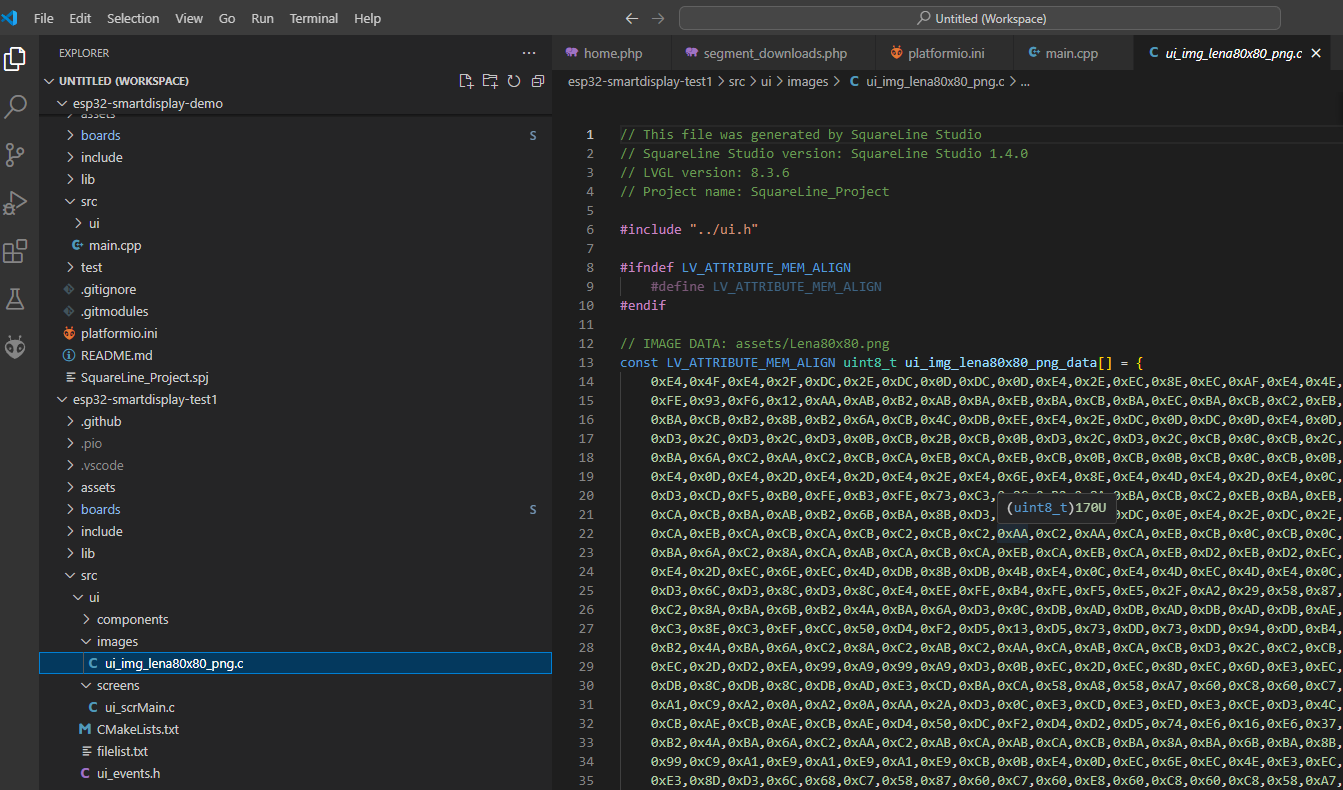
Similarly with images - images are converted directly into bytes in memory:
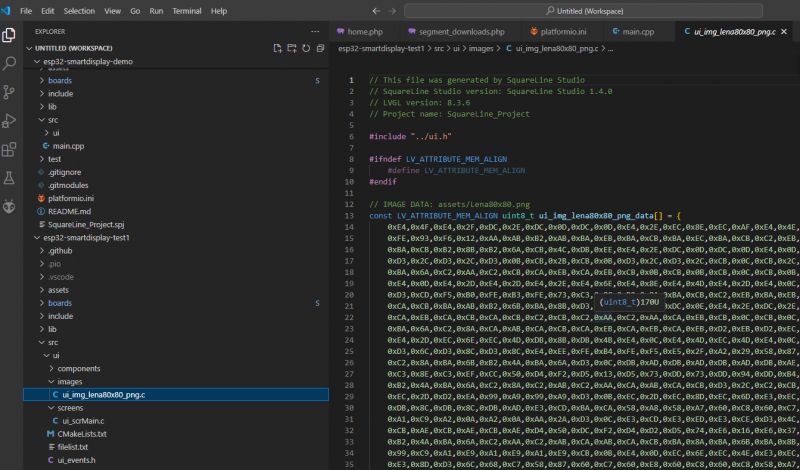
.
Installing SquareLine Studio .
It is time to conclude our programming 'investigation' and to try SquareLine Studio in practice. The program is paid, but a free trial version and a free but truncated Personal version (not for commercial use) are available:
https://squareline.io/pricing/licenses#licenseTable
Is it worth giving it a chance? Let's find out.

.
Download:
.
Trial enough for 30 days:
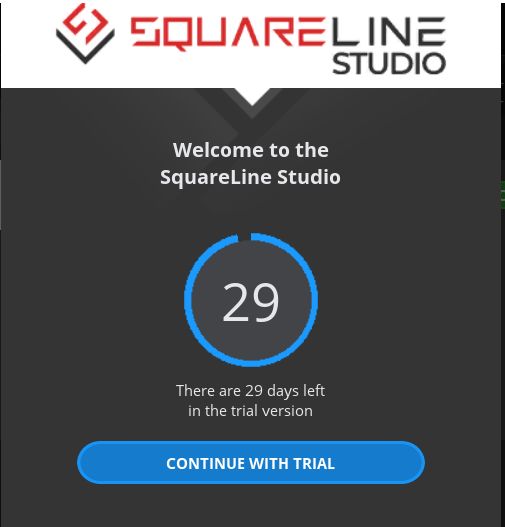
.
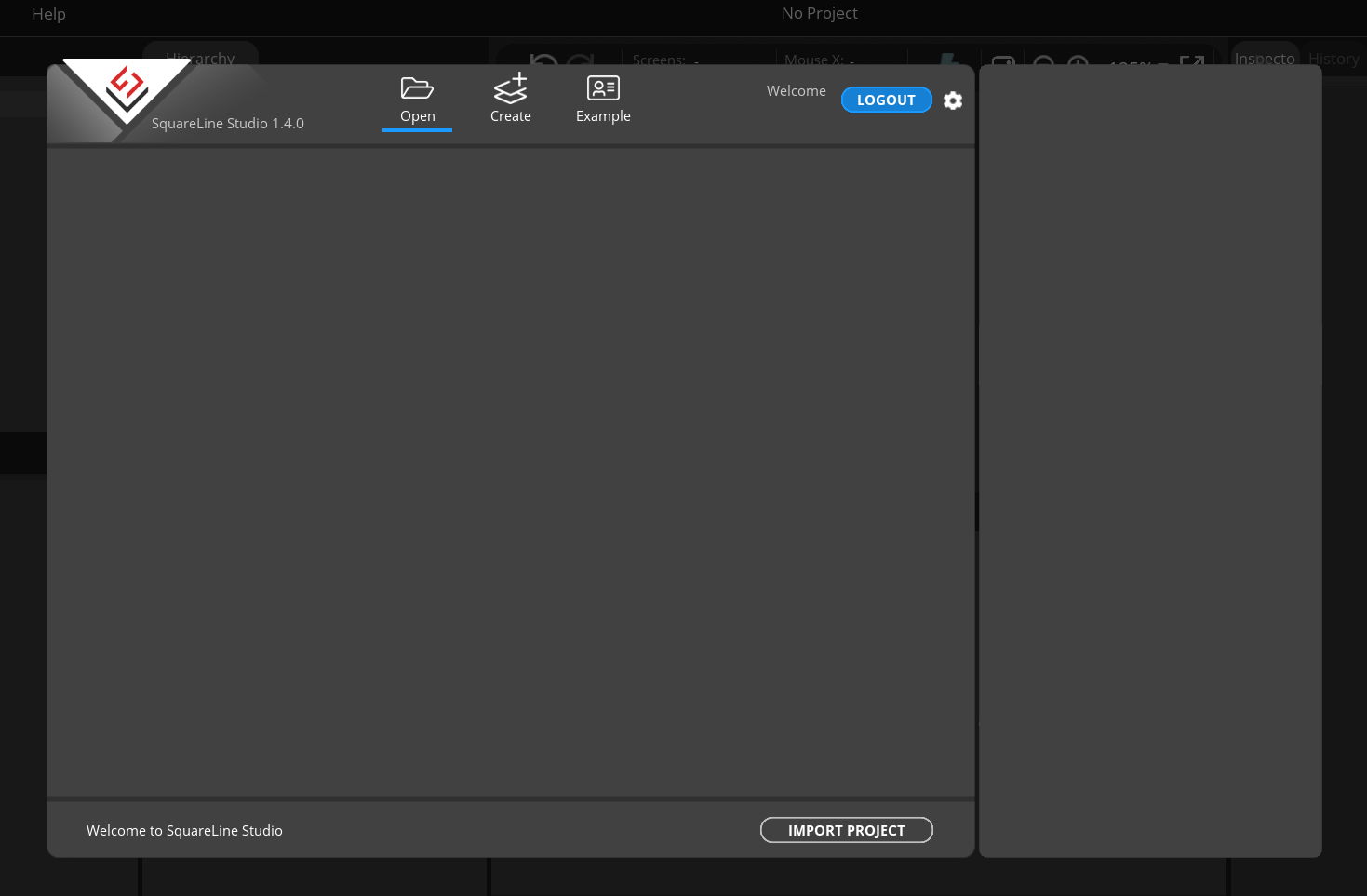
Upon start-up, we are greeted by an almost blank screen, but fortunately a bit of examples are available:
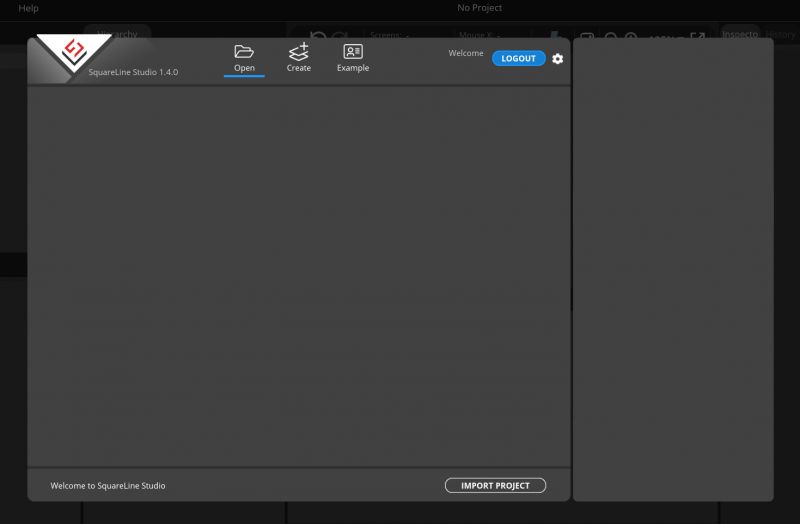
.
They look really good...
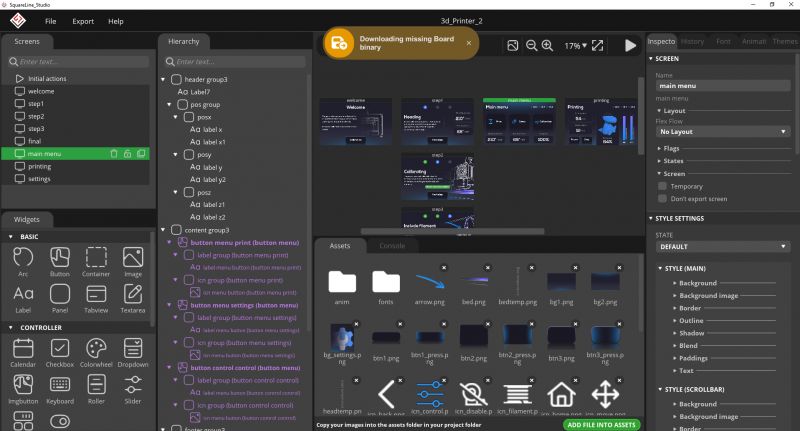 Repairing the SquareLine Studio project
 .
At this point I wanted to simply open the aforementioned SPF project from Github and try to refactor it, but surprisingly SquareLine failed here. It simply did not respond to opening the project. So far I don't know what's wrong there, but I managed to fix it in a simple way:
1. I created another SquareLine studio project
2. I saved it in a separate folder
3. I overwrote its SPF file with a file from Github
4. I copied the assets folder manually
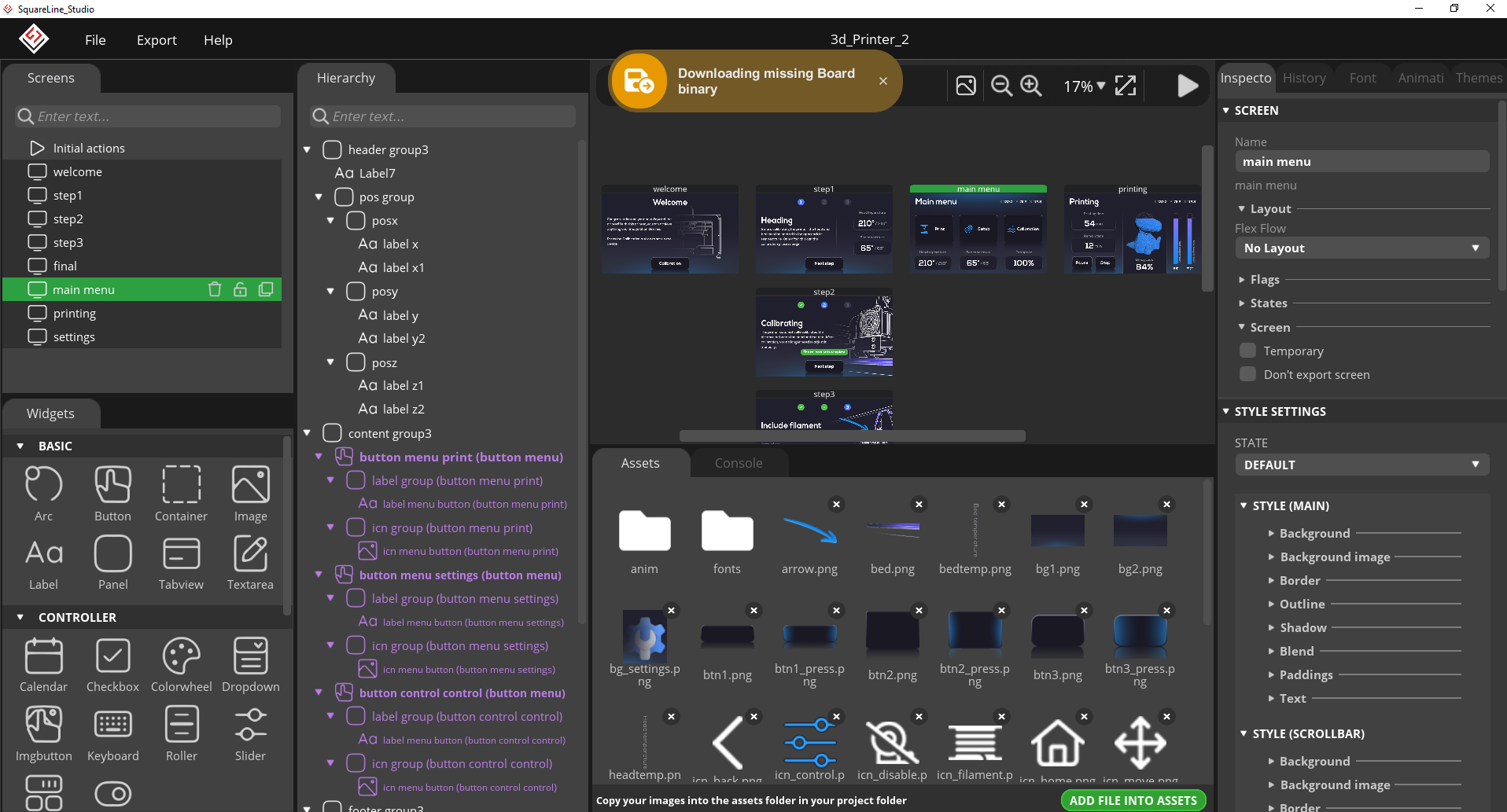
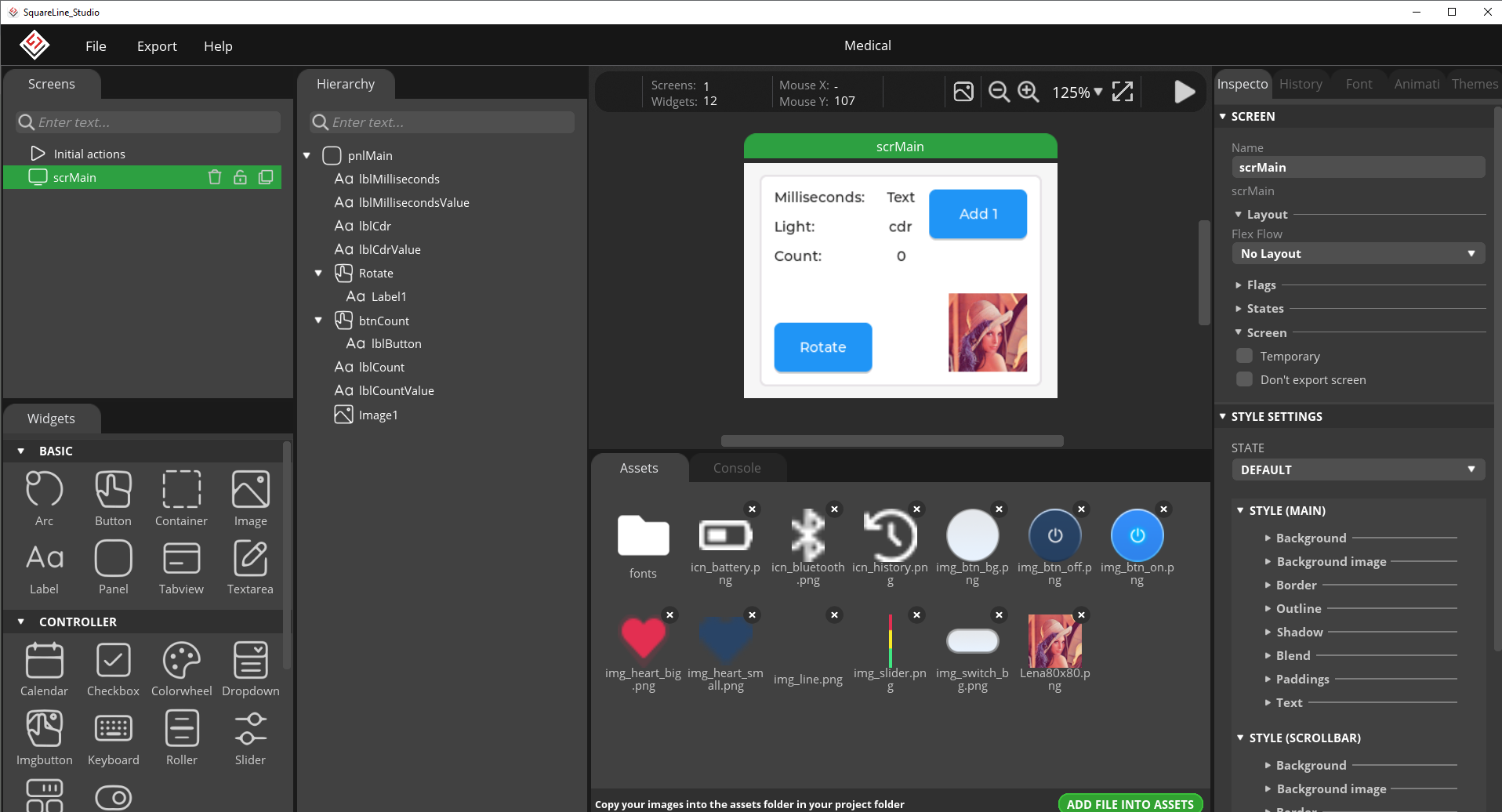
We fired it up and... it works:
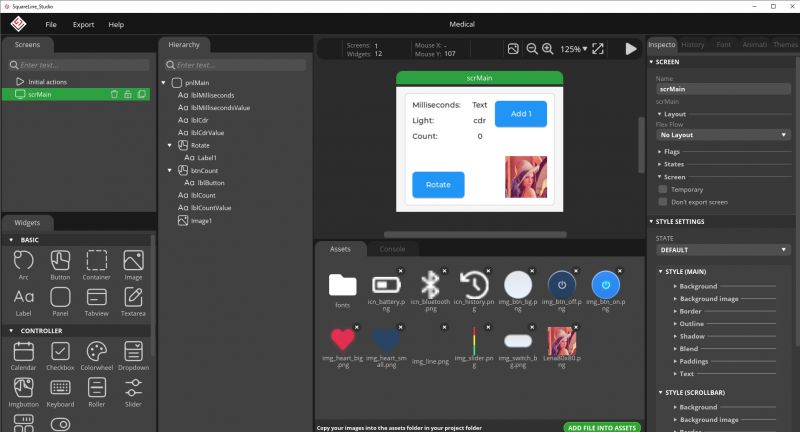
.
I don't know what was wrong with the previous project, maybe some metadata file was missing, someone added too many files to the .gitignore? One can speculate.
Basics of SquareLine Studio .
Finally we have an open-source SquareLine Studio project so it's time to try to modify it somehow.
Let's see what exactly this program will allow us to do. We'll check out what it's like to create different elements in it, plug events into them, etc.
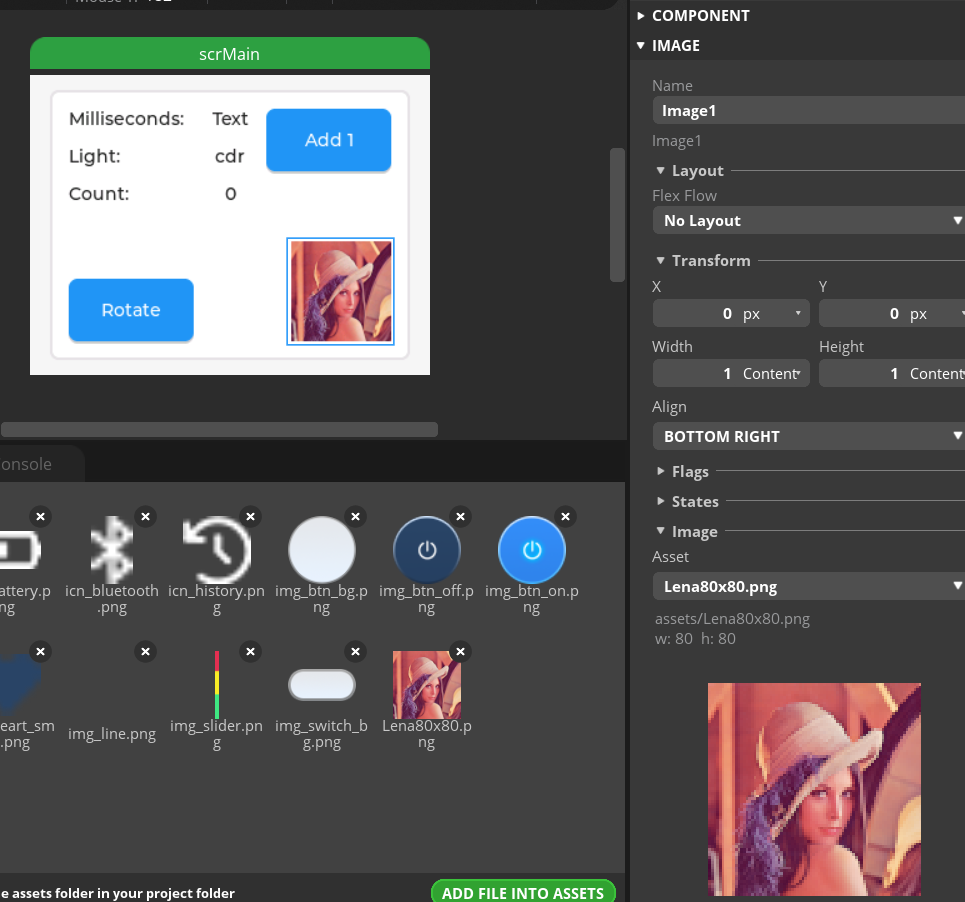
Each element can be moved, edited and configured:
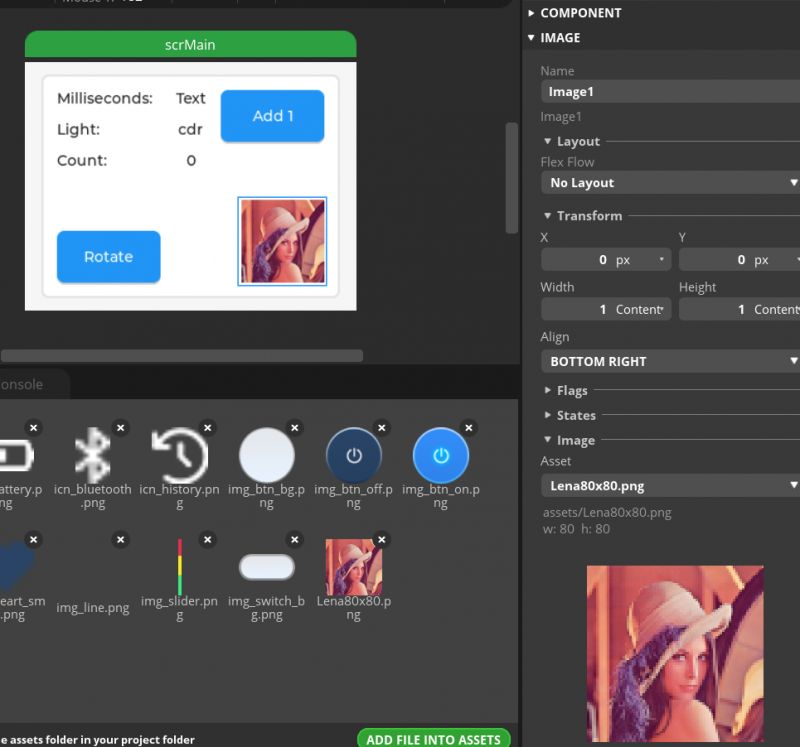
.
Other icons can be inserted here, also interactive of course (they can then be edited from within the code):
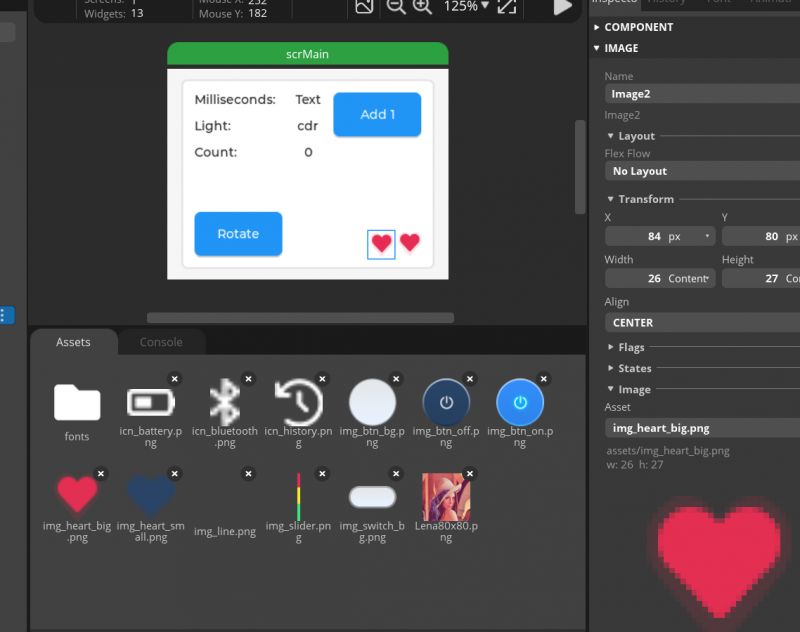
.
Then you can save and export the project, but....
there is the problem again :
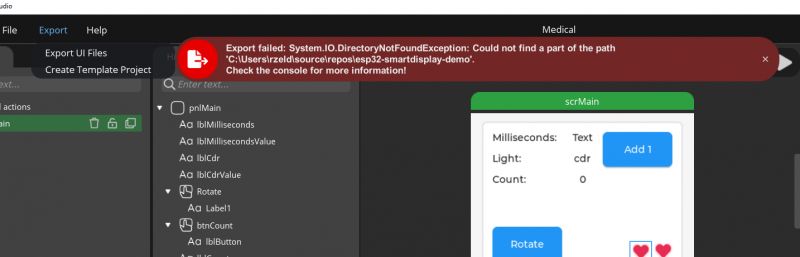
.
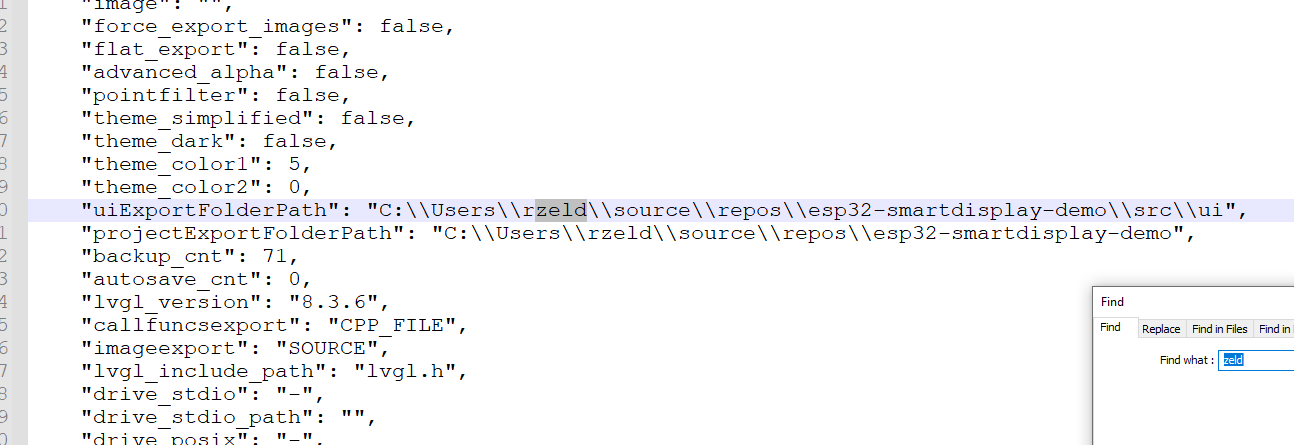
What kind of path is this? It is not mine. The project remembers the path of the previous user. I opened the SPF file - indeed, it is sewn in here:
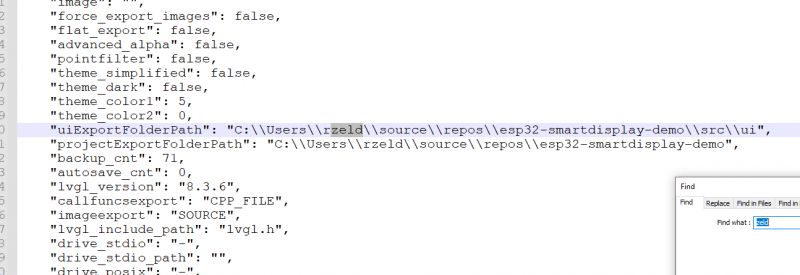
.
I pasted the path there, which is appropriate for me (inside the PlatformIO project).
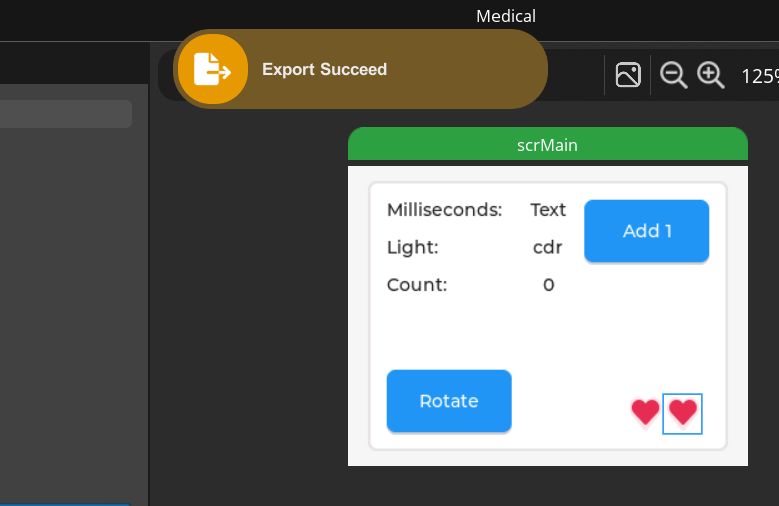
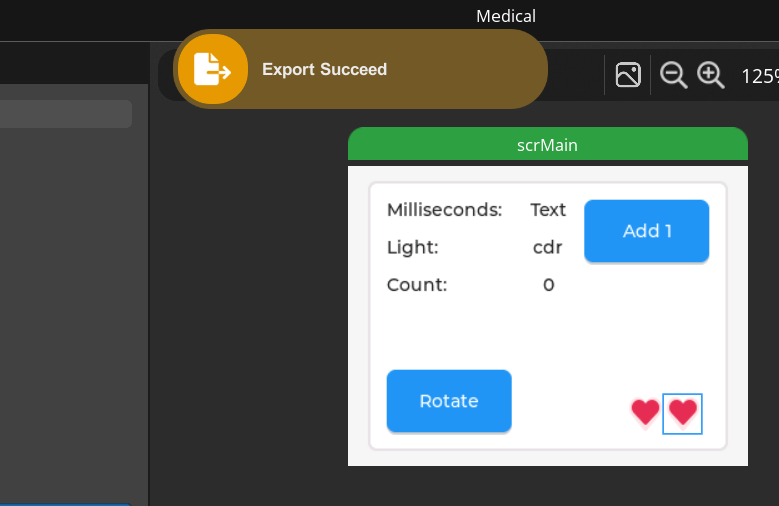
The export was successful:
.
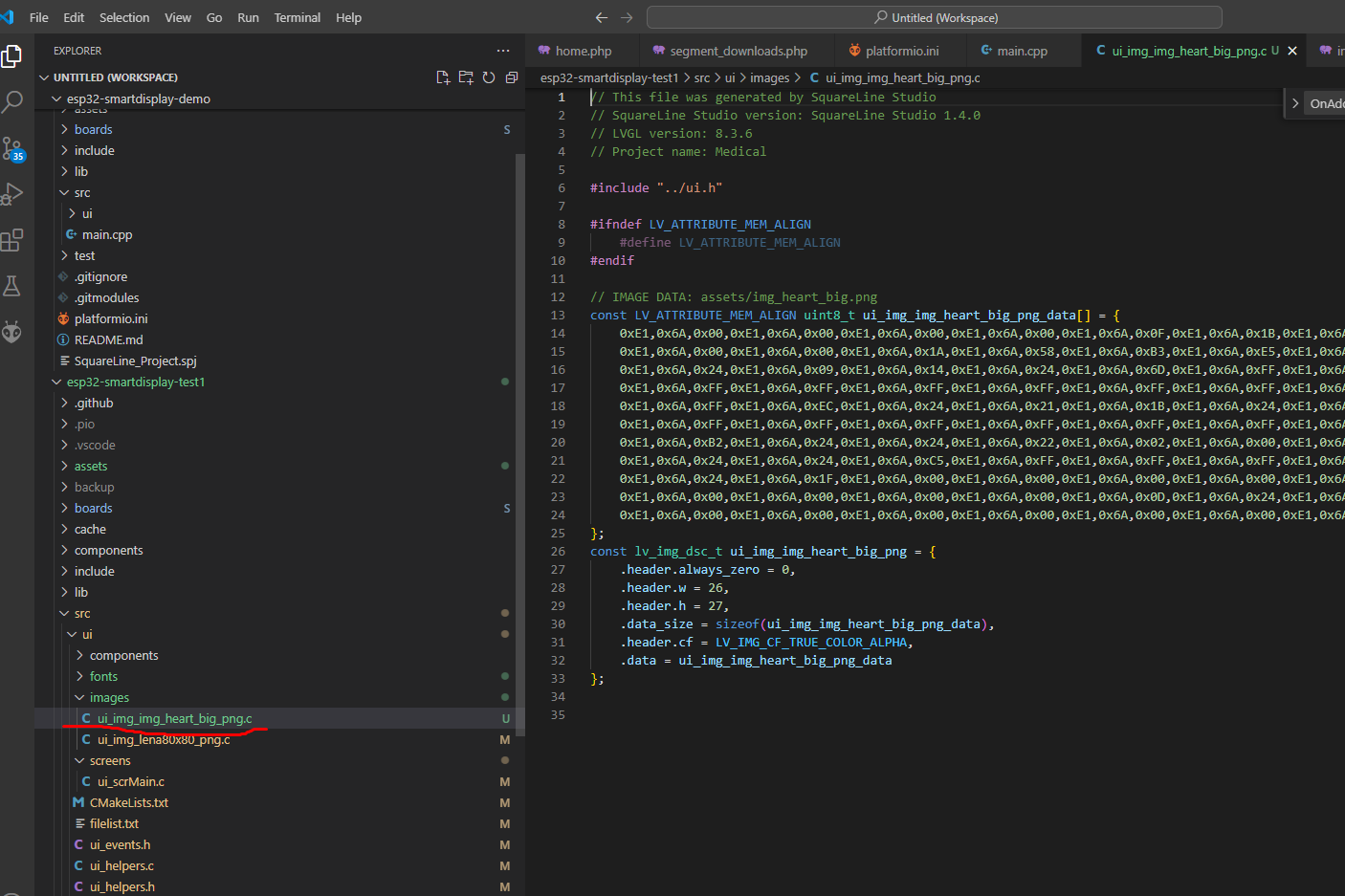
An image appeared in our PlatformIO project:
.
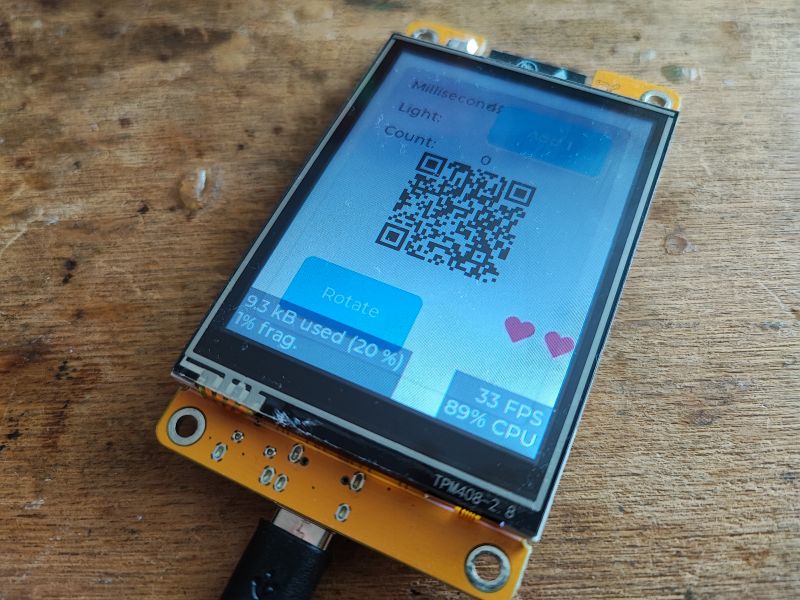
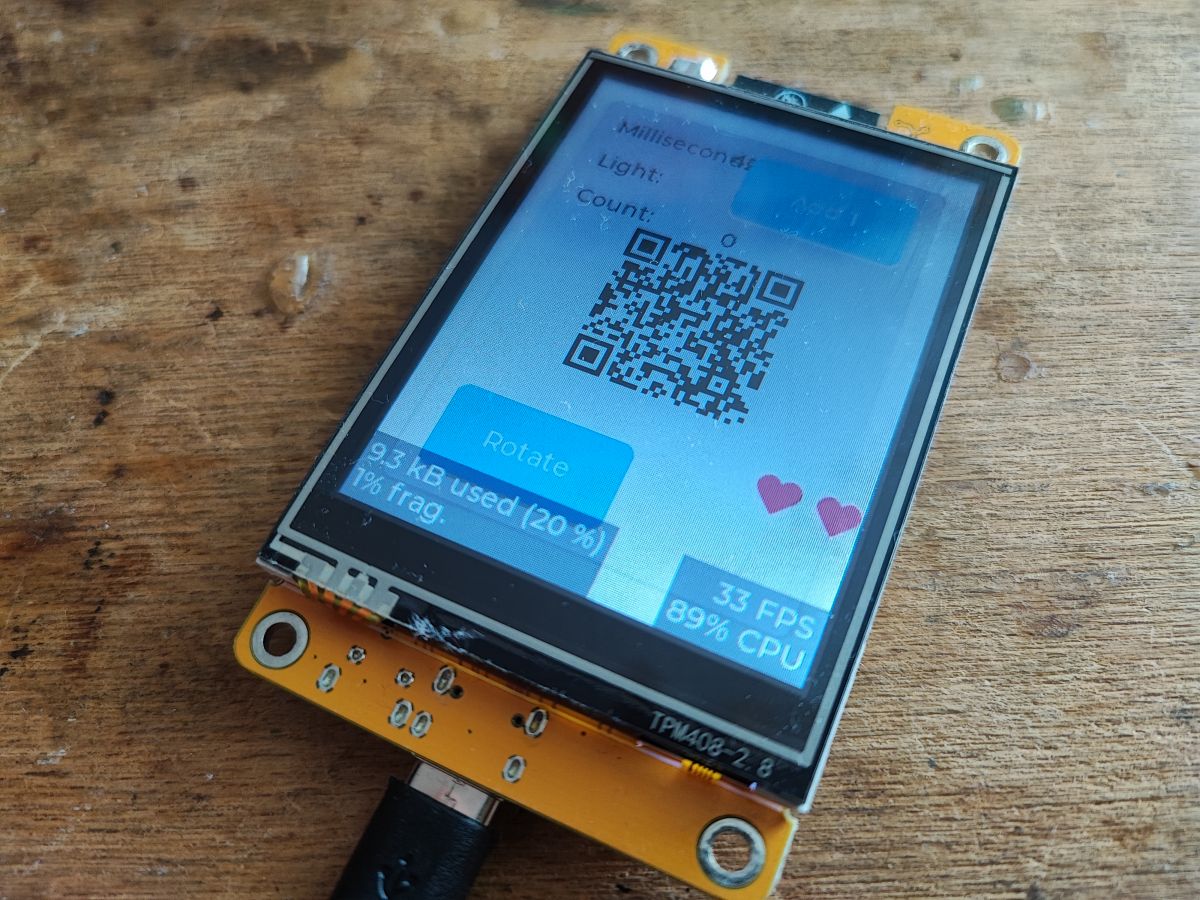
We compile and upload:
.
It works! It's really simple, you have to give them credit for that much.
Examples of UI elements from SquareLine Studio .
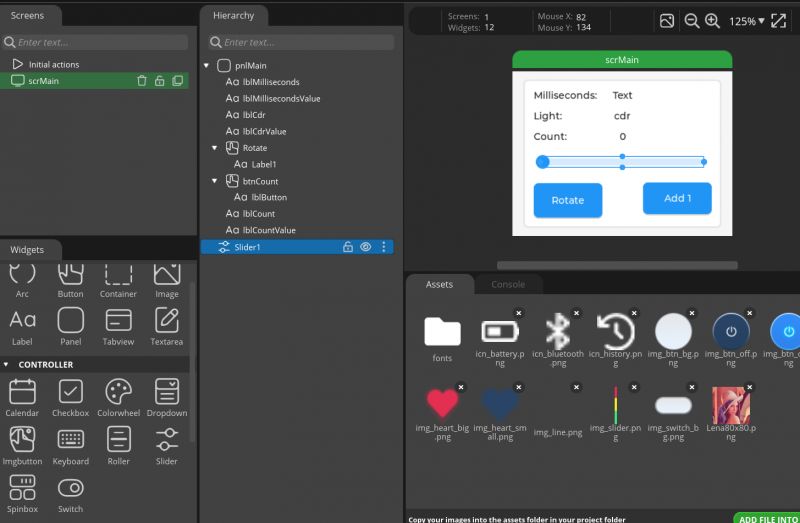
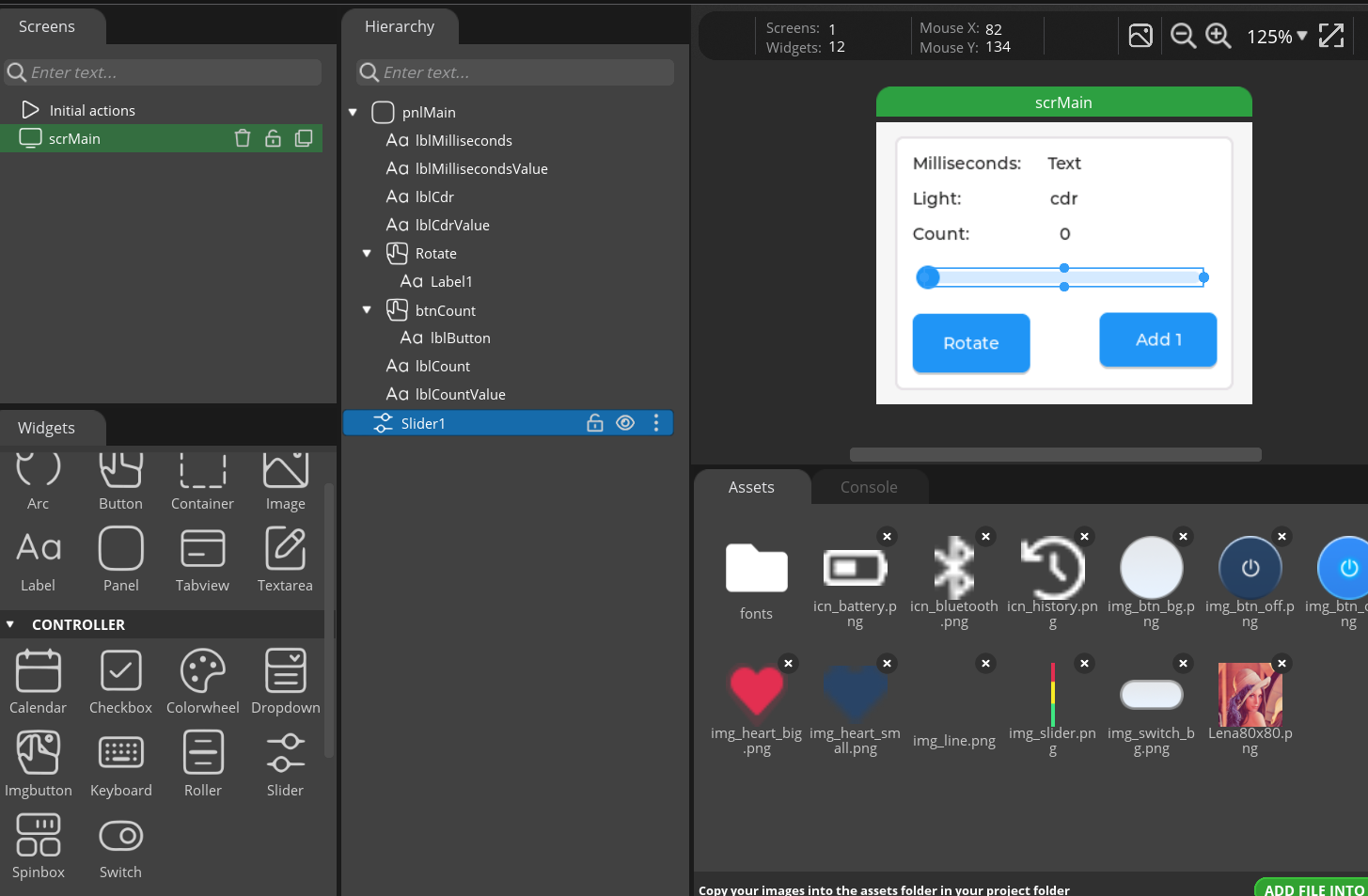
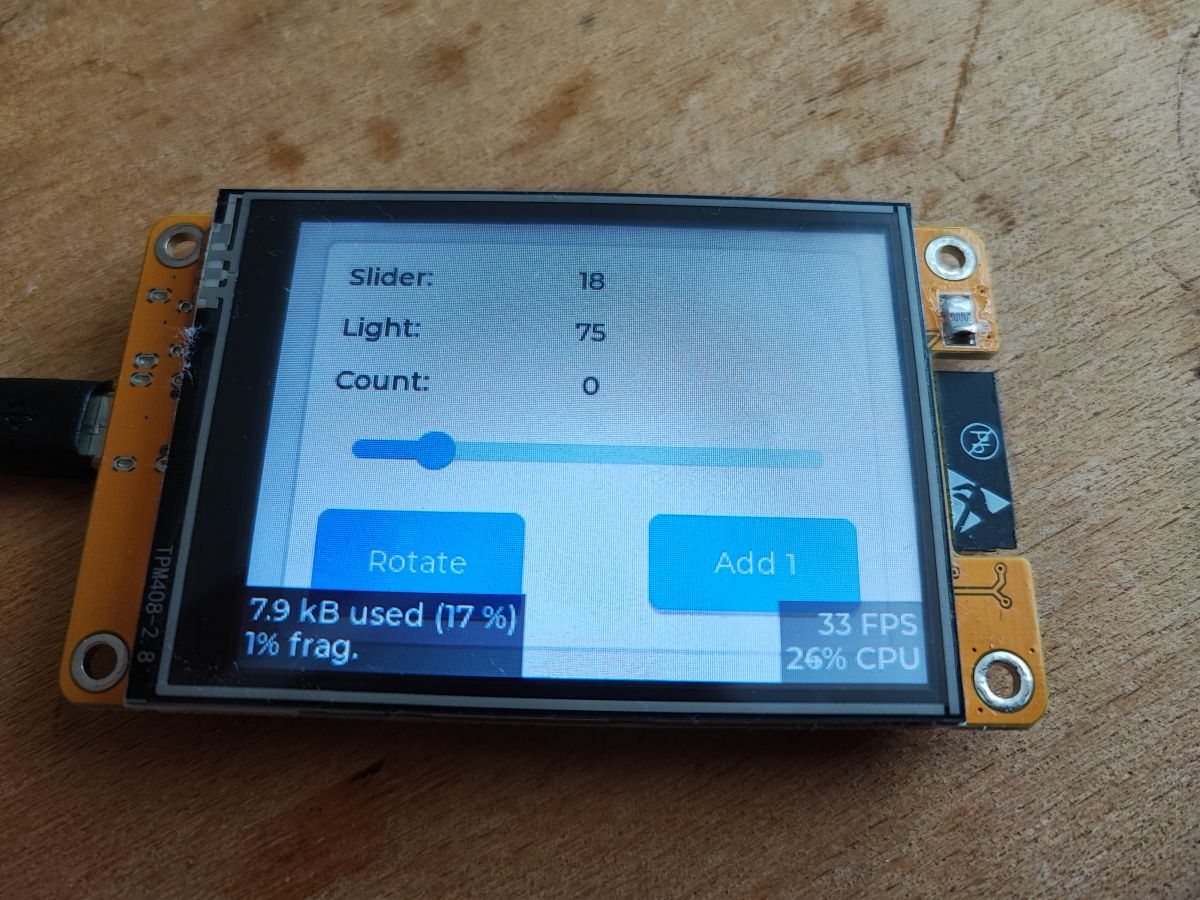
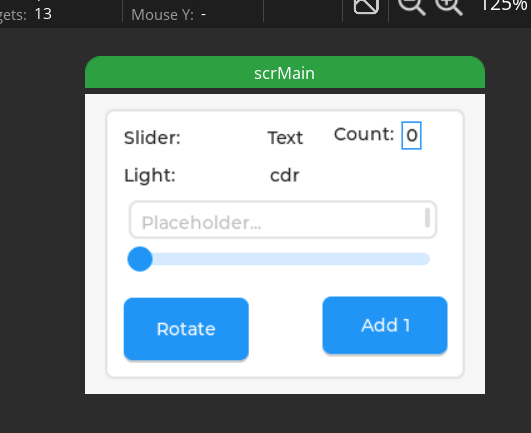
Perhaps let's start with the slider element, or Slider. The slider can be 'grabbed' and moved, which has the effect of triggering its change event. Additionally, its values (current, min, max) can also be set and read.
.
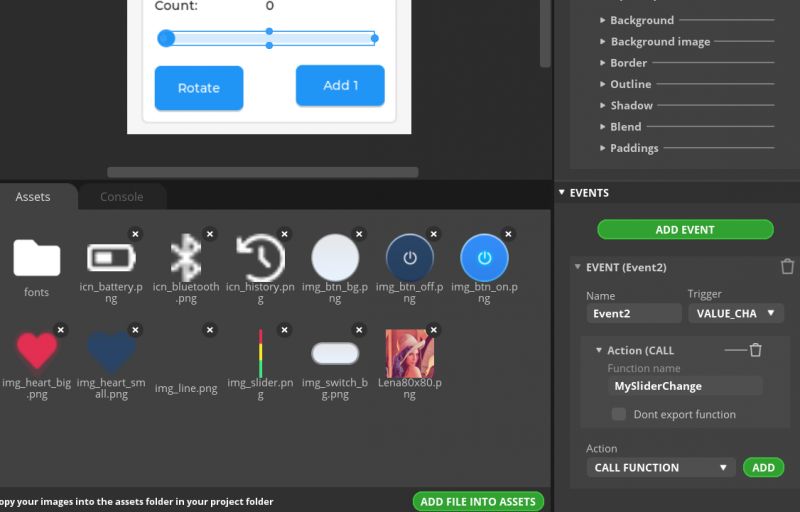
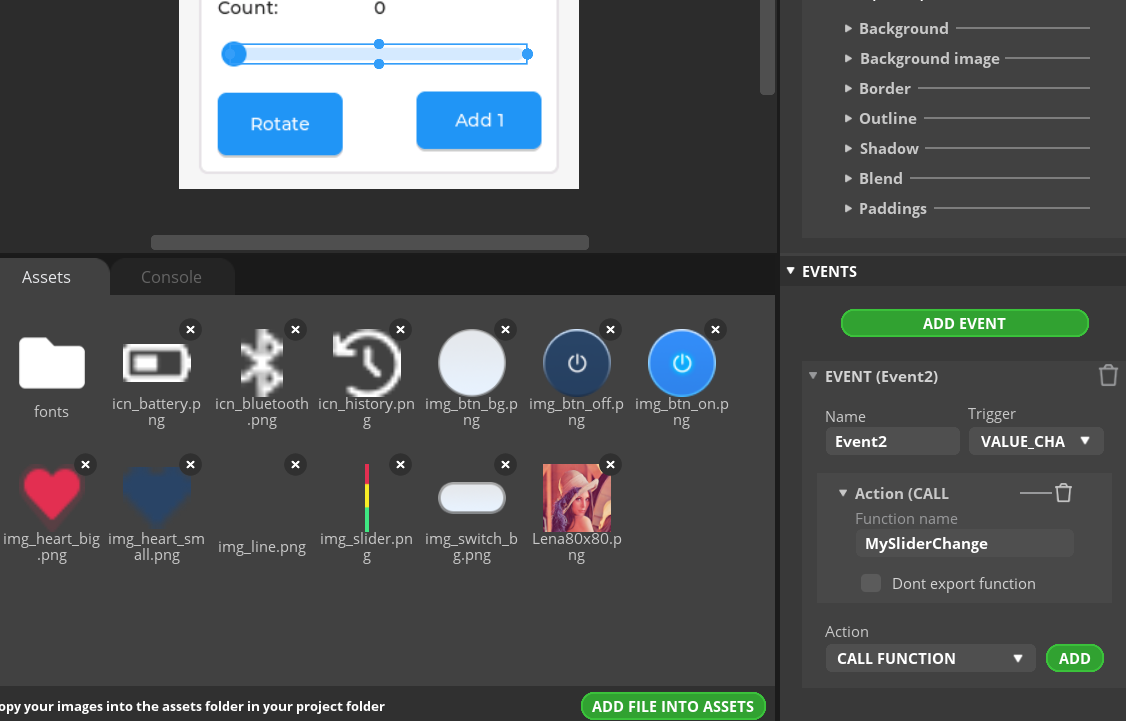
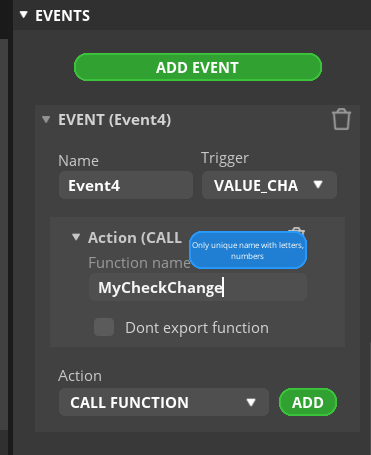
Once the slider is selected, we can edit its parameters and add events. One of the possible events is "VALUE_CHANGED", which is a change of value. There we enter the name of our function to be called. The field "Don't export function" allows us to use an existing function, otherwise SquareLine Studio creates it.
.
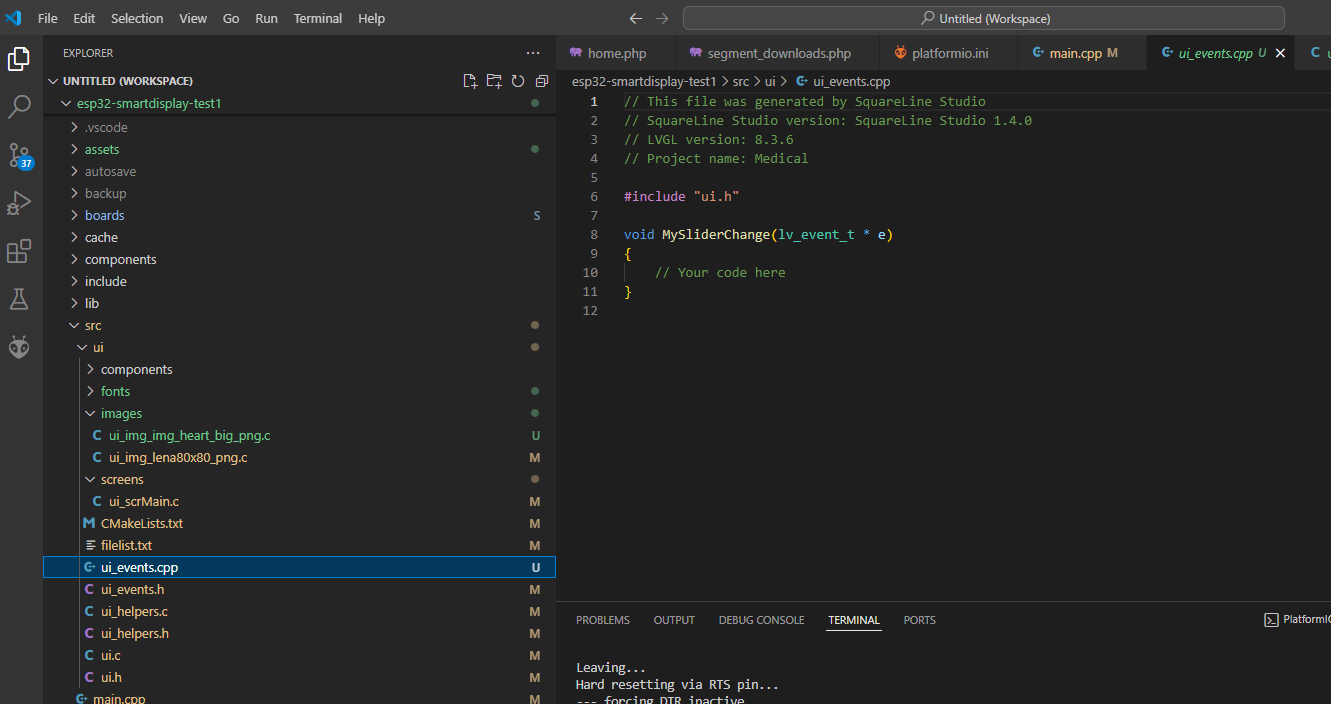
We export...
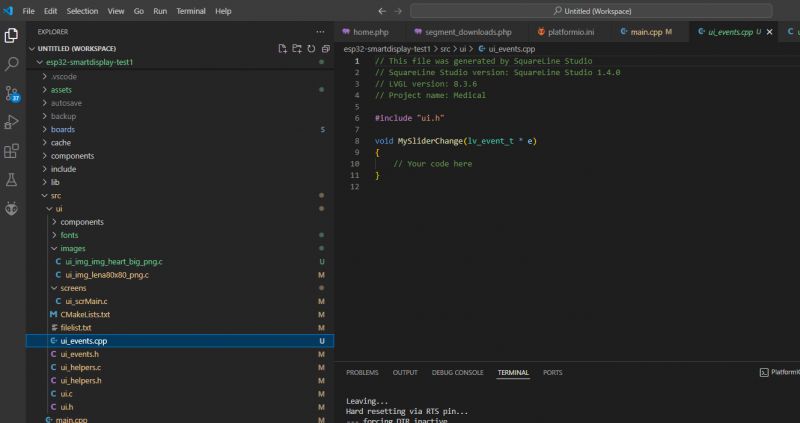
.
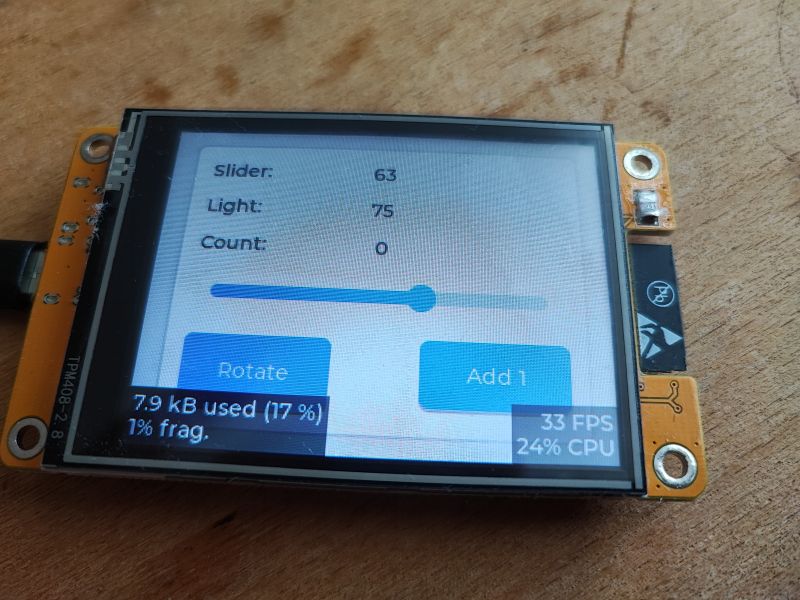
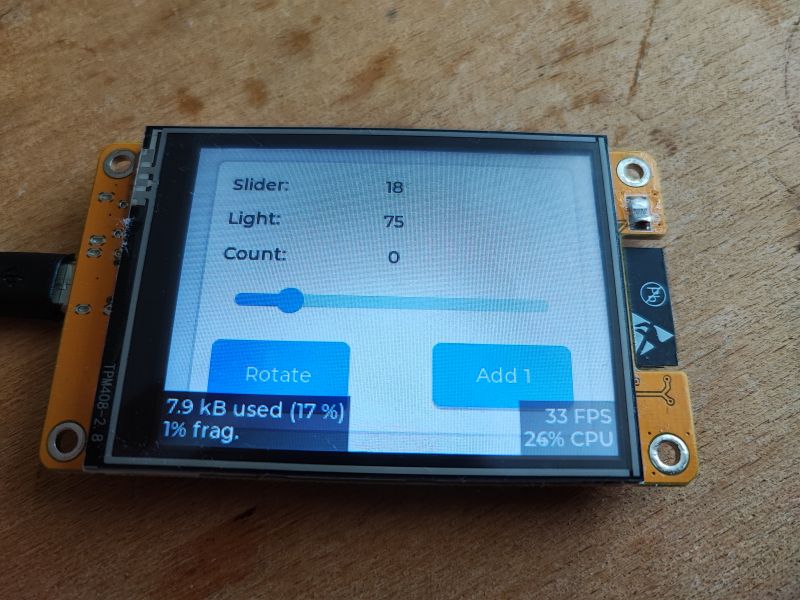
Indeed, the function has been generated. We can add something to it. Maybe we could try displaying the value from the slider on one of the labels?
.
By the way, you can see a cool way to get an object from an event -
lv_event_get_target ..
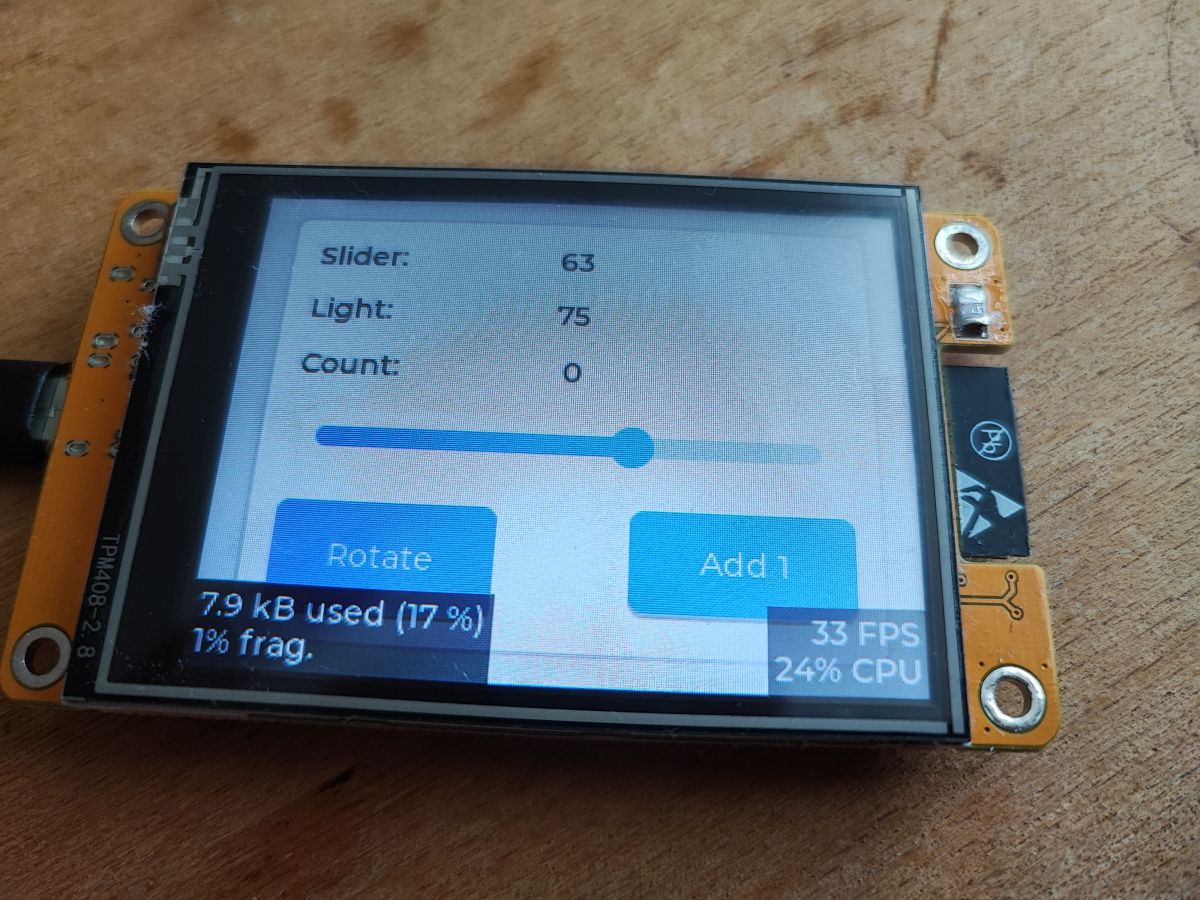
The get and set functions are also described in the documentation. We upload and test:
Our bar works:
.
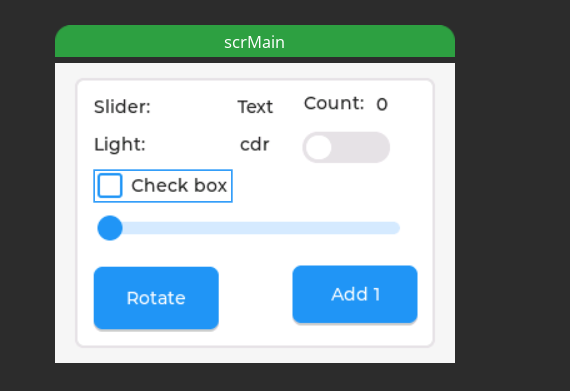
Similarly, we have, for example, a checkbox component - a box to be ticked. We select it from the list and drag it into our view.
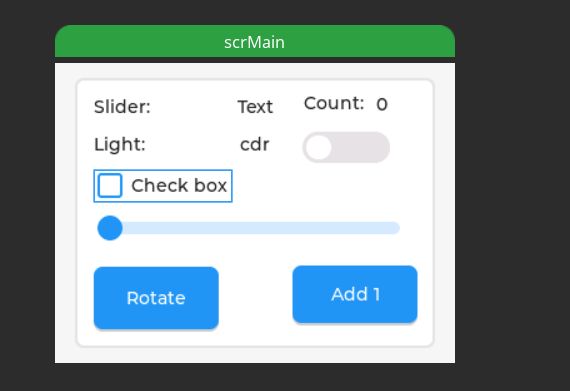
.
We add a change event to it:
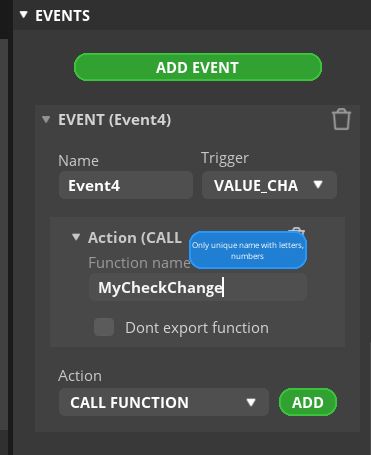
.
Handle the event in code - just check the state of the object:
.
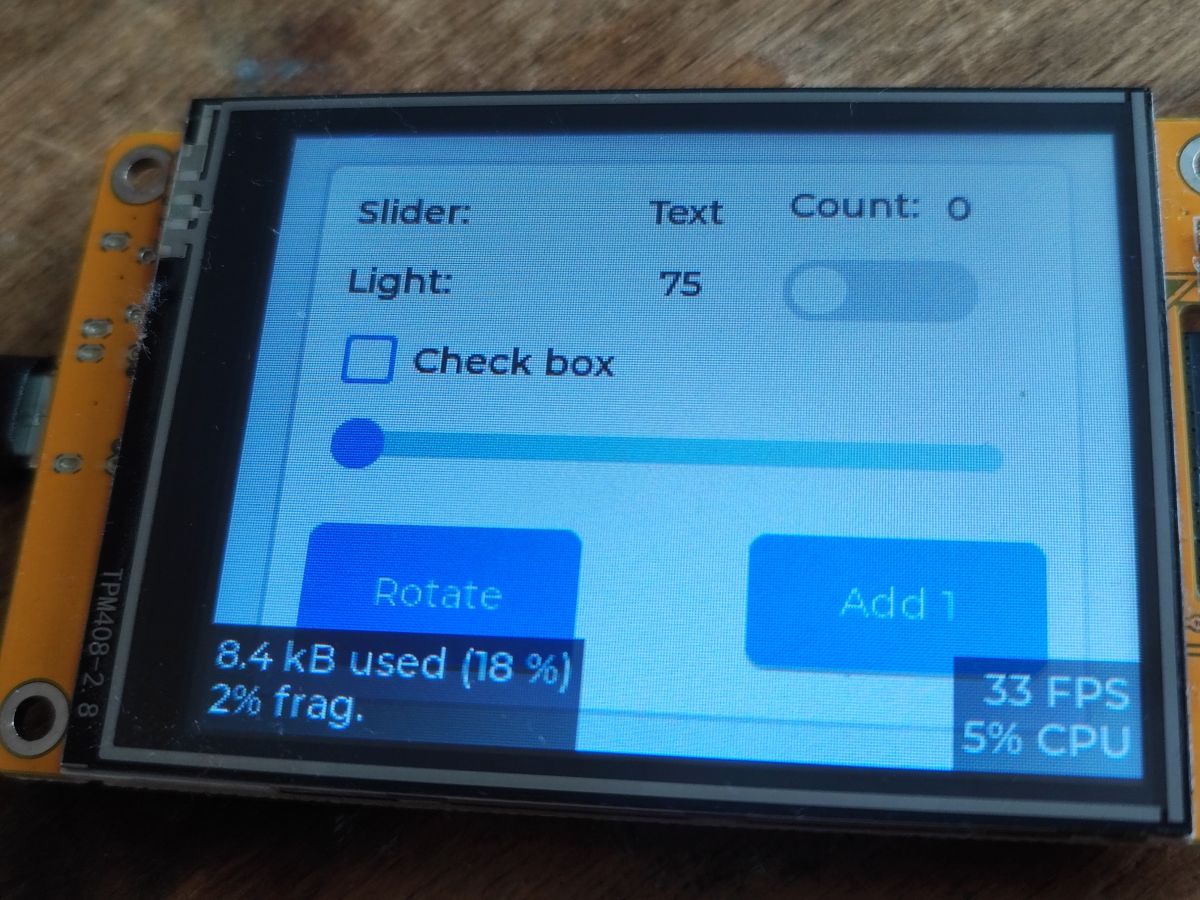
This is how it presents itself in practice:
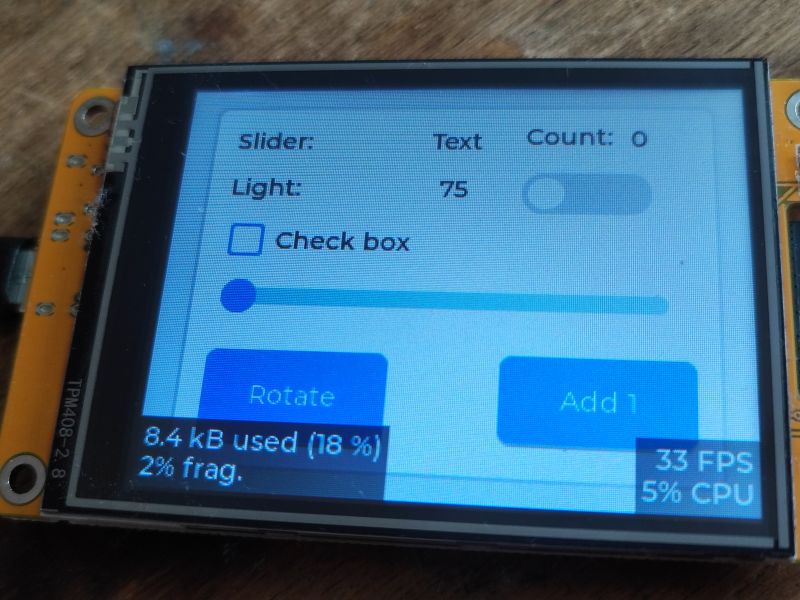
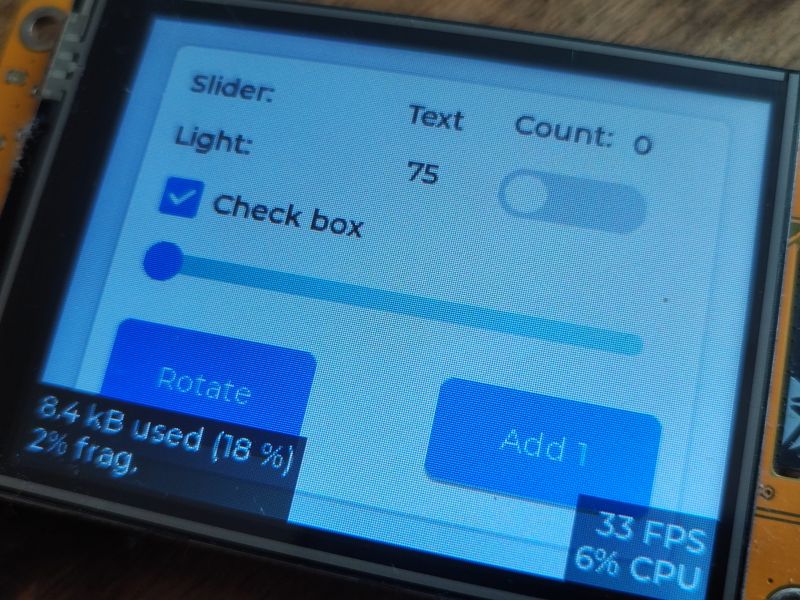
.
Clicking on a checkbox changes its status:
[  8680][I][main.cpp:49] MyCheckChange(): Checkbox is checked

[  9340][I][main.cpp:51] MyCheckChange(): Checkbox is unchecked

[ 11110][I][main.cpp:49] MyCheckChange(): Checkbox is checked

[ 11620][I][main.cpp:51] MyCheckChange(): Checkbox is unchecked
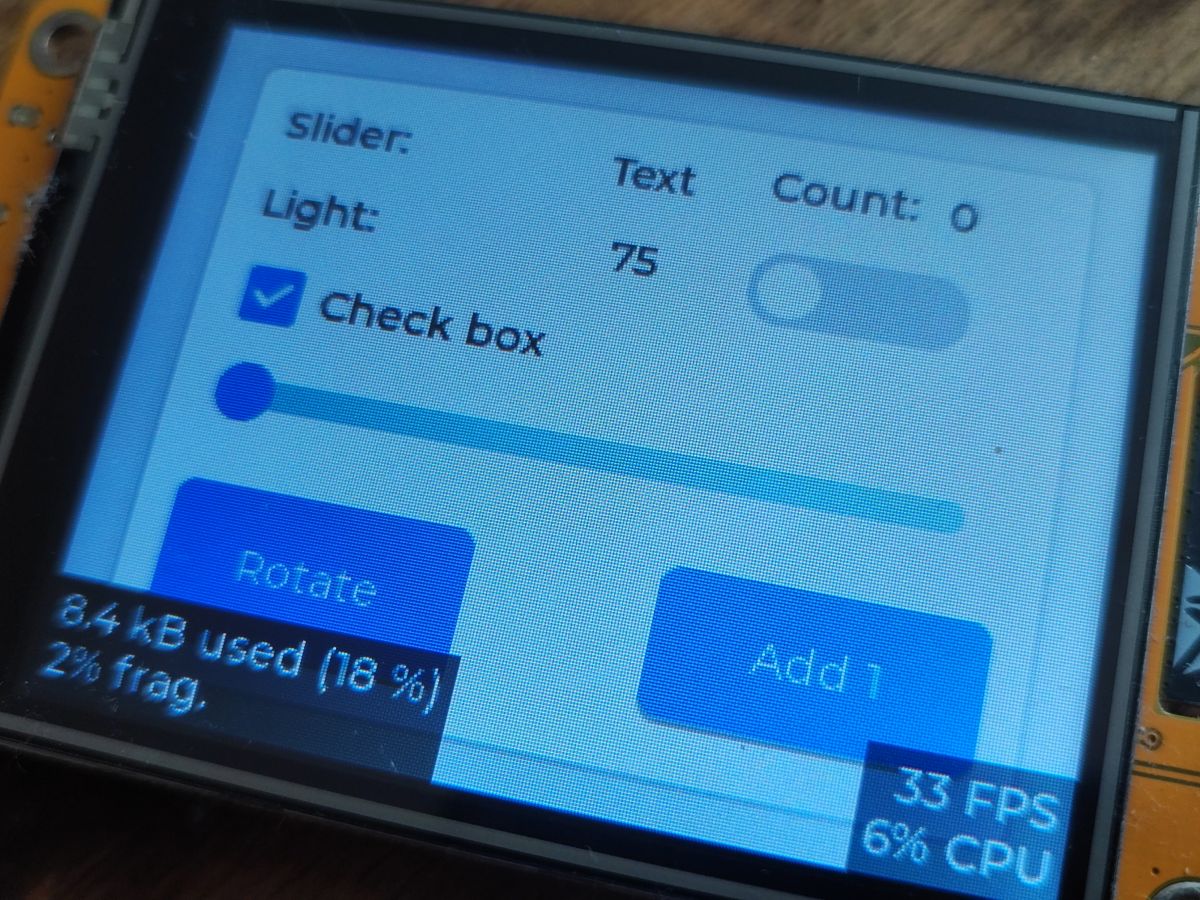
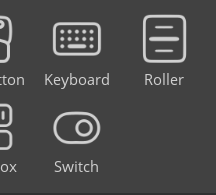
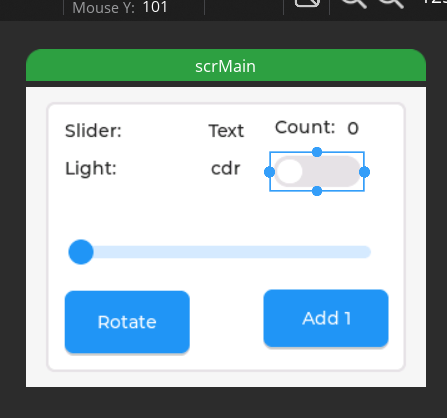
Similarly, we have the Switch control - or switch. Here, too, there are two states. Similarly, we select it from the list:
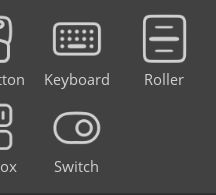
.
We add:
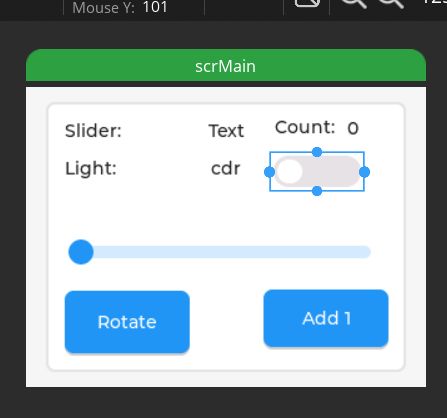
.
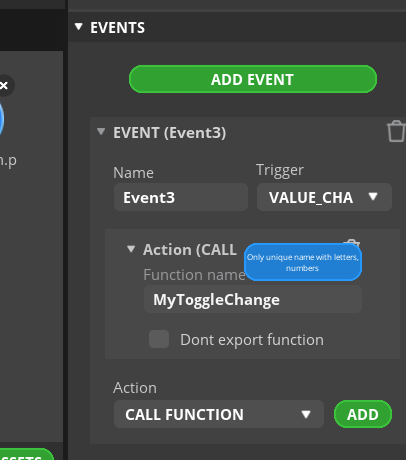
We set the event:
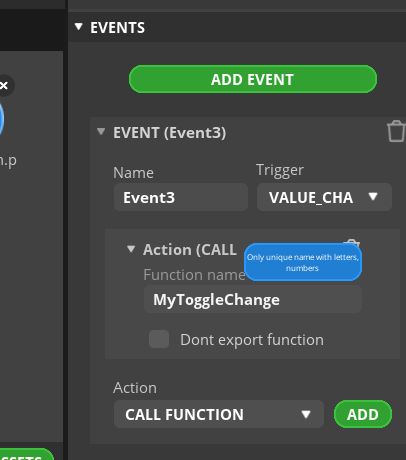
.
Similarly we add a function (change handler ) and test, it works:
[ 52807][I][main.cpp:50] MyToggleChange(): Toggle is ON

[ 55027][I][main.cpp:52] MyToggleChange(): Toggle is OFF

[ 55867][I][main.cpp:50] MyToggleChange(): Toggle is ON
.
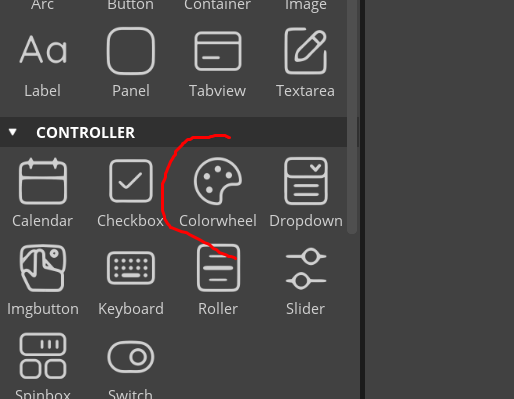
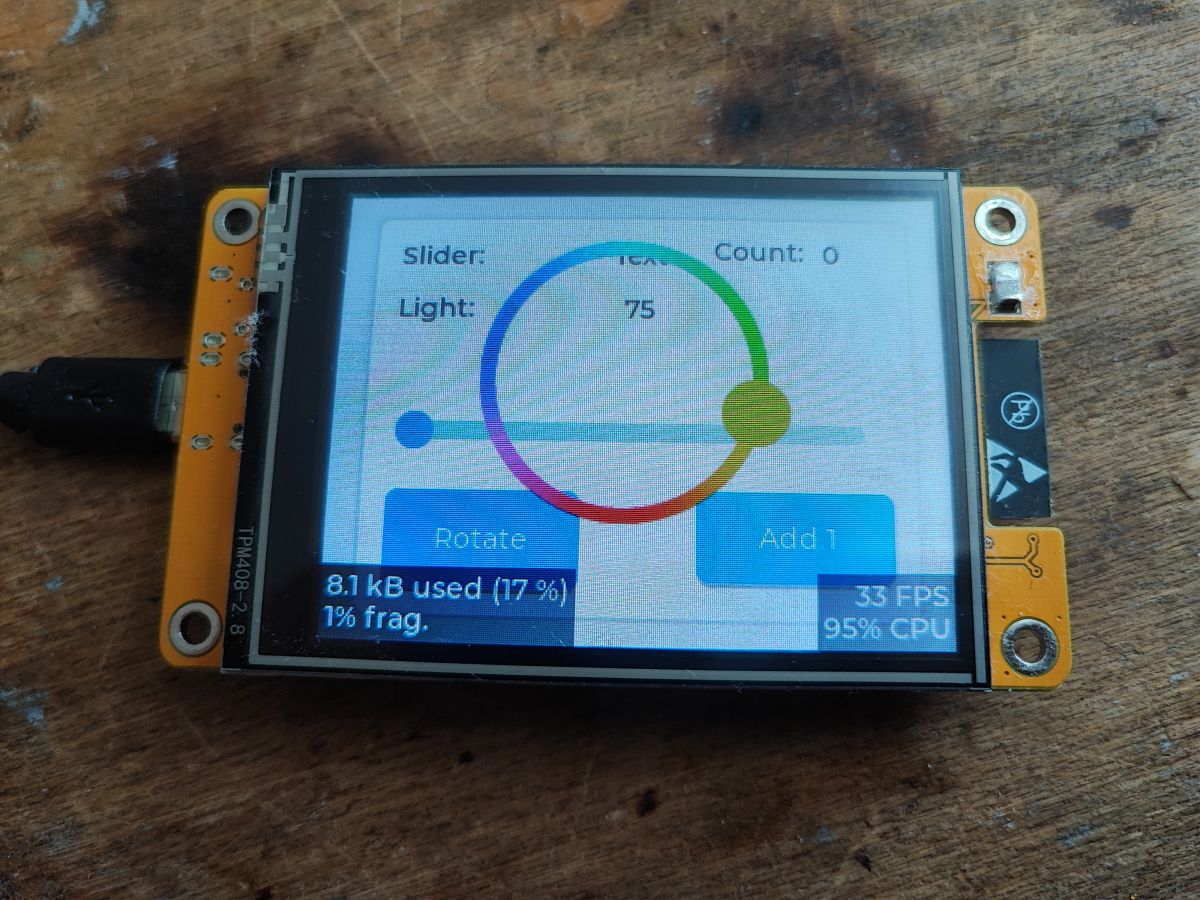
Basics with basics, but there are more advanced controls here too. For example, there is colour selection:
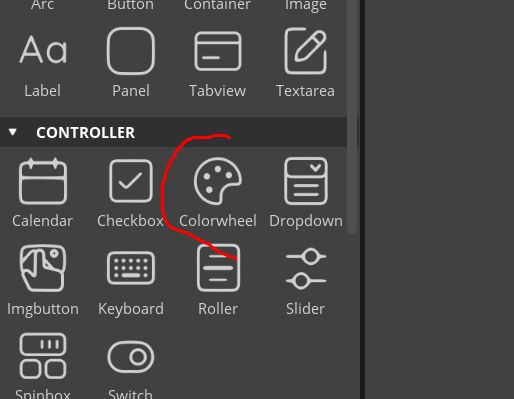
.
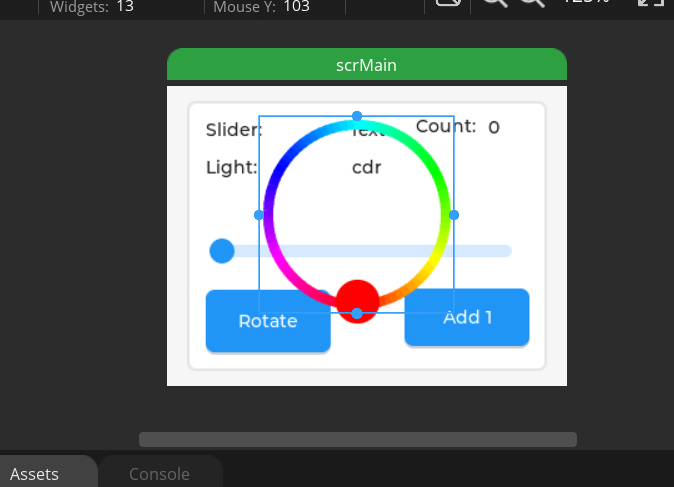
We drag it onto the screen:
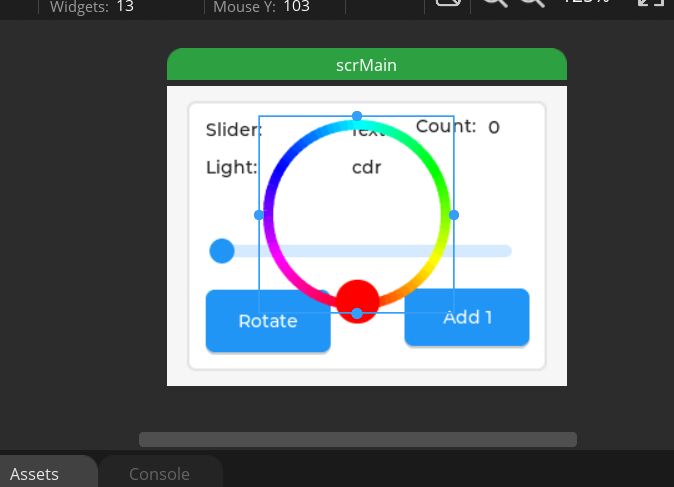
.
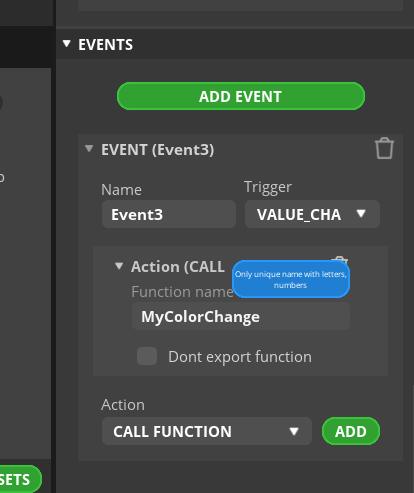
As before, we add a state change event to it:
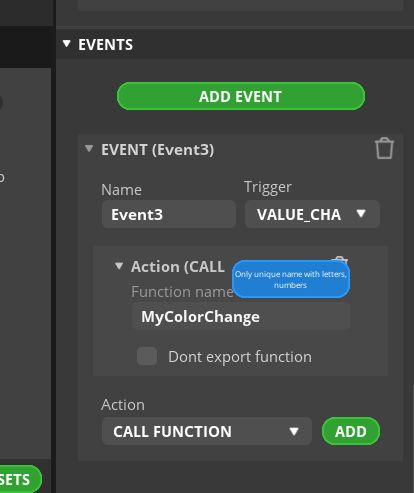
.
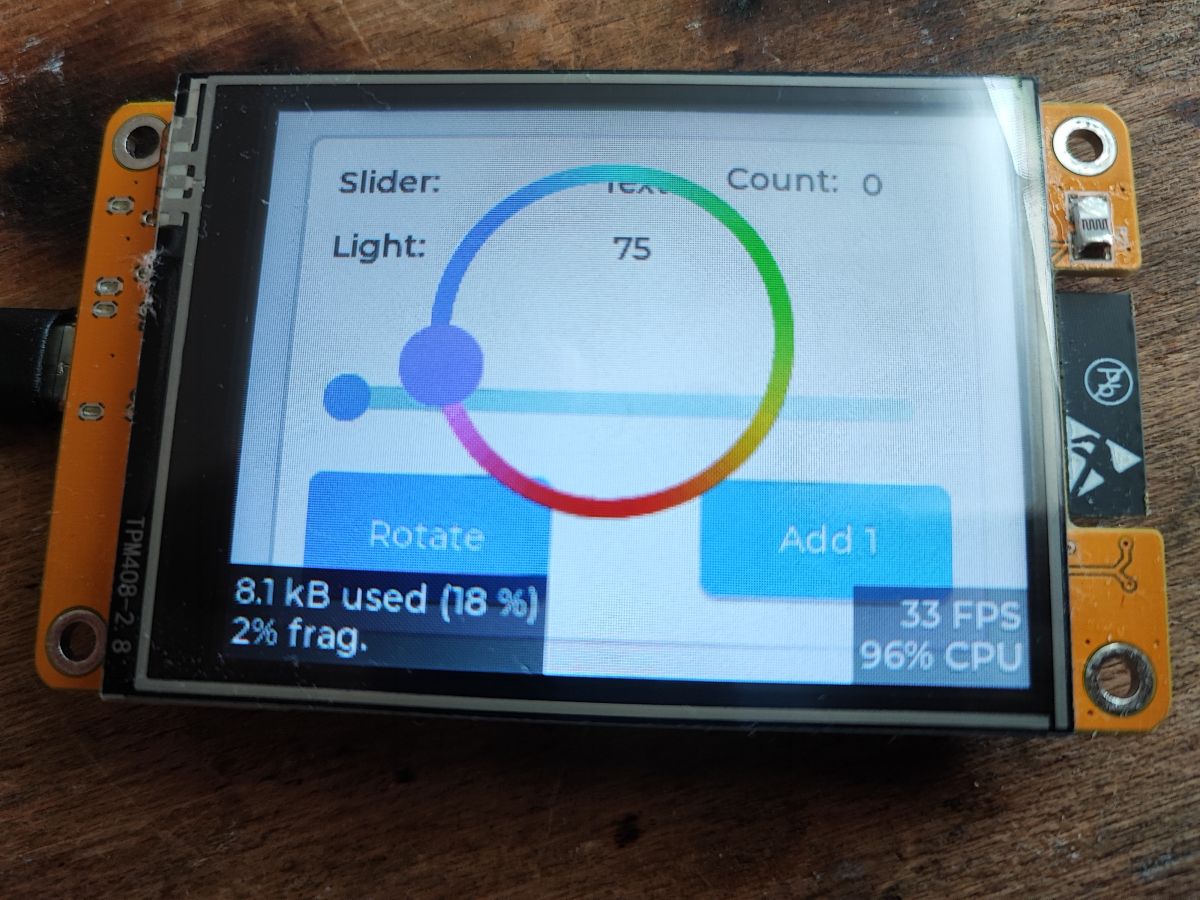
As a test, I uploaded it as such to the display:
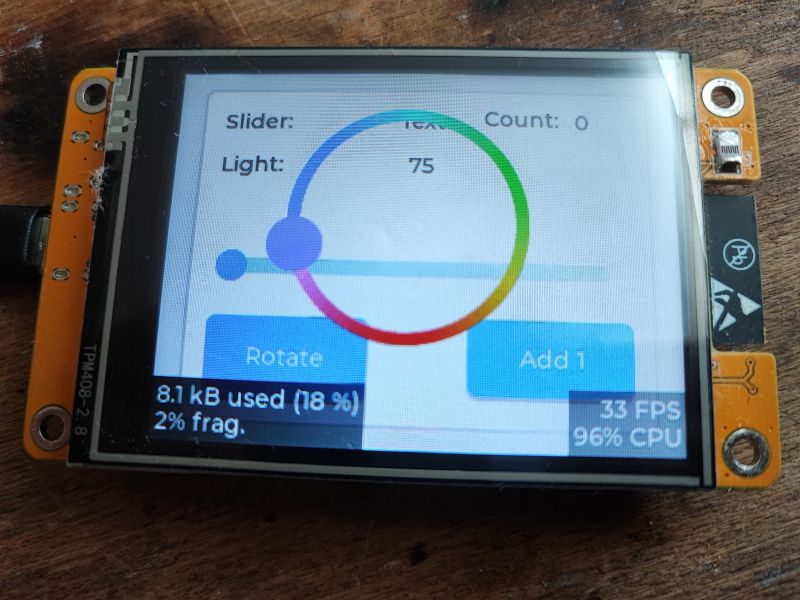
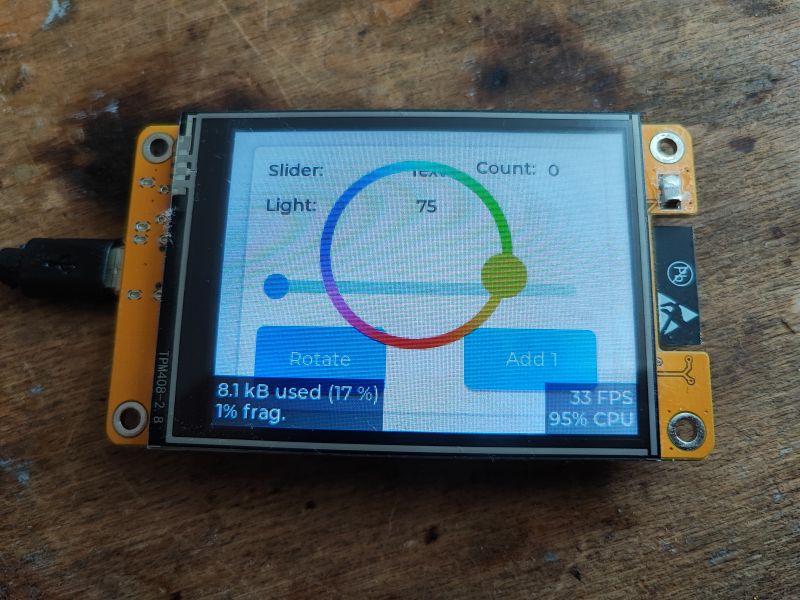
.
Now you just need to think about how to receive the colour information. On this platform the colours are 16-bit, below is an insight into the union/structures from the header of the library used:
.
In our project we have LV_COLOR_16_SWAP defined as 1, so the green colour is split into two areas in memory. Taking this into account, I wrote a function that brings the colour values into the same range and displays them when the control changes:
.
Testing:
[259878][I][main.cpp:41] MyColorChange(): Selected color: R=28, G=63, B=0

[259960][I][main.cpp:41] MyColorChange(): Selected color: R=32, G=63, B=0

[260041][I][main.cpp:41] MyColorChange(): Selected color: R=32, G=63, B=0

[260092][I][main.cpp:41] MyColorChange(): Selected color: R=32, G=63, B=0

[263961][I][main.cpp:41] MyColorChange(): Selected color: R=62, G=6, B=0

[264012][I][main.cpp:41] MyColorChange(): Selected color: R=62, G=4, B=0

[264071][I][main.cpp:41] MyColorChange(): Selected color: R=62, G=6, B=0
The colours correspond to what the control shows, although I could still flip them to full bytes (to the range 0-255).
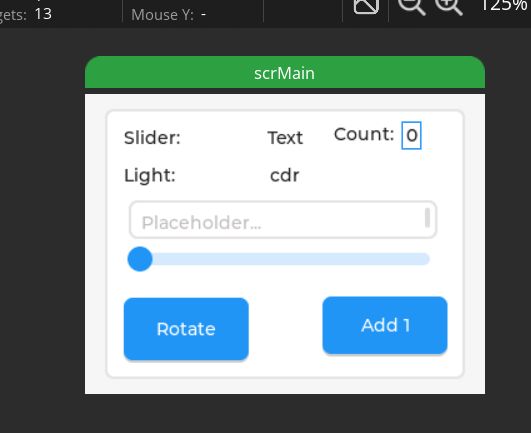
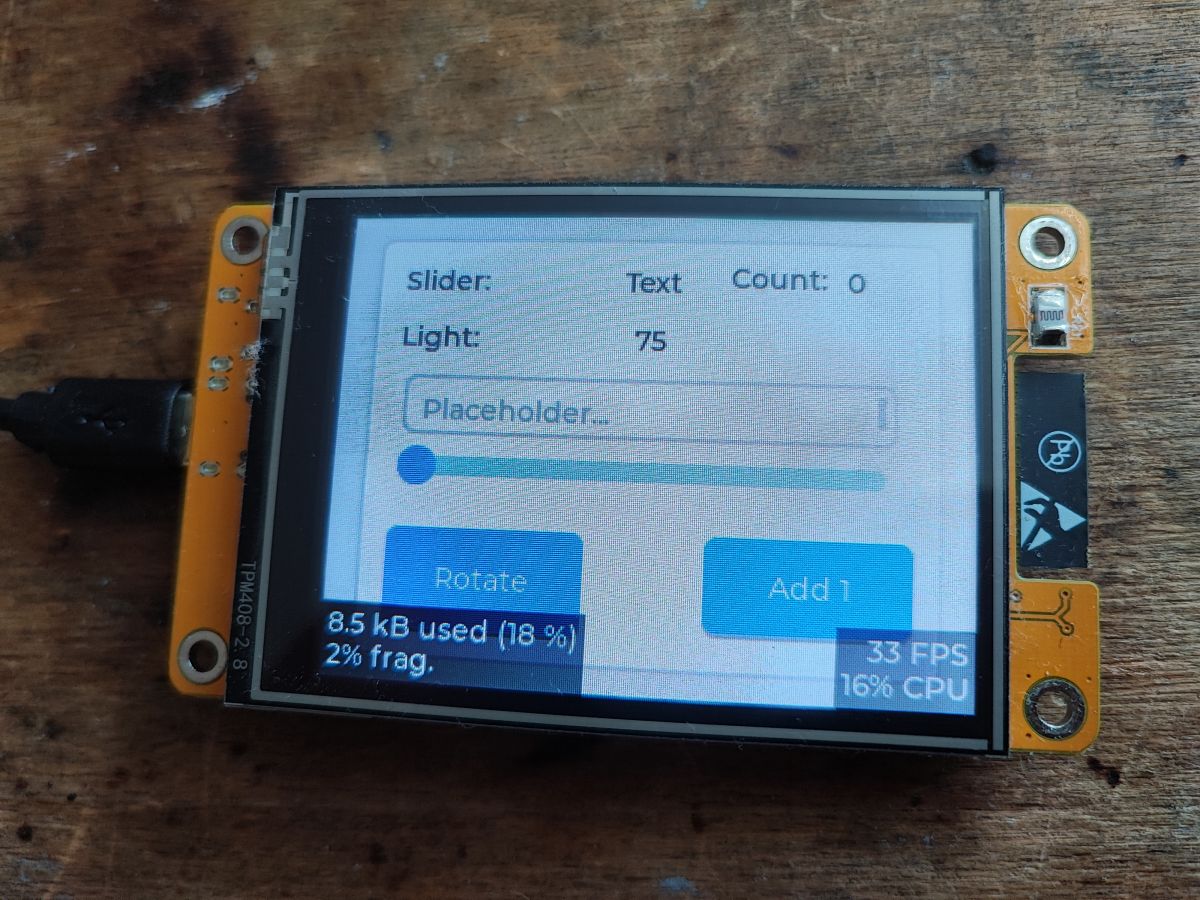
Now perhaps something more interactive - a text field. Let's try simply adding it, dragging it into our view. The text field here is TextArea.
.
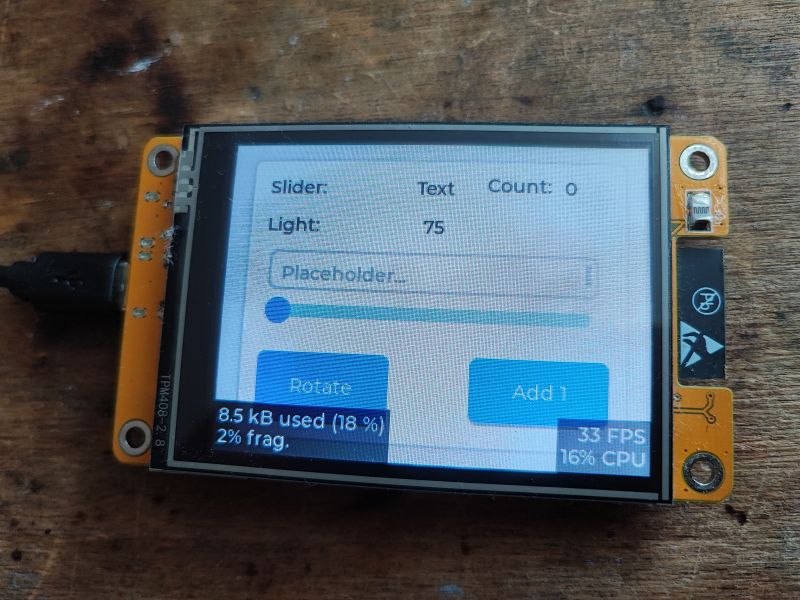
We compile, here is the result:
.
Unfortunately the keyboard doesn't show up on its own.... looks like this requires some additional configuration in the code though. A quick check of the documentation confirms my concerns:
https://docs.lvgl.io/master/widgets/keyboard.html
But about that another time...
Finally a little tip .
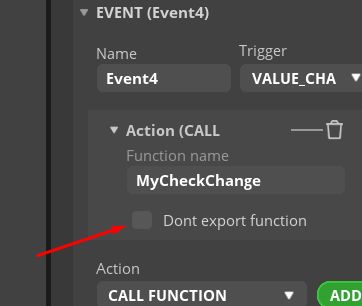
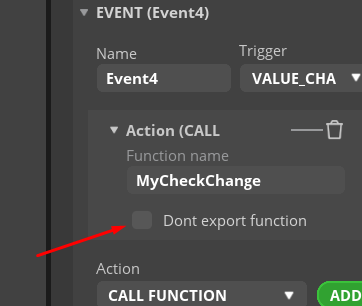
If you don't want the function called from the GUI to be created in the event file all the time then just tick:
.
This way we can create it once in our code in another file and only use it.
Of course LVGL offers much more, you can create views with scroll (sliders), you can switch between screens, etc, but about that another time.
Summary .
Here I have presented the basics of LVGL in combination with SquareLine Studio. LVGL offers a wide range of ready-made controls and mechanisms from which we can quickly create the UI of our project. SquareLine Studio offers a convenient, visual interface view editor for our application, which can then be exported directly into C code, which we compile at least in PlatformIO just like any other code we would write ourselves. SquareLine Studio even converts images to byte arrays in C files, and even with this there is no problem.
Unfortunately, SquareLine Studio is only available for free in a truncated or 30-day version, and the price of the full version is rather out of reach for hobbyists. For this reason, in the following sections we will probably already be creating interfaces manually, i.e. we will simply be writing code ourselves in the style of what we suspected today.
Among other things, I plan to discuss at least the aforementioned keyboard issue.
For now, I can only recommend examples from the LVGL documentation to the inquisitive once again:
https://docs.lvgl.io/master/examples.html
everything is to be fired up in the project I recommended, ready to go from there.
Finally, I'll ask - do you prefer to create UIs from code or in a visual editor? Or do you know of any alternative to SquareLine Studio worthy of consideration?










Comments
A free alternative to SquareLine Studio is EEZ Studio: https://www.envox.eu/studio/studio-introduction/ [Read more]
Very interesting suggestion, I will definitely test it out: https://forum.lvgl.io/t/free-and-open-source-eez-studio/12954 [Read more]
A couple of observations like this: 1. I'm testing both SquareLine Studio and EEZ Studio and unfortunately (I don't know why) but EEZ Studio generated code that exceeded the ESP32 memory !!!, and by just... [Read more]
Re 1. Maybe it's a bitmap issue? Show this code maybe. [Read more]
in EEZ Studio I don't even have (yet ) one bitmap, just this screen: https://obrazki.elektroda.pl/9057886700_1723402707_thumb.jpg . Perhaps the problem is EEZ Studio libraries i.e. eez-framework... [Read more]
NXP GUI Guider [Read more]
Has anyone tested the latest LVGL 9.3.0 libraries (lcd+dotouch together)? Because version 9.1.0 works correctly, but the latest version is some changes in the library, and for example lcd orientation... [Read more]