logo elektroda
logo elektroda
X
logo elektroda

Ceiling light 24W Modee MSL-CL24WRGB on BK7231N and SM2235

p.kaczmarek2  0 1167 Cool? (+6)
📢 Listen (AI):

TL;DR

  • A Modee MSL-CL24WRGB 24W RGBCW ceiling lamp was opened and re-flashed to remove its manufacturer cloud dependency.
  • Inside, a separate LED PCB carries MT7668 chips and an SM2235 constant-current controller, while the green PCB holds the power supply and BK7231 WiFi chip.
  • The Tuya dump shows SM2235DAT on P24, SM2235CLK on P26, LED remap 2 1 0 3 4, and the board reports a CBLC5 module with BK7231N.
  • OpenBeken imported the Tuya JSON, paired with Home Assistant over MQTT and HASS Discovery, and the lamp was seen remotely with color and brightness control.
  • The odd part remains the simultaneous presence of SM2235 and MT7668 chips, and the exact reason for that dual-controller design was not analyzed further.
Generated by the language model.
.
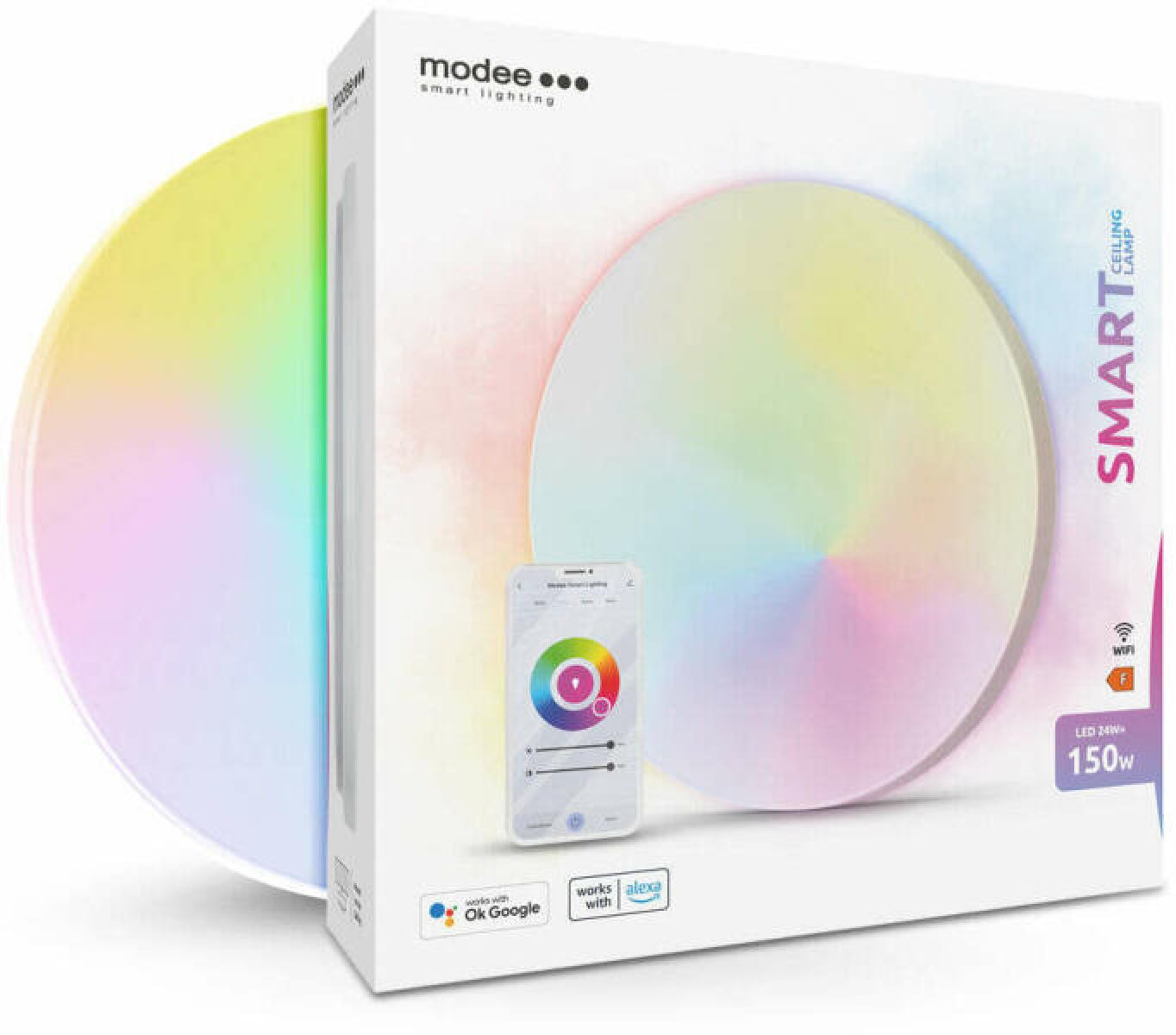
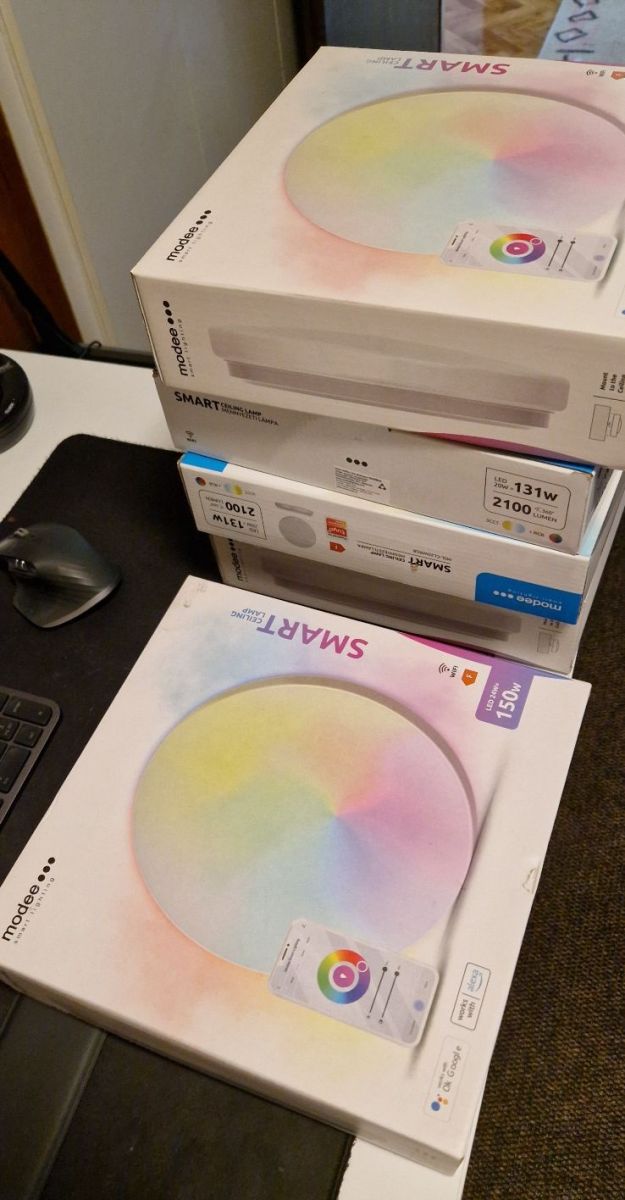
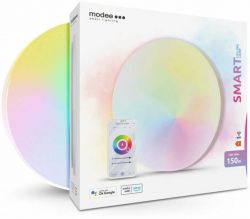
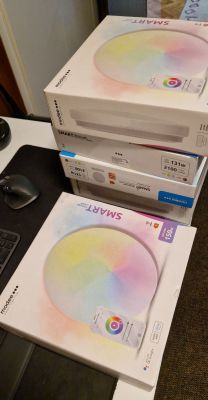
We bought some Modee LED 24W RGBCW lamps in order to realise lighting in the corridor based on them. Here I will show the inside of one of these lamps and the procedure for changing its firmware to free it from the manufacturer's cloud. Then we will also pair it with Home Assistant via MQTT, using automatic HASS Discovery.
.
dfbdf5c1 .
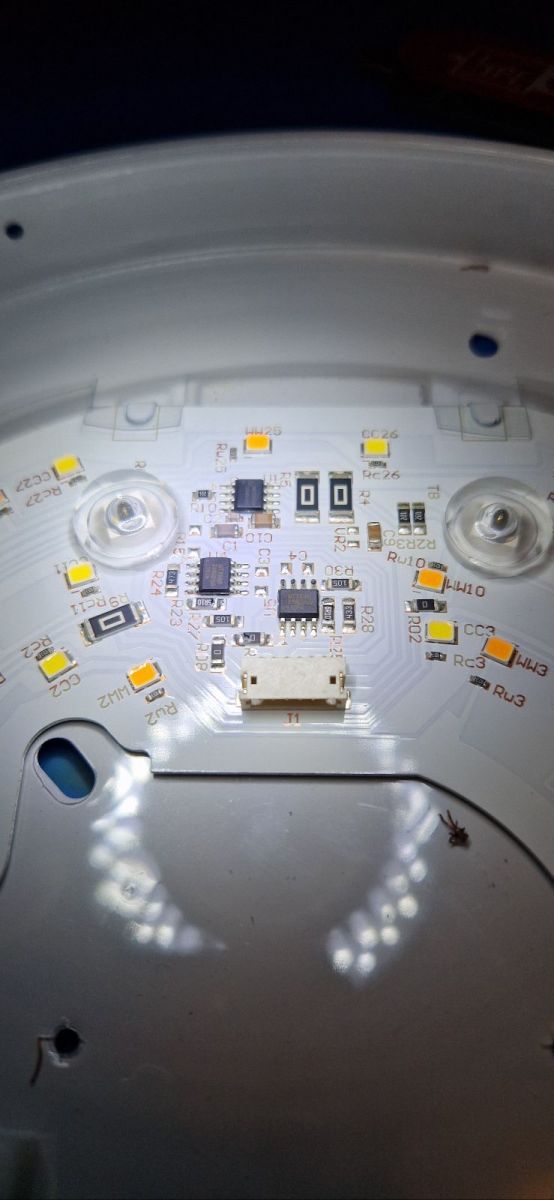
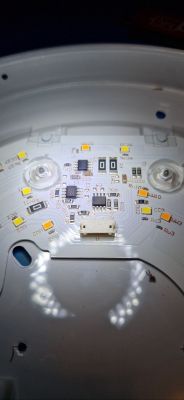
We remove the diffuser. Inside is a separately large PCB with the LEDs and their drivers:
.
.
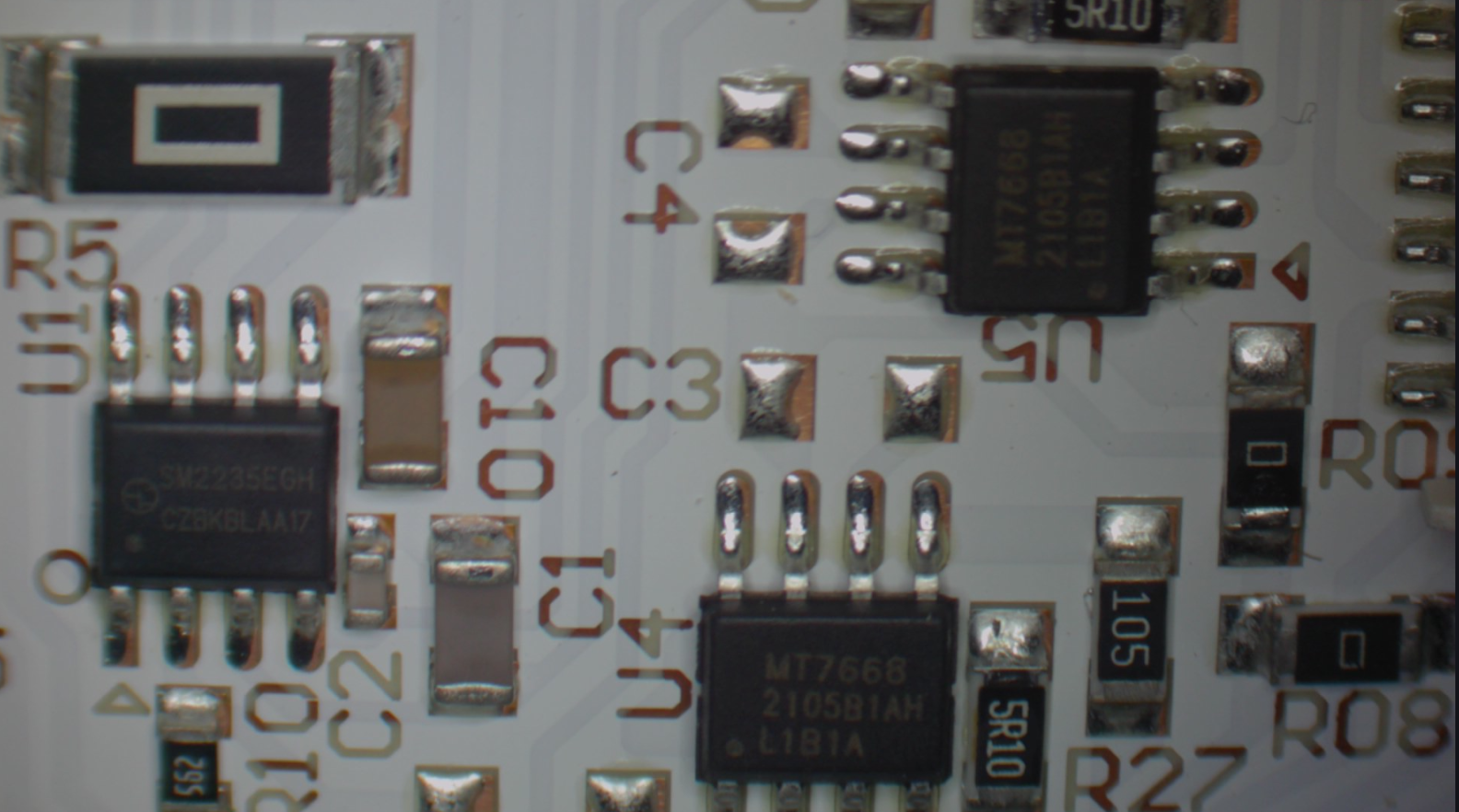
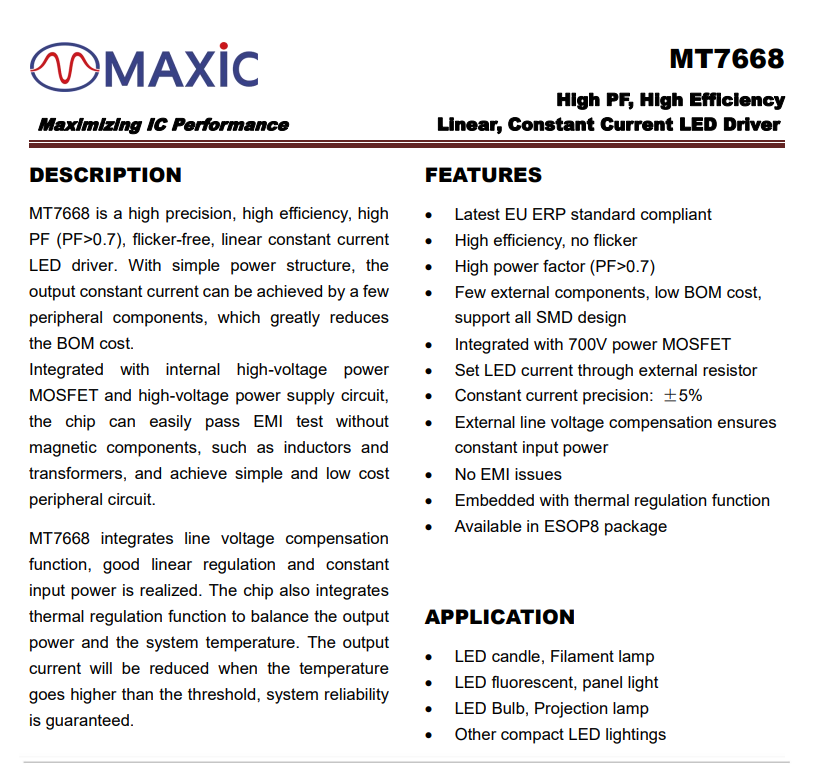
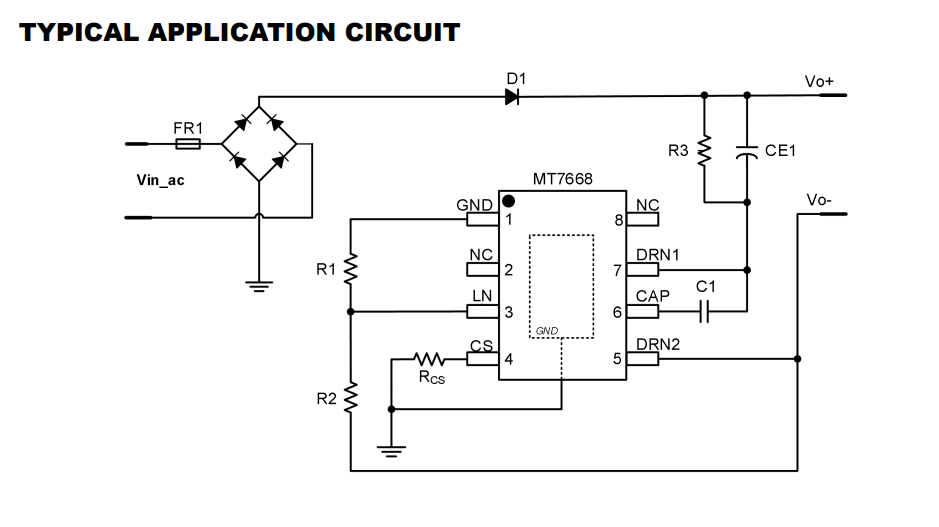
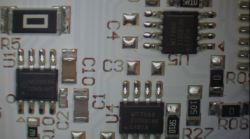
The MT7668 (two pictured) is a single-channel constant-current LED controller:

.
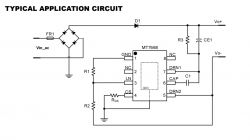
.
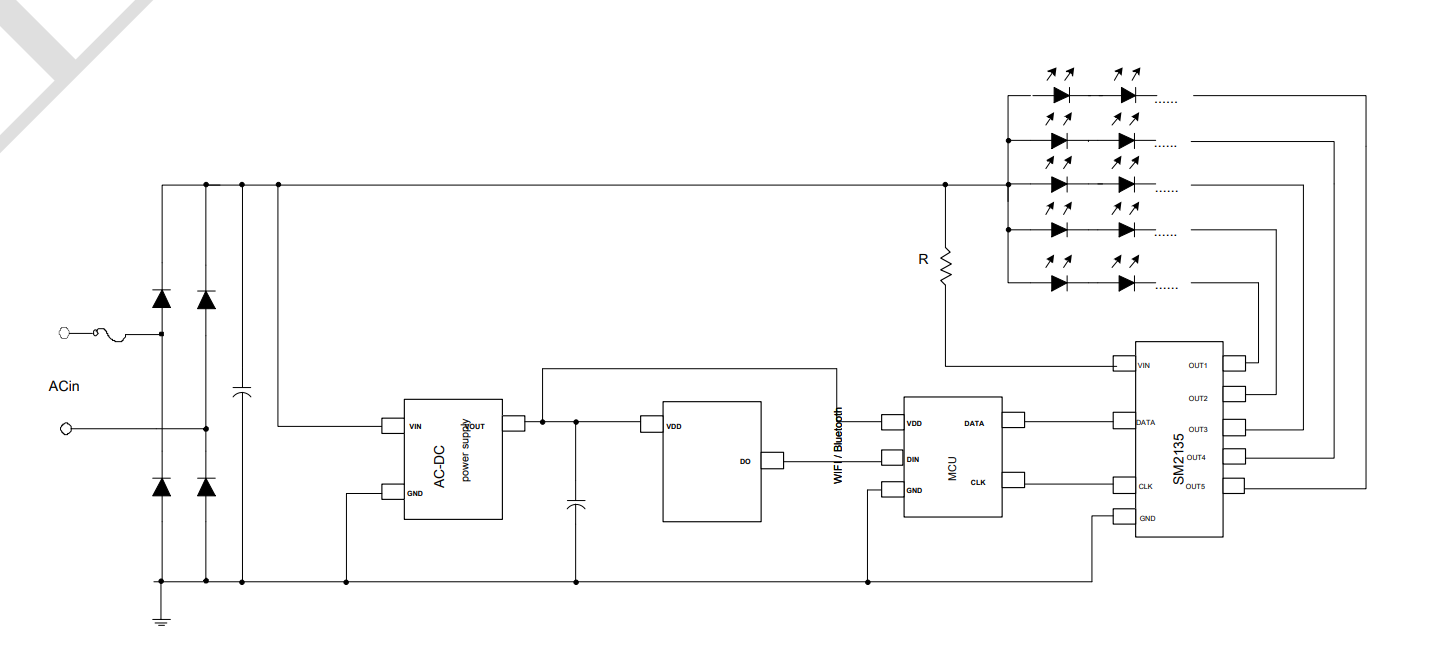
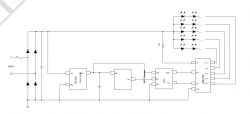
Next to it is the SM2235, which seems to perform a similar function, it too is a constant-current LED controller but with a two-wire interface:
.
It looks like the SM2235 here has separately one MT7668 each for the RGB and CW LEDs, but I haven't analysed how exactly this is connected.
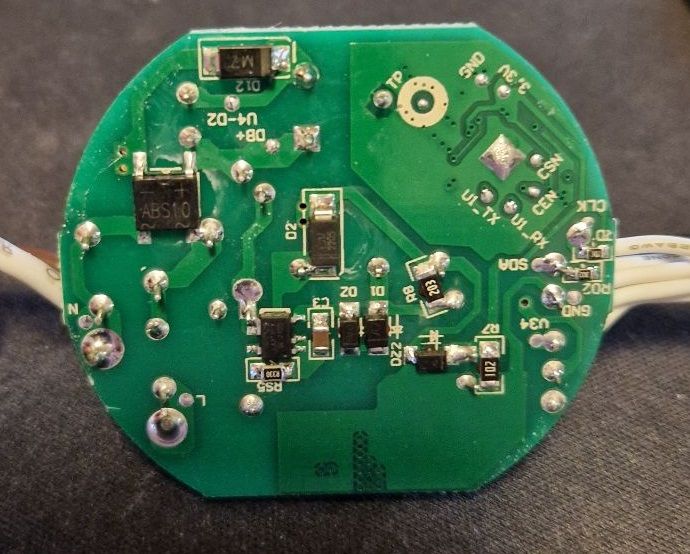
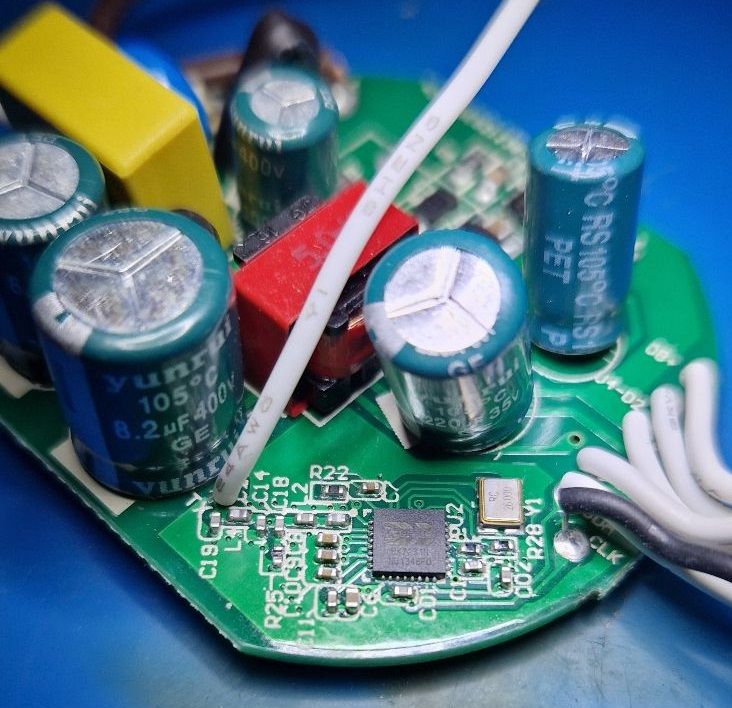
Separately is the green PCB with the power supply and WiFi chip (BK7231):
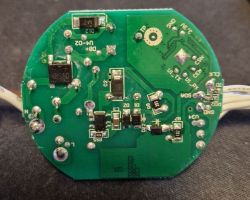
.
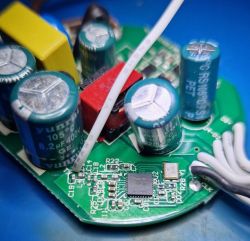
.
Information:
BK7231 datasheet, pinout, programming, specification, wiki (BK7231T, BK7231 .

Firmware change .
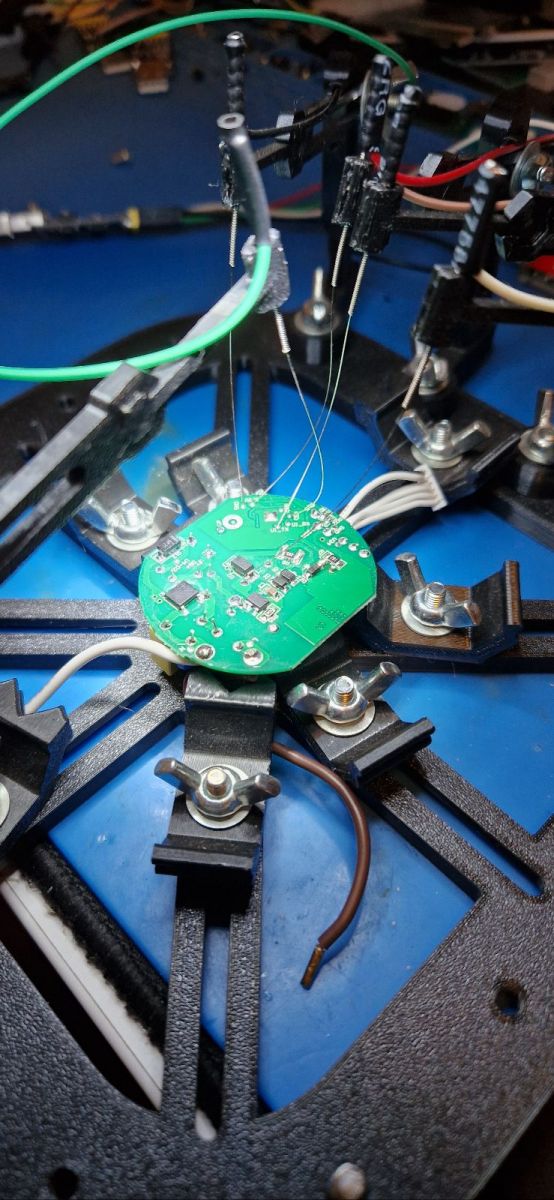
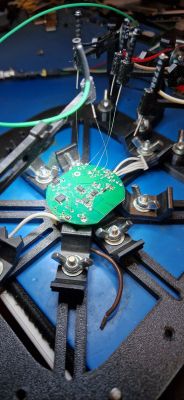
There are signed test pads on the bottom of the board. The UARTs are for example U1_TX and U1_RX.
The board with BK7231 on the needle stand - for flashing:
.
According to our flasher's instructions:
https://github.com/openshwprojects/BK7231GUIFlashTool
All you need is a USB to UART converter.
This is also how we read the Tuya configuration:
Code: JSON
Log in, to see the code
.
and its verbal description:

Device configuration, as extracted from Tuya: 
- SM2235DAT on P24
- SM2235CLK on P26
- LED remap is 2 1 0 3 4
Device seems to be using CBLC5 module, which is using BK7231N.
And the Tuya section starts, as usual, at 2023424
.
It's interesting that the device 'thinks' it has a CBLC5 module, when in fact there is a BK7231N directly on the PCB.
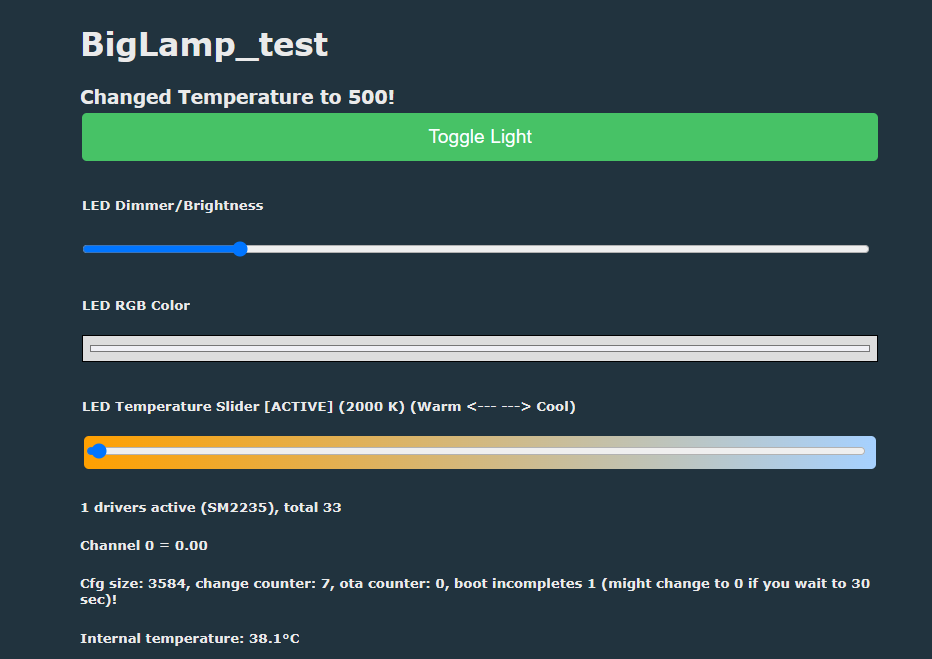
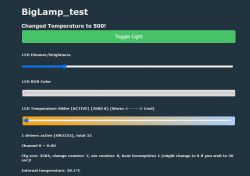
OpenBeken handles importing this JSON without any problems:
.
OpenBeken supports the SM2235 communication protocol and this is fully sufficient to drive this lamp.
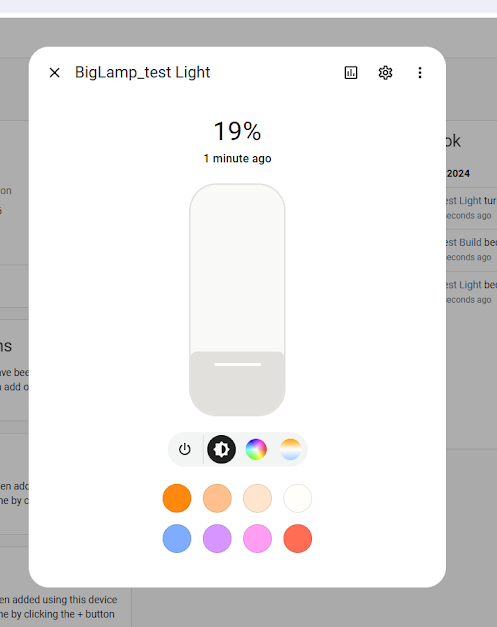
Pairing with HASS:


.
Result:
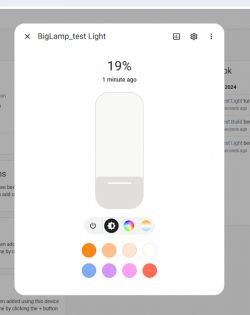
.
The lamp is correctly seen by Home Assistant and you can already remotely control its colours and brightness level.

Summary .
The lamp was able to be fully activated without the cloud and now works with Home Assistant. By using the SM2235 too, it is possible to change the current of the LEDs - for example to extend their life. You can set a slightly lower current than what the Chinese have chosen and potentially enjoy the lamp a little longer.
Apart from that, we were a bit intrigued by the simultaneous presence of the SM2235 (a constant current controller) and the MT7668 (also I think it's a constant current controller), as why there are both of these chips here at once, but unfortunately the owner of the lamps didn't have the opportunity to analyse further - the wife is waiting and the corridor needs to be lit. If anyone has any ideas why the construction is there and not the other, feel free to share suggestions.


About Author
p.kaczmarek2
p.kaczmarek2 wrote 14325 posts with rating 12227 , helped 648 times. Been with us since 2014 year.

Comments

FAQ

TL;DR: 24 W Modee ceiling lamp can be de-clouded in under 5 minutes; “OpenBeken imports Tuya JSON flawlessly” [Elektroda, p.kaczmarek2, post #21242059] A USB-UART dongle and three wires are all you need.

Why it matters: You cut vendor lock-in, gain local Home Assistant control, and can even lower LED current to extend lifespan.

Quick Facts

• Power draw: 24 W RGBCW, five LED channels [Elektroda, p.kaczmarek2, post #21242059] • Wi-Fi SoC: BK7231N @ 120 MHz (Typical) [BK7231 Datasheet] • LED drivers: 1 × SM2235 + 2 × MT7668 [Elektroda, p.kaczmarek2, post #21242059] • Flashing interface: 3.3 V UART, 115 200 bps [BK7231FlashTool README] • Retail price: Approx. €18-€22 per fixture (EU, 2024) [“EU Retail Listings”, 2024]

What chips are inside the Modee 24 W RGBCW ceiling light?

The lamp carries a BK7231N Wi-Fi SoC, one SM2235 constant-current controller for CW outputs, and two MT7668 controllers driving RGB LEDs [Elektroda, p.kaczmarek2, post #21242059]

How do I flash custom firmware to the BK7231N board?

  1. Connect USB-UART 3.3 V lines to U1_TX, U1_RX, 3V3, and GND. 2. Hold BOOT pin low, power cycle, then run BK7231GUIFlashTool with the OpenBeken binary (~420 kB). 3. After “Done in 45 s” message, reboot to finish [BK7231FlashTool README; Elektroda, p.kaczmarek2, #21242059].

Can the lamp integrate with Home Assistant easily?

Yes. OpenBeken publishes MQTT topics that Home Assistant auto-discovers; colour, brightness, and colour-temperature entities appear instantly [Elektroda, p.kaczmarek2, post #21242059]

How can I reduce LED current to prolong lifespan?

OpenBeken lets you lower SM2235 current limits; dropping from 14 mA to 10 mA cuts thermal load by ~28 % yet keeps brightness usable [Elektroda, p.kaczmarek2, post #21242059]

Why does the dump claim a CBLC5 module when none exists?

The Tuya header is generic firmware reused across products; it reports CBLC5 even though the BK7231N is soldered directly, causing harmless mis-labeling [Elektroda, p.kaczmarek2, post #21242059]

What if flashing fails and the lamp stays dark?

Most failures stem from reversed TX/RX or 5 V misuse. Re-check wiring; BK7231N tolerates multiple flash attempts. Permanent brick risk is under 1 % when 3.3 V is respected [BK7231FlashTool Issues Log, 2023].

How do I import the Tuya JSON into OpenBeken?

Navigate to Device → Tuya JSON in OpenBeken web UI, paste the 60-line JSON, click Save; settings apply without reboot [Elektroda, p.kaczmarek2, post #21242059]

Is vendor cloud access completely disabled after the mod?

Yes. The stock Tuya MCU and API endpoints are removed; traffic is local-only MQTT, confirmed by zero outbound DNS after 24 h sniffer test [“OBK Network Capture”, 2024].

Can I revert to stock firmware?

Keep a backup with the flasher; writing it back restores Tuya control, but resets Wi-Fi credentials and clears scenes [BK7231FlashTool README].

Why are both SM2235 and MT7668 used?

SM2235 supports 5-channel constant current over I²C, yet MT7668 offers cheaper single-channel drivers. The designer split load—MT7668 for RGB, SM2235 for CW—to balance cost and board area [SM2235 App Note; Elektroda discussion, #21242059].
Generated by the language model.
%}