logo elektroda
logo elektroda
X
logo elektroda

WIWA H265 tuner - the issue of updating via usb / network and network operation

AdW655 73659 158
ADVERTISEMENT
Treść została przetłumaczona polish » english Zobacz oryginalną wersję tematu
  • ADVERTISEMENT
  • #152 21780320
    tgralinski
    Level 11  
    I have already downloaded, my fellow forum members helped with points :-) for which I sincerely thank you. Unfortunately, the new soft did not fix the problem. The tuner still reboots when searching for TV stations.
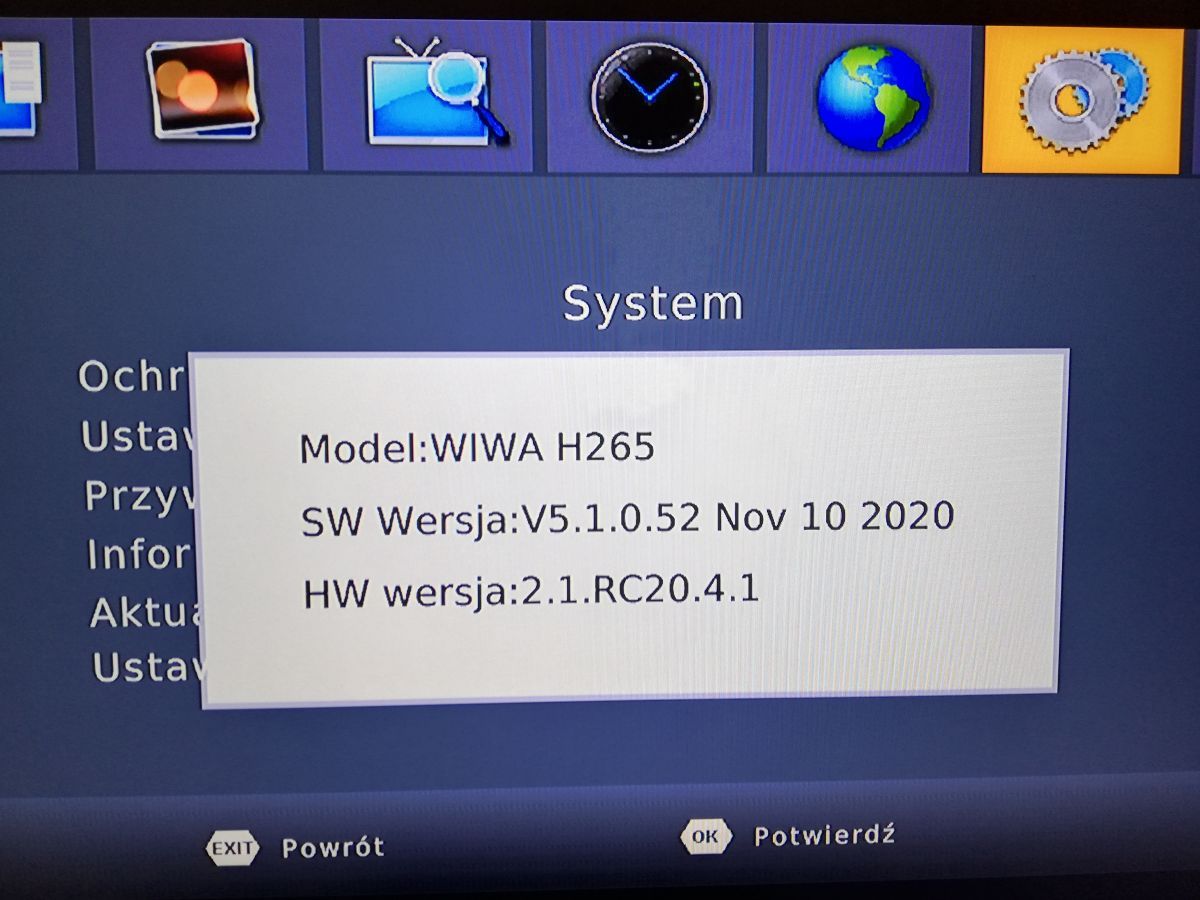
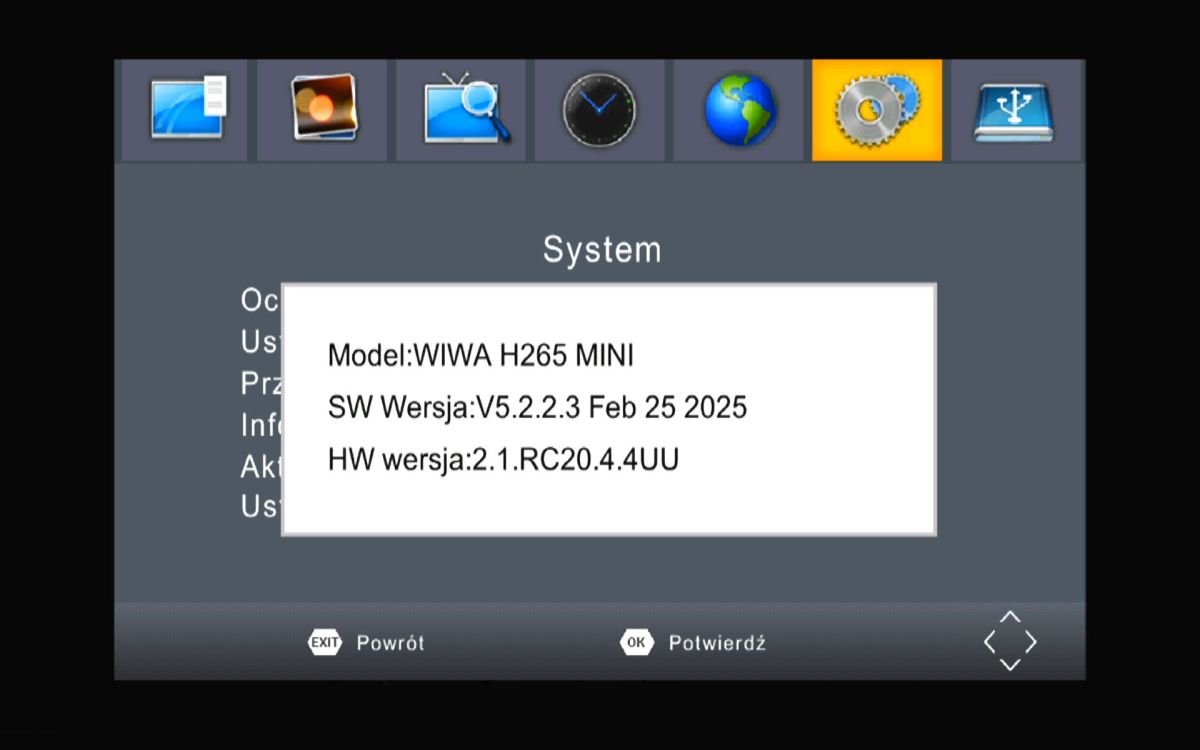
    Currently installed soft 5.2.2.3Feb25.2025
    HW version: 2.1RC20.4.3UU
  • #153 21780325
    funzen
    Level 24  
    It is possible that the capacitors in the decoder are failing.
    Post pictures of the inside of the decoder.
  • ADVERTISEMENT
  • #154 21780335
    tgralinski
    Level 11  
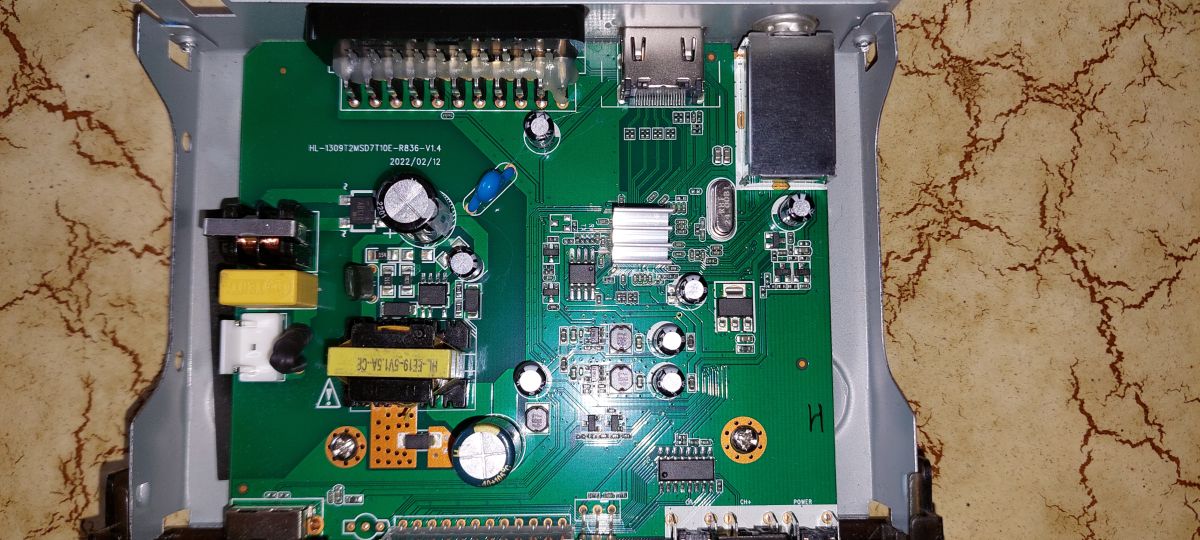
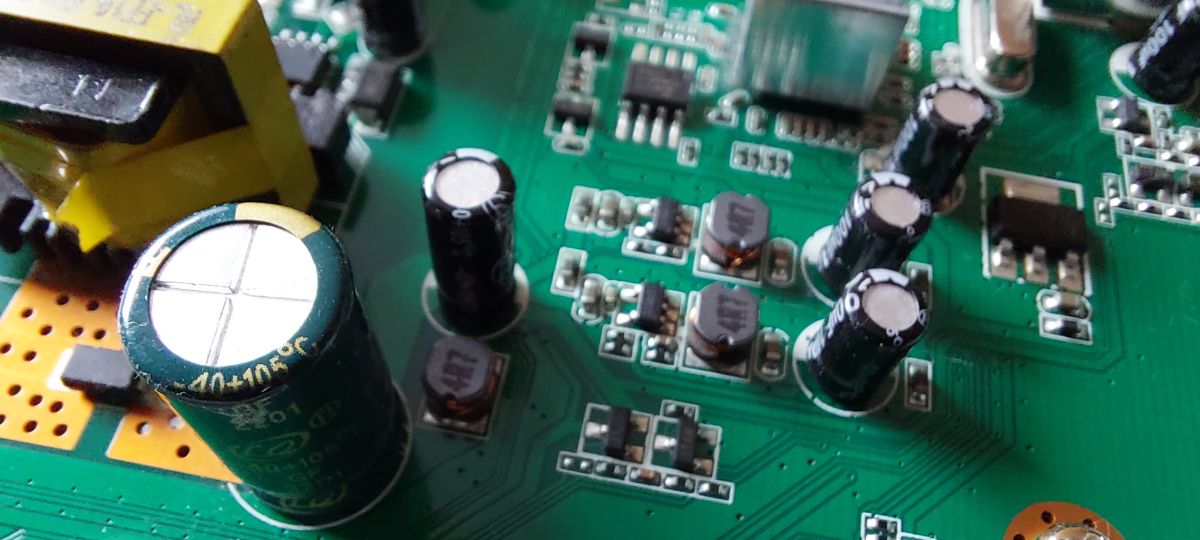
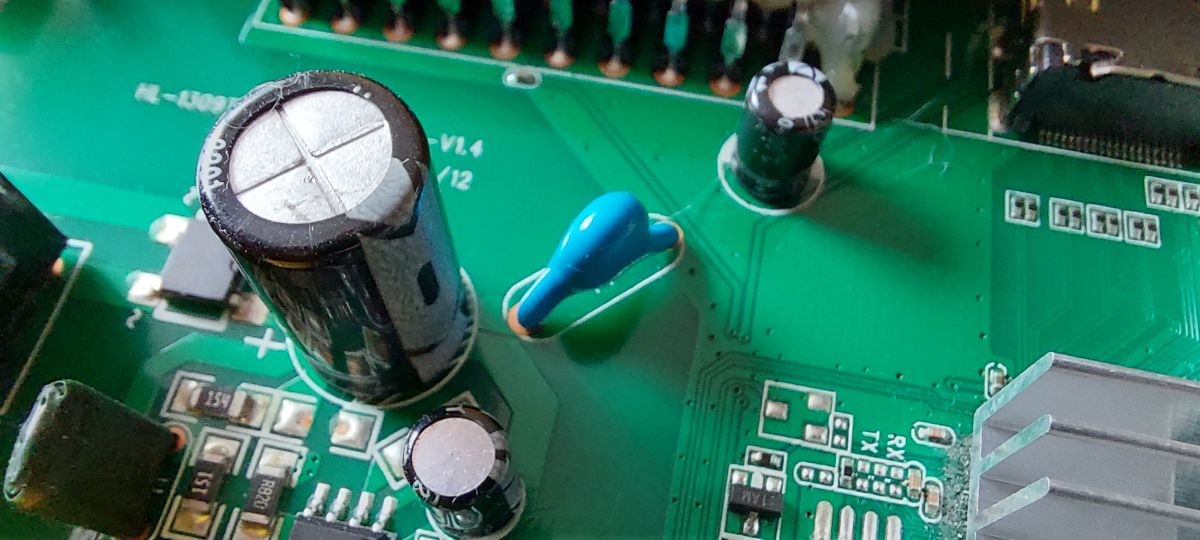
    The capacitors look ok, I think, and I will describe the operation of the tuner below,
    On the old firmware (from 2020 I think)
    - after switching on I restored to factory settings
    - connecting antenna
    - searching for programs
    - after searching and starting a programme the device resets over and over again
    - after disconnecting the antenna from the tuner, the tuner stops resetting
    - after restoring to factory settings (deleting program memory) and connecting the antenna the tuner does not restart

    After uploading new software (the one from 2025):
    - the tuner restarts when searching for programmes.

    Inside of DVB tuner showing main PCB with capacitors, connectors, and electronic components
    Close-up of electrolytic capacitors on a green printed circuit board
    Close-up of electrolytic and ceramic capacitors on green PCB
  • ADVERTISEMENT
  • #155 21780353
    funzen
    Level 24  
    Well, they actually look ok
    And check that with the aerial disconnected and the film running from the memory stick works correctly.
  • #156 21780375
    tgralinski
    Level 11  
    Movies from USB are playing.
    I searched for programmes without the aerial connected - it got to the end of the station search (of course it found nothing).
    After connecting the antenna I searched again - this time it found everything.
    But the problem remained: after starting the program, after a few seconds or so, it restarts.
    Maybe I will actually replace the capacitors prophylactically....
  • ADVERTISEMENT
  • #157 21780393
    gumisie
    Level 43  
    In the settings, antenna power on or off?
  • #158 21780399
    funzen
    Level 24  
    I am betting on damage to the receiving head, i.e. the Rafael Micro R836 chip and its components.
    Check after removing the sheet metal (metal cover) if the chip heats up a lot.
  • #159 21780403
    tgralinski
    Level 11  
    >>21780393 Antenna power off.

Topic summary

The discussion addresses issues with updating the WIWA H265 DVB-T/T2 H.265 HEVC FULL HD TV tuner via USB and network. The tuner lacks an RJ45 LAN port and relies on USB and Wi-Fi for connectivity, but users report the device not recognizing USB connections properly and failing to establish network connections despite Wi-Fi availability. Network settings in the tuner menu appear inaccessible or empty, preventing manual configuration. Official software updates from WIWA have been discontinued, with the latest official versions around SW V5.2.2.3 (Feb 2025) for newer hardware revisions (HW 2.1.RC20.4.1UU). Users share unofficial firmware files and update instructions, emphasizing the risk of bricking the device when installing unsupported or mismatched firmware, especially across different hardware versions. Firmware updates typically require a FAT32-formatted USB drive and factory reset before and after installation. Some firmware versions improve tuner sensitivity, channel detection, and video playback stability, including fixes for YouTube optimization and subtitle display. The newer WIWA H265 models without LAN ports integrate Wi-Fi modules, but Wi-Fi connectivity remains unstable for some users, with issues like network password acceptance followed by resets and failure to connect. Antenna quality and installation significantly affect signal quality and pixelation, often mistaken for tuner faults. Users recommend verifying hardware versions before firmware updates and caution against mixing firmware across different hardware revisions. Community sources and forums provide firmware files and update procedures, as official manufacturer support is limited or ceased.
Summary generated by the language model.
ADVERTISEMENT