logo elektroda
logo elektroda
X
logo elektroda

[BK7231N+BL0942] DIY Smart Mini Switch - WBP-1G - configuration, pinout, program

piratee 13686 46
ADVERTISEMENT
Treść została przetłumaczona polish » english Zobacz oryginalną wersję tematu
  • #31 20522408
    p.kaczmarek2
    Moderator Smart Home
    From what I can see, it was from him that a pull request appeared to increase the precision of BL0942:
    https://github.com/openshwprojects/OpenBK7231T_App/pull/760
    But I'm just going to verify it.

    Don't forget to turn on PowerSave on this Aubess or else you'll be doing this:
    https://www.elektroda.pl/rtvforum/topic3898805.html
    Helpful post? Buy me a coffee.
  • ADVERTISEMENT
  • #32 20522473
    piratee
    Level 13  
    PowerSave run together with energy metering and ntp server? single line command?
  • ADVERTISEMENT
  • #33 20522566
    p.kaczmarek2
    Moderator Smart Home
    Yes, but you can do it in autoexec.bat as well
    Helpful post? Buy me a coffee.
  • ADVERTISEMENT
  • #34 20522567
    piratee
    Level 13  
    how to enter the NTP time offset to work after reboot in the block with ntp and bl0942 running?

    ntp_timeZoneOfs +2
  • #35 20522640
    p.kaczmarek2
    Moderator Smart Home
    Normally in the backlog, rather without +, just:
    
    ntp_timeZoneOfs 2
    

    And it doesn't work?

    If you want to subtract, then with a minus.
    Helpful post? Buy me a coffee.
  • #36 20522669
    piratee
    Level 13  
    When I typed +2 it didn't work, now it's ok
    And you will also implement summer/winter automation.
    I am asking because I see that the options in the project are developing dynamically.

    Regards
  • #37 20527971
    piratee
    Level 13  
    I have another question, if I read the firmware, can I determine which pinout is on my own.
    Do I need to have any software or decompile the firmware?
  • #38 20528004
    p.kaczmarek2
    Moderator Smart Home
    There's a python tool for that but you need to have it all installed, better put dunks here, I'm still helping out every morning, day and night.

    Hmm, you could do automatic time switching, it's not a problem, but I'd have to look for a table so that I don't have to enter it in the code. But I admit in advance - I haven't checked yet.

    Recently, I updated the documentation again and moved it from README (because it shouldn't be there) to JSON files to be able to autogenerate MDs and so on.
    Helpful post? Buy me a coffee.
  • ADVERTISEMENT
  • #40 21759109
    p.kaczmarek2
    Moderator Smart Home
    
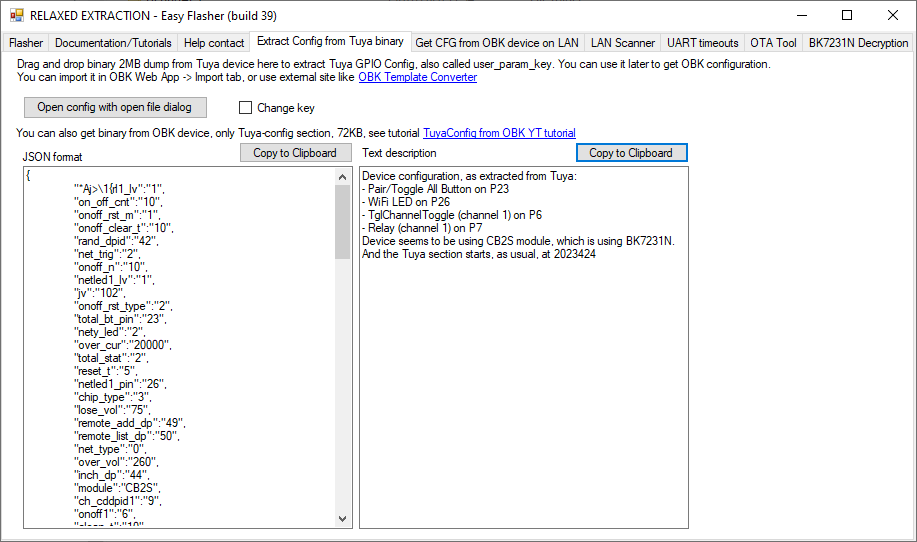
    Device seems to be using CB2S module, which is BK7231N chip.
    - Relay (channel 1) on P7
    - WiFi LED on P26
    - TglChannelToggle (channel 1) on P6
    - Pair/Toggle All Pin on P23
    - BL0942 (?) RX on P10
    - BL0942 (?) TX on P11
    

    Template OBK:
    Code: JSON
    Log in, to see the code

    Remember to calibrate, as in Tasmot, VoltageSet, etc., possibly via the web App under Tools.

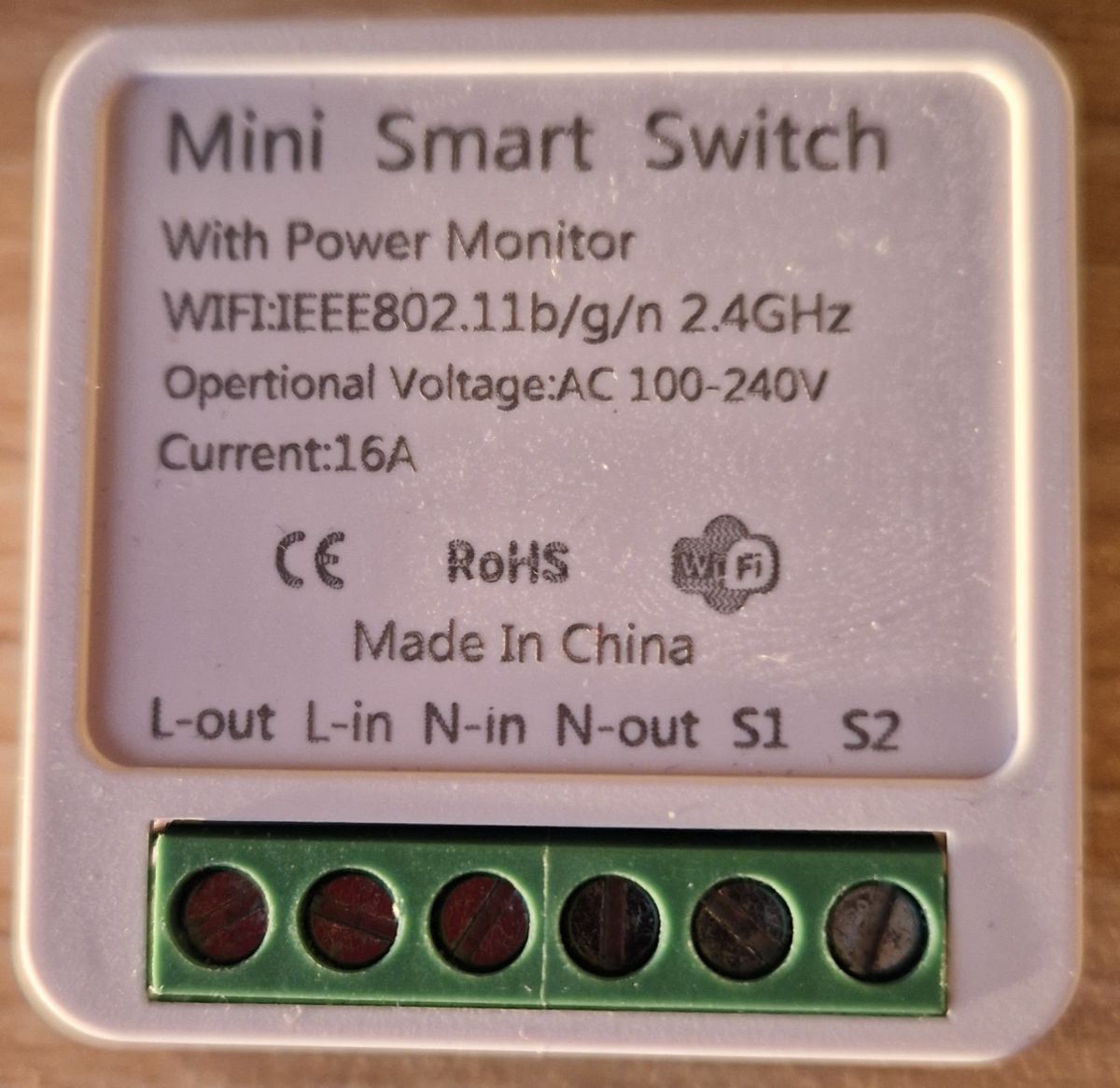
    Can you show a picture of your unit?

    Also enable PowerSave 1 (in startup command add).
    Helpful post? Buy me a coffee.
  • #41 21759252
    sp8tlh1
    Level 5  
    Thank you very much for your quick reply. I have another module of the same kind to reprogram and have checked how it works. Pressing the button on the housing switches the relay on and the same button switches the relay off. The LED lights up depending on the state of the relay. After entering this configuration, I can only switch the relay on via the browser and the LED does not respond to the relay status.

    Added after 32 seconds:

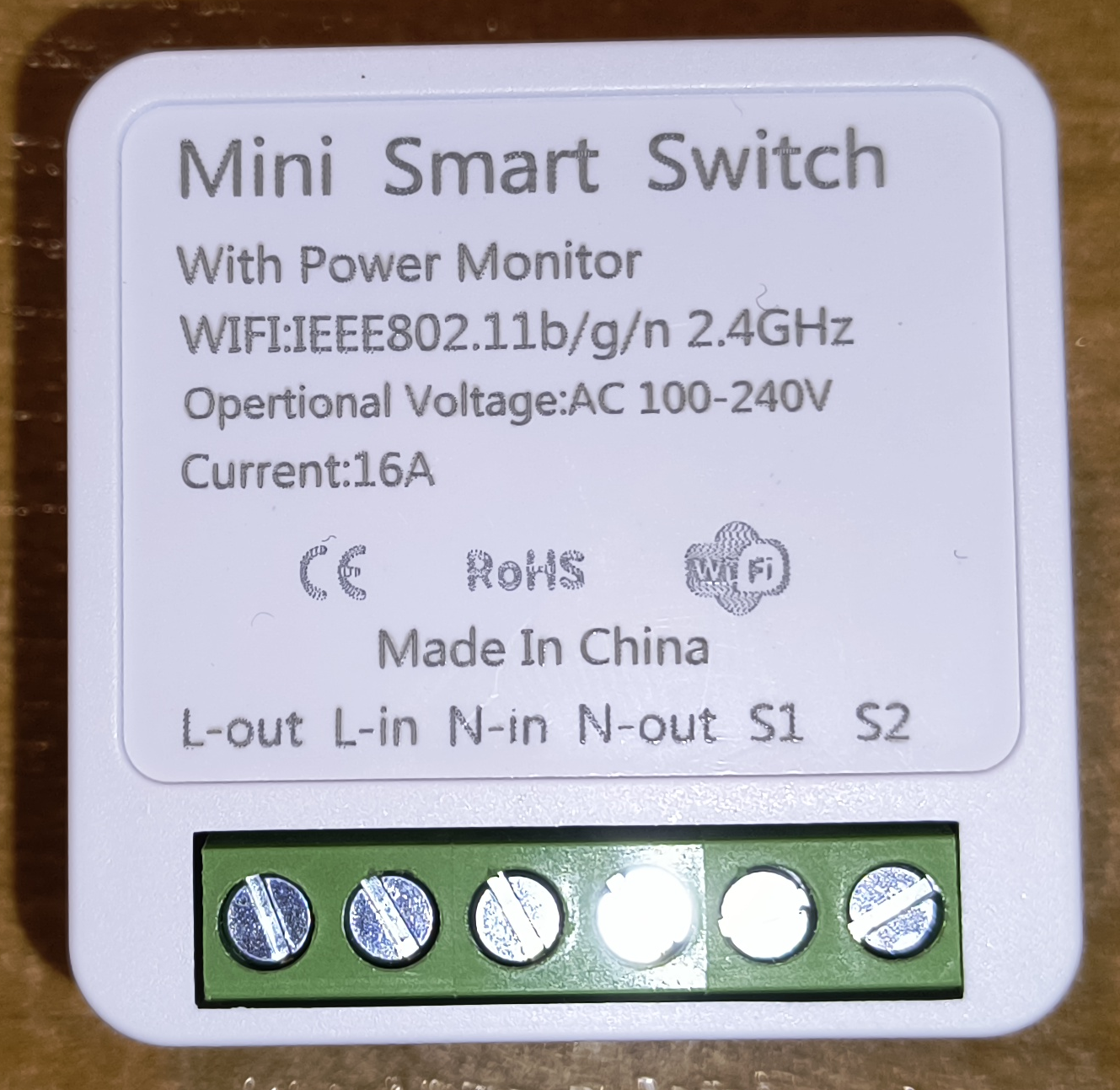
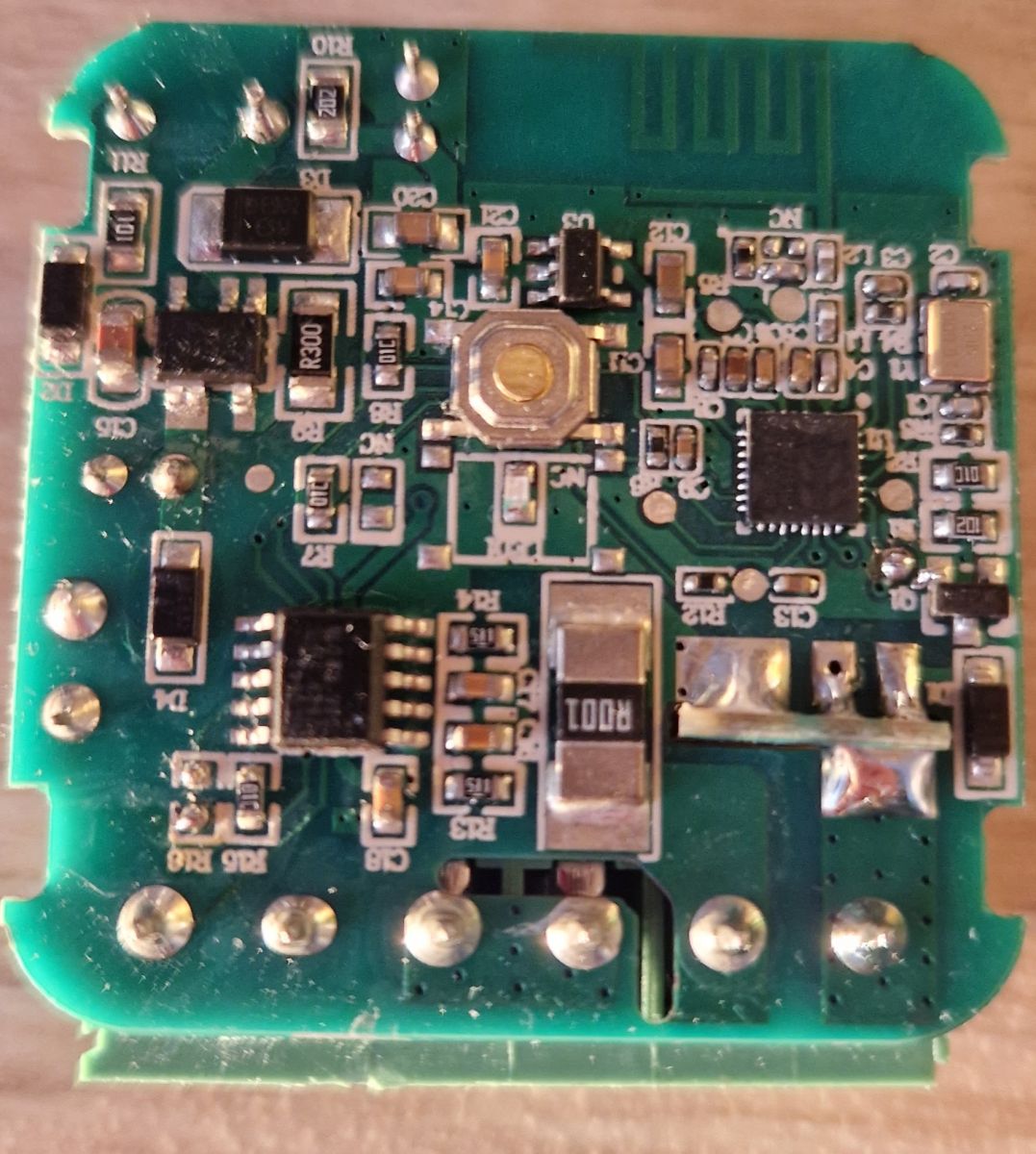
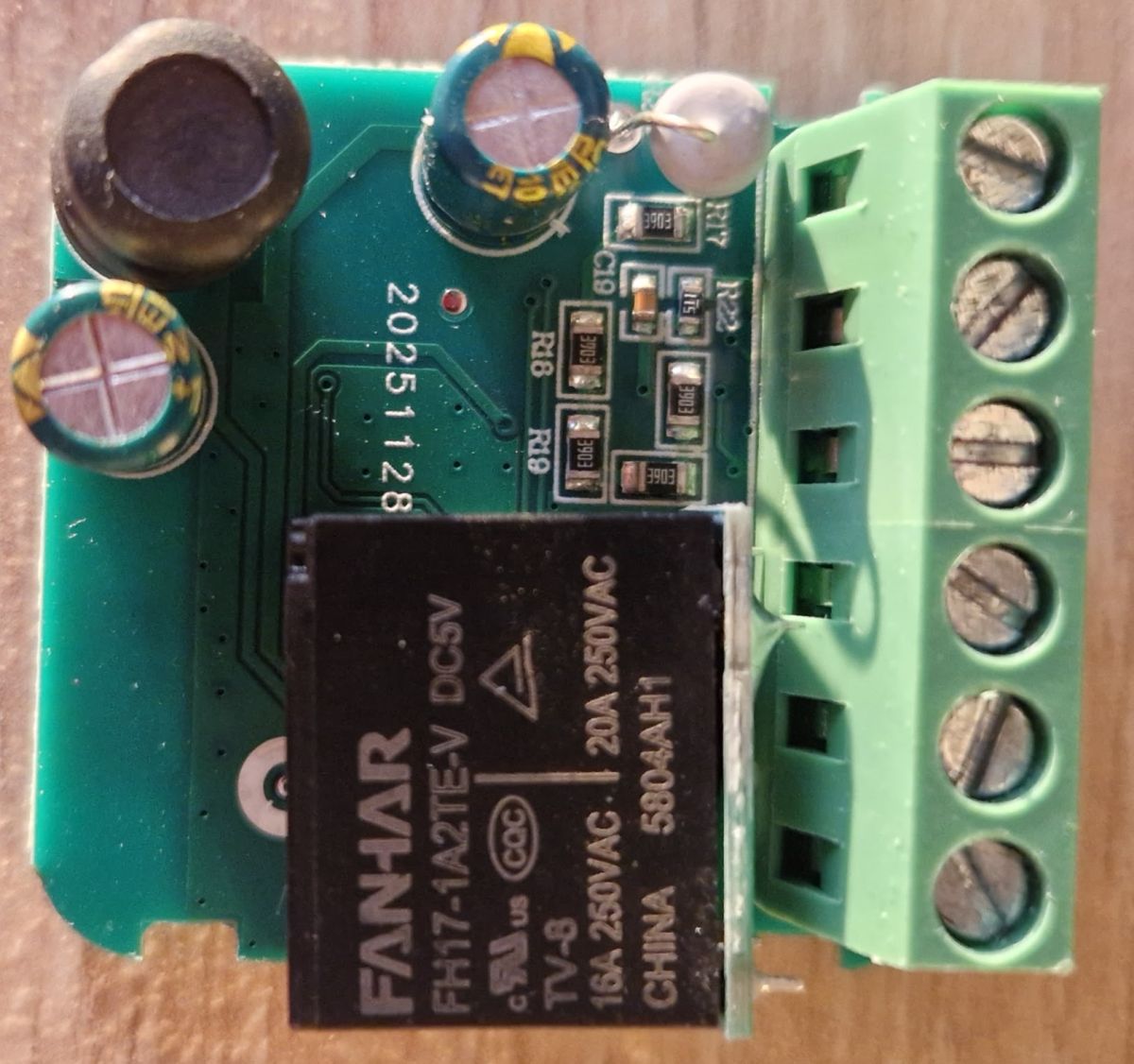
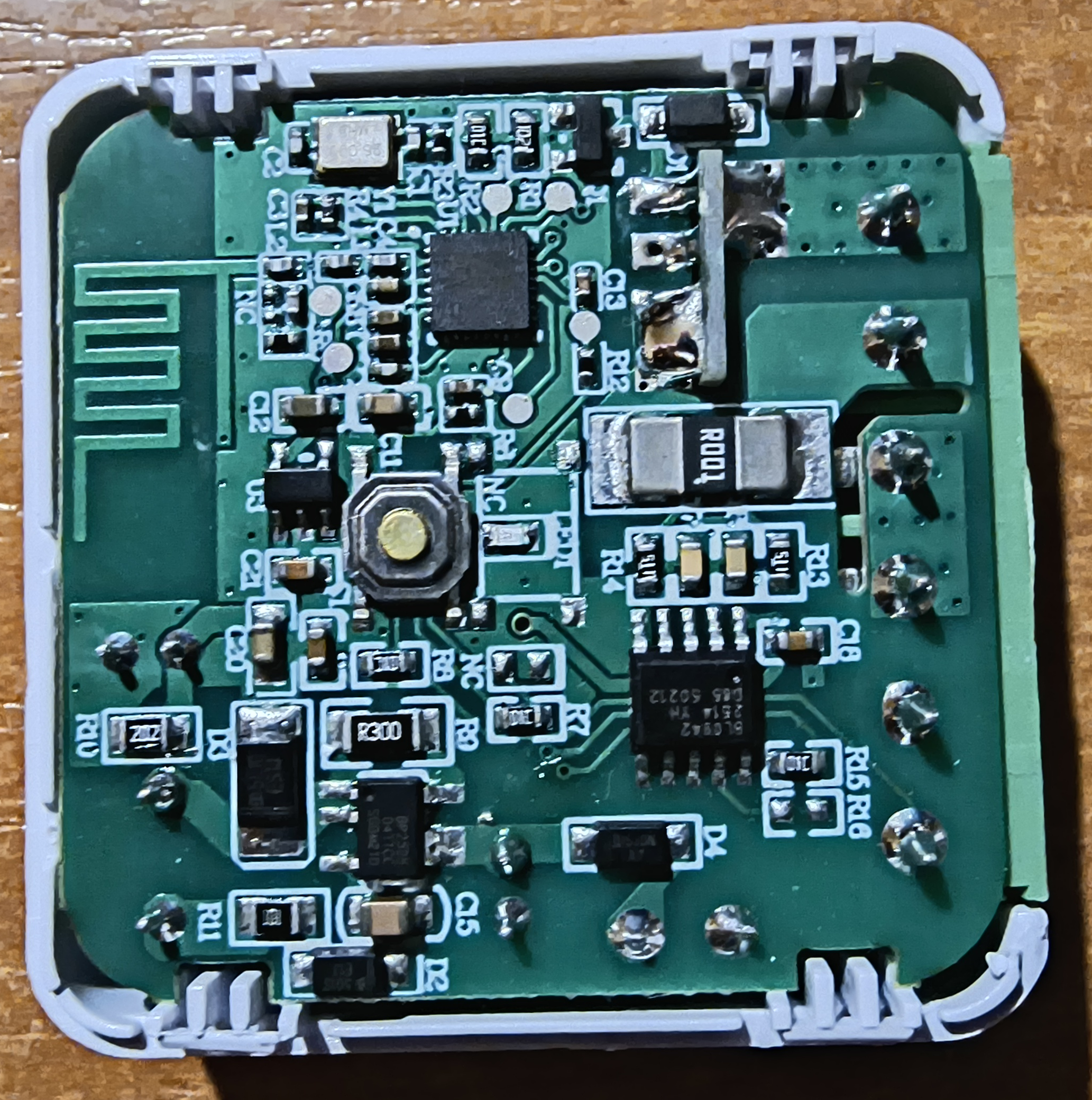
    Electronic module with visible SMD components on a PCB board. Mini smart switch with power monitoring and screw terminals
  • #42 21760306
    sp8tlh1
    Level 5  
    Everything already works as it did in the original before the software change. I can switch the relay physically with a button. To make it work for others starting out with the OpenBk software.
    Go into Configure General/Flags disable the Flag 41 item - [BTN] Ignore all button events (aka child lock), give Submit and Save. And it should work.
    I'm glad I managed it myself.
  • #43 21760314
    p.kaczmarek2
    Moderator Smart Home
    Sorry, I must have missed this post. Did you have the childlock flag enabled? Maybe something clicked earlier or the template imported wrong.
    Helpful post? Buy me a coffee.
  • #44 21761197
    sp8tlh1
    Level 5  
    There is nothing to apologise for. I have learned something new. The pros alone, the module works
  • #45 21766227
    sp8tlh1
    Level 5  
    How to enable NTP Driver and daily energy
  • #46 21767335
    sp8tlh1
    Level 5  
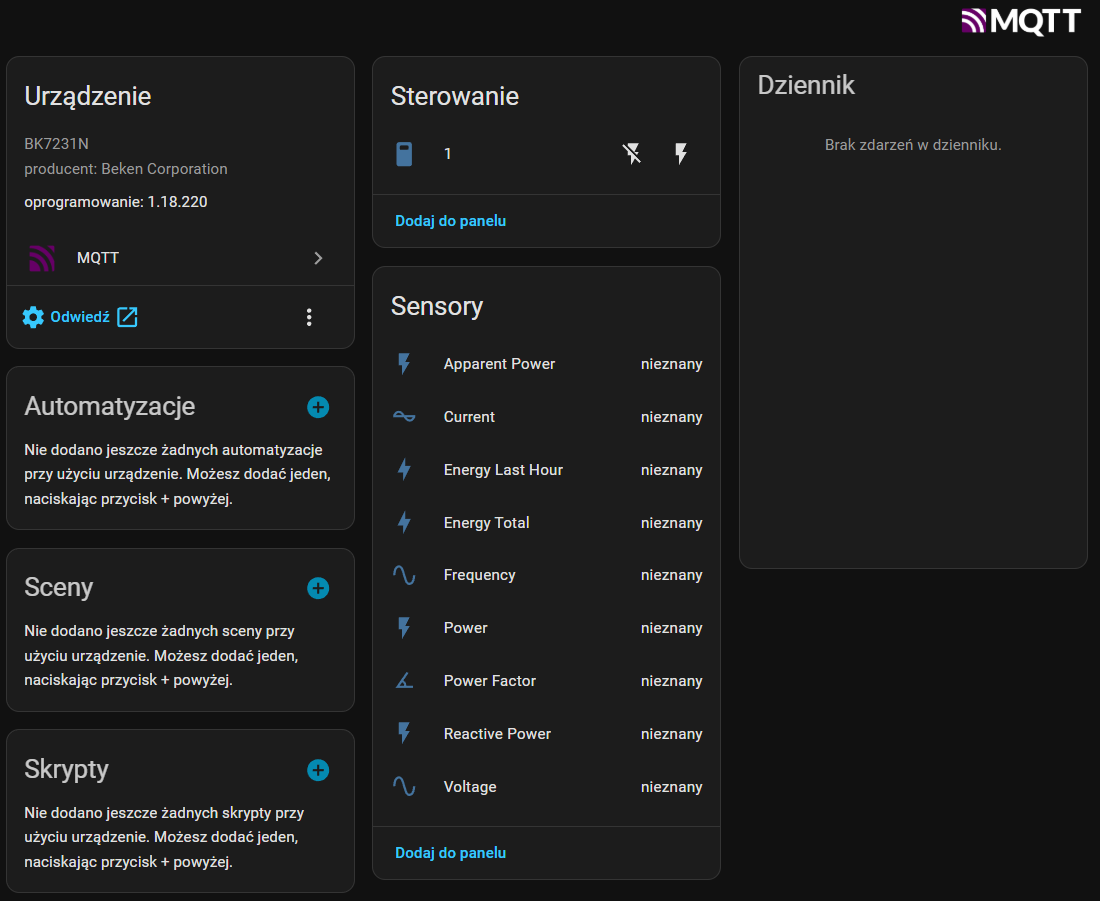
    Hello, I have a problem with a module after adding to HA. HA module detects after MQTT and creates an entity. But the sensors have a status of unknown. I asked AI to diagnose and based on the log it stated:
    OpenBK publishes data on topic:
    tele/OpenBK_F85E000B6/ENERGY;
    And entities created by Discovery are listening on topic type:
    OpenBK_F85E000B6/voltage/get
    OpenBK_F85E000B6/energycounter/get
    OpenBK_F85E000B6/power/get
    OpenBK does not publish data on these topics, so the entities remain empty.
    BK7231N device panel in Home Assistant; sensors show “unknown” status
    Maybe some ideas on how to deal with this problem?
  • #47 21769452
    sp8tlh1
    Level 5  
    Software version 1.18.221 now works without any problems.
    Home Assistant detects the module without any problems and updates all sensors.

Topic summary

The discussion revolves around the DIY Smart Mini Switch identified as WBP-1G, which features energy measurement capabilities. Users share insights on programming the device, including pin configurations and firmware reading techniques. The BK7231N chip is confirmed to be in use, with suggestions for using specific software tools like BK7231GUIFlashTool and uartprogram for firmware management. Users discuss the pinout for the BL0942 energy measurement chip, troubleshooting issues related to device connections, and the importance of proper voltage handling to avoid damage. The conversation also touches on MQTT integration for IP transfer and the functionality of the energy meter. A new version of the switch with a different design is introduced, and users share their experiences with the device's performance and configuration.
Summary generated by the language model.
ADVERTISEMENT