

logo elektroda
logo elektroda
X
logo elektroda
Dostępna jest polska wersja

Czy wolisz polską wersję strony elektroda?

Nie, dziękuję Przekieruj mnie tam

Inside a car radio, running LCD with PT6523 on Arduino

p.kaczmarek2 5565 9

TL;DR

  • A Denver CAD-350 car radio was dismantled to recover its LCD panel and PT6523 controller for Arduino-driven experiments.
  • The display uses a simple serial interface—DI, CLK, CE and INH—while the controller also has an RC oscillator and LCD power decoupling on the module.
  • The radio’s schematic shows the PT6523 SPI lines through 680 ohm resistors with 33pF capacitors to ground, and the backlight runs from 12V.
  • Using a GitHub PT6523 library, the LCD powered up correctly, showed text and symbols without segment mix-ups, and the module was trimmed into a compact breakout.
  • The main limitation is the need to preserve ground connections when cutting the PCB and to add a separate 12V step-up for the backlight.
Generated by the language model.
ADVERTISEMENT
Treść została przetłumaczona polish » english Zobacz oryginalną wersję tematu
📢 Listen (AI):
  • Inside a car radio, running LCD with PT6523 on Arduino Today we take a look inside another old piece of equipment, this time a Denver CAD-350 car radio. After a brief presentation of the interior, I'll try to run the LCD display from inside, using the PT6523 controller already present there, which I'll control from an Arduino via a simple serial protocol. This will be the next topic in the series in which I show how old electronics can be practically used for interesting DIY constructions carried out as part of learning and fun.
    At the outset, it may be worth recalling the other topics in the series, although the list below is not even complete. I have already implemented a little of these games:
    LCD from scrap - BL55066 and Arduino, I2C, UART control from PC
    Run the controller and BLDC motor from a floppy drive without knowing the pins Teardown of the HP Deskjet D1360 printer and an example of using its parts from an Arduino
    Interior of the United 7071 DVD player, use of parts from an Arduino
    Interior of HP DeskJet 990Cxi C6455A and use of power supply and inverter
    Display of 7 segment tuner, running with Arduino, sliding register Old Kathrein sat tuner - interior, use of parts, playing with PAL
    Old Acer Surf USB ADSL modem - interior, using inverters from inside
    Running a BLDC motor from a floppy drive from Arduino (original driver from PCB)
    Old Wiwa HD- DVD.128U - interior, SM1628B display and keyboard support
    The second life of switching power supplies from old CRT TVs
    The AS1115 LED display and keyboard controller on I2C -. Arduino - examples
    Pulse power supply from EPS-112E printer - schematic, modification, smooth regulation Let me remind you of the rules of the game - I get equipment from junk for free and then try to recover or run something useful from it.


    Interior of Denver CAD-350 .
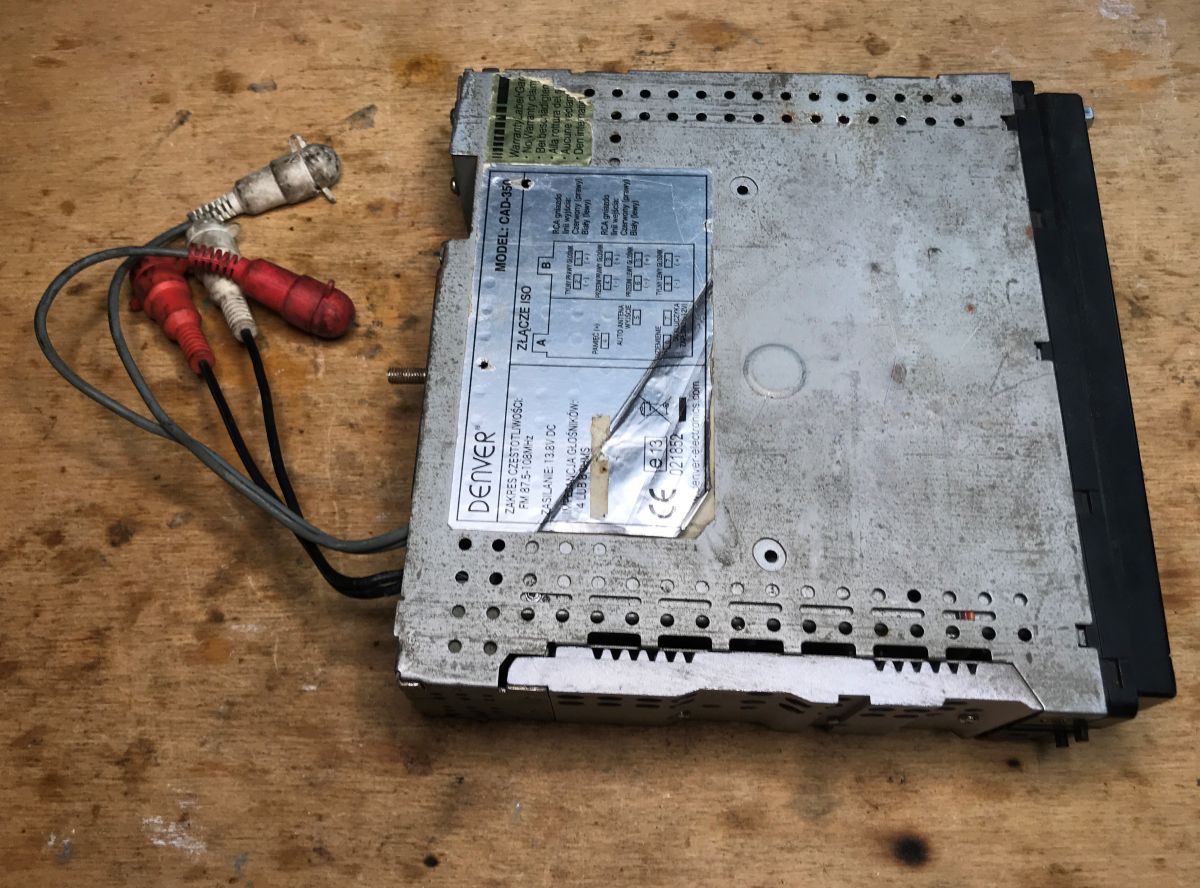
    It's time to take a closer look at what I was able to find this time. Denver car radio, capable of receiving FM 87.5-108MHz and playing music from disc. The sticker describes the connections to the ISO connector.
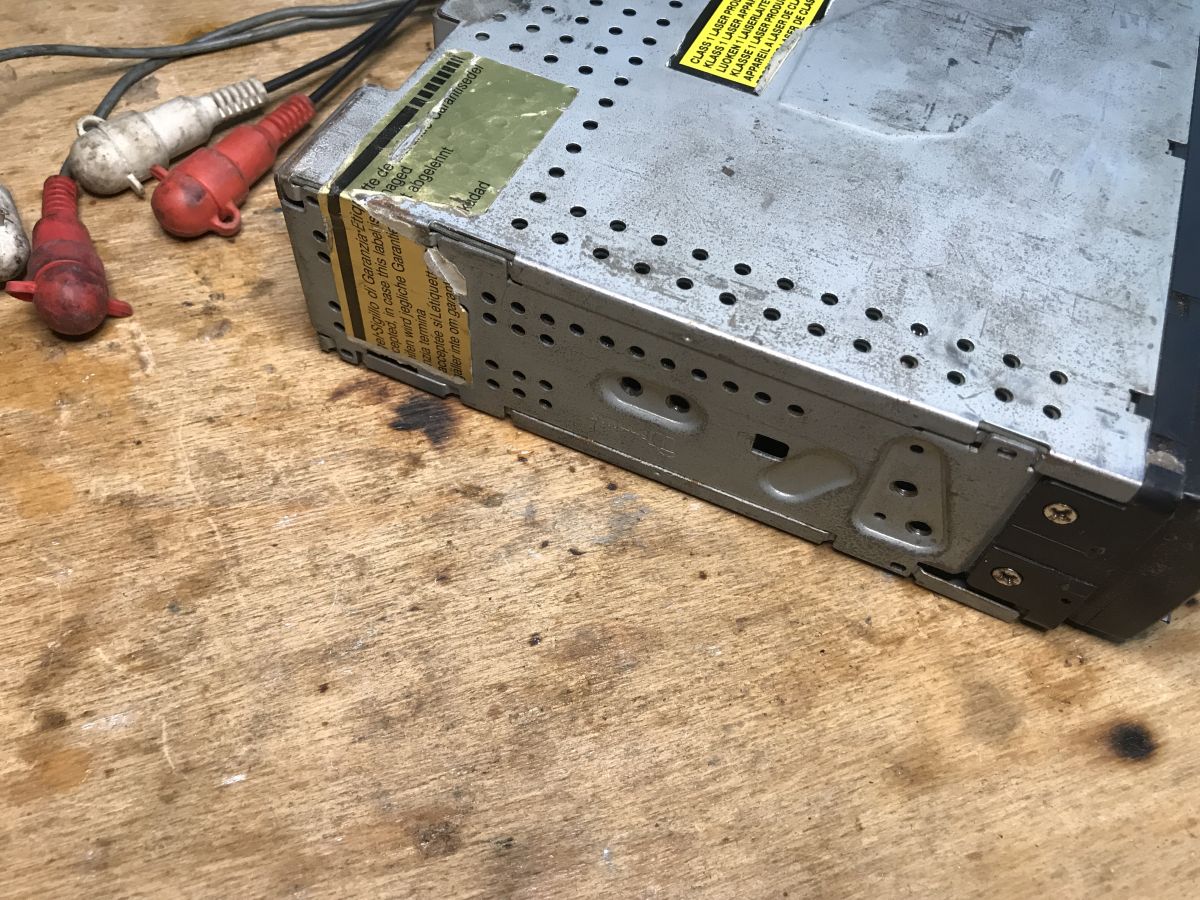
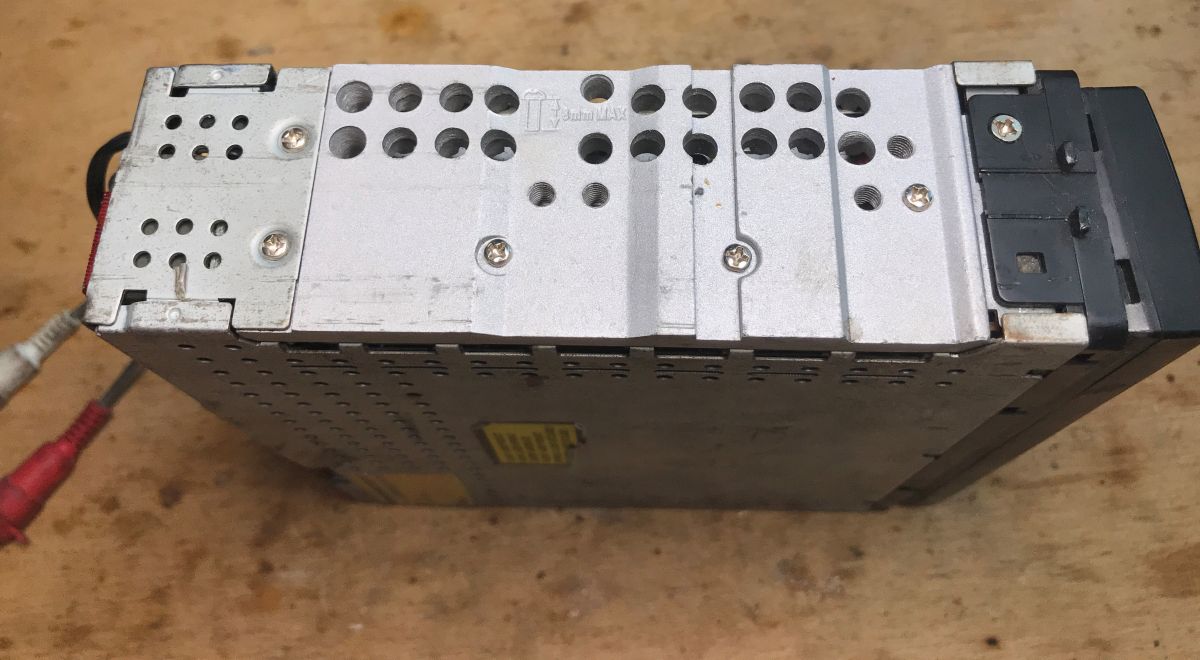
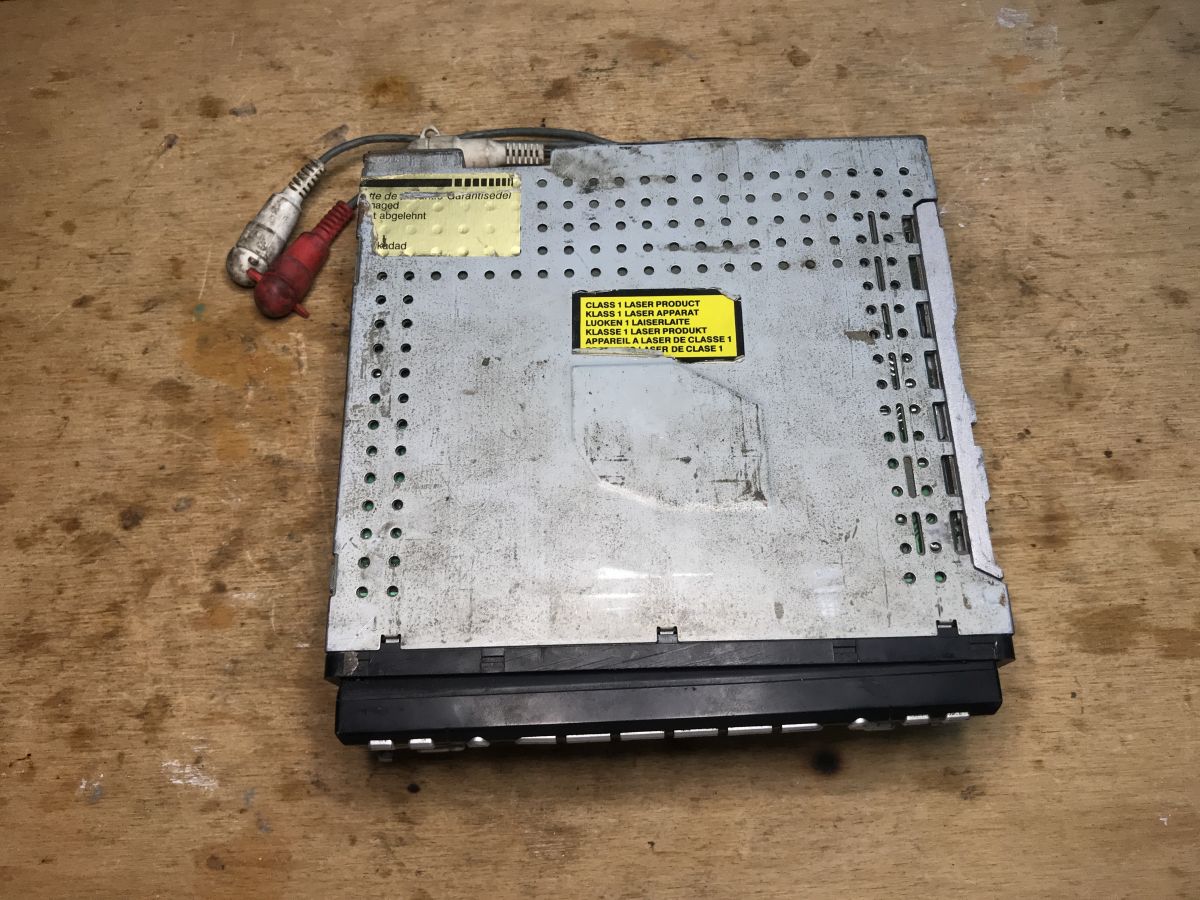
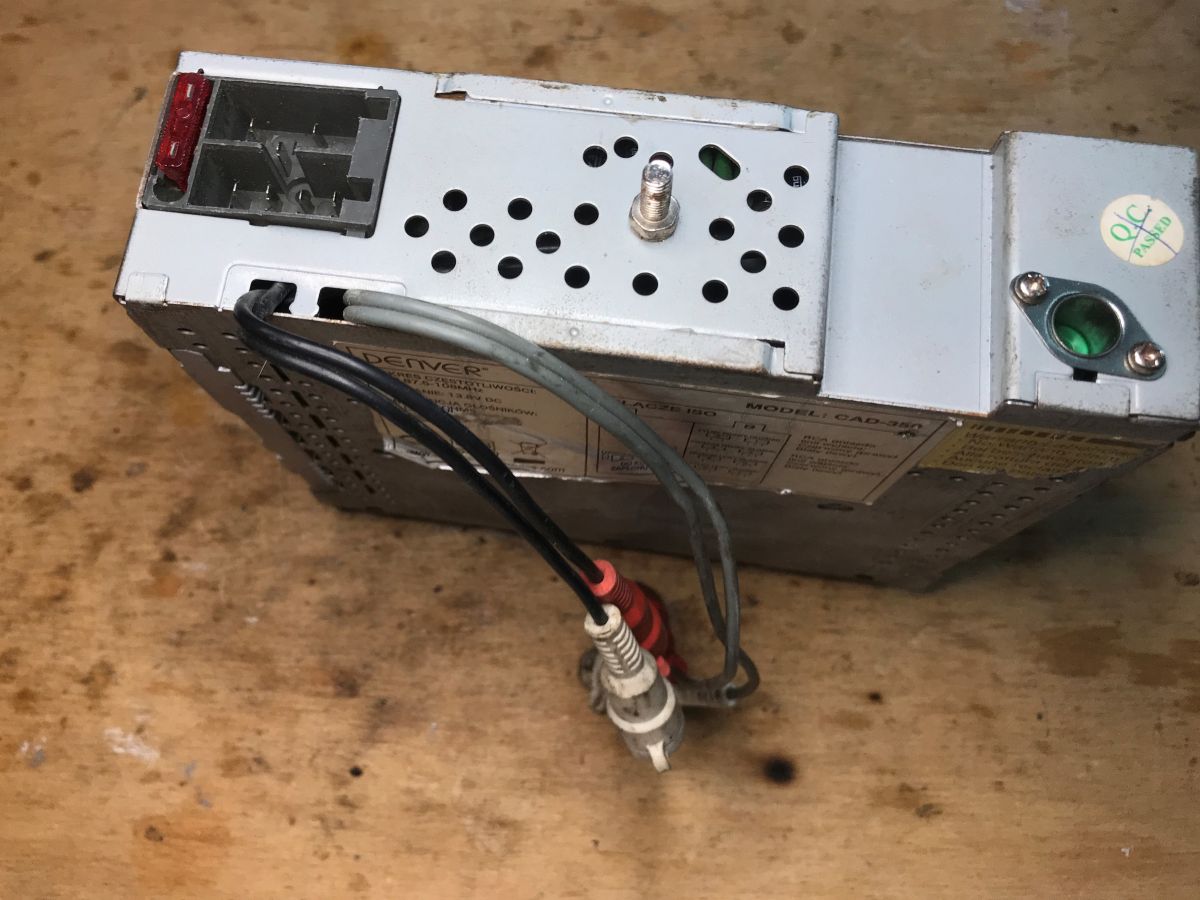
    Inside a car radio, running LCD with PT6523 on Arduino Inside a car radio, running LCD with PT6523 on Arduino Inside a car radio, running LCD with PT6523 on Arduino. Inside a car radio, running LCD with PT6523 on Arduino Inside a car radio, running LCD with PT6523 on Arduino
    These connectors on the back are RCA:
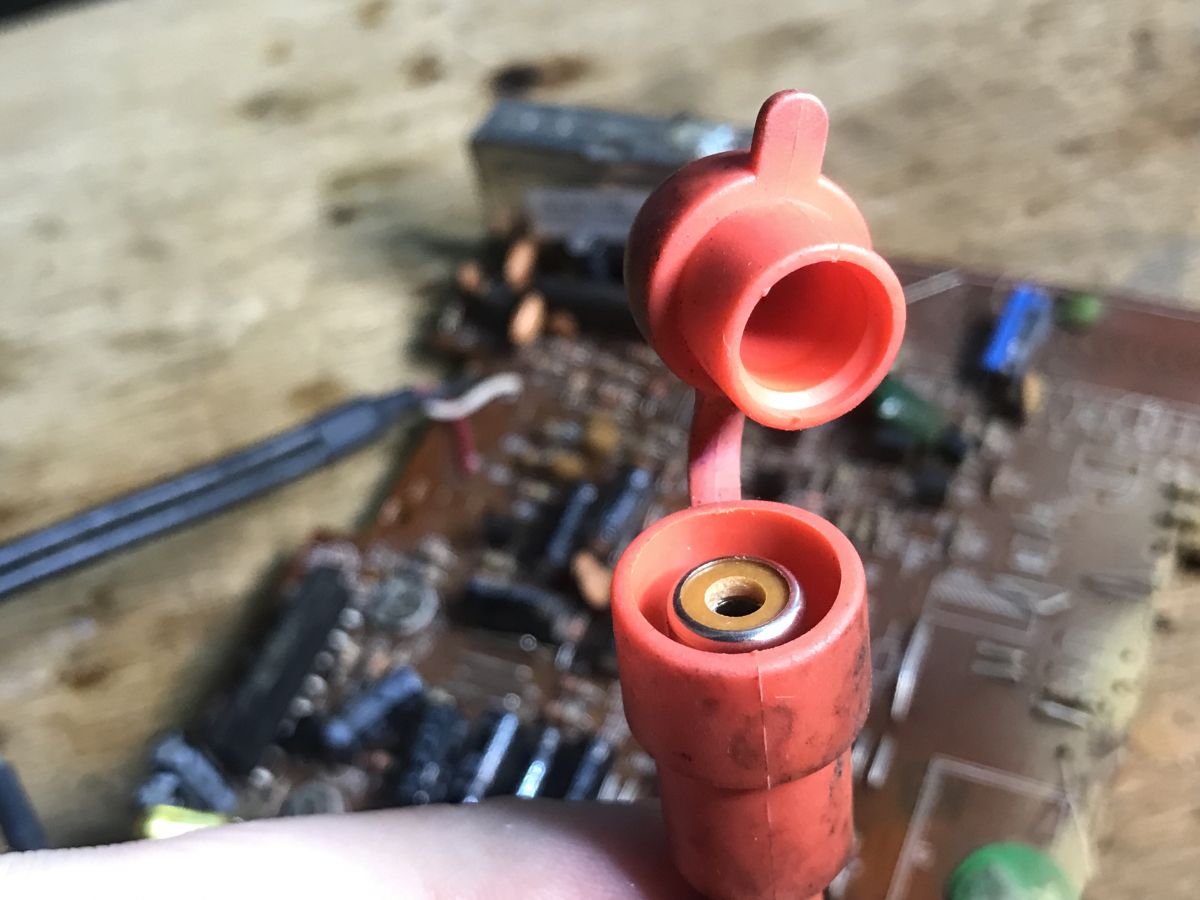
    Inside a car radio, running LCD with PT6523 on Arduino
    The front is removable, I don't know why they were designed that way. Maybe someone sitting in the "car" will explain it.
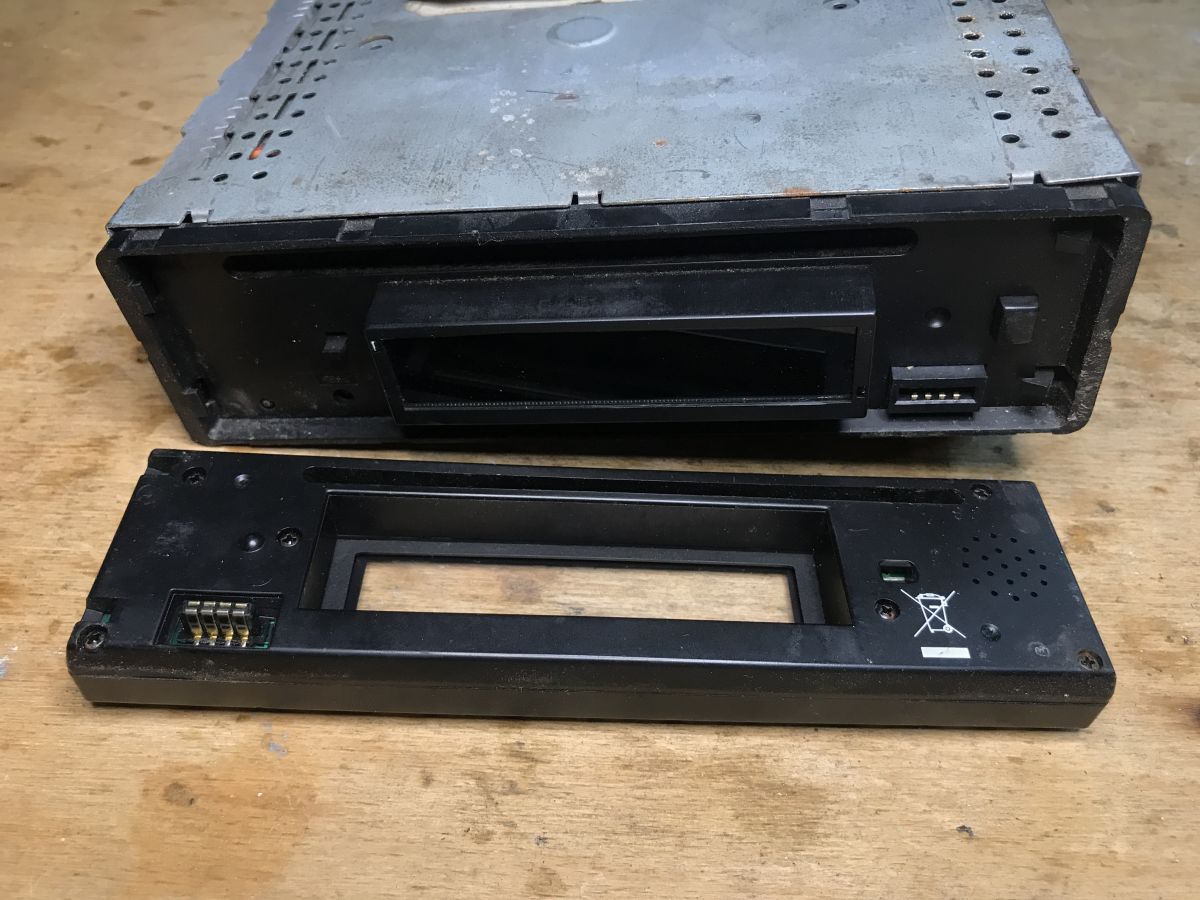
    Inside a car radio, running LCD with PT6523 on Arduino
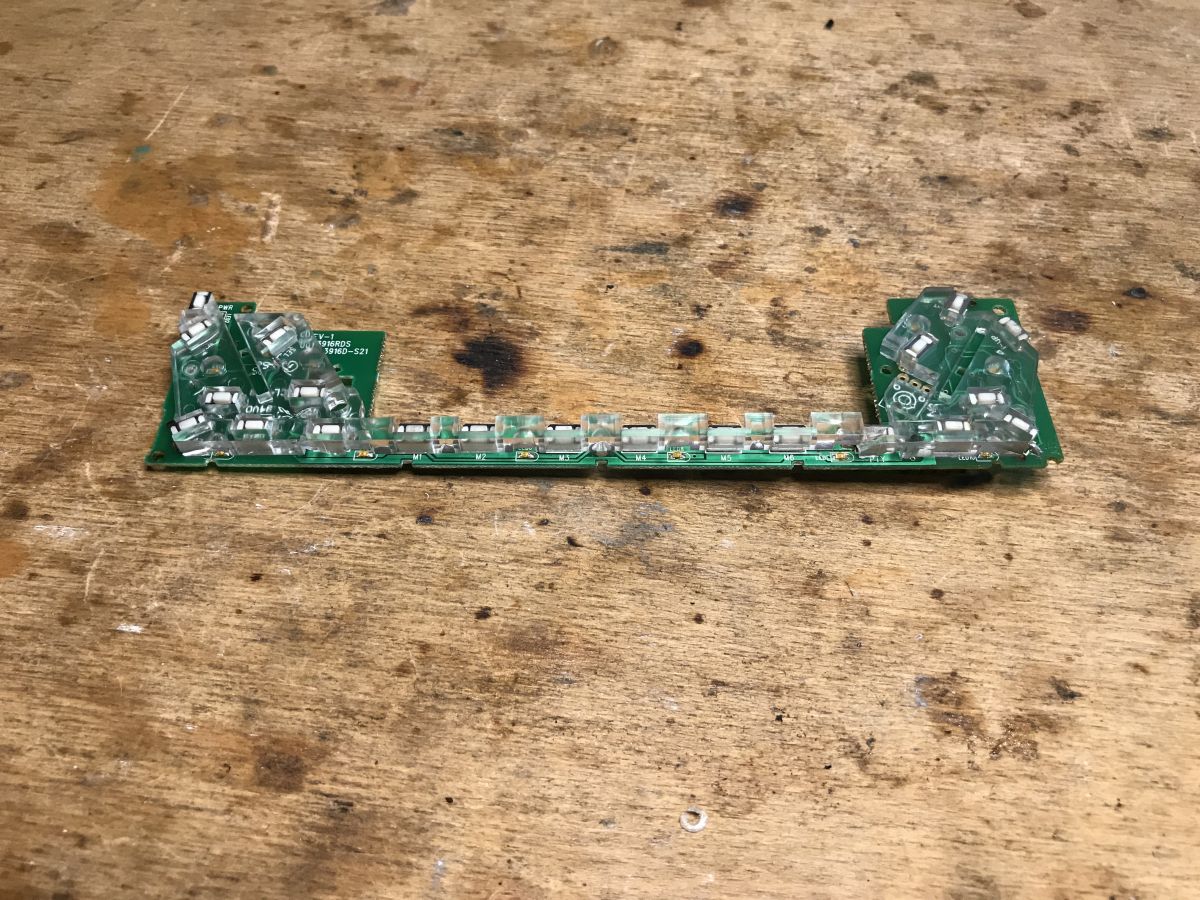
    The panel with buttons and LEDs is rather not interesting to us:
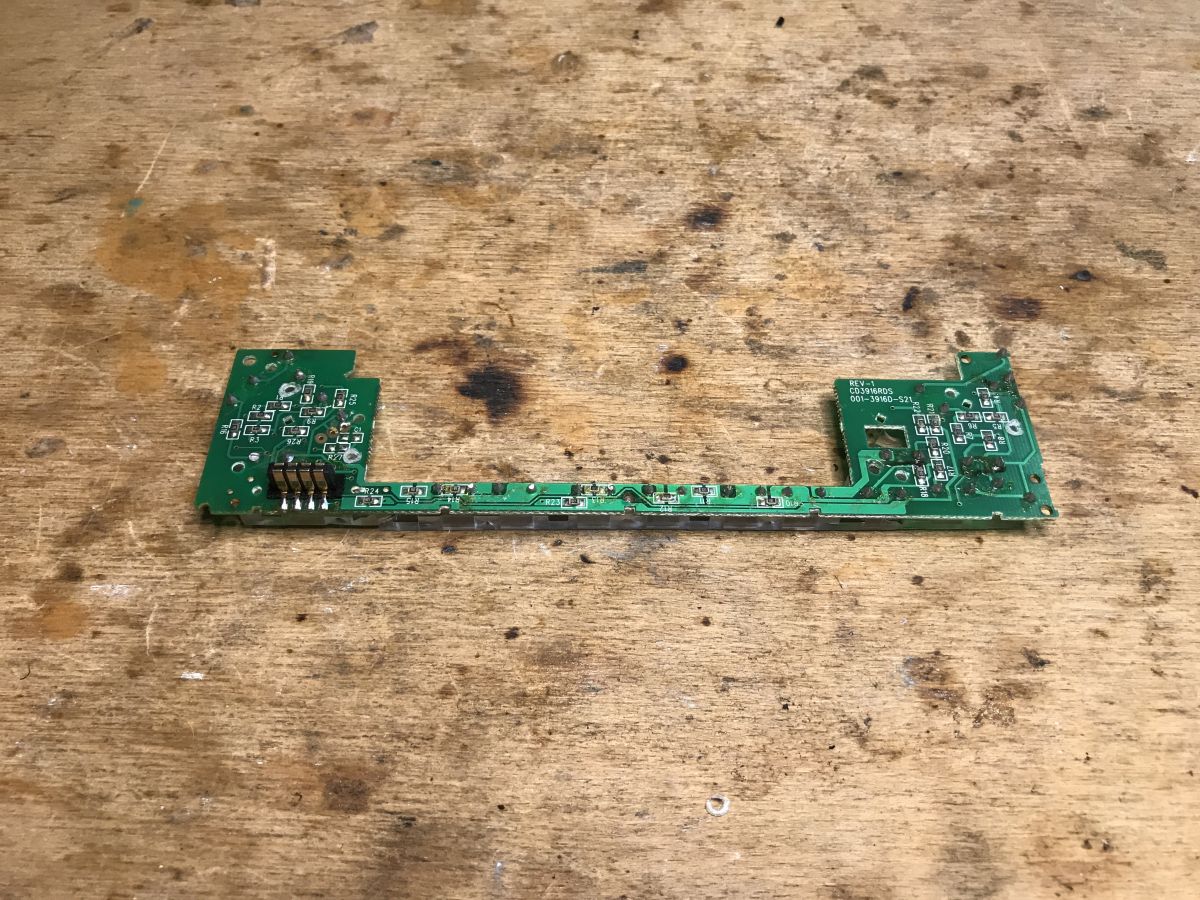
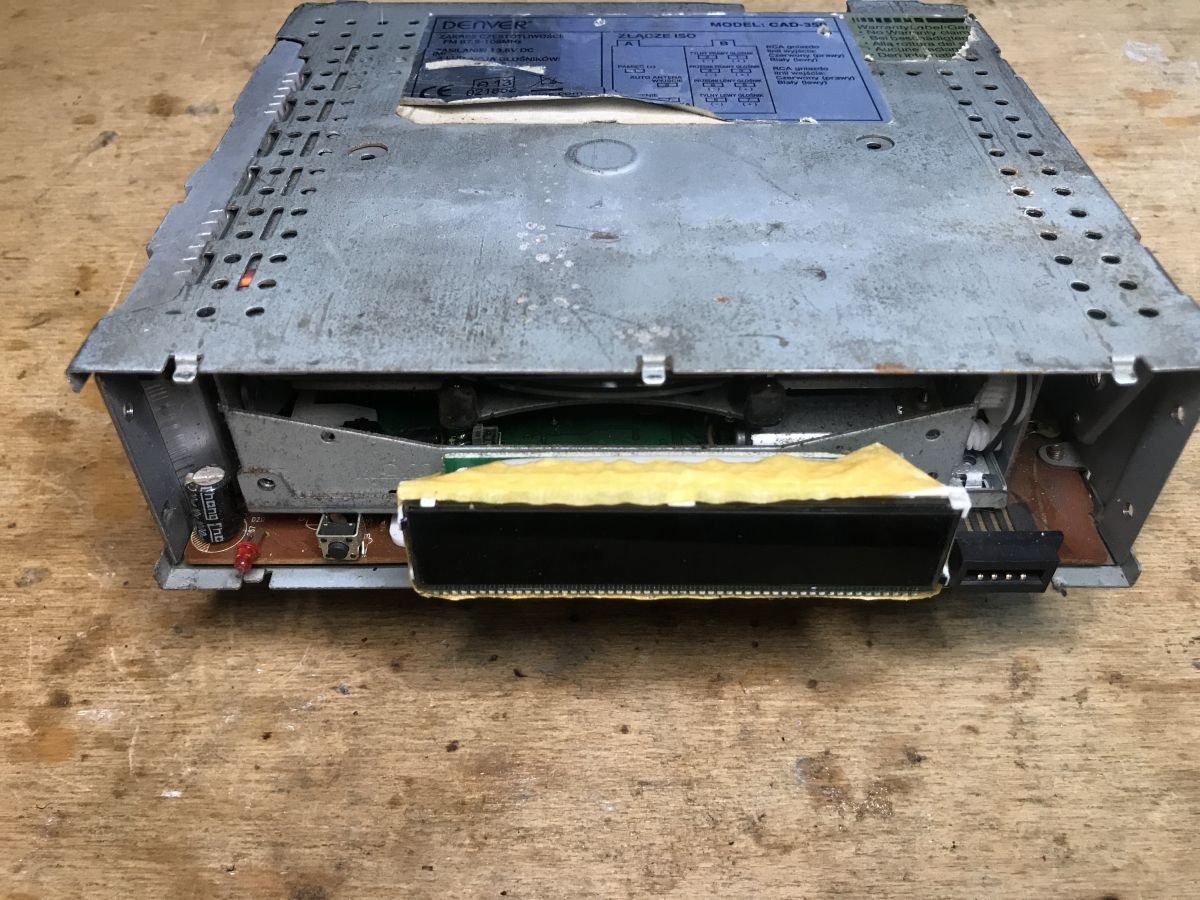
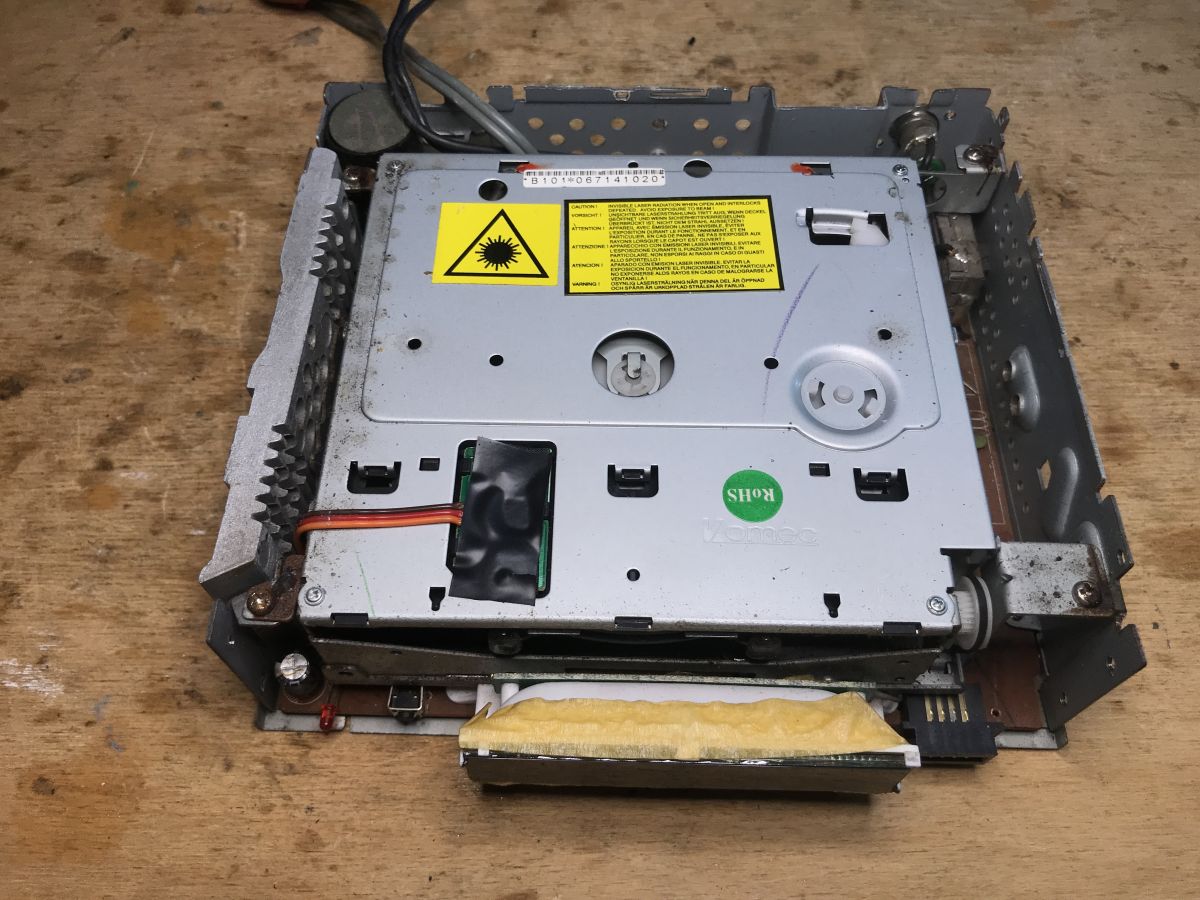
    Inside a car radio, running LCD with PT6523 on Arduino Inside a car radio, running LCD with PT6523 on Arduino Inside a car radio, running LCD with PT6523 on Arduino We continue unscrewing the case, we can already see the LCD display:
    Inside a car radio, running LCD with PT6523 on Arduino Inside a car radio, running LCD with PT6523 on Arduino
    Inside of the radio:
    Inside a car radio, running LCD with PT6523 on Arduino
    Dismantling the heatsink from the audio amplifier:
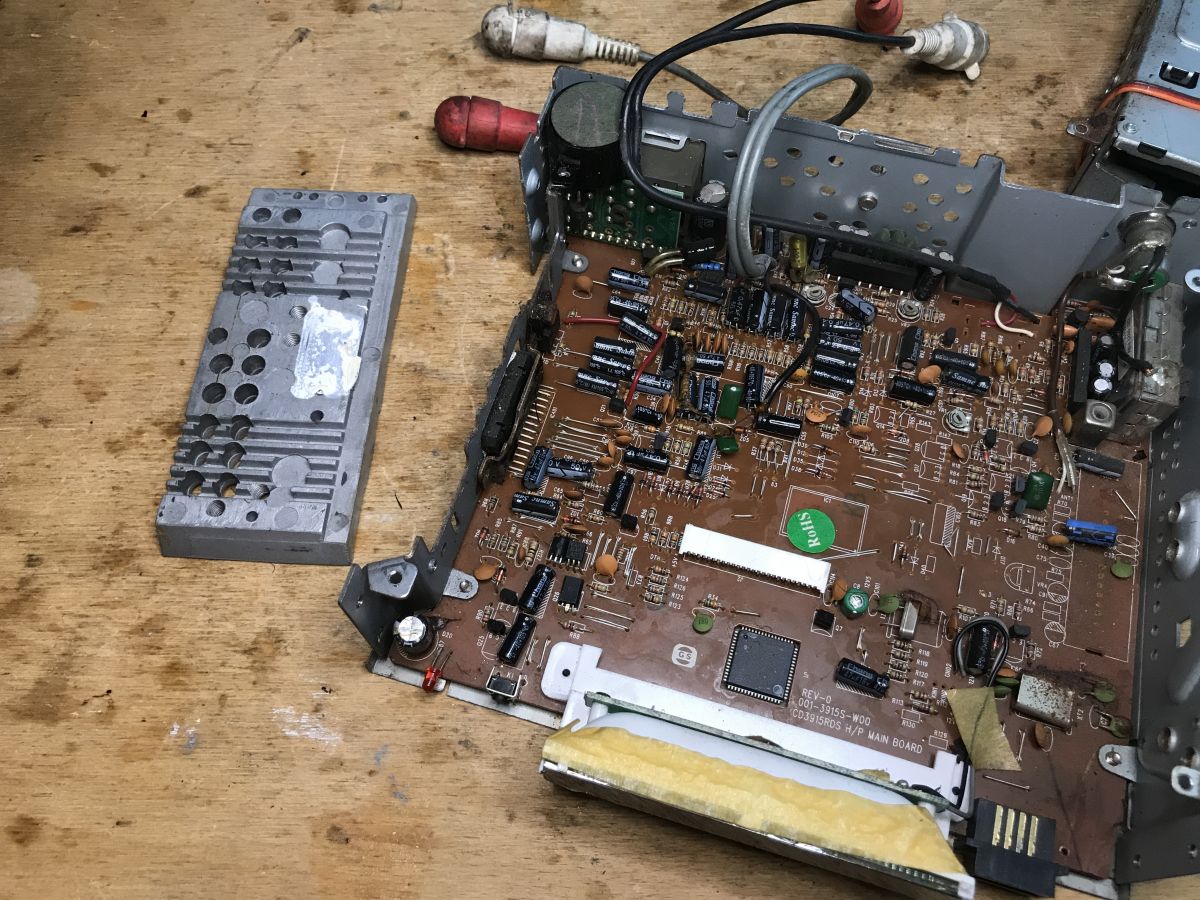
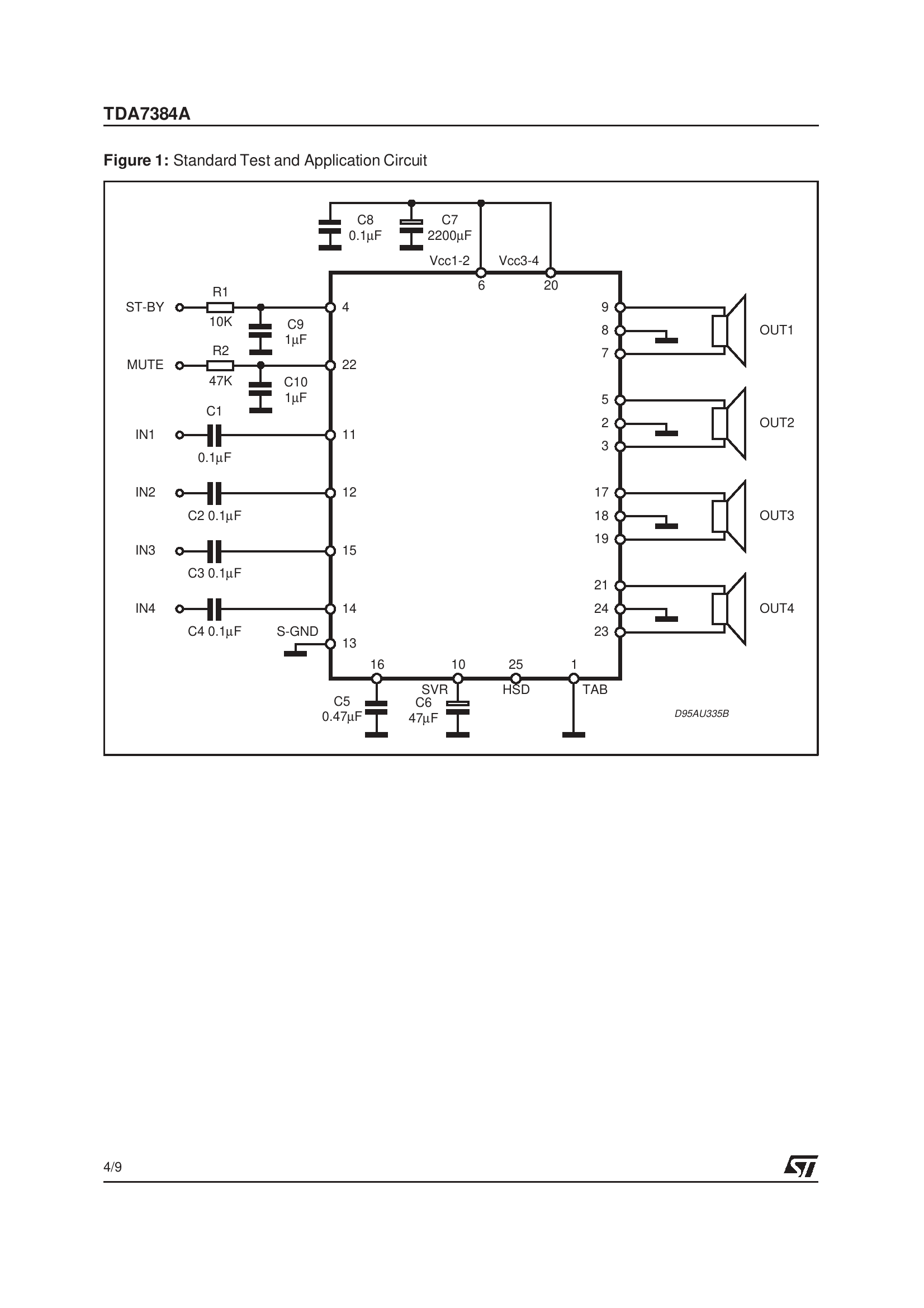
    Inside a car radio, running LCD with PT6523 on Arduino From what I can see, the TDA7384 is playing here:
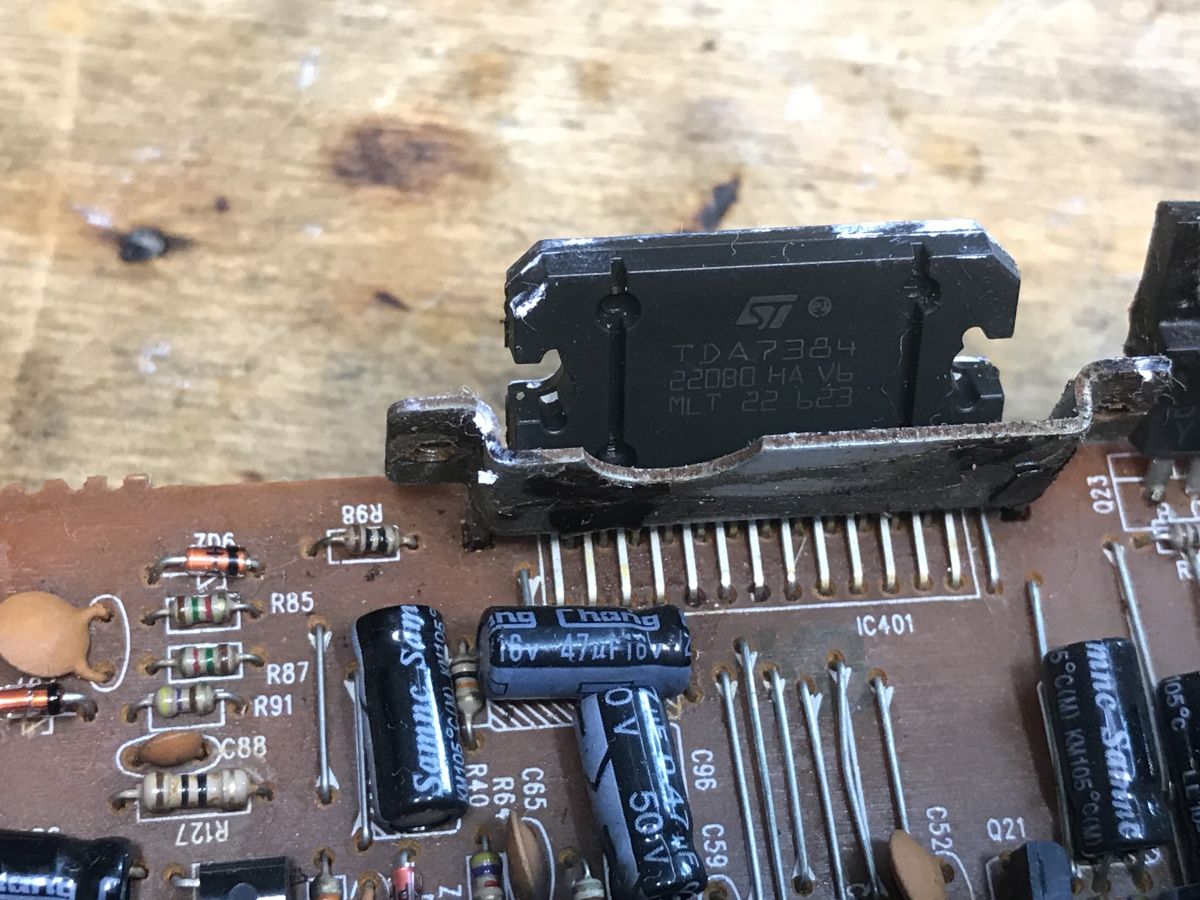
    Inside a car radio, running LCD with PT6523 on Arduino

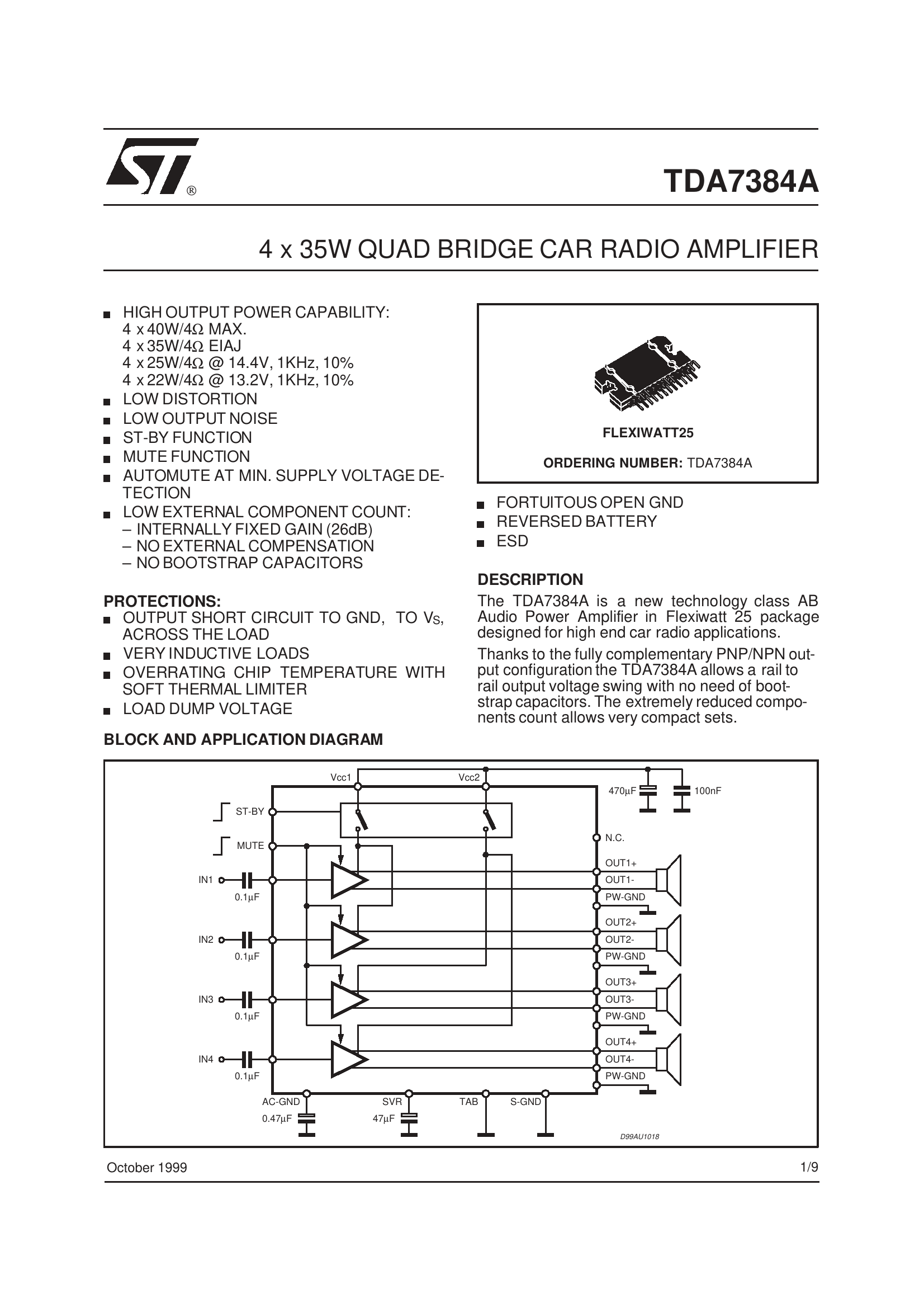
    4x35W, this must have played pretty well:
    Inside a car radio, running LCD with PT6523 on Arduino Inside a car radio, running LCD with PT6523 on Arduino

    This could be used for DIY, but I'm not as interested in audio as I am in, for example. microcontrollers.
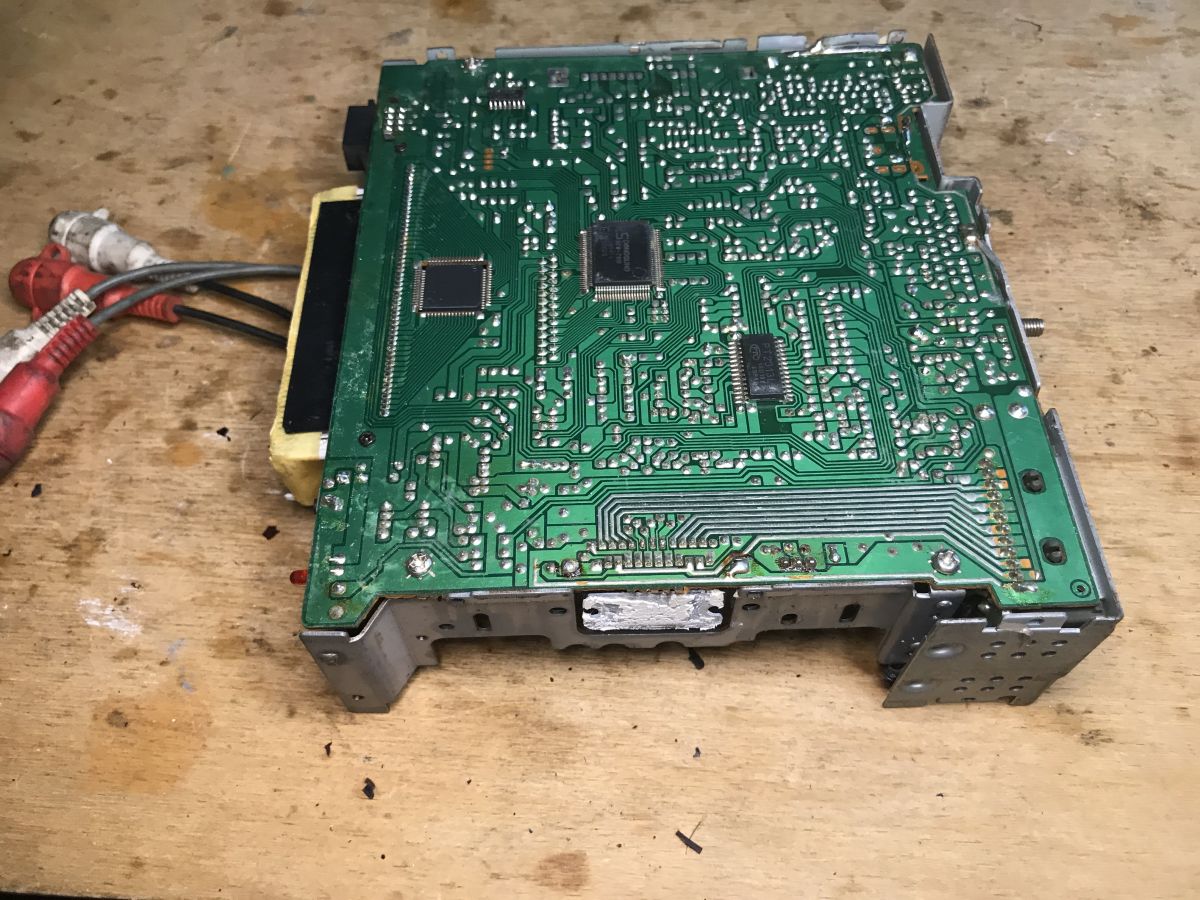
    A glance at the underside of the PCB shows us that virtually everything here is THT-mounted, with only a few major ICs surface-soldered:
    Inside a car radio, running LCD with PT6523 on Arduino
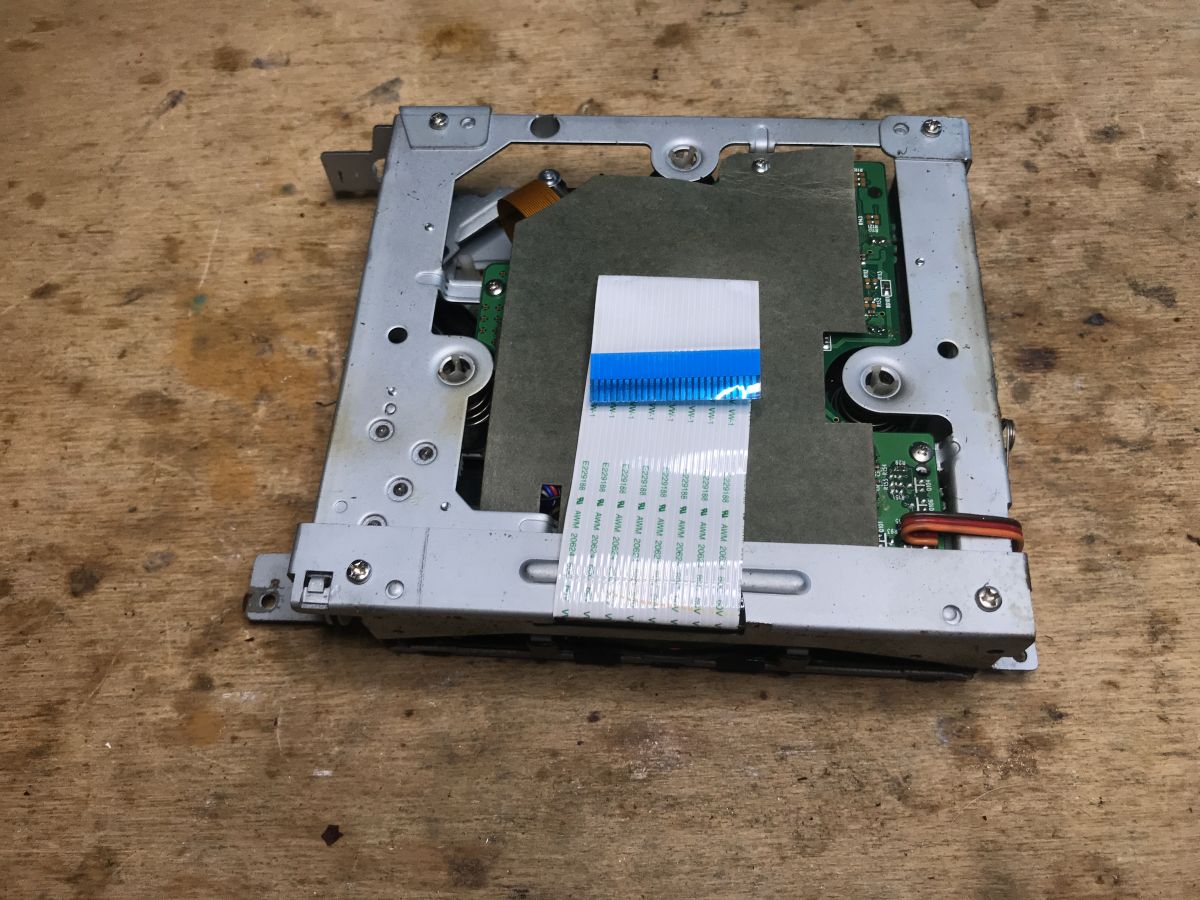
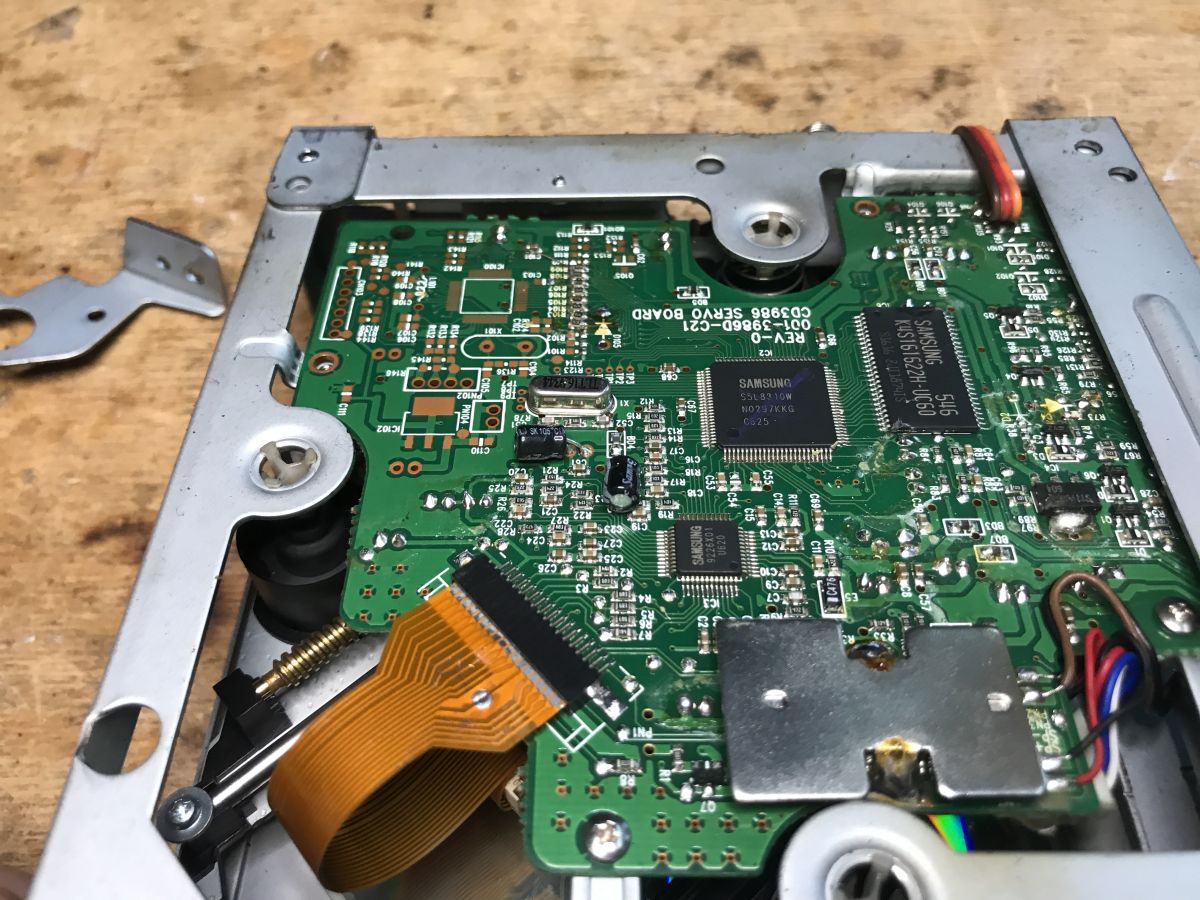
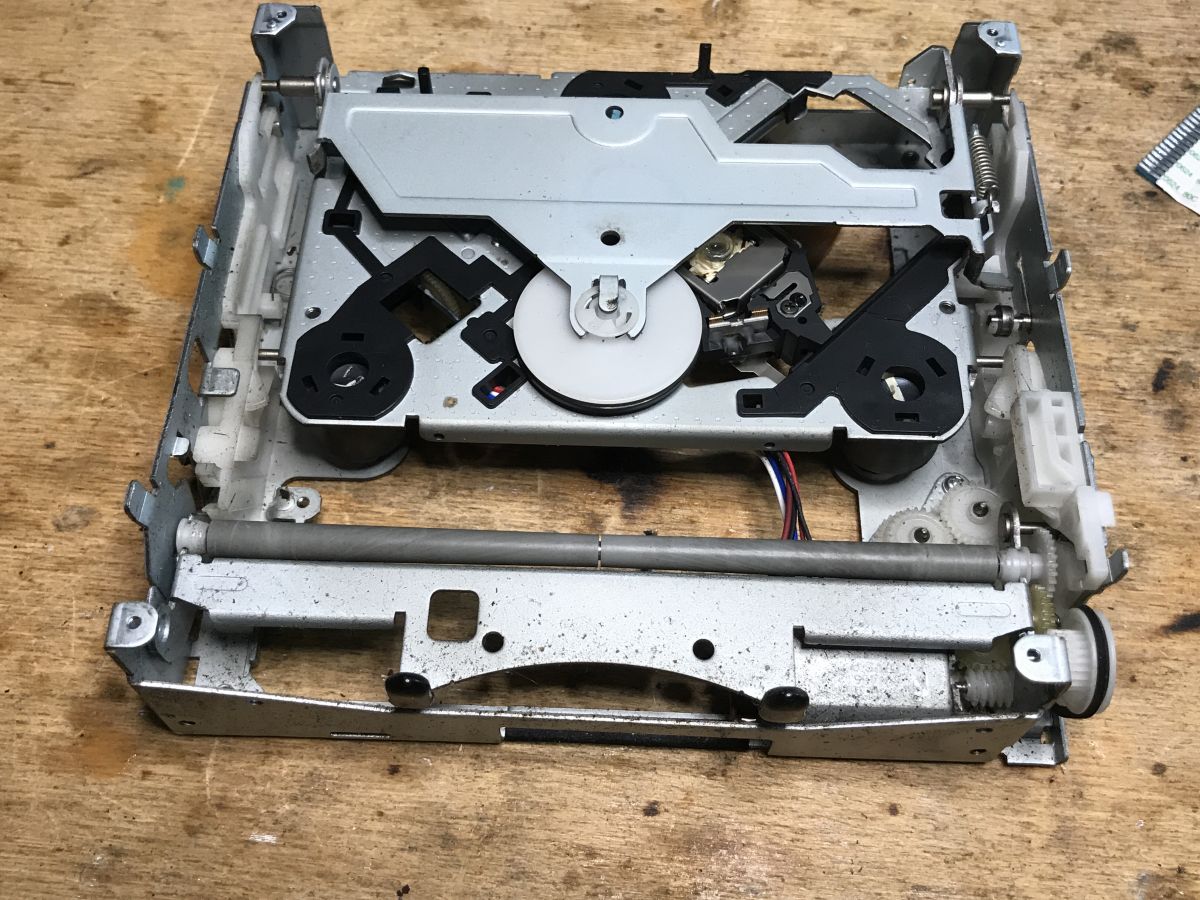
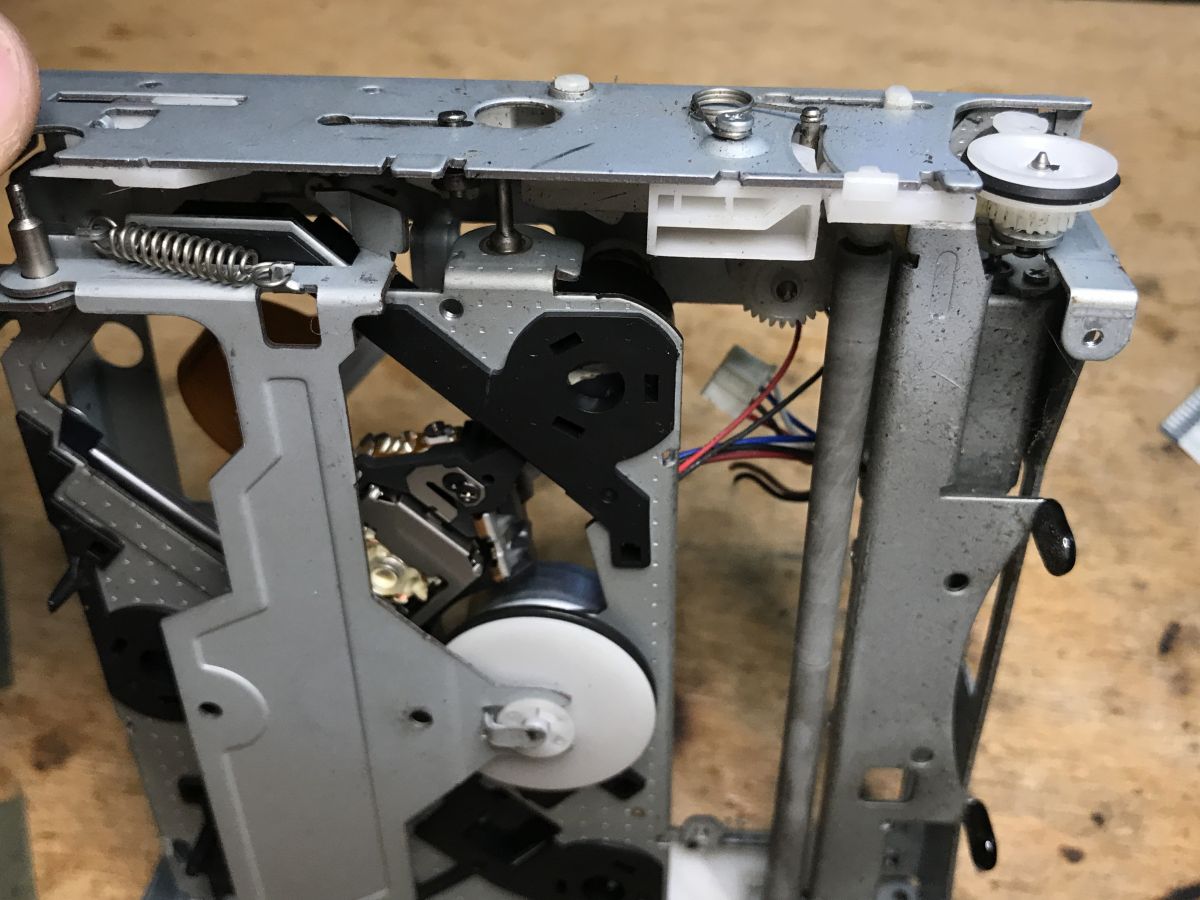
    Let's take a moment for the CD player :
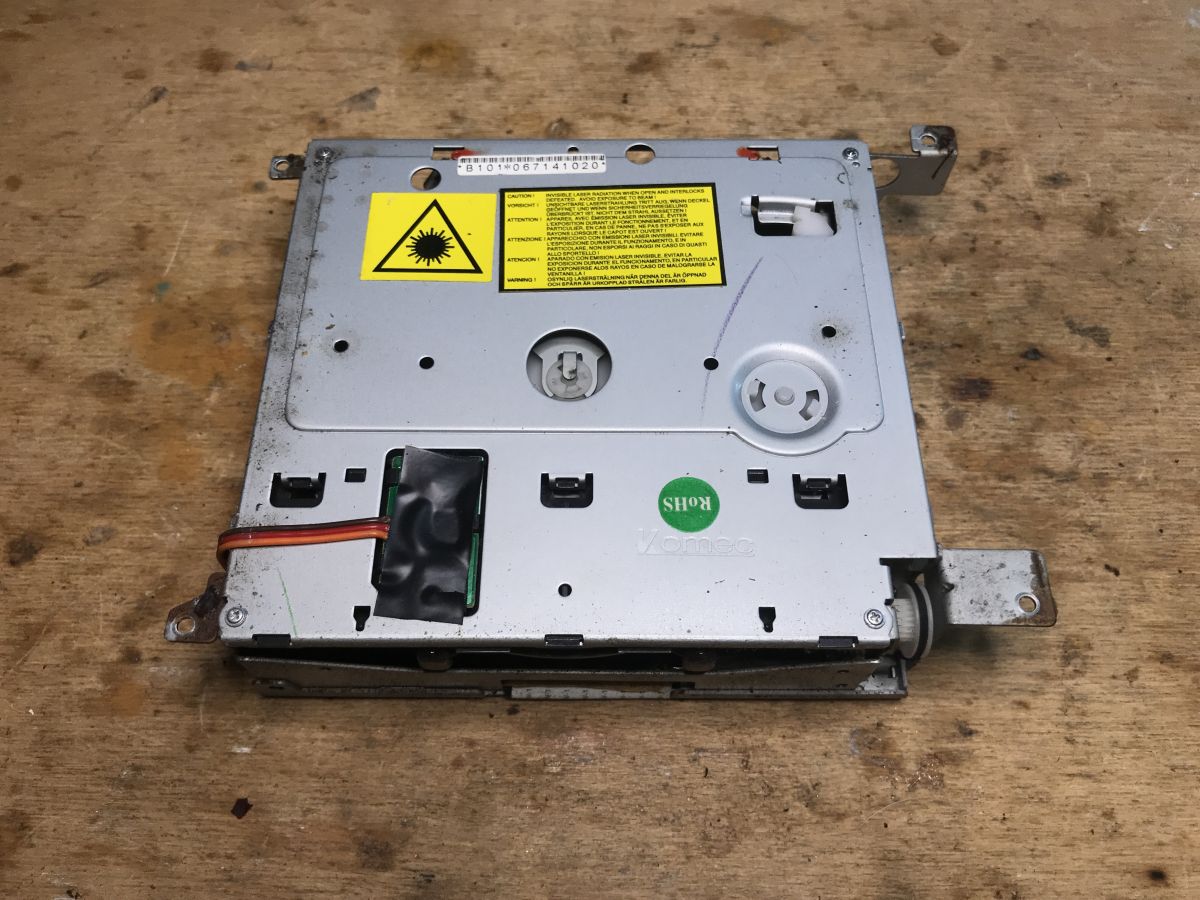
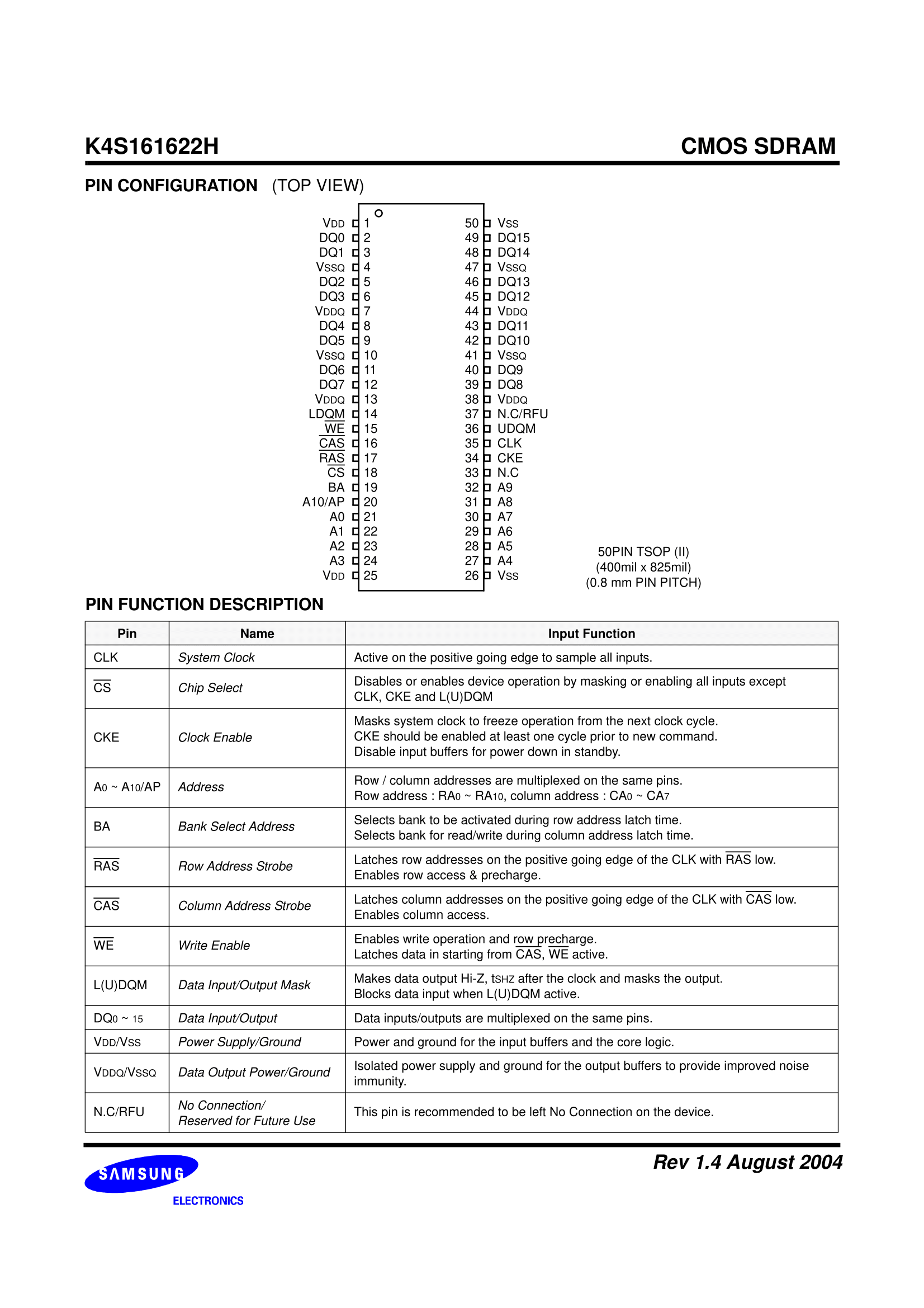
    Inside a car radio, running LCD with PT6523 on Arduino Inside a car radio, running LCD with PT6523 on Arduino Inside a car radio, running LCD with PT6523 on Arduino Samsung 9226X01 and S5L8310W, the chips themselves designed for the CD player. Nothing interesting. The K4S161622H, on the other hand, is an SDRAM, but we're not likely to find it useful either. Too many lines are needed to "talk" to it.
    Inside a car radio, running LCD with PT6523 on Arduino
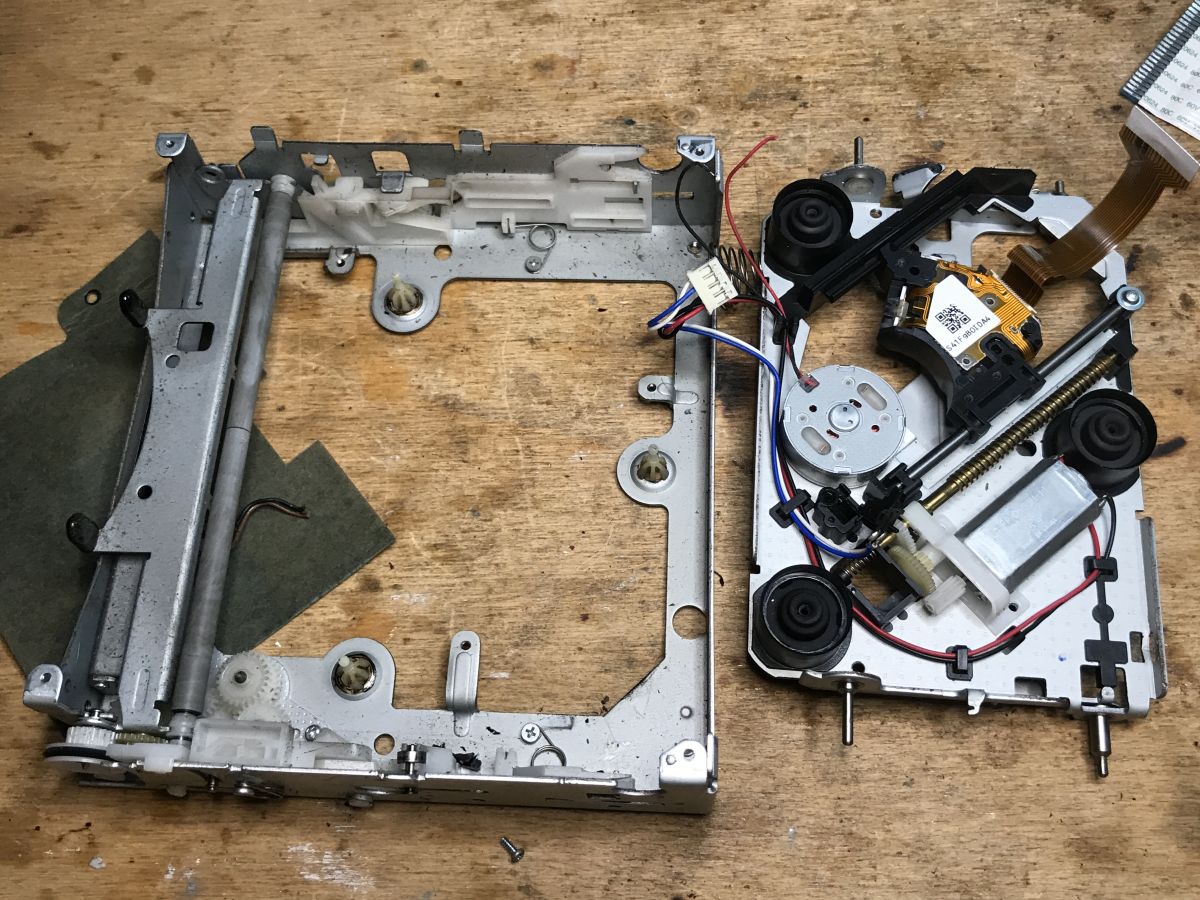
    More cool are Flash and EEPROM memories which can be found in monitors, often in SO8 cases, or there those from older TVs, still in DIP8, with I2C or SPI interfaces. Sometimes you can also remove a fairly powerful laser diode from them, but that's from DVD recorders, here I'd rather not count on one.
    Inside a car radio, running LCD with PT6523 on Arduino Inside a car radio, running LCD with PT6523 on Arduino Inside a car radio, running LCD with PT6523 on Arduino
    Rather nothing useful.
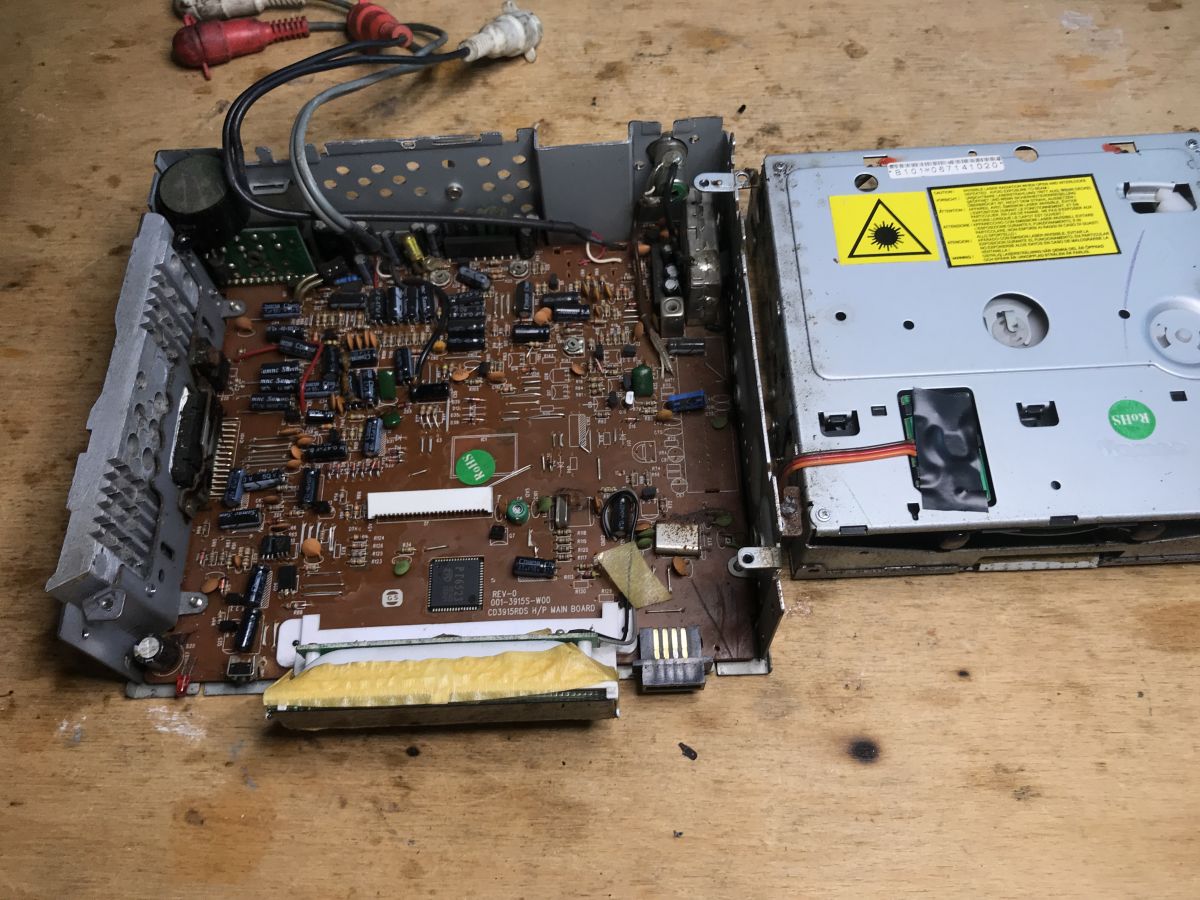
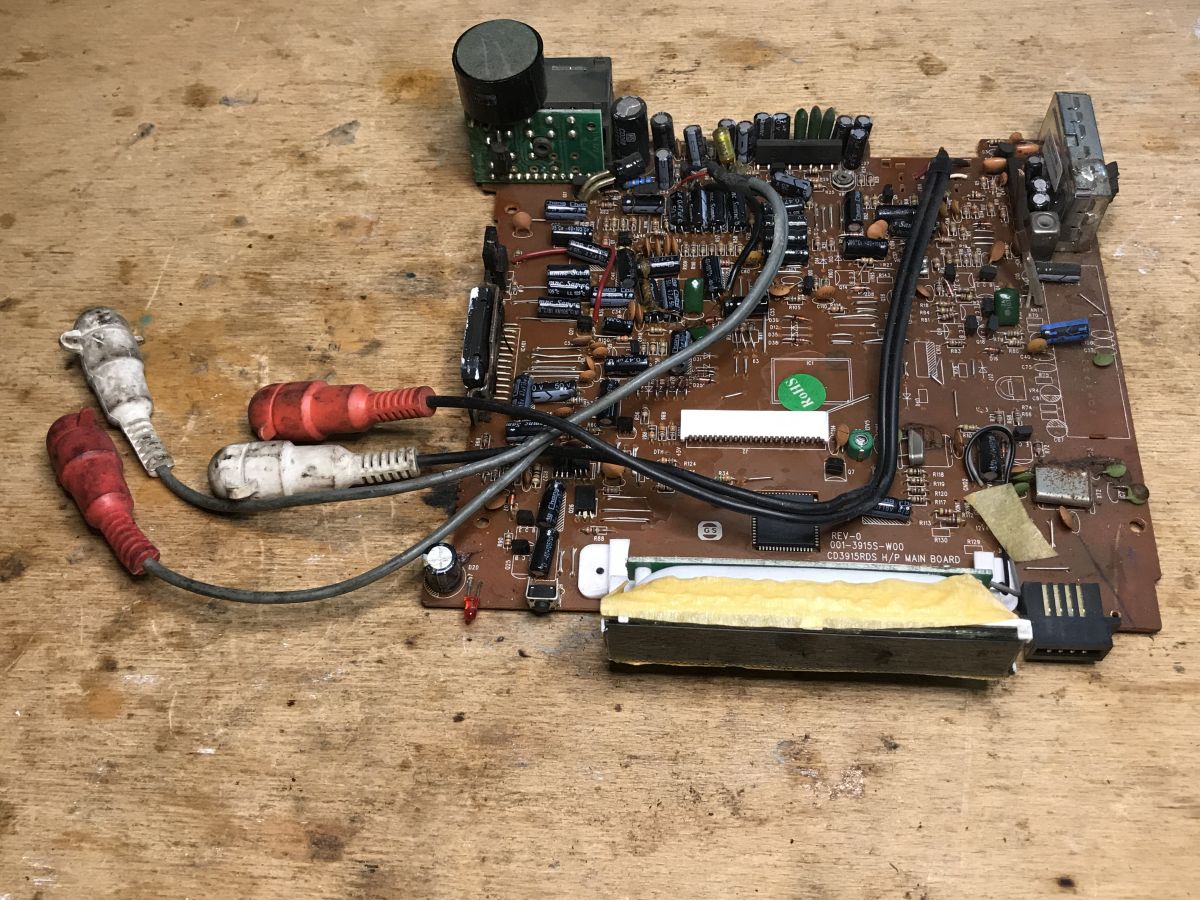
    Back to the rest of the radio. This is what the PCB freed from the inside looks like:
    Inside a car radio, running LCD with PT6523 on Arduino
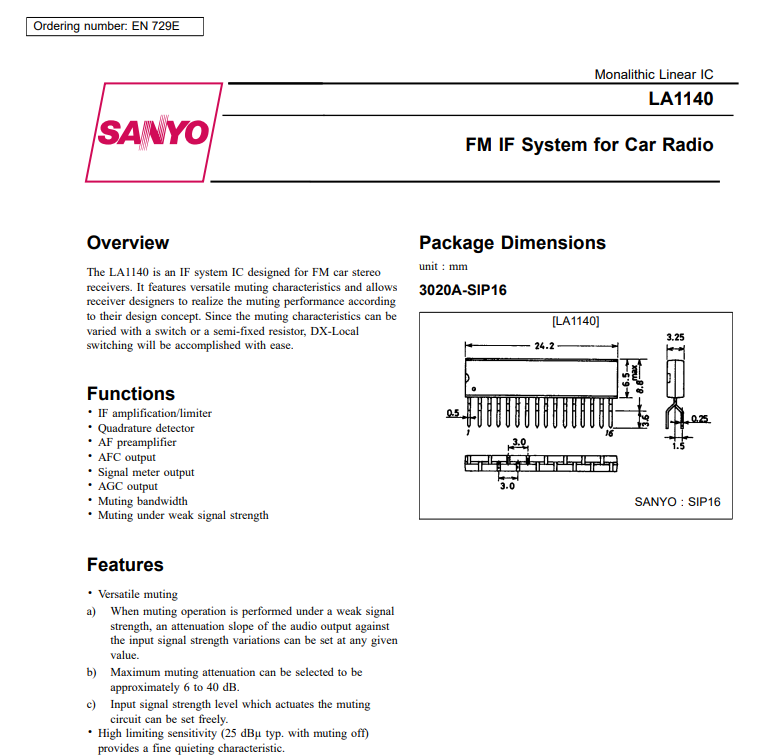
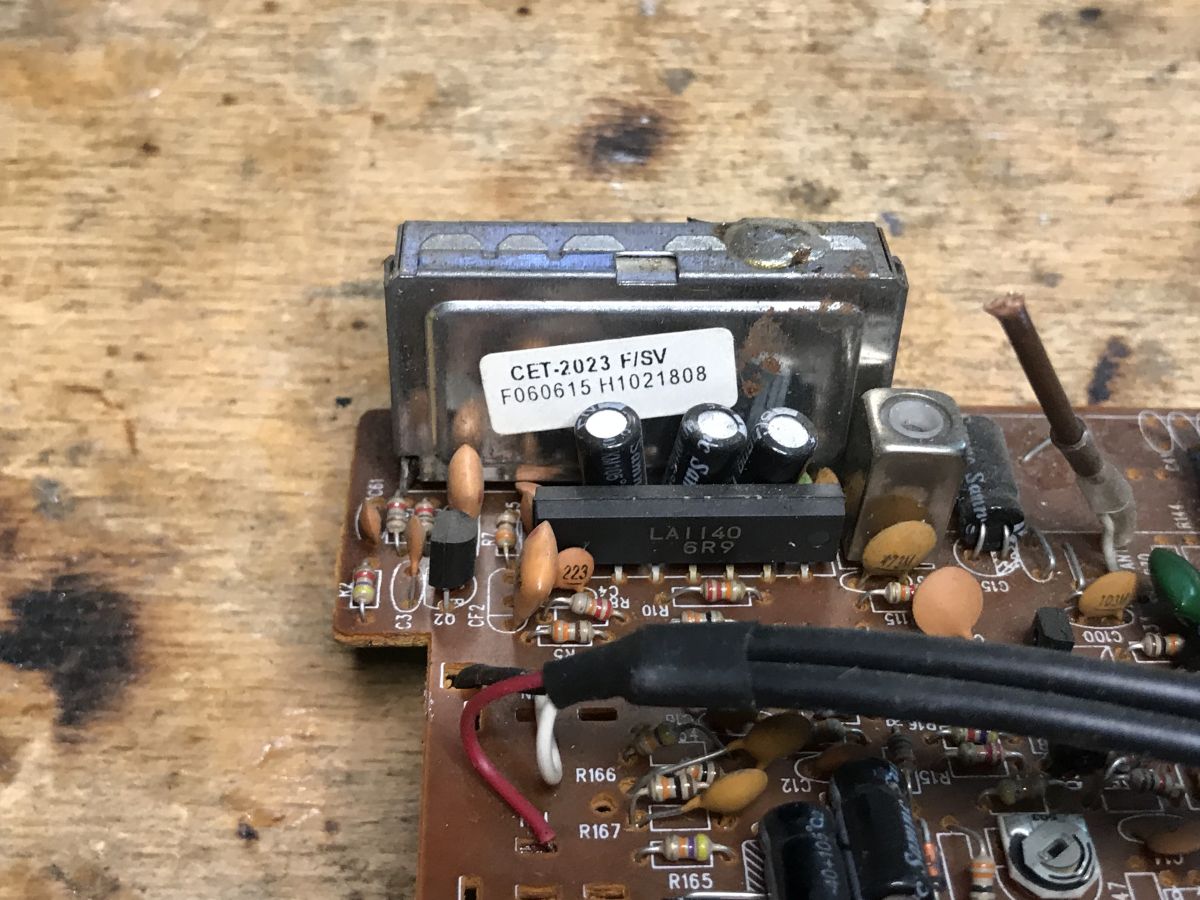
    By the FM head I see LA1140, the IF (intermediate frequency) handling circuit:
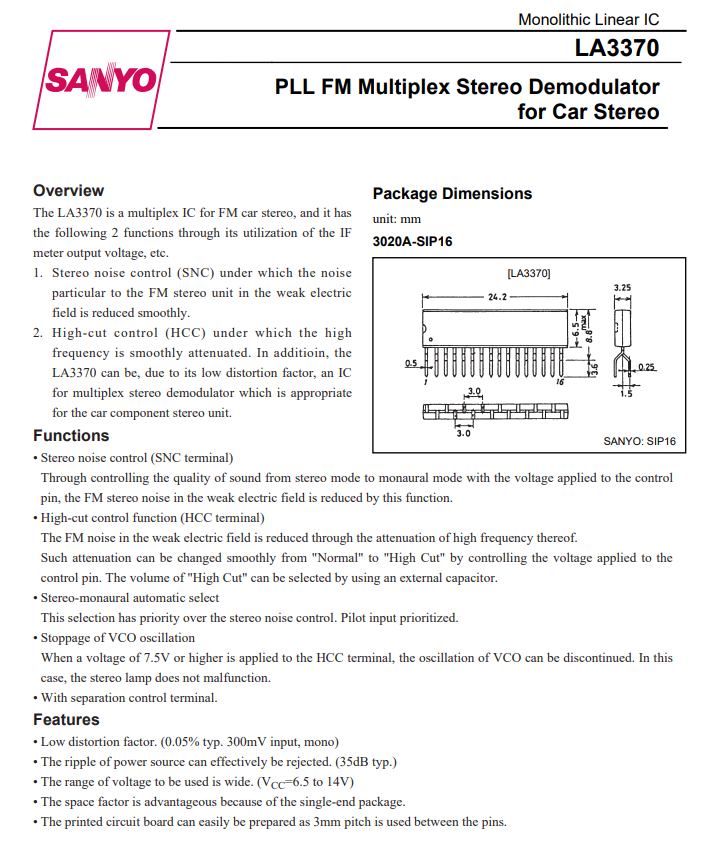
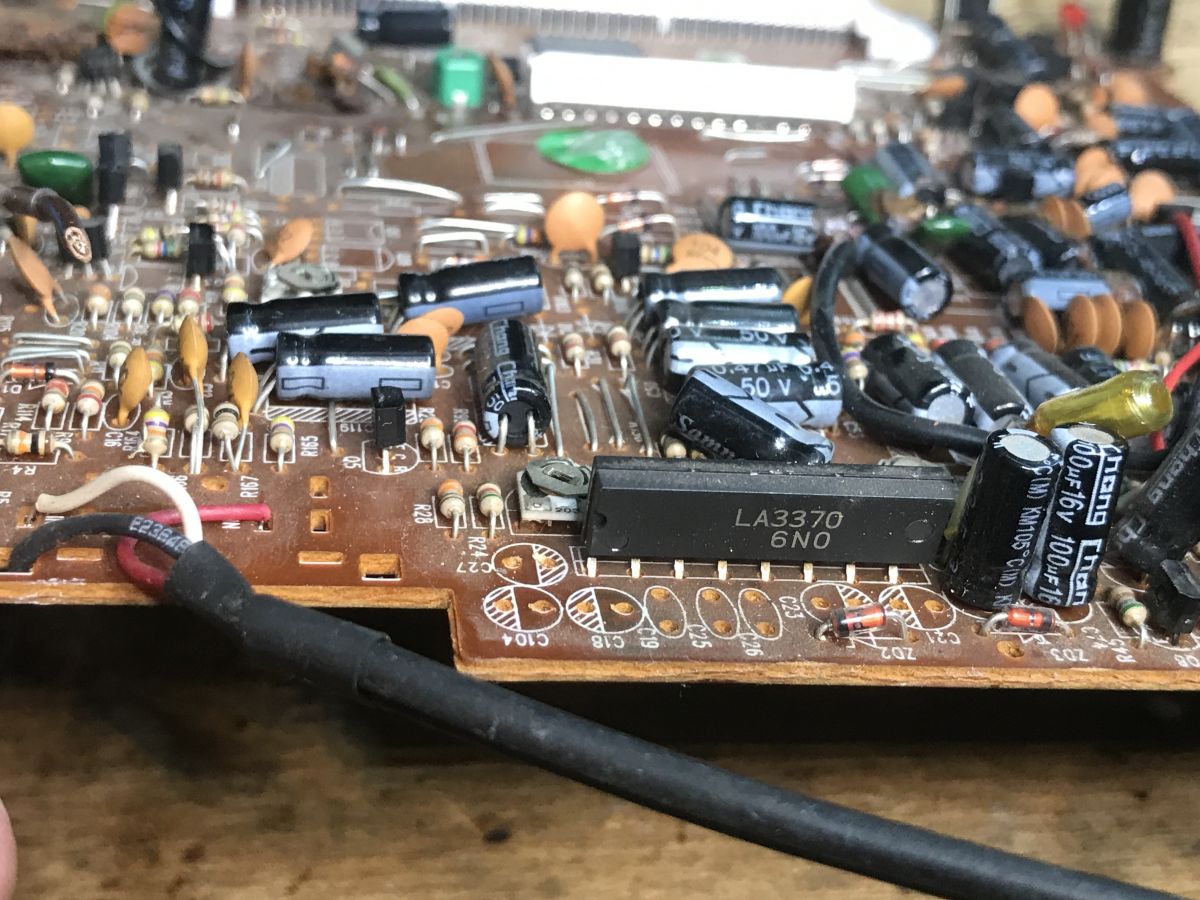
    Inside a car radio, running LCD with PT6523 on Arduino Inside a car radio, running LCD with PT6523 on Arduino On the edge of the PCB, covered by capacitors is a related circuit, also from audio, LA3370, PLL FM Multiplex Stereo Demodulator:
    Inside a car radio, running LCD with PT6523 on Arduino Inside a car radio, running LCD with PT6523 on Arduino
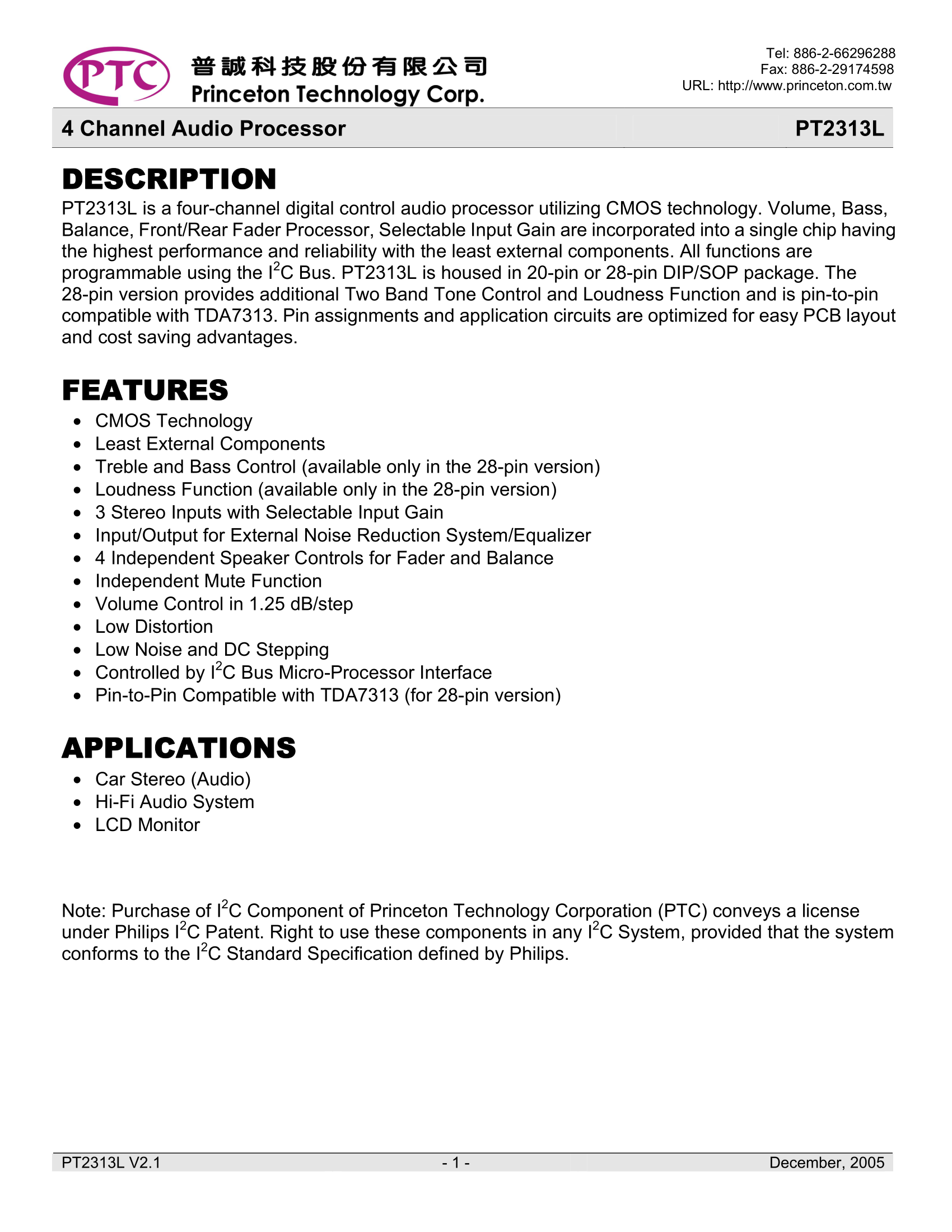
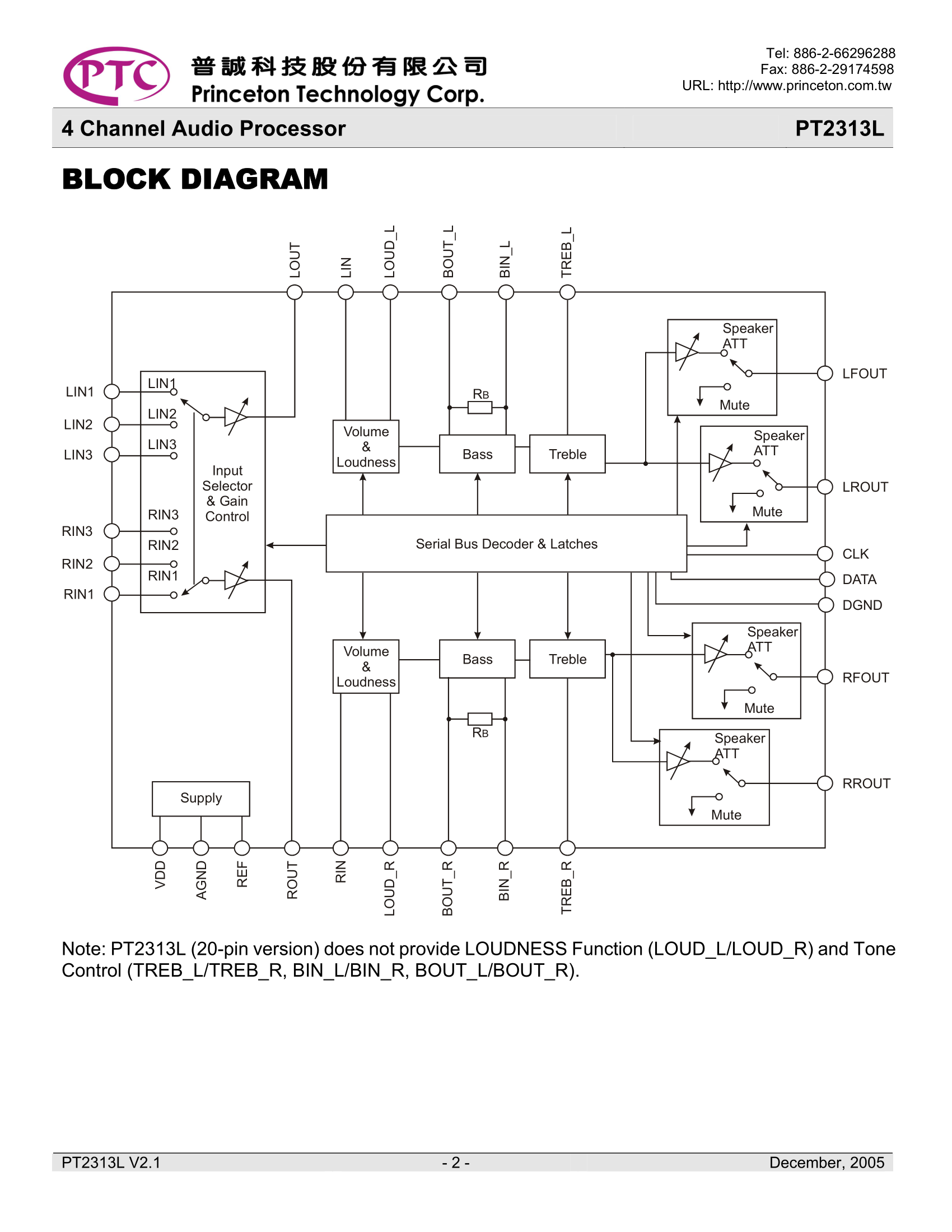
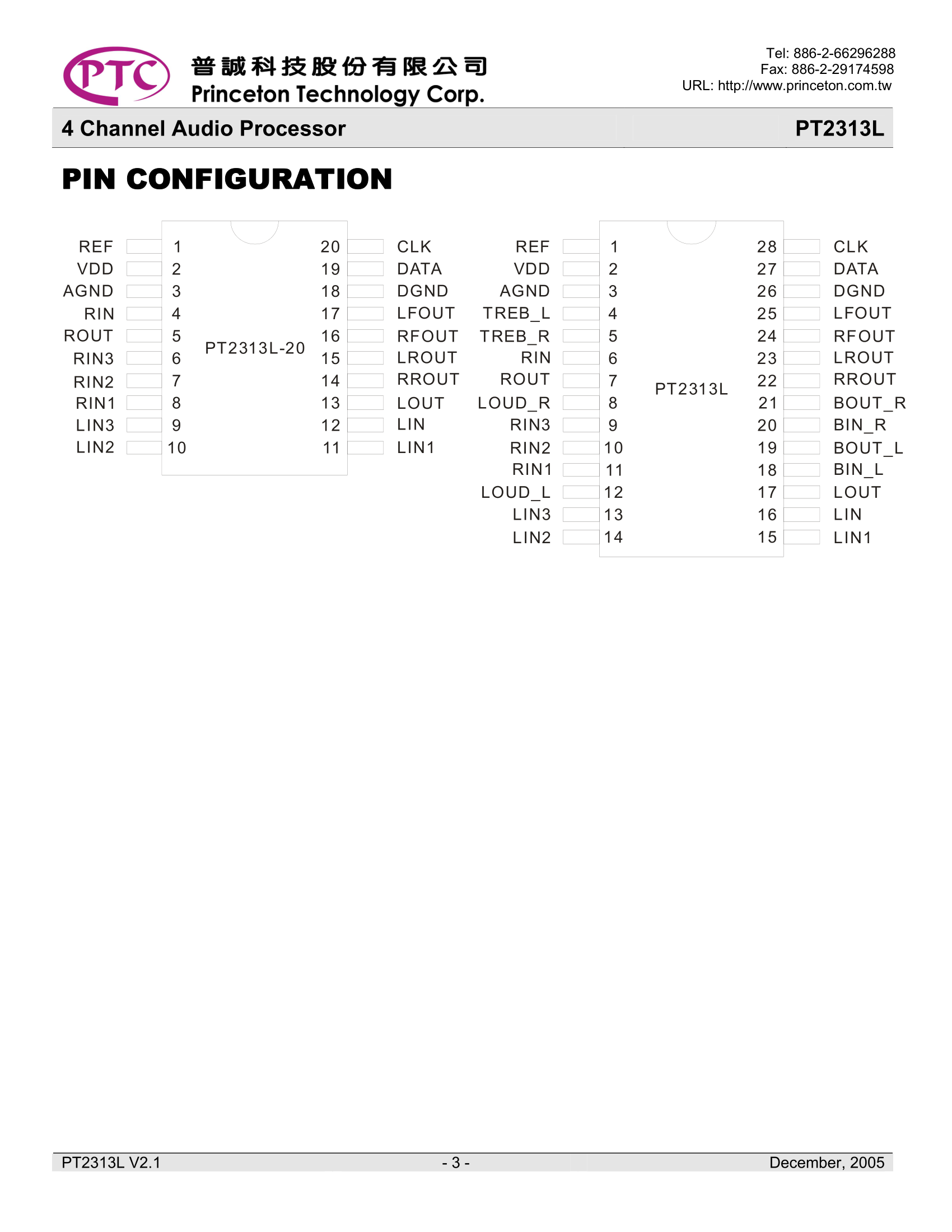
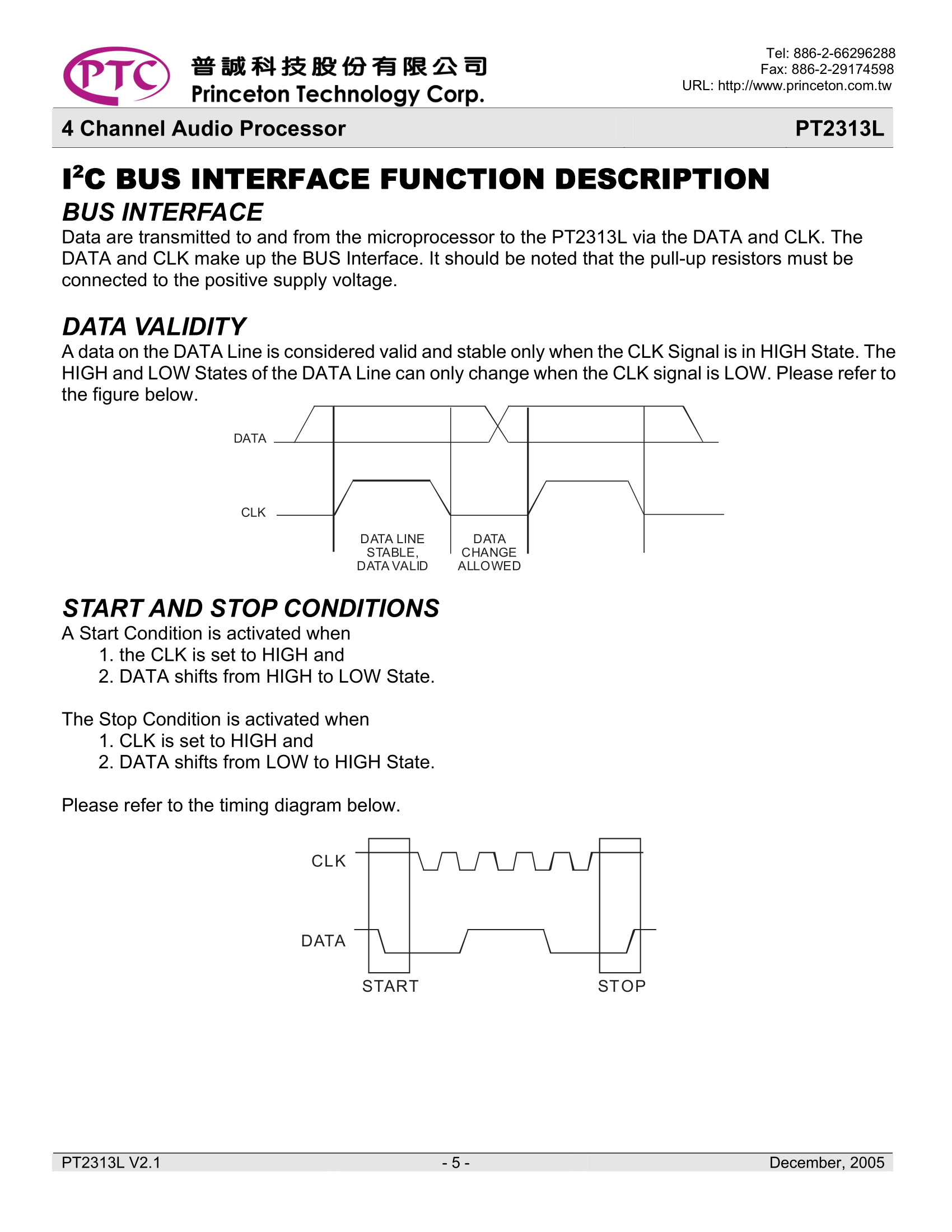
    On the bottom of the PCB is still a separate processor responsible for audio, PT2313L:
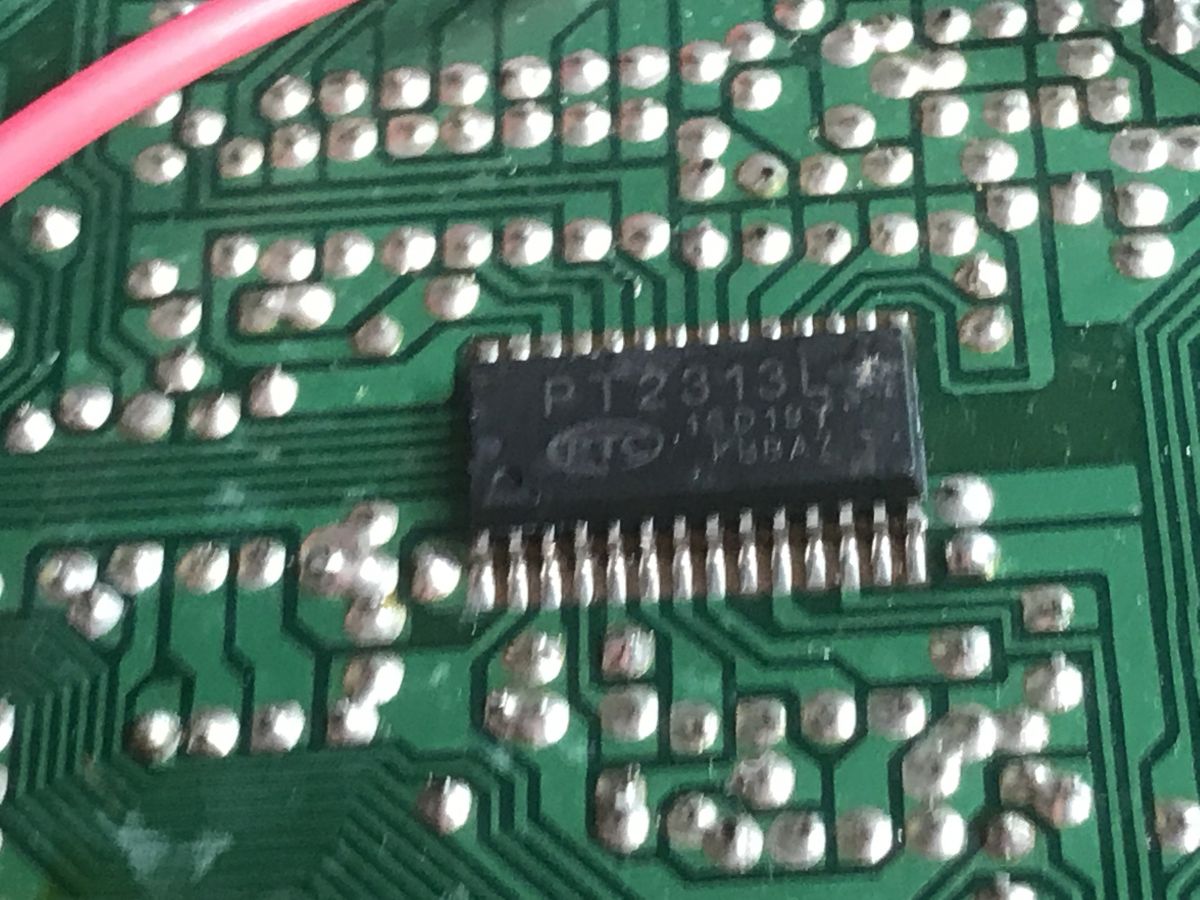
    Inside a car radio, running LCD with PT6523 on Arduino Inside a car radio, running LCD with PT6523 on Arduino Inside a car radio, running LCD with PT6523 on Arduino Inside a car radio, running LCD with PT6523 on Arduino It can be controlled via I2C interface.
    Inside a car radio, running LCD with PT6523 on Arduino
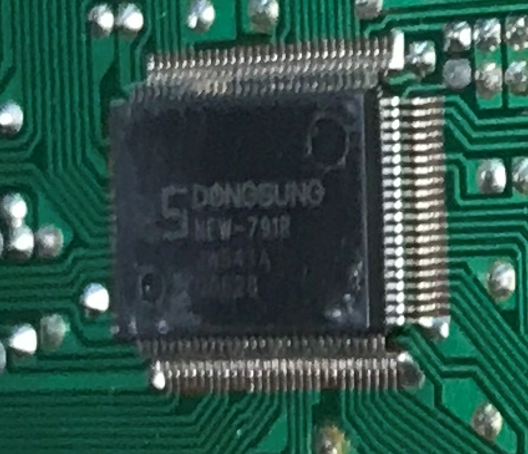
    The entire radio is controlled by SDONGSUNG NEW-791 JW541A.
    Inside a car radio, running LCD with PT6523 on Arduino
    Alas, without a datasheet, but you can guess from the tracks that it controls both LCD (via SPI, via PT6523) and audio (both CD player, amplifier, and radio).
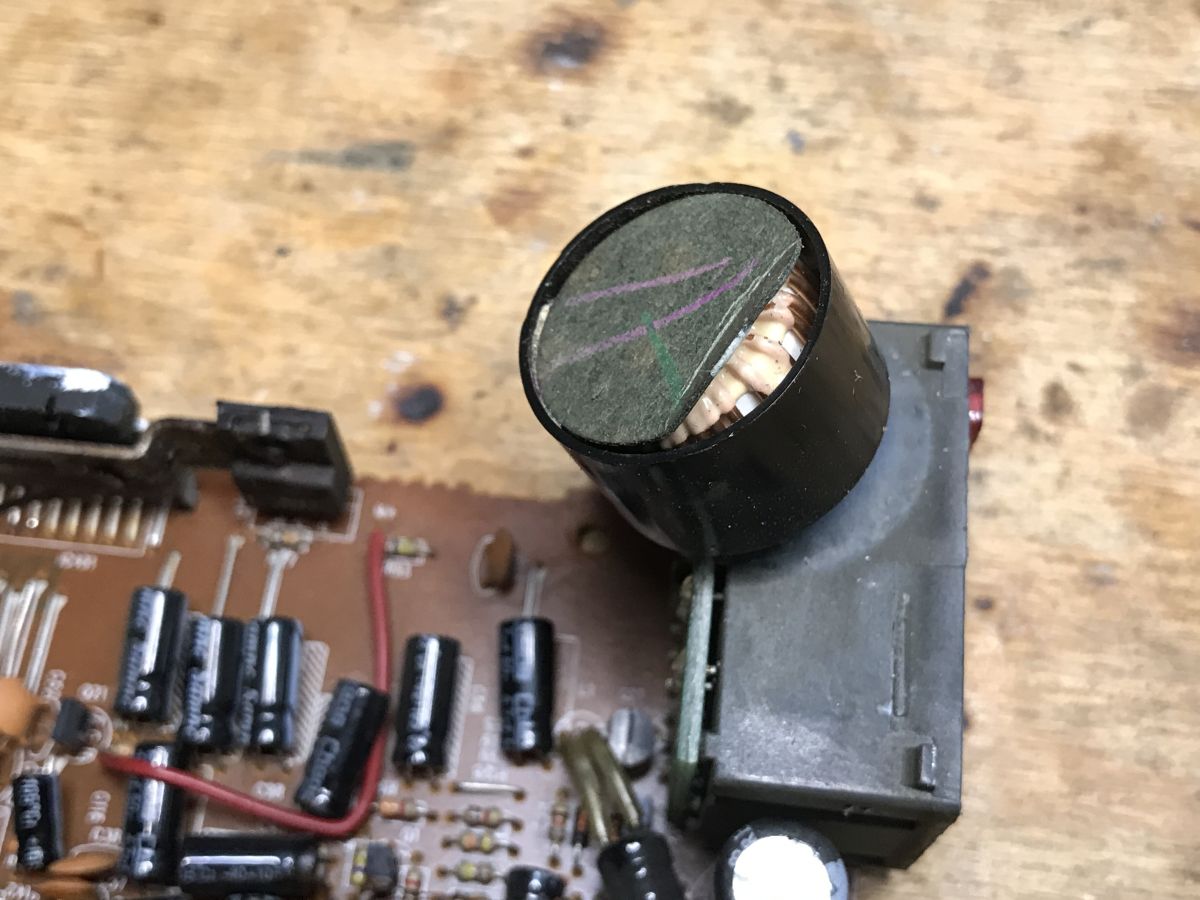
    It's still worth noting the "mysterious" element at the power supply, which turns out to be a coil, probably against interference:
    Inside a car radio, running LCD with PT6523 on Arduino
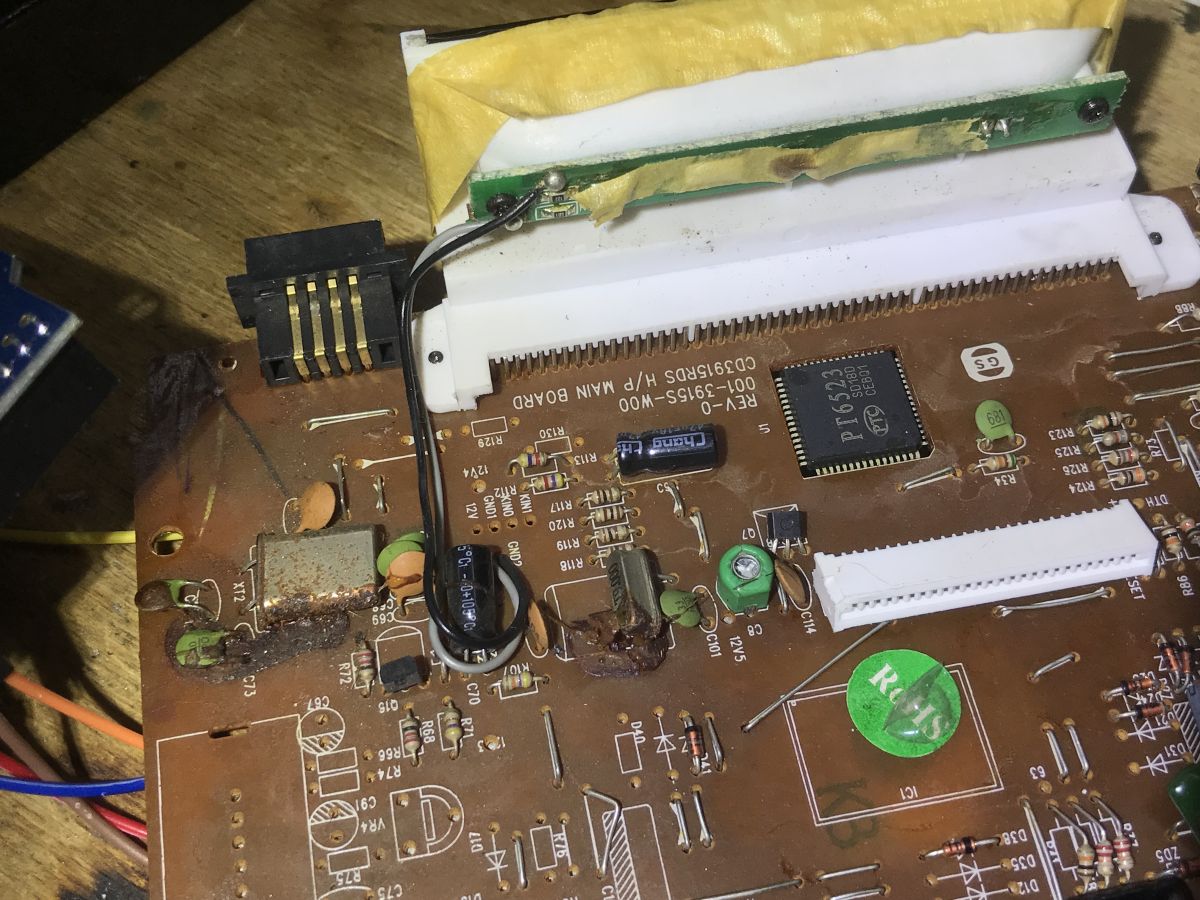
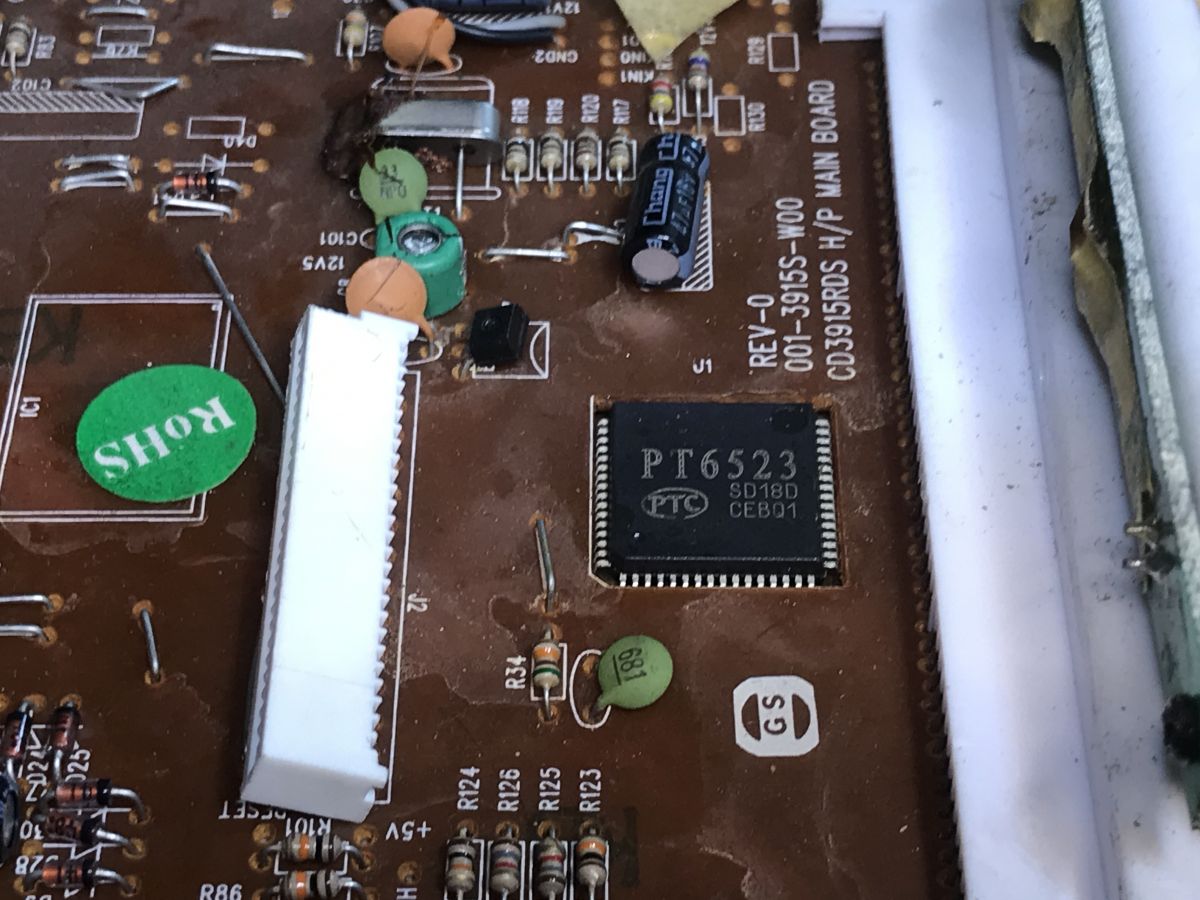
    Most interesting to me, however, is the LCD. It looks like it's supported by a universal controller, the kind I can drive from an Arduino:
    Inside a car radio, running LCD with PT6523 on Arduino

    Very interesting assembly, what prompted them to mount it this way? Convenience of access to the LCD? All in all, the layout of the board is quite simple.
    The very name of the chip, PT6523, tells me this. After all, similar circuits are also used to control VFD displays, by the way, colleague @ArturAVS surely knows something about it, he published at one time a great series on VFDs and I think he even had his own controller realized on some PT . Here, of course, there's no VFD, it's an LCD, but it's still worth running.
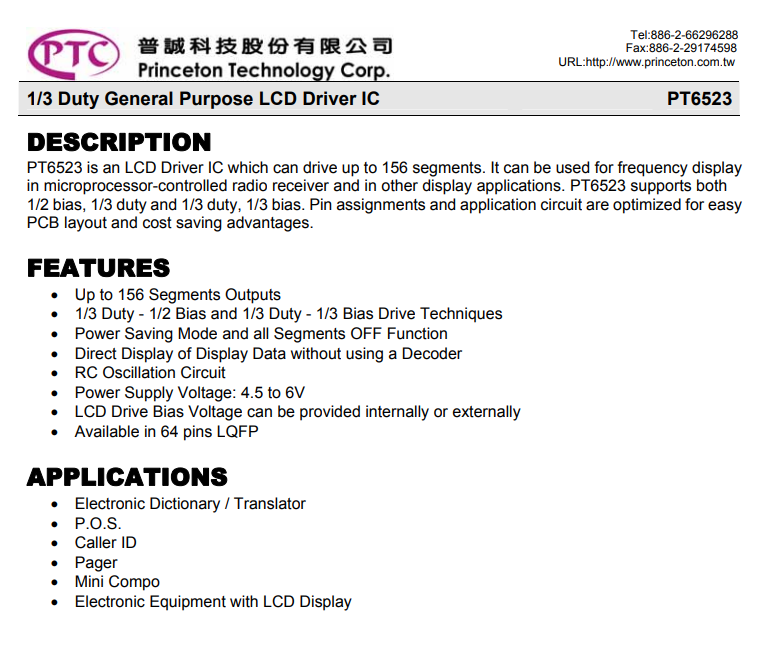
    Let's look at the note:
    Inside a car radio, running LCD with PT6523 on Arduino
    Factually, a general purpose controller, that's a good sign.
    Internal schematic, very simple, I can see the SPI interface:
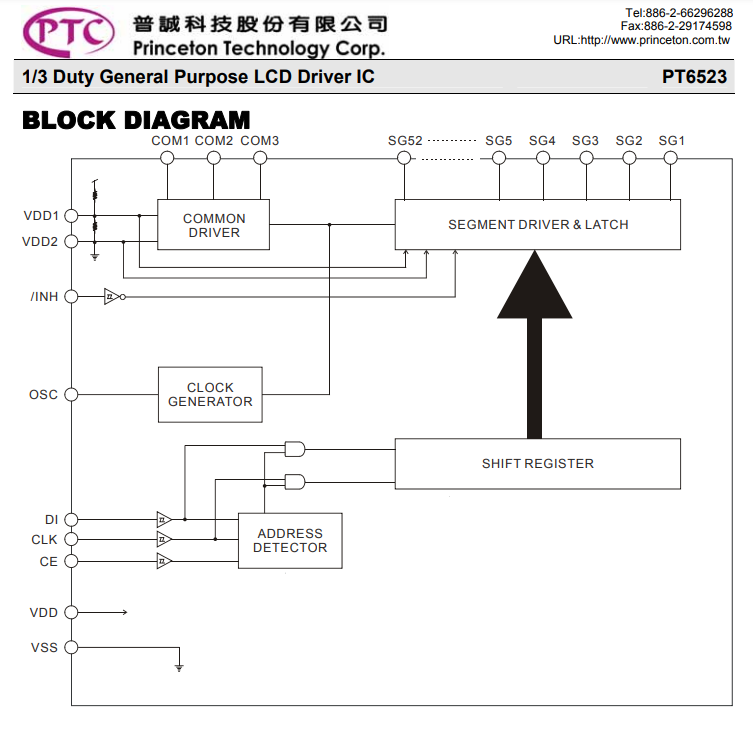
    Inside a car radio, running LCD with PT6523 on Arduino Okay, you can see everything as if on the palm of your hand. The entire serial interface (DI, CLK, CE and INH) goes to 4 resistors, which you can clearly see on the board. In addition, a path from the OSC goes the other way, to the RC resonator, which I marked with a circle. In addition to that, the power goes to the 16V electrolytic capacitor, which is right next to the resistors already mentioned.
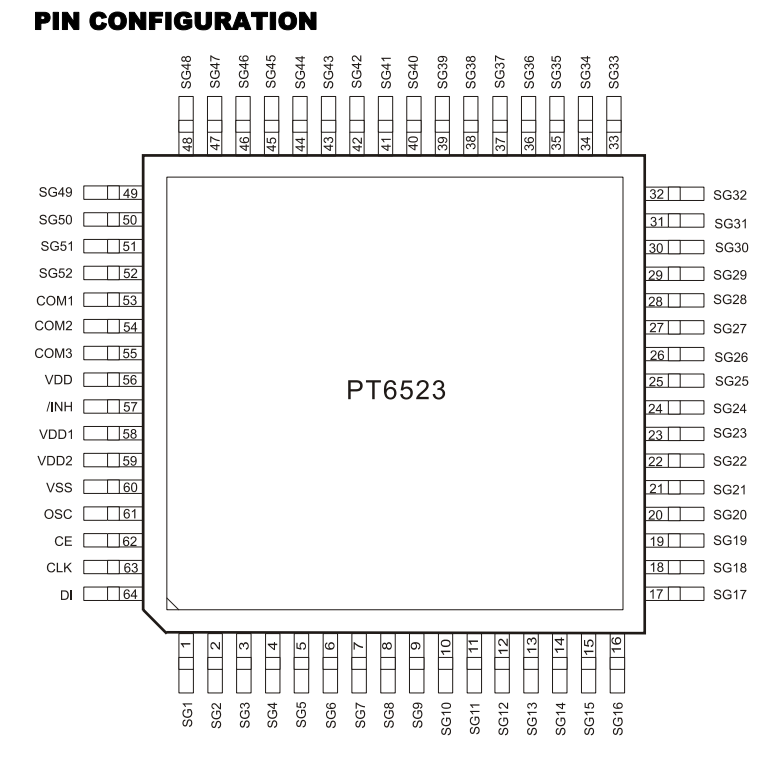
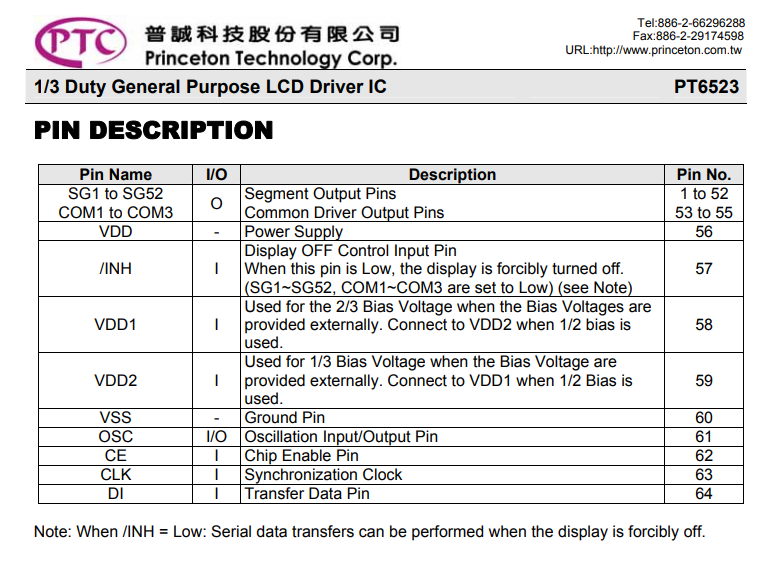
    Pinout:
    Inside a car radio, running LCD with PT6523 on Arduino
    PGIO roles. You can see that still INH controls the status of the display, so we have 4 lines to handle.... INH, CLK, DI, CE:
    Inside a car radio, running LCD with PT6523 on Arduino
    The communication protocol is also described - everything as on a tray:
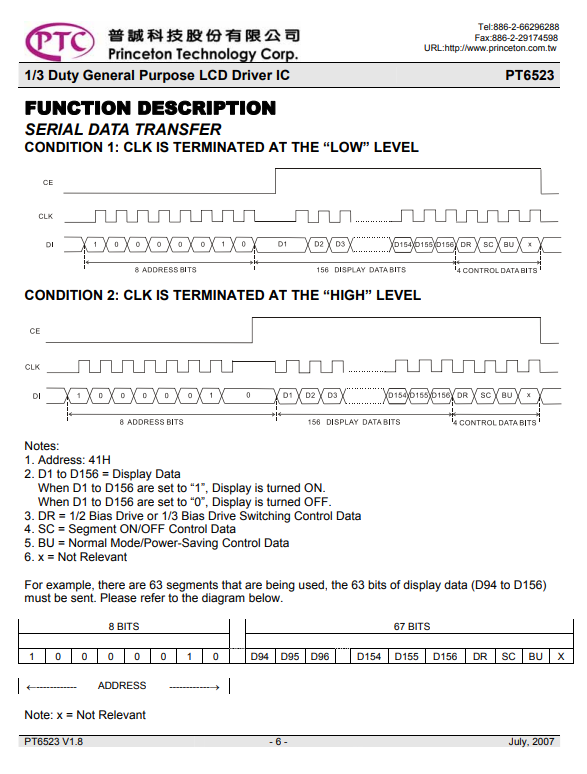
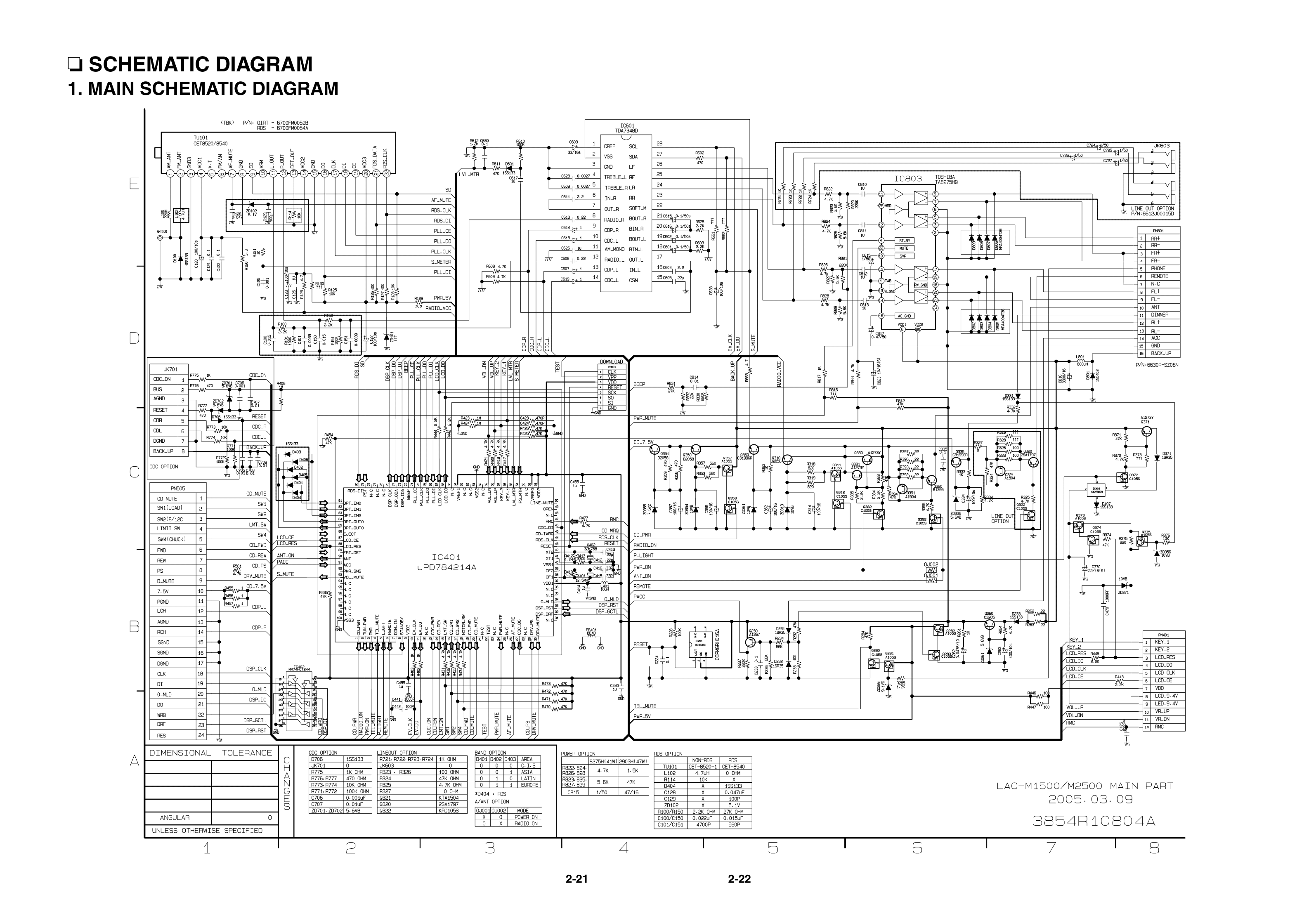
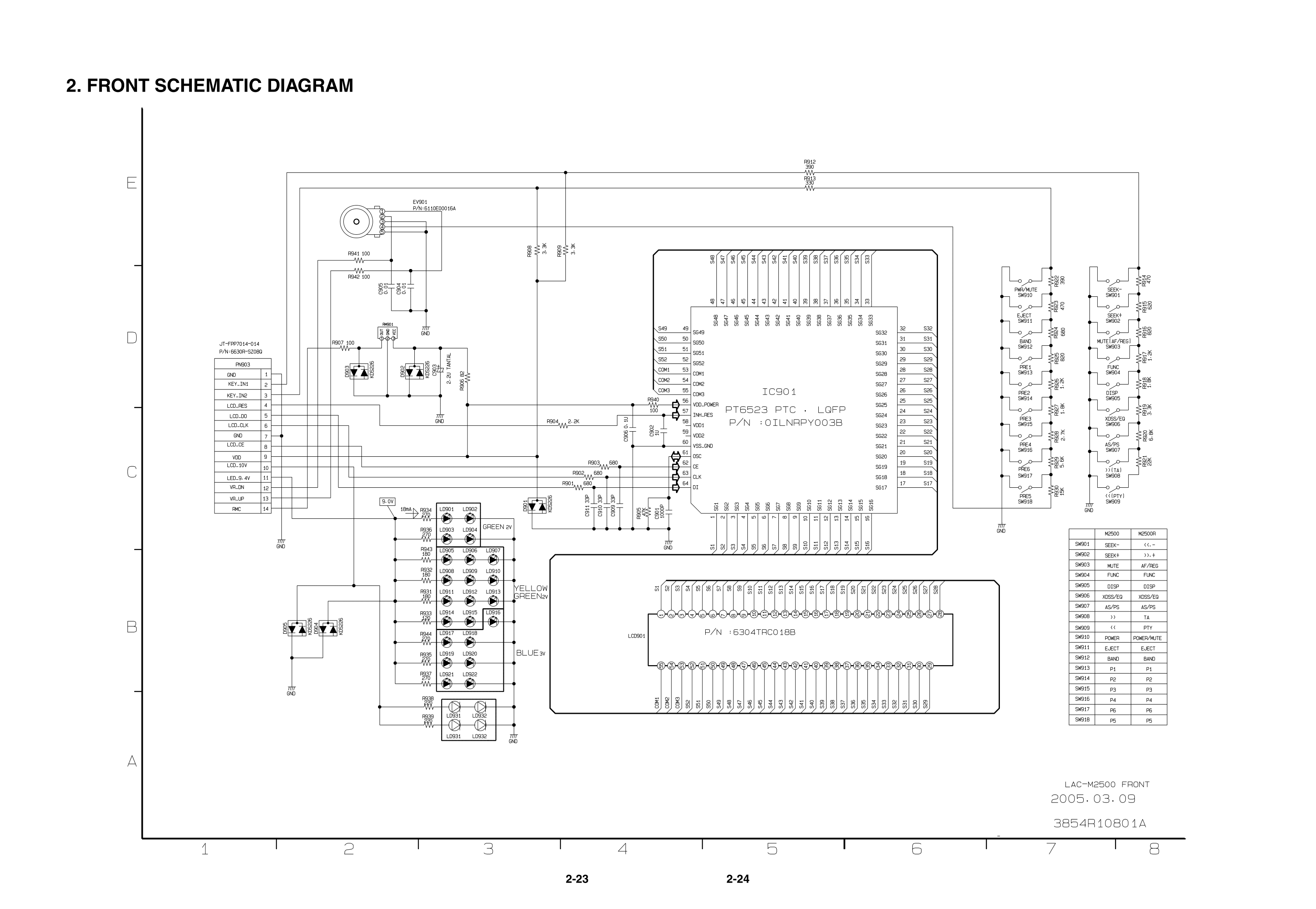
    Inside a car radio, running LCD with PT6523 on Arduino It should be easy to control this. Still as an addendum, we can review the schematic of a finished device using this bone:
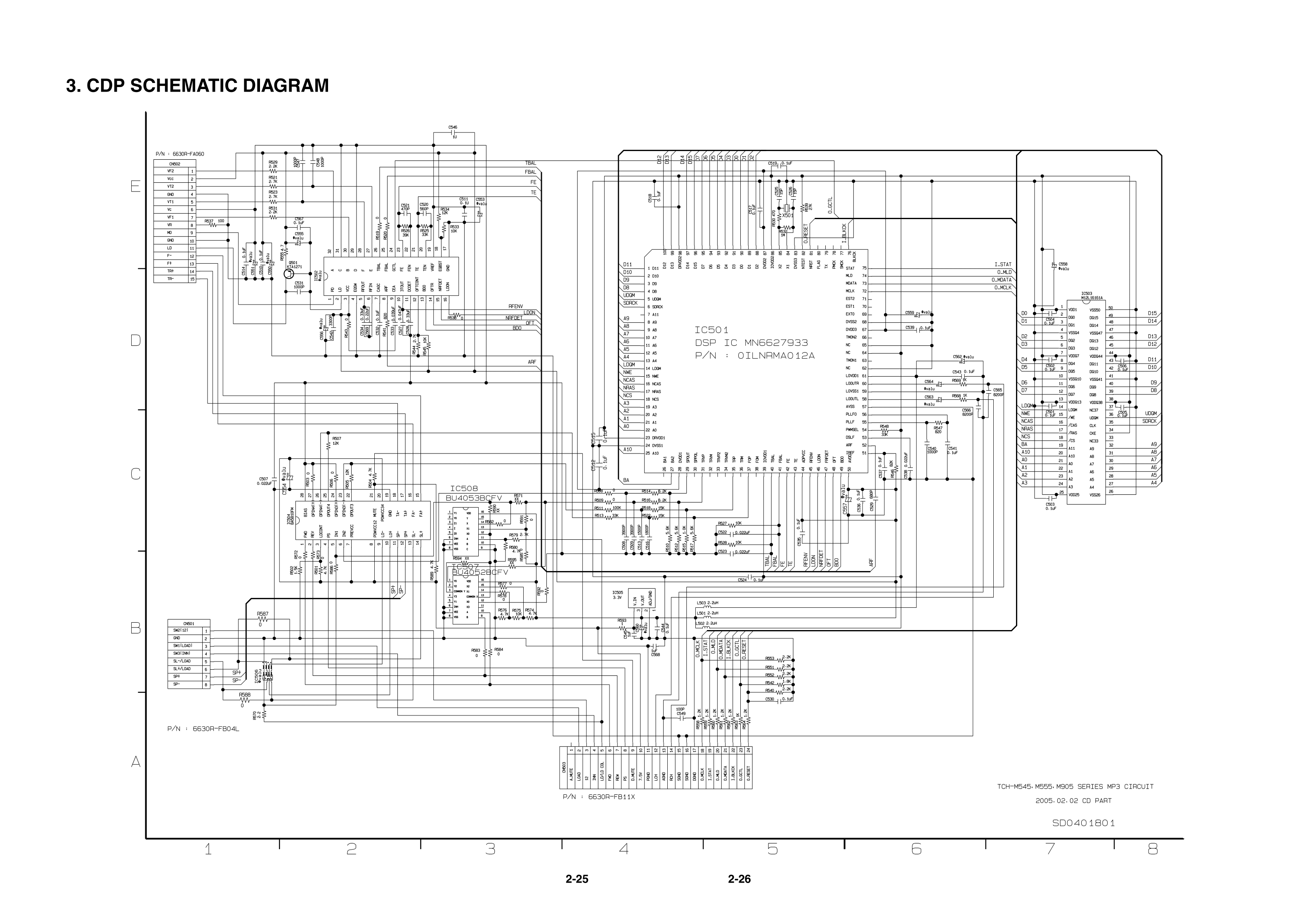
    Inside a car radio, running LCD with PT6523 on Arduino Inside a car radio, running LCD with PT6523 on Arduino Inside a car radio, running LCD with PT6523 on Arduino
    On page 2 of the above schematic, you can see the PT6523 including the LCD and connection to the main controller. The SPI lines are connected through 680 ohm resistors and have 33pF capacitors to ground in addition. You can also see the RC resonator circuit and the LCD controller power supply along with decoupling.


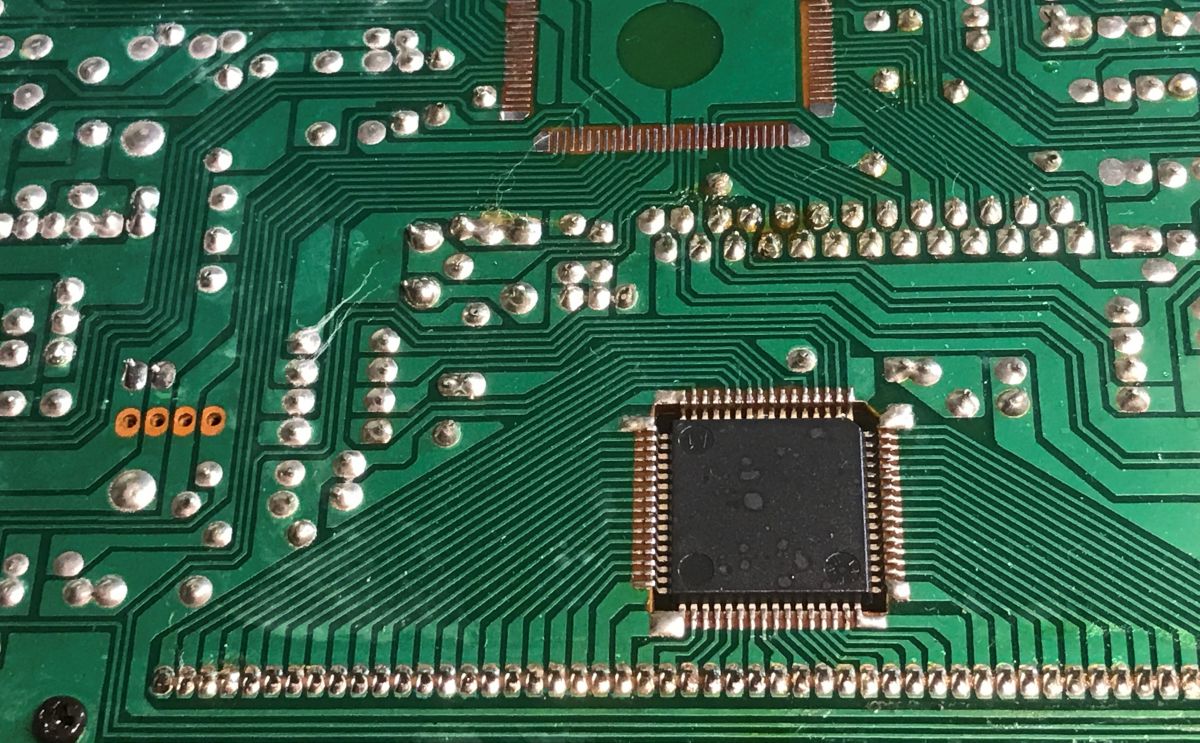
    Resetting the LCD At the very beginning, I tried to fire up the PCB of this radio itself from the lab power supply with the current limitation active, but the display only flashed once on startup and then went out and gave no sign of life. Perhaps the main microcontroller was already detecting that something was missing. Therefore, I decided to remove it with hot air:
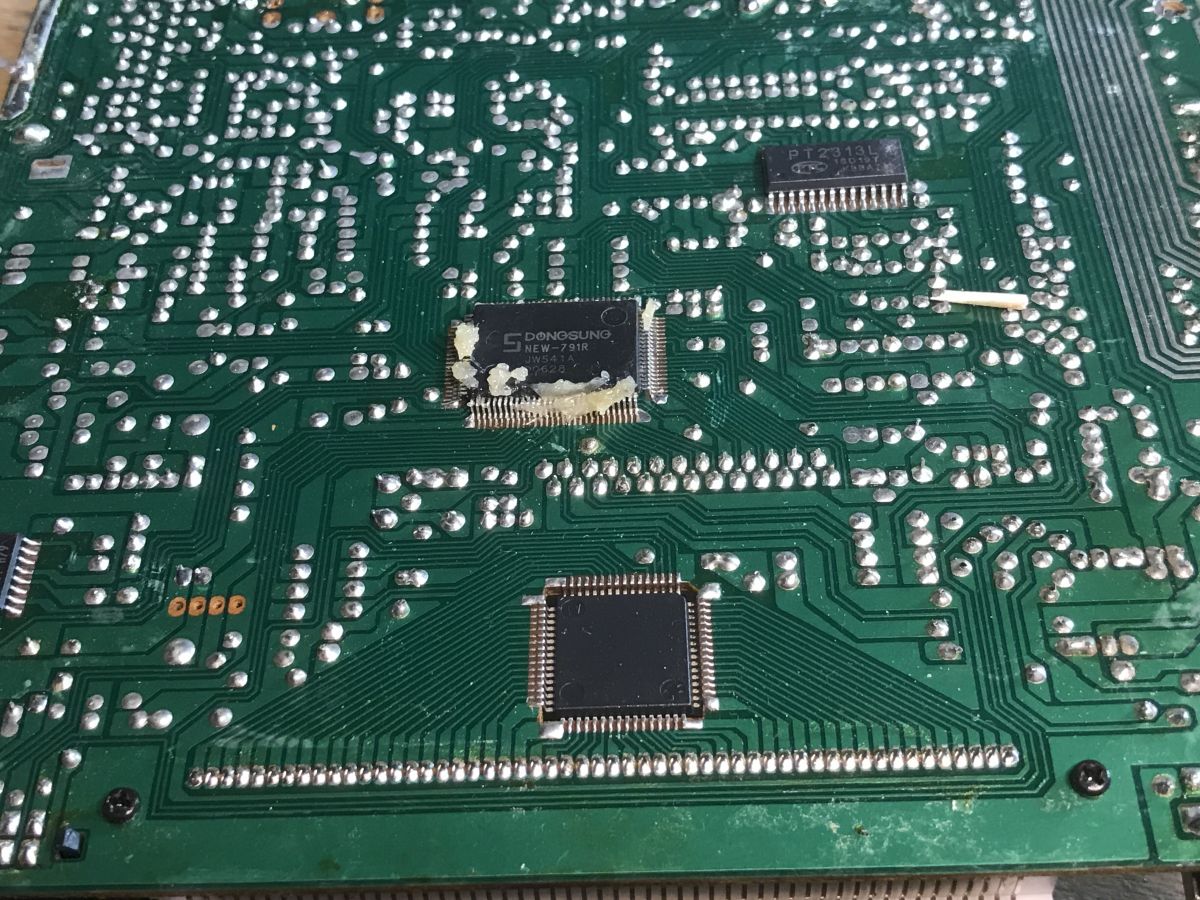
    Inside a car radio, running LCD with PT6523 on Arduino
    Removed:
    Inside a car radio, running LCD with PT6523 on Arduino Then I did an analysis of the connections, what is where on the PCB:
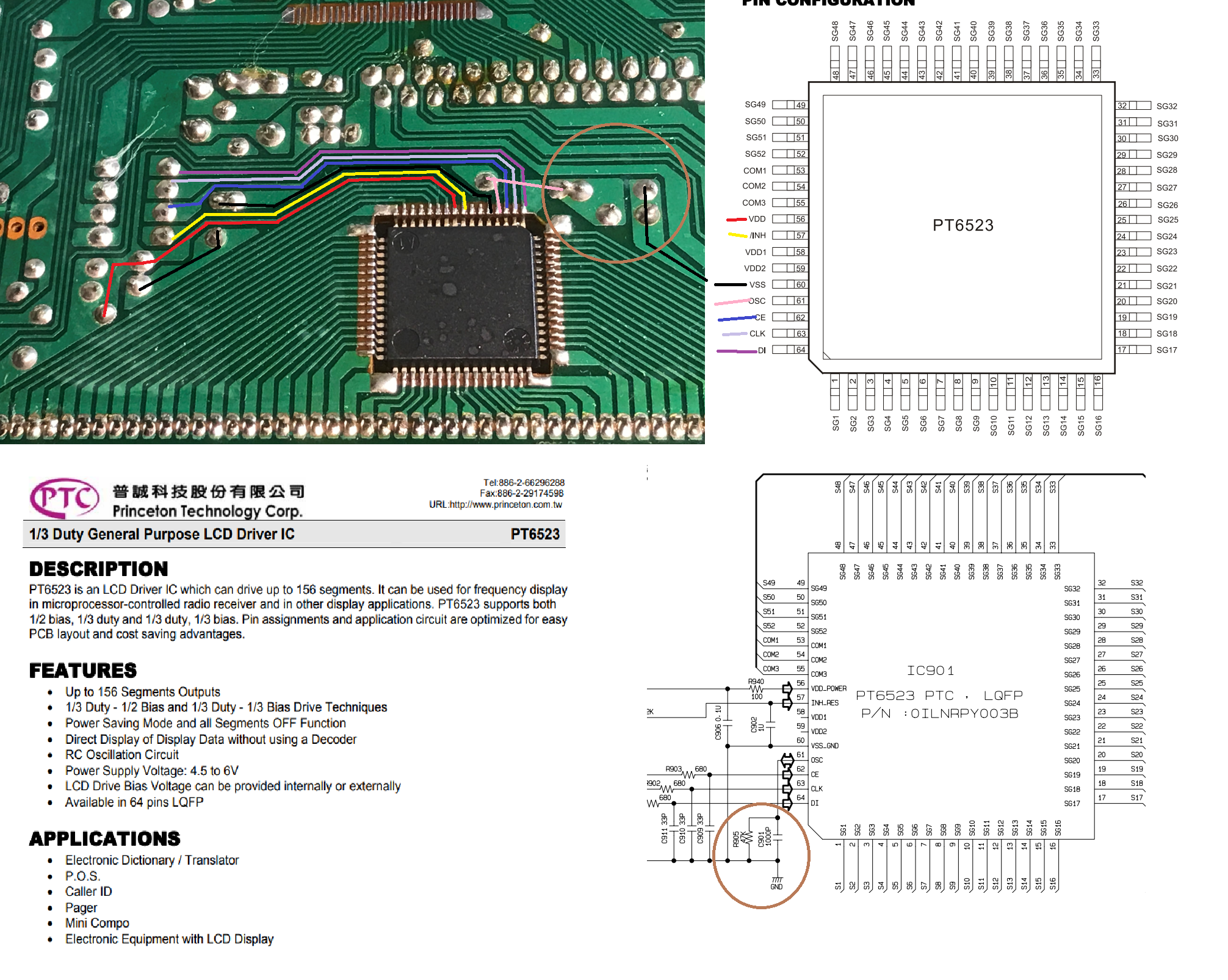
    Inside a car radio, running LCD with PT6523 on Arduino
    Additionally, I traced the 5V power supply from the LCD and the 12V power supply for the backlight (I checked the backlight voltage with a lab power supply, although 12V was printed on the PCB anyway):
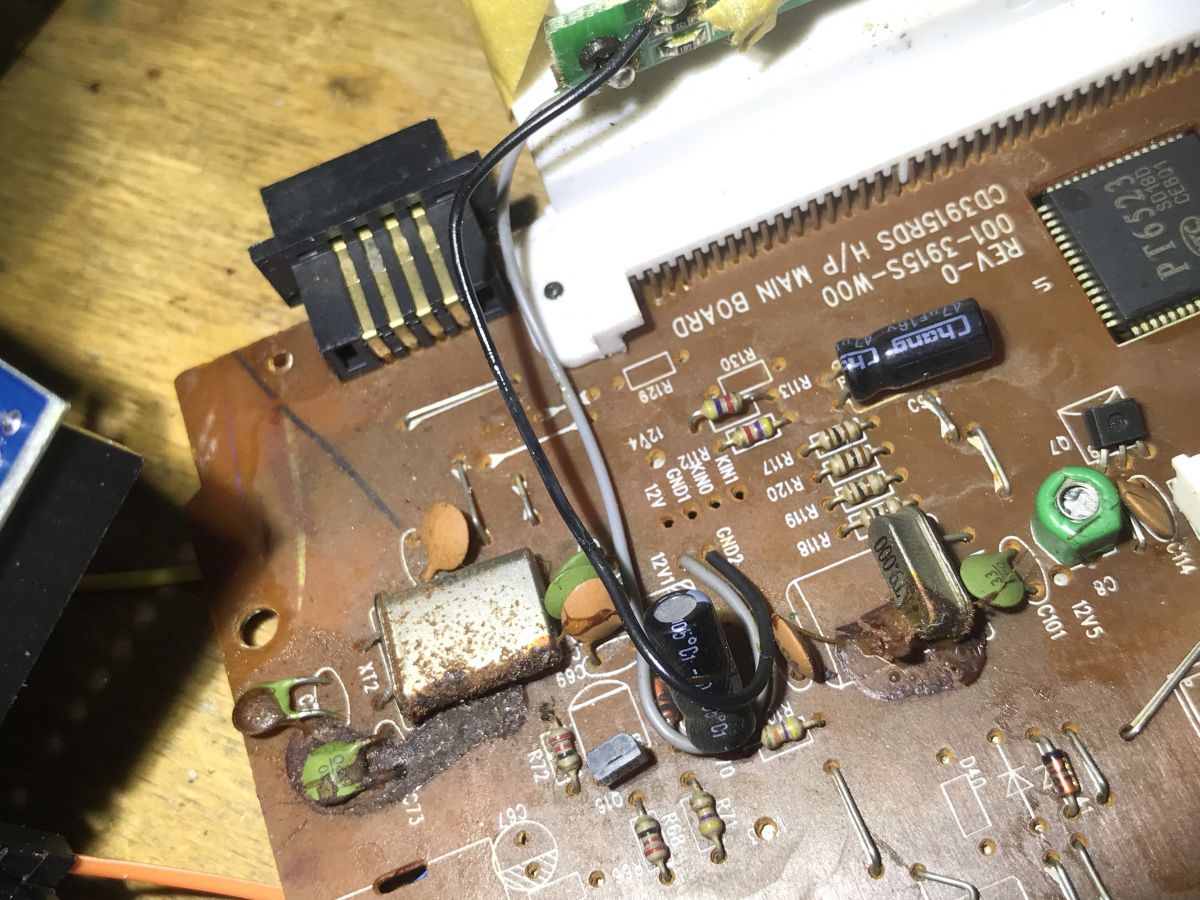
    Inside a car radio, running LCD with PT6523 on Arduino Inside a car radio, running LCD with PT6523 on Arduino
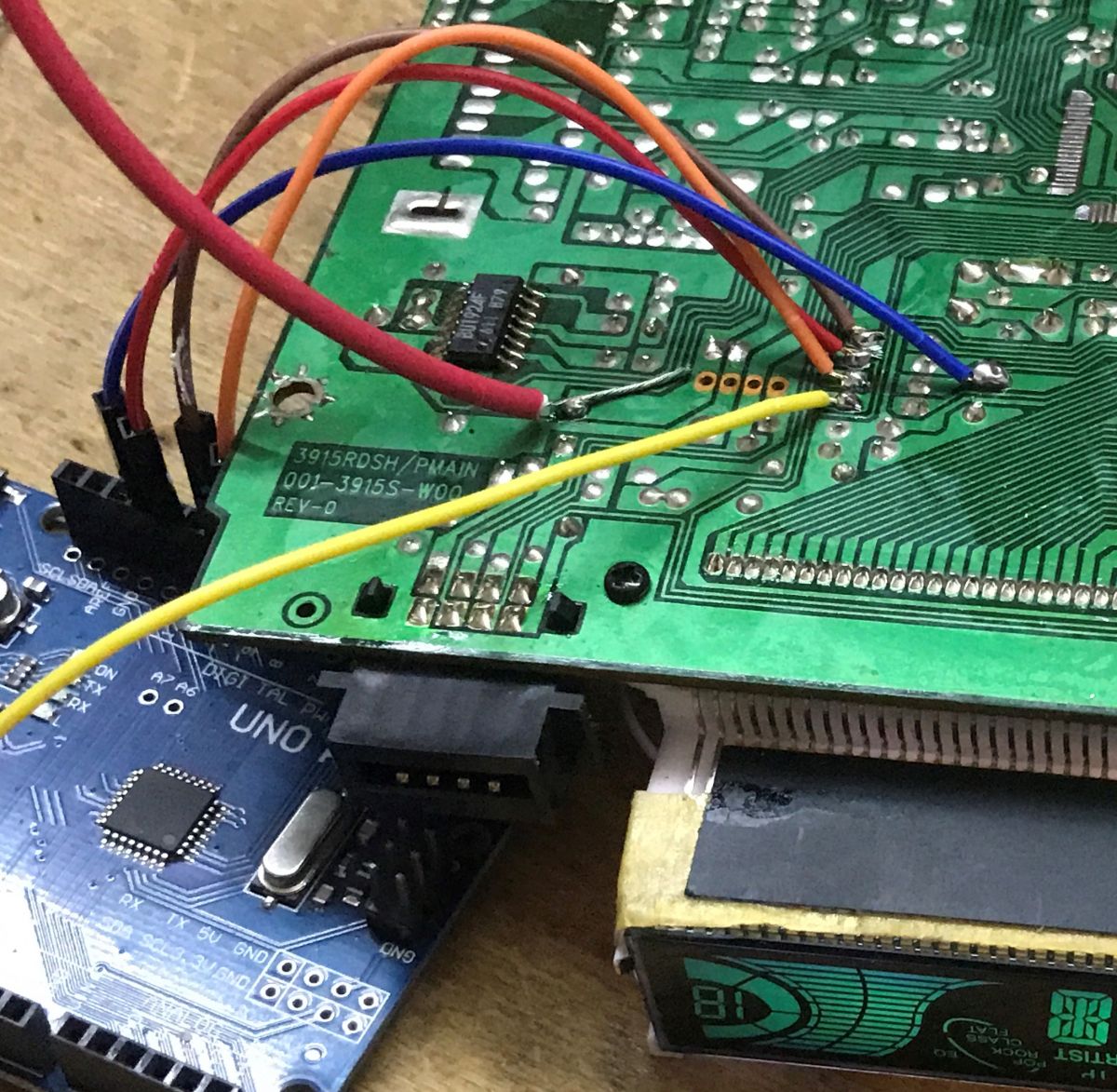
    Then it was time to connect the Arduino. Here are the already soldered wires:
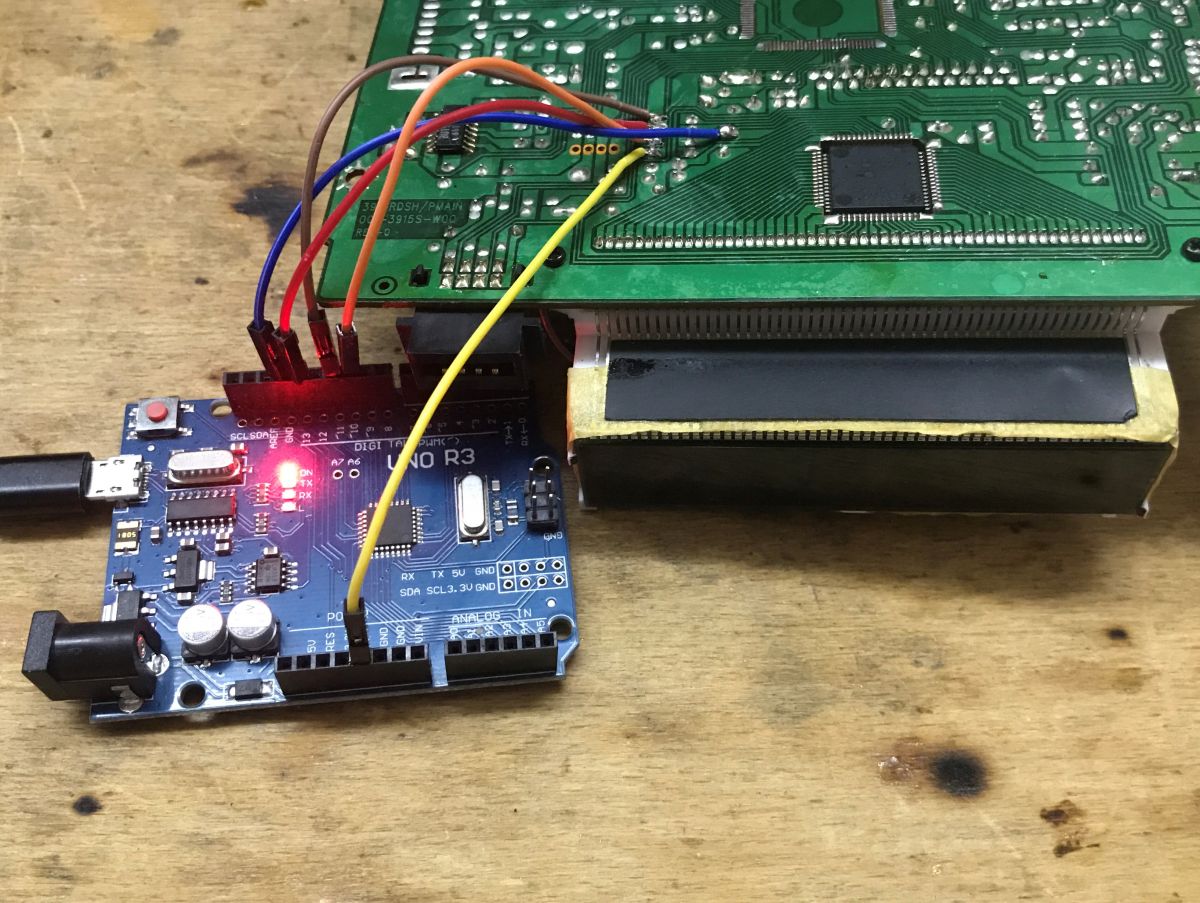
    Inside a car radio, running LCD with PT6523 on Arduino
    This is what it looks like with the backlight attached:
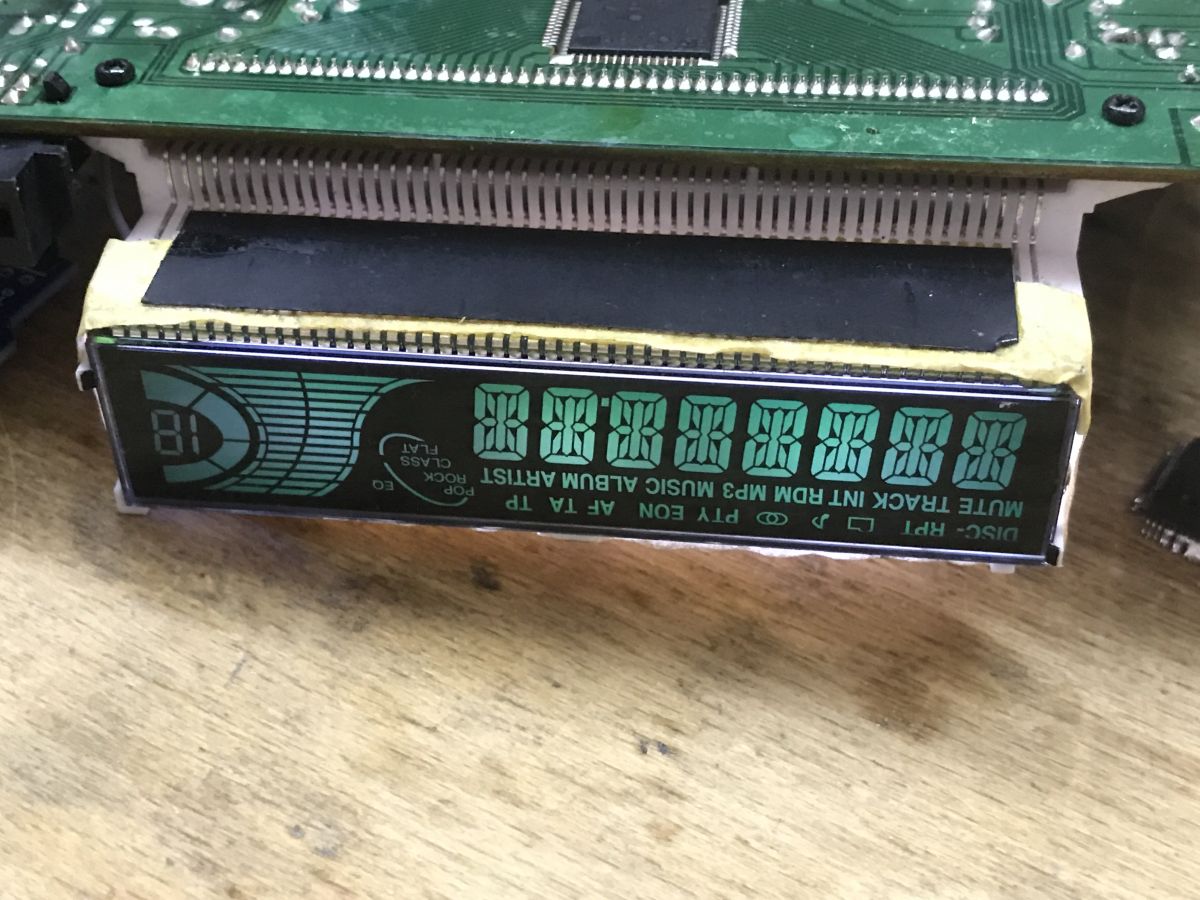
    Inside a car radio, running LCD with PT6523 on Arduino Inside a car radio, running LCD with PT6523 on Arduino
    I initially thought I would be writing the dice support again from 0. This time, however, fate smiled. There was a ready-made one on Github. The communication itself wouldn't be a problem, but tracking down the roles of all the segments and writing them into some sort of enumeration would probably take a very long time. I used to do it on a display from a washing machine, the topic is in the table of contents of this thread.
    This is the repository I found:
    https://github.com/firatsoygul/PT6523
    The repository has no description in English, but that's not a problem. At first glance everything matches, the pinology too:
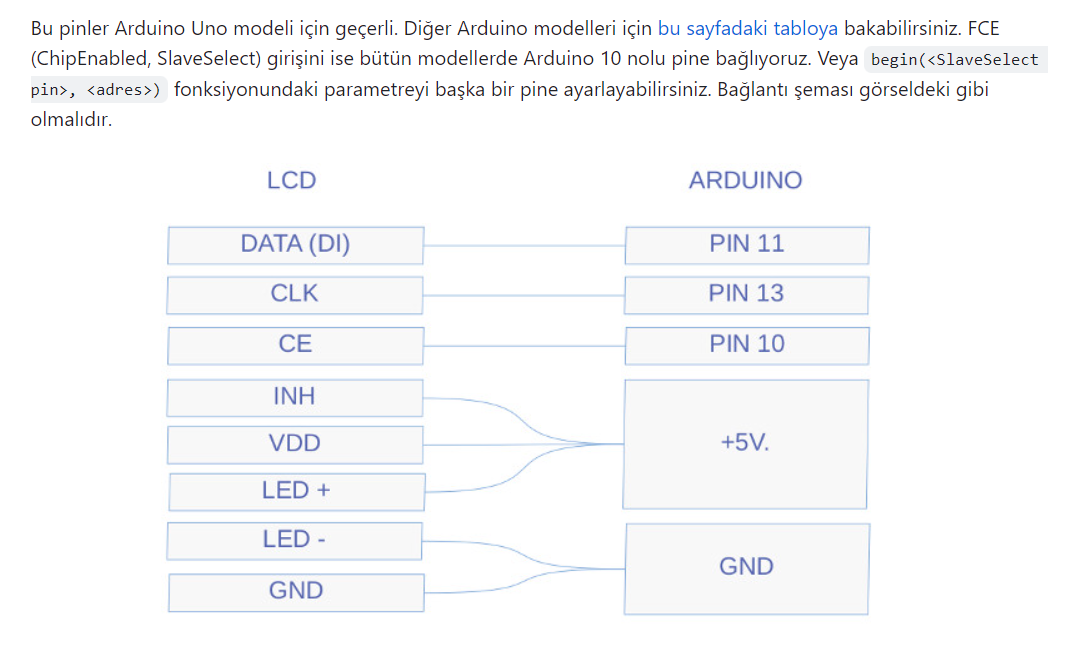
    Inside a car radio, running LCD with PT6523 on Arduino
    Well, in my case the backlight is on 12V, not 5V, but that's a detail. I launched the Arduino IDE and tried firing up an example:
    Code: C / C++
    Log in, to see the code

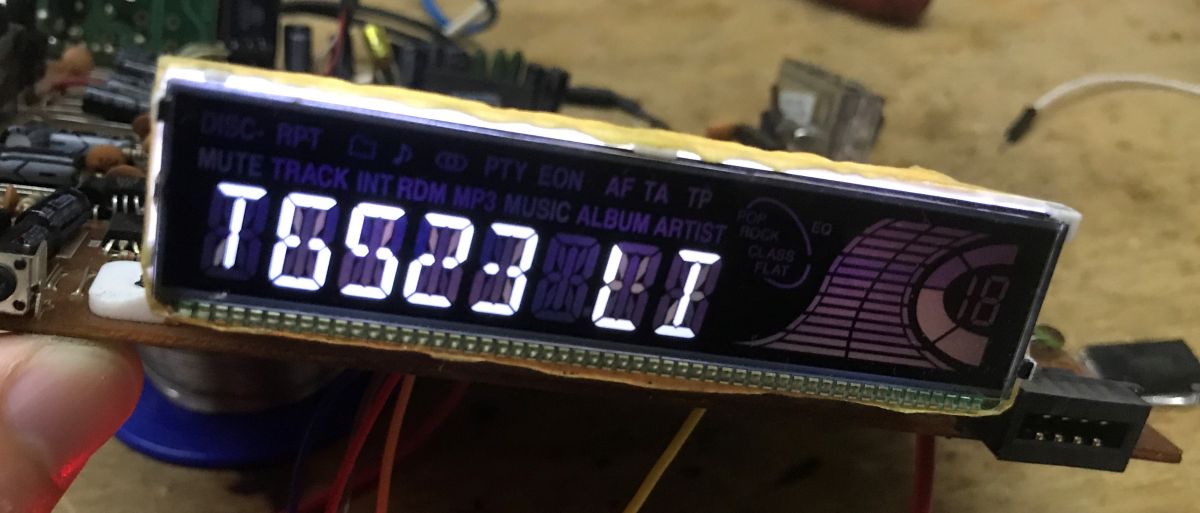
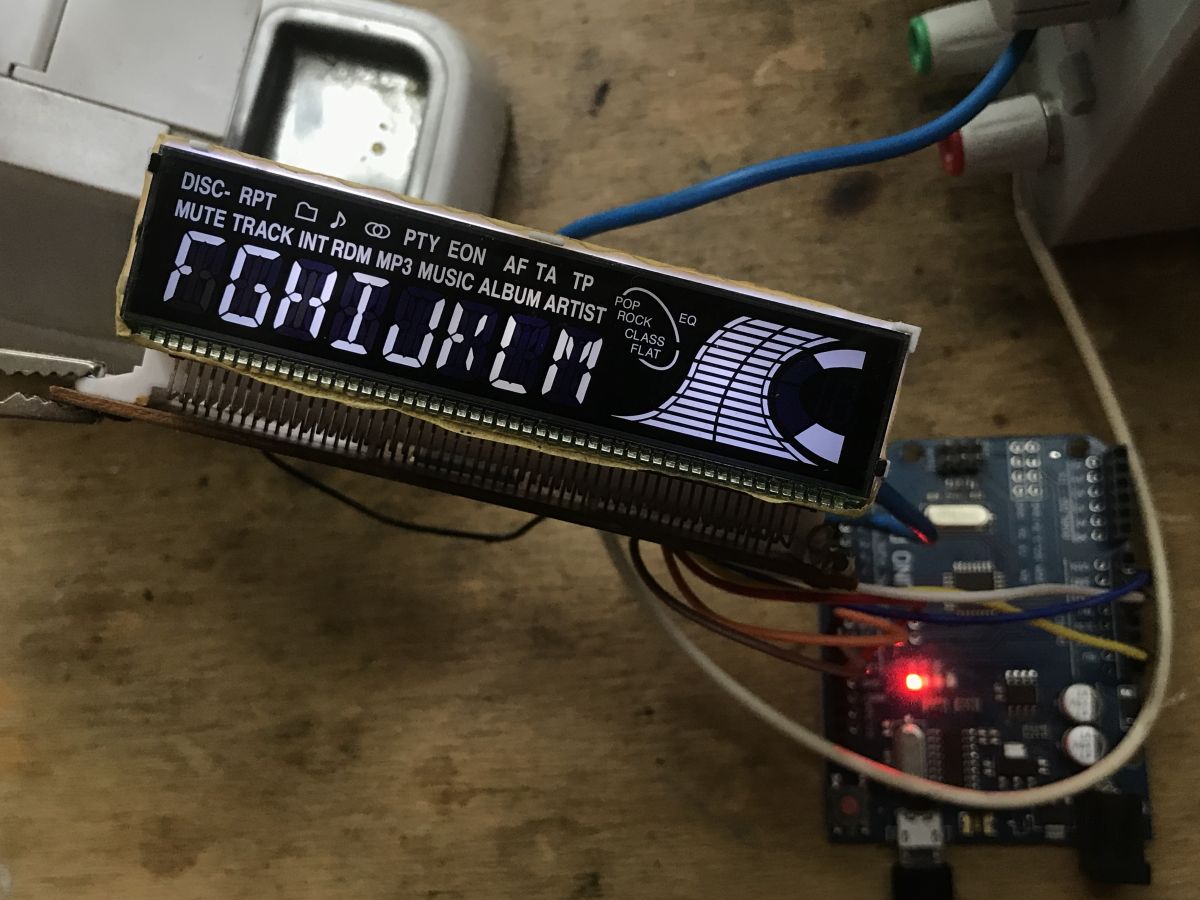
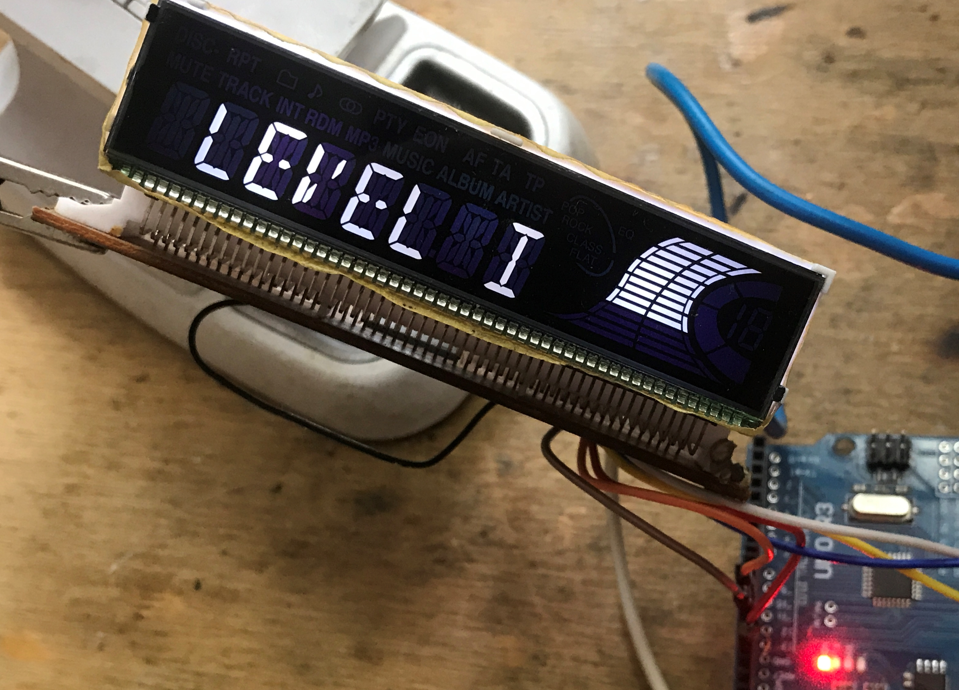
    Success, and I think it's complete - even the segments aren't mixed up! Here is the Arduino caption:
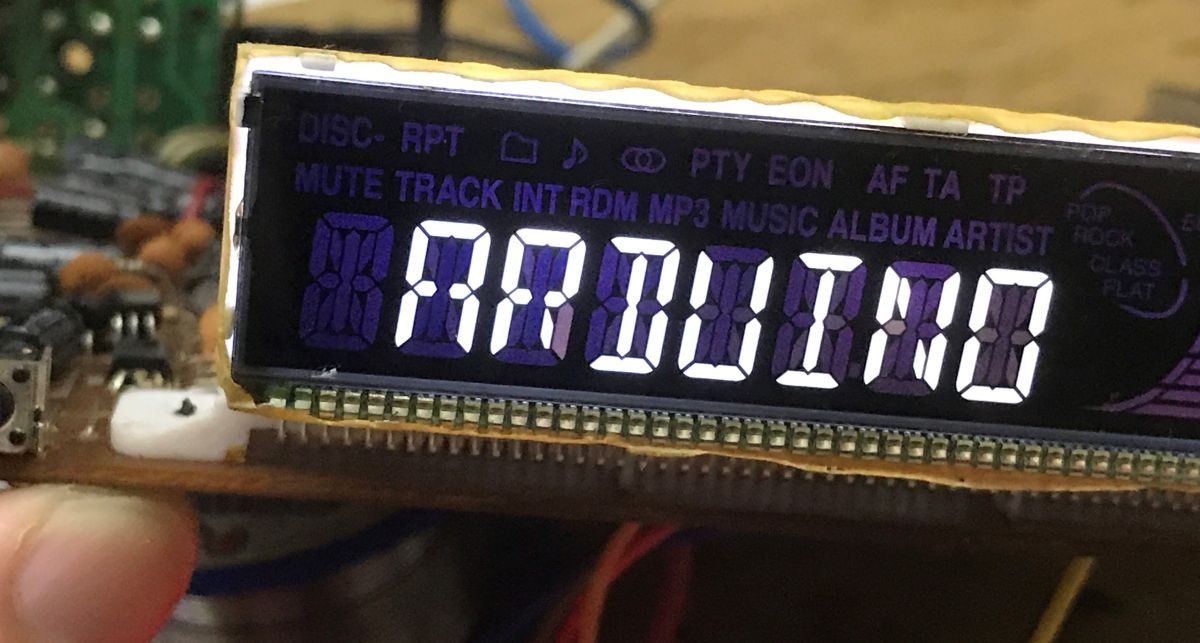
    Inside a car radio, running LCD with PT6523 on Arduino
    Further caption:
    Inside a car radio, running LCD with PT6523 on Arduino
    Enthused by the success, I uploaded a full example - do the symbols match?
    Code: C / C++
    Log in, to see the code


    All symbols work correctly. Shot in 10. The library used does everything for us and has correct symbol enumeration:
    Code: C / C++
    Log in, to see the code


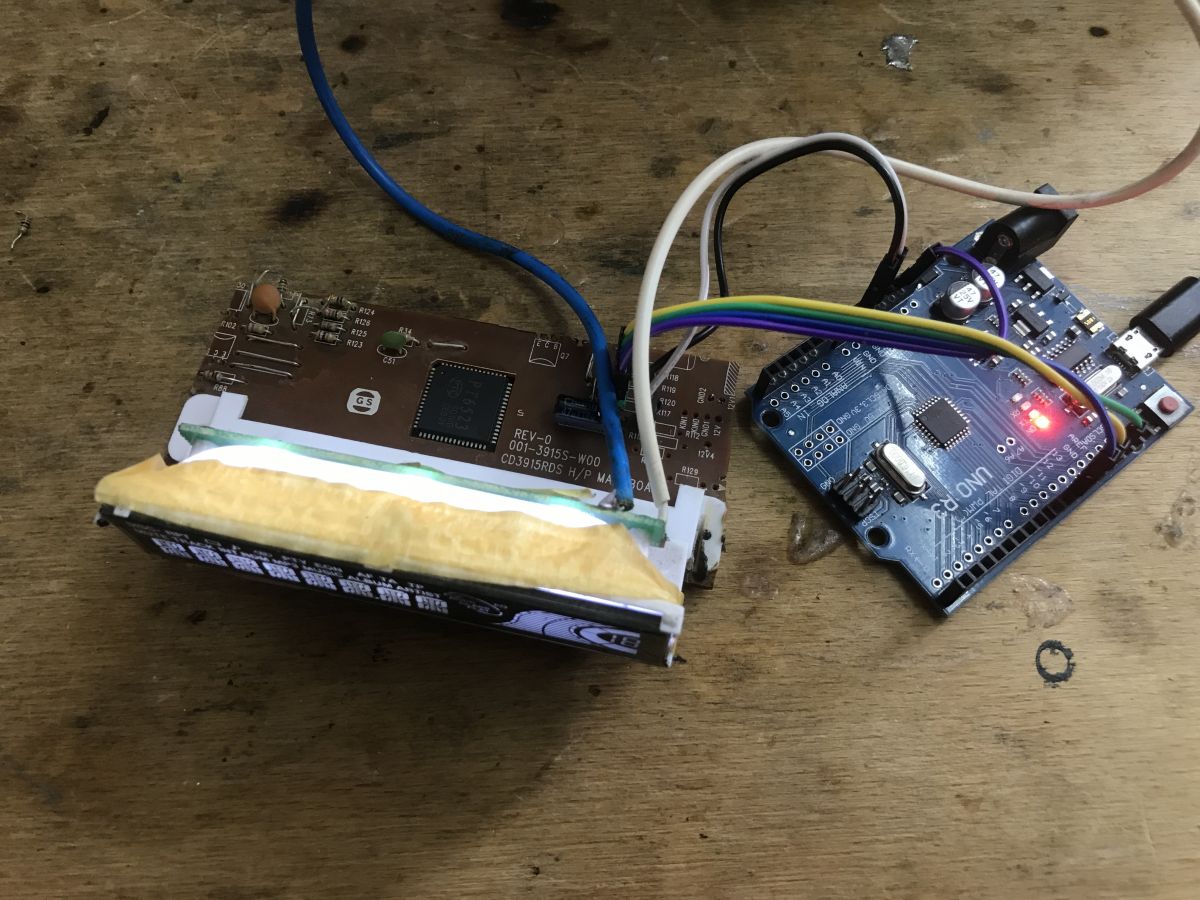
    . Result of play In the end, I was able to trim the PCB in such a way, that a relatively small and compact module with LCD came out:
    Inside a car radio, running LCD with PT6523 on Arduino Inside a car radio, running LCD with PT6523 on Arduino
    When cutting the PCB with a small dremel tool, I also had to pay attention to where the tracks go and, for example. I had to Also add by hand jumpers between points that must be at ground potential, one jumper on the bottom of the PCB connects the ground from the RC oscillator circuit to GND PT6523. When cutting modules from whole devices in this way, you need to be aware of where all the paths are connected, so that there is no surprise later that the "freed" module does not work.
    In the photo you can barely see it, but all the wires are already connected to the goldpins, in addition, the power goldpin has a white plastic and the ground is black.
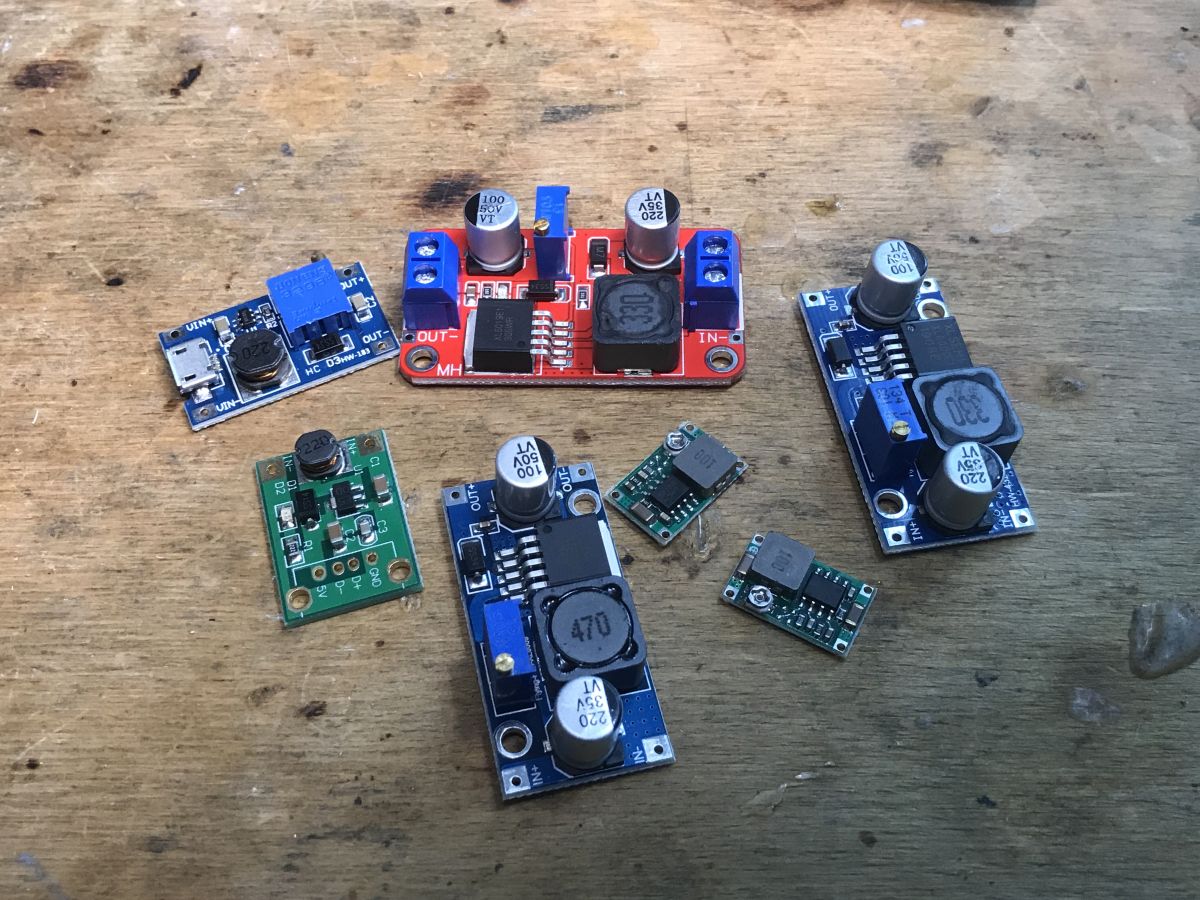
    The only thing left is the issue of 12V backlight - unfortunately, I did not have a good small step-up converter, so it will have to wait ... I wanted to get 12V from 5V with a small current capacity, but I need to buy a module for that.
    Inside a car radio, running LCD with PT6523 on Arduino
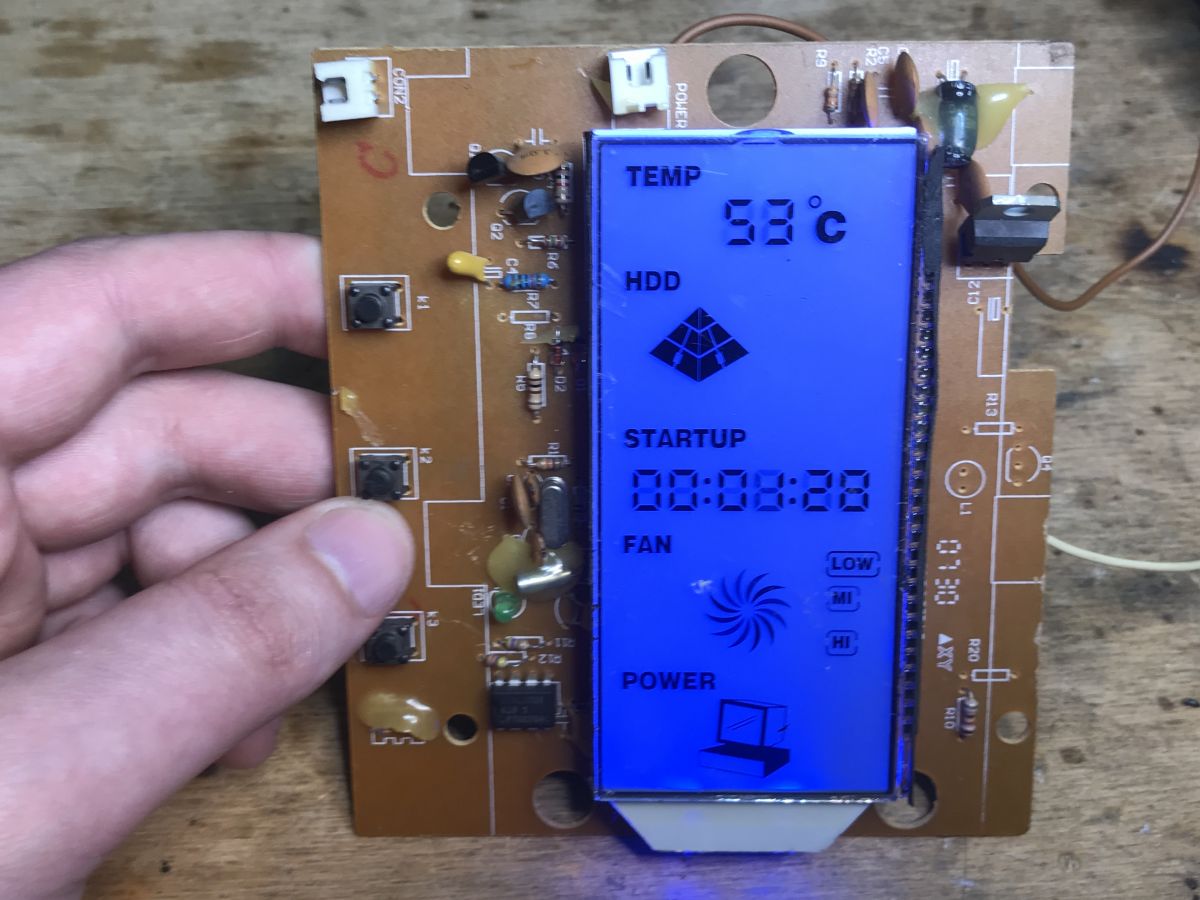
    This is of course not the end of the fun, I'll be back to this display soon, and I have more interesting hardware to run in the queue. By the way, does anyone know what specific hardware this LCD is from? Some kind of UPS, central processing unit?
    Inside a car radio, running LCD with PT6523 on Arduino
    Unfortunately its not likely to be used, too many symbols fitting under one particular display.

    Summary This time a pretty cool display with SPI interface was recovered from scrap, which is even capable of displaying text, expanding the range of its potential DIY applications. Of course, we had to get a little lucky for this, because we got the LCD in a package with its controller PT6523, whose catalog note is available on the web and, what's more, there is a ready-made library for Arduino under it. Everything as on a platter, it would be much more difficult if the LCD was connected to some integrated processor performing multiple functions at the same time, then running it would rather not make sense.
    I also looked through the rest of the circuits, necessarily radio/audio, but I did not find any potential uses for them, what could be done with them in an interesting way.
    I intend to use the display in some future project, and in the meantime I end with the hope that maybe I inspired someone to do some DIY giving a second life to parts from scrap.
    PS: As for this family of PT* chips, I already have a bit of VFD displays lined up on them.. .

    Cool? Ranking DIY
    Helpful post? Buy me a coffee.

    About Author
    p.kaczmarek2
    Moderator Smart Home
    Offline 
    p.kaczmarek2 wrote 14627 posts with rating 12646, helped 655 times. Been with us since 2014 year.
  • ADVERTISEMENT
  • #2 20612507
    RafGan
    Level 12  
    Posts: 14
    Rate: 1
    RCAs were thus protected from adverse conditions in the car (moisture) and from accidental contact with, for example, +12V. In many radios I have seen this.
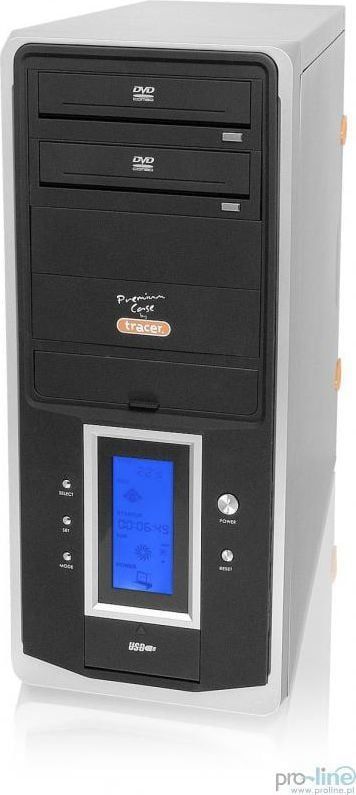
    I had such a blue display a couple of years ago in a computer case, factory installed. Other than displaying the status of standard parameters and changing the fan speed, it did nothing. Such a simply a byte for the eyes.
  • ADVERTISEMENT
  • #3 20612554
    zgierzman
    Level 31  
    Posts: 1784
    Help: 108
    Rate: 1568
    p.kaczmarek2 wrote:
    The front is removable, I don't know why they were designed that way.


    Theft prevention. Twenty years ago it was the norm for the panels to come off. When leaving the car, you took the front panel with you, and a potential thief was less tempted by such a radio - in order to sell it at some bazaar, he had to get the original front panel from somewhere.
    Most of the time, taking it off and putting it on was one move - to unfasten it, you just had to press one button, and the panel popped right into a properly placed hand. Likewise with putting it on: one intuitive movement and the radio played.
    There were also special cases, similar to those for eyeglasses, so that such a front panel would not flop loose in a pocket or a woman's purse....
  • ADVERTISEMENT
  • #4 20612808
    Dydelmax
    Level 39  
    Posts: 3834
    Help: 654
    Rate: 963
    p.kaczmarek2 wrote:
    By the way, does anyone know what specific hardware this LCD is from? Some kind of UPS, central processing unit? Unfortunately its acct is unlikely to be used, too many symbols fitting under one particular display.
    As mentioned by a colleague RafGan this is a display that is part of the front panel of a desktop computer case. It can be used in a truncated way, e.g. as a display of data from a weather station and a clock to show the current time.
    As always a nice description of how to use something you can find on a junkyard.
    Greetings
  • #5 20613177
    kotbury
    Gantry automation specialist
    Posts: 9540
    Help: 2094
    Rate: 3613
    Quote:
    The front is removable, I don't know why they were designed that way. Theft prevention. Twenty years ago it was the norm for the panels to come off. When leaving the car, you took the front panel with you, and a potential thief was less tempted by such a radio - to sell it at some bazaar he had to get the original front panel from somewhere.


    I'll also add that in case of theft - to the value of such a radio (even then meager) you had to add the value of the windshield (usually 3x more expensive than this radio), because in the past the children of the diax, mostly not trying to finesse got into the cars using a flagstone thrown in through the window....

    A lack of a panel (and then having to buy it on some Volumen) made the whole event unprofitable (and the windshield all...).
  • ADVERTISEMENT
  • #6 20614195
    ex-or
    Level 28  
    Posts: 785
    Help: 147
    Rate: 151
    Before the panels appeared, the entire radio was removed.
  • #7 20617111
    tomus2k
    Level 27  
    Posts: 771
    Help: 89
    Rate: 218
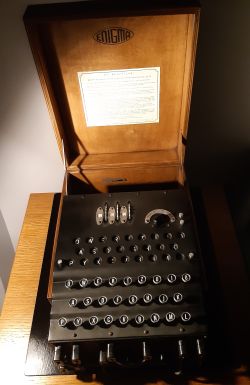
    There was also available radios with a rotating panel what looked like someone took the panel - I have one and it plays until now. It had a wonderful display for those times e.g.


    On allegro they want for it even 2999 zl.
  • #8 20617161
    misiek1111
    Level 37  
    Posts: 4053
    Help: 322
    Rate: 1083
    ex-or wrote:
    Before the panels appeared, the entire radio was removed.
    and put under the seat :]
  • #9 20619384
    ptaszynaj23dominik
    Level 7  
    Posts: 13
    Help: 1
    Rate: 1
    If I hadn't read that it was LCD I would have thought it was some other kind of display. It reminded me too much of a cathode ray tube. Now I know what it is

    Added after 2 [minutes]:

    >>20617111 Wow this looks like it's from the year 3090! So futuristic and modern! And now to think how old it is
  • #10 20623416
    kurnosek
    Level 12  
    Posts: 46
    Help: 1
    >>20612341 This blue display is probably from such a Tower PC case -> Tracer Xeno or similar. Inside a car radio, running LCD with PT6523 on Arduino Inside a car radio, running LCD with PT6523 on Arduino .
📢 Listen (AI):

Topic summary

✨ The discussion revolves around the exploration of an old Denver CAD-350 car radio, focusing on the integration of an LCD display controlled by a PT6523 controller via Arduino. Participants share insights on the historical context of car radio designs, including theft prevention features like removable front panels and the evolution of display technologies. Some users mention the use of similar displays in desktop computer cases and their potential applications in DIY projects. The conversation highlights the nostalgic value of older electronics and their adaptability for modern uses.
Generated by the language model.

FAQ

TL;DR: With 4 control lines and “everything as on a tray,” this FAQ shows Arduino DIY users how to reuse a Denver CAD-350 LCD by driving its PT6523 controller, using 5V logic and a separate 12V backlight supply. [#20612341] Why it matters: A scrap car-radio display becomes a compact, text-capable Arduino module instead of e-waste.

Reuse target Interface or supply Reuse value Main limitation
PT6523 LCD module INH, CLK, DI, CE; 5V logic Easy Arduino text and icons Needs segment mapping
LCD backlight 12V Makes display readable Needs separate or step-up supply
PT2313L audio processor I2C Possible audio control Less useful for display projects
K4S161622H SDRAM Many parallel lines Low DIY value Too many lines to talk to

Key insight: The PT6523 made the recovered LCD practical because its datasheet and an Arduino library already matched the module. Without a separate LCD controller, reusing the custom glass would be much harder.

Quick Facts

  • Denver CAD-350 supports FM 87.5–108 MHz and includes a CD player, RCA outputs, and an ISO connector label. [#20612341]
  • The recovered LCD uses a PT6523 controller with 4 handled lines: INH, CLK, DI, and CE. [#20612341]
  • The LCD controller supply was traced as 5V, while the backlight was checked and marked as 12V on the PCB. [#20612341]
  • The audio amplifier identified in the radio is TDA7384, shown as a 4 × 35 W car-radio power amplifier. [#20612341]
  • A similar blue LCD was identified by forum users as a front-panel display from a desktop PC tower case, including Tracer Xeno or a similar case. [#20623416]

How do you run a Denver CAD-350 car radio LCD with a PT6523 controller from an Arduino?

Run it by isolating the PT6523 LCD module, wiring 5V power, ground, and the 4 serial control lines.
  1. Trace INH, CLK, DI, and CE from PT6523 to accessible resistors or pads.
  2. Connect Arduino control pins and keep PT6523 powered from 5V.
  3. Use the PT6523 Arduino library and start with lcd.begin(10, 130).
The tested example scrolled “PT6523 LIBRARY FOR ARDUINO” successfully. The 12V backlight needs its own supply or a 5V-to-12V step-up module. [#20612341]

What is the PT6523 LCD controller and how does its serial interface work?

The PT6523 is a general-purpose LCD controller that drives segmented LCD glass through a simple serial interface. "PT6523 is an LCD controller that drives segmented display outputs from serial input data, using separate control lines for clocking, data, chip enable, and inhibition." The thread identifies DI, CLK, CE, and INH as the practical lines needed from Arduino. The author saw them routed through 4 resistors on the PCB. Its protocol was documented in the datasheet, making the display reusable without reverse-engineering every waveform. [#20612341]

Which Arduino library can control a PT6523 display recovered from a car radio?

The Arduino library used was the GitHub PT6523 library found at github.com/firatsoygul/PT6523. The author reported that its pinology matched the recovered Denver CAD-350 LCD. A minimal sketch used #include <PT6523.h>, created PT6523 lcd, then called lcd.begin(10, 130). The example also used lcd.speed(250) and lcd.sText("PT6523 LIBRARY FOR ARDUINO") for scrolling text. It correctly handled text, volume graphics, and many named symbols. [#20612341]

How do you identify the PT6523 pins for INH, CLK, DI, and CE on a salvaged radio PCB?

Identify them by following PT6523 traces from the chip pins to nearby series resistors and then to the removed main controller pads. The author found the serial interface lines “as if on the palm of your hand.” On this PCB, DI, CLK, CE, and INH passed through 4 visible resistors. The OSC line went separately to an RC resonator. Power went toward a nearby 16V electrolytic capacitor. This trace-based approach avoids guessing when the main microcontroller has no datasheet. [#20612341]

Why did the Denver CAD-350 display only flash once when powered from a lab supply?

The display flashed once because the original main microcontroller likely stopped driving it after detecting missing radio hardware. The author powered the radio PCB from a lab supply with current limiting enabled. The LCD lit briefly at startup, then went dark and stayed inactive. To bypass that failure mode, the main SDONGSUNG NEW-791 JW541A controller was removed with hot air. Arduino then drove the PT6523 directly through the serial lines. [#20612341]

How should the 5V PT6523 supply and 12V LCD backlight be wired when reusing this display module?

Wire the PT6523 logic and LCD controller to 5V, but power the backlight from 12V. The author traced the LCD 5V rail and separately checked the backlight voltage with a lab power supply. The PCB also had 12V printed for the backlight. The final module still needed a small step-up converter, because the author wanted 12V from a 5V source with low current capacity. Ground must remain common where the module requires it. [#20612341]

What precautions are needed when cutting a PCB to recover an LCD module from old electronics?

Cut only after tracing power, ground, oscillator, and signal paths across the whole module. The author trimmed the PCB with a small Dremel tool and kept the LCD section compact. A failure case appeared during cutting: some ground connections no longer remained continuous. One added jumper restored ground between the RC oscillator circuit and PT6523 GND. This matters because a freed module can fail silently if one required track was cut. [#20612341]

What do the PT6523 display symbols like MUTE, MP3, RPT, EQ, TP, TA, and AF mean on a car radio LCD?

They are named car-radio display segments controlled by the PT6523 library’s symbol enumeration. The tested enum included MUTE, MP3, RPT, EQ, TP, TA, AF, CD_ICON, DISC, TRACK, LOUD, ROCK, POP, FLAT, and CLAS. The author uploaded a full example and verified that all symbols worked correctly. "Display symbols are fixed LCD segments that show radio, audio, and playback states, each addressed by software through a named segment map." [#20612341]

What is the TDA7384 audio amplifier used for in the Denver CAD-350 radio?

The TDA7384 is the car-radio audio power amplifier used to drive the speaker outputs. The author identified it under the heatsink during the teardown. The thread shows it as a 4 × 35 W amplifier, which fits a multi-speaker car-radio output stage. The author considered it usable for DIY audio, but focused instead on microcontroller-friendly parts like the LCD controller. [#20612341]

What is the PT2313L audio processor and how is it controlled over I2C?

The PT2313L is an audio processor on the bottom of the Denver CAD-350 PCB, controlled through I2C. "PT2313L is an audio-processing IC that controls functions such as car-radio audio routing or adjustment, using an I2C interface for digital commands." The author identified it as a separate audio-related processor, distinct from the PT6523 LCD controller. It had potential reuse value, but the thread did not develop an Arduino audio-control example for it. [#20612341]

What are LA1140 and LA3370 chips used for in an FM car radio?

LA1140 handles FM intermediate-frequency processing, while LA3370 handles FM stereo multiplex demodulation. The author found LA1140 beside the FM head and described it as the IF handling circuit. LA3370 sat near the PCB edge under capacitors and was identified as a PLL FM Multiplex Stereo Demodulator. Together, they belong to the radio-reception path, not the LCD reuse path. [#20612341]

Why did older car radios have removable front panels?

Older car radios used removable front panels as theft prevention. A user explained that around 20 years before the 2023 thread, removable panels were normal. Drivers took the panel away when leaving the car. A thief then needed the matching original panel to sell or use the radio. The mechanism often used one button, and the panel popped into the user’s hand. Cases like eyeglass cases protected the loose panel. [#20612554]

What was the purpose of protected RCA connectors on the back of some car radios?

Protected RCA connectors reduced exposure to moisture and accidental contact with +12V inside a car. A forum reply states that this protection appeared in many radios. The concern was practical: rear audio connectors sit near vehicle wiring and damp conditions. Shielding or recessing them reduced electrical accidents and environmental damage. In the Denver CAD-350, the rear connectors were identified as RCA outputs during the teardown. [#20612507]

PT6523 LCD vs VFD display controllers — which is easier to reuse with Arduino for DIY projects?

The PT6523 LCD was easier in this case because its datasheet and Arduino library already matched the module. The author noted that similar PT-family chips also control VFD displays, and another forum member had made PT-based VFD work. But this recovered LCD had a ready Arduino path: serial lines, known 5V logic, mapped symbols, and working examples. A custom LCD tied only to a multifunction processor would be much harder to reuse. [#20612341]

Where did the blue LCD with many PC-related icons likely come from, such as a Tracer Xeno tower case or similar computer case display?

The blue LCD likely came from a desktop PC tower case front panel, such as Tracer Xeno or a similar case. Multiple users recognized it as a computer-case display. One described a factory-installed case panel that showed standard parameters and changed fan speed. Another identified it as a display from a Tower PC case and named Tracer Xeno or similar. Its many fixed icons limit full reuse, but it can still show weather-station data or a clock. [#20623416]
Generated by the language model.
ADVERTISEMENT