








Update:
i was able to get the module working, it is possible that the wrong flags were causing the device to be killed....
pin setting:
"7": "Btn;1",
"8": "LED_n;1",
"24": "Btn_ScriptOnly;0",
"26": "Btn_ScriptOnly;0"
autoexec.bat
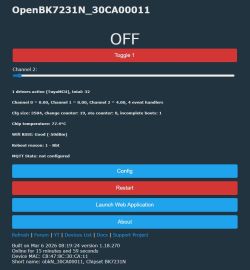
after further reading of the related topics actually the slider or button does not always work, sometimes you have to press several times i.e. I understand that this is not yet a polished and closed topic....
My request, because I'm not proficient enough to create these scripts myself, can someone help me to make a ready script without additional options such that I can configure this device properly for its intended use so that the button on the device turns on and off (can also be hold-dimming/brightening) and the 3 contacts power,+ and - as intended to perform their function ?
thank you in advance
kind regards
prucho
i was able to get the module working, it is possible that the wrong flags were causing the device to be killed....
pin setting:
"7": "Btn;1",
"8": "LED_n;1",
"24": "Btn_ScriptOnly;0",
"26": "Btn_ScriptOnly;0"
autoexec.bat
Spoiler:
// this is not really tuyaMCU but we will treat it as such
startDriver TuyaMCU
// set baud rate
tuyaMcu_setBaudRate 115200
// create a toggle and a dimmer
setChannelType 1 toggle
setChannelType 2 dimmer256
// invoke refresh on change
addEventHandler OnChannelChange 1 startScript autoexec.bat refresh
addEventHandler OnChannelChange 2 startScript autoexec.bat refresh
refresh:
// channel 5 is temporary variable, from 0 to 255*3, multiplied also by toggle value
setChannel 5 $CH2*3*$CH1
// split into two bytes
setChannel 3 $CH5/256
setChannel 4 $CH5%256
// send the two bytes
tuyaMcu_sendCmd 0x30 00$CH3$$CH4$
startDriver TuyaMCU
// set baud rate
tuyaMcu_setBaudRate 115200
// create a toggle and a dimmer
setChannelType 1 toggle
setChannelType 2 dimmer256
// invoke refresh on change
addEventHandler OnChannelChange 1 startScript autoexec.bat refresh
addEventHandler OnChannelChange 2 startScript autoexec.bat refresh
refresh:
// channel 5 is temporary variable, from 0 to 255*3, multiplied also by toggle value
setChannel 5 $CH2*3*$CH1
// split into two bytes
setChannel 3 $CH5/256
setChannel 4 $CH5%256
// send the two bytes
tuyaMcu_sendCmd 0x30 00$CH3$$CH4$
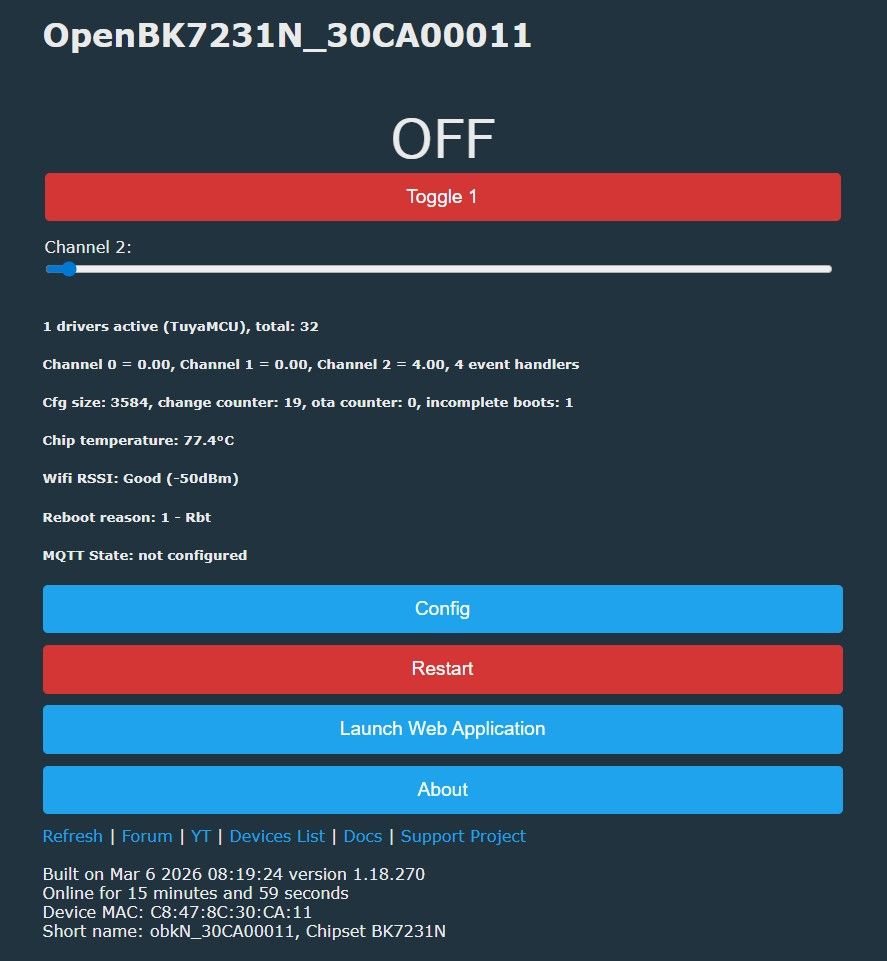
after further reading of the related topics actually the slider or button does not always work, sometimes you have to press several times i.e. I understand that this is not yet a polished and closed topic....
My request, because I'm not proficient enough to create these scripts myself, can someone help me to make a ready script without additional options such that I can configure this device properly for its intended use so that the button on the device turns on and off (can also be hold-dimming/brightening) and the 3 contacts power,+ and - as intended to perform their function ?
thank you in advance
kind regards
prucho
