

added vars:
- $mqtt_client
- $shortName
- $name
They work for publish and publishFile. Self tests:
Helpful post? Buy me a coffee.
- $mqtt_client
- $shortName
- $name
They work for publish and publishFile. Self tests:
Code: C / C++



Czy wolisz polską wersję strony elektroda?
Nie, dziękuję Przekieruj mnie tam

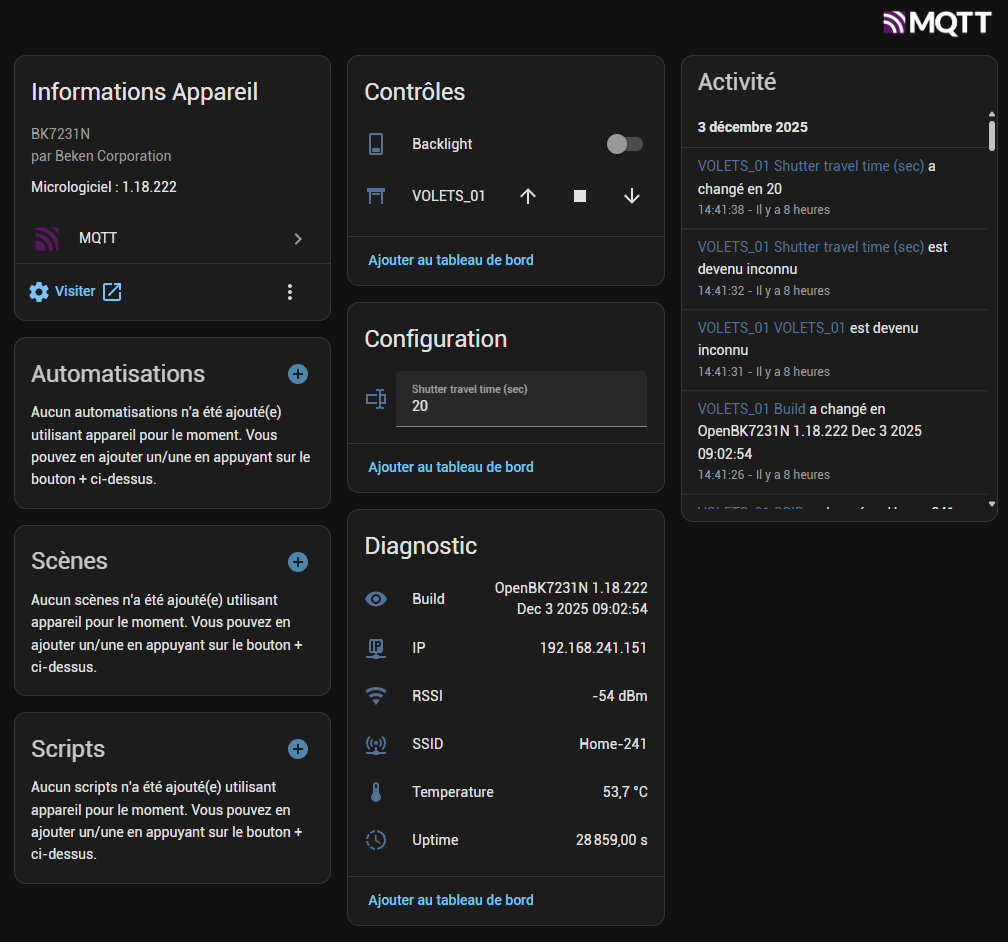
// Autoexec file for Etersky WS01, CB3S , with new ha integration and autodiscovery
//Made by Acefx and Google Gemini  - Thx to  divadiow, benjaminklamerek for the initial source
// and of course p.kaczmarek2 for his wonderfull work, availability, and patience ( with me )


// Set up Aliases
alias Set_Stop backlog setChannel 3 0; setChannel 1 0; setChannel 2 0; setButtonColor 3 CornflowerBlue; setButtonColor 2 CornflowerBlue; setButtonColor 1 CornflowerBlue
alias UPmouv_Stop backlog  setChannel 1 0
alias DWmouv_Stop backlog setChannel 3 0
alias Set_Open backlog setChannel 1 1; setButtonColor 1 Coral
alias Set_Close backlog setChannel 3 1; setButtonColor 3 Coral
alias Set_Finish backlog setChannel 2 1; setButtonColor 2 Coral
alias Start_Opening backlog stopAllScripts; startScript autoexec.bat openSkylight
alias Start_Closing backlog stopAllScripts; startScript autoexec.bat closeSkylight
alias Stop_All backlog stopAllScripts; startScript autoexec.bat stopSkylight
alias Stop_led_up backlog setButtonColor 1 Coral
alias Stop_led_finish backlog setButtonColor 2 Coral
alias Stop_led_dw backlog setButtonColor 3 Coral


// create GUI buttons for HTTP panel
startDriver httpButtons

// Define displayed text on button 4/5
setChannelLabel 4 "Shutter travel time (sec)"
setChannelLabel 5 "Backlight"

setButtonEnabled 1 1
setButtonLabel 1 "Open"
setButtonCommand 1 Start_Opening
setButtonColor 1 CornflowerBlue

setButtonEnabled 3 1
setButtonLabel 3 "Close"
setButtonCommand 3 Start_Closing
setButtonColor 3 CornflowerBlue
setButtonEnabled 2 1
setButtonLabel 2 "Stop"
setButtonCommand 2 Stop_All
setButtonColor 2 CornflowerBlue

// Hide the default GUI buttons
setChannelVisible 1 0
setChannelVisible 2 0
setChannelVisible 3 0

SetChannelPrivate 1 1
SetChannelPrivate 2 1
SetChannelPrivate 3 1

// Loading Event Handlers
addEventHandler OnClick 7 Start_Closing
addEventHandler OnClick 24 Start_Opening
addEventHandler OnClick 10 Stop_All

// --- HomeAssistant discovery  ---

addEventHandler OnDiscovery 0 publishFile homeassistant/cover/$mqtt_client_cover/config d.json 1
scheduleHADiscovery


// ----------Script part for interlock--------------------------------


// Stop Operation on power up
goto stopSkylight


// do not proceed
return

openSkylight:
DWmouv_Stop
delay_ms 100
Set_Open
publish shutterState opening
setChannel 2 0
setButtonColor 2 CornflowerBlue
delay_s $CH4
Set_Stop
Set_Finish
publish shutterState open
delay_s 2
Set_Stop
return

closeSkylight:
UPmouv_Stop
delay_ms 100
Set_Close
publish shutterState closing
setChannel 2 0
setButtonColor 2 CornflowerBlue
delay_s $CH4
Set_Stop
Set_Finish
publish shutterState closed
delay_s 2
Set_Stop
return

stopSkylight:
Set_Stop
Set_Finish
publish shutterState open
delay_s 6
Set_Stop
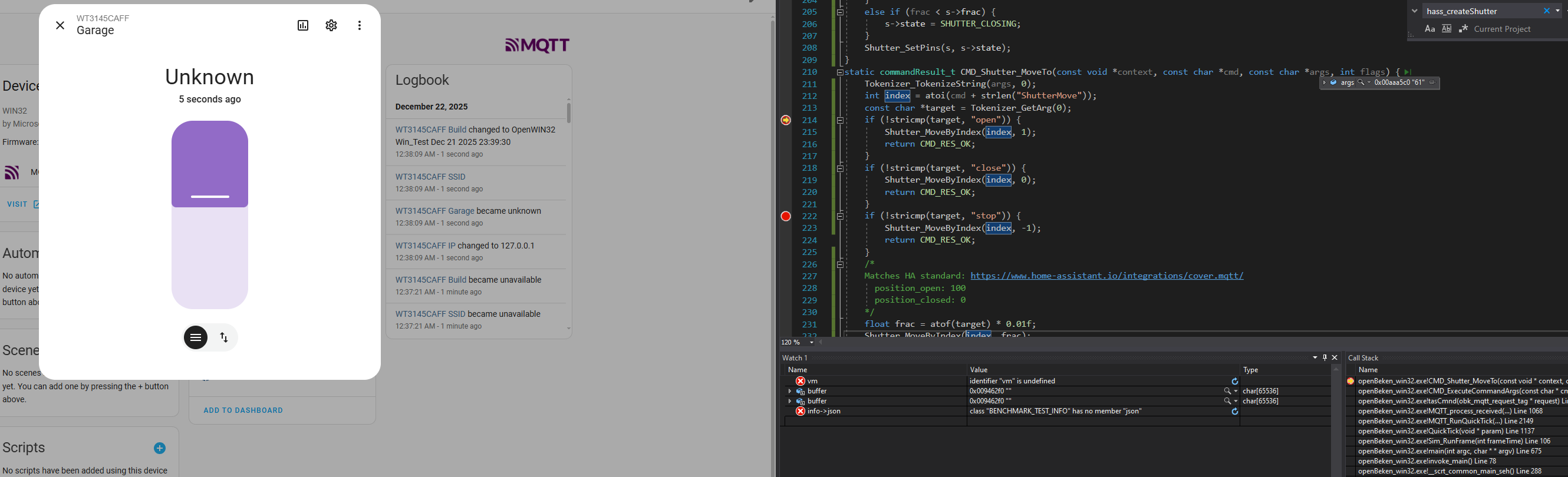
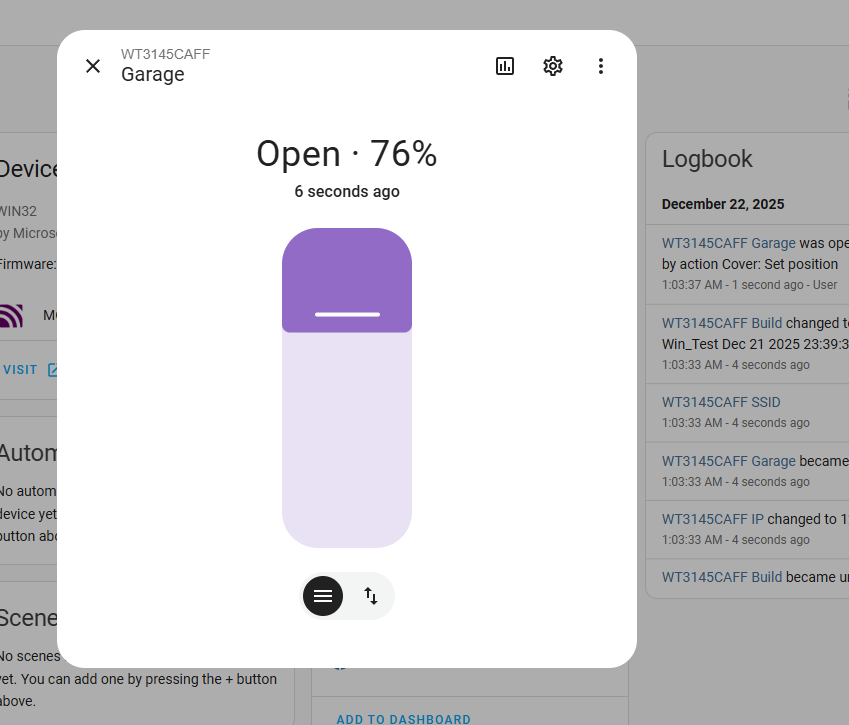
return{
"dev": {
"ids": [
"$mqtt_client"
],
"name": "$mqtt_client"
},
"name": "$name",
"~": "$mqtt_client",
"avty_t": "~/connected",
"uniq_id": "$mqtt_client_cover",
"qos": 1,
"unique_id": "$mqtt_client_id",
"device_class": "shutter",
"state_topic": "~/shutterState/get",
"command_topic": "cmnd/$mqtt_client/backlog",
"payload_open": "Start_Opening",
"payload_close": "Start_Closing",
"payload_stop": "Stop_All",
"state_open": "open",
"state_closed": "closed"
} 
Info:MAIN:Available drivers:
Info:MAIN:TuyaMCU
Info:MAIN:, tmSensor
Info:MAIN:, PixelAnim
Info:MAIN:, NTP
Info:MAIN:, HTTPButtons
Info:MAIN:, I2C
Info:MAIN:, BL0942
Info:MAIN:, BL0942SPI
Info:MAIN:, BL0937
Info:MAIN:, CSE7766
Info:MAIN:, SM16703P
Info:MAIN:, SM15155E
Info:MAIN:, IR
Info:MAIN:, RC
Info:MAIN:, Shutters
Info:MAIN:, DDP
Info:MAIN:, SSDP
Info:MAIN:, DGR
Info:MAIN:, Wemo
Info:MAIN:, Hue
Info:MAIN:, PWMToggler
Info:MAIN:, DoorSensor
Info:MAIN:, SM2135
Info:MAIN:, BP5758D
Info:MAIN:, BP1658CJ
Info:MAIN:, SM2235
Info:MAIN:, CHT83XX
Info:MAIN:, KP18058
Info:MAIN:, ADCSmoother
Info:MAIN:, AHT2X
Info:MAIN:, DS1820
Info:MAIN:, Battery
Info:MAIN:, Bridge
Error:CMD:LFS_ReadFile: lfs is absent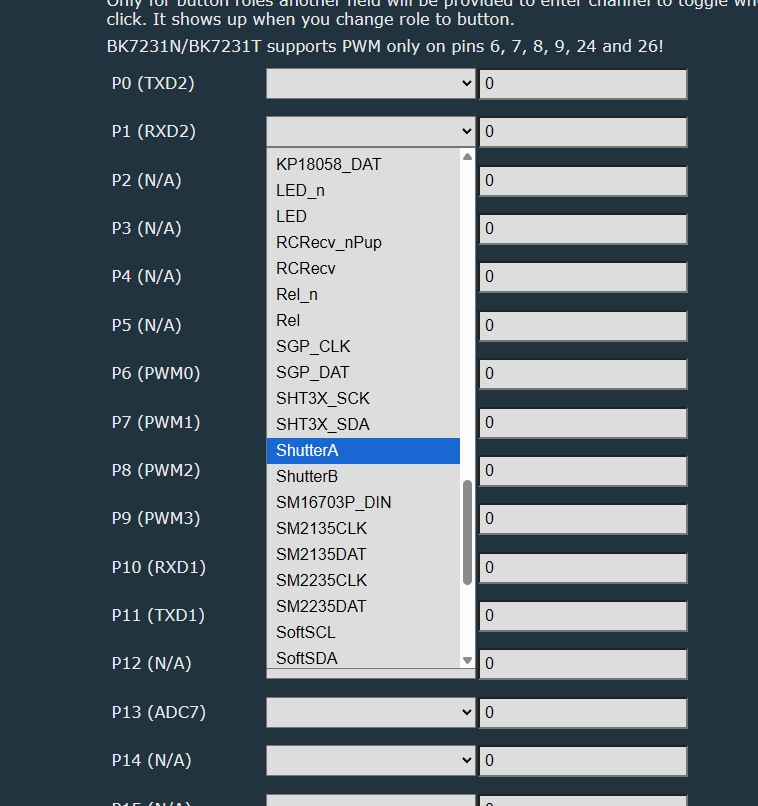
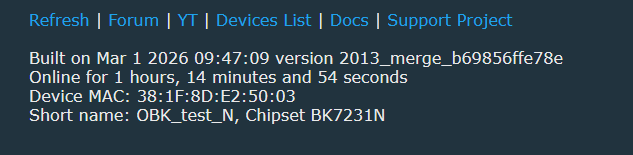
// autoexec.bat Shutter driver test
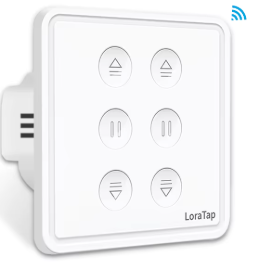
// adapted to SC420W-EU (Loratap dual shutter) (c)JYO2026
startDriver Shutters
ClearIO // clear old GPIO/channels
StartupCommand ""  // clear STARTUP
// Shutter 1 (left buttons)
backlog setPinRole 7 ShutterA; setPinChannel 7 1
backlog setPinRole 24 ShutterB; setPinChannel 24 1
backlog setPinRole 9 BtnShutterUp; setPinChannel 9 1
backlog setPinRole 20 Btn; setPinChannel 20 1   // btn stop 1
backlog setPinRole 14 BtnShutterDown; setPinChannel 14 1
// Shutter 2 (right buttons)
backlog setPinRole 8 ShutterA; setPinChannel 8 2
backlog setPinRole 26 ShutterB; setPinChannel 26 2
backlog setPinRole 11 BtnShutterUp; setPinChannel 11 2
backlog setPinRole 23 Btn; setPinChannel 23 2   // btn stop 2
backlog setPinRole 10 BtnShutterDown; setPinChannel 10 2
backlog setPinRole 6 WifiLED_n
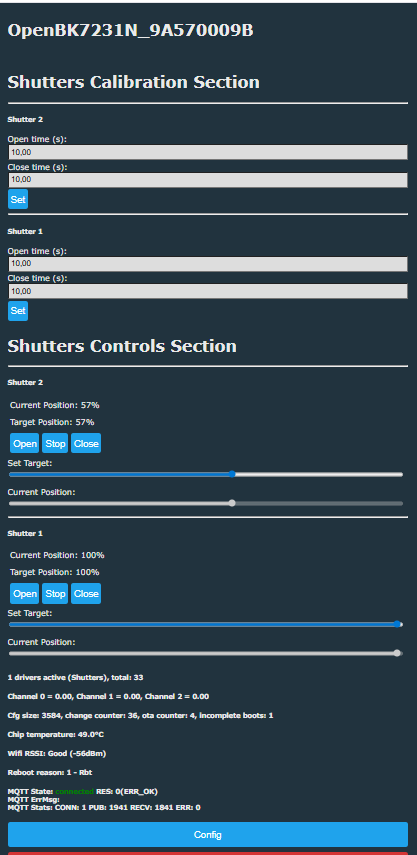
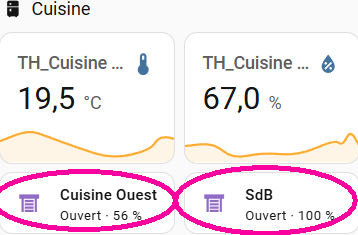
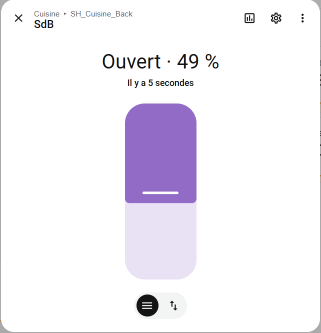
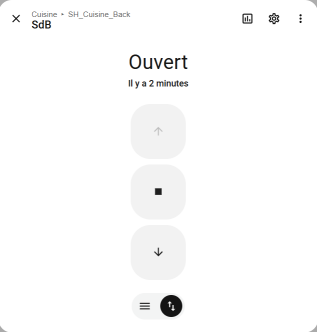
// autoexec.bat Shutter driver test (PR#2022)
// adapted to SC420W-EU (Loratap dual shutter) (c)JYO2026
startDriver Shutters
ClearIO // clear old GPIO/channels
StartupCommand ""  // clear STARTUP
// Shutter 1
backlog setPinRole 7 ShutterA; setPinChannel 7 1
backlog setPinRole 24 ShutterB; setPinChannel 24 1
backlog setPinRole 9 BtnShutterUp; setPinChannel 9 1
backlog setPinRole 20 Btn; setPinChannel 20 1   // btn stop 1
backlog setPinRole 14 BtnShutterDown; setPinChannel 14 1
backlog ShutterChannels 1 10 11 12 - stores shutter 1's state in channels 10-12
// Shutter 2
backlog setPinRole 8 ShutterA; setPinChannel 8 2
backlog setPinRole 26 ShutterB; setPinChannel 26 2
backlog setPinRole 11 BtnShutterUp; setPinChannel 11 2
backlog setPinRole 23 Btn; setPinChannel 23 2   // btn stop 2
backlog setPinRole 10 BtnShutterDown; setPinChannel 10 2
backlog ShutterChannels 2 20 21 22 - stores shutter 2's state in channels 20-22
backlog setPinRole 6 WifiLED_n
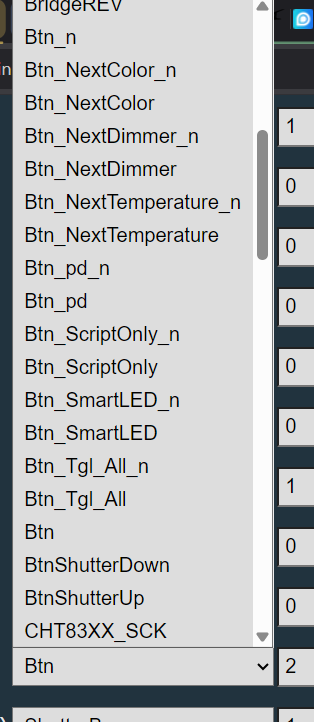
// autoexec.bat Shutter driver test (PR#2022)
// adapted to SC420W-EU (Loratap dual shutter) (c)JYO2026

startDriver Shutters
ClearIO // clear old GPIO/channels
StartupCommand ""  // clear STARTUP

// Shutter 1
backlog setPinRole 7 ShutterA; setPinChannel 7 1
backlog setPinRole 24 ShutterB; setPinChannel 24 1
backlog setPinRole 9 BtnShutterUp; setPinChannel 9 1
backlog setPinRole 20 Btn_ScriptOnly; setPinChannel 20 1   // btn stop 1
backlog setPinRole 14 BtnShutterDown; setPinChannel 14 1
backlog ShutterChannels 1 10 11 12 - stores shutter 1's state in channels 10-12
addEventHandler OnClick 20 ShutterMove 1 Stop

// Shutter 2
backlog setPinRole 8 ShutterA; setPinChannel 8 2
backlog setPinRole 26 ShutterB; setPinChannel 26 2
backlog setPinRole 11 BtnShutterUp; setPinChannel 11 2
backlog setPinRole 23 Btn_ScriptOnly; setPinChannel 23 2   // btn stop 2
backlog setPinRole 10 BtnShutterDown; setPinChannel 10 2
backlog ShutterChannels 2 20 21 22 - stores shutter 2's state in channels 20-22
addEventHandler OnClick 23 ShutterMove 2 Stop

backlog setPinRole 6 WifiLED_n


TL;DR: Etersky WF‑CS01 uses multiple Wi‑Fi boards; “the constructor used many different cards.” Pressing Stop 10 times triggers Safe Mode 3. Use the provided OpenBeken scripts, correct pin maps, and HA discovery to get a safe Cover entity. [Elektroda, benjaminklamerek, post #21006126]
Why it matters: Mixing pin maps or exposing raw relays in Home Assistant can short a shutter motor and destroy it.
