Hello, is it possible to integrate AVATTO Tuya ZigBee3.0? Smart actuator, TRV thermostat with home assistant, using ZHA and not zigbee2mqtt?




Czy wolisz polską wersję strony elektroda?
Nie, dziękuję Przekieruj mnie tam


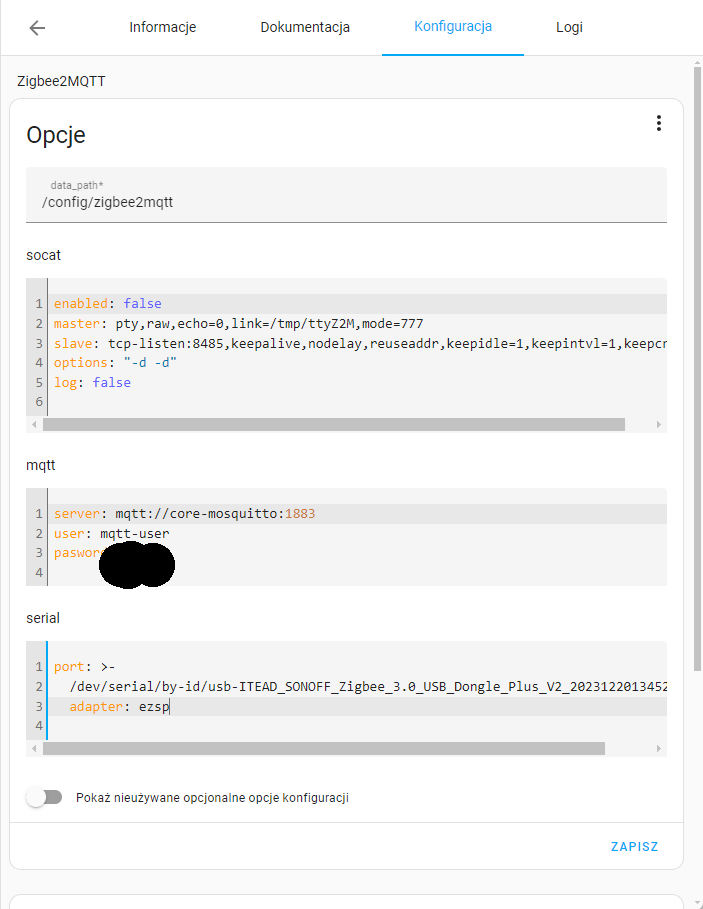
port: >-
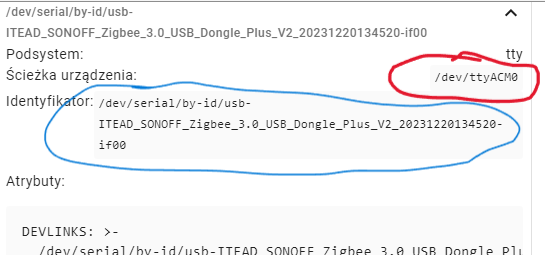
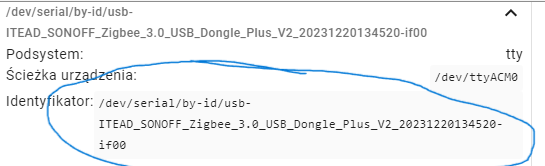
  /dev/serial/by-id/usb-ITead_Sonoff_Zigbee_3.0_USB_Dongle_Plus_************************** #(port twojego koordynatora na usb- adres dostępny w ustawieniach)
adapter: zstack
baudrate: 115200hkielp745 wrote:.Zha detects thermostat but has no ability to adjust temperature and other functions
hkielp745 wrote:.zigbee2mqqt so moderately wants to work.
hkielp745 wrote:.So should I uninstall zha first and then install zigbee2mqtt?
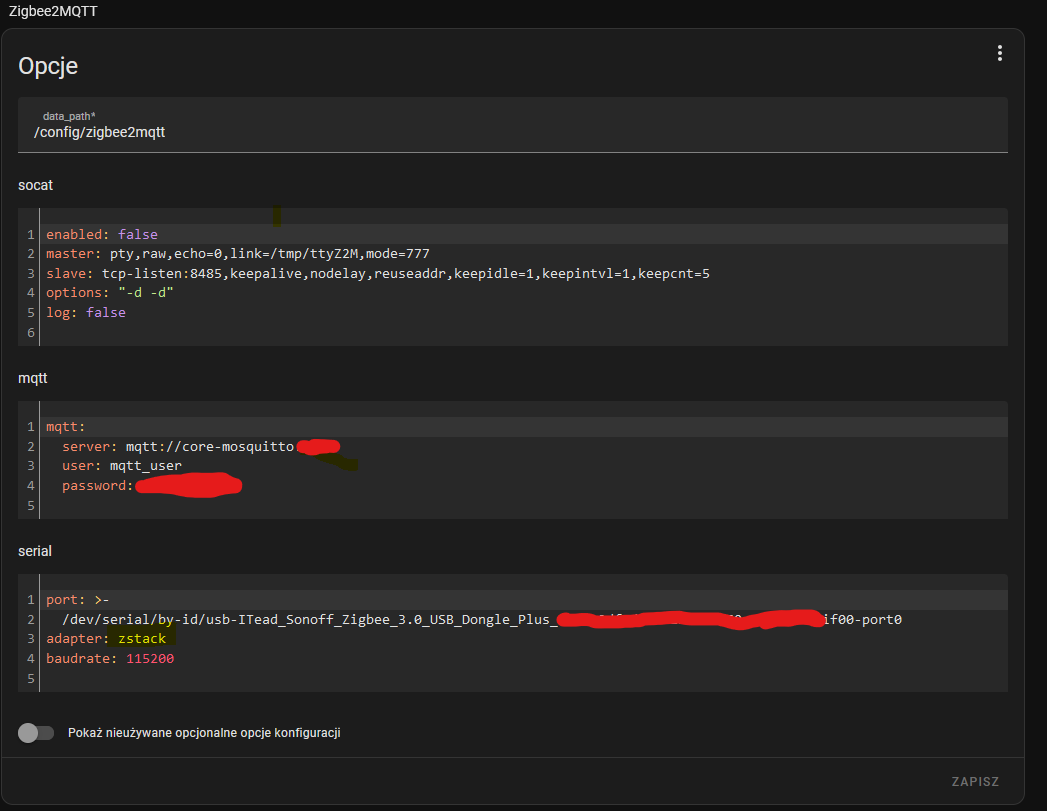

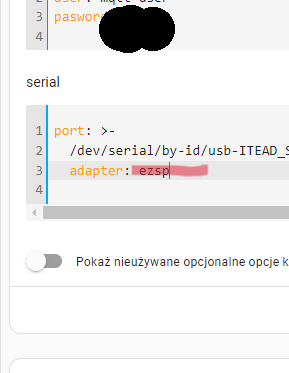
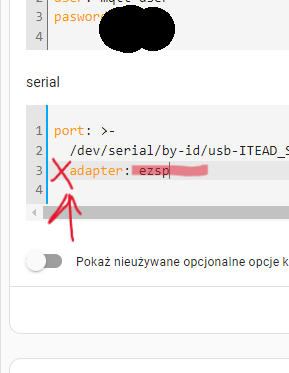
adapter: zstackhkielp745 wrote:.TEAD_SONOFF_Zigbee_3.0_USB_Dongle_Plus_V2_20231220134520-if00 adapter: ezsp", "baudRate":115200, "rtscts":false, "autoOpen":false
 .
.
 .
.
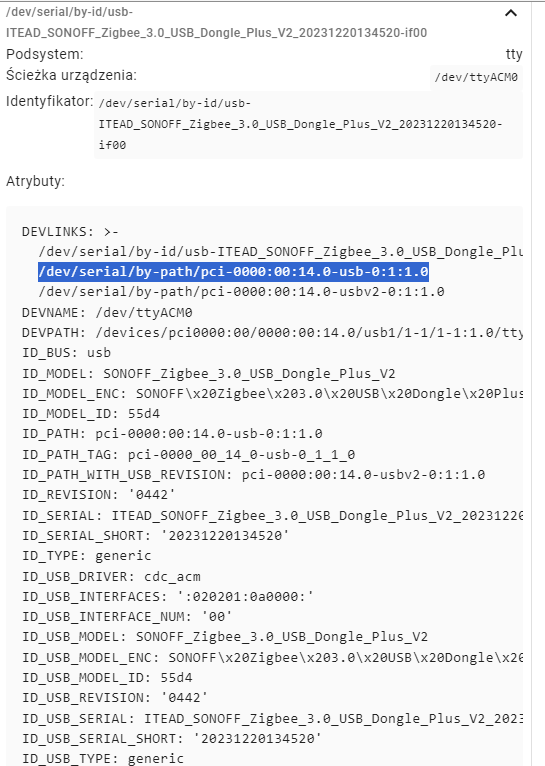
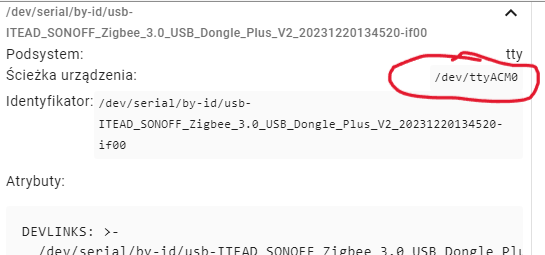
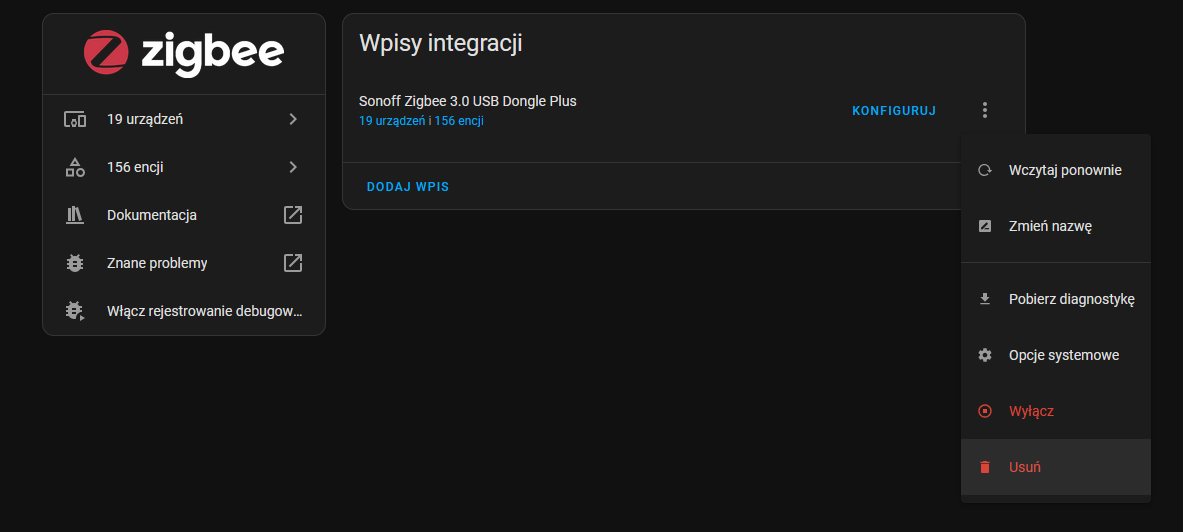
port: /dev/ttyACM0 .
.
.
.
 .
. .
.
.
.
 .
.
TL;DR: 94 % of Zigbee2MQTT start-up errors stem from a wrong adapter string or bad MQTT credentials [Zigbee2MQTT Docs, 2024]. “Stay with ezsp and fix the broker” [Elektroda, sobel23, post #21274486] Why it matters: the right driver instantly unlocks full control of AVATTO Tuya TRVs in Home Assistant.
• Sonoff Dongle-P V2 = Silicon Labs EFR32MG21; set adapter: ezsp (firmware ≤ 7.3) or ember (≥ 7.4) [Elektroda, sobel23, post #21274393]
• Default baudrate for Sonoff dongles: 115 200 [Elektroda, sobel23, post #21274134]
• AVATTO Tuya TRV fully supported in Zigbee2MQTT 1.40+ [Zigbee2MQTT Compat, 2024].
• ZHA lacks thermostat set-point cluster for this model as of Oct 2024 [Elektroda, hkielp745, post #21274137]
• 2-coordinator setup lets ZHA + Z2M coexist without downtime [Elektroda, sobel23, post #21274148]
mqtt_user, avoid special characters, reuse the same credentials in both add-ons, then restart the broker [Elektroda, hkielp745, #21274512; sobel23, #21274473].adapter: ezsp for firmware ≤ 7.3 or adapter: ember for ≥ 7.4, then reload the add-on [Elektroda, sobel23, post #21274393]port: to the actual device (e.g., /dev/ttyACM0 on HAOS, or the full /dev/serial/by-id/... entry on supervised installs). Remove extra spaces and reboot Home Assistant after saving [Elektroda, sobel23, post #21274257]mqtt_user → install Zigbee2MQTT → plug dongle back in and set port/adapter.mqtt.server: mqtt://core-mosquitto:1883 matches broker host.http://<HA>:8080 [Elektroda, hkielp745, post #21274448]/config/zigbee2mqtt, reboot, and follow the clean install video guide referenced by sobel23 [Elektroda, 21274194] This resolves most soft-brick situations without data loss.