FAQ
TL;DR: Control a Feyree 32 A single‑phase EVSE via TuyaMCU/OpenBeken; "This can be done with OpenBeken." Safe flashing, dpIDs, MQTT/HA templates, and pilot behavior included. [Elektroda, stonacek, post #21289899]
Why it matters: DIYers and Home Assistant users can live-adjust charge current, automate start/stop, and avoid cloud lock‑in while staying safe.
Quick Facts
- Model F‑OBZ2‑AC‑1P32: 240 V, 32 A single‑phase, GD32F303RCT6 MCU, RN7302 meter. [Elektroda, stonacek, post #21289899]
- Current control: dpID 115 sets 8–32 A; TuyaMCU can reach 6 A; after replug it may reset to 20 A. [Elektroda, stonacek, post #21289899]
- Start/stop: dpID 124 = Charge(0)/Stop(1); it reverts to Ready(2). Use OnChannelChange to refresh. [Elektroda, stonacek, post #21600344]
- Pilot behavior: stop by dropping pilot then relay; dynamic PWM allows 6–32 A live adjustment. [Elektroda, stonacek, post #21541705]
- Safety: 8 screws, no seal; isolate power and tools; RX/TX header VDD is 12 V—don’t use; EN pin has 3.3 V. [Elektroda, stonacek, post #21289899]
What hardware is inside this Feyree EVSE?
It’s a Feyree F‑OBZ2‑AC‑1P32, 240 V/32 A single‑phase EVSE. The logic board uses a GigaDevice GD32F303RCT6 microcontroller and an RN7302 metering chip. The enclosure opens with eight rubber‑sealed screws and contains a separate logic board and relay section. A secondary external CT clamp is present at the input end. The unit includes buttons and a TFT display on the logic controller side. These specifics help when mapping TuyaMCU dpIDs and understanding metering accuracy. [Elektroda, stonacek, post #21289899]
How do I open and power the logic board safely for flashing?
Open the case via eight sealed screws. Remove the logic board from mains and power it with an isolated bench supply at 3.3 V or 12 V via proper VDD headers. Avoid the convenient RX/TX header’s VDD, as it carries 12 V. Fully isolate USB and your laptop. “Do not attempt to tinker when plugged into mains.” These steps reduce shock risk and protect modules during serial capture or flashing. [Elektroda, stonacek, post #21289899]
How do I flash or swap the Tuya module (WBR3/CB3S)?
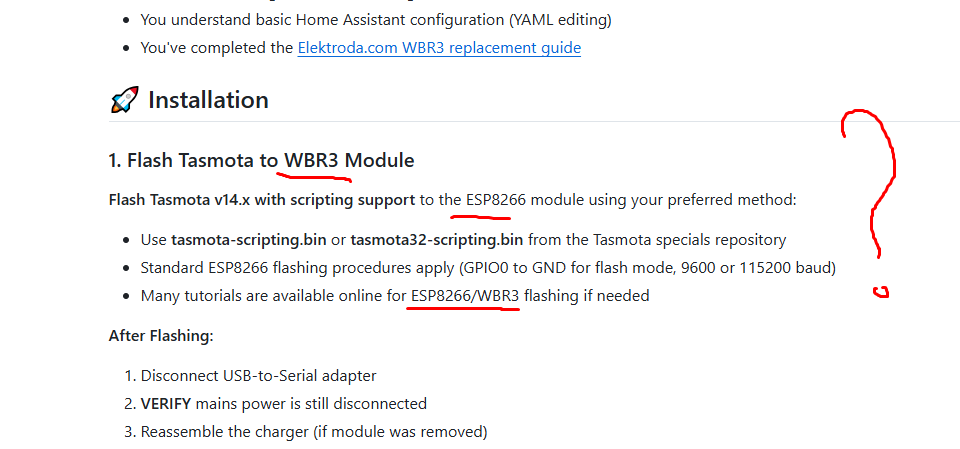
WBR3 flashing is now supported, but the process requires lifting the chip. Many users still swap to a CB3S pre‑flashed with OpenBeken, since it’s mostly pin‑compatible. Only six pins are used: GND, VCC, RX, TX, RST, EN. EN (pin 3) has 3.3 V; either use a module that tolerates it or cut the trace. The visible RX/TX/RST/GND header’s VDD is 12 V—do not use it. Isolate all equipment during work. [Elektroda, stonacek, post #21289899]
Which TuyaMCU dpIDs matter for control and telemetry?
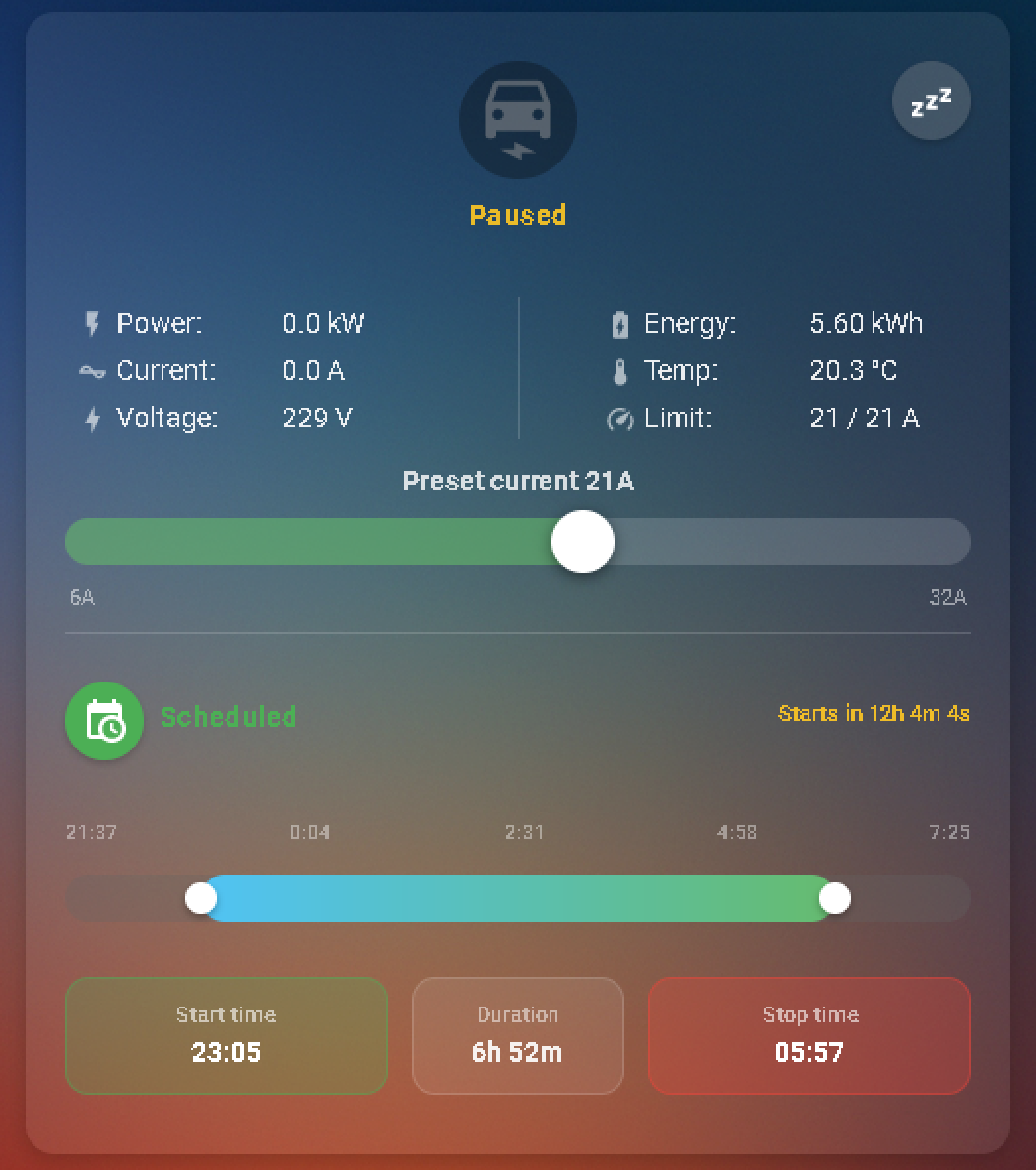
Core dpIDs: 124 (ChargingOperation), 14 (work_mode), 18 (switch), 101 (DeviceState), 102–104 (Voltage/10), 105–107 (Current/10), 109 (kW/10), 110 (Temp/10), 112 (Session kWh/10), 113 (DeviceMaxSetA, read‑only), 114/115 (set current by capability), 118/119 (timers), 120–122 (timer strings), 123 (RFID). These cover start/stop, mode selection, currents, voltages, power, temperatures, energy, and status mapping for MQTT/HA. [Elektroda, stonacek, post #21289899]
What charging current range can I set, and does it stick?
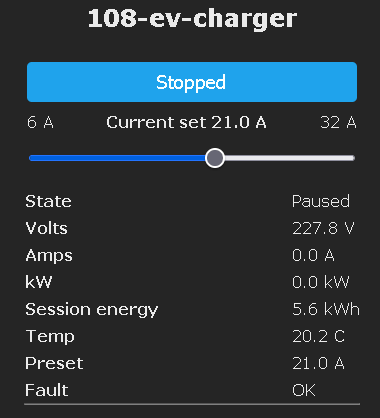
Through the Tuya app, minimum is 8 A. Via TuyaMCU, some EVs accept as low as 6 A. You can change current dynamically during charging. After a 6 A session and replugging, the value can reset to 20 A. Values are integer steps, no floats. This behavior affects automations that persist current limits between sessions. [Elektroda, stonacek, post #21289899]
Can I change the device’s maximum supported current (DeviceMaxSetA)?
No. dpID 113 (DeviceMaxSetA) is read‑only and reflects hardware capability (e.g., 16 A, 32 A). Attempts to send a different enum don’t persist. You can set a higher charging current value, but the hardware likely enforces its limit. “Aside from the hardware clearly being scoped for the model … it doesn’t seem possible to do via TuyaMCU.” [Elektroda, stonacek, post #21506288]
Is the external CT clamp integrated into TuyaMCU data?
Captures suggest the external CT clamp for import/load balance is not integrated into TuyaMCU communications, despite data model references. Its app interaction is unclear. If you need load‑based throttling, manage amps via OpenBeken + MQTT and meter elsewhere. The author tracks EV power with an internal sensor and ignores the external CT. [Elektroda, stonacek, post #21289899]
How does the pilot signal behave on start/stop and during current changes?
The EVSE stops by pulling the pilot low to signal stop, then it opens the AC relay. The vehicle’s relays click before the charger’s relay when stopping. The charger remains at state B (vehicle detected), so issuing a new start command resumes charging. Current changes from 6–32 A adjust the pilot PWM dynamically during charging. [Elektroda, stonacek, post #21541705]
Any known edge cases with pilot timing or auto‑start?
One report: the unit starts charging immediately on plug‑in even if the car’s schedule disallows immediate charging, and the car stops it after ~10 seconds. Another: stopping on the EVSE cuts the three‑phase relay before the car stops, which is undesirable. These behaviors may affect session counting and vehicle wear. [Elektroda, kvogel, post #21541847]
Why don’t my string dpIDs (e.g., timers) show as text in OpenBeken?
OpenBeken channels are currently integers; TextField also sends integers. True string channels aren’t implemented. “Channels are currently integers, there is no string support yet.” You can still publish strings without channels using linkTuyaMCUOutputToChannel … MQTT, and DPs list should display strings, since it’s channel‑independent. [Elektroda, p.kaczmarek2, post #21292868]
Can I script custom dpID handling (like parsing strings) in OpenBeken?
Yes. Recent OpenBeken updates add Berry scripting for fully custom dpID processing. See the Berry guide and self tests for examples. Note that scripting can’t recover data never sent by TuyaMCU. Use Berry to transform, route, or combine dpIDs before MQTT/HTTP publishing for advanced automations. [Elektroda, p.kaczmarek2, post #21540509]
How do I control this charger from Home Assistant over MQTT?
Map OBK channels to dpIDs, then expose them as MQTT select/number entities. For example, map dpID 124 to a select (Charge/Stop/Ready) and dpID 14 to Working Mode. Map current to a number with 6–32 A range. Add an event handler to refresh after sending commands: OnChannelChange 24 tuyaMcu_sendQueryState. Then use HA templates to translate enums to labels. [Elektroda, stonacek, post #21600344]
What serial settings and scaling should I use in OpenBeken?
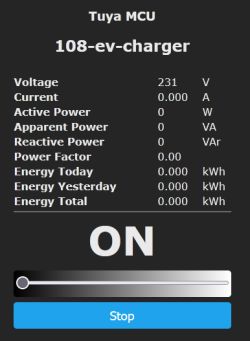
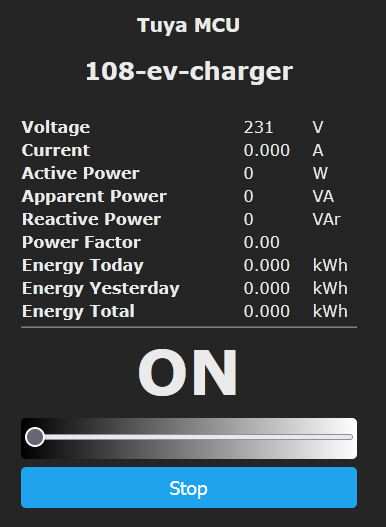
Set TuyaMCU baud rate to 9600. Map dpID 102 to Voltage_div10 and 105 to Current_div100 (multiply by 10 in link to get A). Map dpID 109 (kW/10) to Power and multiply by 100 to publish W. Map dpID 110 to Temperature_div10 and 112 to EnergyTotal_kWh_div100 with a ×10 multiplier in link. Query state after changes. [Elektroda, stonacek, post #21289899]
How do I start a charge if it seems stuck in “Ready”? (3‑step)
- Set work_mode (dpID 14) to charge_now (0) to override timers.
- Send Stop (1) on dpID 124 to end any stale session.
- Send Charge (0) on dpID 124; auto‑refresh using OnChannelChange 24 tuyaMcu_sendQueryState. [Elektroda, stonacek, post #21600344]
Is there a workaround to publish Tuya string values today?
Yes. Use linkTuyaMCUOutputToChannel 120 MQTT to publish strings directly, bypassing channels. You can also inspect raw DP values via /cm?cmnd=DP when TuyaMCU flag 46 is enabled. This helps surface strings like timers (e.g., “00:04:20”) in your MQTT broker for Home Assistant parsing. [Elektroda, stonacek, post #21292395]