logo elektroda
logo elektroda
X
logo elektroda

TL;DR

  • Built a bartop slot machine arcade cabinet focused on a pleasing enclosure inside and out, meant to evoke 90s arcade nostalgia.
  • Used a cardboard mock-up to test ergonomics, then assembled the plywood case with M5 screws and threaded repair screws for easy disassembly.
  • Made the cabinet from 18 mm plywood, painted it with white primer, two coats of RAL 1013 beige and black, then finished it with matt varnish.
  • Reused an old basement monitor, a friend's PC, AliExpress buttons, and rear-mounted USB speakers, all driven by Batocera software.
  • Spent about a month on the project, and the finished machine is now occupied by other household members, leaving no quiet time to play.
Generated by the language model.
ADVERTISEMENT
Treść została przetłumaczona polish » english Zobacz oryginalną wersję tematu
📢 Listen (AI):
  • Good morning!

    With this year's lovely winter underway, I decided to create a Bartop slot machine. My main goal was the enclosure itself. It was intended to be as aesthetically pleasing on the inside as it was on the outside. Ultimately, the whole thing is supposed to be fun and evoke the nostalgia of my teenage years, when I was faced with the difficult choice of going for an Italian ice cream on a hot day or squeezing out the seventh sweat in an arcade. I'm sure the atmosphere of the 90s arcade skirmishes won't be 100% evoked, but a substitute and a momentary return to the past is enough for me, where the only duty was to take out the rubbish and do homework. The rest of the time was up to me to manage.
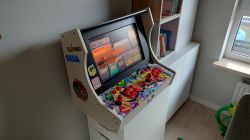
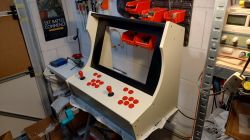
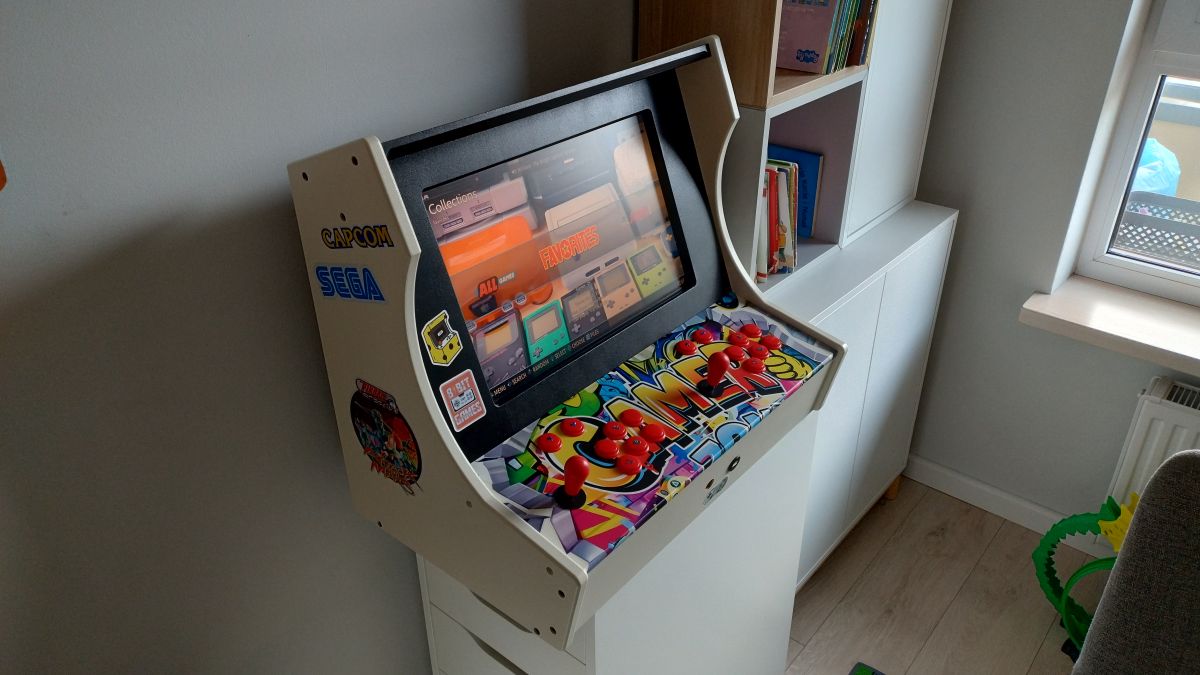
    Retro gaming arcade cabinet with colorful joysticks and buttons, placed in a bright room, with visible stickers on the cabinet. .

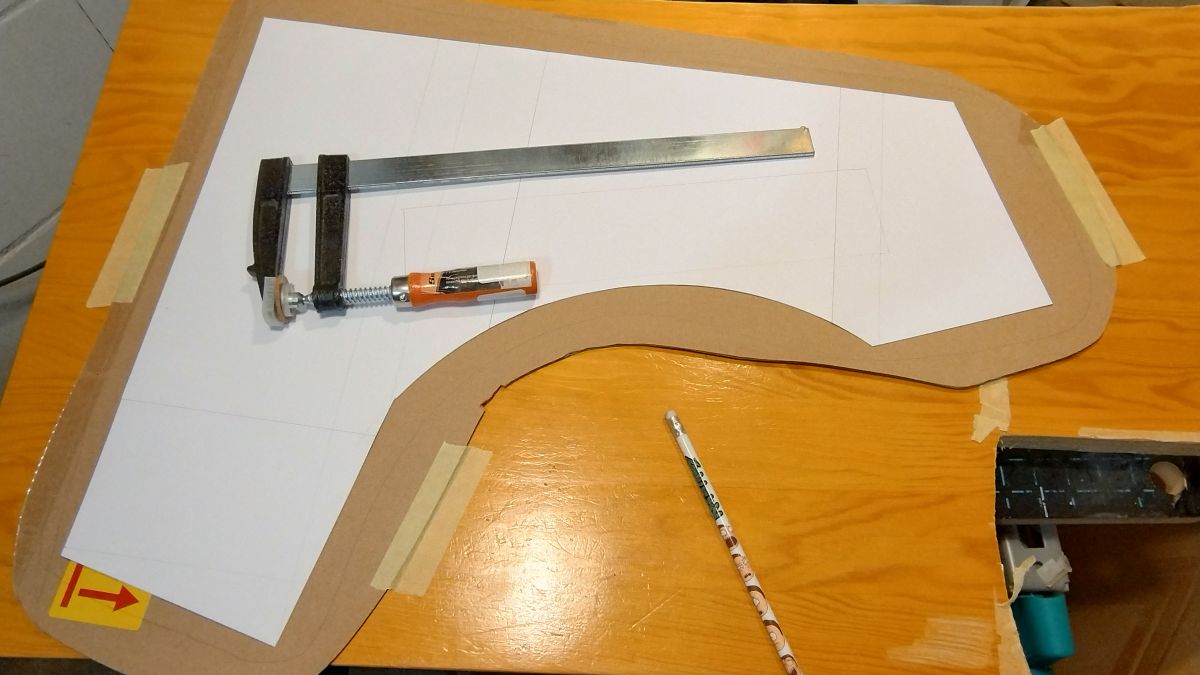
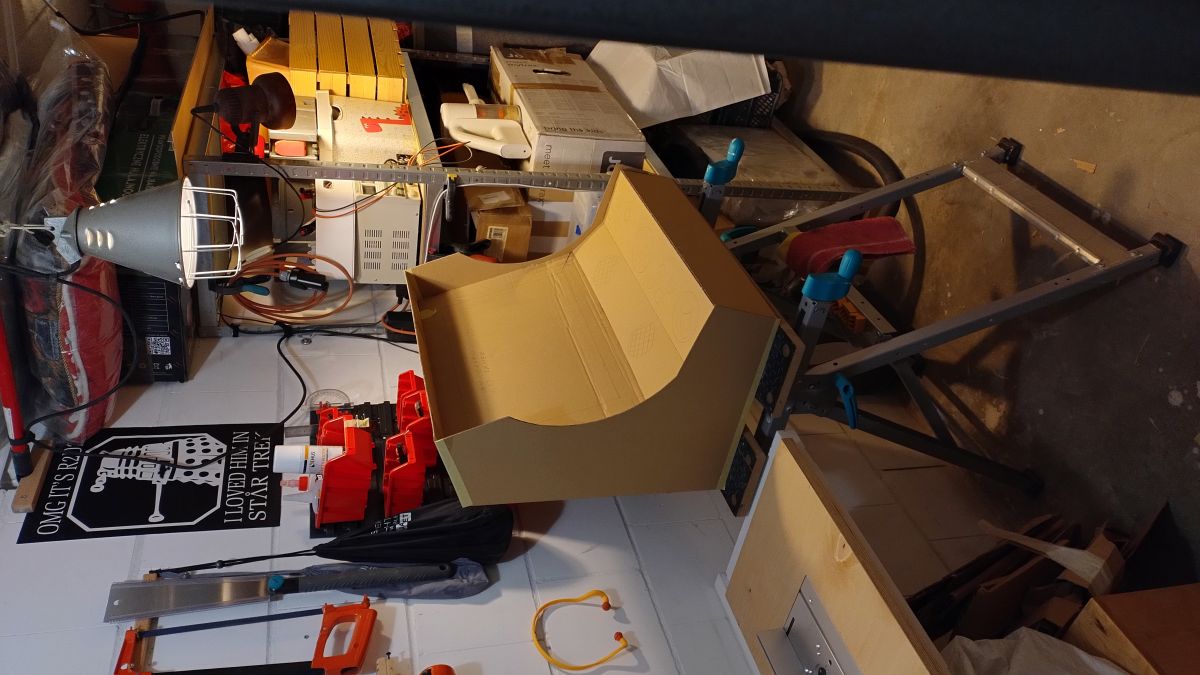
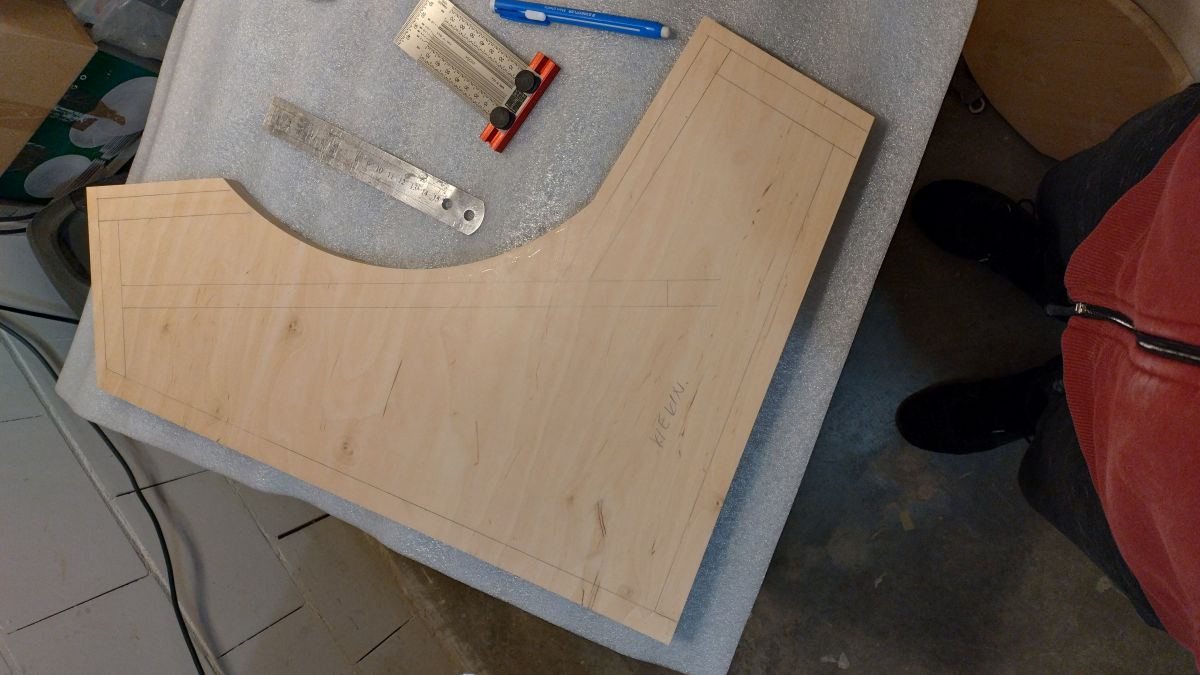
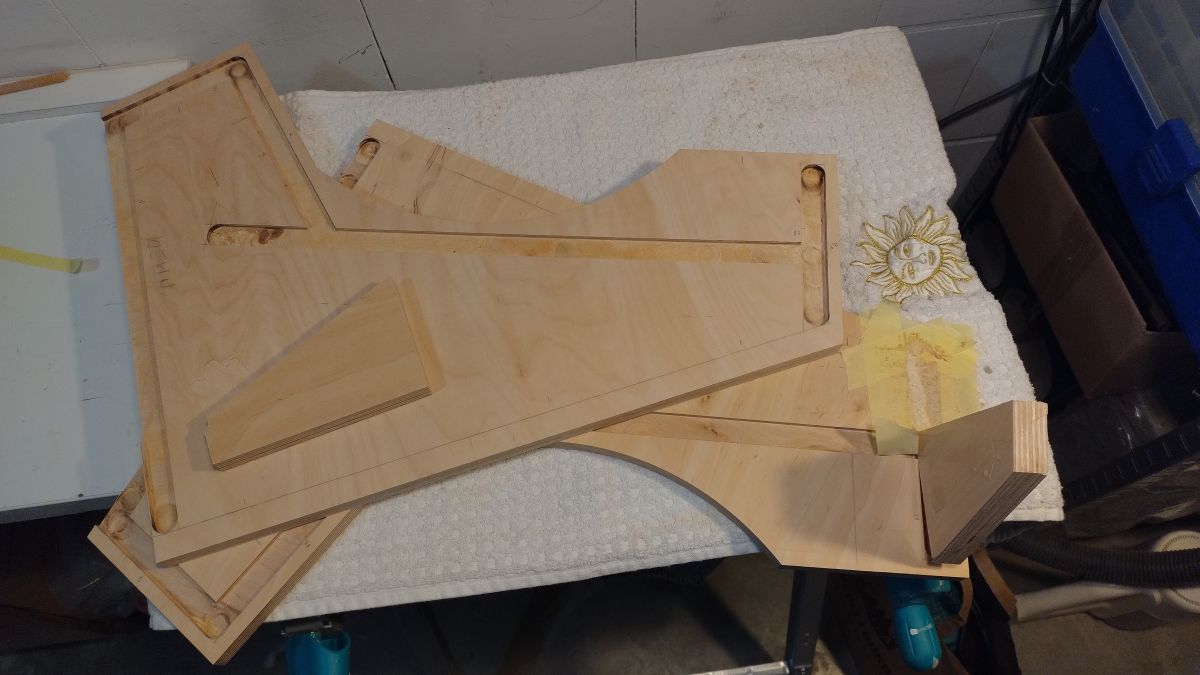
    Before I started, I looked around at other people's work. After making an initial selection, I set about building a template for the sides and then a cardboard model to test the ergonomics of the finished case.
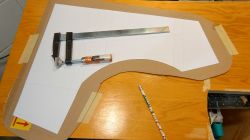
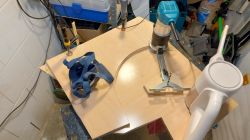
    Side template for a Bartop arcade machine on a workshop table. .
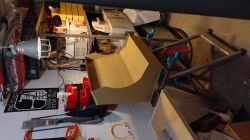
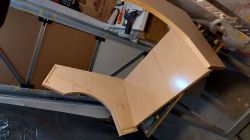
    Cardboard model of a bartop arcade machine in a workshop. .

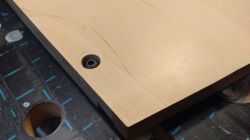
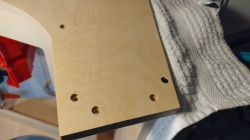
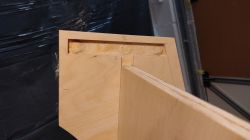
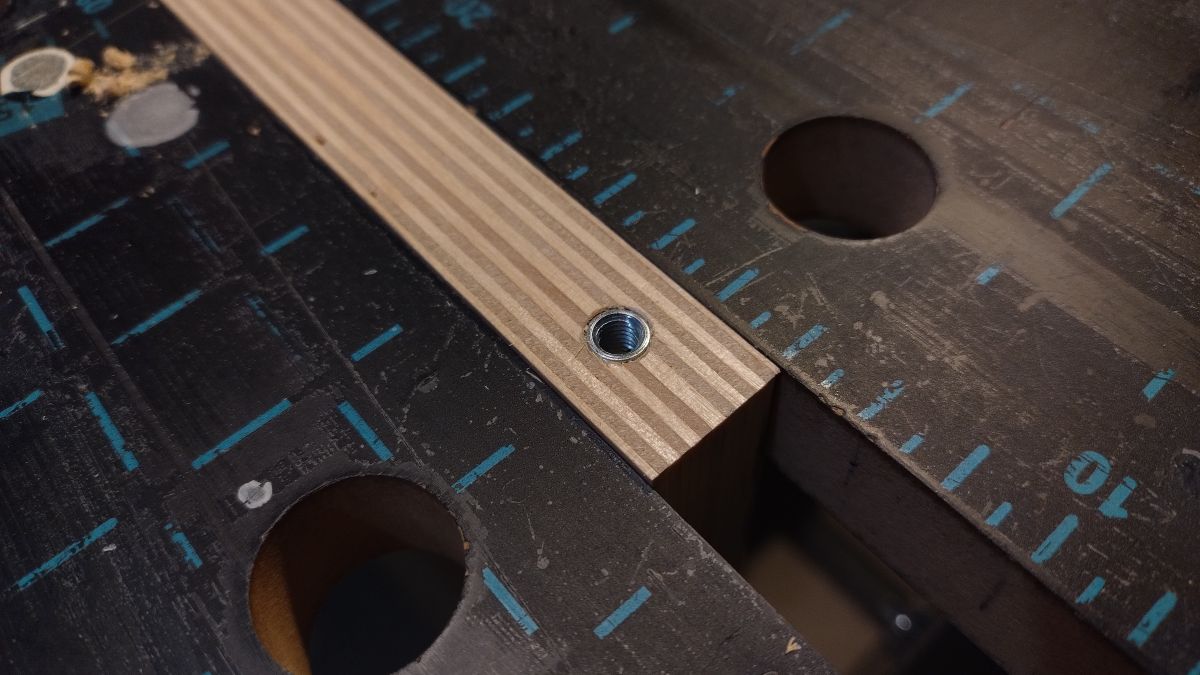
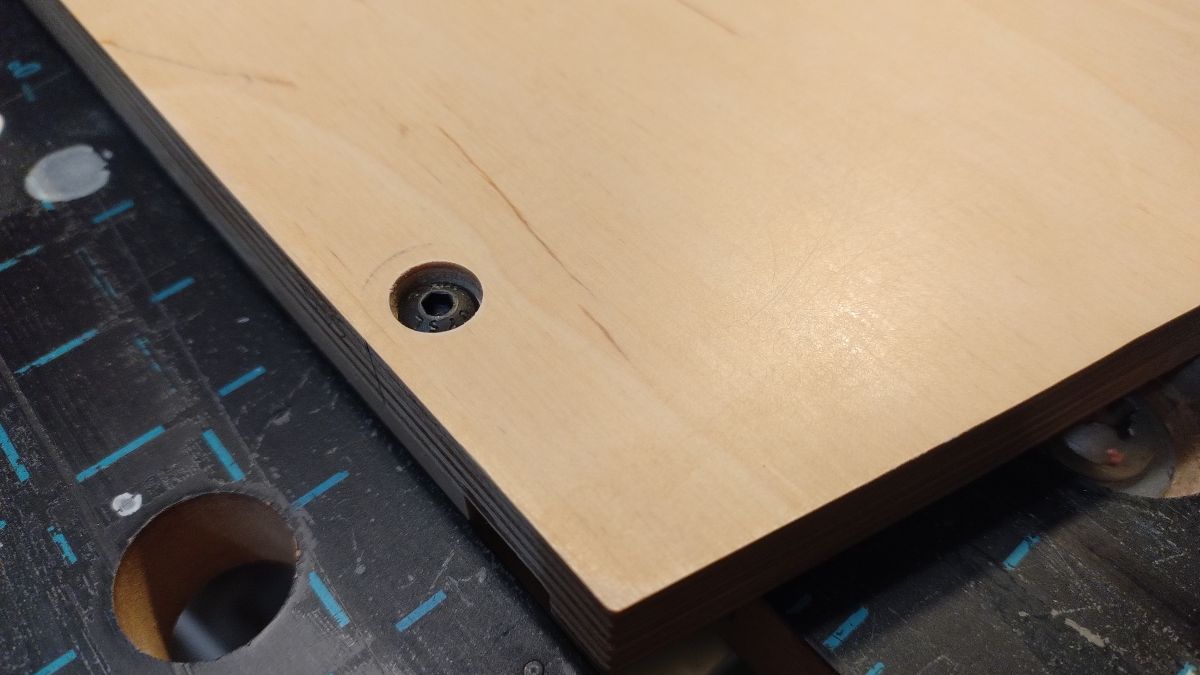
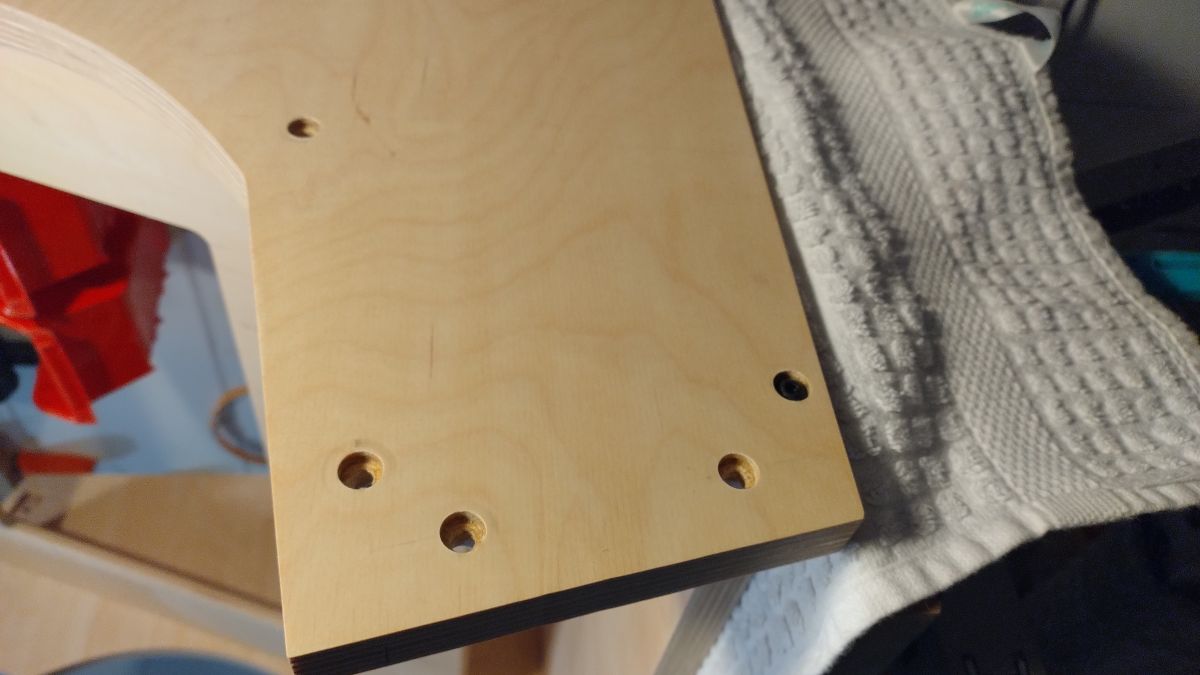
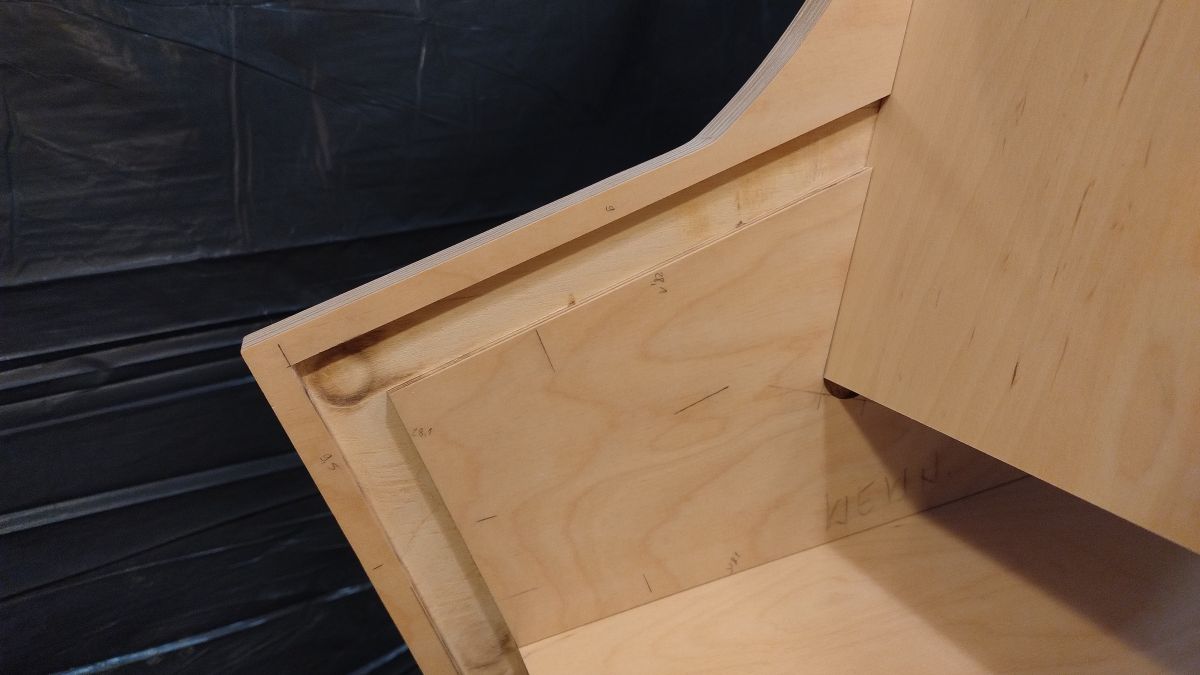
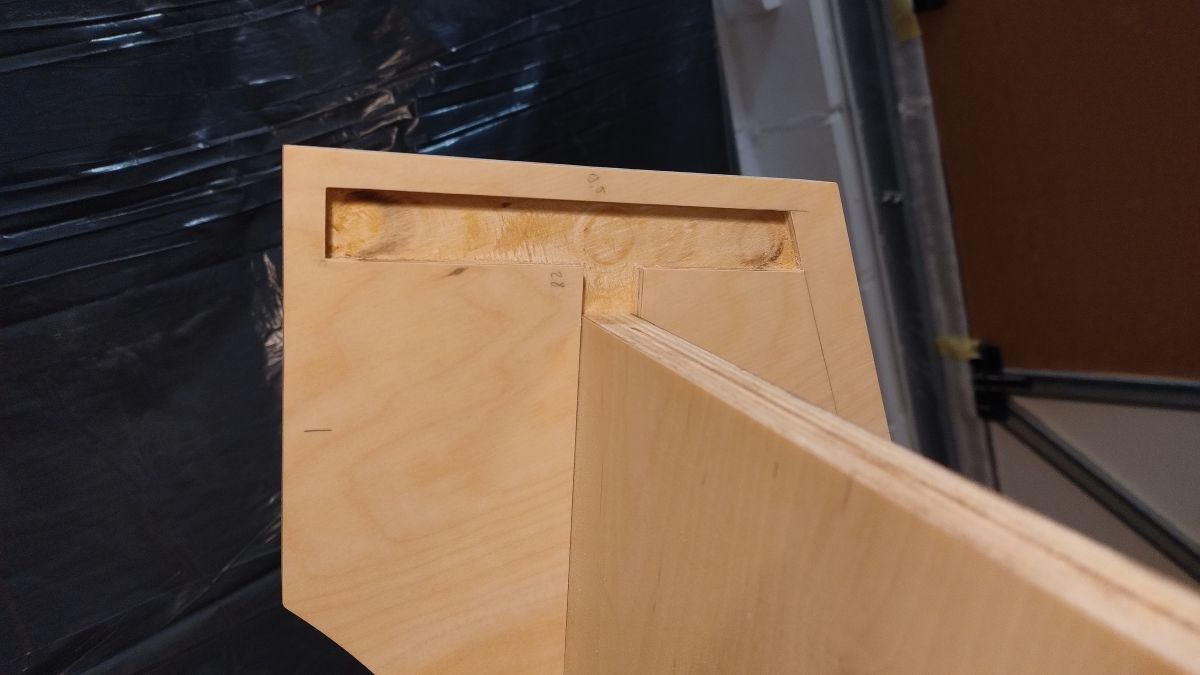
    I made all the connections with M5 screws and repair screws, threaded so that it can be easily disassembled if necessary.
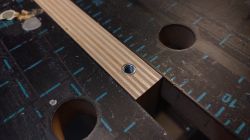
    Plywood board with threaded insert on a workbench. .
    Close-up of a wooden board corner with a screw. .
    Wooden enclosure with holes for screws. .
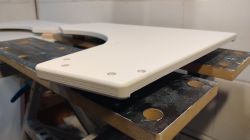
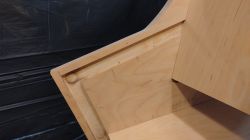
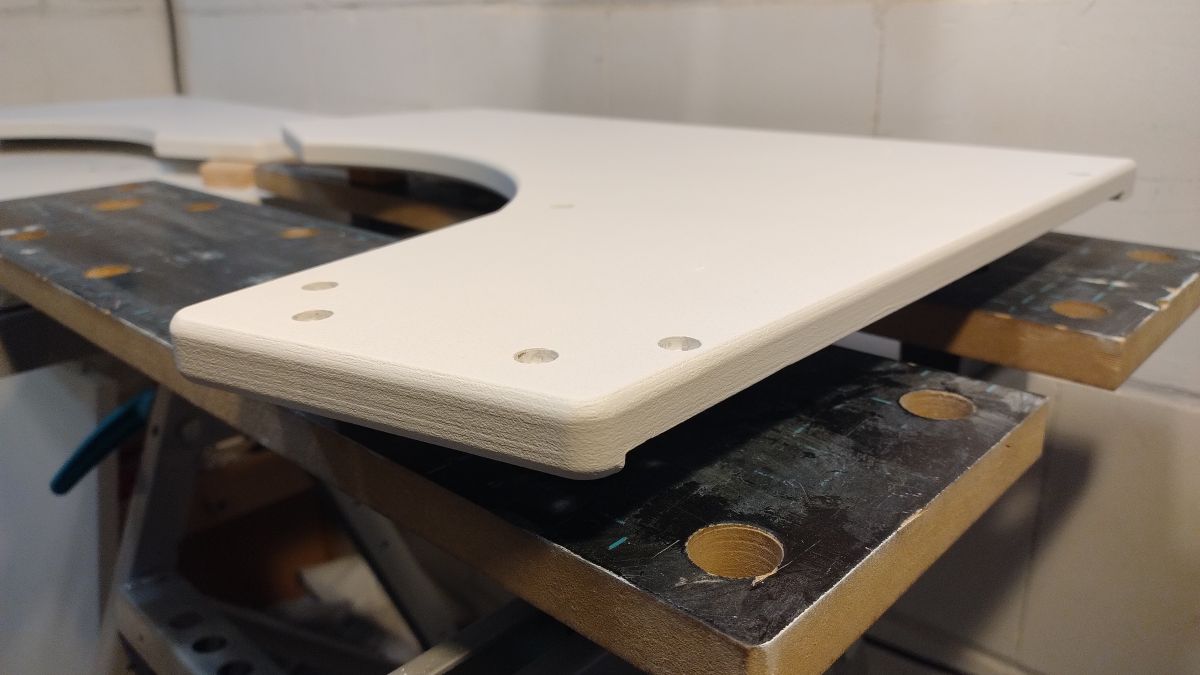
    Close-up view of the side panel of a plywood arcade machine case. .

    - I made the case using 18 mm thick plywood.
    - I ordered the set of buttons from AliExpress.
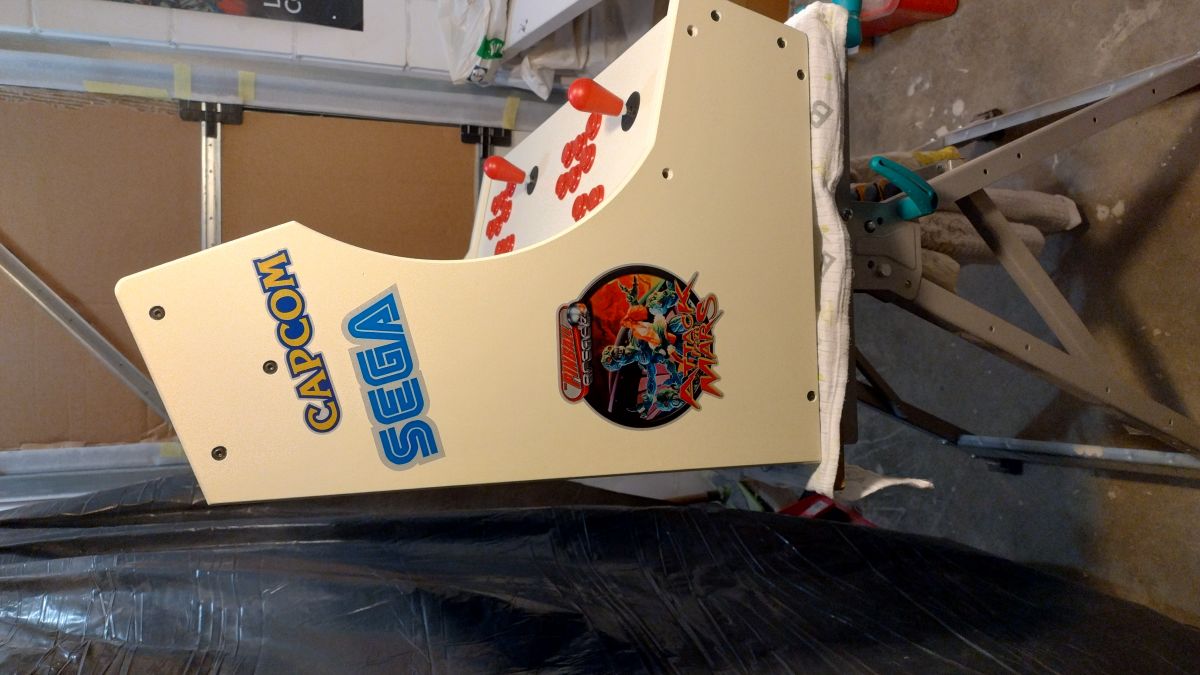
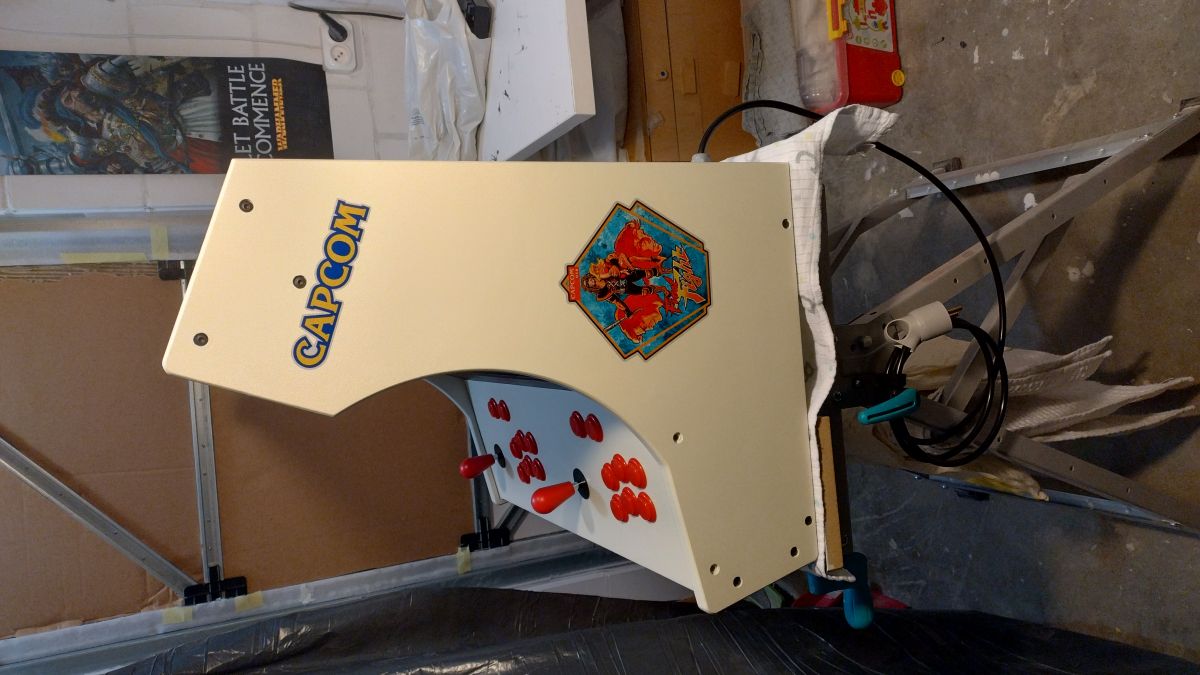
    - The stickers were also ordered from a dealer in the middle state.
    - I painted the whole thing with matt acrylic paints, white as a primer, followed by two coats each of RAL 1013 'beige' paint and black. At the very end a layer of matt varnish. This is my unlikeliest part of the work, but very important as it gives the final finish.
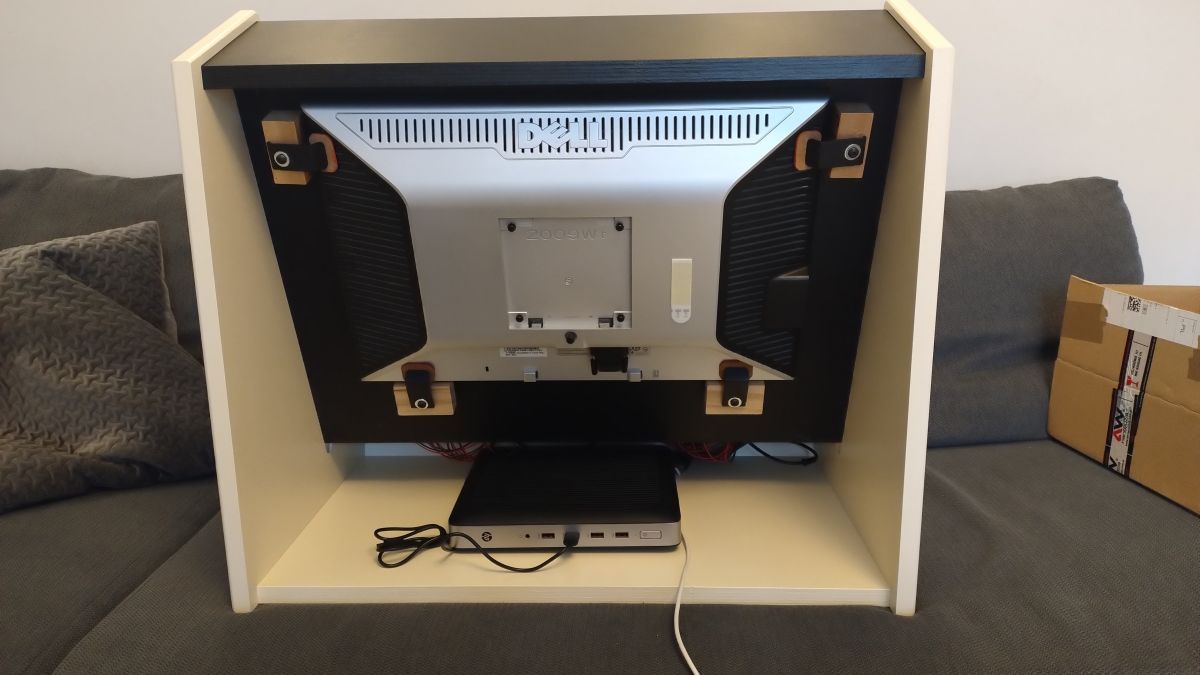
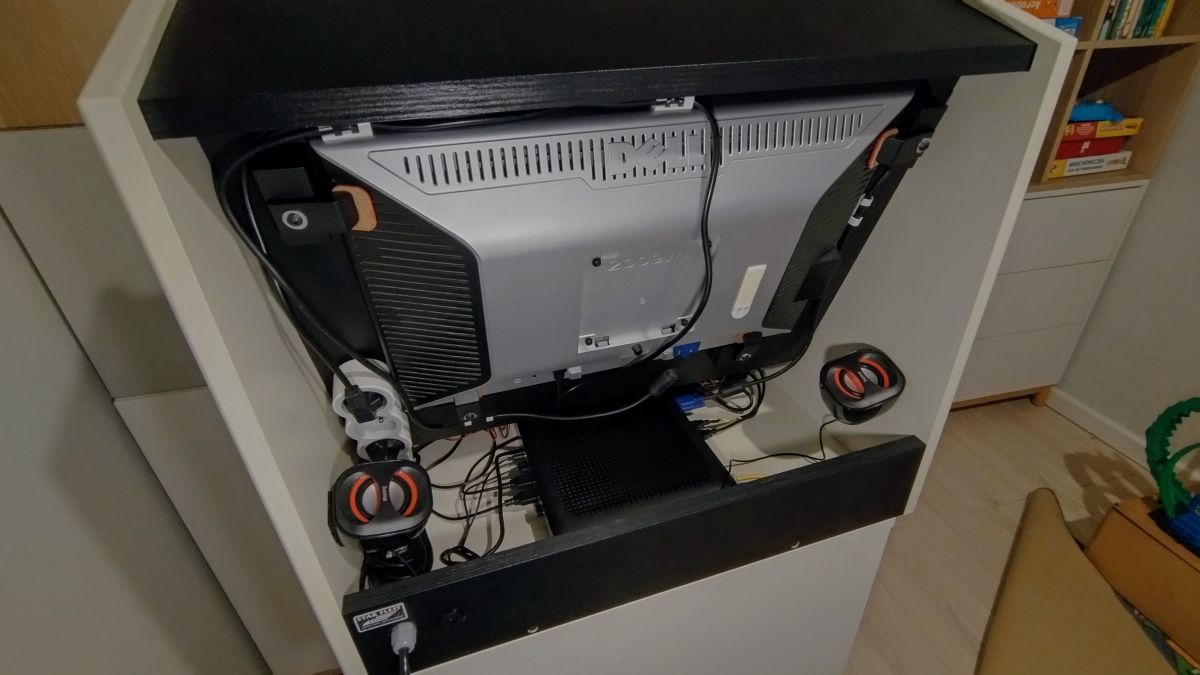
    - The monitor I used was an old one, lying in the basement and getting dusty, the computer was given to me by a friend on the condition that we drank a couple of beers each while playing the slot machine. USB powered speakers mounted on the back of the case.
    - The whole thing runs on "Batocera" software.
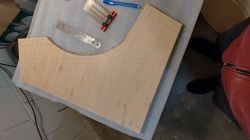
    Plywood template for a Bartop arcade machine with measuring tools next to it. .
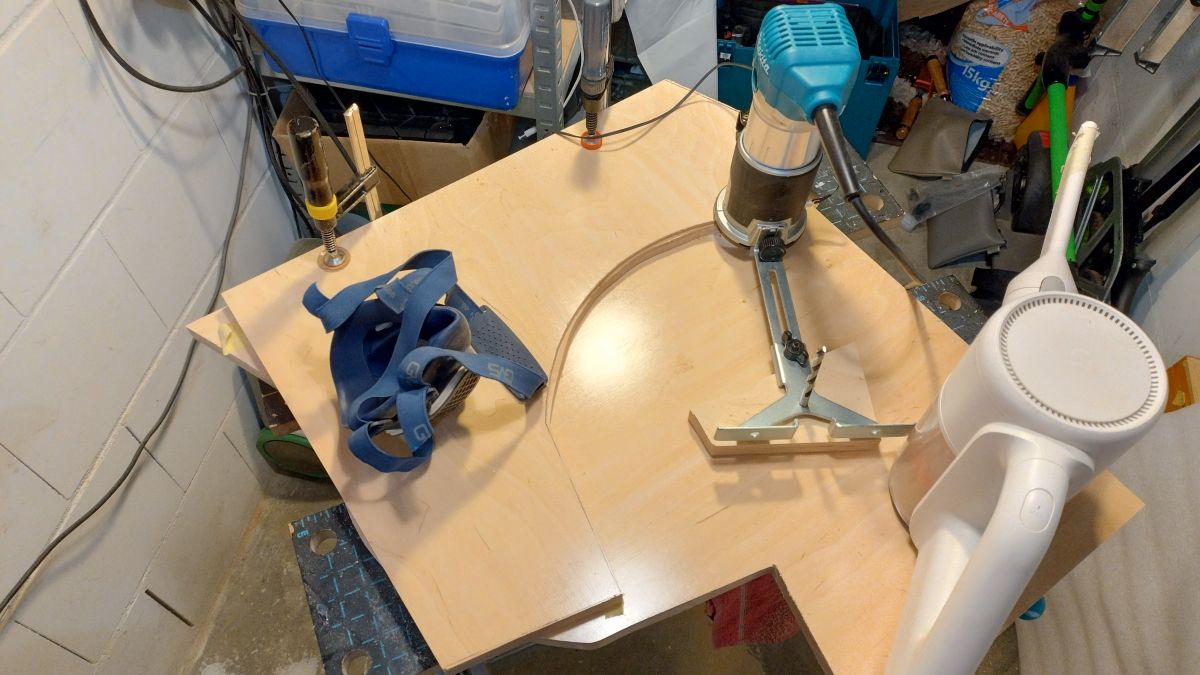
    Working on an arcade machine cabinet project in a workshop. .
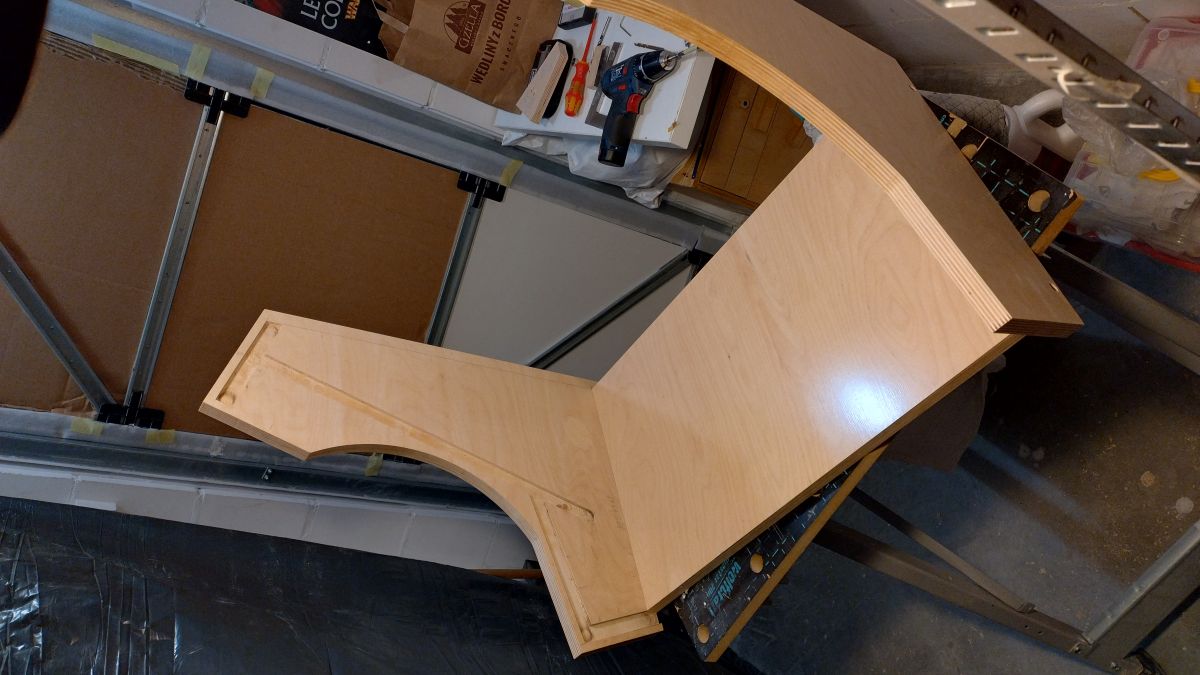
    Initial stage of building a Bartop arcade cabinet from wooden plywood. .
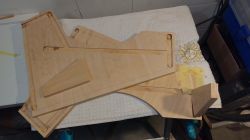
    Wooden parts for bartop arcade cabinet on a workshop table. .
    Close-up of a wooden arcade cabinet assembly. .
    Close-up of plywood used in the construction of a gaming machine cabinet. .
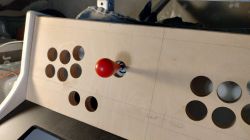
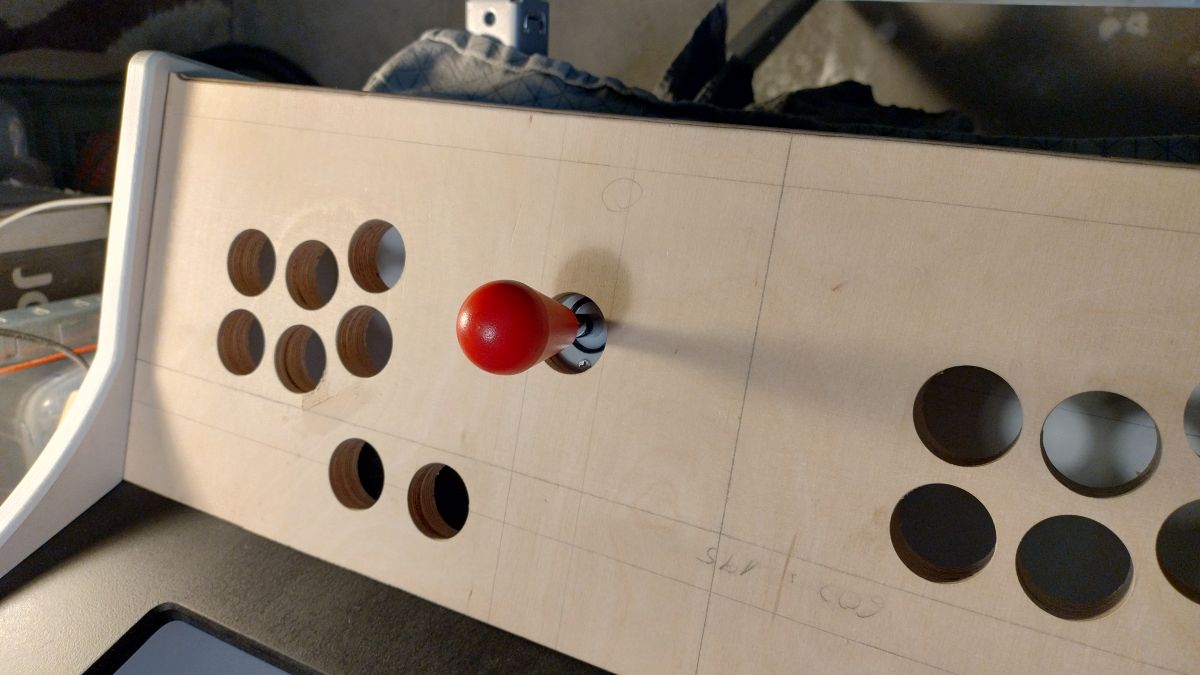
    Arcade game control panel with a wooden frame and a red joystick knob .
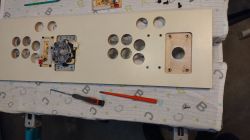
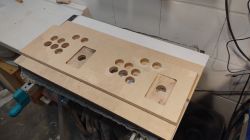
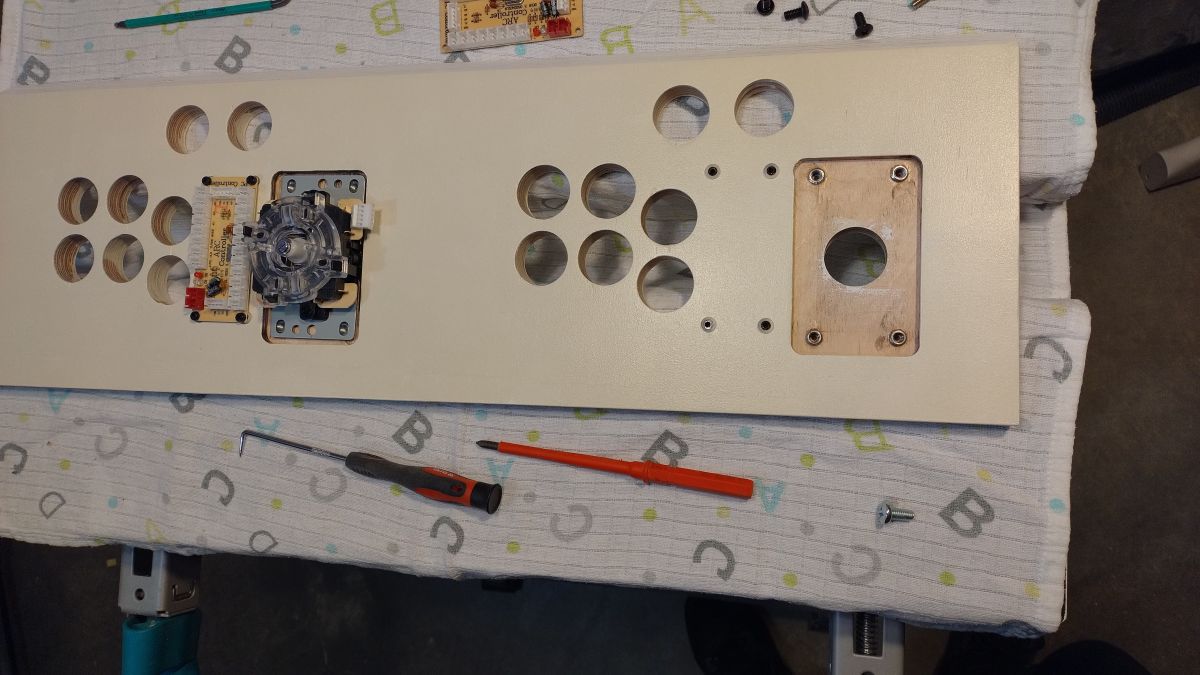
    Front panel of a bartop arcade game machine under construction, with holes for buttons and a joystick. .
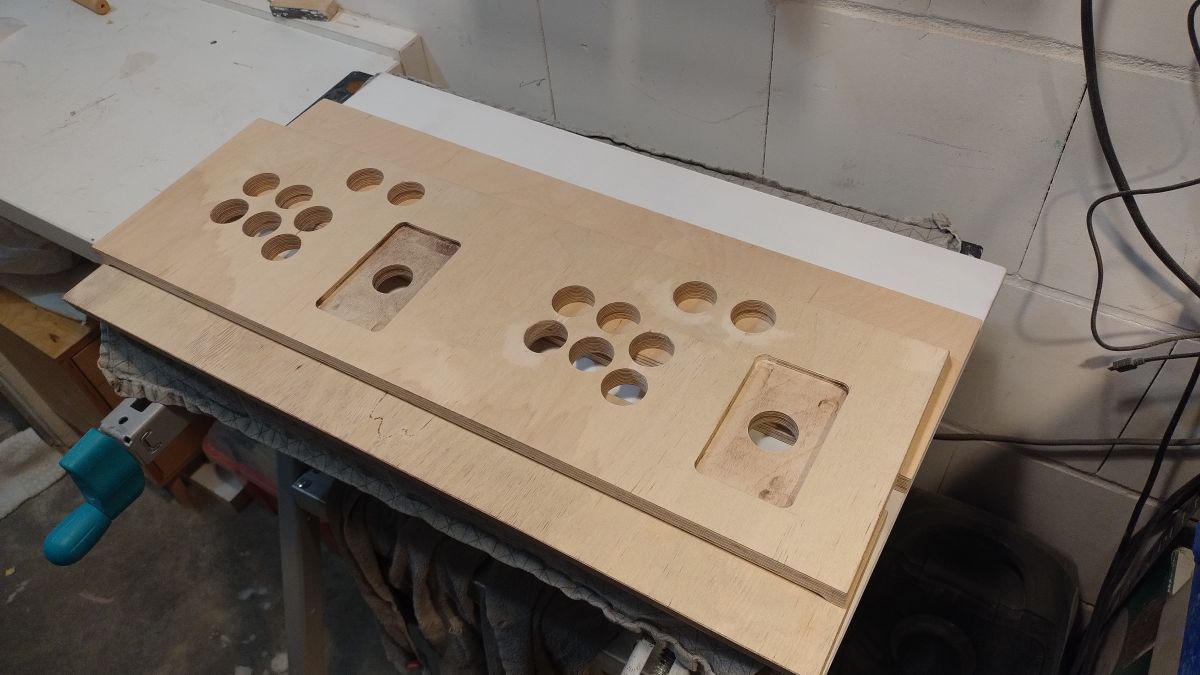
    Plywood front panel of arcade machine with button holes. .
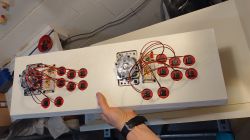
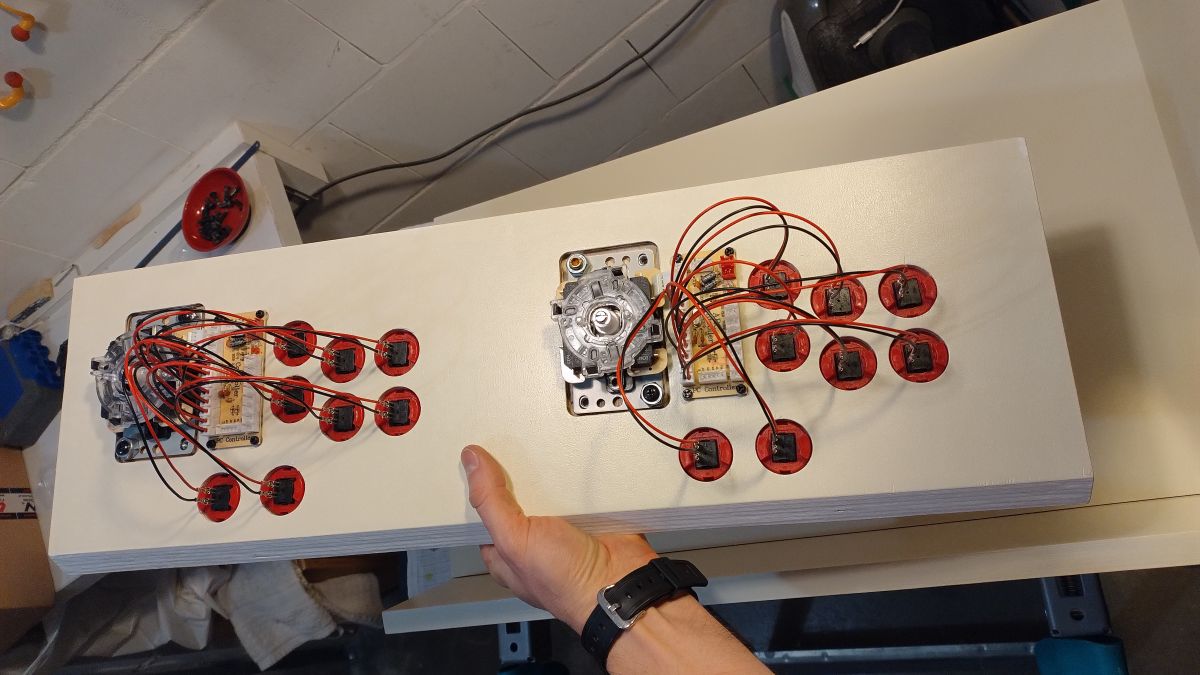
    A hand holding a game machine control panel with installed buttons. .
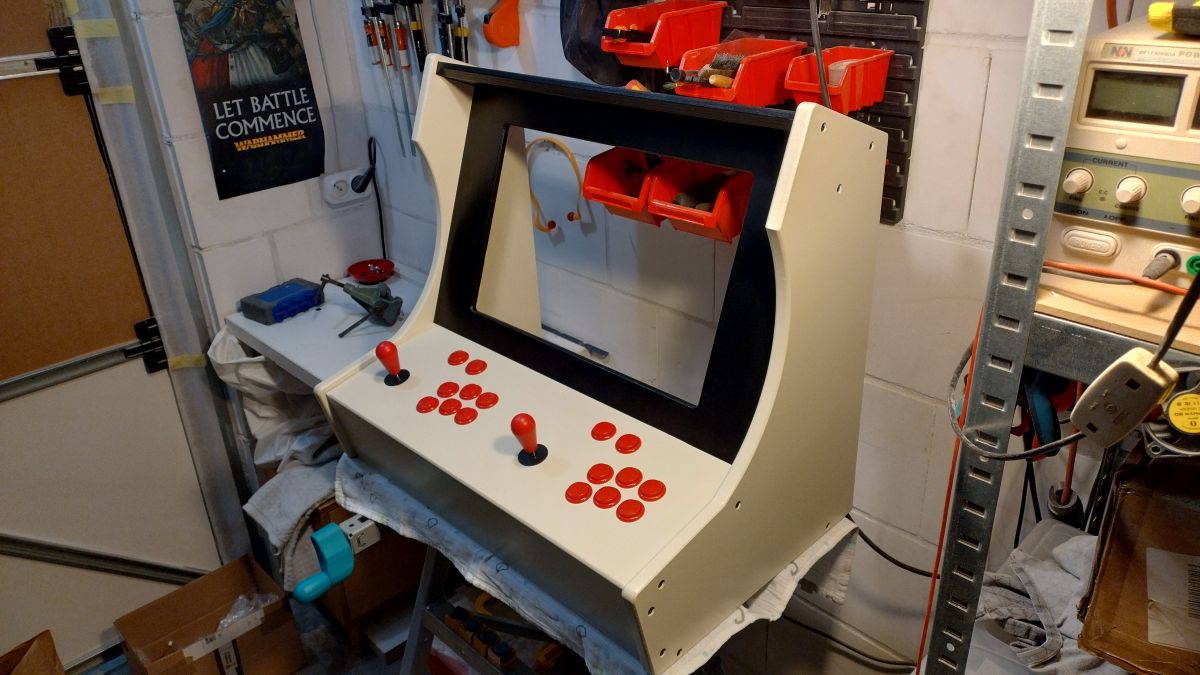
    Homemade bartop arcade machine with red buttons and joysticks on a white background. .
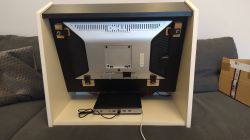
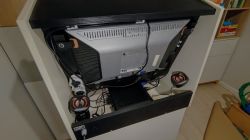
    Back of a monitor mounted in a homemade arcade game cabinet. .
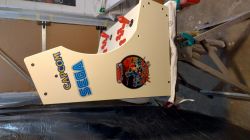
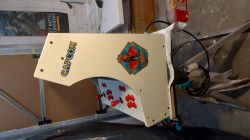
    Wooden Bartop arcade game cabinet with Capcom, Sega, and Attack Mars stickers in progress. .
    Bartop arcade cabinet with Capcom logo, stickers, and red buttons. .

    Back of a Bartop arcade machine showing the monitor and speakers. .

    Currently I have no way to push myself to the hardware and play quietly, it is occupied by the other household members. I spent about a month on the project, in the evenings for about 3 h/5 days a week. It was a lot of fun and also taught me a lot.

    Greetings, Yonada resident ;-) .

    Cool? Ranking DIY
    About Author
    siewnik
    Level 15  
    Offline 
    siewnik wrote 206 posts with rating 122. Live in city Piła. Been with us since 2005 year.
  • ADVERTISEMENT
  • #2 21430973
    gulson
    System Administrator
    Posts: 29231
    Help: 148
    Rate: 5984
    Super! A dream! They already sell off-the-shelf solutions and retro controllers on aliexpress, but in my opinion they are of questionable quality.

    I see you used an HP terminal ? How does it work for you? How about the performance ? They mostly use Raspberry. Joystick and buttons how did you connect it ? Some module and to a USB port ?
    A bit of just little description of the electronics ;) .

    If you specify Parcel Post, I'll send a small gift.
  • #3 21431010
    siewnik
    Level 15  
    Posts: 206
    Rate: 122
    >>21430973 .

    - I bought the controllers as a set in which there was a set of buttons, joystick and module with USB. Plugging the whole thing in sees it as a normal gamepad, such a plug and play.
    https://pl.aliexpress.com/item/10050068818344...in.59.421f1c24wFiI4h&gatewayAdapt=glo2pol

    - Yes the HP 630T 8 GB Ram terminal, as far as performance is concerned I was running games from Dreamcast and PSX and they ran smoothly. Games on older systems ran as expected smoothly :-) .
  • #4 21431040
    misiek1111
    Level 37  
    Posts: 3970
    Help: 319
    Rate: 1047
    Nice, but you won't fire up Centipede or Tempest - no trackball or shift encoder.
  • ADVERTISEMENT
  • #5 21431045
    siewnik
    Level 15  
    Posts: 206
    Rate: 122
    >>21431040 .

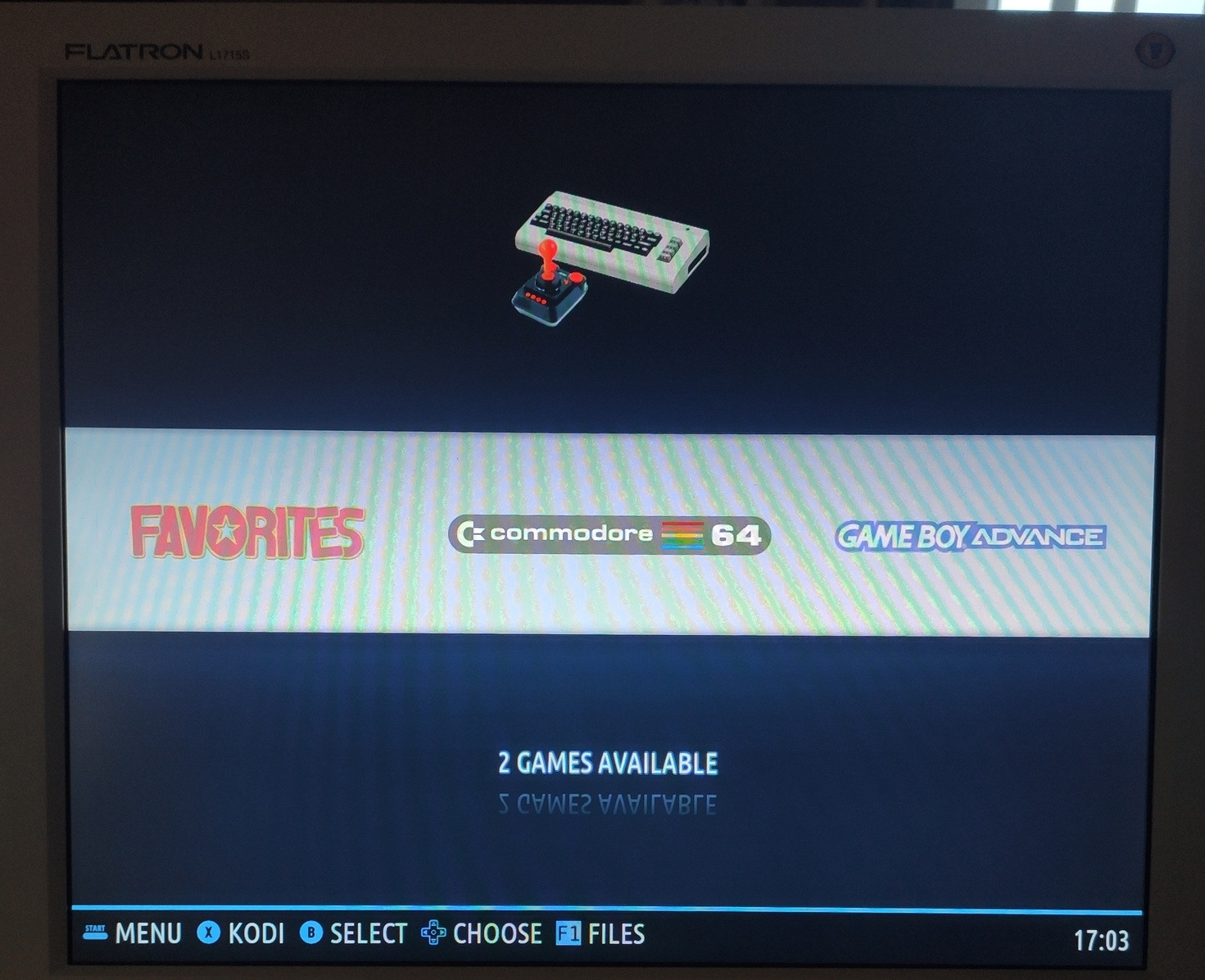
    I'm not that much of a retro fan. I grew up on the Amiga 500 and C64 plus arcade brawlers and this hardware satisfies that 100%
  • #6 21431336
    Daro1003
    Level 34  
    Posts: 2711
    Help: 295
    Rate: 603
    Can you write something more about the Batocera software? What is it like - do you install it on a terminal like Windows or Linux? Does it run on any system already?
    I have a spare terminal and monitor and an older working PC will also do, so I'd give it a go and try to fire up the games for myself.

    I've also been trying to put together a gaming machine like this for a few years now, just didn't know what electronics to use. I've been thinking about off-the-shelf Arcade machines from Aliexpress.

    But your solution is ok, because if those controllers you have are detected in the system - cool. You can throw in a PC with e.g. XP and run various old games.
  • #7 21431368
    efi222
    Level 21  
    Posts: 654
    Help: 12
    Rate: 1057
    Beautiful work. Graffiti on the panel hand-painted, or a kind of sticker?
  • #8 21431382
    siewnik
    Level 15  
    Posts: 206
    Rate: 122
    >>21431336 .
    Batocera is a "front end" system based on Linux. It can be installed directly on the hard disk or run from a flash drive (without interfering with the system you already have on your PC. There are plenty of tutorials on the Batocera website and on youtube on how to install on a USB stick and run games from it, as well as from the HDD. It is practically a plug and play tool. It's more fun if you want to set things up for yourself. As for hardware, people install it on rasberry so it doesn't require strong hardware, unless you want to run some games from ps3 etc.

    On the Internet Archive website you will need to download the BIOS files needed to run games on certain platforms. Additionally, Batoera has a substantial manual on the wiki, everything is described in detail.

    I checked the controllers under Windows and they are detected as game pads, they are convenient because they do not require any combinations

    Added after 43 [seconds]: .

    >>21431368 .

    Sticker designed for wall purchased on aliexpress :-) .
  • #9 21431617
    William Bonawentura
    Level 34  
    Posts: 2413
    Help: 185
    Rate: 607
    You cut out such a fiddly format for mounting the monitor. Didn't you think about using the VESA holes?
  • ADVERTISEMENT
  • #10 21431738
    siewnik
    Level 15  
    Posts: 206
    Rate: 122
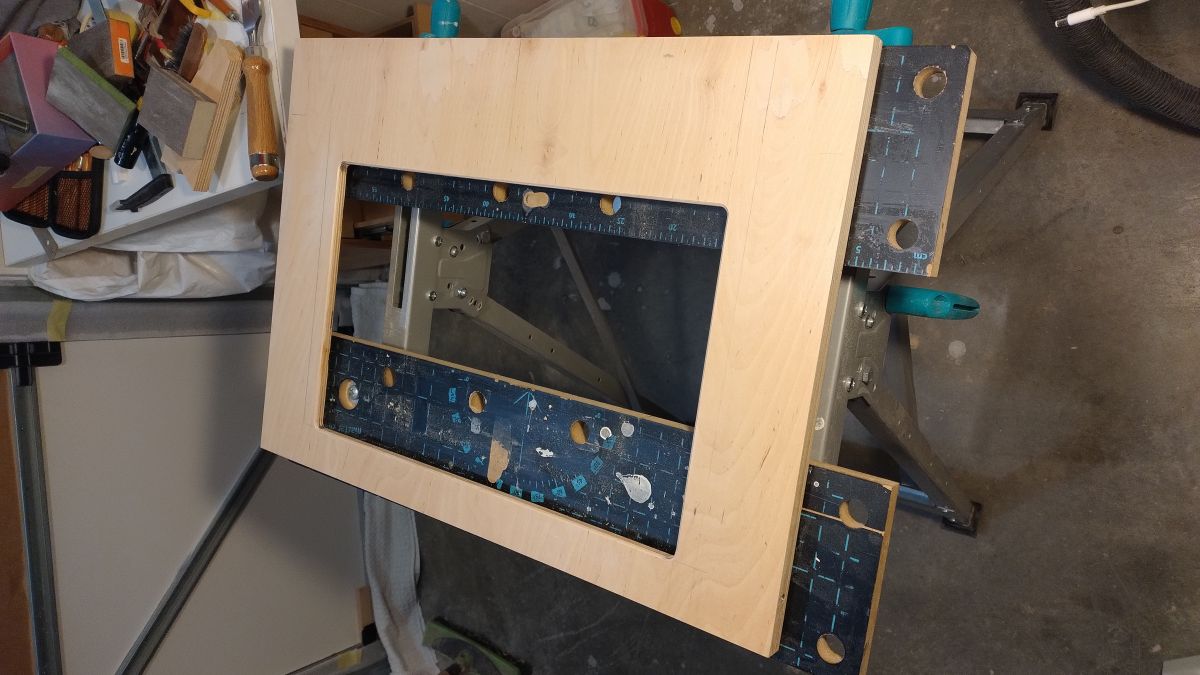
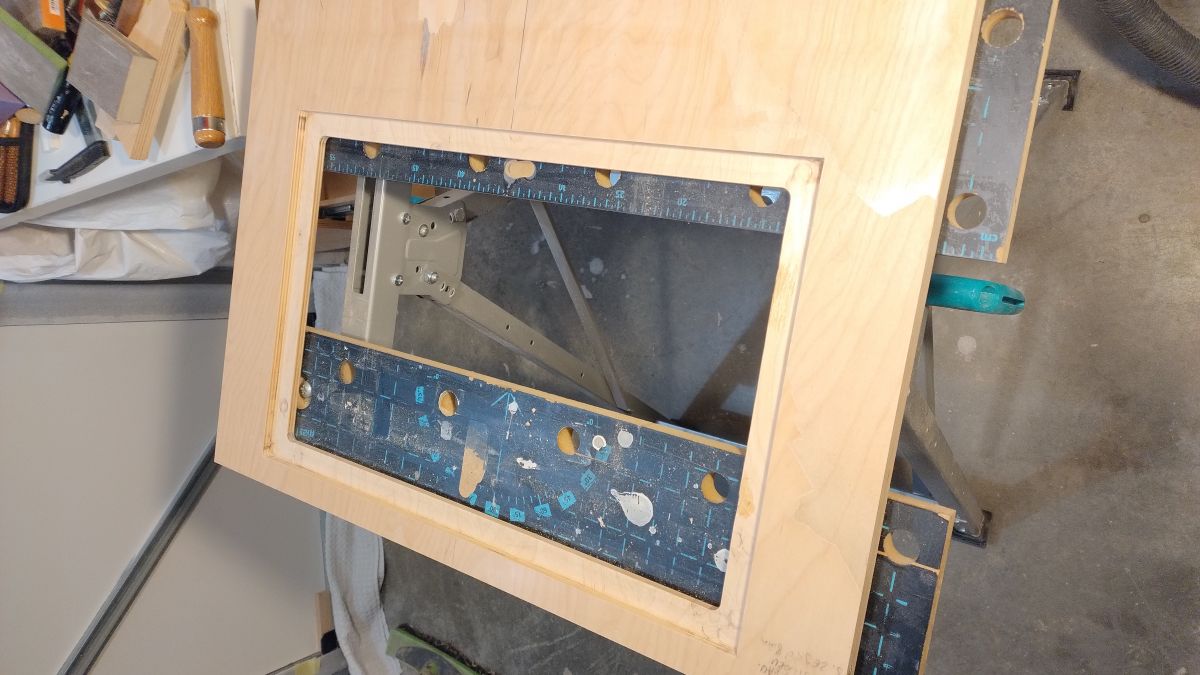
    >>21431617 Yes, I thought about it, but in the end I made a mount for the monitor bezel to avoid drilling holes in the side walls, just because I had the most work to do with them and didn't want to cripple it :-)
    Wooden frame for a monitor cover mounted on a workbench.
    Wooden frame with cut-out and mounted brackets.

    Personally, I think I had less to do with this than if I had opted for VESa
  • #11 21431960
    skywalker2
    Level 15  
    Posts: 107
    Help: 1
    Rate: 56
    Cool project. I have a now vintage DELL FX160, 8GB RAM , 128GB SSD. Will it work, anyone tried anything on a similar HW? Ubuntu won't boot due to a specific SIS graphics chip.
    [EDIT]
    It did boot, just need to download the image for the old computers at the bottom of the project page.
    Now the controller topic ;-) remains.
    Attachments:
    • Slot machine - Bartop arcade 1739117183799.jpg (322.9 KB) You must be logged in to download this attachment.
  • ADVERTISEMENT
  • #12 21432477
    siewnik
    Level 15  
    Posts: 206
    Rate: 122
    >>21431960 If you have a PlayStation or X-box controller of some kind, that will work too.
  • #13 21432952
    skywalker2
    Level 15  
    Posts: 107
    Help: 1
    Rate: 56
    I have one from the Xbox 360, I just need to buy a USB receiver.
  • #15 21433182
    kris8888
    Level 40  
    Posts: 6720
    Help: 526
    Rate: 1850
    siewnik wrote:
    Actually I have no way of getting to the equipment and playing quietly, it is occupied by the other household members
    .
    So you still have to make a hole with a "Drop a coin" sign 😀 .

    Cool design, I like it, you get a plus from me. I only ever thought of buying myself some damaged automatic, restoring it and putting it in the garage. Unfortunately they are quite expensive, I can't afford them....
  • #16 21433204
    siewnik
    Level 15  
    Posts: 206
    Rate: 122
    kris8888 wrote:
    siewnik wrote:
    At the moment I have no way to push myself to the equipment and play quietly, it is occupied by the other household members
    .
    So you still have to make a hole with the words "Insert coin" 😀 .

    Cool design, I like it, you get a plus from me. I only ever thought of buying myself some damaged automatic, restoring it and putting it in the garage. Unfortunately they are quite expensive, I can't afford them...
    .

    In the process of making one I had this fiendish idea to fit a coin drop. That way I would take away from the youngsters the pocket money they get ;-) . As for restoration it's a rather unprofitable game, the cost of purchase plus the time and extra expense to rebuild such an automaton will be more expensive than doing it yourself from scratch. It's a different matter if you treat it as a hobby, then cost is a secondary consideration. Personally, I could have made it from MDF or ordinary furniture board, but I don't like working with those materials, so I opted for the more expensive plywood. There are also ready-made 'Home-made' versions of such automatons on Aliexpress, but you can see from the photos from buyers that these are low-quality mass-produced items.
  • #17 21433232
    misiek1111
    Level 37  
    Posts: 3970
    Help: 319
    Rate: 1047
    siewnik wrote:
    What to restore is a rather unprofitable game, the cost of purchase plus the time and extra expense to rebuild such an automaton will be more expensive than doing it yourself from scratch.
    .
    Possibly, however, you have to take into account that:
    - the body is armoured,
    - it has transport wheels,
    - there is a CRT monitor inside, not an LED monitor,
    - it has a coin slot,
    - it smells of the last century :]
  • #18 21433242
    siewnik
    Level 15  
    Posts: 206
    Rate: 122
    misiek1111 wrote:
    siewnik wrote:
    What to restore is a rather unprofitable game, the cost of purchase plus the time and extra expense to rebuild such an automatic will be more expensive than doing it yourself from scratch.

    Possibly, however, you have to take into account that:
    - the body is armoured,
    - it has transport wheels,
    - there is a CRT monitor inside, not an LED monitor,
    - it has a coin slot,
    - it smells of the last century :]


    You're right, everyone appreciates something different about such equipment and there's no arguing with that. I simulate the CRT monitor through SHADERS and it works sensationally :-) , for me it's enough, but I know people who pay attention if it's a piece of equipment from those years, as you mentioned the smell, if there are abrasions proving that the machine has lived its life. Nostalgia wanders its own paths....
  • #19 21433338
    skywalker2
    Level 15  
    Posts: 107
    Help: 1
    Rate: 56
    Young people today convenient, which means instead of a coin changer you would have to think about a payment terminal ;-)
    siewnik wrote:
    skywalker2 wrote:
    I have one from Xbox 360, I just need to buy a USB receiver.


    I am still waiting for mine. I ordered on AliExpress:
    https://pl.aliexpress.com/item/10050072197798...in.11.2b2b1c24KUERh2&gatewayAdapt=glo2pol
    .
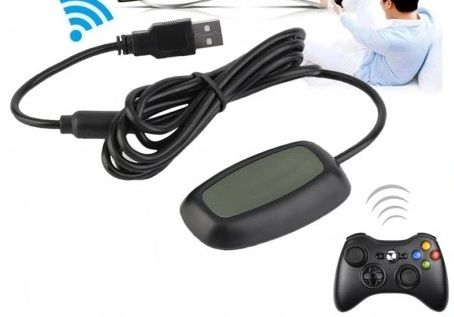
    I was thinking more of something like the one pictured
    USB receiver with a cable for wireless connection to a game controller. .
    Although as the first owner of a C64-II and an Atari 1024STE, I understand the former charm of a cable connection.
  • #20 21433370
    OPservator
    Level 39  
    Posts: 6682
    Help: 554
    Rate: 1218
    skywalker2 wrote:
    Although as the first owner of a C64-II and an Atari 1024STE I understand the former charm of a cable connection.
    .
    Among gamers, wired still dominates - while mice are being abandoned in favour of wireless mice, keyboards are no easy matter, and in order to exploit the advantage of a mechanical keyboard, it has to be wired.

    Personally, I'm not nostalgic about vending machines; in my day there were rather a few cafes with 95/98/ME/XP computers, and even then there weren't many of them - mainly in seaside tourist towns.

    That's probably why I'm a PCMR (PC Master Race - Computers - Master Race) devotee and don't recognise console gaming.
    A PC is much more flexible to upgrade, buy, place, you can play with mouse+keyboard as well as pad, trackball, joystick or whatever you can think of - and yes, I am aware that you can already use mouse+keyboard on the new consoles too.

    For the very idea and implementation of course a plus, I would love to play, because as I wrote - I have not had the good fortune of interacting with such equipment - probably the only slot machine I played was pinball :P .
  • #21 21433383
    siewnik
    Level 15  
    Posts: 206
    Rate: 122
    OPservator wrote:
    skywalker2 wrote:
    Although as the first owner of a C64-II and an Atari 1024STE I understand the former charm of a cable connection.
    .
    Among gamers, wired still dominates - while mice are being abandoned in favour of wireless ones, keyboards are not easy to come by, and in order to exploit the advantage of a mechanical keyboard, well, it has to be wired, there's no such thing.

    Personally, I'm not nostalgic about vending machines; in my day there were rather a few cafes with 95/98/ME/XP computers, and even then there weren't many of them - mainly in seaside tourist towns.

    That's probably why I'm a PCMR (PC Master Race - Computers - Master Race) devotee and don't recognise console gaming.
    A PC is much more flexible to upgrade, buy, place, you can play with mouse+keyboard as well as pad, trackball, joystick or whatever you can think of - and yes, I am aware that you can already use mouse+keyboard on the new consoles too.

    For the very idea and implementation of course a plus, I would love to play, because as I wrote - I have not had the good fortune of interacting with such equipment - probably the only slot machine I played was pinball :P
    .

    Oh yes, internet cafes I remember well, I had a friend whose parents owned one in our town and we often had nights in that cave all to ourselves in a group of 6, great times.

    As for the flexibility of the computer I would be cautious. From personal experience, when my computer got old it was so old that there was no point in replacing, for example, just the card because the other components would limit it. More often than not I ended up selling the old one altogether and buying a new set.

    Wired pads have one advantage, they develop composure. If you let emotions, anger take over you then you will 100% be facing the expense of a new USB connector and cable 😉.
  • #22 21433494
    skywalker2
    Level 15  
    Posts: 107
    Help: 1
    Rate: 56
    Emotions are and always have been in games, especially as access to them was once not so obvious. And in fact it was for a few. Because you had to have money for slot machines, not to mention computers. When in 1991 I bought a brand new C64-II with a tape recorder (I've got to this day), the circle of friends on the estate has expanded significantly and parents could use a Soviet Elektron when their colleagues went (and actually they were culturally asked out). I had to screw the joysticks to 30x30 Plexiglas stands because the table didn't hold the suction cups firmly. Even so, more than one Joystick was broken ;-) .
  • #23 21435204
    gevv
    Level 12  
    Posts: 113
    Rate: 510
    @Seeder Congratulations, well done. 👍


    Daro1003 wrote:
    Can you write something more about the Batocera software? What is it like - does it install on a terminal like Windows or Linux? Does it run on any system already?
    I have a spare terminal and monitor and an older working PC will also do, so I'd give it a go and try to fire up the games for myself.

    I've also been trying to put together a gaming machine like this for a few years now, just didn't know what electronics to use. I've been thinking about off-the-shelf Arcade machines from Aliexpress.

    But your solution is ok, because if those controllers you have are detected in the system - cool. You can throw in a PC with e.g. XP and run various old games.


    Hello, Computer (xp, win7, 10) and joystick (zero delay arcade game usb encoder aliexpress)

    a project I have completed; https://www.elektroda.pl/rtvforum/topic3814139.html

    mame pack;

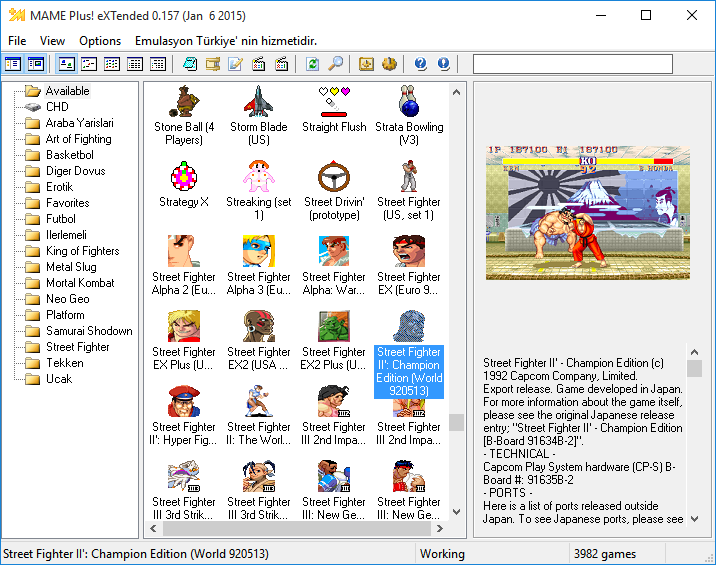
    Screenshot of the MAME Plus! eXtended interface showing a list of games with Street Fighter II: Champion Edition highlighted. .
  • #24 21442321
    buczkog
    Level 16  
    Posts: 192
    Help: 22
    Rate: 32
    Automatic 1st class. Superior workmanship.
  • #25 21451628
    robgold
    Level 23  
    Posts: 698
    Help: 10
    Rate: 284
    It came out very nicely. I like the neatness of the workmanship and those details - the milled indentations in the walls. Drill to mount the guide from the milling machine ... a classic no what you can have in the workshop the fastest at hand ;) Surely it will enjoy for a long time and good workmanship will pay off with many years of service. I write about this because a lot of projects are created as a concept and then, unfortunately, the execution itself is lame, where a lot of things are done by the proverbial "shortcuts". Congratulations on a great project and the quality.
  • #26 21452582
    siewnik
    Level 15  
    Posts: 206
    Rate: 122
    robgold, thank you for your kind words. It's true that it takes a lot of discipline, patience. There were times where I was tempted to take shortcuts. In such a situation, I would take a day's break so as not to make that mistake. People who experience such moments themselves can appreciate, which makes it all the more pleasing that someone recognises such subtle elements of the work. When you get to the end and prevent such dead ends, the satisfaction is immense 🙂 .
  • #27 21452785
    robgold
    Level 23  
    Posts: 698
    Help: 10
    Rate: 284
    @siewer People often think that making this or that device is trivial, they watch a few videos on YT and that's it. It is not until they pick up such a milling machine and turn it on that they realise (or sometimes not) that it is a device the size of a coffee grinder rushing at 20,000 rpm, one false move can ruin hours of work and can just as easily and effectively cut off our fingers. To understand this, however, you have to do something yourself beforehand. Then one appreciates the work, the commitment of others and understands sometimes why something is done this way and not that way because someone had certain limitations in terms of equipment, budget and so on. You will also appreciate the care and accuracy. Because this is not mass production where you have templates and CNC machines. Here you have to prepare everything by hand. That is why I so appreciate and see how much time, passion and commitment you had to put into such a supposedly "simple" project. Regards.
  • #28 21453247
    siewnik
    Level 15  
    Posts: 206
    Rate: 122
    robgold This milling machine is no joke. I once forgot myself and replaced the cutter with it switched off but not unplugged. I accidentally pressed the switch and almost lost a finger. In the end, nothing happened, but I learned a lesson. Now I always unplug it before doing anything to it. It's a fact that with manual work, a lot of time is spent planning how to approach something in order to achieve the desired effect. I often already plan this in my mind during the day before I actually go down to the cellar, just to save time. After the job is finished, the reflection comes that this or that could have been done differently and after each such project you gain experience and new skills which is also a lot of fun.

    Greetings!
  • #29 21454424
    William Bonawentura
    Level 34  
    Posts: 2413
    Help: 185
    Rate: 607
    >>21453247 .

    I attach the key to the spindle with a wire at the plug. It is impossible to lose it or "forget" to disconnect the plug.
  • #30 21454493
    siewnik
    Level 15  
    Posts: 206
    Rate: 122
    Good idea, I will implement 🙂
📢 Listen (AI):

Topic summary

✨ The discussion revolves around the creation of a Bartop arcade machine, focusing on aesthetics and nostalgia for 90s arcade experiences. The author shares insights on the construction process, including the use of an HP 630T terminal with 8GB RAM for running games smoothly, and a plug-and-play USB controller setup sourced from AliExpress. Participants discuss the limitations of the hardware, such as the inability to play certain games without a trackball, and the use of Batocera software, a Linux-based front end for gaming. The conversation also touches on the craftsmanship involved in building the arcade, including the choice of materials and the design of the monitor mount. Various gaming controllers, including Xbox and PlayStation models, are mentioned as compatible with the setup. The community expresses appreciation for the project’s quality and the effort put into it.
Generated by the language model.

FAQ

TL;DR: Built from 18 mm plywood, this bartop shows that "plug and play" arcade hardware can still look clean inside and out. It suits DIY builders who want a home arcade without custom electronics: a USB encoder made the controls act like a standard gamepad, and Batocera ran smoothly on an HP t630 with 8 GB RAM for Dreamcast, PSX, and older systems. [#21431010]

Why it matters: This project answers the two hardest bartop questions at once: how to make the cabinet look finished, and how to keep the electronics simple.

Option Hardware noted in the thread Setup path Reported result
HP t630 terminal 8 GB RAM Batocera on disk or USB Dreamcast and PSX ran smoothly
Raspberry Pi Used by many builders Batocera commonly installed on it Good when you do not need high-end systems
Older PC / Dell FX160 Legacy graphics mentioned Use the project image for old computers Confirmed to boot after choosing the old-hardware image

Key insight: The smartest shortcut was not the cabinet shape but the control method: a bundled USB arcade encoder let the whole panel appear as a normal gamepad, removing almost all wiring complexity for a first bartop build.

Quick Facts

  • The cabinet used 18 mm plywood, M5 screws, and repair screws so the body could be disassembled later without destroying the joinery. [#21430836]
  • The build took about 1 month, worked in evenings for roughly 3 h/day, 5 days/week, which is about 60 hours of hands-on time. [#21430836]
  • The finish used 1 white primer coat, then 2 coats of RAL 1013 beige, 2 coats of black, and a final layer of matte varnish for the visible surface. [#21430836]
  • The later update added a rear power switch, Ethernet socket, smooth volume control, and planned ventilation using 1 mm perforated aluminium sheet. [#21798653]

How do you build a bartop arcade cabinet from plywood so it looks neat both inside and outside?

Use a template first, then test ergonomics with a cardboard mock-up before cutting the final wood. This build used 18 mm plywood, M5 screws, and repair screws, so the cabinet stayed rigid and still came apart for service. The clean result came from planning the side profiles early and avoiding shortcuts during assembly and finishing. The builder also chose plywood over cheaper sheet goods because he preferred working it accurately and wanted a better final look inside and outside. [#21430836]

What is Batocera, and how is it installed on a terminal or PC from a hard drive or USB flash drive?

"Batocera is a front-end system based on Linux that runs emulators through a game-focused interface, and its key trait is that it can boot directly from a hard drive or from a USB flash drive without altering the existing PC system." You install it either to the disk or to a USB stick, then boot the terminal or PC from that device. The thread describes it as practically plug and play, with tutorials on the Batocera site and YouTube, plus BIOS files needed for some platforms. [#21431382]

How do you connect AliExpress arcade buttons and a joystick to a PC using a USB encoder so they show up as a gamepad?

Buy a kit that includes the buttons, joystick, and USB encoder, then plug the encoder into the PC. In this project, the complete AliExpress set appeared as a normal gamepad with no custom driver work. 1. Connect each button and joystick switch to the included encoder. 2. Plug the encoder into a USB port. 3. Verify that Windows or Batocera detects it as a controller. That made the control panel effectively plug and play. [#21431010]

What kind of performance can an HP t630 thin client with 8 GB RAM deliver in Batocera for Dreamcast, PSX, and older arcade systems?

An HP t630 with 8 GB RAM can handle Dreamcast, PSX, and older systems smoothly in this use case. The builder explicitly reported smooth play on Dreamcast and PSX, while older systems ran as expected without issues. That makes the t630 a practical low-cost bartop platform when your target library stops well below PS3-class emulation. For a two-player cabinet focused on 1990s and early-2000s games, the reported performance was already sufficient. [#21431010]

HP t630 terminal vs Raspberry Pi for a bartop arcade machine — which is better for emulation performance and ease of setup?

The HP t630 looked better for easy Dreamcast and PSX performance, while Raspberry Pi was presented as the lower-power baseline. The thread gives one hard result: the HP t630 with 8 GB RAM ran Dreamcast and PSX smoothly. It also states that Batocera is commonly installed on Raspberry Pi, which means setup is well supported, but stronger hardware matters once you want more demanding systems. If you already have a thin client, it offers a simple path with confirmed results. [#21431382]

Why would someone mount a monitor by its bezel instead of using the VESA holes in a bartop cabinet?

Mounting by the bezel can preserve the cabinet sides and reduce visible drilling. The builder chose a bezel-style support specifically to avoid making holes in the side walls, because those panels had taken the most work and he did not want to damage them. He also felt this method required less effort than a VESA-based solution in his particular layout. That choice prioritized finish quality over using the monitor's standard rear mounting points. [#21431738]

What materials work best for a DIY arcade cabinet: plywood vs MDF vs furniture board?

Plywood worked best here because it balanced strength, finish quality, and the builder's preferred working method. He said he could have used MDF or ordinary furniture board, but chose the more expensive plywood because he did not like working with those materials. The finished cabinet used 18 mm plywood and achieved a cleaner, more durable result than the low-quality ready-made units discussed in the thread. If workmanship matters more than minimum cost, plywood was the clear choice in this build. [#21433204]

How do you paint and finish a bartop arcade cabinet with acrylic primer, RAL 1013 beige, black paint, and matte varnish?

Paint it in layers, not in one pass. This cabinet used matte acrylic paints: white as a primer, then two coats of RAL 1013 beige, then two coats of black, and finally a matte varnish layer. The builder called painting his least favorite stage, but also one of the most important because it determines the final finish. That sequence helped turn a plywood shell into a cabinet that looked intentionally styled rather than workshop-rough. [#21430836]

What is a VESA mount, and how does it help when installing a monitor in a custom arcade enclosure?

"VESA mount is a monitor mounting standard that uses threaded holes on the back of the display, letting you attach the screen to brackets or a frame in a repeatable, centered way inside custom furniture or enclosures." In a bartop cabinet, it can simplify alignment and support because the monitor hangs from its own factory mounting points. The thread raised VESA as an alternative, but the builder rejected it to avoid drilling the cabinet sides. [#21431617]

What are CRT shaders in Batocera, and how do they recreate the look of an old arcade monitor on an LCD screen?

"CRT shaders are display effects that simulate an old cathode-ray-tube monitor, and their key characteristic is that they alter the LCD image to mimic vintage scanlines, softness, and arcade-style screen character." The builder used CRT shaders instead of fitting a real CRT, and said the effect worked sensationally for his nostalgia target. That gave him the visual feel of older hardware without needing a heavy original monitor, transport wheels, or a full restoration path. [#21433242]

Which controllers work best with Batocera for a home arcade build, including USB arcade encoders, Xbox 360 pads, and PlayStation controllers?

USB arcade encoders are the easiest fixed-control option, while Xbox and PlayStation pads are practical alternatives. The thread confirms three working routes: an AliExpress joystick-and-button kit with USB encoder, a PlayStation controller, and an Xbox controller with USB receiver. The USB encoder has the cleanest setup because the system sees it as a normal gamepad. If you want a cabinet panel, choose the encoder kit; if you want quick testing, use an existing console pad first. [#21432477]

How do you get Batocera running on older hardware like a Dell FX160 with legacy graphics that struggle with Ubuntu?

Use the Batocera image intended for older computers rather than assuming the default image will boot. In the thread, a Dell FX160 with 8 GB RAM and 128 GB SSD initially seemed blocked by its SiS graphics, because Ubuntu would not boot. The user then reported success after downloading the image for old computers from the bottom of the project page. That is the key edge case: older graphics can fail on one image and work on another. [#21431960]

What extra controls would you need for games like Centipede or Tempest that use a trackball or spinner instead of a standard joystick?

You would need a trackball or a spinner, not just a standard joystick and buttons. One reply pointed out that games like Centipede or Tempest would not play correctly on this cabinet because it lacked a trackball and a shift encoder, meaning the control panel did not match those arcade input types. That is a hard compatibility limit, not a tuning issue. A standard bartop panel suits brawlers and console-style games better than every classic arcade title. [#21431040]

What practical upgrades are worth adding after the cabinet is finished, like a rear power switch, Ethernet port, volume control, and ventilation grille?

The most useful upgrades are service and comfort features on the back panel. In the January 4, 2026 update, the builder added a rear switch for starting the computer, an Ethernet connector, and smooth volume control. He also planned a ventilation grille made from 1 mm perforated aluminium sheet. Those changes matter because they improve day-to-day use without reopening the entire cabinet. They also make a shared family machine easier to manage over time. [#21798653]

How do you stay safe when routing and milling plywood parts for an arcade cabinet, especially when changing cutters and avoiding accidental startup?

Always unplug the router before touching the cutter. The builder described accidentally pressing the switch while changing a cutter with the tool switched off but still plugged in, and said he almost lost a finger. After that, he changed his routine and now disconnects power every time. Another user suggested tying the spindle key to the plug with a wire so you cannot forget to unplug it. That simple habit directly addresses the accidental-start hazard. [#21453247]
Generated by the language model.
ADVERTISEMENT