FAQ
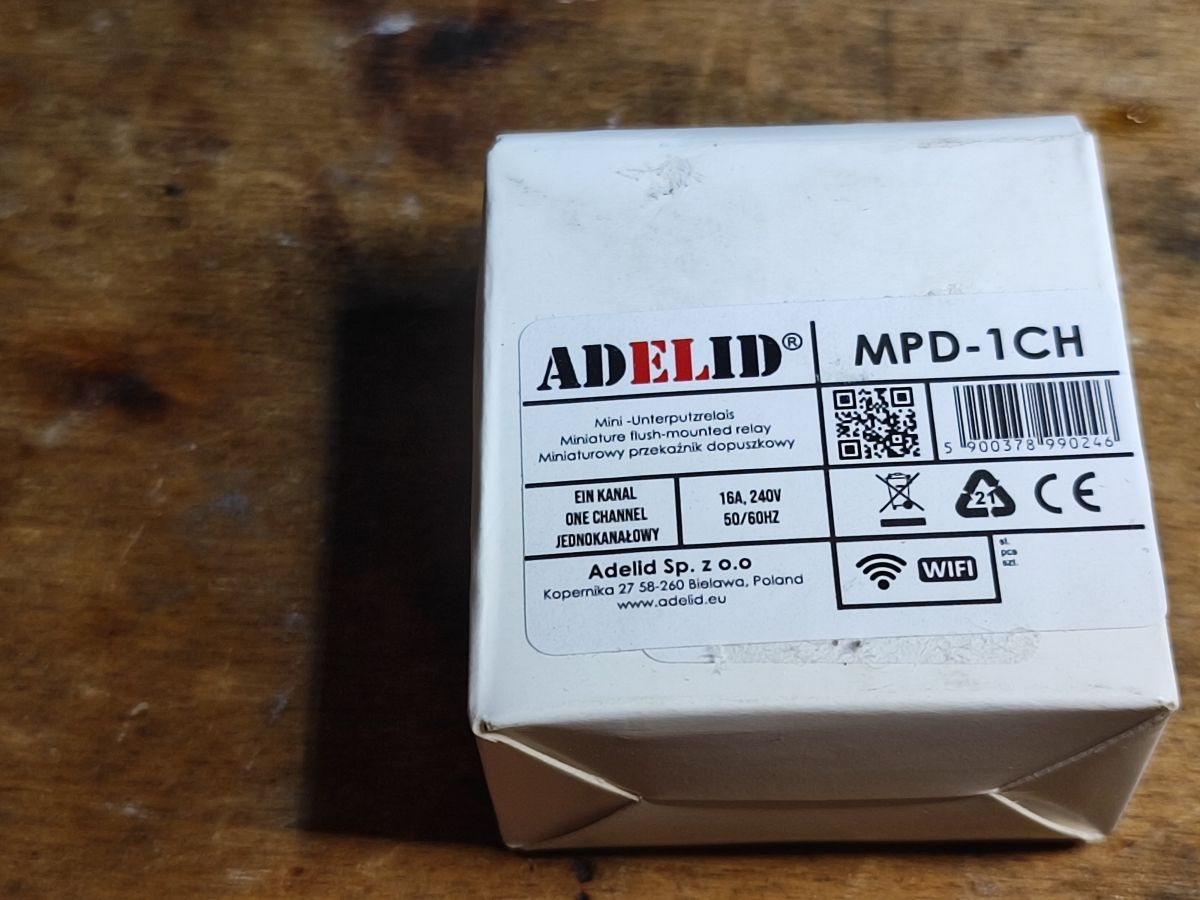
TL;DR: T34 Wi‑Fi relay modules use BK7231 cores; 796 devices are already cataloged. “Access to the pads is not available,” so first flash often needs hot‑air and LGA handling. [Elektroda, p.kaczmarek2, post #21738061]
Why it matters: This FAQ helps makers decide if and how to flash T34-based relays without ruining pads, and how to pair them with Home Assistant.
Quick Facts
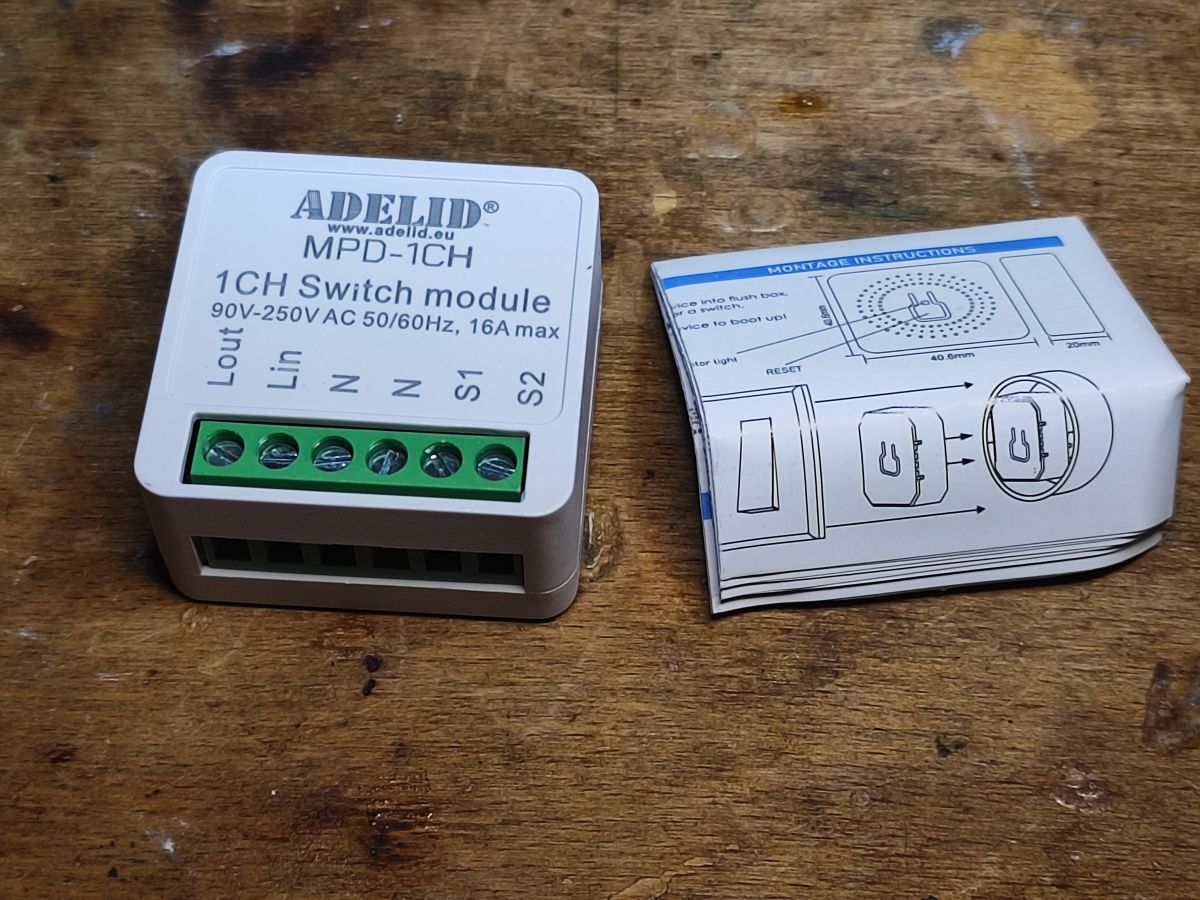
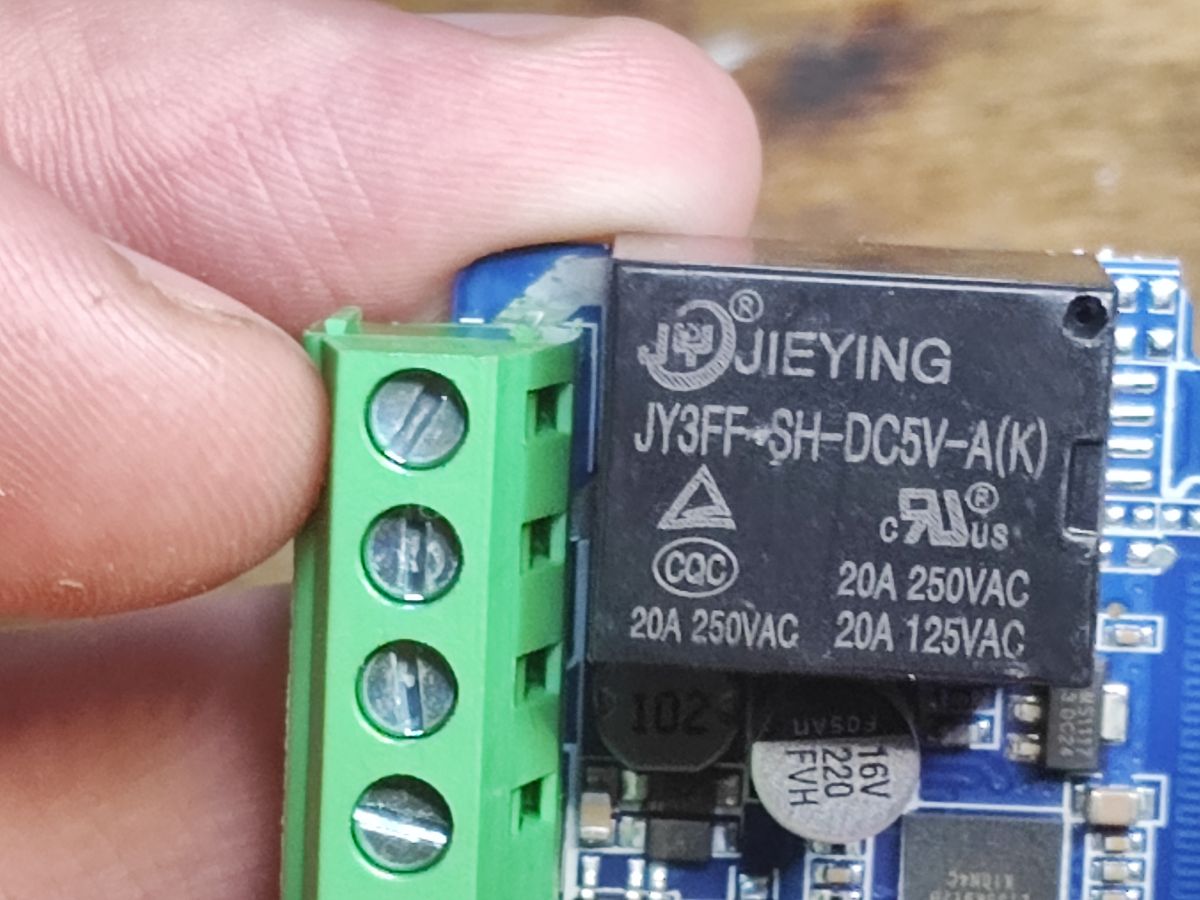
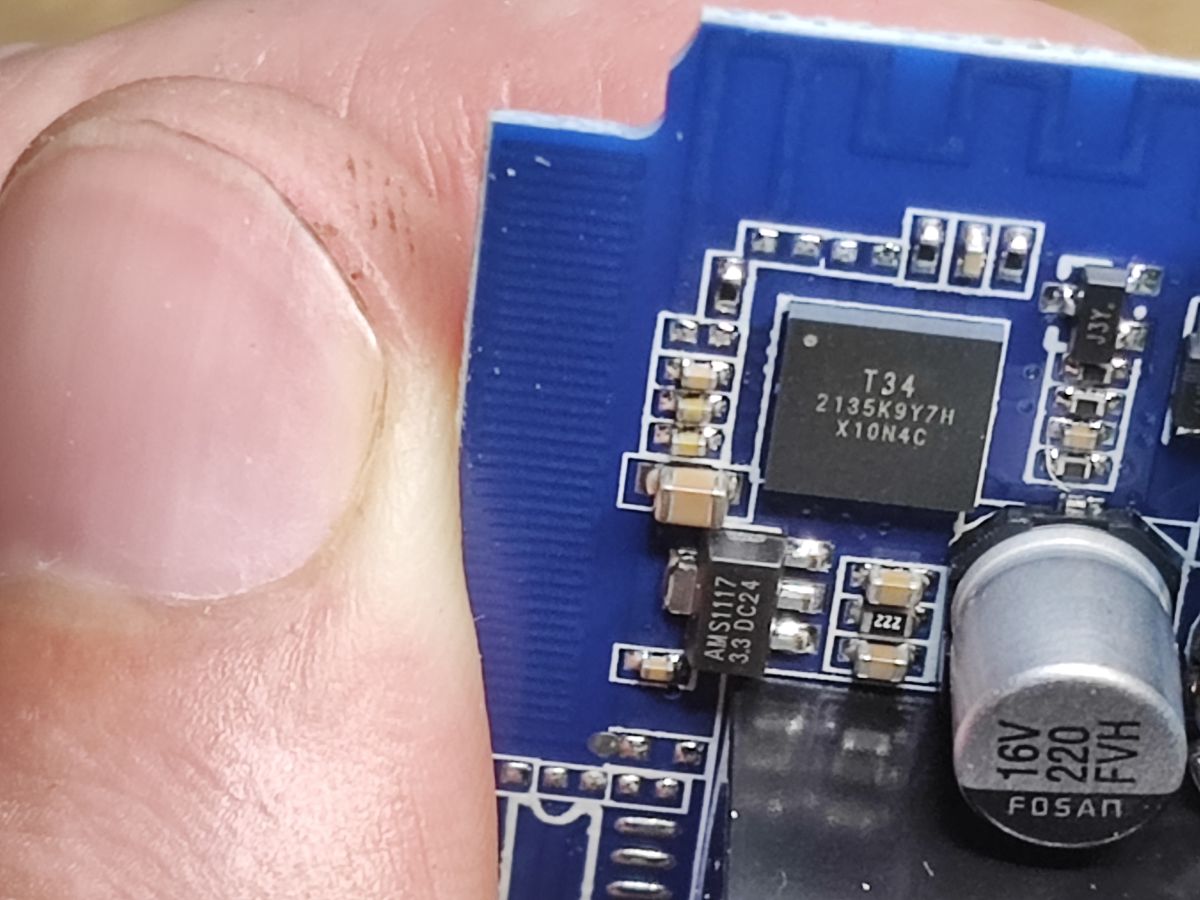
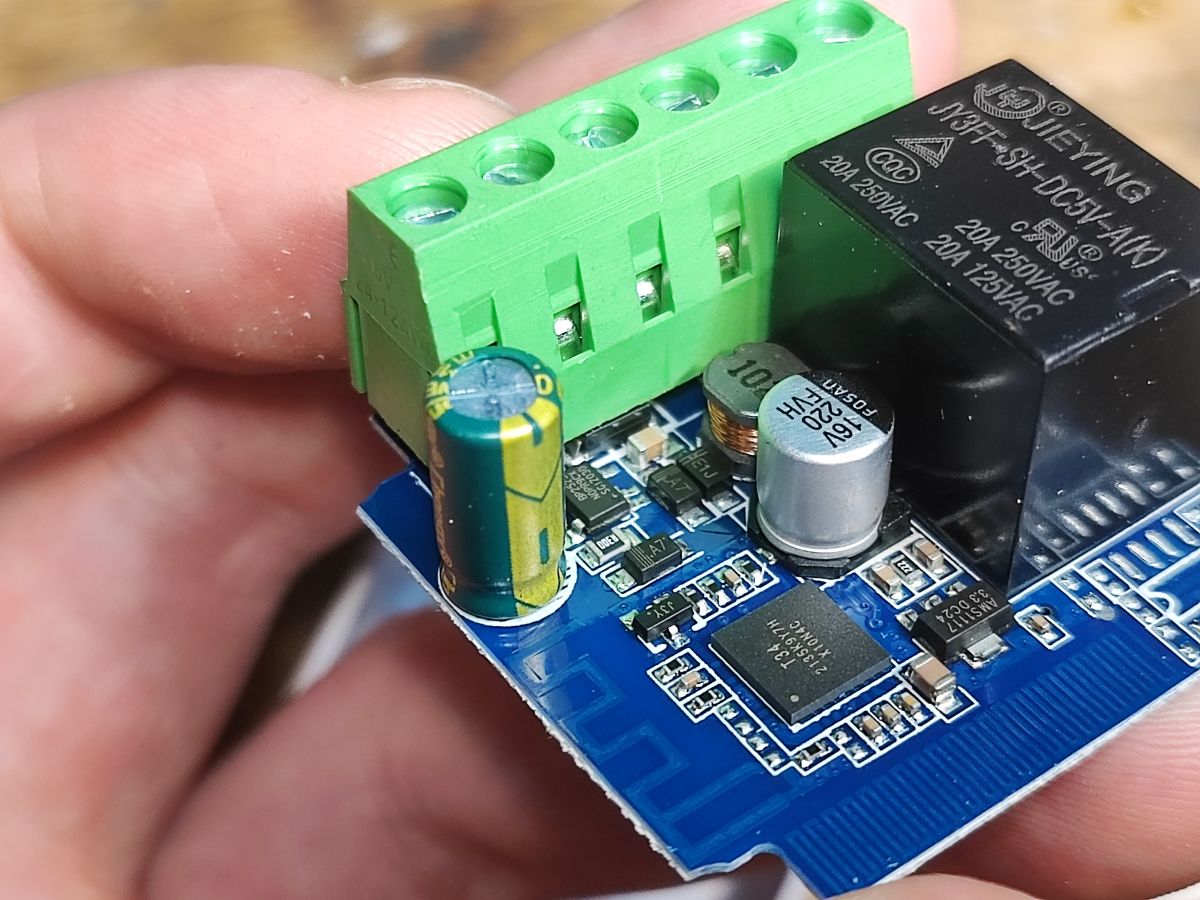
- T34 modules ride 5 V relay boards with AMS1117‑3.3 V LDO; UART flashing is required for first install. [Elektroda, p.kaczmarek2, post #21737021]
- Typical GPIO map seen: Relay on P26, Wi‑Fi LED on P8, Toggle on P23, Pair on P10. [Elektroda, p.kaczmarek2, post #21737021]
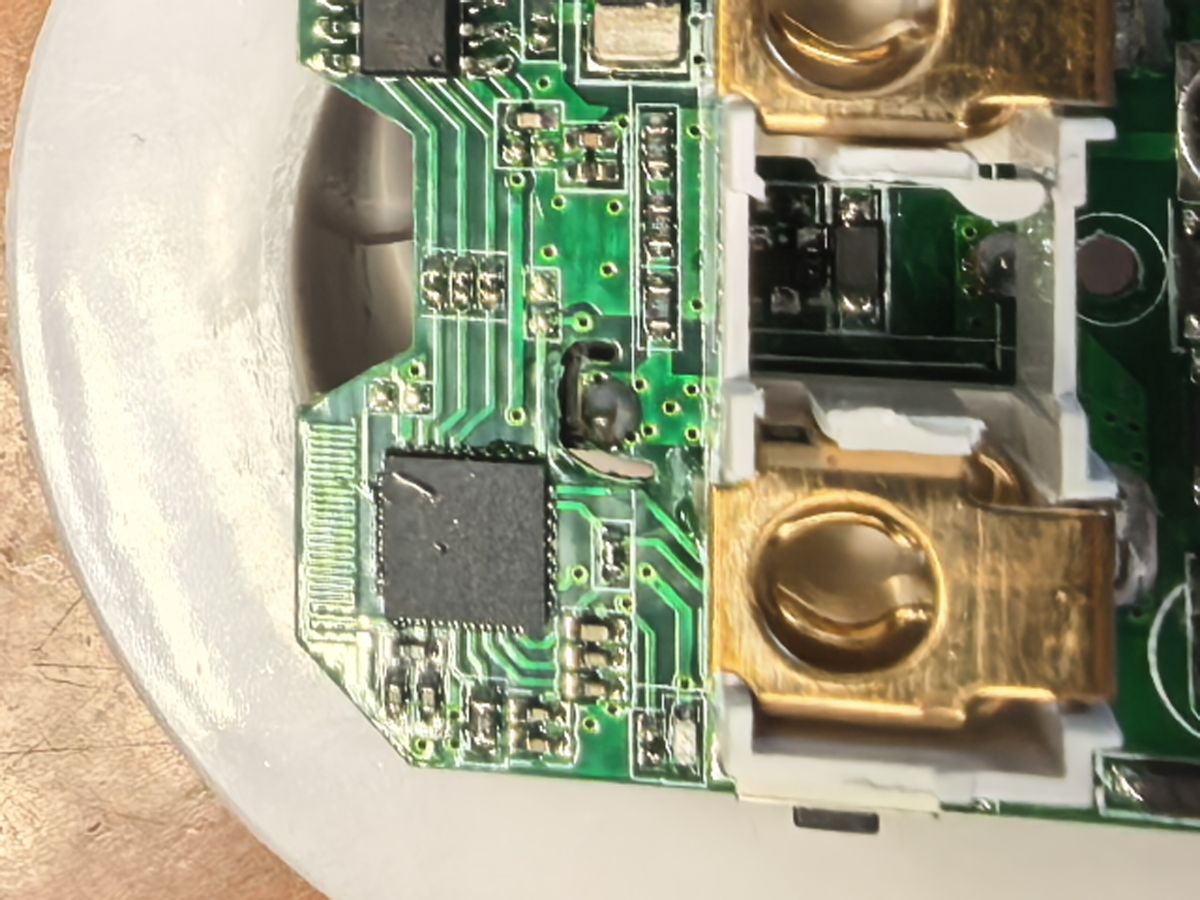
- Some T34s expose no side pads (LGA), making in‑circuit UART unreachable. [Elektroda, piotr_go, post #21737271]
- Risk: Thick wires can tear pads; use a stand, thin leads, or a breakout. [Elektroda, p.kaczmarek2, post #21737021]
- After first flash, use OTA to avoid repeated rework. [Elektroda, p.kaczmarek2, post #21737495]
What is the T34 module and why is flashing harder now?
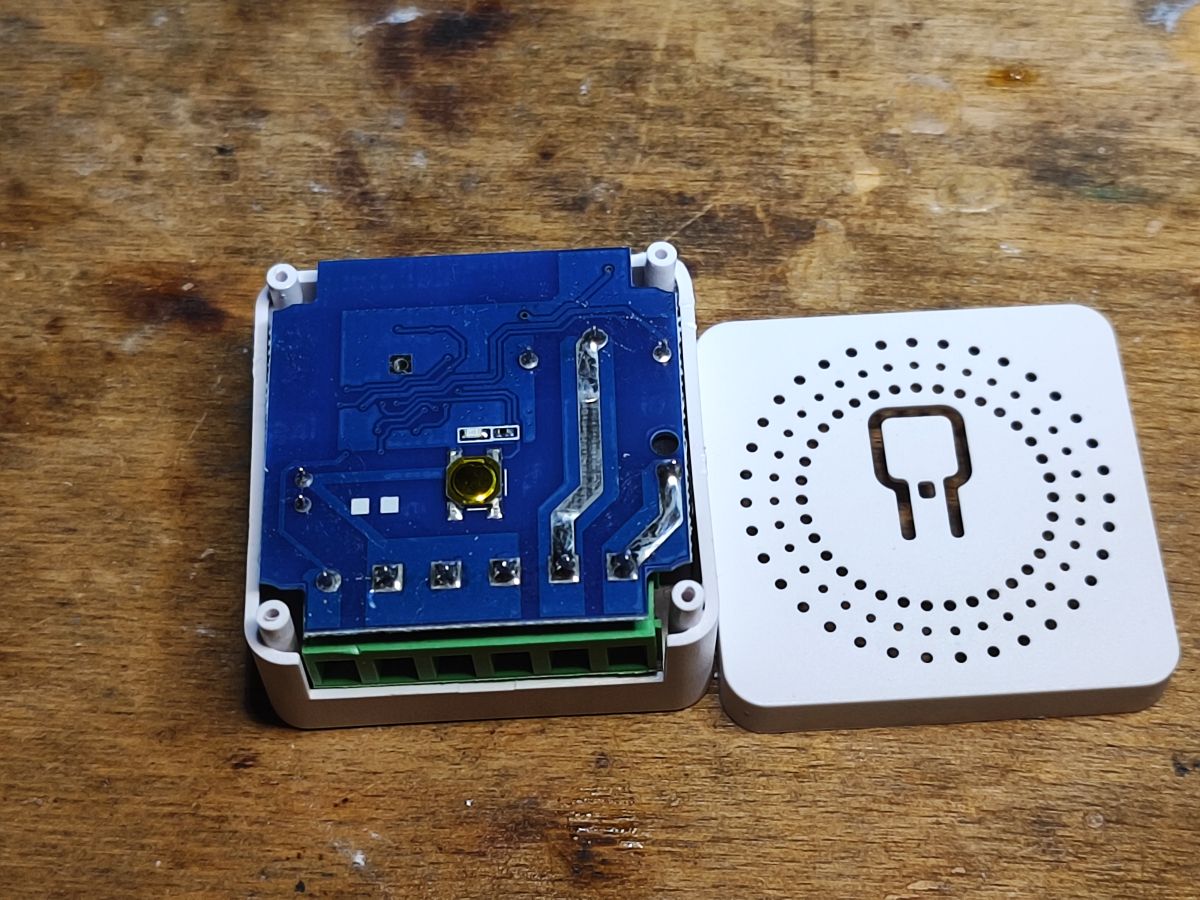
T34 is a compact Wi‑Fi module based on the BK7231T/N core. Many new relay boards place T34 in an LGA package with no accessible side pads. One UART line is often unrouted on the PCB, blocking in‑circuit serial flashing. Initial reprogramming typically requires hot‑air removal, wiring, then reflowing the chip. “Access to the pads is not available!” [Elektroda, p.kaczmarek2, post #21737021]
Is my module LGA or QFN, and does it matter?
It matters. In QFN you may catch the side pads; in LGA the metal lands sit underneath, often with no side access. The thread corrects the naming: these problematic versions are LGA, sometimes described as “laminated QFN.” Expect harder access and plan for chip lift. [Elektroda, piotr_go, post #21737271]
Can I find 3.3 V, GND, RX, and TX somewhere else on the board?
You can locate 3.3 V and GND easily. However, at least one UART pin (TXD1) is not routed on certain boards. Photos show no trace for that pad, so you cannot complete the UART without accessing the package lands directly. [Elektroda, p.kaczmarek2, post #21737307]
How do I flash OpenBeken onto a T34 safely?
Three steps: 1) Hot‑air lift the T34 after masking nearby parts and applying flux. 2) Solder thin leads or use a breakout/fixture; connect USB‑UART and use BK7231 GUI Flash Tool. 3) Reflow the T34 back, align with flux. Avoid thick wires to prevent pad lift. [Elektroda, p.kaczmarek2, post #21737021]
What tools and files do I need to program it?
Use a USB‑to‑UART adapter and the BK7231 GUI Flash Tool. Flash the OpenBeken binary for BK7231T. The tool can auto‑discover GPIO configuration, and the project repository provides firmware and device lists for reference. [Elektroda, p.kaczmarek2, post #21737021]
Can I avoid desoldering—any ‘needle’ or clamp tricks?
Sometimes. If solder joints are slightly exposed around the chip, two fine sewing needles or a printed press‑adapter can touch the UART lands. Success varies by pad length and board design. “The accessibility of the legs on these T34s do seem to vary.” [Elektroda, divadiow, post #21737850]
Is grinding a corner of the package a valid access method?
Yes, carefully filing only the corner with the target pin can create permanent access without full removal. Several users suggest this to expose a single UART pad, reducing future rework. Proceed slowly to avoid damaging internal layers. [Elektroda, Mastertech, post #21737477]
What’s the risk of ripping pads during wiring?
High if you use stiff or heavy wires. The author reports breaking a circuit this way. Secure the module in a small stand, hot‑glue strain‑relieved jumpers, or use a QFN/LGA breakout to protect pads during flashing. [Elektroda, p.kaczmarek2, post #21737021]
How do I configure GPIOs after flashing?
Use the detected Tuya JSON or manual mapping: Relay on P26, Wi‑Fi LED on P8, Toggle on P23, Pair/All on P10. Confirm behavior in OpenBeken, then pair with Home Assistant. A video walkthrough is linked in the thread. [Elektroda, p.kaczmarek2, post #21737021]
What is OpenBeken?
OpenBeken is open firmware for BK7231‑based devices. It replaces cloud dependence, adds local control, and integrates with Home Assistant. The thread links the project repo and device list used by contributors. [Elektroda, p.kaczmarek2, post #21737021]
What is Tuya in this context?
Tuya provides cloud‑connected firmware and JSON GPIO schemas in many IoT devices. Dumped Tuya JSON reveals pin roles, which OpenBeken can replicate for local control without the Tuya cloud. [Elektroda, p.kaczmarek2, post #21737021]
Can I rely on OTA after the first flash?
Yes. After installing OpenBeken once, use OTA updates to avoid lifting the chip again. “That’s what the remote update option (OTA) is for.” [Elektroda, p.kaczmarek2, post #21737495]
How many devices like this are already documented?
The community has described 796 devices. That catalog helps identify pinouts and configurations before opening hardware, saving time and rework. [Elektroda, p.kaczmarek2, post #21738061]
Will future IoT devices block firmware changes?
Some Matter‑based ESP32 devices already ship with secure boot and burned keys, preventing custom firmware. Contributors note this appears to be a top‑down requirement within Matter ecosystems. [Elektroda, p.kaczmarek2, post #21740953]
Edge case: what if my board has UART broken out underneath?
Check for test pads on the PCB bottom. Some versions route UART to hidden pads, enabling flashing without chip removal. If absent, use lift, corner‑file, or a press‑adapter approach. [Elektroda, p.kaczmarek2, post #21738061]
What if the chip sits mid‑PCB with no side access?
It’s harder but still possible. Add fine cables without full removal if any metal is exposed, or use a printed programming adapter to press contacts. Placement increases difficulty, not impossibility. [Elektroda, Mastertech, post #21738014]