Hi,
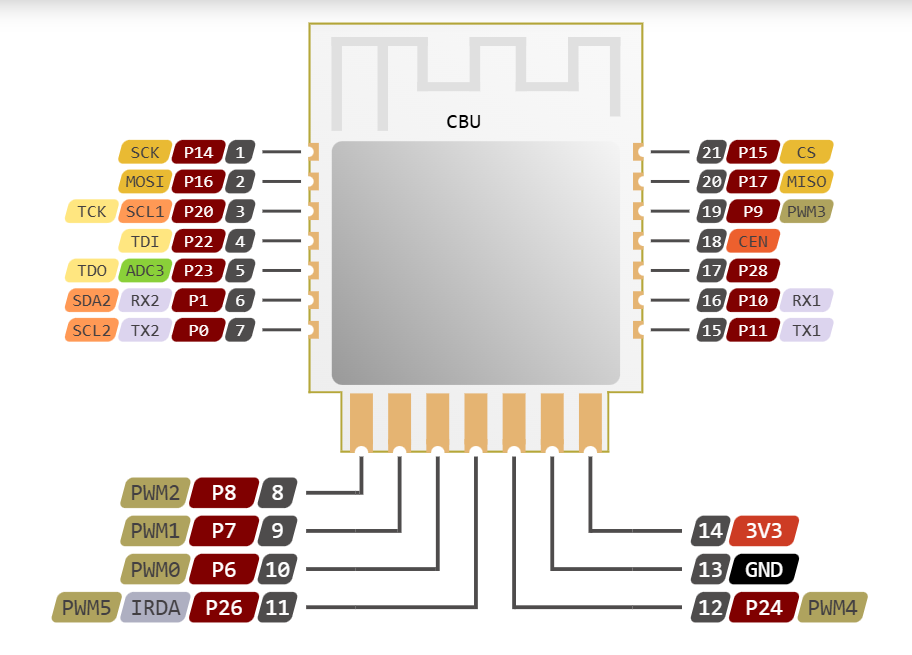
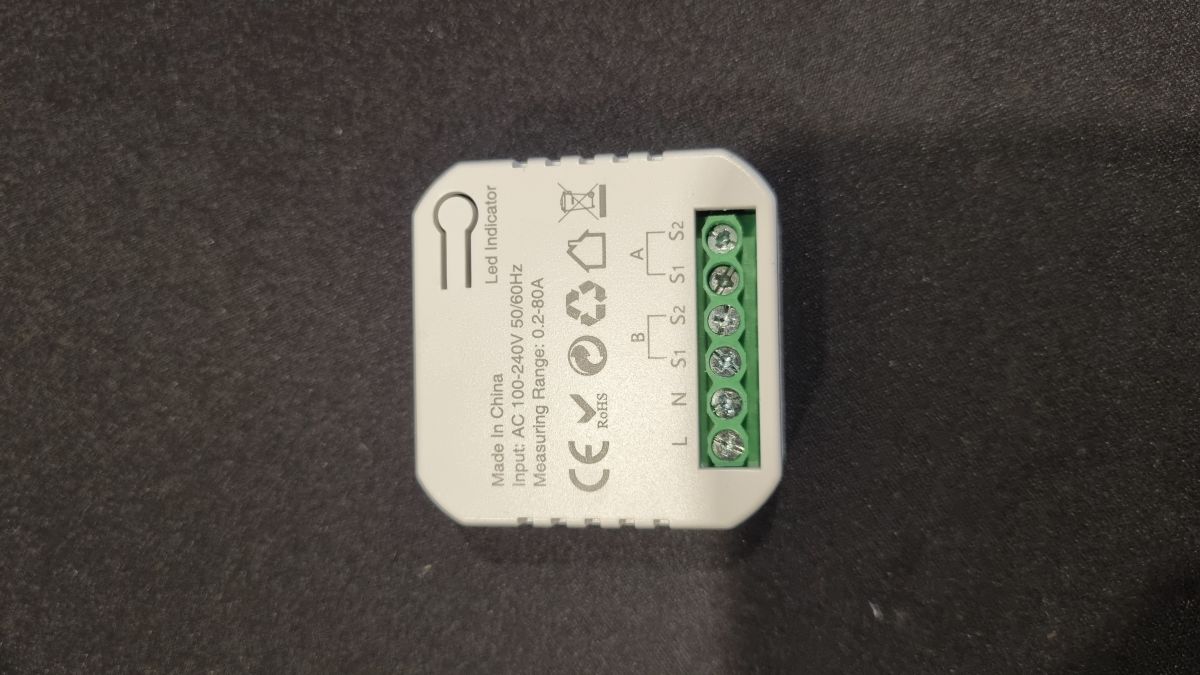
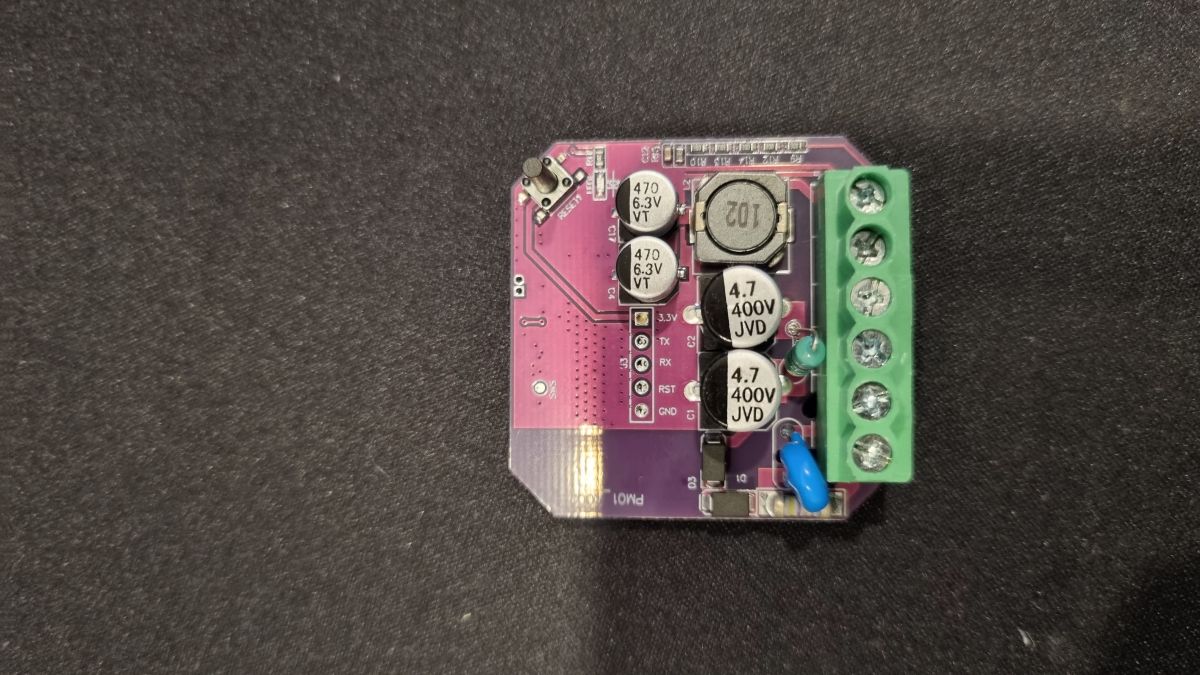
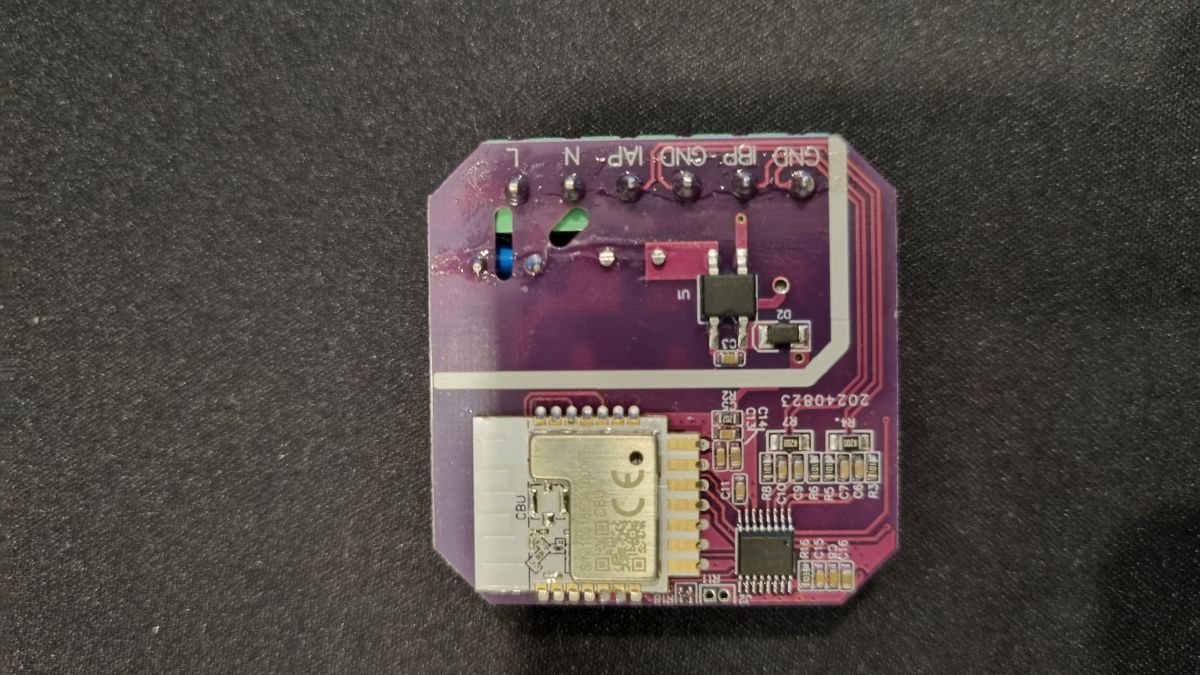
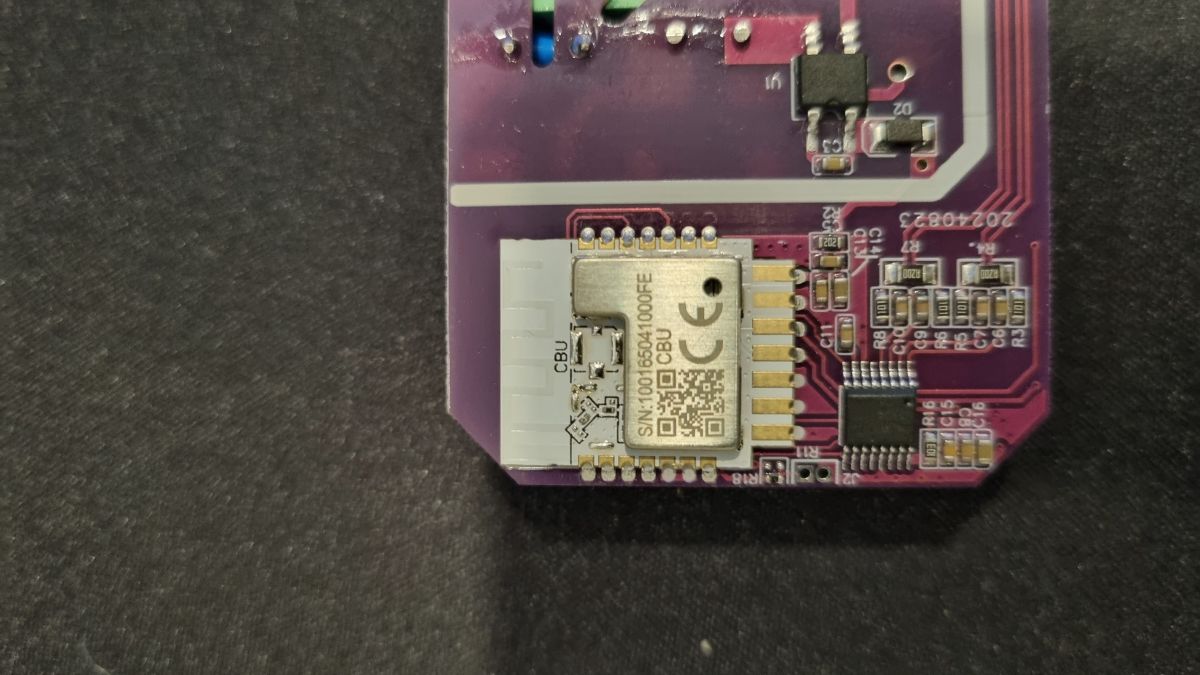
I have flashed my Tuya smart meter with CBU chip. I have access to the Web UI and I was able to connect to my Wi‑Fi without any issue.

But after some research on YouTube and this forum, I'm not able to configure the device to receive the metrics.
I already tried another topic at https://www.elektroda.com/rtvforum/topic4053493.html, but I didn't solve my problem.
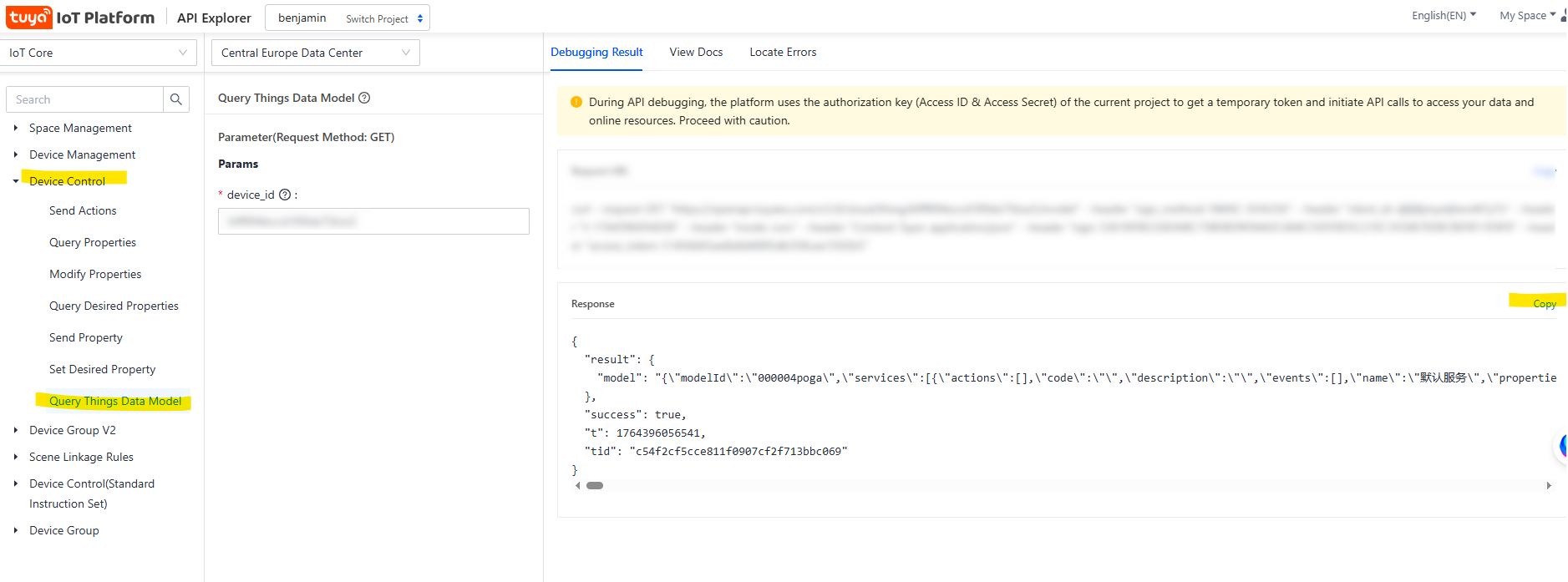
I was able to fetch the DIP list from the Tuya Developer Console. It's attached in the post.
I also attached a list of commands generated by ChatGPT, but the values are always zero. I'm not sure if I need to configure anything extra on pin config.
I hope someone can give me some help here.
Thank you
I have flashed my Tuya smart meter with CBU chip. I have access to the Web UI and I was able to connect to my Wi‑Fi without any issue.
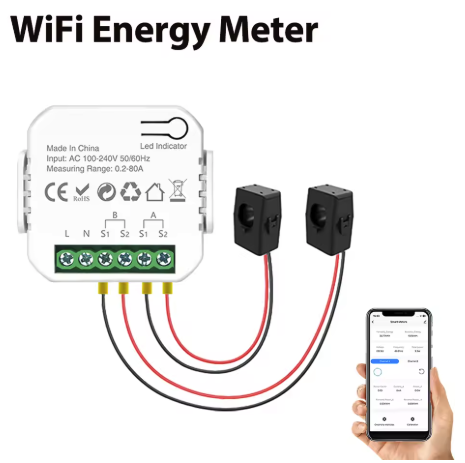
But after some research on YouTube and this forum, I'm not able to configure the device to receive the metrics.
I already tried another topic at https://www.elektroda.com/rtvforum/topic4053493.html, but I didn't solve my problem.
I was able to fetch the DIP list from the Tuya Developer Console. It's attached in the post.
I also attached a list of commands generated by ChatGPT, but the values are always zero. I'm not sure if I need to configure anything extra on pin config.
I hope someone can give me some help here.
Thank you