Hi everyone,
I’m quite new to this, so sorry in advance if this is a basic question.
I’m trying to flash and configure an unknown motion sensor, but I’m completely stuck with identifying and setting the GPIO pins.
So far, I’ve successfully flashed a light wall switch and set up MQTT for wall switch.
So I’m not totally new, but with this device I’m really lost.
The problem:
- the flashing process completes successfully
- the device boots and I can access it (when powered via probe station / USB)
- however, the flashing software does not recognize this sensor model
- it does not suggest any GPIO pins, unlike my previous devices where at least some pin mapping was shown
- I have no idea which pins to assign (everything is currently set to None)
- motion detection never triggers any GPIO changes
When powered by batteries, the device doesn’t connect to Wi-Fi at all.
I don’t know:
- whether this motion sensor actually exposes a GPIO for motion
- or if it works in some other way
- or how I should even start identifying the correct pins
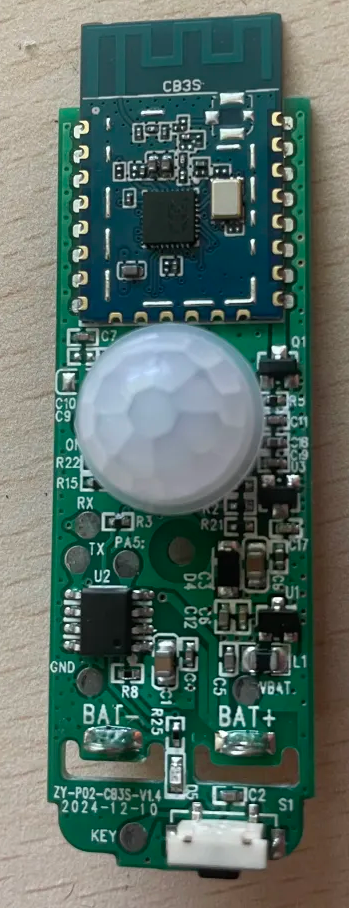
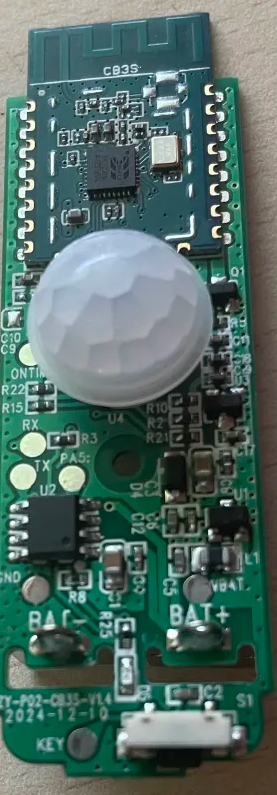
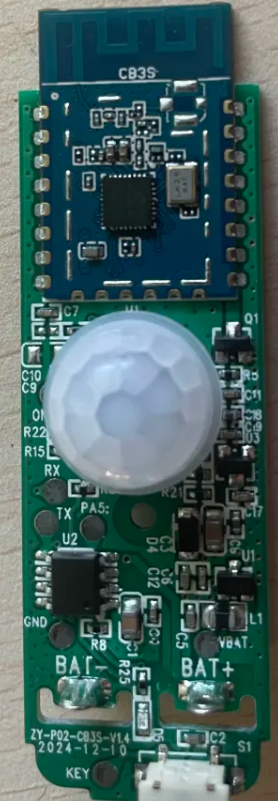
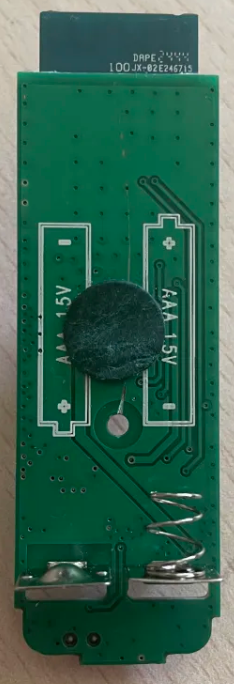
I will attach a photo of the PCB/sensor in case it helps.
Any guidance on:
- how to identify GPIO pins on an unknown motion sensor
- or whether this type of sensor is even usable with custom firmware
would be greatly appreciated.
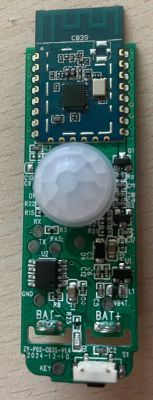
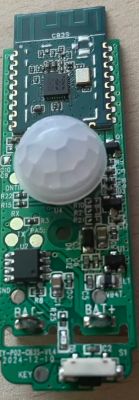
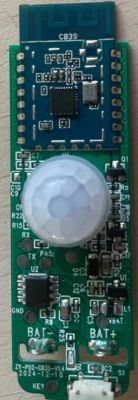
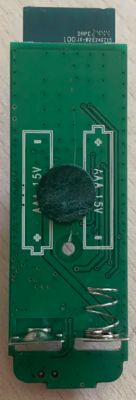
I’m quite new to this, so sorry in advance if this is a basic question.
I’m trying to flash and configure an unknown motion sensor, but I’m completely stuck with identifying and setting the GPIO pins.
So far, I’ve successfully flashed a light wall switch and set up MQTT for wall switch.
So I’m not totally new, but with this device I’m really lost.
The problem:
- the flashing process completes successfully
- the device boots and I can access it (when powered via probe station / USB)
- however, the flashing software does not recognize this sensor model
- it does not suggest any GPIO pins, unlike my previous devices where at least some pin mapping was shown
- I have no idea which pins to assign (everything is currently set to None)
- motion detection never triggers any GPIO changes
When powered by batteries, the device doesn’t connect to Wi-Fi at all.
I don’t know:
- whether this motion sensor actually exposes a GPIO for motion
- or if it works in some other way
- or how I should even start identifying the correct pins
I will attach a photo of the PCB/sensor in case it helps.
Any guidance on:
- how to identify GPIO pins on an unknown motion sensor
- or whether this type of sensor is even usable with custom firmware
would be greatly appreciated.