Recently time code from OBK was changed to allow for more time sources (beside the well known NTP).
The possibly simplest method is setting the OpenBeken time to the time of the device you are using to access the GUI (this is allready in OBK code, just not enabled):
Setting device time to browser time
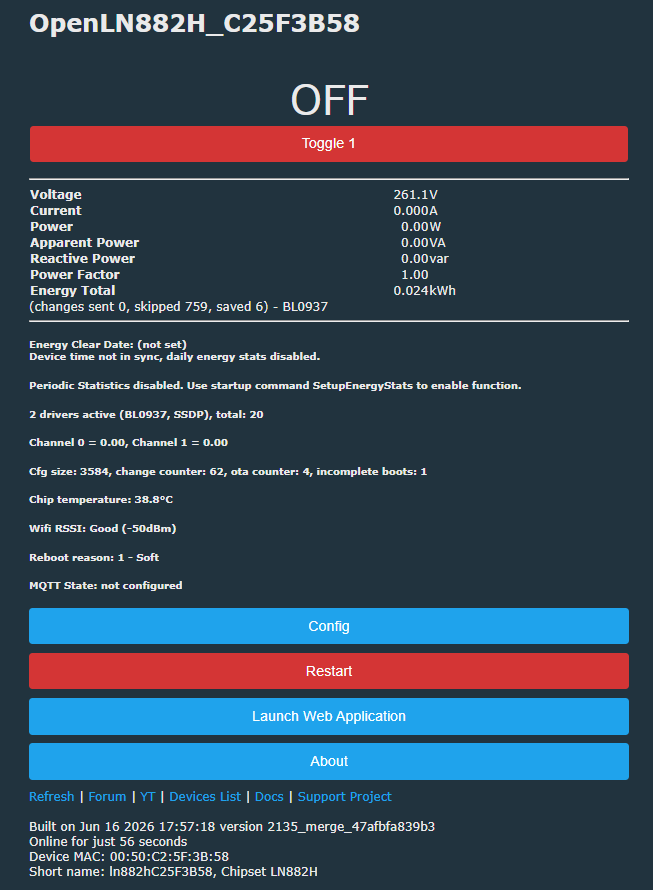
If you define "ENABLE_TIME_PMNTP" in obk_config.h your GUI will show an additional button "Set clock to PC time", which will set the time to the time of your PC/Tablet...:
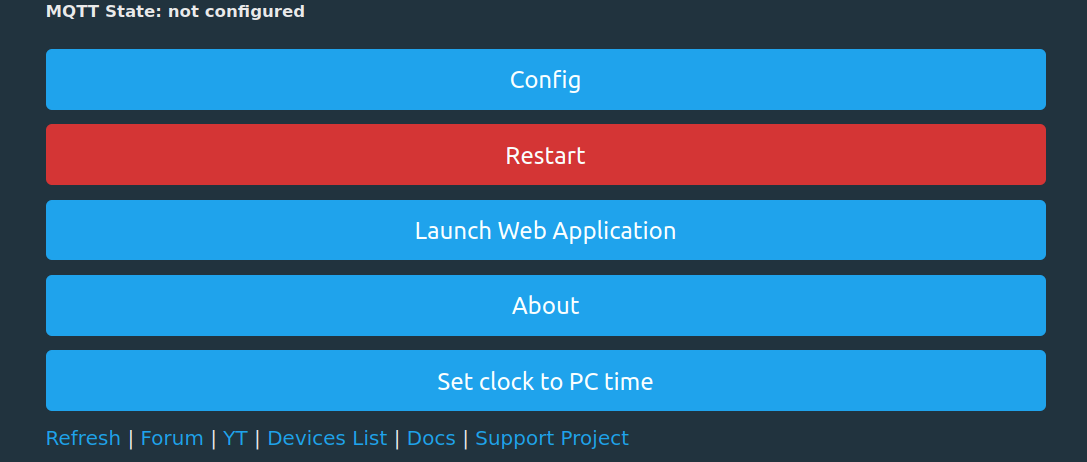
This is done once, and the accuracy depends on your device: My LN882H seems quite good, in half a year the drift was only about 5 minutes - if you set it regulary, you can keep it even better.
But of course there are more things to present:
Using a DS3231 RTC
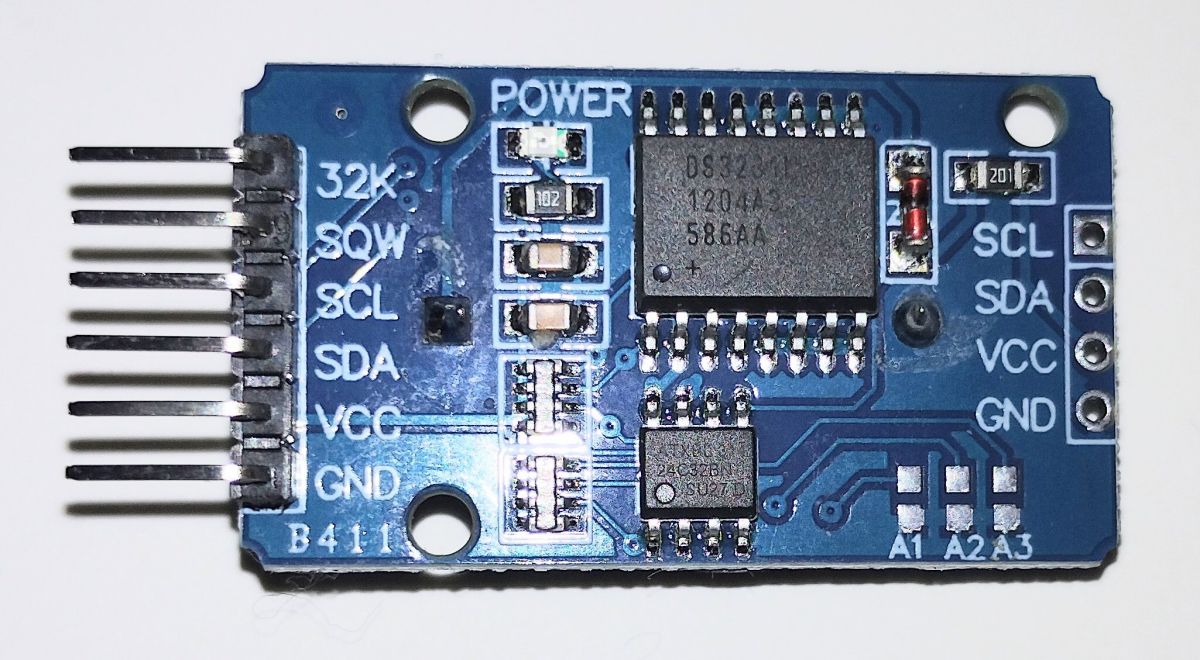
Also allready present is a driver for the DS3231 RTC - a cheap possibility to add a battery powered RTC chip which can set the time e.g. on startup.
It's enabled in obk_config.h with "#define ENABLE_DRIVER_DS3231 1"
Useful in case the device has no access to another time source, e.g. when there's no internet and hence no NTP possible.
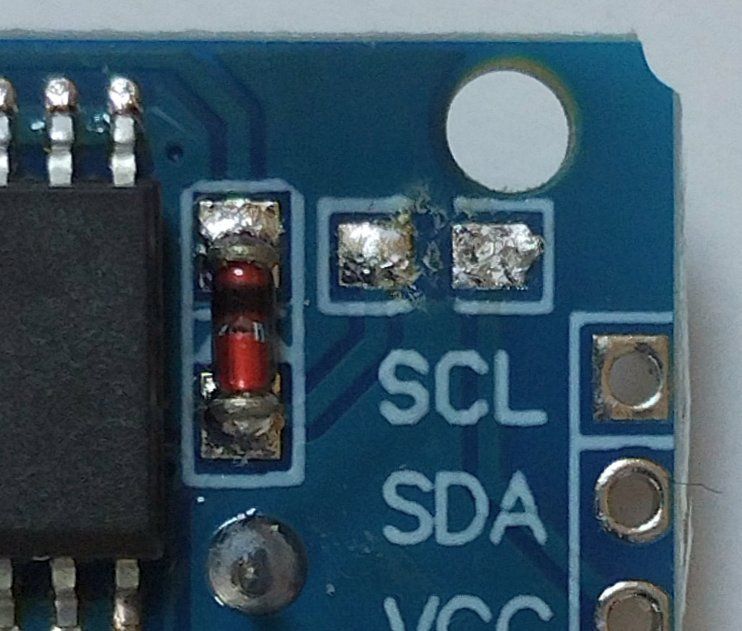
An important hint if you have one of those cheap battery powered devices like this one: The circuit is designed for a rechargeable battery - if used with e common CR2032 this might blow up your cell (or maybe even worse).
You can easily test if "VCC" is connected to the battery's "+" over a 200 ohm resistor and a diode. If so, I suggest to simply remove the resistor to protect your battery:
If your hardware is clear, you start the driver with
startdriver DS3231 <SCL-pin> <SDA-pin> <optional arg>the optional argument will define if and when the openbeken time is set to the RTC time:
"1" - this will set the device time to RTC time once on startup
"2" - the device time is regulary (every minute) set to the RTC time, so RTC is "master clock" for the device.
To set the RTC you can use the two commands
DS3231_SetTime <hours> <minutes> <seconds> <day> <month> <year> - (e.g. DS3231_SetTime 19 50 01 13 8 25)
DS3231_SetEpoch <epoch since 1970> - (e.g. DS3231_SetEpoch 3269879540)
If you are using a Linux PC you might "set" the RTC via
wget -q "http://<your.device.IP.address>/cmd_tool?cmd=DS3231_SetEpoch+$(date -u +%s)"
Here's a picture of an ESP32 with DS3231 on pins 25 (SDA) and 26 (SCL).
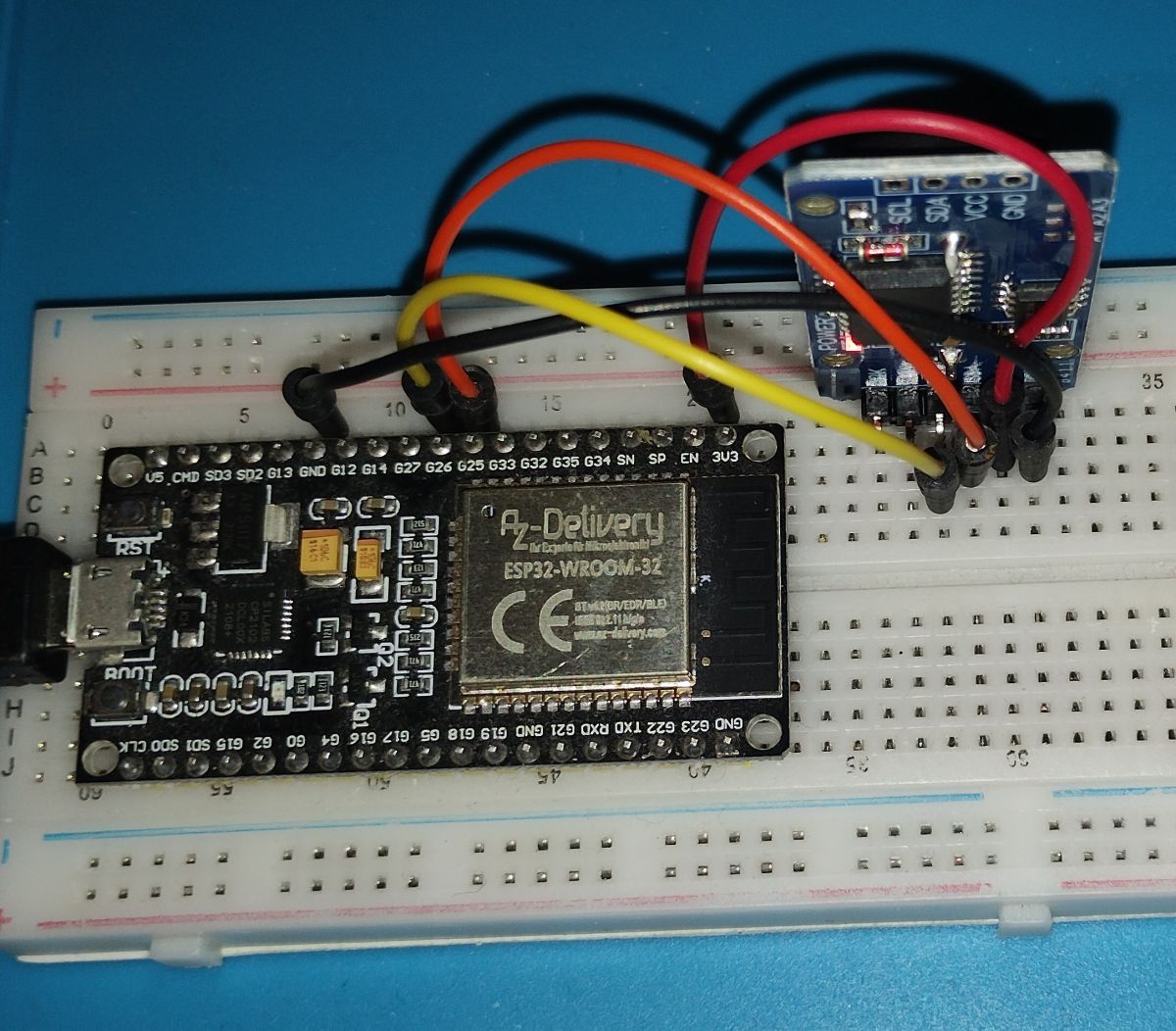
So I am starting the driver with
startdriver DS3231 26 25 1
to set devices clock to RTC time once on startup of driver.
If you don't have (or don't want) your device to get the time via internet and NTP I made two pull requests for additional time sources: GPS and DCF77 (a German longwave time signal radio station).
Using GPS as time source - NEO-6M driver
This is actually present in PR#1890
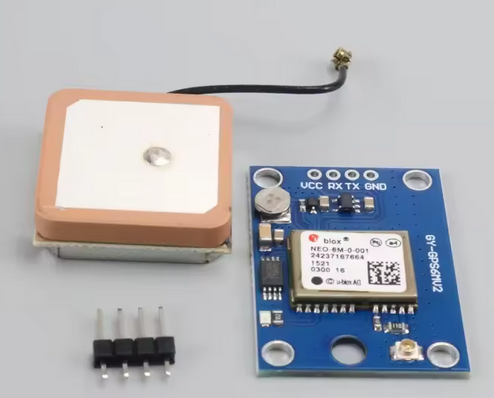
For the devices with a usable UART, you can use my NEO-6M driver. It will decode the NMEA statements from the device and allow you to set the devices time and even latitude/longitude in case you are using "sunrise/sunset" calculations.
The modules are quite cheap (~2.5 to 3 € on ali) an you need to connect the NEO-6M RX and TX to the devices TX and RX.
Here an example with the module connected to BK7238 module (needs "flag 26" for me, so NEO6M TX is connected to P1 and NEOs RX to P0).
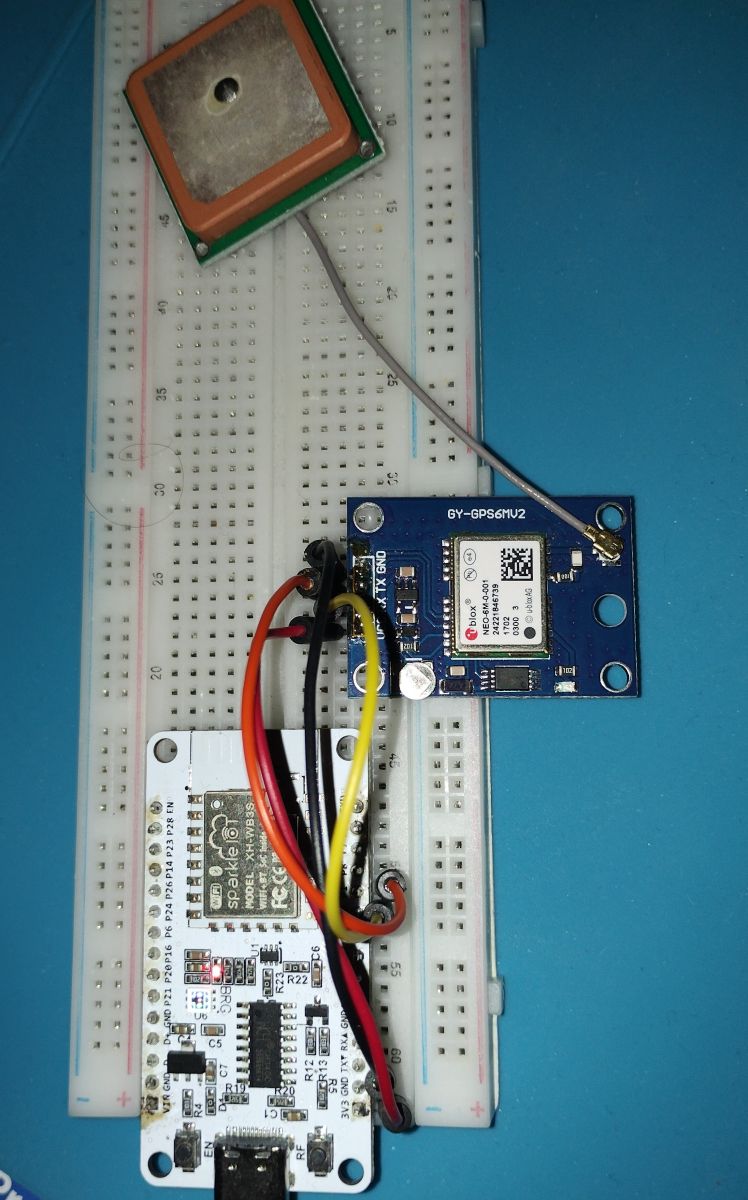
You have the following arguments to
"startdriver NEO6M""<baudrate>" will use the integer as baud rate - this requires NEO6M was set to this baudrate permanently before. It will not send any command to NEO6M!
"setclock" will set the obk time to GPS time if NEO6M is "locked"
"setlatlong" will set the obk latitude/longitude to GPS values if NEO6M is "locked" (and "ENABLE_TIME_SUNSET_SUNRISE" is defined)
Usually the GPS module will send a lot of NMEA messages every second - this would need a lot of buffer for the "parser".
So on startup the driver will send the command to disable all messages except RMC (we will only parse "$GPRMC" lines).
If you have the possibility to set the NEOM6 permanently to only this output, you would only need the RX on the obk side.
You might read and set the module via "u-Center" software available at "https://www.u-blox.com" - or use the recenty added "savecfg" argument to "startdriver".
Not tested too much, but works o.k. here ...
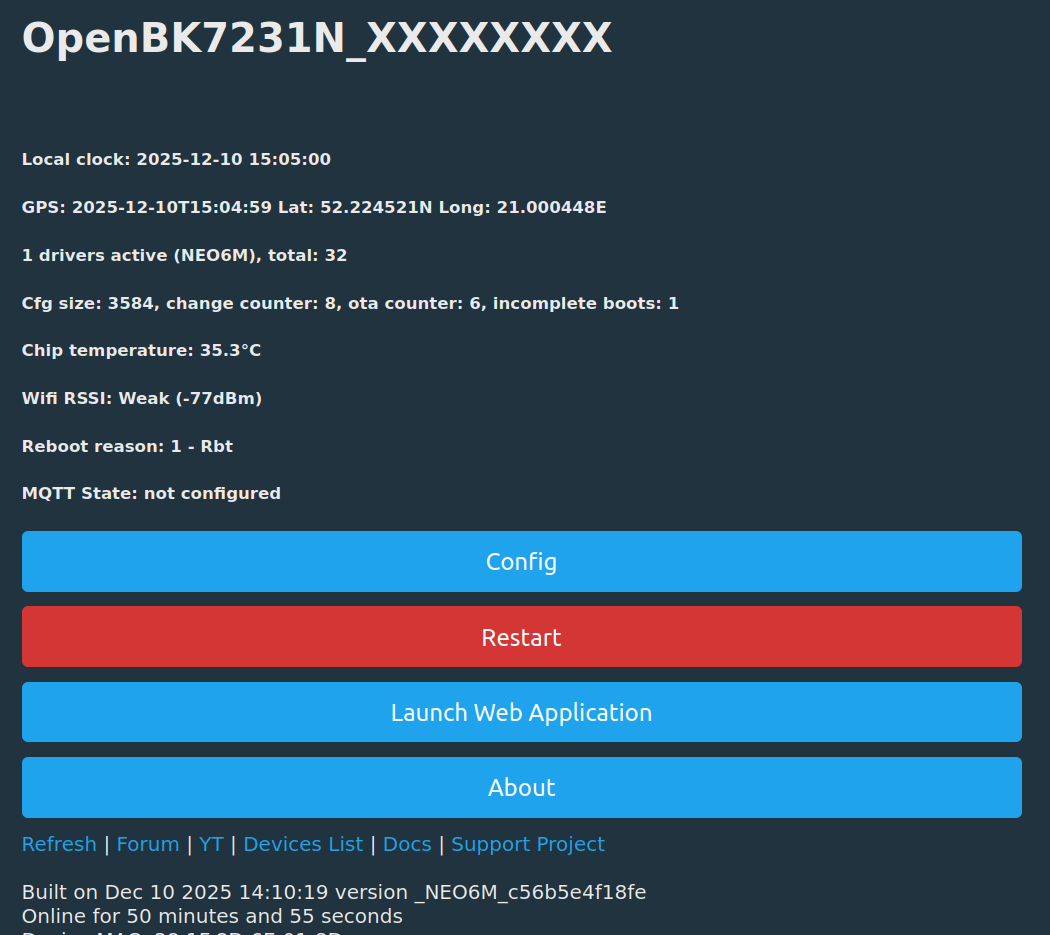
As my desk is not directly next to a window, reception sometimes is bad. So I bought a pigtail and an antenna for a vehicle with an 2m cable.
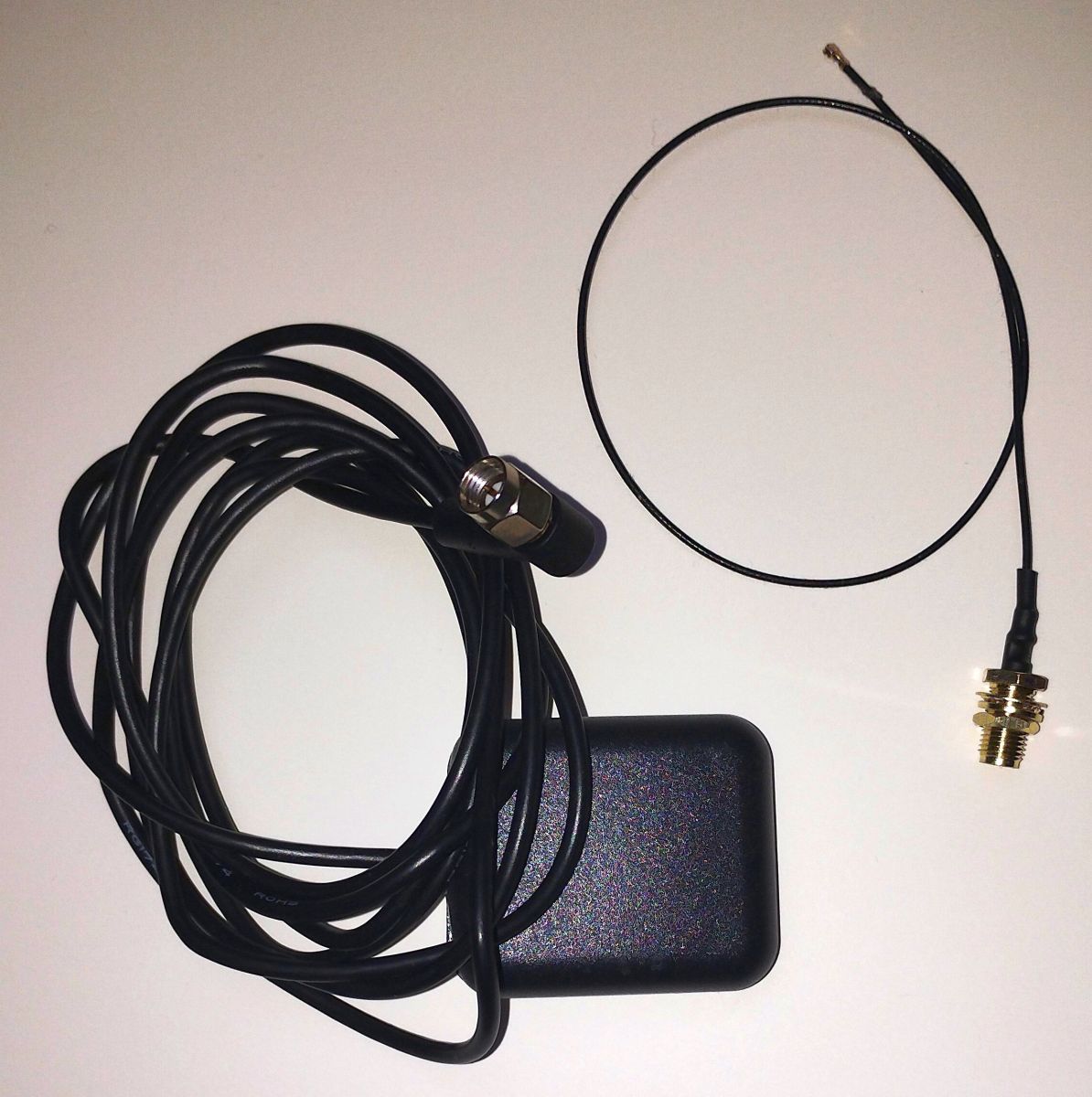
I didn't measure, but I'd say reception is not as good as if I lay the original antenna there - but it's o.k. to get a GPS signal even 1.5 meters away from the window.
If you are using a smart switch with live wires, remember that the ground (GND) is usually not isolated from the live wires! So you will need complete insulation to prevent electric shock.
Using a DCF77 receiver
This is actually present in PR#1911
For small money you will get a small board with an ferrite antenna like this one:
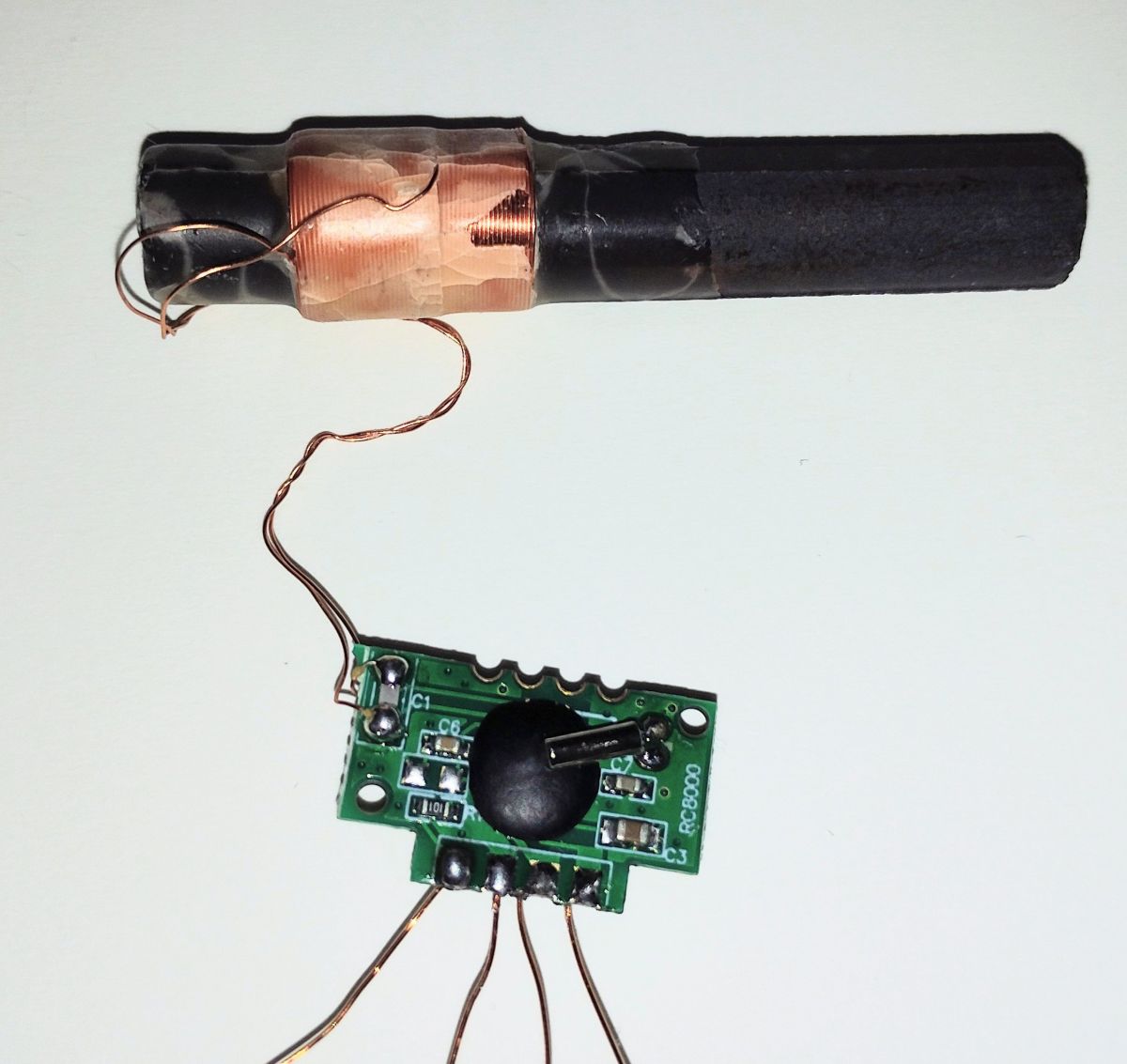
It will decode a radio signal broadcasting the actual time in "bits" represented by signal changes. Every second there is a 100ms ("0") or 200ms "1" change which is decoded as high/low on the modules output.
Since it's often used in battery powered devices, you need to enable reception by pulling the "PON" pin to GND.
The driver will decode the signal by collecting the bits over one minute and then calculate date, time and DST (summer-/winter-time).
Reception is not too reliable, even with the parity bit it sometimes receives a wrong time.
You can therefore test, if the next signal is 60 seconds after the previous to be quite sure, reception is fine.
The decoding is done via interrupts and tested on LN882H, Beken, BL602 and ESP platforms for now.
Here's some debug output from the reception and decoding of the signal:
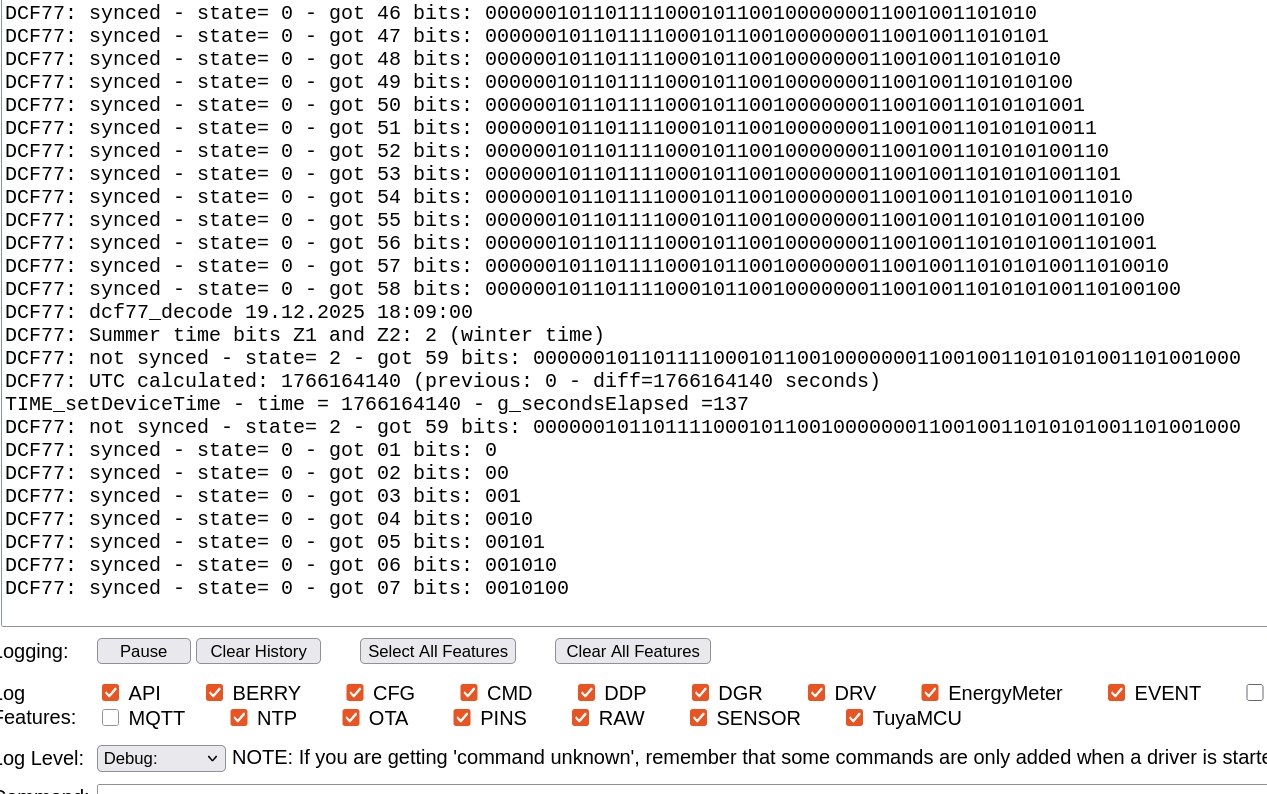
Starting with
startdriver DCF77optional arguments are
"fall" per default, a rising edge will mark the "bits", if you need a falling edge (e.g. if using a opto-isolator), use this argument
"httpstat" add some details from driver on main page
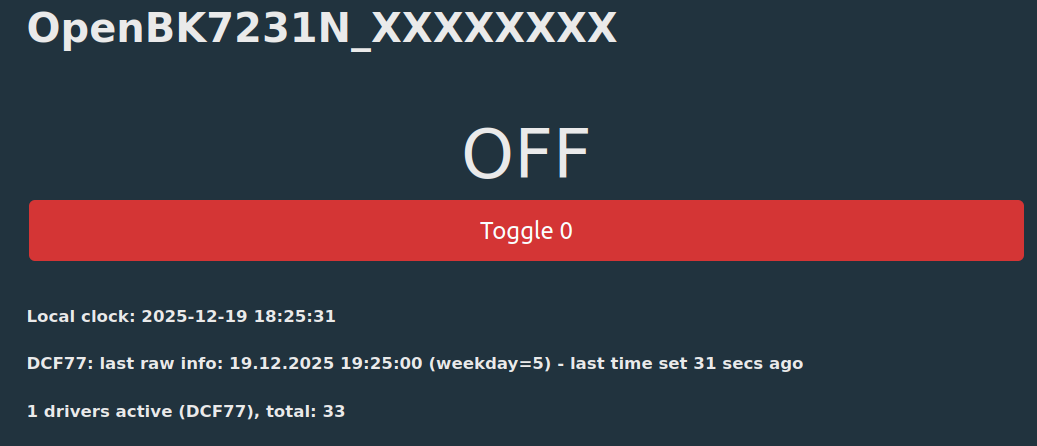
As stated before, smart switches IO pins are usually live, so I also tried if this works trough an opto-isolator: It does (but inverts the signal in my very simple realization):
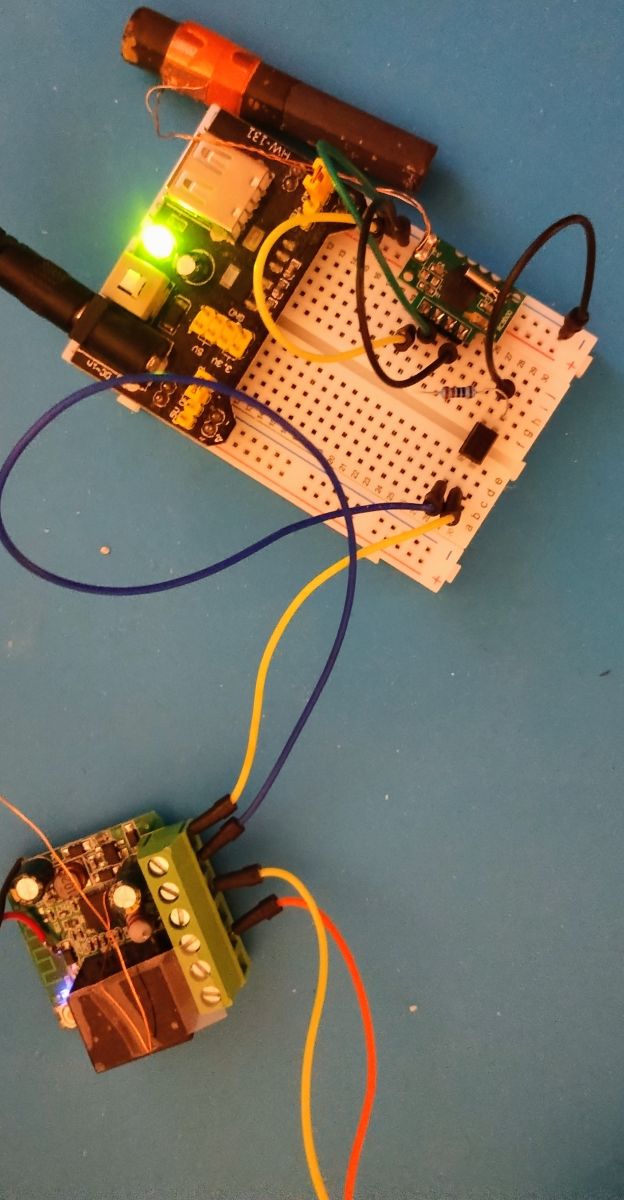
This shows my test with a BK7231N switch (here powered by a PoE power supply with 48V) and the receiver input on the "switch" (since opto coupler inverts the signal, I used it with "fall" argument). I'm using a common PC-817 and a 220 ohm resistor for 3.3V for DCF77 device.
Cool? Ranking DIY