FAQ
TL;DR: TH01/ZY‑TH02‑CB3S TuyaMCU sensors expose 3 dpIDs (27 temp, 46 humidity, 101 battery); “dpIDs 27, 46 and 101 are where the test autoexec.bat came from.” [Elektroda, divadiow, post #21831827]
Why it matters: This FAQ shows how to map the right dpIDs, avoid the wrong driver, and fix 0.00 or 120% readings fast.
For: DIY tinkerers flashing OpenBeken on TH01/CHT83xx/ZY‑TH02‑CB3S who see 0.00 or stuck values and need a working autoexec.
Quick Facts
- Device class: TuyaMCU with dpIDs 27=temperature, 46=humidity, 101=battery; scale and ranges defined in schema. [Elektroda, divadiow, post #21831827]
- Known good OpenBeken build reported: OBK 1.18.248 via BK7231Flasher. [Elektroda, johnnyh, post #21828894]
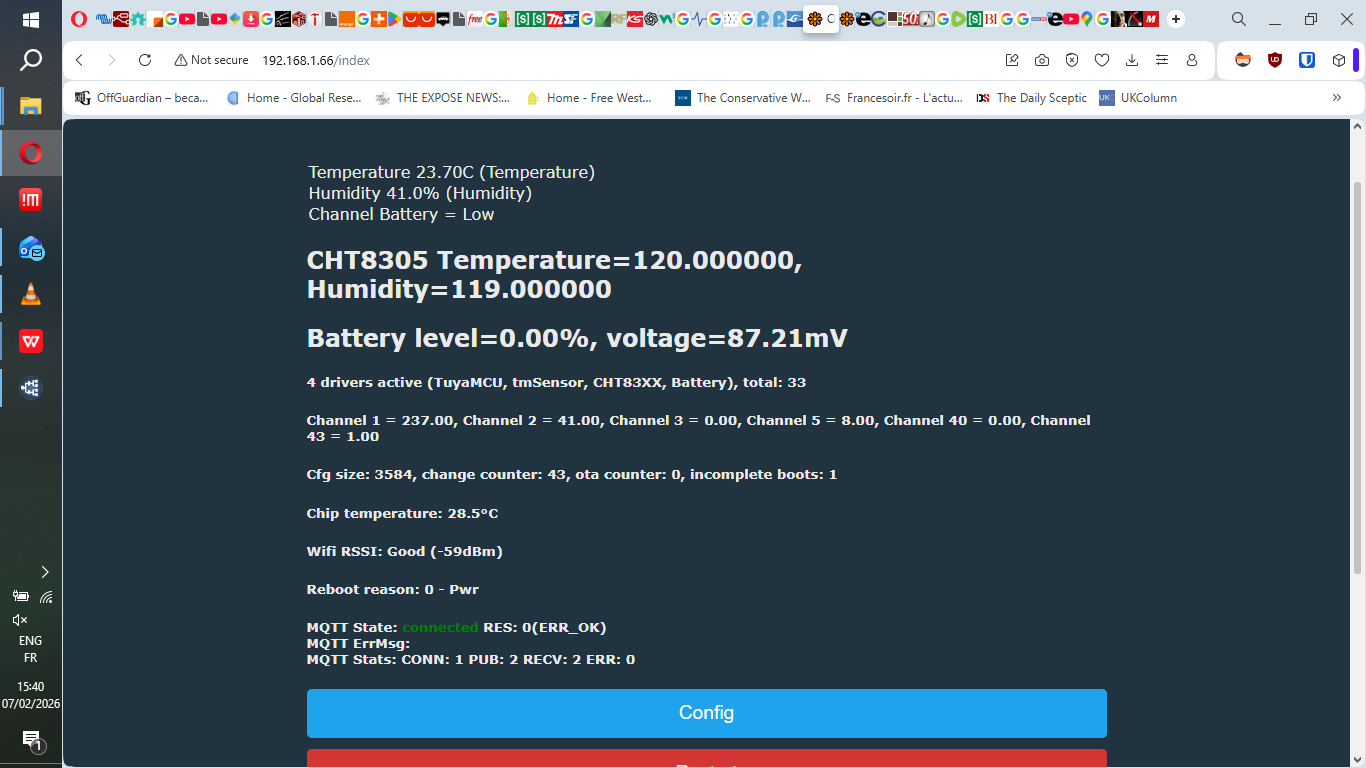
- Wrong driver risk: CH83XX driver overwrites channels with bogus data (e.g., 120% RH). Do not run it. [Elektroda, p.kaczmarek2, post #21832023]
- Helpful flag: tuyaMcu_defWiFiState 4 after starting tmSensor can restore Tuya updates. [Elektroda, divadiow, post #21831053]
- Example dpID mapping and labels provided for temp, humidity, and battery. [Elektroda, divadiow, post #21831198]
Why does my TH01/CHT8310 show 0.00 after flashing OpenBeken?
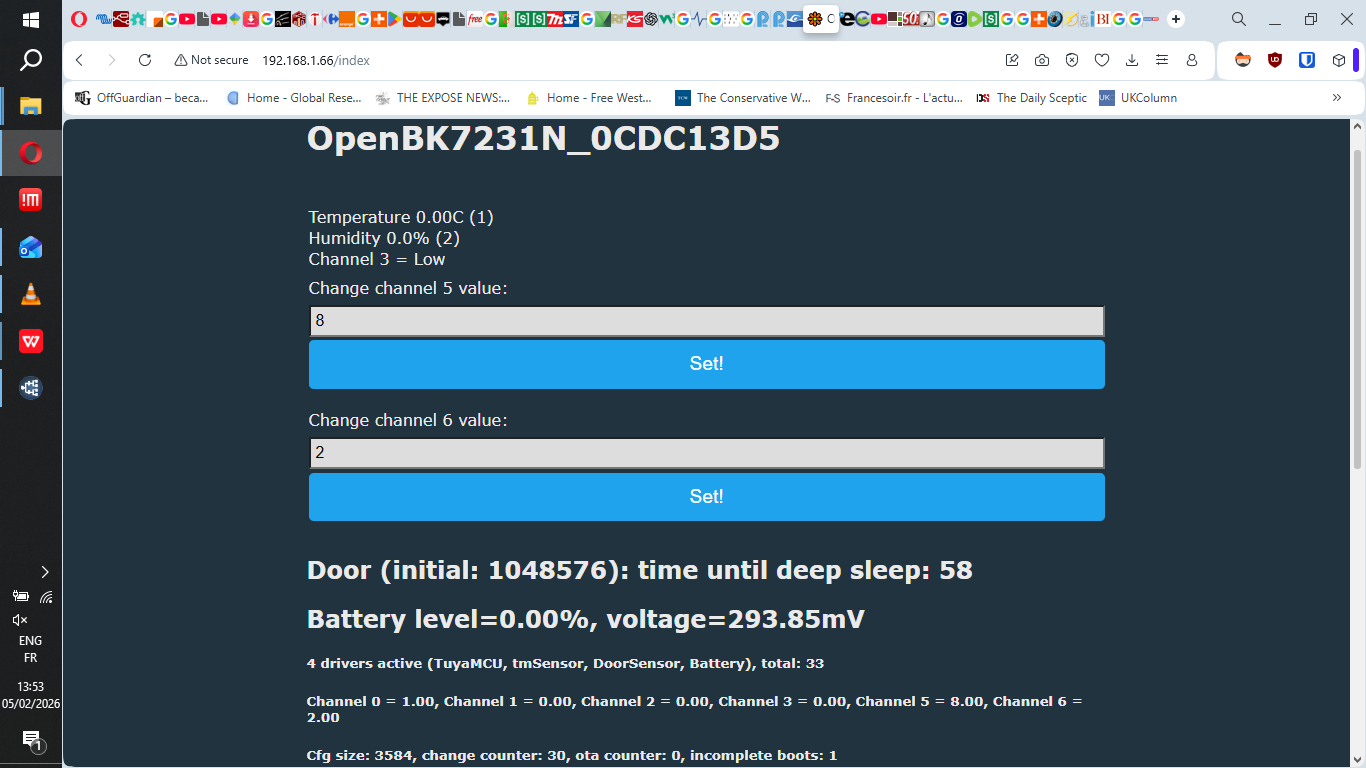
TuyaMCU values are not mapped yet, or a wrong driver is overwriting channels. Disable CH83XX and map dpIDs to channels. This prevents bogus 0.00 or 120% readings and restores live updates. "CH83XX driver should not be run. It may overwrite your channels with bogus data." [Elektroda, p.kaczmarek2, post #21832023]
How do I tell if my sensor uses TuyaMCU or a direct sensor driver?
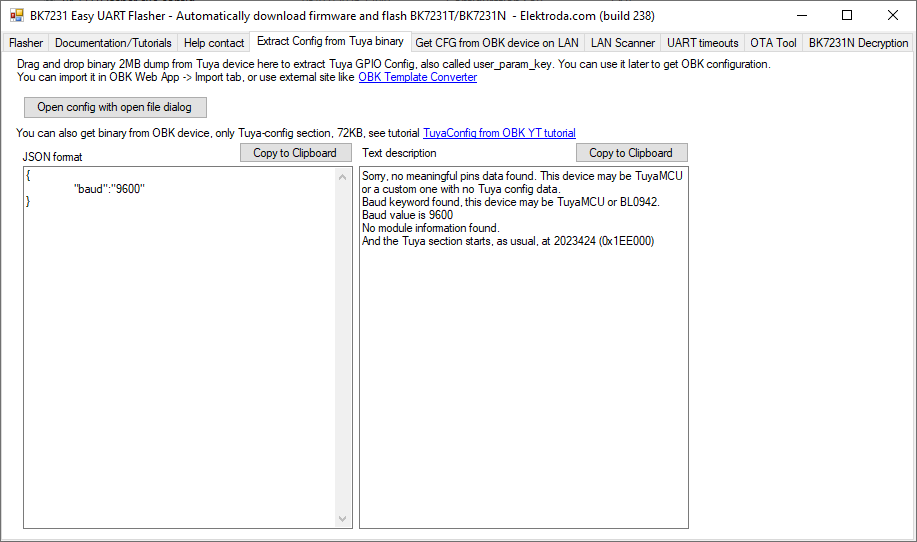
Use Easy Flasher’s Tuya KV extraction tab. If it shows only a UART baud and no GPIO map, it is TuyaMCU. That means you must link dpIDs to channels instead of enabling raw sensor drivers. [Elektroda, divadiow, post #21829798]
What dpIDs and units does this device use?
Schema shows dpID 27 as temperature (−200 to 600, scale 1, °C), dpID 46 as humidity (0–100, %), and dpID 101 as battery state (enum). These three properties back the working template. [Elektroda, divadiow, post #21831827]
What’s a known‑good autoexec.bat for this board?
Use: startDriver TuyaMCU; startDriver tmSensor; link dpID 27 to channel 1 as temperature_div10, dpID 46 to channel 2 as Humidity, and dpID 101 to channel 3 as ReadOnlyLowMidHigh with labels. This template matches the device schema. [Elektroda, divadiow, post #21831198]
Do I need tuyaMcu_defWiFiState 4 and where should it go?
Yes, add tuyaMcu_defWiFiState 4 after starting tmSensor and TuyaMCU. It can be required for Tuya frames to publish properly into channels after Wi‑Fi connects. [Elektroda, divadiow, post #21831053]
Why am I seeing 120.00 °C and 119% RH that never change?
The CH83XX driver is for direct‑wired sensors and corrupts TuyaMCU channels on this device. Remove or disable it so TuyaMCU values pass through untouched. Then readings return to normal ranges. [Elektroda, p.kaczmarek2, post #21832023]
How can I rescale or offset values if the numbers are close but wrong?
Use linkTuyaMCUOutputToChannel with an extra divider, multiplier, or offset. You can set non‑10 divisors, and apply an offset for exact calibration. This fixes mismatched vendor scalers. [Elektroda, p.kaczmarek2, post #21831745]
Quick fix: How do I go from 0.00 to real readings in three steps?
- startDriver TuyaMCU and startDriver tmSensor only.
- Link dpIDs 27→ch1 temperature_div10, 46→ch2 Humidity, 101→ch3 ReadOnlyLowMidHigh, with labels.
- Save, reboot, then verify channel updates.
This mirrors the provided working mapping. [Elektroda, divadiow, post #21831198]
My readings look right only after touching the sensor. Is this hardware?
Intermittent, touch‑sensitive behavior points to a flaky unit or unstable mapping. After removing CH83XX and using the dpID template, values stabilized for the poster, suggesting prior interference. Faulty hardware remains possible. [Elektroda, johnnyh, post #21831865]
Which OpenBeken version did the thread use?
OpenBeken (OBK) 1.18.248 was flashed with BK7231Flasher. You can reproduce results by starting from that known baseline and then applying the dpID mappings shown here. [Elektroda, johnnyh, post #21828894]
I erased Tuya KV before reading it. Can I still configure the device?
Yes. Without KV, you can still operate by using the discovered dpIDs and mapping them in autoexec.bat. Easy Flasher’s KV tab is for extraction, but mapping works even if the original KV is gone. [Elektroda, divadiow, post #21829798]
How do I ensure only the right drivers run at boot?
Clear Startup Commands and rely on autoexec.bat. Only start TuyaMCU and tmSensor for this device class. Extra drivers, like CH83XX, cause conflicts and bogus channel writes. [Elektroda, divadiow, post #21831867]
What exact board ID did the poster find on the PCB?
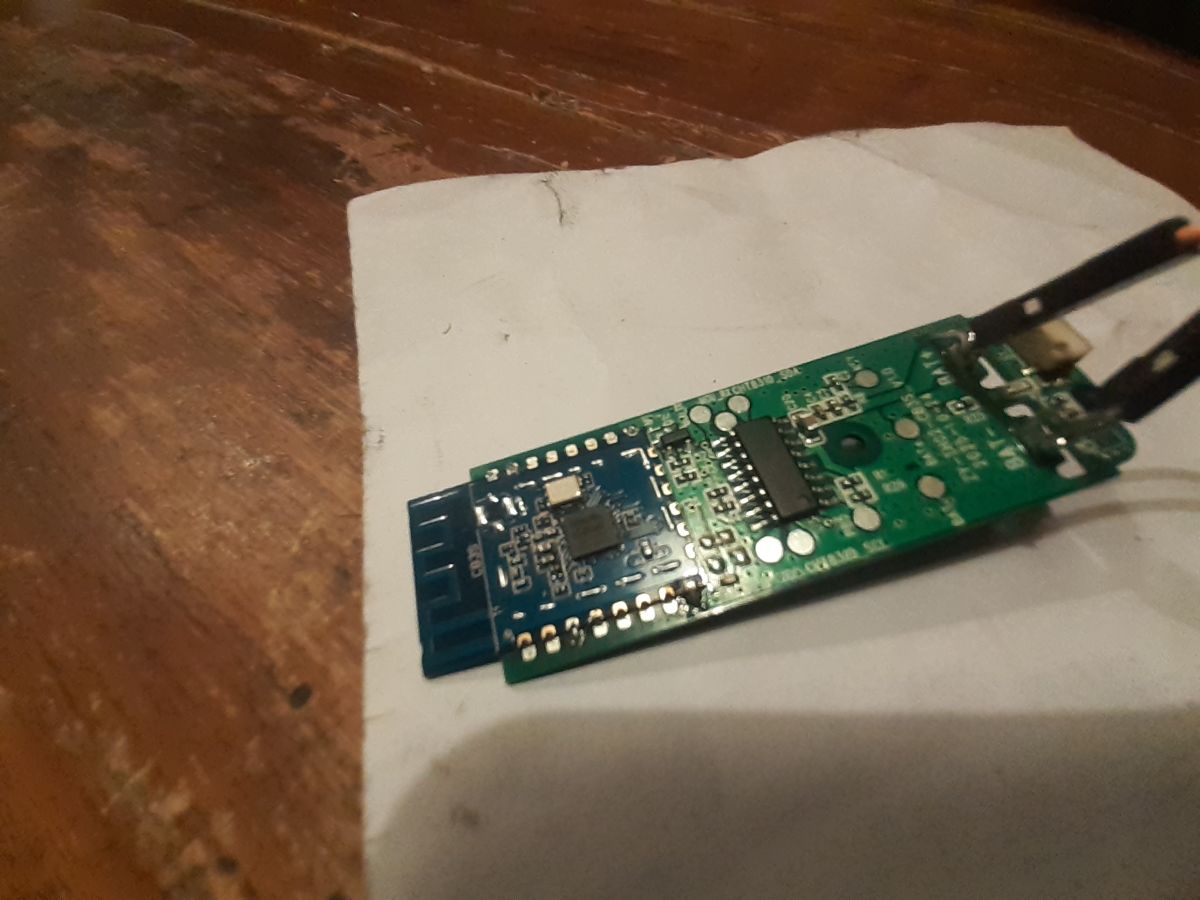
The board silkscreen read ZY‑TH02‑CB3S_V.1.0 with TH01 branding on the box. Knowing this variant helps choose TuyaMCU mapping instead of raw sensor drivers. [Elektroda, johnnyh, post #21830005]
Are dpIDs 27/46/101 definitely correct for this product key?
Yes. After pairing the backup with product key x3o8epevyeo3z3oa, the schema returned dpIDs 27 (temp), 46 (humidity), and 101 (battery). "dpIDs 27, 46 and 101 are where the test autoexec.bat came from." [Elektroda, divadiow, post #21831827]