






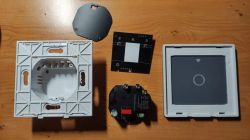
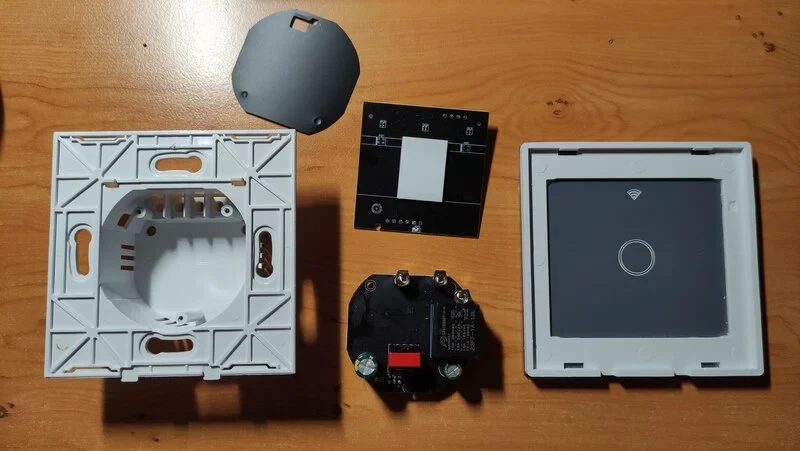
I bought several pieces of Tuya Smart WiFi Light Switch Touch Panel Wall Switch from
https://www.aliexpress.com/item/1005006903350922.html
(mix of 1 gang and 2 gang)
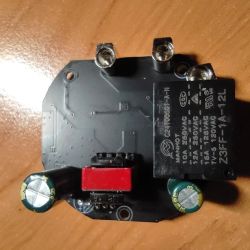
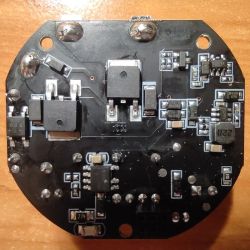
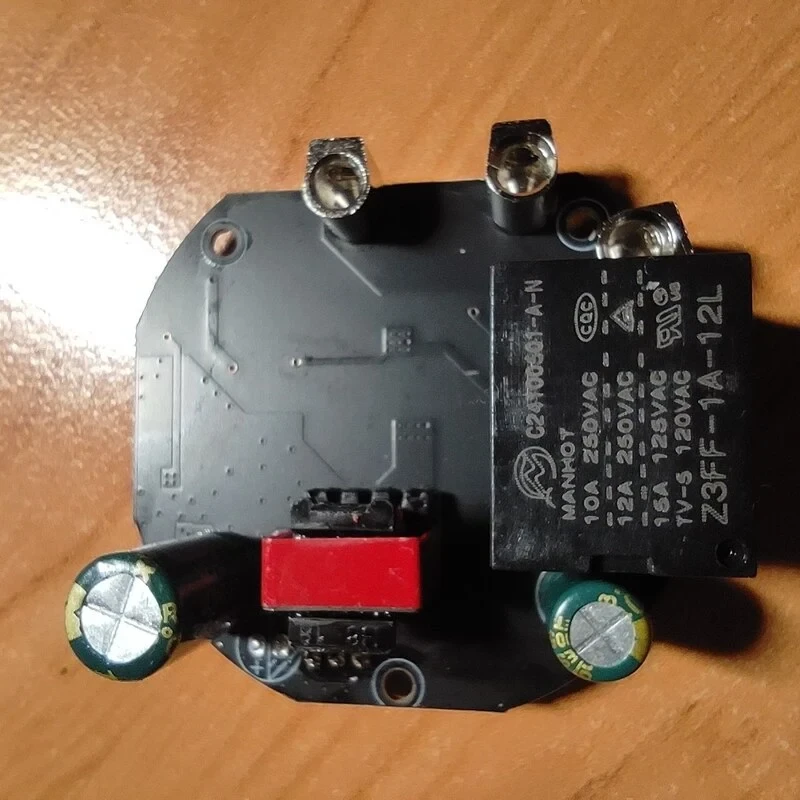
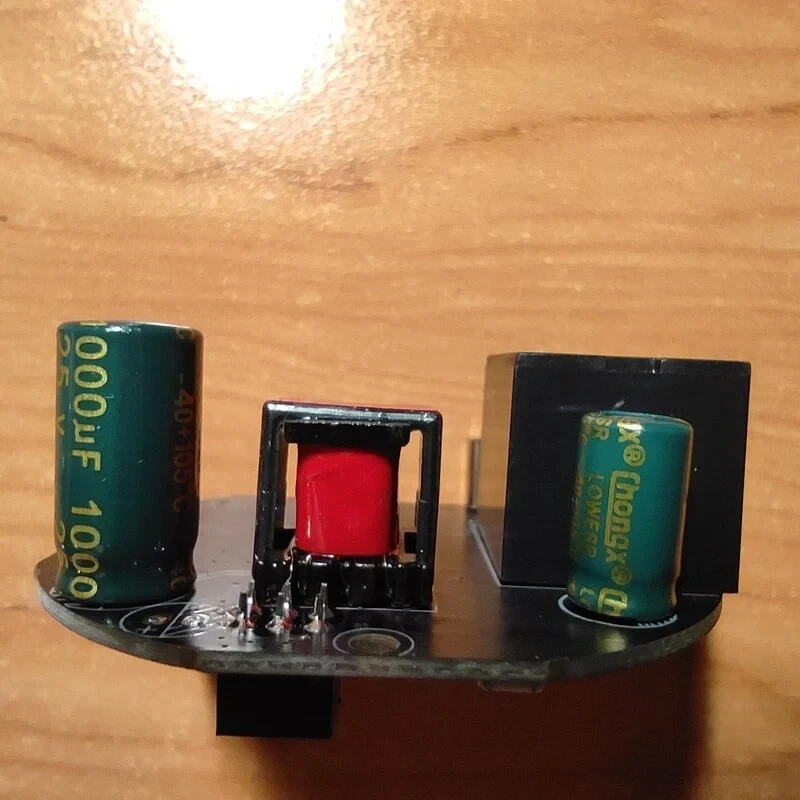
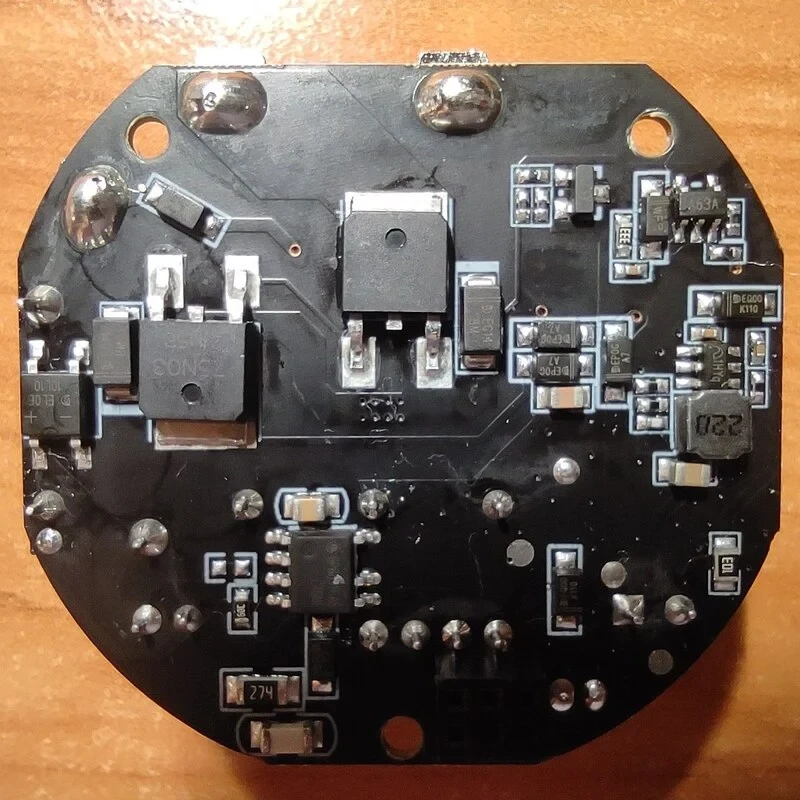
It contains BK7238 and I have successfully flashed OpenBK7238_QIO_1.18.287.bin through UART on these. The first two items I ordered had a green PCB, the items in the second order have a black mask on the PCB.
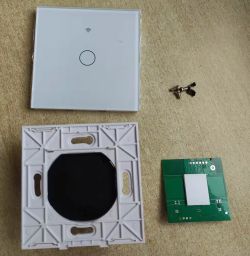
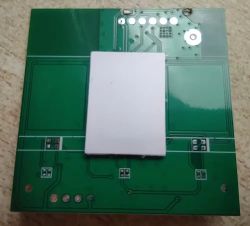
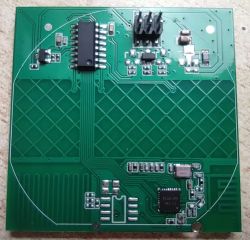
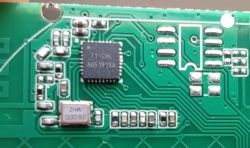
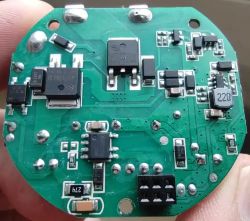
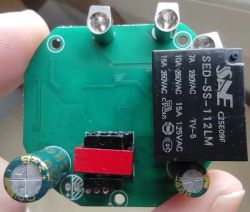
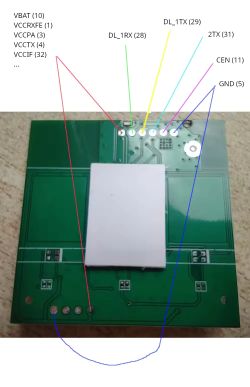
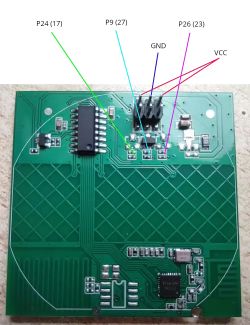
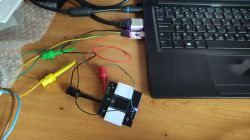
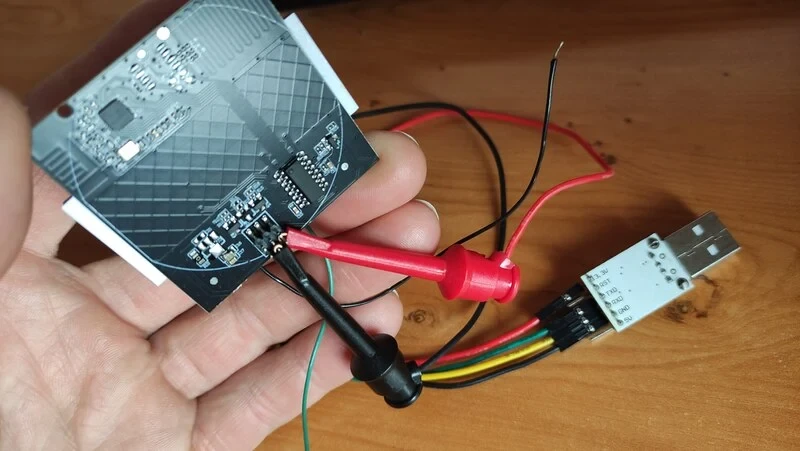
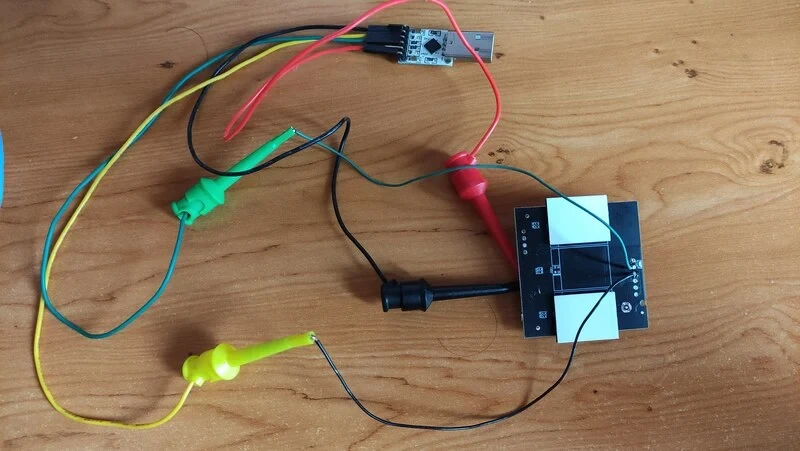
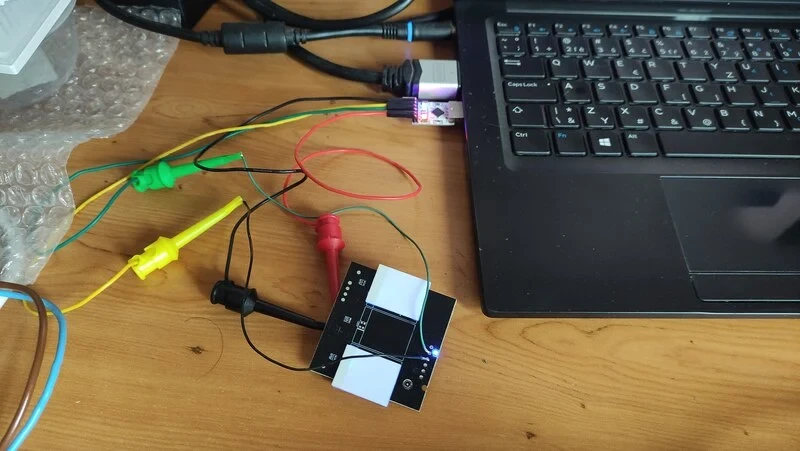
To flash the device, two wires need to be soldered at least. It works for me to power the MCU part from a TTL UART converter. I had to set bigger UART timeouts to write to flash. I increased the default value from 5 to 15. The easyflasher was run on Linux using Mono. It works like a charm!
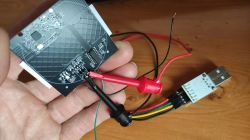
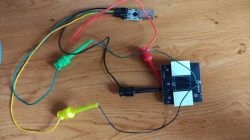
AI: What exactly do you want help with here — are you asking for pinout/GPIO config, template, flashing steps, or just sharing that it works?
I am just sharing that it works
AI: Can you provide the exact switch model/product link (or photos of front and PCB for both green and black PCB versions)?
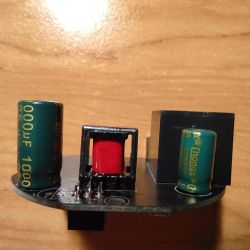
Unfortunately there is no model number or other key like serial or so. On the back side, there is the label "WIFI Wall Light Switch" and technical values like 100-240 V AC. The PCBs have different colors (green/black), but I think they are the same layout.
https://www.aliexpress.com/item/1005006903350922.html
(mix of 1 gang and 2 gang)
It contains BK7238 and I have successfully flashed OpenBK7238_QIO_1.18.287.bin through UART on these. The first two items I ordered had a green PCB, the items in the second order have a black mask on the PCB.
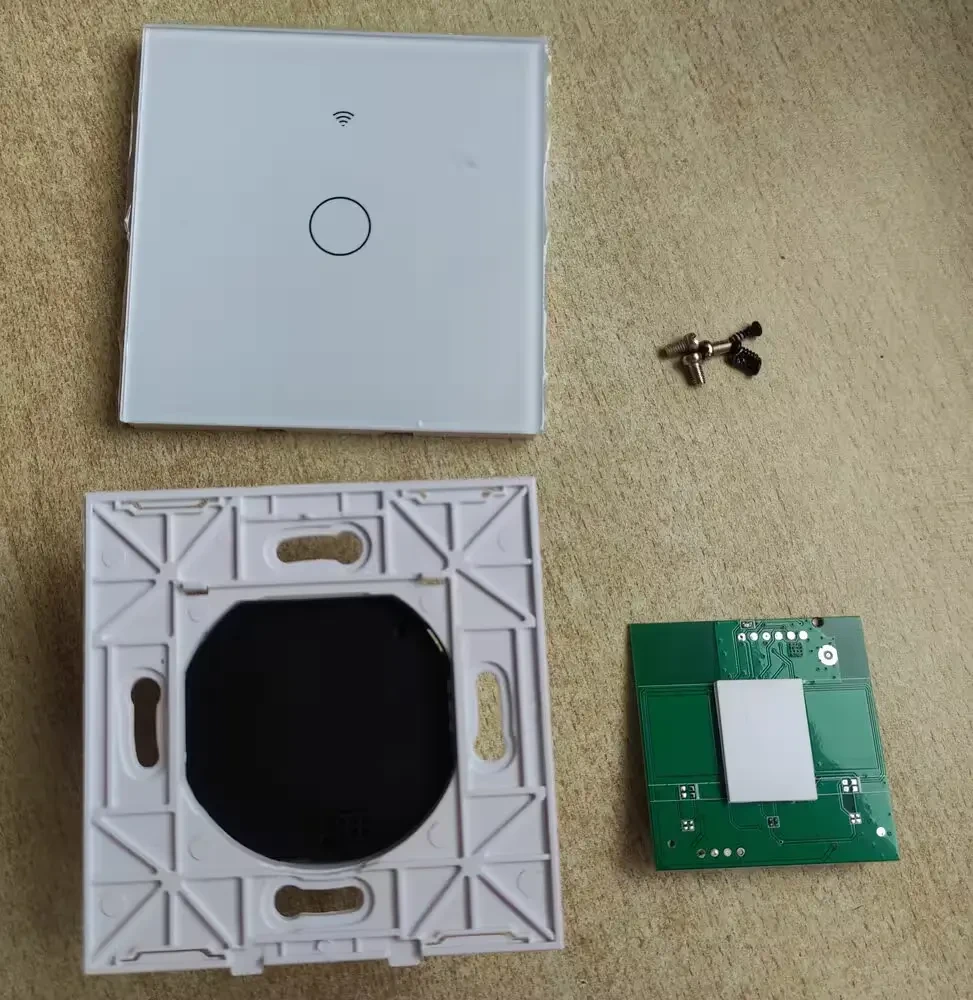
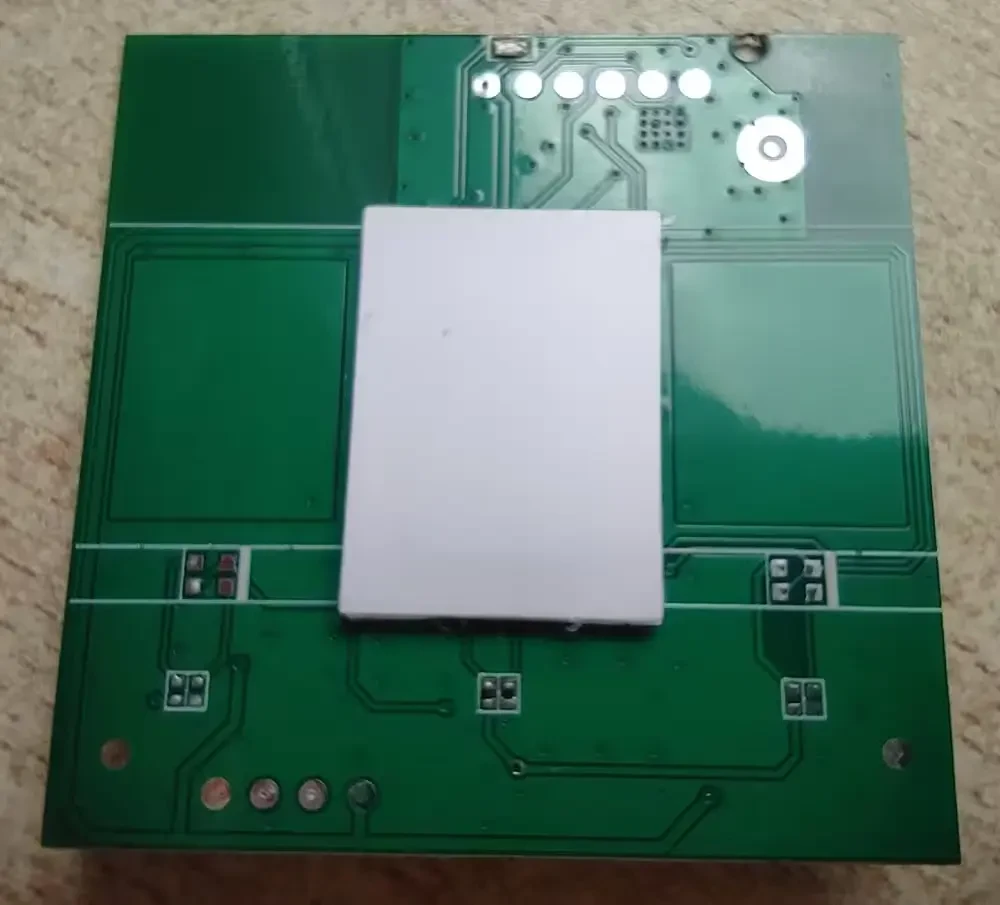
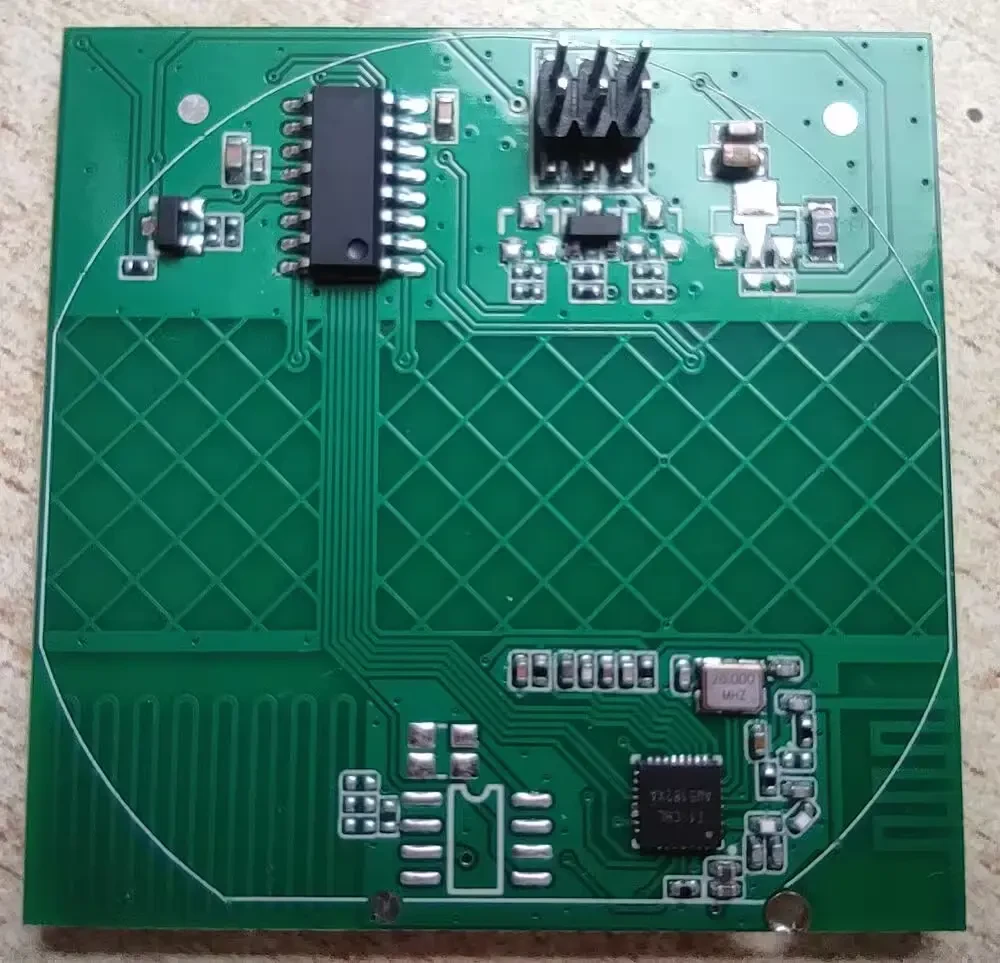
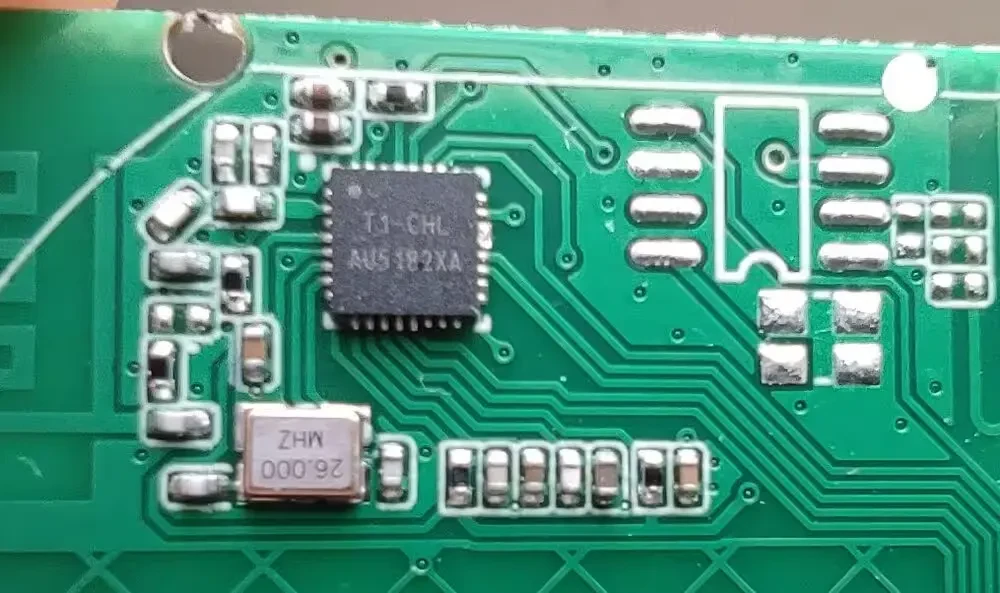
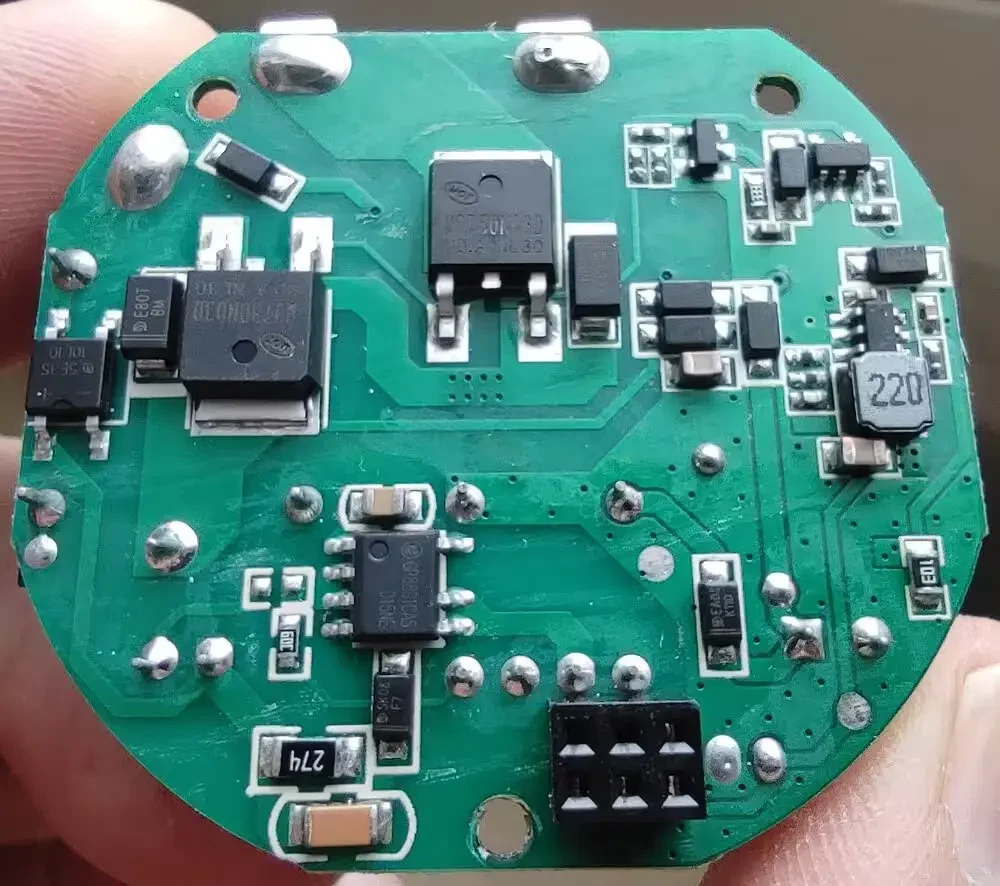
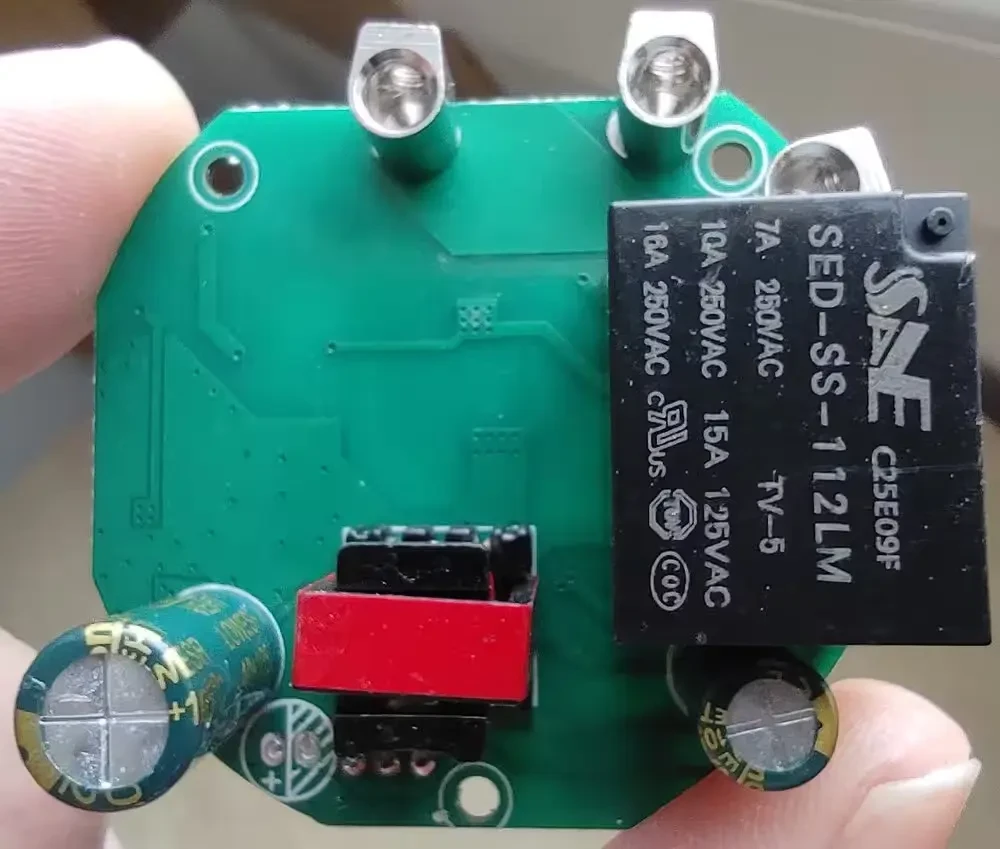
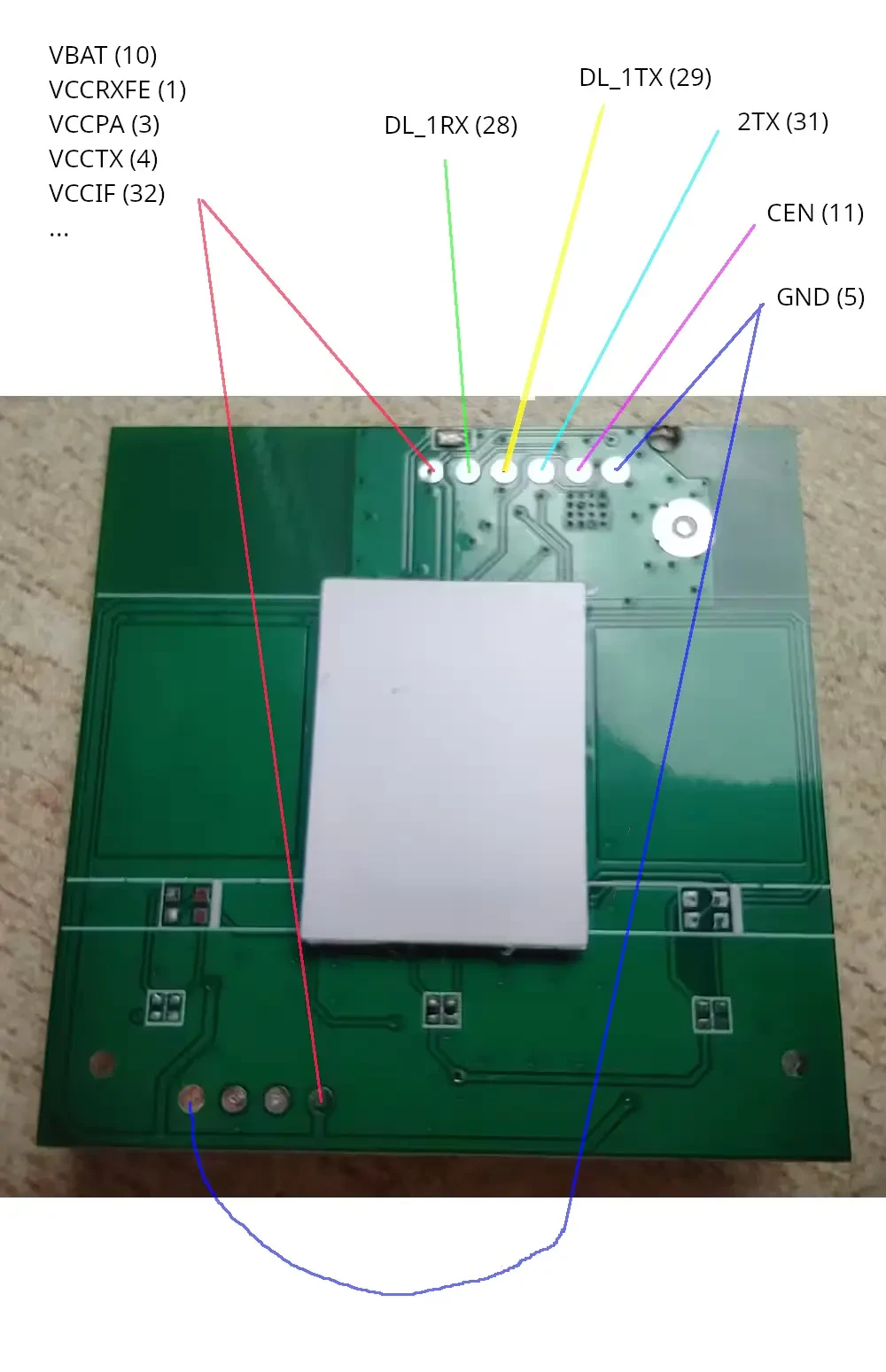
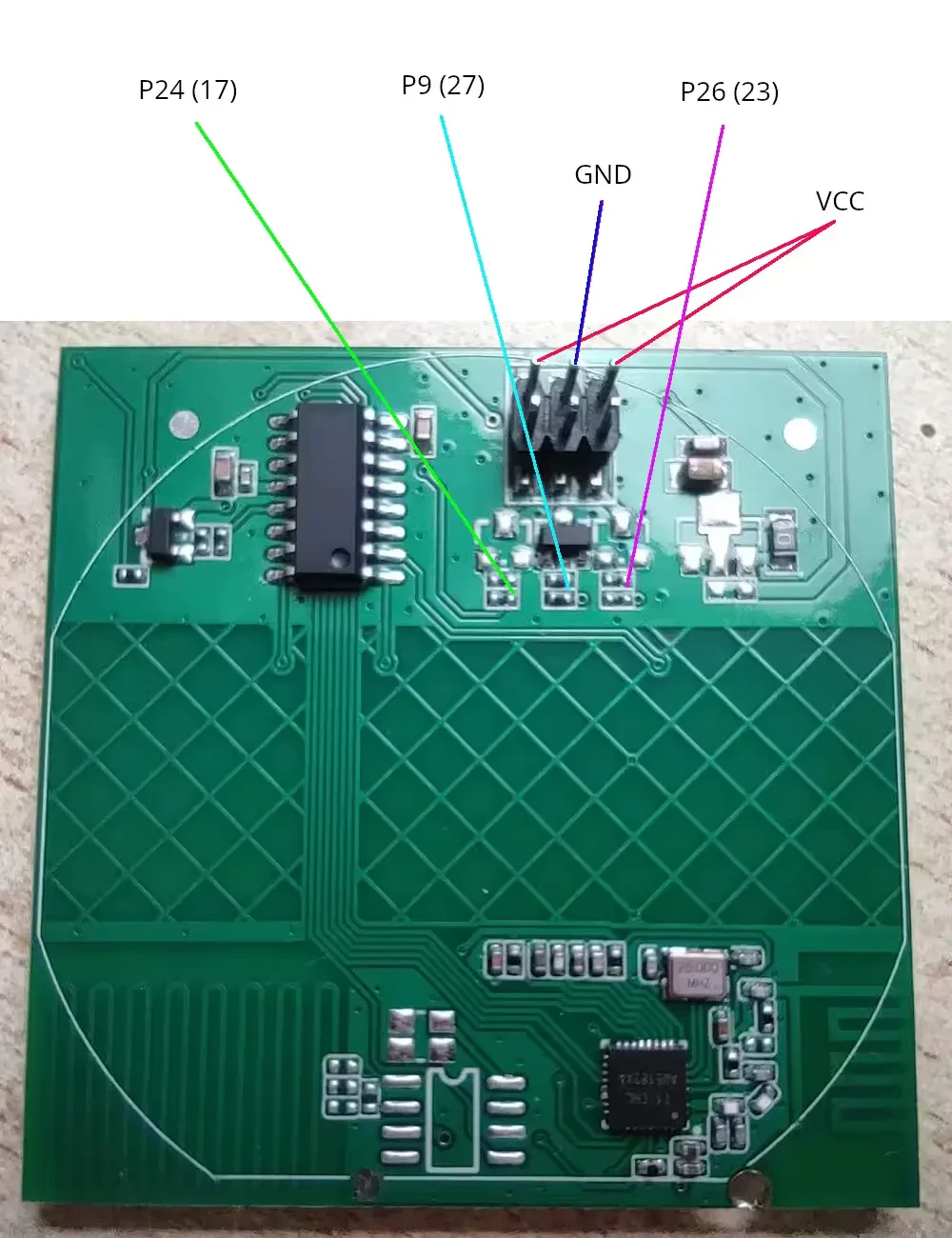
To flash the device, two wires need to be soldered at least. It works for me to power the MCU part from a TTL UART converter. I had to set bigger UART timeouts to write to flash. I increased the default value from 5 to 15. The easyflasher was run on Linux using Mono. It works like a charm!
AI: What exactly do you want help with here — are you asking for pinout/GPIO config, template, flashing steps, or just sharing that it works?
I am just sharing that it works
AI: Can you provide the exact switch model/product link (or photos of front and PCB for both green and black PCB versions)?
Unfortunately there is no model number or other key like serial or so. On the back side, there is the label "WIFI Wall Light Switch" and technical values like 100-240 V AC. The PCBs have different colors (green/black), but I think they are the same layout.
