logo elektroda
logo elektroda
X
logo elektroda

OpenBeken BK7231N - TuyaMCU for Tuya ceiling fan without 55 AA frames

tritanium73 450 6
ADVERTISEMENT
Treść została przetłumaczona german » english Zobacz oryginalną wersję tematu
  • #1 21895841
    tritanium73
    Level 2  
    Posts: 3
    Hello,

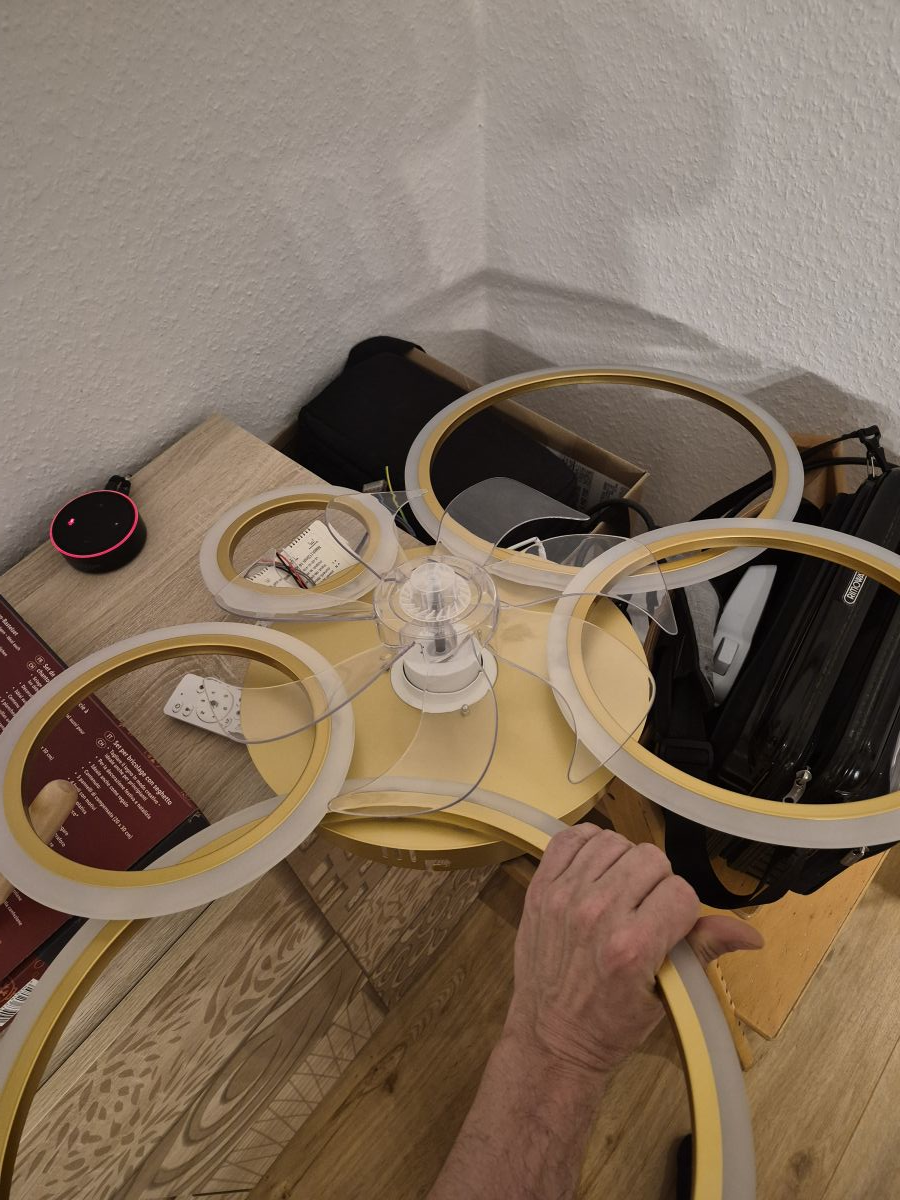
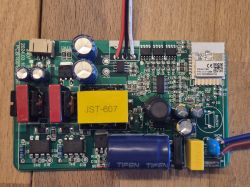
    i have a Tuya/Smart Life ceiling fan with the following structure:

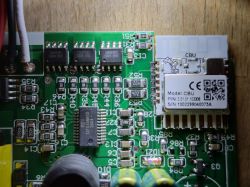
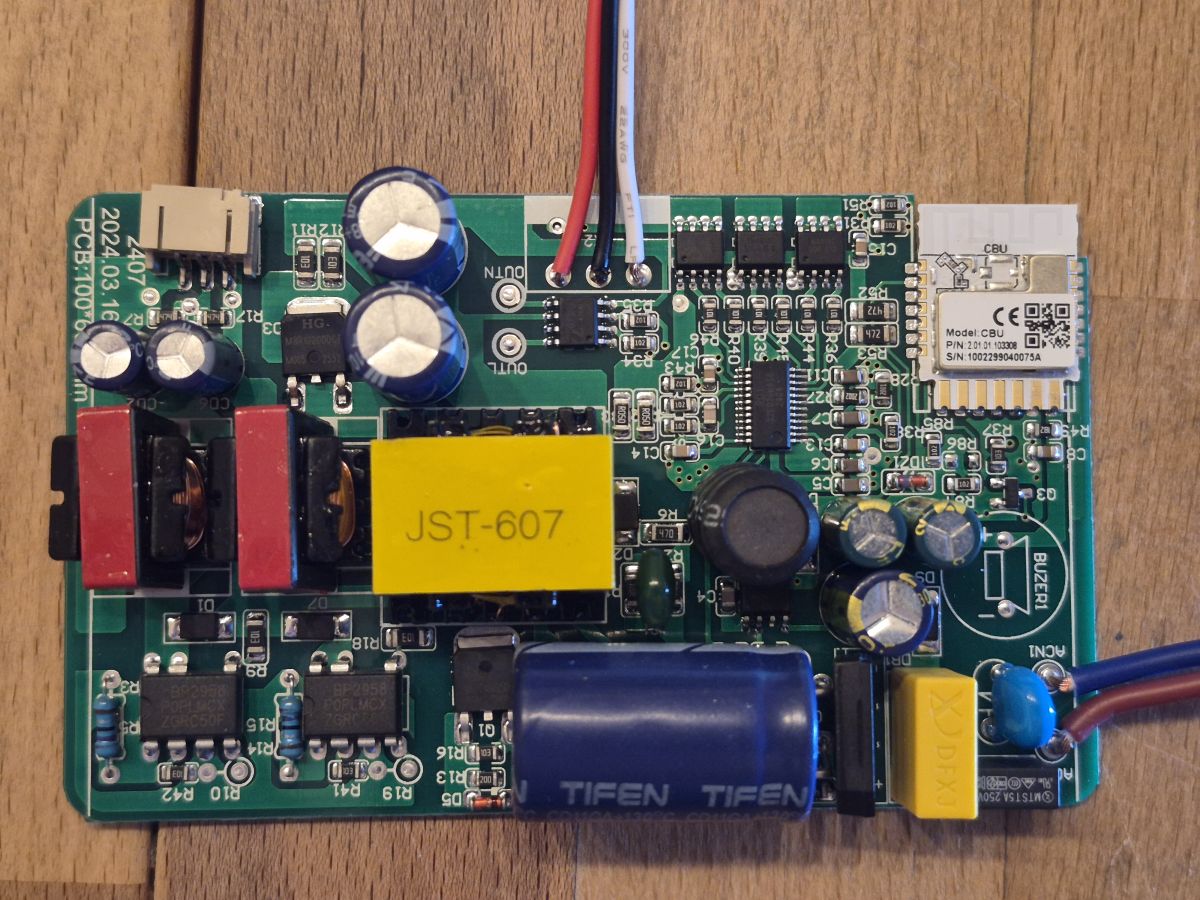
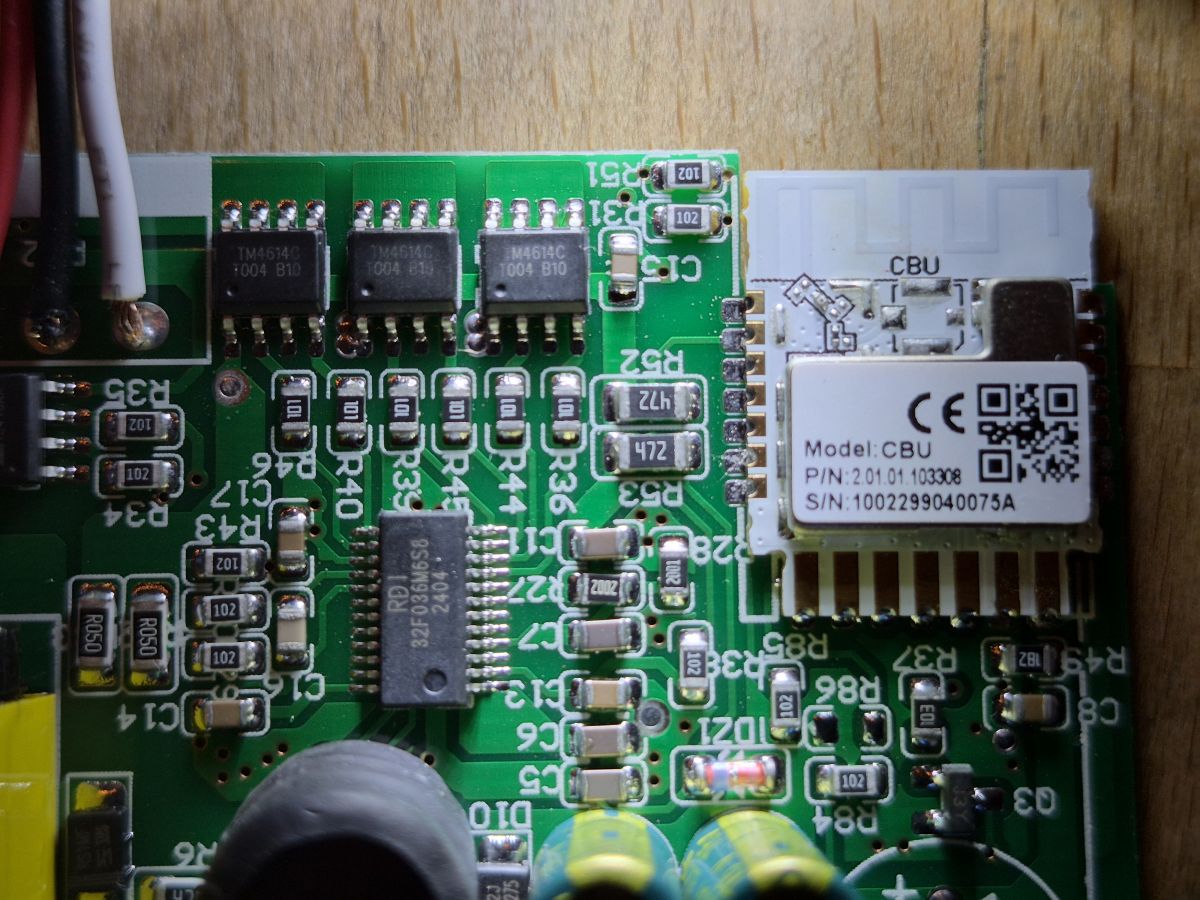
    - WiFi module: CBU / BK7231N
    - external MCU: RD 32F030GMS58
    - OpenBeken: OpenBK7231N_QIO_1.18.288
    - Original firmware works: Remote control, light, fan and direction change work perfectly
    - OBK basically works: WLAN/WebUI is online
    - P24 and P26 control the two light channels WW/CW via PWM
    - no other tested GPIO controls the fan
    - i therefore assume that the fan and direction change run via the external MCU

    Problem:
    The TuyaMCU driver in OpenBeken starts, but I do not get any valid TuyaMCU frames.

    Tested commands:

    startDriver TuyaMCU
    tuyaMcu_defWiFiState 4
    tuyaMcu_sendQueryState
    tuyaMcu_setBaudRate 9600
    tuyaMcu_setBaudRate 115200

    Also tested:

    - Flag 26 activated and deactivated, each with reboot
    - ExtraDebug activated
    - GPIO Doctor: all GPIOs tested; only P24/P26 affect the light
    - no heartbeat response
    - no product information
    - no DPIDs
    - no 55-AA frames in the log

    The log only shows the meaning:

    Starting TuyaMCU
    Started TuyaMCU

    After that nothing more comes from TuyaMCU.

    My key question:

    Is flag 26 the right way to do this, or is there another command, flag or possibly a special build?

    I can provide photos of the board, logs and also the original backup if needed.
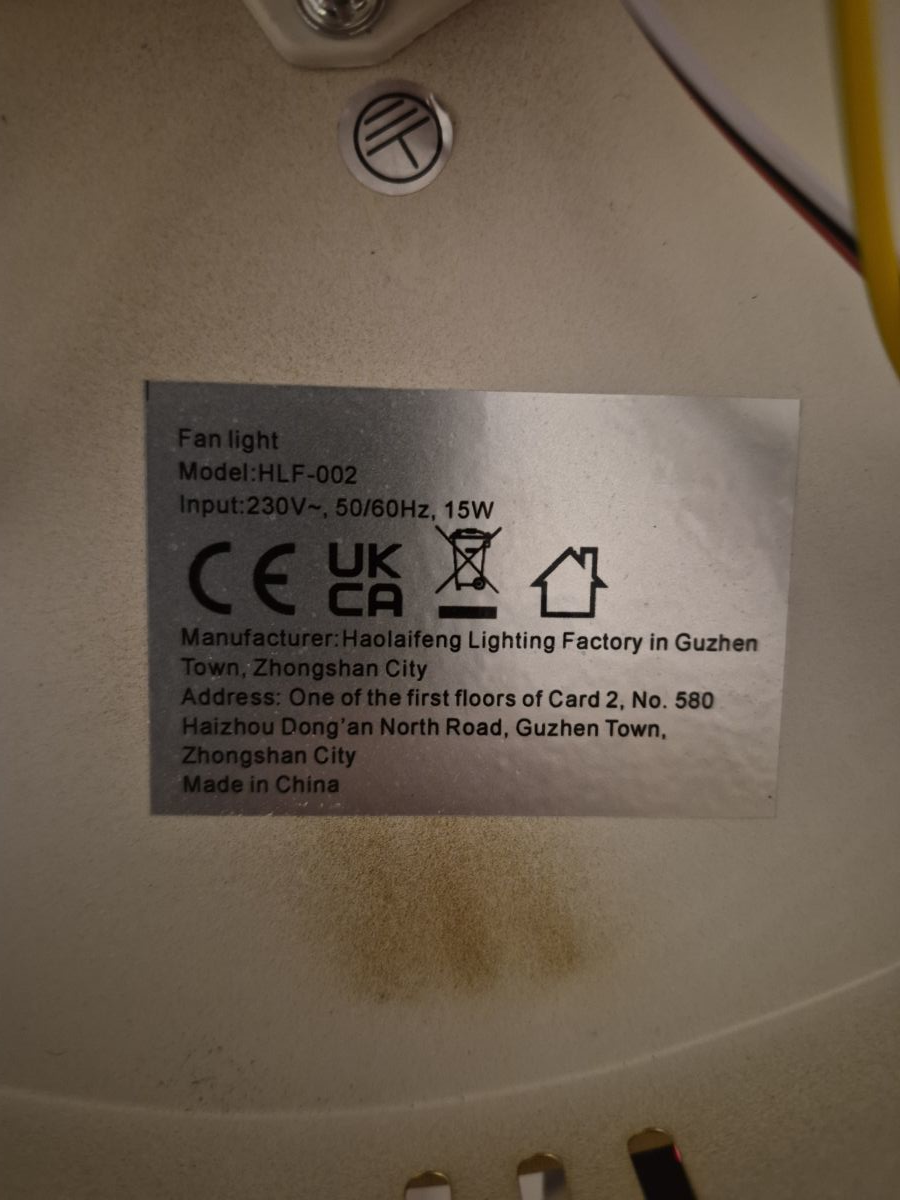
    What exact make/model is the ceiling fan or is there a nameplate/listing link?
    Fan Light HLF-002
    OpenBeken BK7231N - TuyaMCU for Tuya ceiling fan without 55 AA frames OpenBeken BK7231N - TuyaMCU for Tuya ceiling fan without 55 AA frames
  • ADVERTISEMENT
  • #2 21896074
    p.kaczmarek2
    Moderator Smart Home
    Posts: 14459
    Help: 650
    Rate: 12461
    Have you tried downloading the JSON of the Tuya configuration?


    Do you have an original copy of the 2 MB batch?
    Have you tried both baud? 9600 i 115200?
    How do you even know it is a TuyaMCU? Have you intercepted the communication to be sure?
    Helpful post? Buy me a coffee.
  • ADVERTISEMENT
  • #3 21896543
    tritanium73
    Level 2  
    Posts: 3
    >>21896074
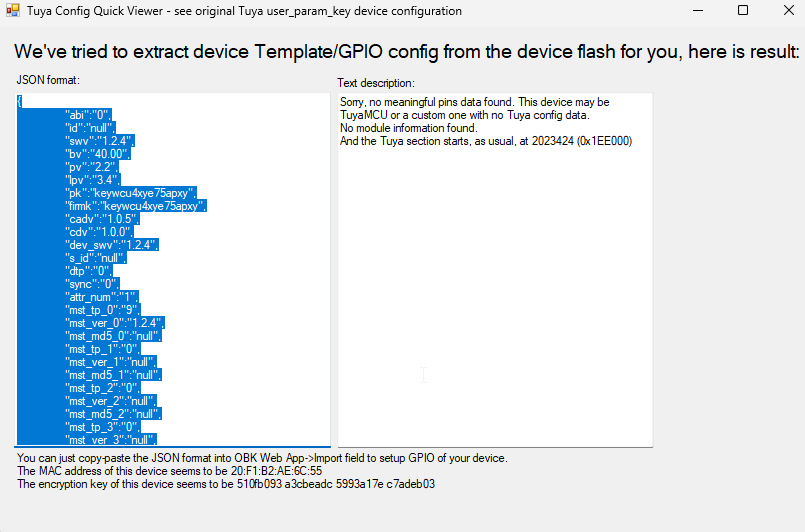
    After I flashed OpenBeken in version .288 with the "BekenFlasher" (Backup & Write), a popup with the config opened, the content (see screenshot)
    Screenshot of Tuya Config Quick Viewer showing extracted JSON and a note that no useful config data was found

    Of course I still have the original "readResult_BK7231N_QIO_2026-20-4-22-42-38" :-)
    Following "advice" from ChatGPT, I tested both baud rates (each with a reboot in between) in order to see/receive communication in the log with the TuyaMCU.

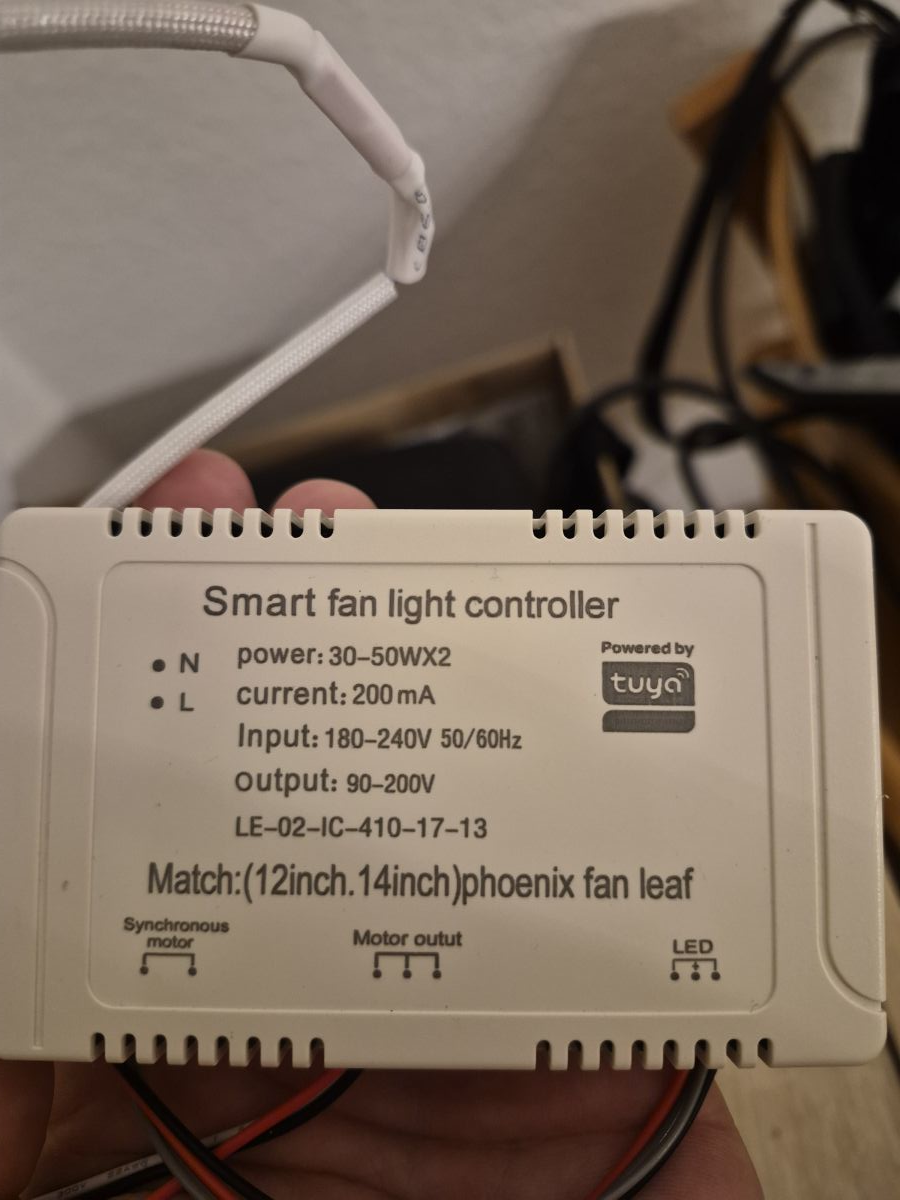
    As I am unfortunately not a "professional electronics engineer" (and therefore do not have any measuring equipment) to ensure UART communication, I unfortunately relied (as naive as I sometimes am) on the above-mentioned AI, to which I uploaded the pictures of the board and which credibly told me from the type designation of the "black chip" that this chip was a TuyaMCU.

    Since the ceiling fan / LED lamp is also equipped with the Tuya symbol, I "admittedly somewhat prematurely" believed that it could work. Is there any chance of getting this device to work with OBK?
    I have uploaded screenshots of the nameplates.
    OpenBeken BK7231N - TuyaMCU for Tuya ceiling fan without 55 AA frames OpenBeken BK7231N - TuyaMCU for Tuya ceiling fan without 55 AA frames OpenBeken BK7231N - TuyaMCU for Tuya ceiling fan without 55 AA frames OpenBeken BK7231N - TuyaMCU for Tuya ceiling fan without 55 AA frames
  • #4 21897285
    p.kaczmarek2
    Moderator Smart Home
    Posts: 14459
    Help: 650
    Rate: 12461
    However, TuyaMCU usually has a "baud" key in TuyaConfig, and I don't see that in your screengrab. It may not be TuyaMCU.

    Can you post this 2 MB file with a copy of the batch here as an attachment? Maybe e.g. @divadiow will upload it to another device and check.

    Do you perhaps have a multimeter? Maybe you could investigate where which pin from the Wi-Fi module is connected?
    Helpful post? Buy me a coffee.
  • ADVERTISEMENT
  • #5 21904481
    tritanium73
    Level 2  
    Posts: 3
    So, sorry for only writing now, but we were on holiday.

    I have attached the 2MB file in the hope that you can do something with it :-) ..... Which batch should I send here? -> the restore flash of the backup file ?

    Or the flash of the OBK ? I actually have a multimeter here, the only question is: which PINs should I track?
    Attachments:
    • readResult_BK7231N_QIO_2026-20-4-22-42-38.bin (2 MB) You must be logged in to download this attachment.
  • ADVERTISEMENT
  • #6 21904735
    p.kaczmarek2
    Moderator Smart Home
    Posts: 14459
    Help: 650
    Rate: 12461
    Flash check and I will let you know.

    As for the pins, the method is simple.
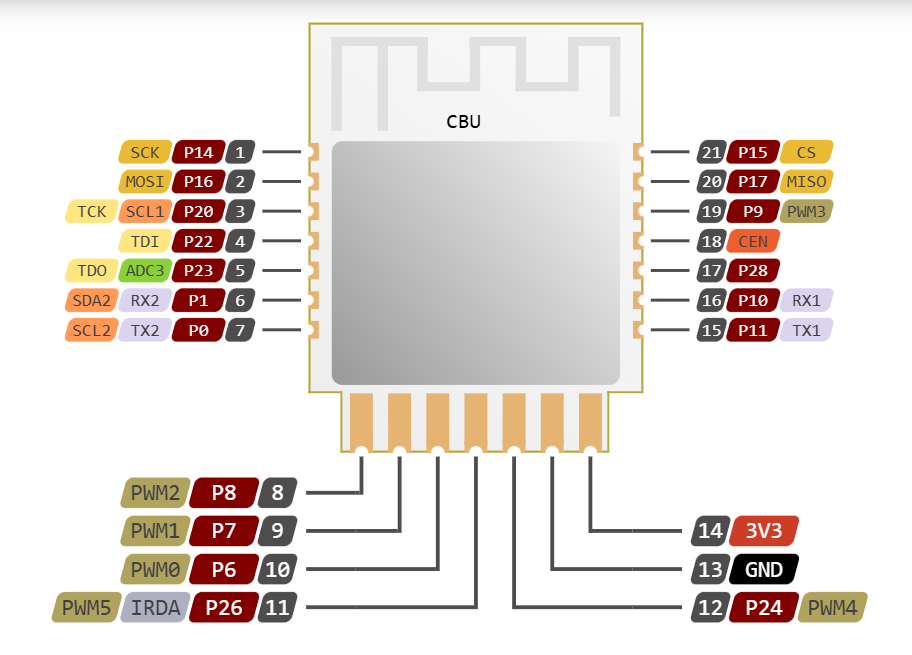
    Here you have the leads of the CBU:
    OpenBeken BK7231N - TuyaMCU for Tuya ceiling fan without 55 AA frames

    Disconnect everything from the power supply and wait for the capacitors to discharge before testing.

    Take a multimeter, turn on buzzer mode. You give one probe to the first pin - say P14, and with the other probe examine where it is connected and record. It may not be connected - you can also look on the PCB, at the tracks, but be careful because the tracks may be under the CBU and then they are not visible.

    Then you examine the second pin like this, the third, the fourth, etc....

    Eventually you gain a list of where which pin is connected.

    Based on this, we can then try to determine how this device is controlled and try to run it in OBK.
    Helpful post? Buy me a coffee.
  • #7 21904768
    divadiow
    Level 38  
    Posts: 4899
    Help: 428
    Rate: 870
    hi.

    I will try somethings. Here's some bits from the dump:

    Code: JSON
    Log in, to see the code


    Code: Text
    Log in, to see the code


    TMDA doesn't seem to want to talk to it on any UART so I guess it's a little different.

    Added after 43 [minutes]:

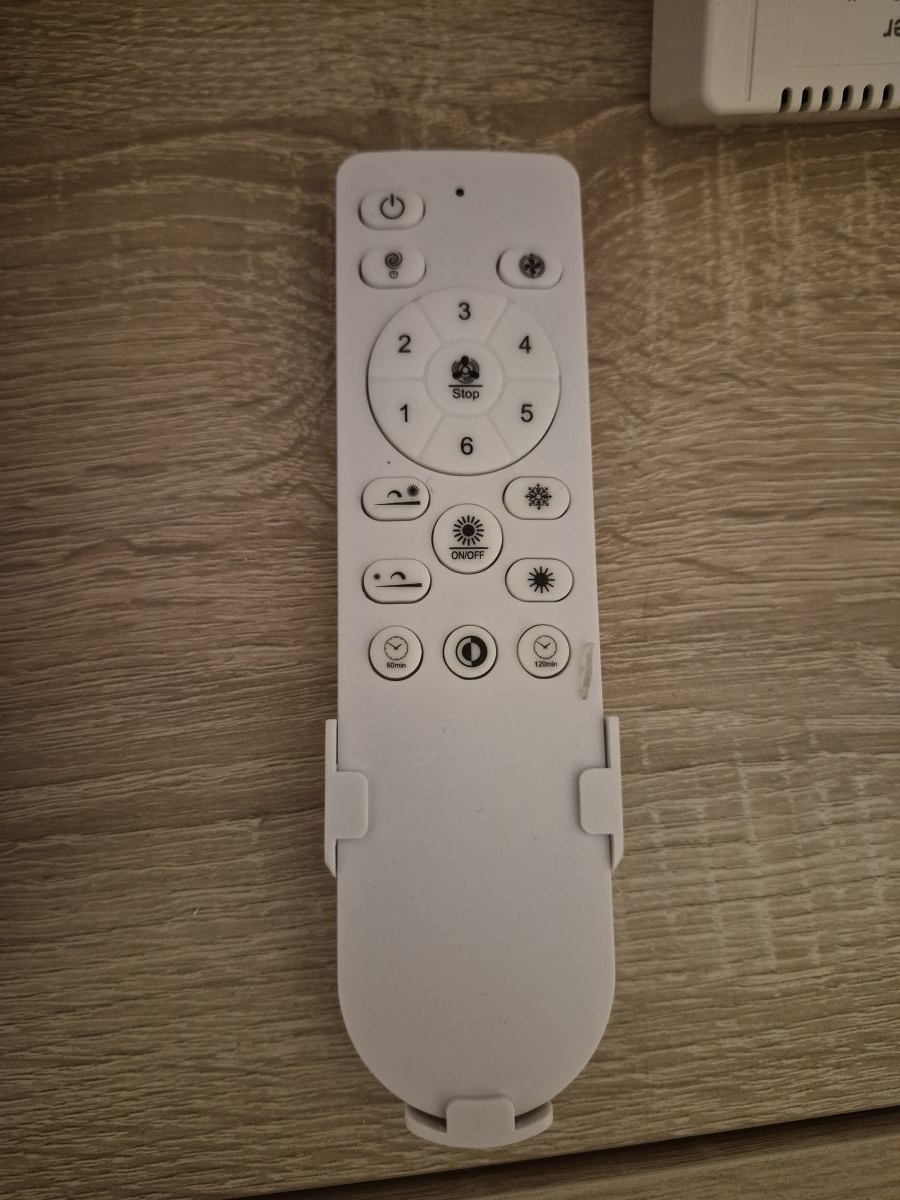
    that Bluetooth remote won't have support in OBK either :(

    Added after 36 [minutes]:

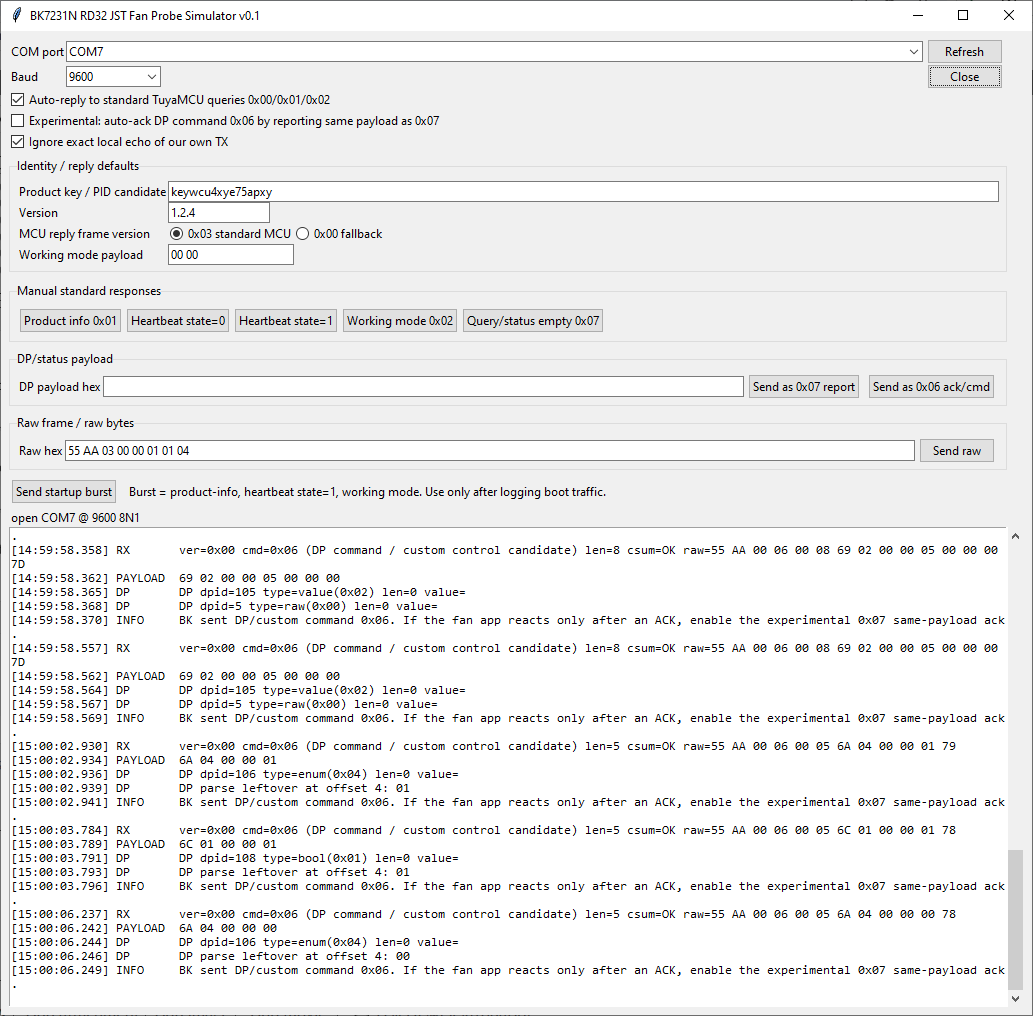
    you can actually pair the firmware without the TuyaMCU part working,

    Added after 3 [minutes]:

    once paired you can see the app sending comms to the RDi when you turn on/off functions, fan speed


    OpenBeken BK7231N - TuyaMCU for Tuya ceiling fan without 55 AA frames
ADVERTISEMENT