
logo elektroda
logo elektroda
X
logo elektroda

Template for LEDVANCE Smart+ A100 Tunable White E27 AC27511 BK7231T

heikomat 471 4
ADVERTISEMENT
  • PWM and channel mapping fixed for LEDVANCE A100 bulb

    #1 21899311
    heikomat
    Level 2  
    Posts: 2
    After playing around with other templates, GPIO pins and flags, I finally found a version that seems to work perfectly for my LEDVANCE A100 tunable white bulbs.

    Turns out the bulb uses 1 PWM (7) for brightness and 1 PWM_n (8) for color temperature, and Flag 8 expects the first channel to be for color. That's why I set pin 7 to channel 5 and pin 8 to channel 4. It was the other way around when I extracted the config from the Tuya partition.

    After adding the bulb to HA with these settings, the controls were correct.
    Code: JSON
    Log in, to see the code


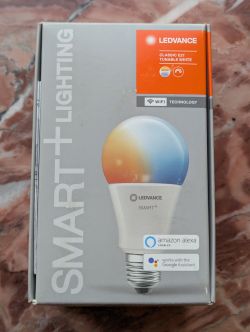
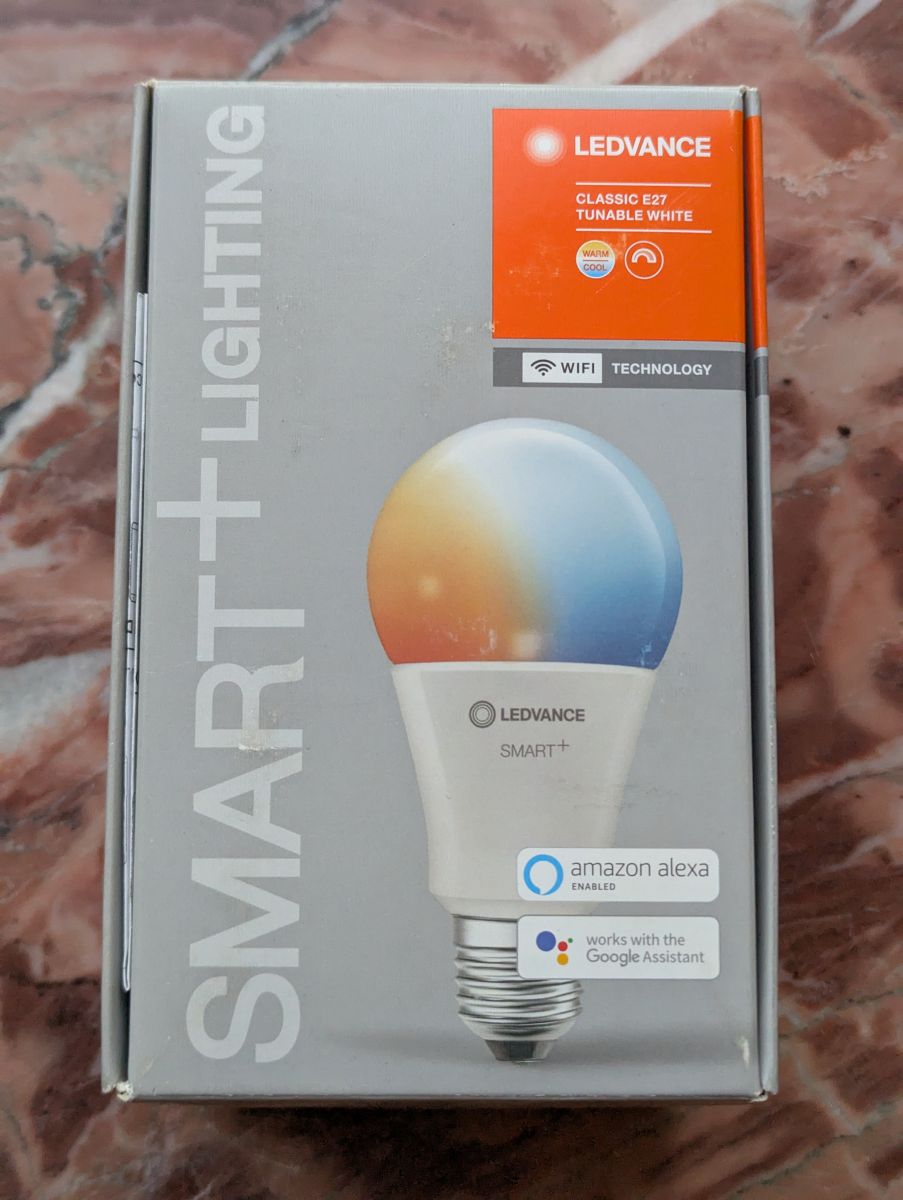
    LEDVANCE Smart+ Classic E27 Tunable White bulb box with bulb graphic
  • ADVERTISEMENT
  • ADVERTISEMENT
  • #3 21899377
    heikomat
    Level 2  
    Posts: 2
    >>21899374 I'm not sure if I can do that. I can dump the Tuya config, but I already flashed OpenBeken on all my A100 bulbs. Or am I misunderstanding you?

    In Tuya-cloudcutter I used the Ledvance A60 1.0.8 or Ledvance A60 1.1.4 preset. Sometimes one worked, sometimes the other worked.
  • ADVERTISEMENT
  • #4 21899381
    divadiow
    Level 38  
    Posts: 5195
    Help: 446
    Rate: 913
    oh I see, Cloudcutter. Not to worry. I assumed you'd flashed with wires/uart.

    Added after 8 [hours] 24 [minutes]:

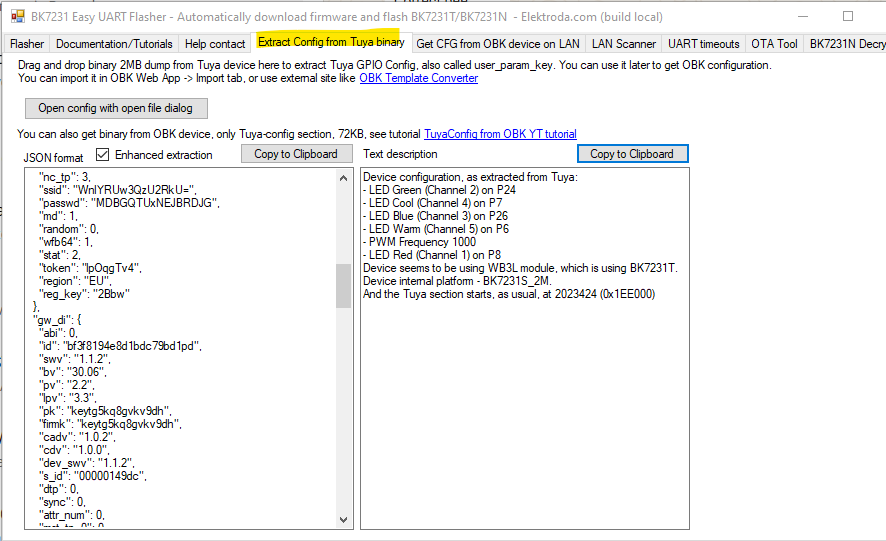
    I'm still curious, did you manually find the pin assignments or did you run the tuya config download through Easy Flasher extraction? does EF show anything if you drop the config file in there?


    Screenshot of BK7231 Easy UART Flasher showing JSON config and LED pin mapping text
  • Flag 8 and pin swap fix cool/warm channel order

    #5 21899519
    heikomat
    Level 2  
    Posts: 2
    >>21899381
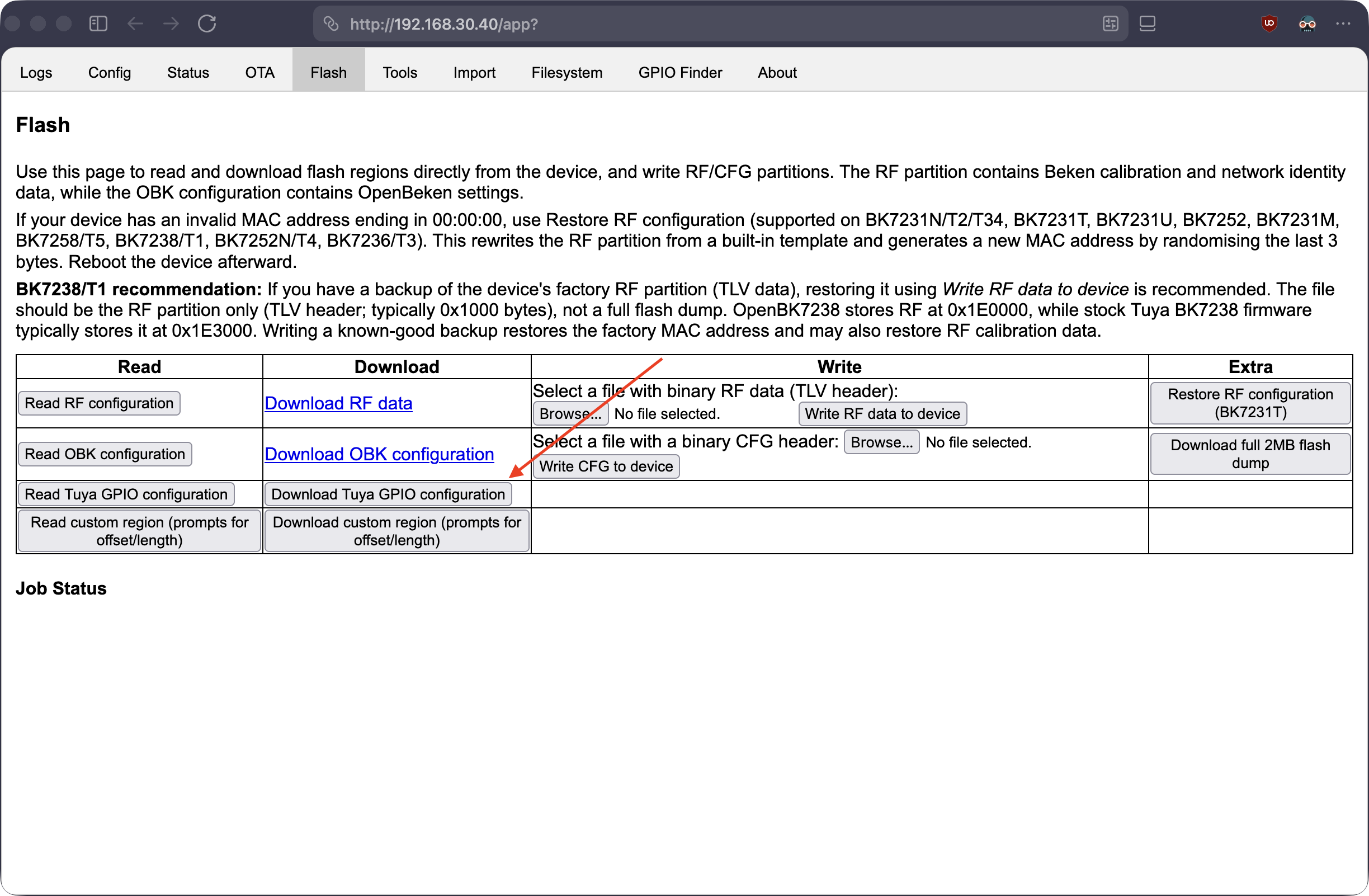
    in the beken webapp in the "flash" tab i clicked "Download Tuya GPIO configuration"

    Screenshot of the device web UI “Flash” tab with RF/CFG read, download, and write options.

    and pasted the bin into https://openbekeniot.github.io/webapp/templateImporter.html
    That gave me the following json:
    Code: JSON
    Log in, to see the code


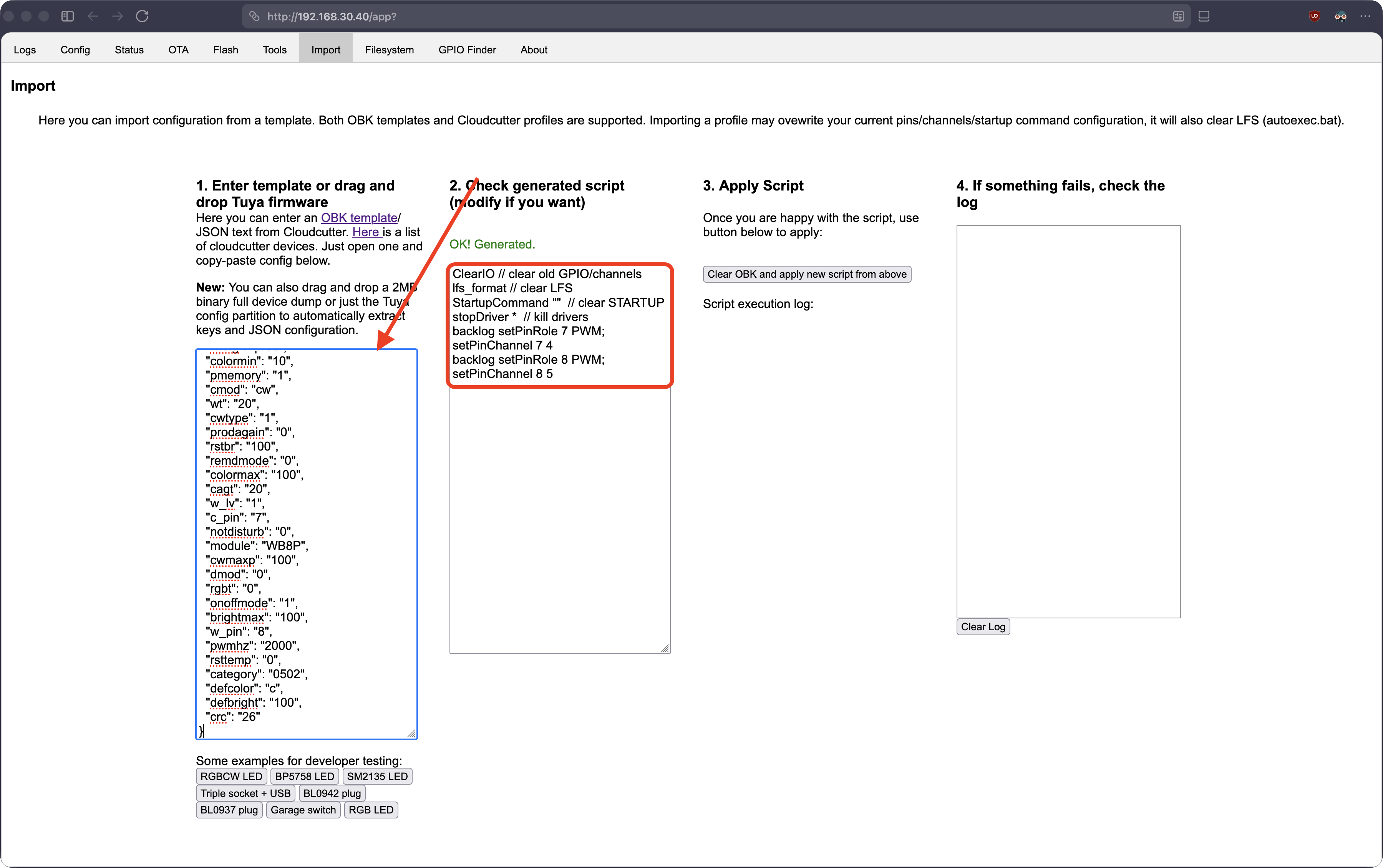
    I pasted that in the webapp under import, which gave me a pin config
    Screenshot of an “Import” page with a JSON text box, generated GPIO script, and an empty log panel

    After that i observed what the sliders in the "status" tab did, observed what the sliders on the index page did, read through the flags and after a lot of testing i figured i should
    1. switch pin 8 from PWM -> PWN_n, so cool and warm aren't switched
    2. turn on Flag 8 (alternate CW light mode) so that the Sliders on the index page don't try to blend values from both pins
    3. switch the channels for the pins because Flag 8 expects the first found channel to be the color-temparature slider

    And that worked.
    By the way, on the topic of flags: yesterday i had issues with my A100 bulbs connecting to wifi. it sometimes worked, sometimes took very long, and sometimes i had to restart the bulb. When they connected the stayed connected, but initial connection on boot was flaky.

    Today i activated flag 37 (Quick connect to WiFi on reboot). I only did two reboots since then, but so far it seemed to be connecting more reliably and indeed quicker.

    But even if it works better for me in the next days, i'm not sure if setting this flag should be part of the default template for the device list, because i don't know if other wifi setups might have issues with this flag.

    What do you think?
    Attachments:
    • BK7231T_TuyaConfig_ledvance_1.bin (72 KB) You must be logged in to download this attachment.
ADVERTISEMENT