Hello,
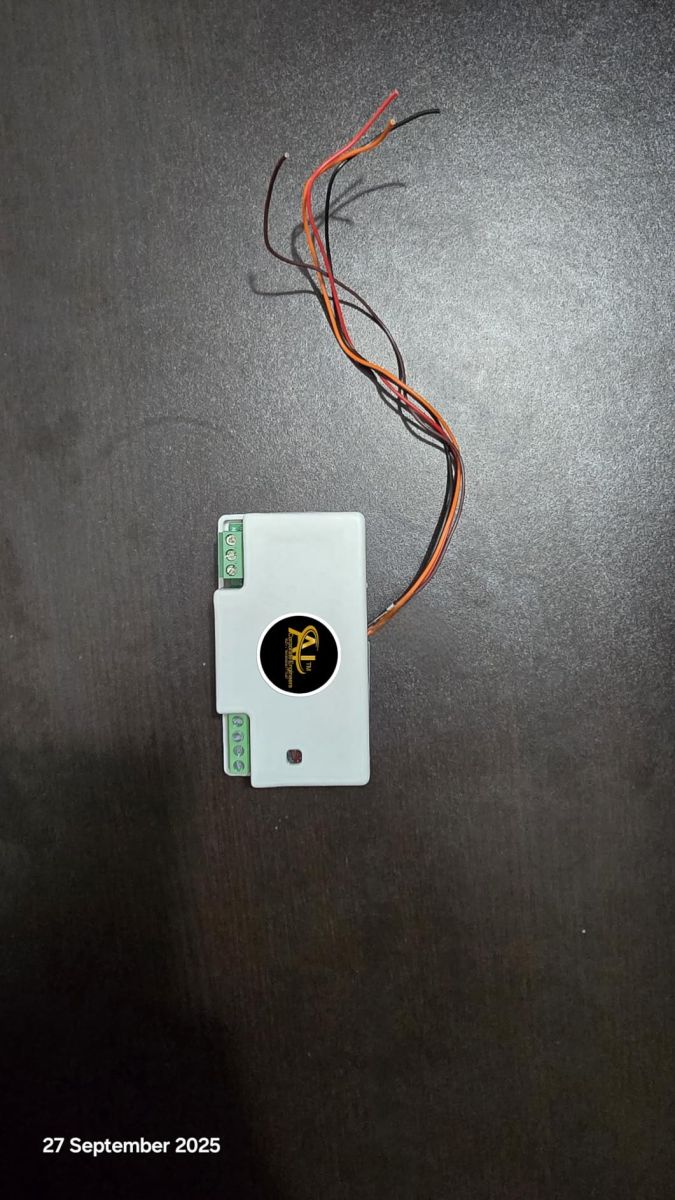
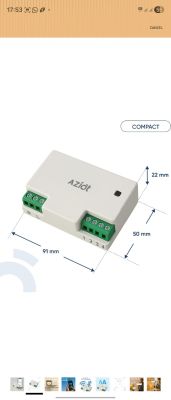
I am using a Tuya T1-3S 4-gang switch module with BK7238 and flashed OpenBeken 1.18.247.
Relay control via UI/MQTT works correctly, but physical wall switches do not work.
Hardware details:
Module: T1-3S
MCU: BK7238
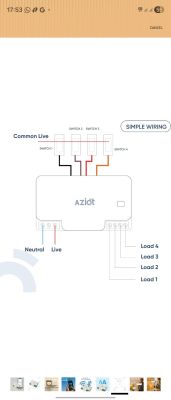
Switch wiring: Common LIVE (active-HIGH)
Original Tuya firmware worked fine with this wiring.
Current Pin Mapping:
Relays:
P9 = Relay 1
P24 = Relay 2
P23 = Relay 3
P6 = Relay 4
Switch Inputs:
P8 = Input CH1
P10 = Input CH2
P22 = Input CH4
P26 = Input CH3
Configured as:
dInput / Btn / dInput_n tested
Channel type = Toggle
Problem:
In OpenBeken log I constantly get:
Button_OnLongPressHold
on all button GPIOs:
8, 10, 22, 26
This happens even when no button is pressed.
So OpenBeken always sees the inputs as "held", and no toggle event is generated.
Root Cause (Suspected):
My switches are wired as Active-HIGH (LIVE → switch → GPIO).
BK7238 seems to only support internal pull-UP, not pull-DOWN.
Because of this:
GPIO idle state floats or stays HIGH
No stable LOW state exists
Long-press condition is triggered permanently
Attempted Fix:
Tried to use:
PinMode 8 input_pulldown
But received:
Error: CMD PinMode NOT found
Conclusion:
It appears that BK7238 hardware does not support internal pull-down resistors, so active-HIGH common-live switch wiring cannot work without:
External pulldown resistors (ex: 10k to GND), or
Rewiring switches to dry-contact logic (GPIO → Switch → GND)
Question:
Is there any planned support for:
Software pulldown emulation (if possible), or
Better documentation for BK7238 input limitations with AC common-live Tuya boards?
Thanks.
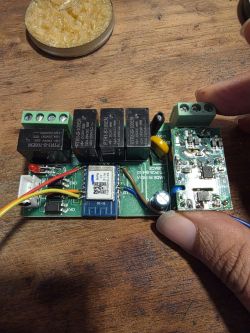
Managed to flash it
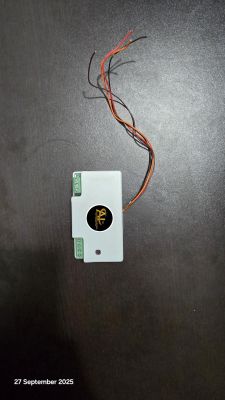
I am using a Tuya T1-3S 4-gang switch module with BK7238 and flashed OpenBeken 1.18.247.
Relay control via UI/MQTT works correctly, but physical wall switches do not work.
Hardware details:
Module: T1-3S
MCU: BK7238
Switch wiring: Common LIVE (active-HIGH)
Original Tuya firmware worked fine with this wiring.
Current Pin Mapping:
Relays:
P9 = Relay 1
P24 = Relay 2
P23 = Relay 3
P6 = Relay 4
Switch Inputs:
P8 = Input CH1
P10 = Input CH2
P22 = Input CH4
P26 = Input CH3
Configured as:
dInput / Btn / dInput_n tested
Channel type = Toggle
Problem:
In OpenBeken log I constantly get:
Button_OnLongPressHold
on all button GPIOs:
8, 10, 22, 26
This happens even when no button is pressed.
So OpenBeken always sees the inputs as "held", and no toggle event is generated.
Root Cause (Suspected):
My switches are wired as Active-HIGH (LIVE → switch → GPIO).
BK7238 seems to only support internal pull-UP, not pull-DOWN.
Because of this:
GPIO idle state floats or stays HIGH
No stable LOW state exists
Long-press condition is triggered permanently
Attempted Fix:
Tried to use:
PinMode 8 input_pulldown
But received:
Error: CMD PinMode NOT found
Conclusion:
It appears that BK7238 hardware does not support internal pull-down resistors, so active-HIGH common-live switch wiring cannot work without:
External pulldown resistors (ex: 10k to GND), or
Rewiring switches to dry-contact logic (GPIO → Switch → GND)
Question:
Is there any planned support for:
Software pulldown emulation (if possible), or
Better documentation for BK7238 input limitations with AC common-live Tuya boards?
Thanks.
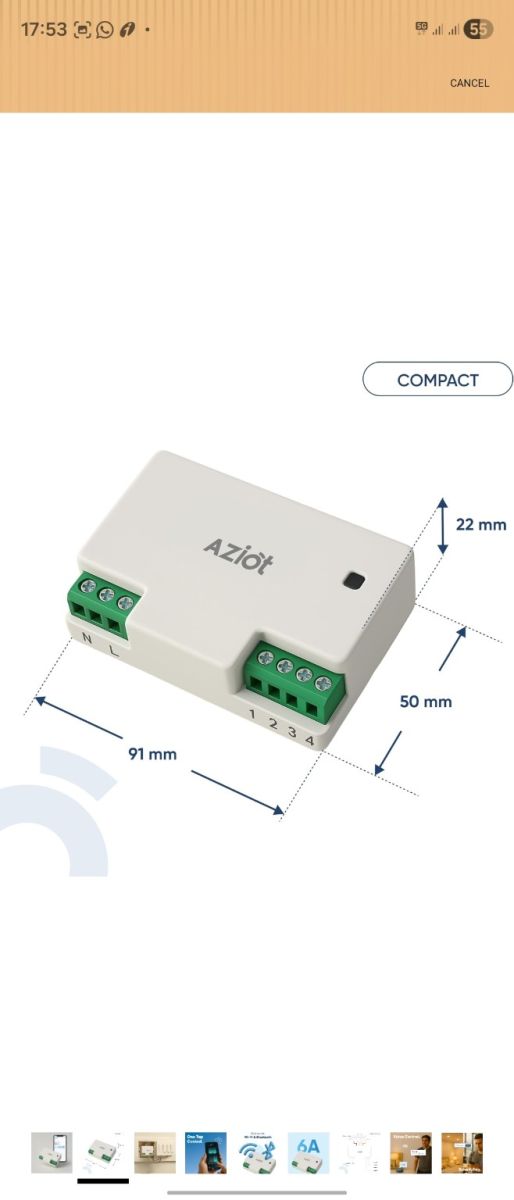
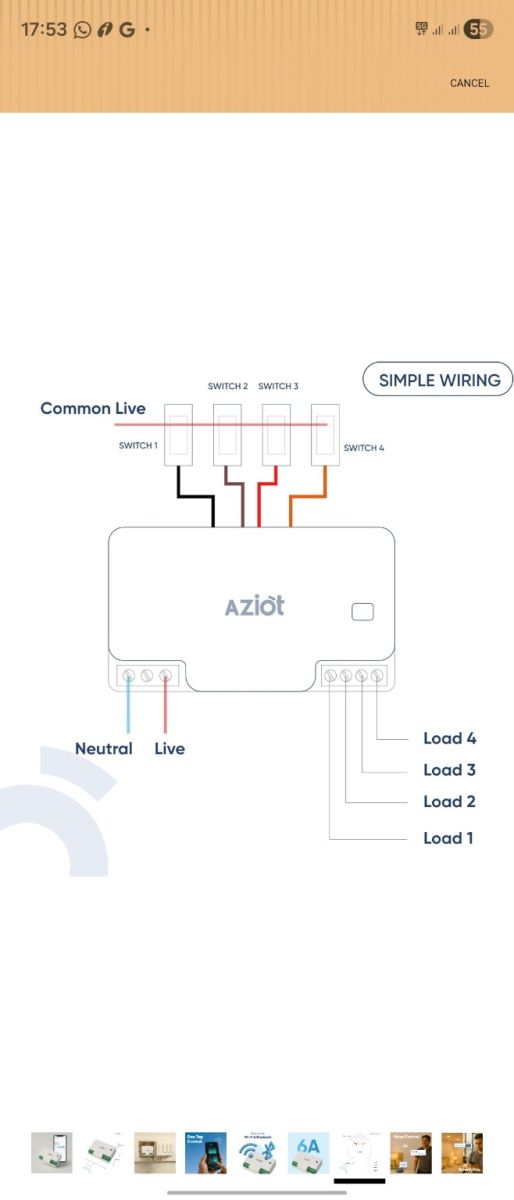
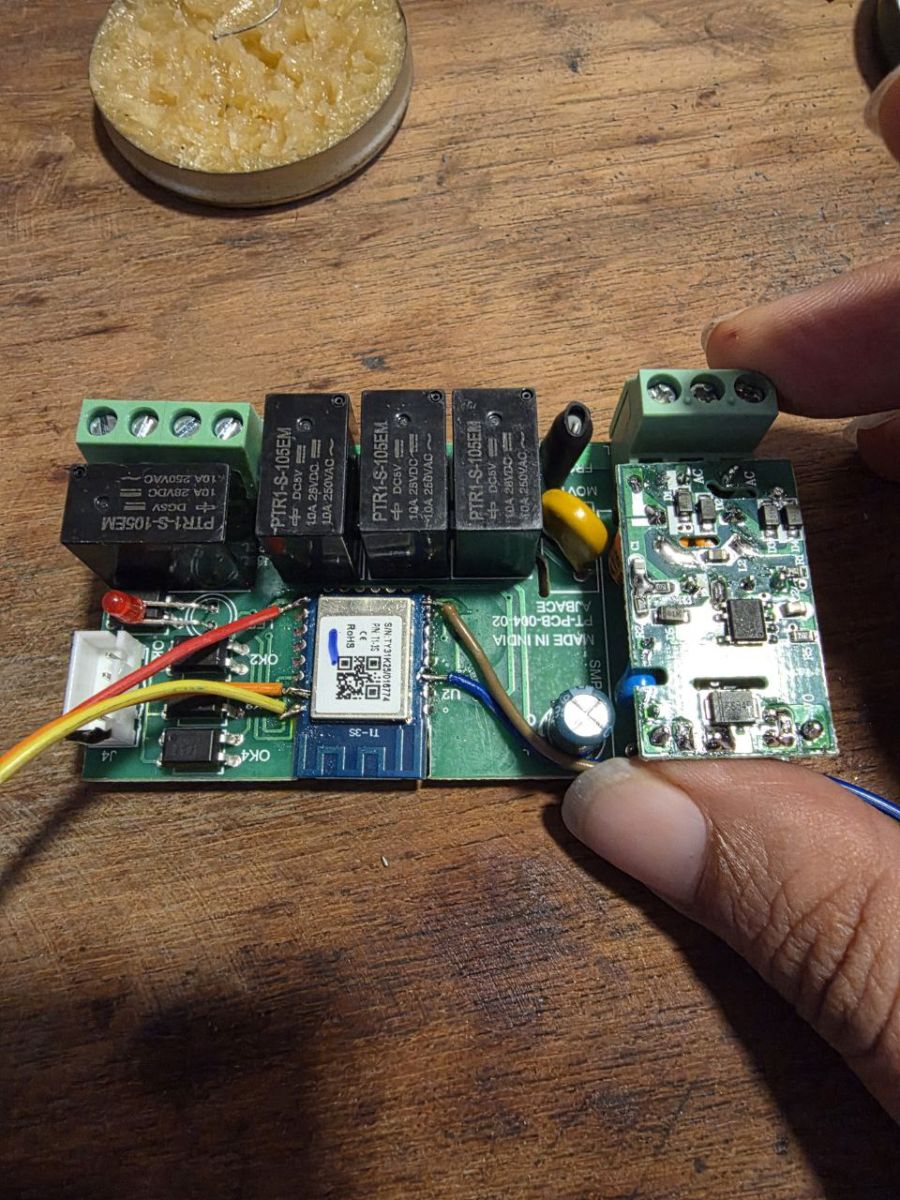
Managed to flash it
{
  "rl1_lv":"1",
  "netled_lv":"0",
  "bt1_pin":"8",
  "onoff_clear_t":"5",
  "net_trig":"1",
  "cd_flag2":"1",
  "ffc_select":"1",
  "nety_led":"0",
  "netled_pin":"11",
  "total_stat":"2",
  "bt1_lv":"1",
  "module":"T1-3S",
  "rl2_pin":"24",
  "light_status_select":"1",
  "bt2_lv":"1",
  "rl1_pin":"9",
  "rl4_lv":"1",
  "onoff_rst_m":"1",
  "rl3_pin":"23",
  "onoff_cnt":"7",
  "rl3_lv":"1",
  "onoff_n":"3",
  "rl4_pin":"6",
  "jv":"1.2.1",
  "pd_category":"1",
  "ext_bt_type":"3",
  "bt3_lv":"1",
  "reset_t":"5",
  "rl2_lv":"1",
  "ch_flag1":"1",
  "ch_flag3":"1",
  "bt4_pin":"22",
  "ch_flag4":"1",
  "bt3_pin":"26",
  "ch_cddpid1":"7",
  "ble_pair_time":"30",
  "clean_t":"5",
  "bt4_lv":"1",
  "zero_select":"0",
  "bt2_pin":"10",
  "ch_cddpid4":"10",
  "ch_cddpid2":"8",
  "ch_cddpid3":"9",
  "ch_num":"4",
  "ch_dpid3":"3",
  "ch_dpid4":"4",
  "netn_led":"1",
  "ch_dpid1":"1",
  "ch_dpid2":"2",
  "crc":"98"
}