FAQ 
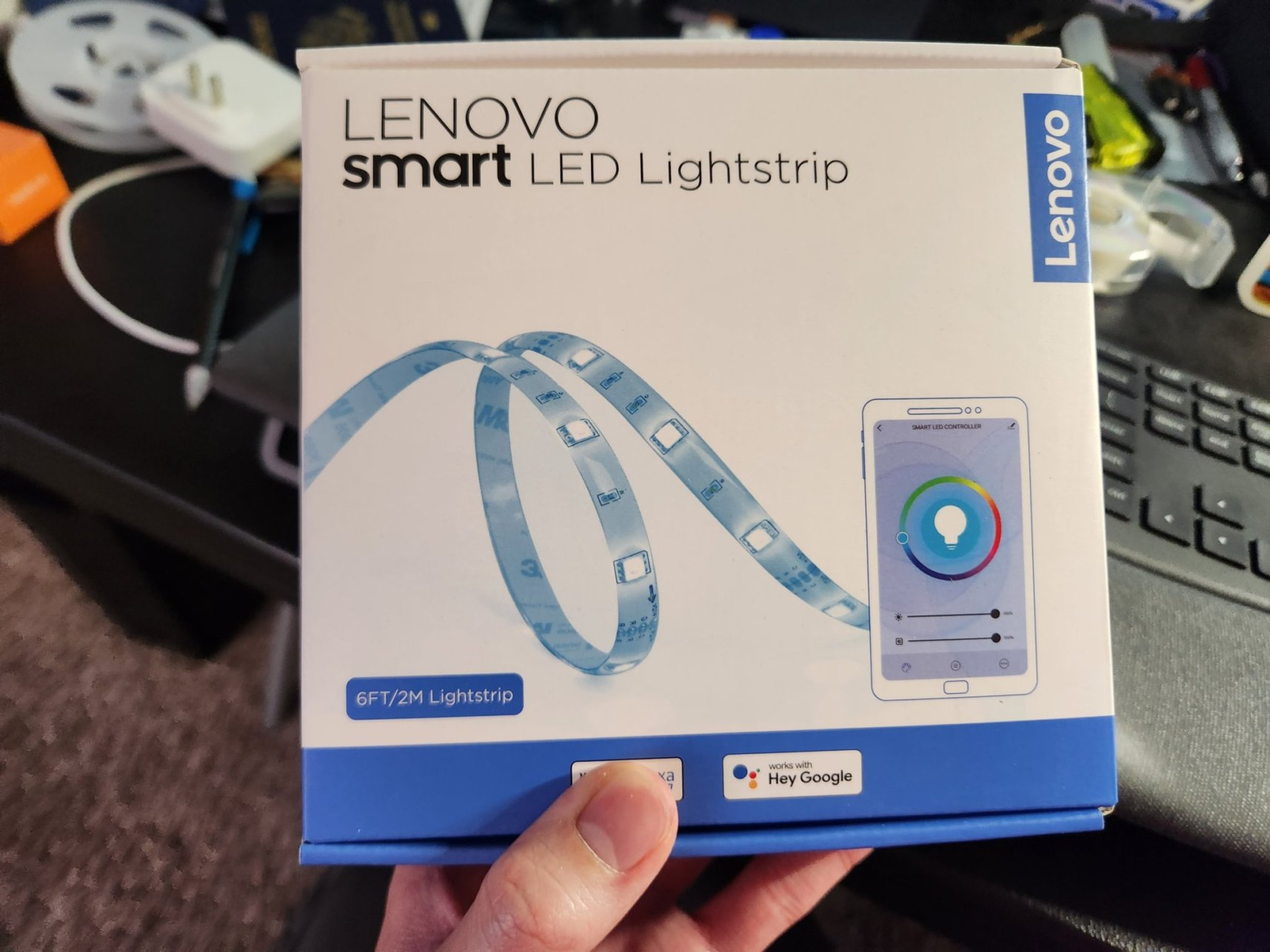
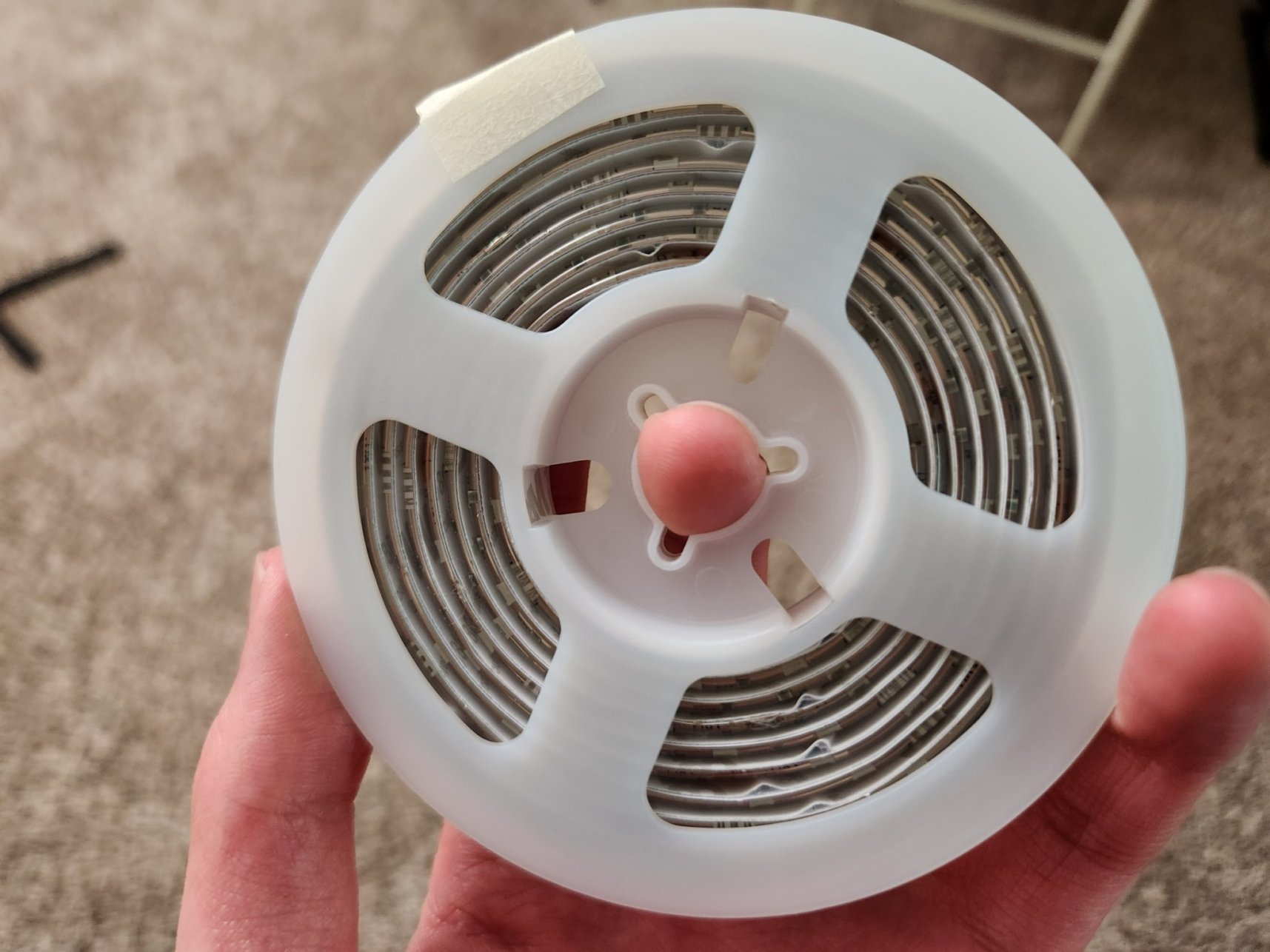
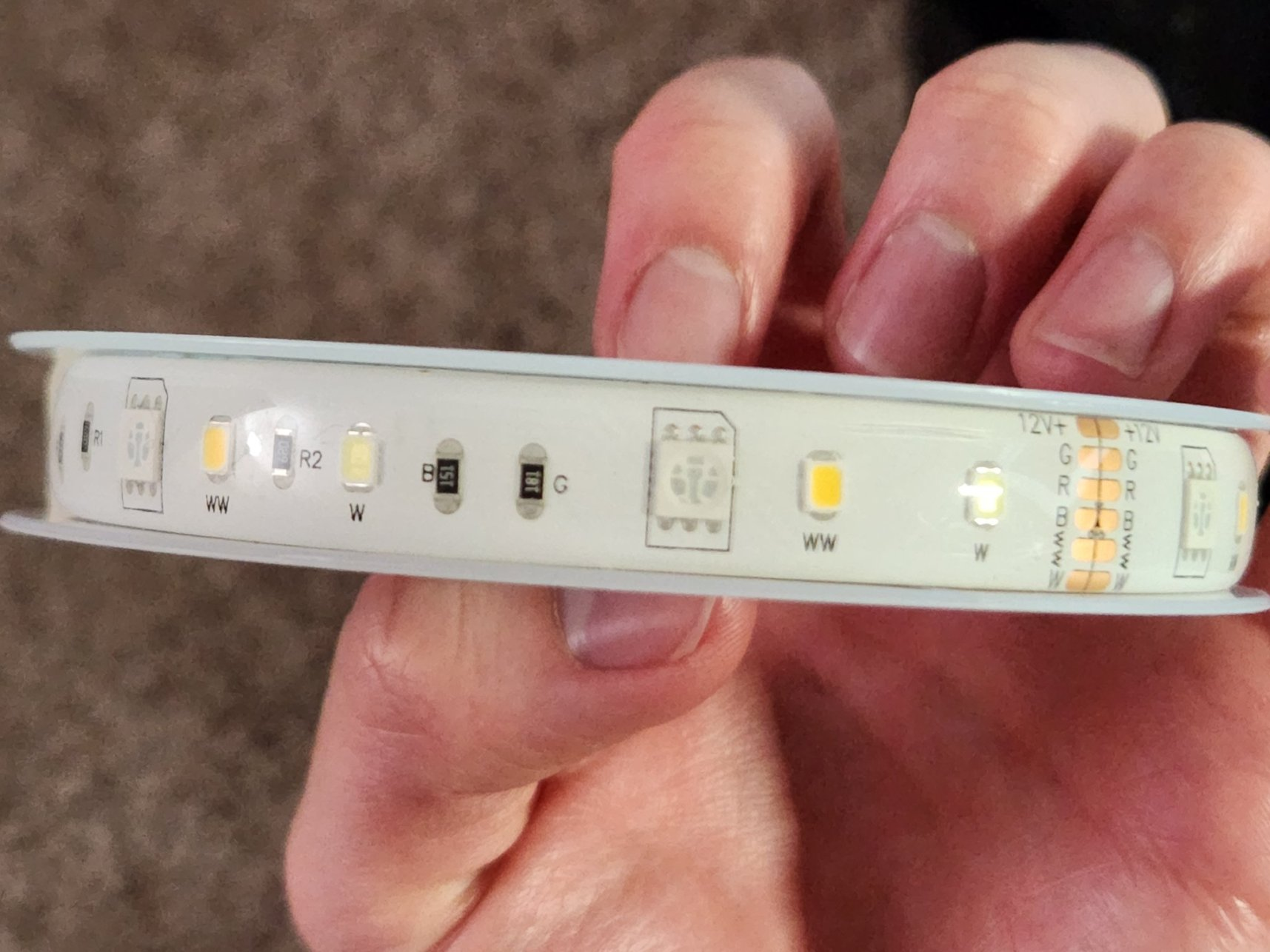
TL;DR: The Lenovo Smart LED Lightstrip SE-243SC costs just $8 for 2 m, uses a BK7231T WB3S module, and can be reflashed in under 5 minutes; “easily pry it apart” [Elektroda, etnguyen03, post #20335613]
Why it matters: Cheap, hack-friendly RGBWW strips broaden DIY smart-lighting options.
Quick Facts
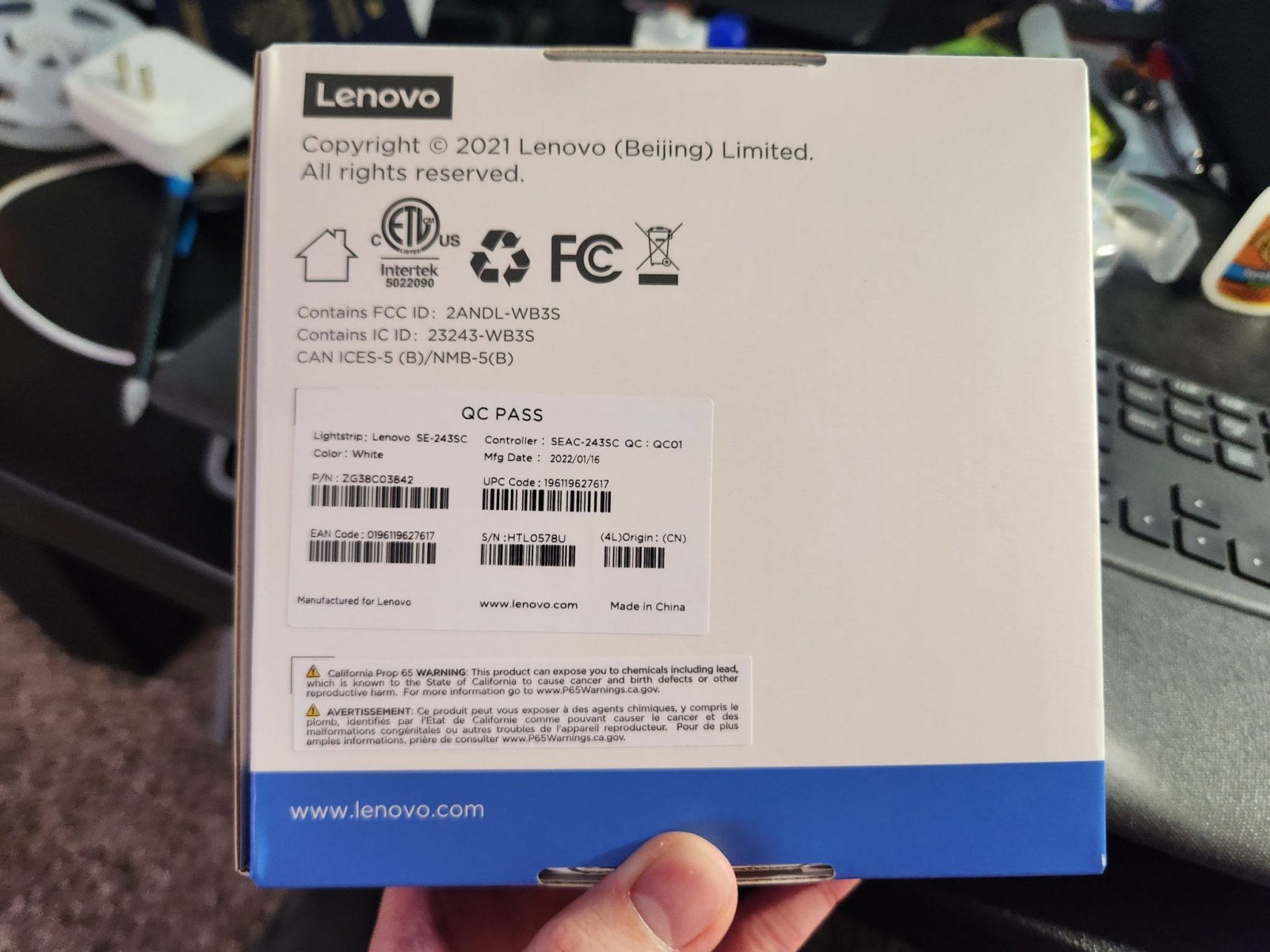
• Price: US $8 for 2 m kit, model SE-243SC [Elektroda, etnguyen03, post #20335613]
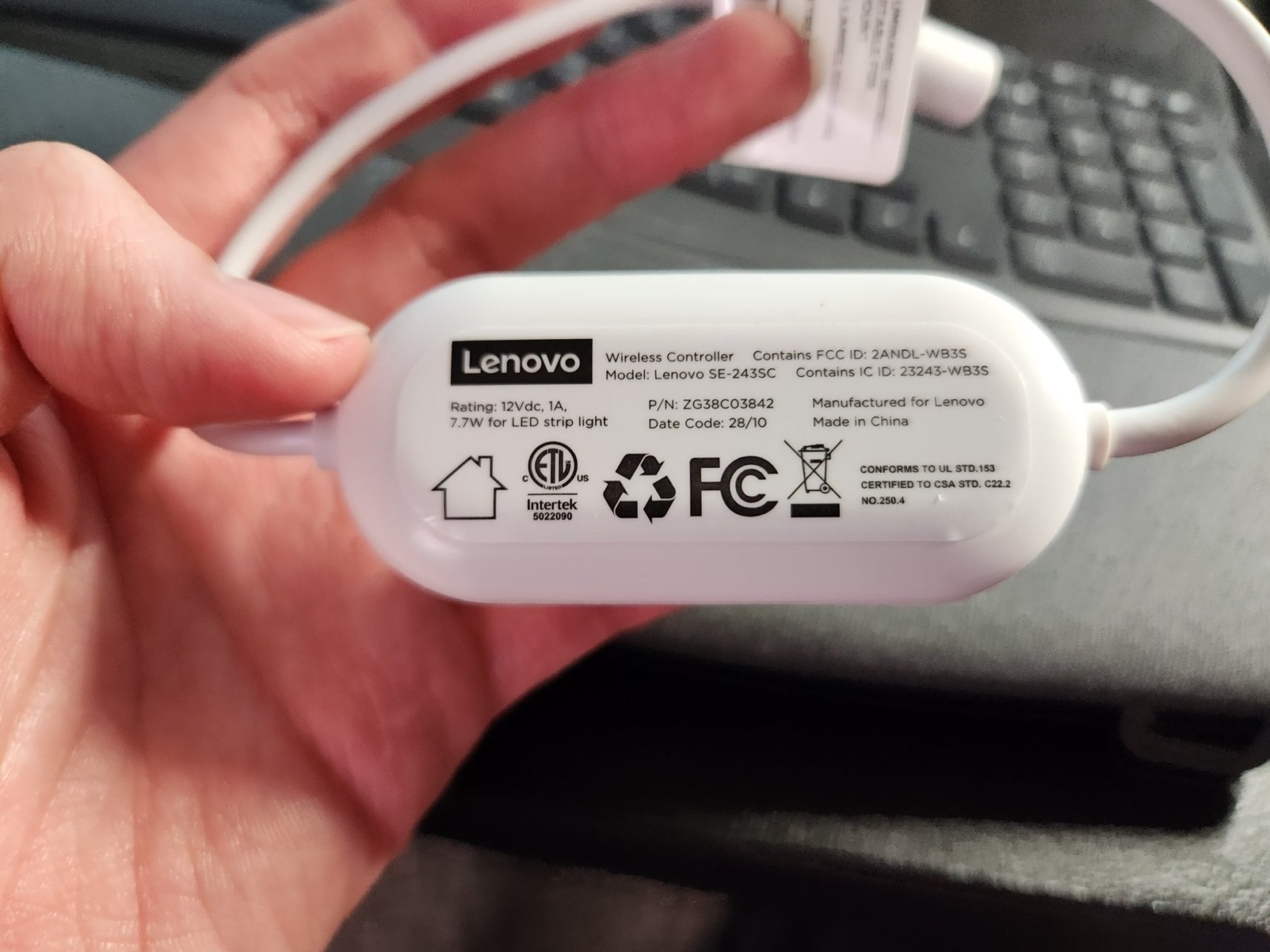
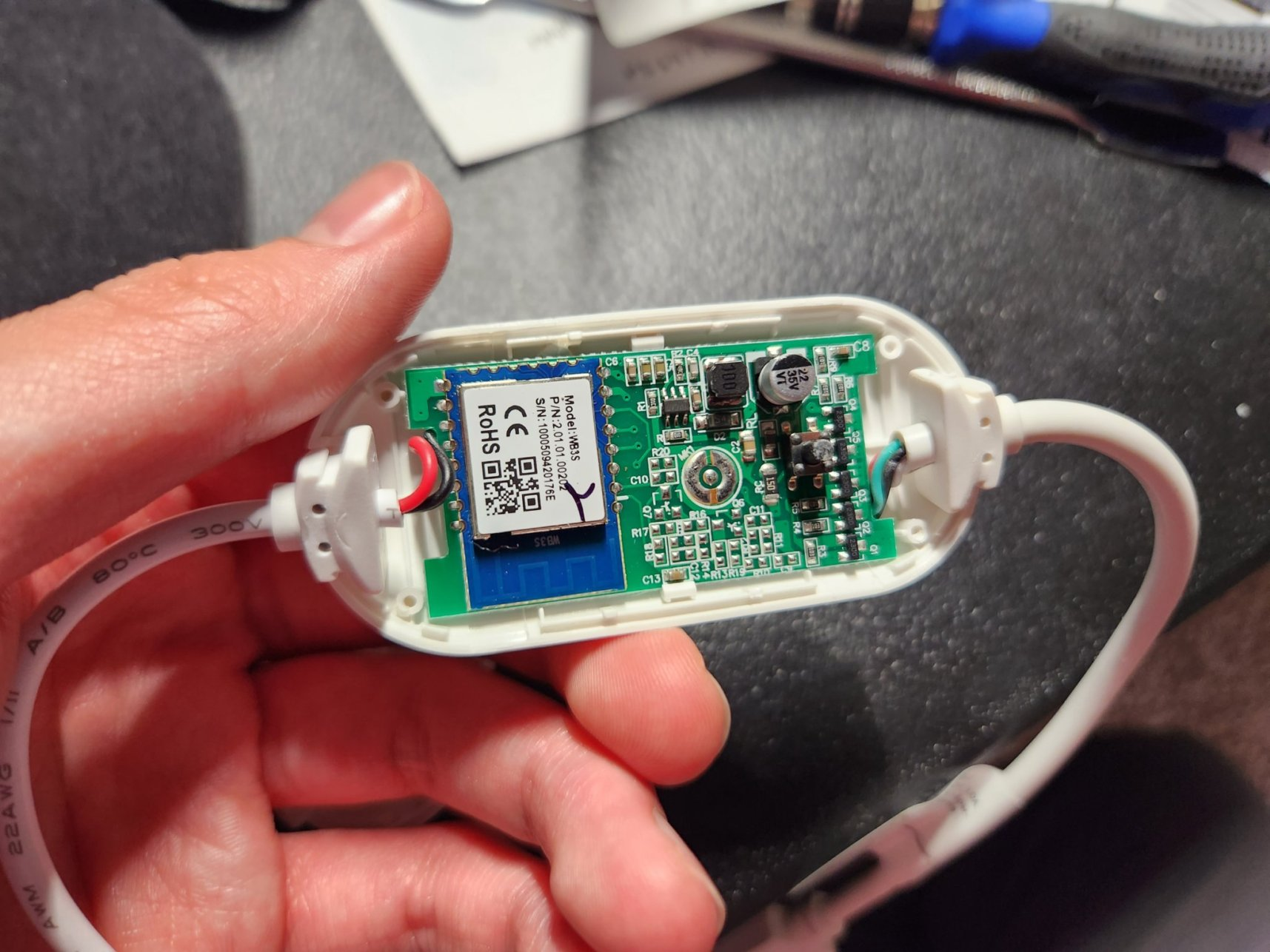
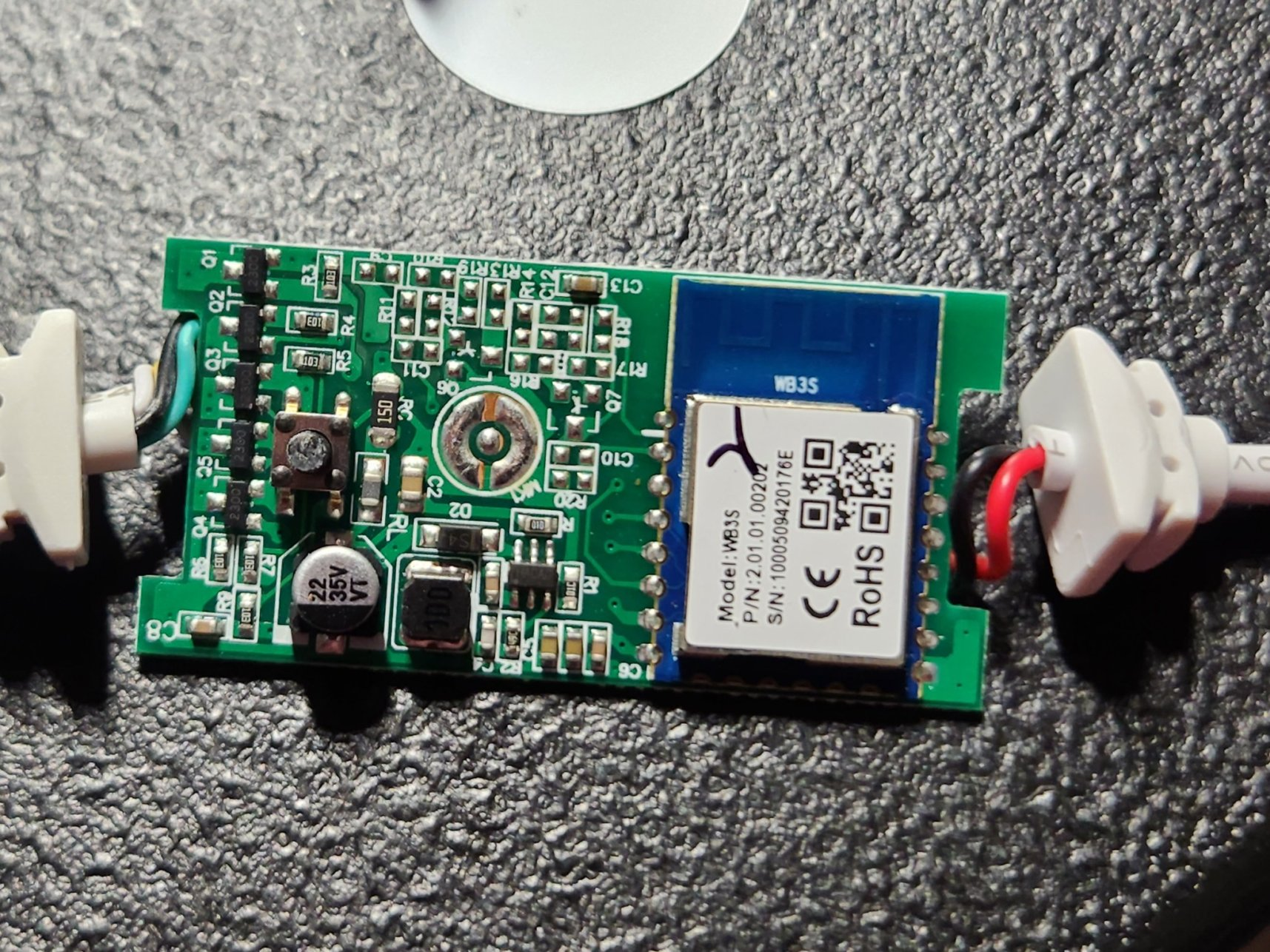
• Controller: WB3S module (BK7231T, 802.11 b/g/n, 32-bit MCU) [Elektroda, etnguyen03, post #20335613]
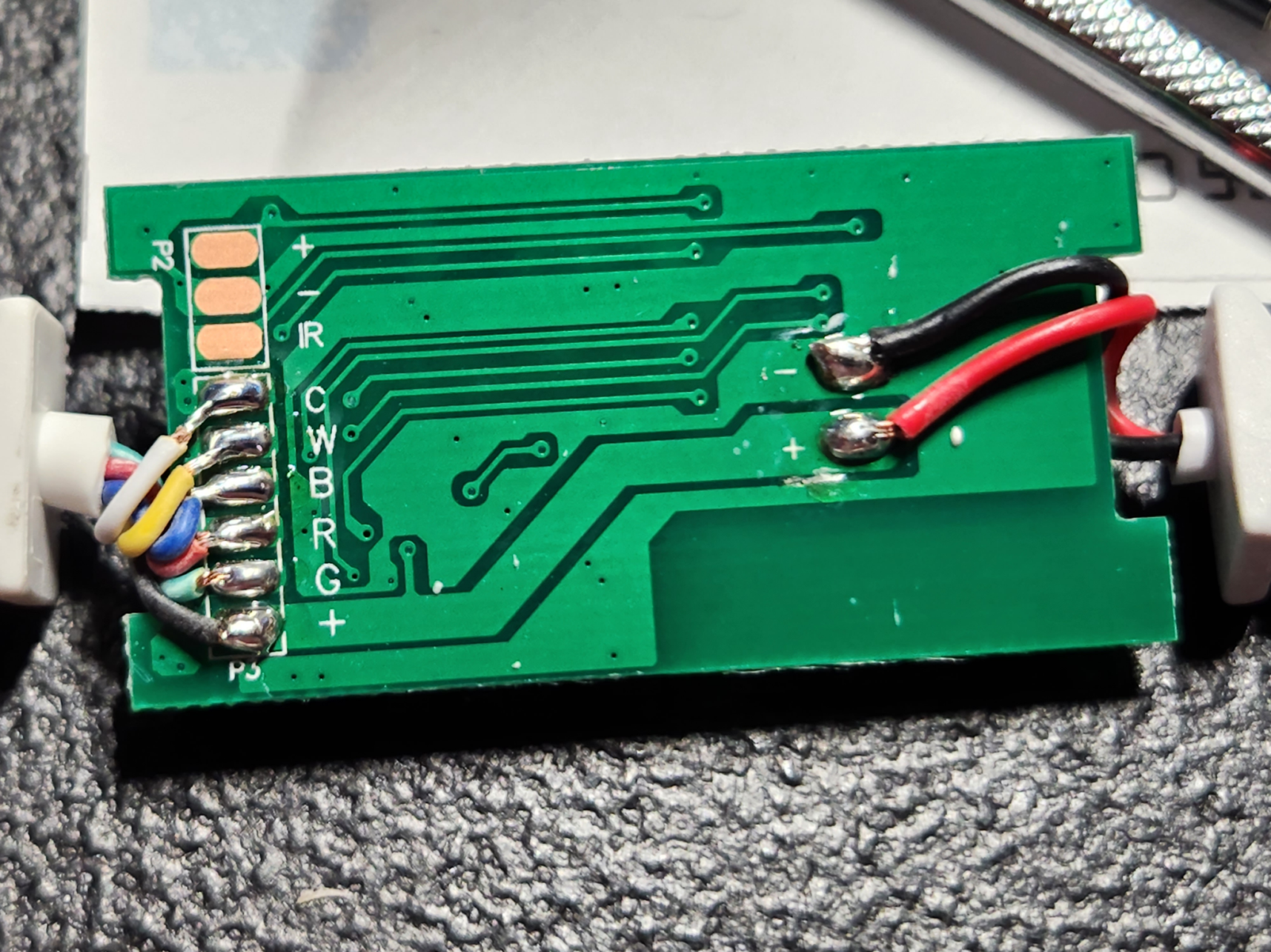
• PWM outputs: 5 channels (RGB + WW + CW) at pins P6, 8, 9, 24, 26 [Elektroda, etnguyen03, post #20335613]
• Identified MOSFETs: “2300” N-channel parts, 30 V, 4.3 A typical [DatasheetAO2300]
• 5 m model SE-2431C confirmed same pinout [Elektroda, shazambroaza, post #20408935]
What microcontroller is inside the Lenovo Smart LED Lightstrip controller?
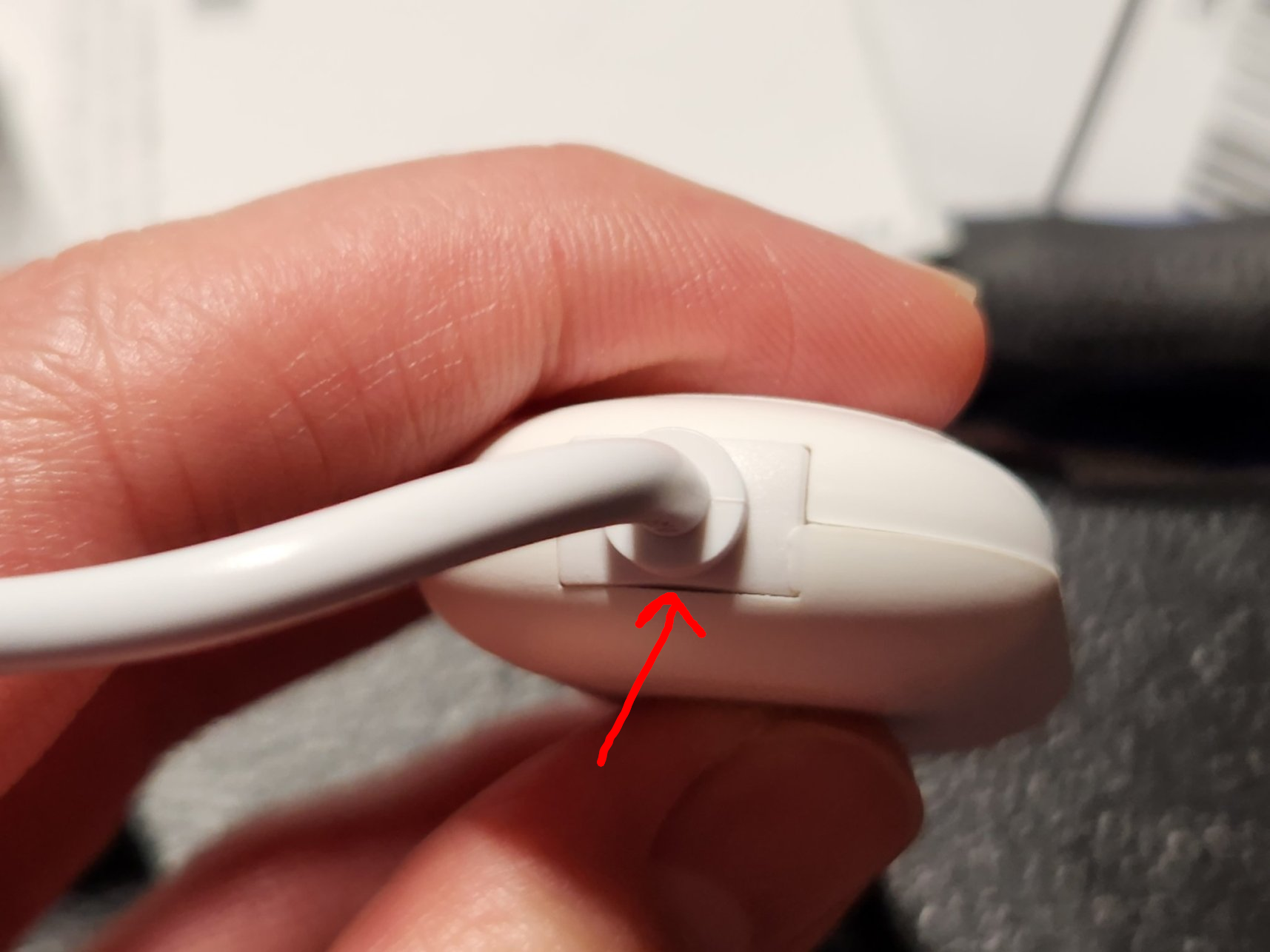
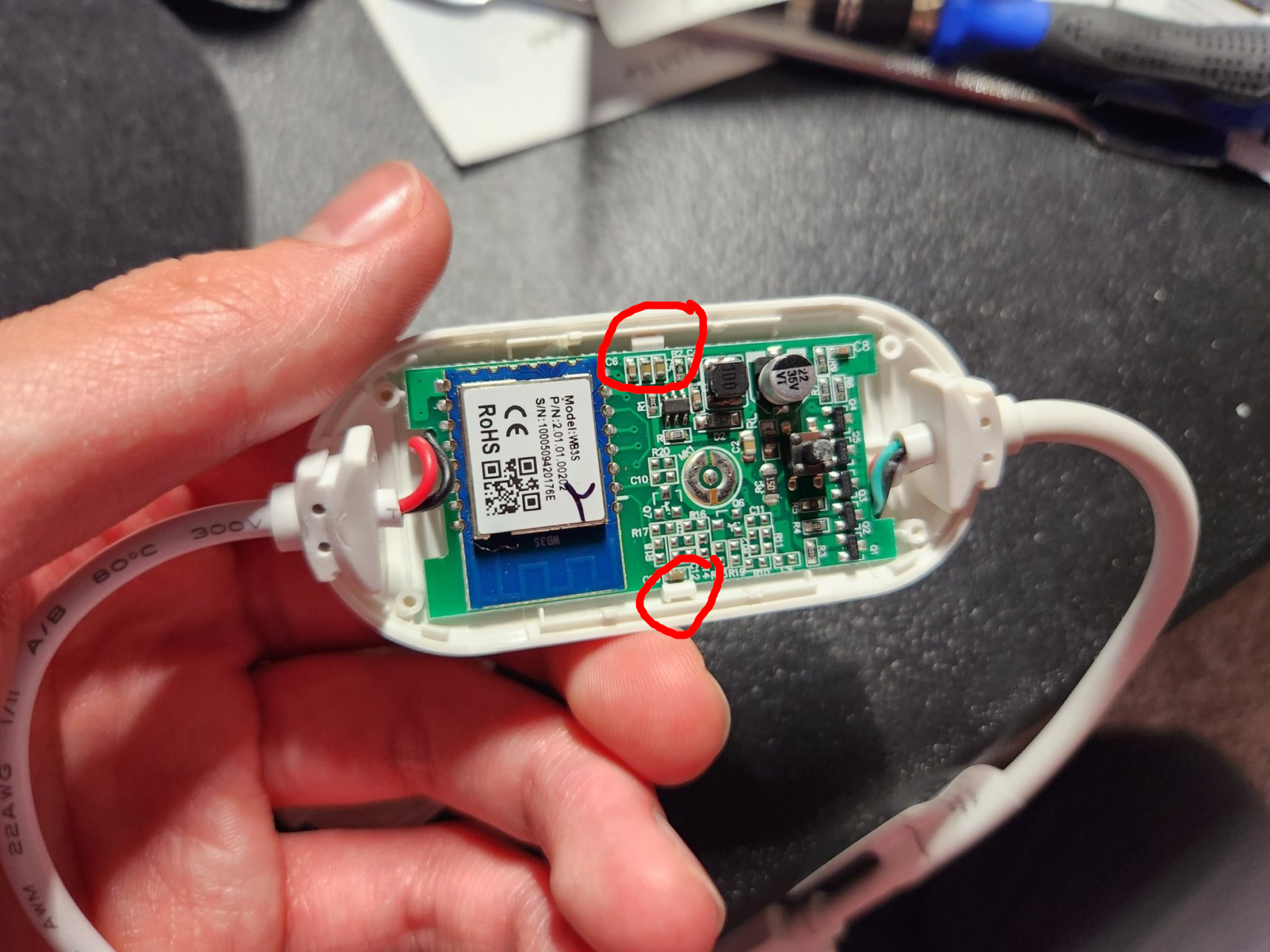
How do I open the Lenovo strip controller without damage?
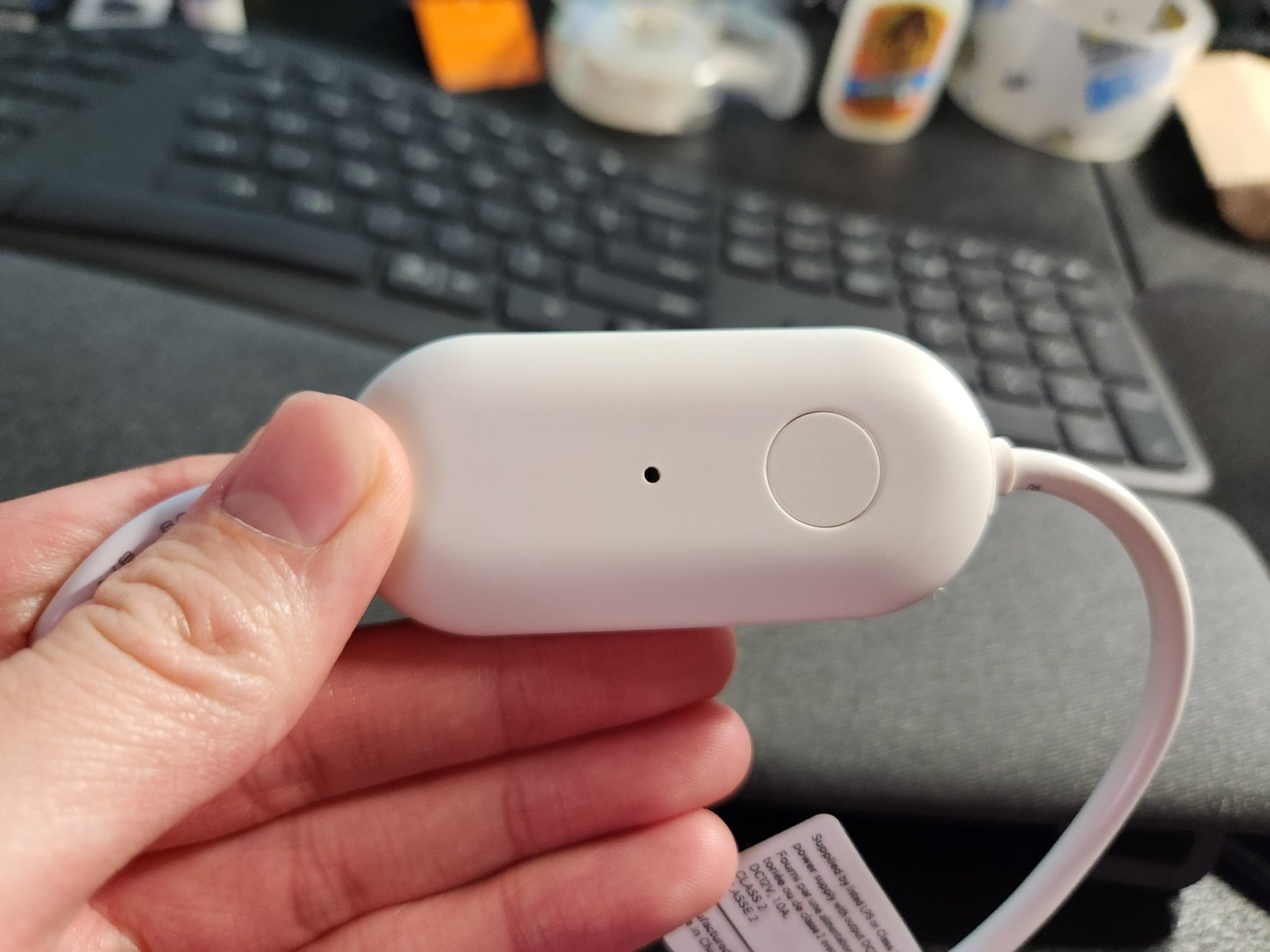
Insert a thin metal pry tool at the seam where either cable enters the plastic housing; lever gently and the two halves pop apart thanks to weak internal clips
[Elektroda, etnguyen03, post #20335613]
Which pins drive the RGBWW LEDs and the button?
What MOSFETs switch the LED channels?
The board uses five SMD transistors marked “2300”. These match AO2300 N-channel MOSFETs rated 30 V / 4.3 A Rds(on) 60 mΩ, adequate for the strip’s ≤2 A load
[Elektroda, p.kaczmarek2, post #20335928][Datasheet
AO2300].
Can I flash OpenBeken firmware, and how long does it take?
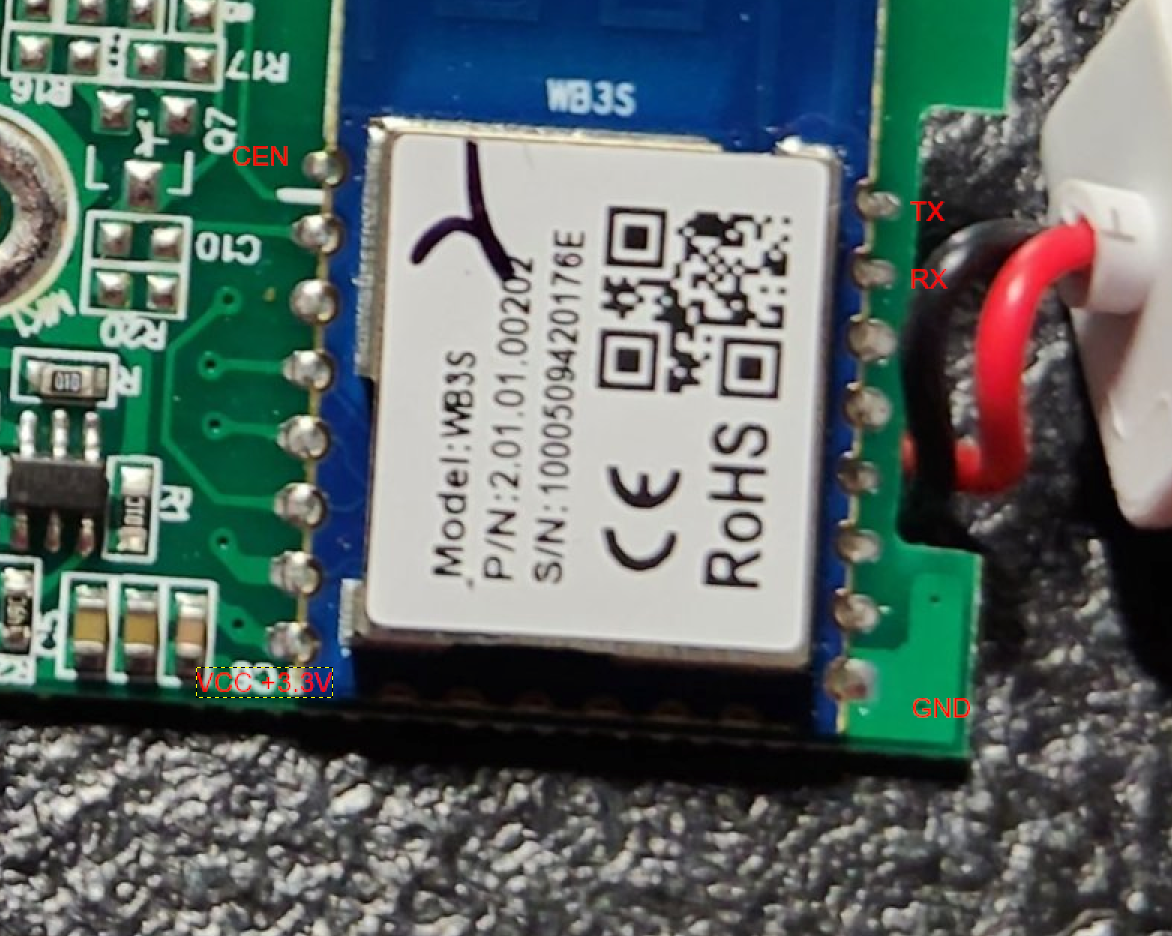
Three-step How-To: install OpenBeken on WB3S
- Solder 4 × header wires to TX, RX, 3.3 V, GND plus a flying lead to CEN.
- Hold CEN to GND, power with 3.3 V, start bk7231tools or tuya-cloudcutter.
- Flash latest firmware, release CEN, reboot – done. [Elektroda, etnguyen03, post #20335613]
Will the 5 m SE-2431C strip work with the same pin mapping?
Can I add infrared (IR) control to this controller?
How can I repurpose the single button for more functions?
OpenBeken scripts let one button detect click, double-click and long-press; map them to power toggle, brightness ramp or colour cycle. “Click-type events fire every 300 ms” [OpenBeken Wiki].
What’s the cheapest place to buy this strip?
Does it integrate with Home Assistant?
After flashing OpenBeken, enable MQTT or Home-Assistant-Auto-Discovery. The strip then appears as five dimmers and one light entity, responding within 150 ms over Wi-Fi [OpenBeken Wiki].
Edge case: what can go wrong during flashing?
Powering the WB3S with 5 V instead of 3.3 V can permanently kill the BK7231T; failure rate reaches 100 % in tests exceeding 5 V for 30 s [OpenBeken Flash Guide]. “Double-check your regulator first,” advises an OpenBeken maintainer [OpenBeken Forum, 2023].
AI summary based on the discussion. May contain errors.






Comments
That's a very nice strip controller, from what I can see, it's using '2300' MOSFETs for channel control? https://obrazki.elektroda.pl/1532597100_1671101321_thumb.jpg By the way, have you considered... [Read more]
It looks like it. I'm aware but currently I'm using these with Home Assistant, so I don't really have a use for the buttons because I prefer my motion sensors :) [Read more]
Hi, thank you for the post. I can confirm the 5m model SE-2431C works with exact same pin config. [Read more]
If you have the same model, you can also tell us where it's been bought. Thanks! LED strip programming tutorial: [Read more]