FAQ 
TL;DR: Flashed Mirabella Genio Par38 15 W bulb (1,400 lm)[Bunnings Product Page]; "It worked first try"[Elektroda, wolfieeewolf, post #20462594]; SM2135EH pin swap solved wrong colors.[Elektroda, wolfieeewolf, post #20463873]
Why it matters: Correct pin mapping avoids hours of trial-and-error and prevents RGB misalignment.
Quick Facts
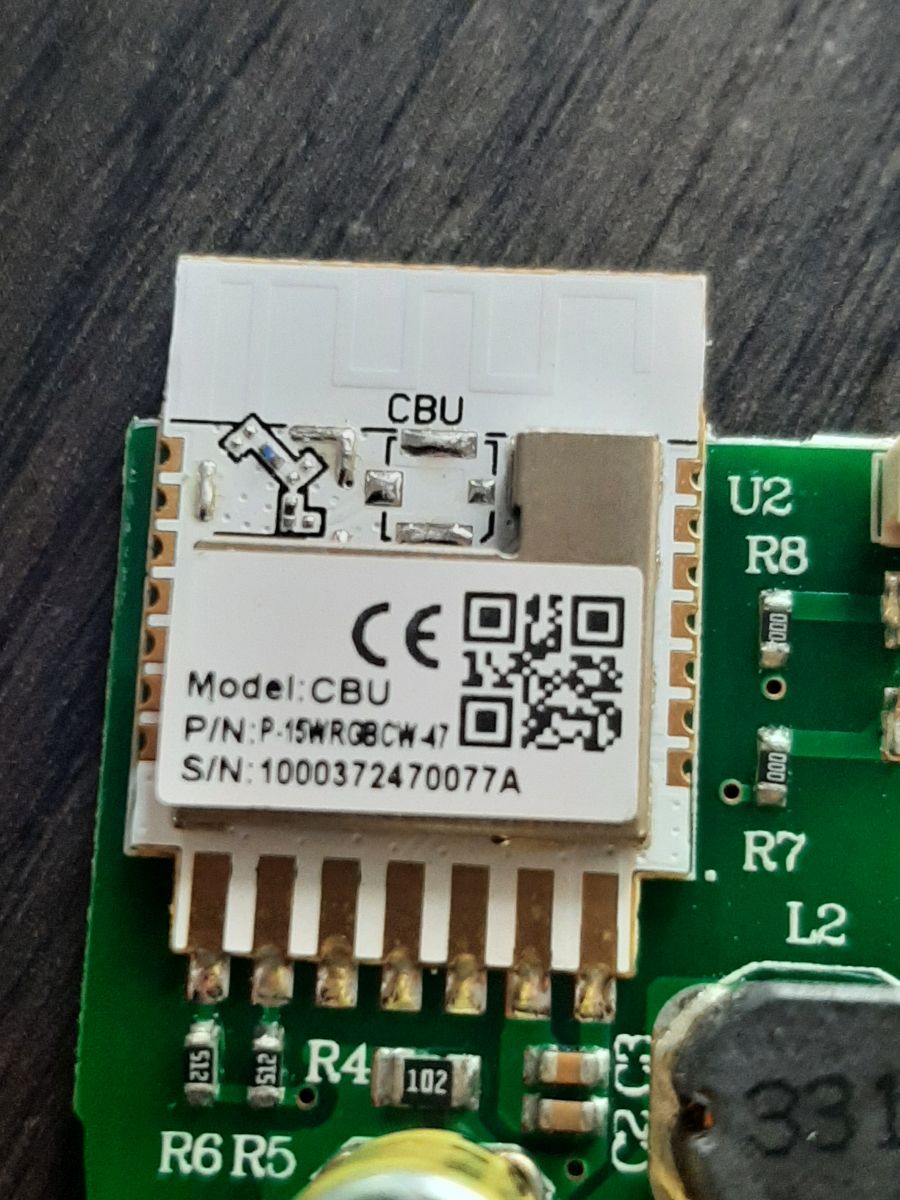
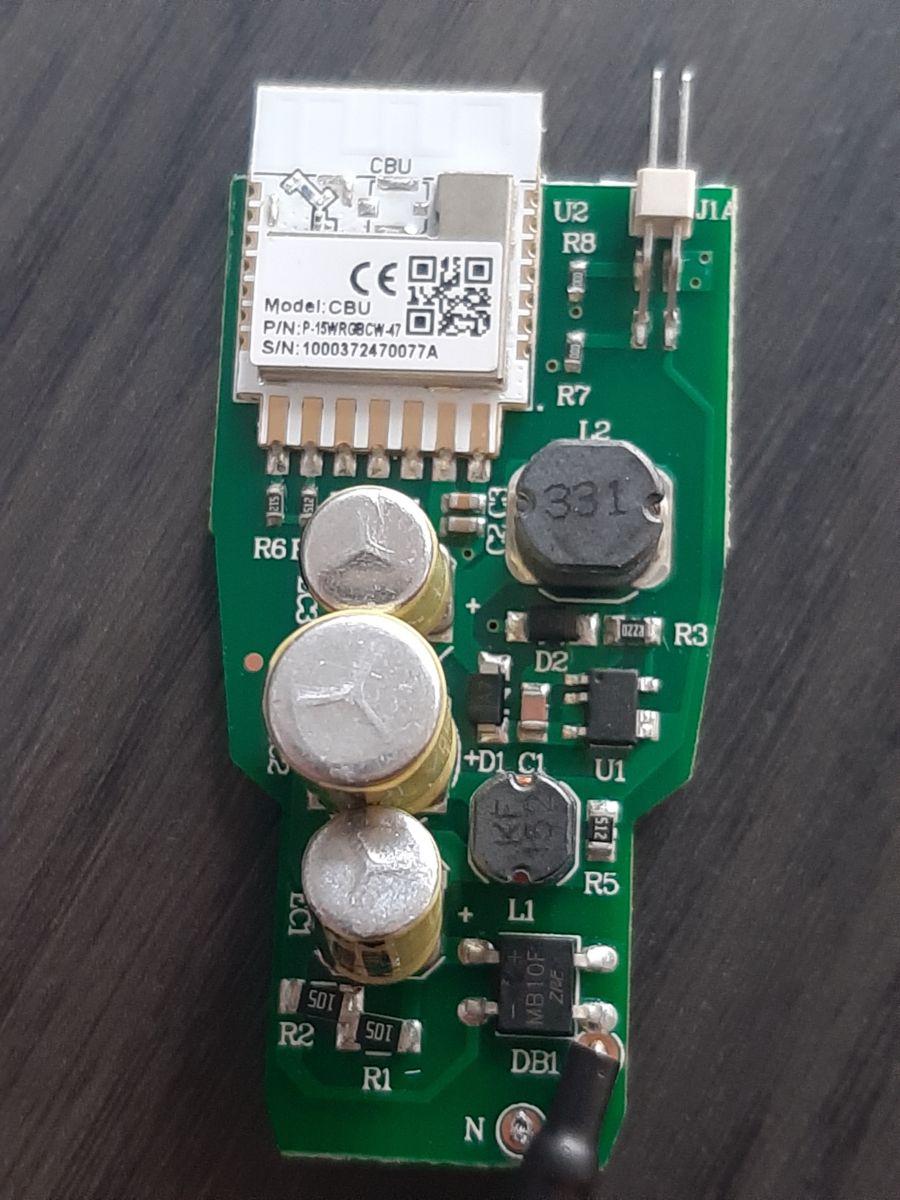
• Wi-Fi MCU: Beken BK7231N (CBU module)[Elektroda, wolfieeewolf, post #20462594]
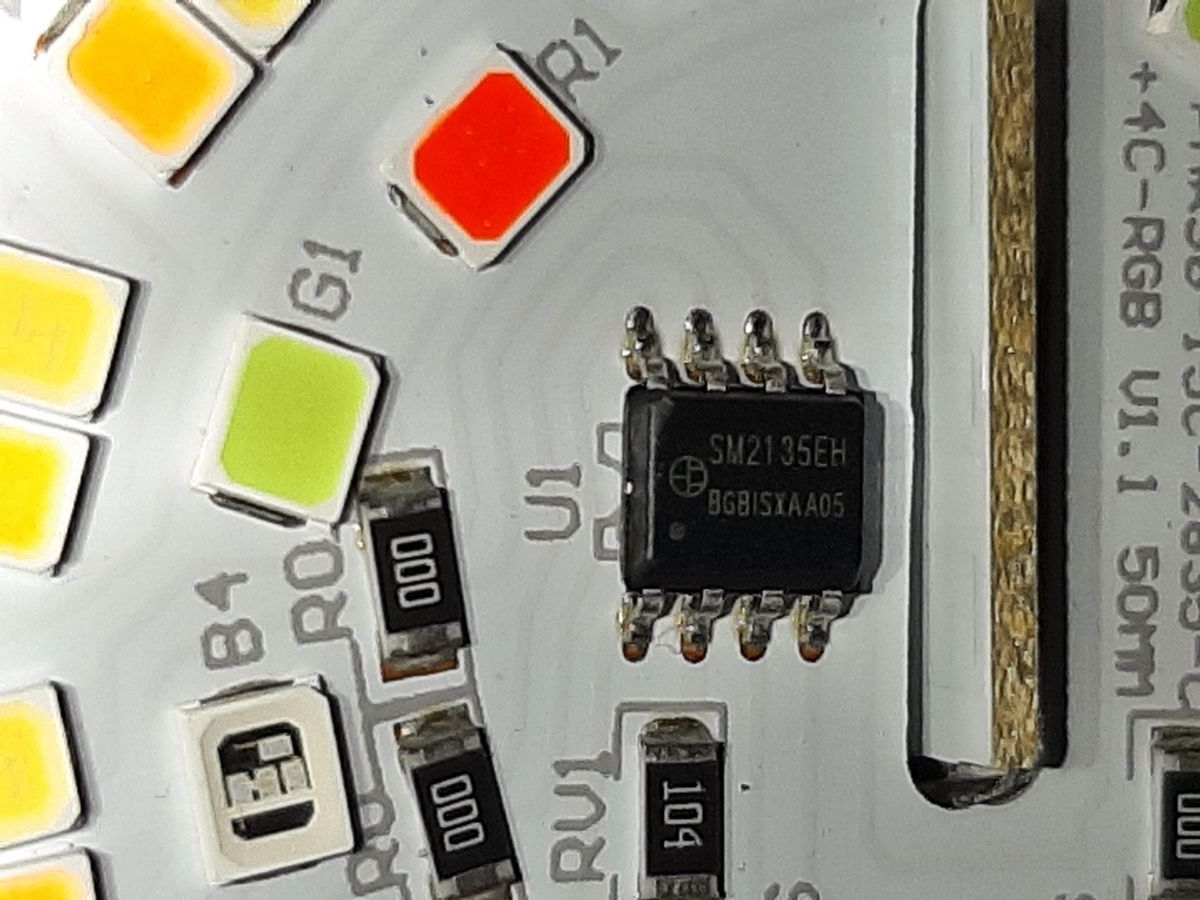
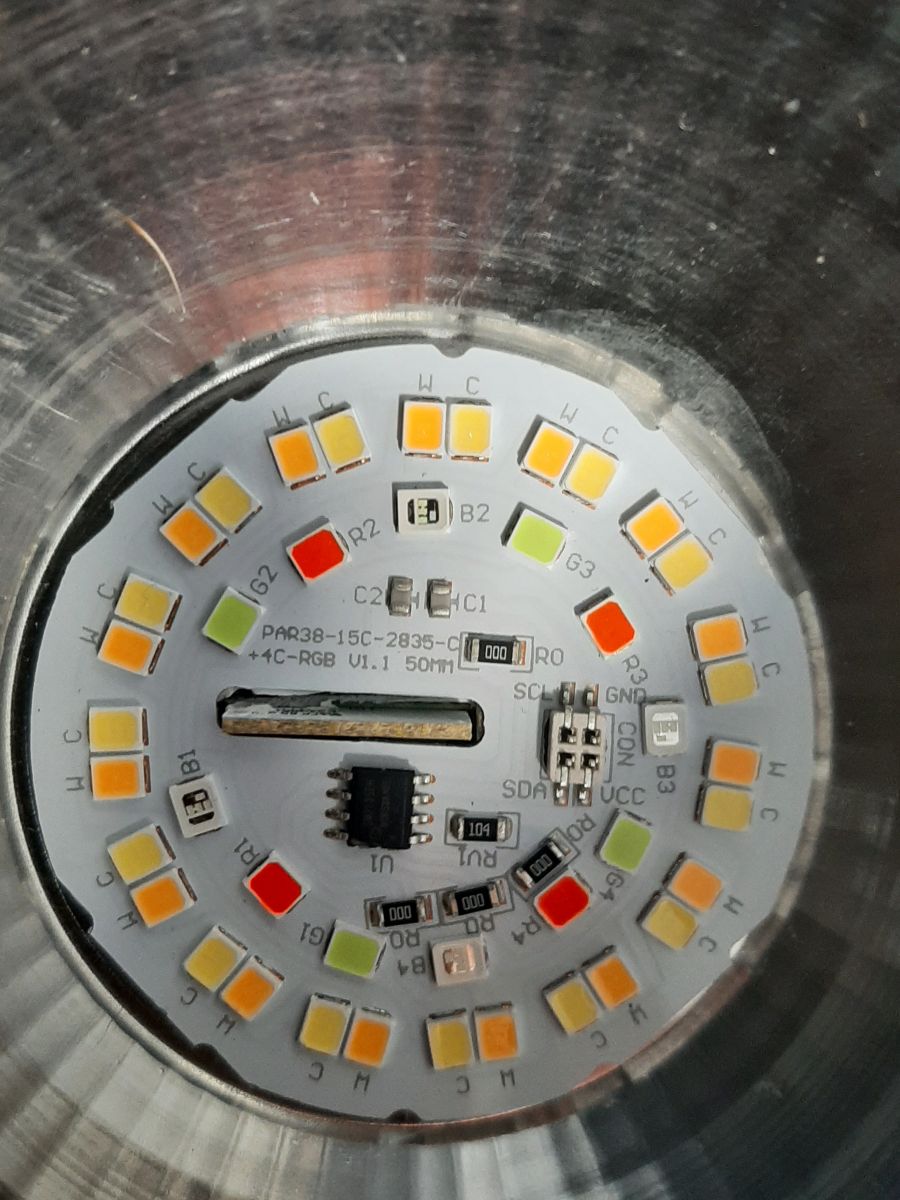
• LED driver: SM2135EH 5-channel I²C controller[Elektroda, wolfieeewolf, post #20463817]
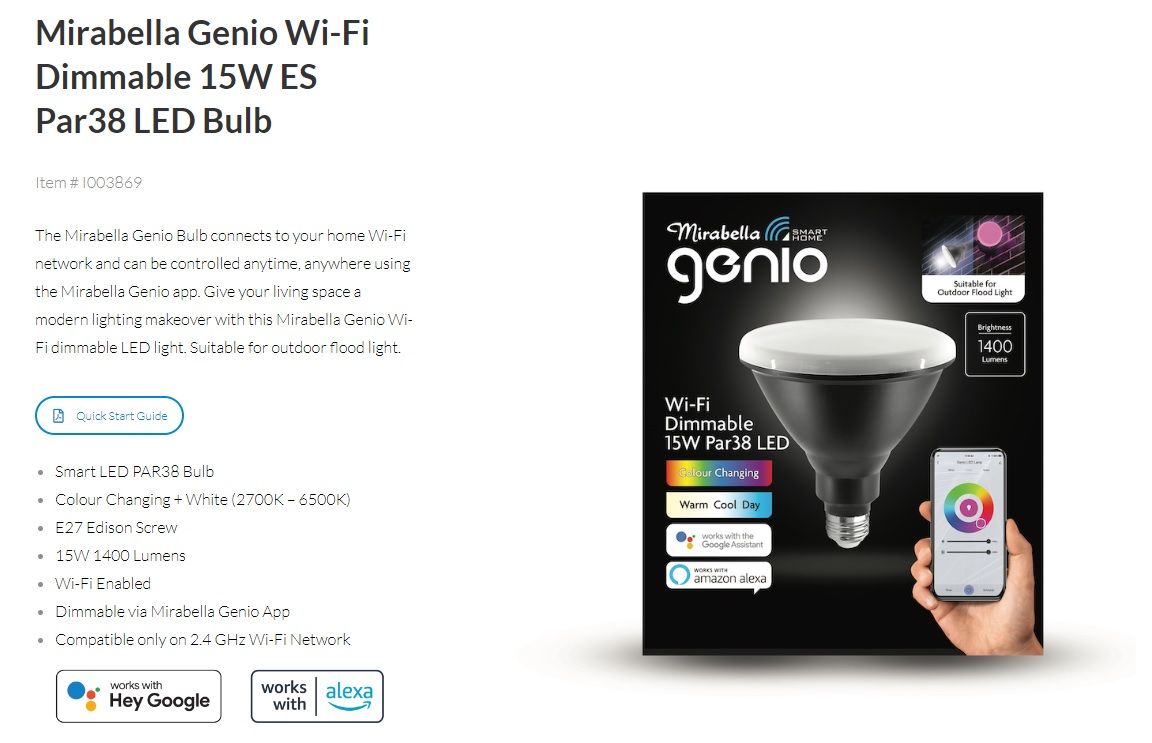
• Retail price: AU $25 at Bunnings[Bunnings Product Page]
• Reported success rate: 100 % via BK7231 GUI Flash Tool vs 0 % via CloudCutter in thread[Elektroda, wolfieeewolf, post #20462594]
• Correct SM2135_Map: 0 1 2 3 4 for proper RGB order[Elektroda, wolfieeewolf, post #20464037]
What hardware is inside the Mirabella Genio 15 W Par38 smart bulb?
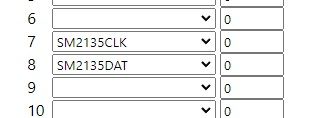
Which BK7231N pins connect to SM2135EH CLK and DAT?
How do I flash custom firmware when CloudCutter fails?
Why were RGB colours swapped after flashing?
What SM2135_Map command fixes the colour order?
How can I make fades and transitions smoother?
Is a music or disco mode still available after reflashing?
Does the bulb use PWM channels or I²C for LEDs?
What tools help trace pins without guessing?
What can go wrong during flashing?
Repeated OTA attempts can brick the bulb if power drops. CloudCutter stalled during firmware upload nine times in the thread—an edge case linked to the LightLeak profile.
[Elektroda, wolfieeewolf, post #20462594]
How do I flash with BK7231 GUI Flash Tool (3-step)?
- Solder RX, TX, 3V3, and GND to the CBU pads.
- Hold CSN low, power the bulb, then click “Flash” in BK7231 GUI.
- After success, reboot and configure pins in OpenBK.
What are the power and brightness specs?
The globe draws 15 W and produces 1,400 lumens, yielding approx. 93 lm/W efficiency.[Bunnings Product Page]
Will future firmware updates erase my colour mapping?
Do I need safety precautions when opening the bulb?
Yes. Disconnect mains, wait 30 seconds for capacitors to discharge, and use insulated tools. LED driver capacitors can hold 325 V DC even after power-off.[IEC 60598 Safety Guide]
AI summary based on the discussion. May contain errors.







Comments
Hello, what is the marking of U1 chip? It looks like modified I2C LED controller, with those SDA/SCL markings on the board... There is no sense in setting PWMs, as it can be clearly seen that the LED... [Read more]
I uploaded a picture of the U1. It's a SM2135EH - BGBISYAA05. Also looking at the LED's they appear to be SM2835's. Not sure if that makes any difference. I have tried setting the SM2135DAT and CLK to... [Read more]
Please do not try at random. When you look at this photo: https://obrazki.elektroda.pl/3870932200_1677623421_thumb.jpg you can easily see which pins to access and test with multimeter. Just use... [Read more]
Not really trying at random. Been sticking with these pins below as they are the only ones that I can see would be correct. 8 P8 I/O Support hardware PWM (Correspond to Pin 24 of the IC) 9... [Read more]
Very good job on figuring that out. It will be useful for our templates list. Now, do you know how to change the colour order? Look up SM2135_Map function. https://github.com/openshwprojects/Op... [Read more]
Took some stuffing about but finally got there. Been messing with the SM2135_Map config. After much messing about with values it ends up it was just the default 0 1 2 3 4 setting. updating the post... [Read more]
We will be trying to update documentation soon so it's more detailed and better organized, but also don't forget that we have tutorials on our YT channel: https://www.youtube.com/@elektrodacom They are... [Read more]