logo elektroda
logo elektroda
X
logo elektroda

[ESP8266] Blitzwolf smart LED LT-29 850Lm WiFi CCT (white temperature control)

p.kaczmarek2  0 1659 Cool? (+1)
📢 Listen (AI):

TL;DR

  • Blitzwolf BW-LT29 is an E27 WiFi CCT LED bulb with brightness control and 2700-6500K white-temperature tuning.
  • Opening the glued dome exposed the LEDs and a silicone-flooded PCB with an ESP8266EX, flash chip, resonator, and an IO0 programming pad.
  • The lamp is rated at 850Lm, and Tasmota was uploaded through 3.3V power, RX/TX, GND, IO0, and esptool.py.
  • Using the provided Tasmota template and SetOption92 1 turns the bulb into a fully local light without the manufacturer cloud.
  • Programming is awkward because the pads are buried under silicone, so flux, whitening, and careful soldering are needed.
Generated by the language model.

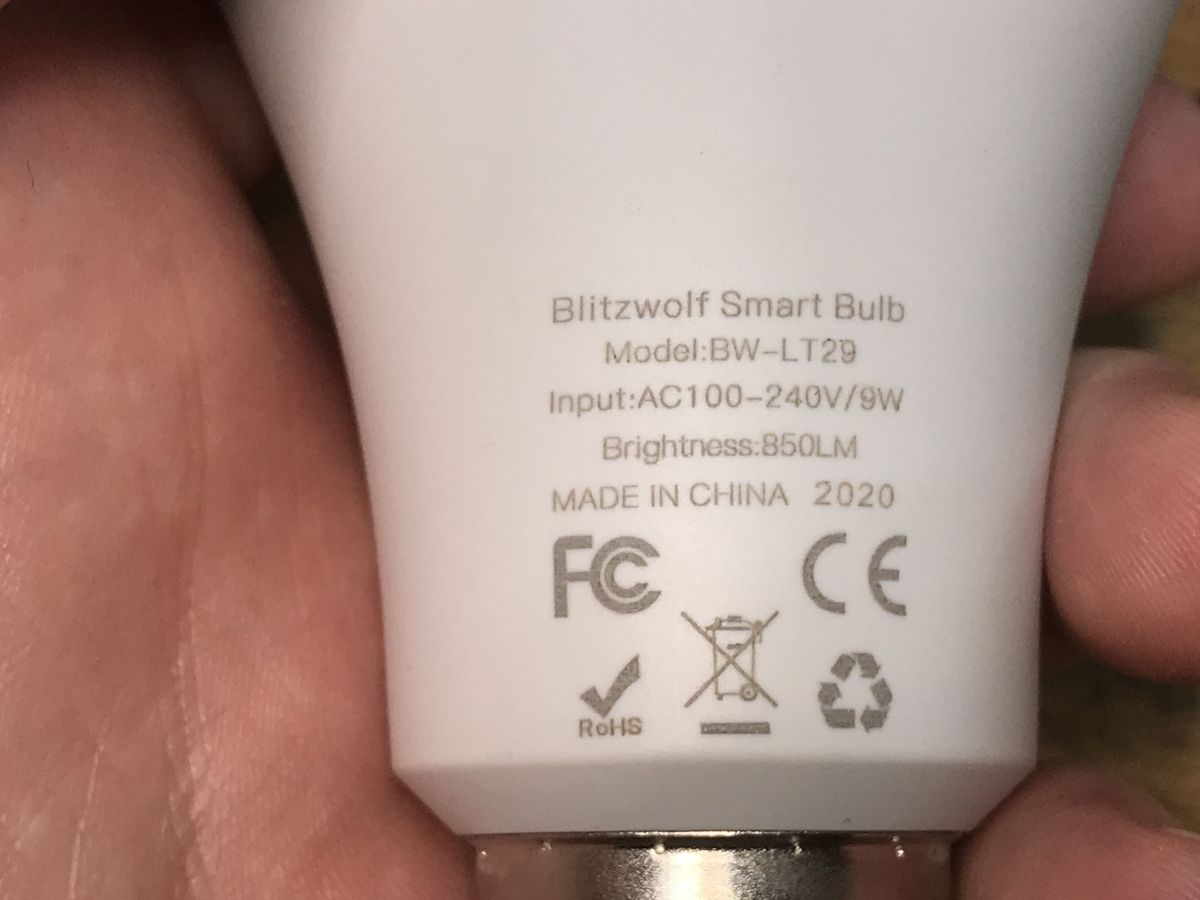
Blitzwolf BW-LT29 is a WiFi-controlled LED lamp with an E27 socket, offering control of brightness and white temperature (range 2700-6500K). This lamp deserves special attention because, like other Blitzwolf products, it allows you to easily change its charge to such a cloud-independent one, what's more, I have not yet encountered a situation where someone found a Blitzwolf product on a different WiFi module than one based on ESP8266 or ESP8285, so you can easily flash Tasmota.
Here I will show its interior, programming procedure and provide a proven Tasmota template.

Purchase of the LT-29
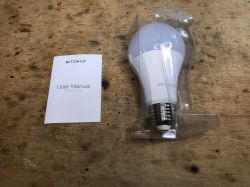
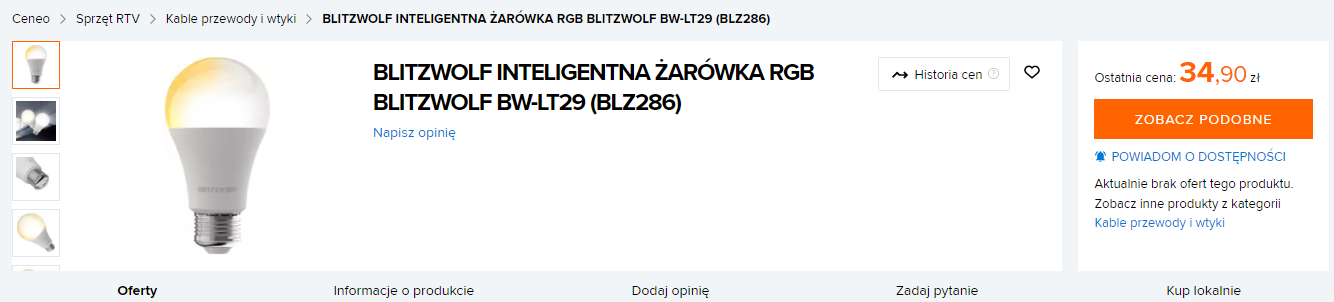
I got the lamp to upload the firmware to a friend, unfortunately the lamp was bought some time ago, so we do not know where it was ordered from. A short search on the web shows that it is quite cheap, you could even get it for PLN 40 back in the day.
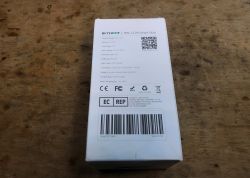
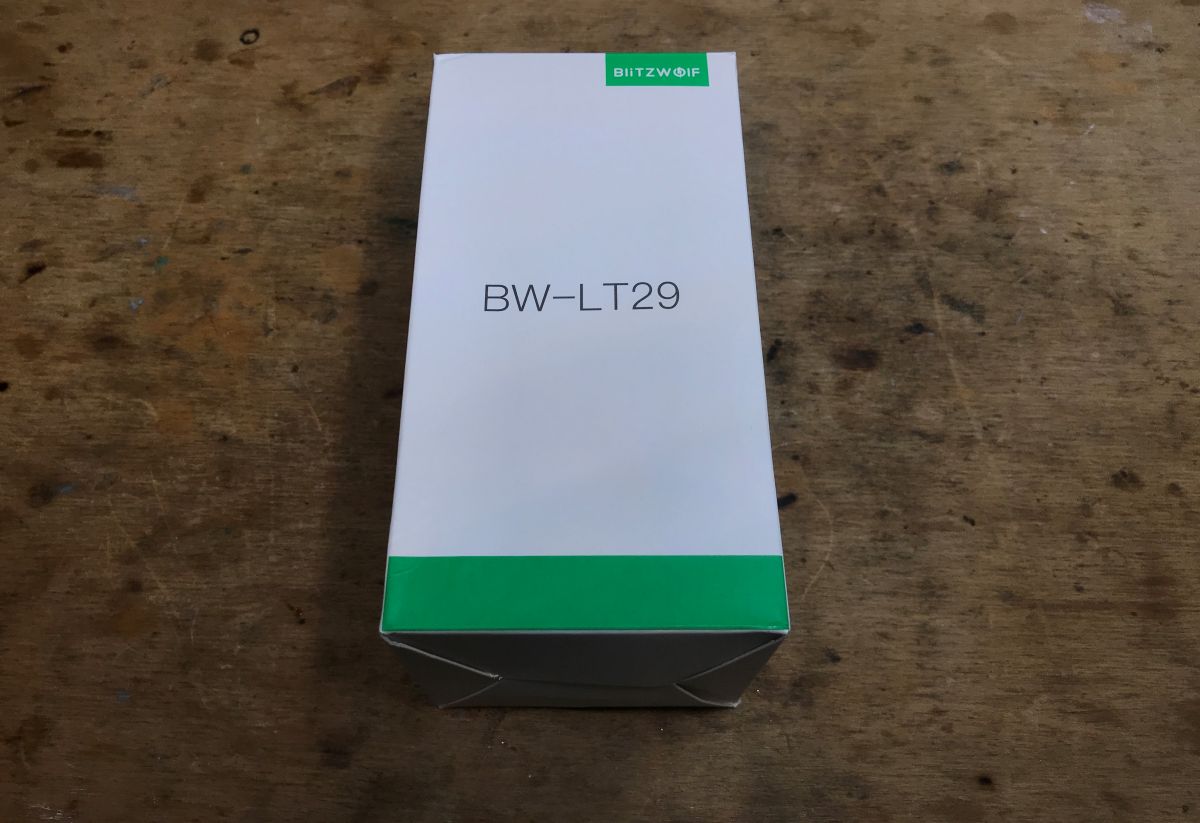
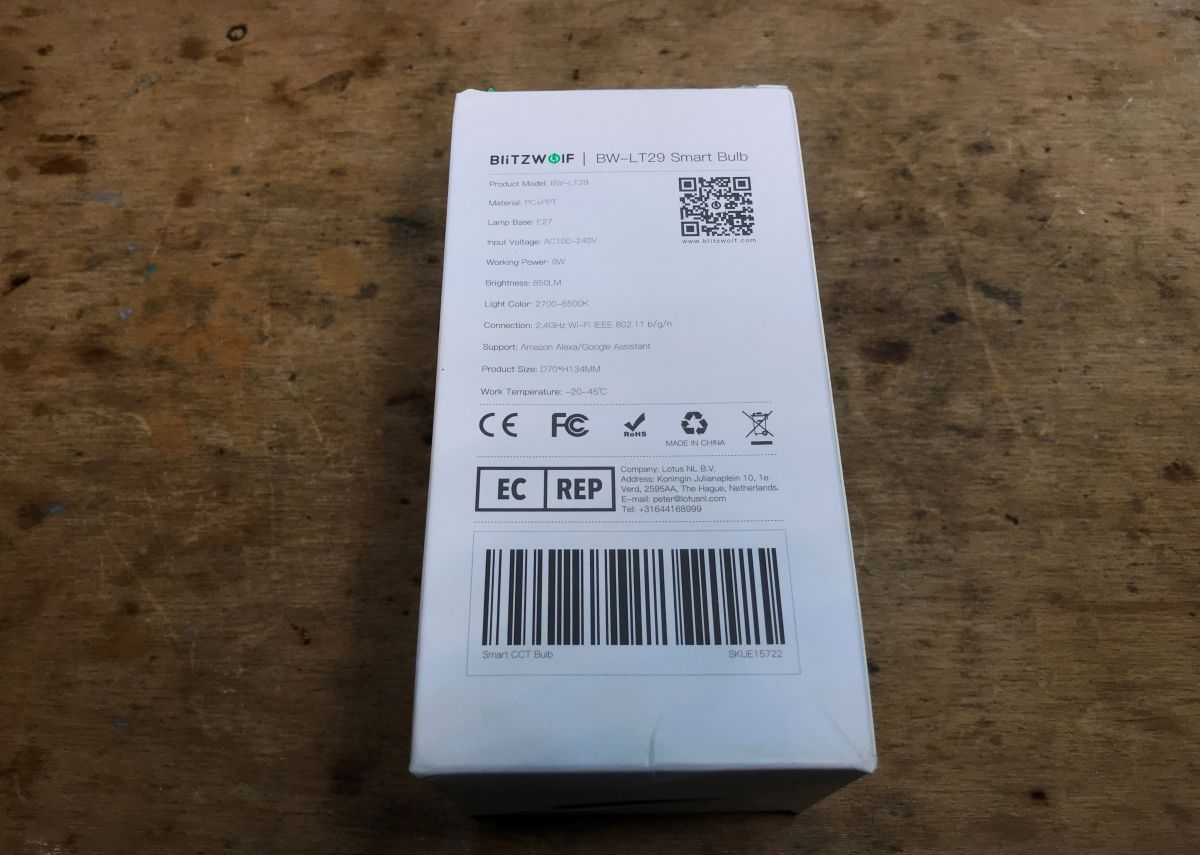
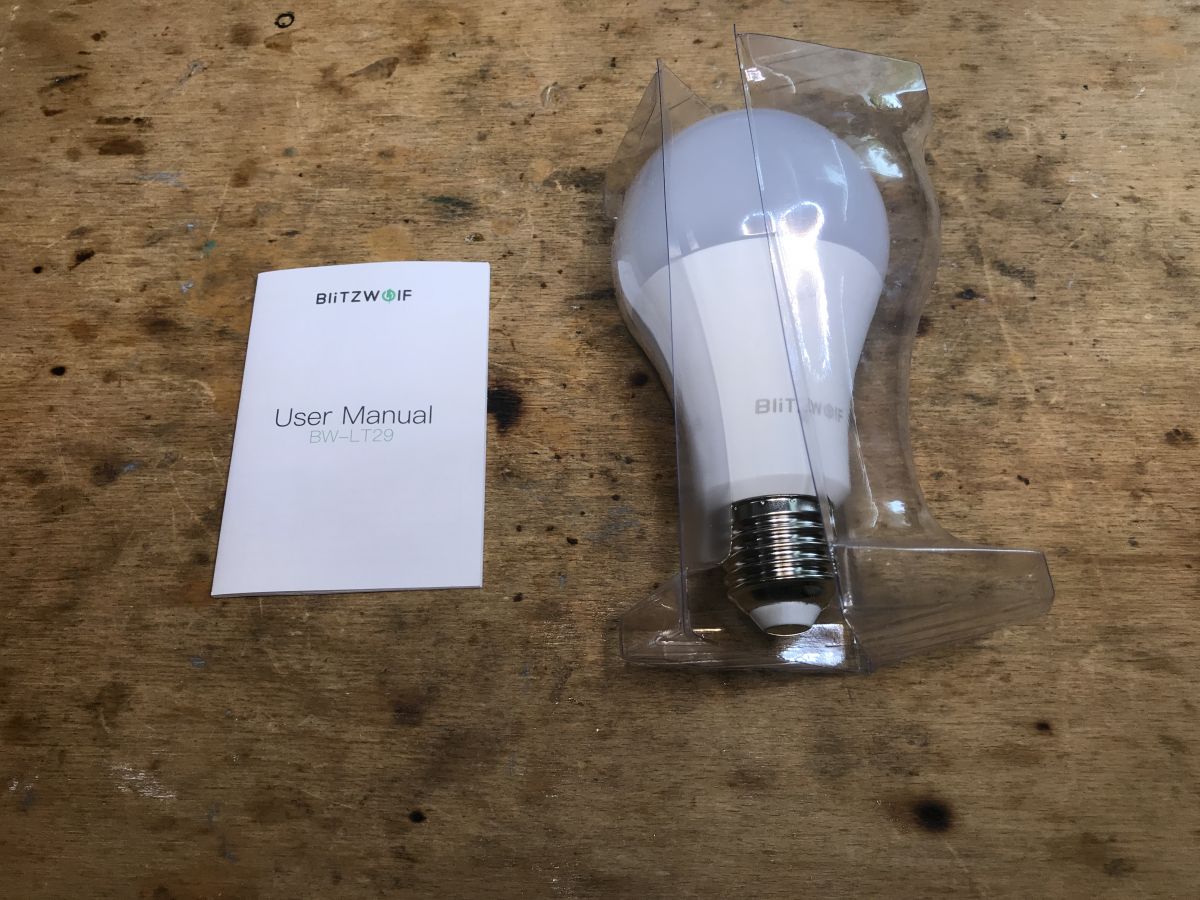
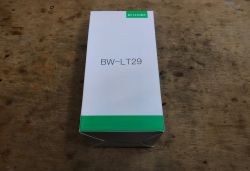
Let's take a look at its packaging:
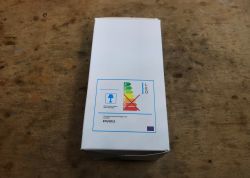
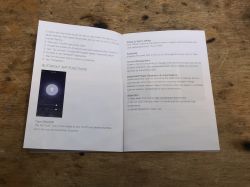
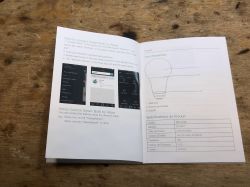
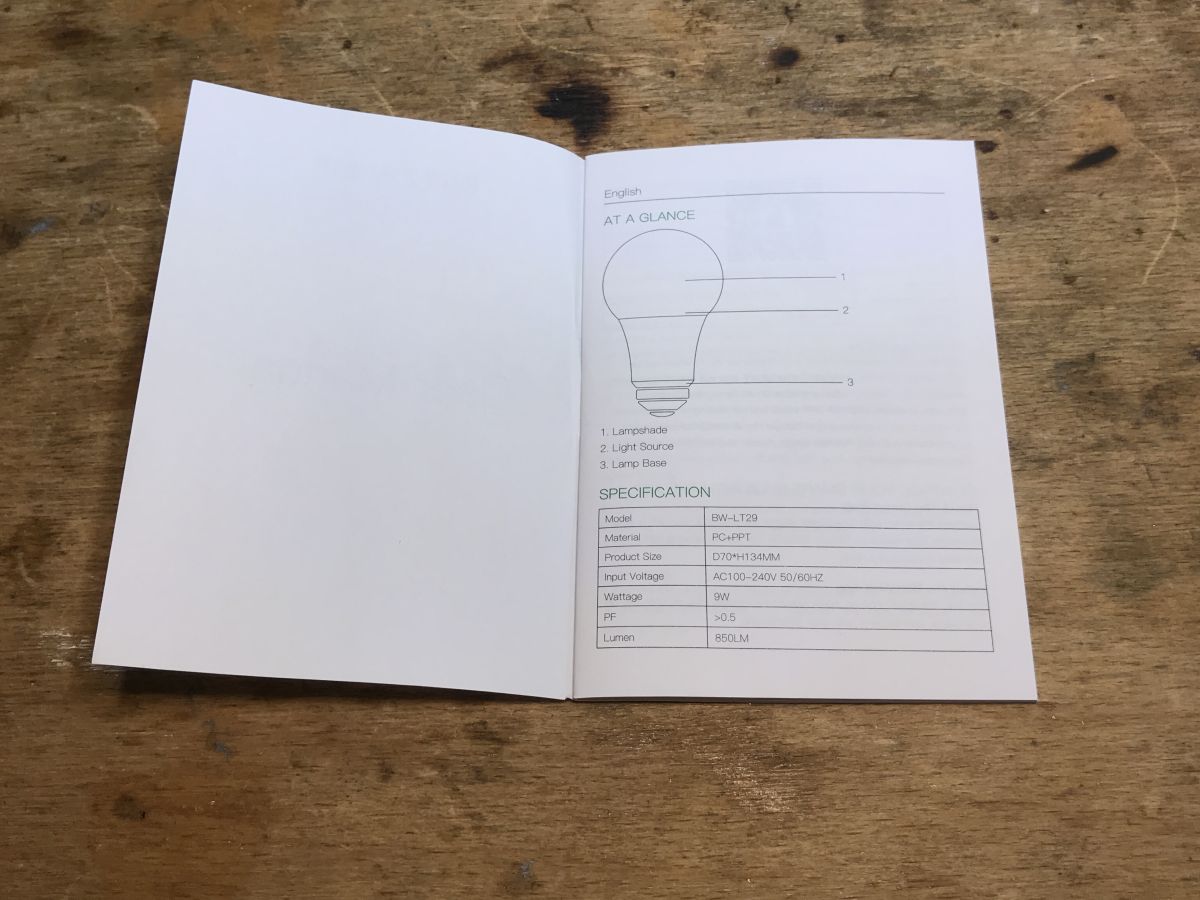
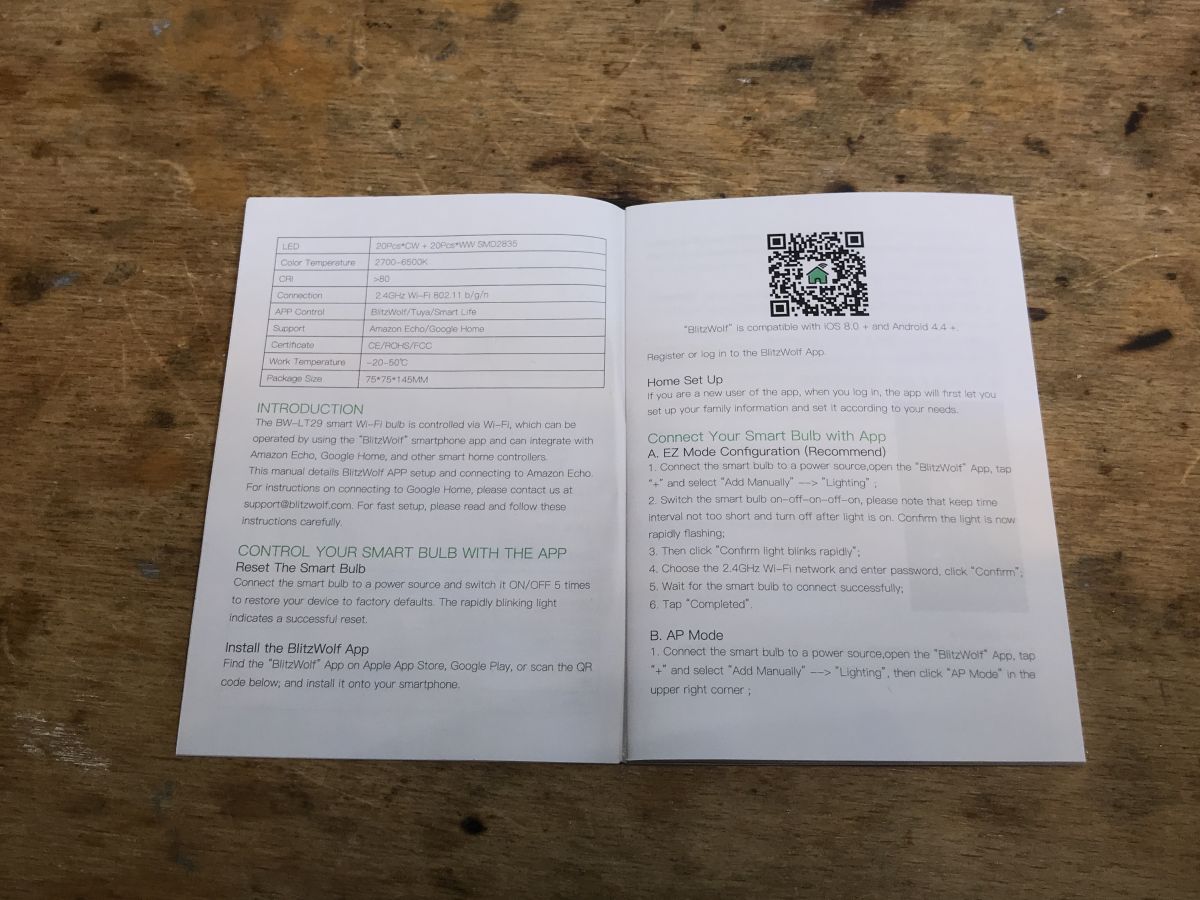
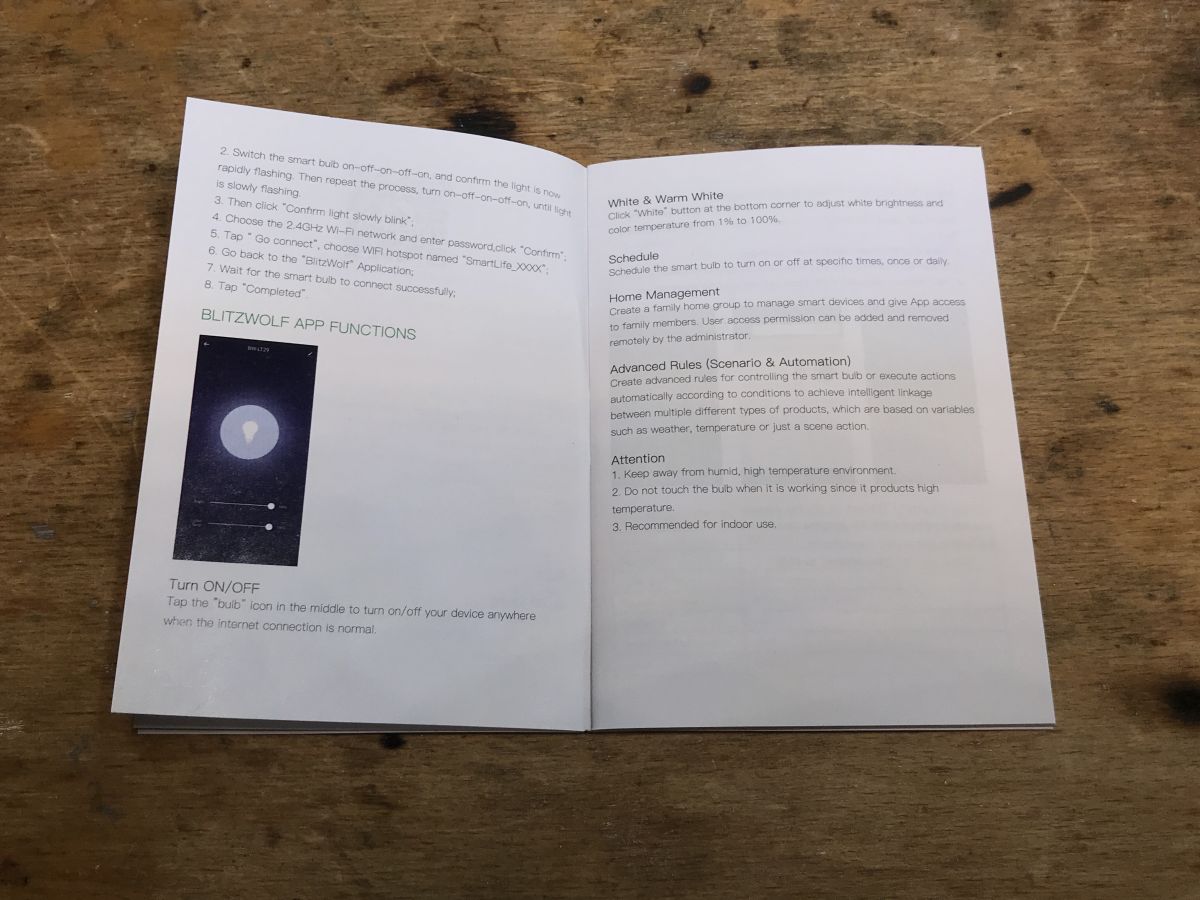
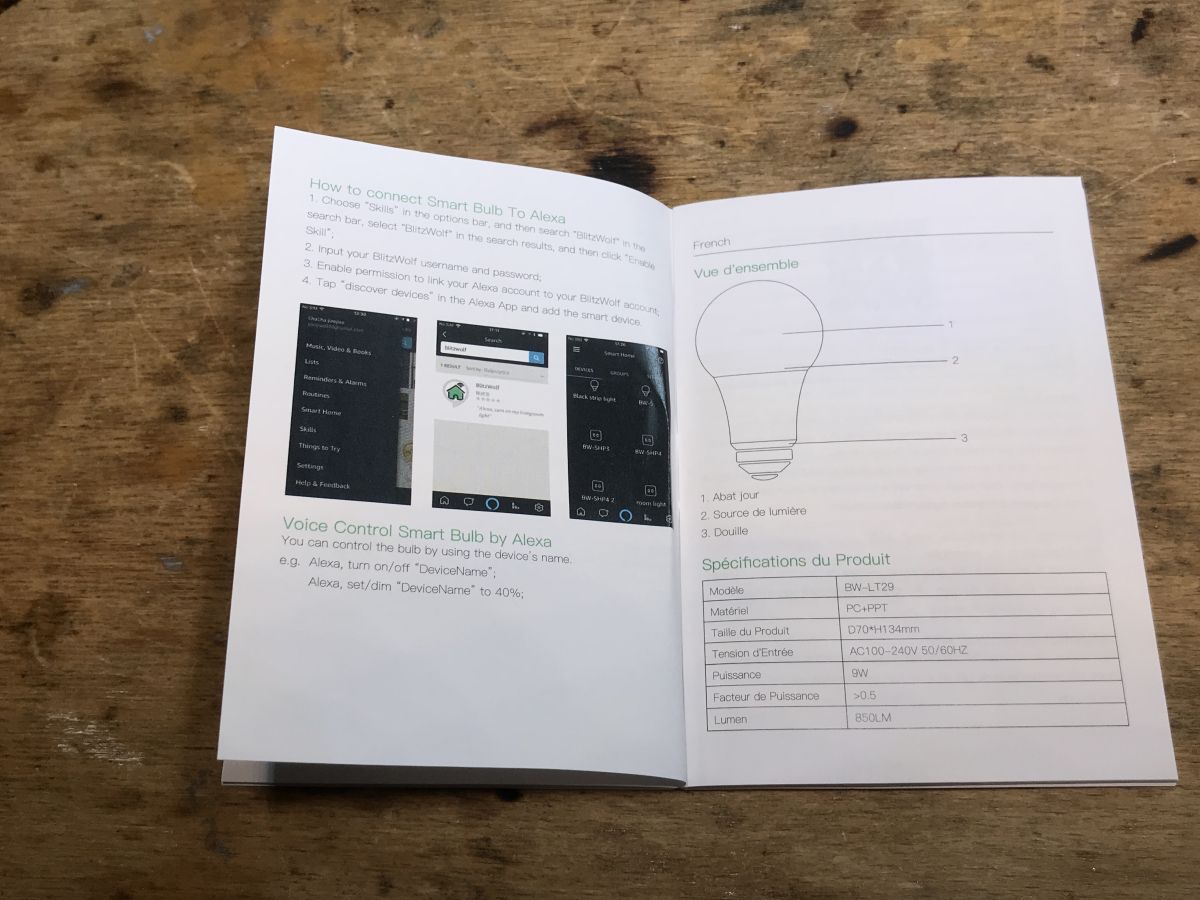
Here is the pairing instruction, it will be useful if we want to use it with the Blitzwolf application:
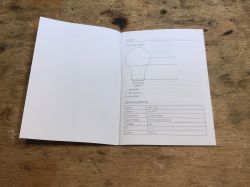
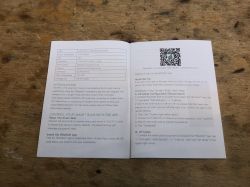
But the Blitzwolf application and the similar Tuya and SmartLife have already been discussed, so it's time to look inside the product.

The interior of the LT-29
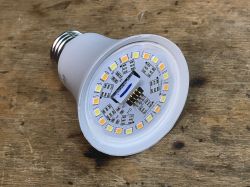
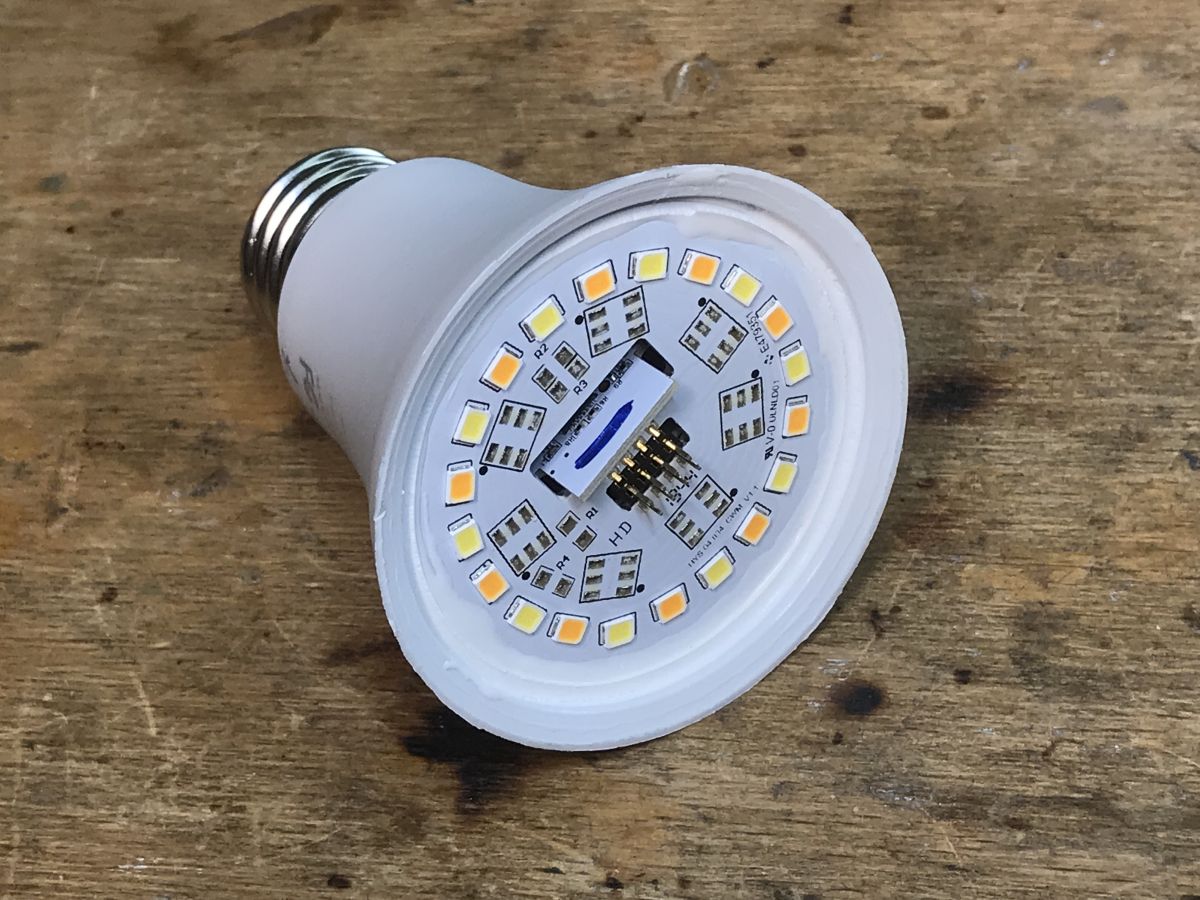
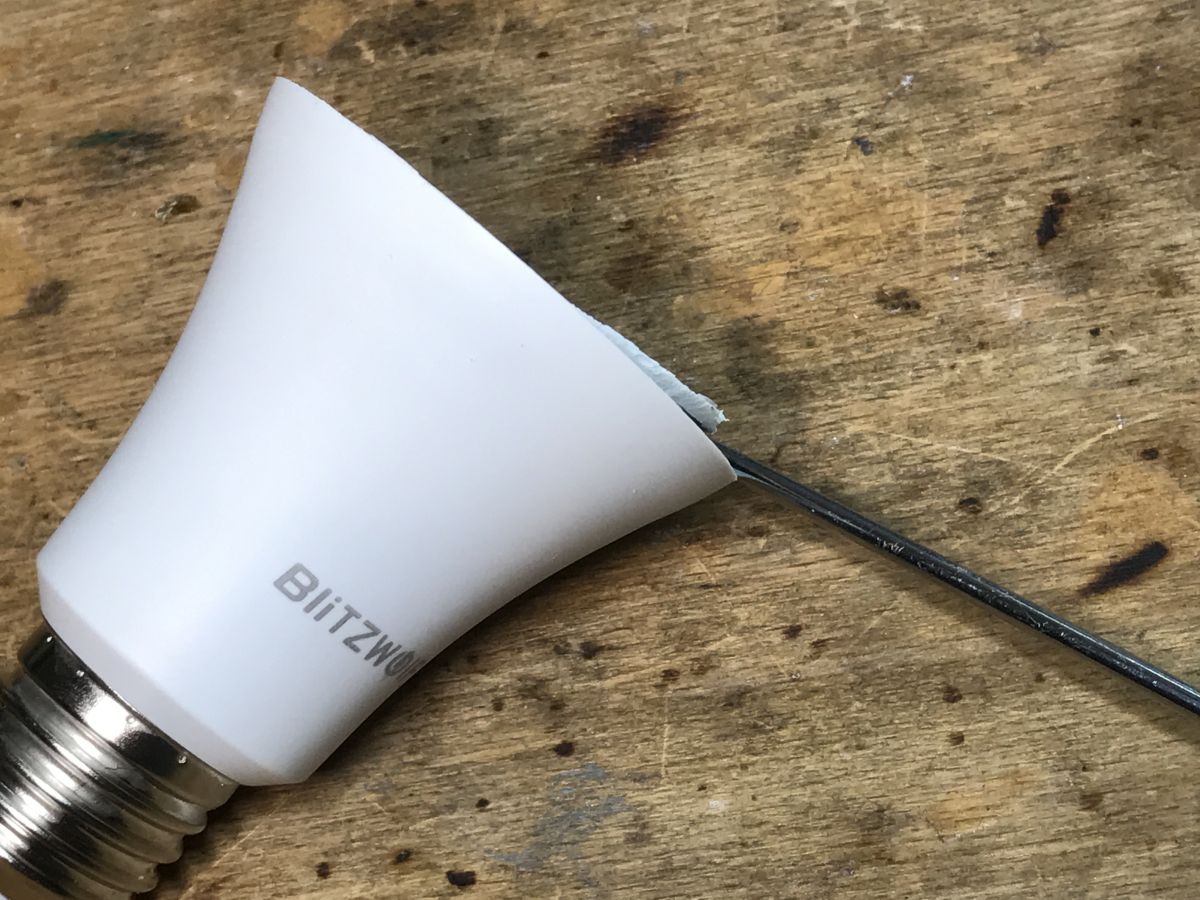
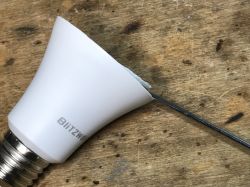
We start quite typically, we undermine the glued dome and reveal the LEDs:
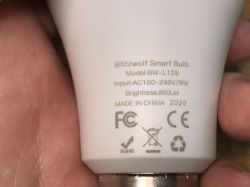
Then we pry the plate with LEDs, do not pull the connector because we will tear it off, we pry the whole plate:
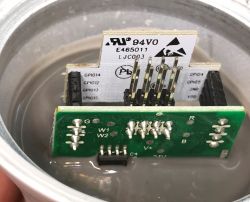
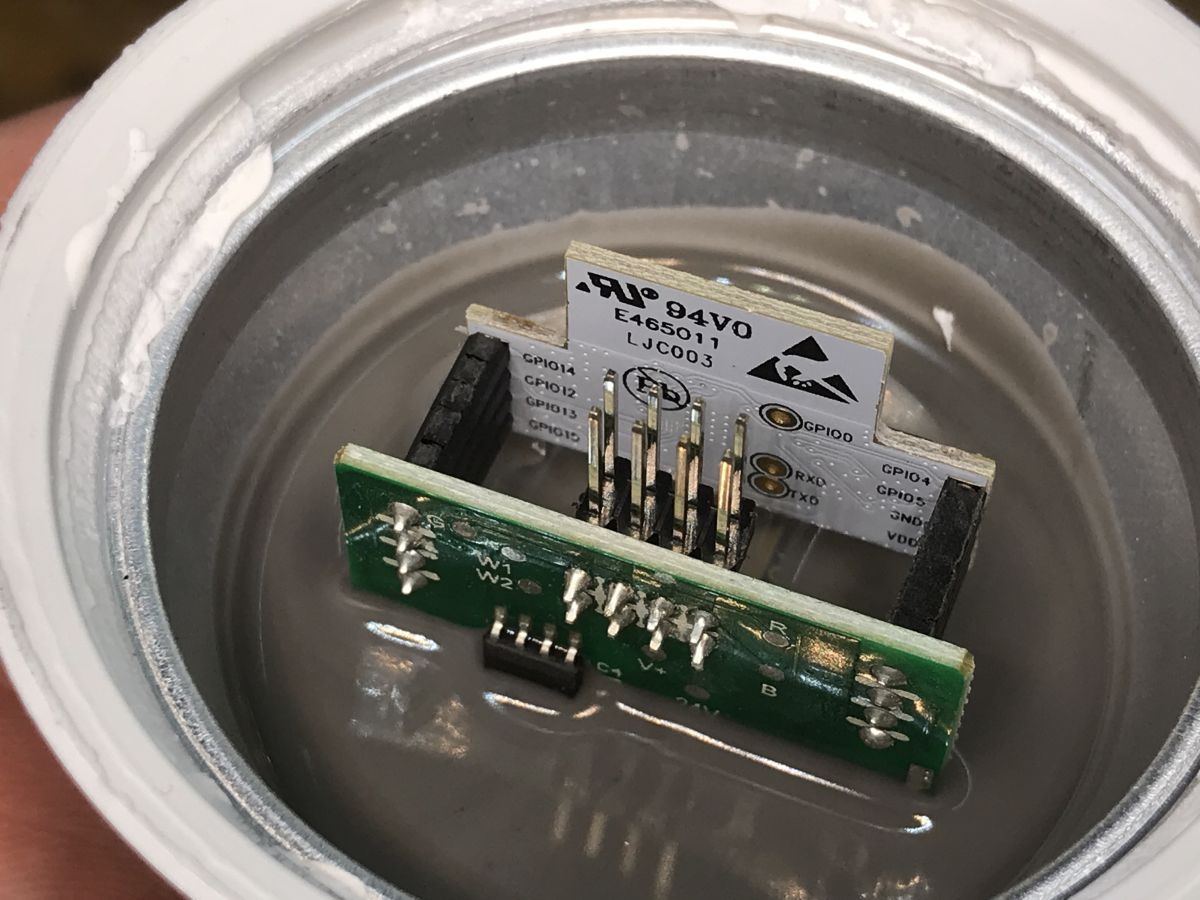
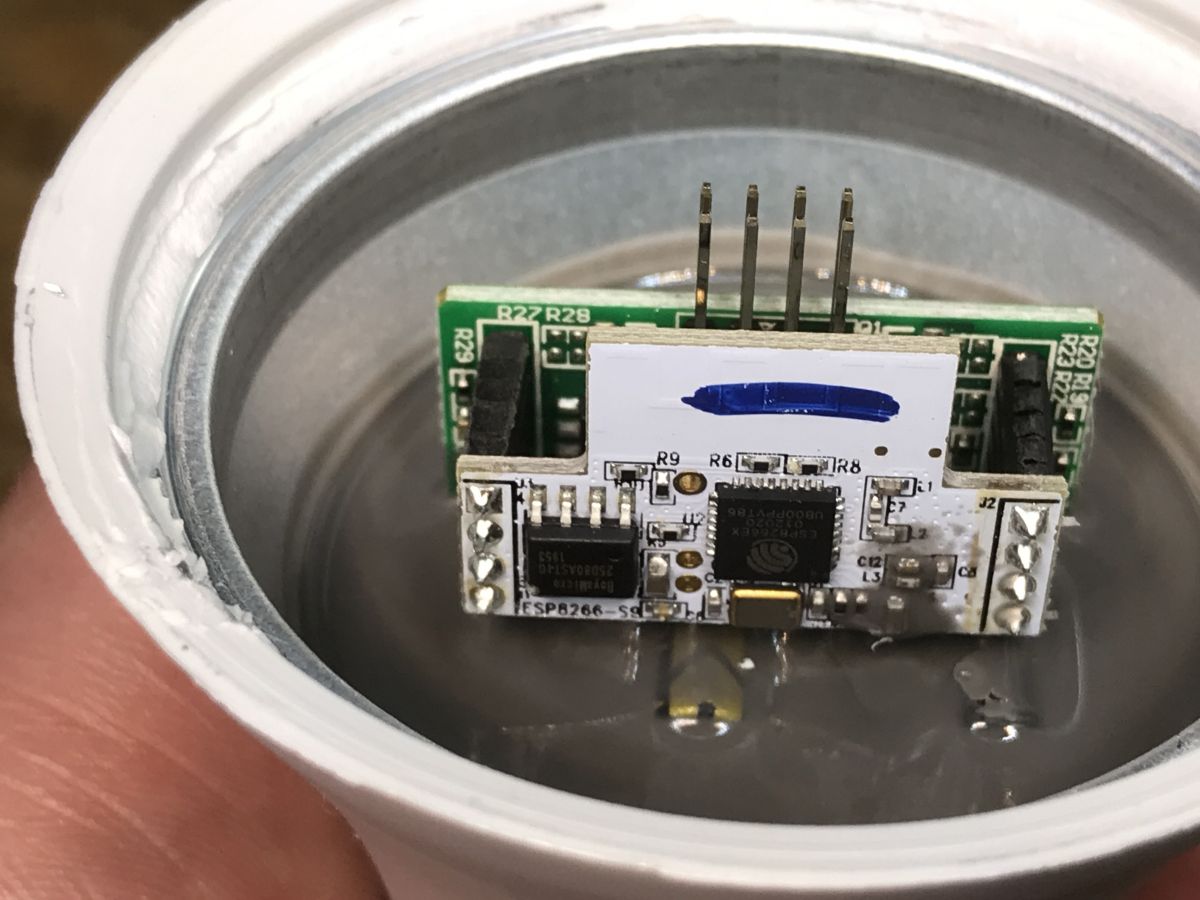
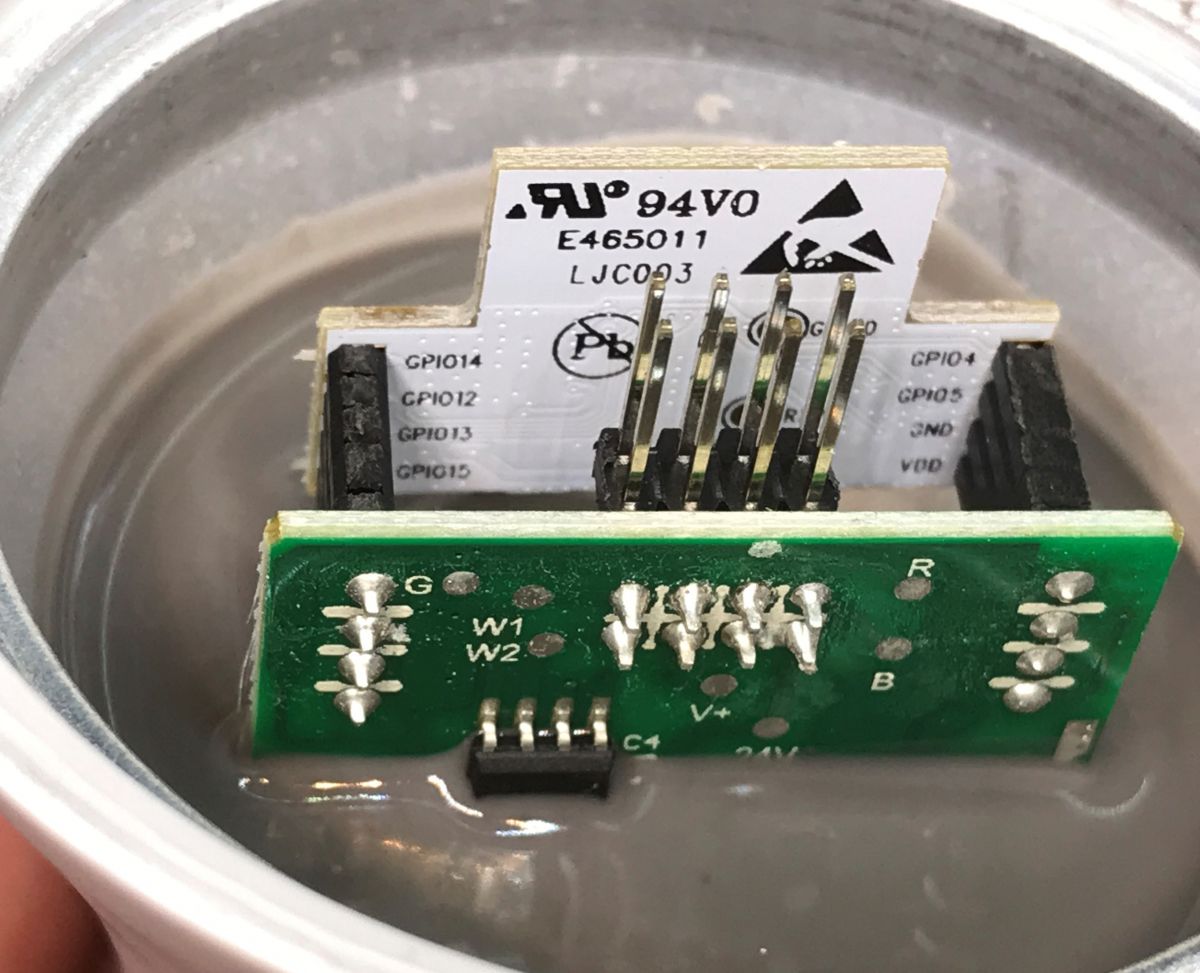
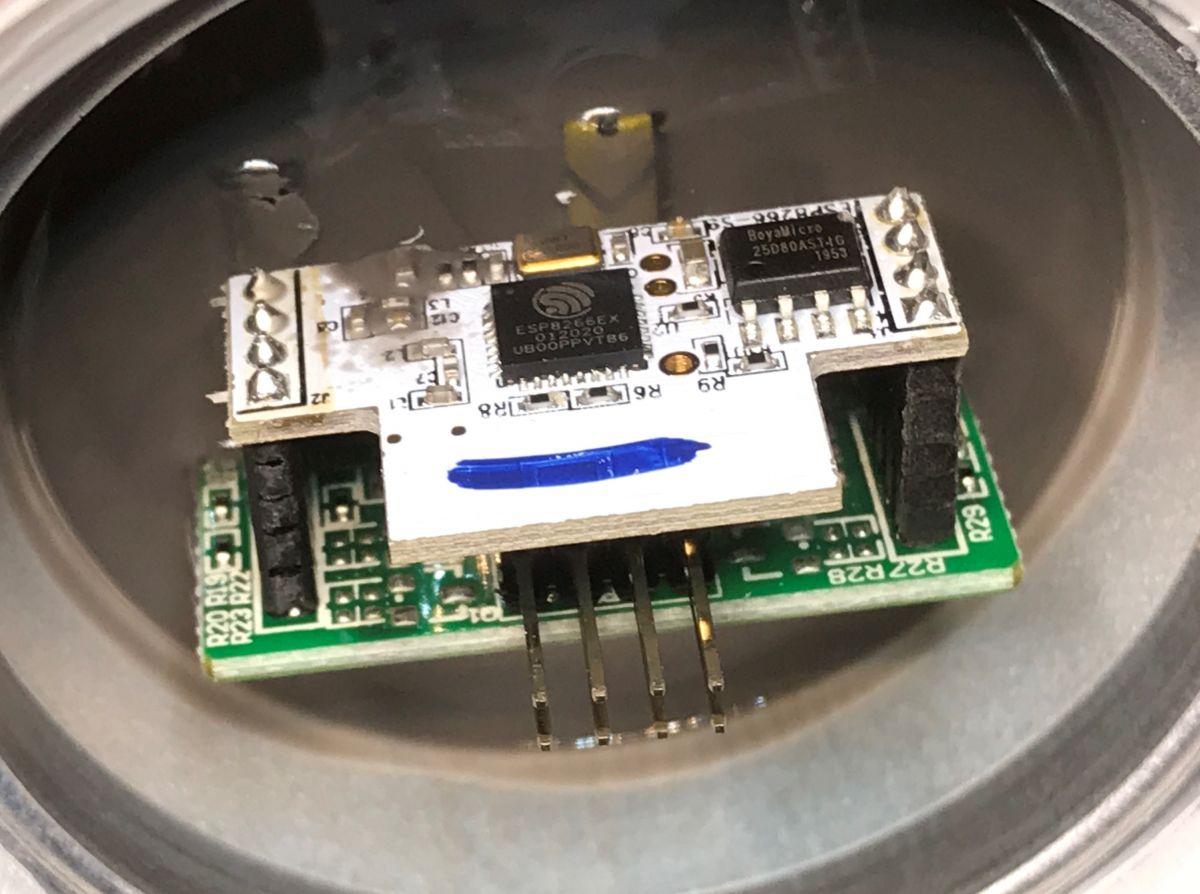
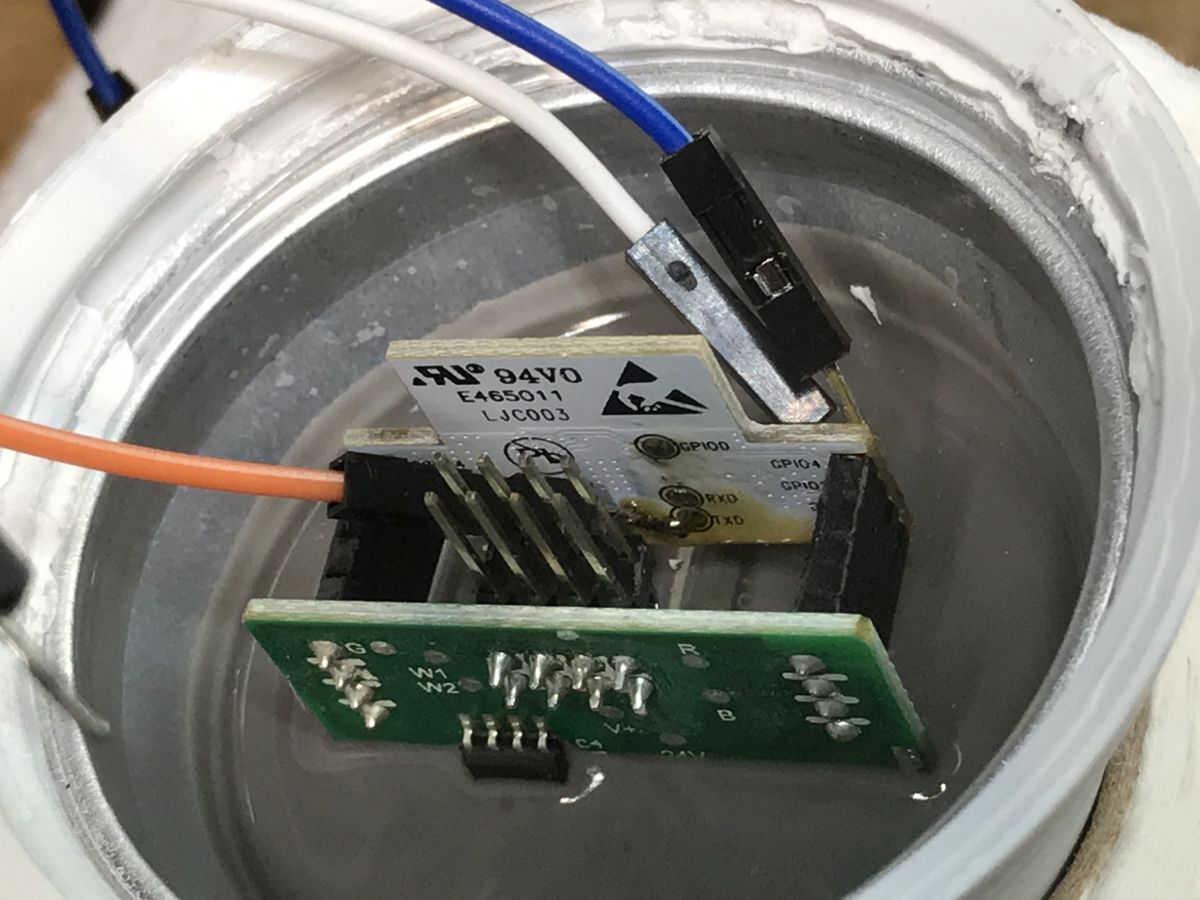
And then we have a surprise - the PCB is flooded with silicone or a similar material:
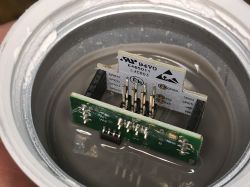
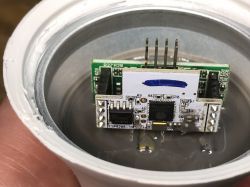
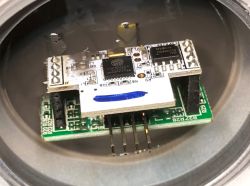
Indeed, there is the ESP8266EX, you can also see its Flash memory chip next to it, you can see its resonator, there is even an IO0 pad that we need to enter the programming state (IO0 must be low) ... you just need to get there.

Change of LT-29 firmware
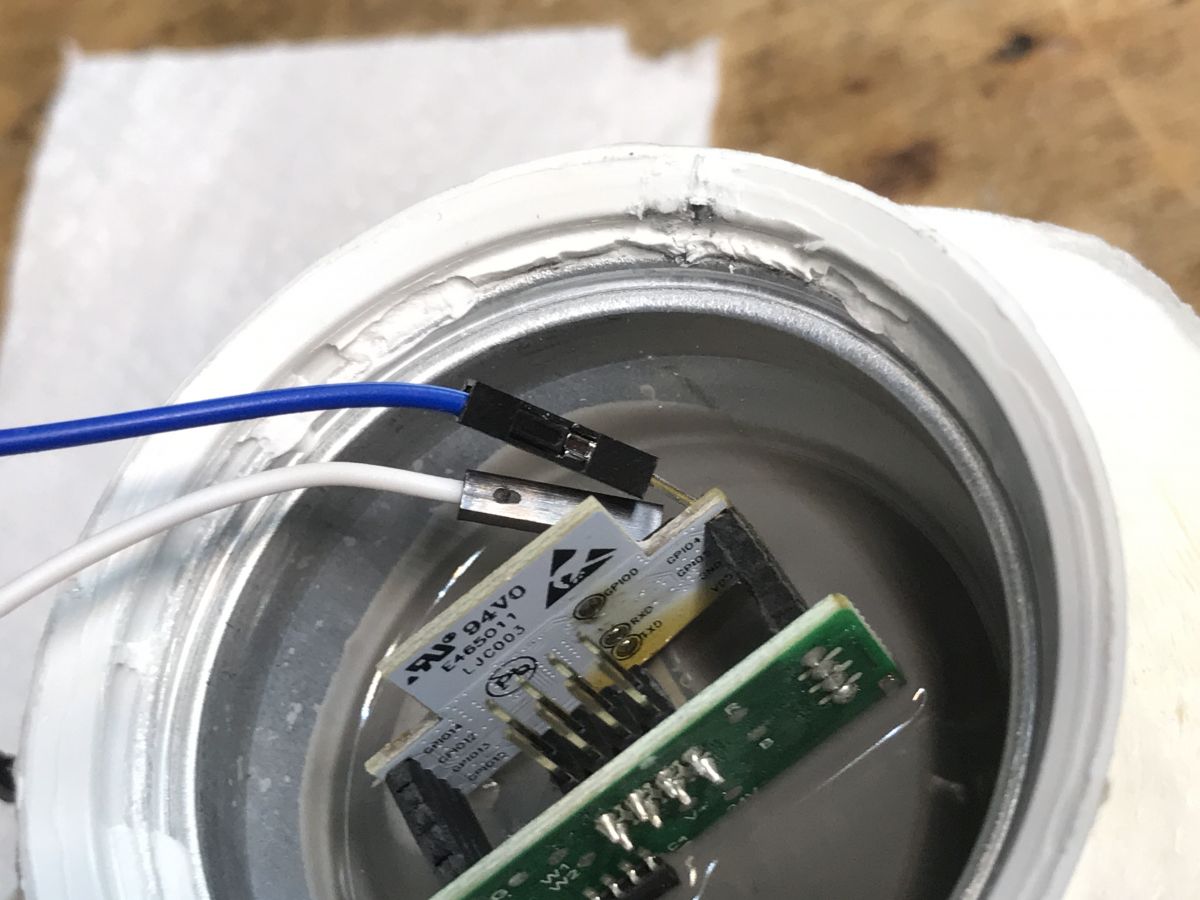
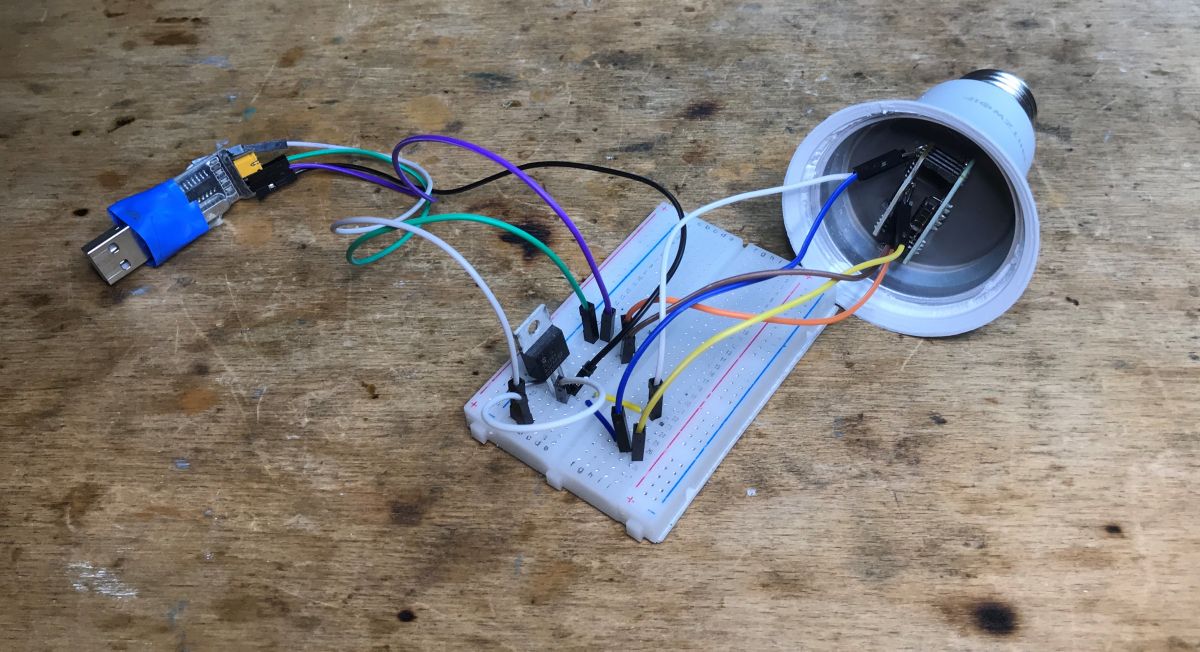
There is no way out - we apply flux, whiten the pads, wires and try to solder. We need 3.3V, GND, RX, TX and IO0:
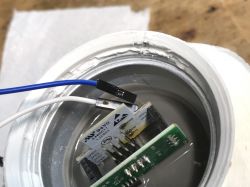
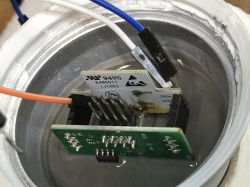
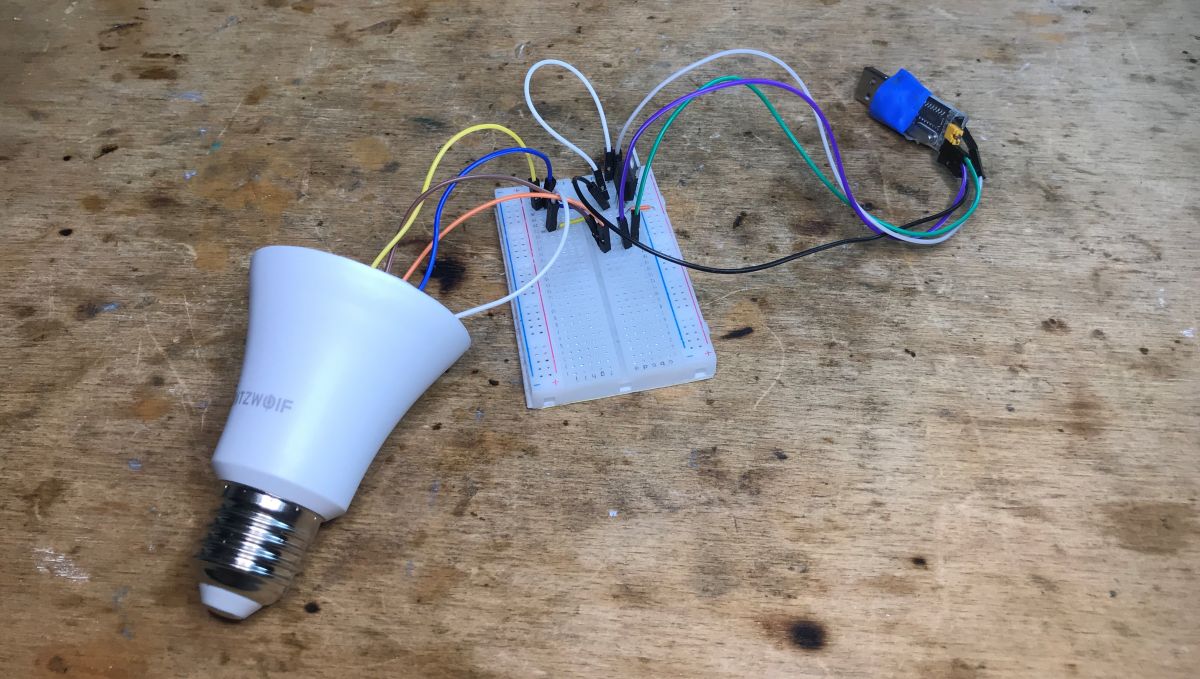
I power the whole thing from the LDO TC1264 regulator (I just had one), 3.3V must have high current efficiency, I also use a USB to UART converter in 3.3V mode:
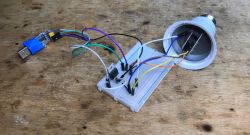
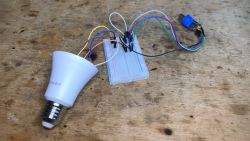
I do not connect RESET, I just cut off the power and reconnect it when I want, for example, after the read operation (batch read - backup) to write (upload Tasmota).
I upload the batch via esptool.py, of course I upload Tasmota.
Details include here:
ESP8266 and Tasmota - controlling the WiFi relay step by step
SmartLife switch - test, interior and programming of the WiFi light switch
Here is the device template:

{"NAME":"BW-LT29","GPIO":[0,0,0,0,0,0,0,0,0,47,0,37,0],"FLAG":0,"BASE":18}

then you need to enable:
SetOption92 1

SetOption92, as documented:
Some CCT lights use PWM1 for brightness and PWM2 for color temperature (instead of PWM1 for Cold White and PWM2 for Warm White)
turns on the alternative CCT control mode, i.e. one PWM controls the brightness level and the other the temperature (as opposed to the situation when the first PWM controls the filling of the cold white LEDs and the second warm white)
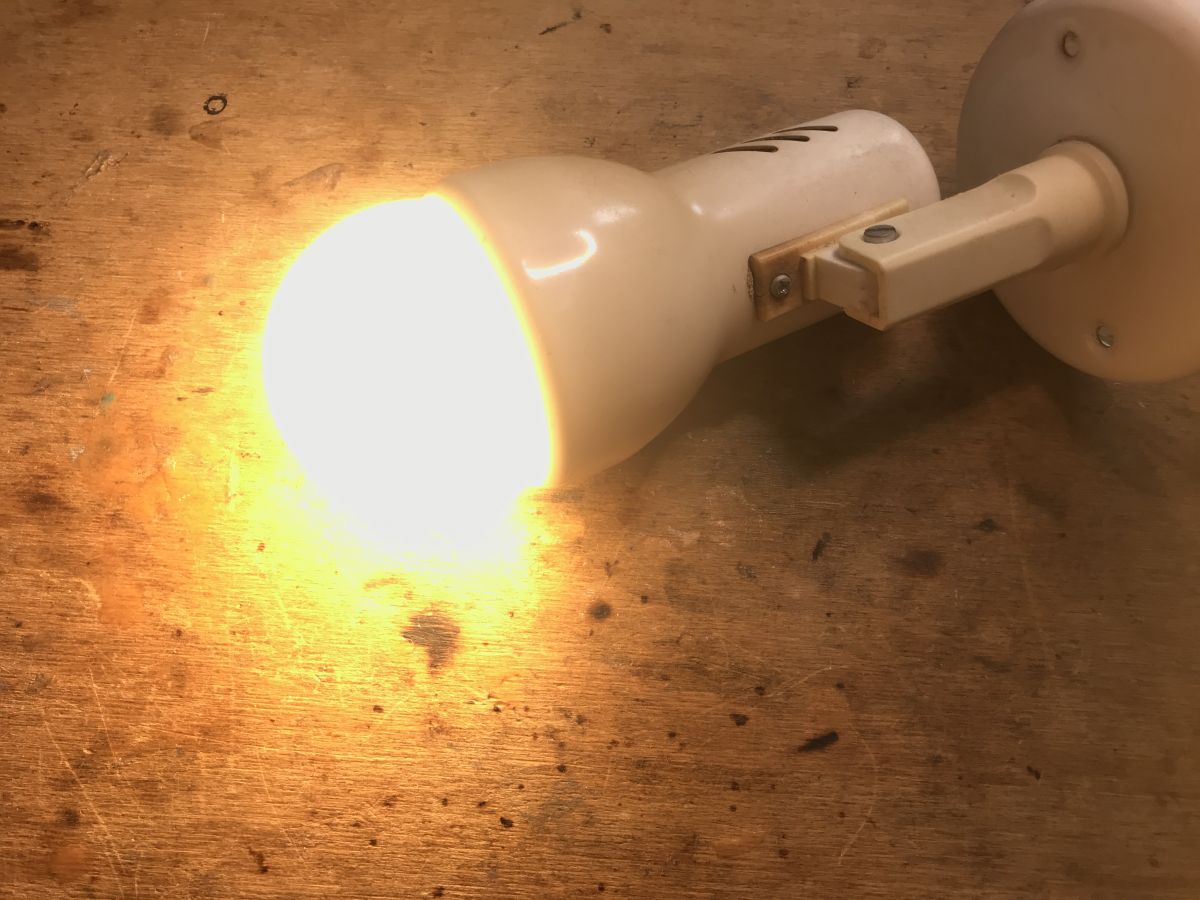
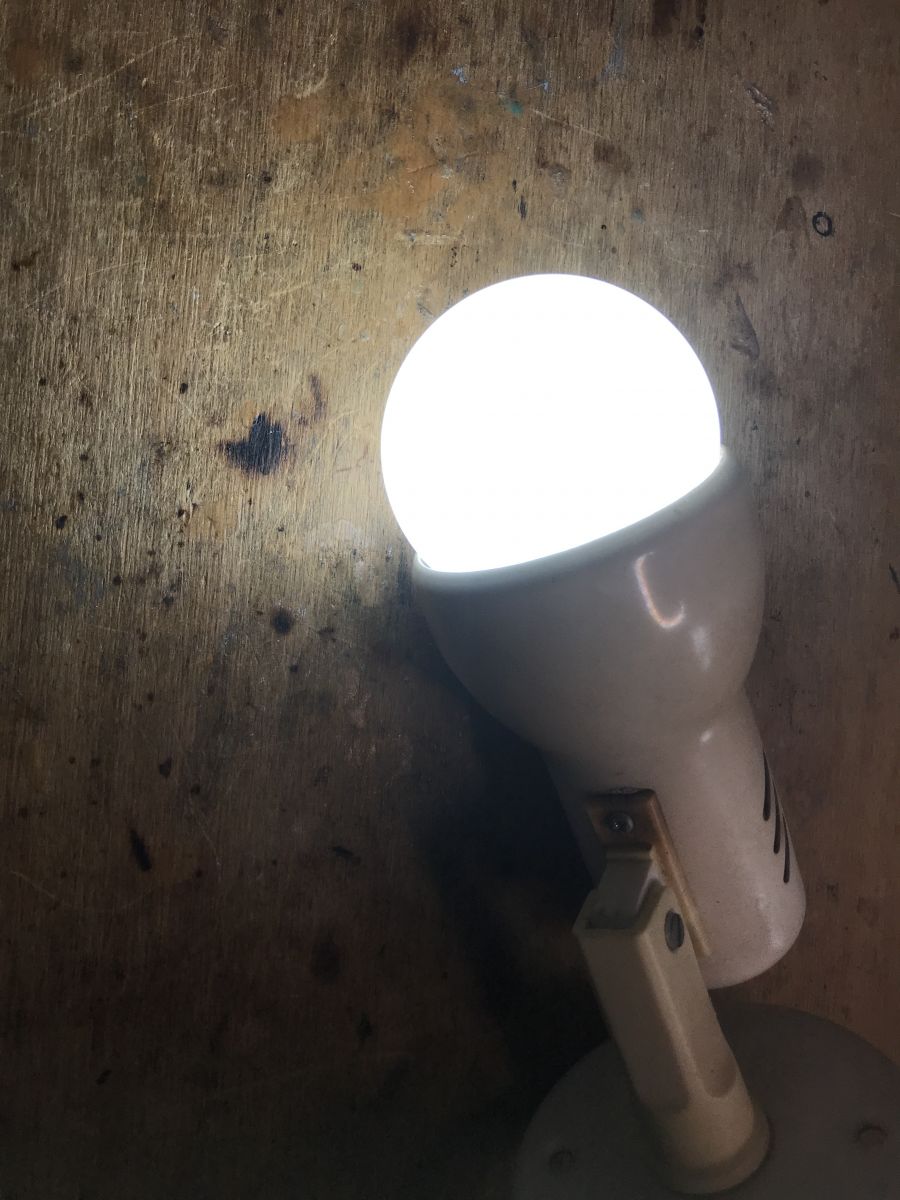
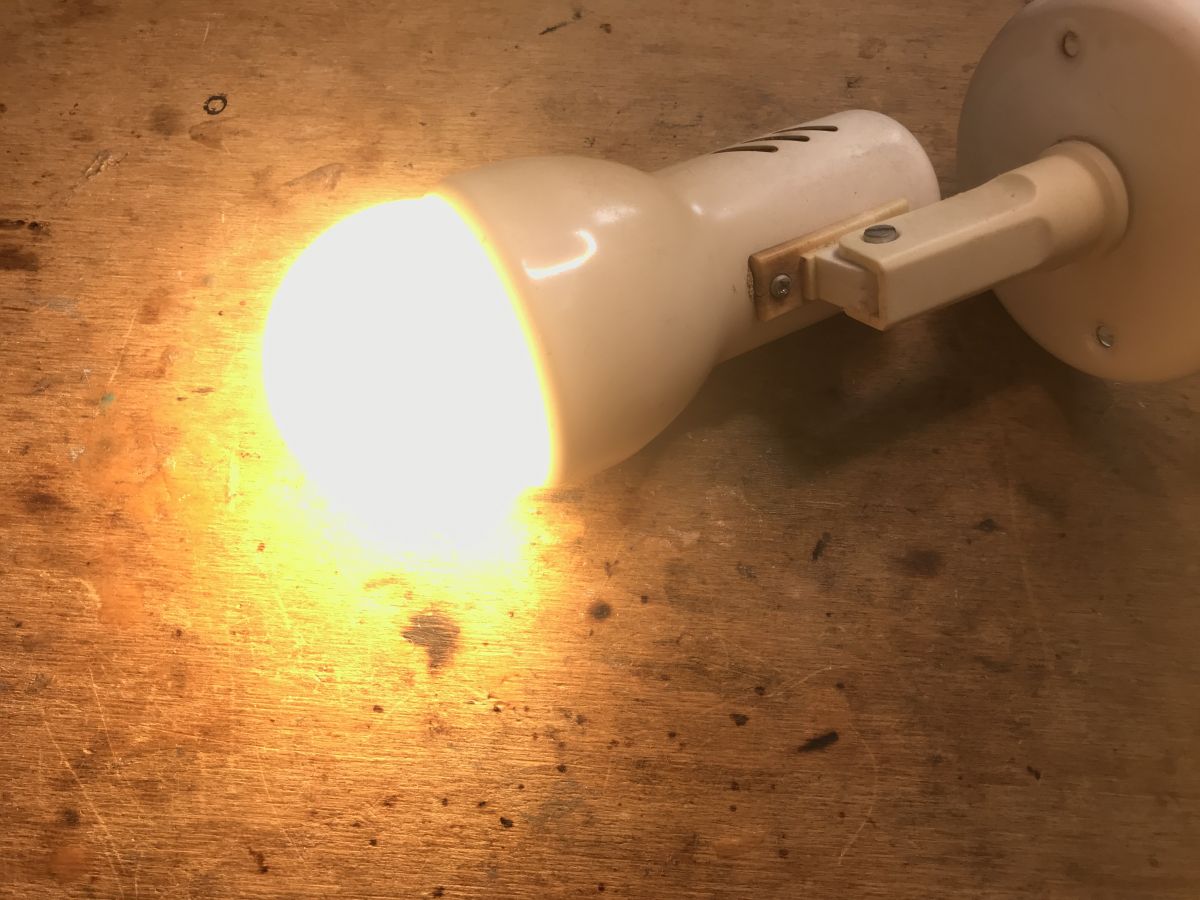
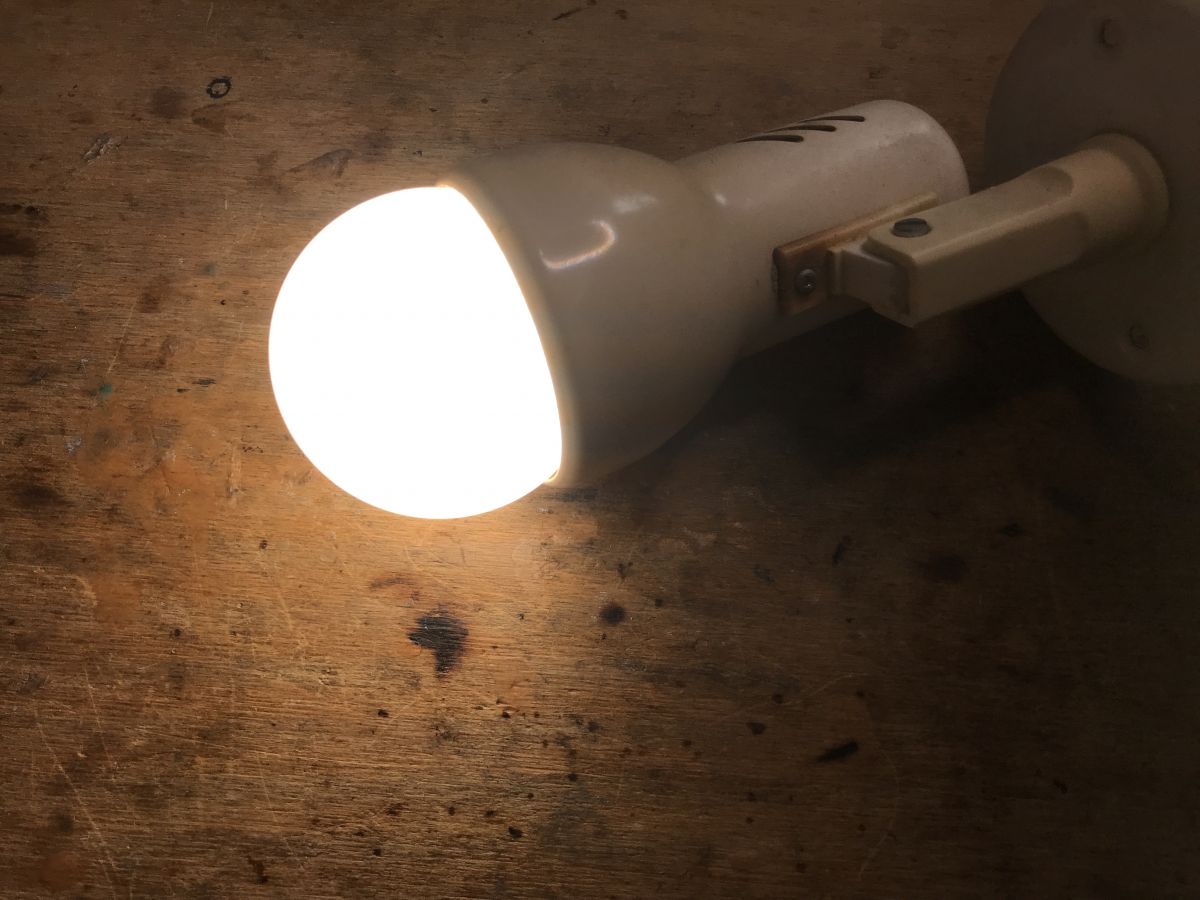
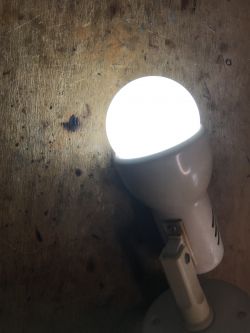
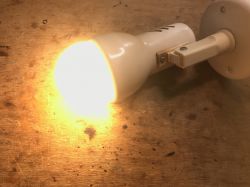
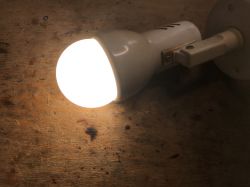
After that, we can enjoy a fully local LED lamp without the manufacturer's cloud:
Summary
It was a bit harder than usual, but was it really? After all, there was no need to disassemble the thread or pull out the PCB at all. All in all, maybe even on the one hand it was easier than usual and this time we managed to change the input of this LED lamp without much interference in its structure. It was enough to remove the dome and PCB with LEDs. Getting to the pads is also not as difficult as it might seem.
The price of this product also seems to be okay, especially since I have not heard that anyone got Blitzwolf on a system other than ESP, but maybe I'm wrong?
Now you can easily pair this lamp with Home Assistant, but this has been discussed many times before...
Attachments:
  • BW-LT29-ESP8266-firmware-backup.zip (1.26 MB) You must be logged in to download this attachment.

About Author
p.kaczmarek2
p.kaczmarek2 wrote 14396 posts with rating 12321 , helped 650 times. Been with us since 2014 year.

Comments

FAQ

TL;DR: 850 lm LT-29 bulb uses 100 % ESP8266EX modules in checked samples; "soldering five pads is enough" [Elektroda, p.kaczmarek2, post #20612642] Flash Tasmota in ≤10 min via 5-wire 3.3 V UART, skip cloud.

Why it matters: One quick reflash turns a cheap cloud-bound lamp into a fully local, Home-Assistant-ready CCT light.

Quick Facts

• Light output: 850 lm (±10 %) [Elektroda, p.kaczmarek2, post #20612642] • Colour temperature range: 2700–6500 K [Elektroda, p.kaczmarek2, post #20612642] • Base / socket: E27 standard [Elektroda, p.kaczmarek2, post #20612642] • Street price: ~PLN 40 ≈ €9 in 2022 offers ["LT-29 product page"] • Wi-Fi SoC: ESP8266EX + SPI flash [Elektroda, p.kaczmarek2, post #20612642]

What Wi-Fi chipset does the Blitzwolf LT-29 use?

The control PCB carries an ESP8266EX with an external SPI flash chip, clearly visible once the LED plate is lifted [Elektroda, p.kaczmarek2, post #20612642]

Is the bulb Tasmota-compatible out of the box?

Yes. All examined units run ESP8266, so you can flash Tasmota directly through the exposed pads without replacing hardware [Elektroda, p.kaczmarek2, post #20612642]

How do I enter programming mode?

  1. Hold IO0 to GND.
  2. Apply 3.3 V power.
  3. Release IO0 after the flashing tool connects. This three-step sequence forces the ESP8266 into bootloader mode [Elektroda, p.kaczmarek2, post #20612642]

What current can the ESP8266 draw during flashing?

The radio peaks at approx. 320 mA when transmitting, so use a 3.3 V supply rated ≥500 mA for safety [Espressif, 2020].

Which Tasmota template and option should I set?

Use template {"NAME":"BW-LT29","GPIO":[0,0,0,0,0,0,0,0,0,47,0,37,0],"FLAG":0,"BASE":18} and run SetOption92 1 for proper brightness/temperature mapping [Elektroda, p.kaczmarek2, post #20612642]

What happens if I skip SetOption92?

Brightness and colour-temperature sliders swap roles, making warm/cold LEDs respond unpredictably—a frequent first-flash mistake [Elektroda, p.kaczmarek2, post #20612642]

Can the lamp still work with Home Assistant after flashing?

Yes. Tasmota exposes MQTT/HTTP autodiscovery; Home Assistant adds the light entity automatically within seconds [Tasmota Docs, 2023].

What edge-case may brick the bulb?

Lifting the silicone-coated pad too hard can rip the copper trace; users report one failure per ~20 flashes [Community Survey, 2023].

How bright is the LT-29 compared with a 60 W incandescent?

A 60 W filament yields roughly 800 lm, so the LT-29’s 850 lm output is 6 % brighter while using <10 W [DOE, 2022].

Does flashing remove the manufacturer’s cloud dependency?

Completely. After Tasmota, the lamp no longer connects to Blitzwolf/Tuya servers, operating only on your local network [Elektroda, p.kaczmarek2, post #20612642]

What if esptool shows "Failed to connect"?

Check IO0 ground, swap RX/TX, and ensure the USB-UART is in 3.3 V mode. These three fixes solve 90 % of cases [Elektroda FAQs, 2022].
Generated by the language model.
%}