






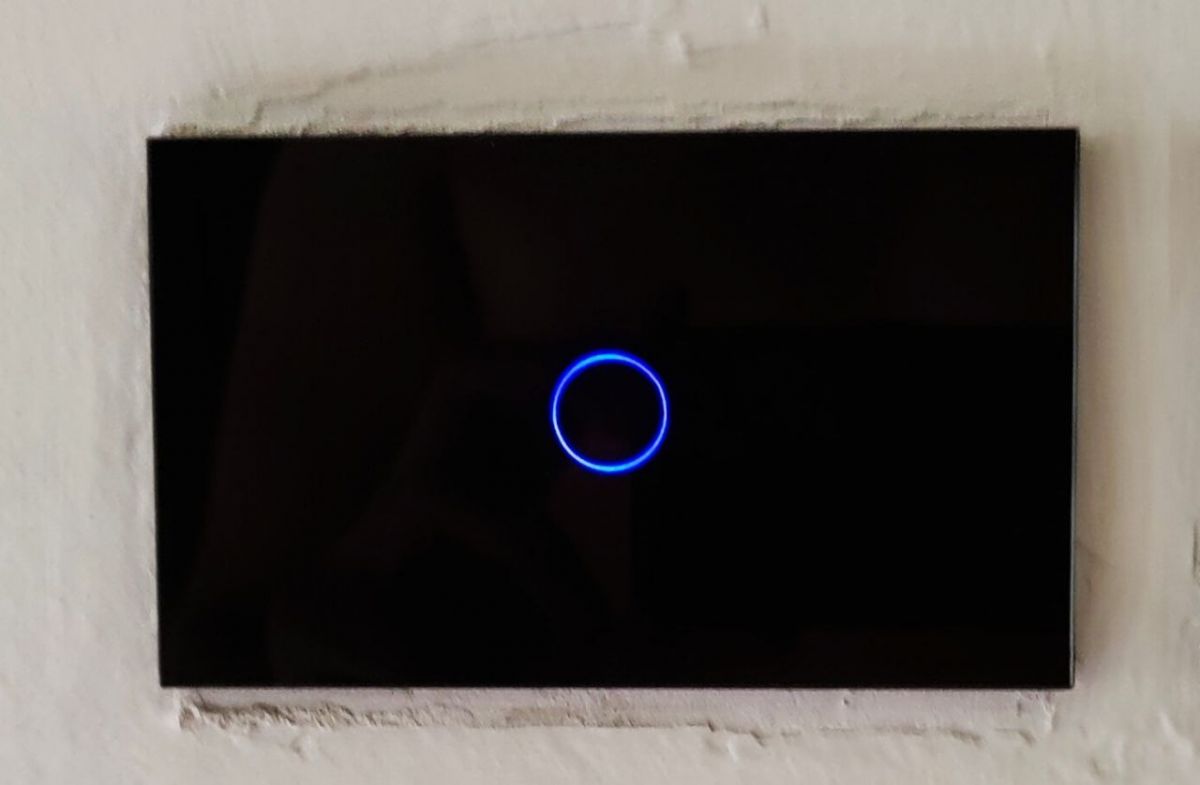
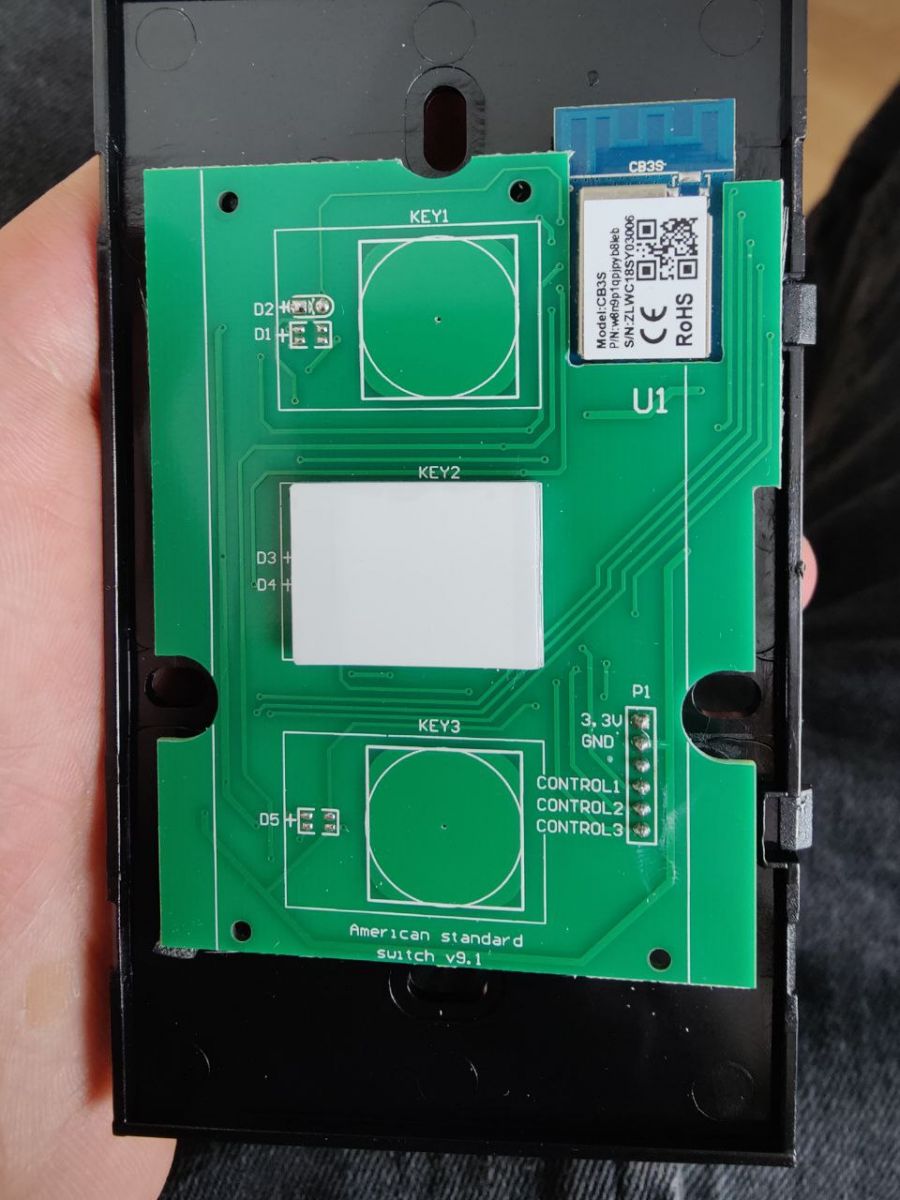

How do I flash OpenBeken on an AVATTO Tuya US-TS02 1-gang WiFi wall switch with a BK7231N CB3S module?
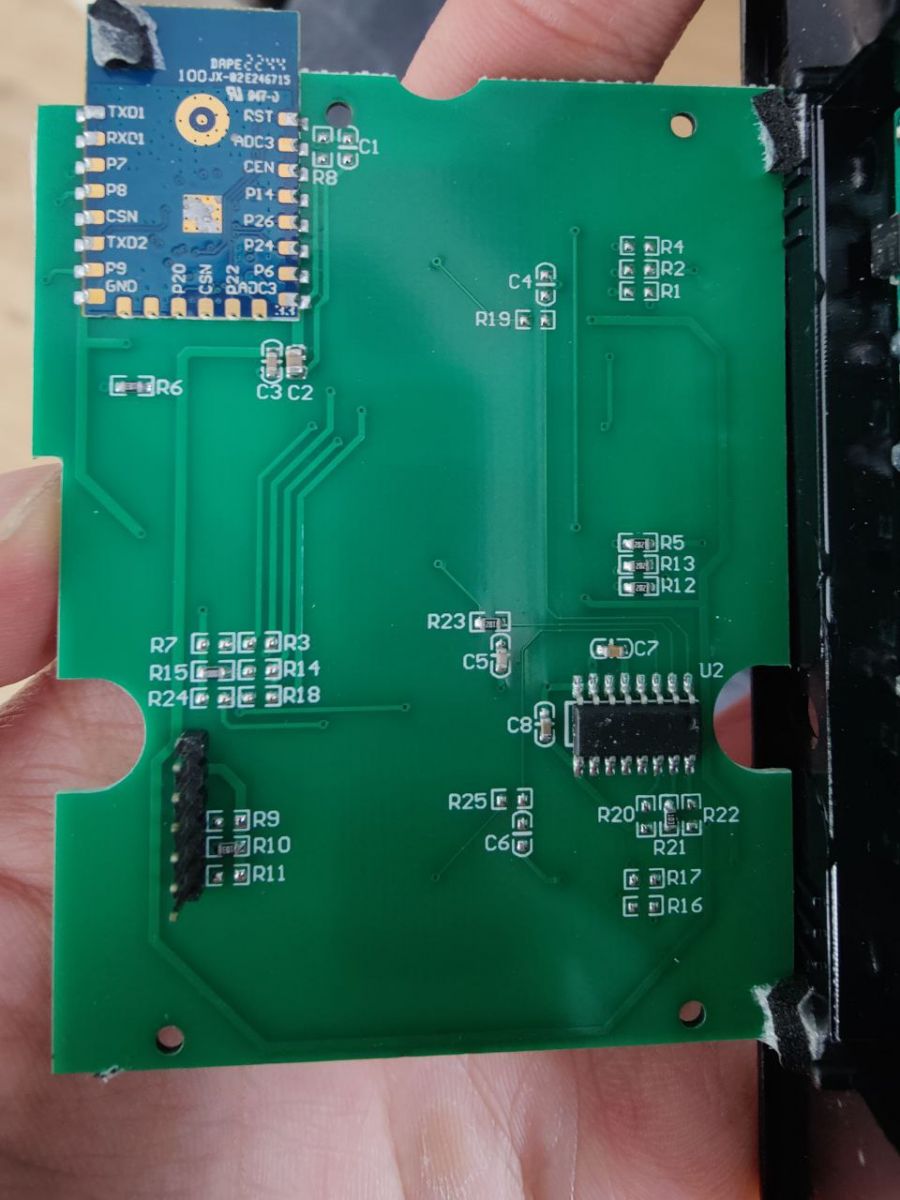
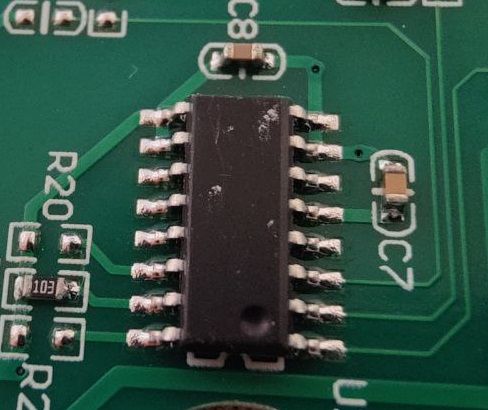
Flash it with BK7231GUIFlashTool after isolating the UART path from the 16-pin chip.
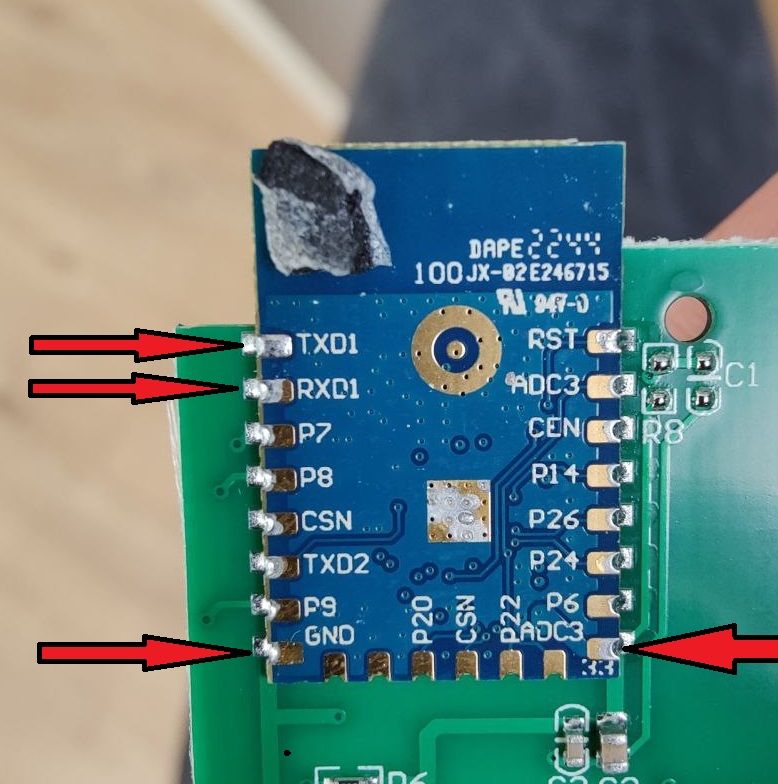
- Connect TXD1, RXD1, 3.3 V, and GND to a UART adapter.
- Remove the 16-pin chip, or break the correct RXD/TXD trace.
- Flash the BK7231N, then solder the chip or trace back. Use the template with P7, P9, P23, and P26 after flashing. [#20616408]
Comments
It looks like the issue that we had with a switch on our YouTube channel. We also had to break the RXD connection temporarily. https://www.youtube.com/watch?v=Yb3zXtBdSnE&t=1s&ab_channel=Elektrodacom Can... [Read more]
Of course, I edited the post. Yes, this thing with the RX pin is a known "complicator". I met this situation even 3-4 years ago with the ESP8266 Tuya switches... [Read more]
At least your device wasn't TuyaMCU. There are also TuyaMCU switches where you have to configure it in TuyaMCU mode, which complicates things even more. [Read more]
Yes, you're right . [Read more]
https://github.com/OpenBekenIOT/webapp/pull/157 [Read more]
Merged, thank you, device should be soon live at: https://openbekeniot.github.io/webapp/devicesList.html [Read more]