FAQ 
TL;DR: This FAQ maps a 3-chip 3Paws 1080p pet feeder teardown and explains one core finding: "RTL8188 has only USB interface." It helps owners and tinkerers identify the STM8L052C6T6, GK7102C, and BL-M8188FU3, understand why LocalTuya is incomplete here, and trace likely debug paths without unnecessary disassembly. [#20665563]
Why it matters: This thread shows where local control, camera access, and hardware hacking become limited in a Tuya-based feeder that splits control across three separate boards.
| Option |
What worked in the thread |
Main limitation |
| Standard Tuya integration |
Feeder was usable and restored as the main setup |
Relies on Tuya app/cloud workflow |
| LocalTuya in Home Assistant |
"Some functions" worked |
Setup was "not perfect" and was rolled back |
| Browser camera access |
Camera view available after QR linking |
Depends on Tuya web path and app enrollment |
Key insight: The feeder is not a simple single-MCU design. The main control MCU, camera SoC, and Wi‑Fi module are split across the main board and camera assembly, so firmware dumping and full local control are harder than on basic UART-based Tuya devices. [#20660710]
Quick Facts
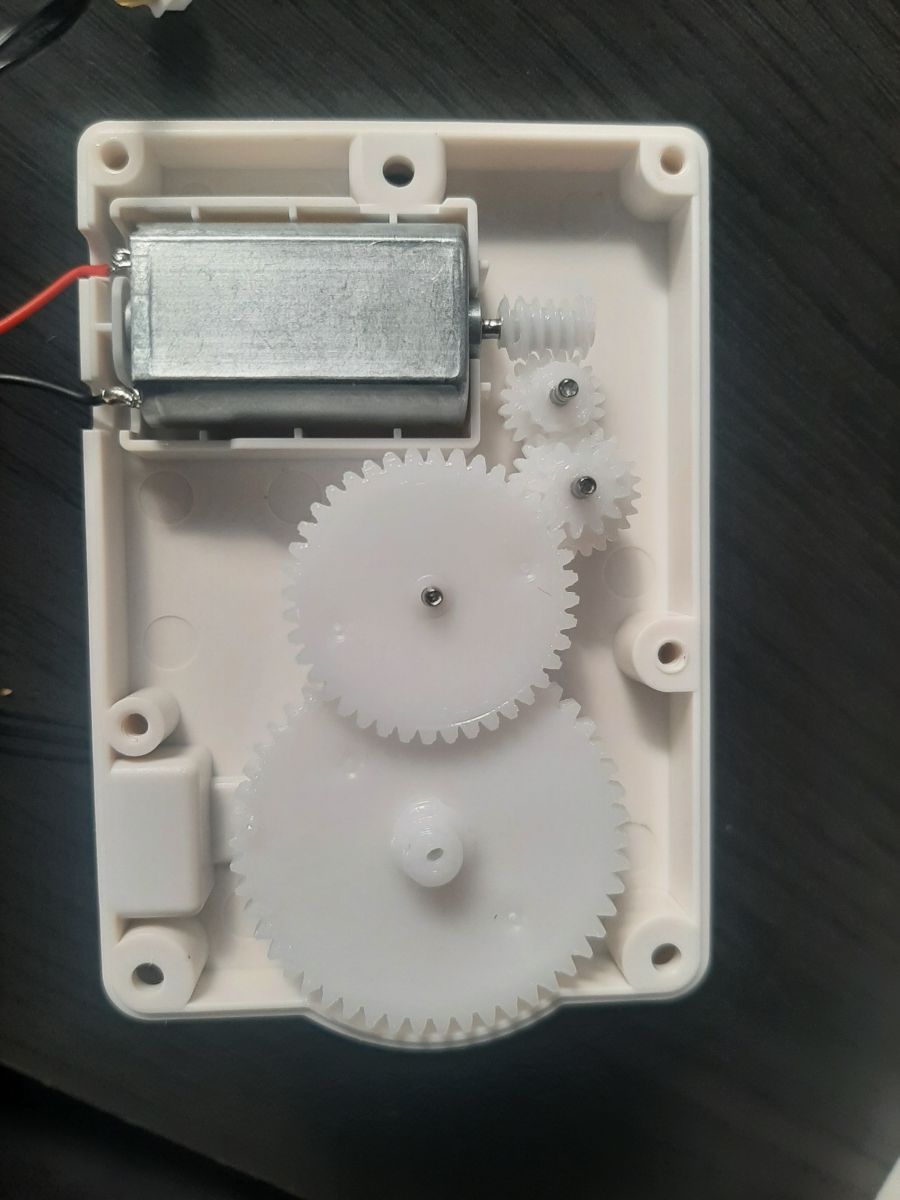
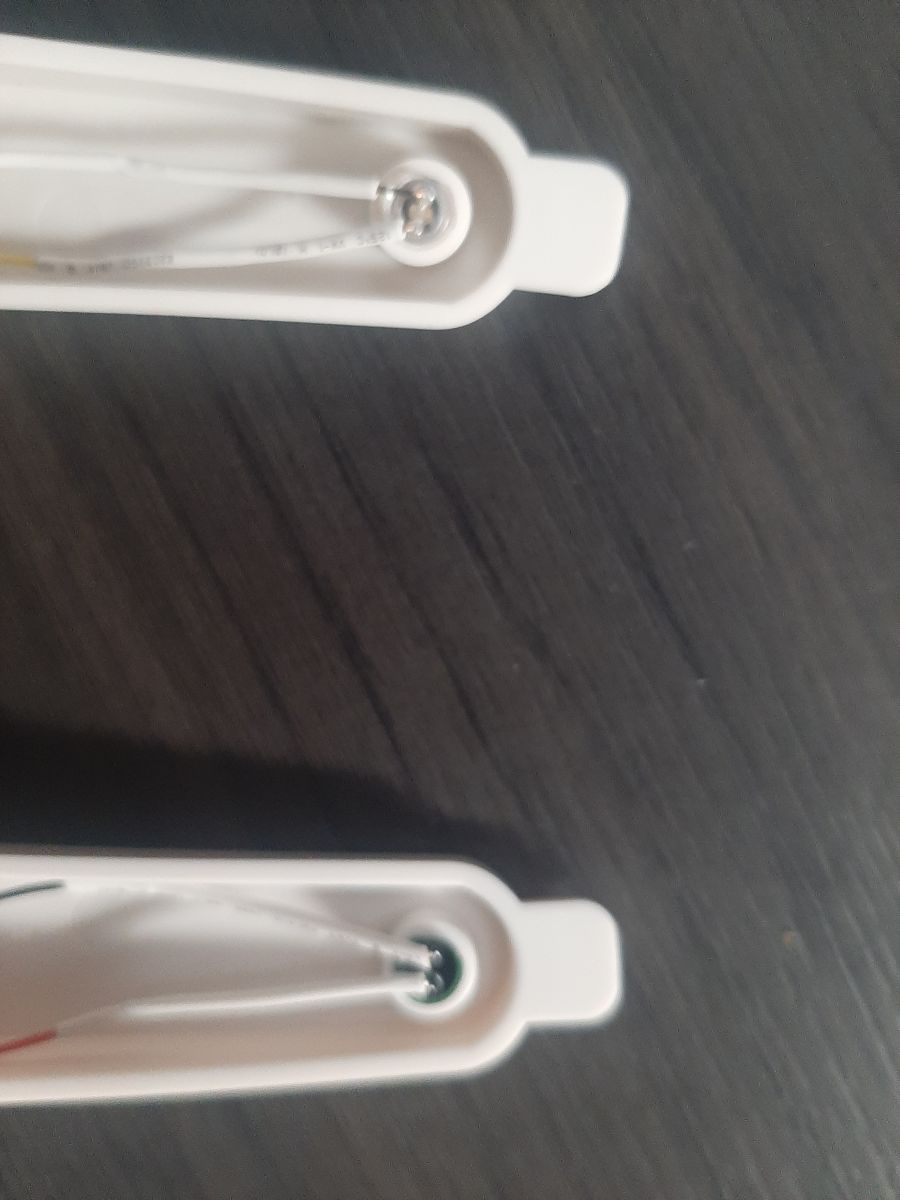
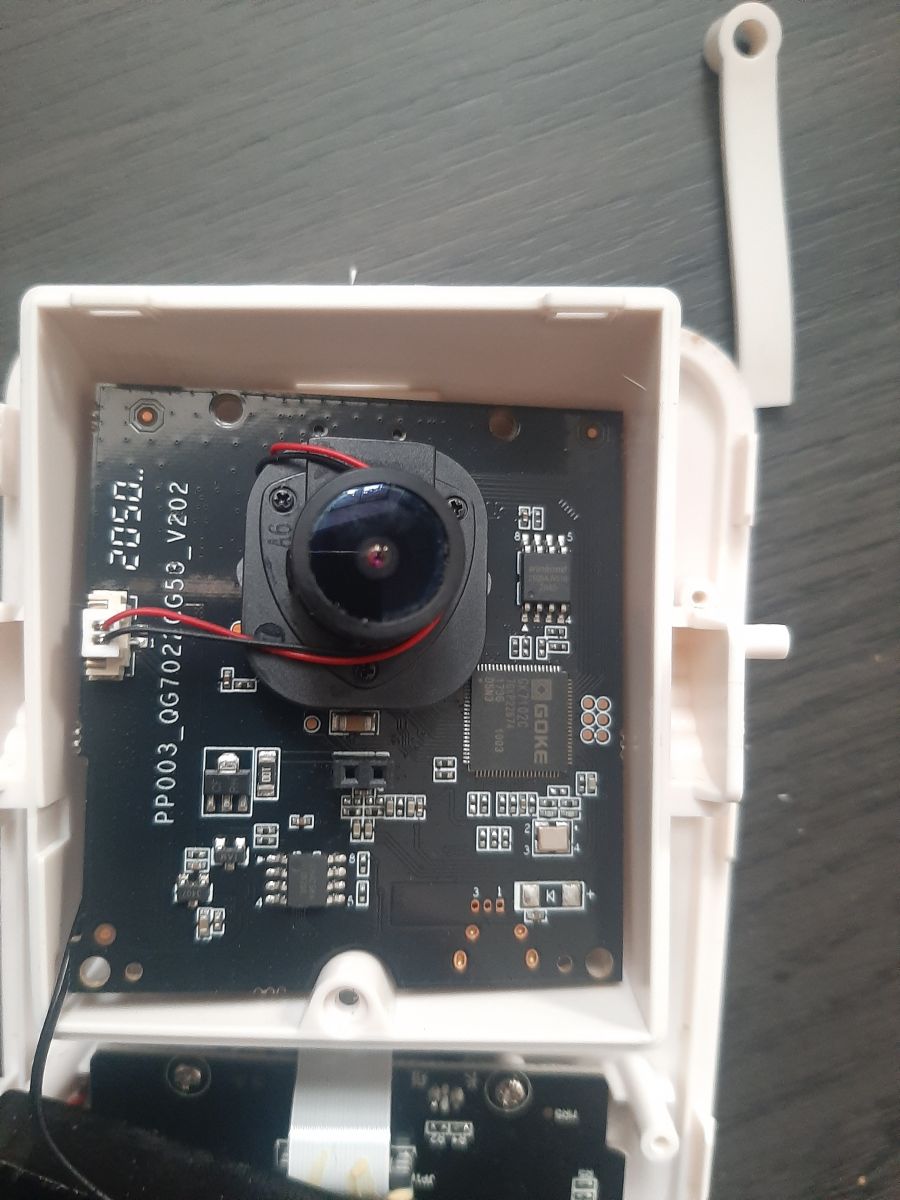
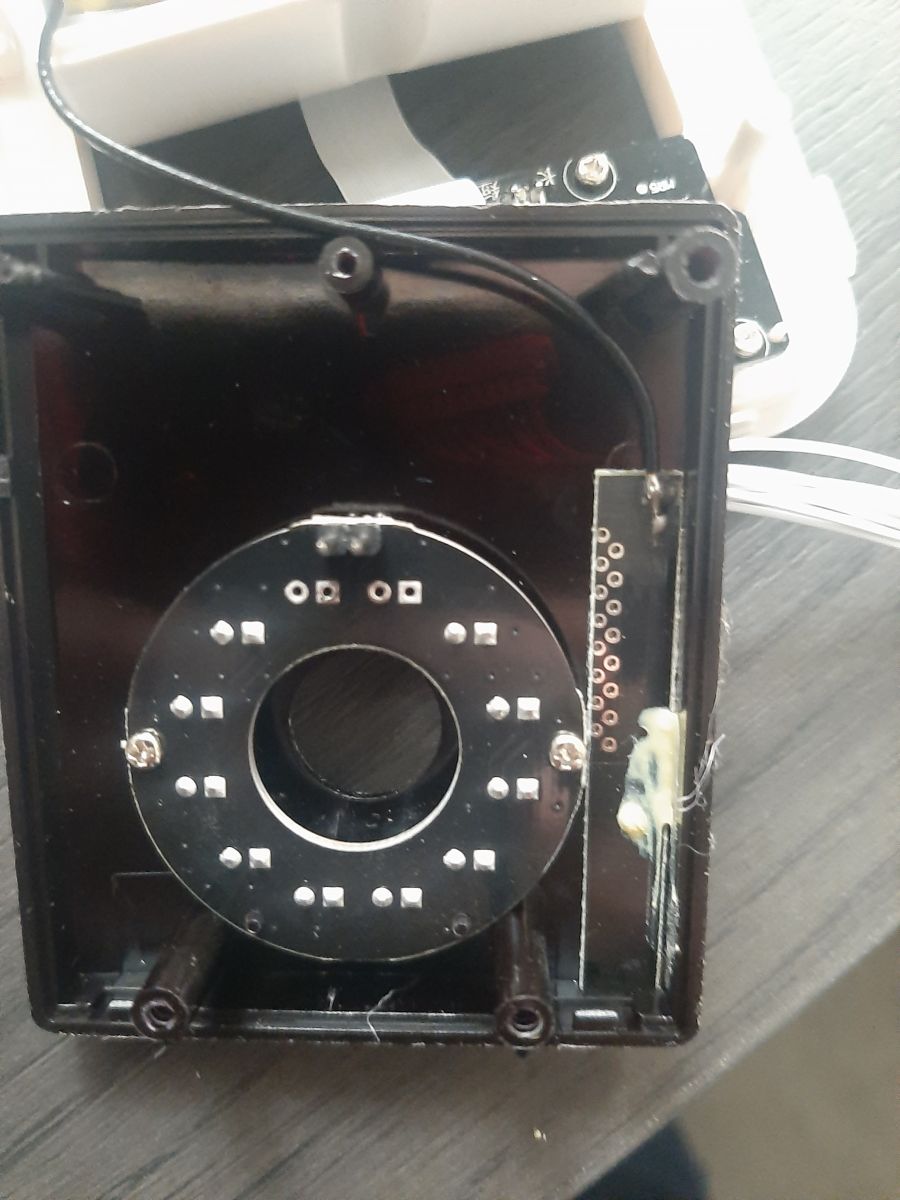
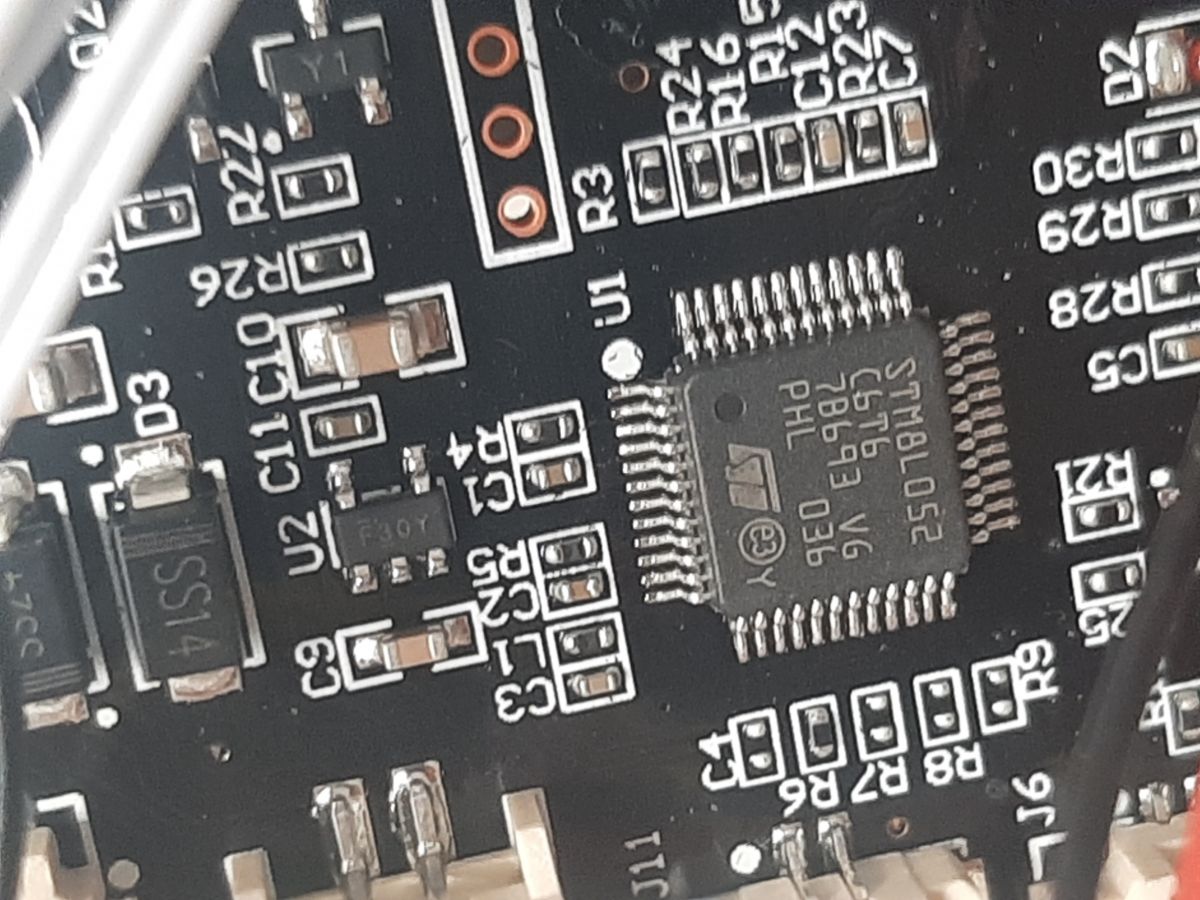
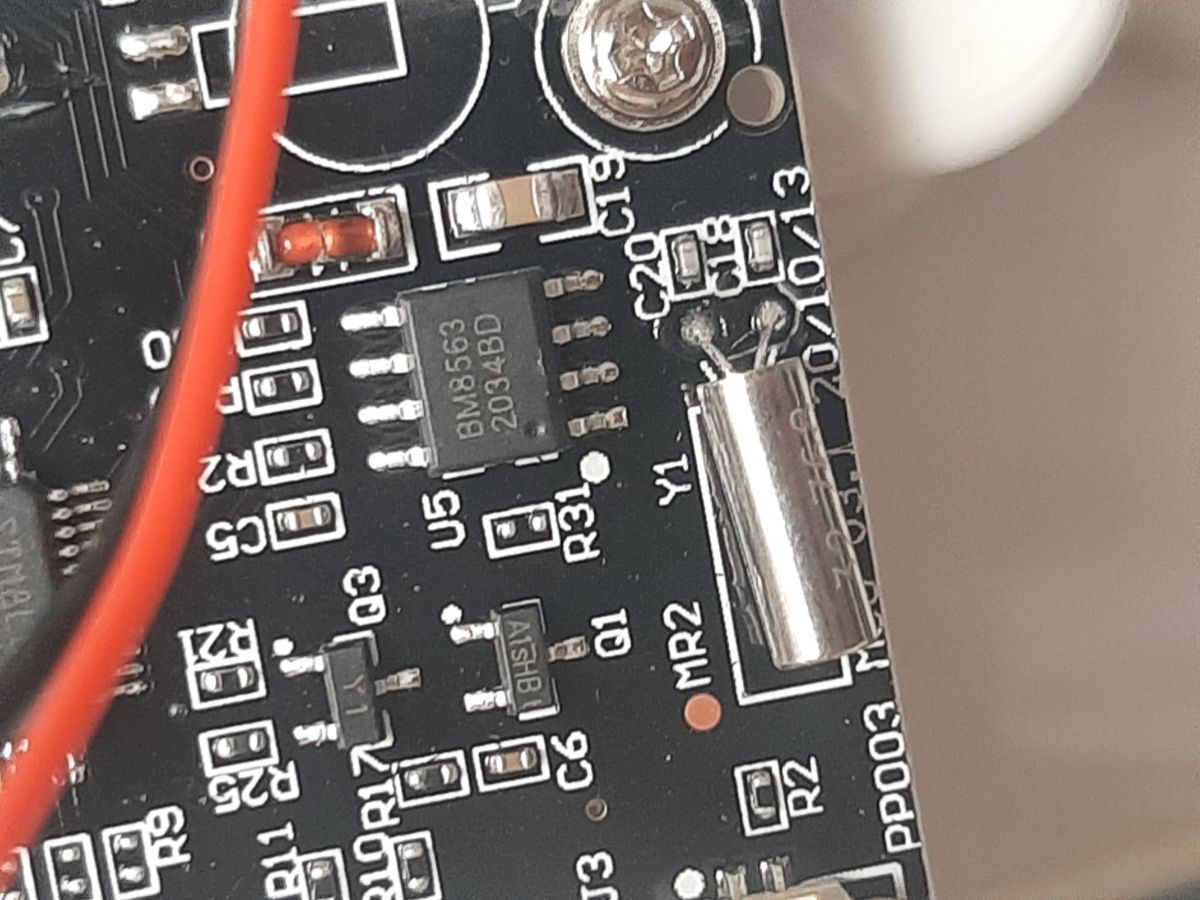
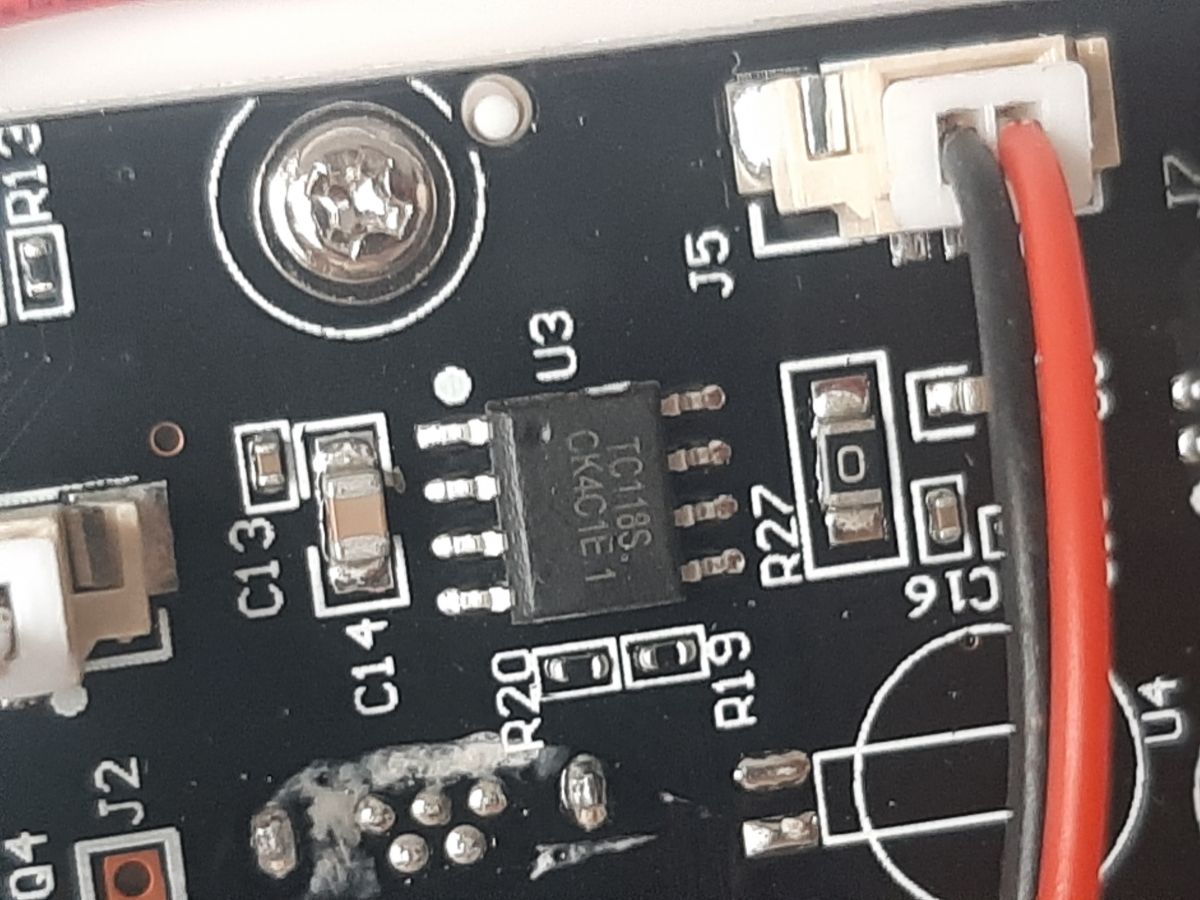
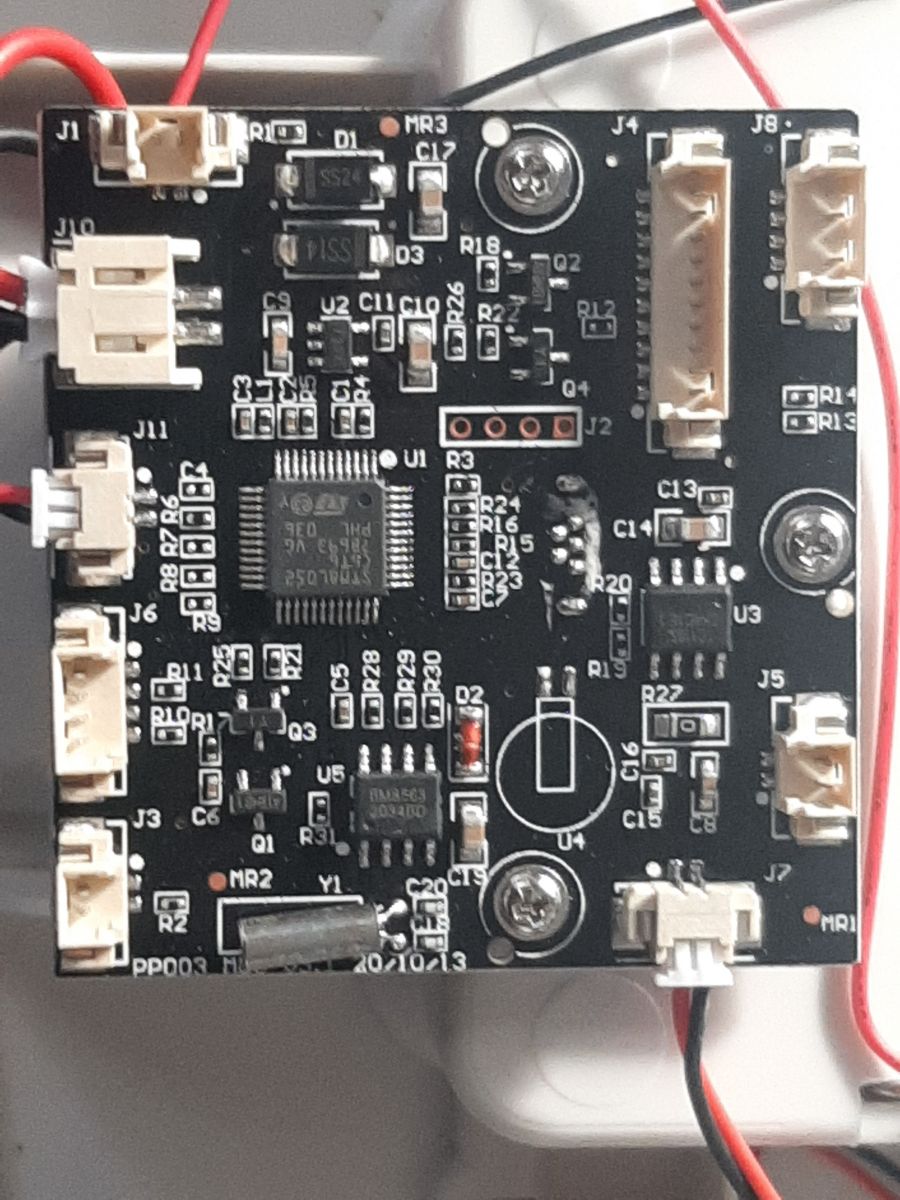
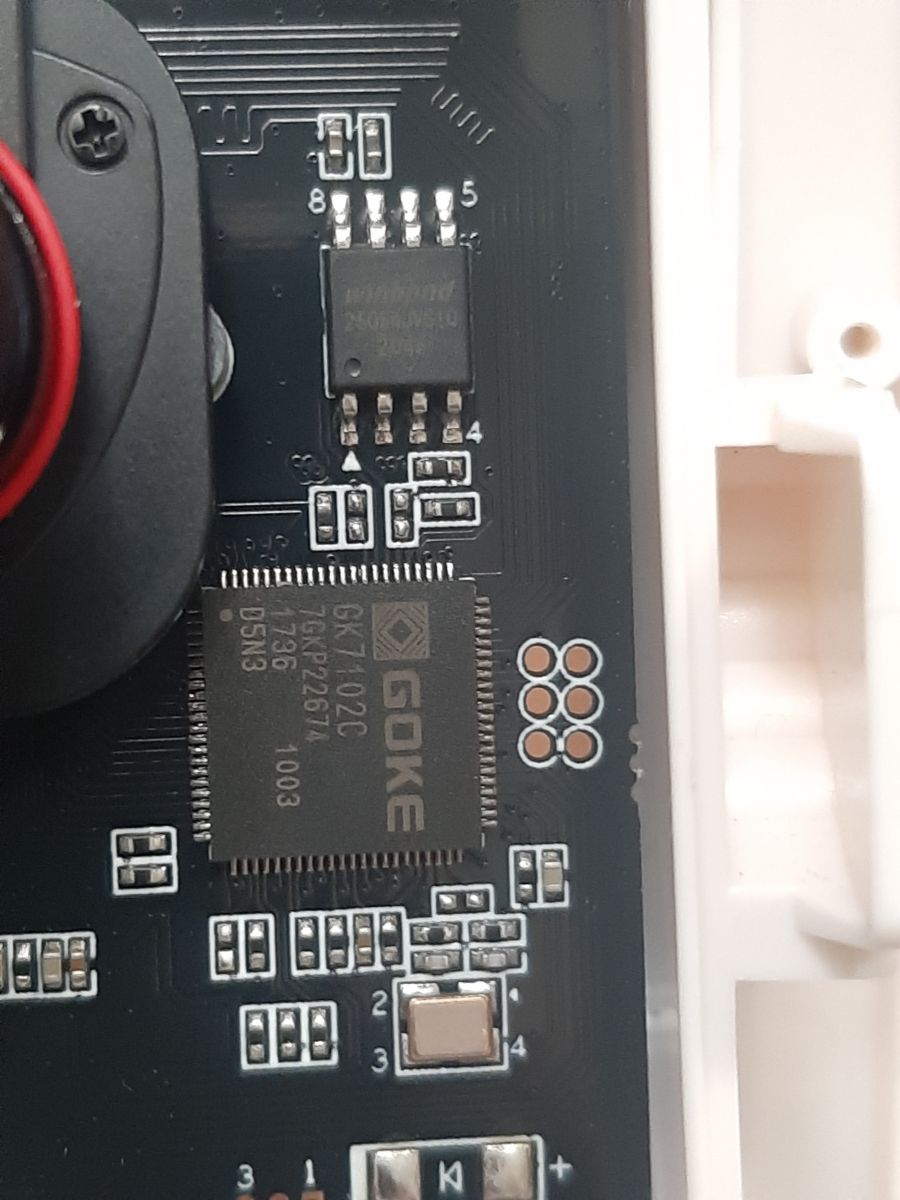
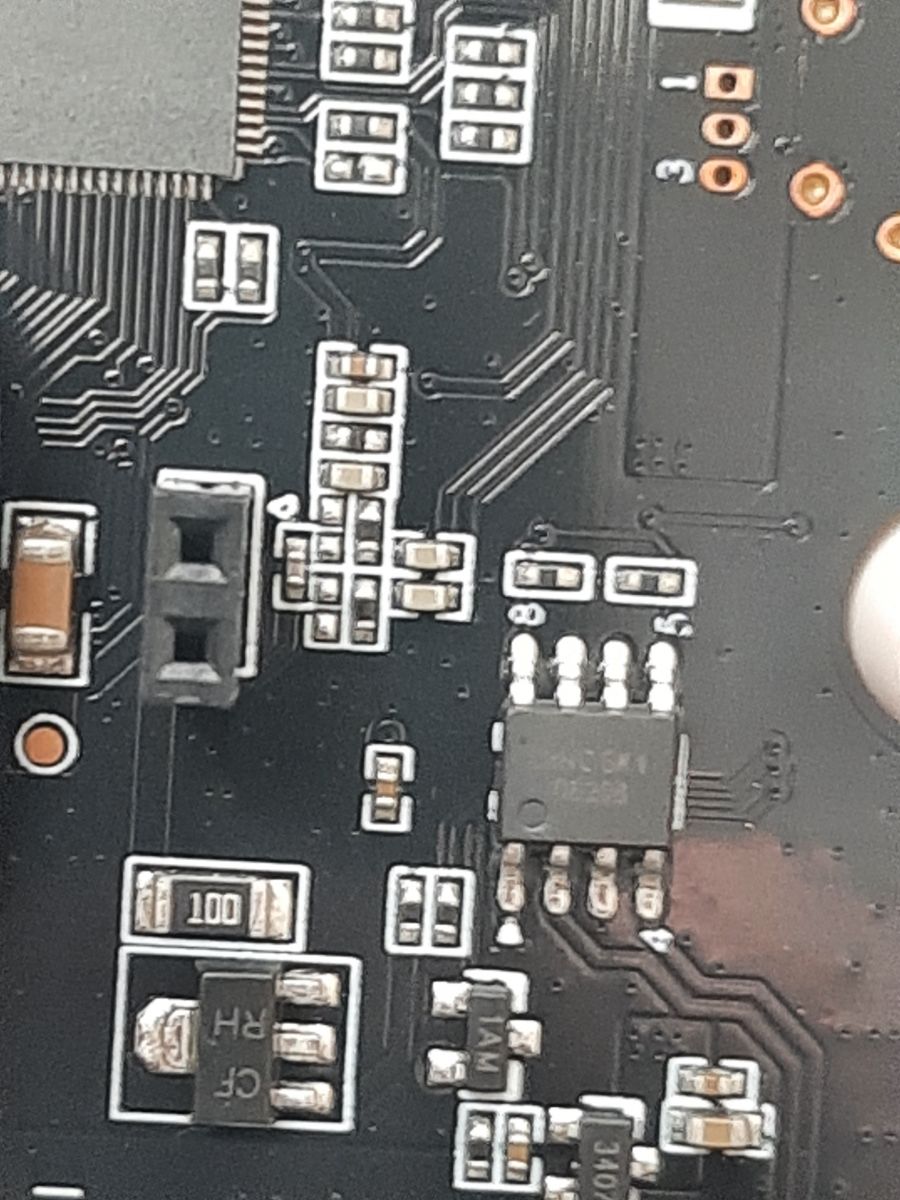
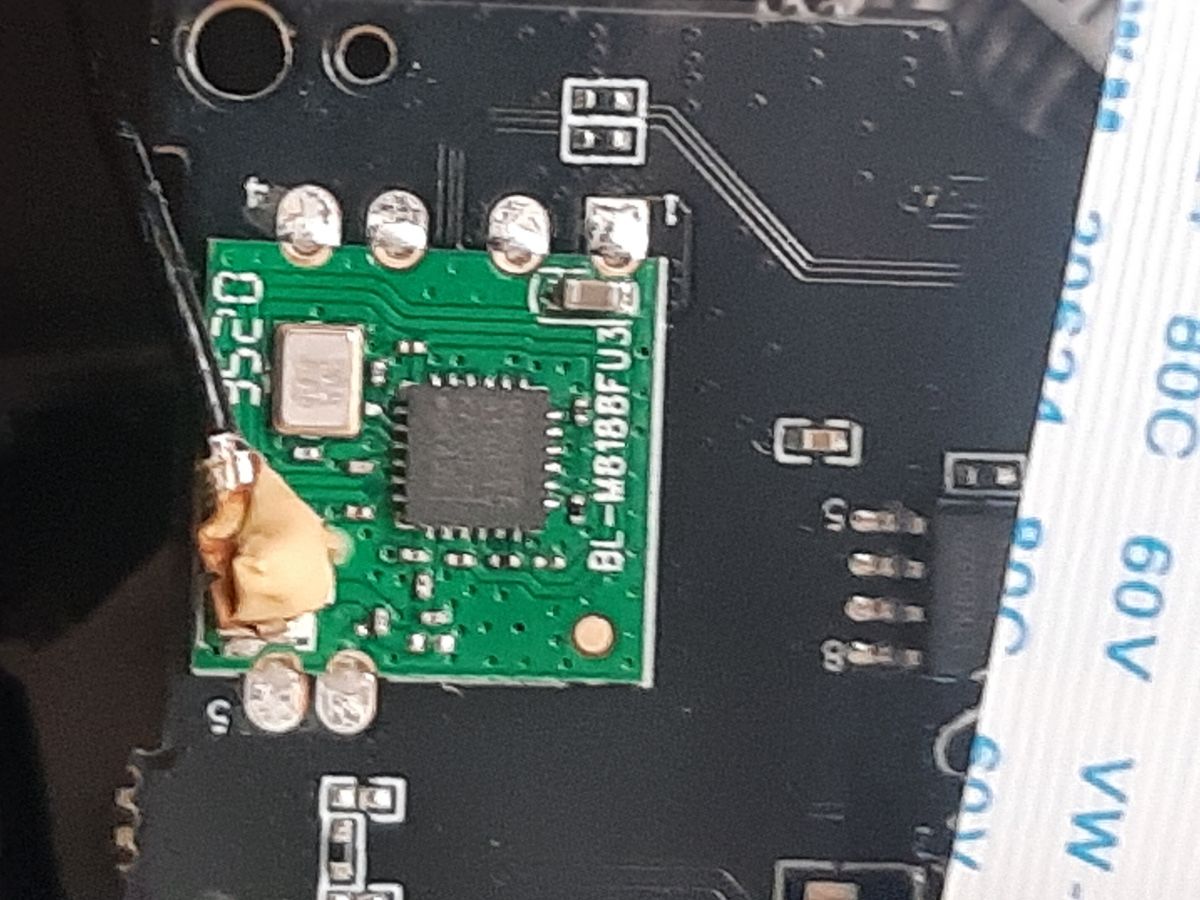
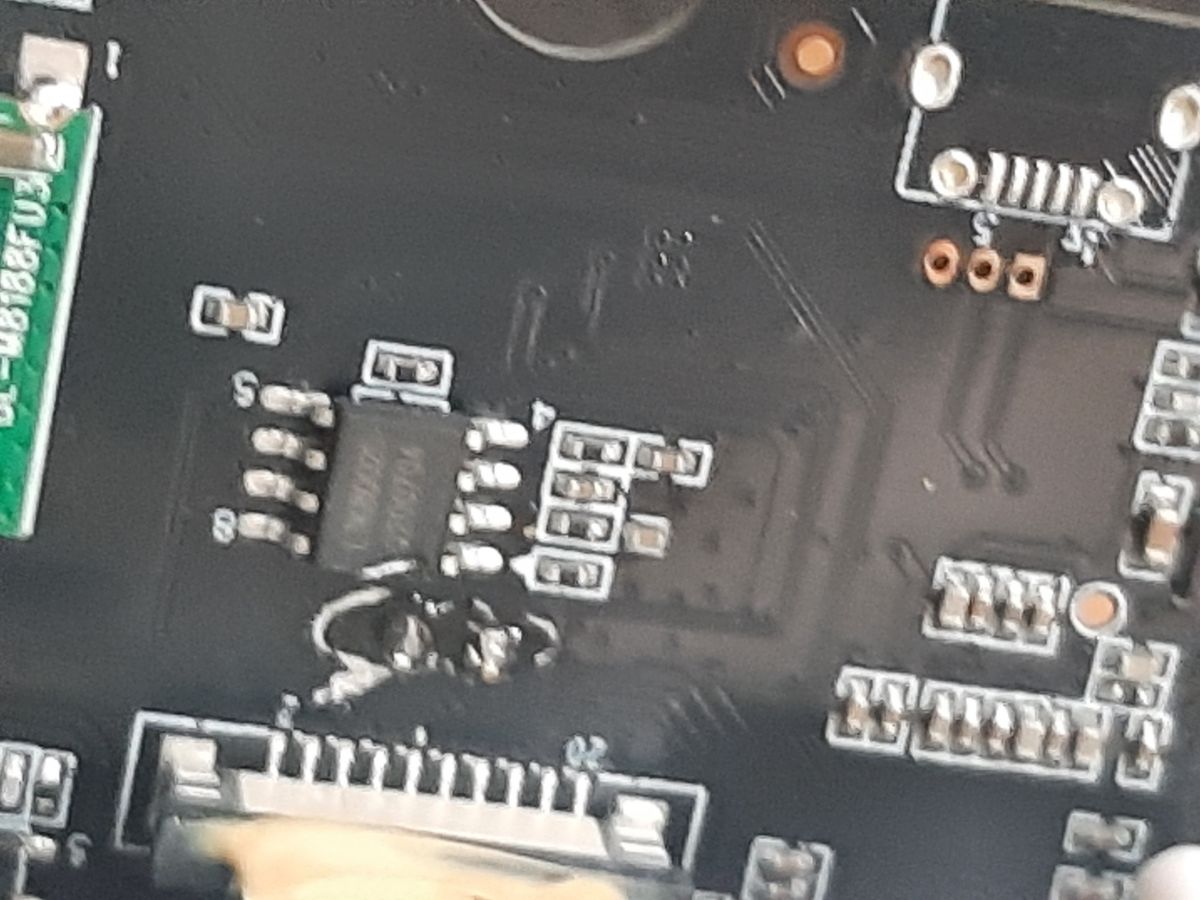
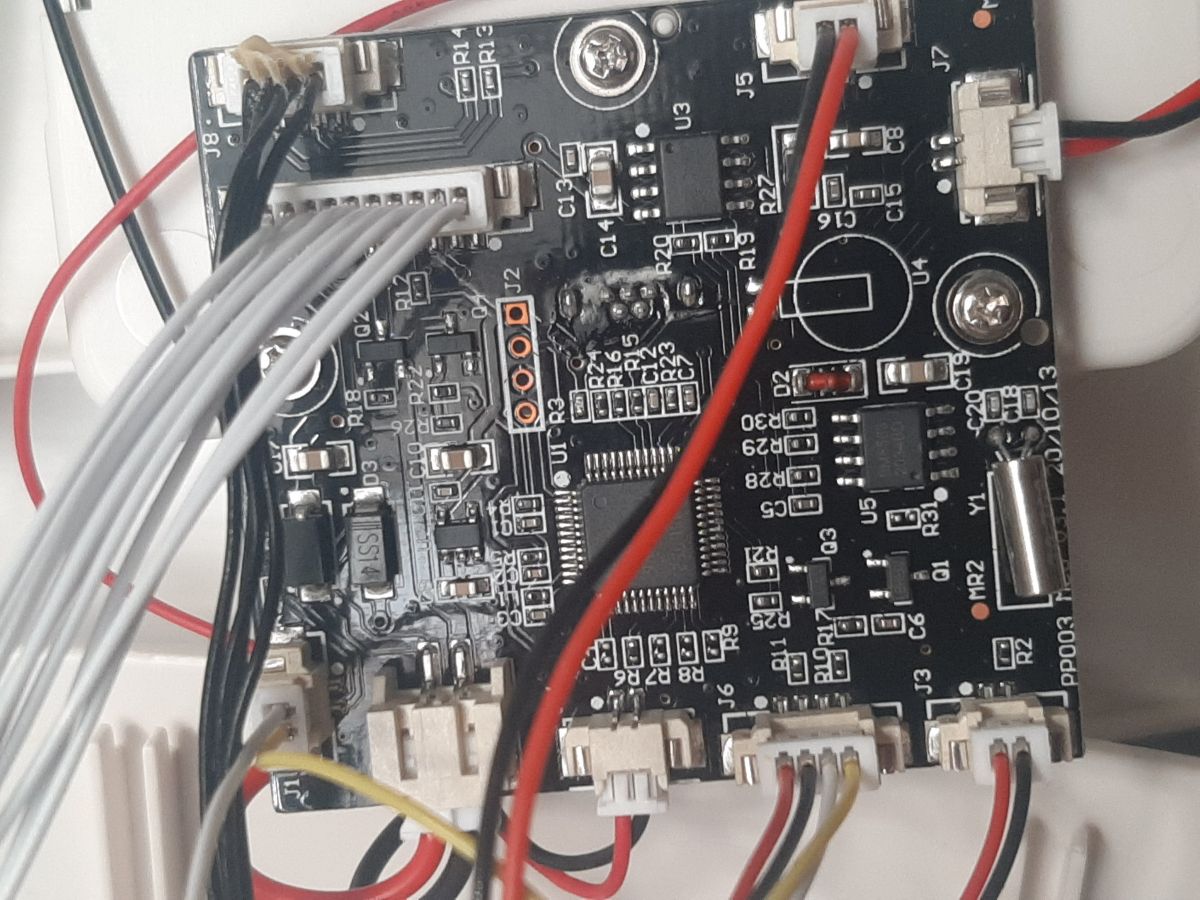
- The teardown identifies three named chips/modules: STM8L052C6T6 on the main board, GK7102C for the camera side, and BL-M8188FU3 on the rear of the camera board. [#20660710]
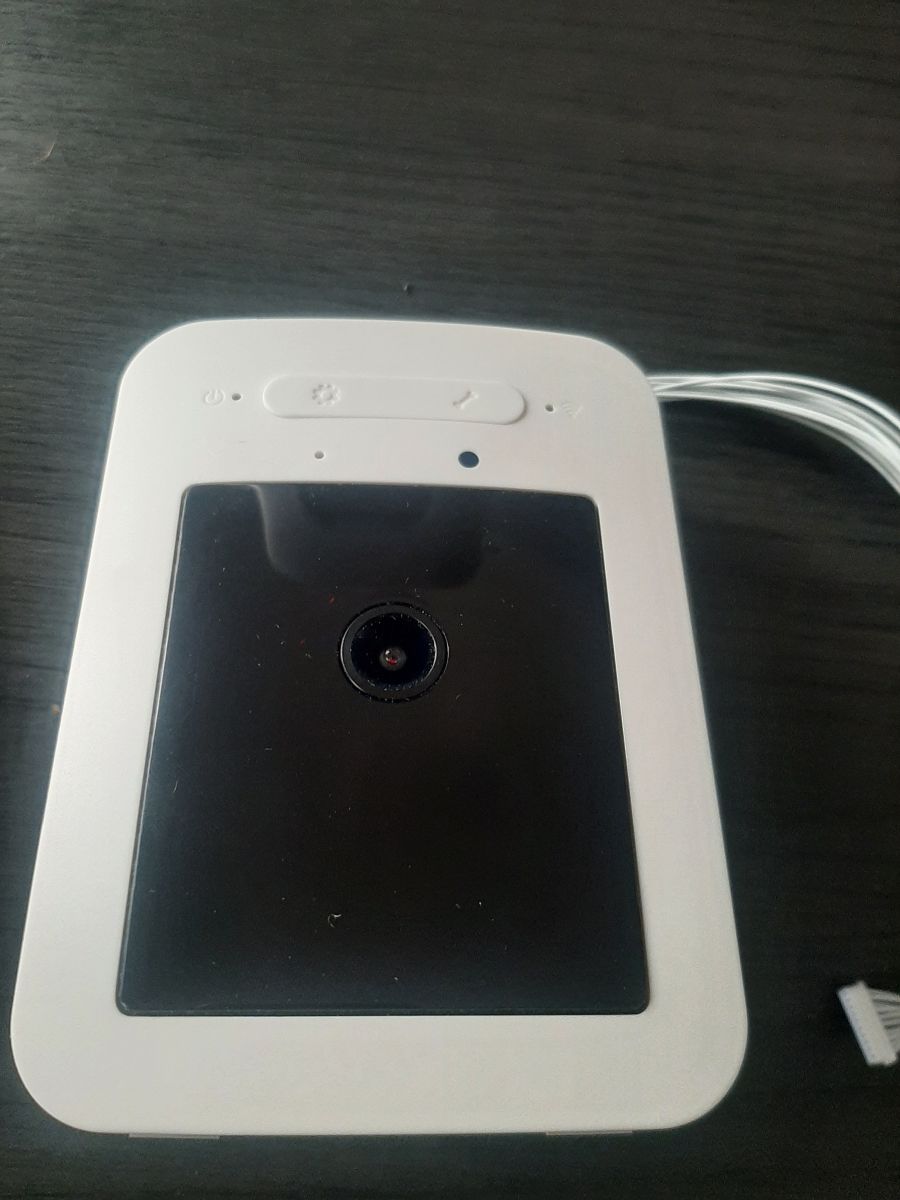
- The feeder uses a 1080p camera and exposes basic app functions through the Tuya mobile app after setup. [#20815665]
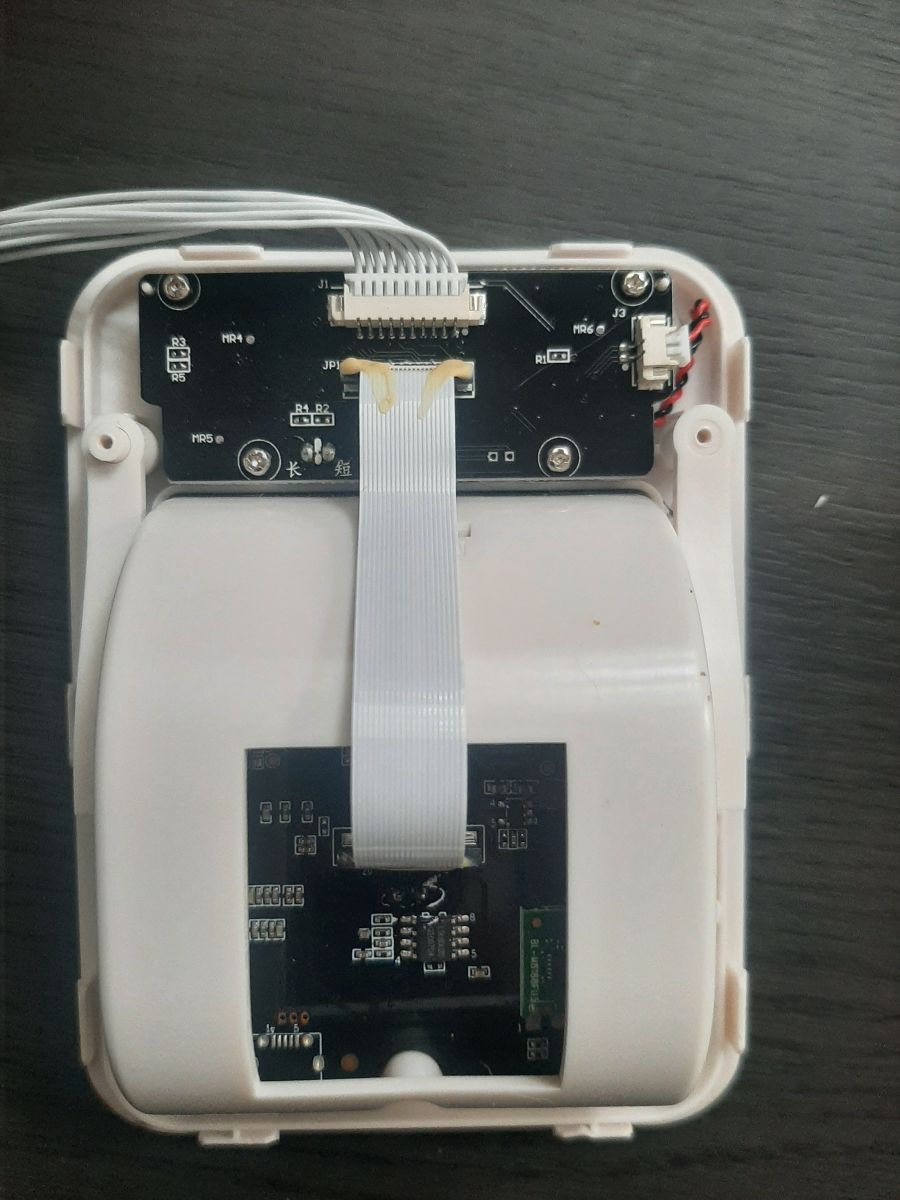
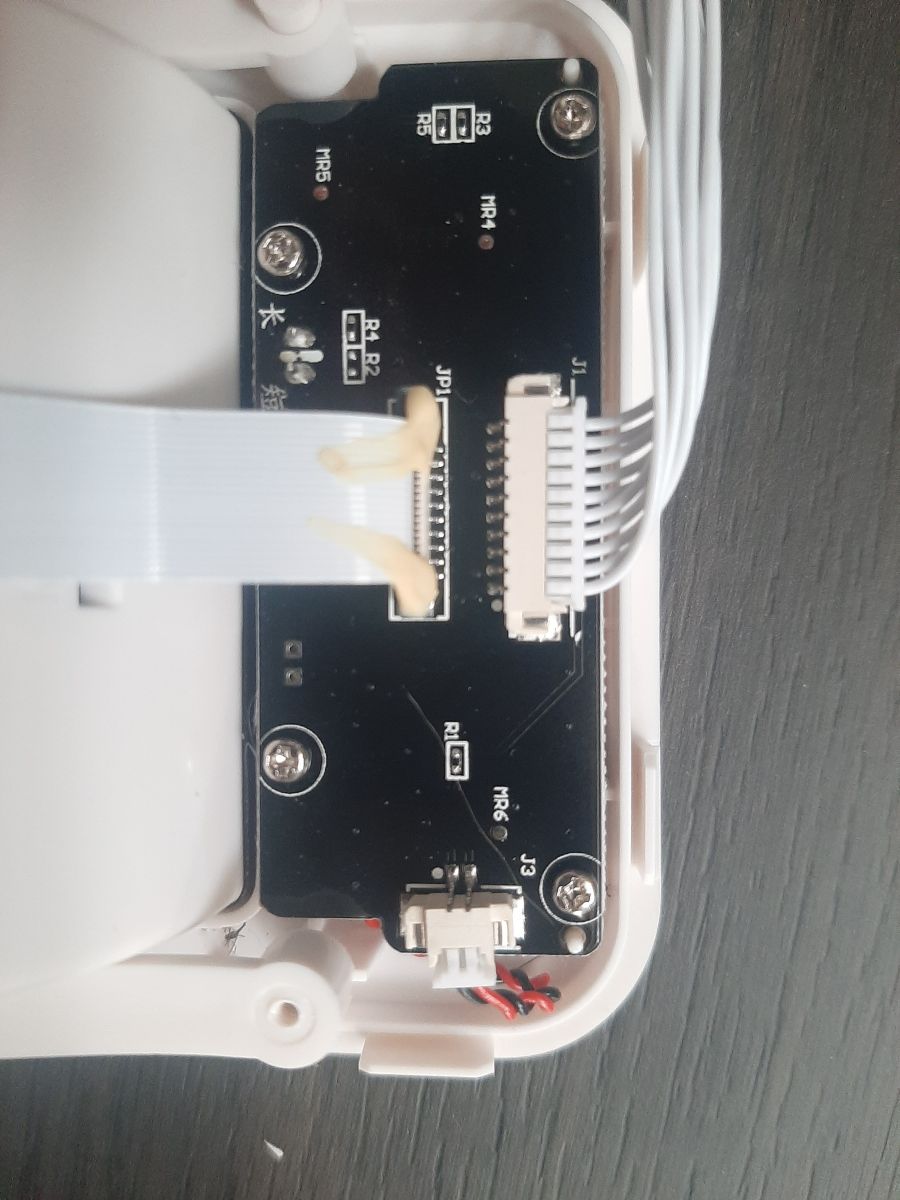
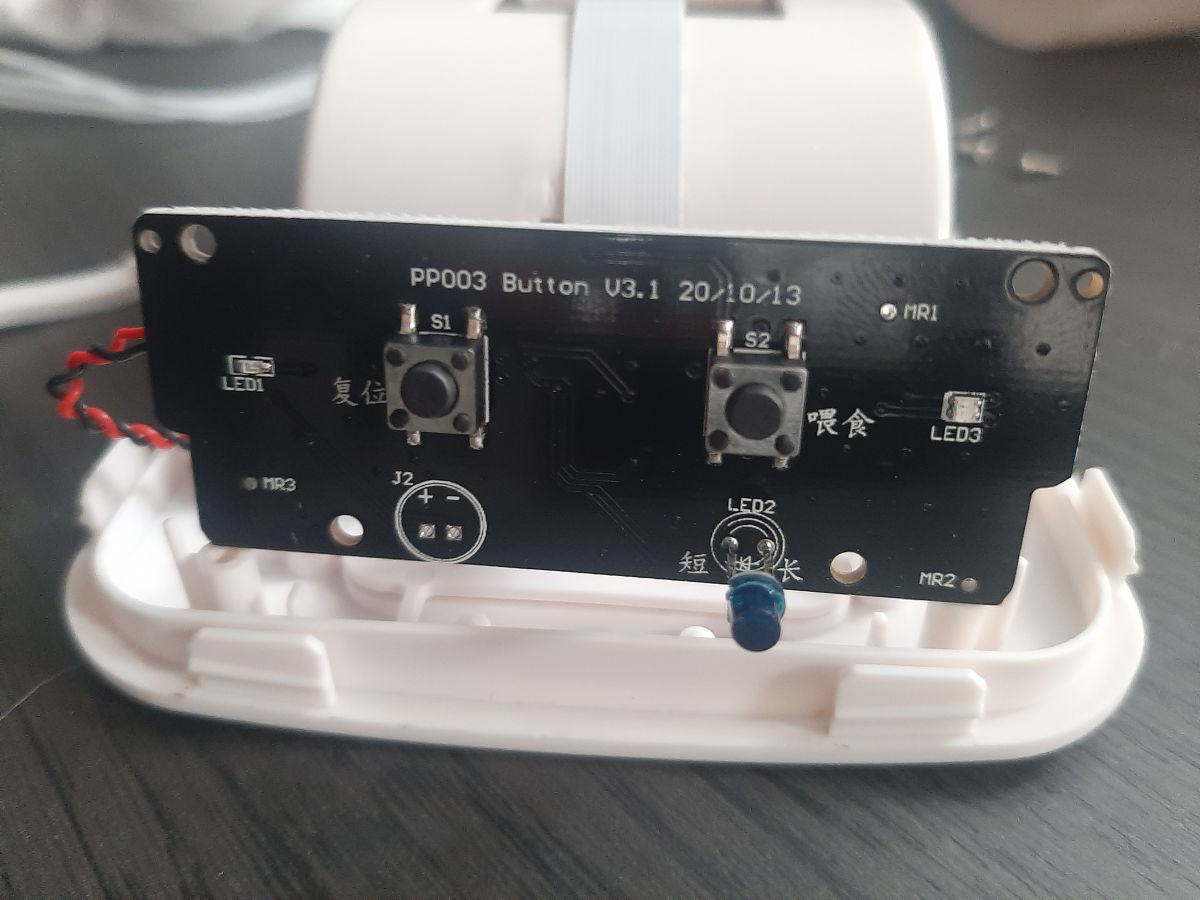
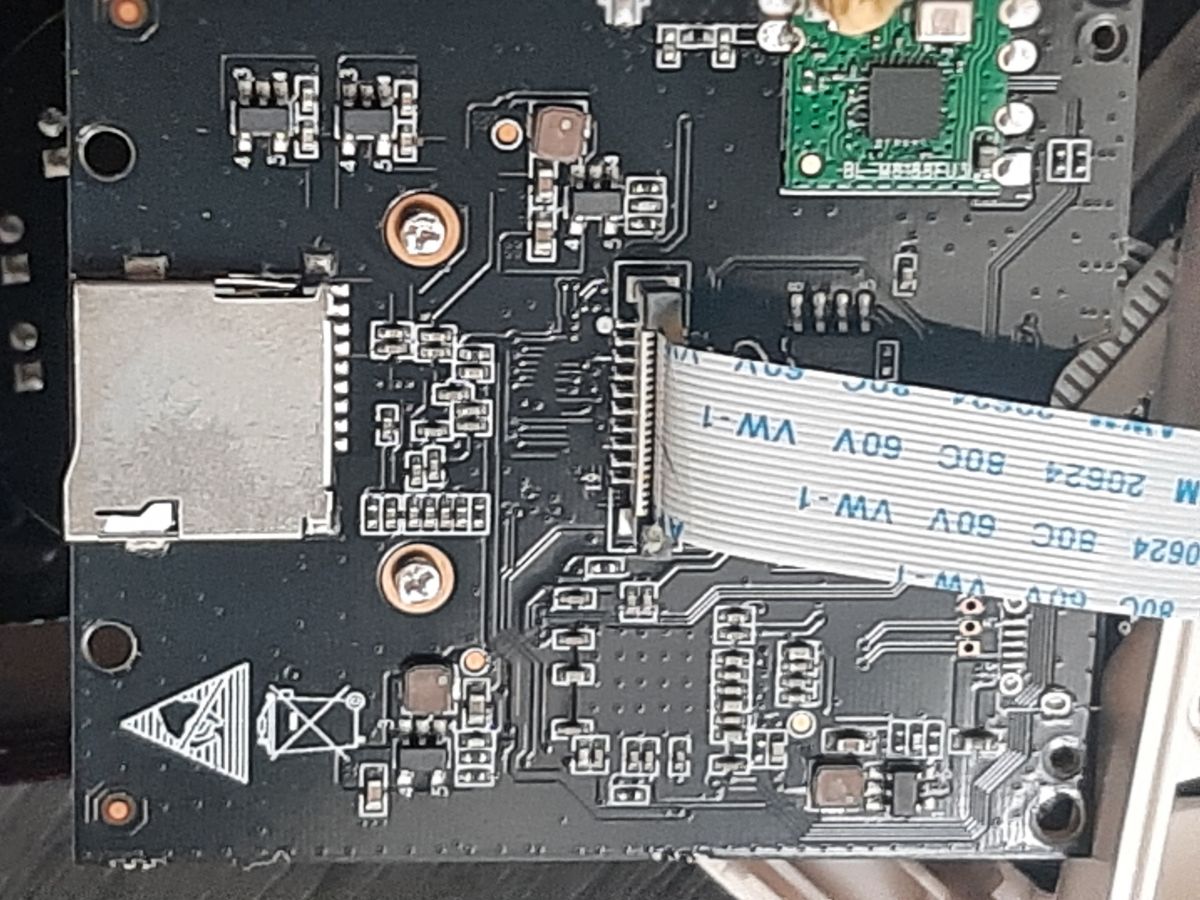
- The hardware path spans 3 boards: camera board, PP003 button board, and the main board with the STM8L052C6T6. [#20665547]
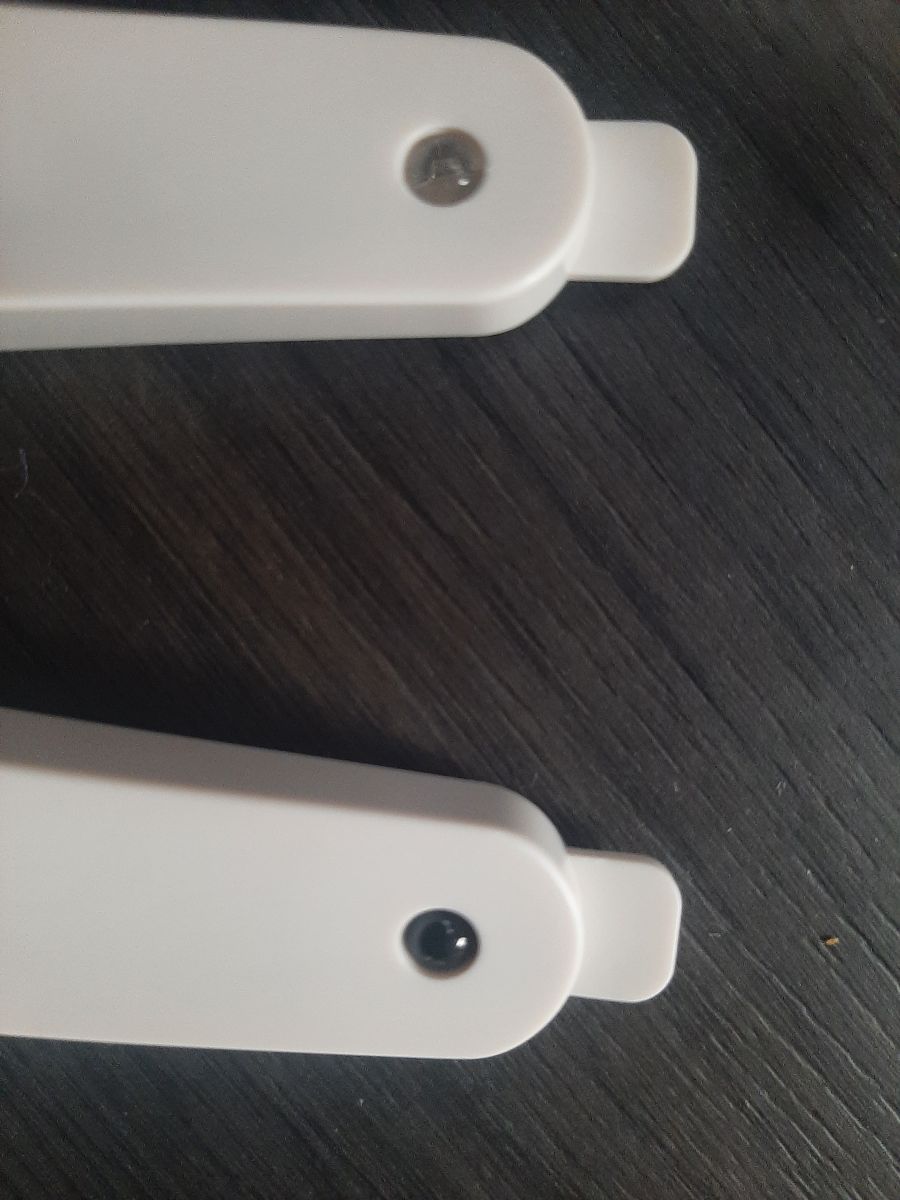
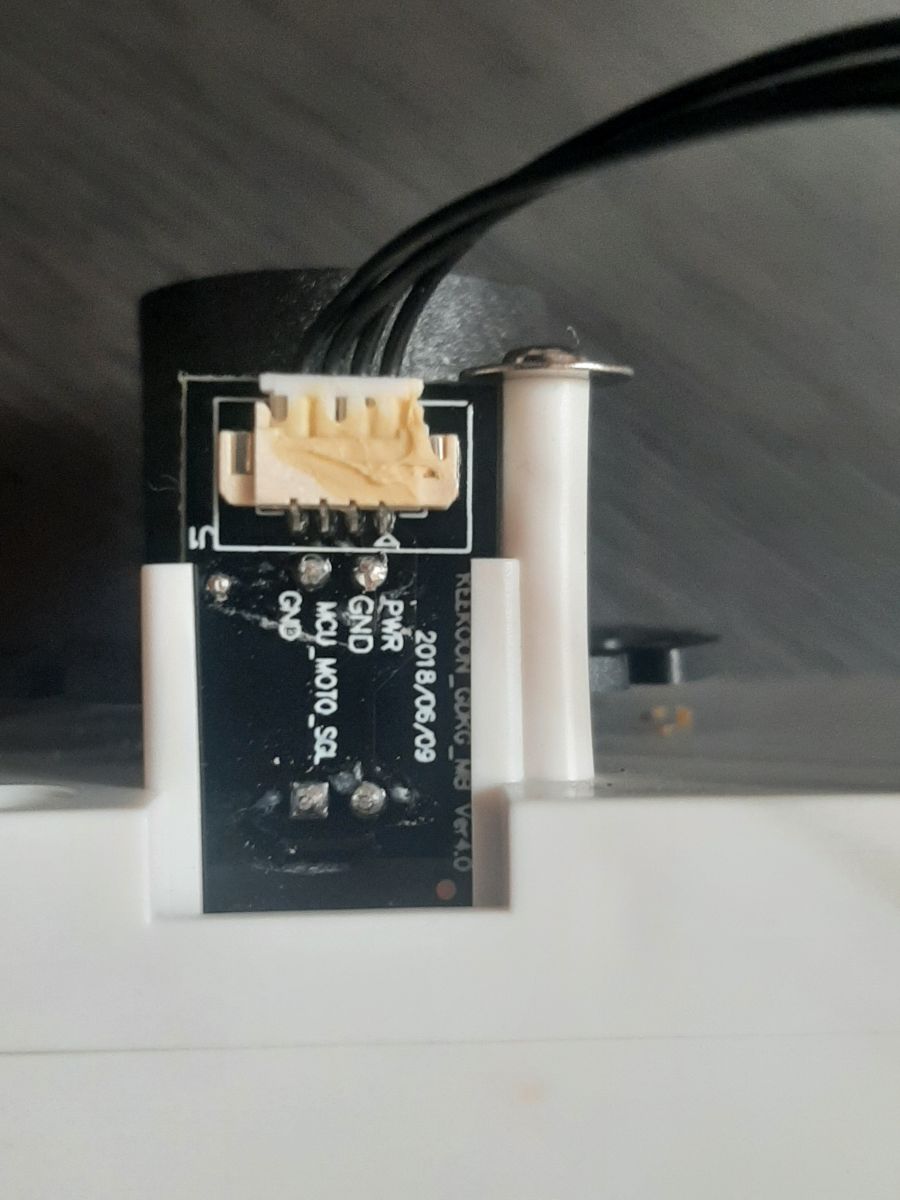
- The main board has 4 through-hole plated pads labeled J2, noted as a possible debug point near the STM8L052C6T6. [#20665547]
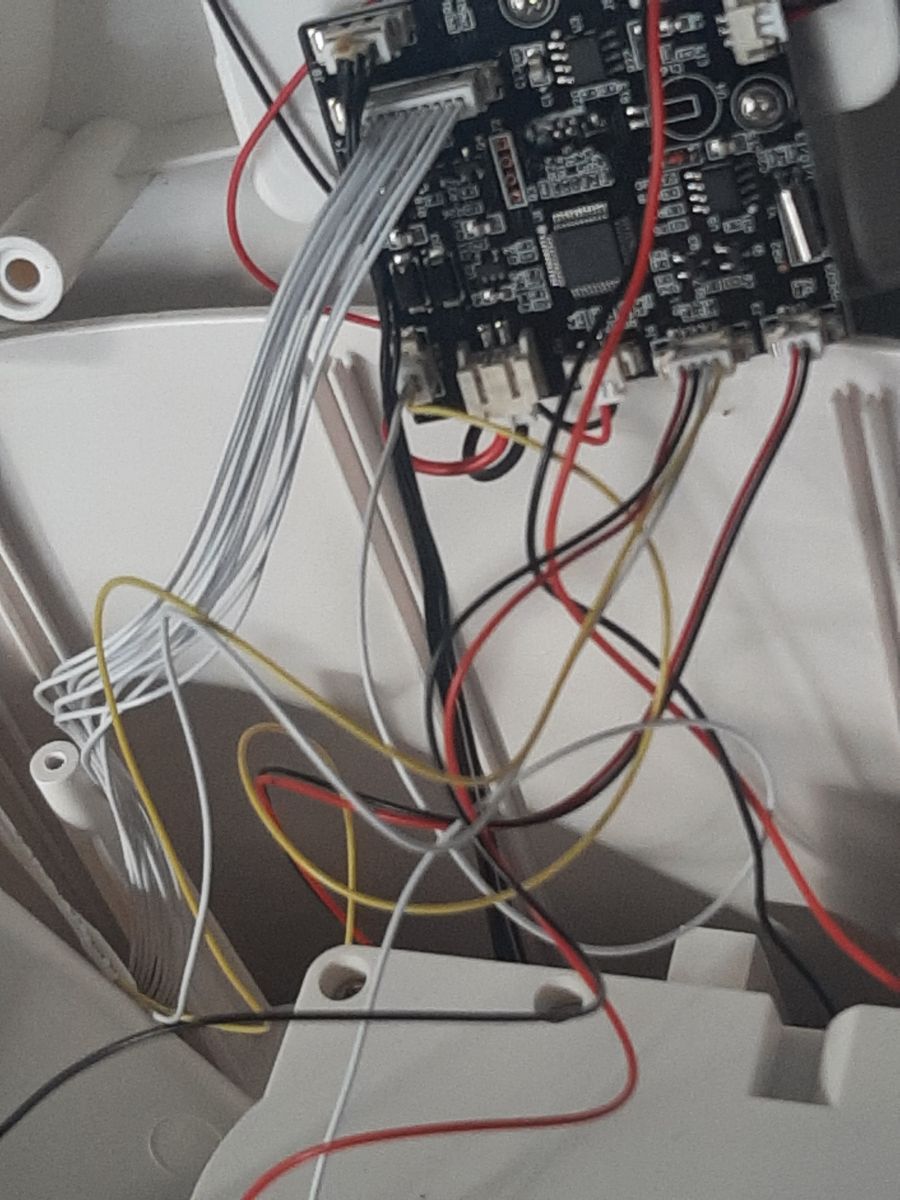
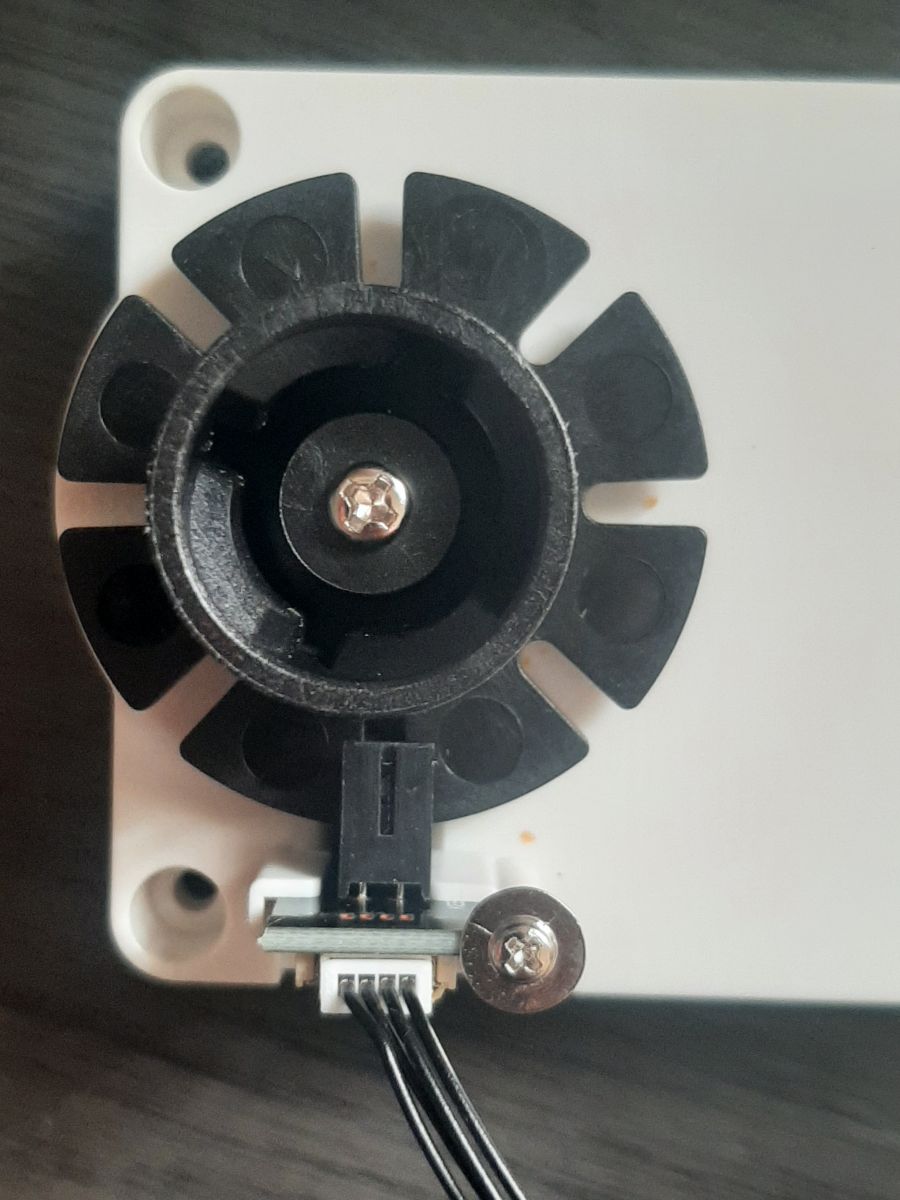
- Physical interconnects include 1 ribbon cable from the camera board to the button board and 1 additional cable from the button board to the main board. [#20665547]
1. What chips and modules are used inside the 3Paws Smart Wi-Fi Pet Feeder with 1080p camera, and what does each one do?
The feeder uses three identified parts: STM8L052C6T6, GK7102C, and BL-M8188FU3. The STM8L052C6T6 is treated as the likely TuyaMCU with the main control firmware. The GK7102C appears to control the 1080p camera. The BL-M8188FU3 sits on the camera board and provides Wi‑Fi, with the thread linking it to an RTL8188FTV-based module.
[#20660710]
2. How can I dump or read firmware from the STM8L052C6T6 in a Tuya-based pet feeder?
The thread does not provide a working dump method for the STM8L052C6T6. It only identifies that MCU as the likely TuyaMCU and notes uncertainty about how to read its firmware. A practical starting point is the nearby J2 header area, which has 4 plated through-hole pads that may expose a debug interface, but no successful readout was reported.
[#20665547]
3. Where are the D+ and D- lines of the BL-M8188FU3 Wi-Fi module connected inside the 3Paws pet feeder?
The exact D+ and D- endpoints were not traced in the thread. The only confirmed routing is physical: the BL-M8188FU3 is on the back of the camera board, that board connects by ribbon cable to the PP003 button board, and another cable runs from the button board to the main board. No multimeter continuity results were posted.
[#20665547]
4. What is a TuyaMCU, and how is it different from a standard microcontroller in smart home devices?
"TuyaMCU" is a control microcontroller that runs device logic while coordinating with a separate connectivity subsystem, a key characteristic in many Tuya-based designs. In this feeder, the STM8L052C6T6 is considered the likely TuyaMCU. The thread also highlights a difference here: the Wi‑Fi side appears tied to an RTL8188 module that uses internal USB rather than a simple UART-style link.
[#20665563]
5. What is LocalTuya in Home Assistant, and how does it work with a Tuya pet feeder?
"LocalTuya" is a Home Assistant integration that controls compatible Tuya devices locally, a key characteristic because it reduces dependence on the standard cloud path. In this feeder, it worked only partially. The owner got some functions working with LocalTuya, but the setup was not perfect and was rolled back to the standard Tuya interaction.
[#20660710]
6. How do I set up a Tuya camera pet feeder with Home Assistant using LocalTuya?
The thread gives only a high-level path, not a full procedure. 1. Add the feeder to the Tuya ecosystem first. 2. Follow the linked LocalTuya guide referenced in the post. 3. Expect partial success, because the owner reported that some functions worked but the result was not perfect and they reverted to standard Tuya control.
[#20660710]
7. Why might the onboard camera in a 3Paws Smart Wi-Fi Pet Feeder stop working properly after reassembly, and what should I check first?
A loose or mis-seated cable is the first thing to check. The owner reported camera problems after the device was back together and suspected a wire was not connected properly. Start by reseating the ribbon cable between the camera board and PP003 button board, then check the second cable that runs to the main board.
[#20665547]
8. What is the BL-M8188FU3 module, and how is it related to the RTL8188FTV chipset?
The BL-M8188FU3 is the feeder’s Wi‑Fi module on the camera board, and the thread links it to an onboard RTL8188FTV. A responder also notes that the RTL8188 family uses a USB interface, which matters because it implies internal USB communication with the rest of the device instead of a simple standalone radio connection.
[#20665547]
9. How can I identify whether the J2 through-hole pads on the main board are UART, USB, or another debug interface?
Use continuity tracing and follow the pads back to the STM8L052C6T6 and nearby circuits. The thread identifies J2 as a group of 4 unlabeled plated through-hole pads on the main board and suggests they may be a UART point, but no test results confirm UART, USB, or another interface. Without tracing, J2 remains only a candidate debug header.
[#20665547]
10. What tools and steps are best for tracing ribbon-cable connections between the camera board, button board, and main board in a smart pet feeder?
A multimeter in continuity mode is the key tool the thread points toward. 1. Trace the ribbon from the camera board to the PP003 button board. 2. Trace the second cable from the button board to the main board. 3. Map any suspect lines, including possible D+ and D-, before removing more parts. The owner had not yet done that continuity work.
[#20665547]
11. How does the Tuya mobile app interface for the 3Paws Smart Wi-Fi Pet Feeder work, and what functions does it expose?
The Tuya mobile app interface is basic and mainly used for initial setup and routine feeder control. The owner says the functions are very basic and that, once configured, they rarely need the app. The same post also shows that the app can link the feeder’s camera by QR code for later viewing.
[#20815665]
12. How can I access the pet feeder's camera from a web browser using protect-eu.ismartlife.me and RTSP?
You access it by first linking the camera in the Tuya app, then opening the Tuya web portal in a browser. The owner states that you scan the QR code with the app, after which you can view your cameras on protect-eu.ismartlife.me. They also state that the cameras run locally via RTSP once linked.
[#20815665]
13. LocalTuya vs the standard Tuya cloud integration: which is better for a smart pet feeder with camera support?
The standard Tuya integration was better in this specific feeder. LocalTuya enabled some functions in Home Assistant, but the setup was described as not perfect and was abandoned. Standard Tuya became the fallback because it restored stable everyday use, including the basic mobile app workflow and camera-related access path.
[#20660710]
14. What limitations should I expect when trying to hack or locally control a Tuya-based pet feeder that uses an STM8L052C6T6 and a BL-M8188FU3 module?
Expect incomplete local control, uncertain firmware access, and a more complex internal bus. The owner could not dump the STM8L052C6T6 firmware, LocalTuya was only partially functional, and the Wi‑Fi side appears tied to an RTL8188 module that uses USB internally. That combination makes this feeder harder to hack than simpler Tuya devices with clear UART headers.
[#20665563]
15. Where can I find a replacement or similar 3Paws Smart Wi-Fi Pet Feeder now that the Australia Post Shop version is no longer available?
The thread points to Alibaba as the replacement lead. The owner says the Australia Post Shop version was no longer available and links to a similar "Automatic Cat Pet Feeder" listing on Alibaba. No alternative retailer, model number revision, or newer storefront was provided in the discussion.
[#20660710]
AI summary based on the discussion. May contain errors.







Comments
BL-M8188FU3.... that's interesting, it seems it's RTL8188 module, I just posted an article on our Polish site about recovering an RTL8188 module from old e-book reader: https://www.elektroda.pl/rtvforum/viewtopic.php?t=3990739&highlight= It... [Read more]
The BL-M8188FU3 is located on the back of the camera board. That board connects to the PP003 Button board via a ribbon cable. Another cable runs from the button board to the main board with the STM8L052C6T6... [Read more]
Don't worry about that, we don't need to meddle with that device if it works well. I was just pointing out that RTL8188 has only USB interface, which means that USB must be used internally for communication... [Read more]
I realised I never actually posted these. I have it connected via the tuya mobile app. The functions are very basic but once you have things set you really never use the app. https://obrazki.elektroda.pl/3213563500_1700007107_thumb.jpg... [Read more]