









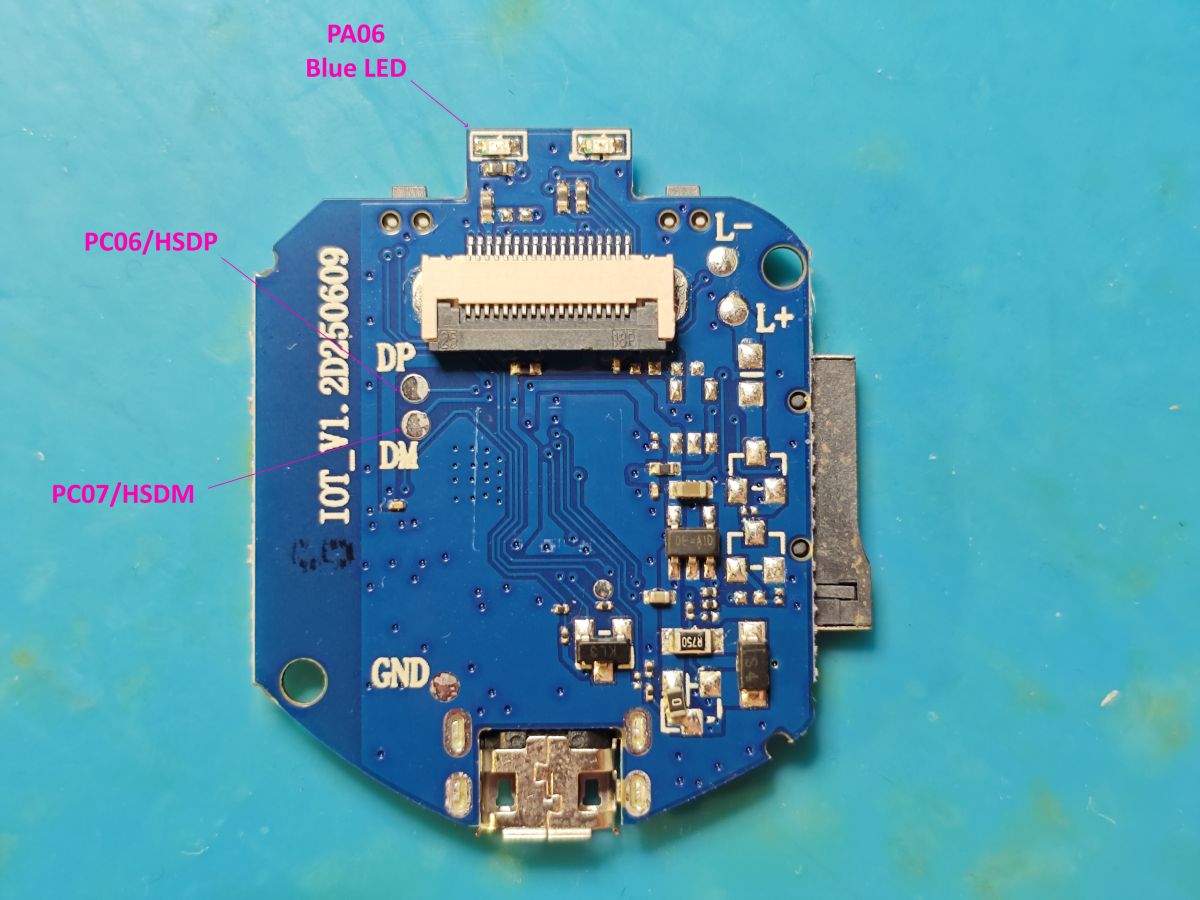
This A9 PCB has already been seen here https://www.elektroda.com/rtvforum/topic4118499-60.html#21703243 and https://www.elektroda.com/rtvforum/topic4033757-150.html#21703262 but here's a few more pics, boot log from mine, Z-IOT CAM app pics. Further discoveries to be posted as and when
Both mine shipped with SuperPix SP0828 320x240 sensor.
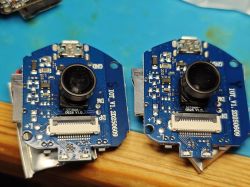
OpenTXW81X supports SP0828 now as of PR 1818 https://github.com/openshwprojects/OpenBK7231T_App/pull/1818 but RTSP image is in portrait mode.
pics dump
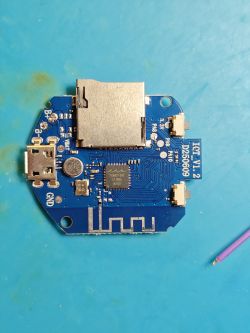
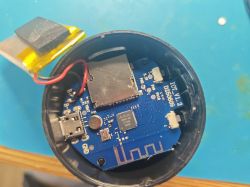
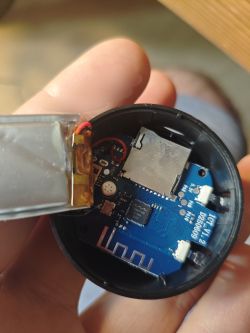
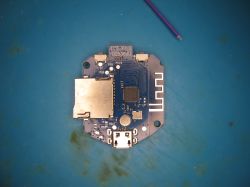
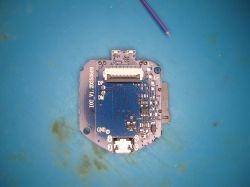
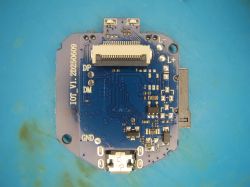
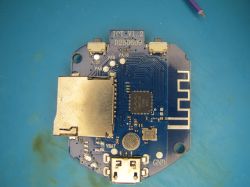
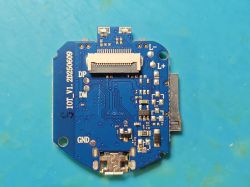
boot log from 'DP' pad (HSDP/PC6) at 115200 (usually 921600 on Taixin)
AP broadcast

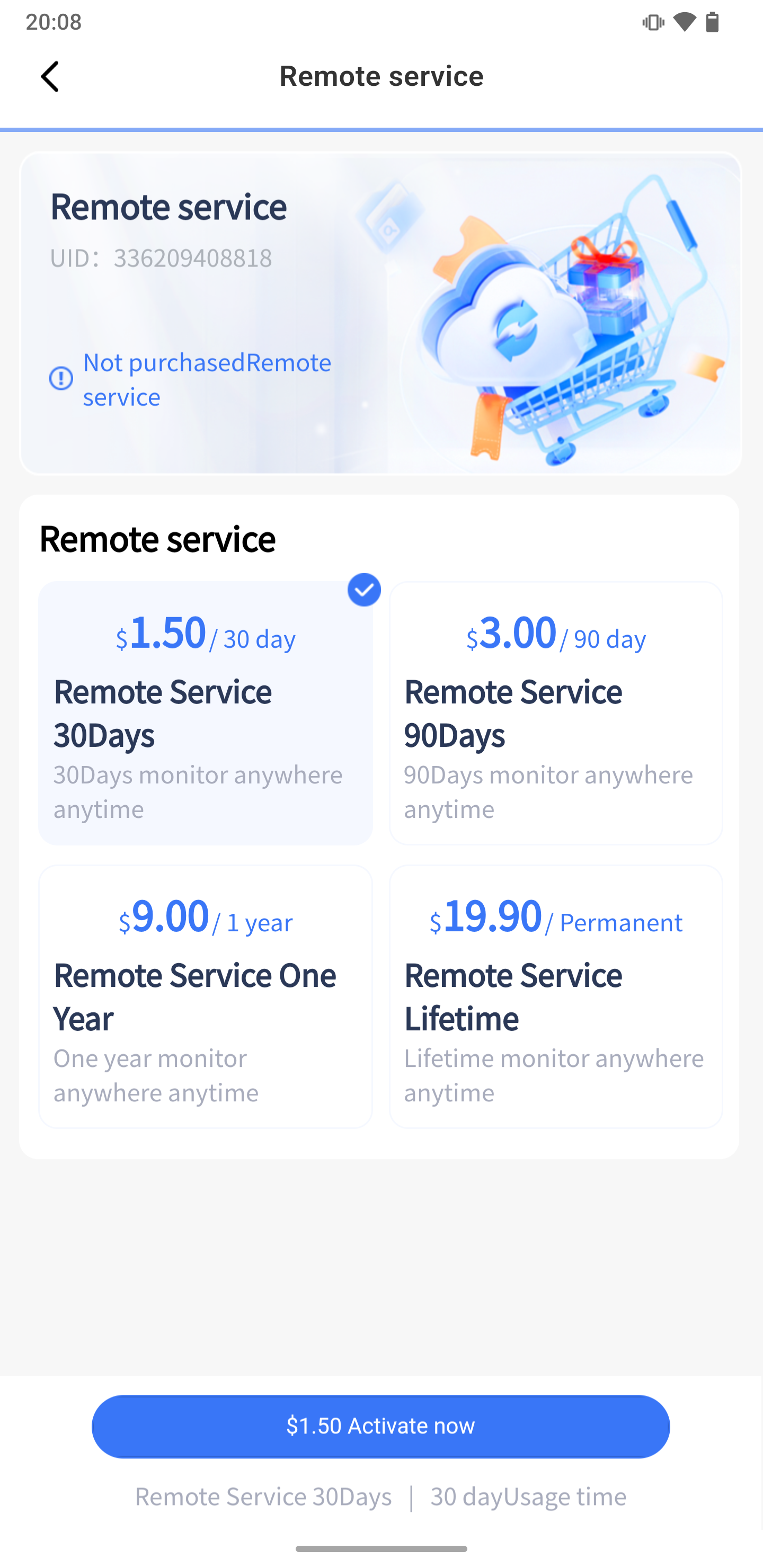
Z-IOT CAM app offers streaming capability with device in AP mode but 'remote' mode is chargeable. No thanks.
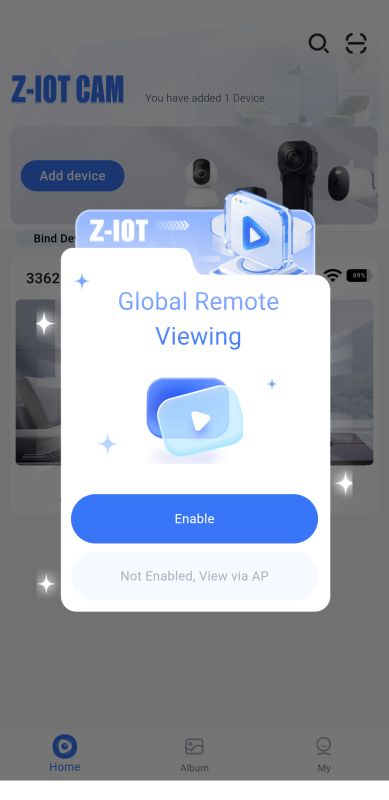
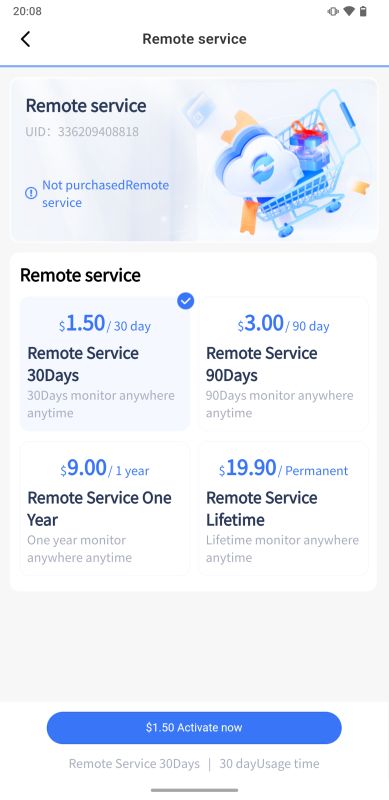
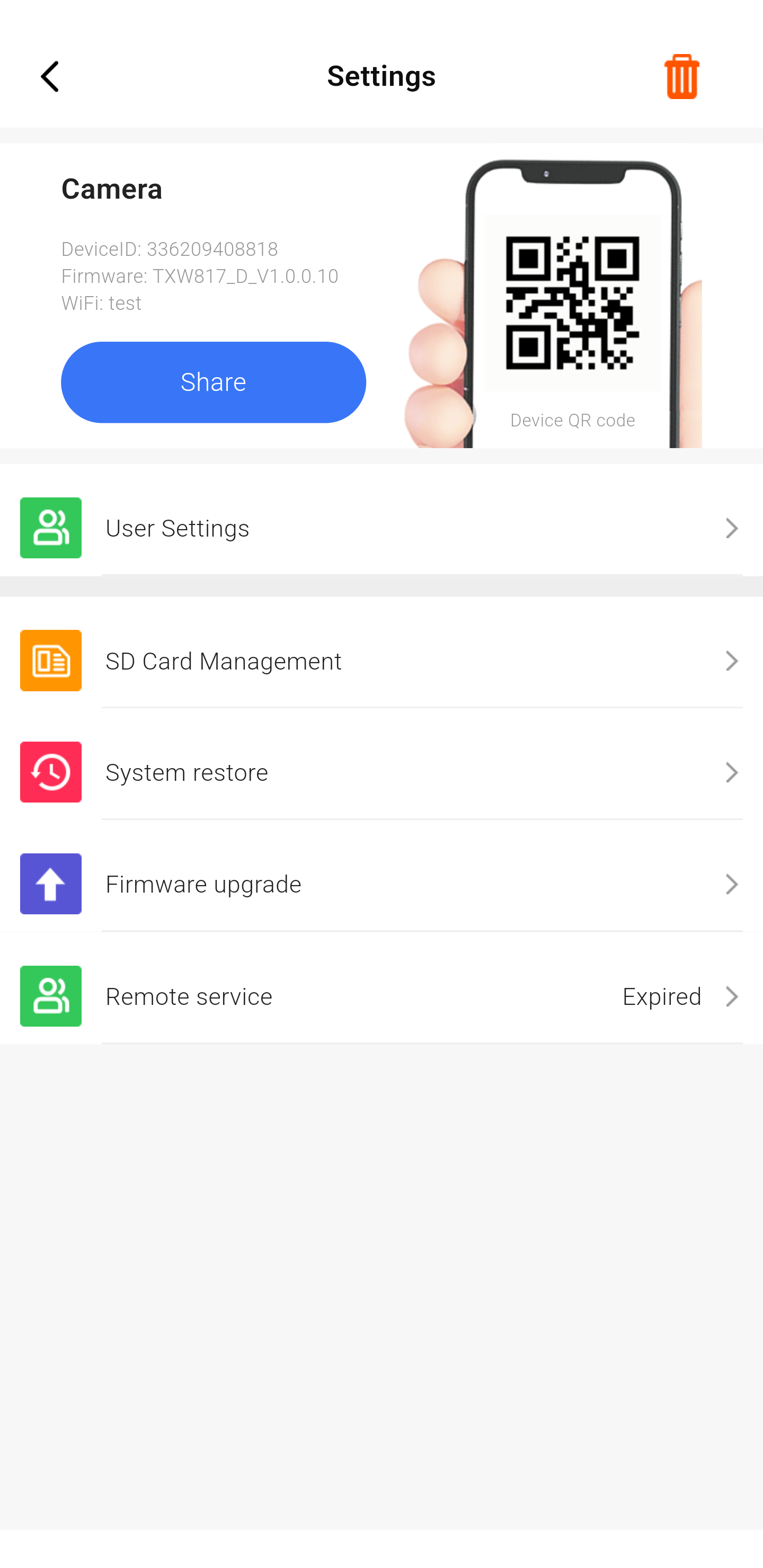
Interesting it offers OTA update. Other A9 apps have the ability to check for and offer updates it seems, but this is the first I've seen actually have one available.
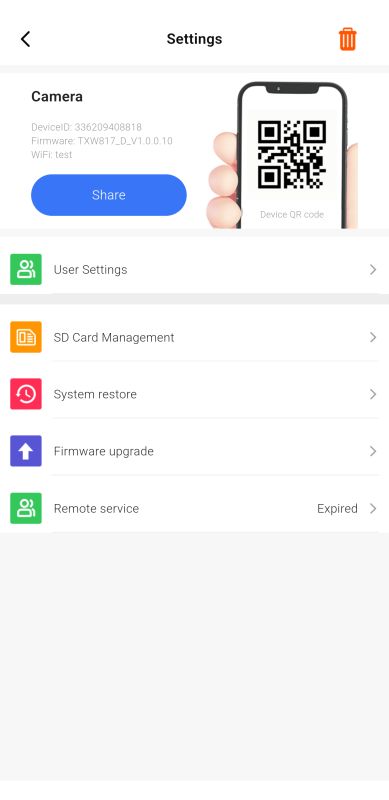
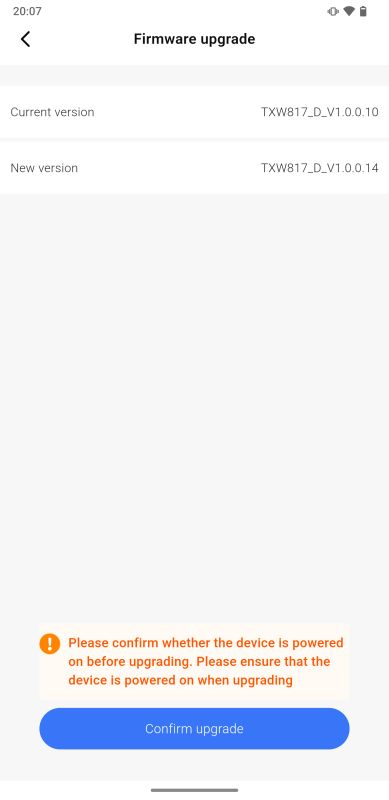
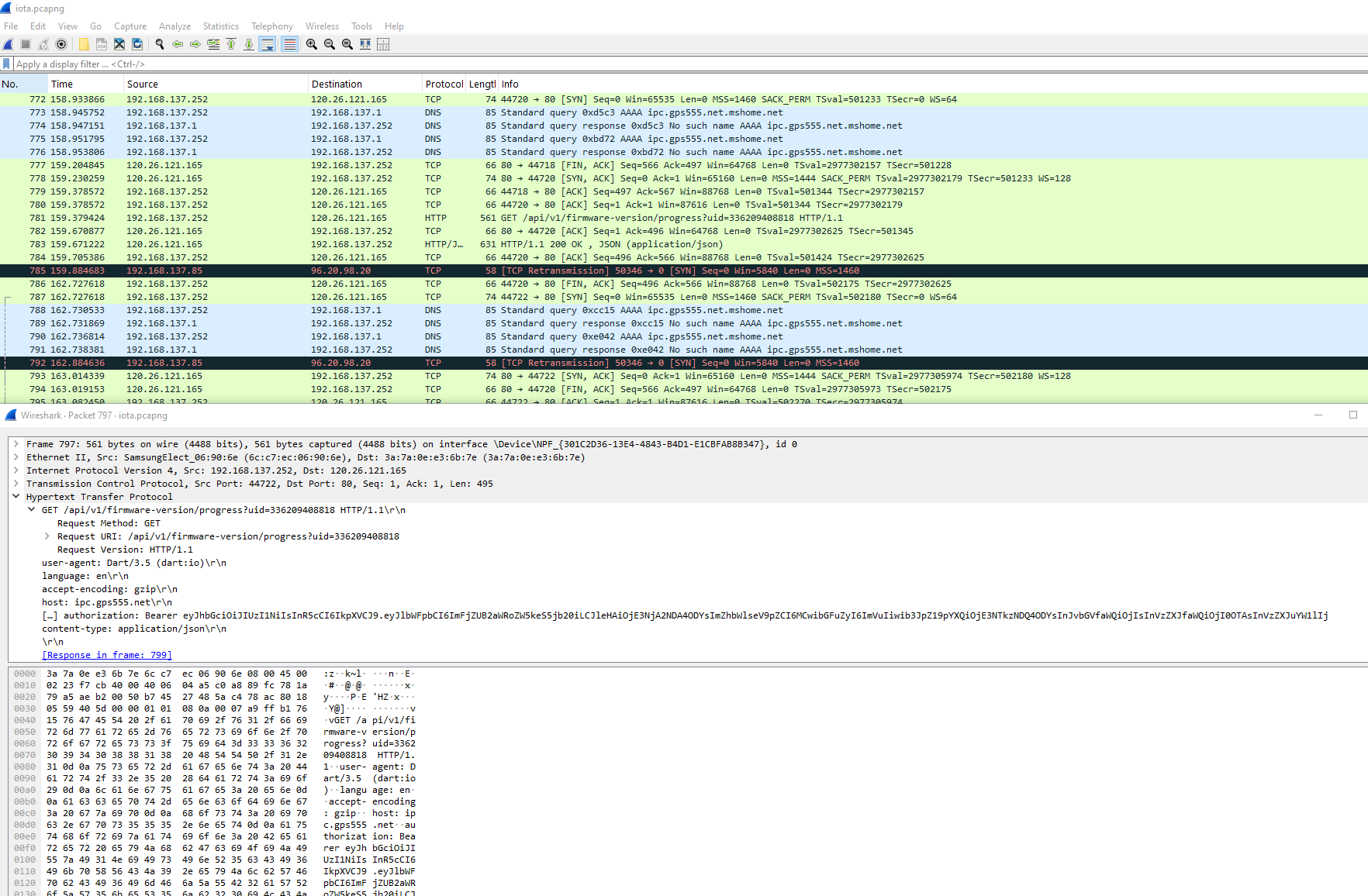
Download attempts have so far been unsuccessful, repeating these firmware-version/progress?uid=xxxxx requests to ipc.gps555.net
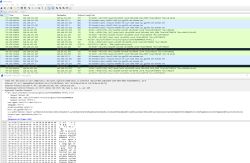
1mb fw dump: https://github.com/openshwprojects/FlashDumps...mits/216759eaaa17d7335776f4cbcf7e881a77811658
Added after 54 [minutes]:
in some efforts to get more info using my bearer token, here's an interesting response that shows a variety of cams, their sensors and capabilities.
GET http://ipc.gps555.net/api/v1/ipc-function
my device specifically
GET http://ipc.gps555.net/api/v1/ipc/336209408818
Added after 10 [minutes]:
ota file link seems dead
http://sig.gps555.net/otabin/TXW817_D_V1.0.0.14.bin
Both mine shipped with SuperPix SP0828 320x240 sensor.
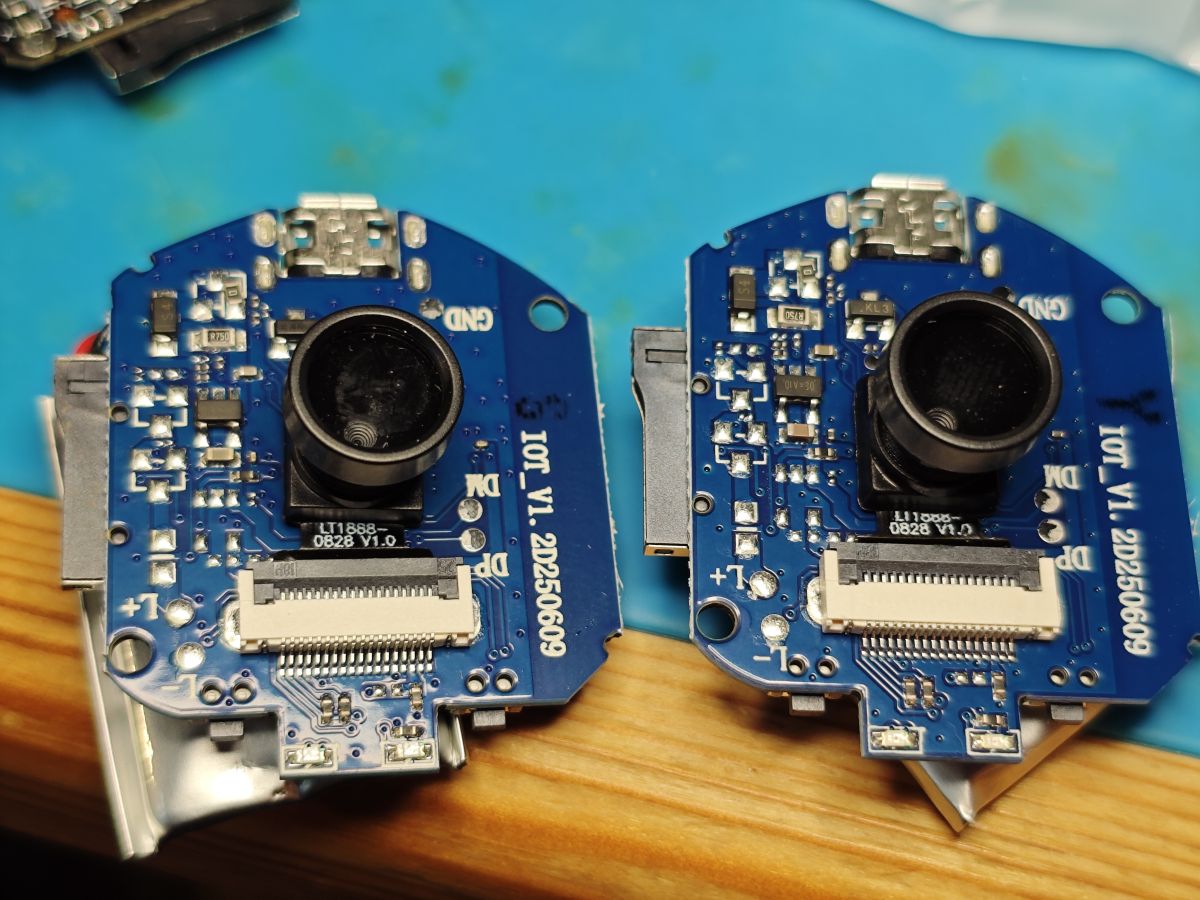
OpenTXW81X supports SP0828 now as of PR 1818 https://github.com/openshwprojects/OpenBK7231T_App/pull/1818 but RTSP image is in portrait mode.
pics dump
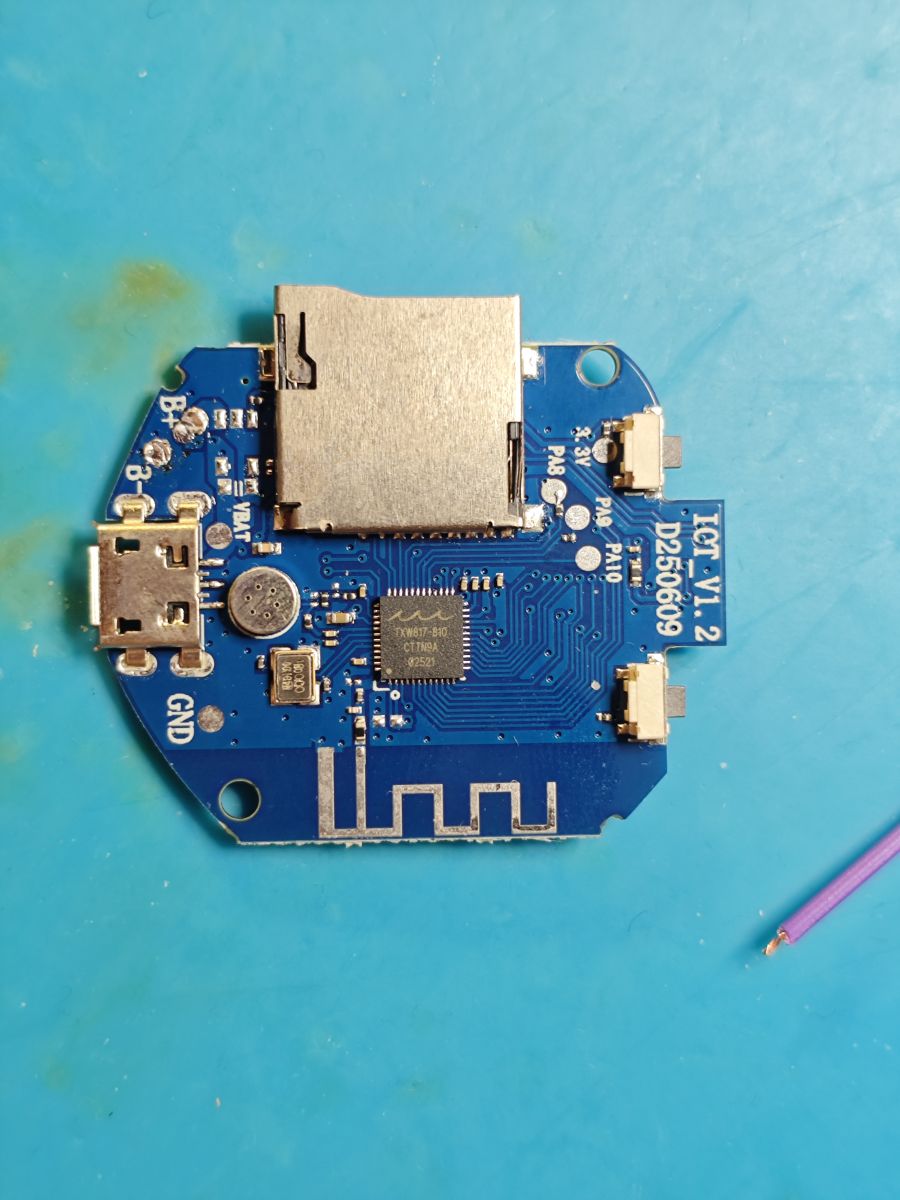
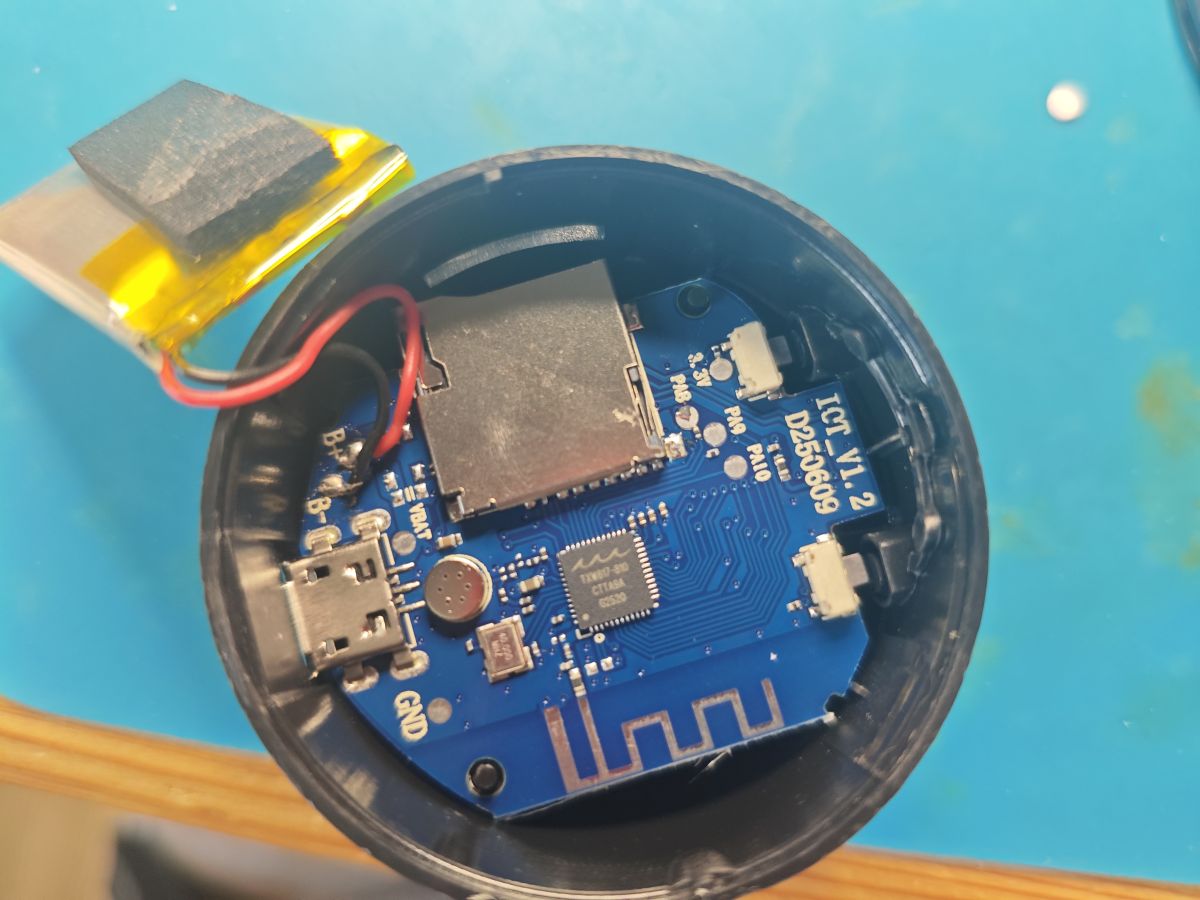
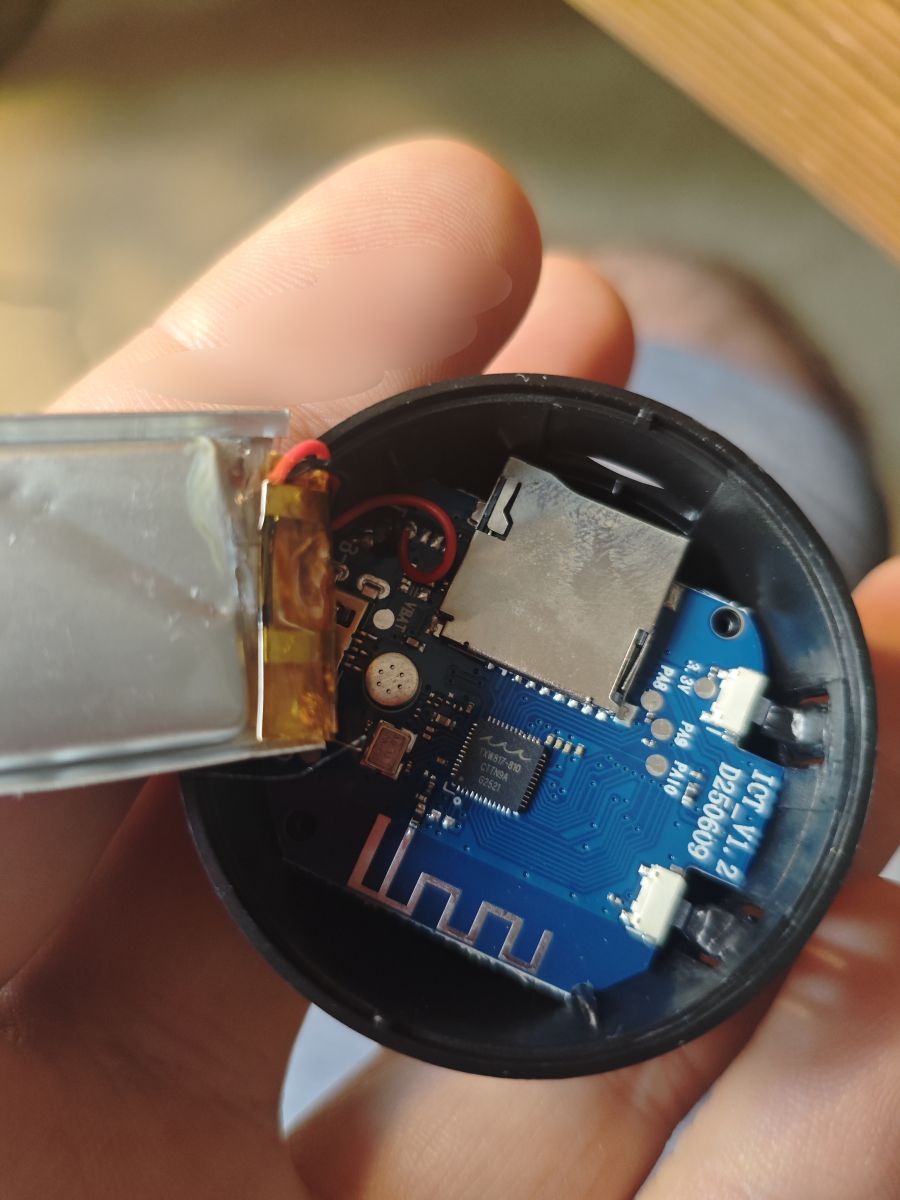
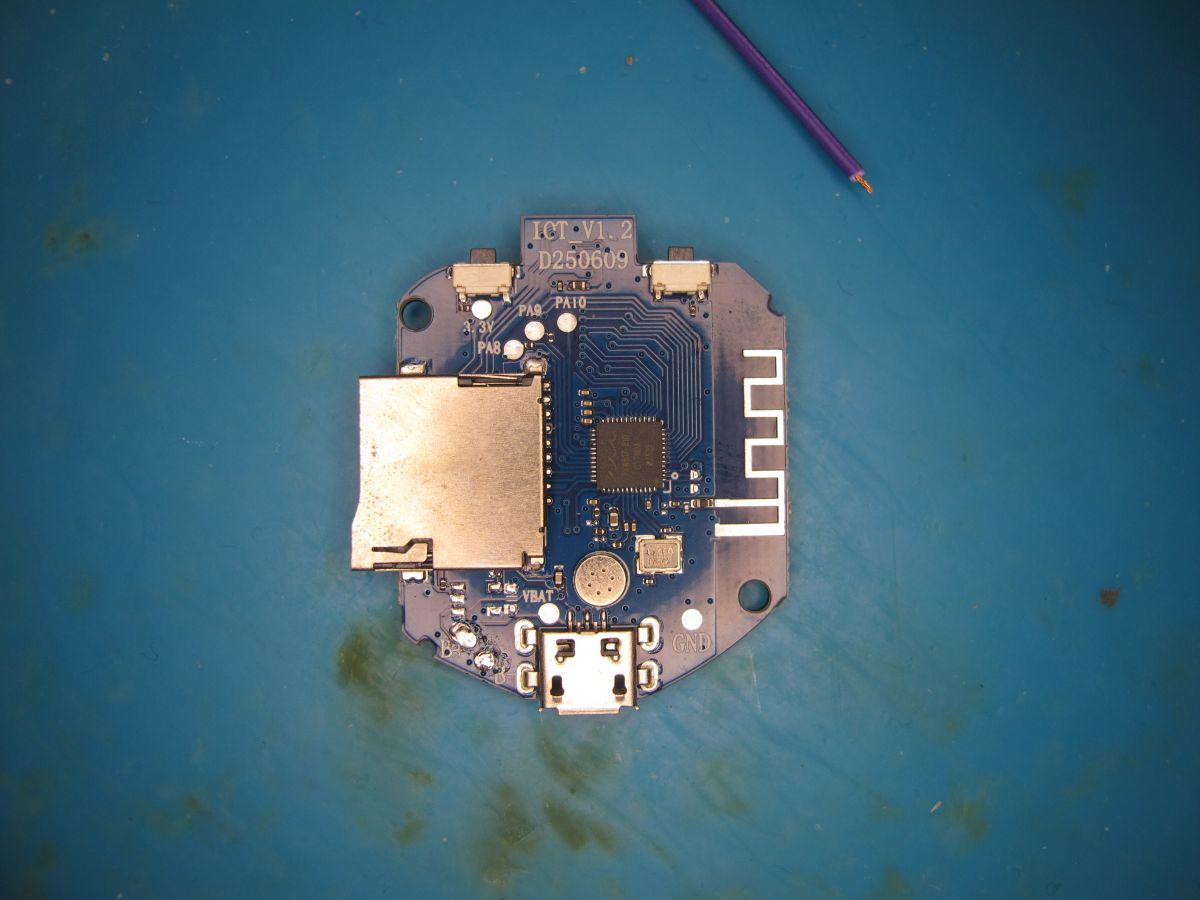
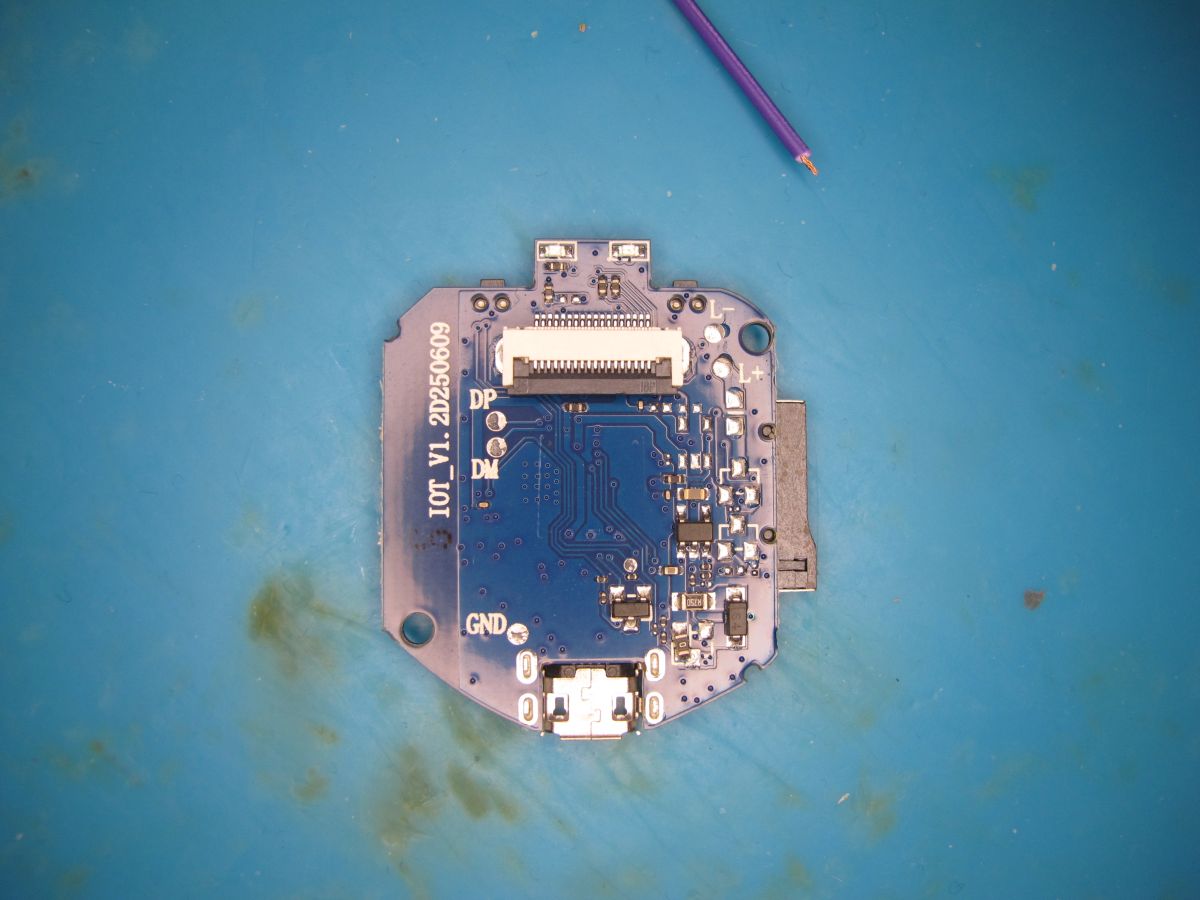
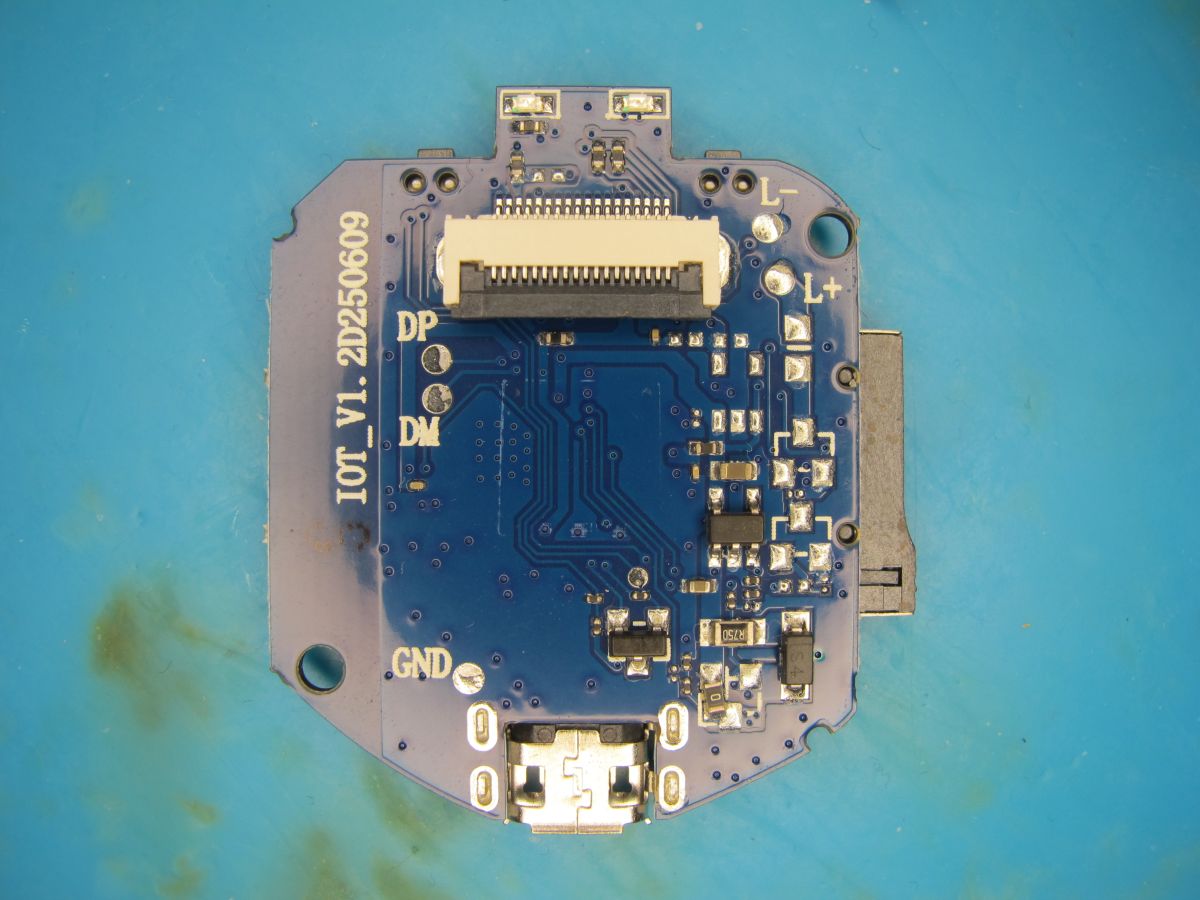
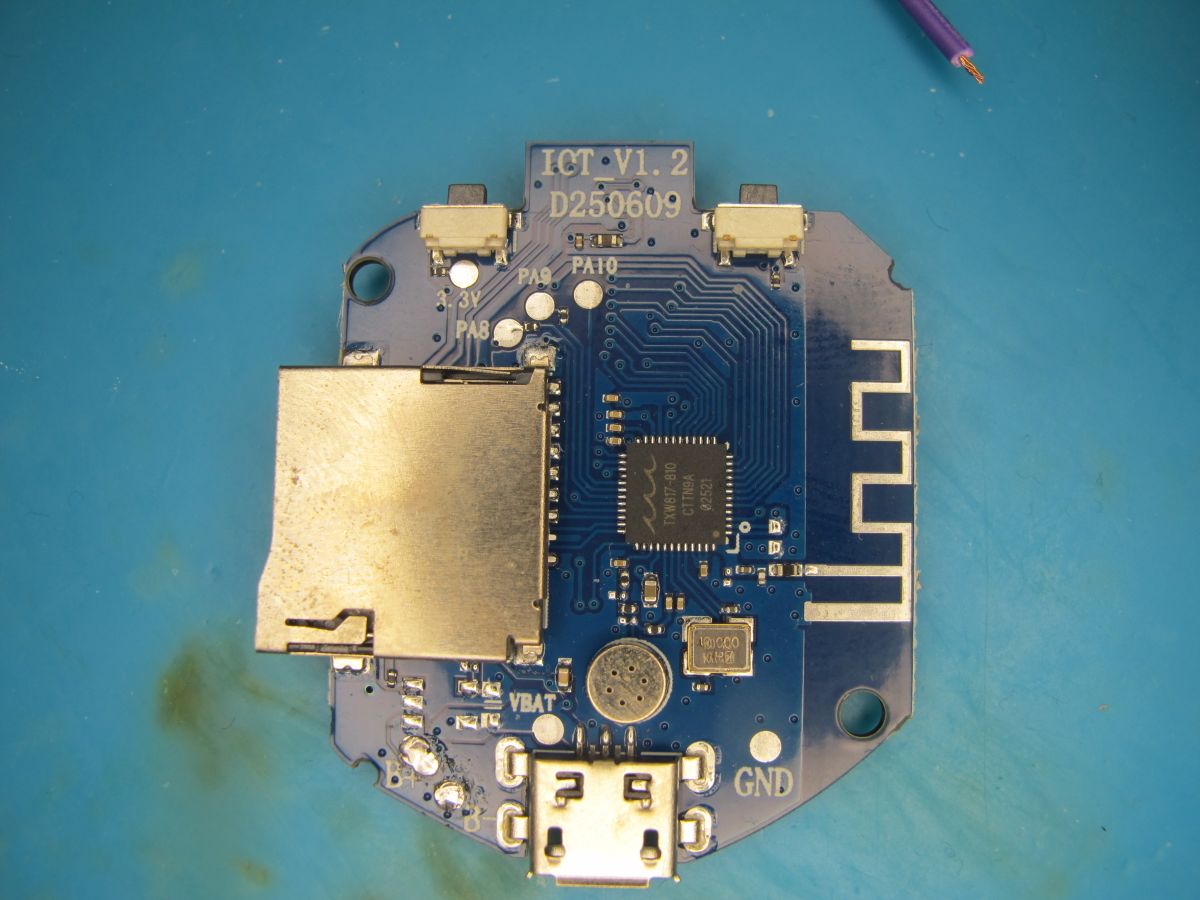
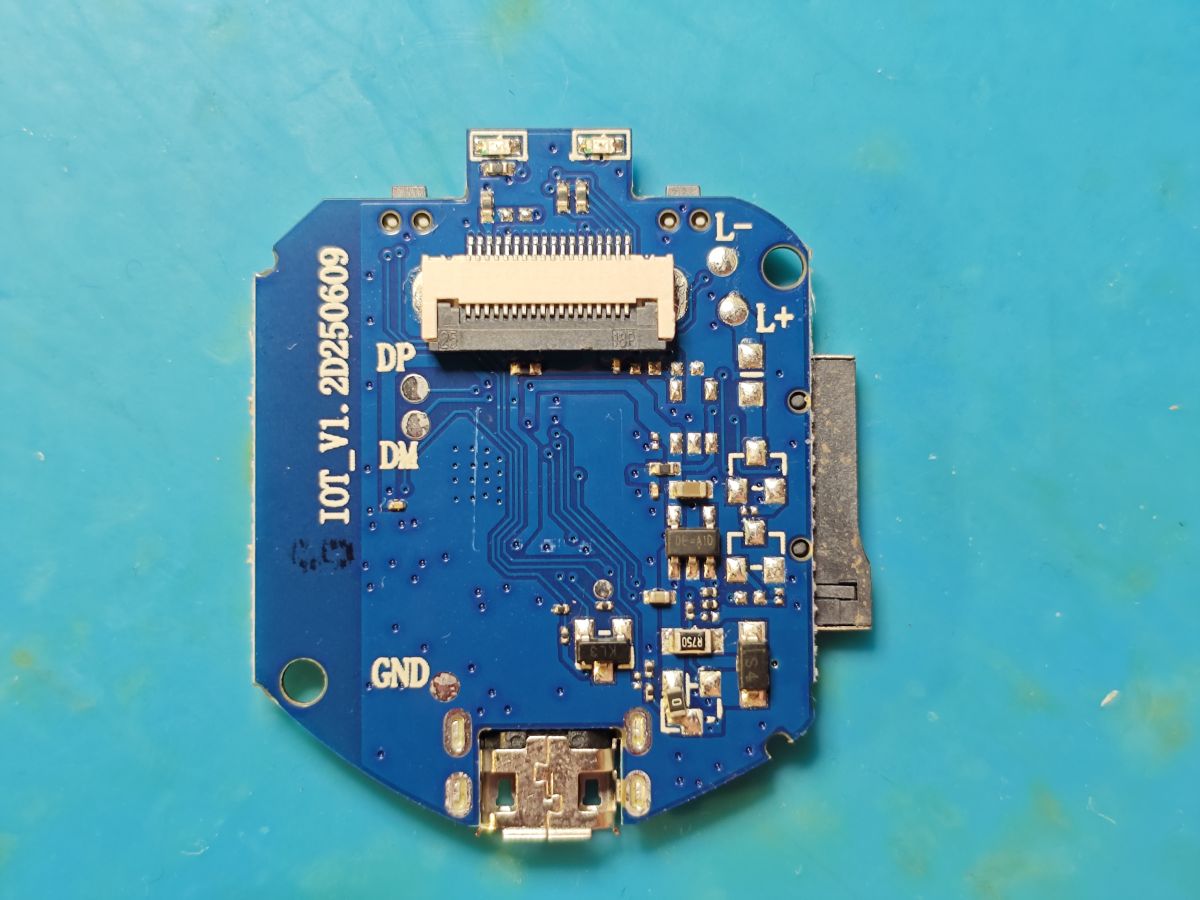
boot log from 'DP' pad (HSDP/PC6) at 115200 (usually 921600 on Taixin)
Code: Text
AP broadcast

Z-IOT CAM app offers streaming capability with device in AP mode but 'remote' mode is chargeable. No thanks.
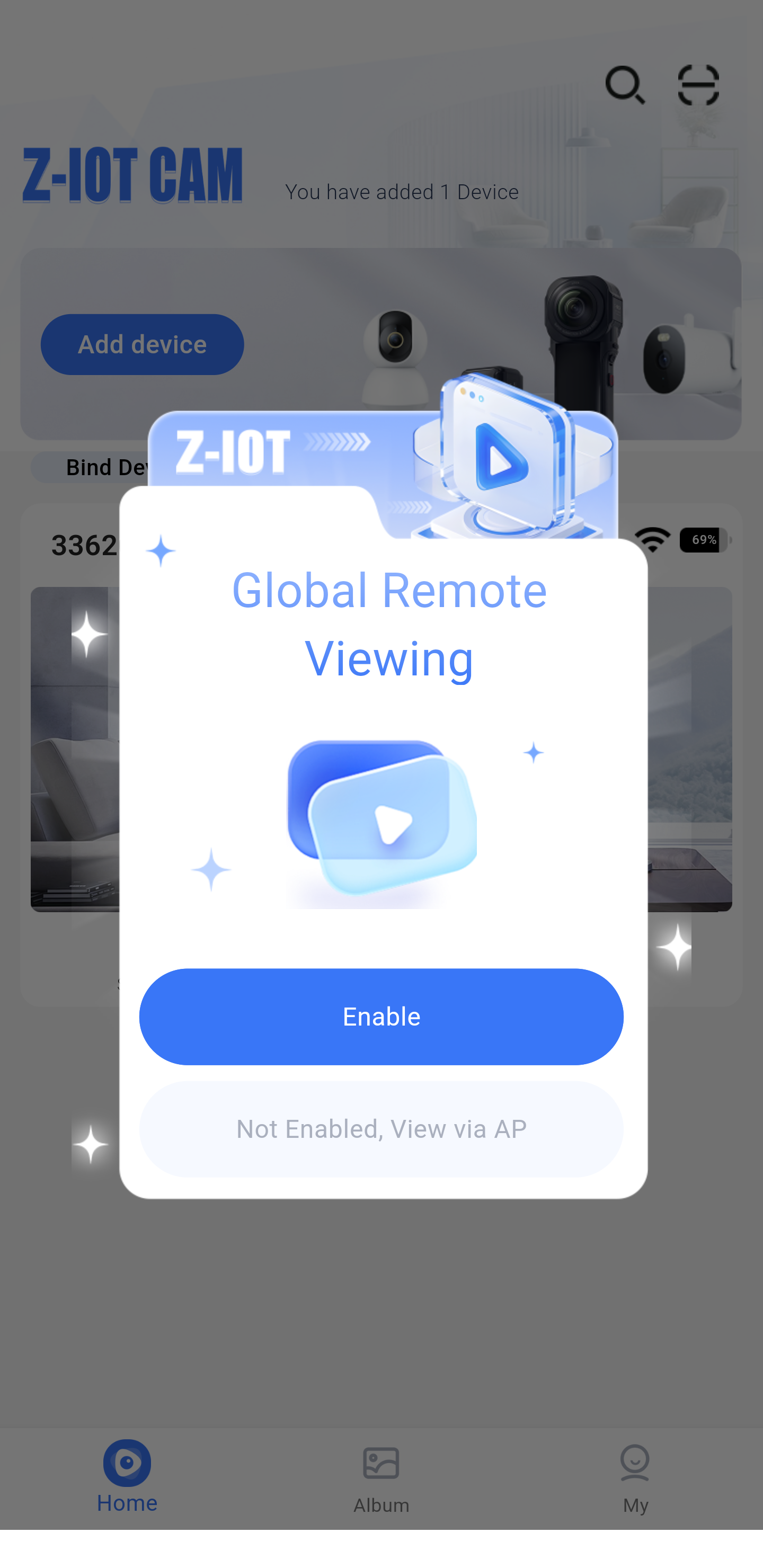
Interesting it offers OTA update. Other A9 apps have the ability to check for and offer updates it seems, but this is the first I've seen actually have one available.
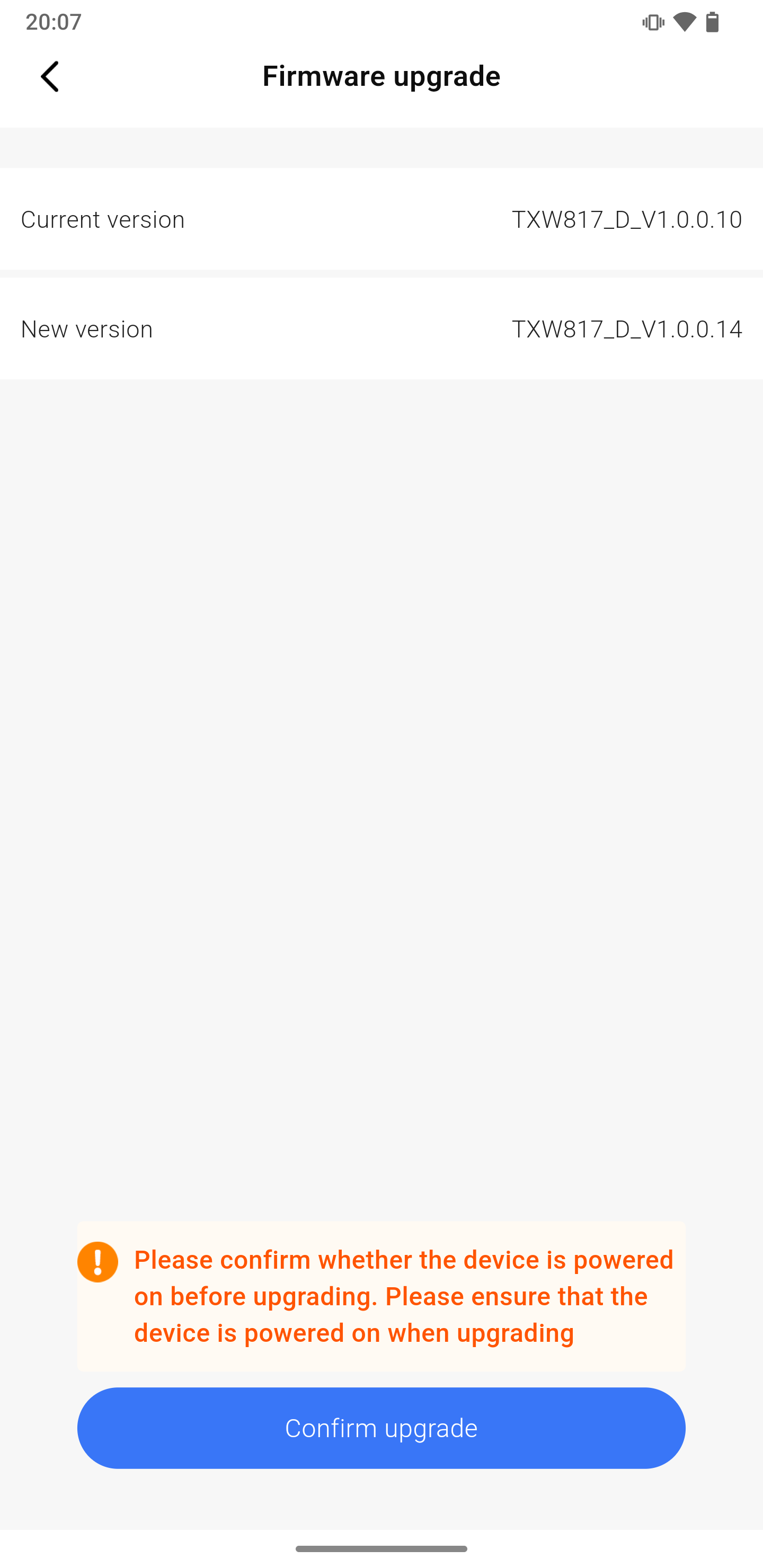
Download attempts have so far been unsuccessful, repeating these firmware-version/progress?uid=xxxxx requests to ipc.gps555.net
1mb fw dump: https://github.com/openshwprojects/FlashDumps...mits/216759eaaa17d7335776f4cbcf7e881a77811658
Added after 54 [minutes]:
in some efforts to get more info using my bearer token, here's an interesting response that shows a variety of cams, their sensors and capabilities.
GET http://ipc.gps555.net/api/v1/ipc-function
Code: JSON
my device specifically
GET http://ipc.gps555.net/api/v1/ipc/336209408818
Code: JSON
Added after 10 [minutes]:
ota file link seems dead
http://sig.gps555.net/otabin/TXW817_D_V1.0.0.14.bin
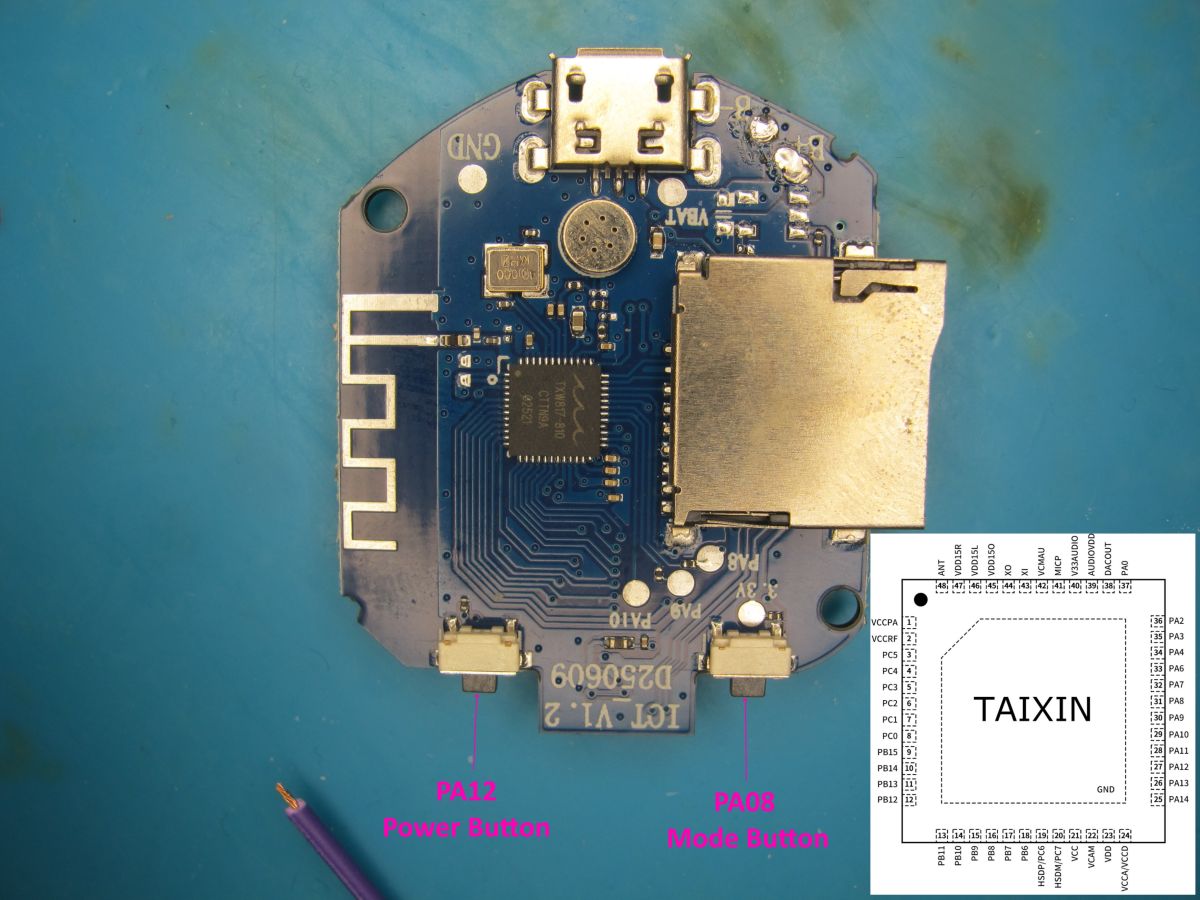
 , also the P10 and P9 , let's hope i have steady hands to solder