logo elektroda
logo elektroda
X
logo elektroda

[ESP8266/LM1] LED strip controller with WiFi RGB WS03 - interior, Tasmota, GPIO configuration

p.kaczmarek2  0 2433 Cool? (+2)
📢 Listen (AI):

TL;DR

  • WS03 RGB LED strip controller uses an undocumented LM1 ESP8266 module and targets the OpenLit app, but it was reflashed with Tasmota for local Home Assistant control.
  • Inside, the RGB channels use an unusual driver stage with DTU 09N03S, WSP4888, and a 74HC4050, plus a 12V-to-3.3V step-down supply.
  • The controller cost less than PLN 50 and exposes PWM GPIOs IO14 for red, IO13 for green, and IO12 for blue.
  • RGBCW variants may also use IO5 and IO15 for extra channels, but this PCB has no button.
Generated by the language model.
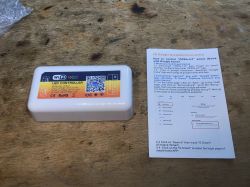
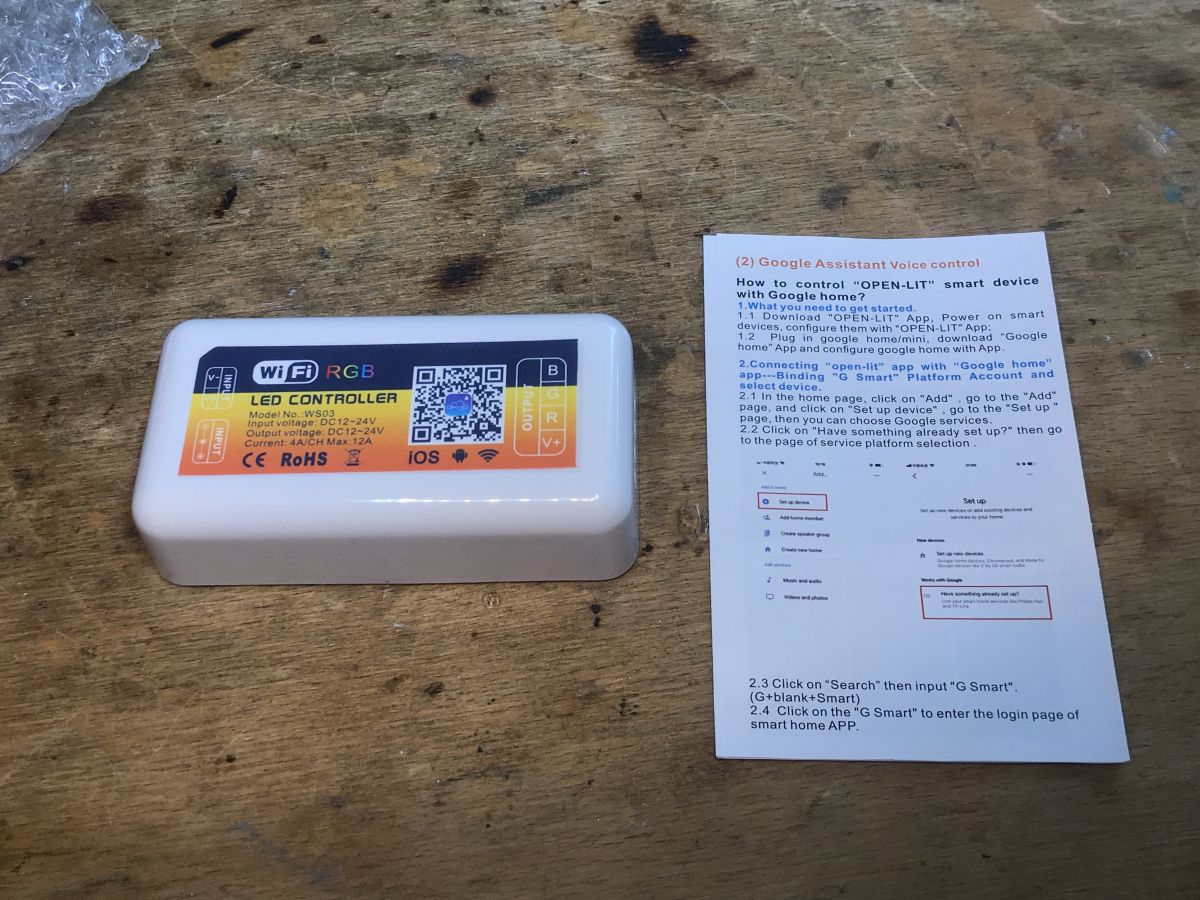
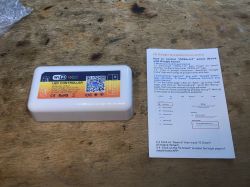
LED RGB controller model WS03 with a user manual on a wooden surface.

Today we are discussing another LED strip controller from a Polish auction site. This time the RGB version, i.e. intended for colorful LEDs. The controller is intended for the OpenLit mobile application, but we will flash it with Tasmota, as we usually do, in order to free it from the cloud and connect it locally with Home Assistant.

This product was given to me for free by a reader so that I could change his load. After programming, the product was returned to the reader. I received several other pieces of equipment in the set, including the related WF-M2 controller:
https://www.elektroda.pl/rtvforum/topic3992073.html

Purchase of WS03
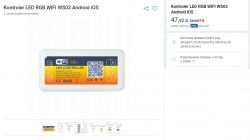
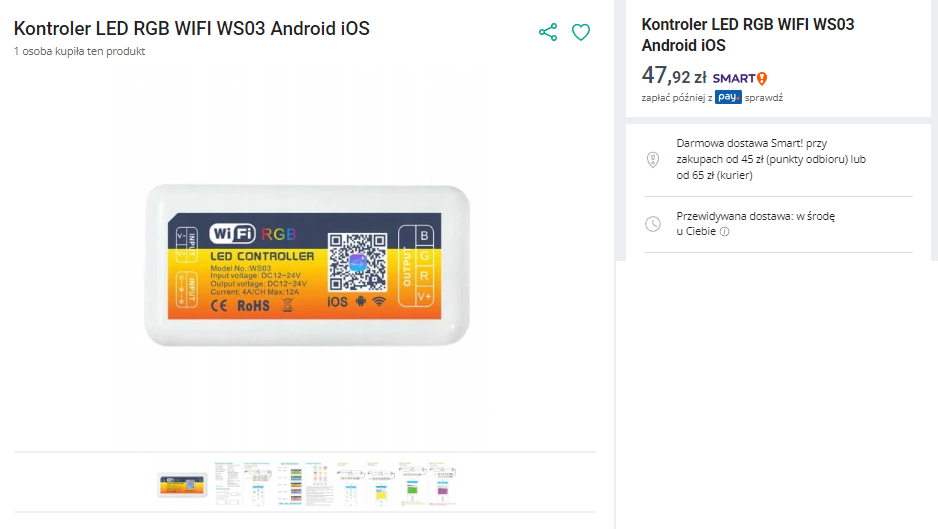
We bought the product for less than PLN 50, here are some screenshots from the auction:
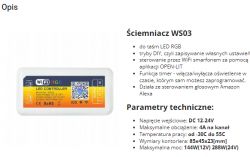
WS03 dimmer with WiFi RGB label and technical parameters. WiFi RGB LED Controller WS03 from online auction.
What catches your eye is an unusual mobile application - OpenLit - it is neither Tuya, nor SmartLife, nor even eWeLink, but we don't care because we will change the load anyway.
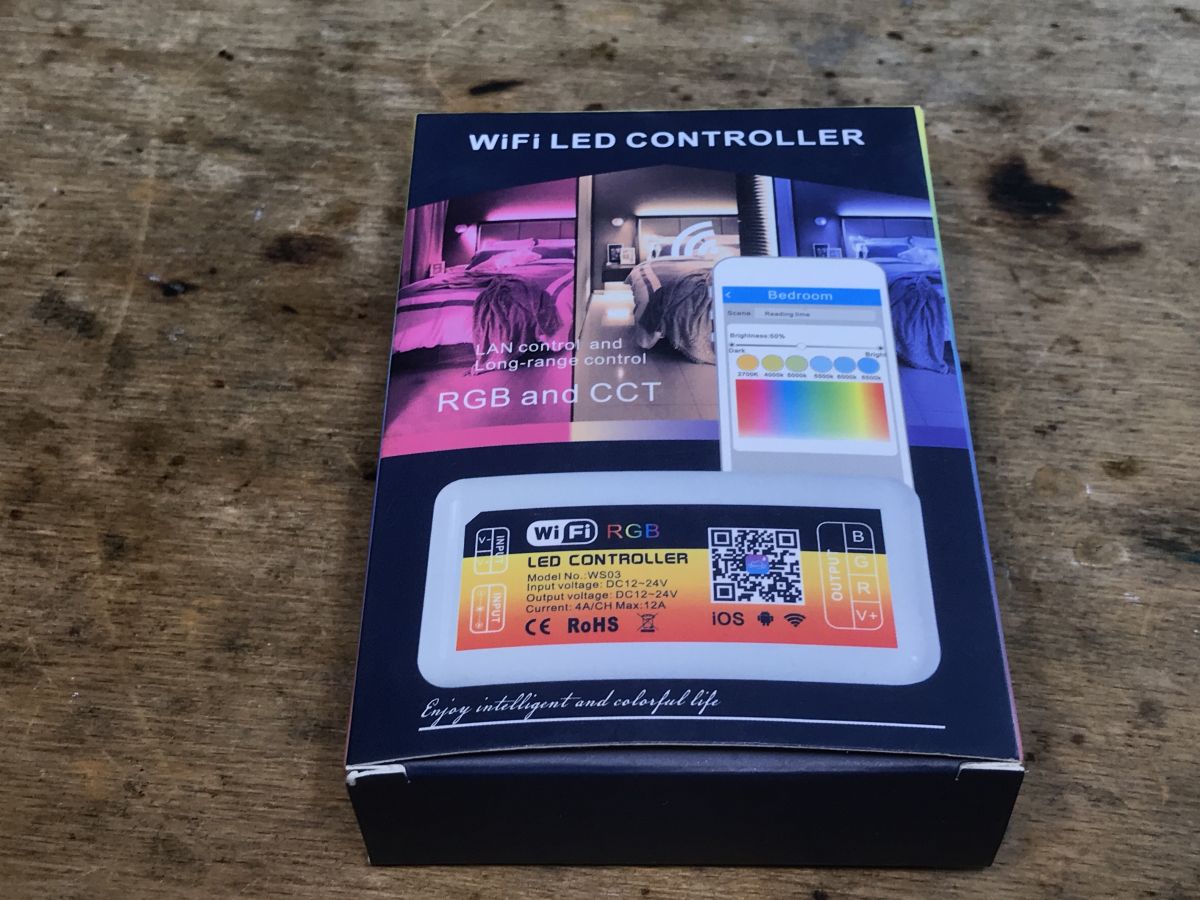
Let's see what we get in reality. It happened once before with this seller that we ordered WF-M2 and received WF-M4:
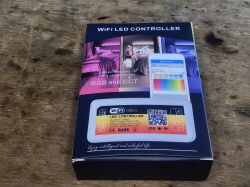
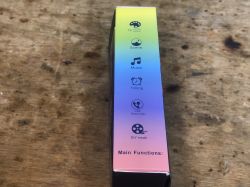
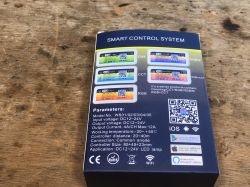
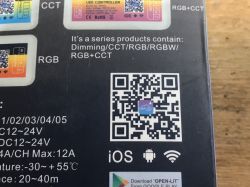
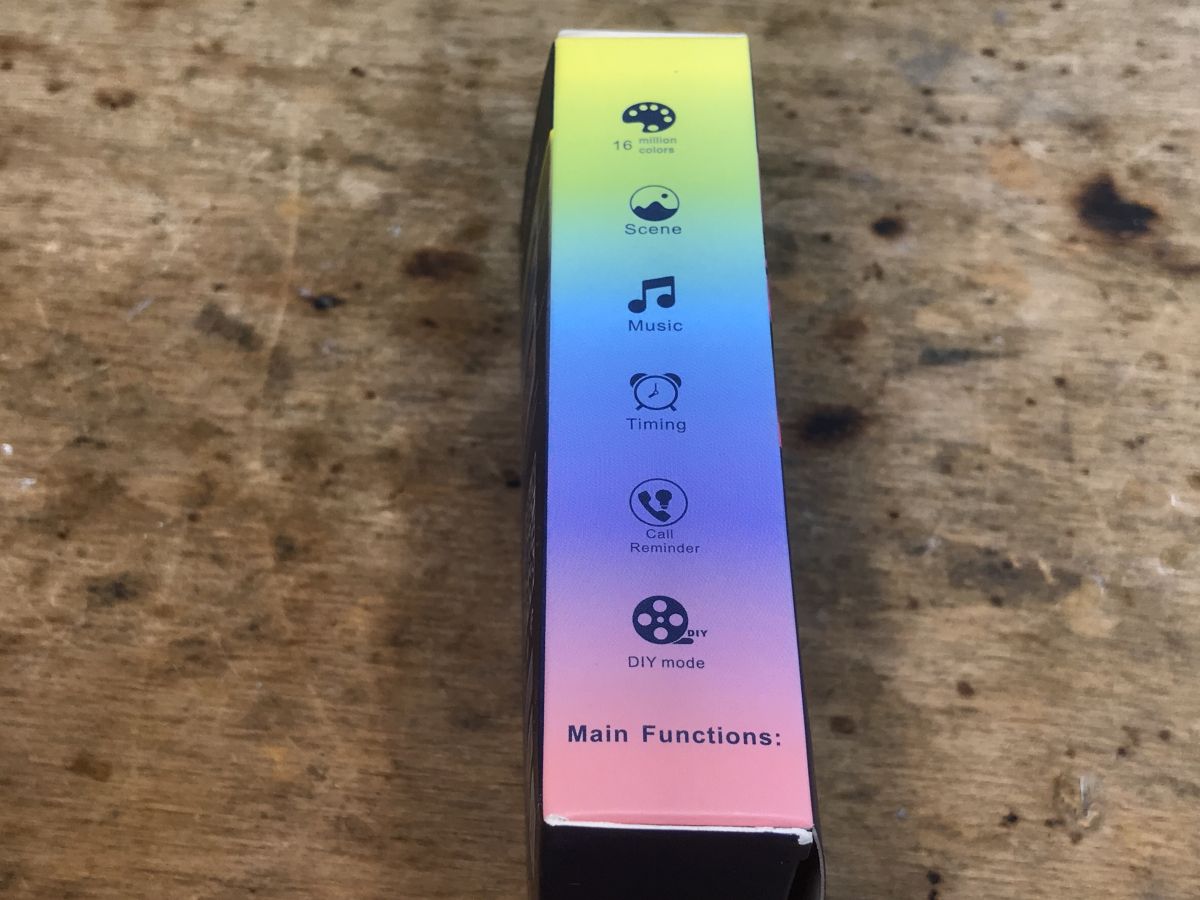
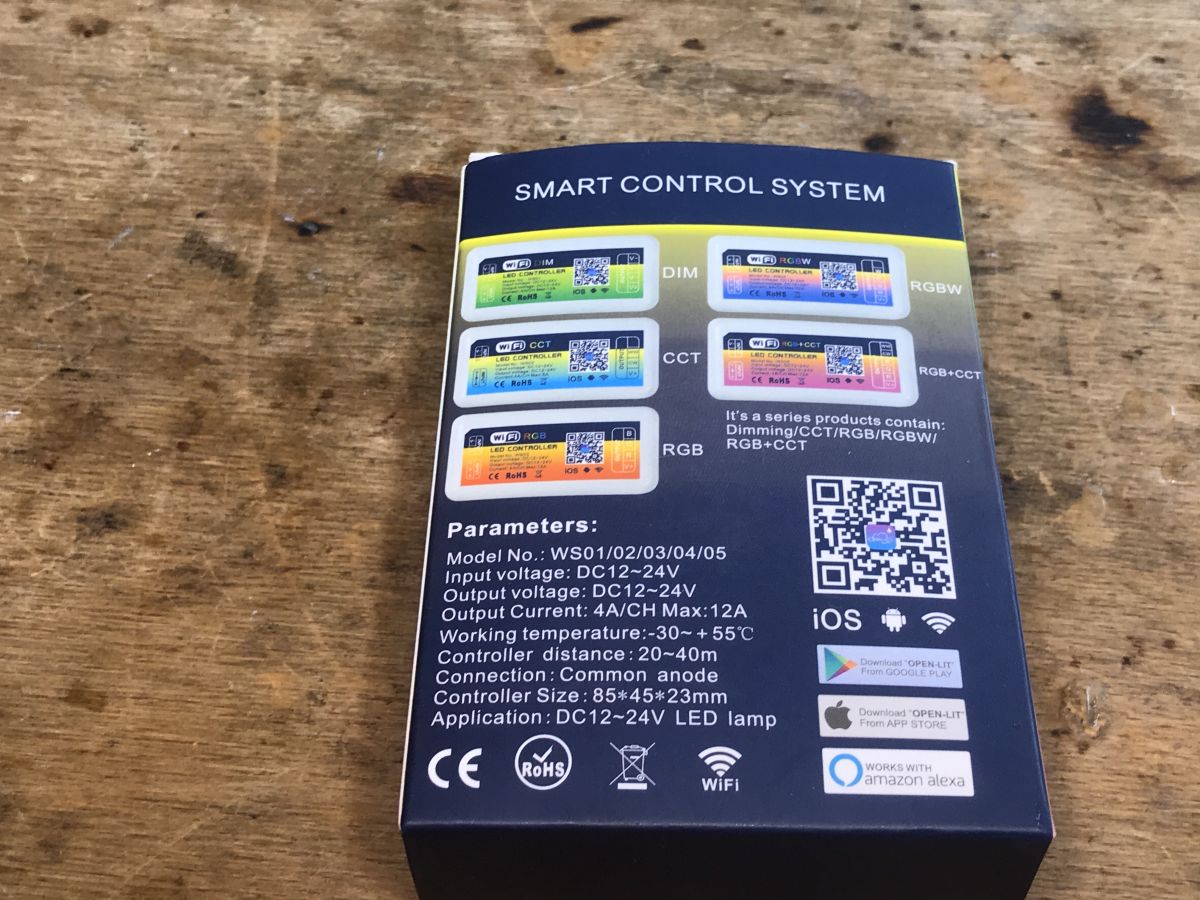
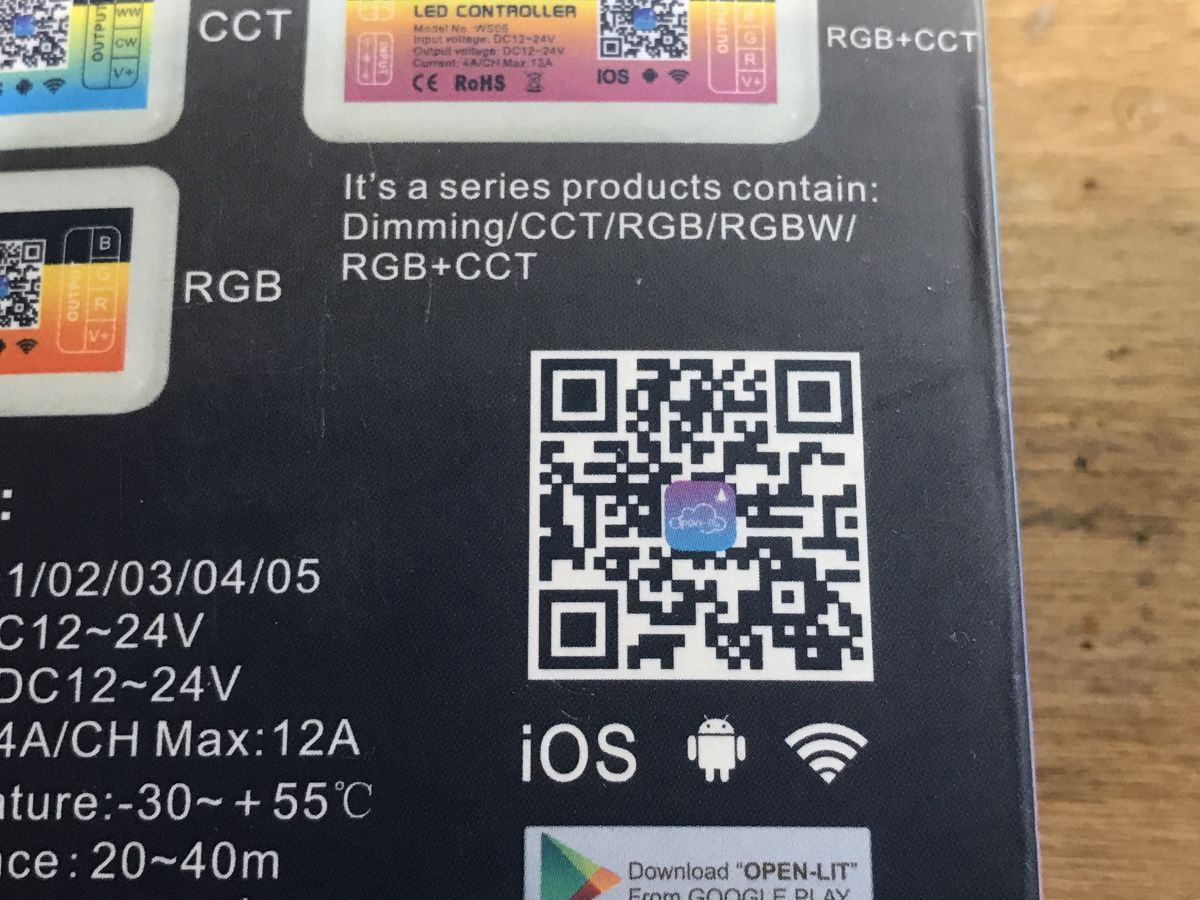
WiFi LED RGB Controller Packaging Side of LED strip controller packaging with functions. LED strip controller packaging with information about models and technical specifications. LED controller box with a QR code and specifications.
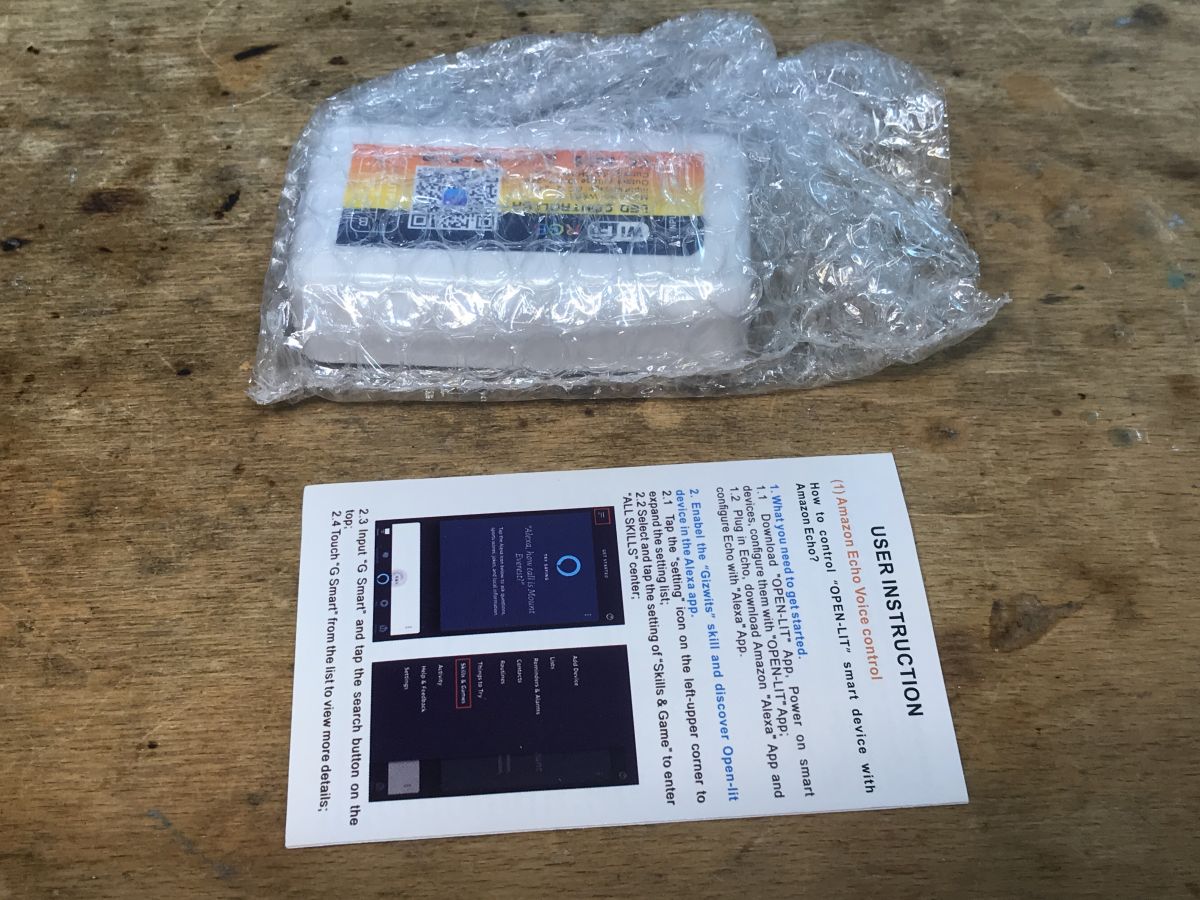
Set contents:
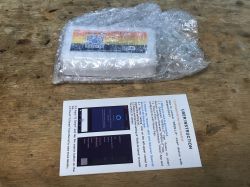
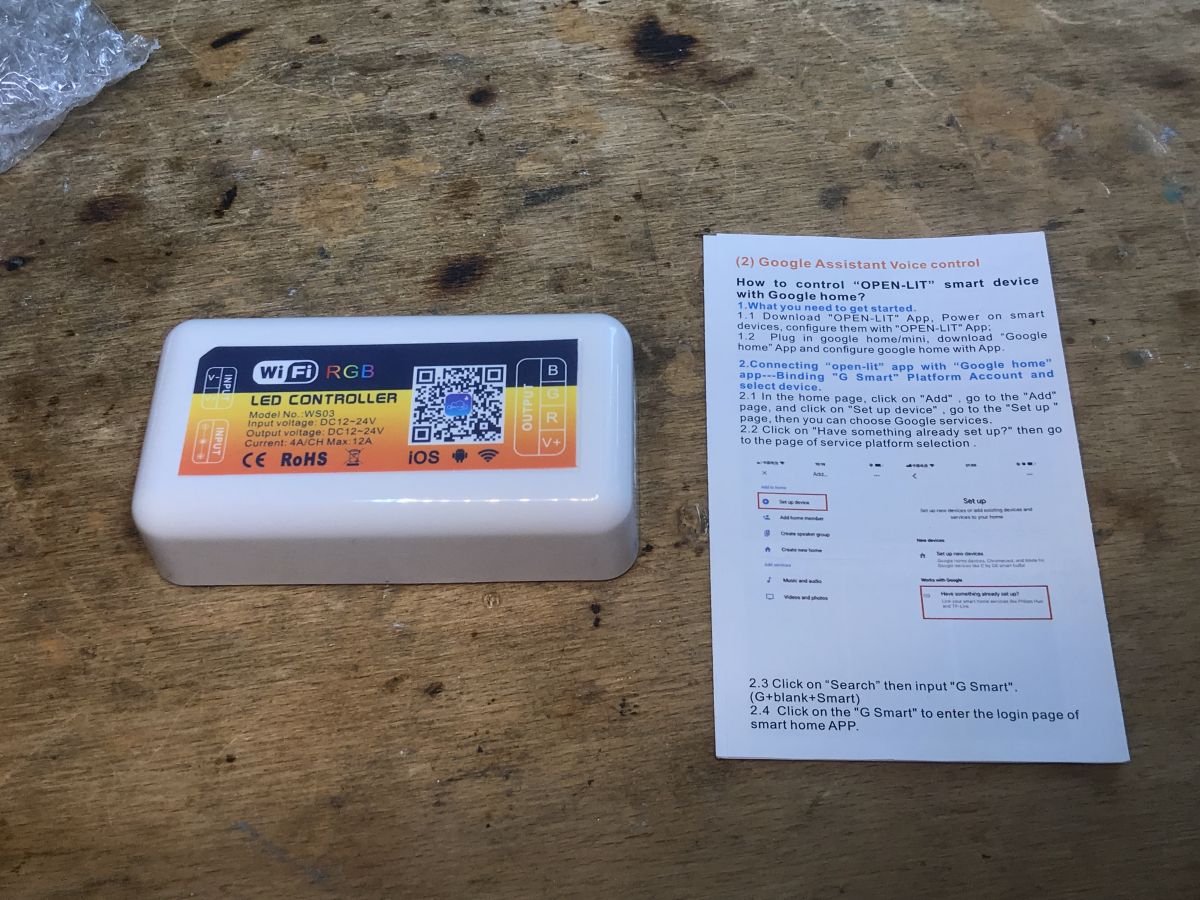
WS03 RGB LED controller and instruction manual on a wooden surface. LED strip controller WF-M2 in bubble wrap next to a user instruction manual.
I don't know where "Skills & Game" came from in this manual, but I haven't tested the application. Time to open the controller...

Interior of WS03
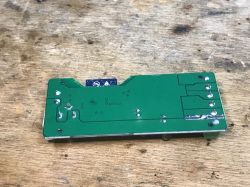
We pry the housing with a flat screwdriver. There are no screws here. What's inside:
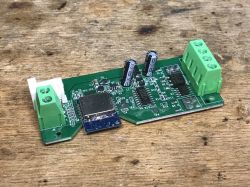
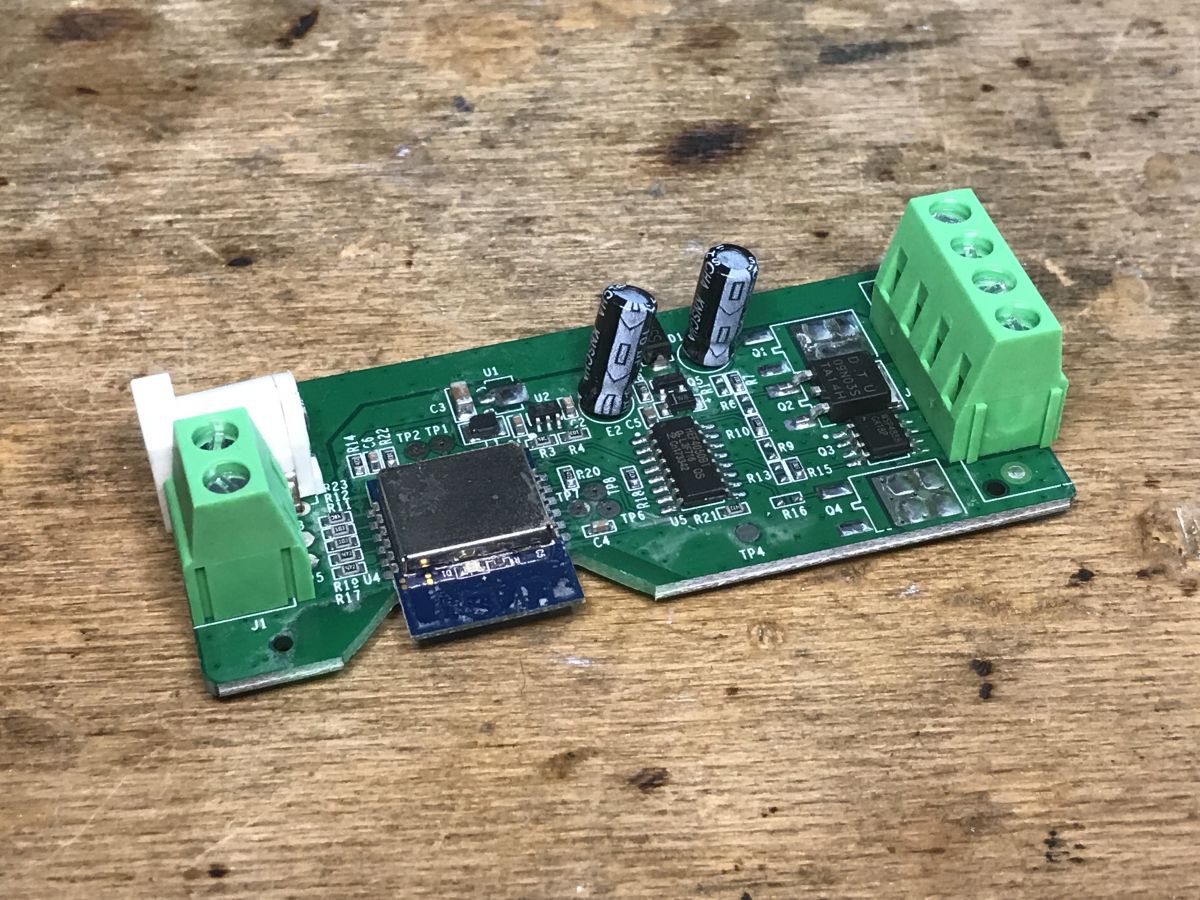
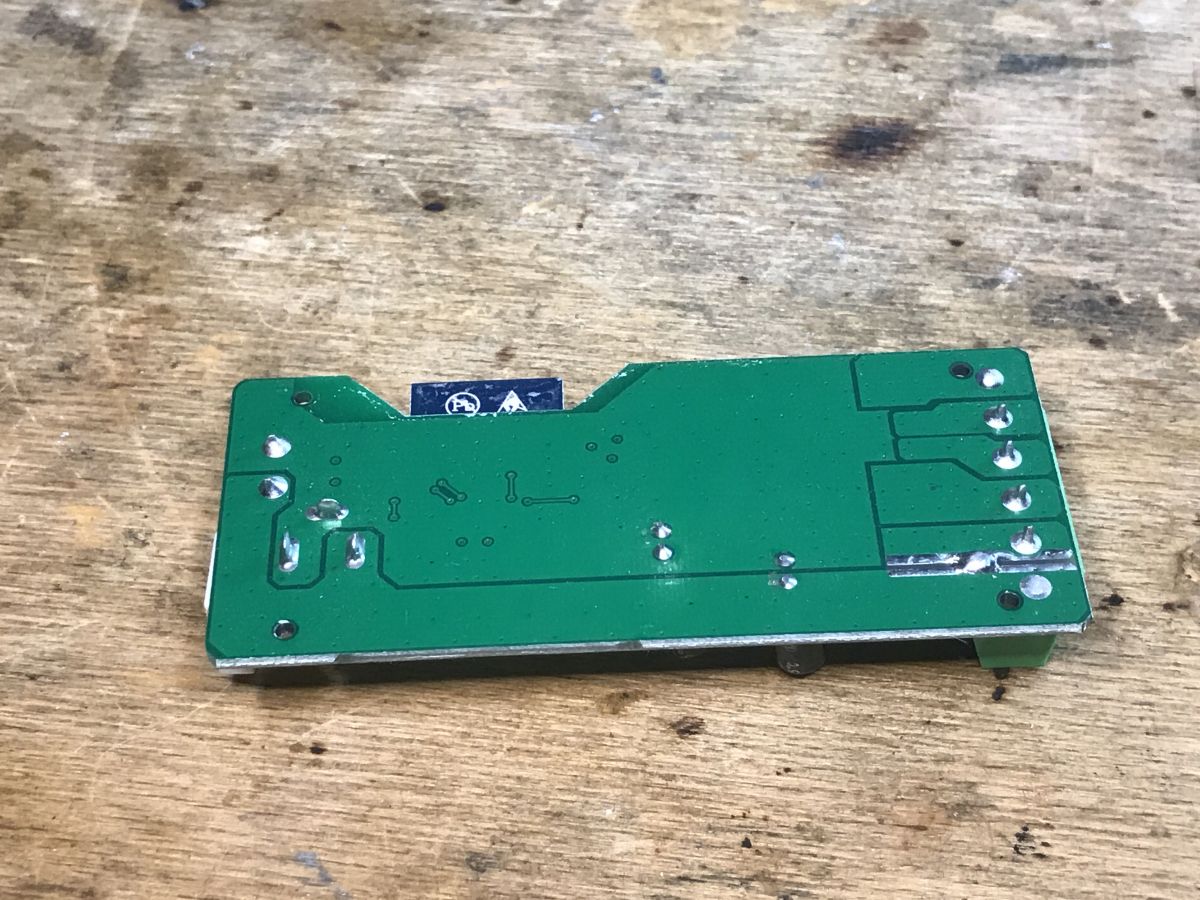
LED RGB controller PCB with electronic components. Green printed circuit board of LED controller WS03 lying on a wooden surface.
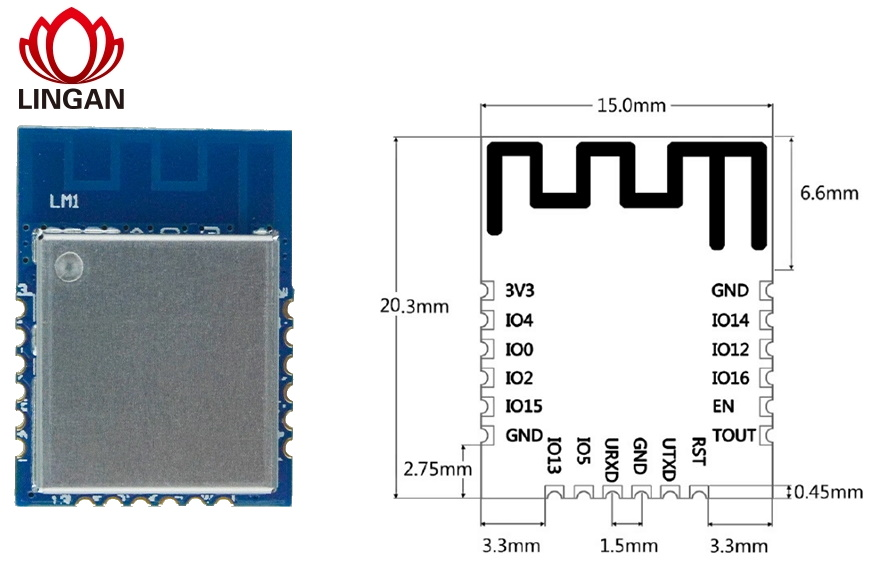
The WiFi module is not signed, but I know it by sight and by the number of pins. It's LM1. So ESP8266:
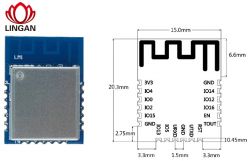
WiFi Module LM1 and Pinout Diagram
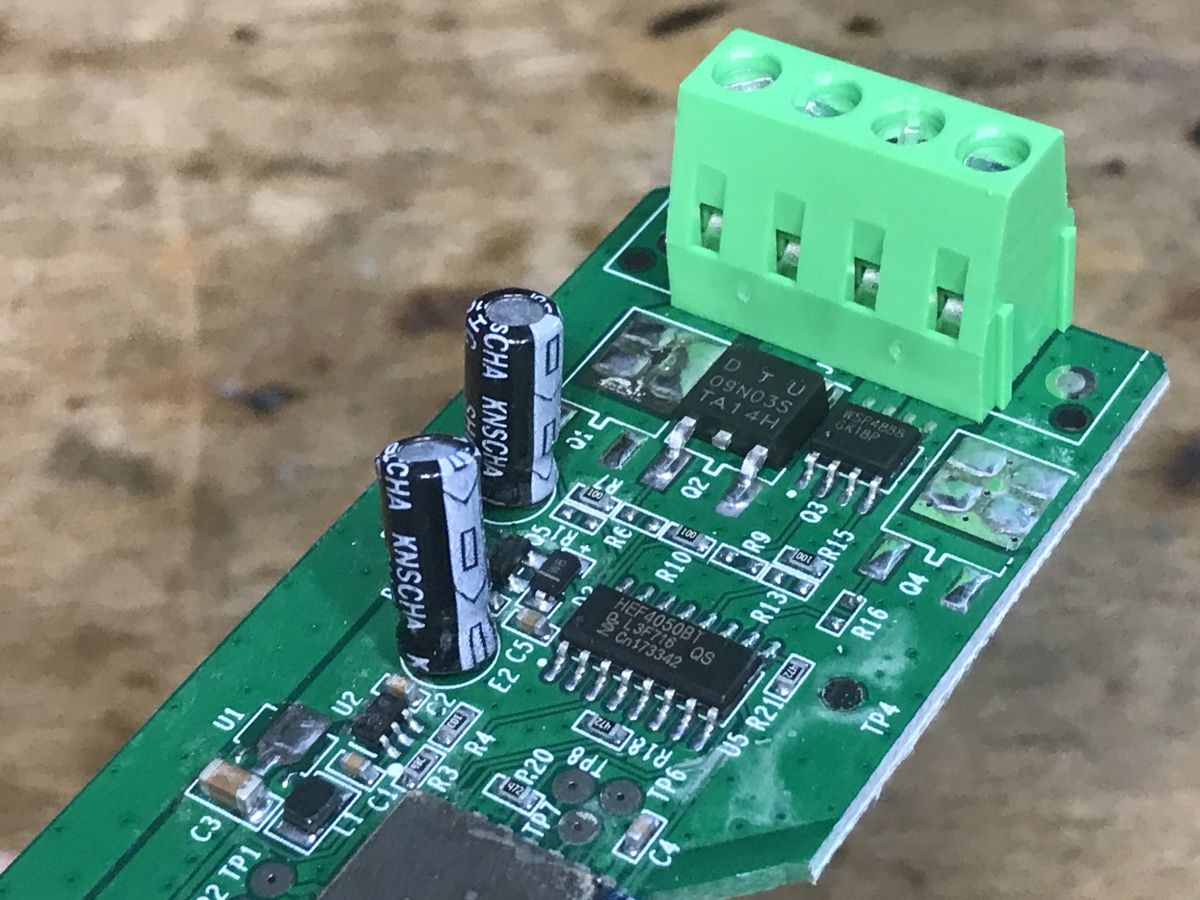
Next we see a very strange structure of this strip, which makes it stand out from what I have seen before:
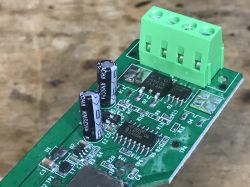
LED controller PCB with visible electronic components, including a transistor and capacitors.
It's supposedly RGB, but instead of three identical transistors we have:
- DTU 09N03S
- WSP4888
Additionally, the MOSFET is controlled by the 74HC4050.
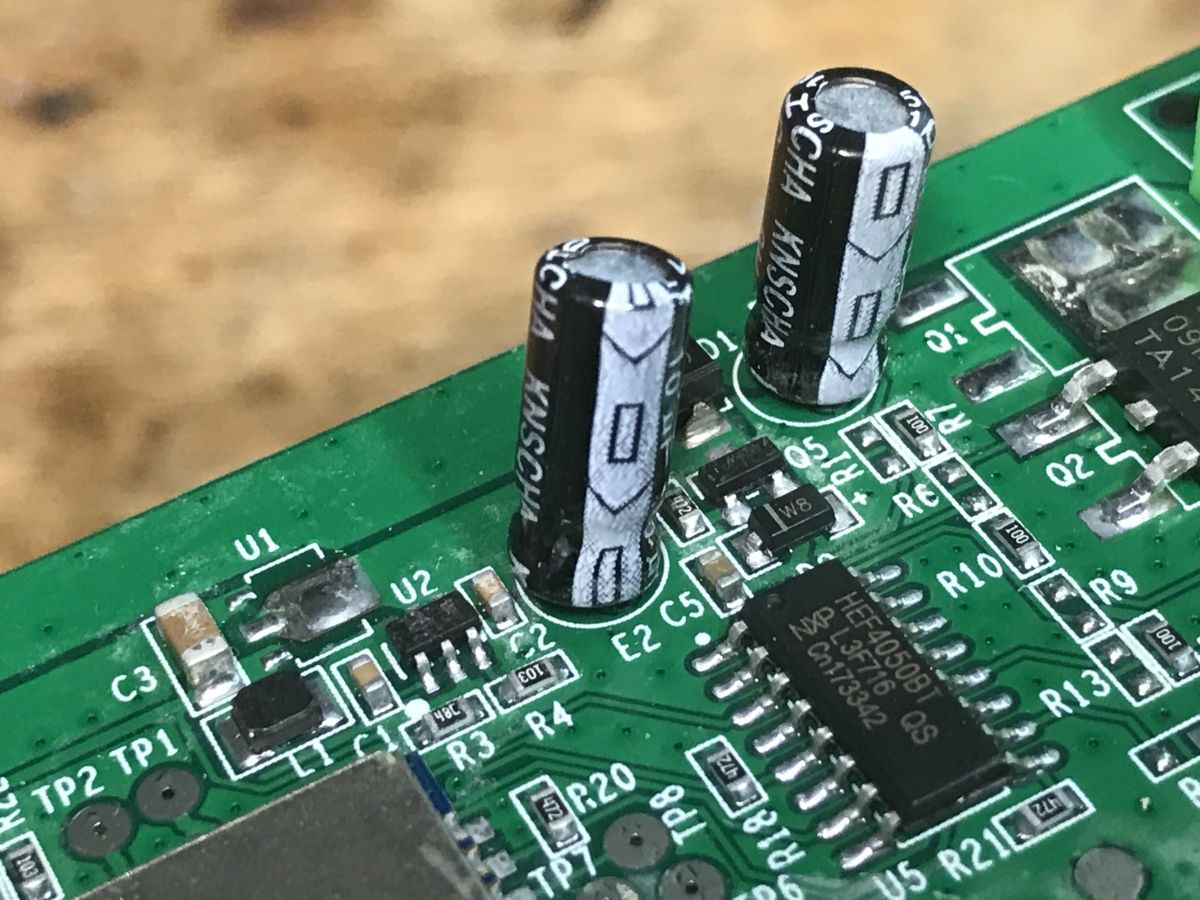
I'll draw it out in a moment, but first the rest of the system:
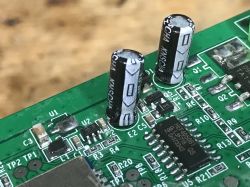
PCB with electronic components, including capacitors and an integrated circuit.
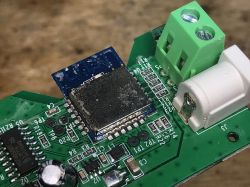
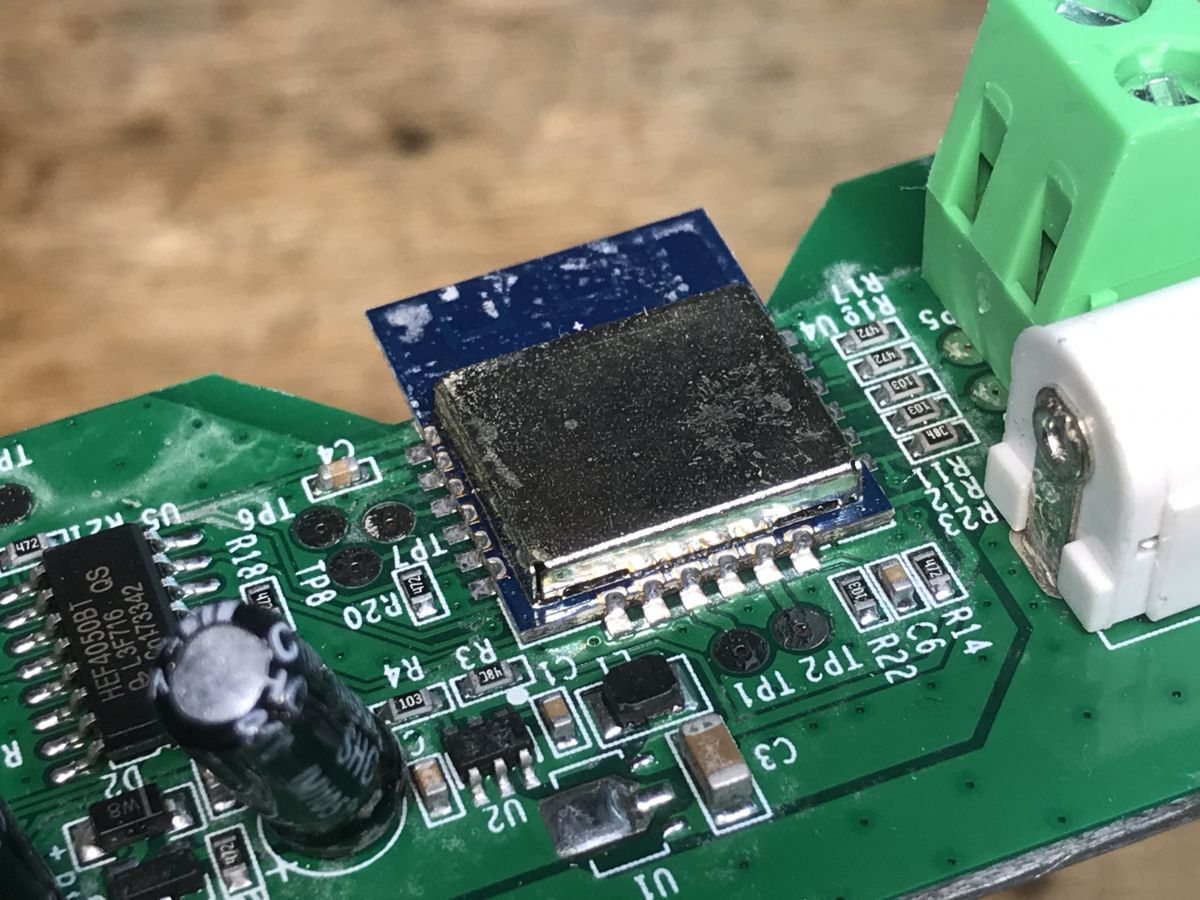
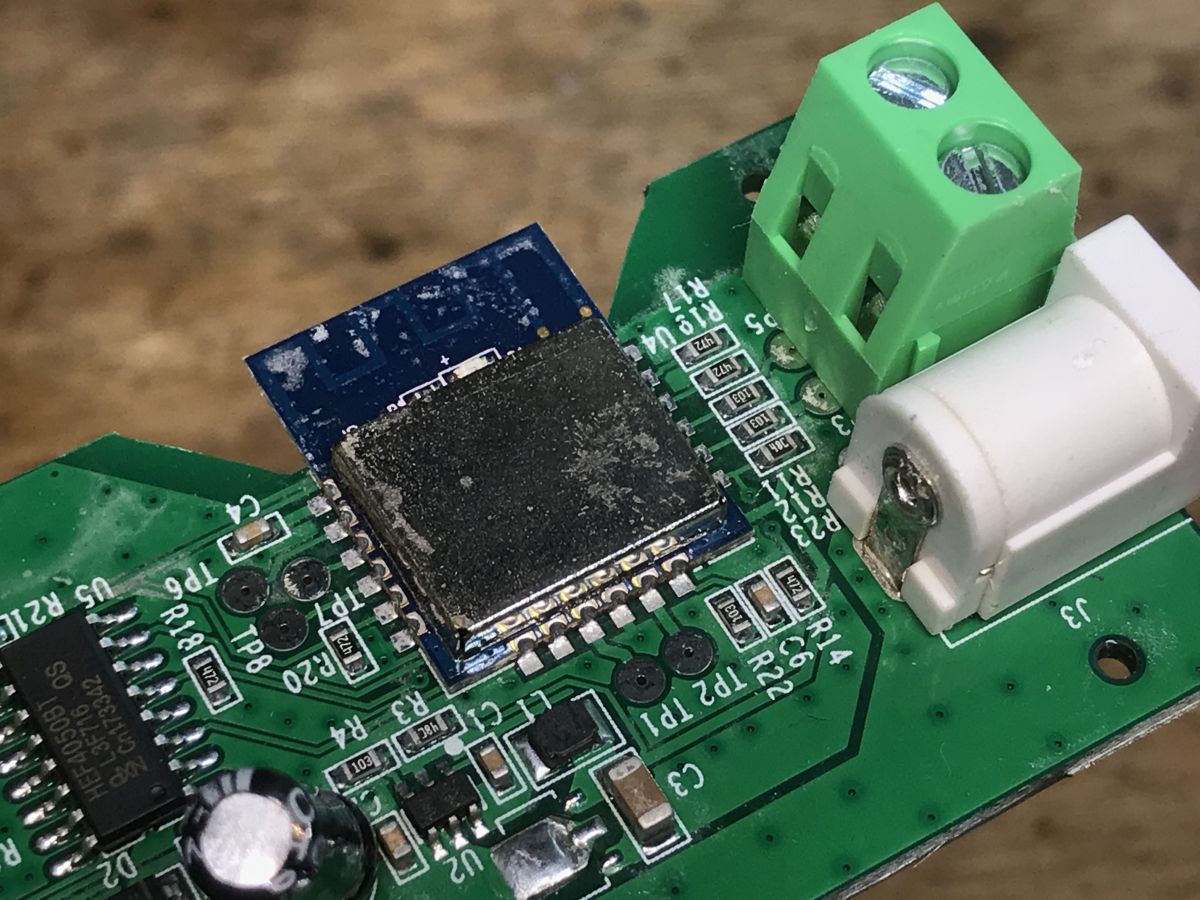
The WiFi module itself, you can also see the step down converter that generates 3.3V from the 12V power supply for the LED strip:
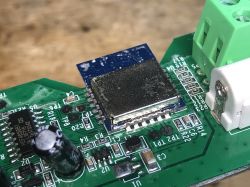
WiFi module on an LED controller board with electronic components Close-up of LED controller PCB with WiFi module and connectors.

Changing the load
This is an ESP8266, so this has been discussed many times. I'll link some of my old topics:
https://www.elektroda.pl/rtvforum/topic3760371.html
https://www.elektroda.pl/rtvforum/topic3749207.html
esptool.py is enough for me and I always make a copy of the batch and then upload Tasmota.
I have already provided the LM1 pinout.
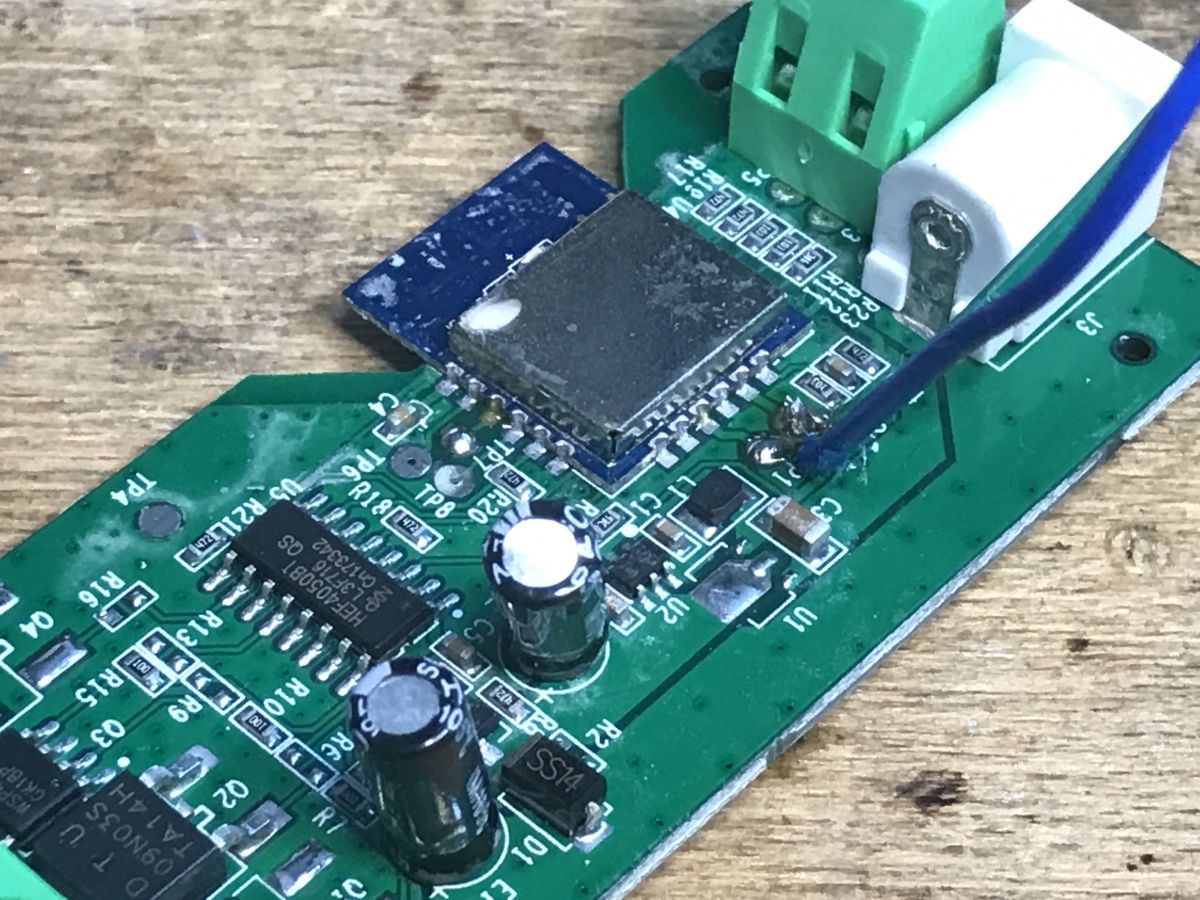
Soldering cables:
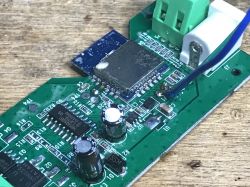
Close-up of an LED controller circuit board with electronic components.
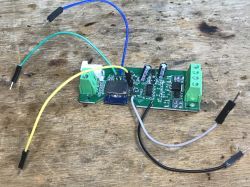
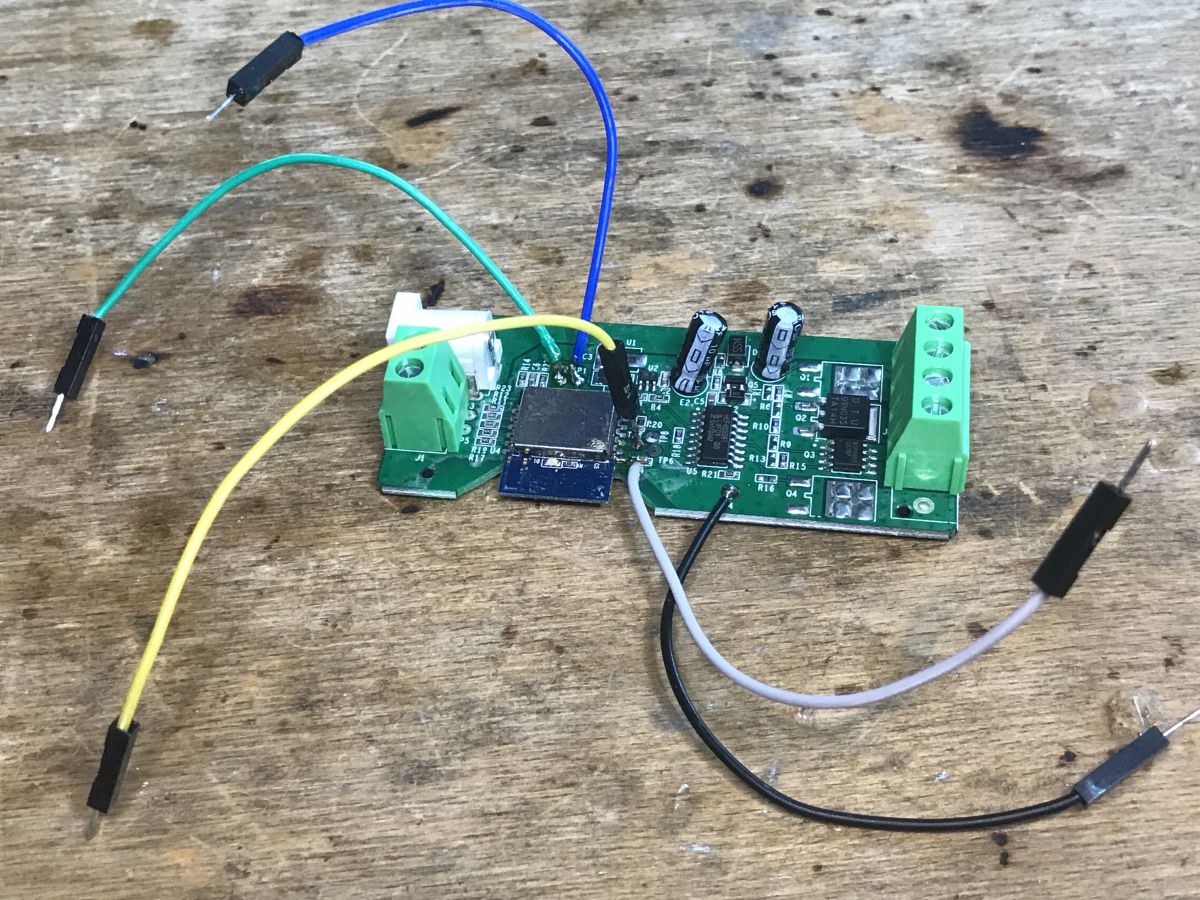
RX, TX, IO0 and power supply (3.3V):
Modified LED controller with wires
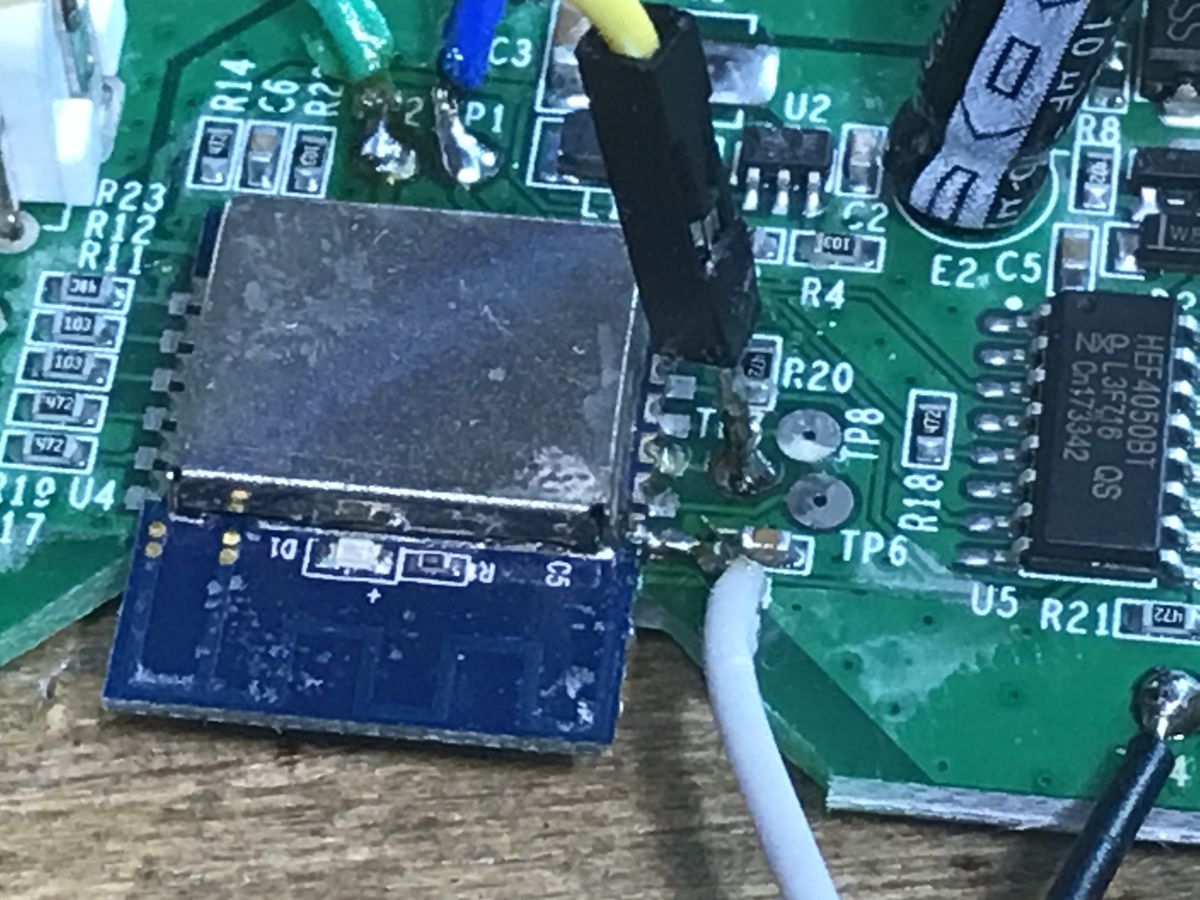
Here I soldered the capacitor from the power supply:
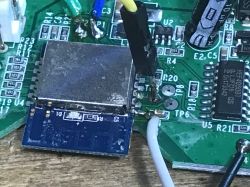
Close-up of a circuit board with connected wires.
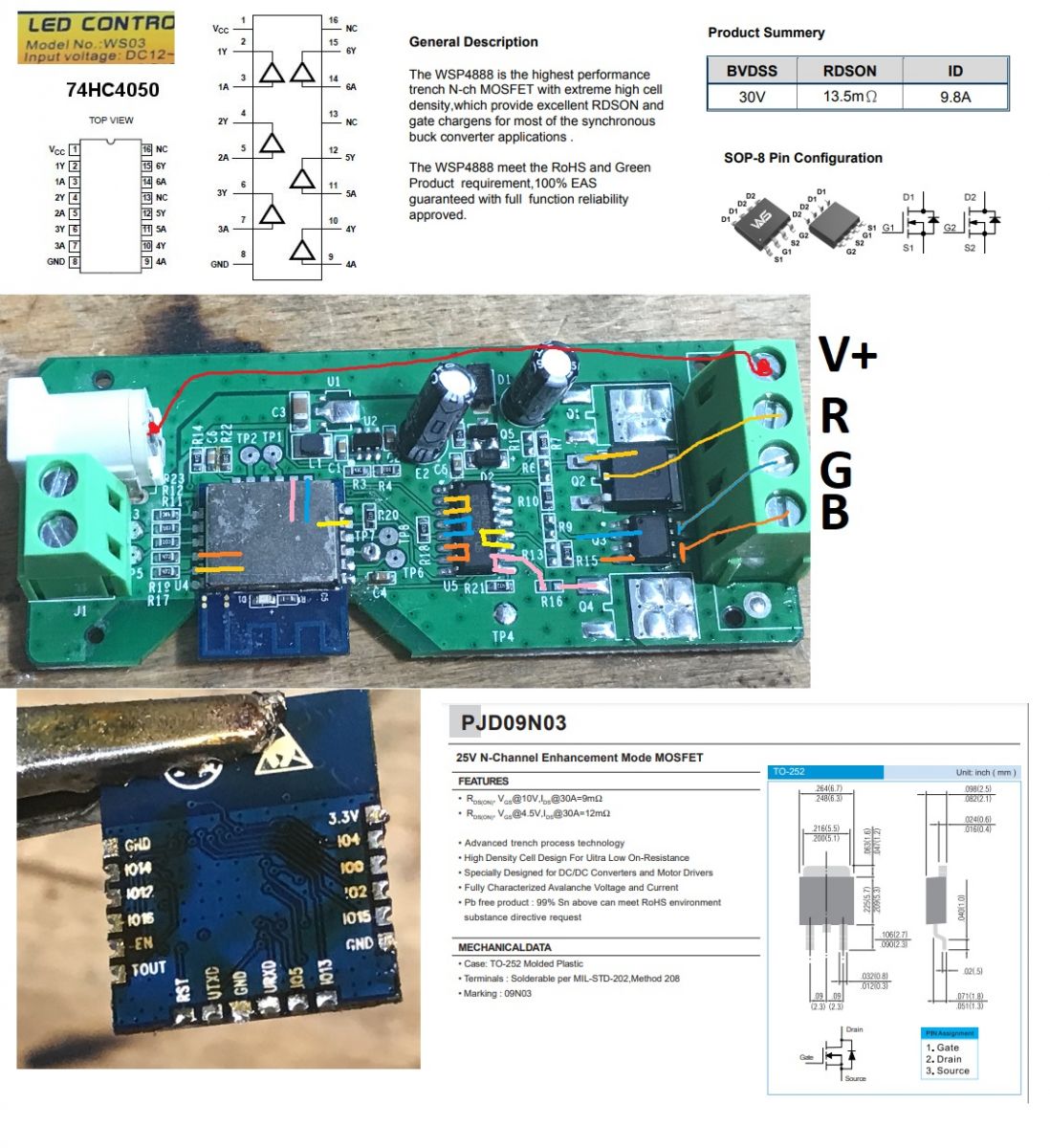
Below is a sketch of the connections. If you have any questions, please contact him:
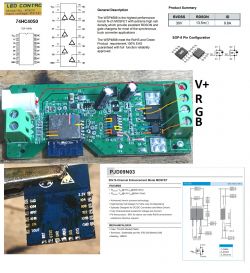
Close-up of the interior of an LED strip controller with technical specifications.
Used GPIO as PWM:
- IO14 - ed
- IO13 - green
- IO12 - blue
Potentially used GPIOs in the RGBCW version:
- IO5 - Q4 (not soldered)
- IO15 - Q1 (not soldered)
There is no button on this PCB.

Summary
The WF-M2 strap controller seemed to be better because it had a button placed on the housing, but the controller discussed here has slightly better transistors. Certainly stronger than the tiny A09T. I don't know why two different versions of transistors were used here (including one "double", two in one housing). This is even more strange because it's an RGB controller, so each channel is completely independent.
There is definitely a choice, we can choose what suits us for a specific application.
It is also worth remembering that after changing the firmware, adding a button is very simple. This can be easily configured in Tasmota. You just need to cleverly solder it to the PCB and drill a hole for it in the housing. Moreover, not only the button - even DHT11 or another thermometer etc. can be additionally connected and configured to receive measurements in Home Assistant. Then you just have to remember not to close the sensor together with the transistors, because then the transistors would heat up and distort our measurements... In any case, the possibilities after changing the firmware are very large.


About Author
p.kaczmarek2
p.kaczmarek2 wrote 14612 posts with rating 12630 , helped 655 times. Been with us since 2014 year.

Comments

FAQ

TL;DR: With 3 PWM GPIOs and a price under PLN 50, this WS03 guide shows how to flash Tasmota onto an LM1-based ESP8266 controller. As the author puts it, it lets you "free it from the cloud" and run RGB strips locally with Home Assistant. [#20730055]

Why it matters: This FAQ helps DIY smart-home users reflash a low-cost WiFi RGB controller, map its GPIOs correctly, and avoid common wiring and temperature-measurement mistakes.

Controller WiFi module / family Button on housing Noted hardware trait Modding takeaway
WS03 LM1 / ESP8266 No Uses DTU09N03S + WSP4888, plus 74HC4050 Better transistors, but no built-in button
WF-M2 Not detailed here Yes Housing button highlighted as an advantage Easier physical control after reflashing

Key insight: The crucial step is correct hardware mapping: WS03 uses IO14, IO13, and IO12 for RGB PWM. If those assignments are wrong in Tasmota, color control will fail even when flashing succeeds.

Quick Facts

  • The WS03 was bought for less than PLN 50, making it a budget RGB WiFi controller for local Tasmota conversion. [#20730055]
  • The board takes 12 V from the LED strip supply and steps it down to 3.3 V for the ESP8266-based LM1 module. [#20730055]
  • Confirmed RGB PWM mapping is IO14 = red, IO13 = green, and IO12 = blue. [#20730055]
  • The PCB has no button, but the author notes you can add one later and configure it in Tasmota. [#20730055]
  • Two extra GPIOs appear on the related RGBCW layout: IO5 = Q4 and IO15 = Q1, both marked as not soldered on this RGB board. [#20730055]

How do I flash Tasmota onto a WS03 LED strip controller with an LM1 ESP8266 module using esptool.py?

You flash it like a typical ESP8266 board by backing up the original firmware first, then writing Tasmota with esptool.py. 1. Solder access wires for RX, TX, IO0, and 3.3 V. 2. Use esptool.py to make a full backup of the original flash. 3. Put the board in programming mode and upload Tasmota. The author states that esptool.py is enough and that he always copies the batch before flashing. [#20730055]

What is the LM1 WiFi module, and how can I recognize that it is based on ESP8266?

The LM1 in this controller is an ESP8266-based WiFi module. The author identifies it by sight and by its pin count, even though the module itself is not clearly signed. "LM1" is a WiFi module that provides ESP8266 connectivity, identified here by its familiar package and pin layout rather than by a visible model marking. That recognition matters because it confirms Tasmota compatibility and standard ESP8266 flashing methods. [#20730055]

Which GPIO pins on the WS03 are used for RGB PWM control in Tasmota?

The WS03 uses three GPIOs for PWM color output: IO14 for red, IO13 for green, and IO12 for blue. Those are the exact assignments shown in the connection sketch. If you enter different pins in Tasmota, the strip will map colors incorrectly or fail to respond on one channel. [#20730055]

What is the 74HC4050 doing in the WS03 RGB controller circuit?

In this WS03, the 74HC4050 controls the MOSFET stage that drives the RGB outputs. The author explicitly notes that the MOSFET is controlled by the 74HC4050 and highlights it as part of the board’s unusual output structure. That makes the 74HC4050 a key part of the path between the LM1 module and the LED strip switching section. [#20730055]

Why does the WS03 RGB controller use two different MOSFET types like DTU09N03S and WSP4888 instead of three identical transistors?

The thread does not give a confirmed reason, and the author says the design is strange. He found DTU09N03S and WSP4888 on an RGB controller where all three channels should be independent, so three matching parts would seem more typical. He only concludes that the transistors look stronger than the tiny A09T used elsewhere. [#20730055]

How do I connect RX, TX, IO0, and 3.3V correctly when programming the WS03 board?

Connect four programming lines: RX, TX, IO0, and a 3.3 V supply. The photos show those wires soldered directly to the board, and the author also solders to the power-supply capacitor area for power access. Use 3.3 V, not 12 V, because the ESP8266-side logic rail on this board runs at 3.3 V. [#20730055]

What are the differences between the WS03 and WF-M2 LED strip controllers, and which one is better for Tasmota modding?

WF-M2 is better if you want an easier physical interface, while WS03 is better if you want stronger output hardware. The author says WF-M2 seemed better because it had a button on the housing, but WS03 has slightly better transistors and is clearly stronger than the tiny A09T. For pure Tasmota flashing, both are workable; for convenience, WF-M2 wins, and for power-stage parts, WS03 wins. [#20730055]

How does the WS03 step down 12V from the LED strip power supply to 3.3V for the ESP8266 module?

The board uses a step-down converter to reduce the LED strip’s 12 V supply to 3.3 V for the LM1 module. The author points out that converter in the board photos and describes it as the source of the ESP8266 supply rail. That onboard conversion lets one controller power both the 12 V strip side and the 3.3 V WiFi logic side. [#20730055]

What should I back up before replacing the original OpenLit firmware with Tasmota on an ESP8266 LED controller?

Back up the original flash contents before you write Tasmota. The author says he always makes a copy of the flash batch first and only then uploads new firmware with esptool.py. That backup preserves the factory OpenLit firmware in case you want to restore the controller later. [#20730055]

How can I identify the unused GPIOs on the WS03 PCB for an RGBCW version, such as IO5 and IO15?

Use the board sketch and transistor labels to spot them: IO5 is marked for Q4 and IO15 for Q1 on the potential RGBCW version. The author notes both positions as not soldered on this RGB board. That means the pads exist in the design, but this specific WS03 unit does not populate those extra channels. [#20730055]

What is OpenLit, and how is it different from Tuya, Smart Life, or eWeLink for WiFi LED controllers?

OpenLit is the mobile app this WS03 was meant to use, and the author treats it as a separate ecosystem from Tuya, Smart Life, and eWeLink. "OpenLit" is a mobile control platform for WiFi LED devices that differs from Tuya, Smart Life, and eWeLink because it is presented here as its own app ecosystem. In this project, that difference does not matter because the controller gets reflashed with Tasmota for local use. [#20730055]

What troubleshooting steps help when a WS03 with Tasmota does not control red, green, and blue channels correctly?

First, verify the PWM mapping: IO14 red, IO13 green, and IO12 blue. Second, compare your setup with the author’s wiring sketch to confirm you did not mix channels. Third, remember that IO5 and IO15 belong to an unused RGBCW layout here, so assigning them on this RGB board will not fix color output. This is the main edge case in the thread: successful flashing does not guarantee correct channel mapping. [#20730055]

How can I add a physical button to the WS03 housing and configure it in Tasmota after flashing?

You can add a button by soldering it to the PCB and drilling a hole in the housing for access. The author says this is very simple after changing the firmware and that Tasmota can configure the added button. The board ships with no button, so this mod adds direct local control without changing the main RGB wiring. [#20730055]

In what way can I connect a DHT11 or another temperature sensor to a reflashed WS03 for Home Assistant integration?

You can add a DHT11 or similar sensor by wiring it to the reflashed controller and then configuring it in Tasmota for Home Assistant measurements. The author explicitly says a DHT11 or another thermometer can be additionally connected and integrated after the firmware change. He presents this as one of the practical benefits of moving from OpenLit to Tasmota. [#20730055]

What should I watch out for when measuring temperature inside a modified LED strip controller so the MOSFET heat does not distort the readings?

Keep the temperature sensor away from the transistors inside the enclosure. The author warns not to close the sensor together with the MOSFETs, because the transistors heat up and distort the measurement. In a compact 12 V LED controller, that placement error can make Home Assistant readings reflect power-stage heat instead of room temperature. [#20730055]
Generated by the language model.
%}