FAQ 
TL;DR: For owners of Anslut BK7231N wall switches, the thread gives 1 confirmed JSON template for the 2-gang model and notes that the programming pins are "nicely labeled" on the PCB’s top-right area. It solves the core problem of identifying the board, locating pins, and loading OpenBK 1.17.398 on model NAS-SC01W6-1. [#20907115]
Why it matters: This thread gives a usable starting point for flashing a Jula-sold Anslut switch without guessing the 2-gang pin roles.
| Version |
Status in thread |
Confirmed details |
| 1-gang |
Mentioned |
Product family includes 1-button version |
| 2-gang |
Confirmed |
Full OpenBK JSON template and pin map posted |
| 3-gang |
Requested |
No template posted in the provided thread |
Key insight: The only fully documented device in the provided posts is the 2-gang Anslut NAS-SC01W6-1 with a BK7231N chip. The 3-gang version is mentioned, but no matching template appears in the supplied content. [#20907115]
Quick Facts
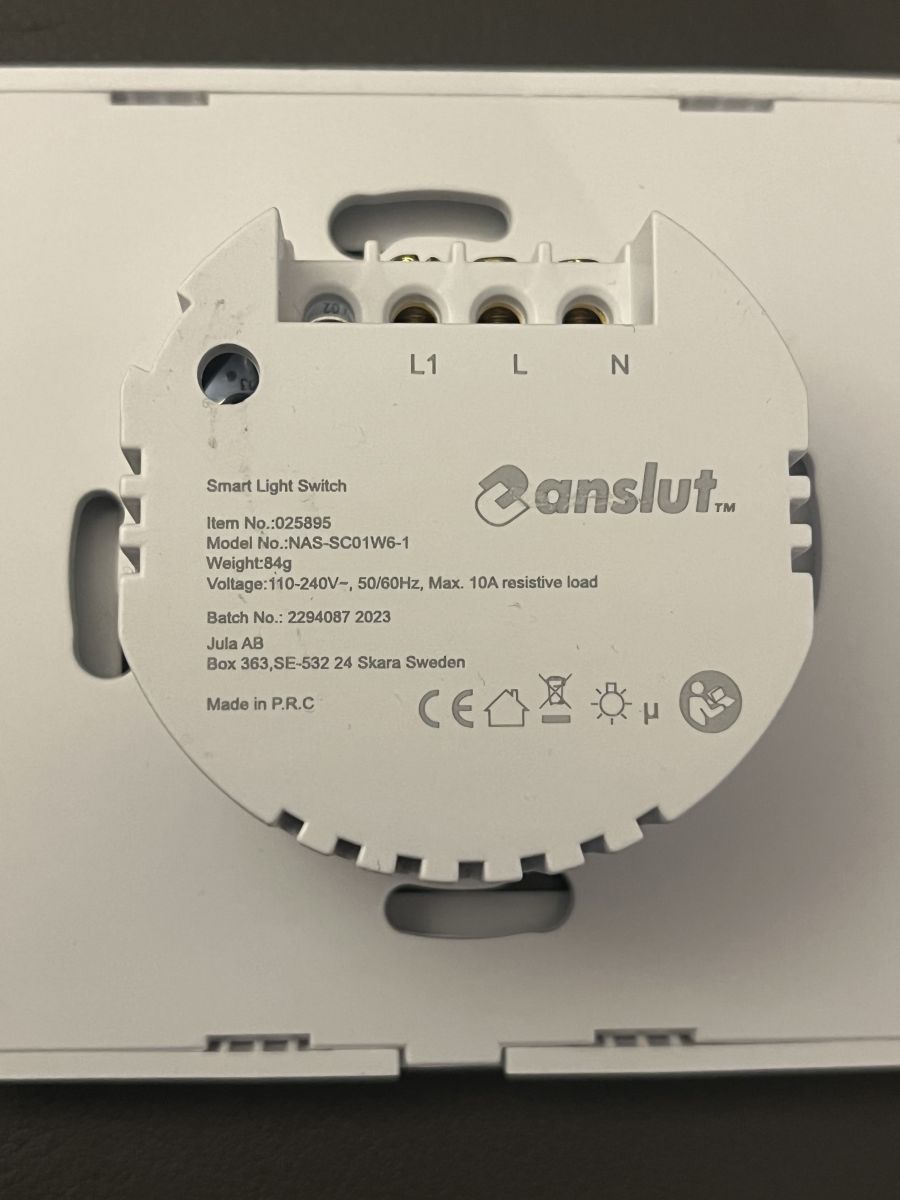
- Confirmed device data: vendor Anslut, model NAS-SC01W6-1, chip BK7231N, and OpenBK version 1.17.398. [#20907115]
- The posted 2-gang template assigns 7 GPIO roles: relay pins 6 and 8, button pins 14 and 20, LED pins 15 and 22, plus Wi-Fi LED pin 24. [#20907115]
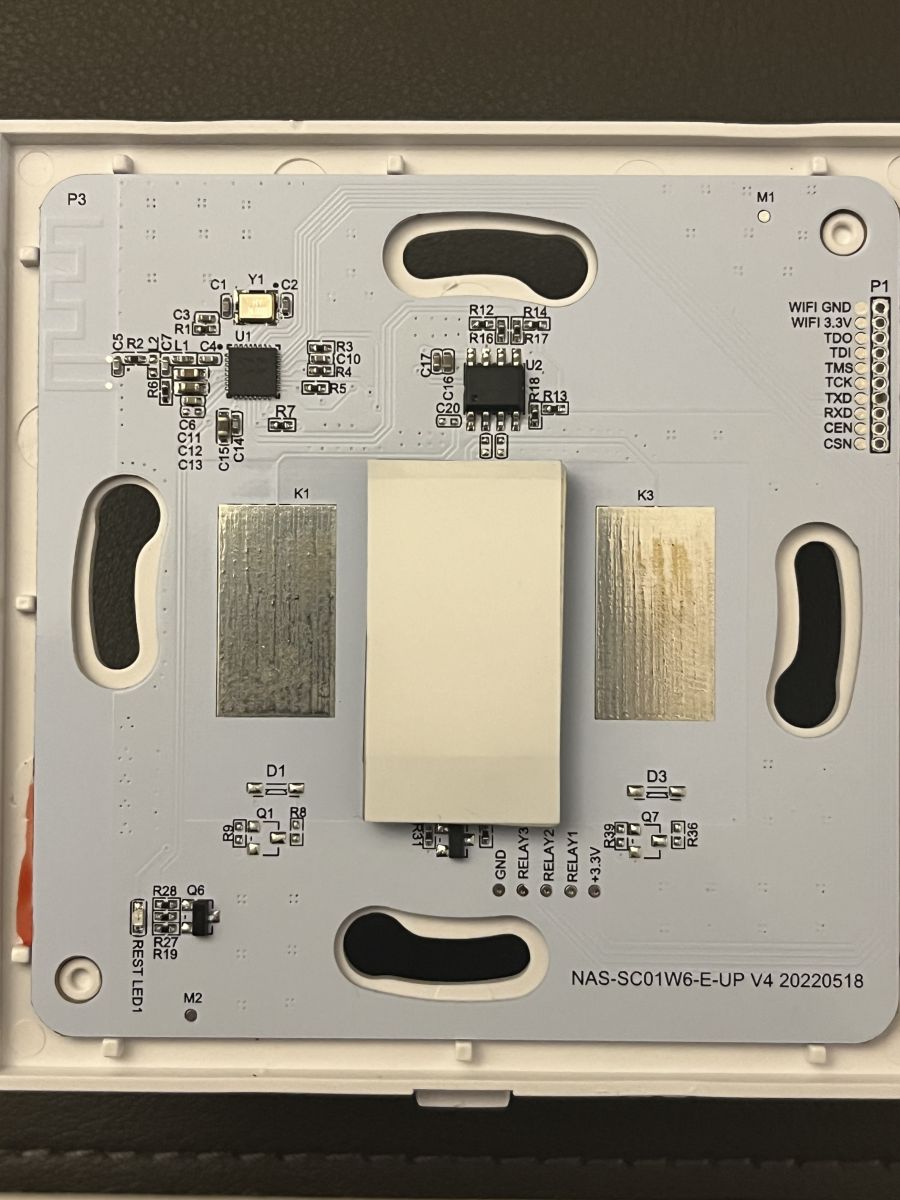
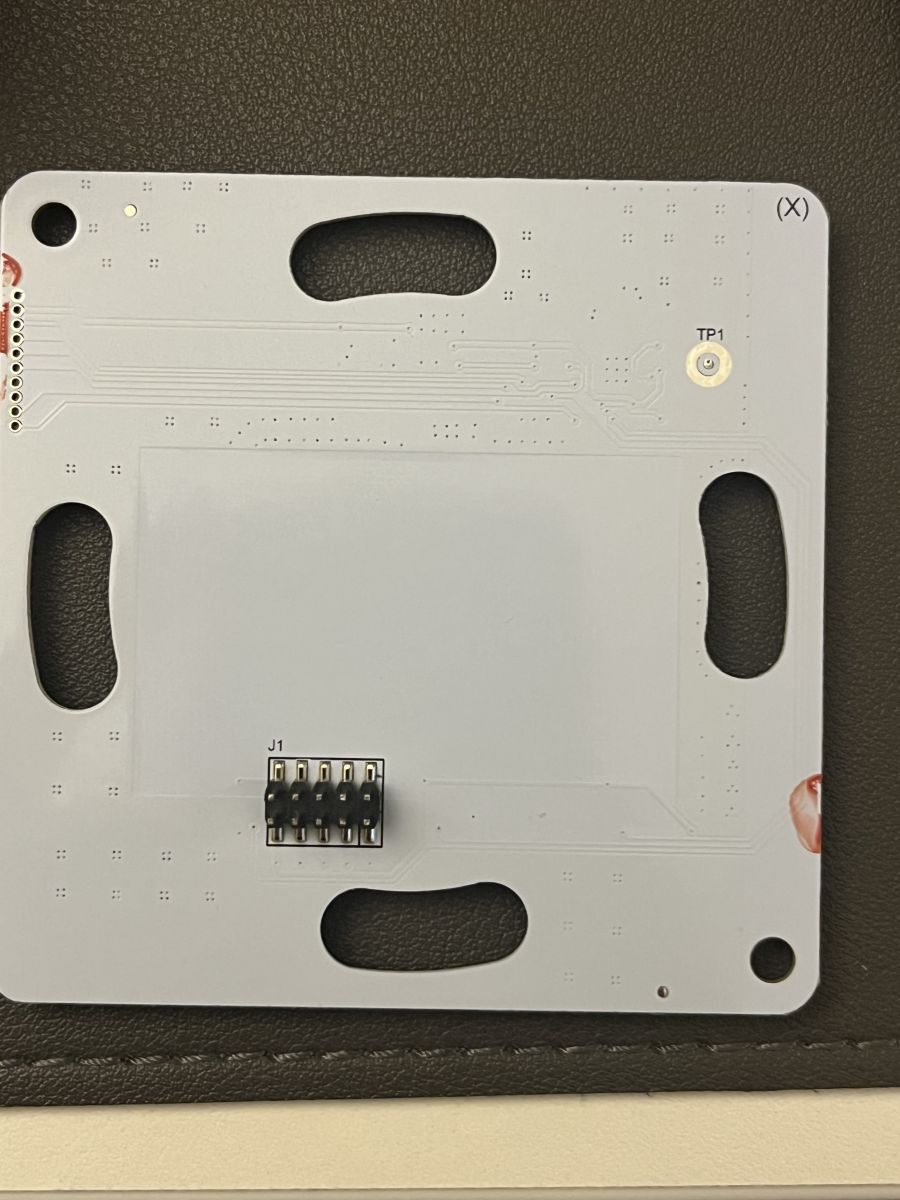
- The PCB programming pads are described as being on the top right and clearly labeled, which reduces identification errors during flashing. [#20907115]
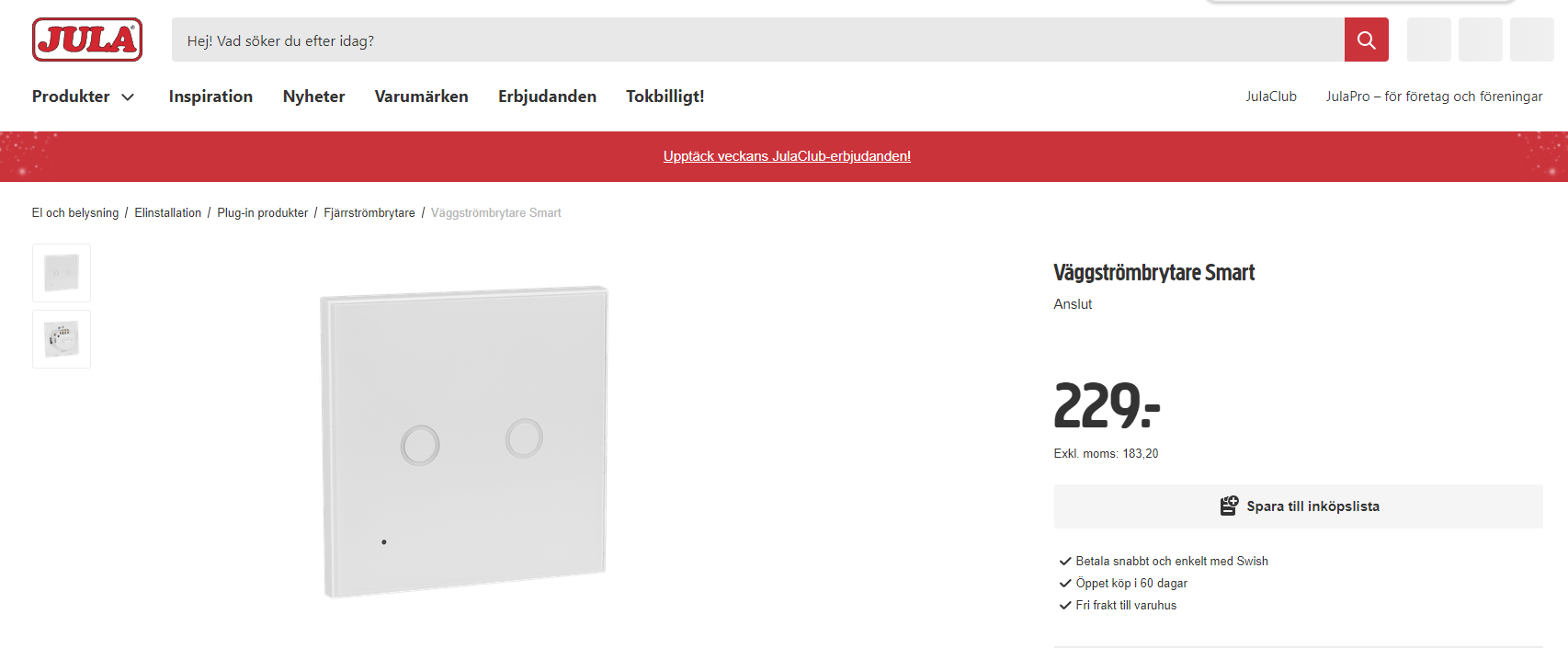
- Jula-related identifiers in the template include keyword 025895 and a Jula product link for the wall switch family. [#20907115]
How do I flash an Anslut smart wall switch with a BK7231N chip using OpenBK version 1.17.398?
The thread confirms that the Anslut wall switch was flashed with OpenBK version
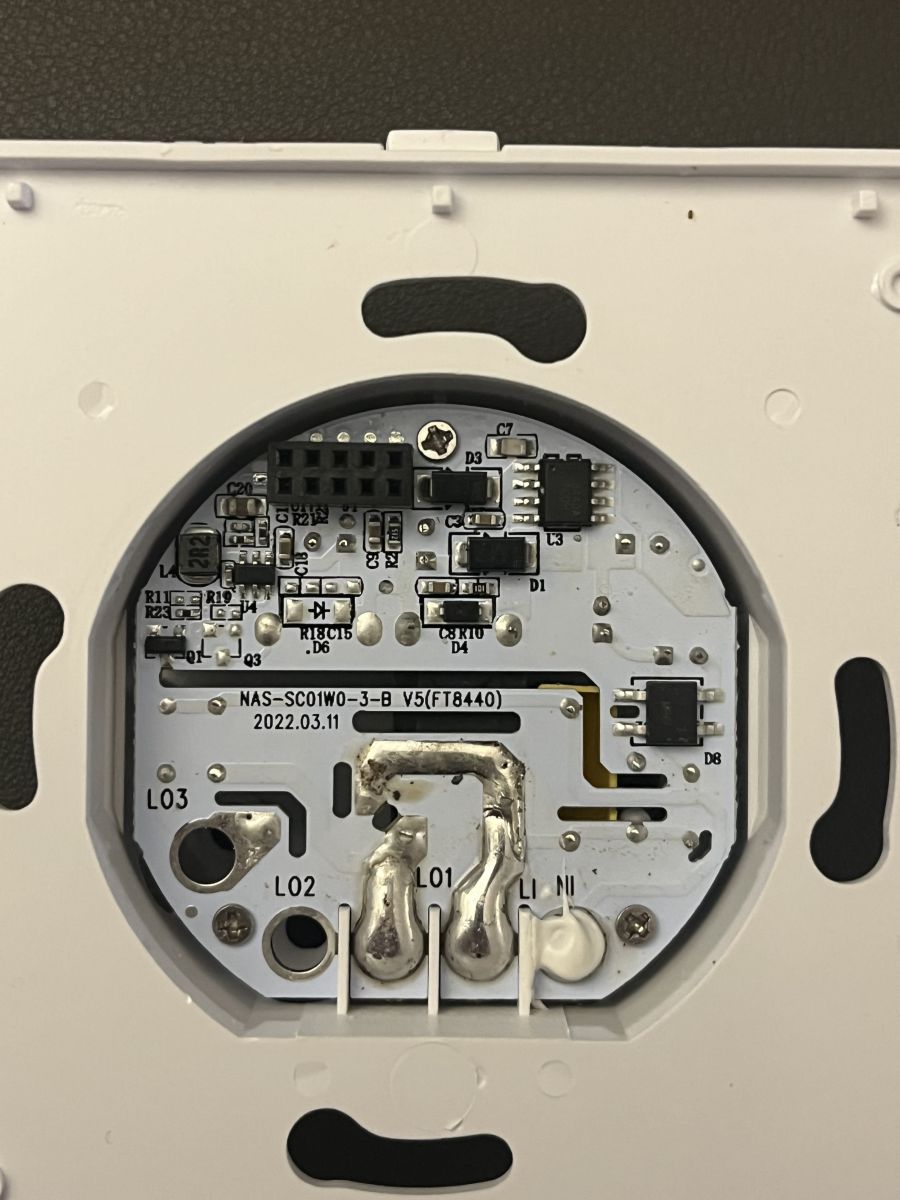
1.17.398, but it does not provide a full flashing procedure. A safe summary is: 1. Open the switch and identify the
BK7231N board. 2. Find the labeled programming pins on the
top right of the PCB. 3. Apply the posted JSON template after flashing.
[#20907115]
What is the pin mapping for the Anslut NAS-SC01W6-1 smart wall switch 2-gang version?
The posted 2-gang mapping is:
GPIO6=Rel;2, GPIO8=Rel;1, GPIO14=Btn;1, GPIO15=LED;2, GPIO20=Btn;2, GPIO22=LED;1, GPIO24=WifiLED_n;0. The model in the JSON is
NAS-SC01W6-1, and the chip is
BK7231N.
[#20907115]
Where are the programming pins located on the Anslut smart wall switch PCB, and how can I identify them?
The programming pins are on the
top right of the PCB, and the thread says they are
nicely labeled. That means you can identify them visually from the board markings rather than tracing pads manually.
[#20907115]
What template should I use in OpenBK for the Anslut NAS-SC01W6-1 wall switch from Jula?
Use the posted JSON template for model
NAS-SC01W6-1 with chip
BK7231N. It includes
7 assigned pins and names the device as
“Smart Wall Switch teardown and flashing - 1, 2, 3 gang versions”.
[#20907115]
How are the relay, button, LED, and WiFi LED pins assigned on the BK7231N-based Anslut wall switch?
The assignments are explicit in the JSON. Relays use
GPIO6 and
GPIO8; buttons use
GPIO14 and
GPIO20; LEDs use
GPIO15 and
GPIO22; and the Wi-Fi LED uses
GPIO24 as
WifiLED_n;0.
[#20907115]
What is the OpenBK template for the 3-gang Anslut smart wall switch version?
The provided thread does not include a 3-gang OpenBK template. A follow-up post asks for the
3-gang version, which shows that only the
2-gang template was actually shared in the supplied content.
[#20907202]
What is BK7231N, and how does it differ from other smart switch Wi-Fi chips used in Tuya-style devices?
“BK7231N” is a Wi‑Fi system-on-chip that runs the wall switch logic, radio functions, and GPIO control on one device, and this thread identifies it as the exact chip fitted to the Anslut NAS-SC01W6-1 board. The thread does not compare it with ESP or other Tuya-style chips.
[#20907115]
What is OpenBK, and why do people use it instead of the stock firmware on Anslut smart wall switches?
“OpenBK” is replacement firmware that lets users assign roles such as relay, button, and LED directly by GPIO in a JSON-style device template, which is the exact use shown in this thread. The post shows OpenBK
1.17.398 running on an Anslut BK7231N switch, but it does not discuss motives beyond that.
[#20907115]
What are the differences between the 1-gang, 2-gang, and 3-gang Anslut smart wall switch versions when flashing and configuring them?
The thread confirms that Anslut has
1-, 2-, and 3-button versions, but only the
2-gang model has a posted configuration. The 3-gang unit is only requested later, so no differences in flashing steps or pin counts are documented for it here.
[#20907115]
Which UART pins and settings should I use to connect a programmer to an Anslut BK7231N wall switch board?
The provided posts do not list specific UART pin names, baud rate, or voltage settings. The only hardware location detail given is that the relevant programming pins are on the
top right of the PCB and are
labeled.
[#20907115]
Why might an Anslut smart wall switch fail to boot or connect to Wi-Fi after flashing OpenBK, and how can I troubleshoot it?
The thread does not document any boot or Wi‑Fi failure case after flashing. The most concrete troubleshooting point available is to verify the posted GPIO mapping, especially the
WiFiLED_n on
GPIO24 and the relay and button assignments, because those are the only confirmed configuration facts.
[#20907115]
How do I configure Btn, Rel, LED, and WifiLED_n roles correctly in an OpenBK JSON template for a wall switch?
Assign each role exactly as shown in the working JSON template. Use
Btn for
GPIO14 and
GPIO20,
Rel for
GPIO6 and
GPIO8,
LED for
GPIO15 and
GPIO22, and
WifiLED_n;0 for
GPIO24.
[#20907115]
What safety precautions should I follow when opening and flashing a mains-powered Anslut wall switch?
The provided posts do not state any electrical safety steps. The safest thread-based conclusion is that you should treat it as a wall switch product from Jula, open it only to access the labeled PCB area, and avoid assuming any undocumented procedure from this short post.
[#20907115]
Where can I buy the Anslut smart wall switch model 025895 or NAS-SC01W6-1, and how can I confirm I have the BK7231N version before flashing?
The thread links the product family to
Jula and includes keyword
025895 in the template metadata. To confirm the documented version before flashing, check that the board matches model
NAS-SC01W6-1 and that the chip marking is
BK7231N.
[#20907115]
How can I back up the original firmware from an Anslut smart wall switch before installing OpenBK?
The supplied thread does not describe any backup method for the original firmware. It only confirms a successful flash to OpenBK
1.17.398 and provides the
2-gang JSON template for restoring pin functions afterward.
[#20907115]
AI summary based on the discussion. May contain errors.






Comments
Thank you for sharing template for 2 gang version. Do you also happen to have template for 3 gang one? [Read more]