logo elektroda
logo elektroda
X
logo elektroda

[CB2S/BK7231N] LDNIO SEW3452 USB QC extension/charger strip

p.kaczmarek2  3 2574 Cool? (+9)
📢 Listen (AI):

TL;DR

  • LDNIO SEW3452 is a power strip with 3 AC outlets, 4 USB ports, QC support, and a Tuya Smart Wi‑Fi module based on CB2S/BK7231N.
  • Inside, it uses a 5V relay, a step-down converter, MK2687+NDP1360+NDP1335+FT8498A power stages, and a synchronous rectifier instead of a Schottky diode.
  • A load test with LD25 and LD35 totaled 31W before protection tripped, and a Xiaomi phone negotiated QC at 7.5V/1.5A.
  • Soldering out the CB2S and flashing OpenBeken exposed the Tuya GPIO map automatically, enabling local operation and Home Assistant support without the cloud.
  • Not every USB port provides QC, but after flashing the OpenBeken template everything worked as expected.
Generated by the language model.
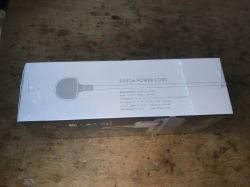
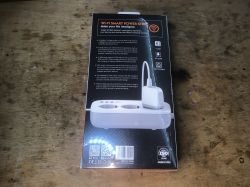
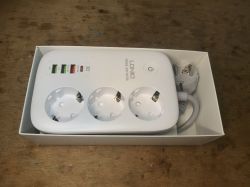
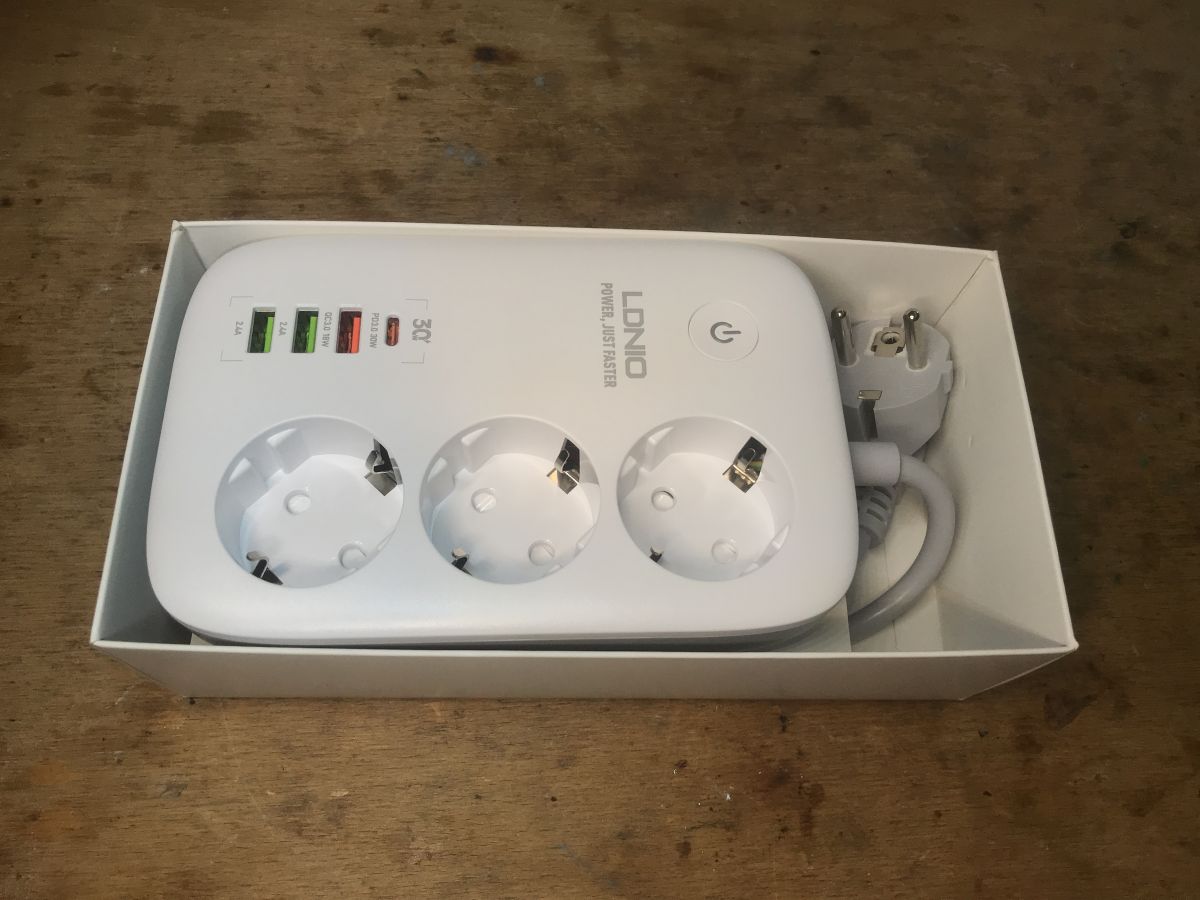
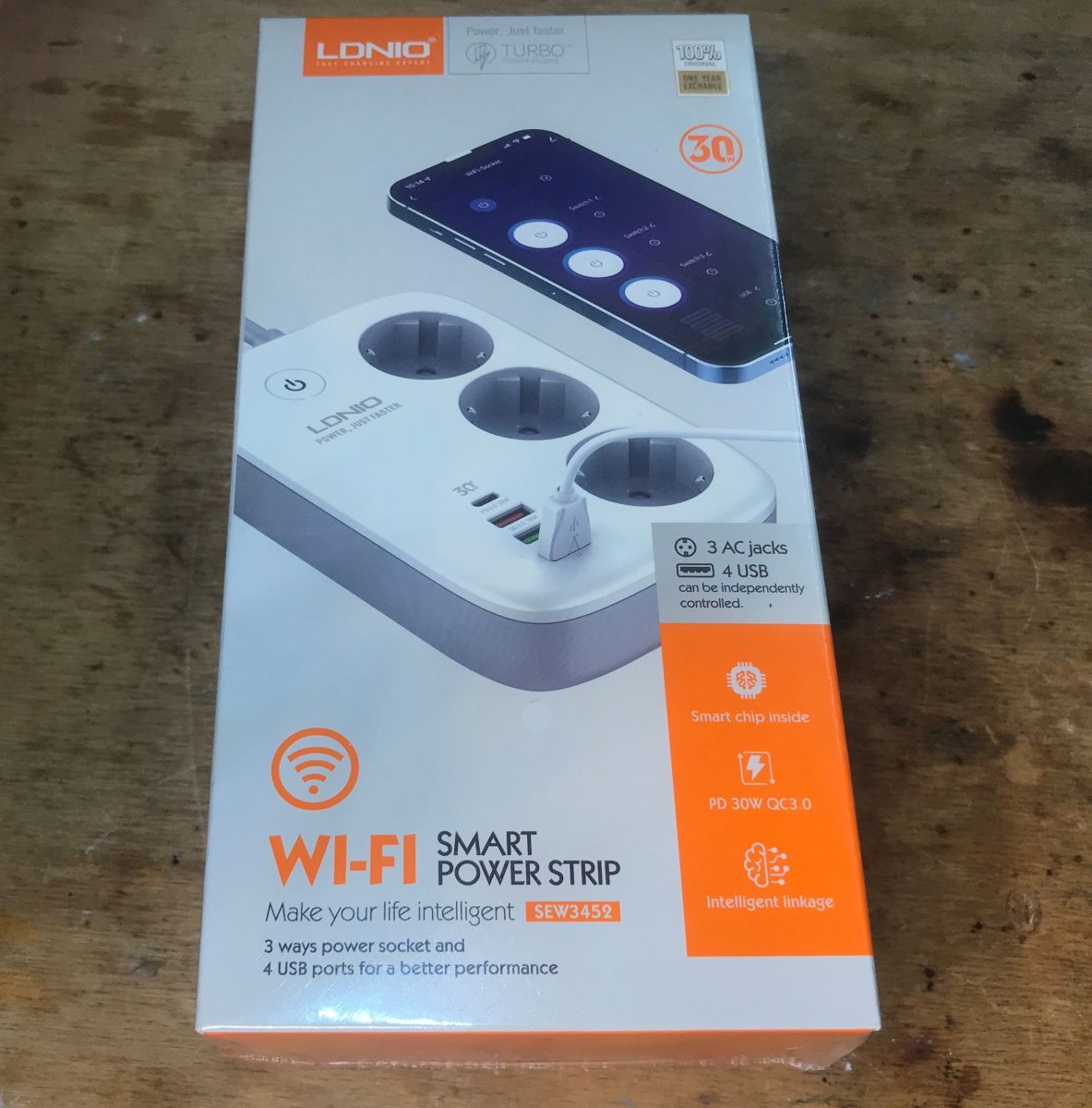
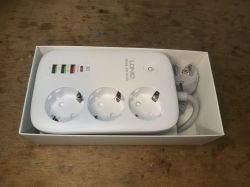
LDNIO SEW3452 power strip with three sockets and four USB ports in a box. Today I will present the interior and firmware change of a strip/extender offering three power sockets and four USB sockets, in addition with QC support. I will upload open source software onto the product OBK so that it works 100% locally, in a way that is secure and respects the user's privacy, without the cloud.

Purchase LDNIO SEW3452 USB QC
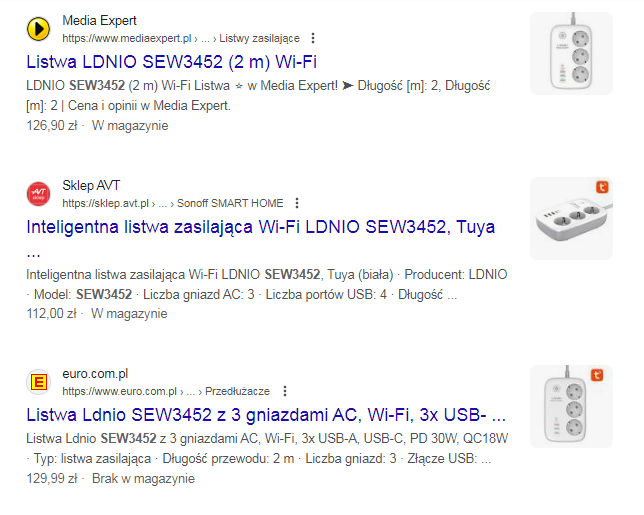
This strip is available to buy in many shops, usually for a little more than 100 zł:
Search results for LDNIO SEW3452 power strip product.
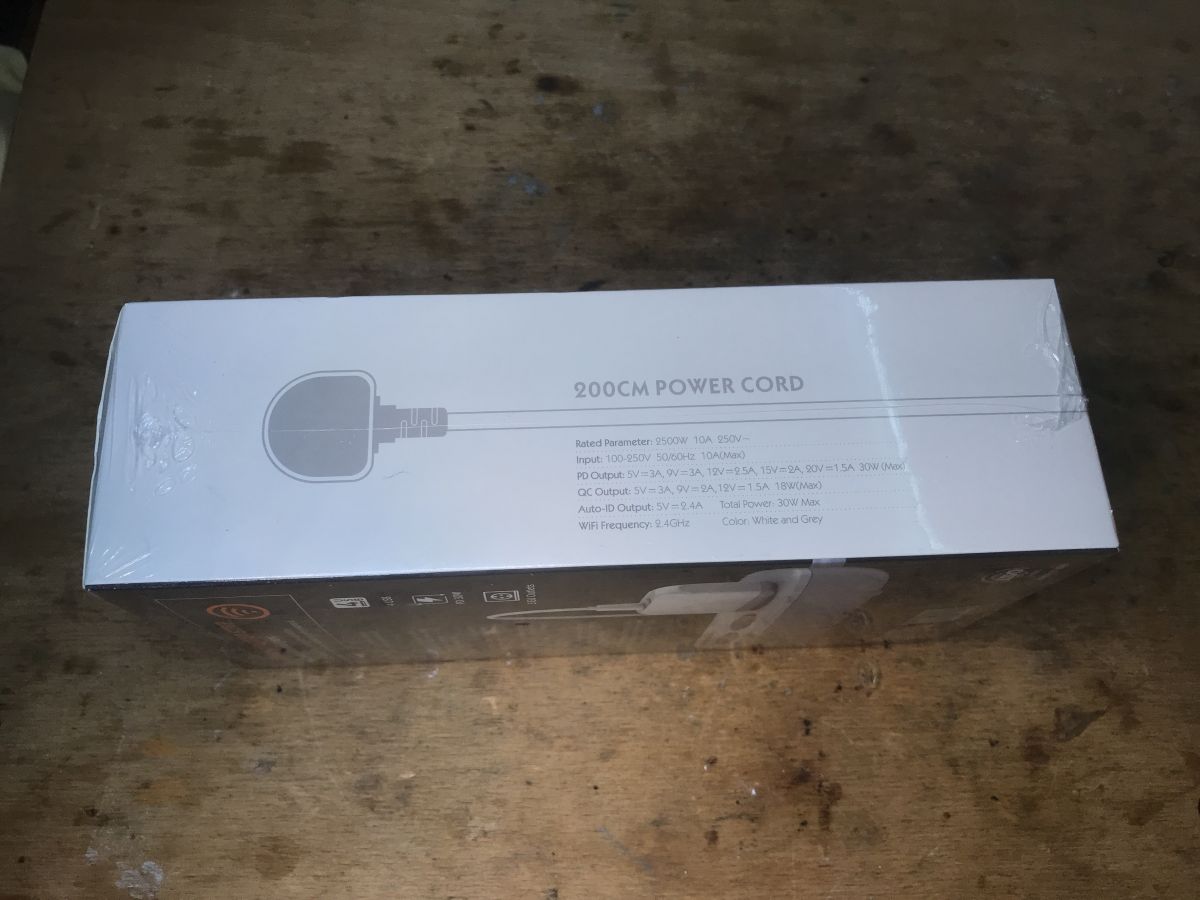
Parameters by. Seller:
Quote:

Manufacturer: LDNIO
Model: SEW3452
Number of AC outlets: 3
Number of USB ports: 4
Cable length: 2m
Power rating: 2500W
Input: 100-250V 50/60Hz 10A (max.)
PD output: 5V/3A, 9V/3A, 12V/2.5A, 15V/2A, 5A 30W (max.)
PPS output: 3.3-5.9V/3A, 3.3V-11V/3A
QC output: 5V/3A, 9V/2A, 12V/1.5A 18W (max.)
Auto-ID output: 5V/2.4A
Power output: 30W (max.)
Wireless connectivity: WiFi 2.4 GHz
Colour: White
Application: Tuya Smart
Dimensions: 15.6 x 10.3 x 4 cm
Gross weight: 535g

What you get in practice:
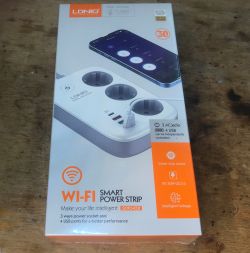
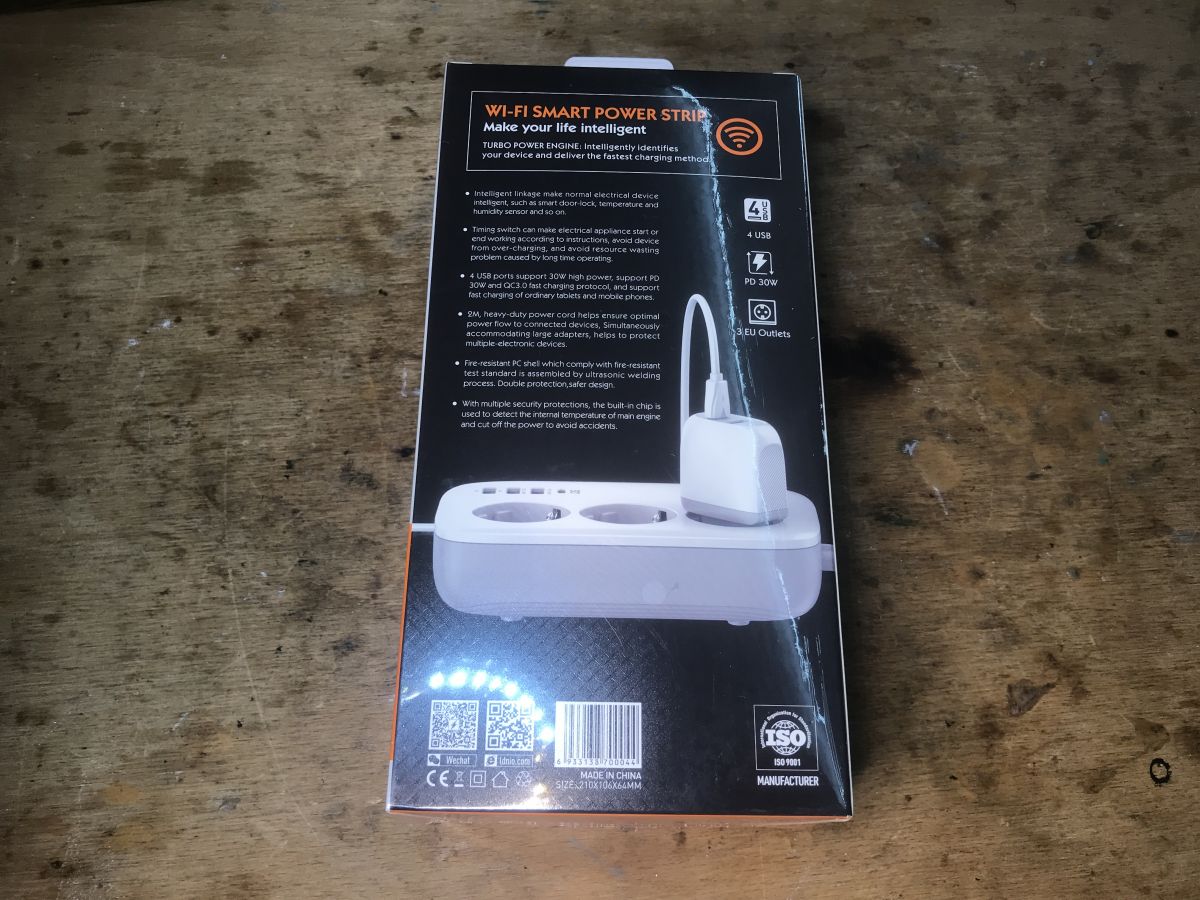
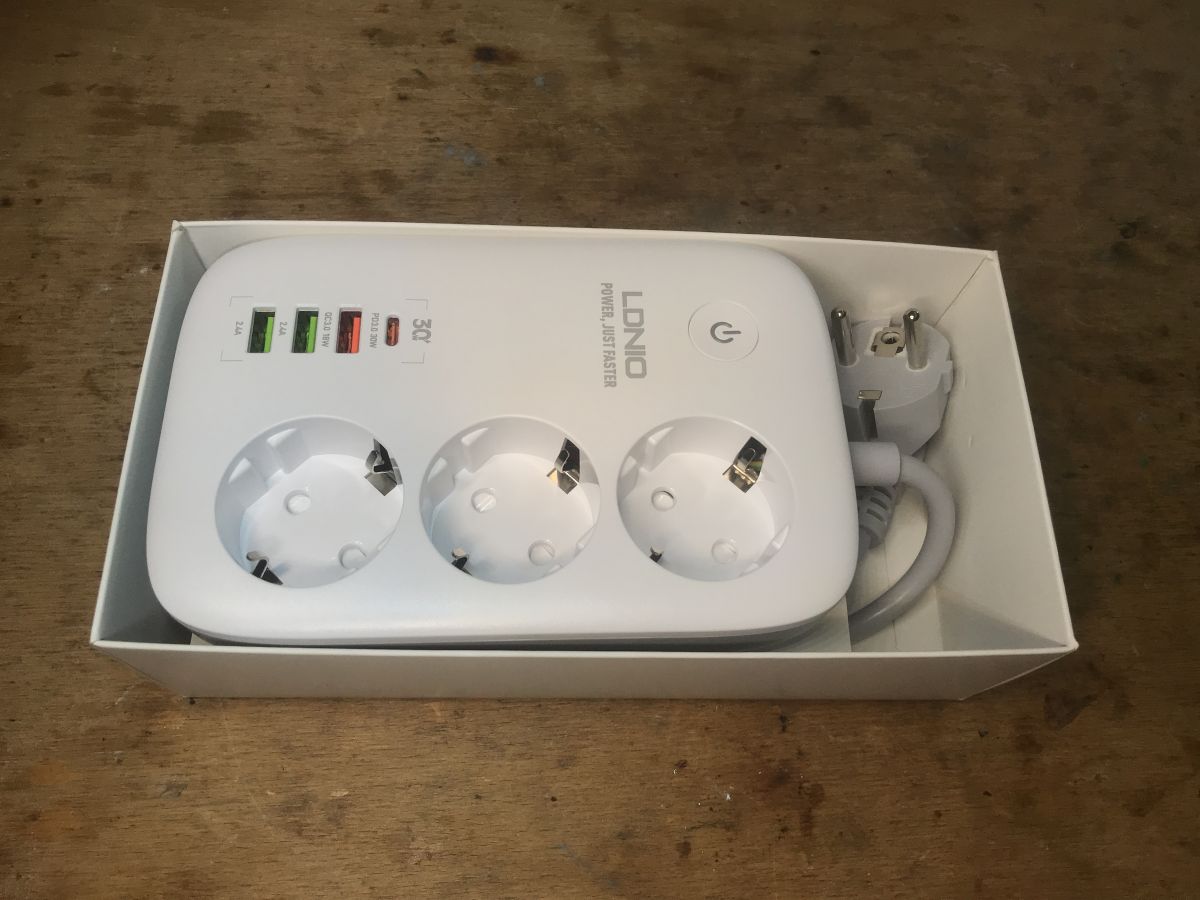
Box of LDNIO SEW3452 power strip with three sockets and four USB ports. Packaging of LDNIO SEW3452 power strip with 200 cm power cord Package of the LDNIO SEW3452 Wi-Fi power strip on a table. White power strip with three electrical sockets and four USB ports in a box. Instruction:
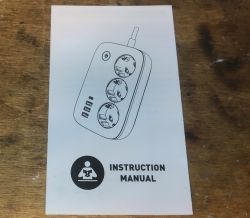
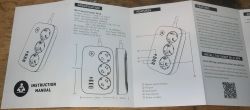
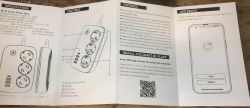
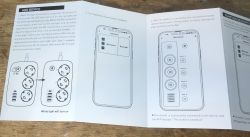
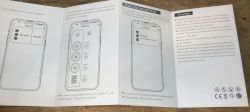
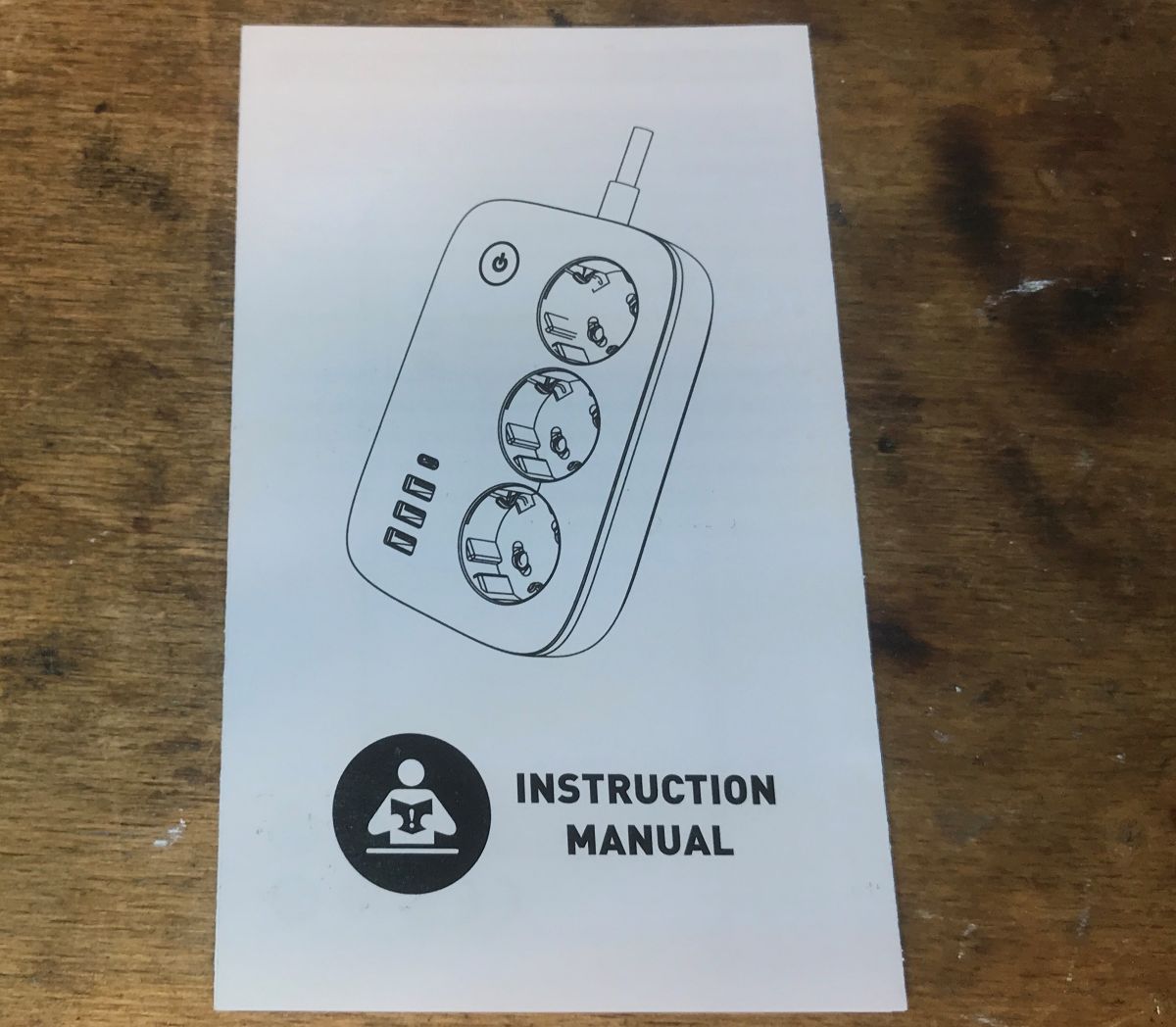
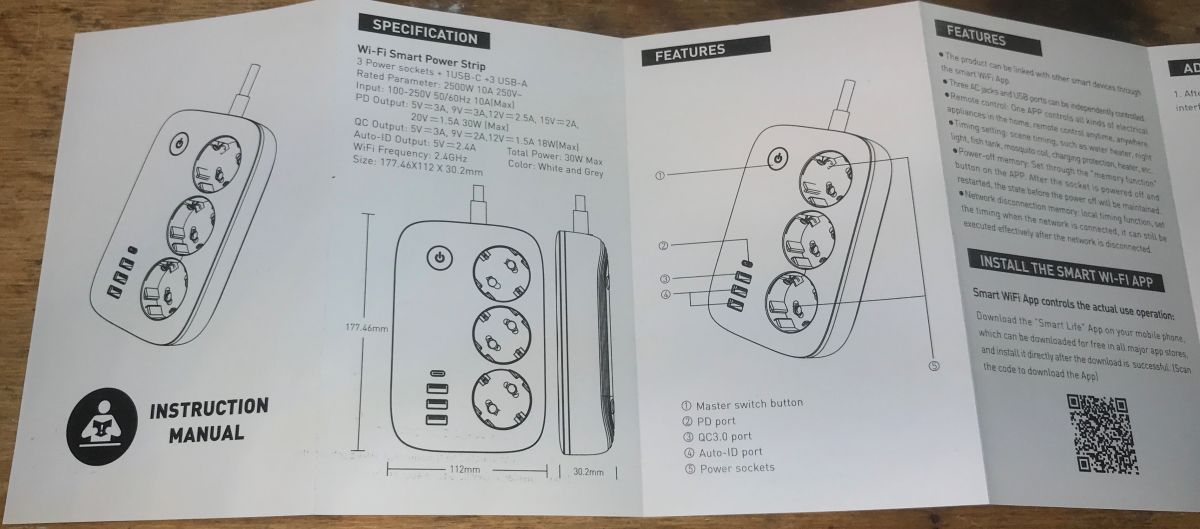
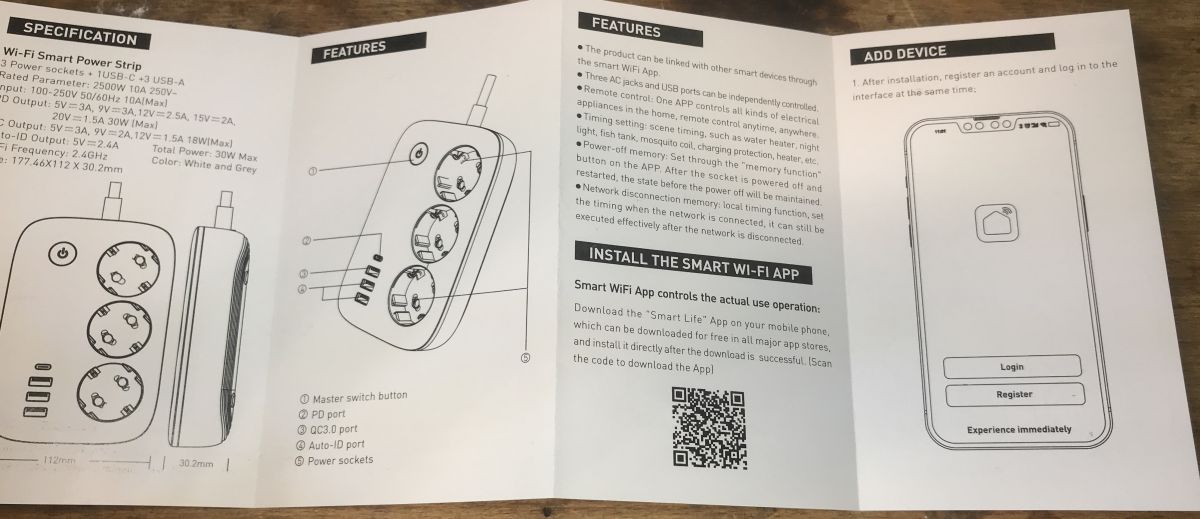
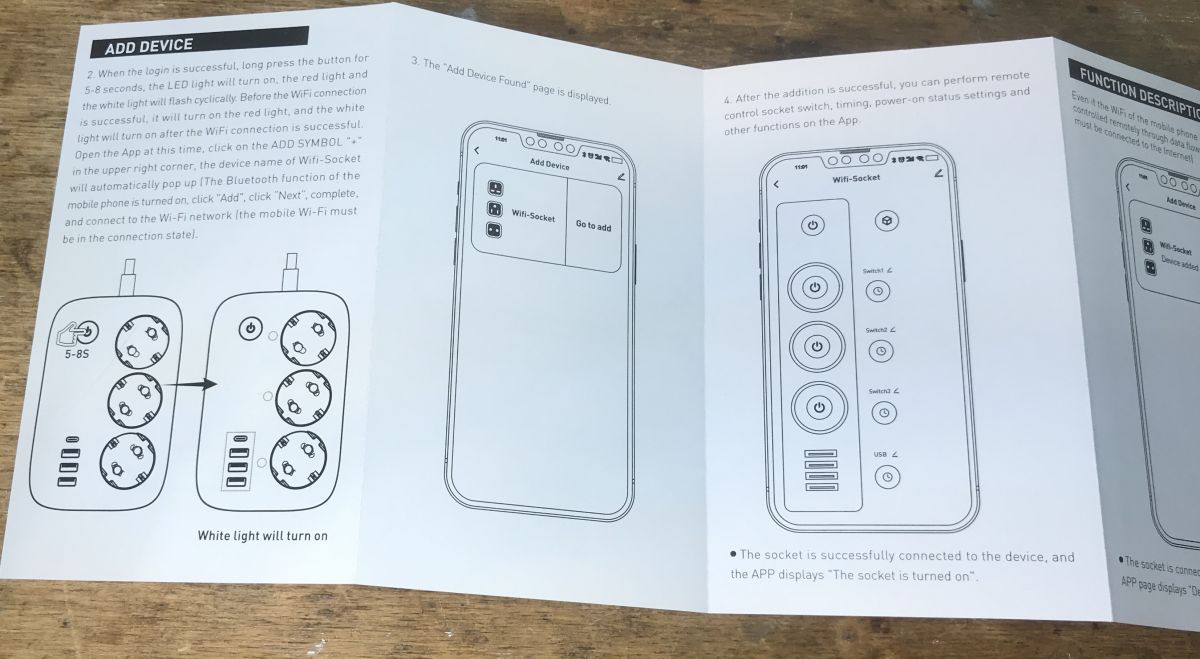
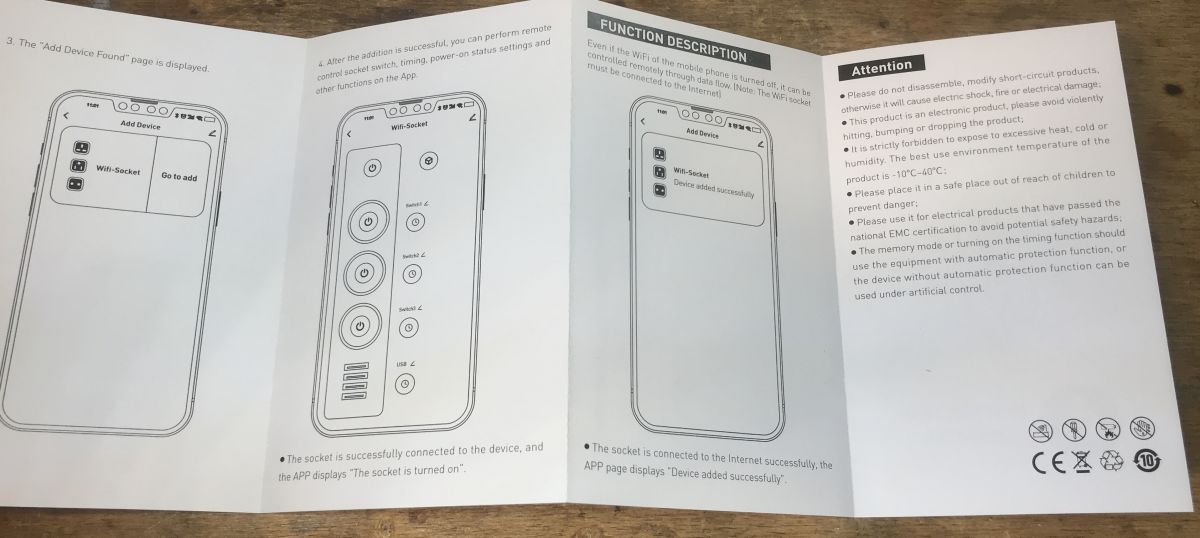
User manual of LDNIO SEW3452 power strip Wi-Fi power strip instruction manual with three sockets and four USB ports. User manual for LDNIO SEW3452 Wi-Fi Smart Power Strip Instruction for adding WiFi-Socket device on a leaflet. User manual for a power strip with WiFi function.

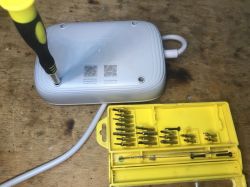
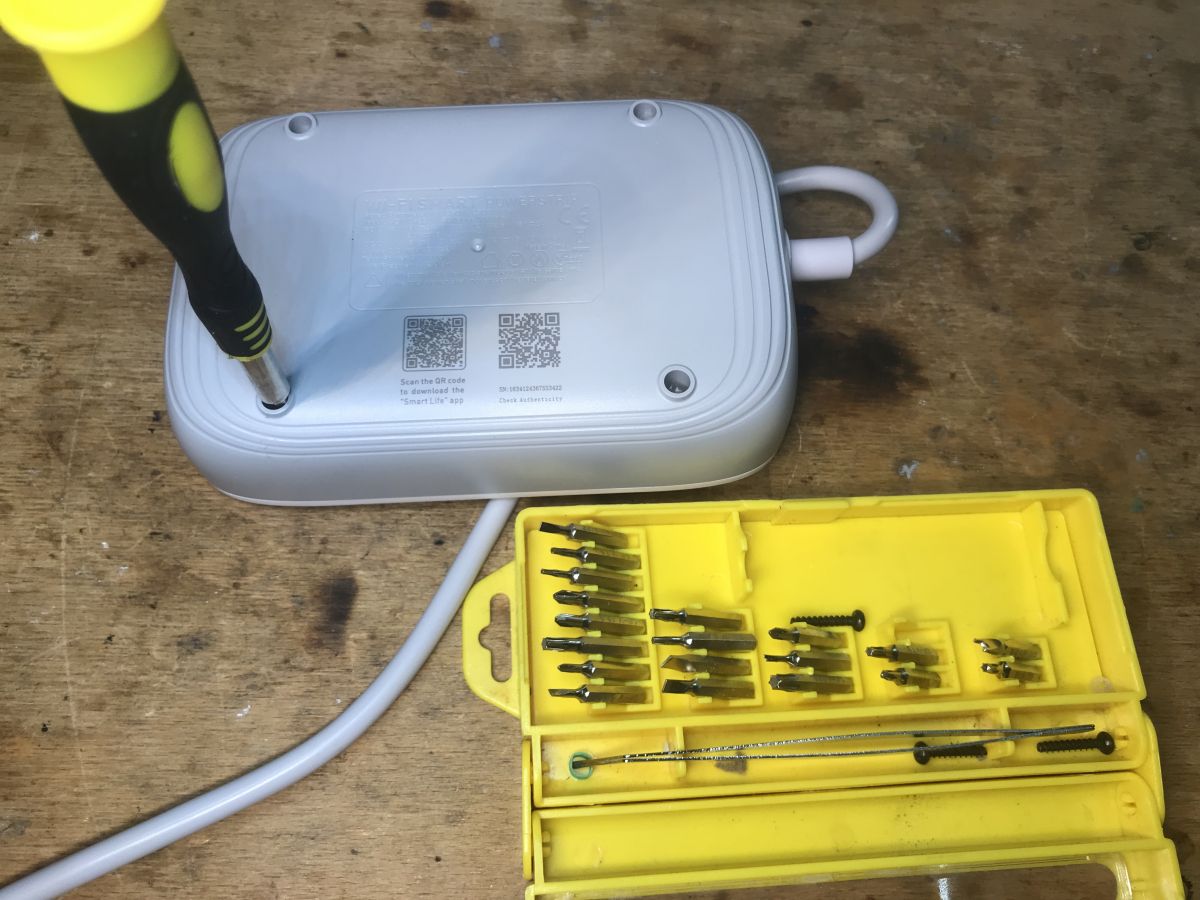
Interior of the LDNIO SEW3452 USB QC This will be a bit tricky. You need a special screwdriver with a triangular tip.
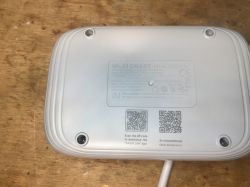
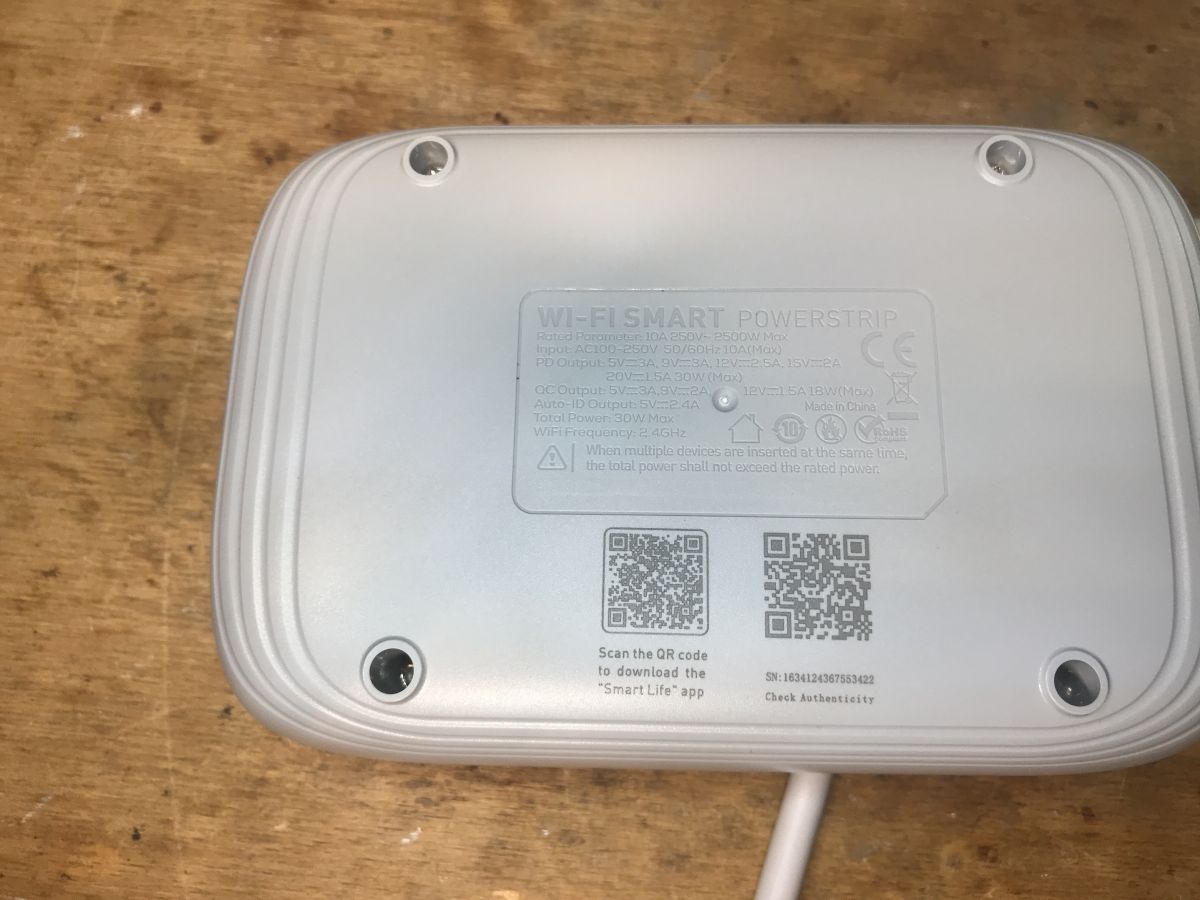
Bottom of a power strip with technical data and QR codes Screwdriver opening power strip case with a set of bits.
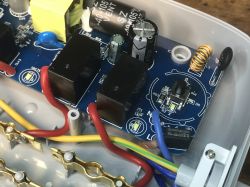
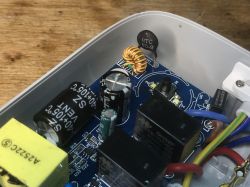
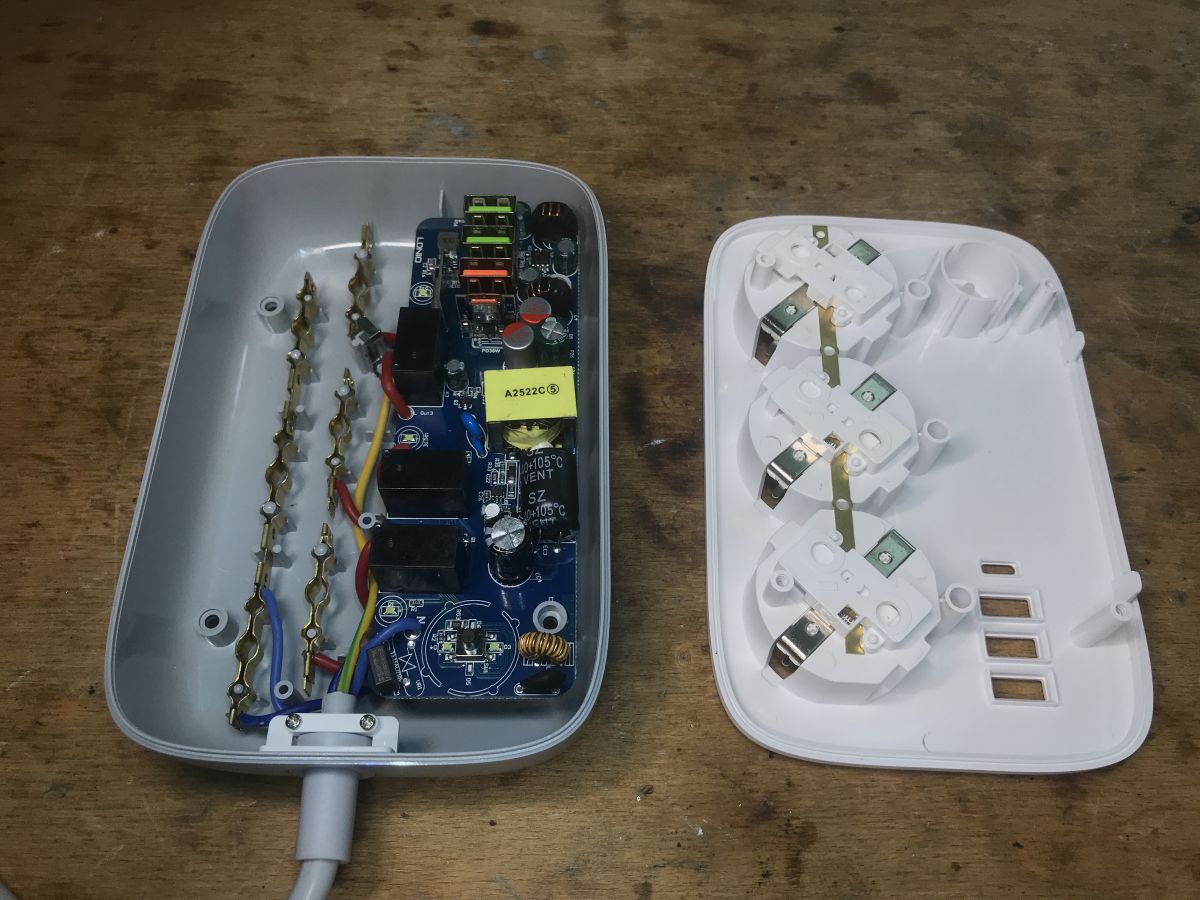
The interior is really rich. I can even see some coil and filters, although there is an empty space for a varistor?
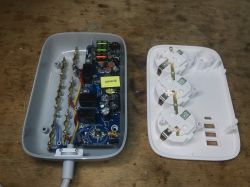
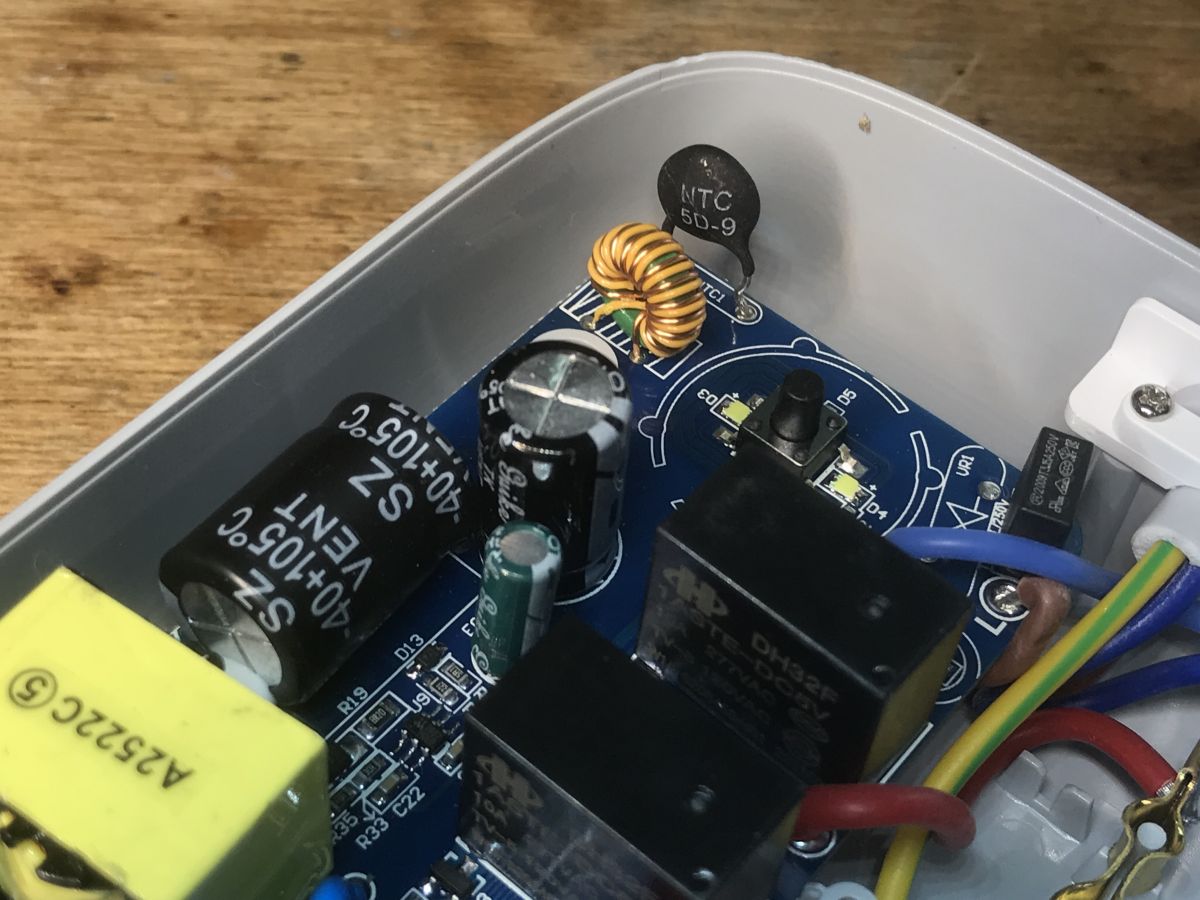
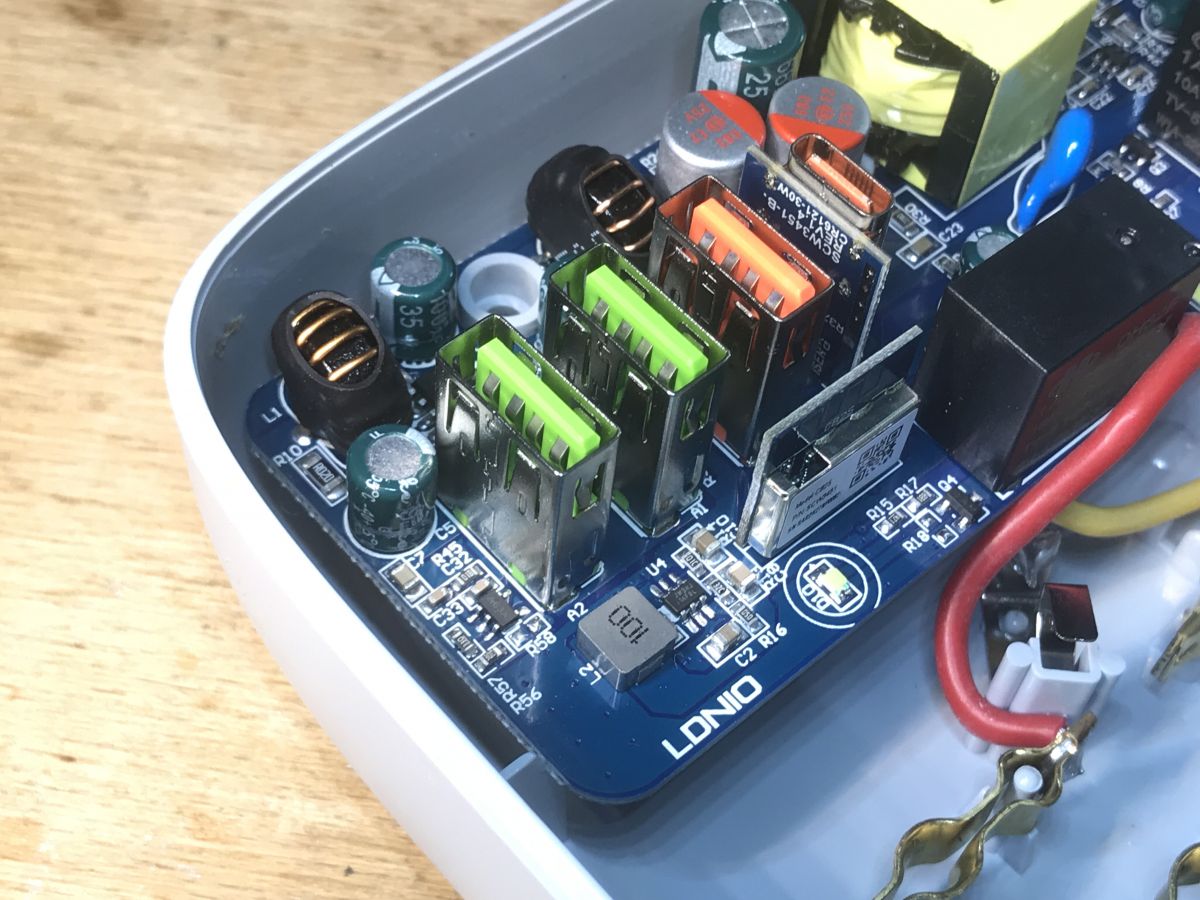
Interior of a disassembled LDNIO SEW3452 power strip showing electronics and sockets. Interior of a power strip with electronic components. Interior of the QC USB LDNIO SEW3452 power strip showing electronic components. There is also an NTC thermistor, probably limits the inrush current.
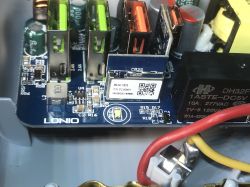
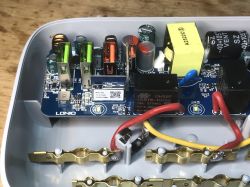
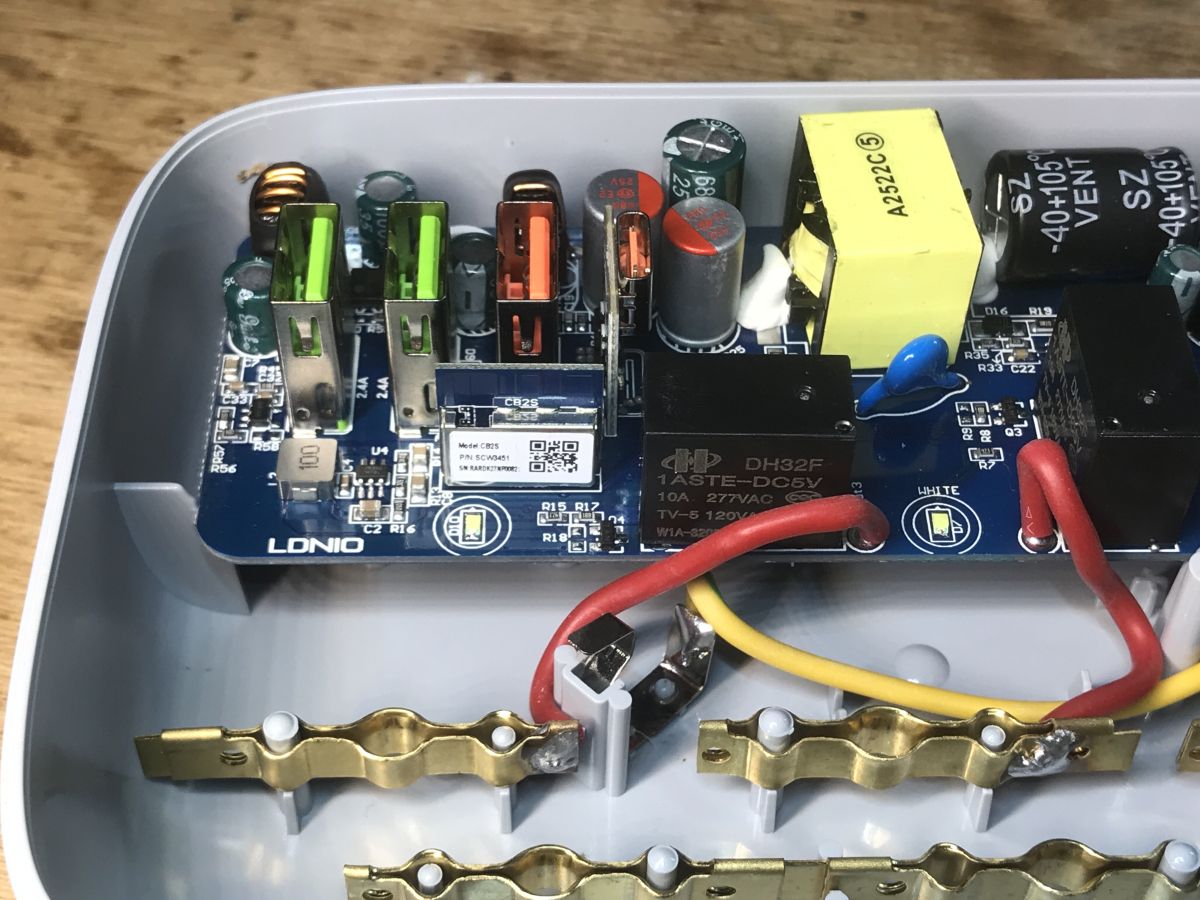
Interior of LDNIO SEW3452 power strip with WiFi module CB2S.
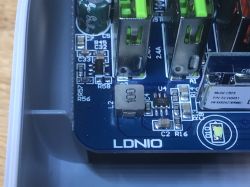
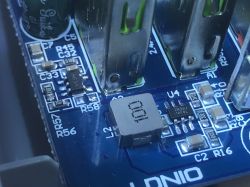
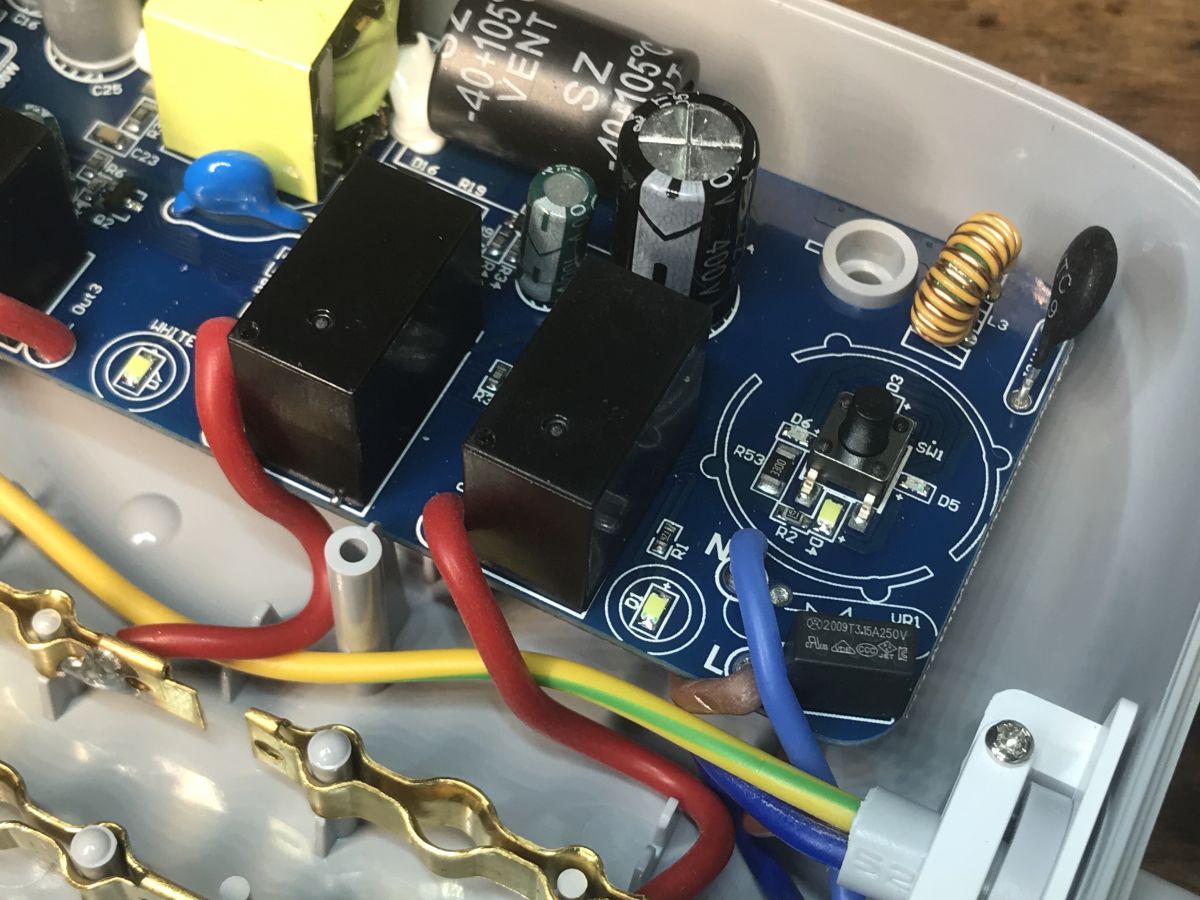
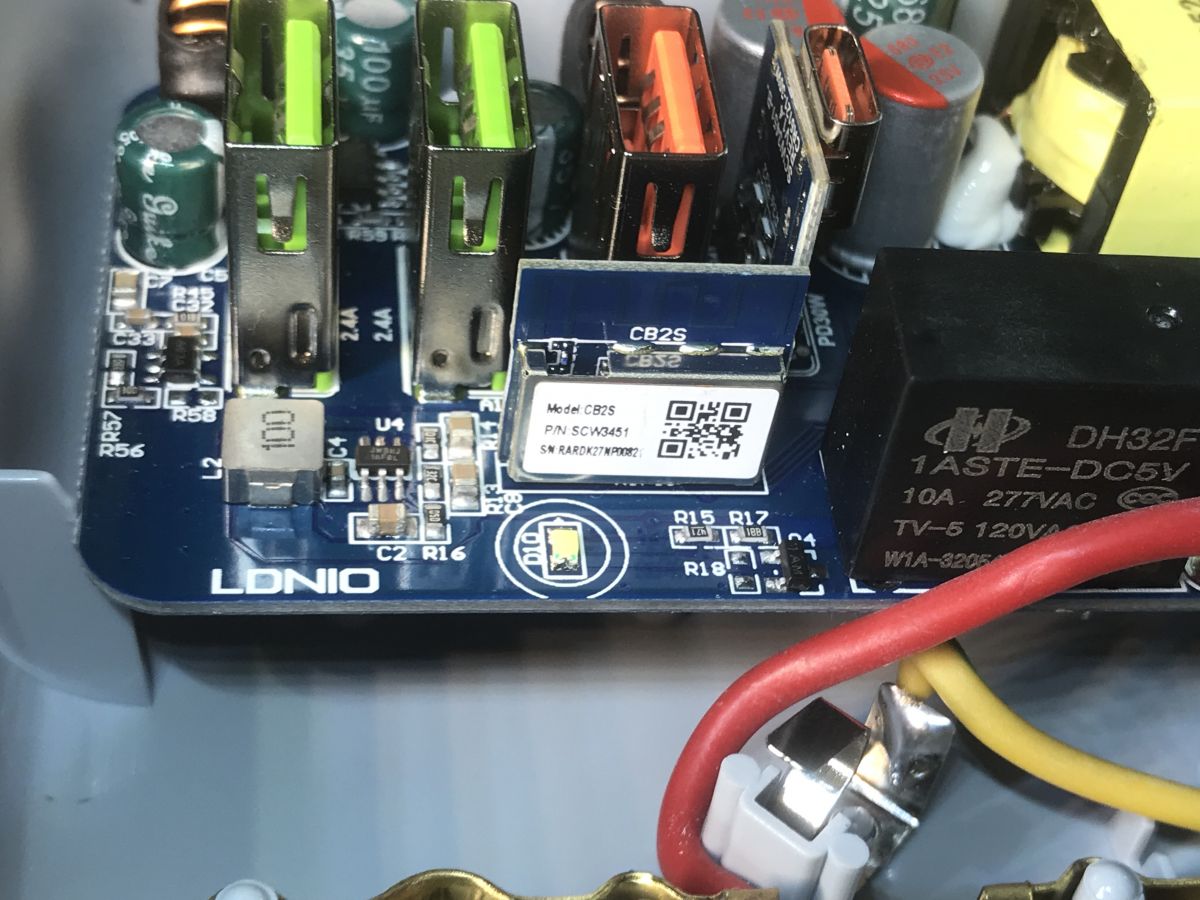
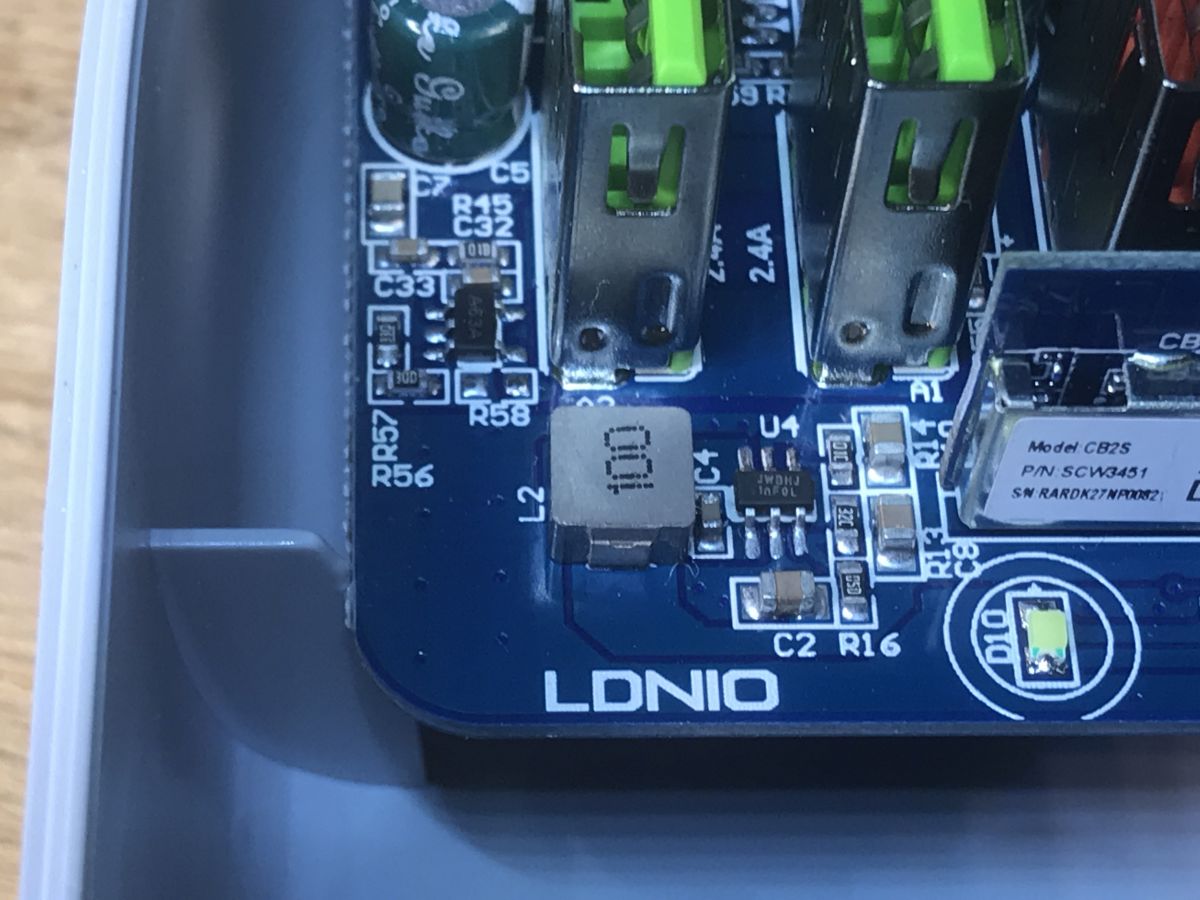
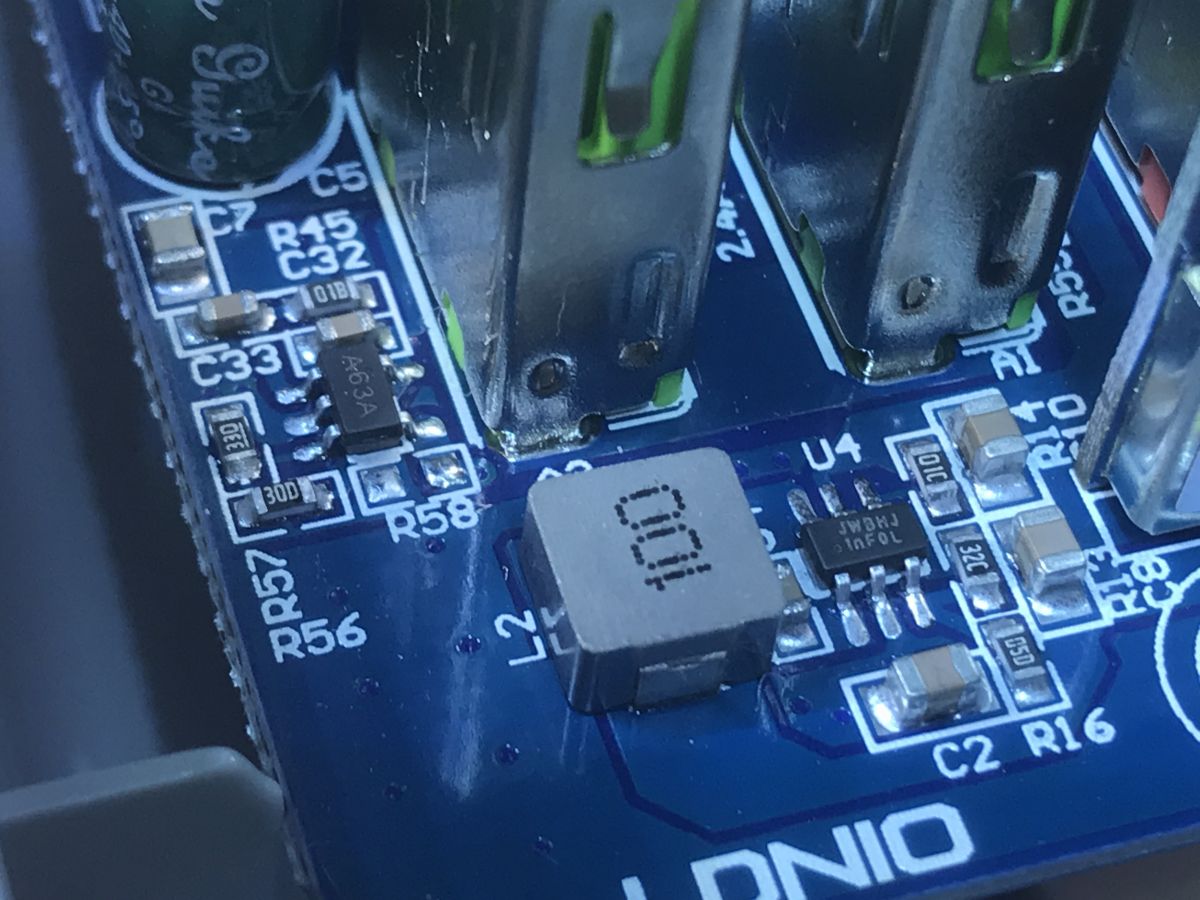
The WiFi module is a CB2S (BK7231N). You can see the step down converter next to it (element U4 with large coil L2). The relay is for 5V, 1ASTE-DC5V.
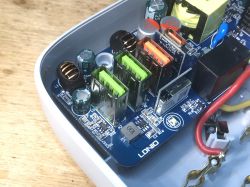
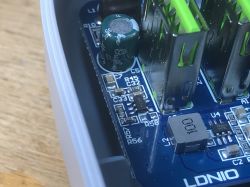
Interior of LDNIO SEW3452 power strip showing electronic components. Interior of LDNIO SEW3452 power strip showing electronics including WiFi module, capacitors, and relays.
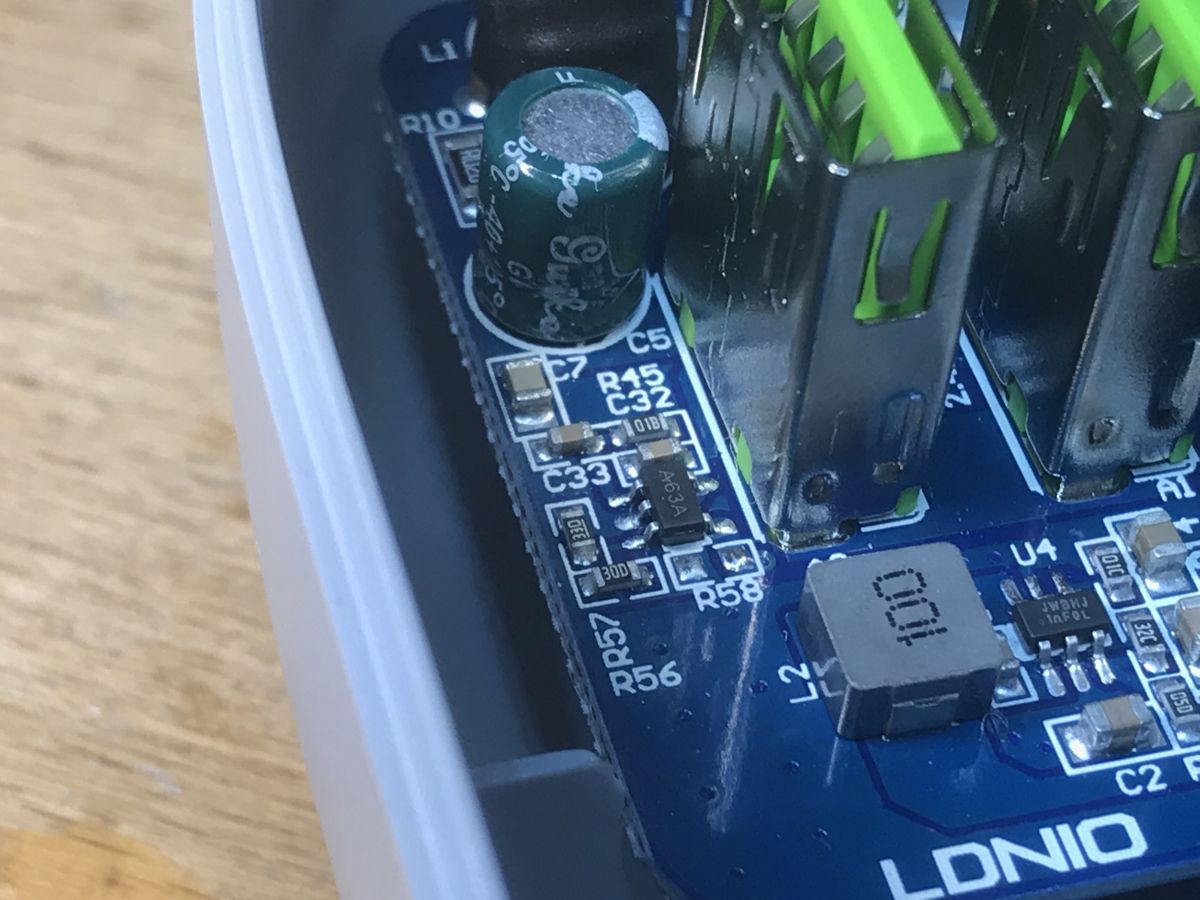
You can see the A63A circuit:
Close-up of the PCB board of the LDNIO SEW3452 power strip with visible electronic components and USB connectors. Close-up of the interior of the LDNIO SEW3452 power strip showing an electronic component and USB ports. Close-up of electronic components on the LDNIO SEW3452 circuit board
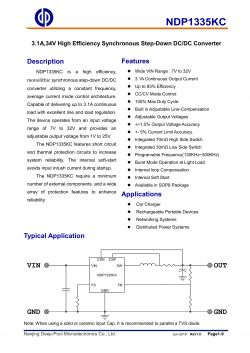
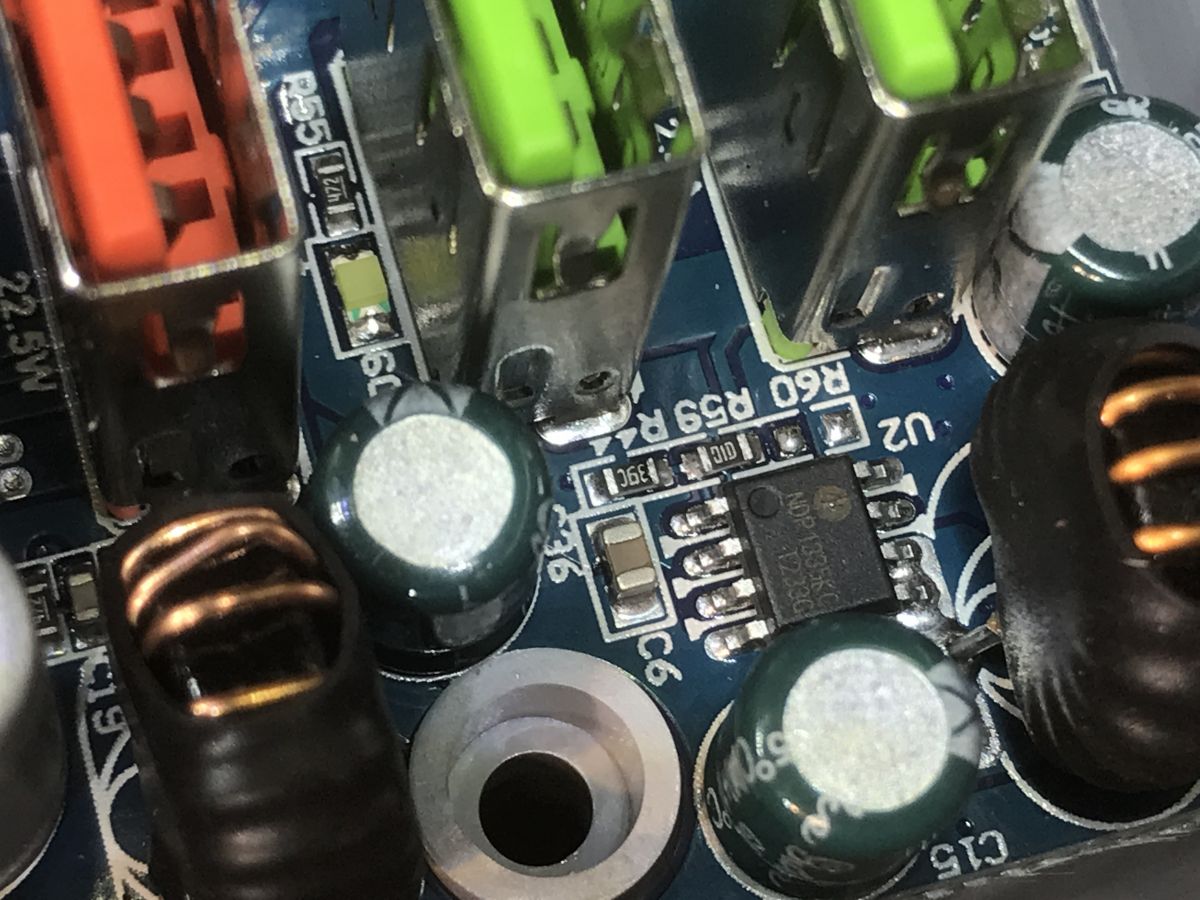
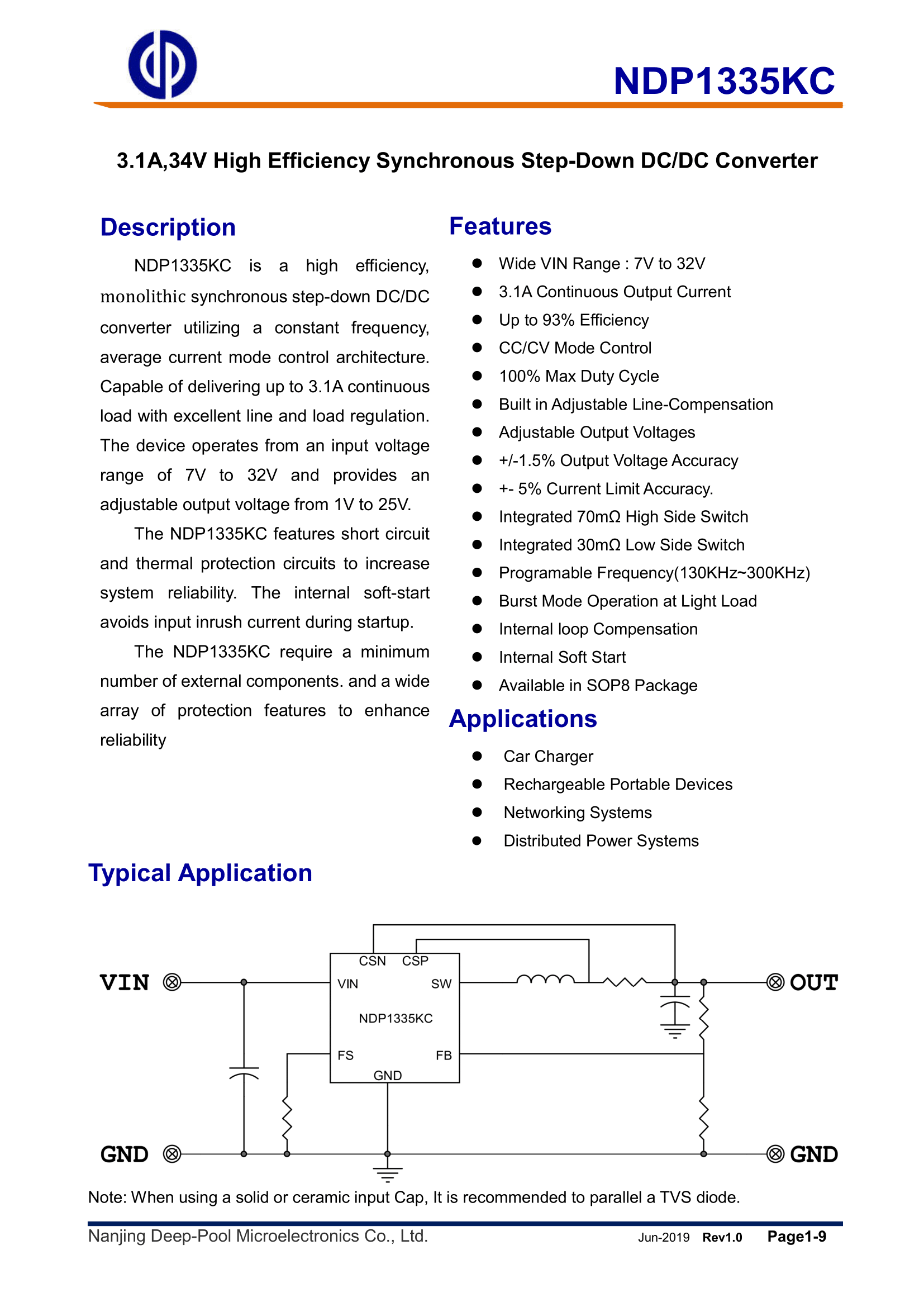
The intermediate inverter is based on NDP1335KC:
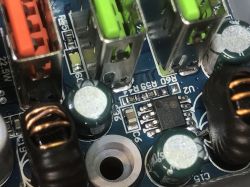
Close-up of a circuit board with electronic components, including USB ports and capacitors. Close-up of a circuit board with electronic components, including USB ports and capacitors.
Technical specification of the NDP1335KC chip.
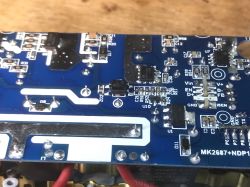
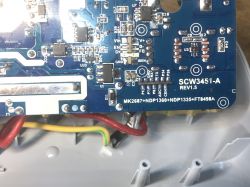
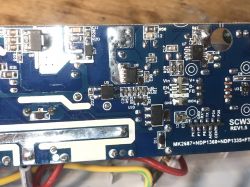
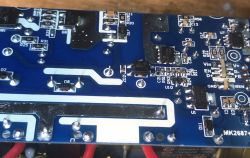
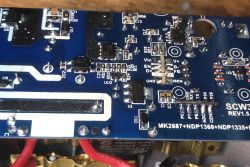
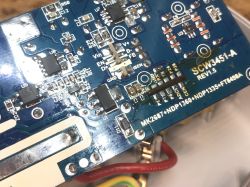
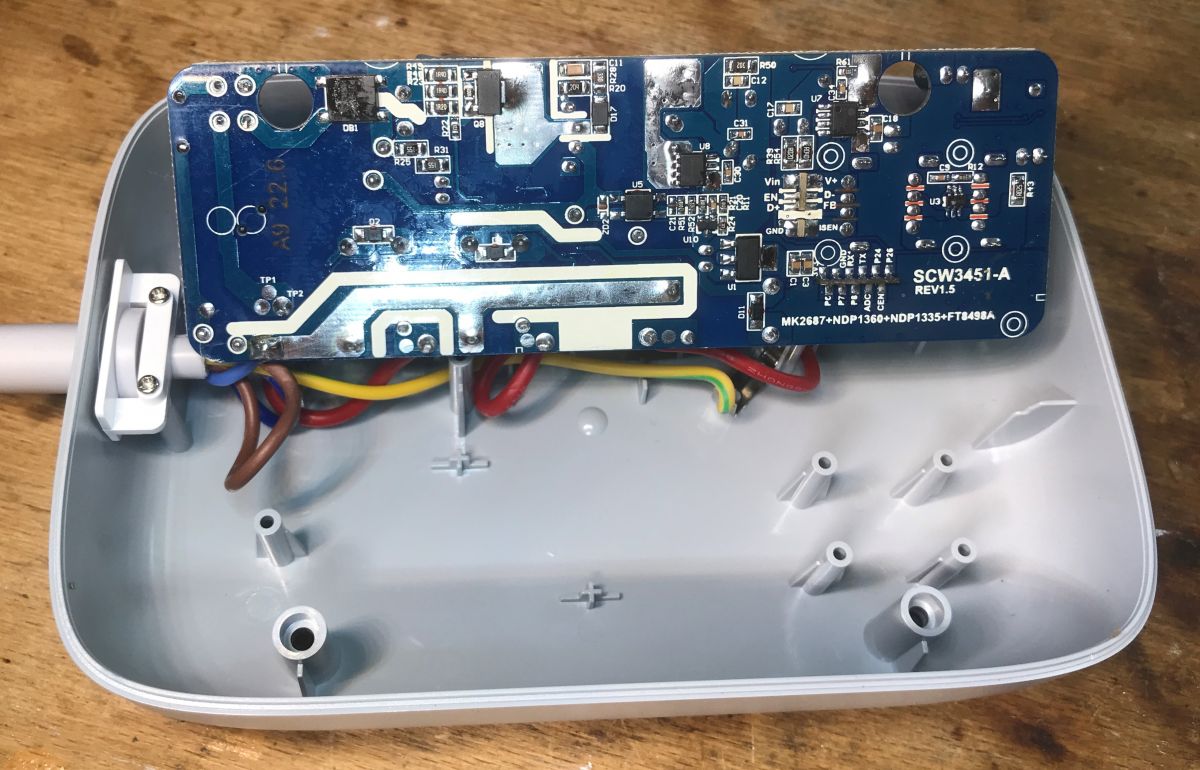
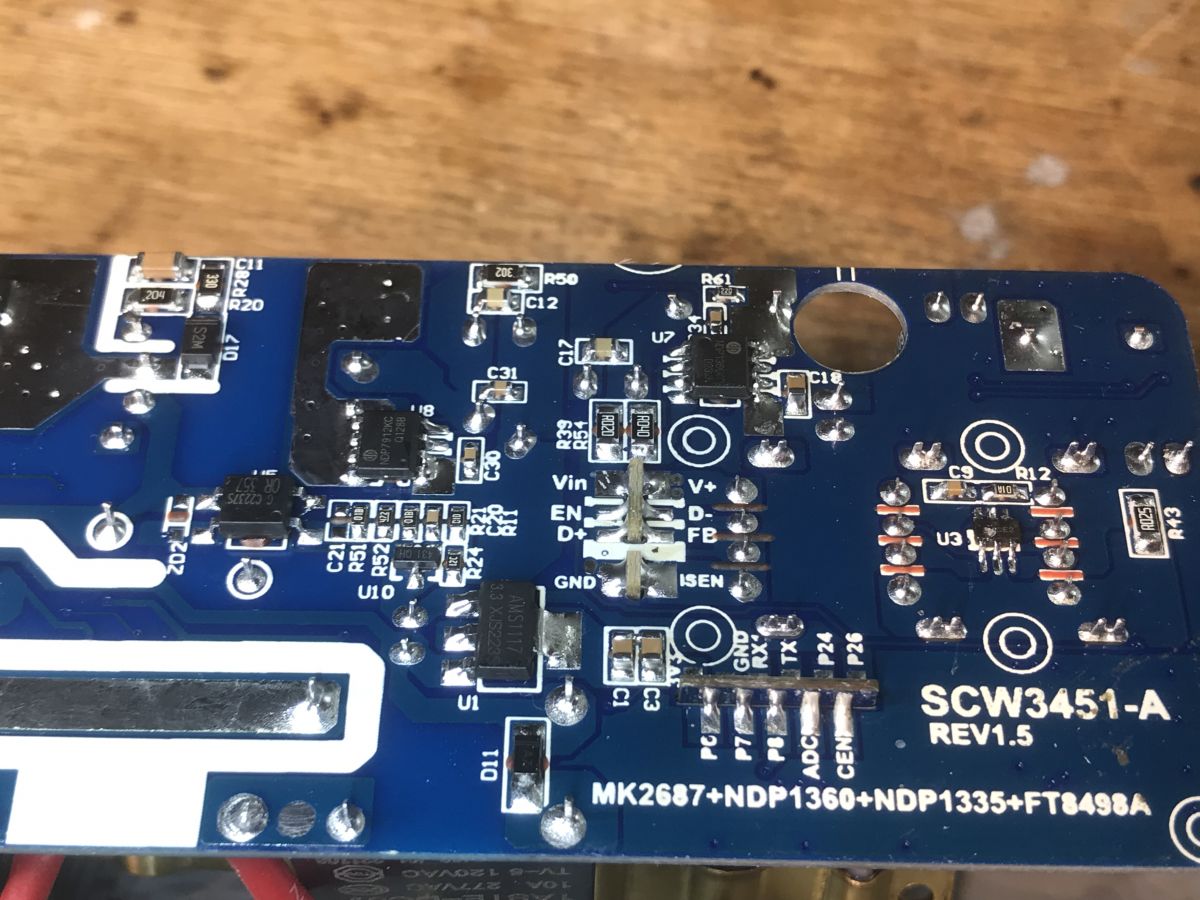
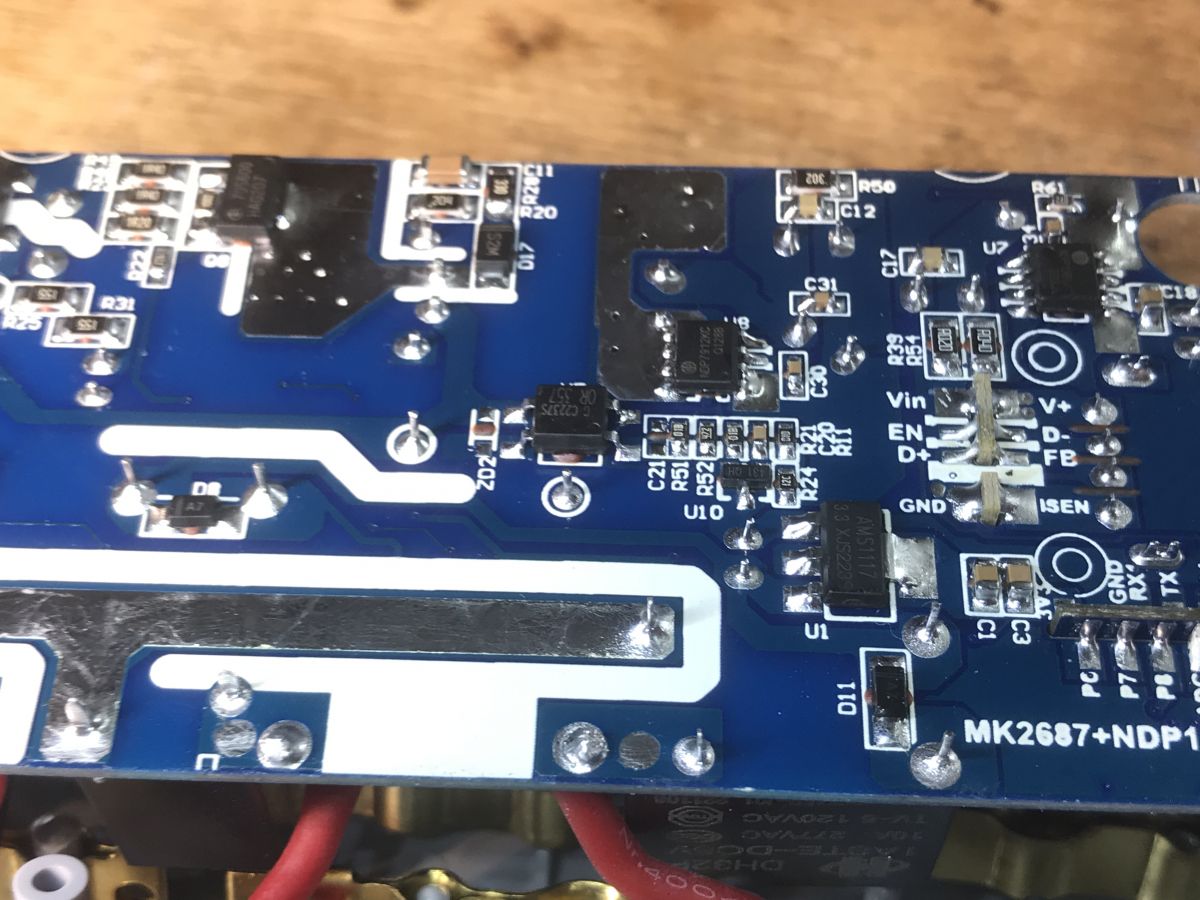
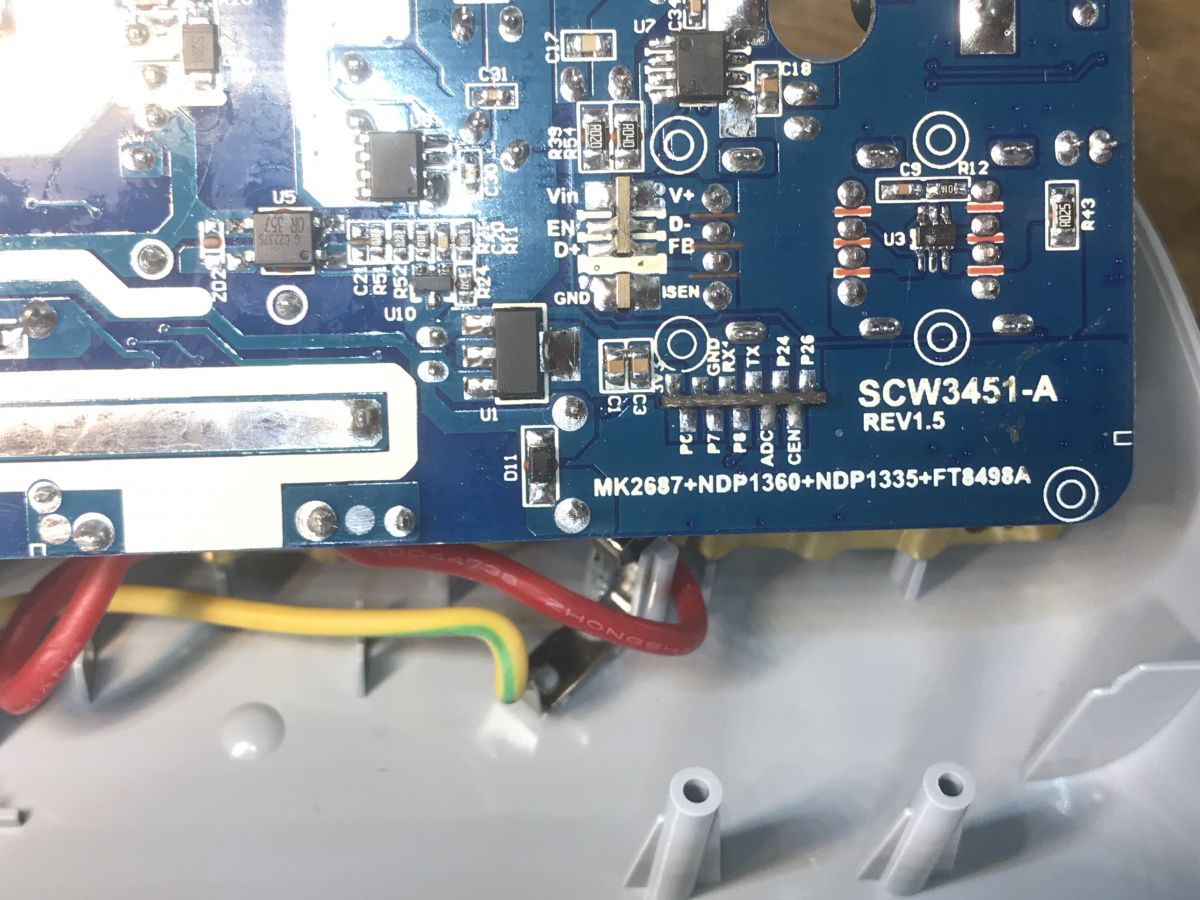
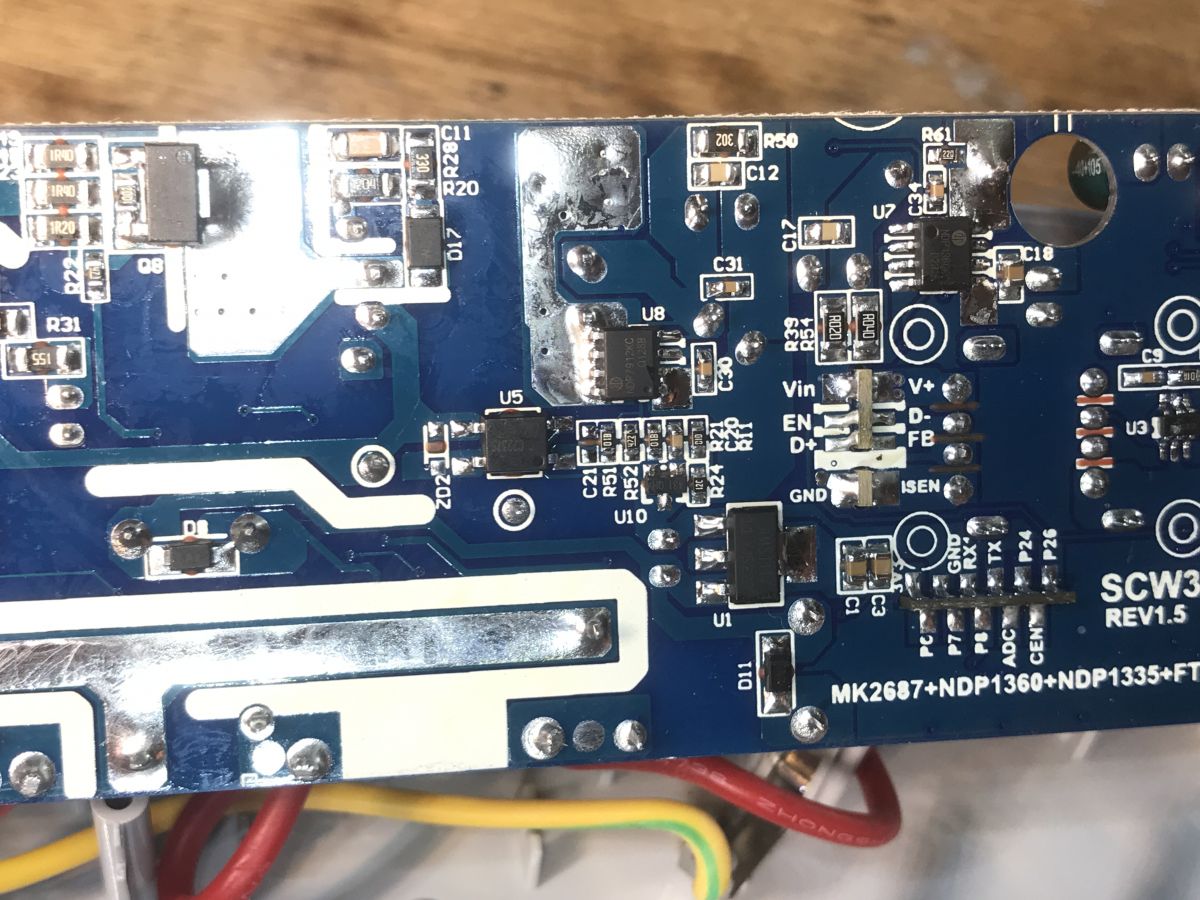
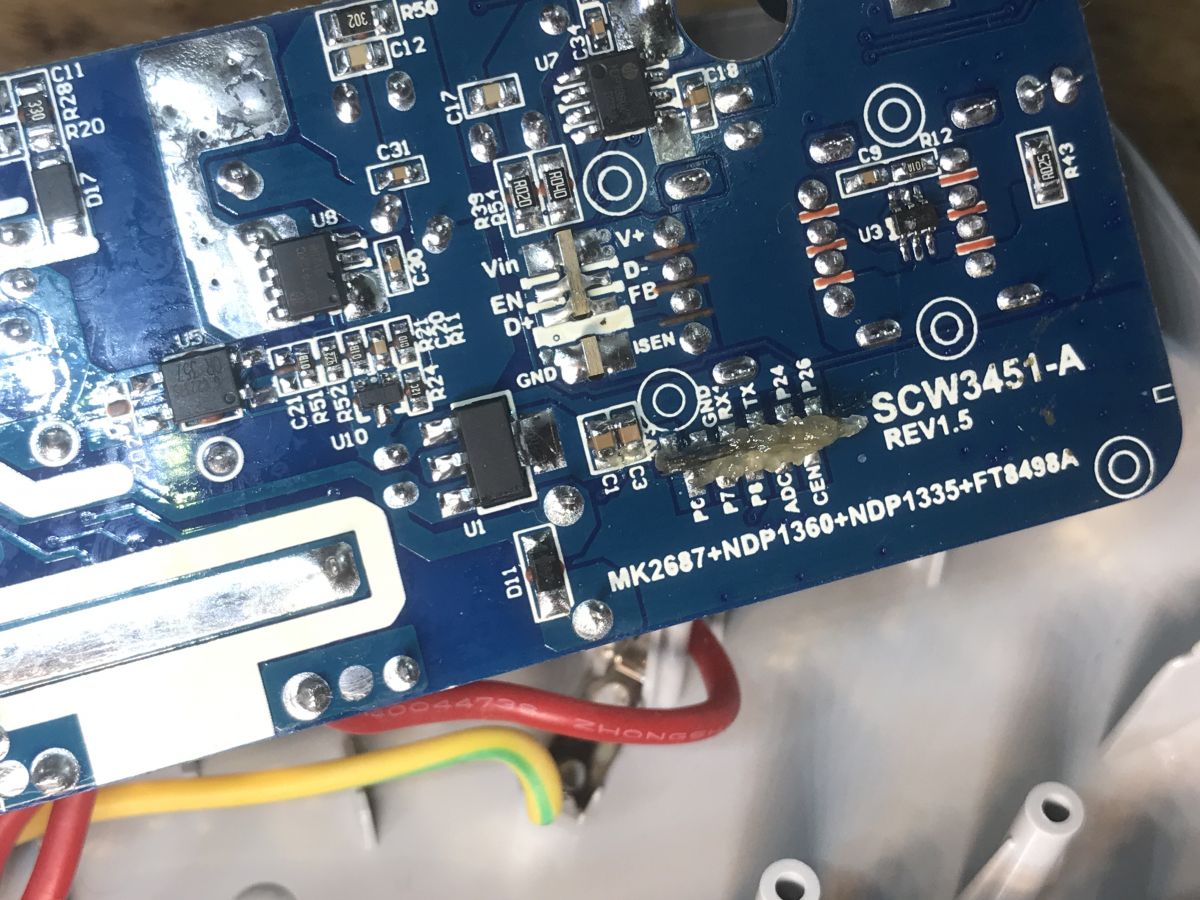
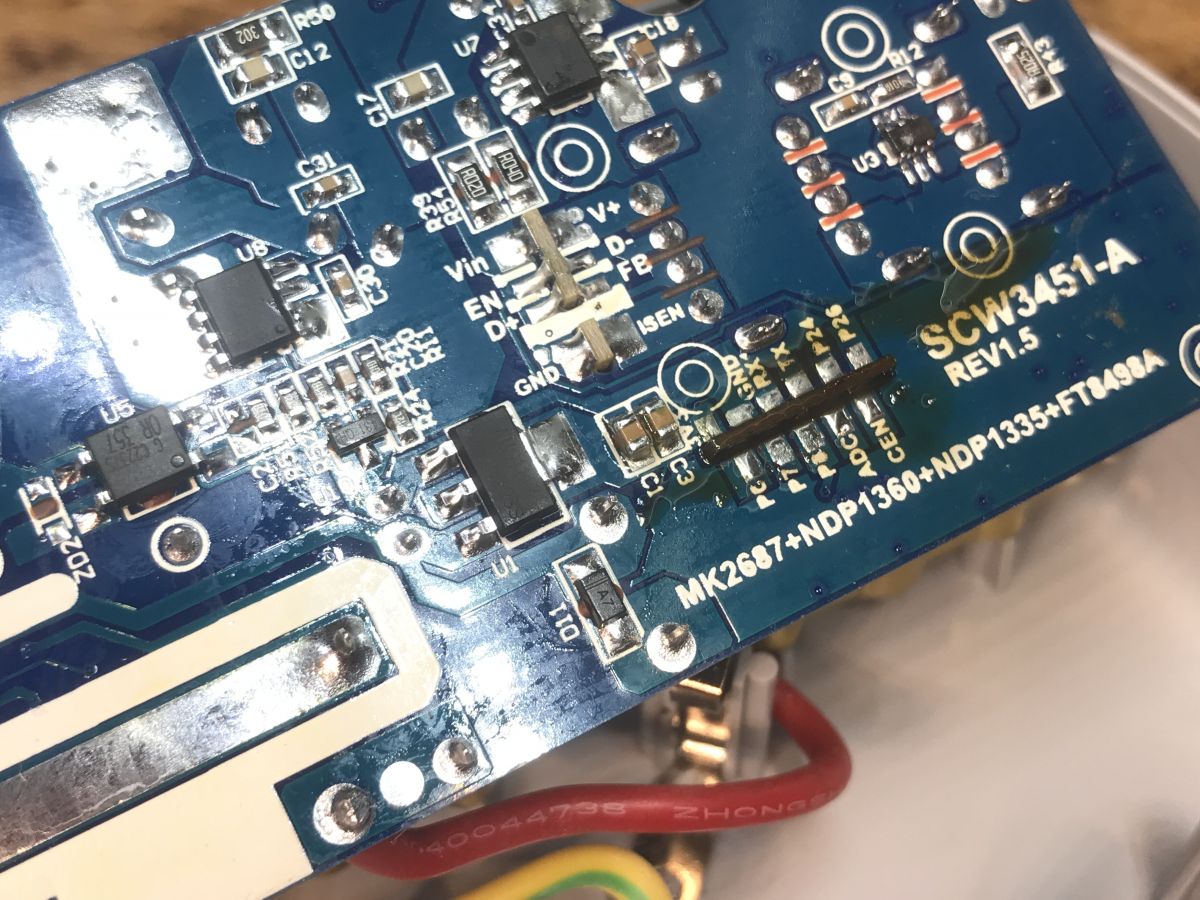
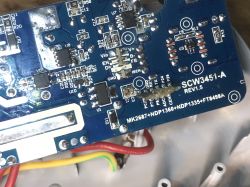
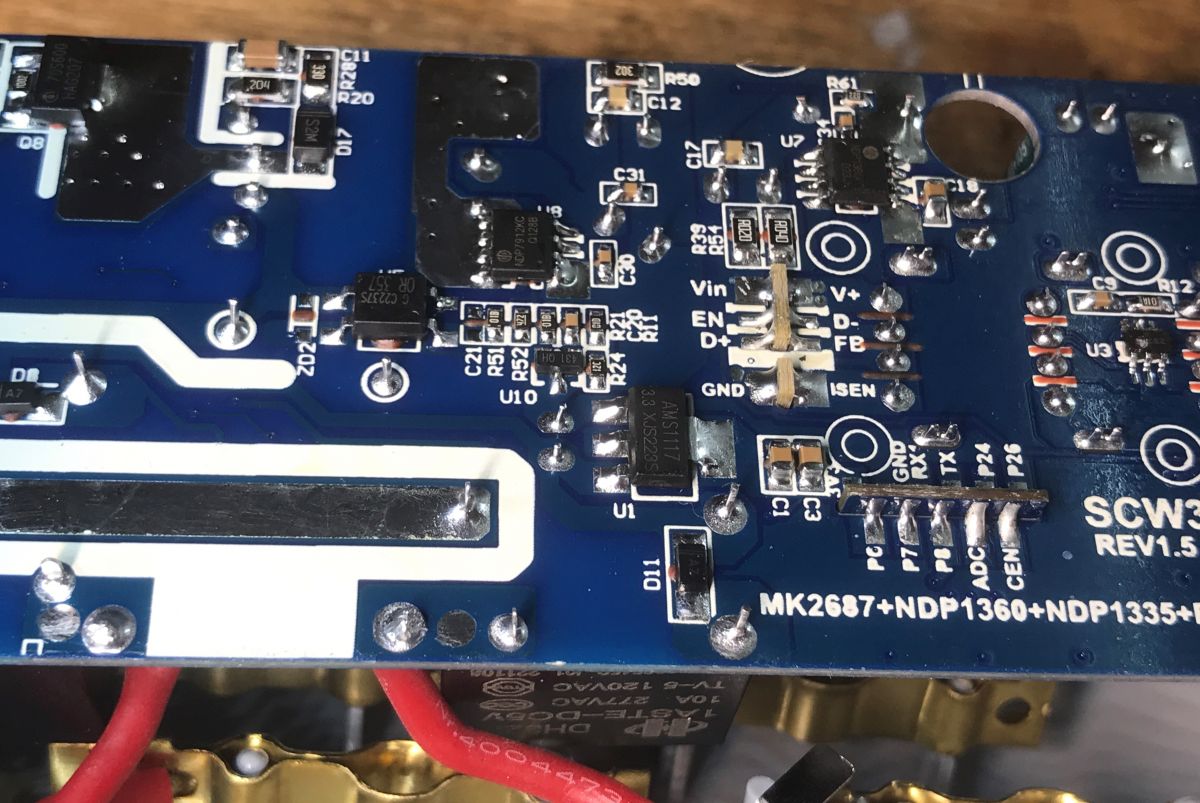
PCB designation: SCW3451-A REV1.5
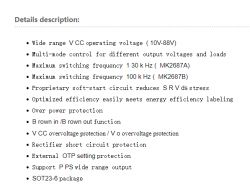
MK2687+NDP1360+NDP1335+FT8498A
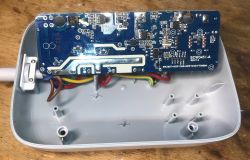
Interior of a disassembled power strip showing the circuit board.
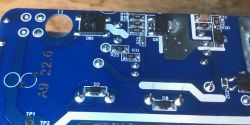
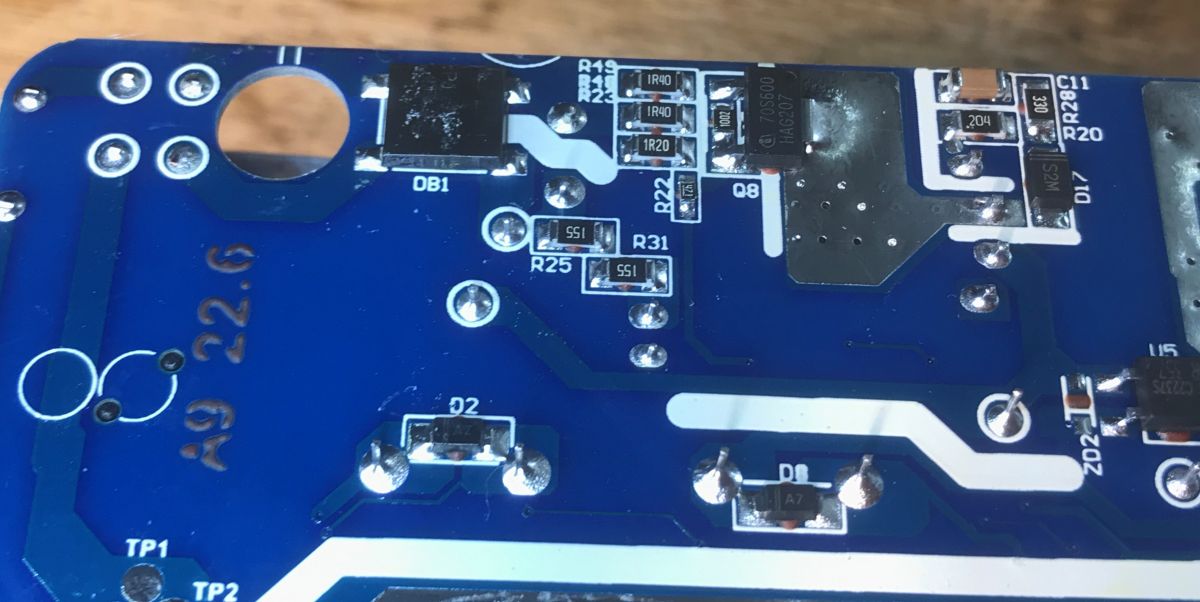
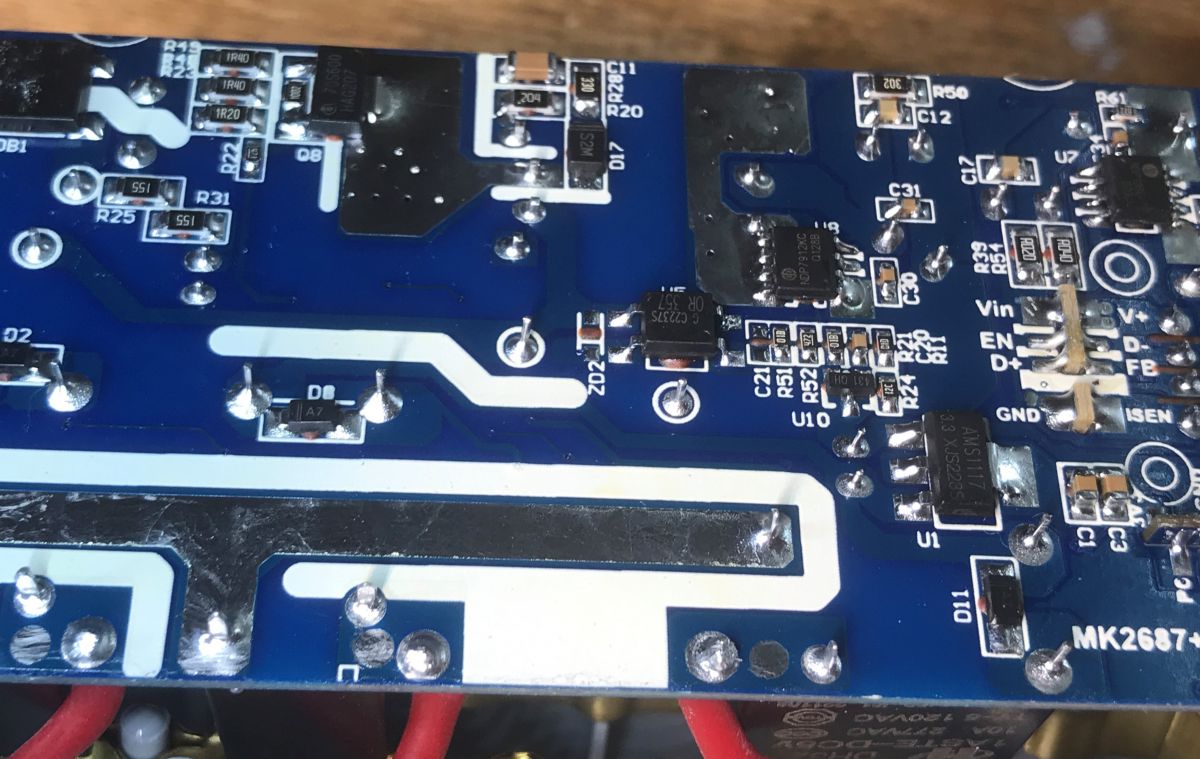
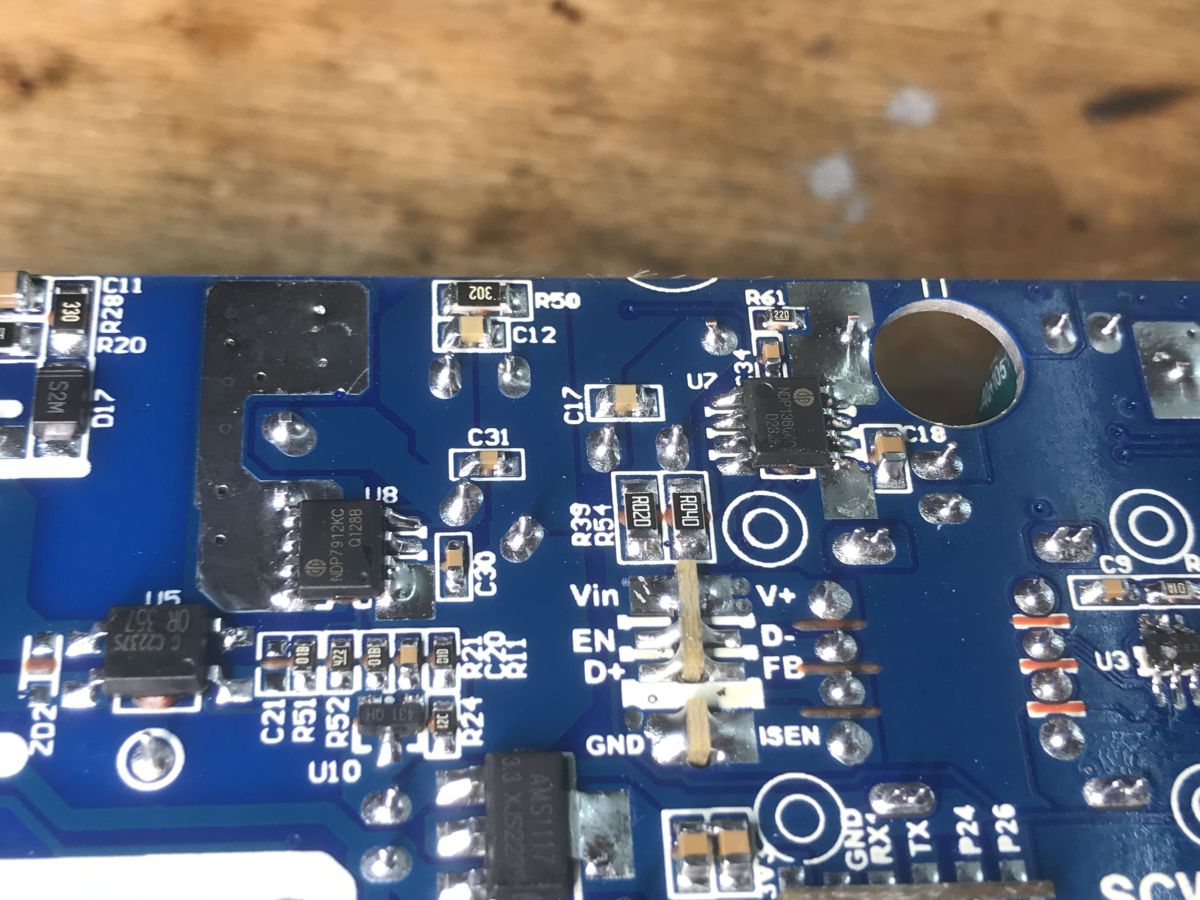
On the underside I also see an NDP7912KC and I think some kind of optocoupler.
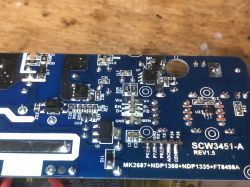
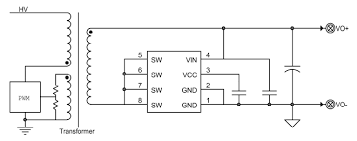
Interior of SEW3452 power strip with electronic components on PCB Close-up of a PCB with electronic components inside the LDNIO QC USB SEW3452 power strip. Interior of the LDNIO SEW3452 power strip showing a printed circuit board. Close-up of a circuit board with electronic components and markings. Close-up of the circuit board inside the LDNIO SEW3452 power strip. Close-up of the PCB of the QC USB LDNIO SEW3452 power strip with visible electronic components. Close-up of the interior of the LDNIO SEW3452 power strip showing electronic components. Close-up of a circuit board with electronic components. NDP7912KC is a synchronous rectifier, not bad, it's more efficient than a Schottky diode:
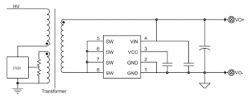
Flyback converter schematic with transformer and PWM circuit.
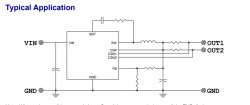
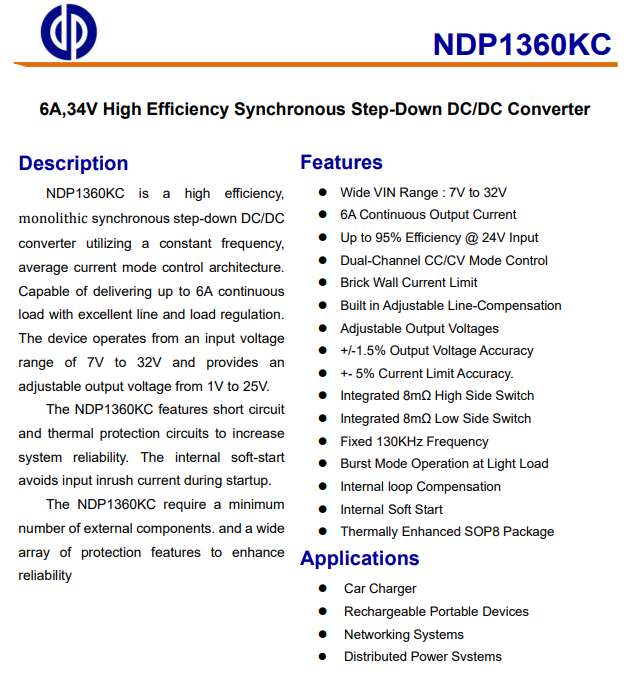
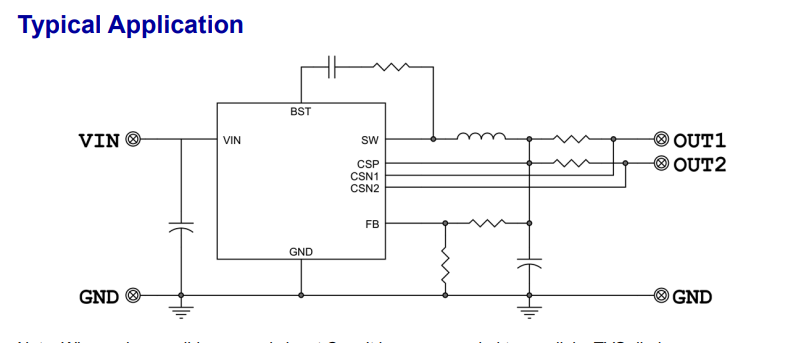
Another inverter seen on the bottom is the NDP1360:
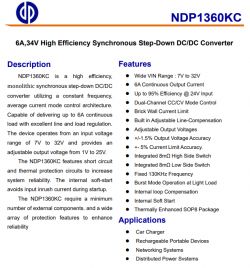
Technical specifications of the NDP1360KC converter Diagram of a typical application circuit with an integrated circuit and passive components.
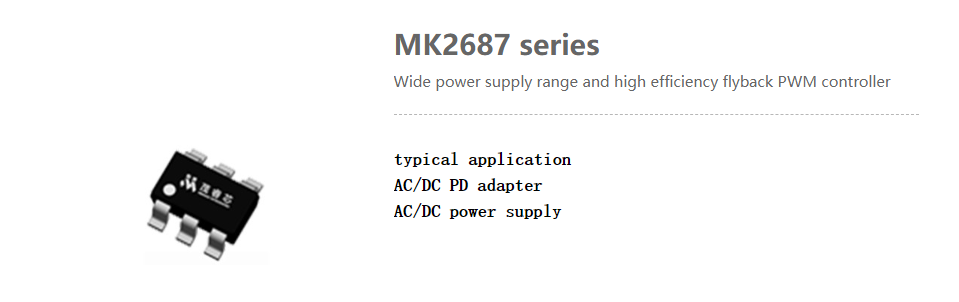
The flyback converter controller itself here is an MK2687:
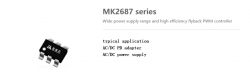
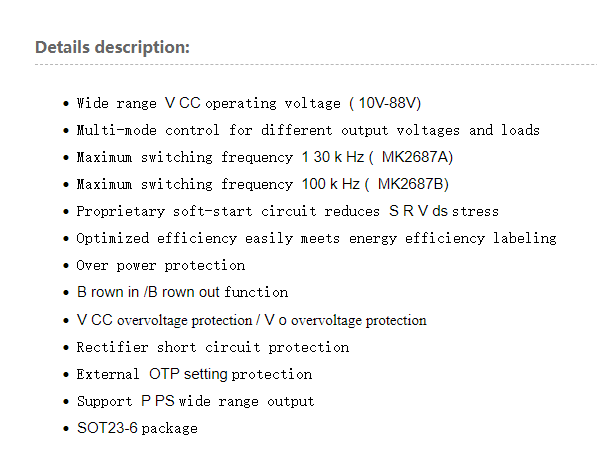
MK2687 series - wide power supply range and high efficiency flyback PWM controller. Technical features of the MK2687A/B power module.
[b] Current capacity test of the LDNIO SEW3452 USB QC
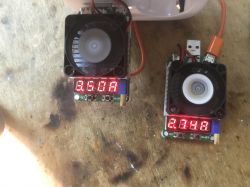
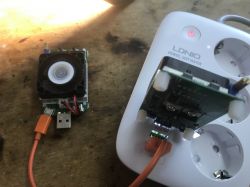
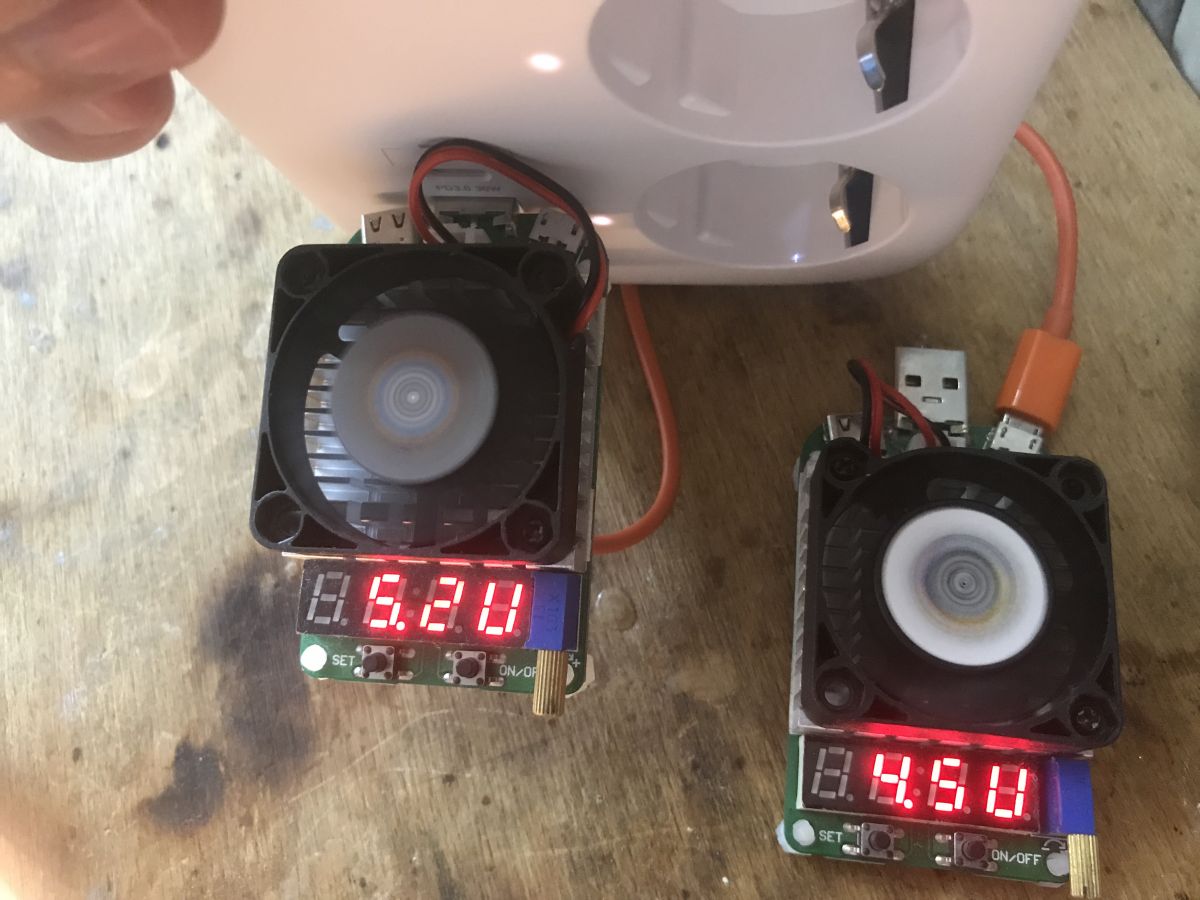
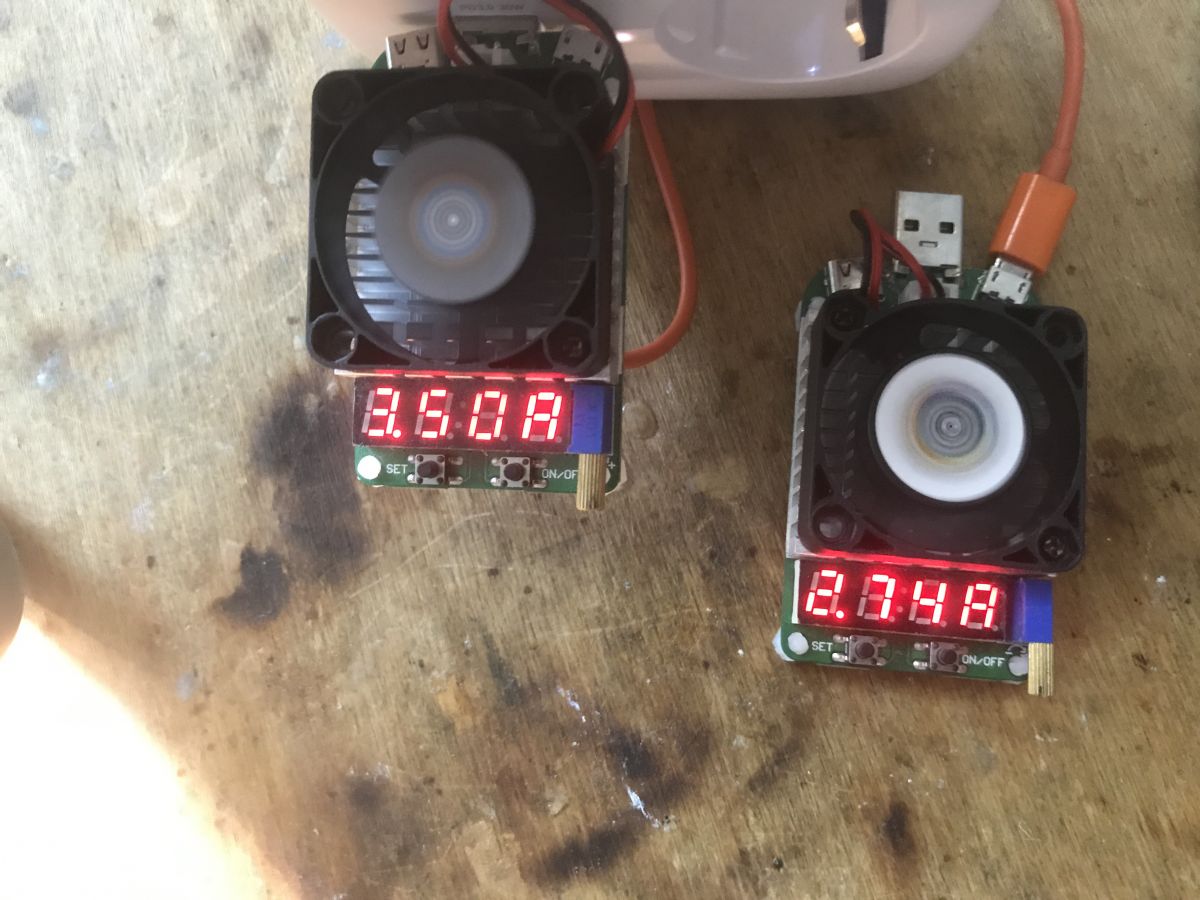
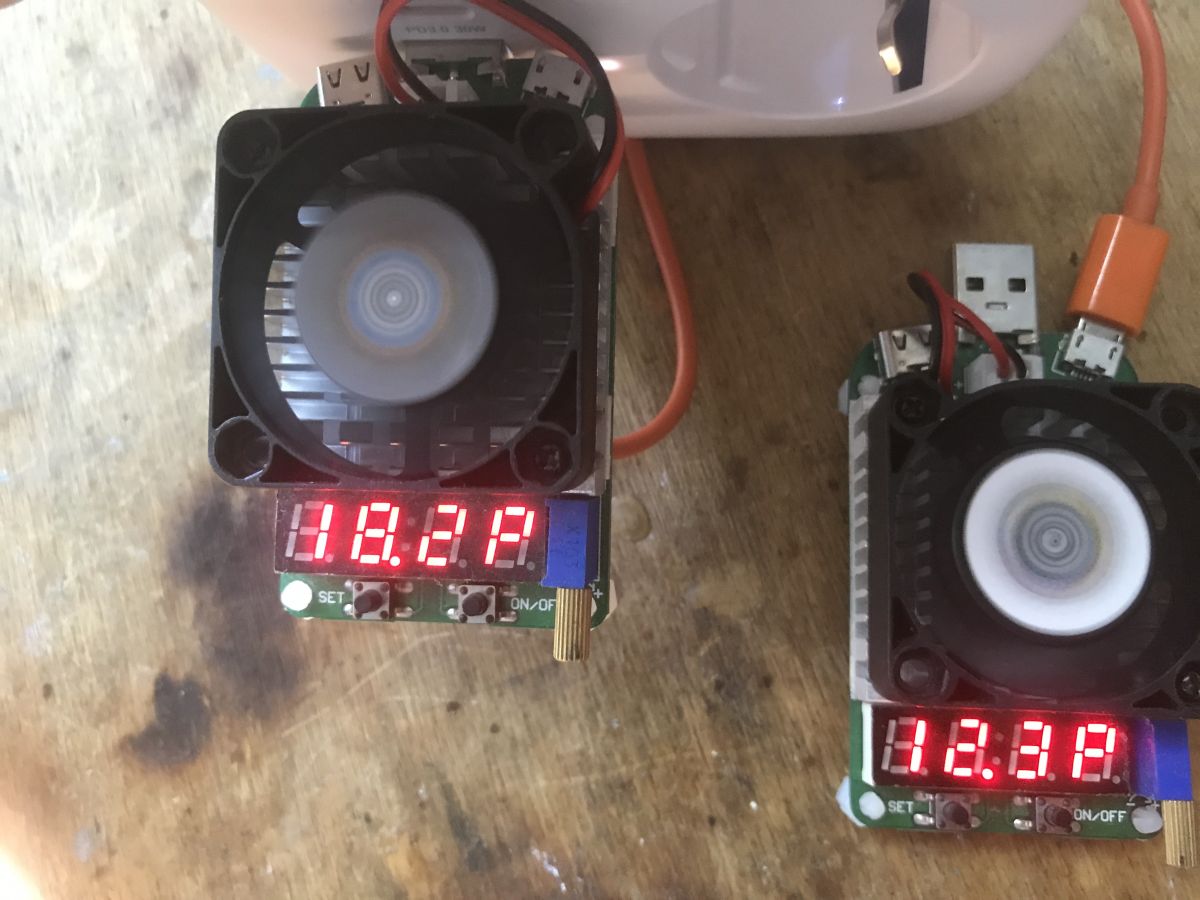
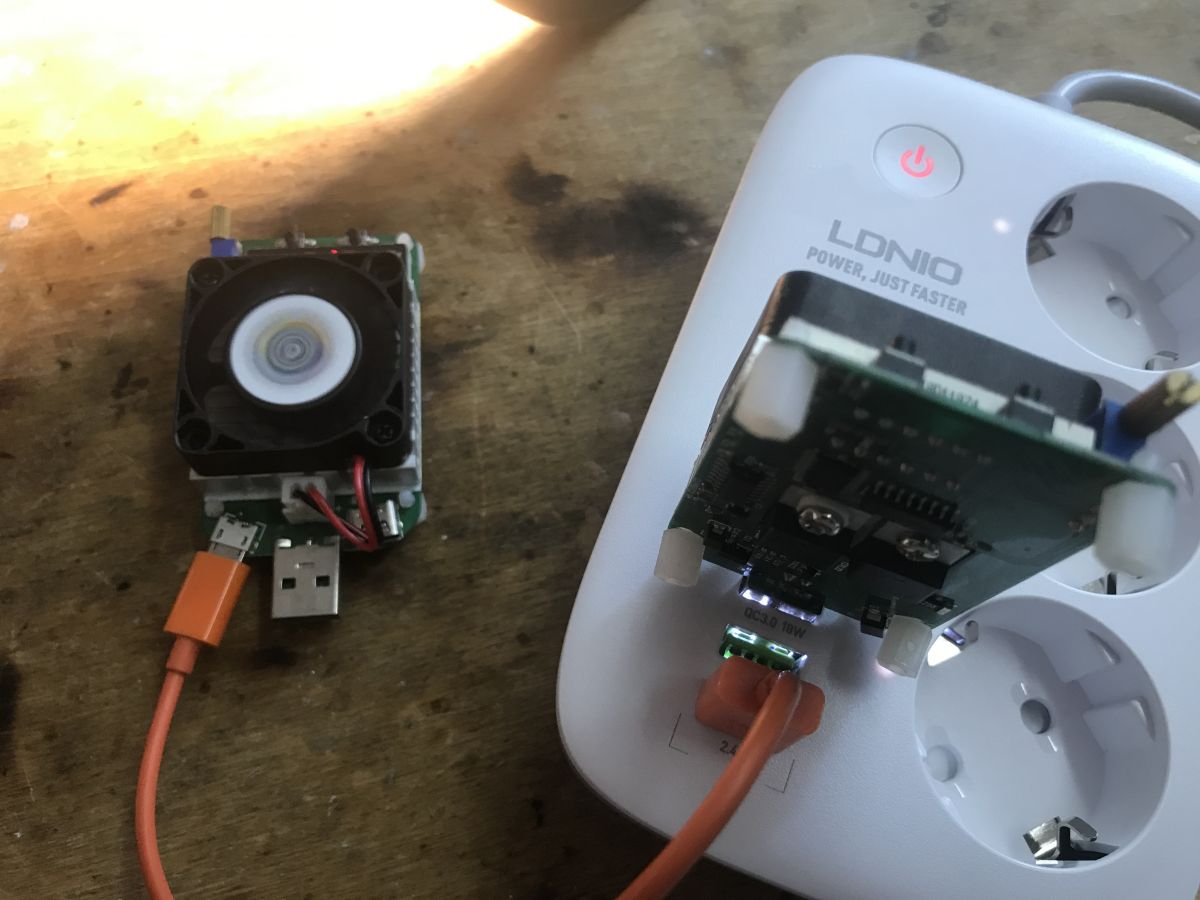
I wanted to test the current capacity of this strip, but I did not have a suitable artificial load. I therefore used two loads at once - LD25 and LD35.
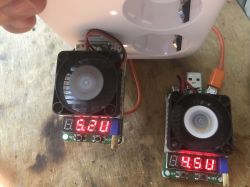
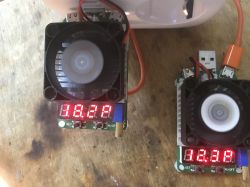
Testing LDNIO SEW3452 power strip with two loads Two electronic loads with fans and LED displays showing current values. Two test loads with fans and digital displays on a table. LDNIO SEW3452 power strip connected to testing devices. Let's add up the currents - 3.5A + 2.74A,
Power: 18.2W + 12.3W. That is, a total of 31W.
Then the protection is switched on.

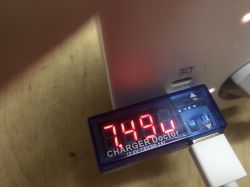
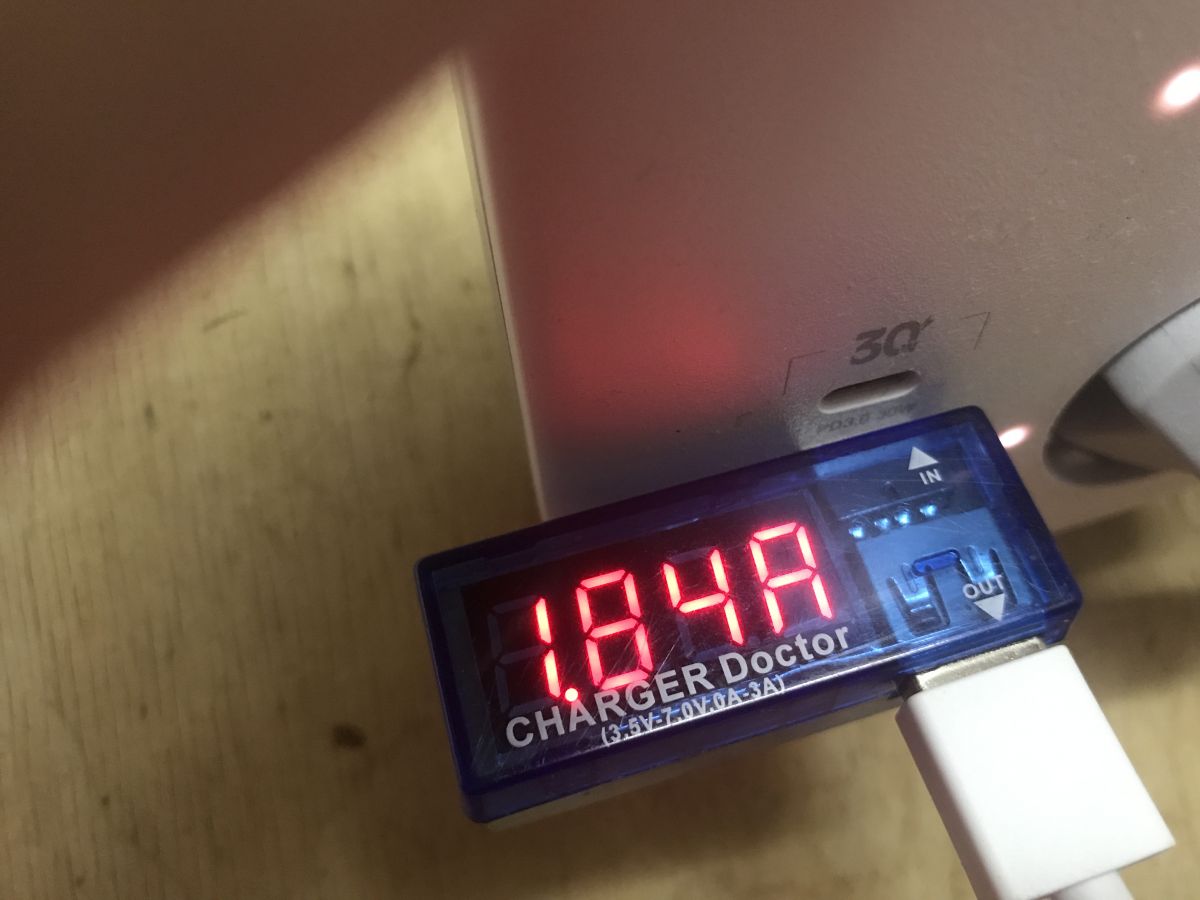
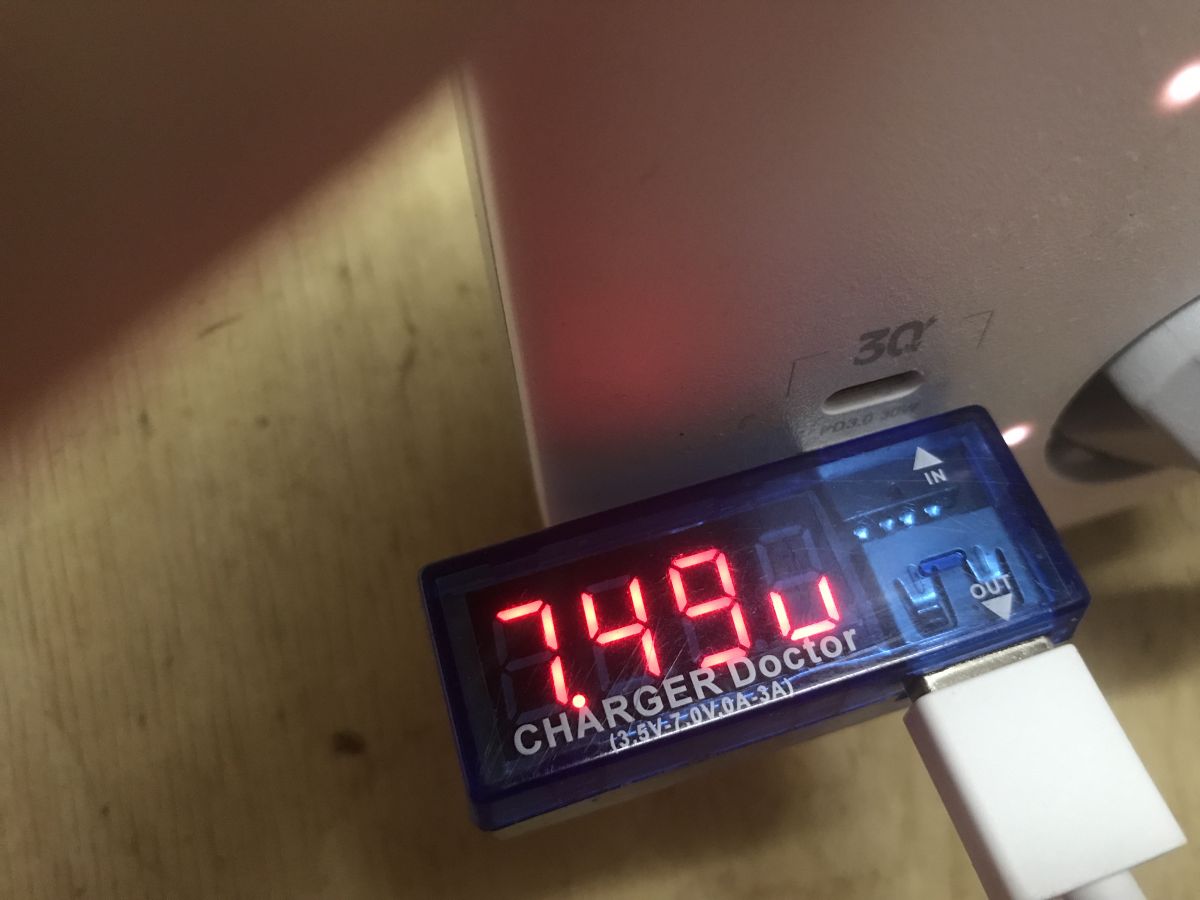
I also checked the QC with my Xiaomi phone:
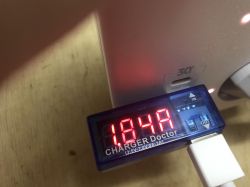
Charger Doctor display showing a voltage reading of 1.84A. Display of a meter with a connected USB cable showing 7.49 V.
Truly, it switches on 7.5V and 1.5A.

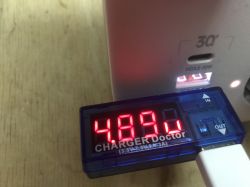
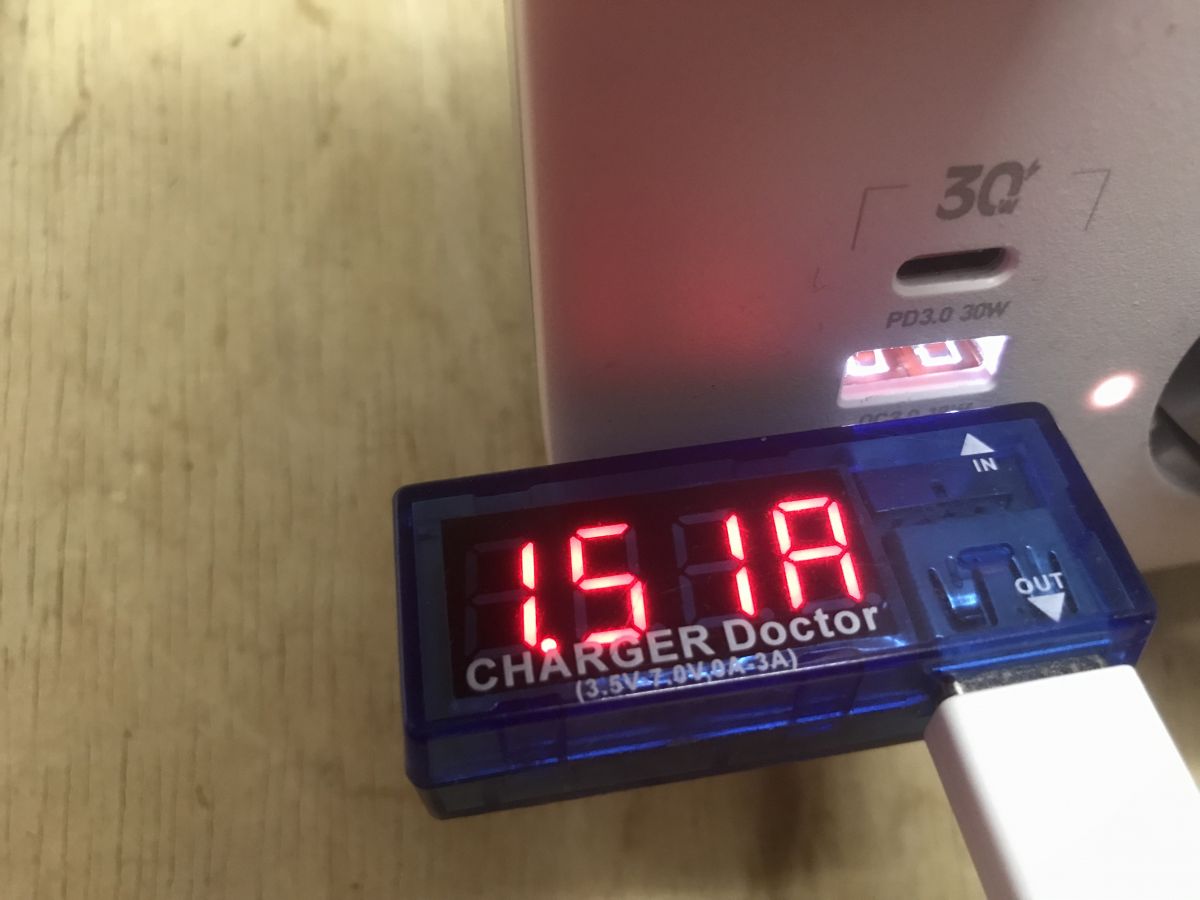
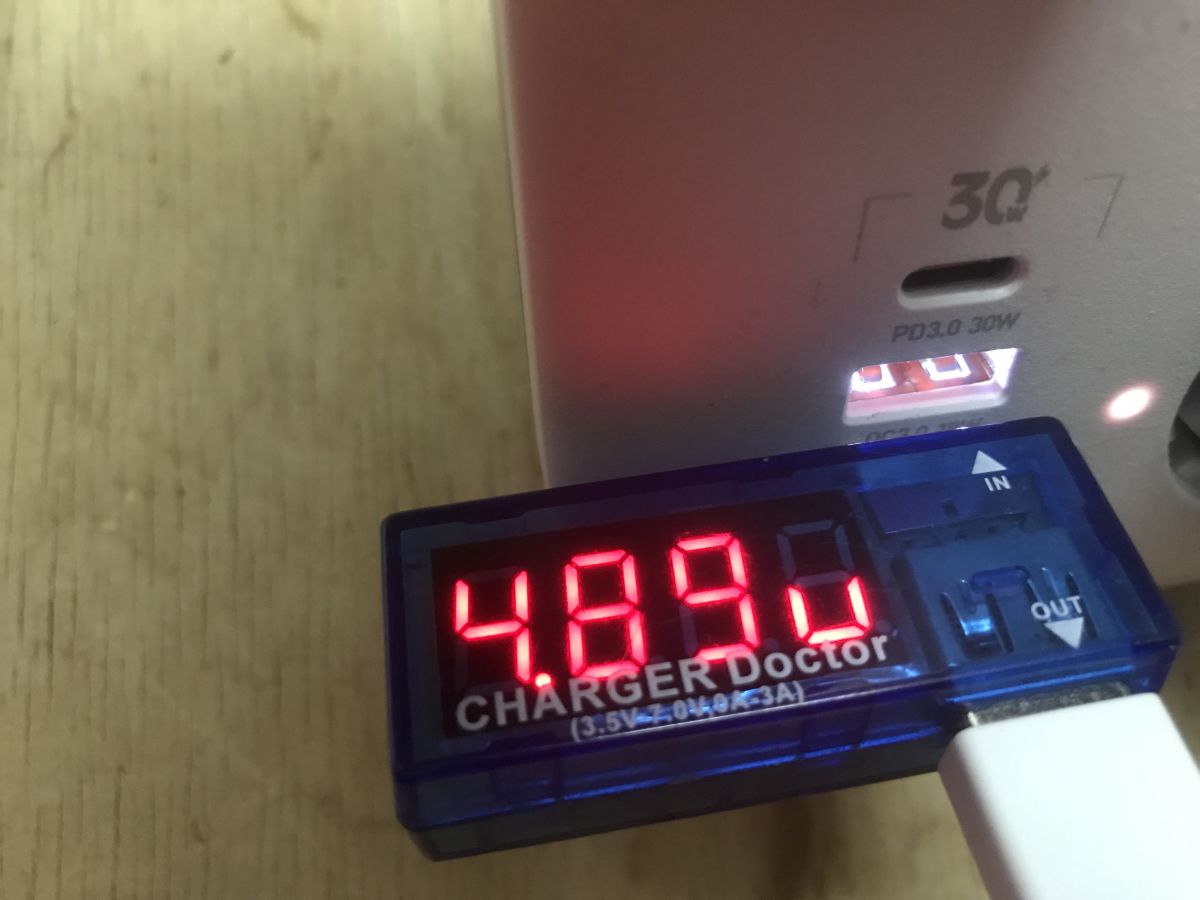
However, not every port has QC:
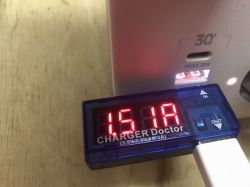
Display of a USB Charger Doctor current meter connected to an LDNIO power strip showing a reading of 1.51A. Electronic voltmeter displaying 4.89V connected to a USB port of the LDNIO power strip.

Changing the QC USB firmware LDNIO SEW3452 In the middle is CB2S, or BK7231. You can upload OpenBeken:
https://github.com/openshwprojects/OpenBK7231T_App
According to the flasher instructions:
https://github.com/openshwprojects/BK7231GUIFlashTool
And our tutorials on YT:
https://www.youtube.com/playlist?list=PLzbXEc2ebpH0CZDbczAXT94BuSGrd_GoM
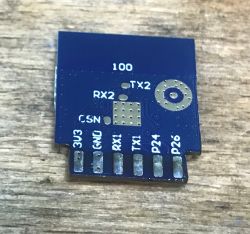
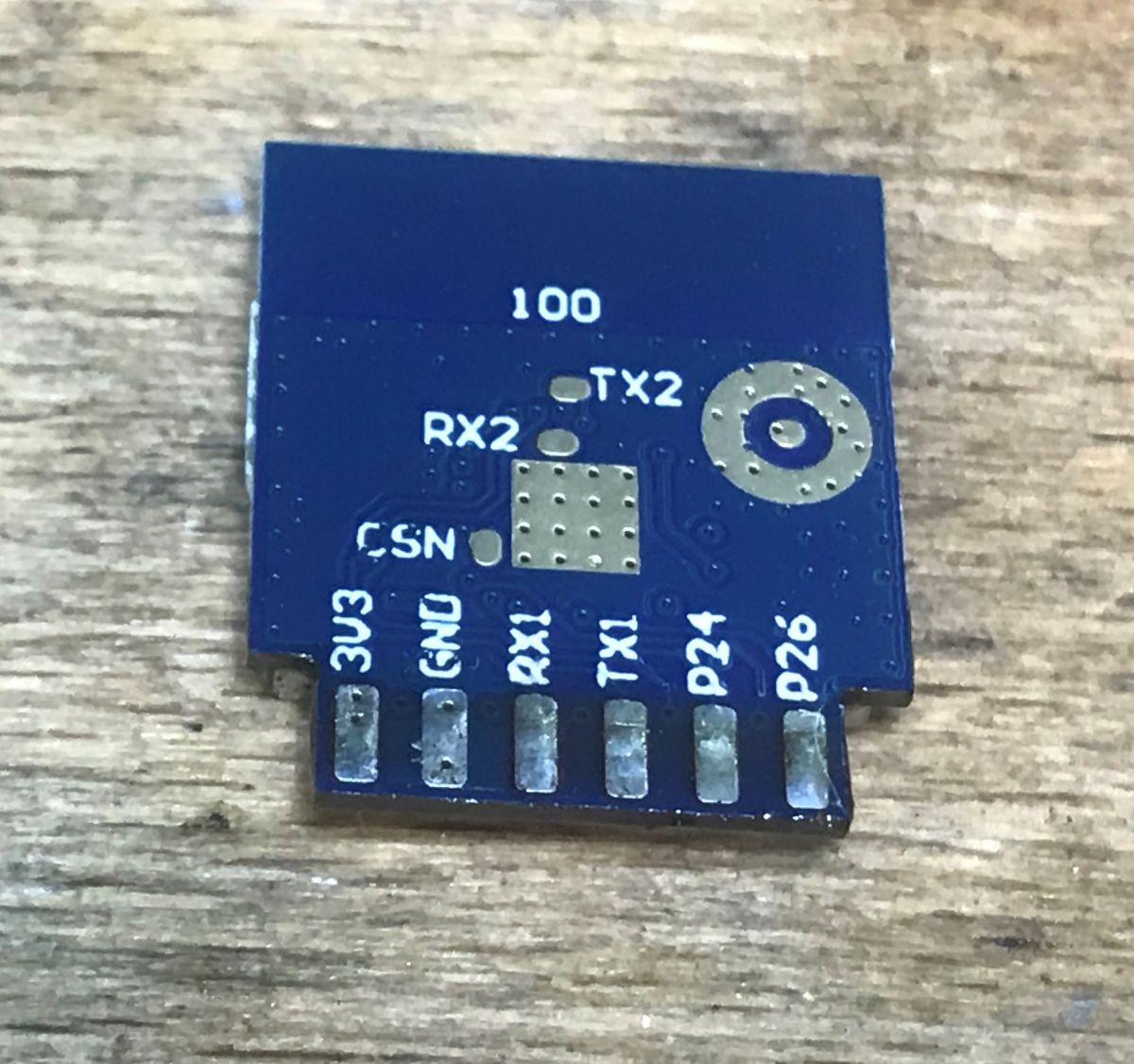
CB2S is best soldered out. I soldered it out straight away, I didn't test the programming in the circuit. After all, all you need is a bit of braid, flux and you're done.
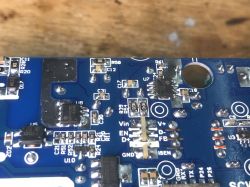
Close-up of a circuit board labeled SCW3451-A REV1.5 with electronic components. Close-up of the PCB of LDNIO SEW3452 power strip showing electronic components. PCB module with pin labels on a wooden surface.
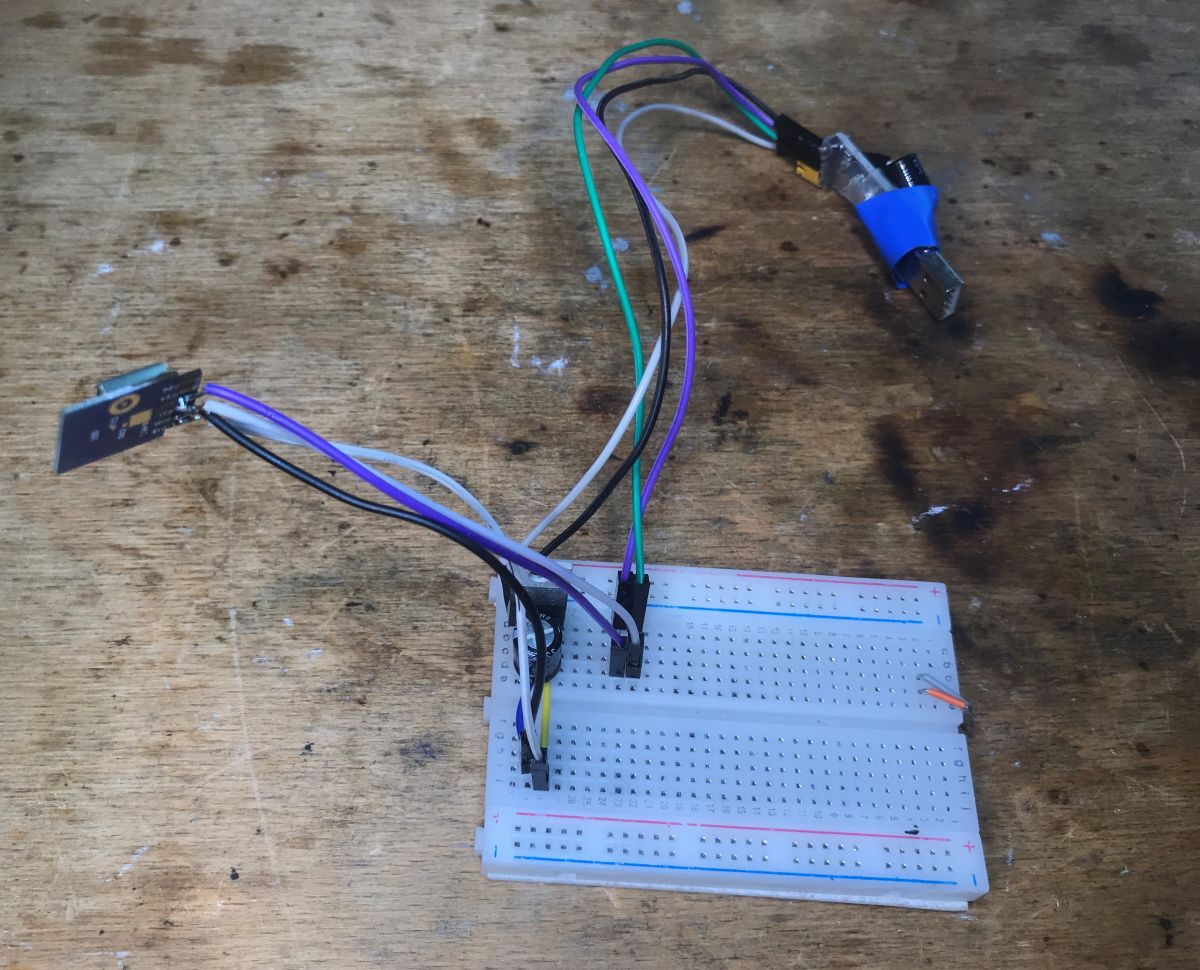
My flashing circuit (USB to UART converter and LDO 3.3V):
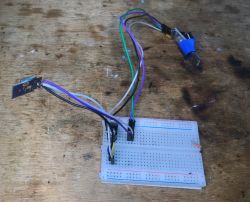
Breadboard connected with an electronic module and wires on a wooden surface.
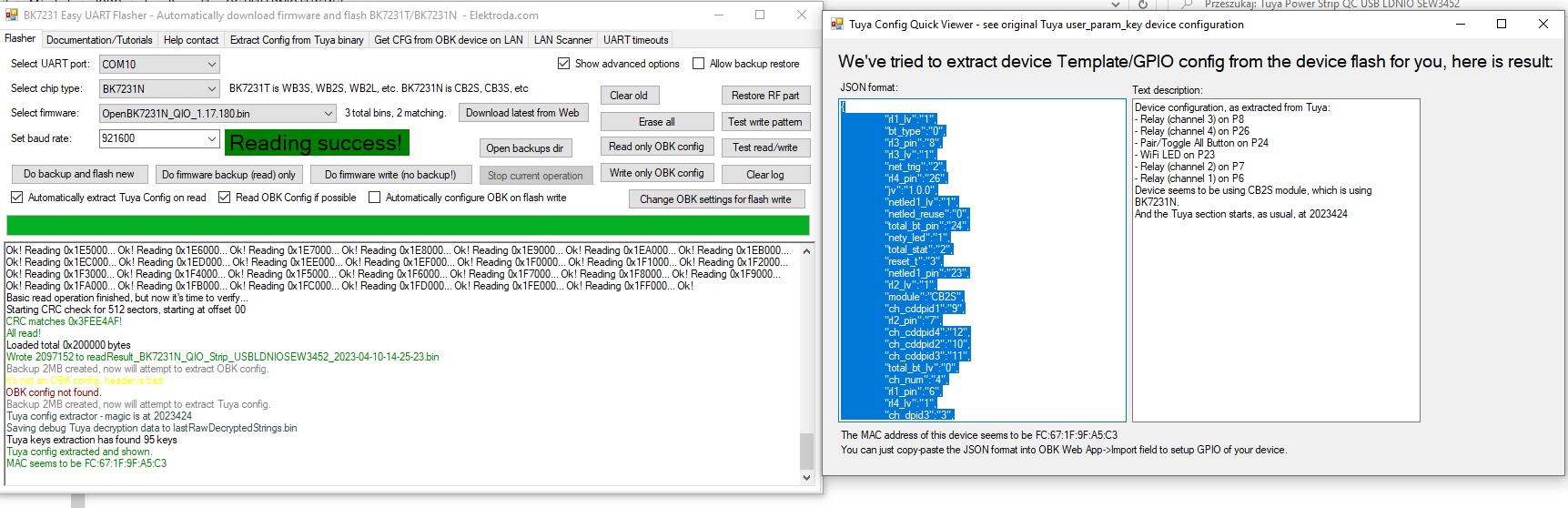
After reading the 2MB firmware my flasher correctly decodes the Tuya configuration partition, so we know the GPIO roles. There is no need, as with Tasmota, to guess what is on which pin. Everything is given like on a tray:
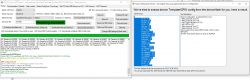
BK7231 flasher software interface with device GPIO configuration readout results.
Tuya configuration:

Code: JSON
Log in, to see the code

Word description:

Device seems to be using CB2S module, which is BK7231N chip.
- Relay (channel 1) on P6
- Relay (channel 2) on P7
- Relay (channel 3) on P8
- Relay (channel 4) on P26
- WiFi LED on P23
- Pair/Toggle All Pin on P24


The fourth relay controls the USB outputs.
OpenBeken template:
Code: JSON
Log in, to see the code

The template can be added according to the instructions from here:


After uploading, everything works as expected.


Summary Quite a nice strip, and even future-proof - without QC it's already like being without a hand. The electronics inside itself are quite complex and you don't see too much cost cutting, this is no longer a simple USB "charger" power supply, there are several inverters, there is PD control and they even gave a synchronous rectifier instead of a Schottky diode at the output of the first stage (flyback converter). In addition, the product can be converted to work locally and with Home Assistant, so there are no privacy concerns. Just solder out the WiFi module and upload the firmware , no problem with GPIO configuration, my flasher reads everything automatically.[/b]


About Author
p.kaczmarek2
p.kaczmarek2 wrote 14412 posts with rating 12357 , helped 650 times. Been with us since 2014 year.

Comments

Jinaria 24 May 2025 22:13

You can use this script in the autoexec.bat file: First set the pin 24 to "BtnScriptOnly, then create autoexec.bat in the filesystem and pase the script below: setButtonTimes 30 3 1 addEventHandler... [Read more]
skansen 13 Jan 2026 17:03

I bought (and sent back but more on that later) this strip in the variant with current consumption measurement. The interior has been well described by colleague @pkaczmarek2 , I have not opened the strip. ... [Read more]

p.kaczmarek2 13 Jan 2026 17:11

Unbelievable until, I'll have to check, but I don't know if I still have this particular copy, as I often upload OBK on request for someone. Thanks for sharing this information. The seller knows about... [Read more]

FAQ

TL;DR: At about 31 W USB output, protection trips, and one expert verdict was “Quite a nice strip.” This FAQ helps SEW3452 owners flash OpenBeken, map BK7231N/CB2S GPIOs, verify QC behavior, and spot a serious grounding concern in the current-measurement variant. [#21046589]

Why it matters: This thread answers both the firmware question and the electrical-safety question before you decide to keep, mod, or return the strip.

Aspect OpenBeken-flashed SEW3452 Original Tuya firmware Current-measurement variant concern
Control path 100% local control Tuya app/cloud Tuya app/cloud
GPIO setup Auto-read from Tuya config Not user-focused Not discussed
Home Assistant Supported in thread summary Not highlighted Not highlighted
Reported issue Requires desoldering CB2S Cloud/privacy dependence PE continuity depends on first socket use

Key insight: The SEW3452 is hackable and feature-rich, but the later current-measurement variant raised a critical protective-earth continuity concern. Firmware flexibility does not offset a grounding defect. [#21807693]

Quick Facts

  • Seller-listed specs: 3 AC outlets, 4 USB ports, 2 m cable, 2500 W, 100–250 V, 10 A max, Wi‑Fi 2.4 GHz, and a street price a little above 100 zł. [#21046589]
  • Real USB load testing reached 3.5 A + 2.74 A and 18.2 W + 12.3 W, for about 31 W total, before protection shut the USB stage down. [#21046589]
  • The smart module is CB2S with BK7231N, and the OpenBeken template maps P6/P7/P8 to AC relays, P26 to the USB relay, P23 to the Wi‑Fi LED, and P24 to the button. [#21046589]
  • Xiaomi QC testing showed roughly 7.5 V at 1.5 A, and the thread explicitly notes that not every USB port supports QC. [#21046589]
  • A later current-measurement variant reported a 0.75 mm² mains cable and a protective-earth path that appeared on other sockets only after plugging a device into the first grounded socket; the unit was returned. [#21807693]

How do I flash OpenBeken onto an LDNIO SEW3452 power strip with a CB2S/BK7231N module?

You flash it by removing the CB2S module, wiring it to a 3.3 V USB-to-UART flasher, reading the 2 MB firmware, and then writing OpenBeken. 1. Open the strip and desolder the CB2S module. 2. Connect it to a USB-UART converter with an LDO at 3.3 V. 3. Use the BK7231 flasher, then apply the SEW3452 OpenBeken template. The post says in-circuit flashing was not tested, and desoldering was the preferred method. [#21046589]

What GPIO pins does the LDNIO SEW3452 use for the three AC relays, USB power relay, WiFi LED, and button in OpenBeken?

The SEW3452 uses P6, P7, and P8 for the three AC relays, P26 for the USB power relay, P23 for the WiFi LED, and P24 for the button. The OpenBeken template names them Rel1, Rel2, Rel3, Rel4, WifiLED_n, and Btn_Tgl_All. One post states, “The fourth relay controls the USB outputs.” That makes P26 the USB on/off line. [#21046589]

Why does the LDNIO SEW3452 need a triangular screwdriver to open, and what should I watch out for during disassembly?

It needs a triangular screwdriver because the enclosure uses triangular security screws. Watch for tight internal construction, mains wiring, and the Wi‑Fi module area if you plan to desolder CB2S. The thread also notes an empty varistor location and several power-conversion sections, so avoid slipping tools across the primary side. Open only when unplugged, because the strip contains mains circuitry and multiple converters. [#21046589]

What is the CB2S module, and how is it related to the BK7231N chip in Tuya-based smart power strips?

CB2S is the Wi‑Fi module in this strip, and it uses the BK7231N chip. “CB2S is a Wi‑Fi module that integrates the BK7231N SoC, provides Tuya-style wireless control, and exposes GPIOs for relays, LEDs, and buttons.” In the SEW3452, that module runs the original Tuya firmware until you replace it with OpenBeken. The thread identifies the board directly as “CB2S (BK7231N).” [#21046589]

What is a synchronous rectifier like the NDP7912KC, and why is it considered better than a Schottky diode in this charger design?

A synchronous rectifier is an active rectification part that improves efficiency over a simple Schottky diode. “A synchronous rectifier is a power-stage component that replaces a passive output diode with controlled switching, reducing losses and heat at higher current.” The thread identifies the NDP7912KC as that rectifier and says it is “more efficient than a Schottky diode,” which matters in a multi-port USB charger delivering up to about 30 W. [#21046589]

How much USB power can the LDNIO SEW3452 actually deliver in real testing before protection shuts it down?

It delivered about 31 W in real testing before protection shut it down. The test combined two electronic loads: 3.5 A and 2.74 A, with measured powers of 18.2 W and 12.3 W. Added together, that is roughly 30.5 W, which the author rounded to 31 W. Protection then activated, so real usable maximum was close to the advertised 30 W. [#21046589]

Which USB ports on the LDNIO SEW3452 support Quick Charge, and how can I identify the non-QC ports?

Only some USB ports support Quick Charge, and the thread confirms that not every port does. You identify non-QC ports by testing negotiation: the author showed one port activating elevated charging voltage with a Xiaomi phone, then showed another case where a port did not offer QC. In practice, if a phone or USB meter stays at standard 5 V behavior, that port is the non-QC one. [#21046589]

How do I use an OpenBeken autoexec.bat script to make the SEW3452 button control relay 1, relay 2, relay 3, USB power, and restart?

Set pin 24 to BtnScriptOnly, then place a script in autoexec.bat that maps click counts to channels. 1. Configure pin 24 as BtnScriptOnly. 2. Create autoexec.bat in the filesystem. 3. Add handlers: single click = channel 1, double = channel 2, triple = channel 3, four clicks = channel 4, hold = restart. The posted script also uses setButtonTimes 30 3 1 before the event handlers. [#21559220]

Why does my Xiaomi phone negotiate about 7.5V at 1.5A on the LDNIO SEW3452 instead of the full advertised QC voltage levels?

It negotiates about 7.5 V at 1.5 A because the charger and phone settle on the profile they both accept on that specific port. The thread’s Xiaomi test explicitly measured about 7.5 V and 1.5 A, not 9 V or 12 V. That does not contradict QC support, because the thread also shows that port behavior varies and not every USB port supports QC in the first place. [#21046589]

What do the MK2687, NDP1360, NDP1335KC, and A63A chips do inside the LDNIO SEW3452 USB QC power strip?

The MK2687 is the flyback controller, the NDP1360 and NDP1335KC are power-conversion stages, and A63A is part of the USB charging control circuitry. The PCB marking listed all four together: MK2687 + NDP1360 + NDP1335 + FT8498A. The author also identified NDP1335KC as an intermediate inverter and showed the A63A circuit separately. Together, these parts form a more complex charger than a basic single-stage USB supply. [#21046589]

BK7231N with OpenBeken vs the original Tuya cloud firmware — which is better for local control, privacy, and Home Assistant integration on the SEW3452?

OpenBeken is better if you want local control, privacy, and Home Assistant integration. The thread says the goal is to make the strip work “100% locally” without the cloud, and the summary explicitly presents that as the privacy-friendly path. Tuya firmware still gives app control, automations, and energy display on the measurement variant, but it stays tied to the vendor ecosystem instead of local-first control. [#21046589]

How does the BK7231 flasher read the Tuya configuration partition, and why does that make GPIO setup easier than with Tasmota-style guessing?

It reads the Tuya configuration partition from the dumped 2 MB firmware and decodes the GPIO roles directly. That means you get pin assignments like relay, LED, and button from the stored config instead of trial-and-error mapping. The thread highlights this advantage clearly: there is no need to guess “what is on which pin.” For the SEW3452, that decoded config exposed pins 6, 7, 8, 23, 24, and 26 immediately. [#21046589]

What safety issues were reported with the LDNIO strip variant that has current measurement, especially regarding switched line/neutral and protective earth continuity?

Two issues were reported: only one conductor appears to be switched, and protective earth continuity failed on two sockets until a device was plugged into the first grounded socket. The tester reported that if polarity is reversed at the wall, neutral may be switched while line stays permanently present. The same post also showed no earth on two of three sockets in normal use. Those findings led the buyer to return the strip. [#21807693]

Why would the protective earth work on the other sockets only after plugging a device into the first grounded socket on this LDNIO strip variant?

It worked only then because the grounding path appears to rely on mechanical pressure created when something is plugged into the first grounded socket. The post explains that the PE plate section did not seem permanently bonded to the strip base and cable. Instead, two internal contacts likely touched correctly only when the assembly was compressed by an inserted plug. That design made earth continuity conditional, which the buyer considered unacceptable. [#21807693]

What should I check before buying or keeping an LDNIO SEW3452, such as cable cross-section, grounding design, relay behavior, and USB charging features?

Check four things: cable size, earth continuity on every socket, relay switching behavior, and which USB ports actually negotiate QC. On the reported measurement variant, the mains cable was only 0.75 mm², and protective earth on two sockets depended on using the first grounded socket first. Also verify whether the strip switches line or neutral in your outlet orientation, and test USB ports individually because not all four support Quick Charge. [#21807693]
Generated by the language model.
%}