logo elektroda
logo elektroda
X
logo elektroda

LN882H TNCE RGBCW WiFi LED bulb - LN882HKI flashing tutorial, UART to USB, pinout

p.kaczmarek2  31 3054 Cool? (+8)
📢 Listen (AI):

TL;DR

  • Flashed a TNCE TY-BK-A60 / LN882HKI RGBCW WiFi LED bulb with OpenLN882H to make it cloud-free and usable with Home Assistant.
  • Used a simple USB-to-UART setup on the exposed pads, with P21 as the LN882H boot pin and U0-TX/U0-RX as the programming UART.
  • Backed up the original firmware first, but the dump was interrupted before the full 2MB image completed.
  • GPIO Doctor helped identify the PWM pins, and the bulb ended up running full RGBCW control successfully.
Generated by the language model.
Close-up of LED PCB with yellow diodes and markings.
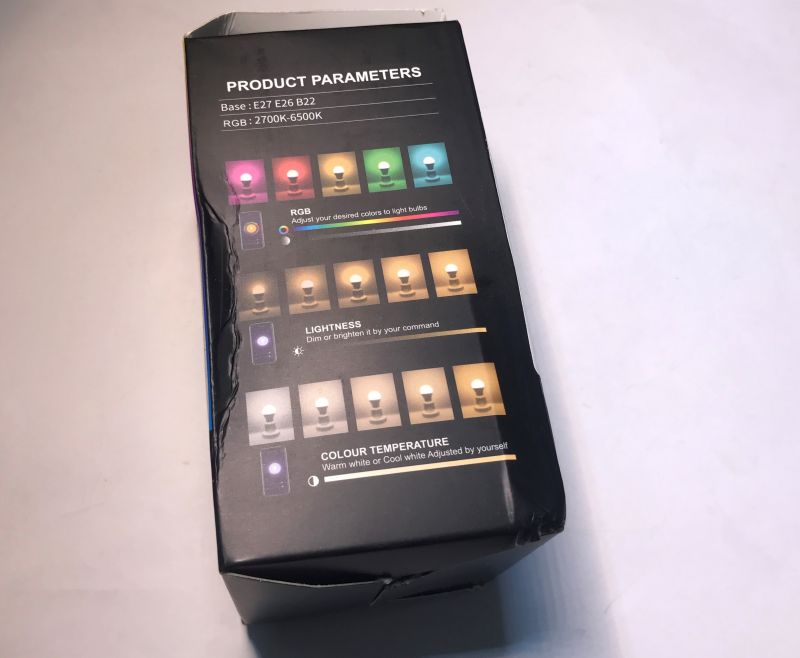
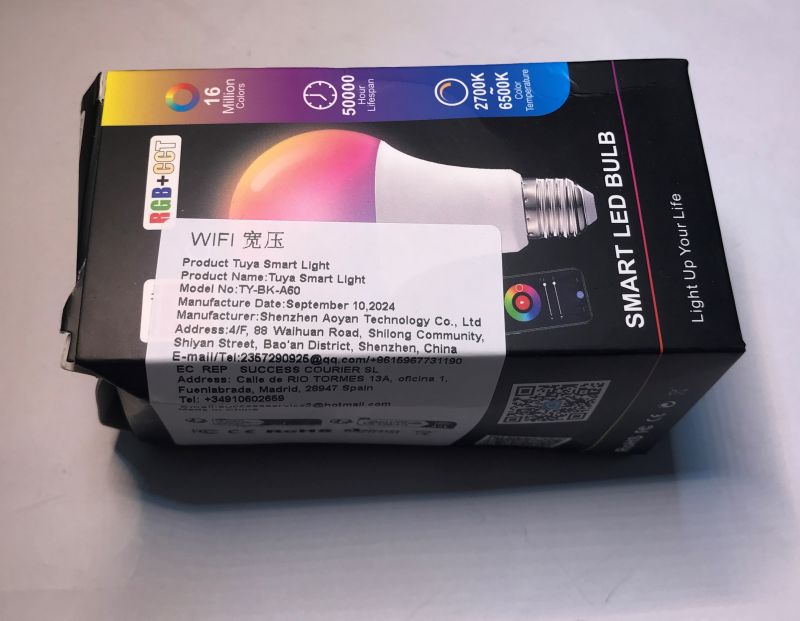
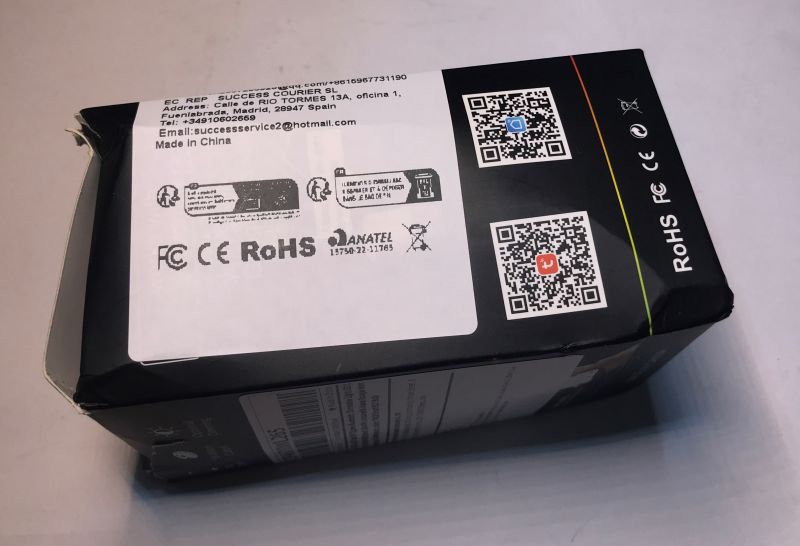
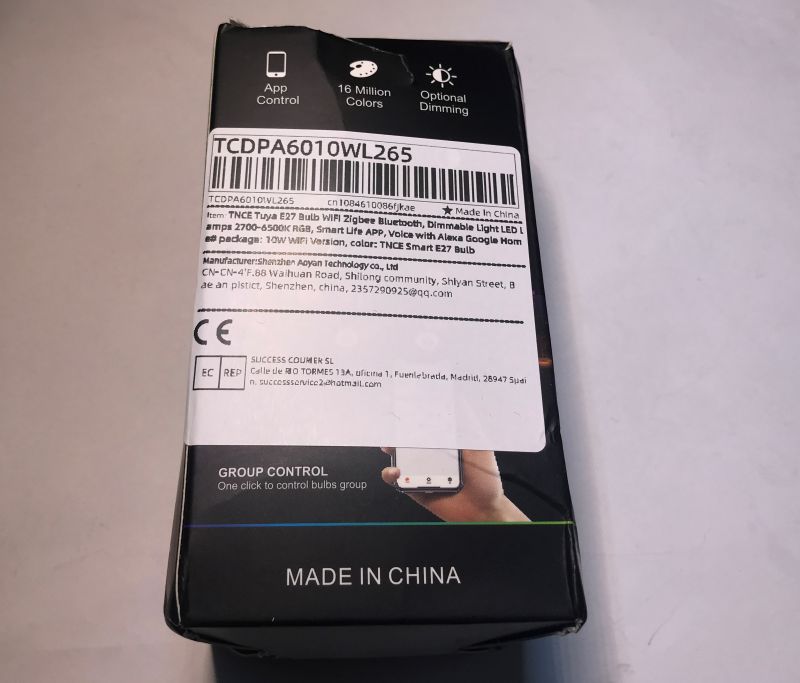
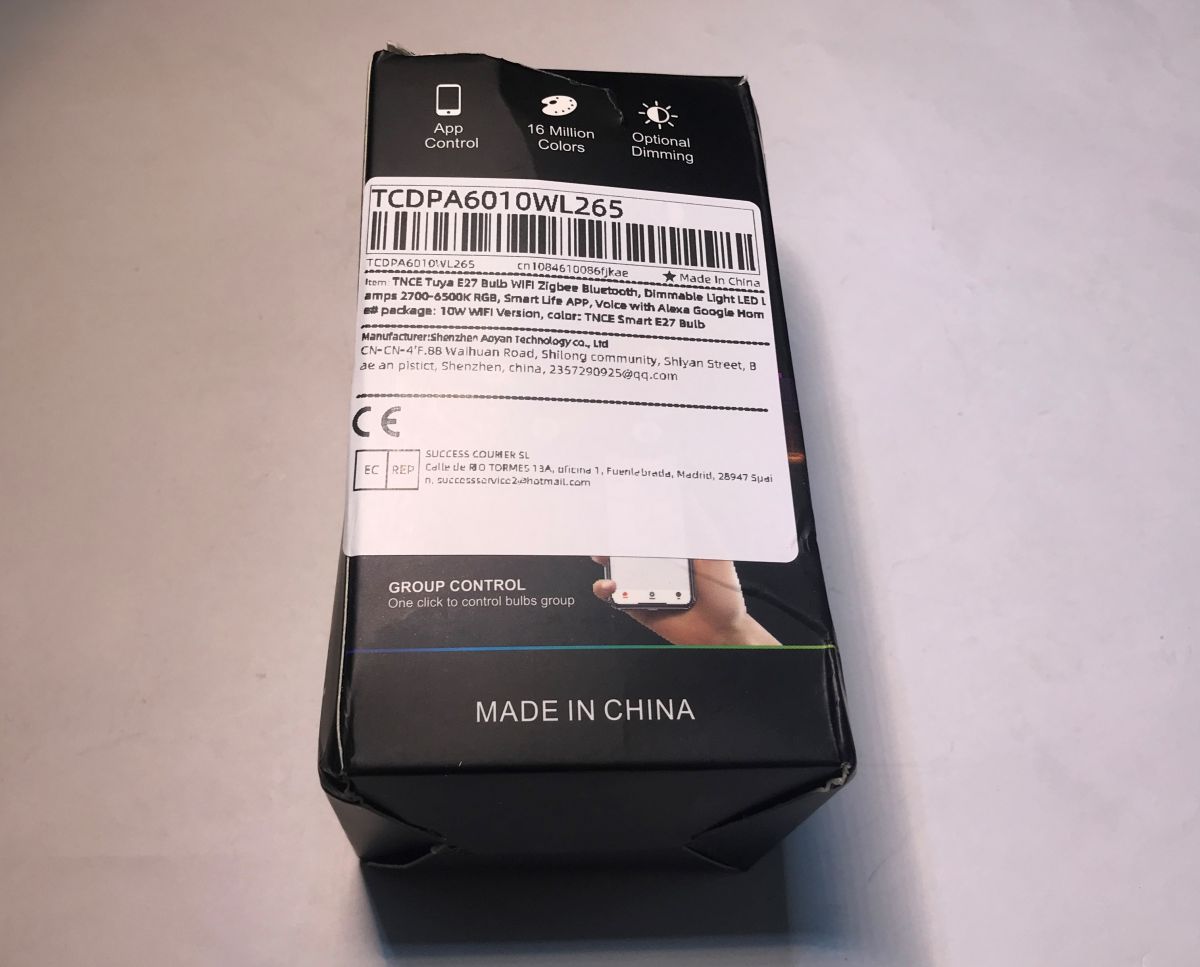
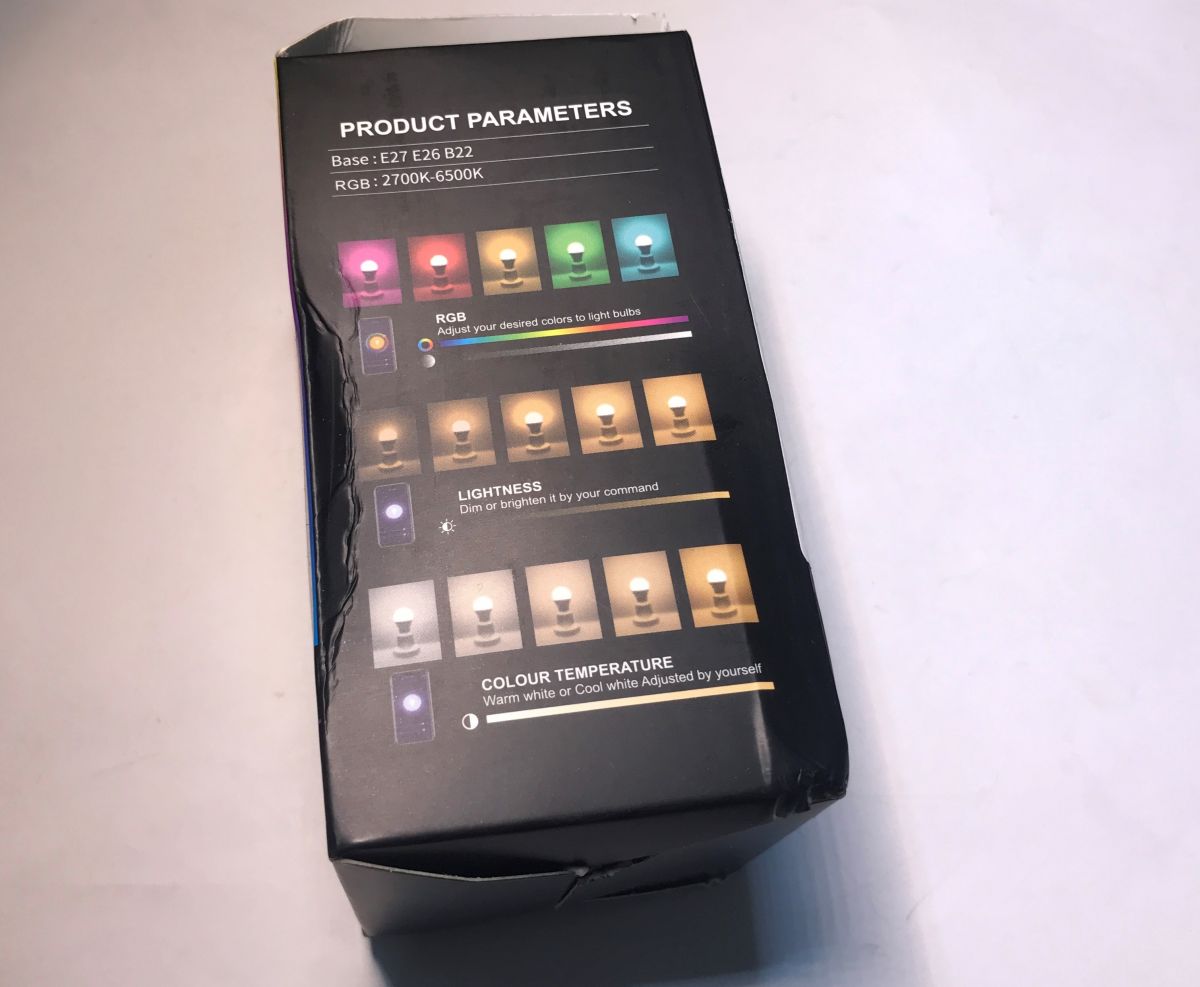
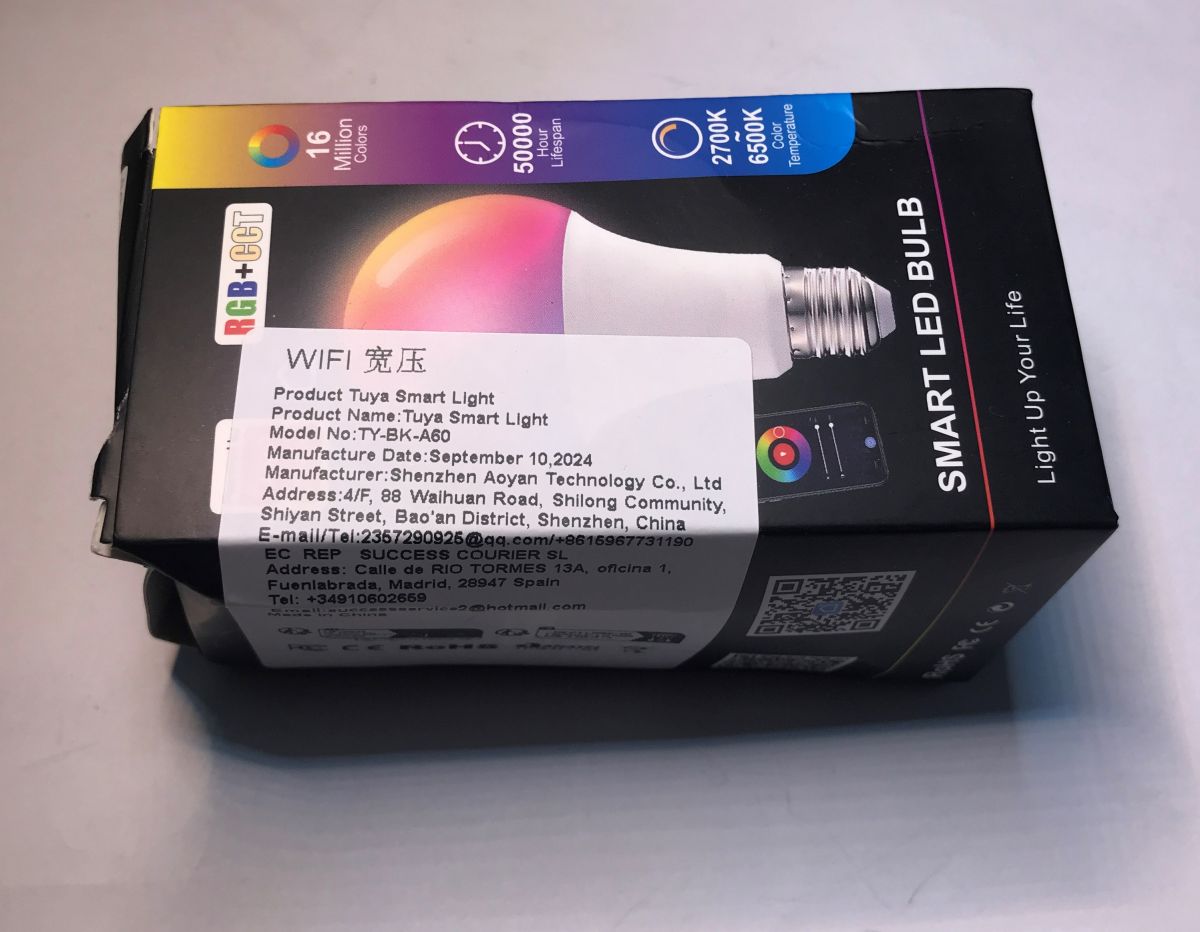
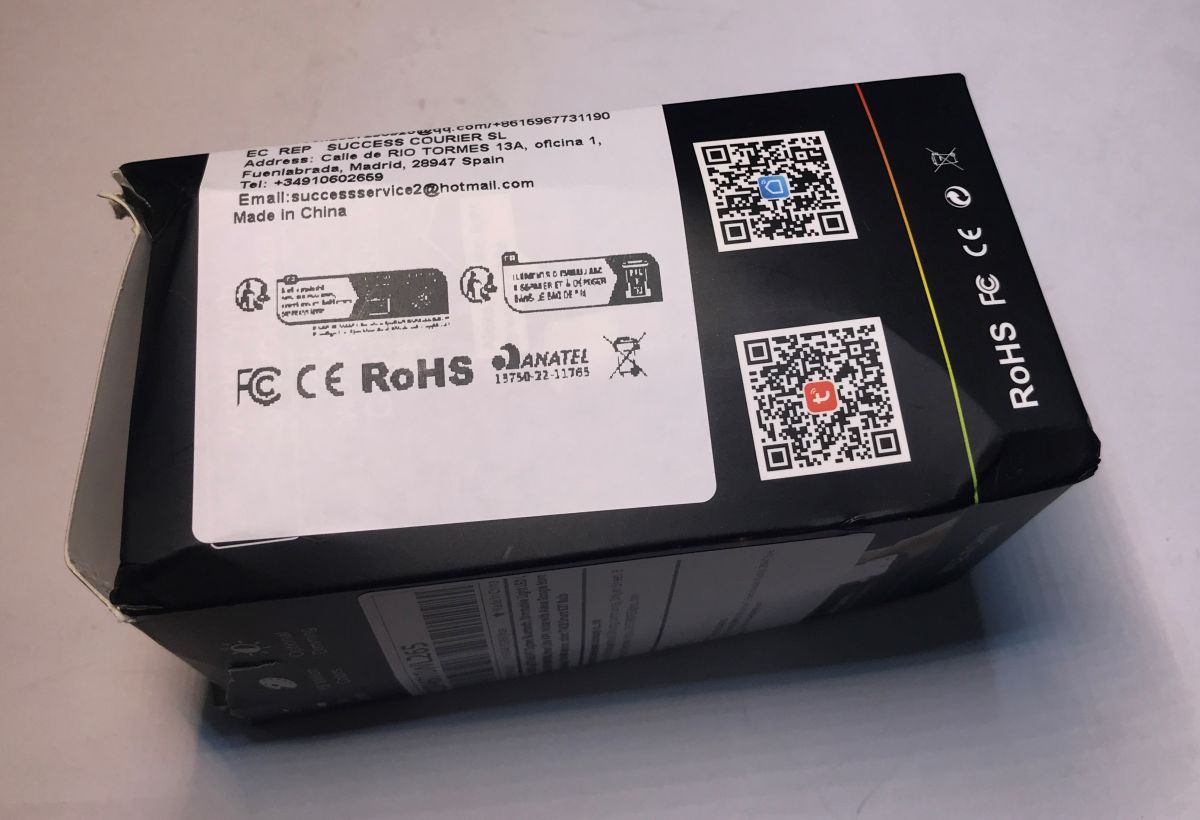
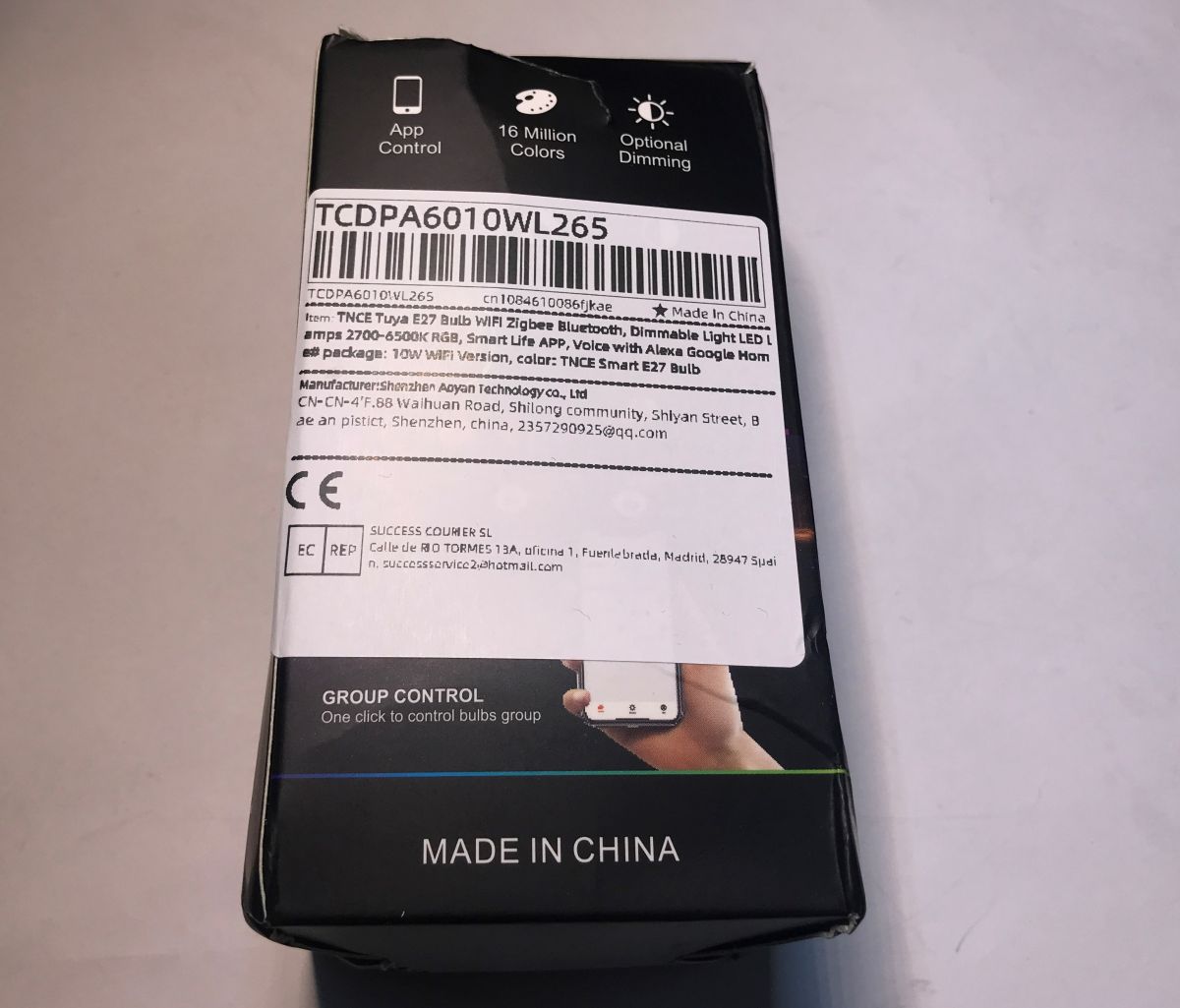
Here's step by step guide for the LN882 (LN882HKI by Lightning Semi) TY-BK-A60 LED bulb firmware change. This will let you to run the device cloud free and pair with Home Assistant. Device will be flashed with our Tasmota/Esphome inspired firmare, OpenLN882H. A simple USB to UART converted will be used for that. The programming process shown here will be fairly simple and will not require full bulb disassembly. The bulb was bought on Ali for few $, it can be sometimes even bought for as low as 1$. Let's look at the packaging:
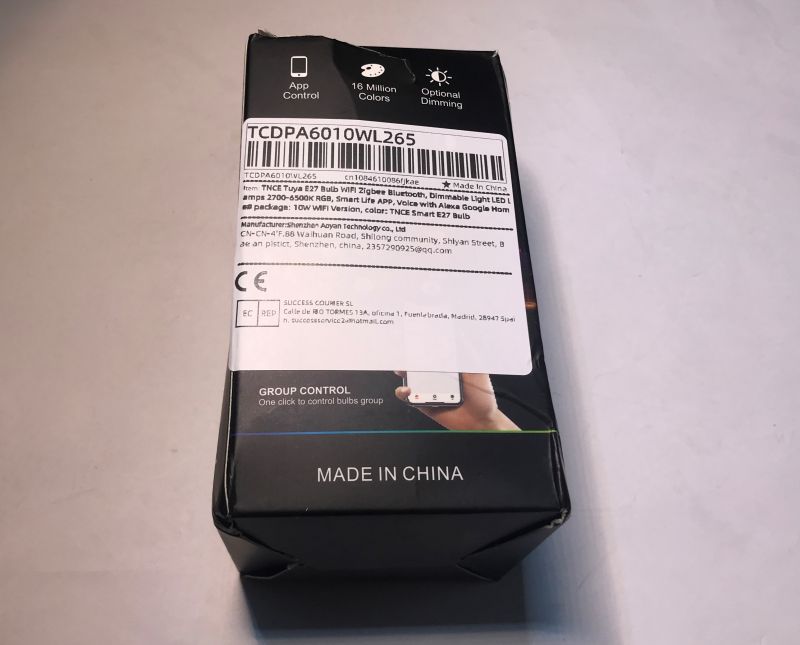
Packaging of the TNCE Smart E27 bulb - TCDPA601WL265 with visible product labels.
Package of TNCE Smart E27 bulb showing product parameters.
Packaging of the Tuya Smart LED Bulb TY-BK-A60 with product information.
Box of TNCE Smart E27 bulb with certification labels
TNCE Smart E27 Bulb Packaging
TNCE Smart E27 Bulb - TCDPA601WL265
Model: TY-BK-A60
Manufactured: September 10, 2024
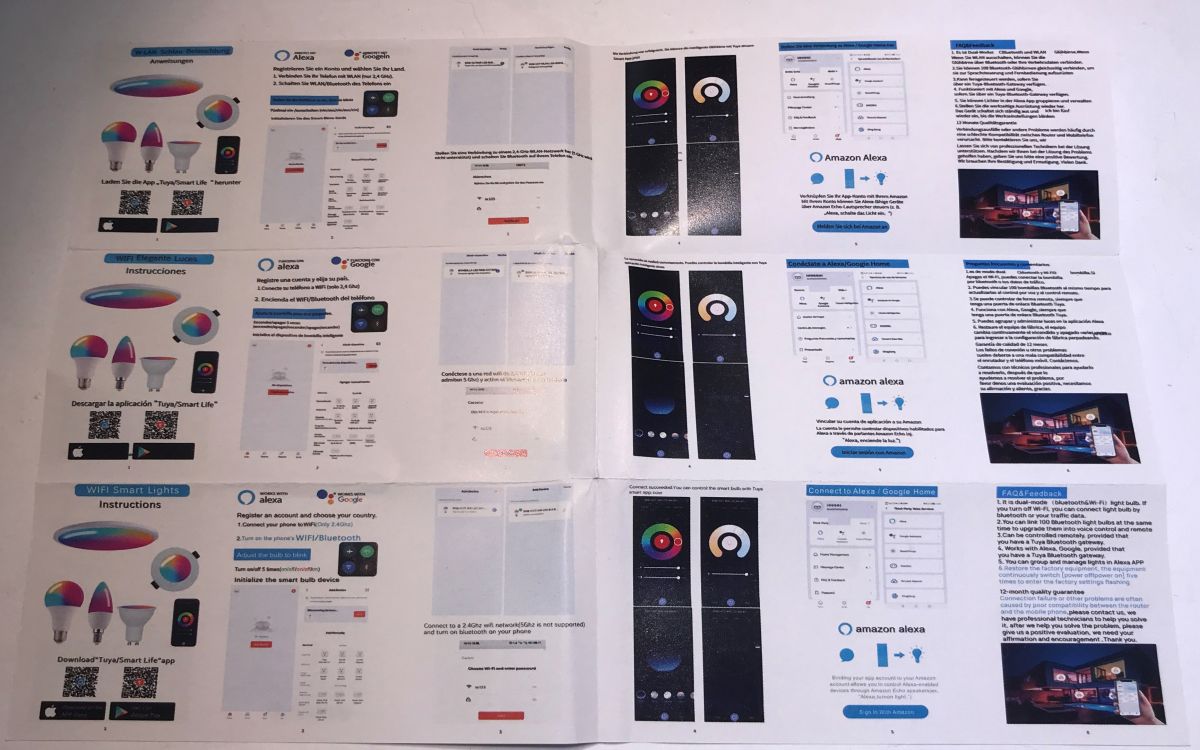
There is also a manual inside, but we don't need it as we're going to change the firmware:
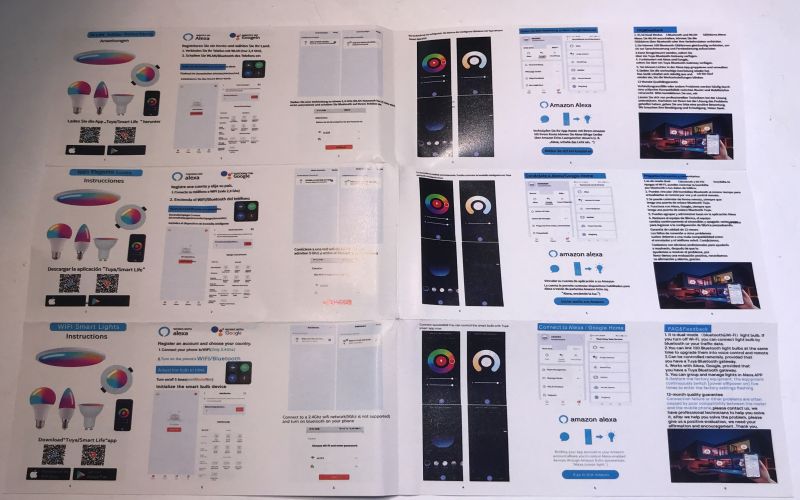
Brochure with instructions for WiFi smart bulbs in various languages.
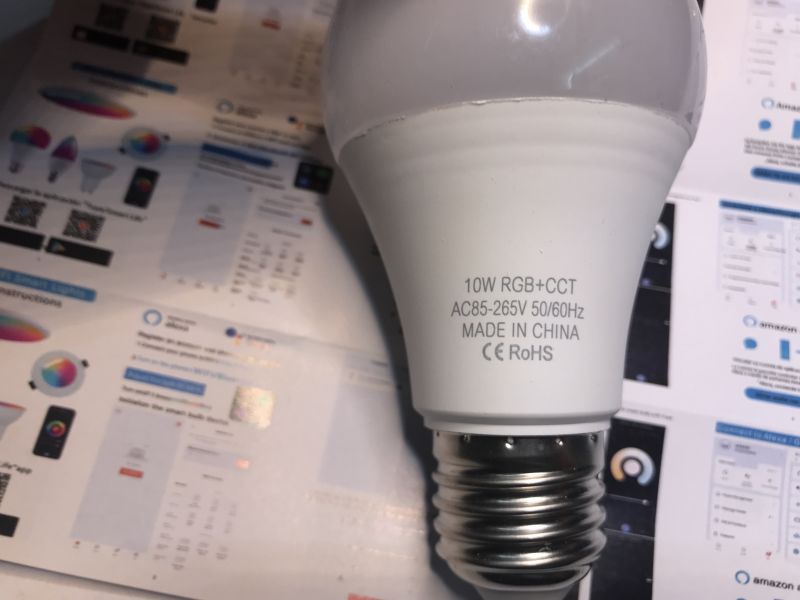
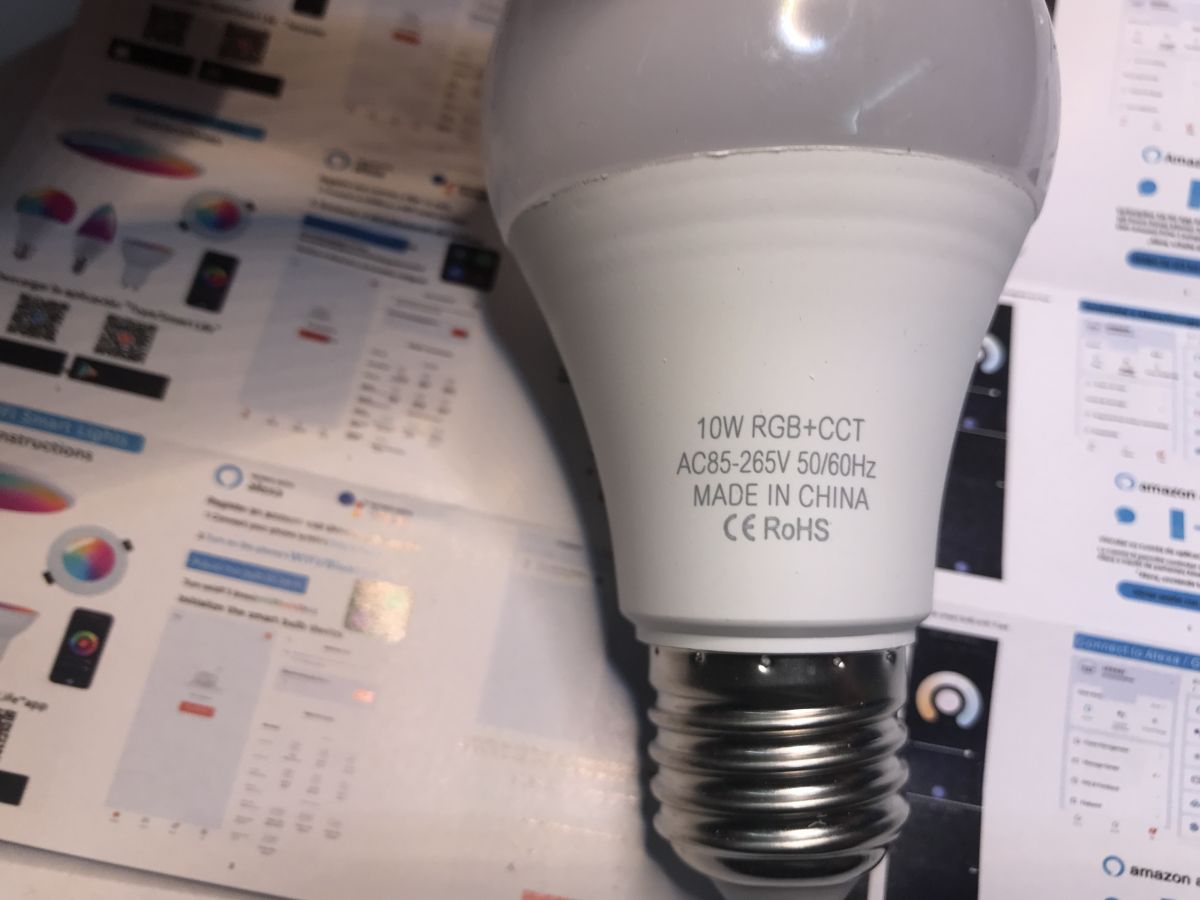
and the bulb itself:
TNCE Smart E27 LED bulb lying on technical documentation.

Bulb teardown
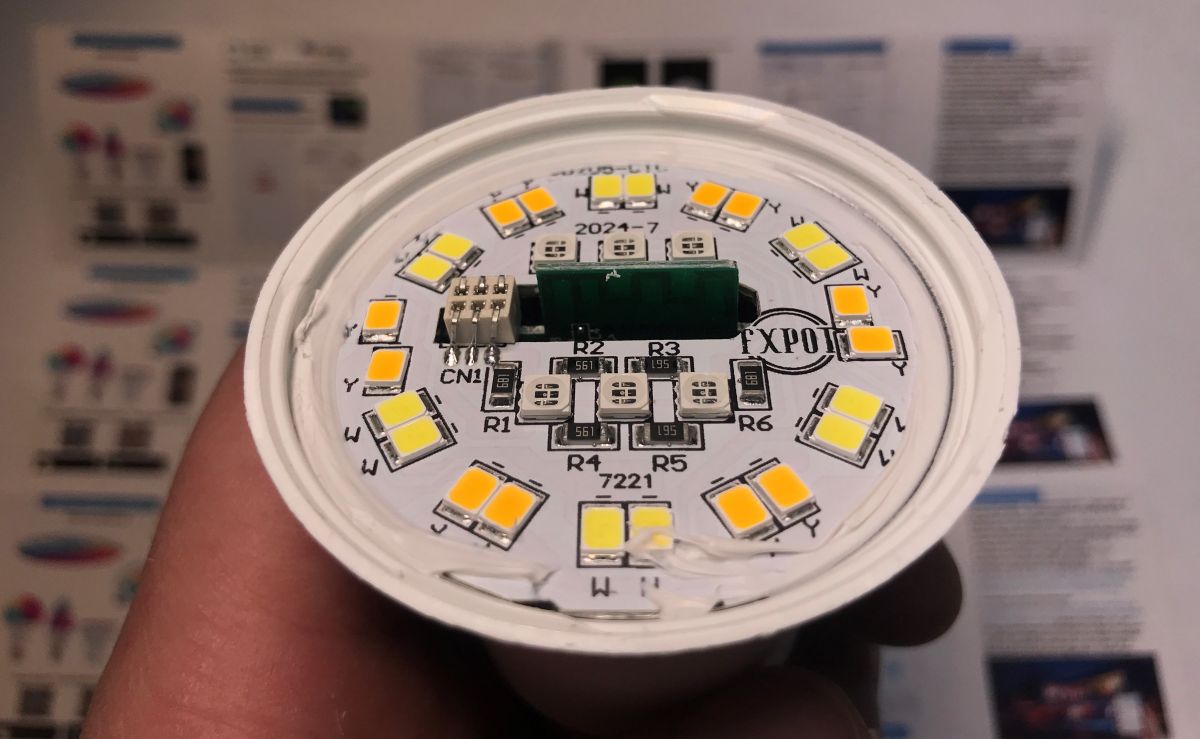
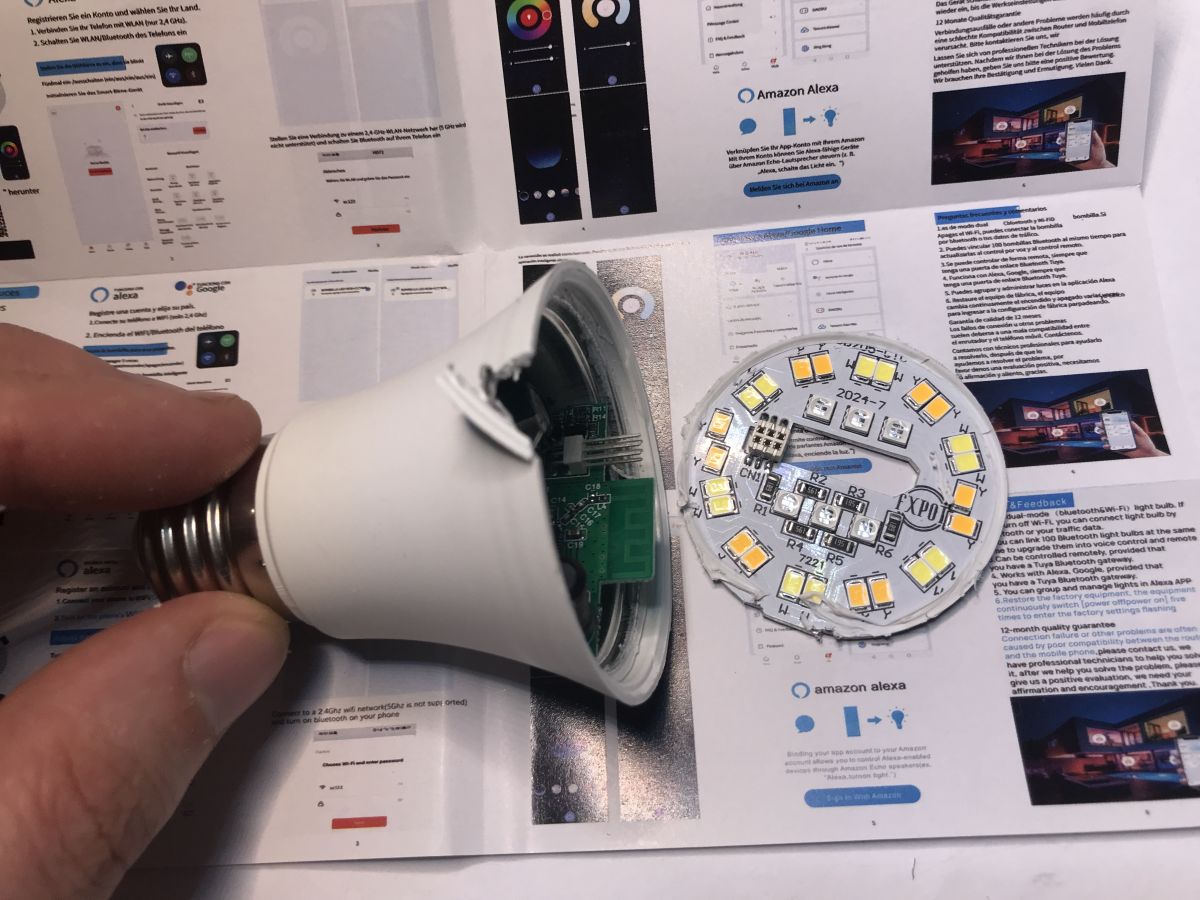
Top dome can be easily removed with some force. I managed to do it with my bare hands:
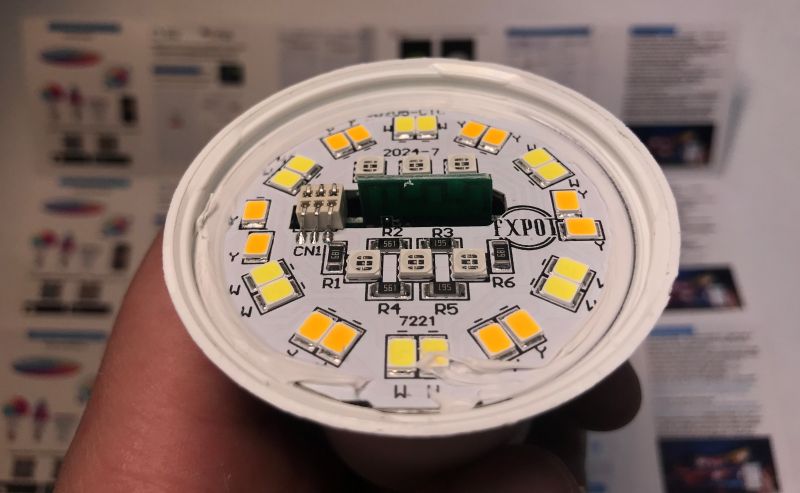
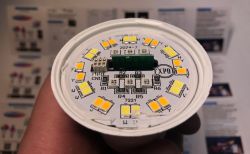
Close-up of LED PCB with yellow diodes and markings.
Then I had to remove the LED board. I had to pry it with screw driver, it was a bit problematic. I broke the part of the bulb edge:
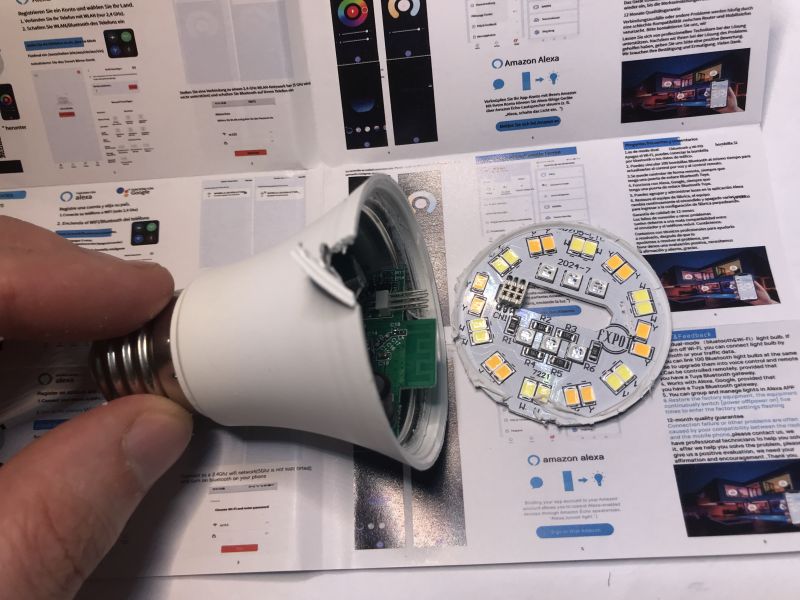
View of the interior of a TNCE Smart E27 LED bulb with the dome and LED board removed, against a background of the user manual.
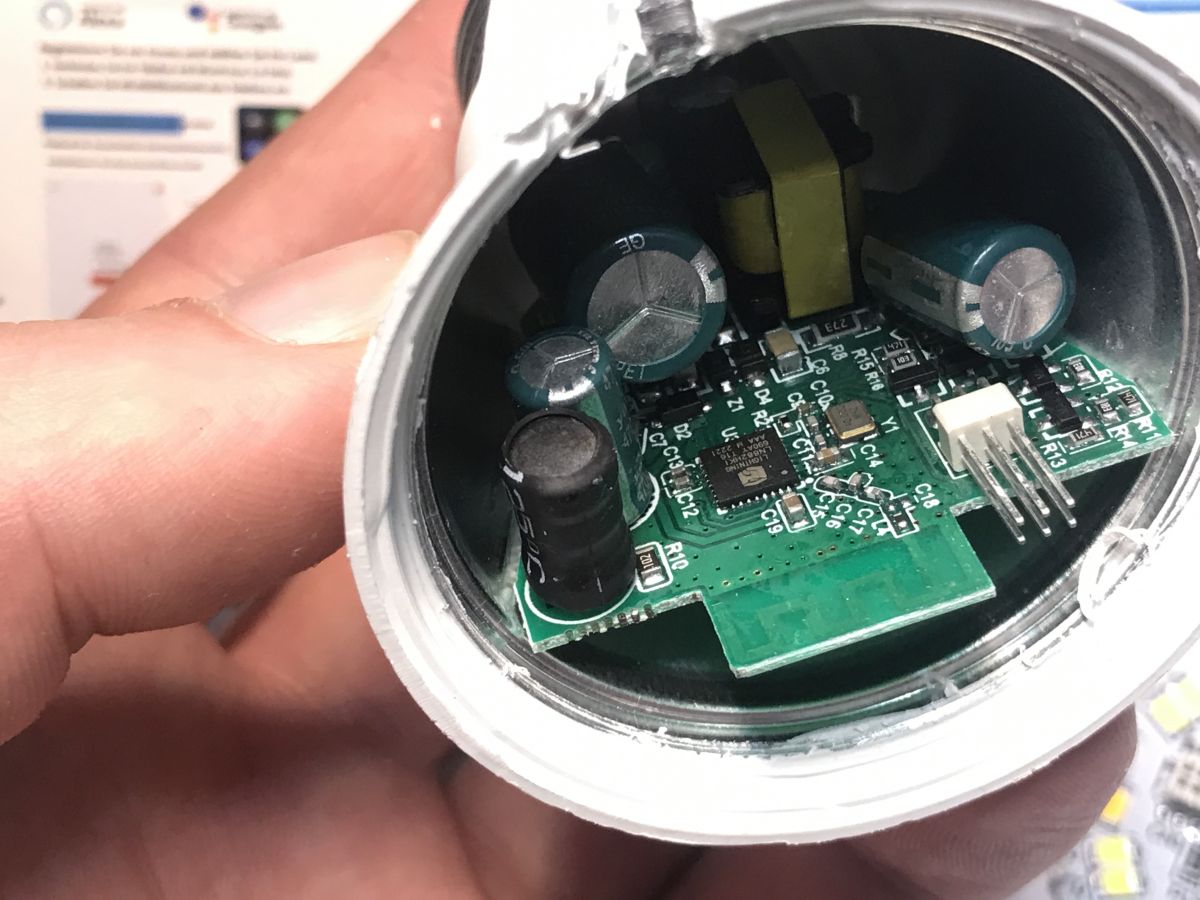
Finally, as you can see, we're getting access to the WiFi MCU:
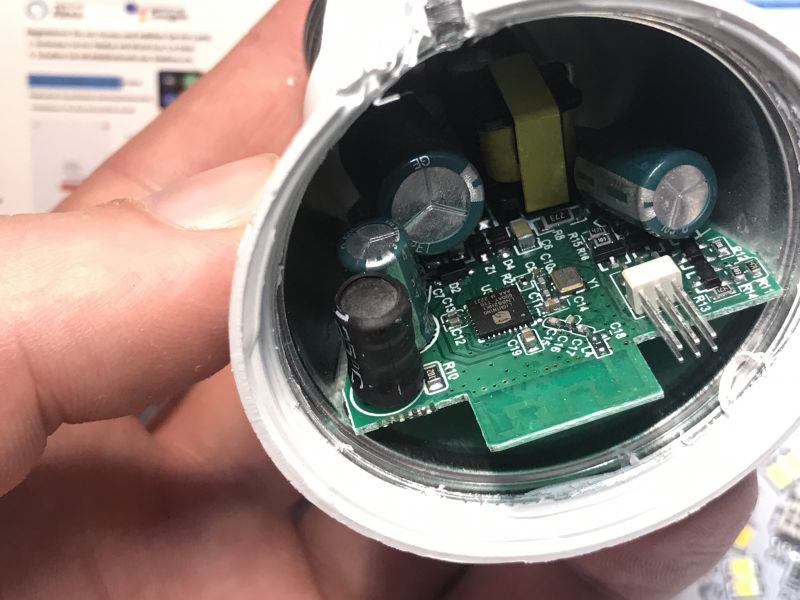
Interior of an opened LED bulb showing the circuit board.
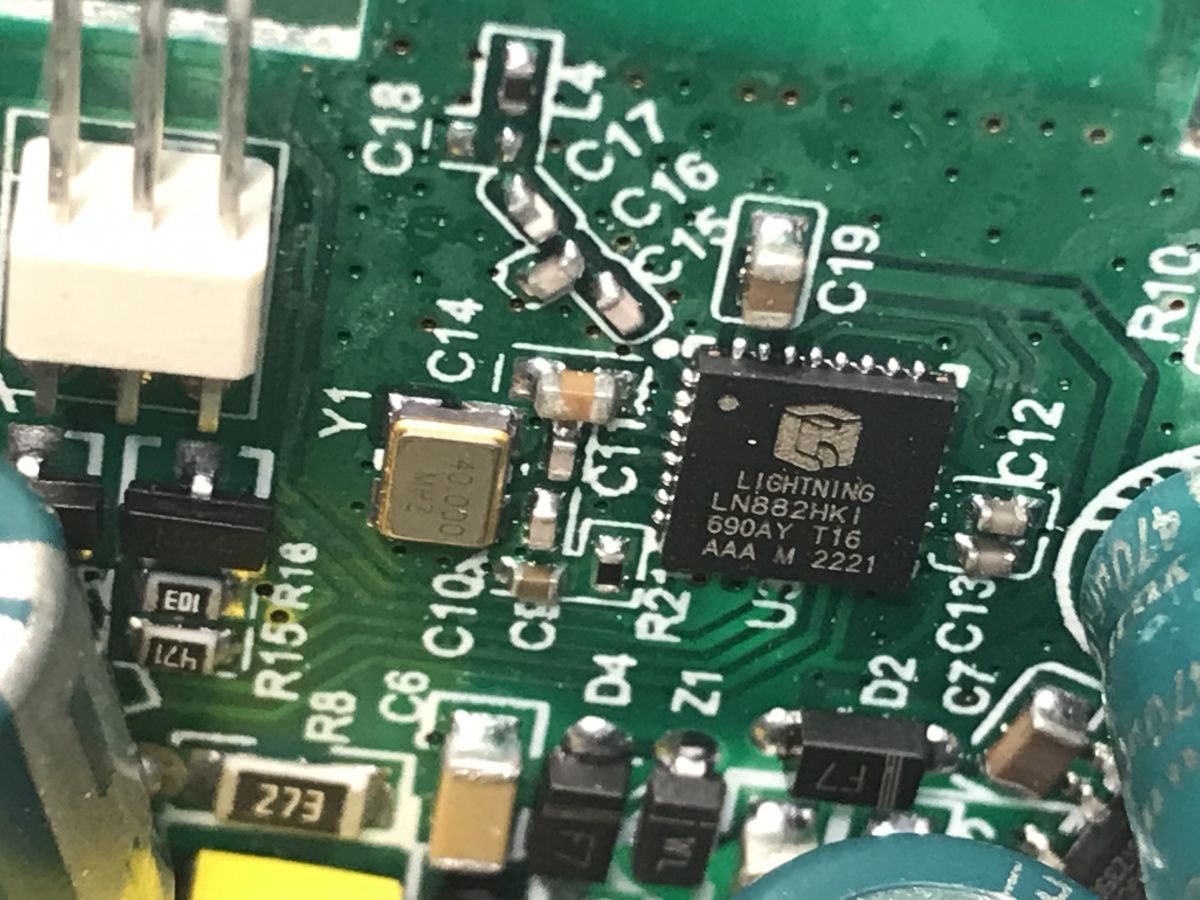
It's not a Beken chip this time, but a LN882H:
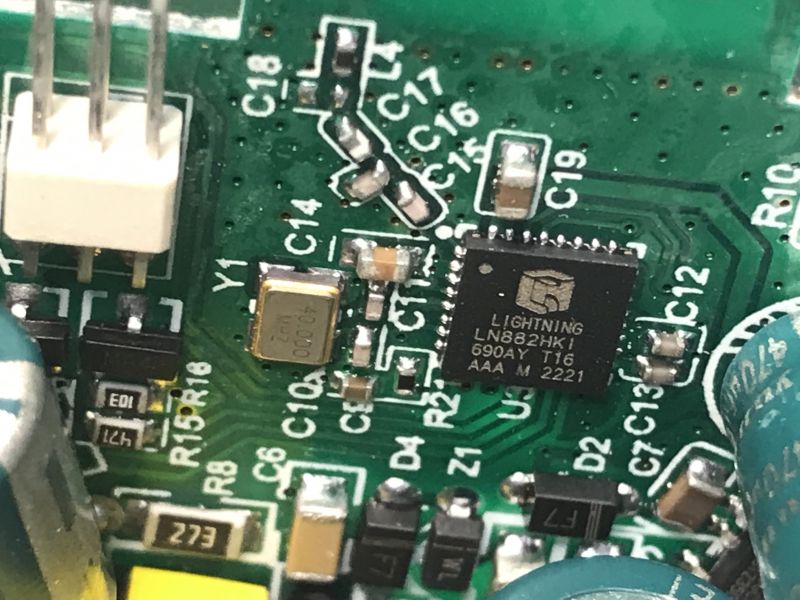
Close-up of Lightning LN882HKI chip on a circuit board.
LIGHTNING LN882HKI, to be precise.
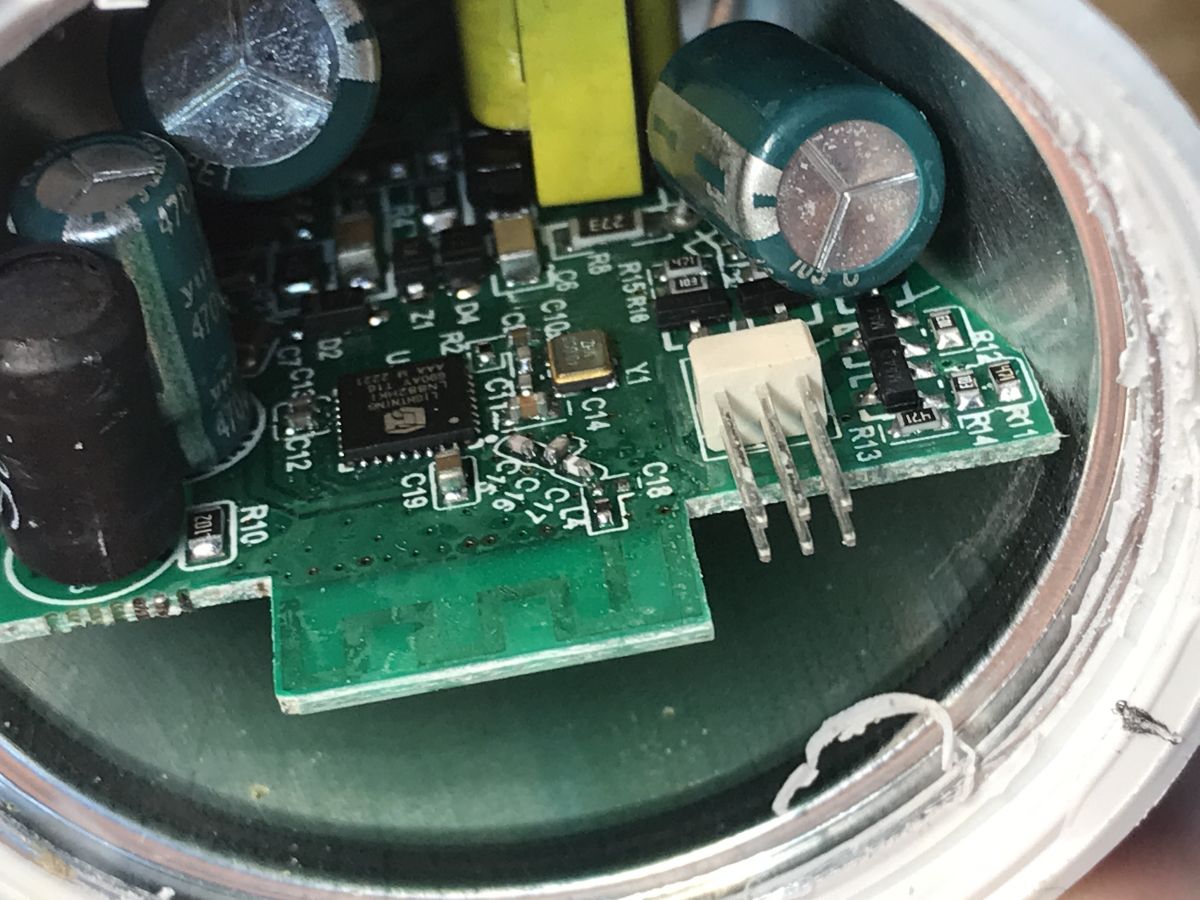
You can also see five transistors nearby, so probably bulb uses raw PWMs. No I2C LED controller there.
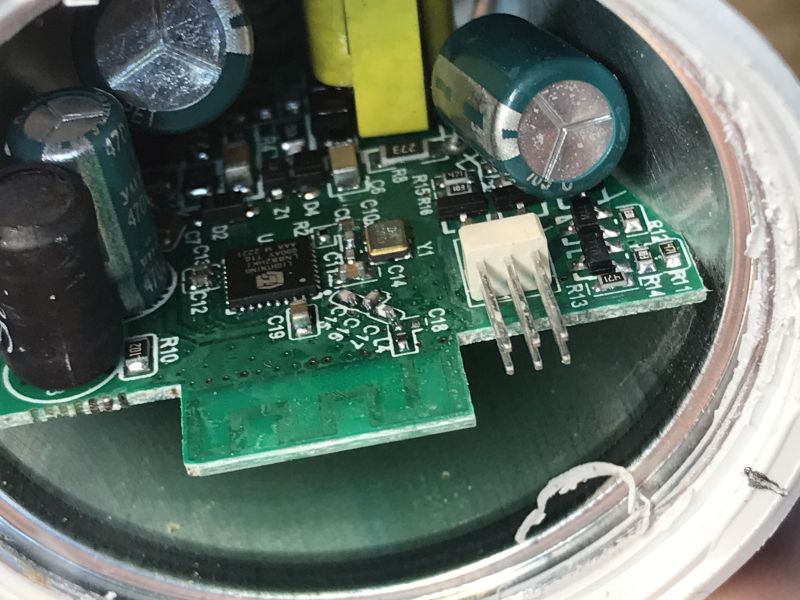
Interior view of an LED bulb with a visible PCB and electronic components.
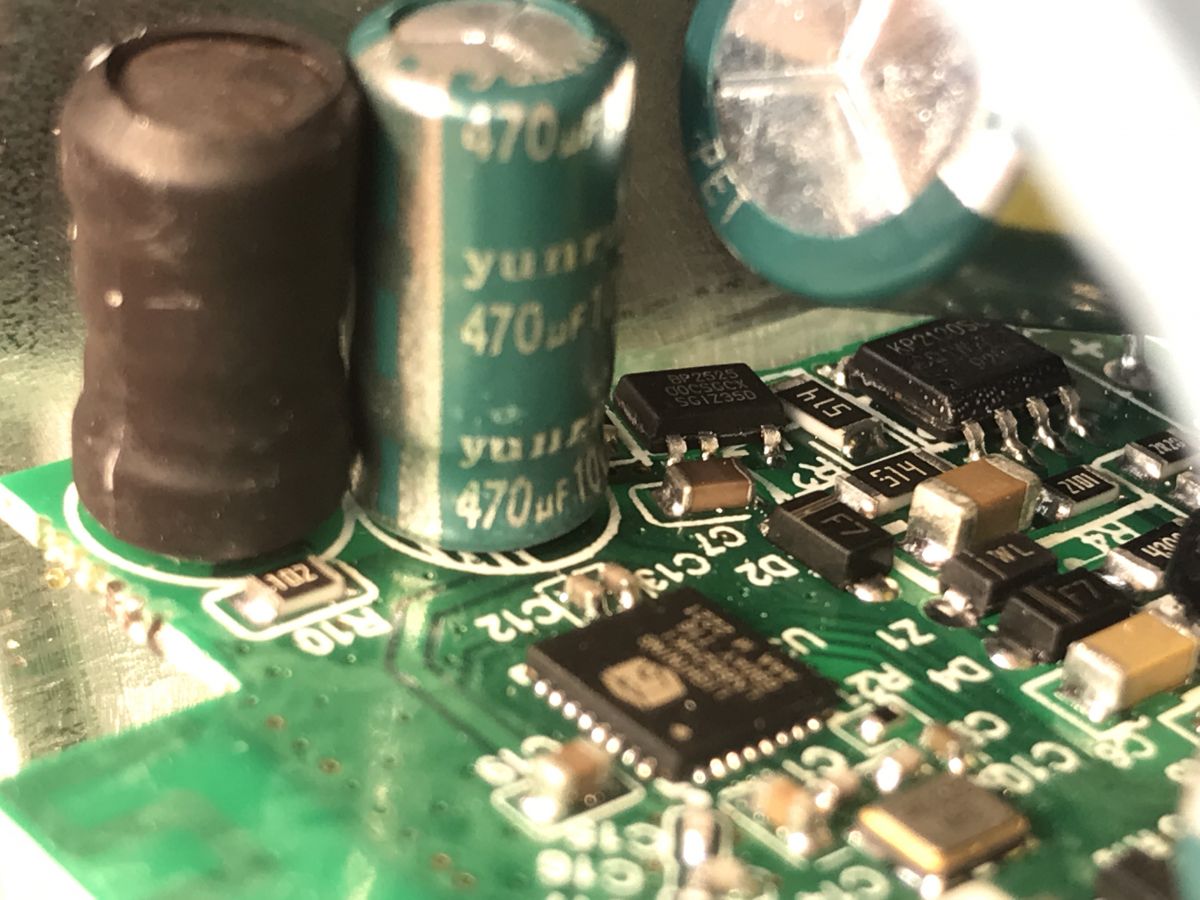
It is also possible to glance at the power supply circuit in the back:
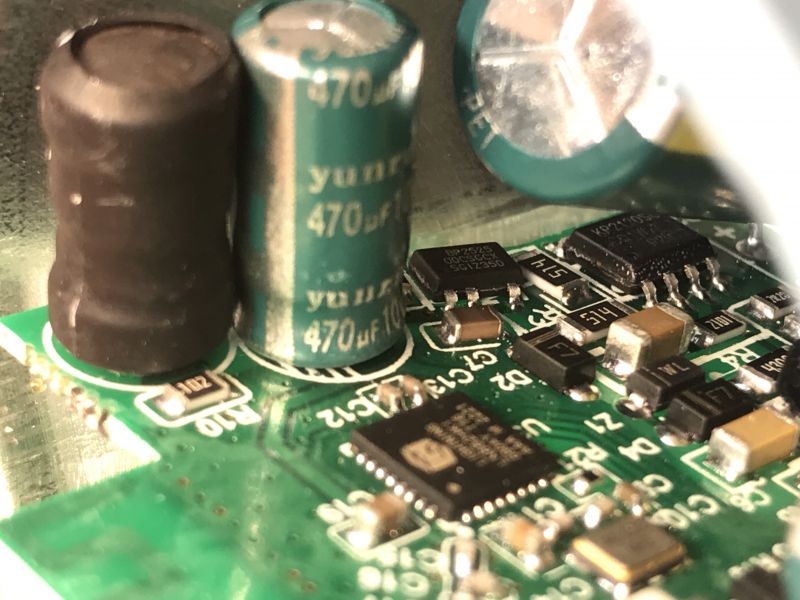
Close-up of a circuit board with electronic components.
It's a step down converter based on BP2525, just like usual. It's a very common solution in these products.
I can also see a KP2120 (KP2120SG?) in the background, so the LED circuit might have a separate supply than a WiFi SoC.
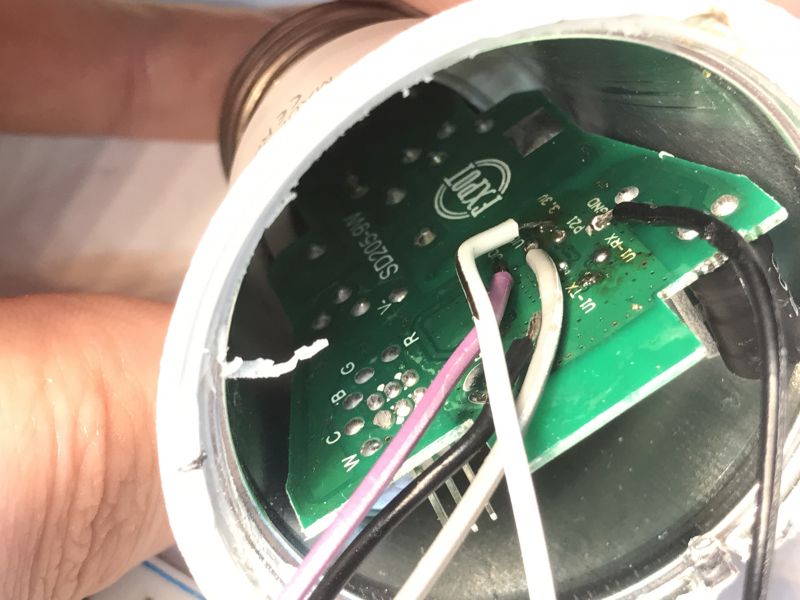
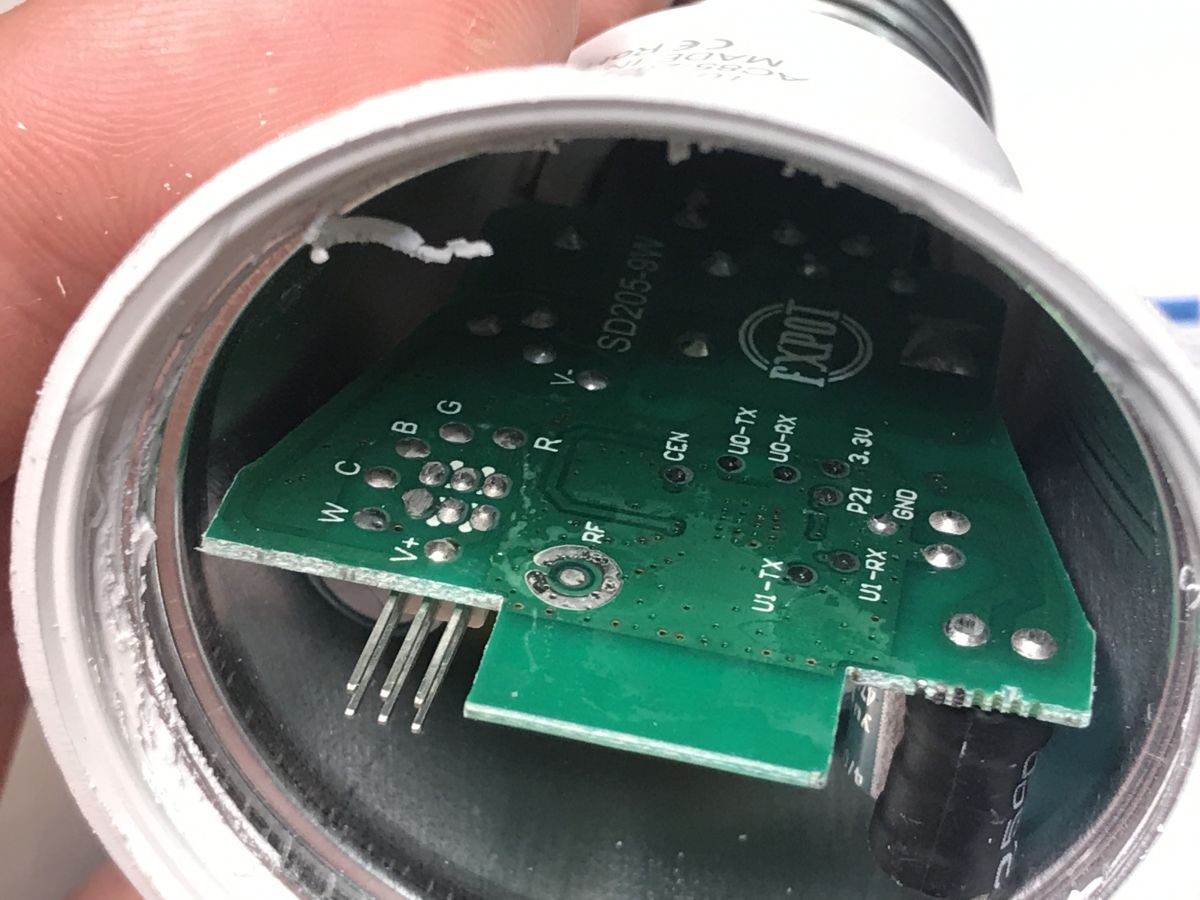
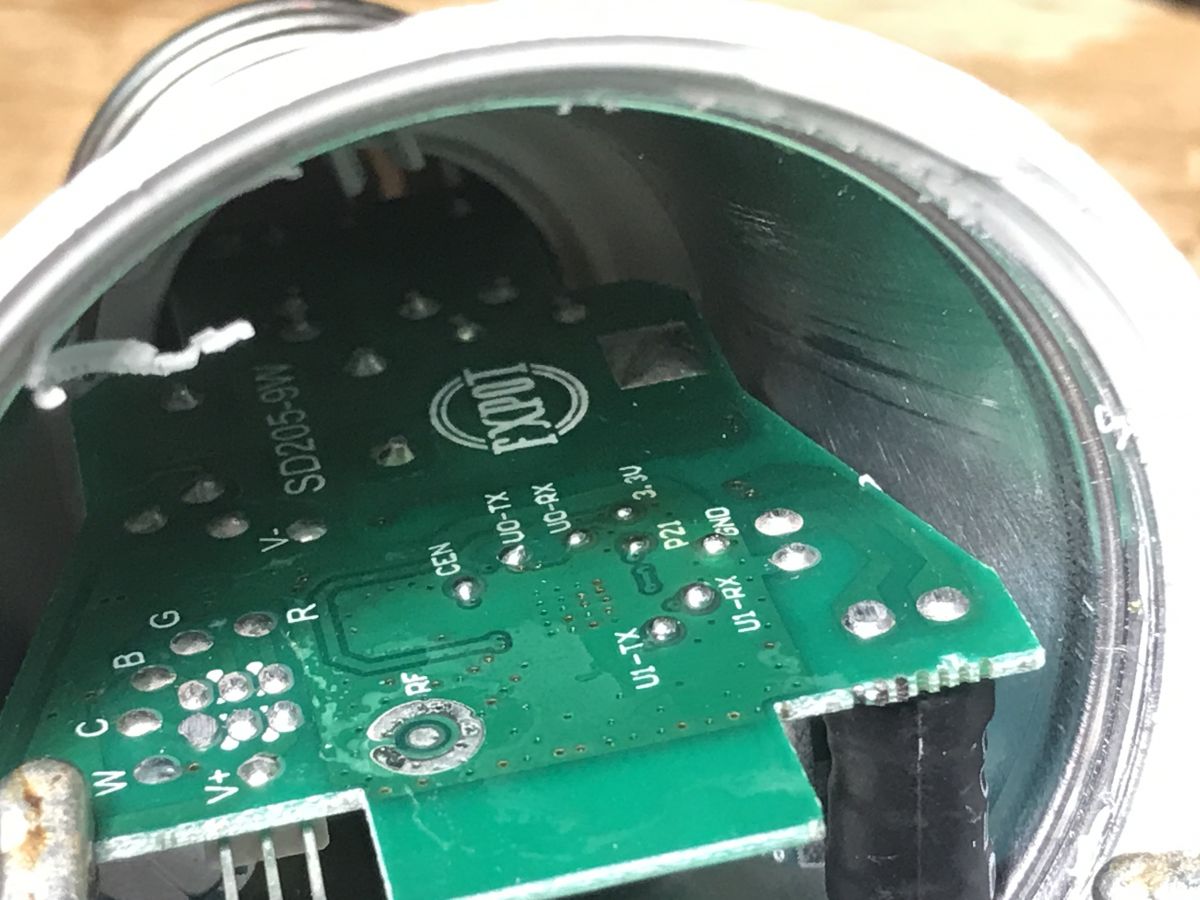
There are also flashing pads on the bottom of the board:
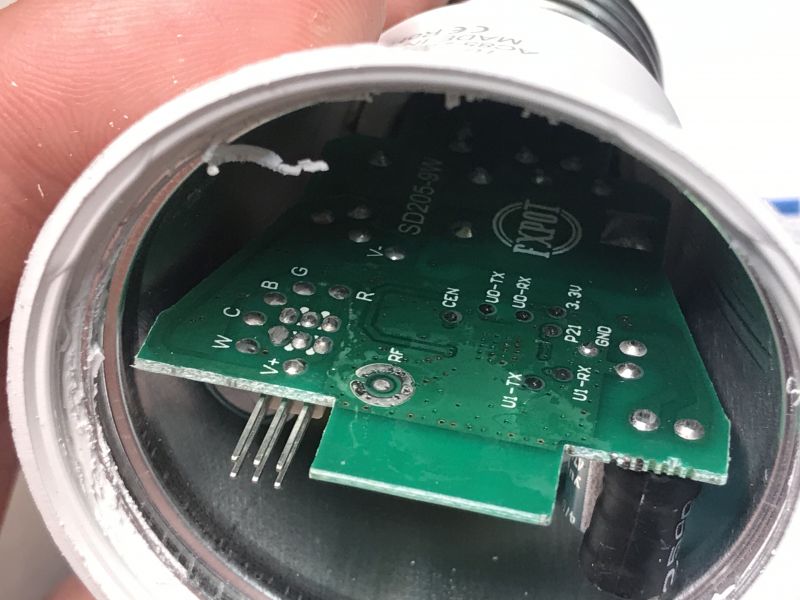
View of the interior of a LED bulb showing the PCB and solder pads.
P21 may sounds like a Beken pin. I think it's a left over from previous device version which might have used BK7231.


Firmware change
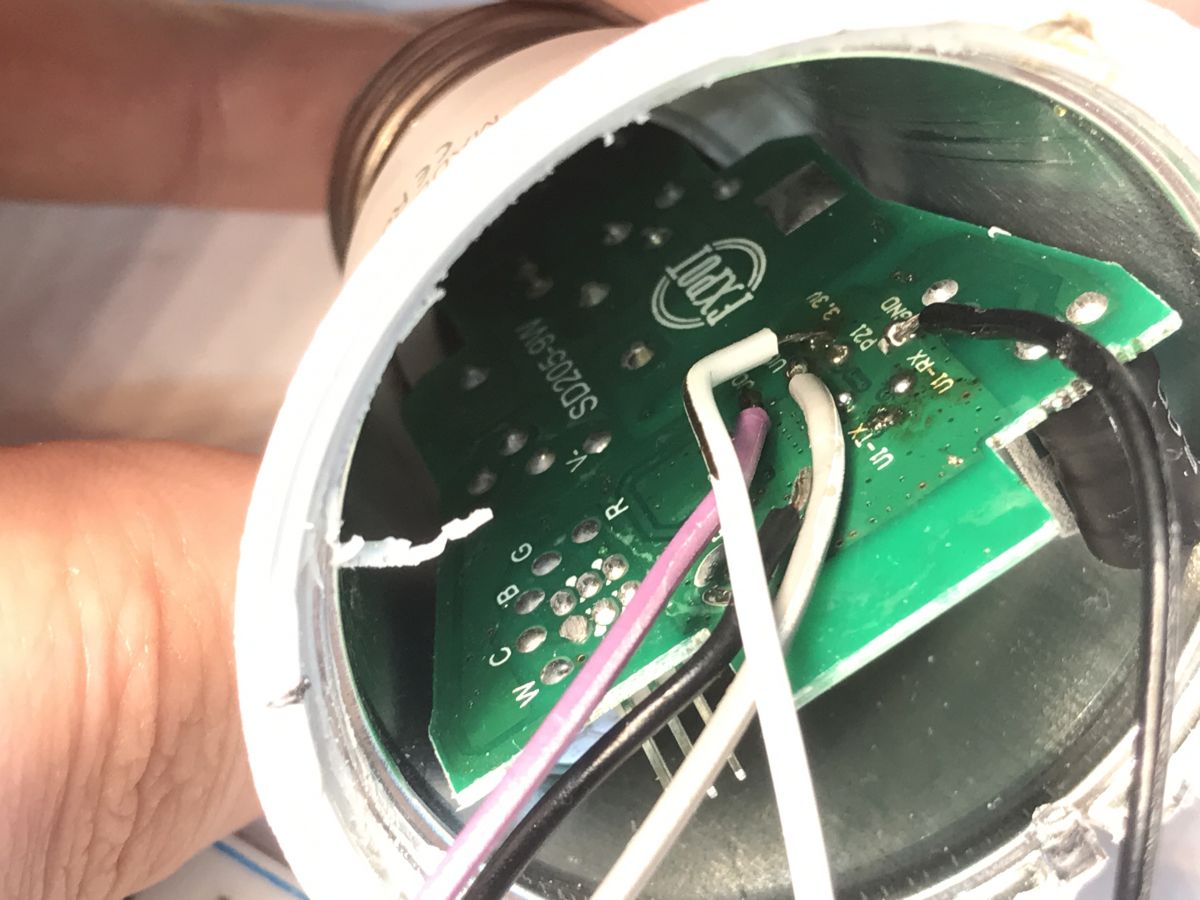
P21 is actually a LN882H boot pin. The programming UART is in the background, U0-TX and U0-RX. First add some flux and Pb solder to the pads:
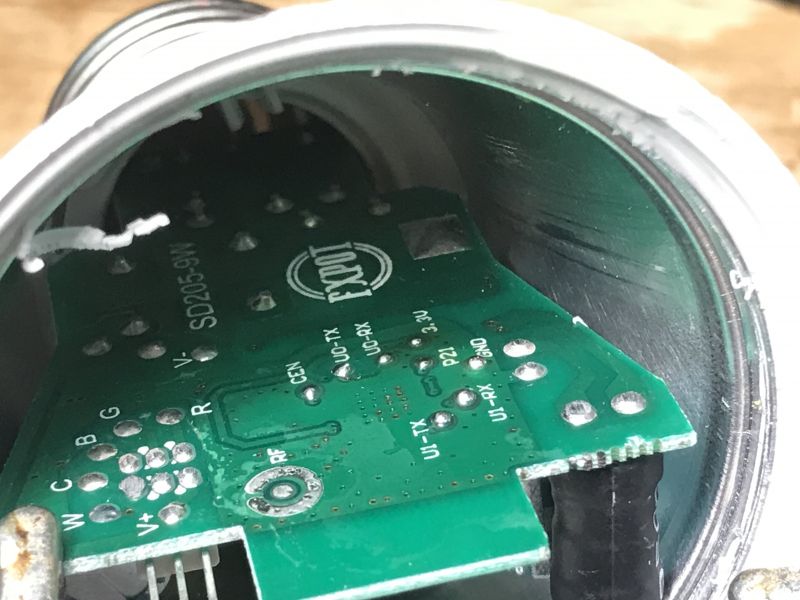
View inside an LED bulb showing a circuit board and solder pad labels.
Then solder wires:
Inside view of a light bulb with visible circuit board and wires.
Follow LN882H flashing tutorial:
https://www.elektroda.com/rtvforum/topic4028087.html
https://www.elektroda.pl/rtvforum/topic4028087.html
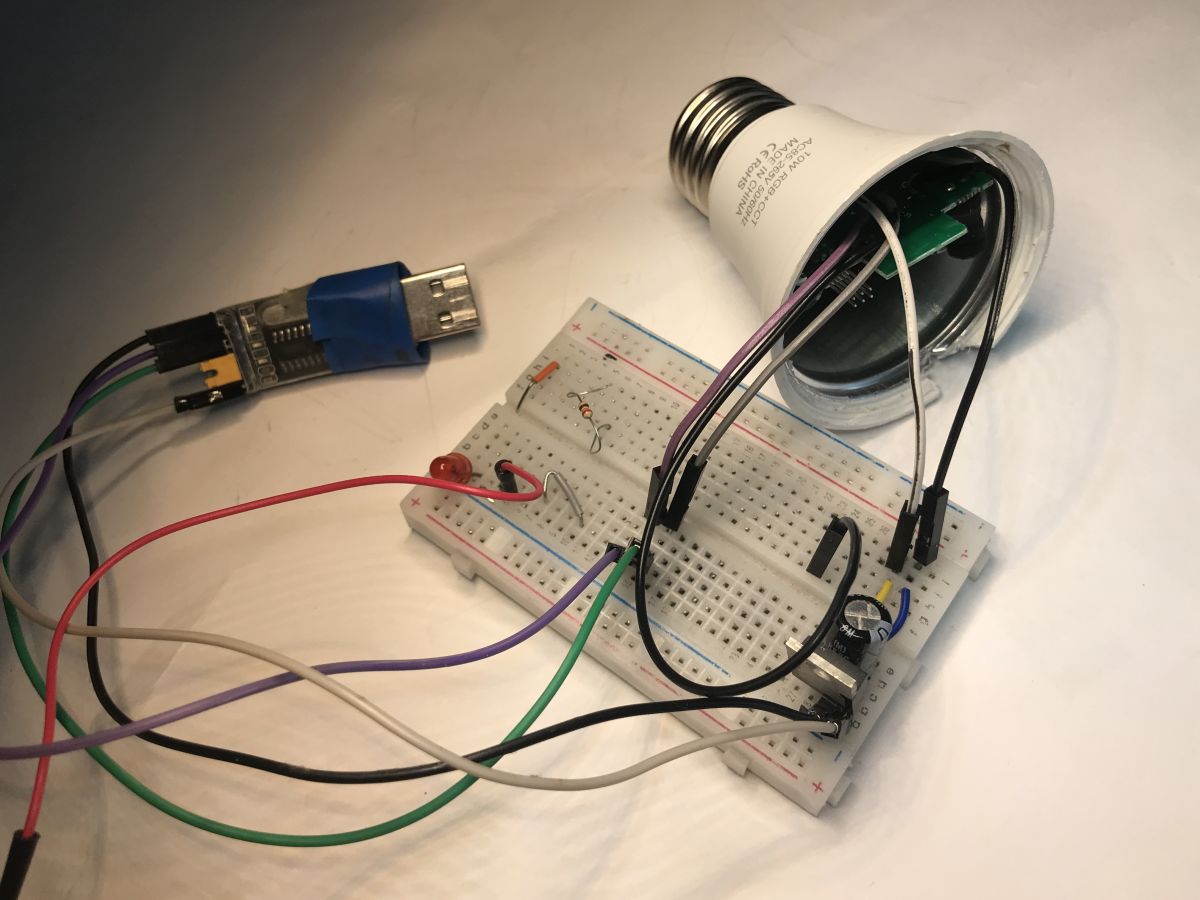
Here's my full circuit:
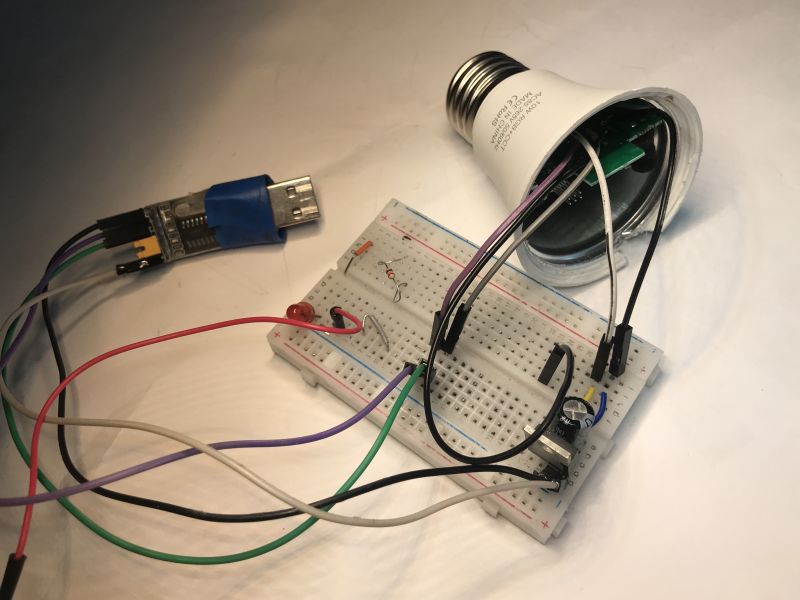
Dismantled TNCE Smart E27 LED bulb with a breadboard and USB to UART adapter.
Of course, I've also took a backup of original firmware first. It's not full 2MB because I had to interrupt read early, but it seems that data past 1MB mark is just full of 0xFF:
https://github.com/openshwprojects/FlashDumps/commit/5e7d1bf6dac8c79dc68b34dfd6e781d435bfce42

Initial setup
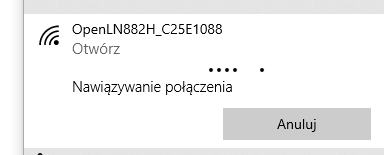
Just like with Tasmota - disconnect boot pin, do power off/on, connect to LN822H access point:
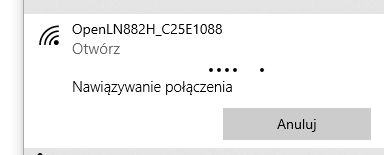
Notification for connecting to OpenLN882H network.
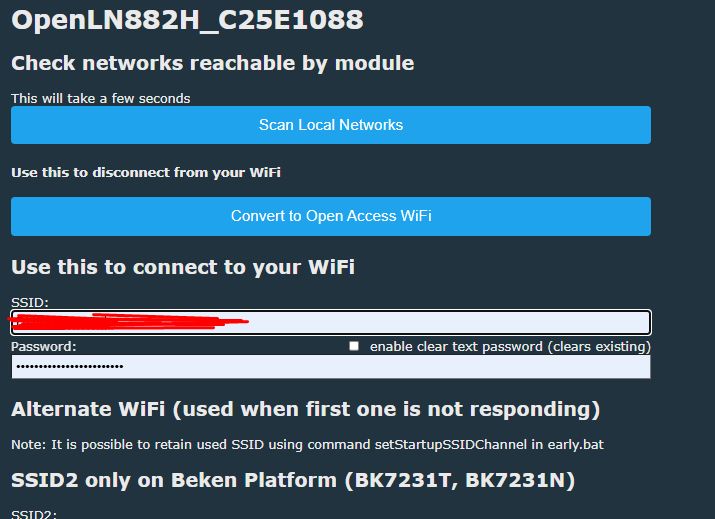
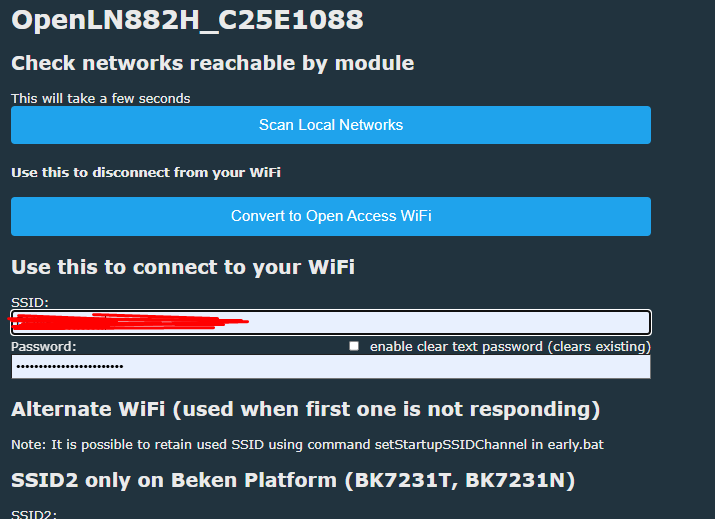
Configure your WiFi:
Screenshot of WiFi setup interface for OpenLN882H
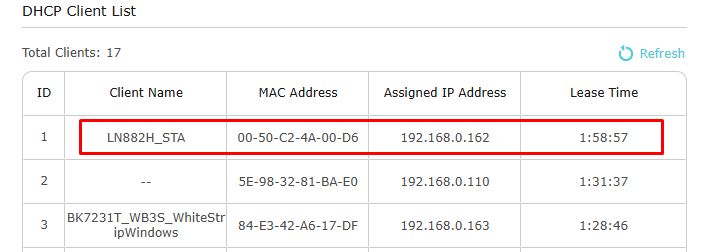
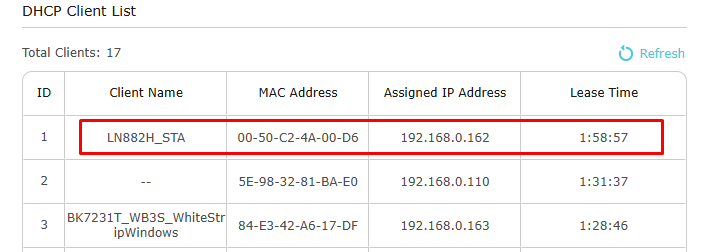
Get new device IP from DHCP:
DHCP client list showing LN882H_STA device with assigned IP address.
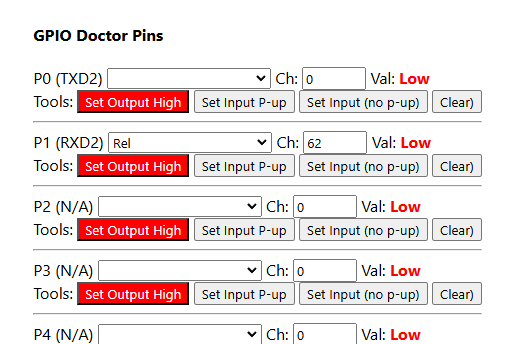
Then you need to figure out the GPIO roles. We don't have yet GPIO extraction for this platform, so I used the GPIO Doctor tool from the Web App.
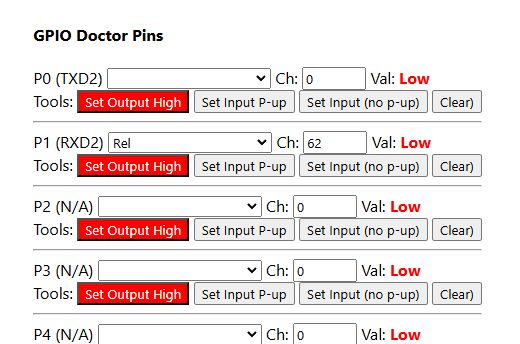
GPIO Doctor Pins interface
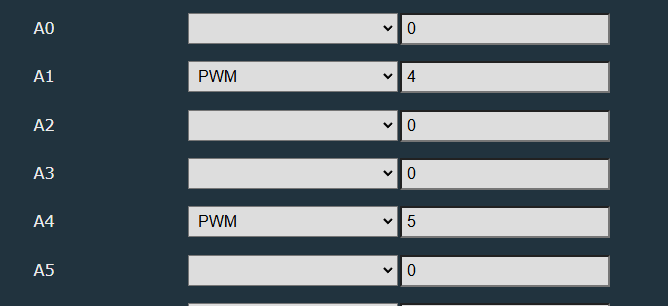
Once you guess the pins with Doctor, you can set them to PWMs in Configure Module menu:
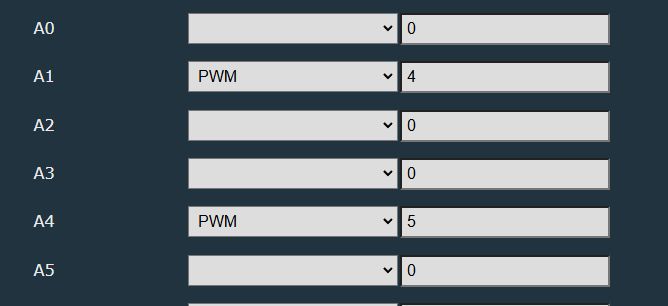
Screenshot of GPIO settings, showing PWM configuration for A1 and A4.
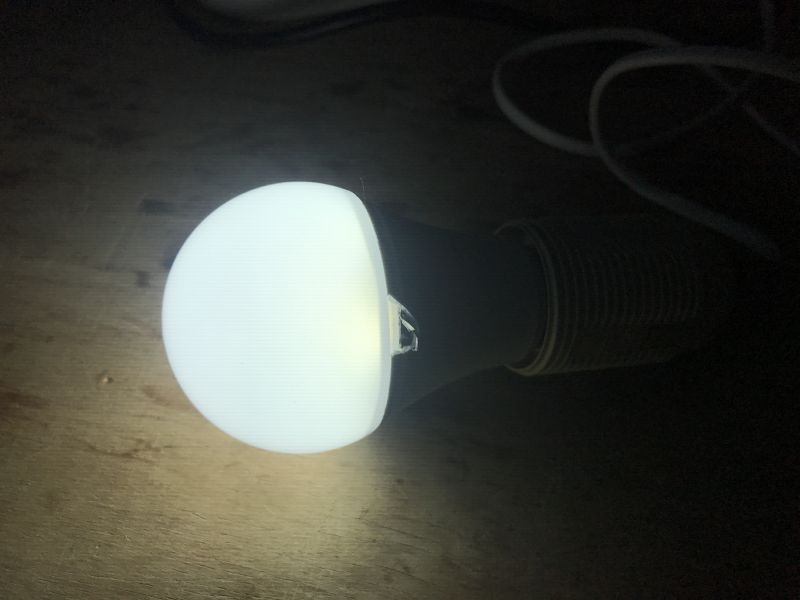
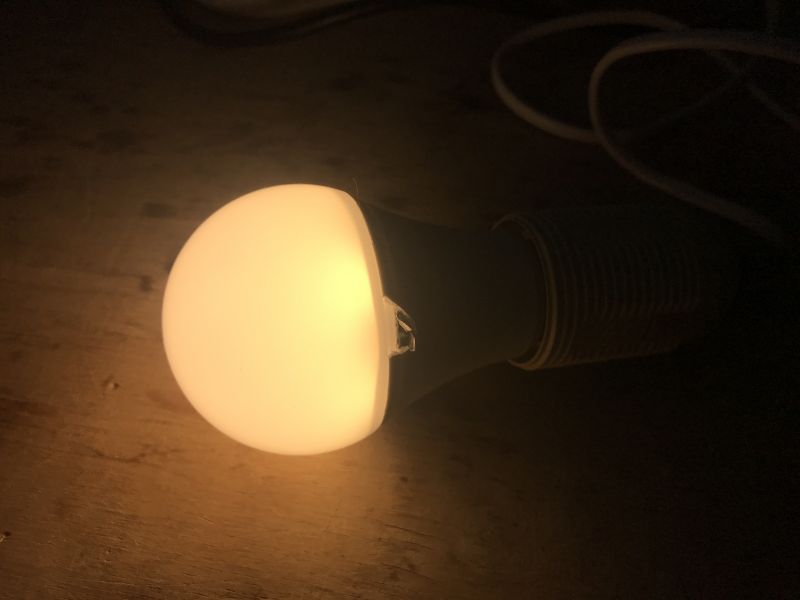
At first I got CW working:
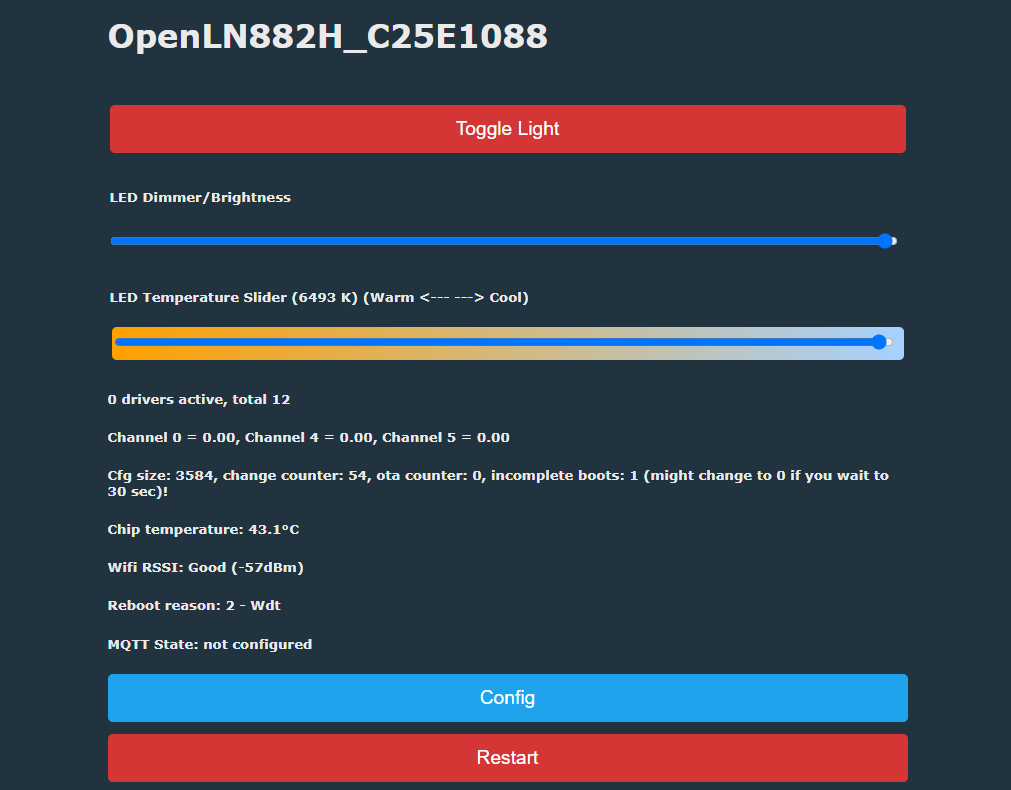
This is how CW controls look like:
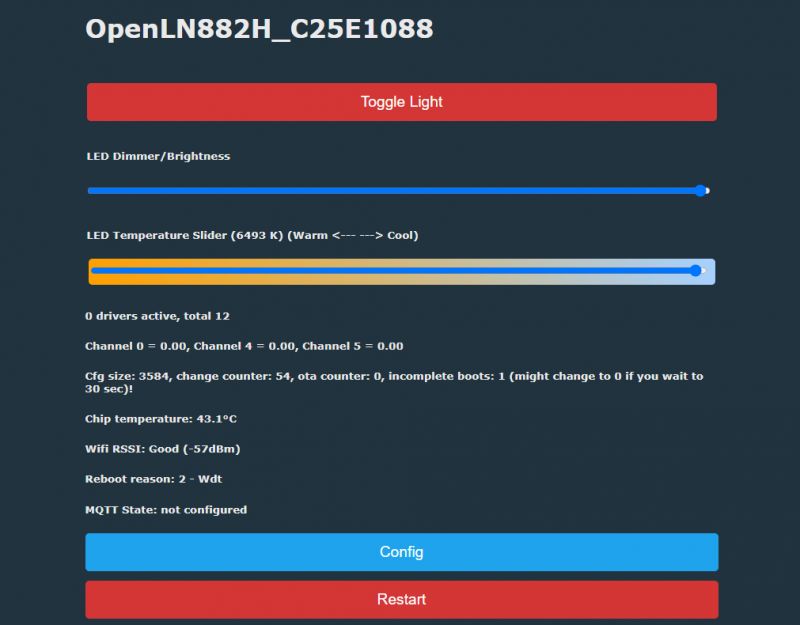
Screenshot of OpenLN882H interface with LED brightness and temperature slider.
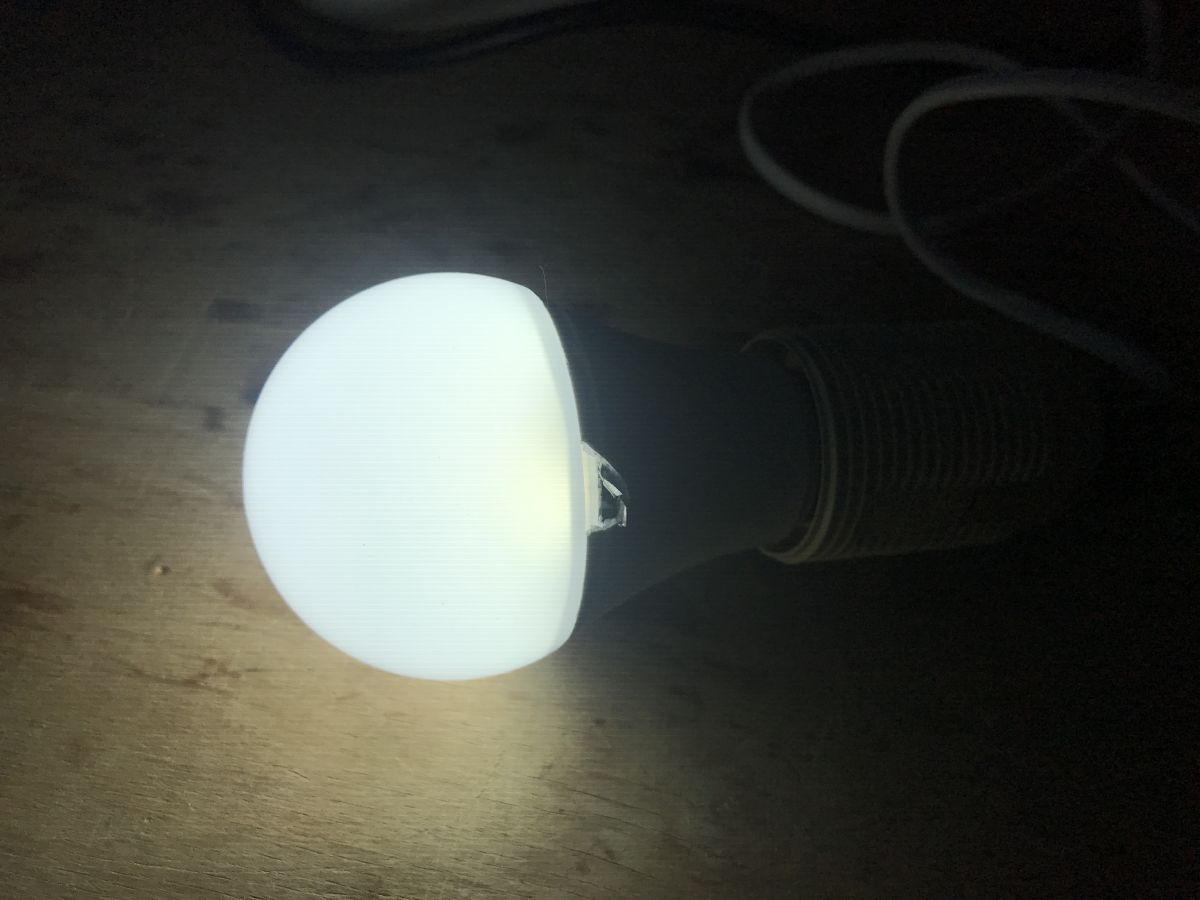
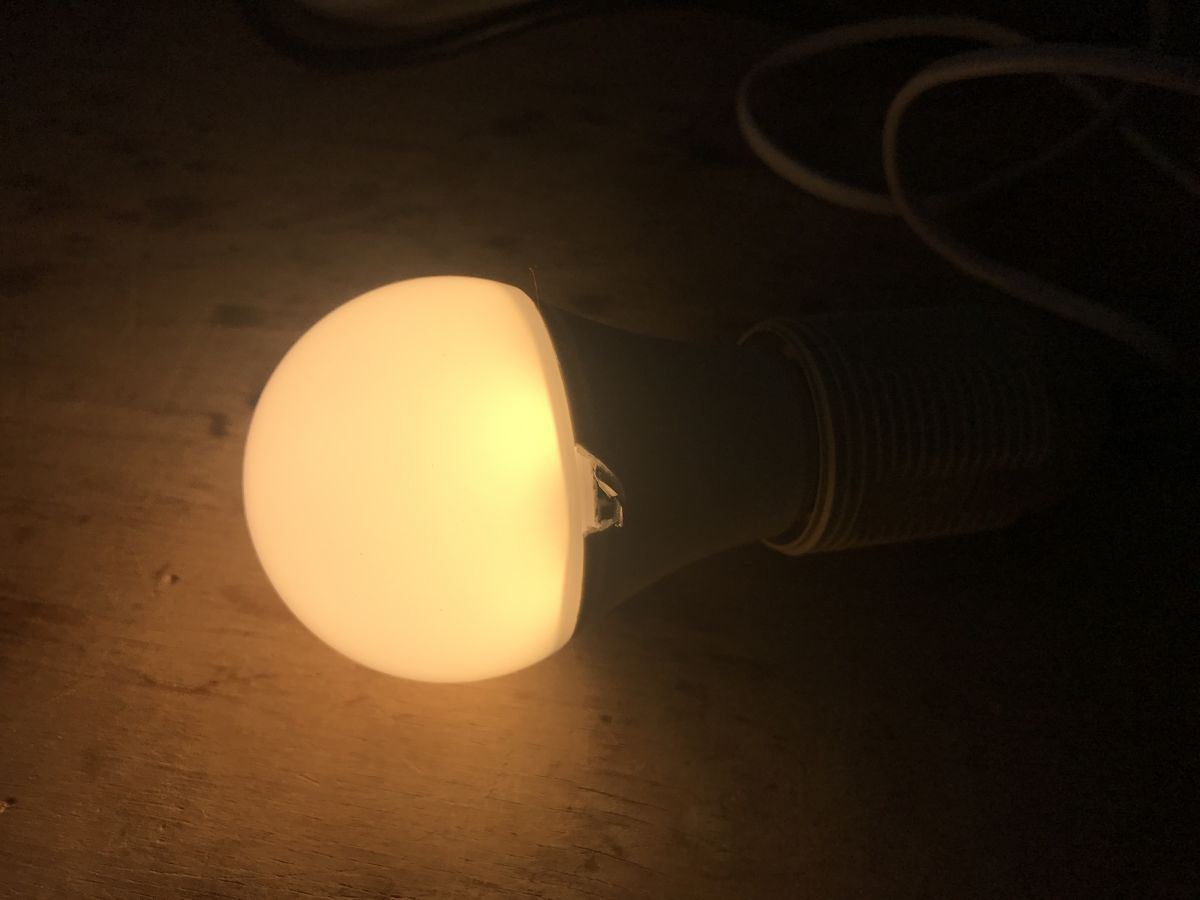
CW seems to work good:
Illuminated TNCE Smart E27 - TCDPA601WL265 bulb lying on a wooden surface.
Lit LED bulb placed on a wooden surface.
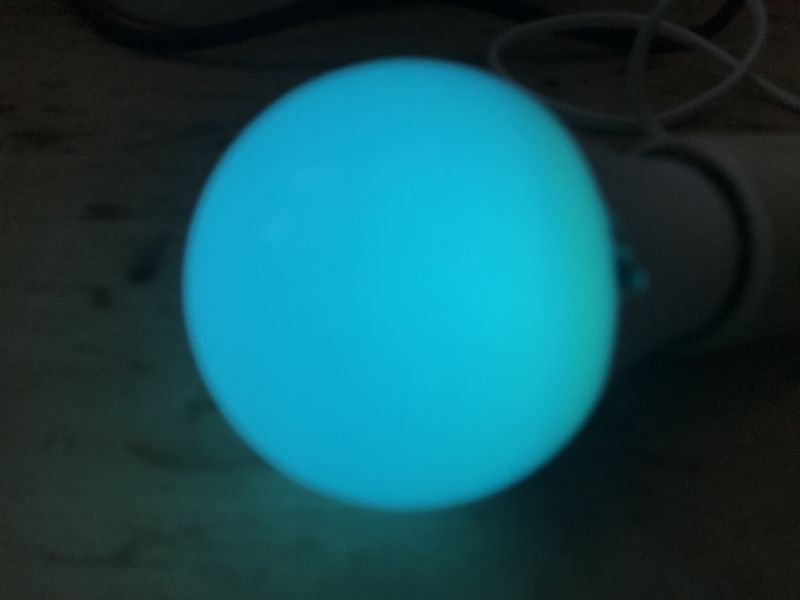
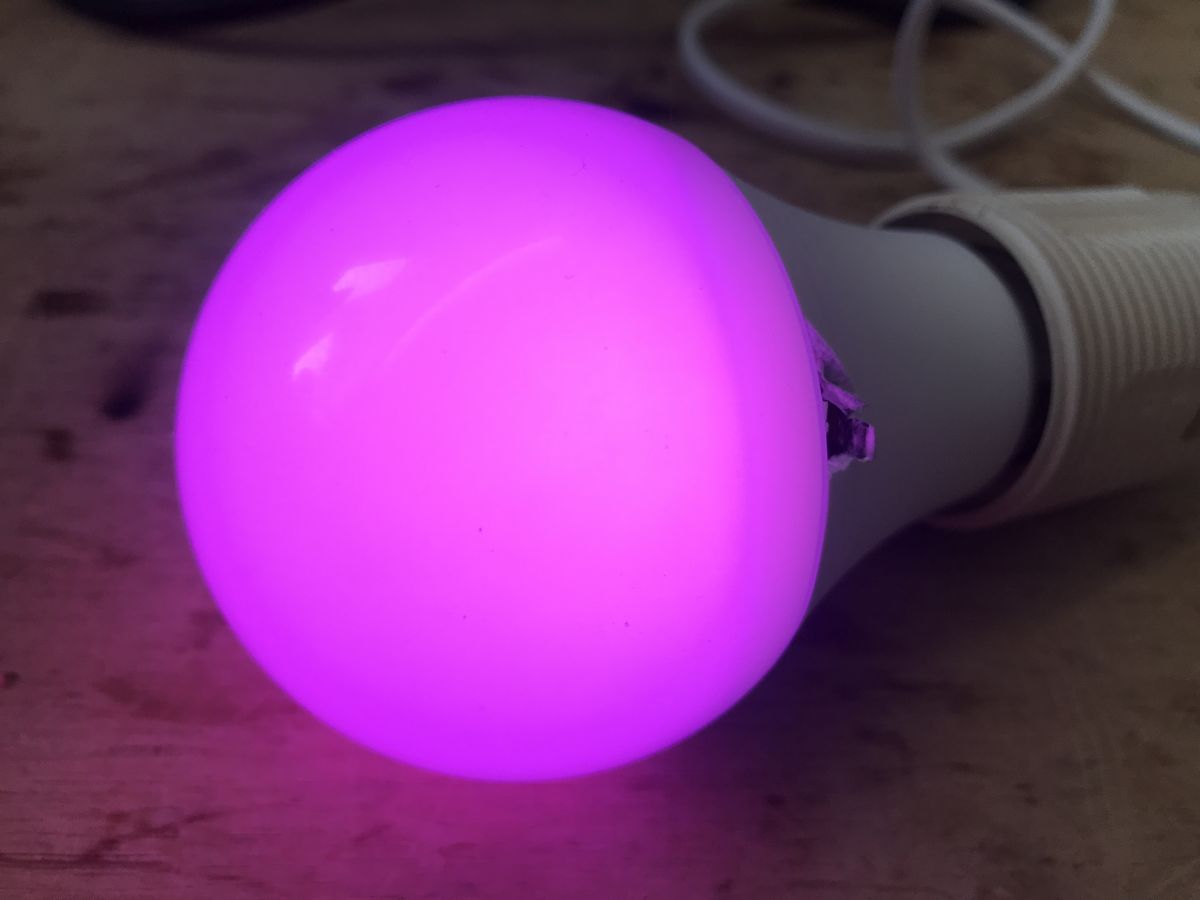
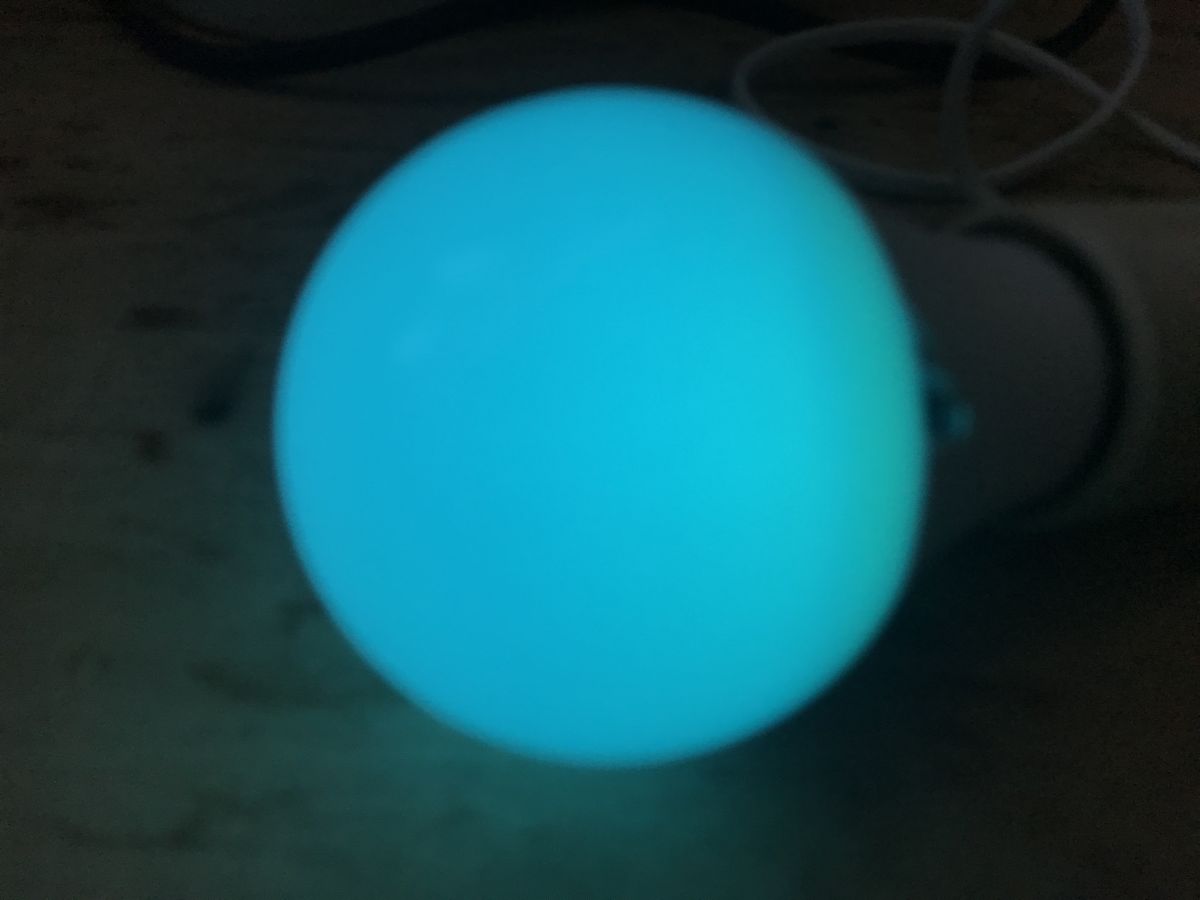
Later I found RGB pins, so RGBCW is fully working now.
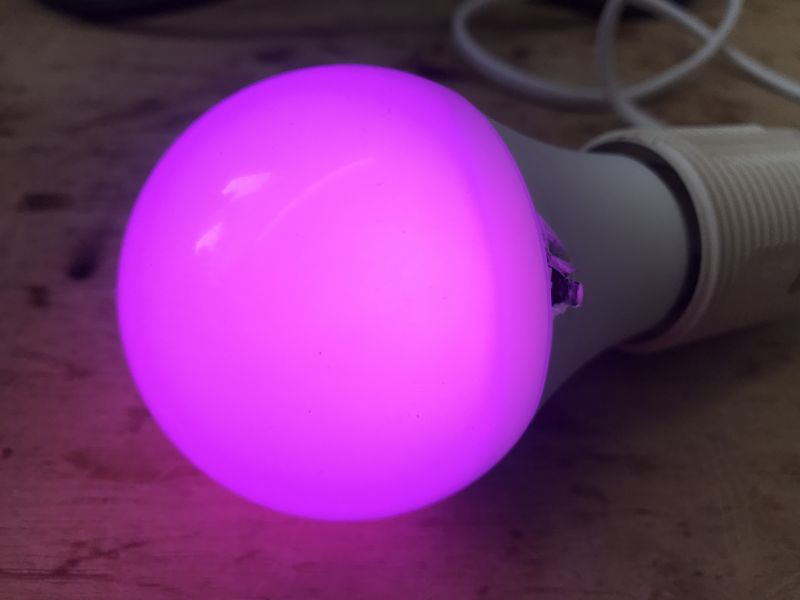
LED bulb emitting purple light
LED bulb glowing blue.
RGBCW configuration:
Code: JSON
Log in, to see the code


Summary
Flashing process was easy and didn't require full disassembly of the bulb. I have managed to reach the pads with my soldering iron and I didn't have to remove the thread. I also guessed the meaning of pad markings - U0 is used for flashing and P21 is infact the LN882 boot pin. I also managed to guess the GPIO roles with GPIO Doctor, so full RGBCW is working now.
Device can be now paired with Home Assistant, just like in our tutorial.
Let us know if you have also encountered any LN882H devices already. We can help you with flashing and HA setup.
PS: Special thanks to @divadiow for helping me to get this bulb. I've ordered another already, this time E14 thread, we will see if it will be also LN-based...


About Author
p.kaczmarek2
p.kaczmarek2 wrote 14393 posts with rating 12314 , helped 650 times. Been with us since 2014 year.

Comments

John Yossarian 19 Feb 2025 20:48

And would it go via OTA, Tuya-convert + tasmot? [Read more]

p.kaczmarek2 19 Feb 2025 20:54

Unfortunately no. It only goes on devices with ESP and, in addition, most new devices are protected. The LN882HKI is a completely different MCU. We specifically wrote HAL for it to port firmware to... [Read more]

John Yossarian 19 Feb 2025 21:05

Thanks for the reply. I haven't tried flashing yet, for now I'm gathering info:) I have a couple of these toys, but they are in daily use. Just planning to buy something to play with, with different BK... [Read more]

p.kaczmarek2 19 Feb 2025 21:13

Well, two comments I have. First, you're not sure if you're going to get something on LN882H, or BK7231, or BL602, or W800, so don't assume that in advance. But anyway, OpenBK/OpenLN supports most of... [Read more]

John Yossarian 19 Feb 2025 21:23

Well, yes, that's true. I don't have the certainty. Once I have something to play with, I'll only wonder. And I will report back on the successes:) . [Read more]

p.kaczmarek2 21 Feb 2025 20:56

I've just ordered more leds myself for testing, we'll see what arrives: https://obrazki.elektroda.pl/3546375900_1740167568_bigthumb.jpg . I am now awaiting the three packs: https://obrazki.elektroda.pl/2792321000_1740167735_bigthumb.jpg... [Read more]

p.kaczmarek2 25 Feb 2025 23:08

A package has arrived with this one: https://obrazki.elektroda.pl/2251816100_1740521229_bigthumb.jpg . It turned out to be based on the BL602 - BW2L module . I am working on it. It is possible to... [Read more]

p.kaczmarek2 27 Feb 2025 00:37

It came with: https://obrazki.elektroda.pl/5068268800_1740612311_bigthumb.jpg . CB2L. https://obrazki.elektroda.pl/4723763000_1740612445_thumb.jpg . Added after 10 [minutes]: . Ordering... [Read more]

bulek01 28 Feb 2025 08:56

I ordered, also, a zigbee version of the bulb. There is a BZ2L module inside with a BL702 microcontroller. The bulb is an Ewelink SMART A60 https://obrazki.elektroda.pl/2380516700_1740729328_thumb.jpg... [Read more]

p.kaczmarek2 28 Feb 2025 10:36

Zigbee it will run right away, no need to flash, but as if you want to experiment it is also possible to dump and upload the memory: How to read and back up the flash memory of a BL602/BL702/etc device... [Read more]

p.kaczmarek2 01 Mar 2025 12:46

I flashed this (18W version): https://obrazki.elektroda.pl/8009960700_1740829539_bigthumb.jpg . Unfortunately the CB2L programming pad is on the bottom. I had to solder it out. Problematic copy. I... [Read more]

p.kaczmarek2 03 Mar 2025 10:14

The E14 led mentioned earlier in this topic from eWeLink turned out to use BL602. Today I also ordered an E14, but not from eWeLink, but from Tuya, to see if it would also be a BL602 or perhaps further... [Read more]

p.kaczmarek2 06 Mar 2025 12:09

. Received - 2025.03.06 There is an LN882H with BP5758 inside (not PWM!). KA0600152-ibbd [Read more]

divadiow 06 Mar 2025 19:45

Assuming eWeLink-C3009-EW-E14-BWL2-bulb-20250225.bin is from this bulb: Starting bl602 now.... ############################## system init ################################## Device Info:[Firmware... [Read more]

p.kaczmarek2 06 Mar 2025 21:53

@divadiow the Matter bulb also arrived: https://obrazki.elektroda.pl/7579101400_1741294191_thumb.jpg https://obrazki.elektroda.pl/9937662100_1741294193_thumb.jpg https://obrazki.elektroda.pl/2242260200_1741294193_thumb.jpg... [Read more]

divadiow 06 Mar 2025 21:54

ooh. I hope it isn't too, but I have a small pile of ESP Matter devices that are :( [Read more]

p.kaczmarek2 06 Mar 2025 22:20

Do you know the debug log output baud rate for this module? [Read more]

divadiow 06 Mar 2025 22:21

74880? [Read more]

p.kaczmarek2 06 Mar 2025 22:29

Normal mode: ESP-ROM:esp8684-api2-20220127 Build:Jan 27 2022 rst:0x1 (POWERON),boot:0xc (SPI_FAST_FLASH_BOOT) SPIWP:0xee mode:DIO, clock div:1 Valid... [Read more]

FAQ

TL;DR: For owners of the TNCE TY-BK-A60 bulb, the LN882HKI can be flashed over 3.3 V UART using U0-RX, U0-TX, GND, and the P21 boot pad; as one expert put it, "A9 must be low before powering it up." This solves cloud lock-in and enables OpenLN882H with full RGBCW control and Home Assistant pairing on this LN882H-based E27 bulb. [#21877425]

Why it matters: This thread turns a cheap Tuya WiFi bulb into a documented, repeatable cloud-free smart-lighting target instead of a one-off hardware hack.

Option Chip / path Flash method Result from thread
TNCE TY-BK-A60 LN882HKI / LN882H UART on U0 + P21 boot pad Full RGBCW working in OpenLN882H
Some older ESP devices ESP family OTA / Tuya-convert Not applicable here
Similar AliExpress bulbs BL602 / CB2L / BW2L / BZ2L / LN882H Varies by module and pad access Must identify module first
Matter bulb example ESP8684-WROOM-05 UART download blocked Flash path effectively blocked

Key insight: On LN882H bulbs, success depends less on the app brand and more on the exact chip, UART port, and boot pin behavior. In this case, using U0 instead of U1 was the decisive fix when flashing initially failed.

Quick Facts

  • The documented bulb is a TNCE Smart E27 Bulb TCDPA601WL265, model TY-BK-A60, manufactured on September 10, 2024. [#21446472]
  • The original dump was read only partially, but the author reports the flash is not full 2 MB in useful data and appears to be 0xFF past the 1 MB mark. [#21446472]
  • The working OpenLN882H RGBCW mapping uses 5 PWM channels on LN882H pins 1, 4, 5, 6, and 7. [#21446472]
  • The bulb was bought on AliExpress for a few US dollars and was stated to sometimes cost as low as $1, making it a low-risk test target. [#21446472]
  • Similar bulbs in the same buying stream arrived with BL602, CB2L, BW2L, BZ2L, LN882H, and ESP8684 platforms, so the external listing does not guarantee the internal SoC. [#21473843]

How do you flash a TNCE TY-BK-A60 RGBCW WiFi bulb with an LN882HKI chip using a USB-to-UART adapter and the U0/P21 pads?

You flash it over the LN882H boot UART, not by OTA. 1. Open the E27 bulb enough to access the board, then solder wires to U0-TX, U0-RX, GND, and P21. 2. Pull P21 low, power the module from a 3.3 V USB-to-UART adapter, and start the LN882H flasher. 3. Remove the boot strap, power-cycle, join the OpenLN882H access point, then configure Wi-Fi and pins. The thread shows this worked without fully removing the screw thread and ended with full RGBCW support. [#21446472]

What is the P21 or SP21 pad on an LN882H bulb board, and how is it used to enter boot mode?

P21, also labeled SP21 on some boards, is the LN882H boot-selection pad tied to GPIOA_9. You use it by grounding it before power-up so the chip enters boot mode instead of normal firmware startup. Later troubleshooting confirmed that the pad continuity to GPIOA_9 was correct and that the module recognized the low state. If the pad is released, the bulb resumes normal operation and prints standard boot logs again. [#21877012]

Why doesn’t Tuya-convert or OTA flashing work on LN882HKI bulbs the way it does on some ESP-based devices?

Tuya-convert does not work here because the LN882HKI is not an ESP chip and the thread states the OTA path applies only to some ESP devices. The author says most newer devices are also protected, so even that route is shrinking. OpenLN882H follows a Tasmota-like idea, but it is separate firmware with its own HAL for LN882H. On this bulb, the practical method is wired flashing over UART, not cloud or OTA replacement. [#21447295]

Which UART pads should be used on the LN882H bulb for flashing, and how do U0 and U1 differ during troubleshooting?

Use U0, not U1, for flashing the LN882H bulb. The original guide identifies U0-TX and U0-RX as the programming UART, while a later user initially wired the U1 interface because it showed serial logs. That caused confusion: U1 exposed runtime output, but flashing only worked after moving the wires back to U0. This is the key troubleshooting difference: logs alone do not prove you are on the bootloader UART. [#21878105]

Why would an LN882H bulb print normal boot logs or enter ATE mode instead of download mode when GPIOA_9 is pulled low?

It does that when the timing, wiring, or UART choice is wrong. The thread shows one device printed “GPIOA_9 high level, will enter Normal mode!” when the boot strap was ineffective, and later printed “GPIOA_9 low level, will enter ATE mode!” when the low level was detected. In this case the real fault was using U1 instead of U0, so the user saw behavior that looked wrong even though the boot pin state changed. Power must be fully removed between attempts. [#21878105]

What baud rates and serial commands should be tested when an LN882H flasher shows no response in boot mode?

Start with 115200 baud in a terminal and send the command version. The thread’s recovery advice says that a module already in boot mode should answer with “Mar 14 2021/00:23:32”. Another expert also suggested testing different baud rates in both the custom flasher and the original LN882H tool if there is still no response. If you see no boot text at all, that can be normal for boot mode. [#21877425]

How do you verify that an LN882H module is really in boot mode after grounding A9/P21 before power-up?

Verify it by grounding A9/P21 before power-up, then checking that the module stops printing normal firmware logs. One expert states, “It shouldn’t be printing anything if in boot mode.” To confirm, open the COM port at 115200 baud and type version. A valid bootloader response is “Mar 14 2021/00:23:32”. If you still see Tuya startup logs, the chip is in normal mode or you are on the wrong UART. [#21877425]

What is GPIO Doctor in the OpenLN882H web app, and how does it help find RGB and CW pin assignments on an unknown bulb?

“GPIO Doctor” is a diagnostic web-app tool that probes unknown GPIO behavior, helps identify which pins drive LEDs or functions, and speeds board bring-up when no pin extraction exists for that platform. In this bulb, the author used it because LN882H did not yet have automatic GPIO extraction. That let them first identify the CW channel, then later find the RGB pins and finish a working RGBCW setup in the Configure Module menu. [#21446472]

How do you configure full RGBCW output in OpenLN882H for the Tuya TNCE Smart E27 bulb model TY-BK-A60 after flashing?

Set the discovered LED pins as five PWM outputs in OpenLN882H. The working JSON in the thread assigns pin 1 = PWM;4, 4 = PWM;5, 5 = PWM;1, 6 = PWM;2, and 7 = PWM;3 for the TY-BK-A60 on LN882H. The author first got CW working, then found the RGB channels and confirmed full RGBCW operation. After that, the bulb could be paired with Home Assistant like other OpenBK-style devices. [#21446472]

What’s the difference between an LN882H bulb that uses raw PWM channels and one that uses a BP5758 LED driver?

A raw-PWM bulb drives its LED channels directly from multiple transistor-switched PWM outputs, while a BP5758 bulb uses a dedicated LED driver IC. The first TY-BK-A60 teardown showed five nearby transistors and no I2C controller, so the author concluded it used raw PWMs. A later bulb received on 2025-03-06 still had an LN882H, but this time with BP5758 inside, explicitly noted as “not PWM!” That changes pin discovery and firmware setup strategy. [#21468442]

Which chips have been found inside similar AliExpress smart bulbs besides LN882H, such as BK7231, BL602, BL702, W800, CB2L, BW2L, and BZ2L?

The thread found a broad mix of platforms, not a single family. Reported examples include BL602 on BW2L, BL702 on BZ2L in a Zigbee bulb, CB2L, and additional LN882H units. The author also warns buyers not to assume they will get LN882H, BK7231, BL602, or W800 in advance, because identical-looking AliExpress bulbs vary internally. The practical rule is simple: identify the module after purchase, then choose the flashing method. [#21447336]

What is ATE mode on the LN882H, and how is it different from the actual UART download mode needed for flashing?

“ATE mode” is a factory test mode that confirms a boot pin state, runs manufacturing checks, and is not the same as the serial download bootloader used for firmware flashing. The evidence is direct: one user got “GPIOA_9 low level, will enter ATE mode!” yet still could not flash or read the device. Another expert then clarified that true boot mode should produce no normal log output and should answer the version command on the serial port. [#21877012]

How does OpenLN882H compare with Tasmota and ESPHome for cloud-free bulbs and Home Assistant integration?

OpenLN882H serves the same goal as Tasmota-style firmware: local control, no vendor cloud, and Home Assistant pairing. The author explicitly describes it as Tasmota/ESPHome-inspired and says it supports some Tasmota commands, but it is different code built around a dedicated HAL for LN882H. On this bulb, it exposed a setup AP, accepted Wi-Fi credentials, and then drove full RGBCW output after GPIO mapping. That makes it a practical cloud-free path for non-ESP Tuya bulbs. [#21447295]

What are the safest ways to open and reassemble an E27 smart bulb for flashing without fully disassembling the thread or damaging the LED board?

Open the top diffuser first, then disturb as little else as possible. The author removed the dome by hand, then carefully pried the LED board, noting that this step was the risky one and broke part of the edge. The important takeaway is that full disassembly was unnecessary: the flashing pads were reachable without removing the E27 thread. Use controlled force, support the board evenly, and plan wiring before levering the LED plate. [#21446472]

How can you tell from the outside whether a Matter smart bulb is more likely to use an ESP8684/ESP32-C3 module or a Beken-based module before buying?

You usually cannot tell reliably from the outside. One participant asked exactly that, and the reply was that there was no dependable labeling pattern, only weak brand-level guesses. The thread mentions some Moes devices can be ESP, and CozyLife / Aiyatto products had looked promising, but this was not presented as a rule. A Matter bulb in the same discussion arrived with ESP8684-WROOM-05, and its UART download mode was blocked, showing why external branding is a poor predictor. [#21469802]
Generated by the language model.
%}