.
OpenStreetMap (OSM) is an open and free world map, used in many applications for navigation, data analysis or geolocation. One useful feature is reverse geocoding - that is, converting geographic coordinates into readable addresses. The public OSM API, however, imposes all sorts of limits on these queries, including a limit of one decoding per second, and if exceeded, can block your IP. In this guide, I'll show a better alternative, which is to run your own local OpenStreetMap instance supporting various types of queries and searches.
The demonstration is based on the nominatim-docker project, an off-the-shelf container that can download or load a given section of the map:
https://github.com/mediagis/nominatim-docker
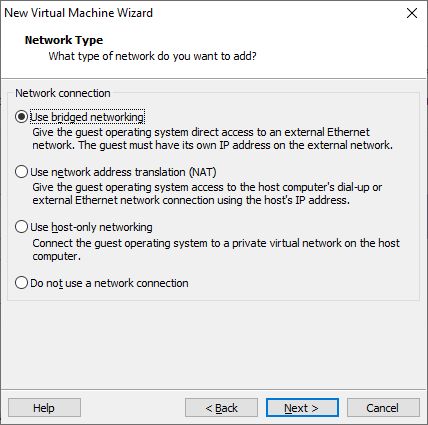
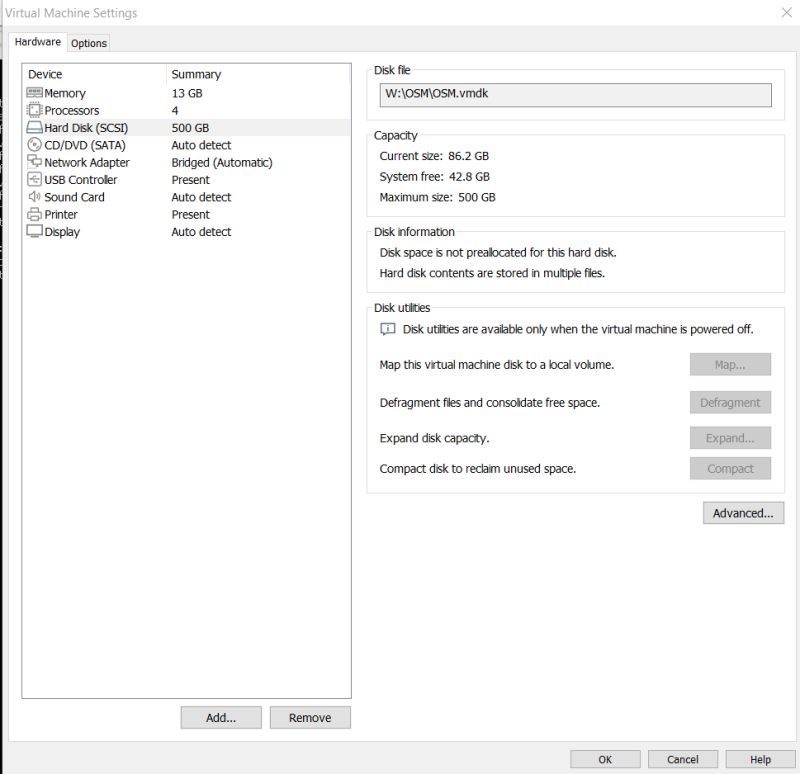
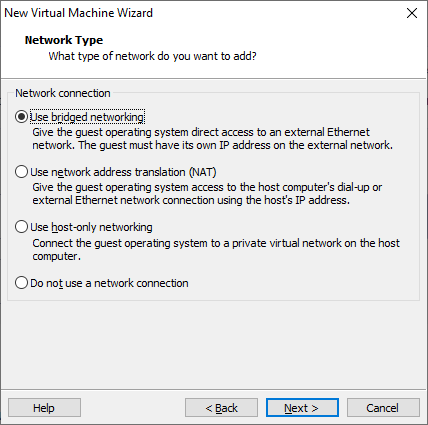
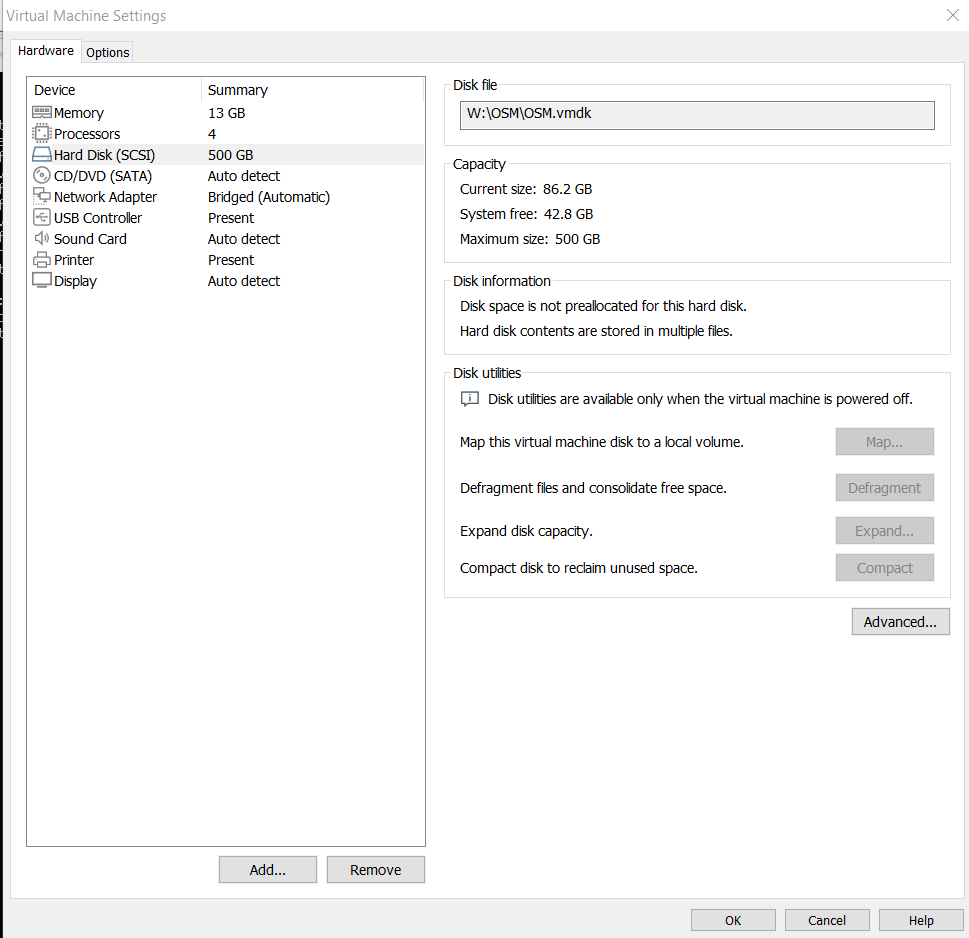
It is a good idea to run the whole thing on a virtual machine - I used VMware for this. It is important to give the machine enough resources. For the map of Poland alone, I found that about 60GB of disk memory and 2GB of RAM are needed. Additionally, it is a good idea to connect the machine directly to our network - bridged mode:
.
The whole thing can be run on regular Ubuntu (with GUI), or on Ubuntu server - at your discretion.

.
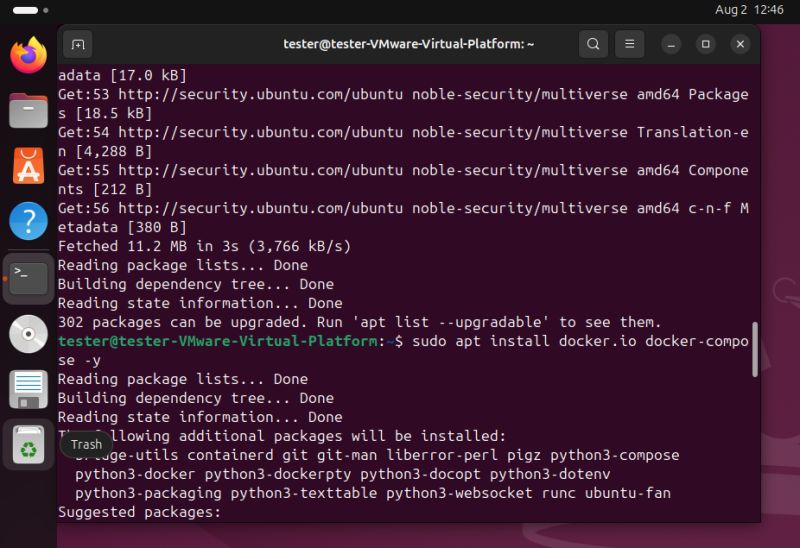
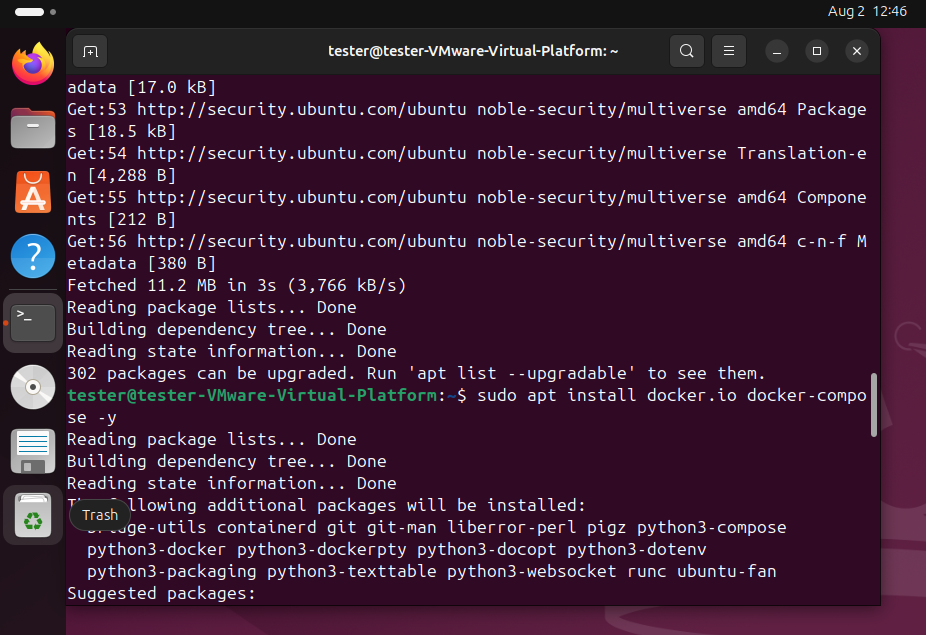
First we update APT and install Docker:
sudo apt update
sudo apt install docker.io docker-compose -y
.
.
Then you need to download the data. You can use the geofabrik website as an example:
https://download.geofabrik.de/
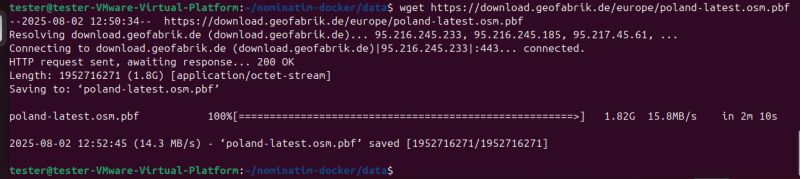
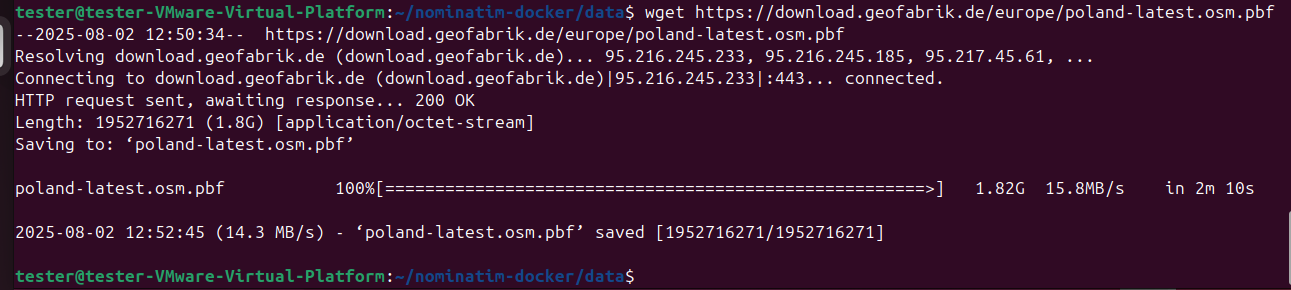
I decided to download a map of Poland, although I also thought about our neighbours. You can download via a browser or use wget for example:
wget https://download.geofabrik.de/europe/poland-latest.osm.pbf
.
The map supports a single PBF file, so if you want a larger section of the map, you need to merge the smaller sections using
osmium . Below is the merge command, although the final merged version ni
mkdir data
cd data
wget https://download.geofabrik.de/europe/poland-latest.osm.pbf
wget https://download.geofabrik.de/europe/germany-latest.osm.pbf
sudo apt install osmium-tool -y
osmium merge -o europe.osm.pbf poland-latest.osm.pbf germany-latest.osm.pbf
cd ..
.
If you do not have osmium, it can be installed via APT:

.
Any N maps can be combined in a similar way.

.
It is now possible to create a Docker container. We basically have two options here - you can either download the map from the internet or use a local file. In this tutorial I have chosen to use a local file, so we need to rework the command from the example:
docker run -it \
  -e PBF_URL=https://download.geofabrik.de/europe/monaco-latest.osm.pbf \
  -p 8080:8080 \
  --name nominatim \
  mediagis/nominatim:5.1
.
We replace PBF_URL with PBF_PATH:
  #Sets the target for the initial file for the import. If the file is already on the local system you use:
  #-e PBF_PATH=/path/to/your/planet-latest.osm.pbf   PBF_URL cannot be used together with PBF_PATH!
  -e PBF_URL=https://ftp5.gwdg.de/pub/misc/openstreetmap/planet.openstreetmap.org/pbf/planet-latest.osm.pbf \
.
Now note - this path must be accessible to Docker, specifying an absolute path in Ubuntu will not work. We need to map the folder using the -v switch:

.
docker run -it -e PBF_PATH=/nominatim/data/europe.pbf -p 8080:8080 -v /home/tester/nominatim-docker/data:/nominatim/data --name nominatim mediagis/nominatim:5.1
.
This command sequentially uses the switches:
- it - starts the container in interactive mode with an assigned terminal (allows interaction with the container)
- e PBF_PATH=/nominatim/data/europe.pbf - sets the PBF_PATH environment variable, pointing to the europe.pbf file in the /nominatim/data directory of the container
- p 8080:8080 - maps port 8080 of the host to port 8080 in the container, allowing access to the Nominatim service via a browser or API on port 8080
- v /home/tester/nominatim-docker/data:/nominatim/data - mounts the /home/tester/nominatim-docker/data directory from the host to the /nominatim/data directory in the container, allowing data (e.g. the file europe.pbf) to be stored outside the container
- name nominatim-container - gives the container the name nominatim-container for easier management.
- nominatim - specifies the Docker image that will be launched (here: a project from our repo)
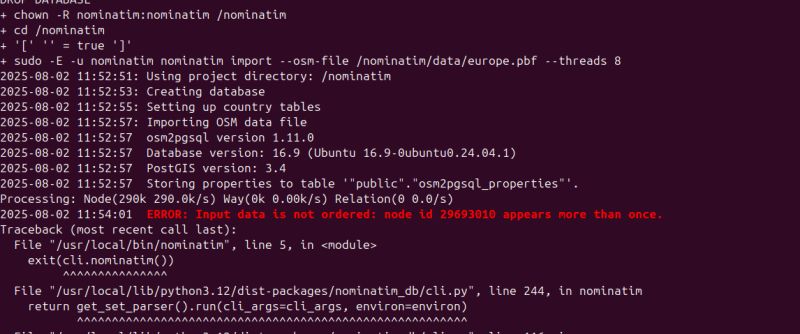
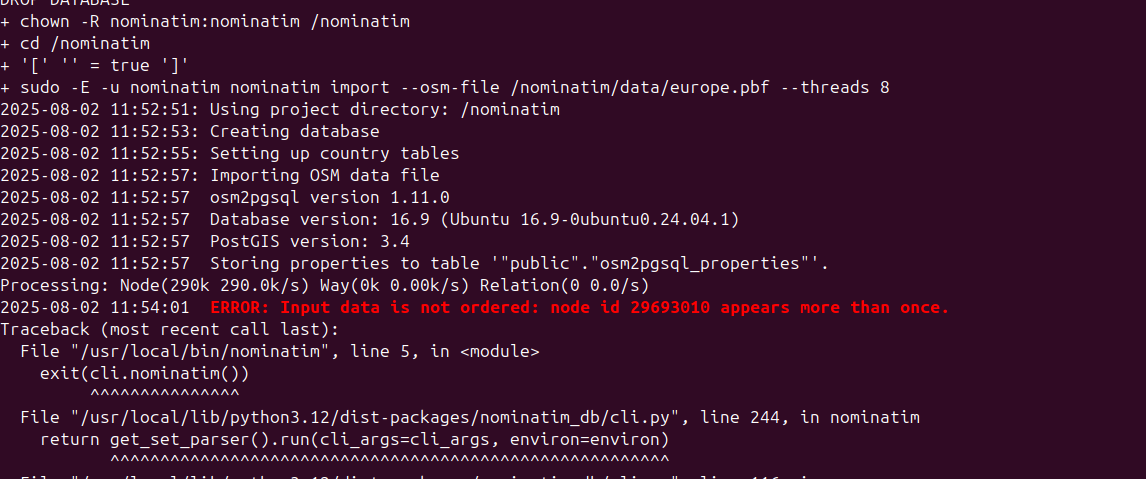
In theory it should run, in practice there may be some problems. The first is duplicate nodes. These occur when merging maps, for some reason osmium does not remove them. They are evidenced by a message like "
Input data is not ordered. node id x appears more than once. "
.
I've seen a similar situation on Github and it's potentially possible to fix it with my own script, but I haven't tried that yet. In my situation I have reverted to using a single country pbf.
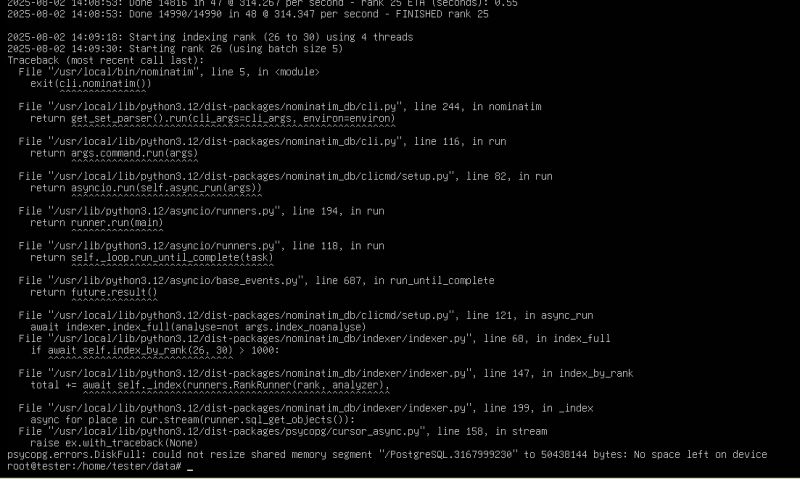
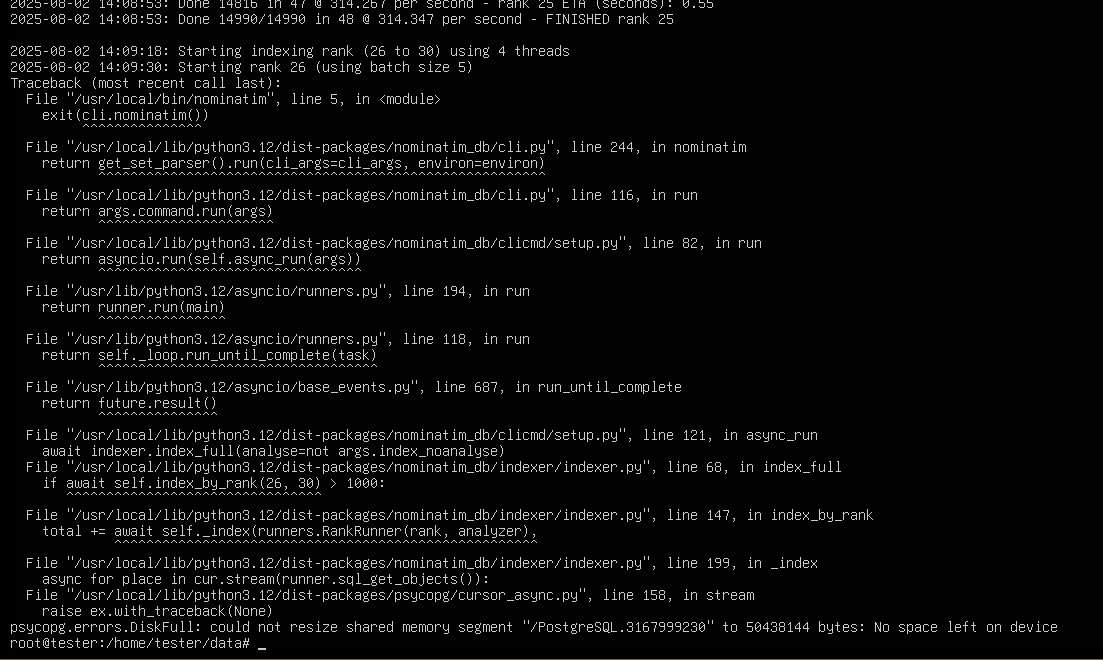
The second problem is lack of space:
.
You need to ensure that you have enough space on the media used. Also be aware of the size of the shared memory (/dev/shm) of the container, in its case the default 64MB is not enough. This is increased with the --shm-size switch.

.
Then you have to use:
docker run -it --shm-size=4g -e PBF_PATH=/nominatim/data/poland-latest.osm.pbf -p 8080:8080 -v /home/tester/data:/nominatim/data --name nominatim mediagis/nominatim:5.1
.
If any of these problems occur, we can stay with the old, non-functional Docker container. It can be removed by command name:
docker rm NAZWA_LUB_ID_KONTENERA
.
Or you can delete all containers, images, networks and volumes (not used) with the command:
docker system prune -a --volumes
.
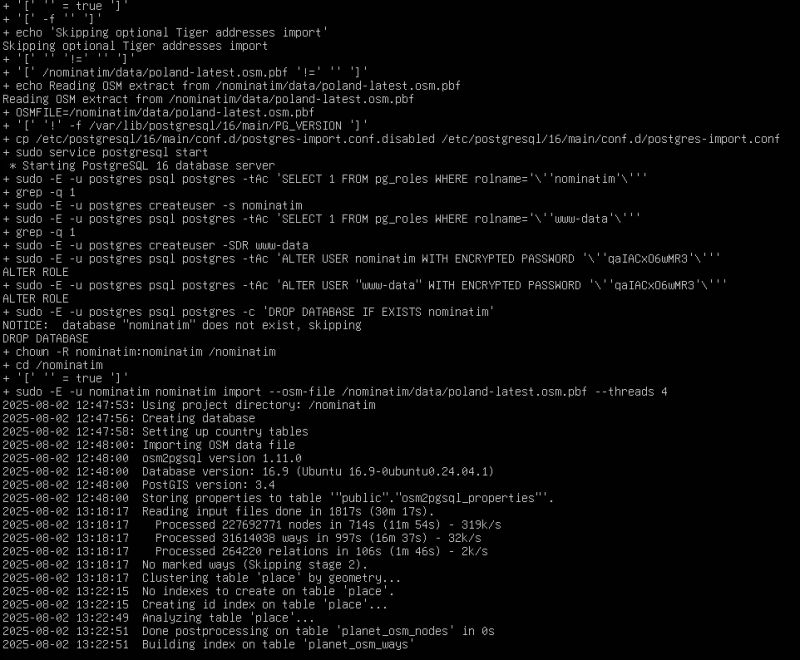
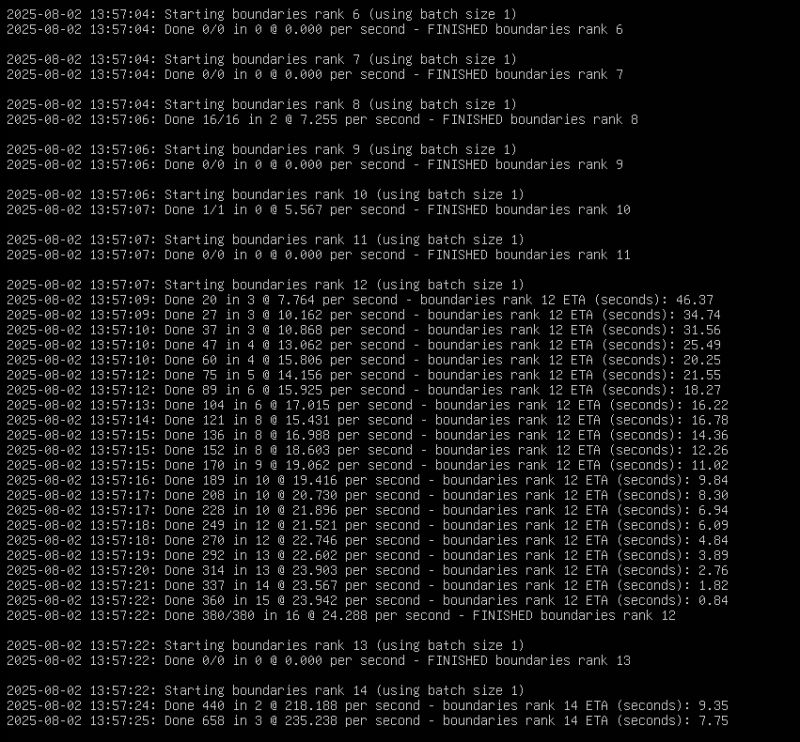
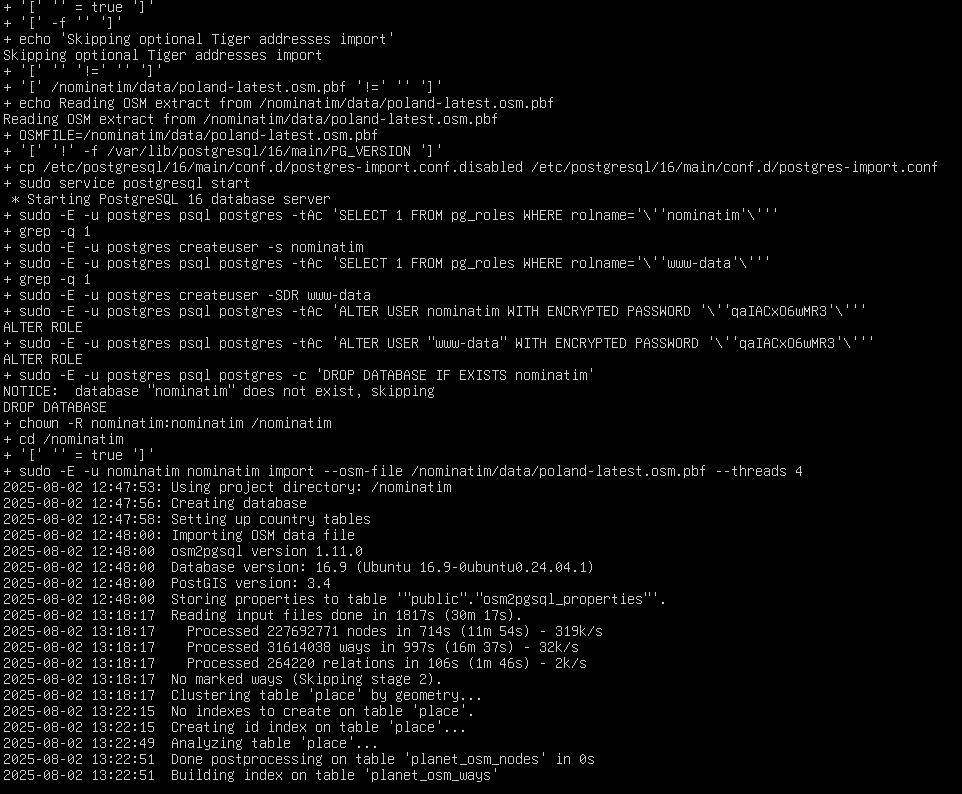
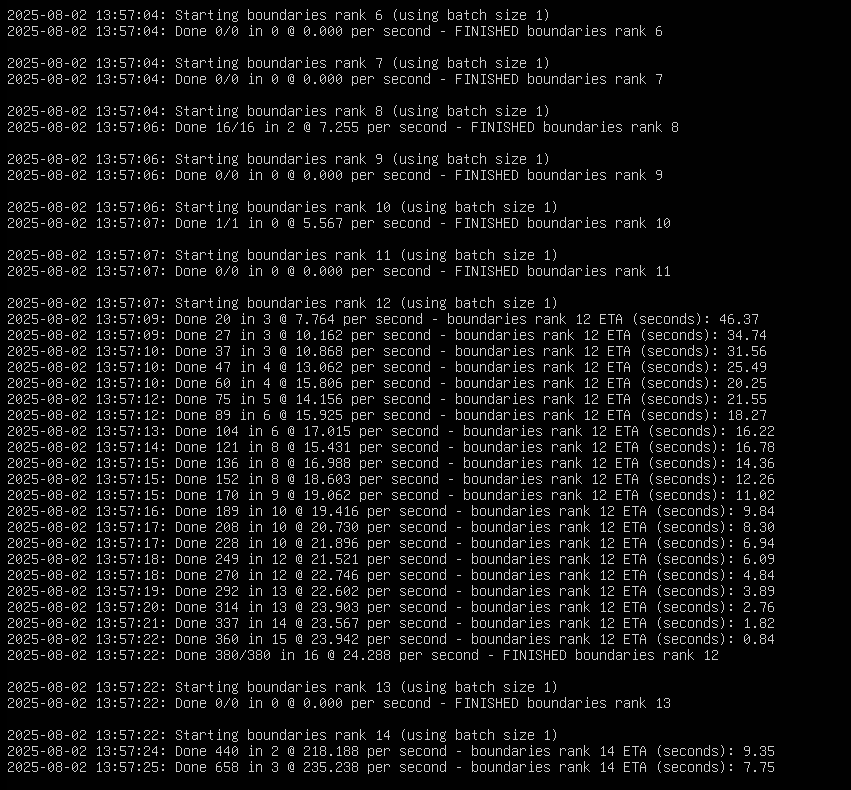
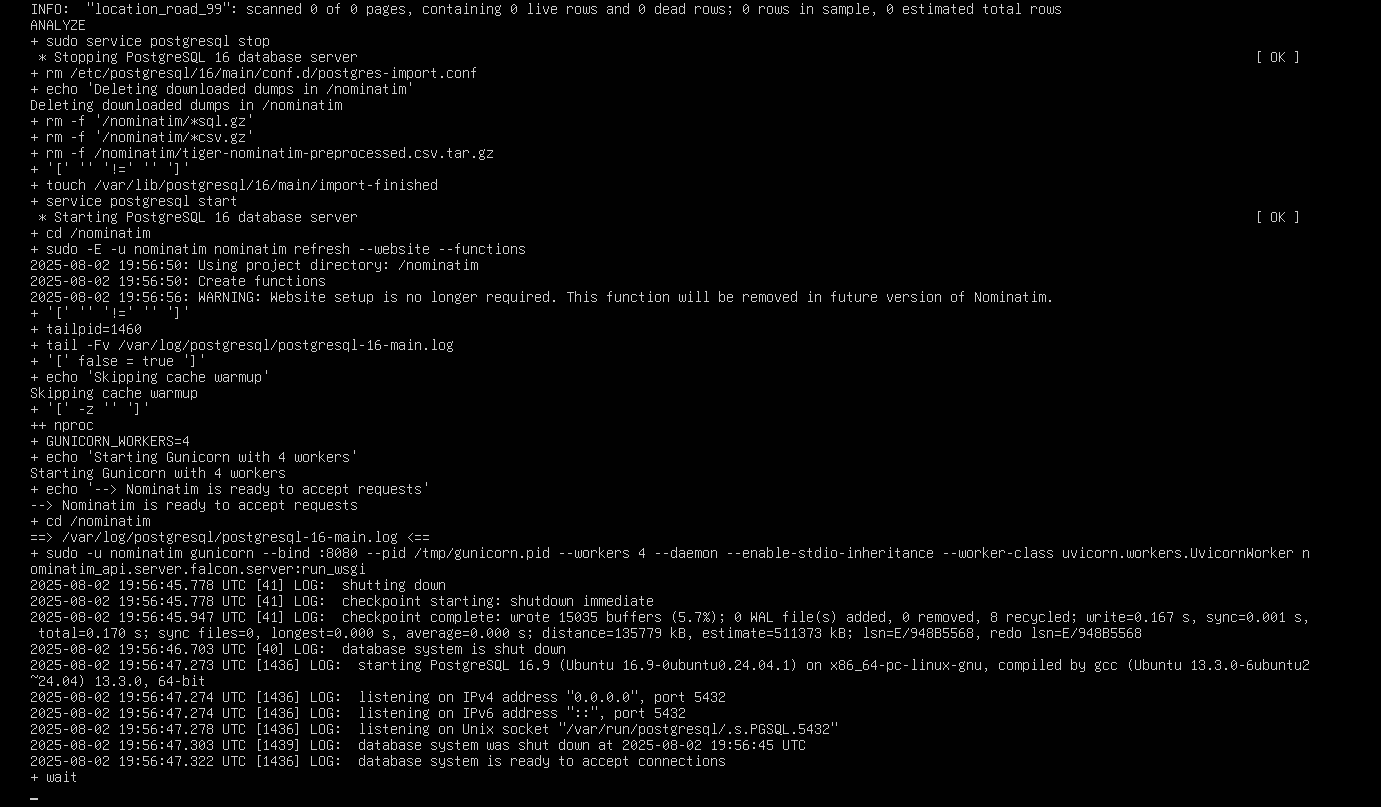
It should now be up and running. The first firing will take hours. Subsequent launches will be faster.
.
.
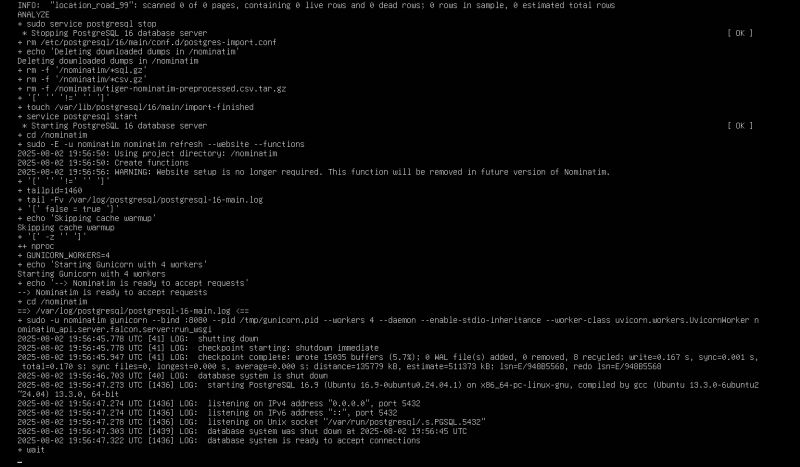
.
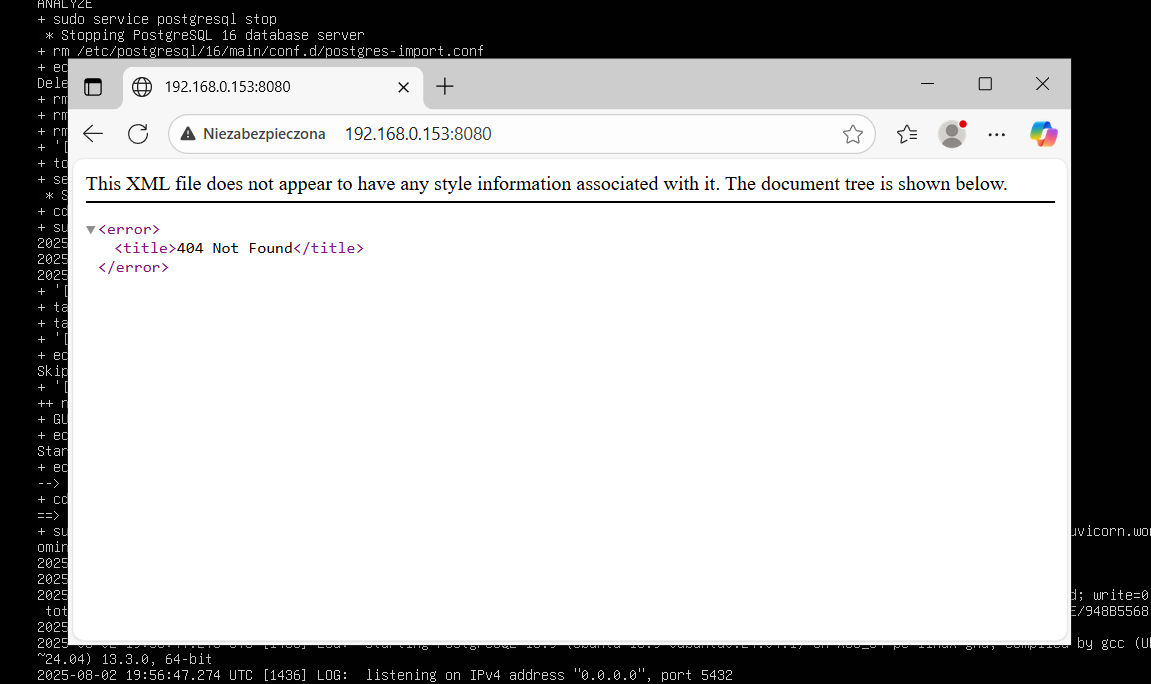
This is how we get our own map instance. The home page is not available:
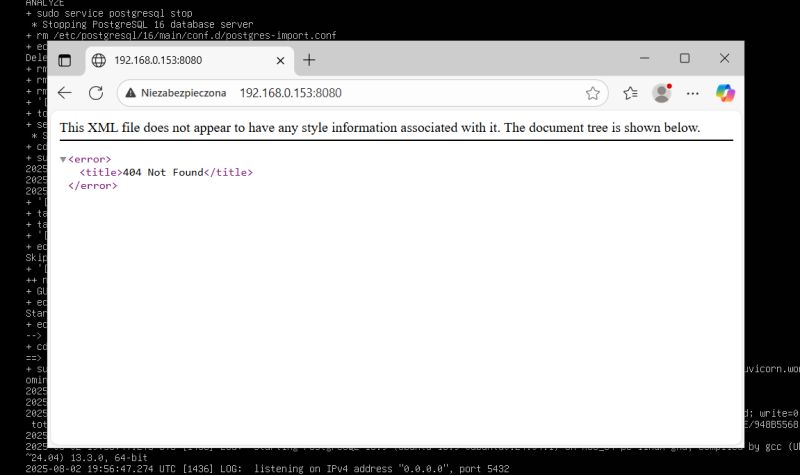
.
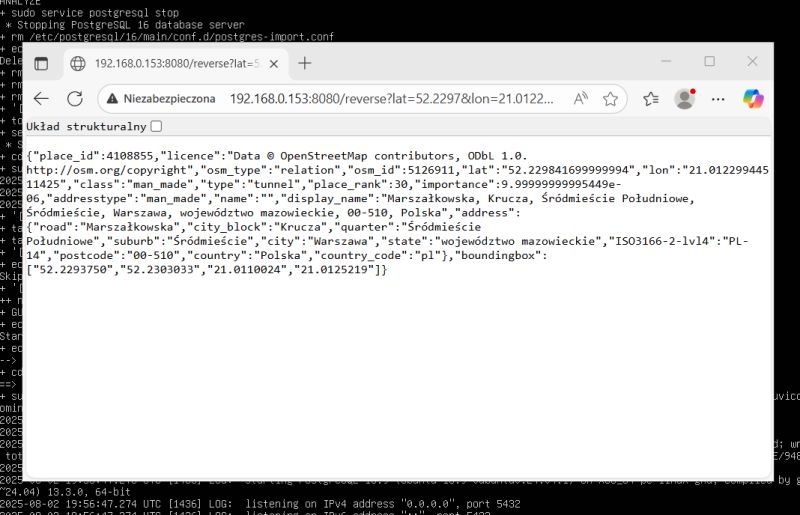
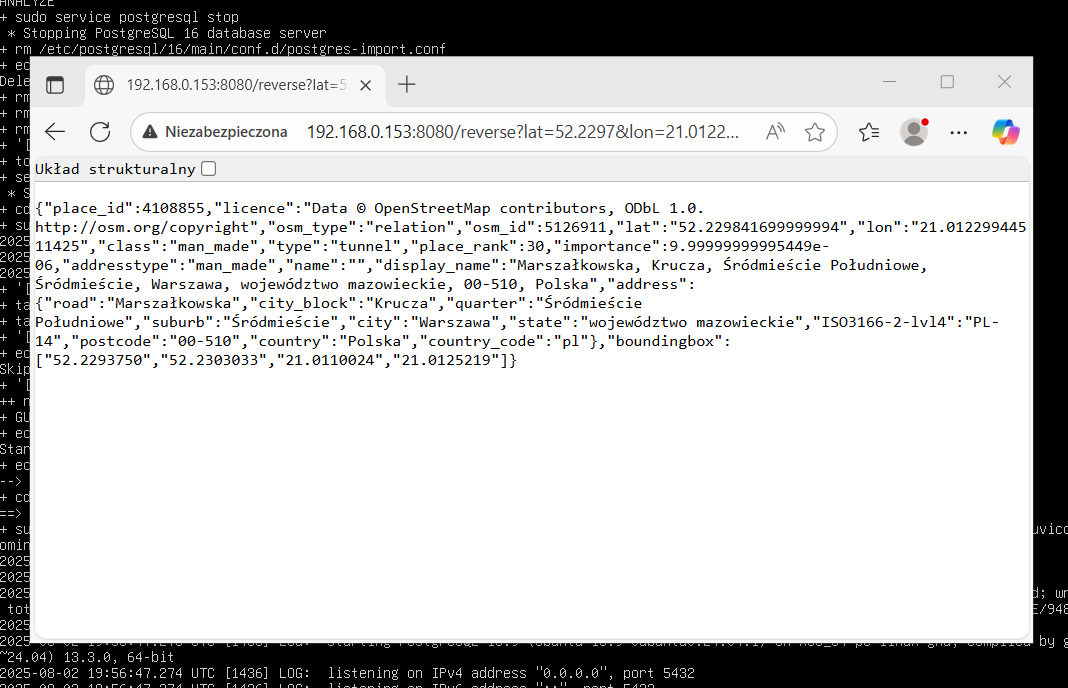
The reverse geocoding service we are interested in, however, works:
http://192.168.0.153:8080/reverse?lat=52.2297&lon=21.0122&format=json
.
.
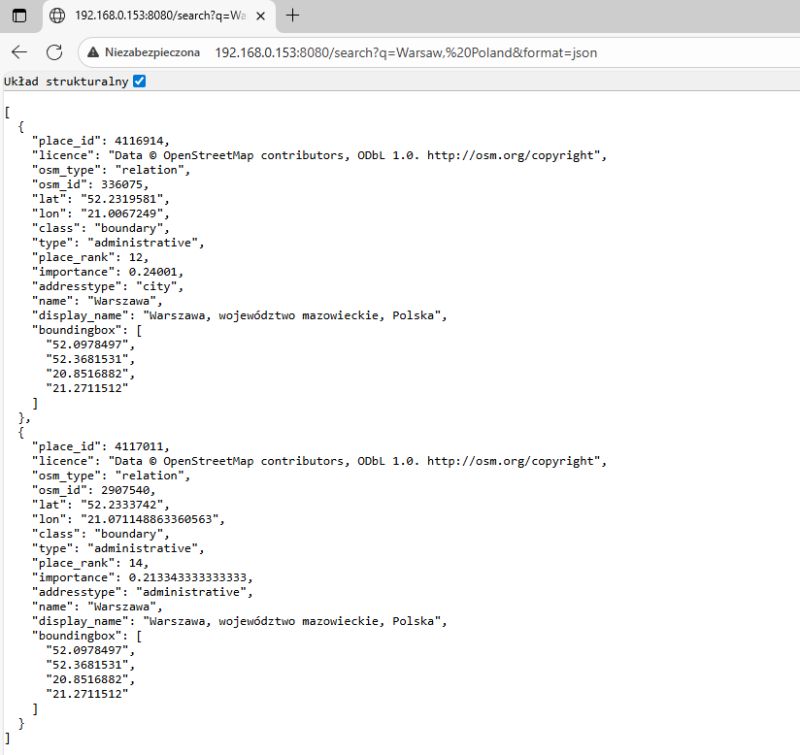
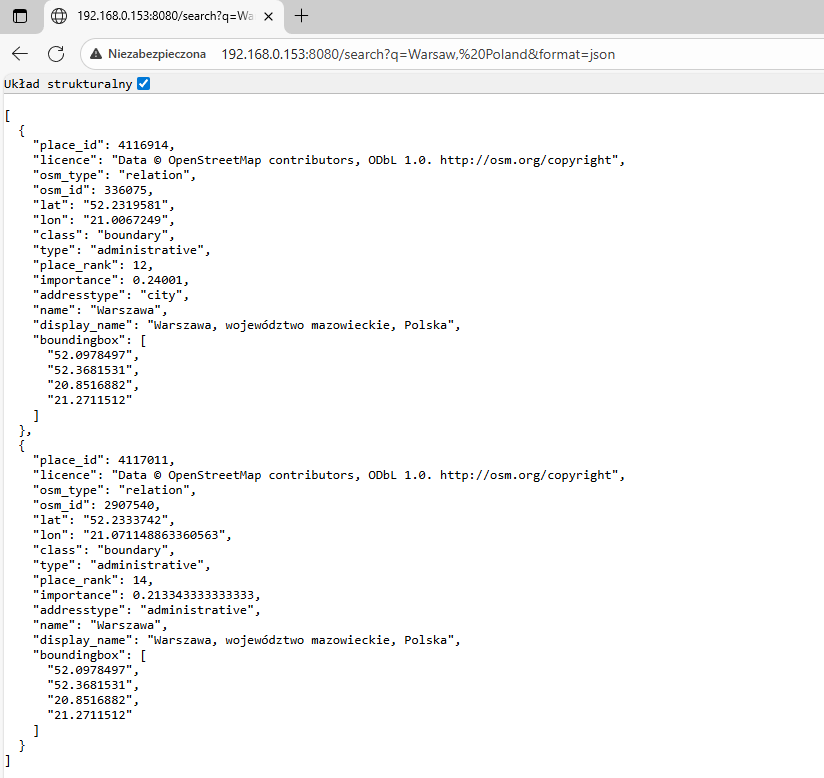
Similarly, forward geocoding:
http://192.168.0.153:8080/search?q=Warsaw,%20Poland&format=json
.
.
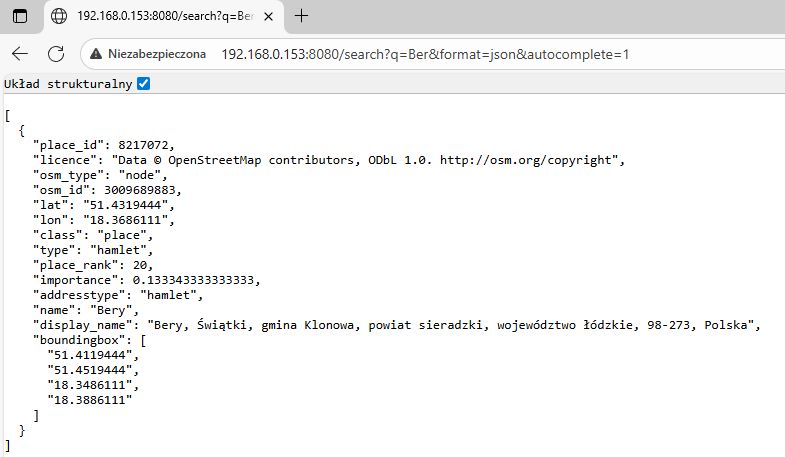
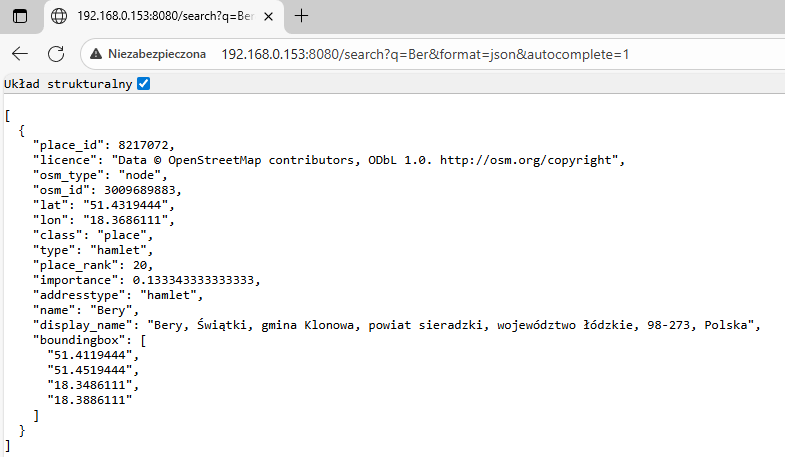
Search (autocomplete):
http://192.168.0.153:8080/search?q=Ber&format=json&autocomplete=1
.
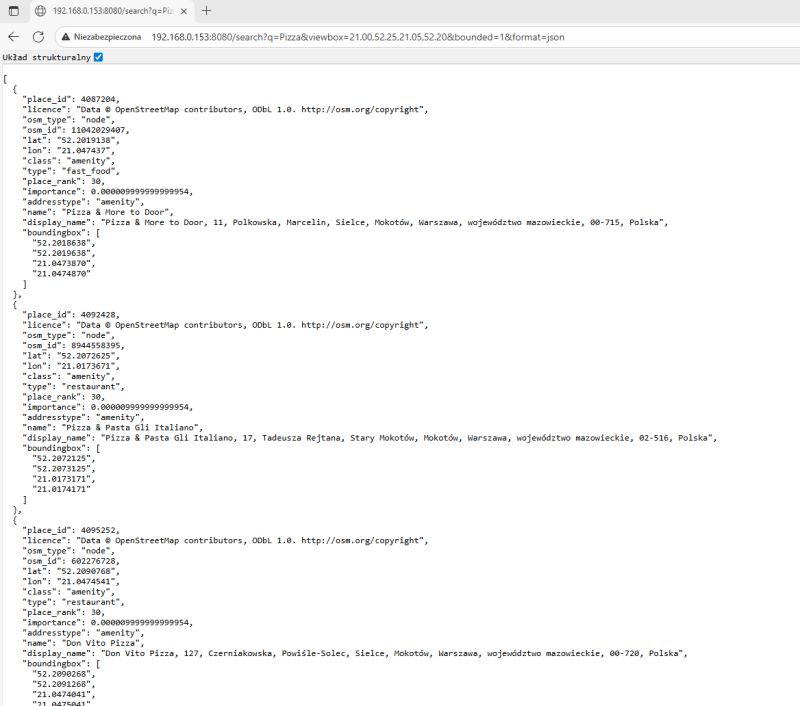
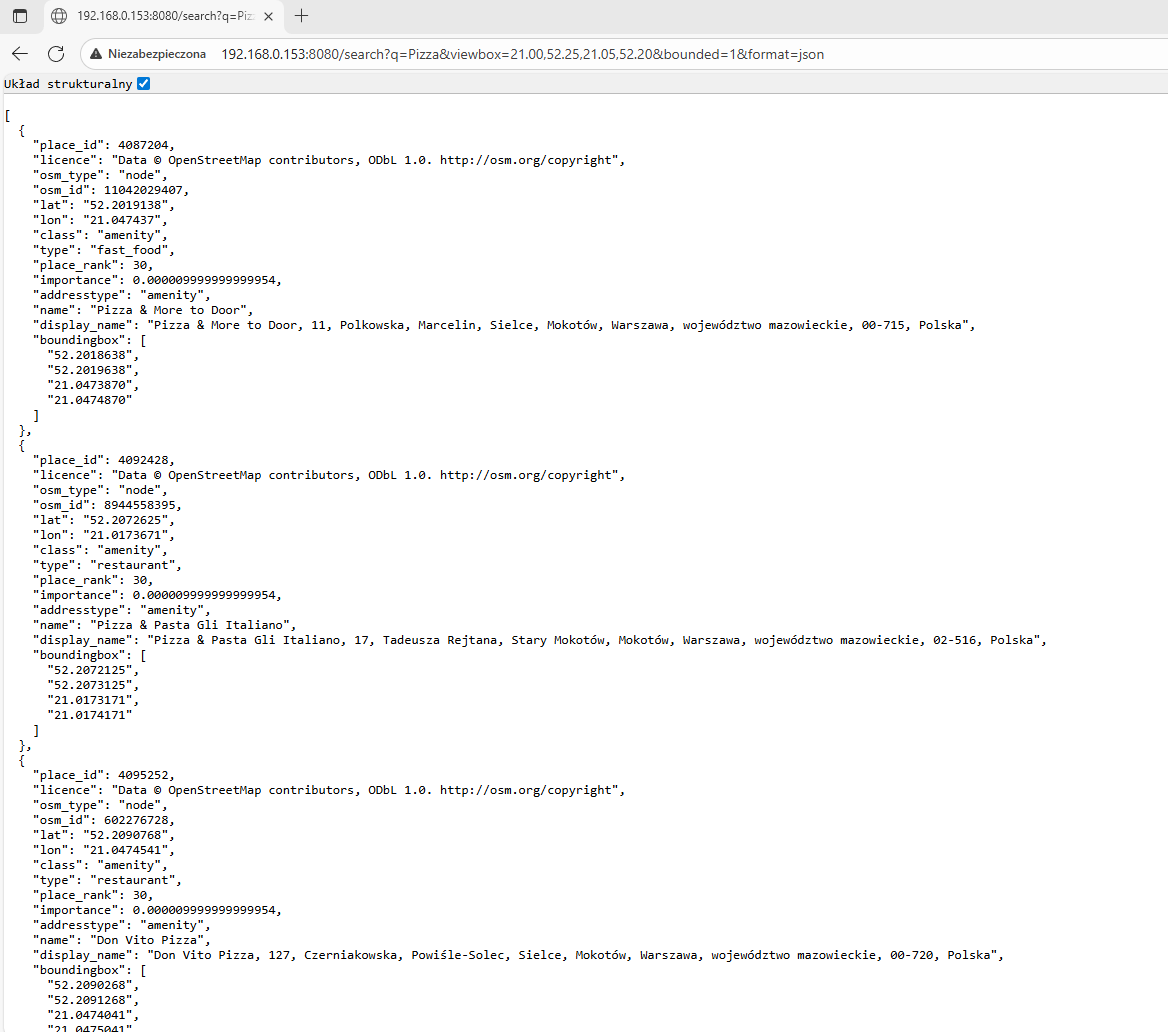
Search for targets in a given zone:
http://192.168.0.153:8080/search?q=Pizza&viewbox=21.00,52.25,21.05,52.20&bounded=1&format=json
.
.
It is still worth answering the question of what happens if we launch a PBF of Poland but ask for a city in Germany, for example:
http://192.168.0.153:8080/reverse?lat=52.2297&lon=13.0122&format=json
.
.
The information returned contains only country data and no additional details.
Finally, some useful commands - running an already existing container after a reboot:
sudo su
docker start nominatim
.
List of containers:
.
Information about the machine used for testing:

.
In summary , in this way the OpenStreetMap API can be run locally, along with support for useful services such as searching for places by name and retrieving information about a given map point. Setting up such a service yourself can be useful if you are not satisfied with the limits of the free API, which, among other things, assume one reverse geocoding query per second. The whole process of setting it up is very simple, although at the moment I have one unsolved problem - duplicate nodes when linking maps of different countries. Perhaps I will come back to this again.
Do you use OSM, do you see a use for the API shown here?.
PS: With such a simple API it is easy to communicate the microcontroller with the GPS, perhaps I will also show this soon.
For more information I invite you to the source repo:
https://github.com/mediagis/nominatim-docker/blob/master/howto.md













Comments
This site can help with linking maps: https://extract.bbbike.org/ Admittedly there are limits, but you can select an area and download a PBF for it. For example, for the border section of two countries. For... [Read more]
As for points outside the downloaded PBF - these can be easily detected by checking that the returned address type is 'country'. Example code snippet: dynamic result = Newtonsoft.Json.JsonConvert.DeserializeObject(jsonResponse); ... [Read more]
Another curiosity. The power was out and although the laptop didn't shut down, the vmware crashed. It stopped seeing the network - none of the machines were even pinging 8.8.8.8. I already thought... [Read more]
If someone is interested in the topic of map hosting, or more precisely in this case reverse geocoding for our country, but without detailed addresses, only for provinces, municipalities, counties, and... [Read more]