Hi, here's a peak at a tiny little Beken BK7252N
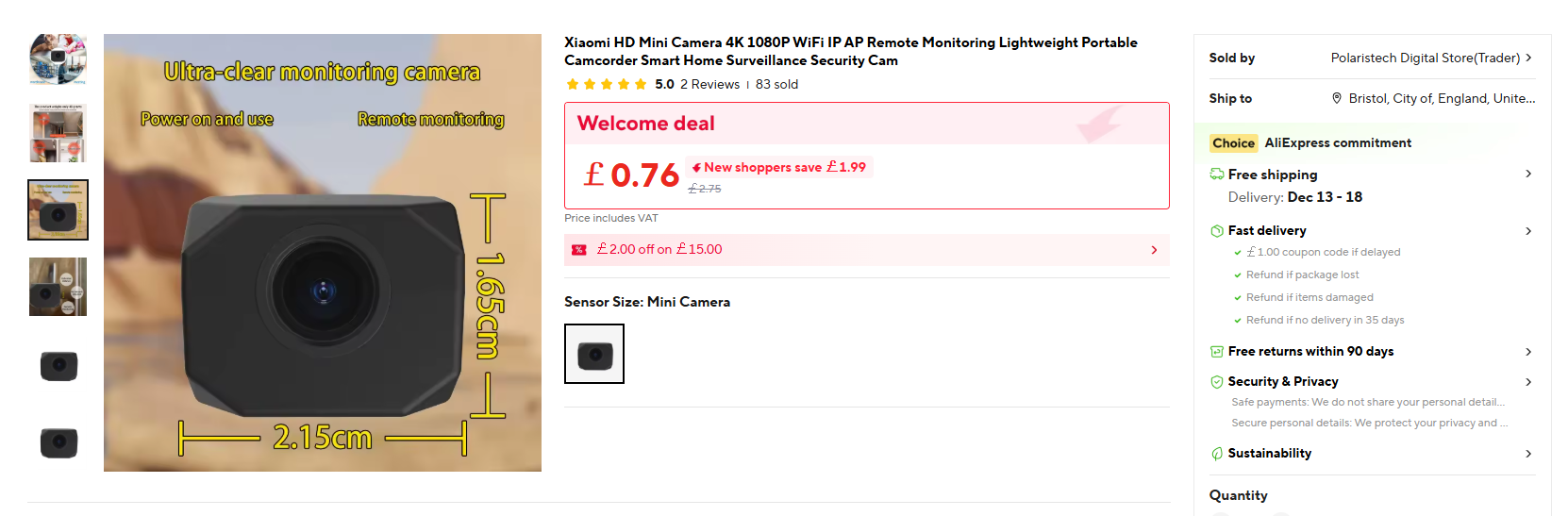
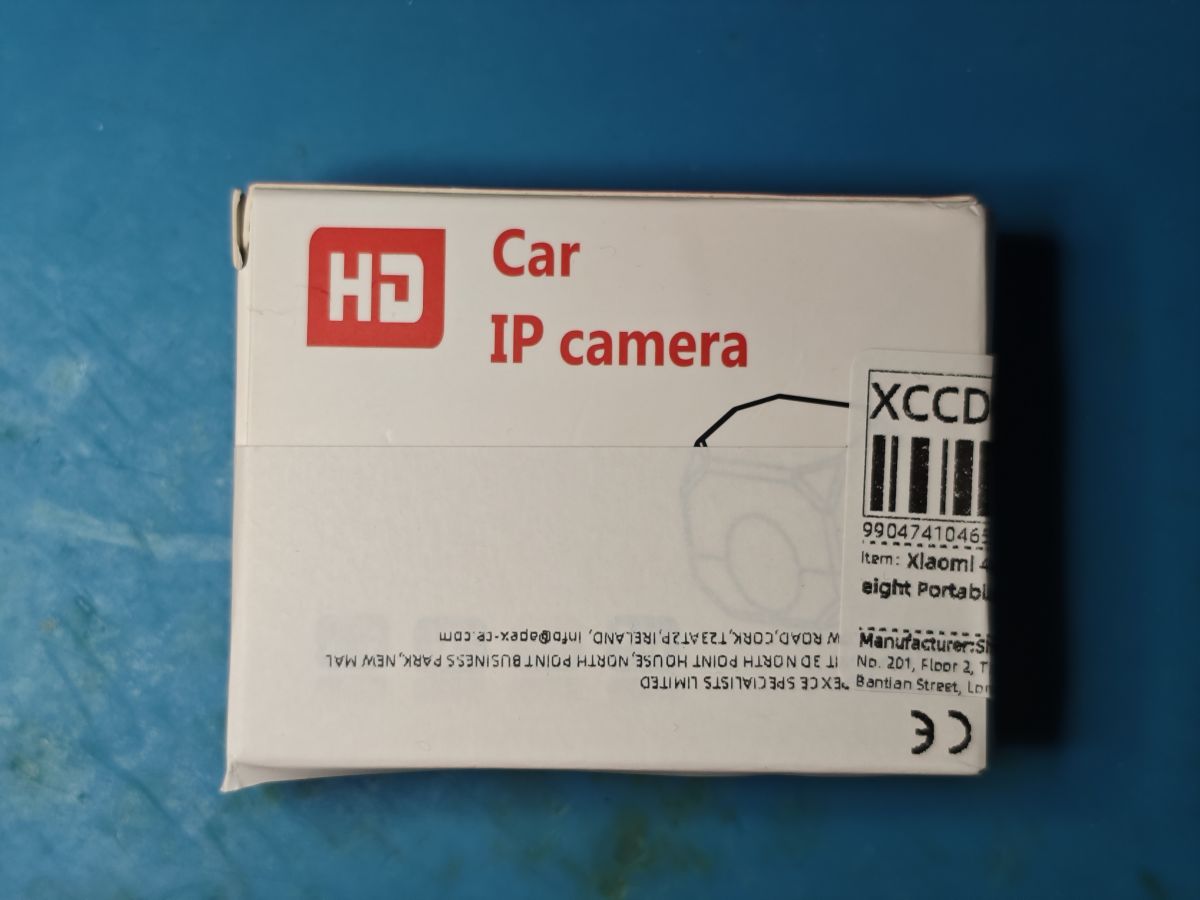
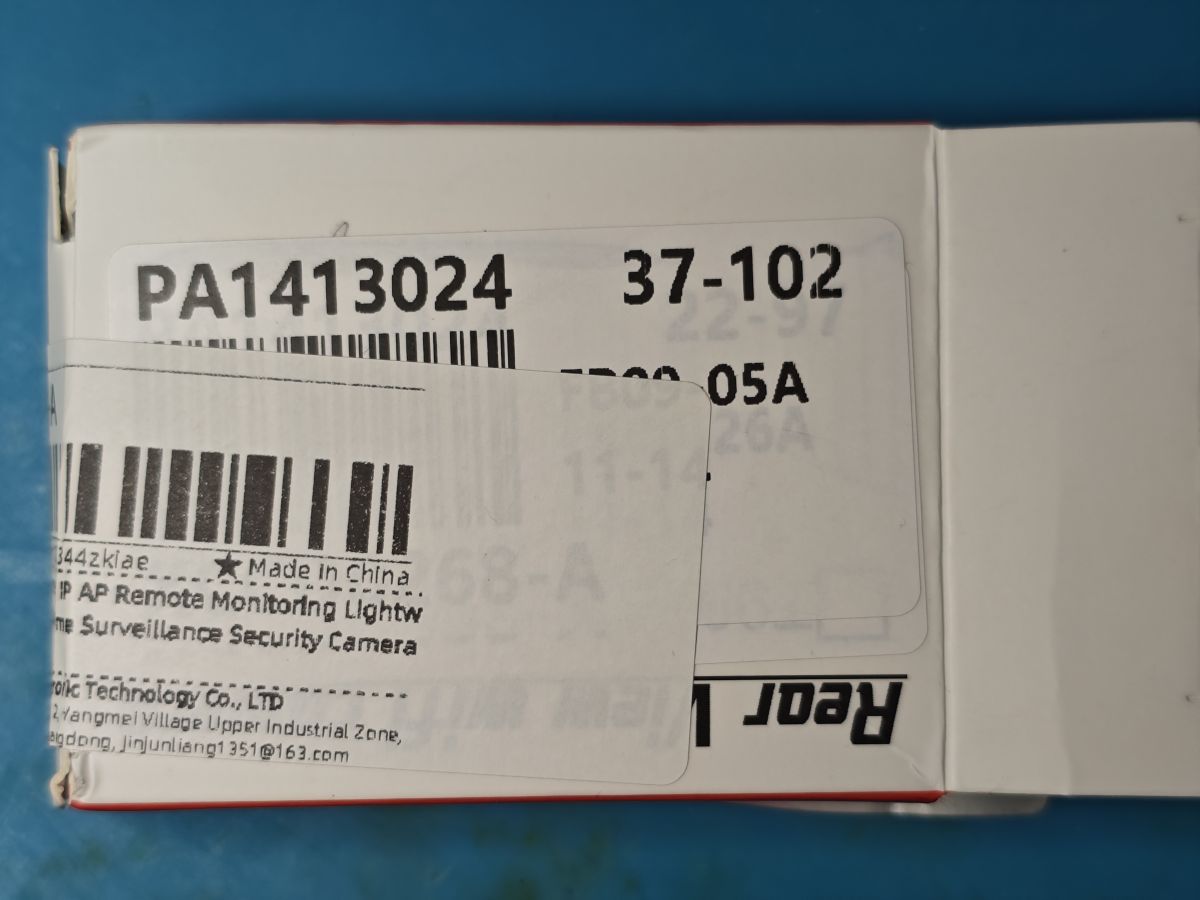
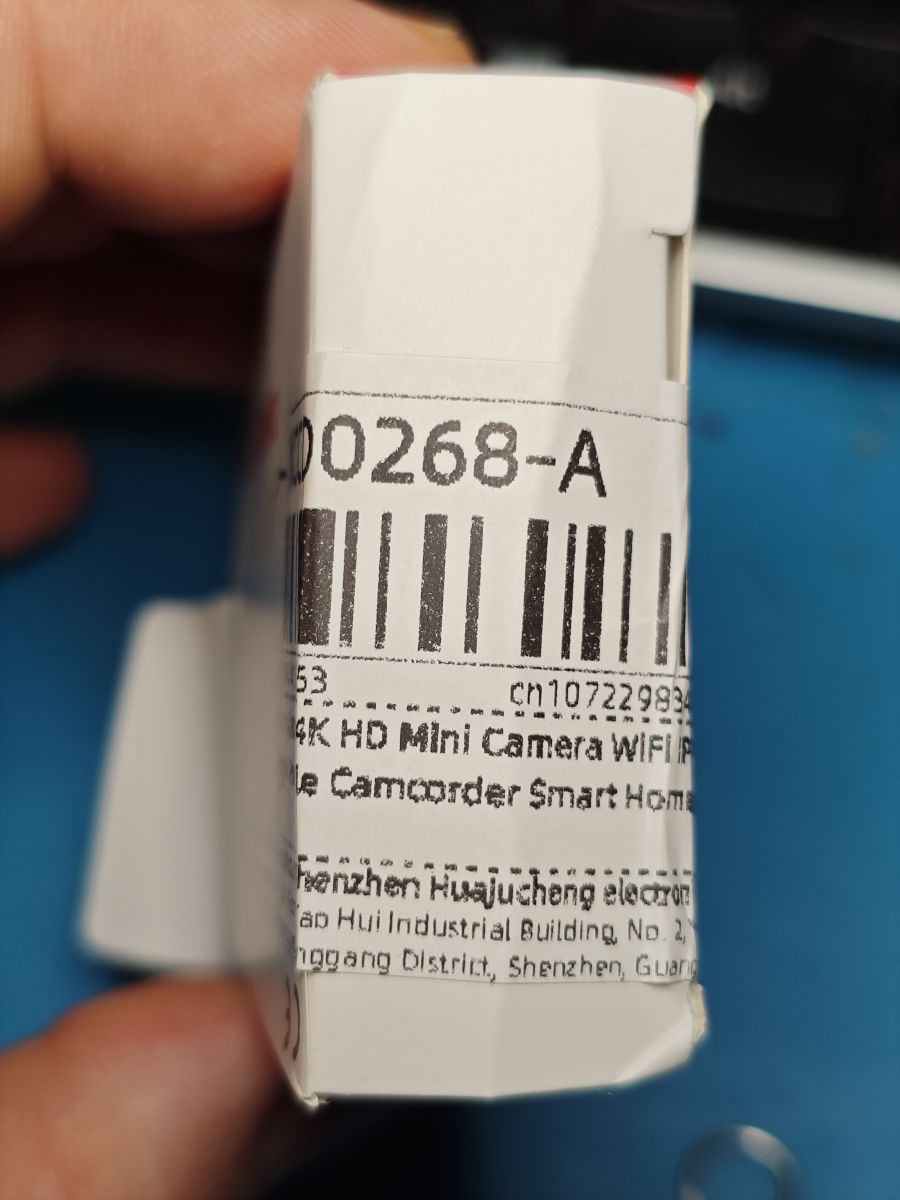
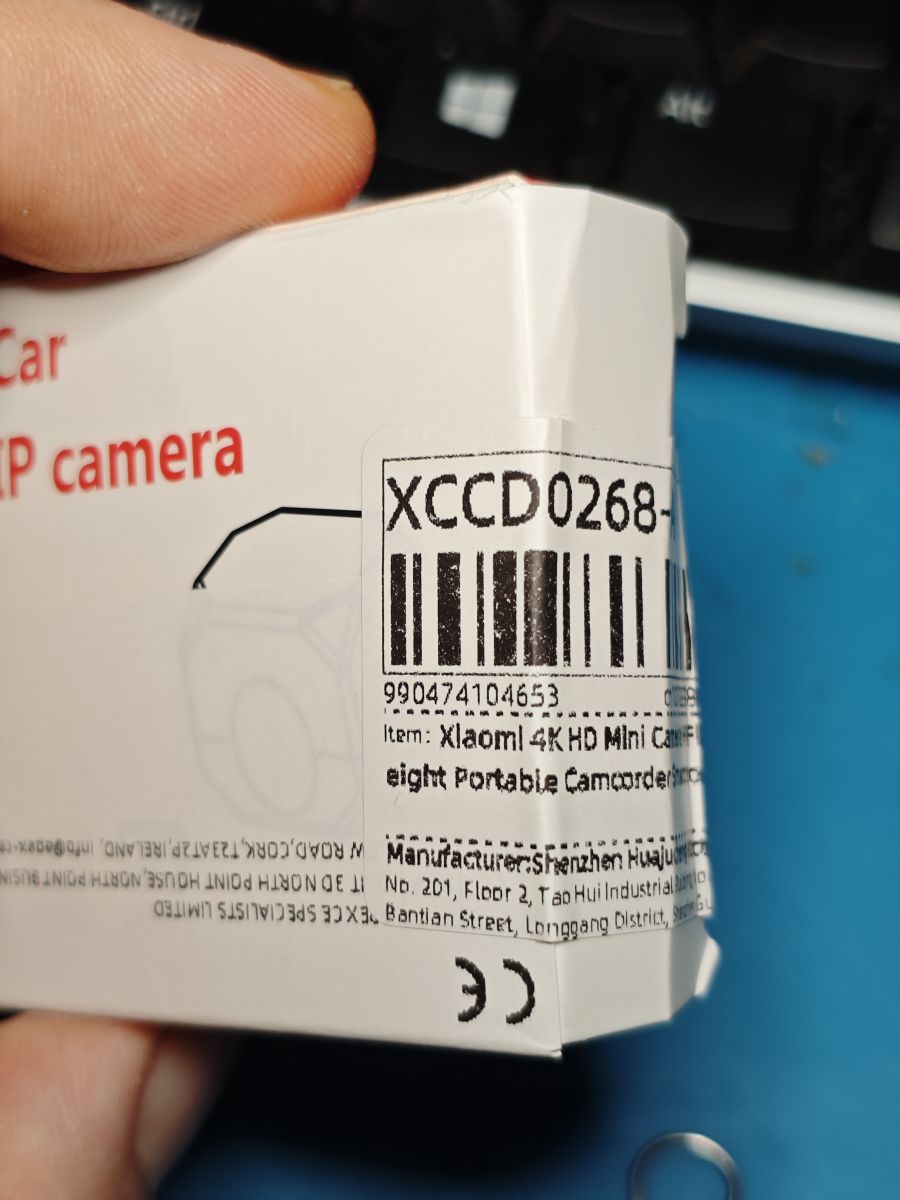
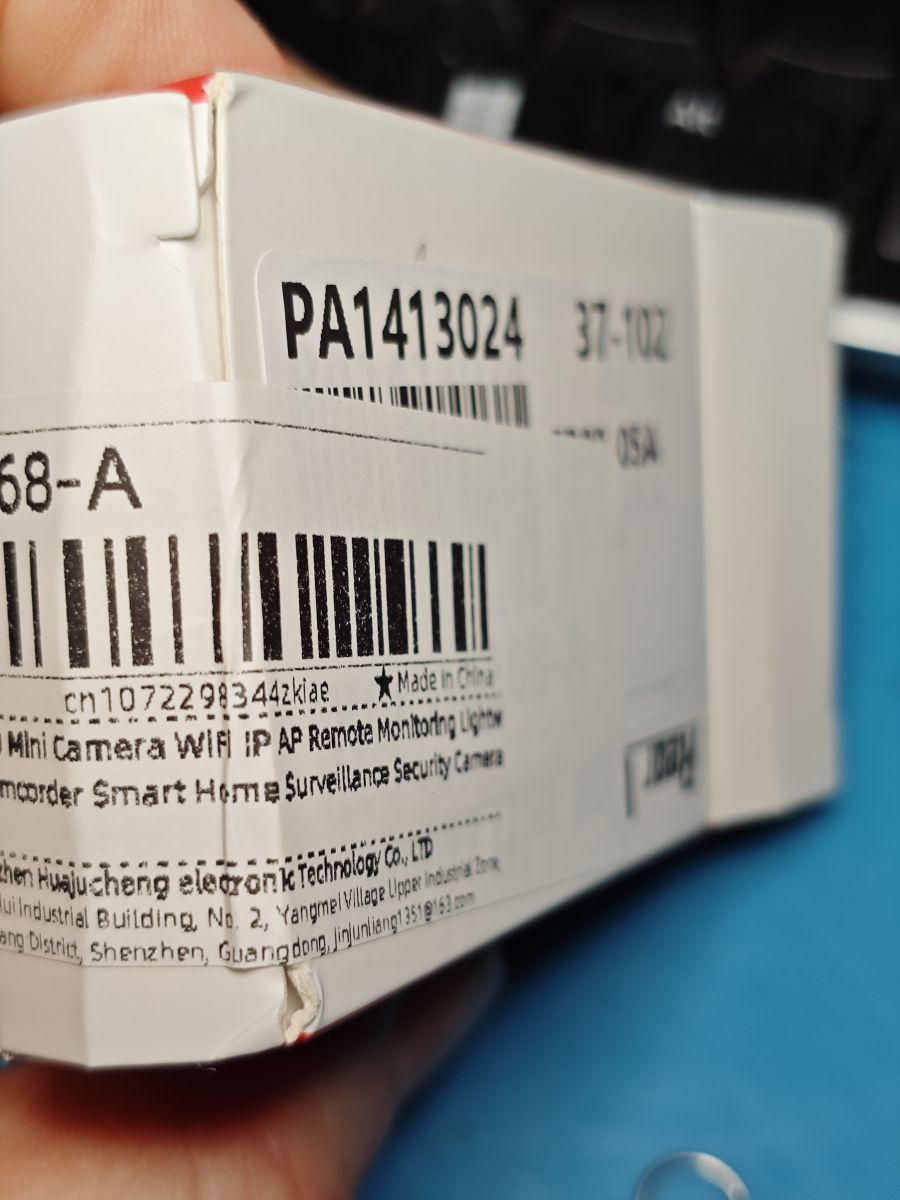
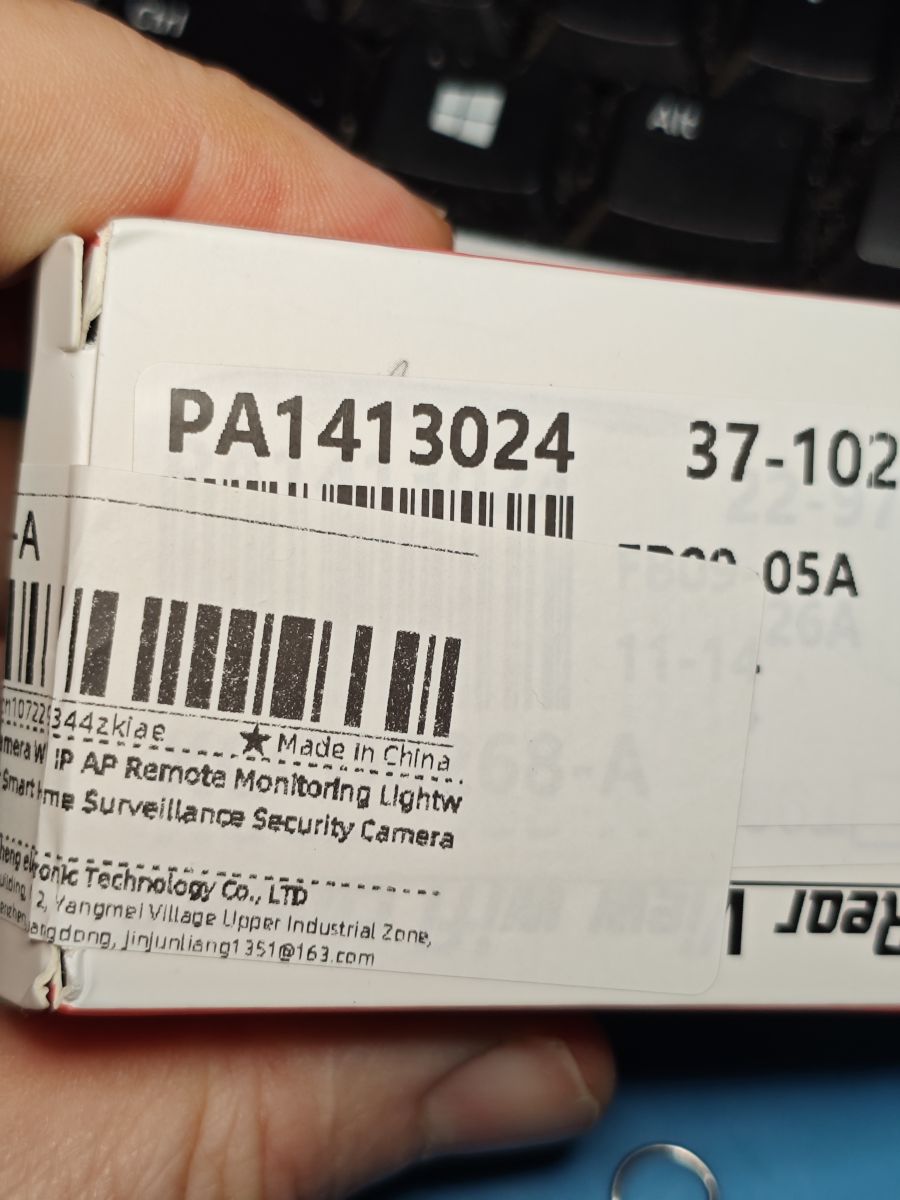
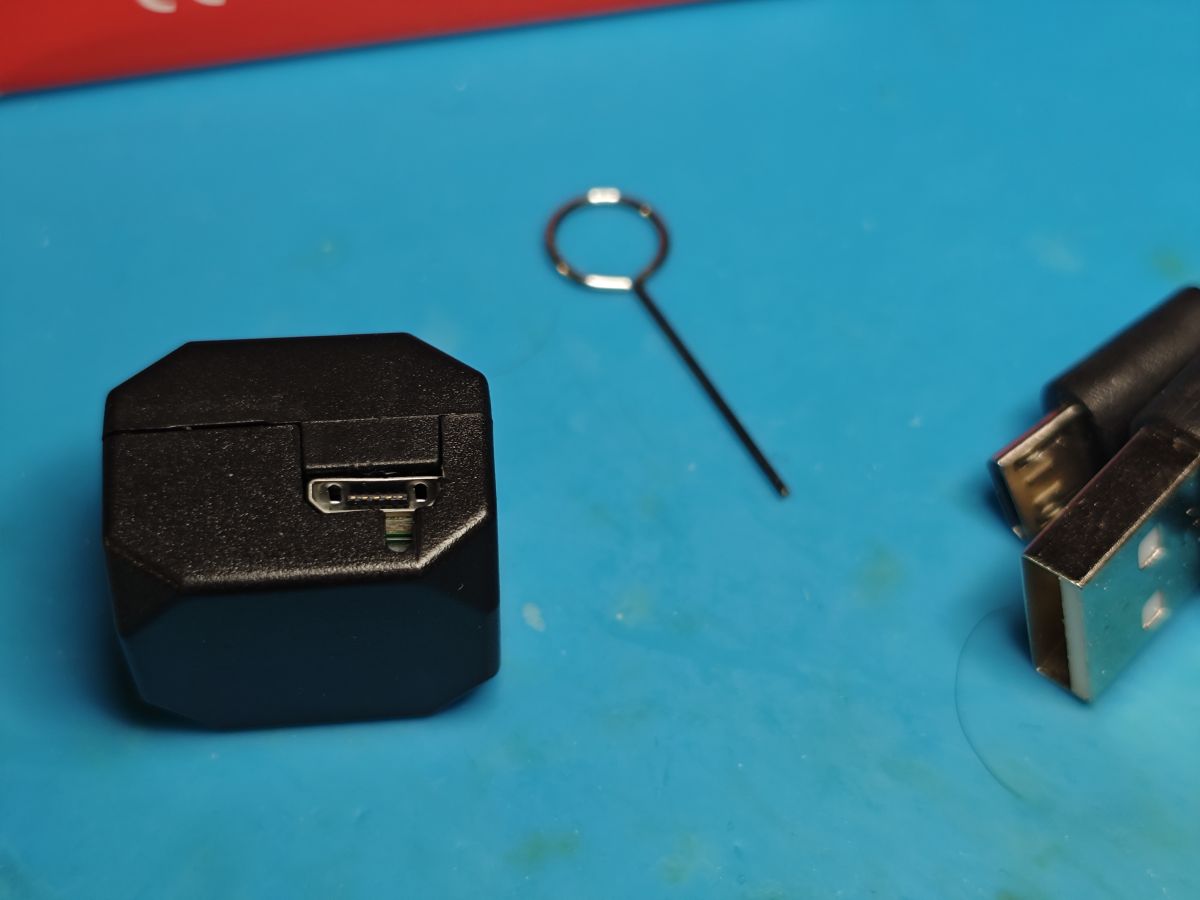
'Xiaomi' '4k' Rear View Car IP camera bought from Ali Express.
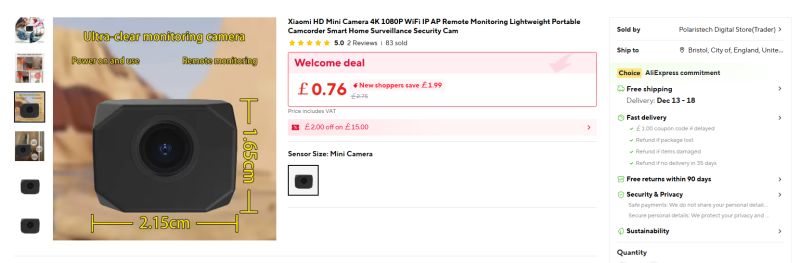 https://www.aliexpress.com/item/1005010353283701.html
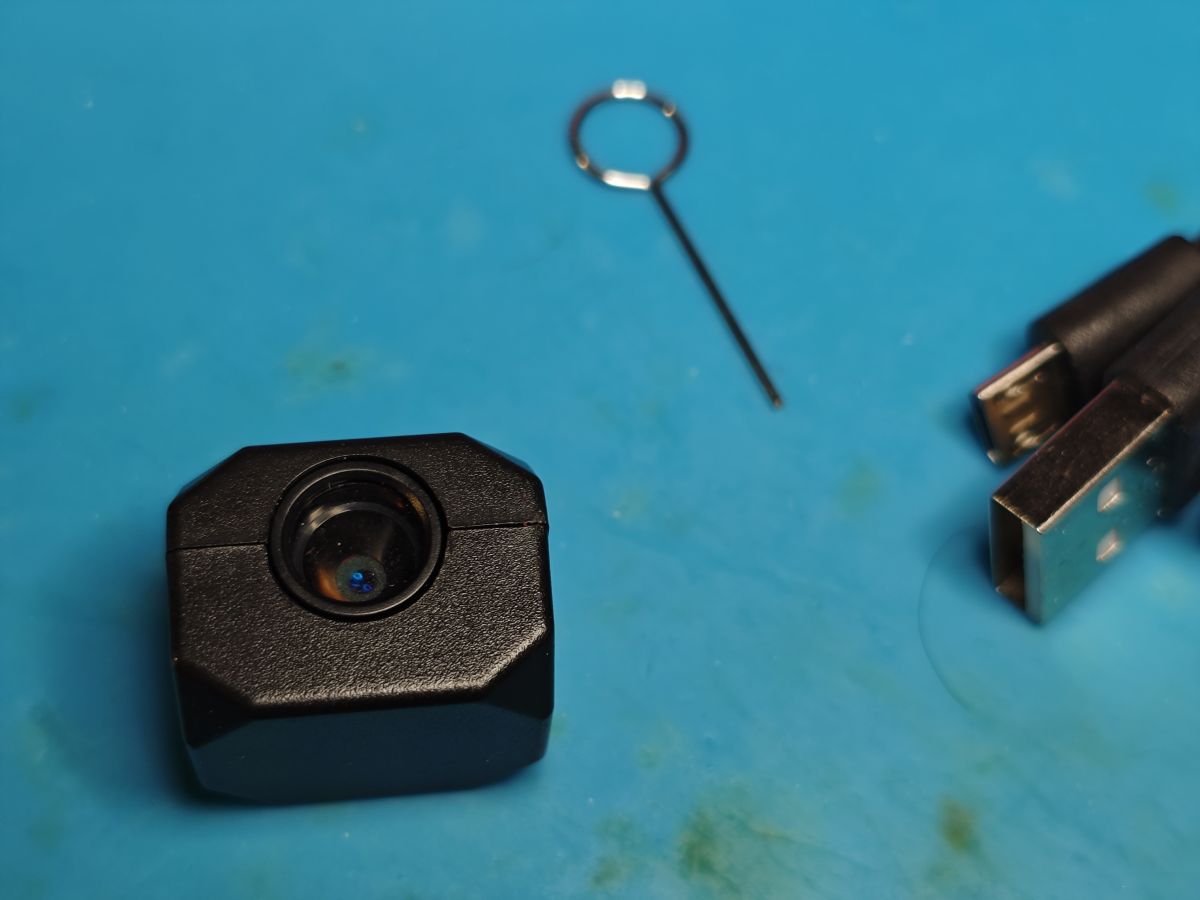
It's far from a full rear-view camera car kit, more like another cheap Chinese mini cam packaged with standard micro USB cable. No mounting options are supplied.
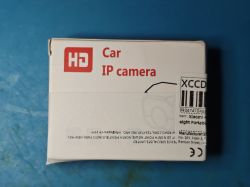
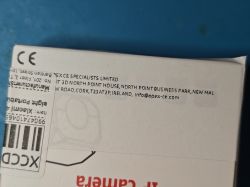
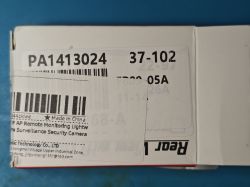
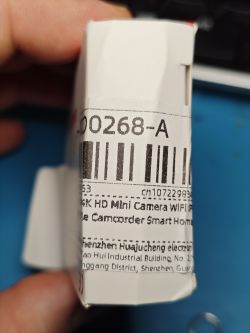
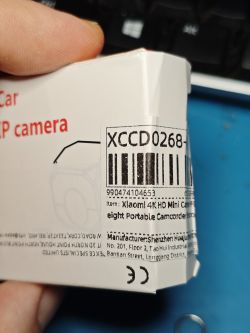
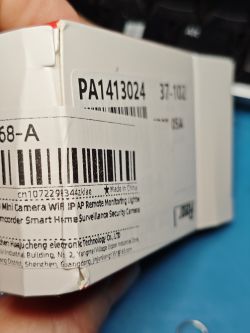
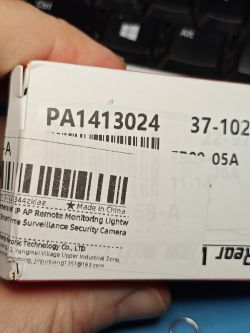
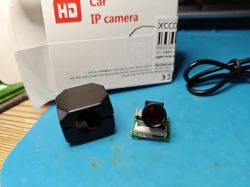
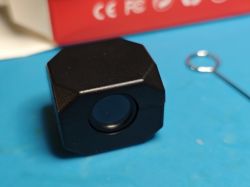
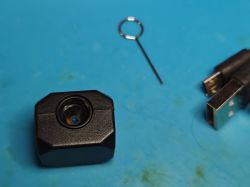
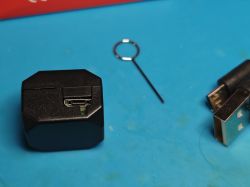
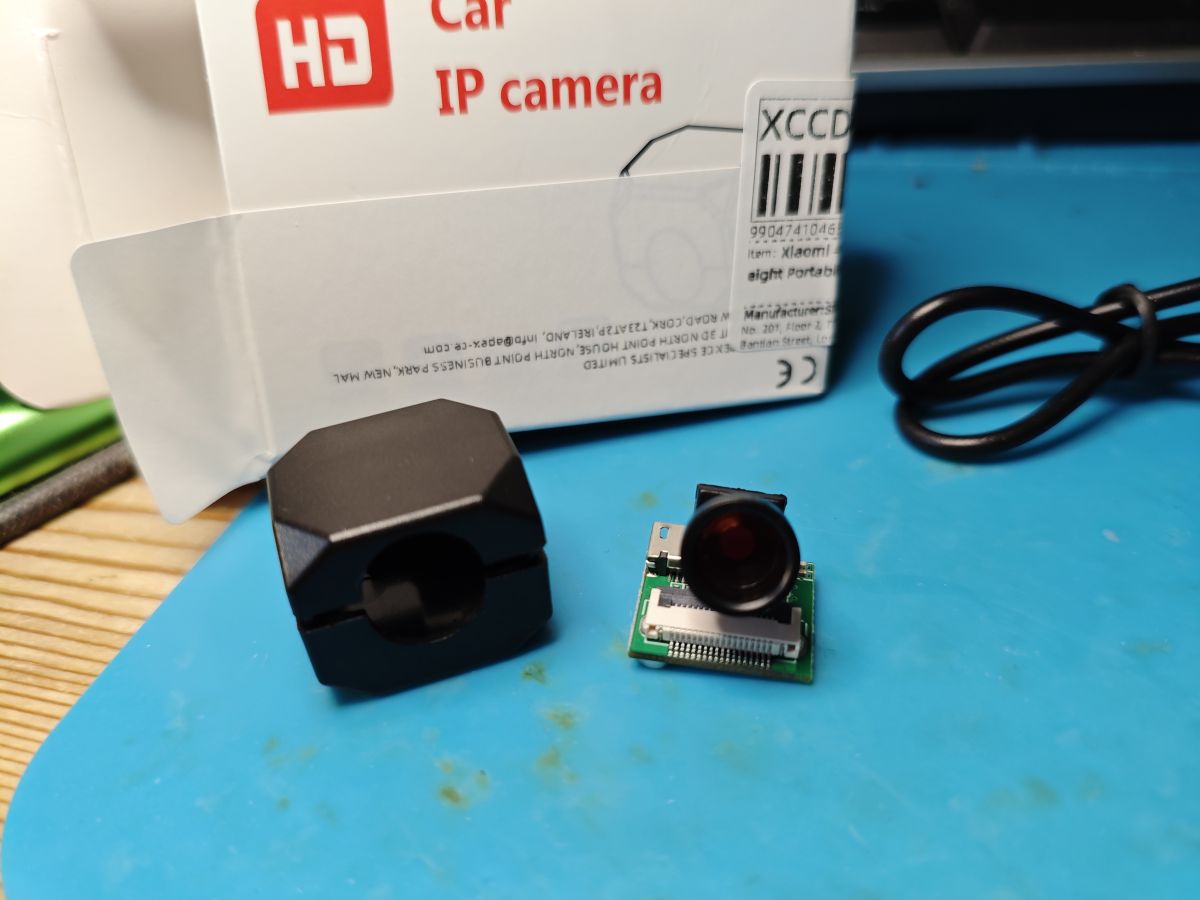
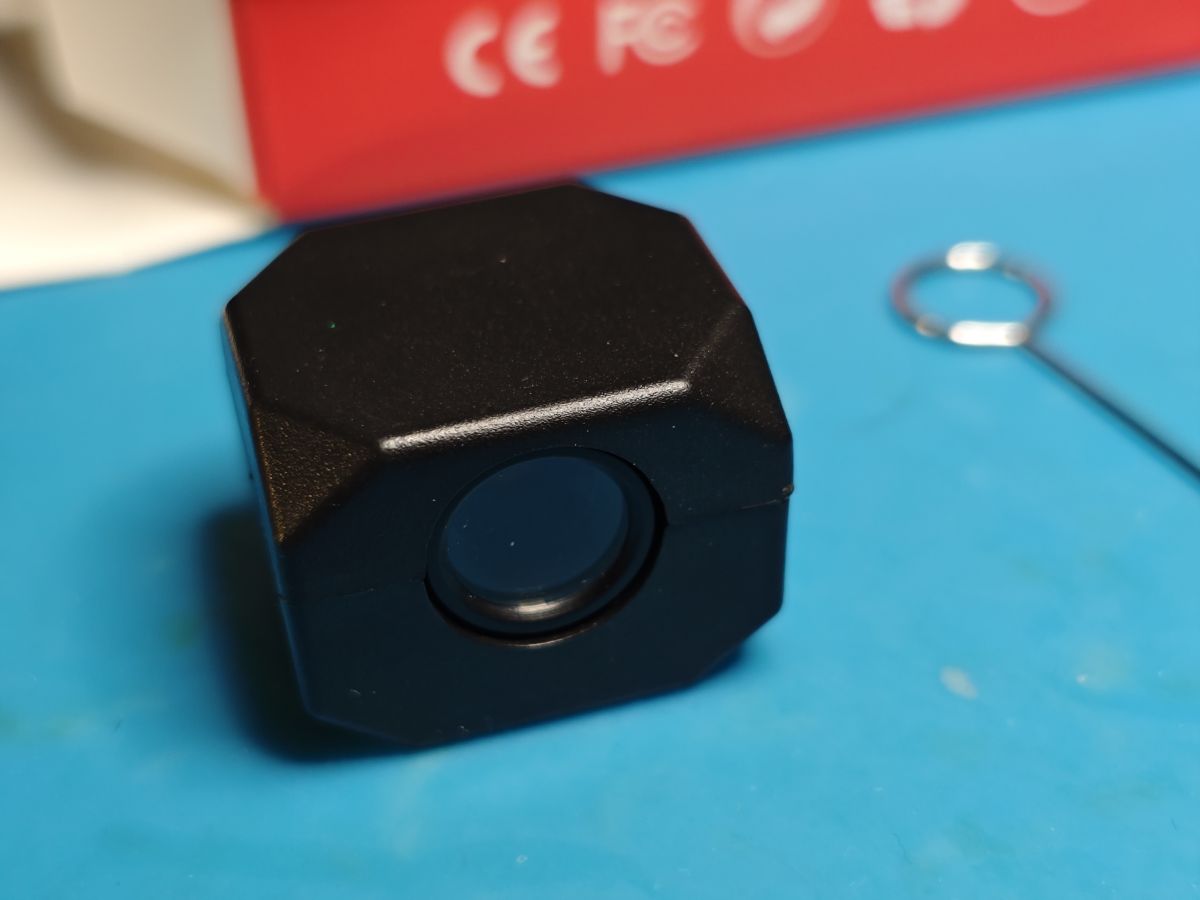
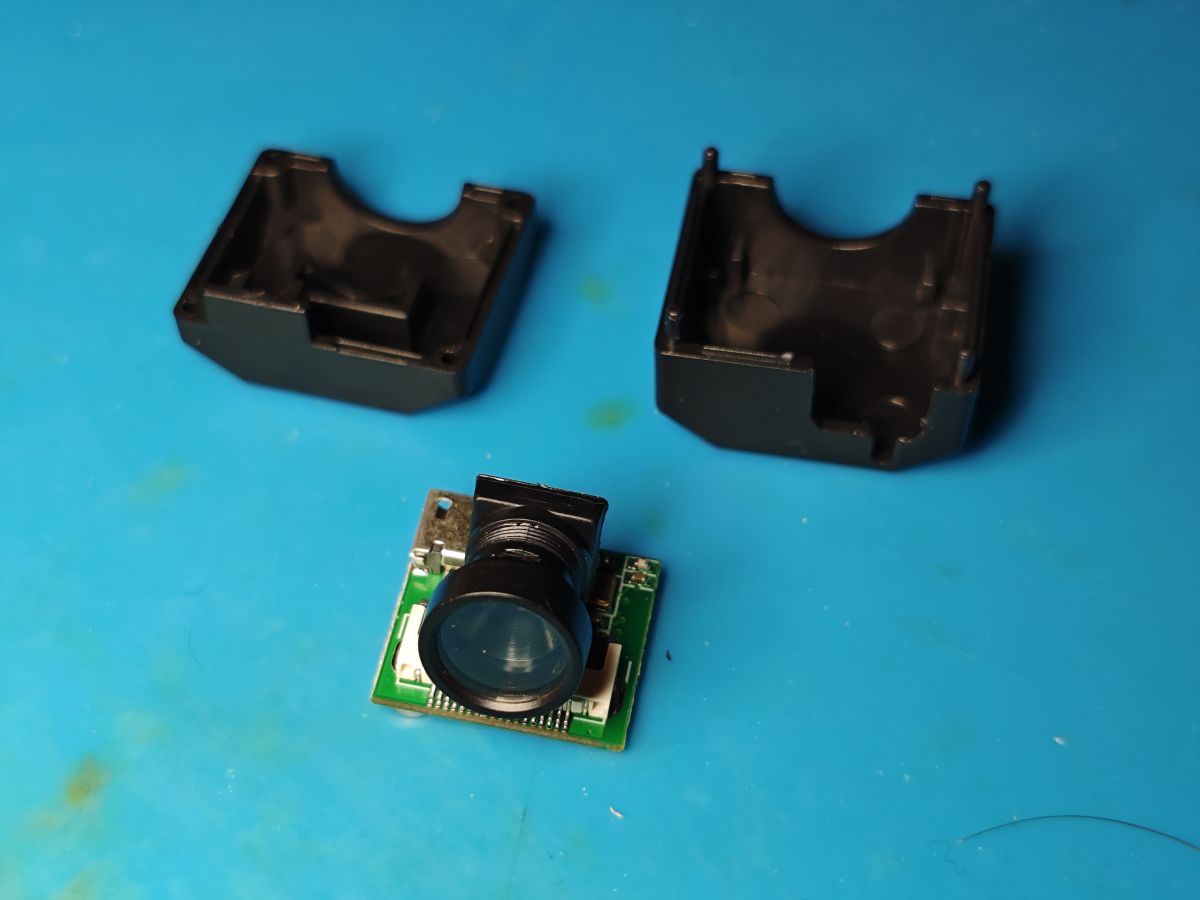
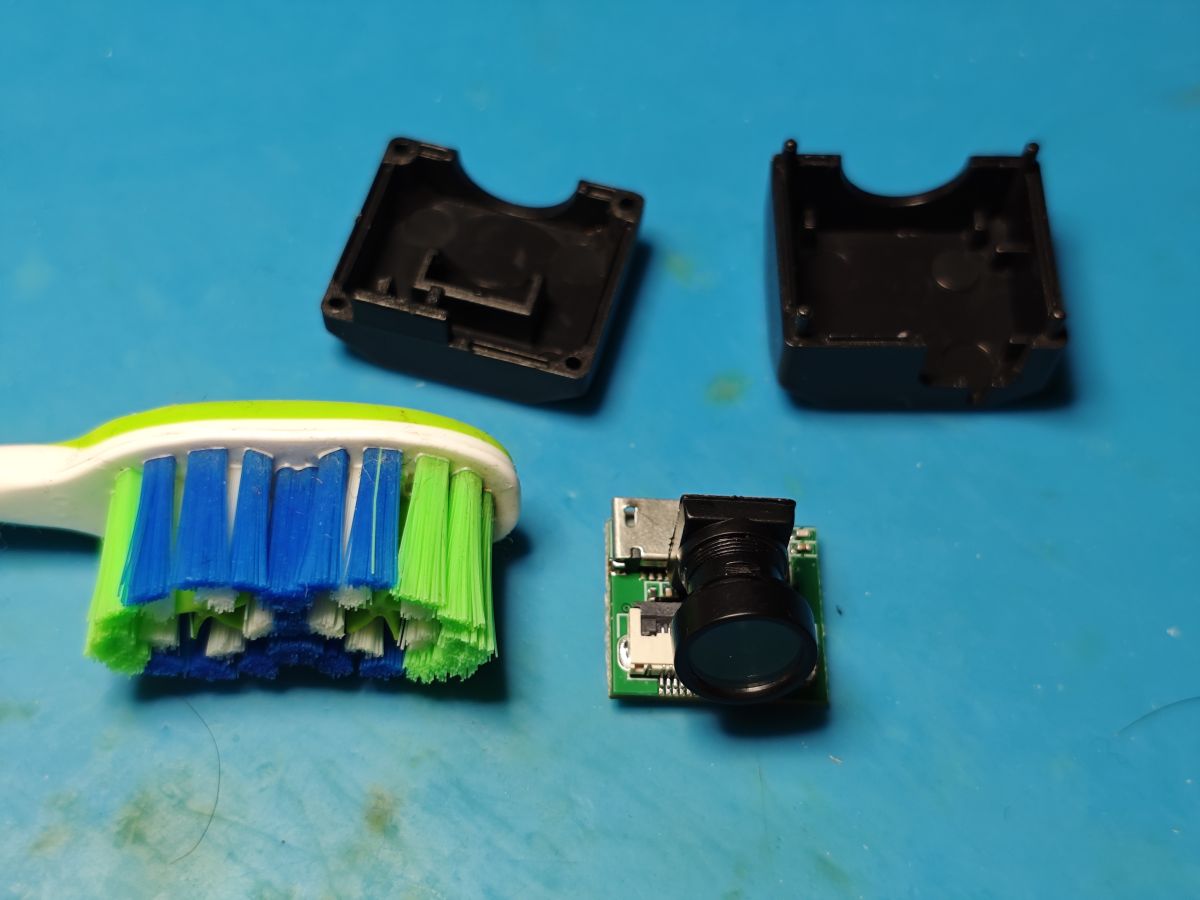
The case is pried open very easily with only 4 plastic corner pips holding the two main parts together.
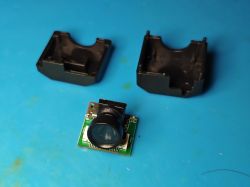
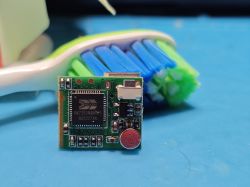
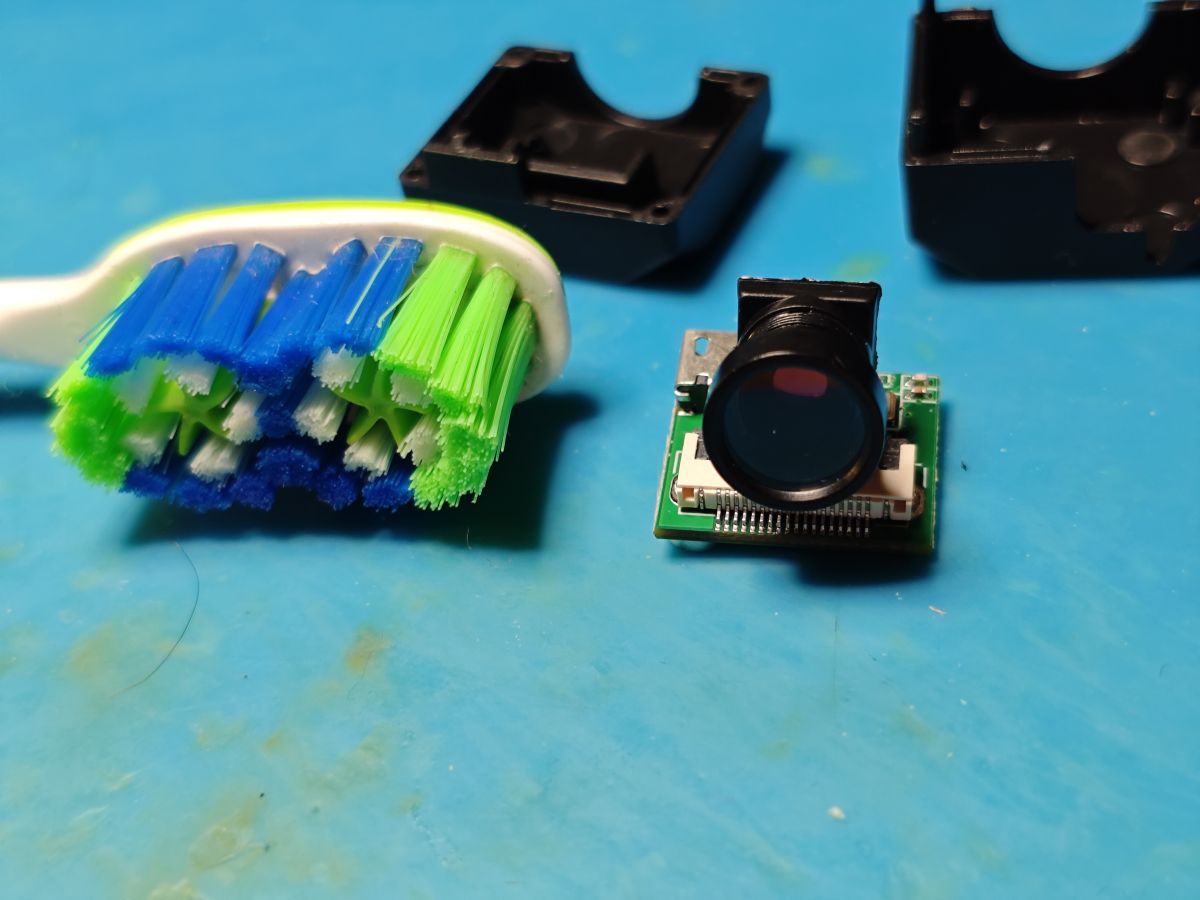
then the insides. toothbrush for scale
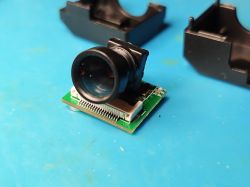
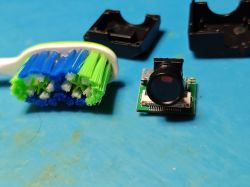
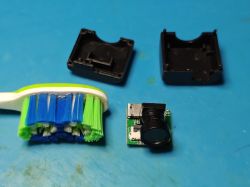
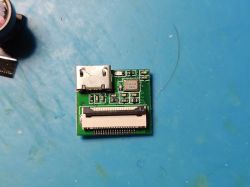
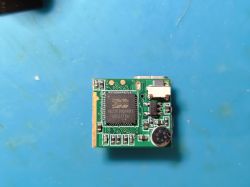
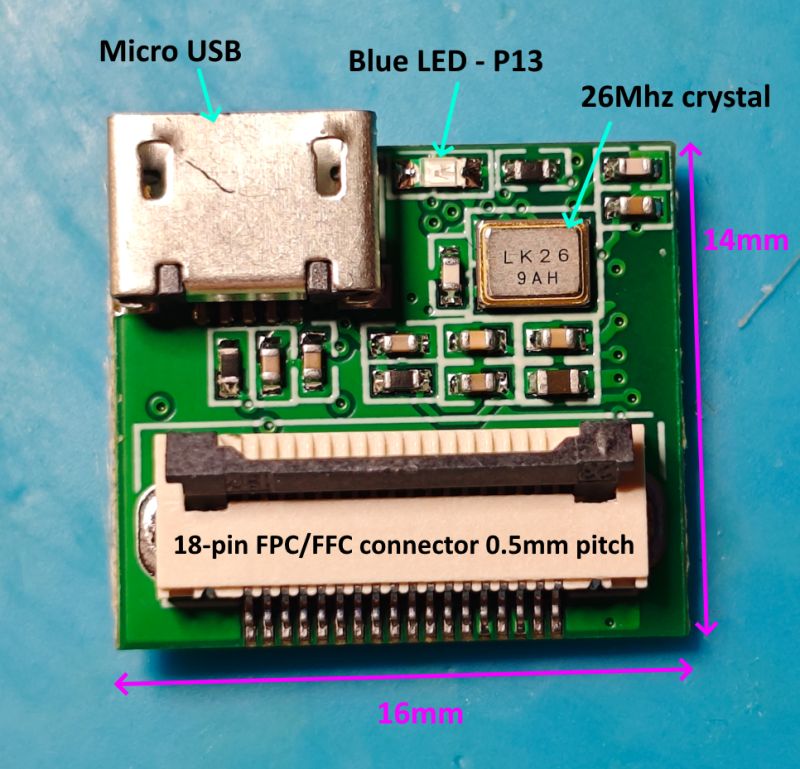
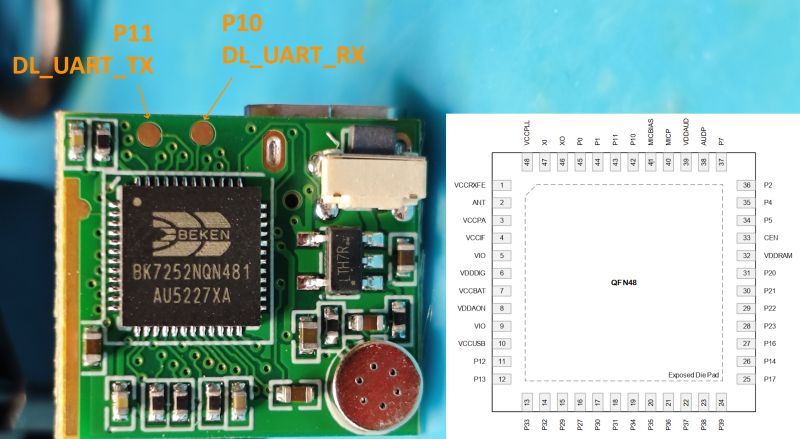
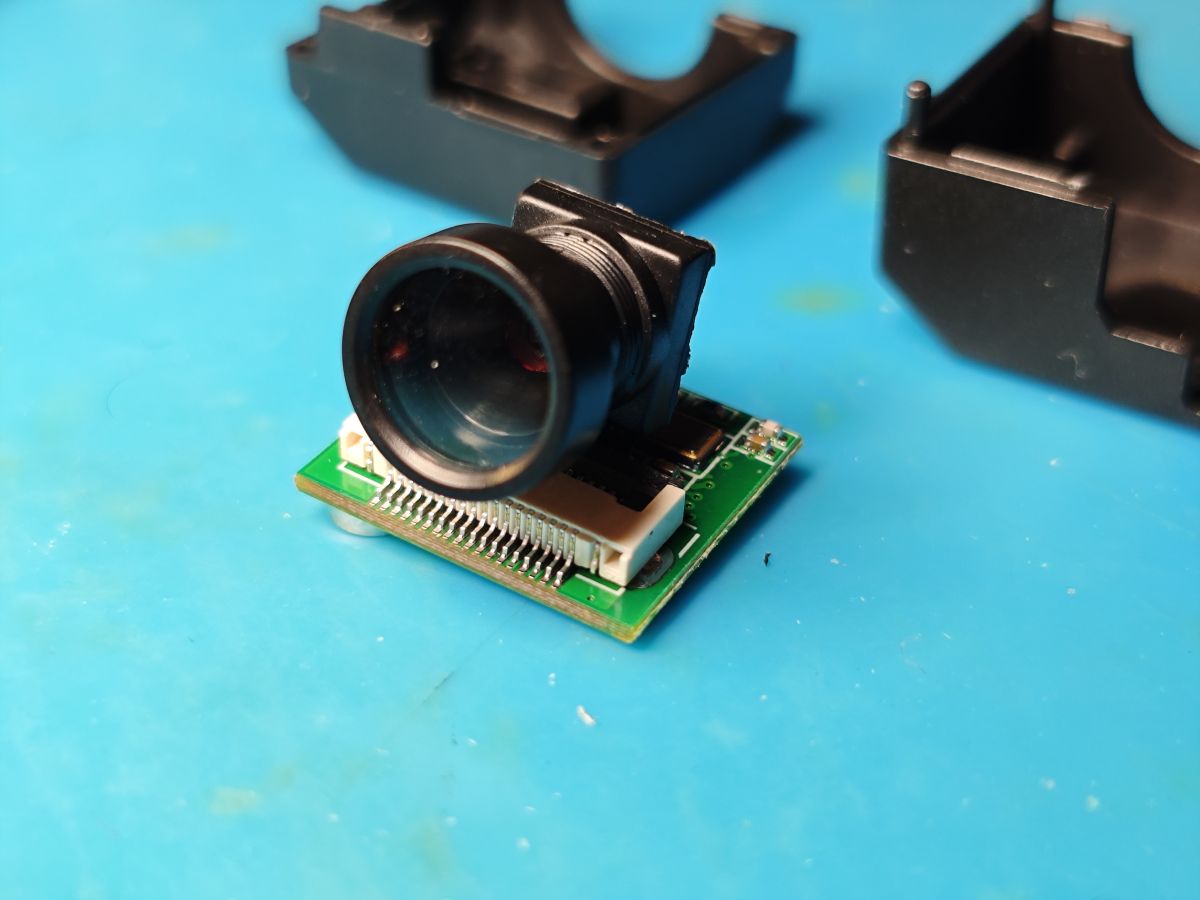
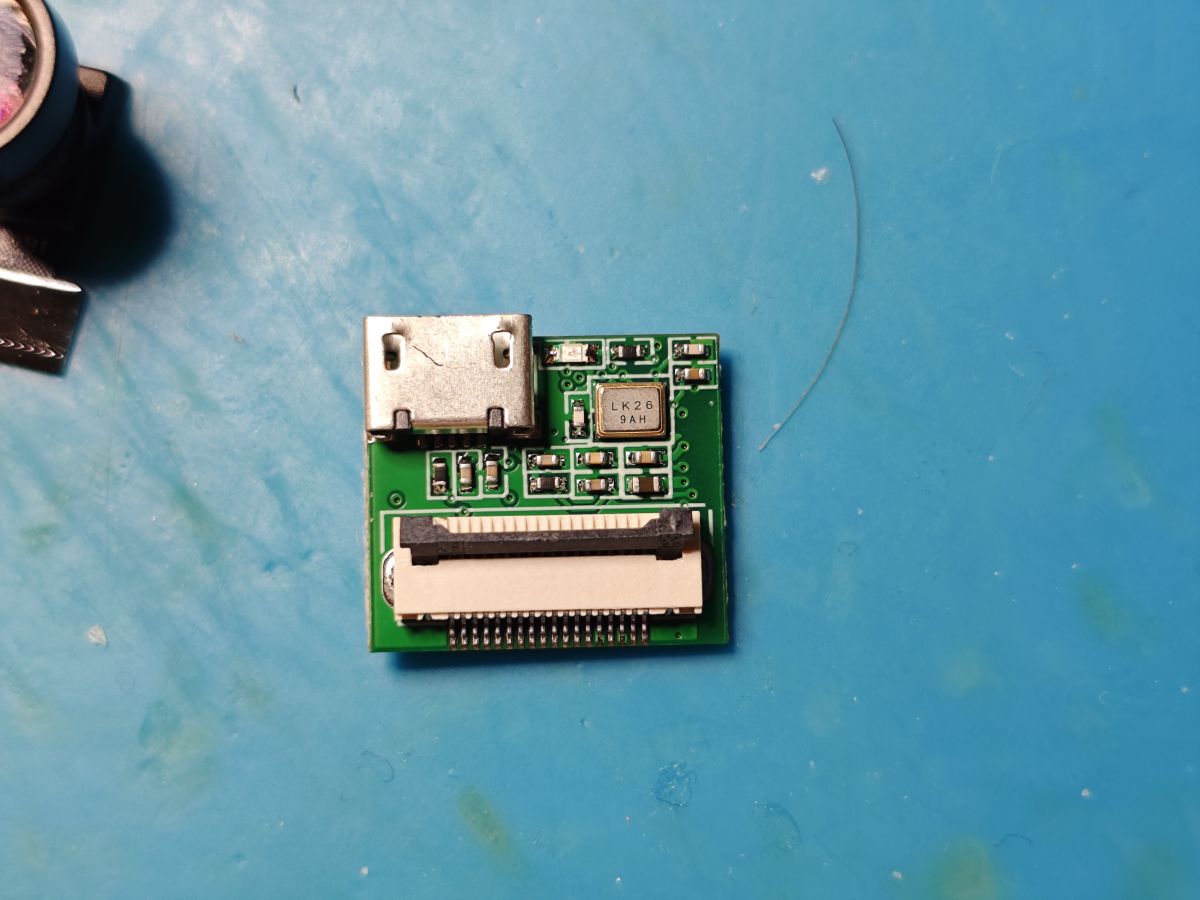
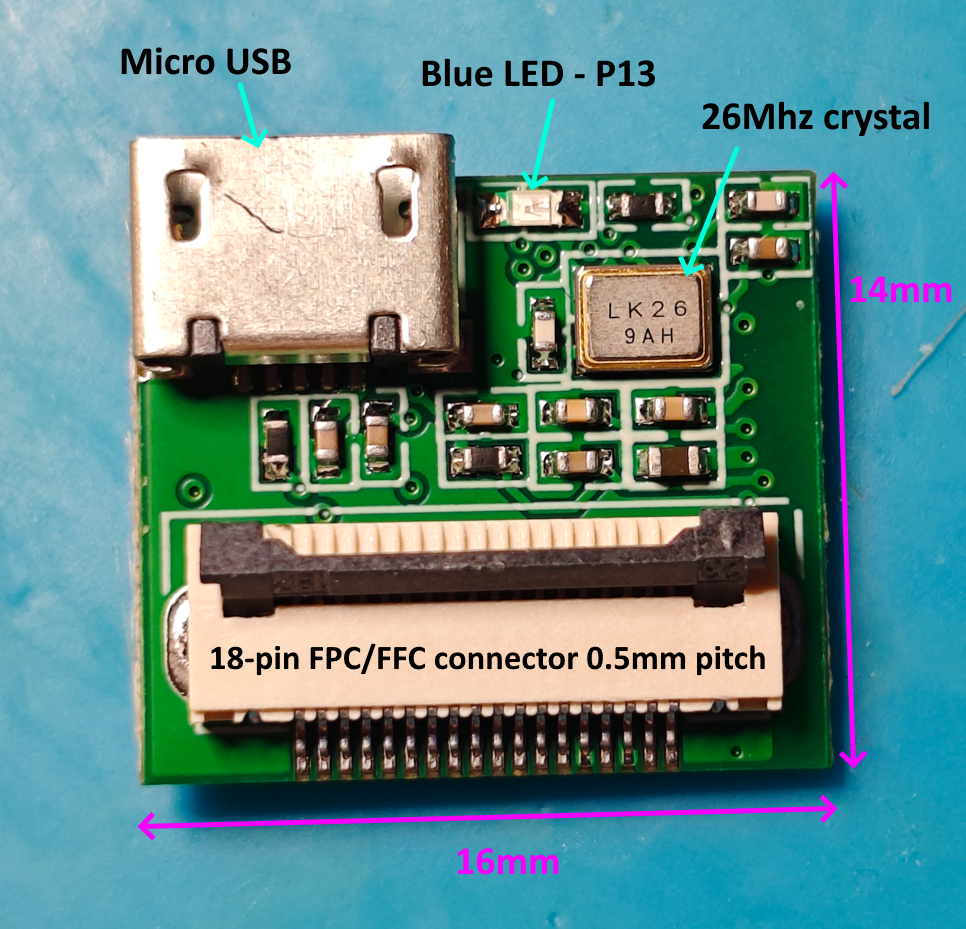
To break it down a little, on this side we have the 5v micro USB port, a blue LED (connected to P13 of the BK7252N) a 26 MHz oscillator (LK26 9AH), and the now quite-familiar top-lock FPC/FFC, 18-pin, 0.5 mm pitch connector for the cam sensor.
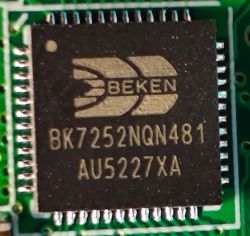
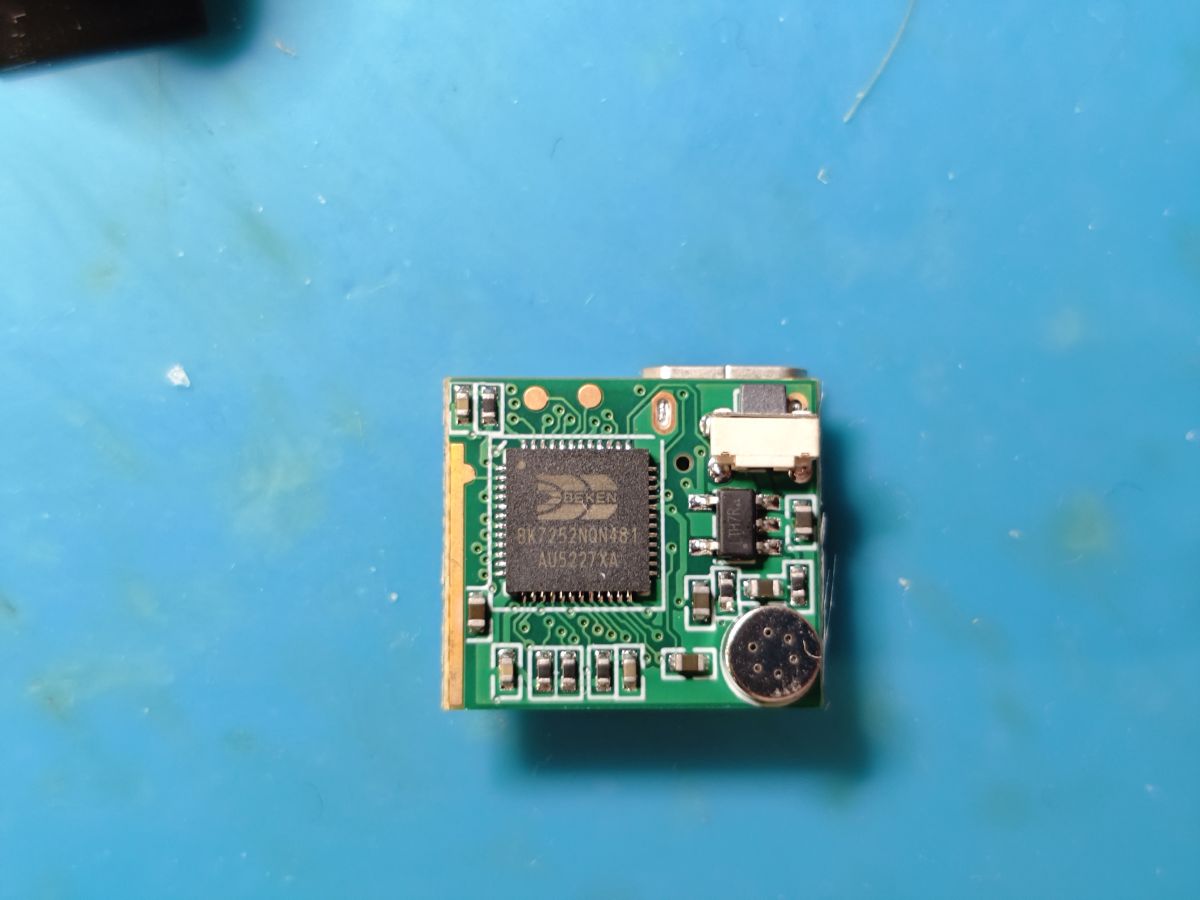
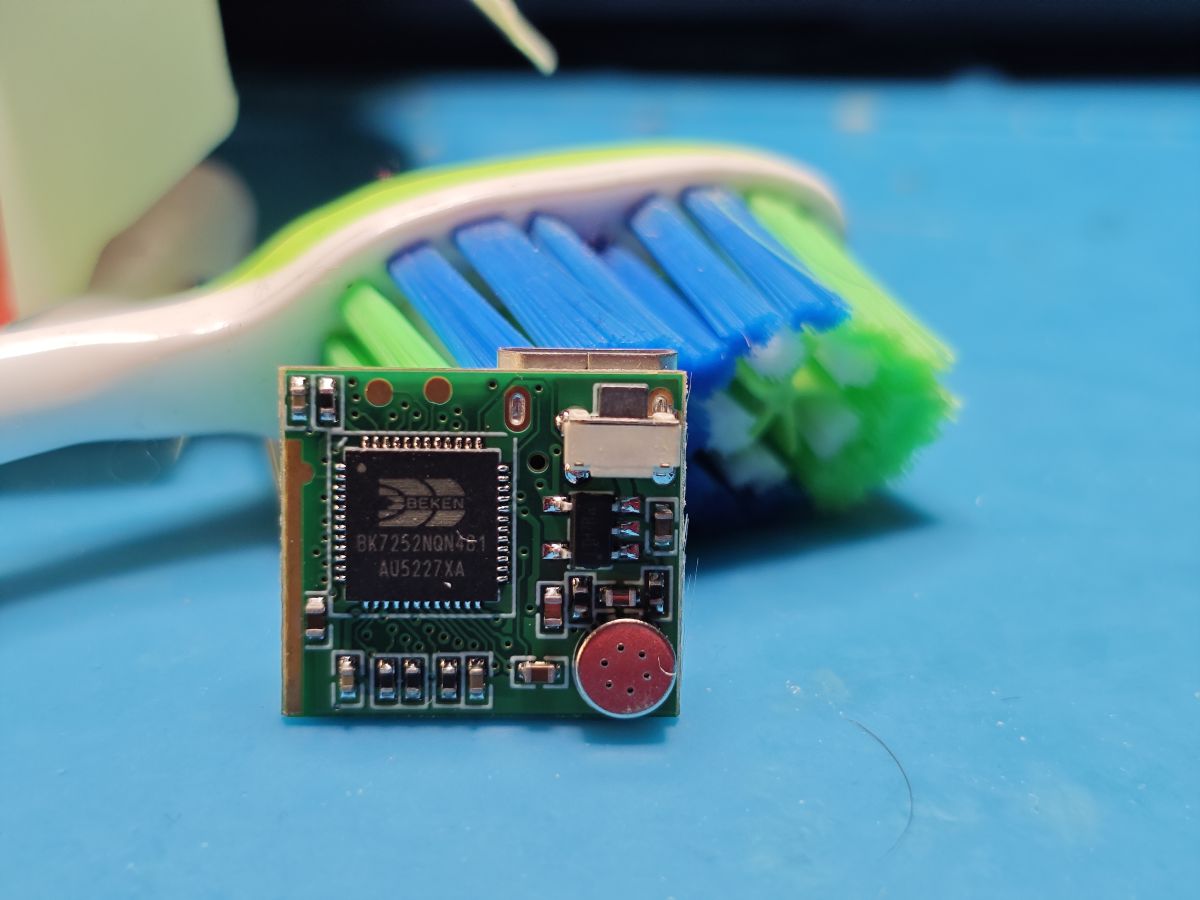
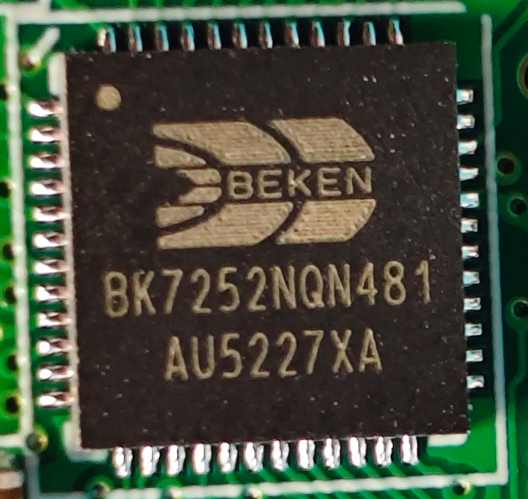
on the other side, the 2mb Beken BK7252NQN481 MCU (also seen
https://www.elektroda.com/rtvforum/topic4118499.html) (datasheet attached)
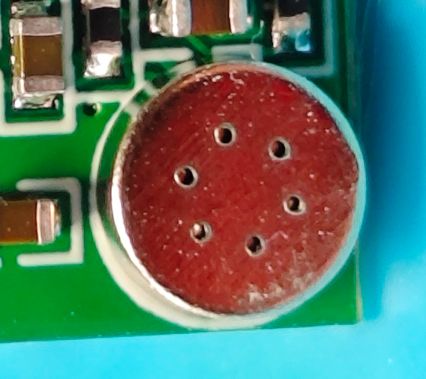
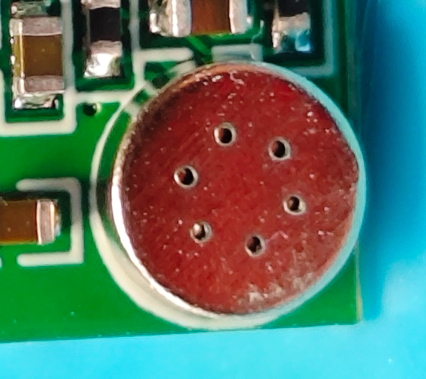
an analogue electret microphone
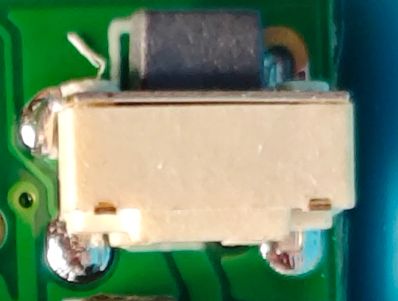
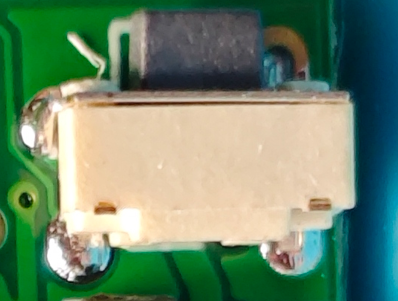
a standard tactile push button (connected to P7 of the BK7252N)
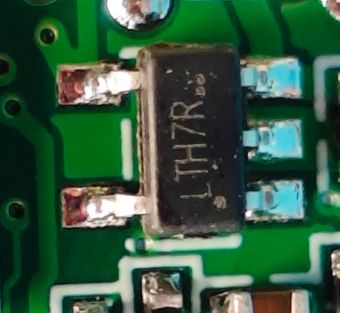
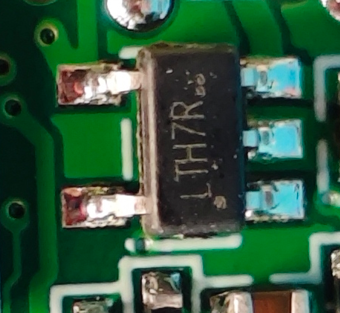
LTH7R SOT-223-5 (?) 3.3v LDO - supplies 3.3v to the MCU from 5v USB input. Googling seems to suggest it's a Li-ion battery charger chip, but this device was not supplied with battery.
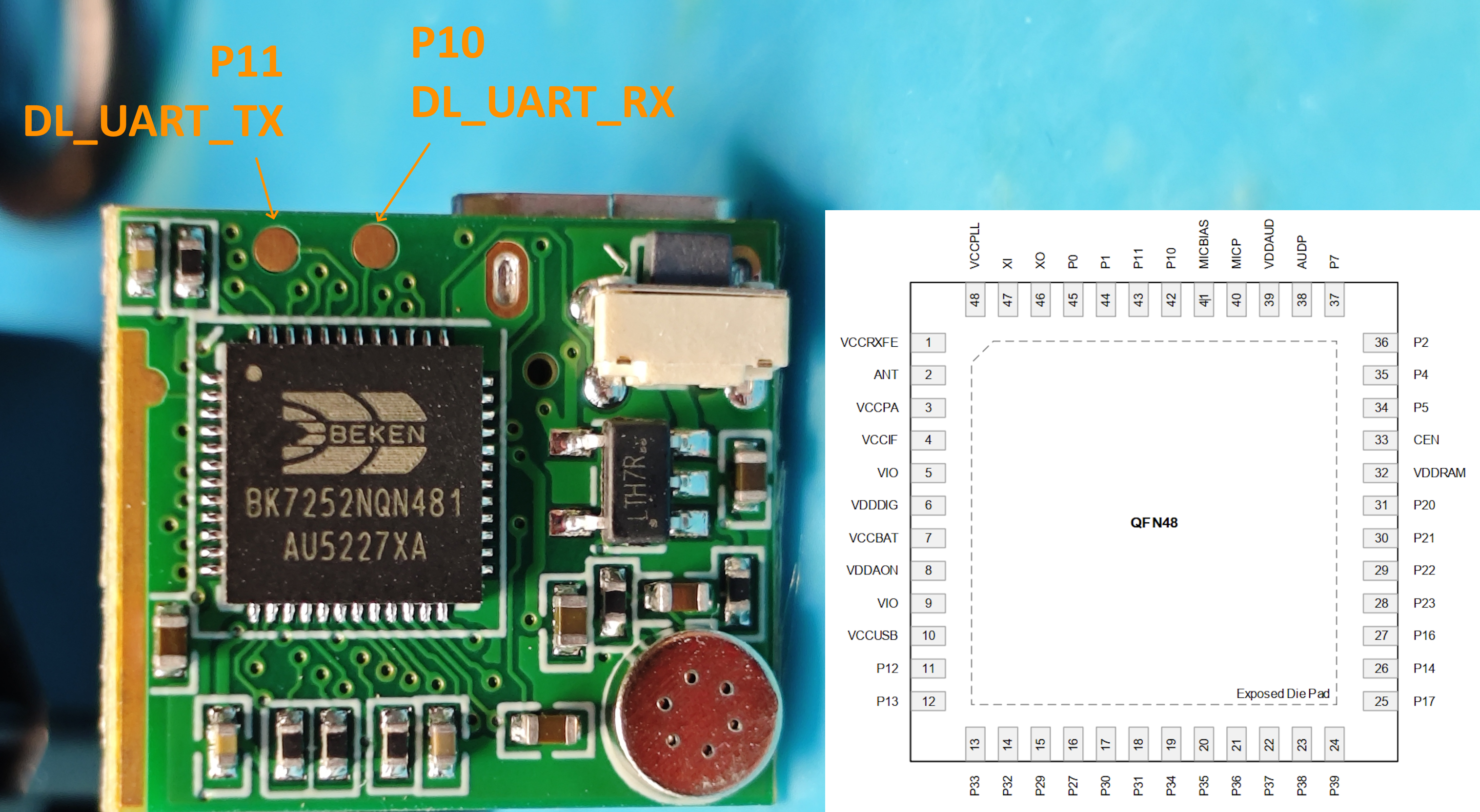
The only test pads on the PCB are P10 and P11, which are good for programming
From P11 we also get this log out at 115200 baud
no log from P0 (UART1_TX)
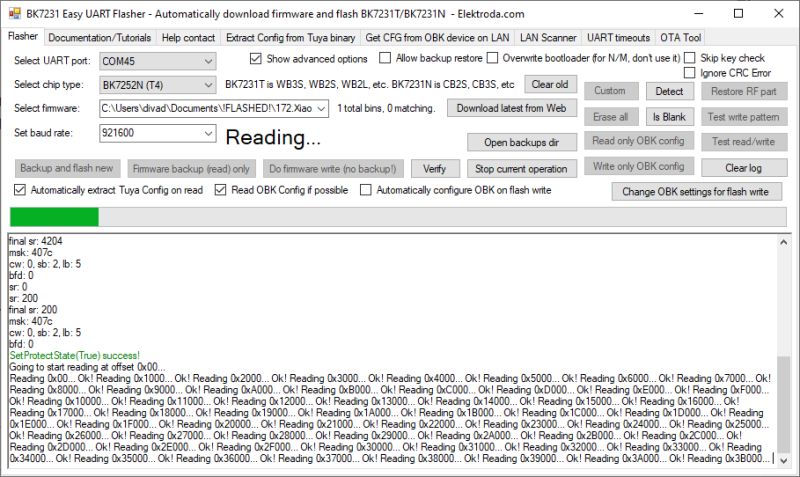
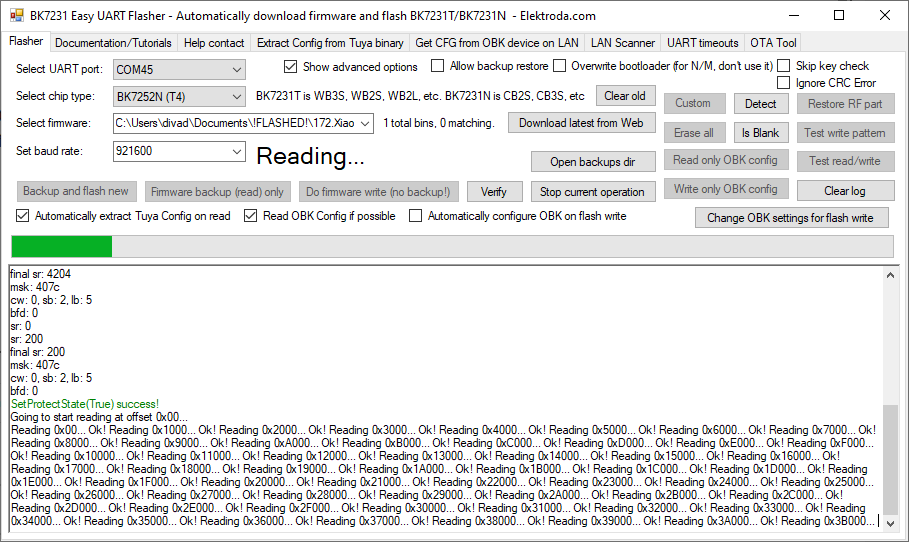
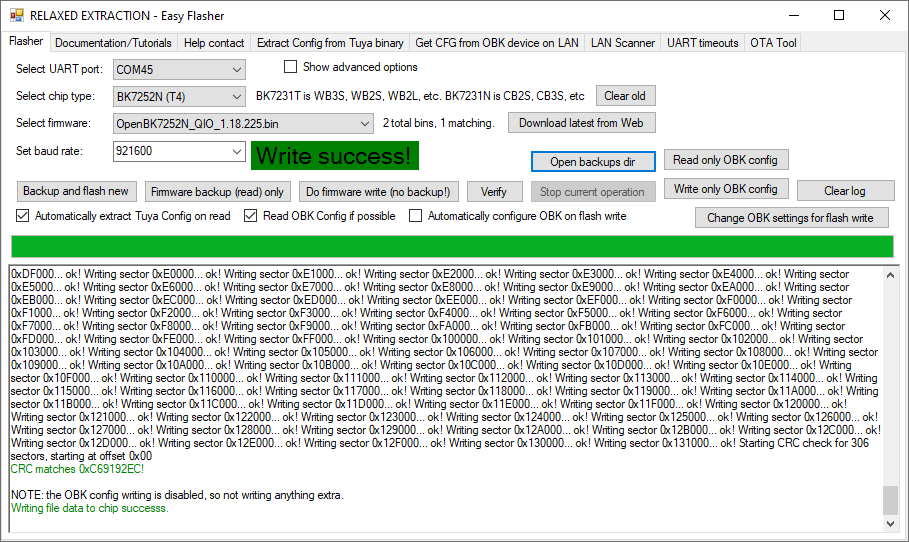
With Easy Flasher the BK7252N 2mb flash is read with ease.
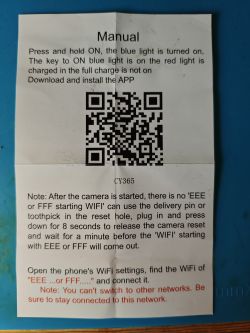
Regarding the
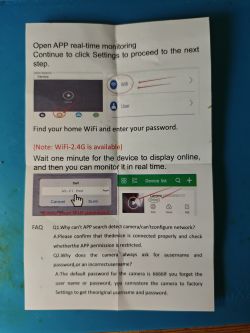
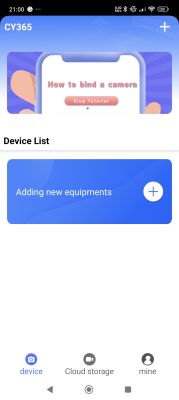
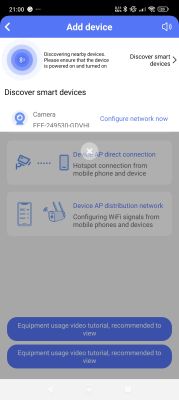
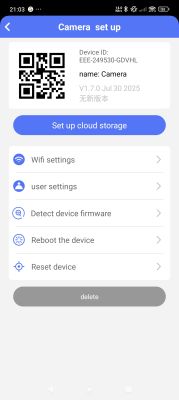
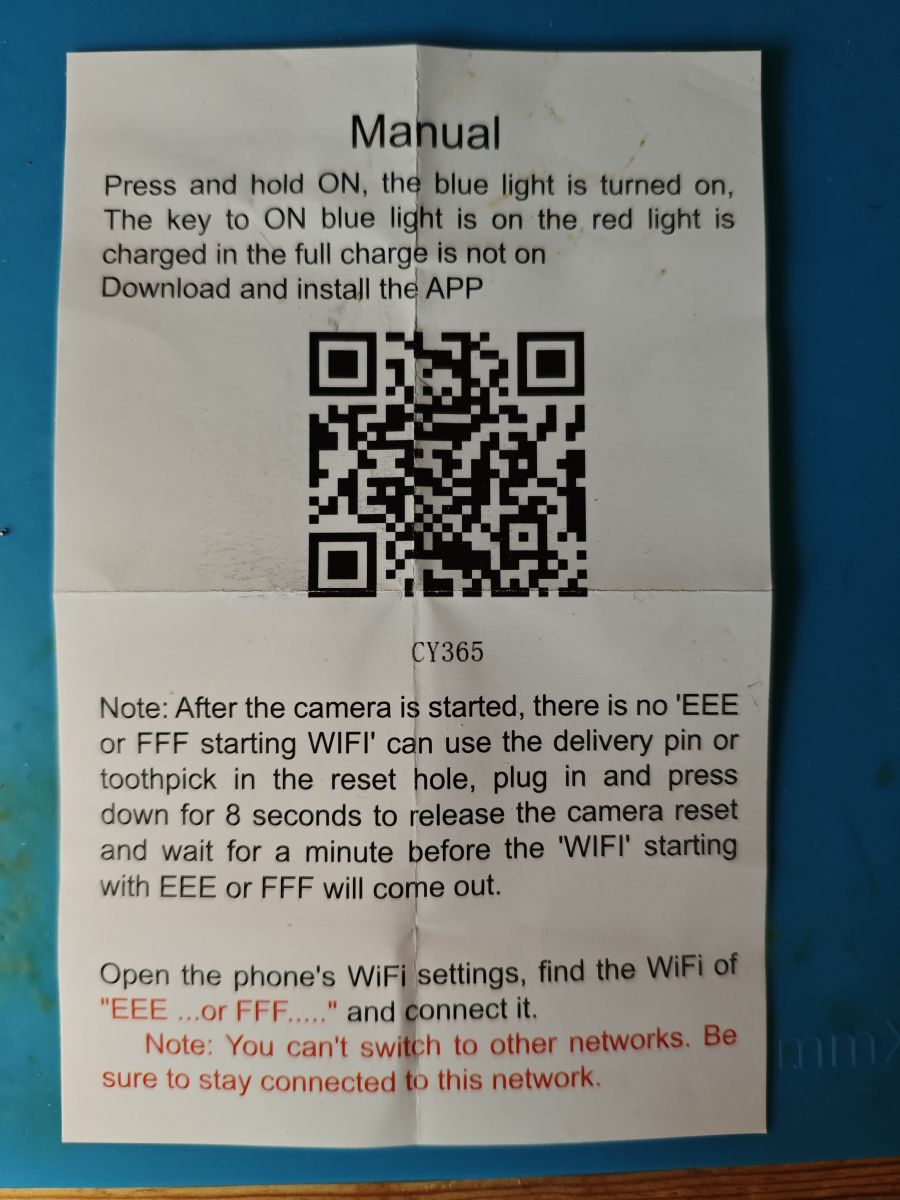
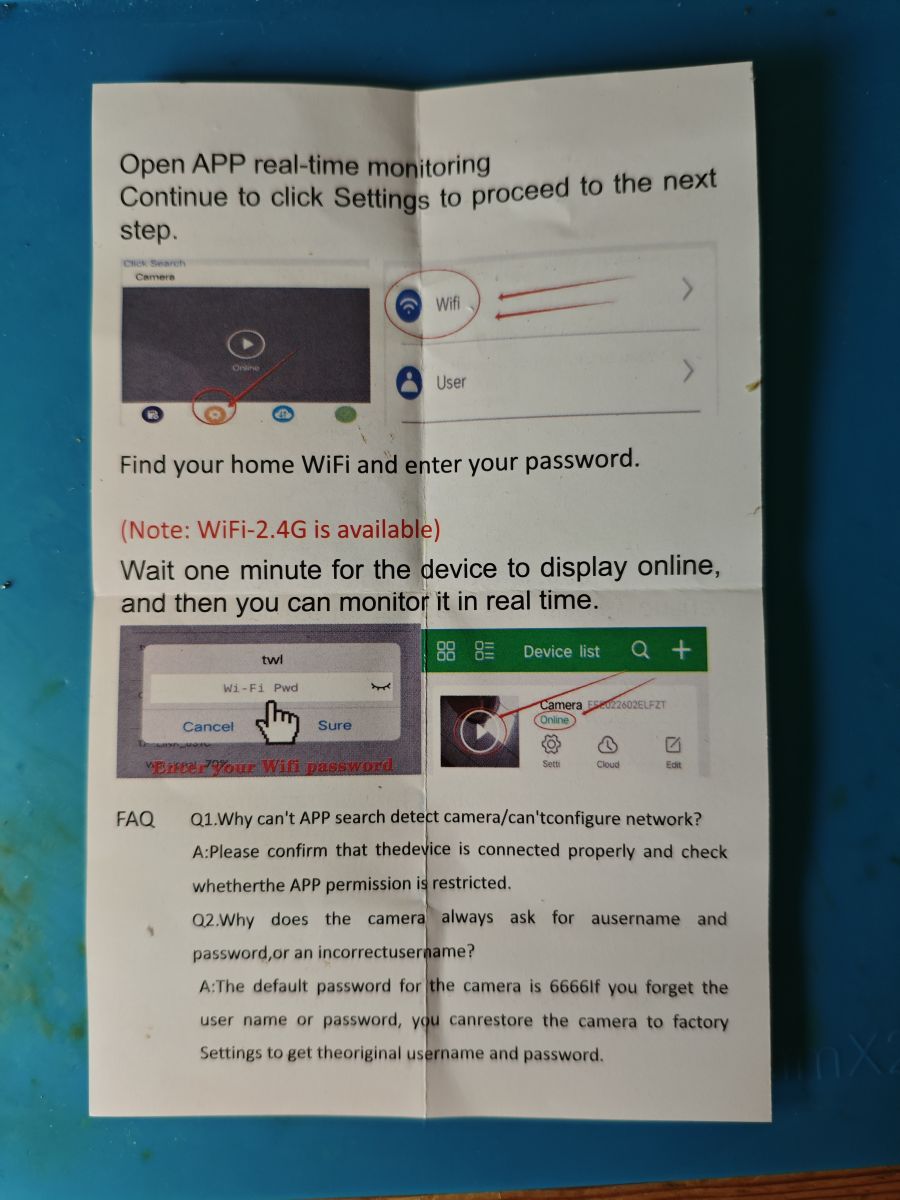
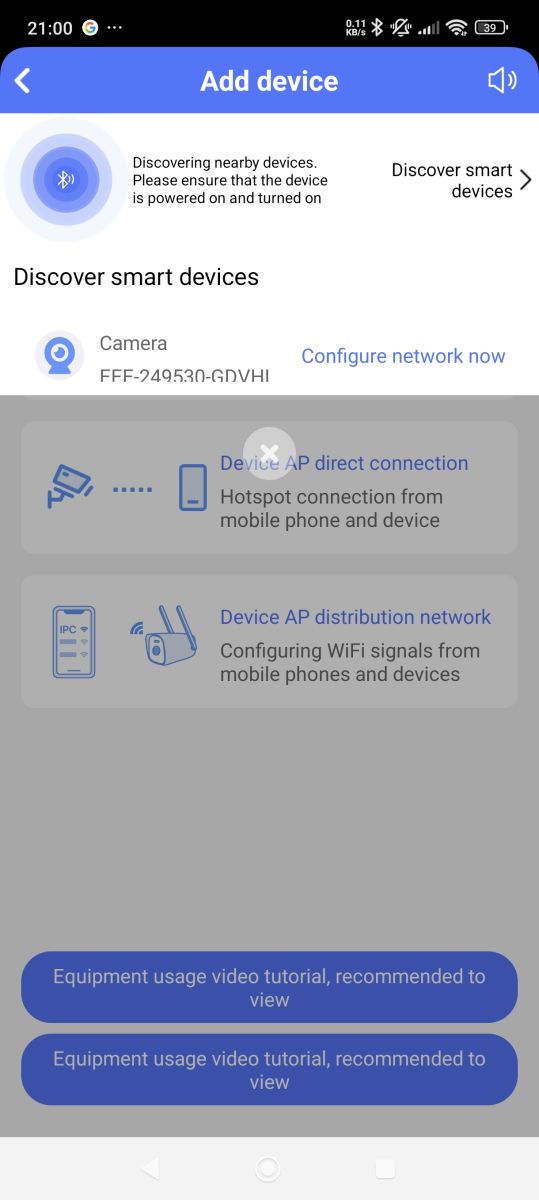
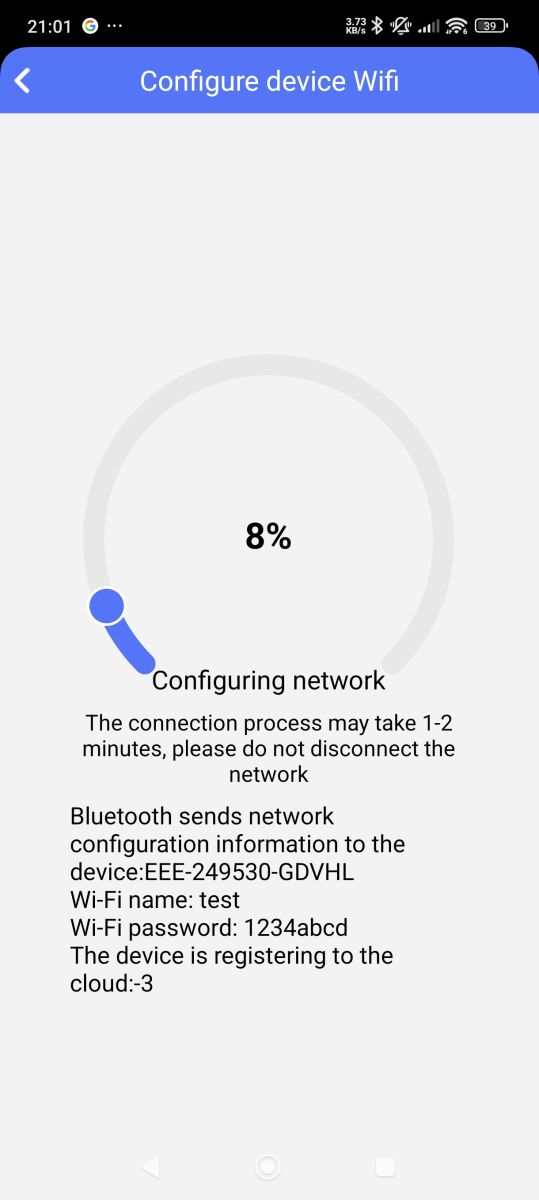
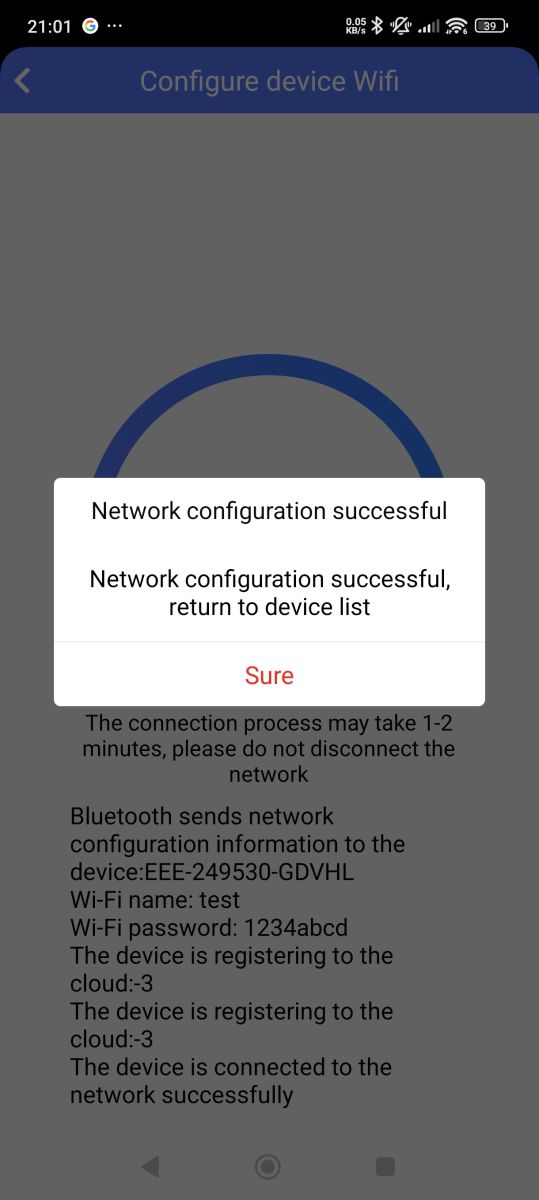
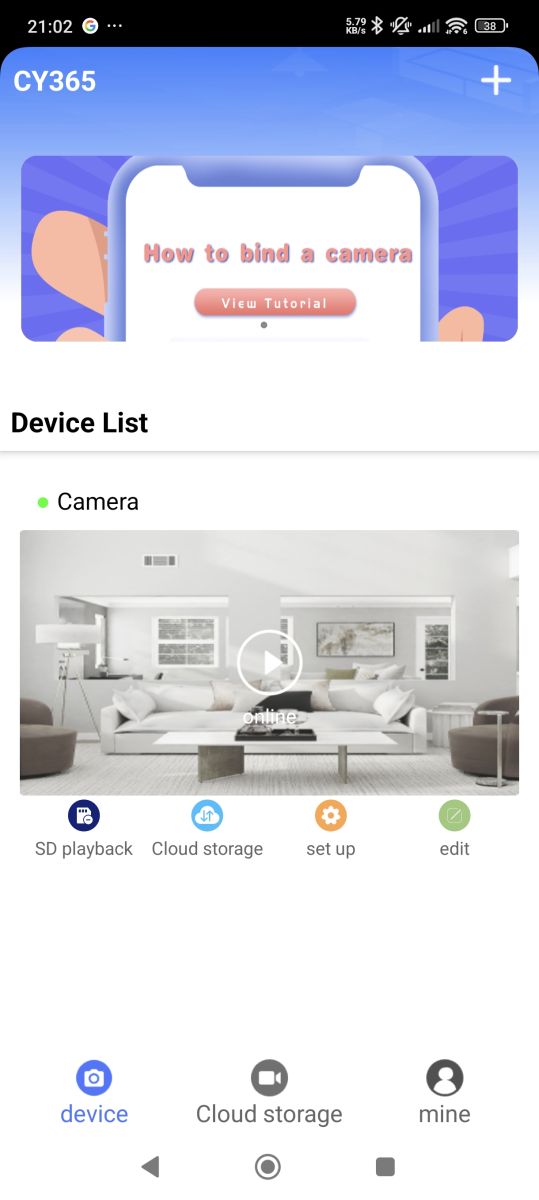
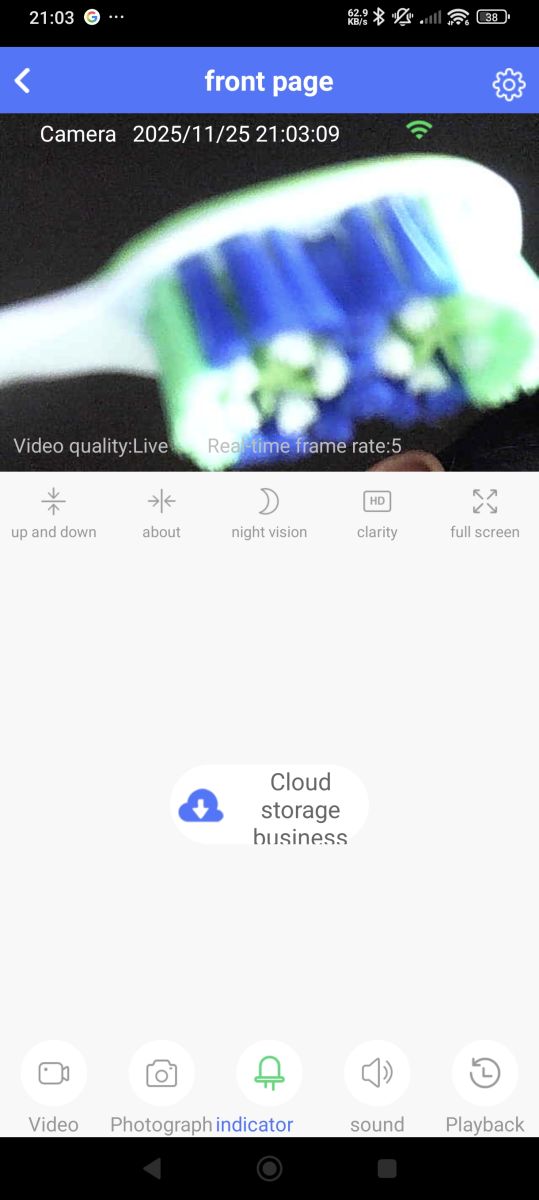
CY365 app (Shix Zhao shix.cy.camera) referenced in the 'manual' to be used when pairing device with phone
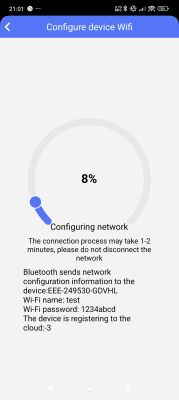
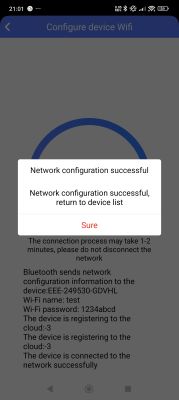
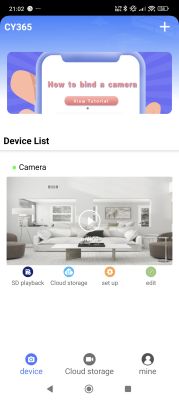
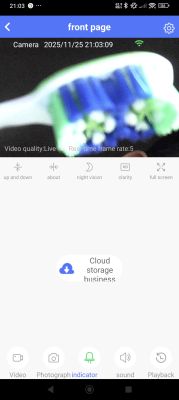
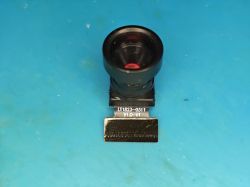
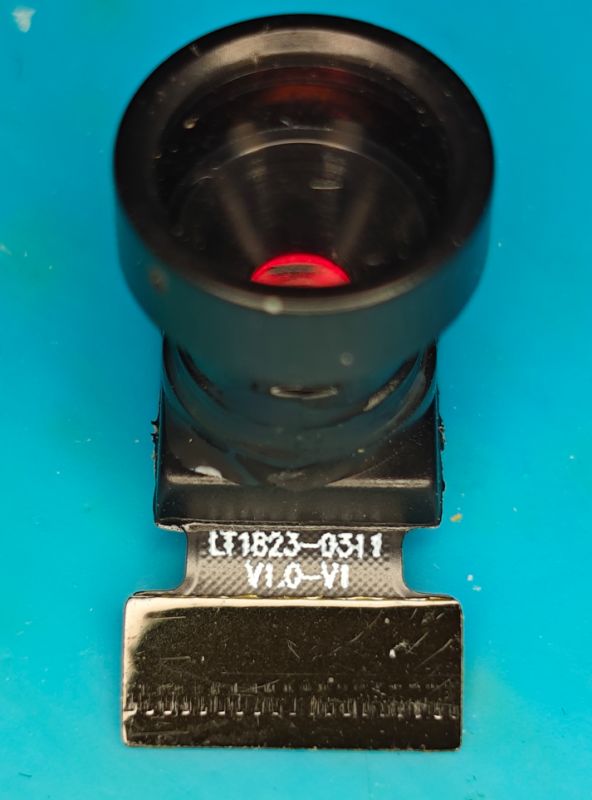
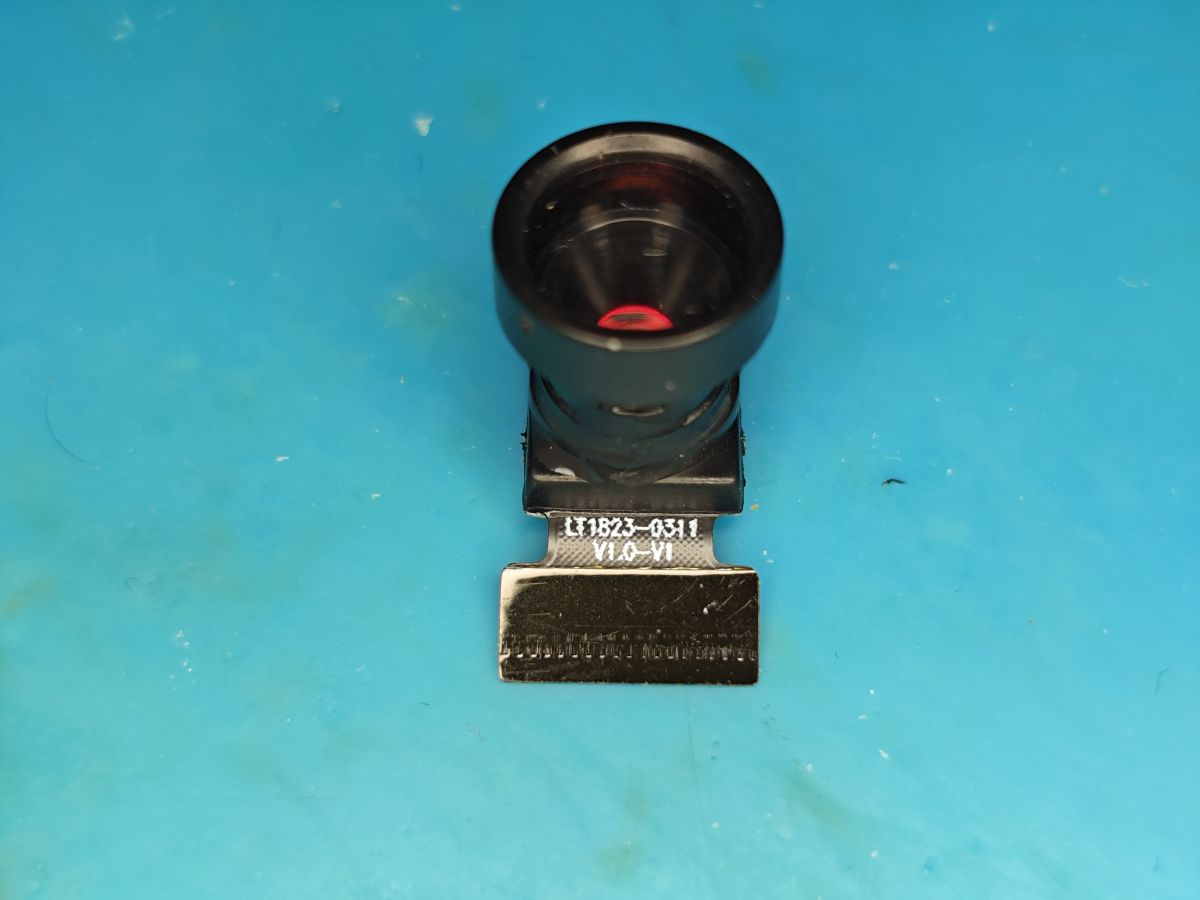
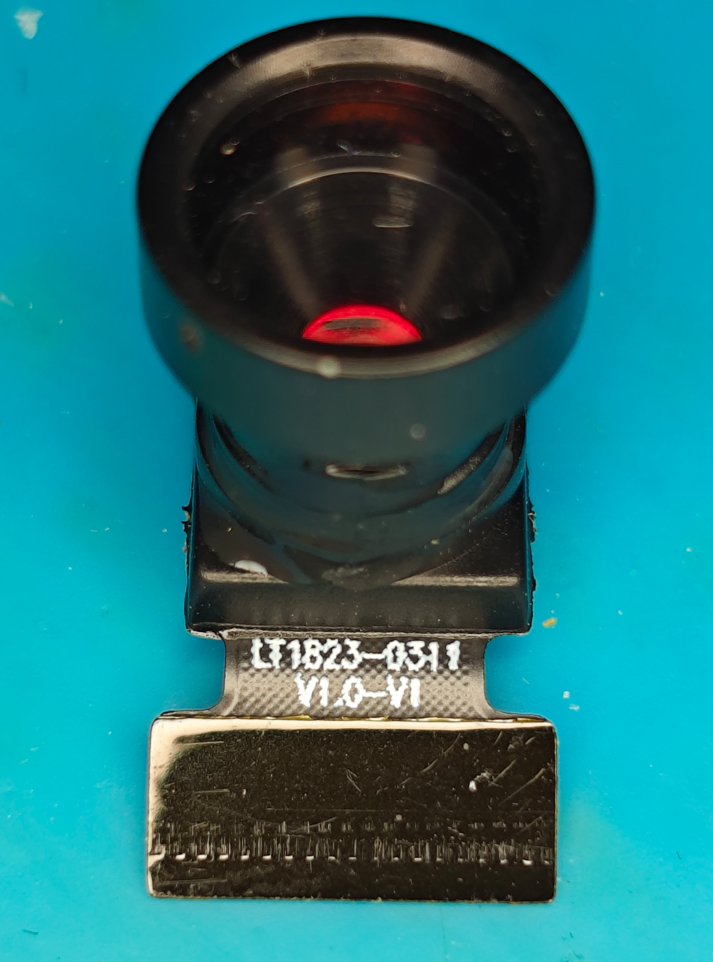
The sensor itself, labelled as LT1823-0311 V1.0-V1, is a GalaxyCore GC0311 640x480 model.
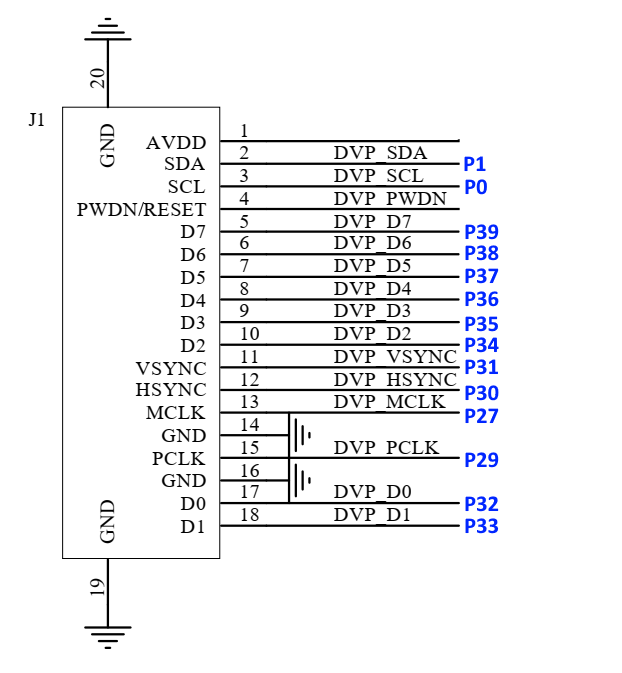
And tracing from each of the pins on the 18-pin FPC connector we determine the following:
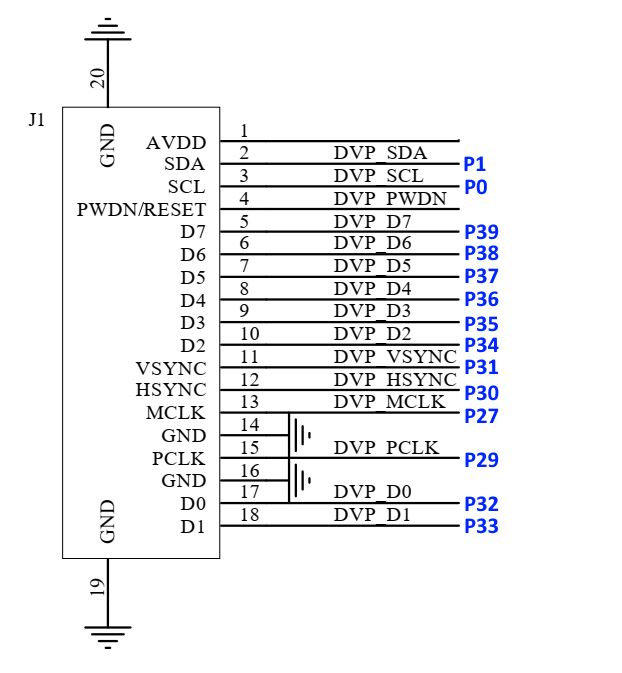
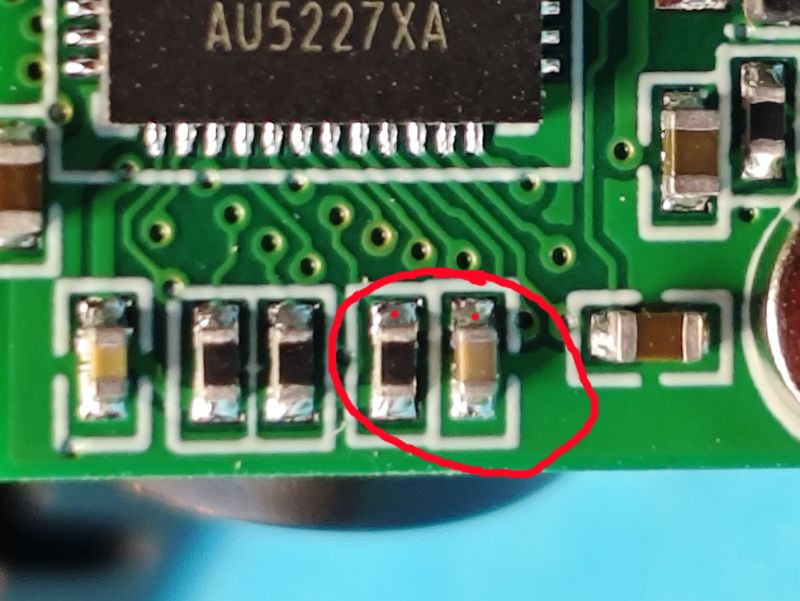
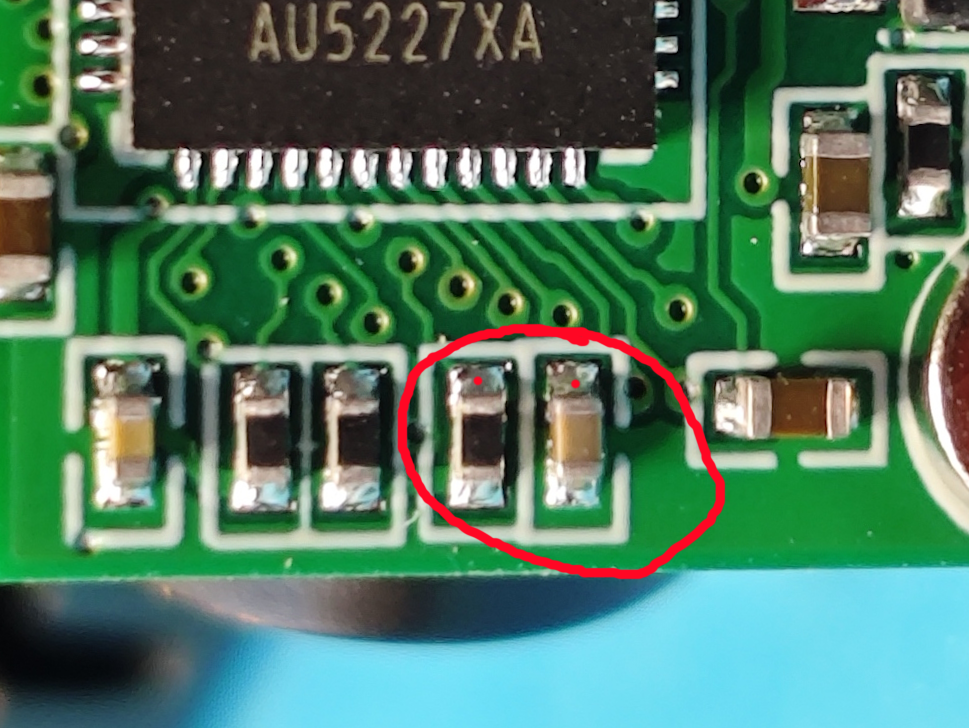
So P0 is used for SCL. I'm not sure of the role of PWDN/RESET at this stage, but it doesn't directly route to an IO on the BK7252N but rather has continuity to the top contact of these two components on the reverse
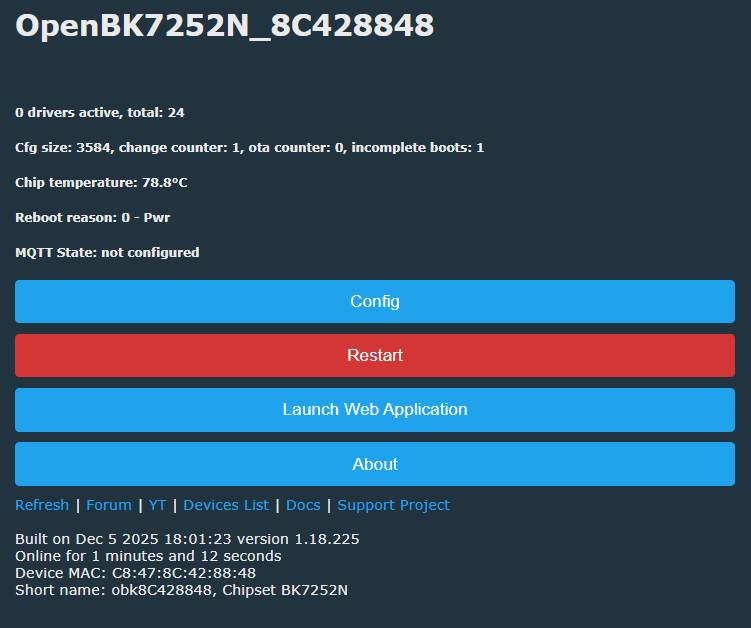
Flashing OpenBK7252N means a cloud-free device, but currently no cam or mic support
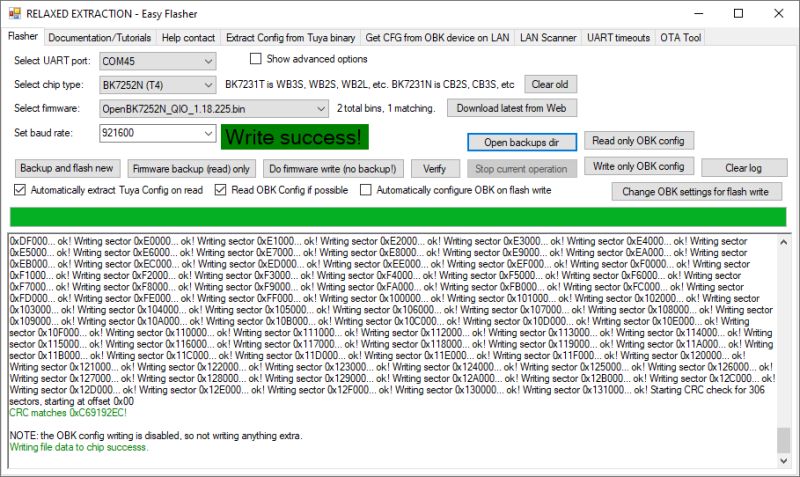
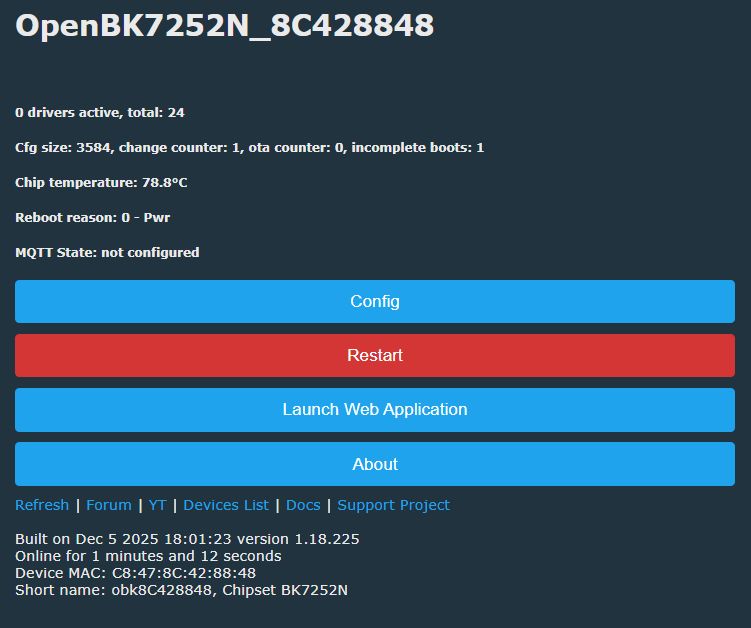
Flash backup:
https://github.com/openshwprojects/FlashDumps/commit/b0b370f5244e4b6c42d77cebf199a4c5a36c0c8c
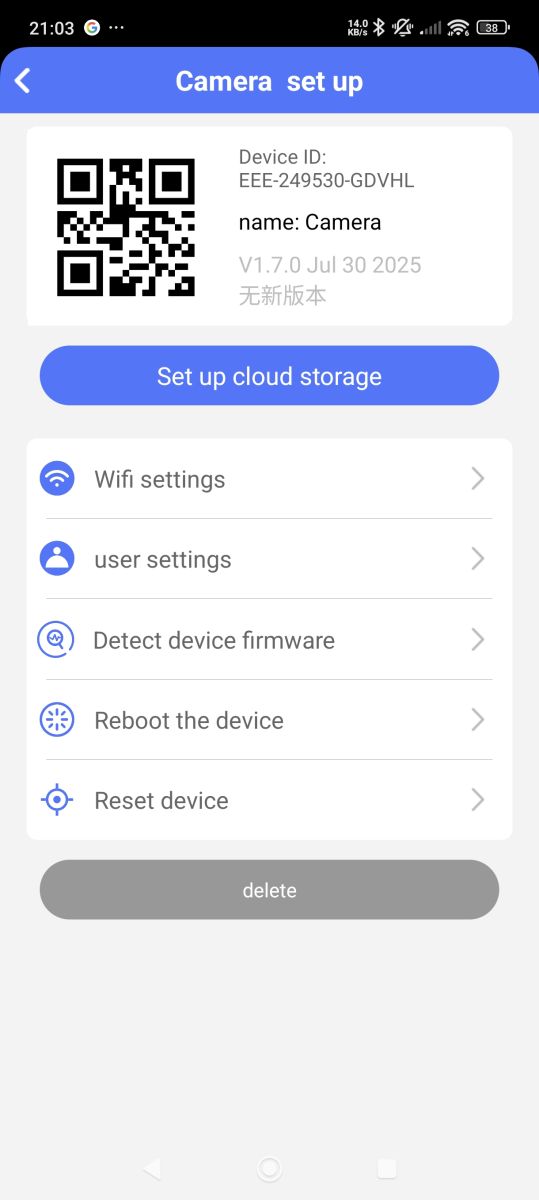
Device ID:
EEE-249530-GDVHL
name: Camera
V1.7.0 Jul 30 2025
No new versions
Strings of possible note
xref:
https://www.elektroda.com/rtvforum/topic4154701.html







Comments