logo elektroda
logo elektroda
X
logo elektroda

Flashing LSC Smart GU10-RGB Bulb with OpenBK7231T: Overload Issue with USB->Serial Converter

bprosman 7107 19
Best answers

Why does my USB-to-serial adapter overload and hiccup when I power a LSC Smart GU10-RGB bulb’s BK7231T from its 3.3V output while flashing OpenBK7231T?

Your USB-to-serial adapter is likely overloaded because the BK7231 can draw more than 50 mA at peak activity, so its 3.3V output is too weak for this bulb [#20307832] Removing the Schottky diode and 470 µF capacitor was a sensible first step, but it does not solve the current demand [#20307832] Use a separate, reliable 3.3V supply instead, such as an external LDO [#20307832] A cheap AMS1117-3.3V or another stronger regulator should work better than the adapter’s built-in 3.3V pin [#20307832] Once the BK7231 is powered from a proper supply, flashing should be much more stable [#20307832]
Generated by the language model.
ADVERTISEMENT
  • #1 20305933
    bprosman
    Level 1  
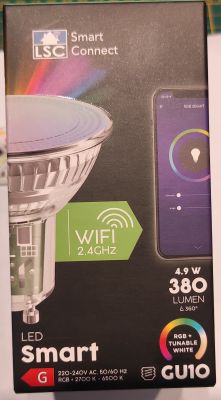
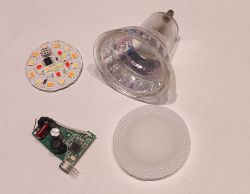
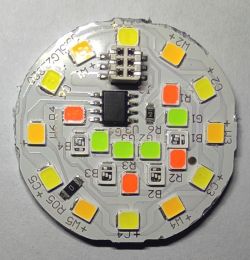
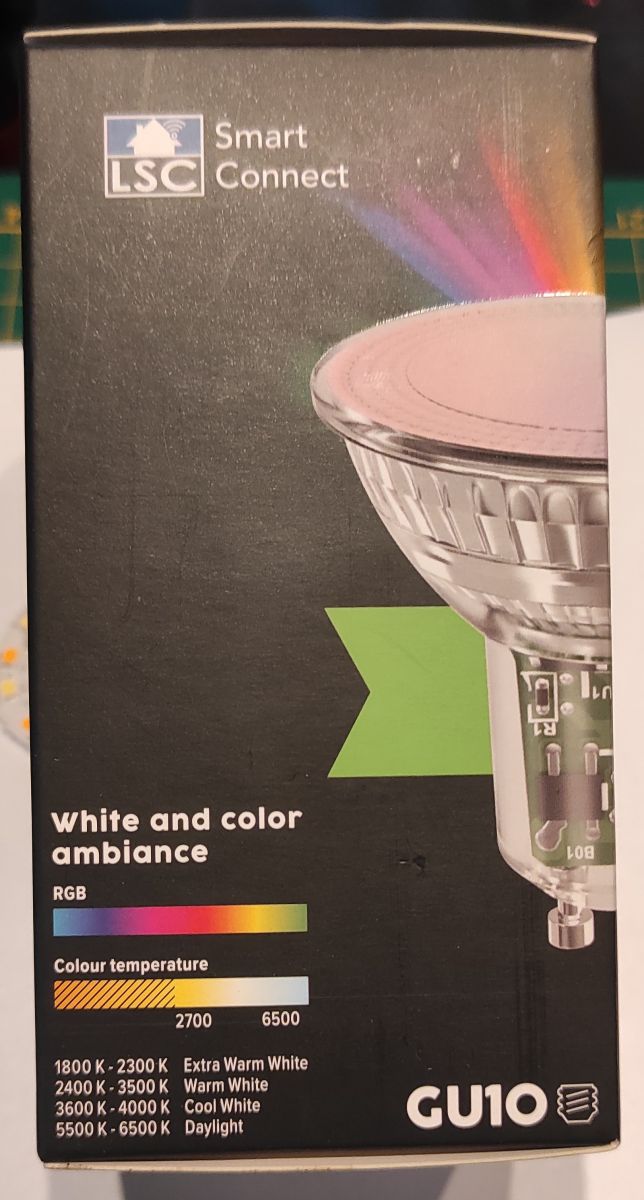
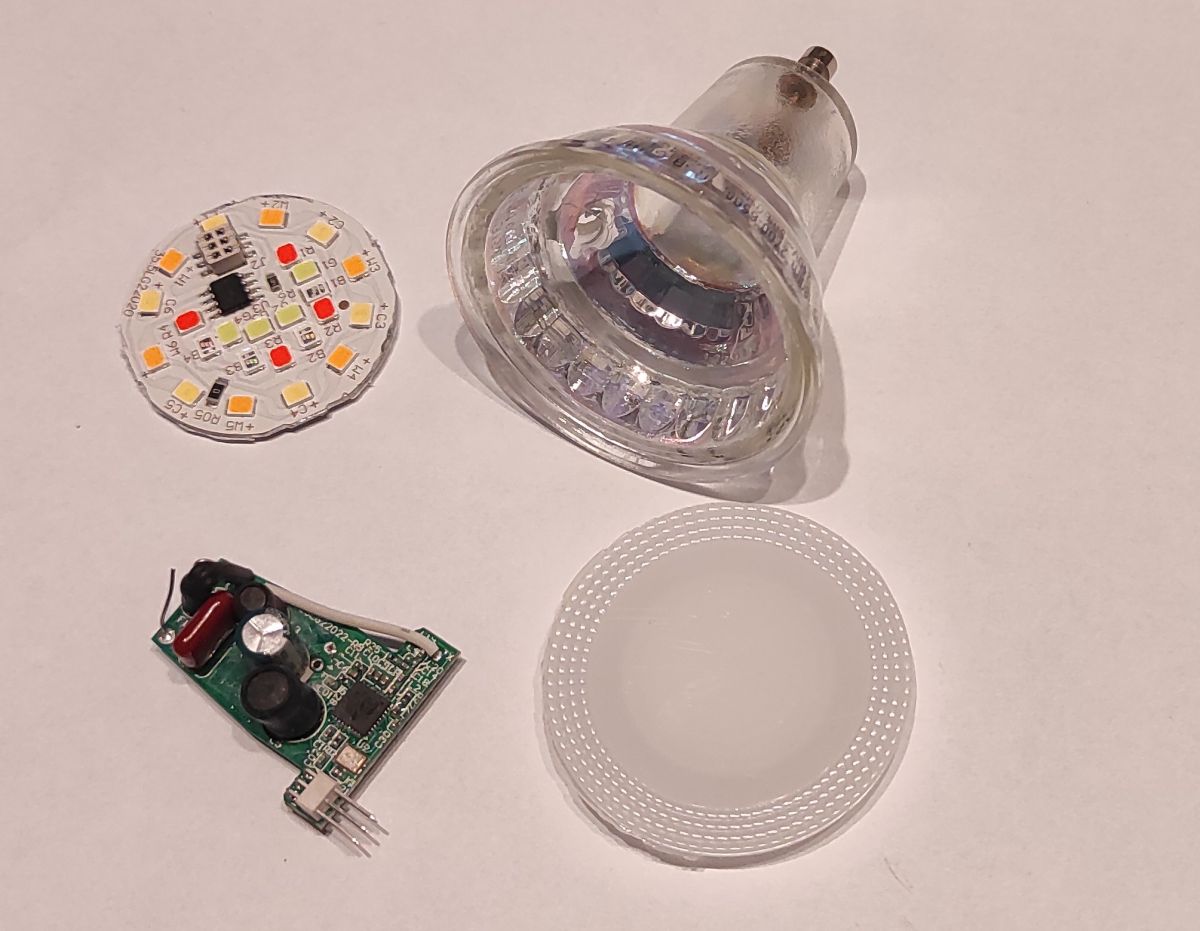
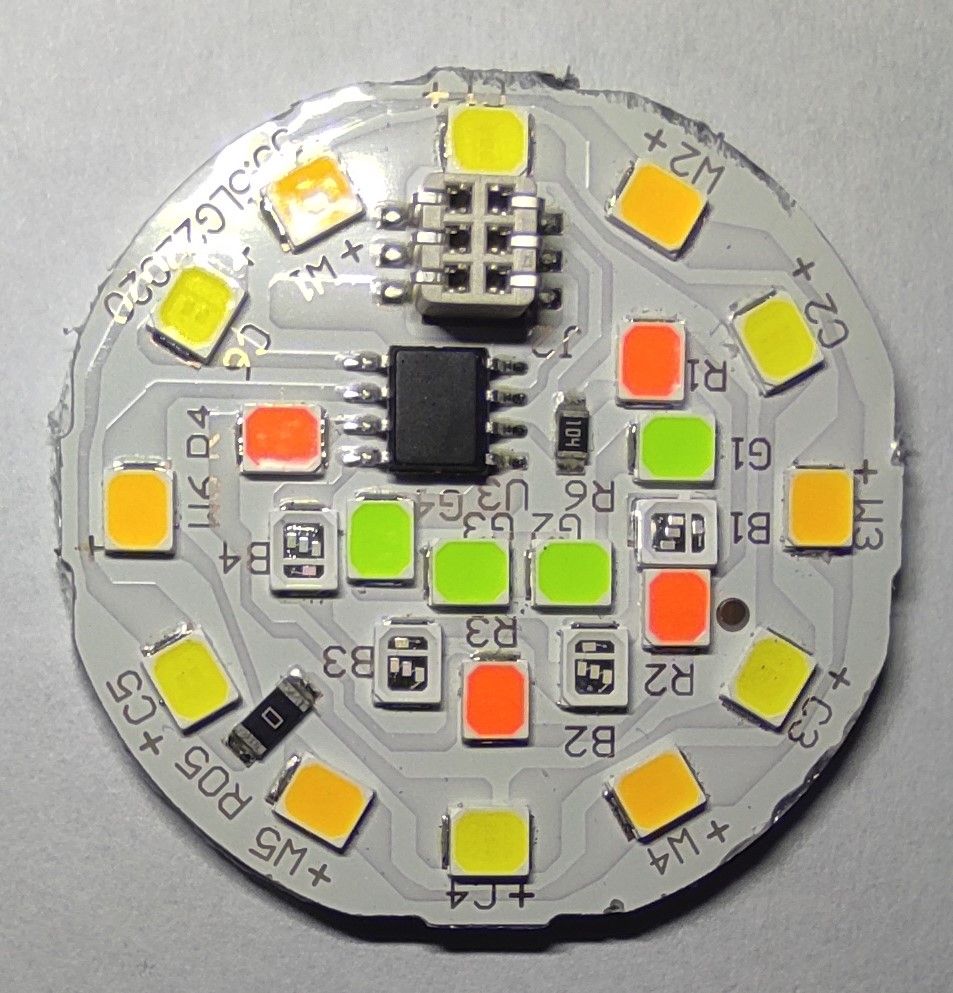
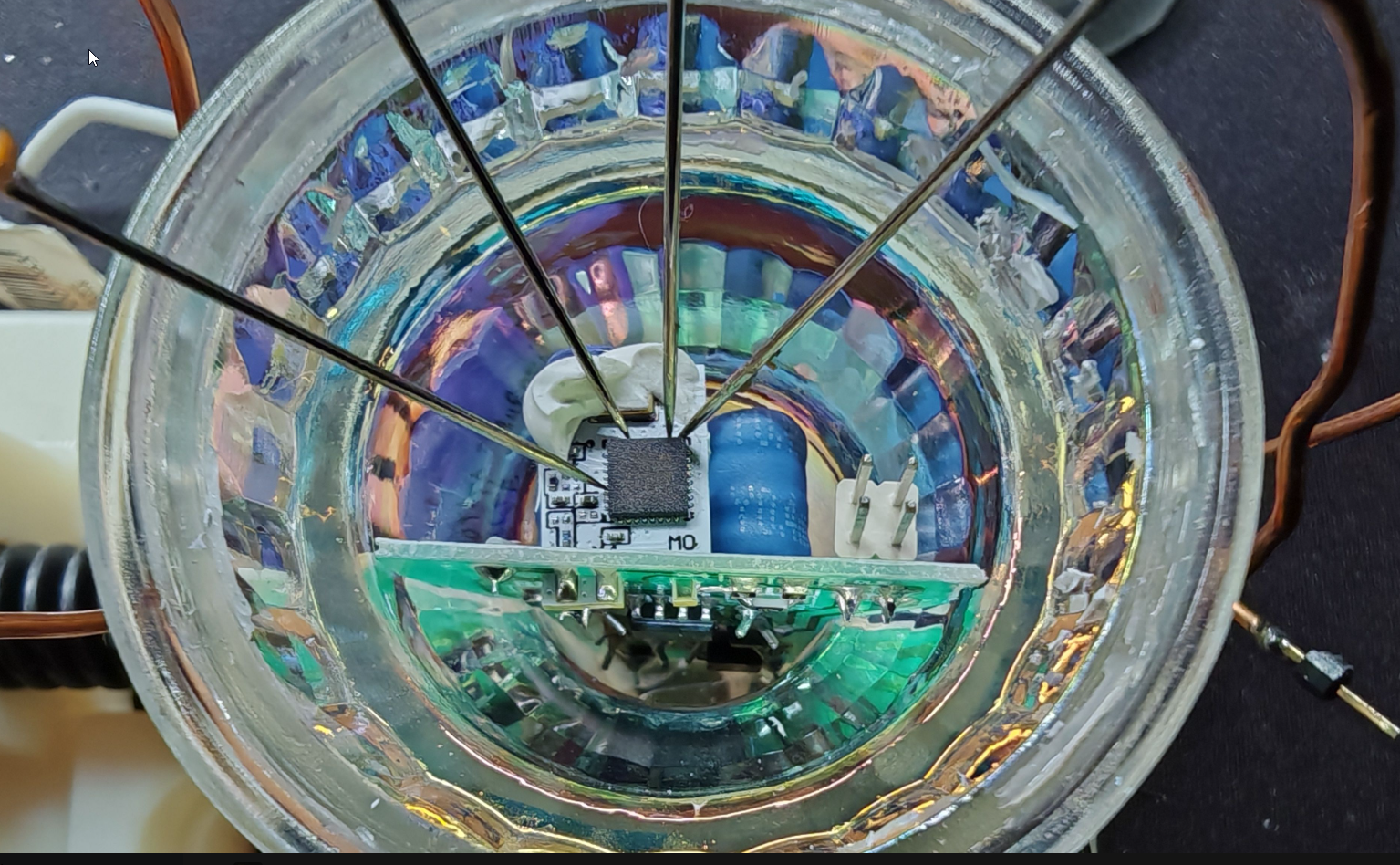
    Last week I was able to tear down a LSC Smart GU10-RGB bulb.
    My idea was to flash the chip with OpenBK7231T

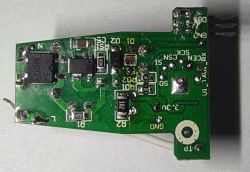
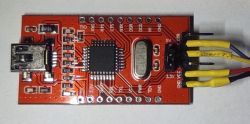
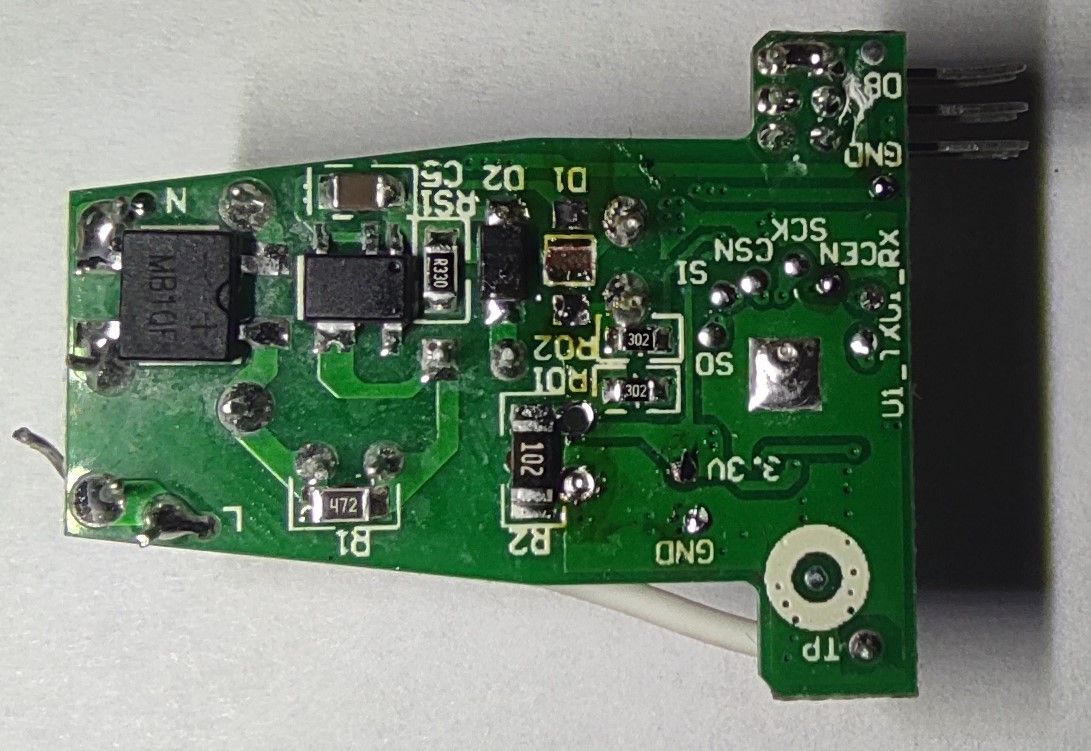
    But, the issue is, that when I connect the LSC PCB to GND and 3V3 (coming from the USB->Serial converter), the USB converter starts to "Hiccup" (like an overloaded switched power supply). This is already the case when I only connect GND and 3V3, for this I used the point labeled GND and 3V3 on the PCB.

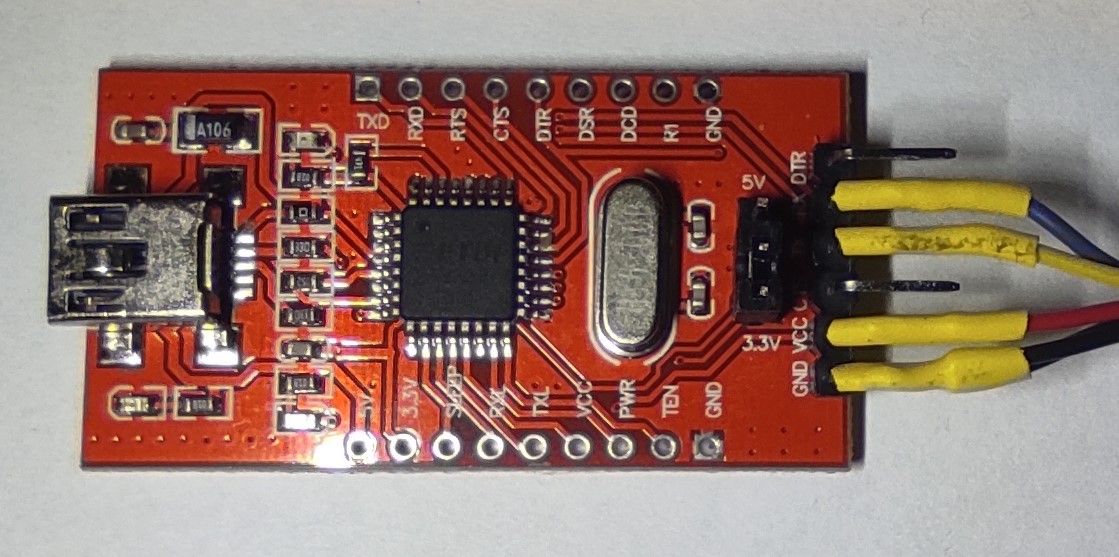
    The 3V3 from the USB->Serial converter can supply 50mA so this should be sufficient (I have flashed LSC smart sockets with this).
    In an attempt to "Isolate" the BK7231 I have removed the Schottky diode coming from the built-in power supply and the 470uF capacitor.

    Any help is welcome. It is a "Virgin device", I did not try an OTA flash (yet).
    Flashing LSC Smart GU10-RGB Bulb with OpenBK7231T: Overload Issue with USB->Serial Converter
    Flashing LSC Smart GU10-RGB Bulb with OpenBK7231T: Overload Issue with USB->Serial Converter Flashing LSC Smart GU10-RGB Bulb with OpenBK7231T: Overload Issue with USB->Serial Converter Flashing LSC Smart GU10-RGB Bulb with OpenBK7231T: Overload Issue with USB->Serial Converter Flashing LSC Smart GU10-RGB Bulb with OpenBK7231T: Overload Issue with USB->Serial Converter Flashing LSC Smart GU10-RGB Bulb with OpenBK7231T: Overload Issue with USB->Serial Converter
  • ADVERTISEMENT
  • #2 20307832
    p.kaczmarek2
    Moderator Smart Home
    Well, I can see you already have taken good steps towards fixing the issue (removing the capacitor and the diode), but it seems the problem still persists.
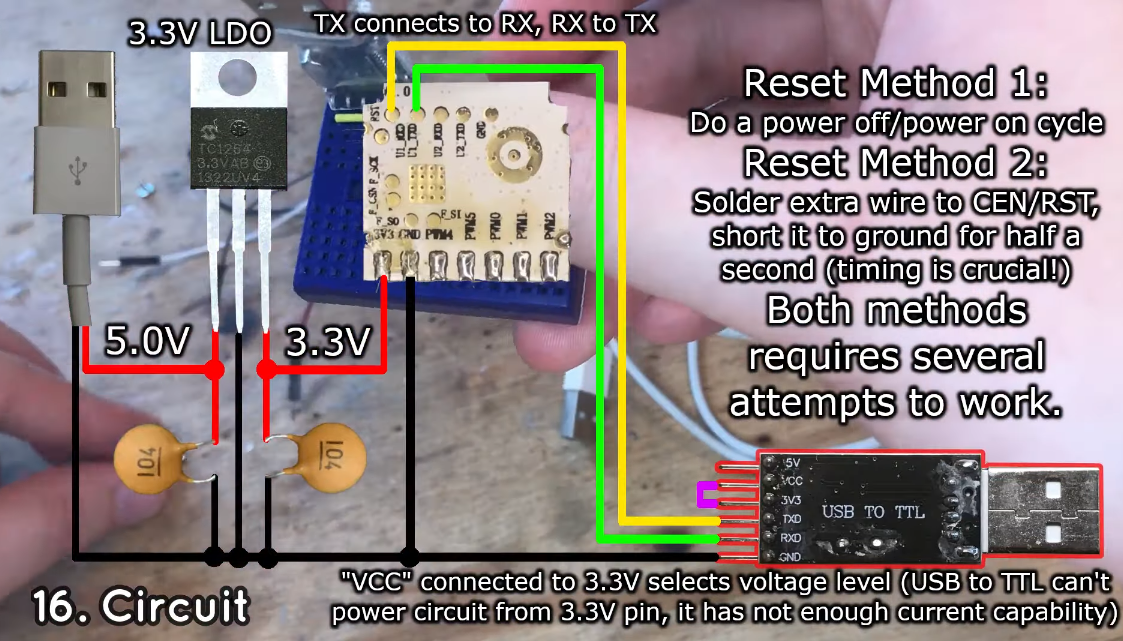
    This is why I always recommend using external reliable LDO.
    Take a look at my setup here:
    Flashing LSC Smart GU10-RGB Bulb with OpenBK7231T: Overload Issue with USB->Serial Converter
    NOTE: the circuit above assumes you have desoldered WiFi module, but it's basically the same if you just connect 3.3V LDO to the power on the board.
    Image source: https://www.youtube.com/watch?v=7MyfSgxLAOo&ab_channel=elektroda.pl

    The BK7231 at peak activity can take more than 50mA. I would never attempt to use such weak LDO. You must have lucked out with previous devices.

    Find any better 3.3V supply (maybe from Arduino? But it's a bit hacky) or just a 3.3V LDO, maybe AMS1117-3.3V (very cheap, can be also found on scrap boards) and try again.

    EDIT: Look, for example, this user also reports that he needed a better power supply: https://www.elektroda.com/rtvforum/topic3937358.html
    Helpful post? Buy me a coffee.
  • ADVERTISEMENT
  • #3 20355475
    alfakenzo
    Level 9  
    Hi, I got also some of that GU10 from Action. I got two different versions. Both with firmware 2.9.16 and both flashed with tuya-cloudcutter with the profil is added for this bulb. Also the configuration is the same with sm2135 on pin 24 SM2135DAT and 26 SM2135CLK.
    The difference is the barcode on the package and then the mapping in openbeken for the bulbs.
    Flashing LSC Smart GU10-RGB Bulb with OpenBK7231T: Overload Issue with USB->Serial Converter
    This is with SM2135_Map 1 2 0 4 3

    Flashing LSC Smart GU10-RGB Bulb with OpenBK7231T: Overload Issue with USB->Serial Converter

    and this is with SM2135_Map 1 0 2 4 3
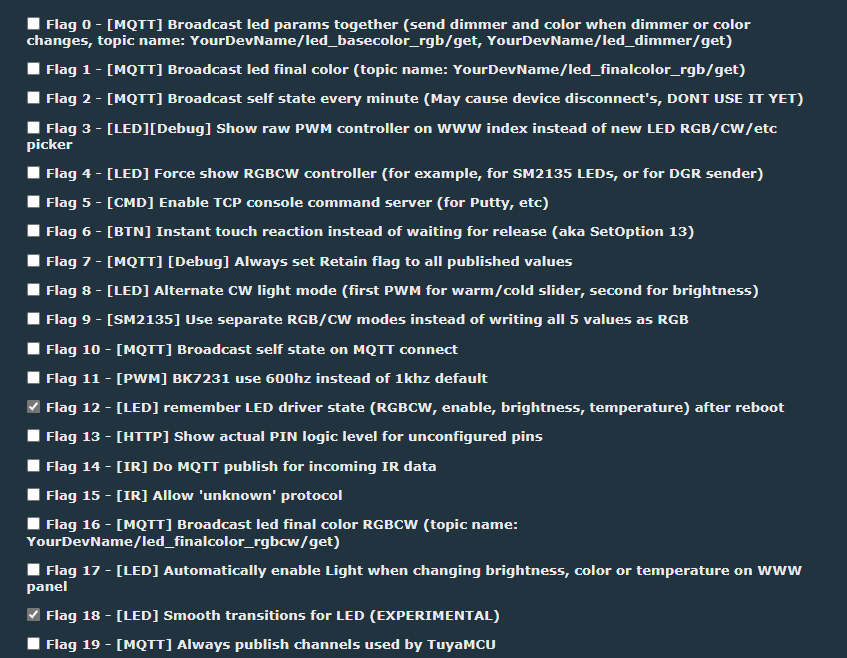
    Also added only flag 4 and 8.
    When I use flag 9 I can't toogle the light to off or on cause colour is always on.
    Hope this will help others with this GU10.
  • #4 20357004
    p.kaczmarek2
    Moderator Smart Home
    Thank you, I will add this config to templates database. By the way, here is a flag list, because most of the people don't remember what is what:
    Flashing LSC Smart GU10-RGB Bulb with OpenBK7231T: Overload Issue with USB->Serial Converter
    So you're saying you're using flag 8? Are you sure that it matters for this device? I think that it will also work without flag 8.
    Helpful post? Buy me a coffee.
  • #5 20359158
    alfakenzo
    Level 9  
    I cheked it, and no matter with flag 8.
  • ADVERTISEMENT
  • #6 20372474
    alfakenzo
    Level 9  
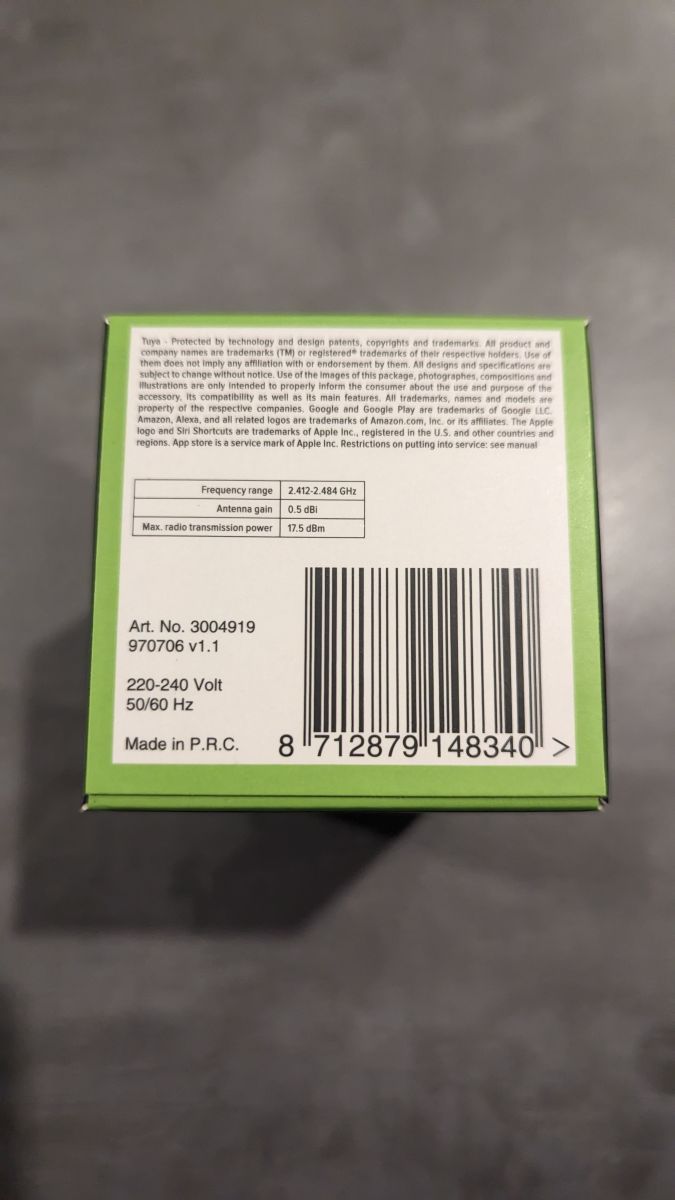
    There is a new version at Action Stores Version 1.1 with firmware 2.9.6. I dumped it and added it to tuyacloudcutter Profile to flash OTA.
    Flashing LSC Smart GU10-RGB Bulb with OpenBK7231T: Overload Issue with USB->Serial Converter

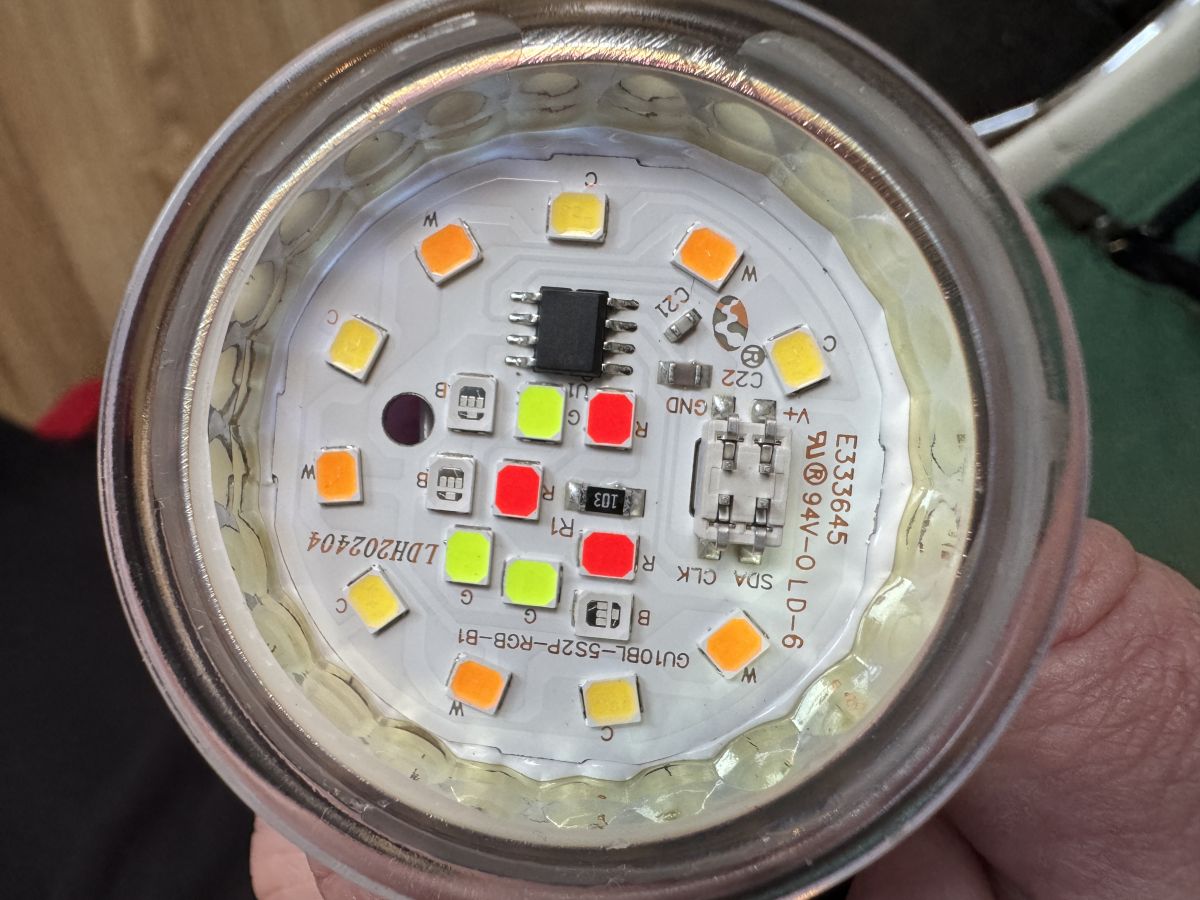
    There are 5 PWM.
    Pin 7 = channel 5 is warm white,
    Pin 8 = channel 1 is red,
    Pin 9 = channel 2 is green,
    Pin 24 = channel 3 is blue
    Pin 26 = channel 4 and cold white.
    Like I wrote before seems to be a new version.
  • #7 20372666
    p.kaczmarek2
    Moderator Smart Home
    alfakenzo wrote:
    There is a new version at Action Stores Version 1.1
    Flashing LSC Smart GU10-RGB Bulb with OpenBK7231T: Overload Issue with USB->Serial Converter

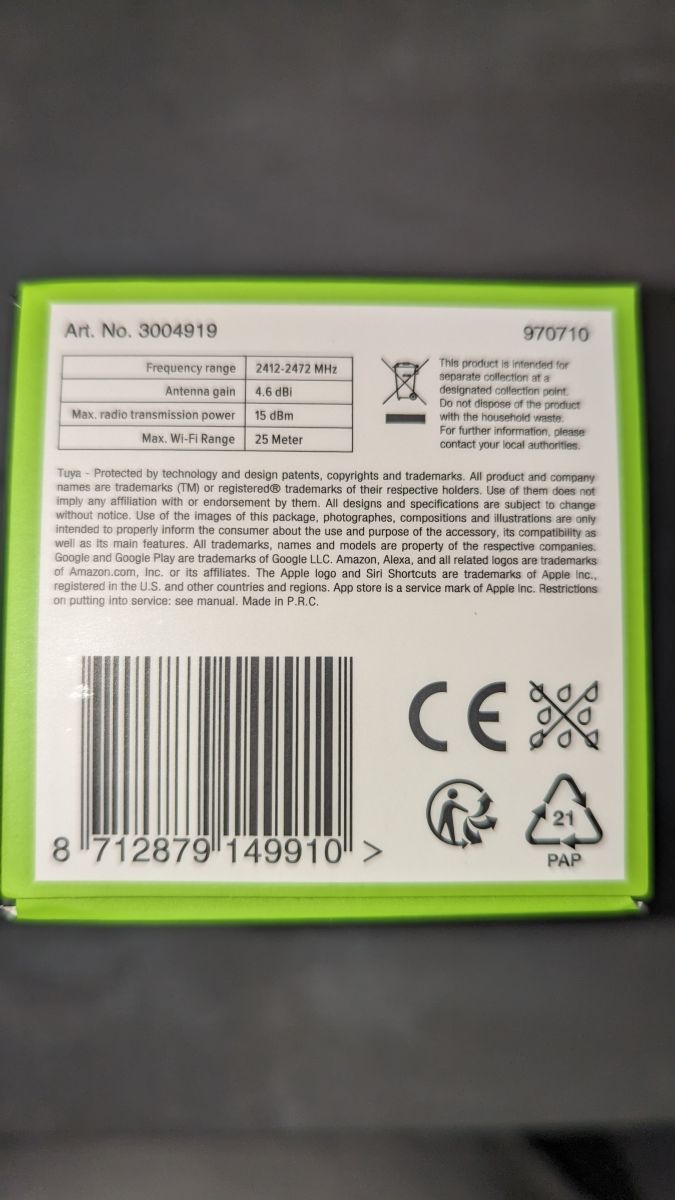
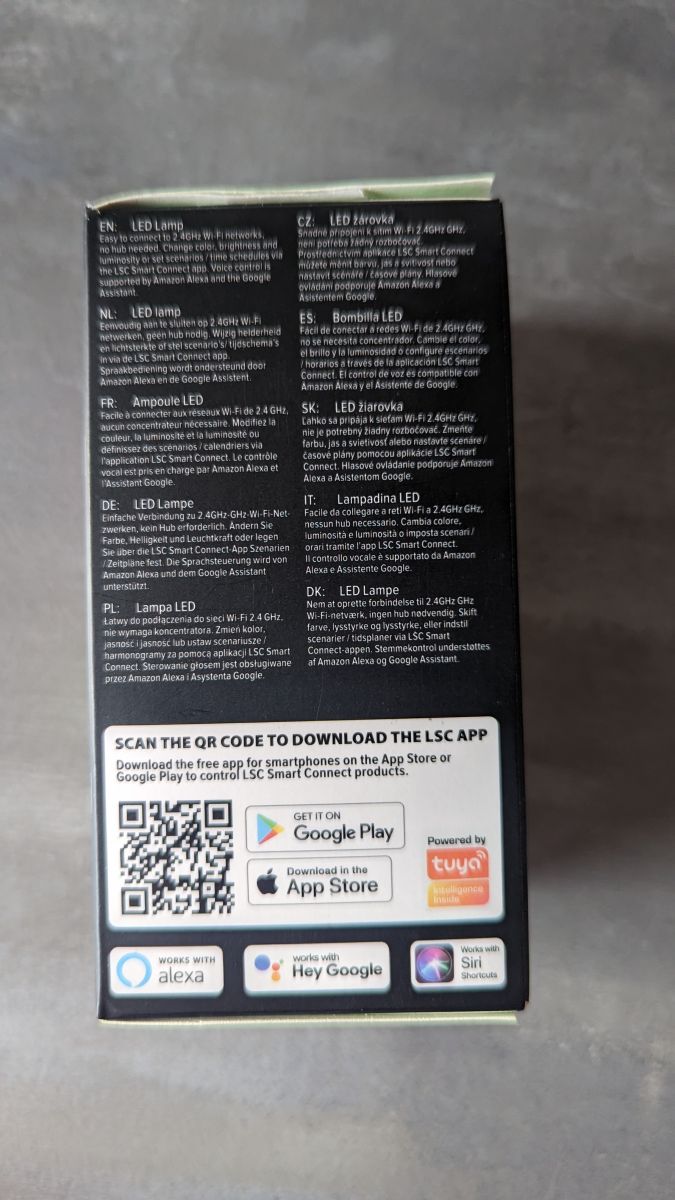
    Is it a Gu10 version as well? Can you show more photos of the packaging?
    Helpful post? Buy me a coffee.
  • #8 20372731
    alfakenzo
    Level 9  
    Here are some more of them.

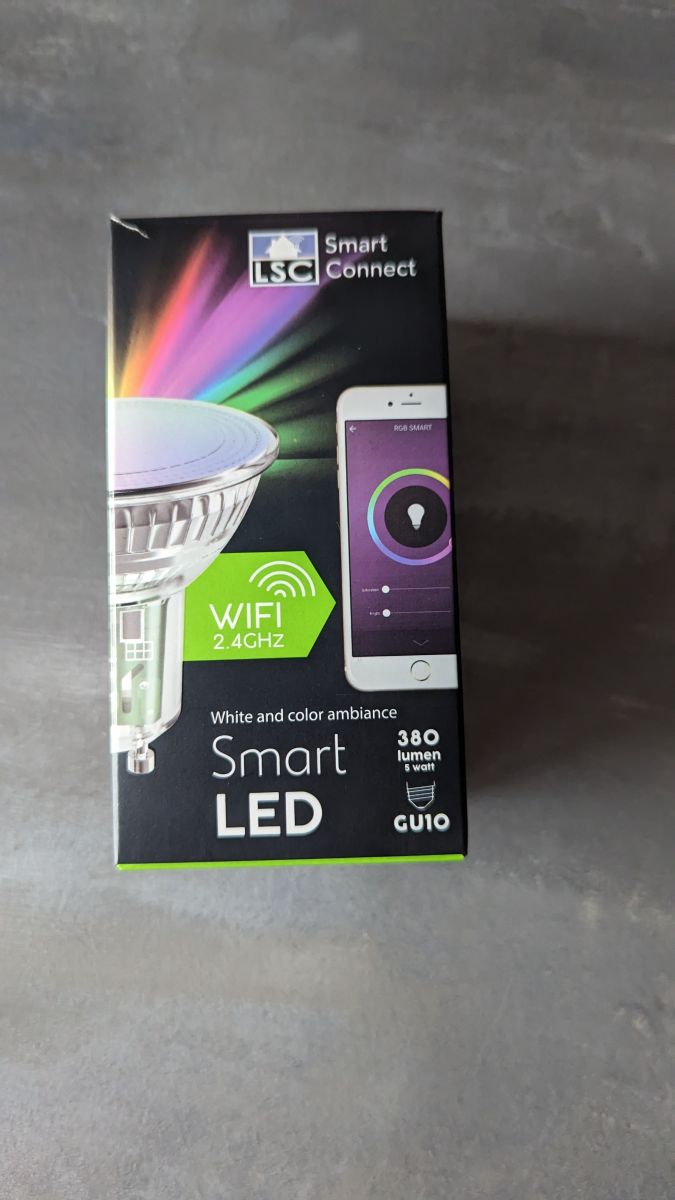
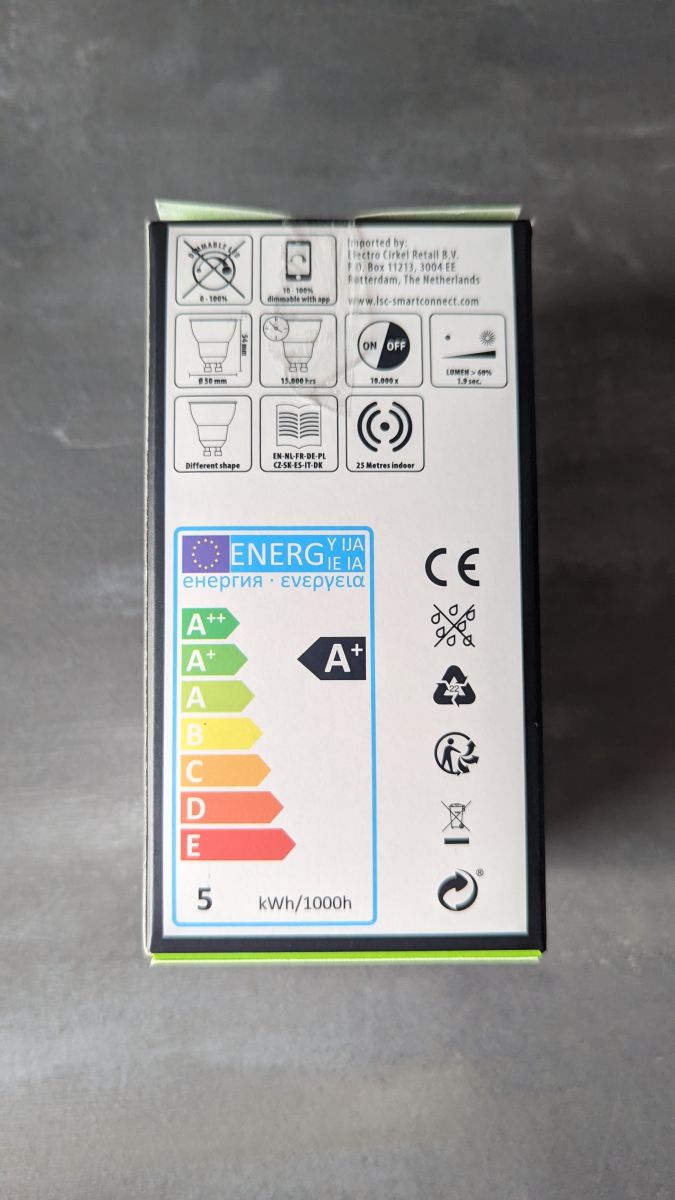
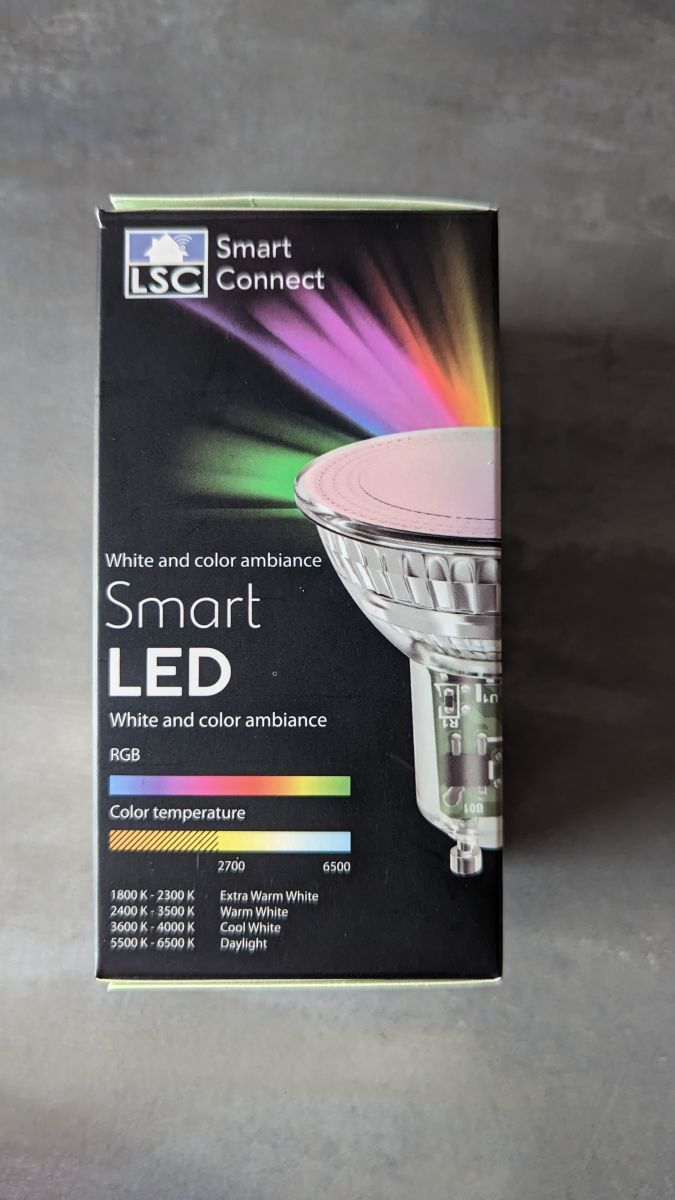
    Flashing LSC Smart GU10-RGB Bulb with OpenBK7231T: Overload Issue with USB->Serial Converter Flashing LSC Smart GU10-RGB Bulb with OpenBK7231T: Overload Issue with USB->Serial Converter Flashing LSC Smart GU10-RGB Bulb with OpenBK7231T: Overload Issue with USB->Serial Converter Flashing LSC Smart GU10-RGB Bulb with OpenBK7231T: Overload Issue with USB->Serial Converter
  • Helpful post
    #9 20460367
    jrhenk
    Level 10  
    Hi everyone,
    Just wanted to confirm a working config for this bulb and use this chance for a BIG BIG THANKS for this project. Before I was just jealousy looking at the huge selection of the much cheaper tuya devices that I couldn't flash with tasmota... now after a steep learning curve flashing over the air works even faster and much more convenient than with tasmota - just awesome!

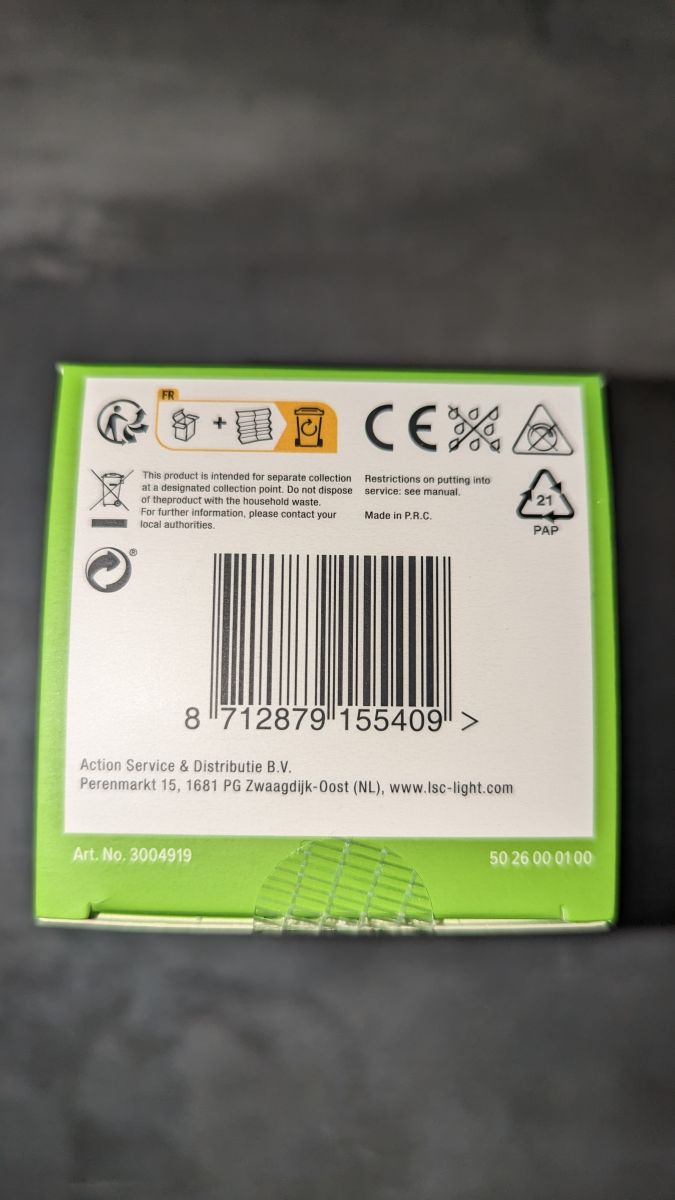
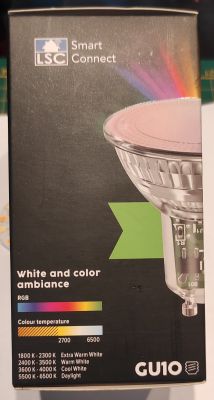
    Bought above GU10 bulb today at Action and the package has the barcode ending on 409 (as on the picture above)
    My config:
    - Flags: 4, 8, 10, 12, 16
    - Startup: all channels -1 (together with flag 12 this makes the bulb power up in the last state)
    - Startup command text: SM2135_Map 1 2 0 4 3
    - Module config: P24 - SM2135DAT, P26 - SM2135CLK

    During setup I encountered an issue (guess due to sloppiness) that I wanted to share in case someone runs into the same:
    No matter what device map I configured both sliders (tone and brightness) did pretty random things, moving them a bit could change the color or brightness or tone on the same slider and the rgb picker did nothing at all :) Eventually I found out that at some point I used SM2235 everywhere instead of SM2135... small but significant difference.
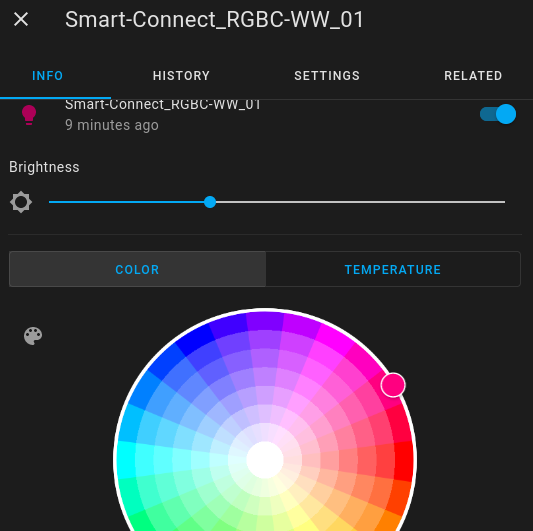
    After sorting that out the bulb is now happily integrated and works great!

    Flashing LSC Smart GU10-RGB Bulb with OpenBK7231T: Overload Issue with USB->Serial Converter .
  • Helpful post
    #10 21348799
    snakesrules94
    Level 8  
    Hi there, got two of these bulbs in my drawer as spares and I had to use it yesterday.
    The reference is now 3004919.1 on the package, FW 2.9.29 on BK7231T.

    I convert using TCC and the main difference is that this bulb is using now SM2235 instead of SM2135.
    I'm using this conf and everything is working fine :

     "pins": {
        "24": "SM2235DAT;0",
        "26": "SM2235CLK;0"
      },
      "command": "SM2235_Map 0 1 2 3 4",


    edit : I'm also using flags 4 & 8.

    For your info, Action FR is now selling those bulbs by pack of 3 for 12€, I bought one yesterday, REF 3208076 but unfortunately, it seems to be an BK7231N on FW 1.5.32, known as a patched one so no big chance with those bulbs. I will use them on local tuya.
  • ADVERTISEMENT
  • #11 21350466
    tech1977
    Level 8  
    snakesrules94 wrote:
    For your info, Action FR is now selling those bulbs by pack of 3 for 12€, I bought one yesterday, REF 3208076 but unfortunately, it seems to be an BK7231N on FW 1.5.32, known as a patched one so no big chance with those bulbs. I will use them on local tuya.


    Hi, Yesterday I bought two in Action IT and unfortunately there is firmware 1.5.32 ;
    I'm desperately looking for GU10 bulbs to use with DDP RGBW protocol
  • #12 21350542
    p.kaczmarek2
    Moderator Smart Home
    more and more devices are patched, maybe we should focus on figuring out the way to flash LEDs via UART without damaging them...
    Helpful post? Buy me a coffee.
  • #13 21350675
    tech1977
    Level 8  
    >>21350542
    Unfortunately I'm not very familiar with opening light bulbs and I would like to take a lot of them for the whole house
  • #14 21350762
    p.kaczmarek2
    Moderator Smart Home
    You could try checking another, maybe smaller, Action shop. They still may have older batch.
    Helpful post? Buy me a coffee.
  • #15 21359868
    snakesrules94
    Level 8  
    tech1977 wrote:
    snakesrules94 wrote:
    For your info, Action FR is now selling those bulbs by pack of 3 for 12€, I bought one yesterday, REF 3208076 but unfortunately, it seems to be an BK7231N on FW 1.5.32, known as a patched one so no big chance with those bulbs. I will use them on local tuya.


    Hi, Yesterday I bought two in Action IT and unfortunately there is firmware 1.5.32 ;
    I'm desperately looking for GU10 bulbs to use with DDP RGBW protocol


    Hello, also in Action France, they are now selling revision 3004919.2 version of the GU10 bulb with 1.5.32 FW. I guess the only chance to use it is with Tuya / Local Tuya. The implementation is not as free as you could have with OBK FW but it works.
  • #16 21360139
    tech1977
    Level 8  
    >>21359868
    Hi, unfortunately I want to use GU10 with DDP protocol so I need OBK or WLED firmware.
    I'm looking for more GU10 bulbs
  • #17 21360299
    jeroenvtec
    Level 6  
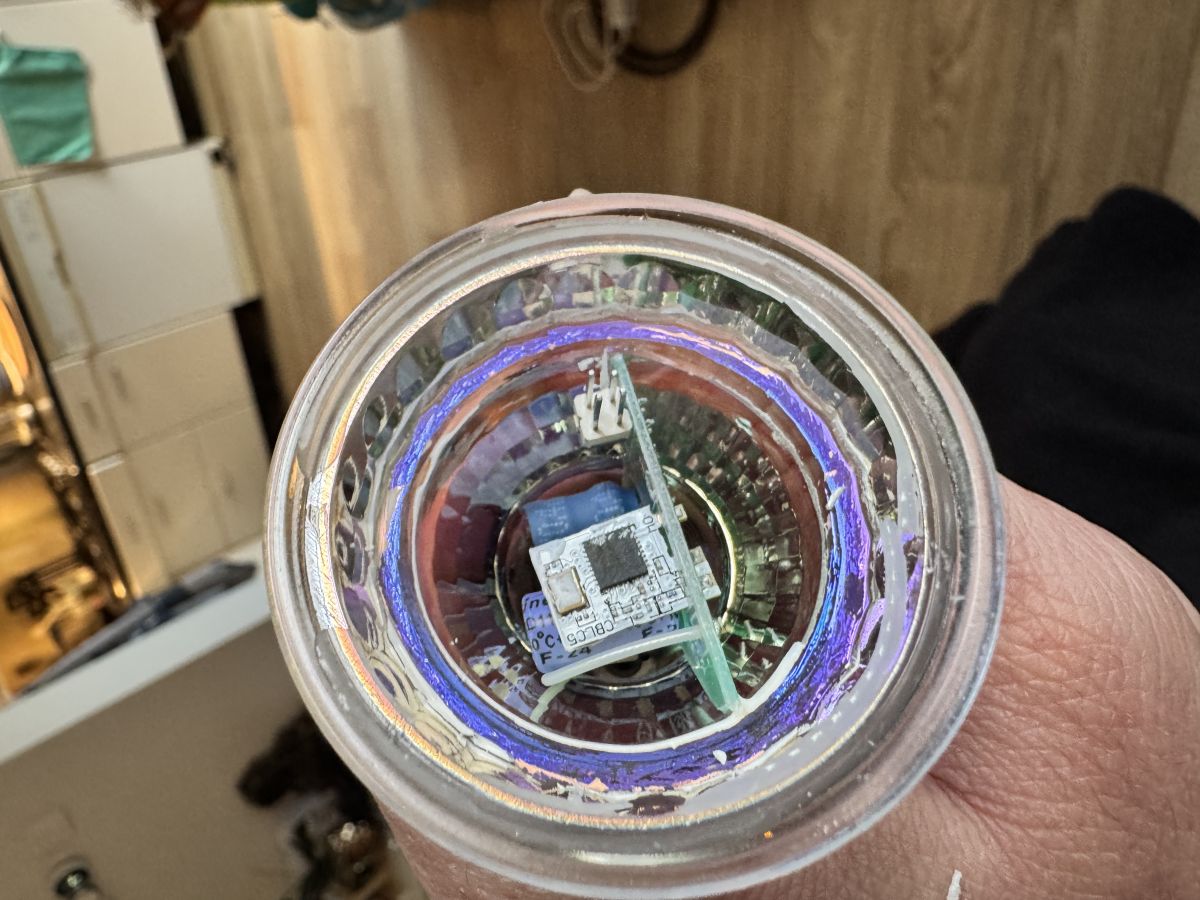
    I have bought also recently 2x3 gu10 leds (pack), hard to open* and different then here, no flash points found yet. 4 have firmware 1.5.32 and two 2.9.6 the last two has less dim and more brightness than 1.5.32. In tuya cloud they have different icons as well, 4 has the e27 and 2 have the glass gu10 version displayed.

    *can't get whole chip out due to the 230v connection.

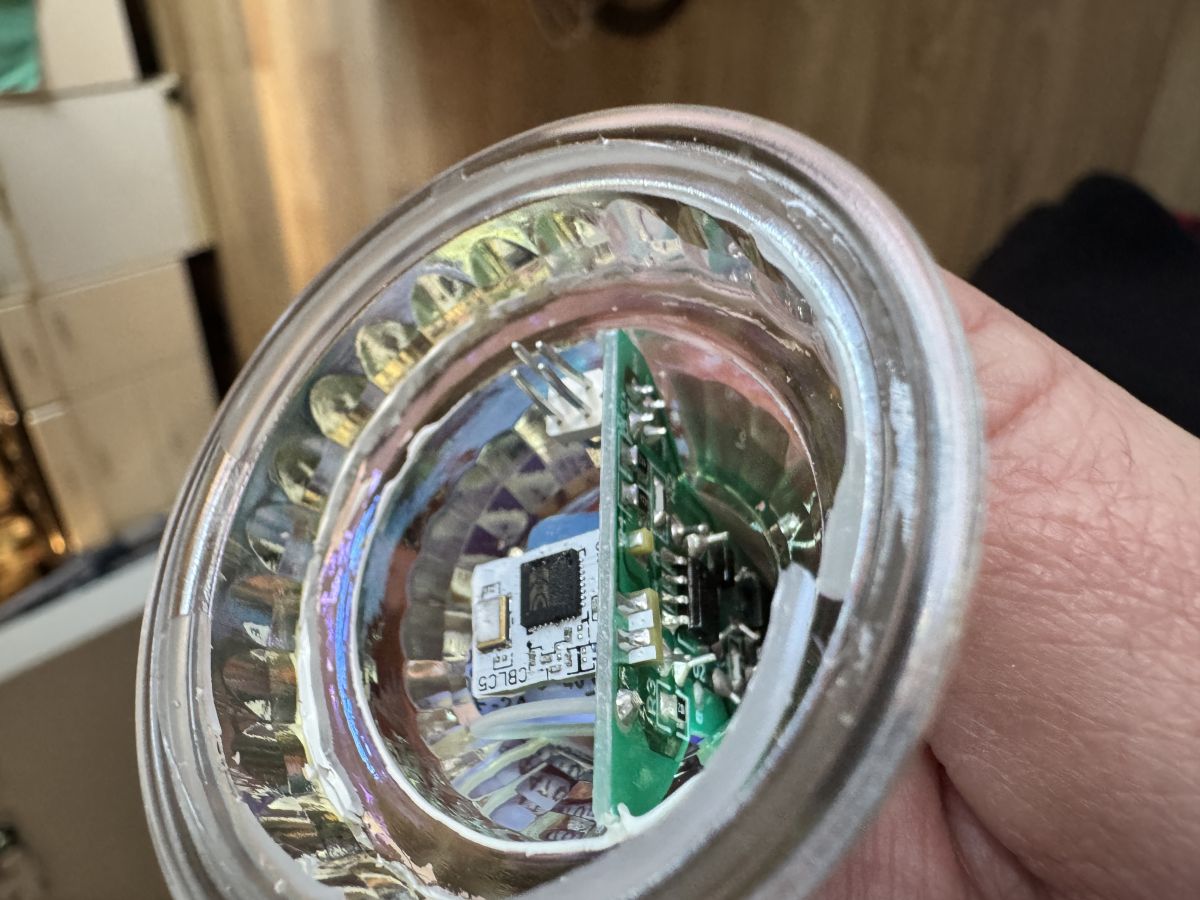
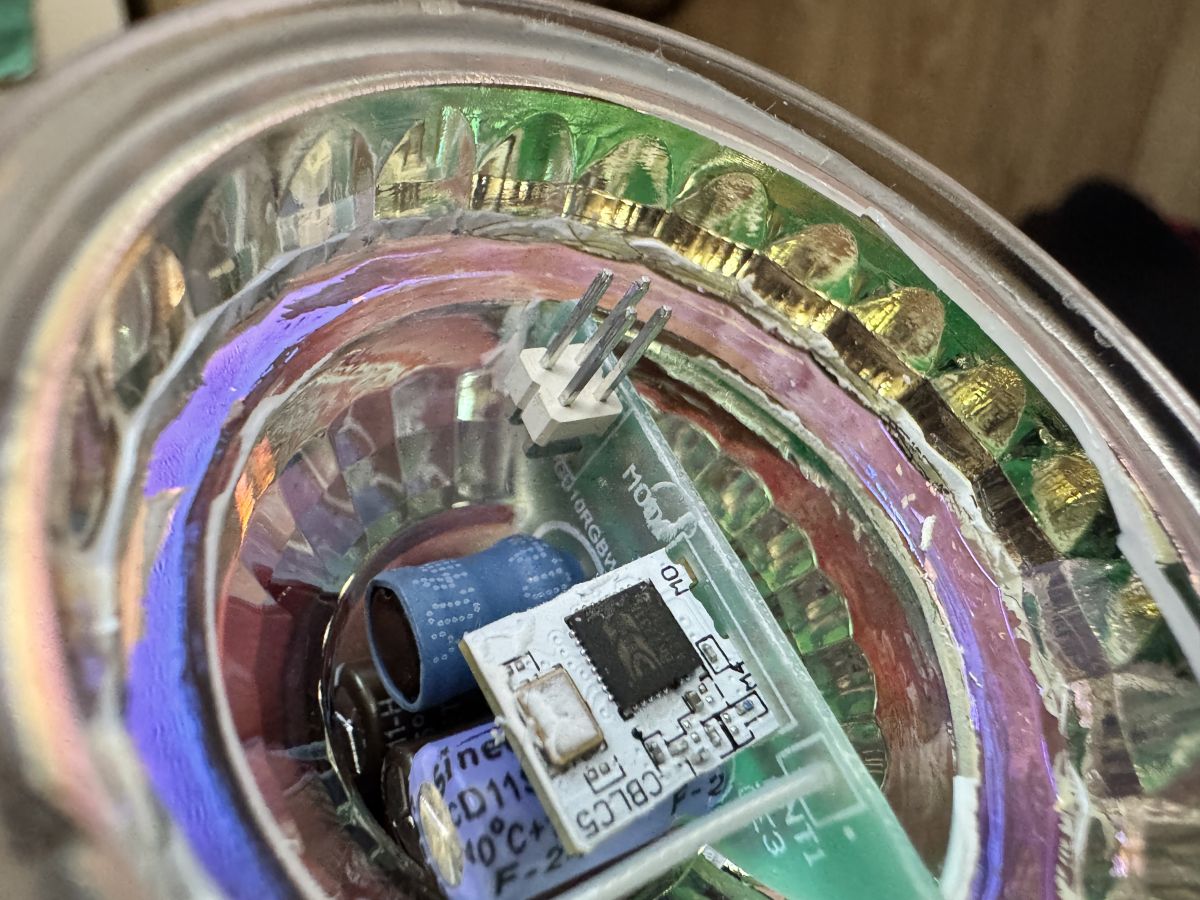
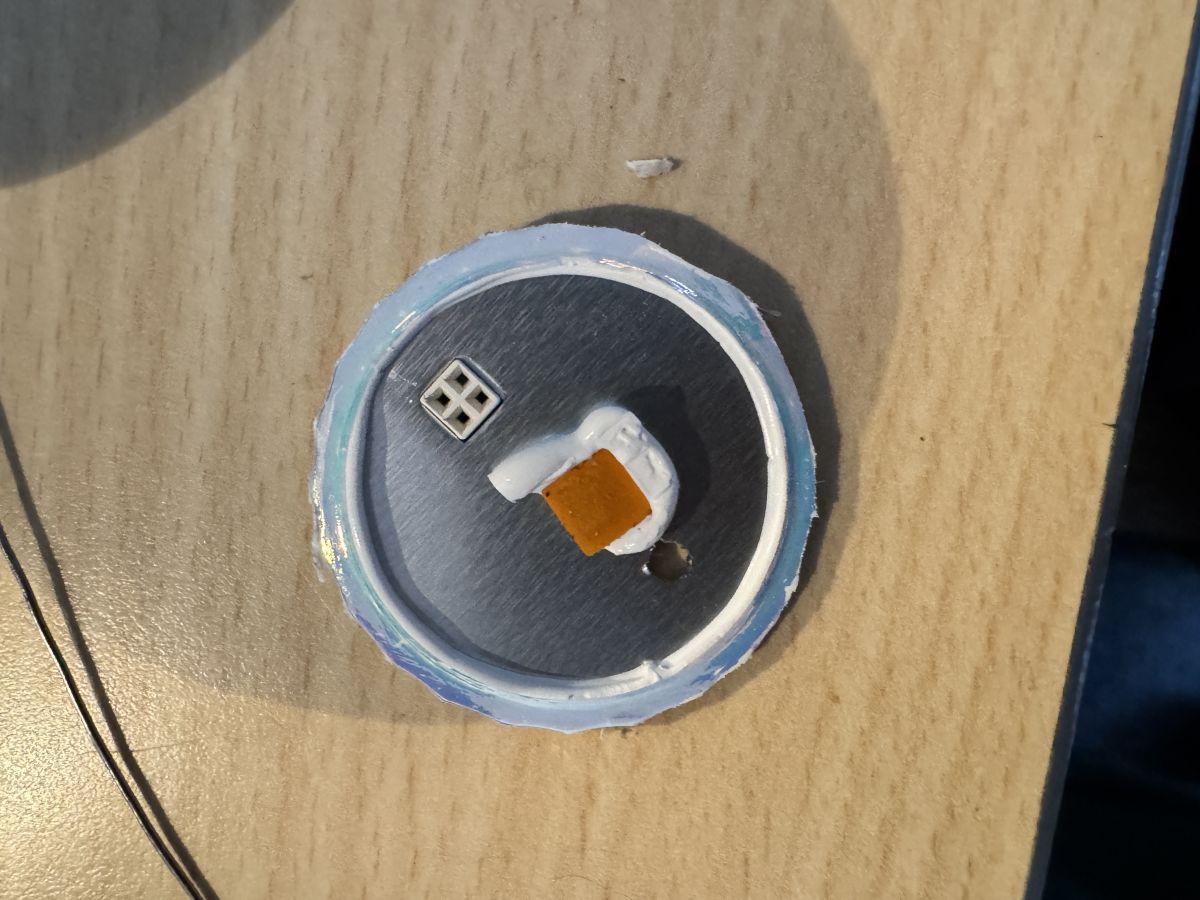
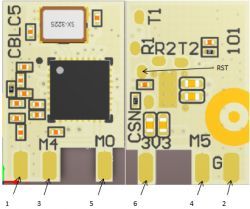
    Close-up of the interior of an LED bulb with colorful diodes and an integrated circuit. Top view of the inside of a GU10 diode with a visible electronic chip in the center. Interior of a GU10 LED showing electronic components. Close-up of the interior of a GU10 LED bulb with visible electronics. Close-up of an LED component on a wooden surface.
  • #18 21525803
    Mati Crawn
    Level 9  
    I’ve got the same issue, there is WIFI module type - CBLC5 (BK7231N) mounted, with programming pads on the rear part.


    The connection point and module type is described in topic
    https://www.elektroda.com/rtvforum/topic3951016.html

    The first try was unsuccessful - the TX1/RX1 was quite fragile and has been torn off by the wire after soldering.
    [url=https://obrazki.elektroda.pl/9062130600_1745185030.jpg]A section of a printed circuit board (PCB) with visible electronic components, labels, and connection pads.

    Trying also with my favourite "spider" tool ..

    Inside view of an LED reflector showing electronics and mounting components.

    Tomorrow second bulb ...Second try..
  • #19 21714346
    fantasyreader97
    Level 1  
    Mati Crawn wrote:
    Tomorrow second bulb ...Second try..

    Hi, did you have any luck with the second bulb? I am also considering to grab a few of those

Topic summary

✨ The discussion addresses flashing the LSC Smart GU10-RGB bulb equipped with a BK7231T chip using OpenBK7231T firmware. The main issue is power supply overload when connecting the bulb's PCB GND and 3.3V points directly to a USB-to-serial converter's 3.3V line, which supplies only 50mA, causing the converter to hiccup due to insufficient current. Removing the onboard Schottky diode and 470µF capacitor did not resolve the problem. Recommendations include using a more robust external 3.3V LDO regulator (e.g., AMS1117-3.3V) to provide stable power, as the BK7231T can draw more than 50mA at peak. Various firmware versions and configurations for the GU10 bulb were shared, including SM2135 and SM2235 LED driver IC mappings and flag settings for OpenBK7231T. Newer bulb revisions with firmware 1.5.32 and BK7231N chips are noted as patched, limiting flashing options to Tuya or Local Tuya solutions rather than OpenBK7231T or WLED. Physical challenges in disassembling bulbs and accessing programming pads were also discussed, with some users reporting fragile TX/RX pads. Overall, stable external power supply and correct firmware configuration are critical for successful flashing and operation of these bulbs.
Generated by the language model.

FAQ

TL;DR: BK7231 can draw >50 mA at peak, so weak 3.3 V rails brown out; "I would never attempt to use such weak LDO." Use an external 3.3 V LDO, apply the correct SM2135/SM2235 mapping per revision, and avoid patched 1.5.32 unless using UART. [Elektroda, p.kaczmarek2, post #20307832]

Why it matters: This FAQ helps DIYers reliably flash LSC Smart GU10-RGB bulbs with OpenBeken by fixing power issues, choosing the right mappings, and deciding between OTA and UART.

Quick Facts

Why does my USB-to-serial adapter hiccup or cycle when powering the LSC GU10 at 3.3 V?

The BK7231 draws current bursts above 50 mA. Many USB‑serial adapters can only source about 50 mA on 3.3 V. That underpowers the module, causing brownouts and USB resets. Use a dedicated, stable 3.3 V LDO to power the board during flashing and testing. Connect the LDO to the module’s 3V3 and GND points, not the mains supply. This eliminates hiccups and unstable boot cycles during UART sessions. [Elektroda, p.kaczmarek2, post #20307832]

What 3.3 V power supply should I use to flash reliably?

Use an external 3.3 V LDO with good headroom, such as an AMS1117‑3.3 module. Avoid using the 3V3 pin from USB‑serial adapters as the primary supply. An Arduino 3.3 V rail can work, but it is a hacky workaround. As one expert put it, "I would never attempt to use such weak LDO." A proper LDO greatly improves stability during flashing and initial configuration. [Elektroda, p.kaczmarek2, post #20307832]

Can I flash these bulbs OTA with Tuya Cloudcutter? Which firmware works?

Yes, certain batches flash OTA with Tuya Cloudcutter. Users confirmed success on firmware 2.9.16 when using the added device profile. After OTA, configure the LED driver mapping as needed for your hardware. If your bulb has different internals, verify the driver chip and mapping before applying templates. Newer patched firmware may block OTA entirely. [Elektroda, alfakenzo, post #20355475]

How do I wire UART safely to the BK7231 module?

Follow this quick 3‑step:
  1. Disconnect mains and expose the PCB so you can reach 3V3, GND, TX, and RX.
  2. Power the module from an external 3.3 V LDO. Tie grounds between the LDO and USB‑serial.
  3. Connect RX↔TX, TX↔RX, and GND. Then flash OpenBeken using UART. A stable LDO supply prevents hiccups and connection drops during transfer. [Elektroda, p.kaczmarek2, post #20307832]

What is the correct SM2135 pin mapping and flags for LSC GU10?

A confirmed working setup uses P24=SM2135DAT and P26=SM2135CLK. Apply the command SM2135_Map 1 2 0 4 3. Flags tested: 4, 8, 10, 12, and 16. Set Startup: all channels -1. With flag 12, the bulb powers up in the last state. This combination integrates well and produces predictable sliders and color control. Always verify your hardware revision before copying a template. [Elektroda, jrhenk, post #20460367]

My sliders act randomly and the RGB picker does nothing. What did I misconfigure?

You likely selected the wrong LED driver type. One user had SM2135 hardware but configured SM2235, which broke sliders and color selection. Switch to SM2135 and apply the correct map. The issue vanished immediately. As they noted, it was a "small but significant difference." Hardware detection and driver selection matter for consistent control. [Elektroda, jrhenk, post #20460367]

Do I need flag 8 on this bulb?

No. Testing showed the bulb works the same with or without flag 8. If you have a stable configuration, you can leave flag 8 cleared. Focus on the mapping and the essential flags for your preferred behavior, such as last-state restore. [Elektroda, alfakenzo, post #20359158]

Why can’t I turn the bulb off when flag 9 is enabled?

On this model, enabling flag 9 made the color channel stay always on. That prevents proper off control. Clear flag 9 and retest. Keep flags minimal and add only those confirmed to help your exact configuration. This avoids mode conflicts that block toggling. [Elektroda, alfakenzo, post #20355475]

How do I configure the new 1.1 hardware that uses five PWM channels?

Map pins directly to PWM channels as reported: Pin 7 = WW (channel 5), Pin 8 = R (channel 1), Pin 9 = G (channel 2), Pin 24 = B (channel 3), and Pin 26 = CW (channel 4). This version behaves differently from SM2135/2235 designs. Configure PWM roles accordingly in OpenBeken and verify color temperature control. [Elektroda, alfakenzo, post #20372474]

What changed in revision 3004919.1 (FW 2.9.29)?

That revision swapped to SM2235. A working config uses P24=SM2235DAT and P26=SM2235CLK. Apply SM2235_Map 0 1 2 3 4. Users reported success with flags 4 and 8. Confirm the driver chip on your board before loading templates, as mappings differ from SM2135 units. [Elektroda, snakesrules94, post #21348799]

Are the latest Action GU10 bulbs patched against OTA, and what are my options?

Yes, newer batches like 3004919.2 ship with BK7231N firmware 1.5.32, which blocks Tuya Cloudcutter. Your options are Local Tuya integration or a UART flash if you can open the bulb. Factor this into purchases and stock checks before planning a deploy. [Elektroda, snakesrules94, post #21359868]

Any tips for UART on CBLC5 (BK7231N) modules in these bulbs?

CBLC5 modules expose programming pads on the rear. TX1/RX1 pads are fragile and can tear off with stressed wires. Use a pogo‑pin “spider” or light‑gauge wires with strain relief. Work slowly and verify continuity before powering. If pads lift, the module may be unrecoverable. [Elektroda, Mati Crawn, post #21525803]

Can I still find OTA‑flashable stock?

Try smaller or less busy Action stores. Older batches may still be on shelves. Check packaging revisions and barcodes before buying. This improves your chances of finding 2.9.x units that accept Tuya Cloudcutter and standard SM2135 mappings. [Elektroda, p.kaczmarek2, post #21350762]

How do I identify a likely OTA‑friendly unit from the packaging?

One confirmed case used a package with barcode ending in 409. That bulb flashed OTA and worked with SM2135 mapping and specific flags. Match your device profile in Tuya Cloudcutter, then apply the reported OpenBeken template. Hardware can vary, so verify after flashing. [Elektroda, jrhenk, post #20460367]

What’s the typical cost now, and what trade‑offs should I expect?

Action France sold a 3‑pack for 12 €. However, some packs (REF 3208076) contained BK7231N units with FW 1.5.32, blocking OTA. Budget for UART flashing tools or plan Local Tuya if you get patched stock. If you need custom firmware features, hunt older BK7231T batches. [Elektroda, snakesrules94, post #21348799]
Generated by the language model.
ADVERTISEMENT