logo elektroda
logo elektroda
X
logo elektroda

[CB3S/BK7231N] Double black light switch TS02-EU-B2 - cloud cut-off

p.kaczmarek2 2007 0

TL;DR

  • Teardown of the TS02-EU-B2 black double EU wall switch, with a comparison against the earlier TS02-EU-W3 triple white version.
  • The Wi‑Fi module stays unchanged, but the PCB and button controller differ slightly: one button is missing, the controller has two extra pins, and silkscreen numbers changed.
  • Tuya reports Button P10, WiFi LED P23, Relay P24, Button P8, and Relay P14; the module is CB3S with BK7231N.
  • Flashing uses the same CB3S/OpenBK path as the triple version, and the extracted OBK template matches it exactly.
  • The black double version cost a few zlotys more than the white triple version, even though the hardware differences are minor.
Generated by the language model.
ADVERTISEMENT
Treść została przetłumaczona polish » english Zobacz oryginalną wersję tematu
📢 Listen (AI):
  • PCB of the TS02-EU-B2 dual black light switch with visible CB3S module.
    I recently described the triple white light switch TS02-EU-W3 , now it`s time for its brother model, the black, double version. In addition to the process of changing the charge so that it works 100% locally, I will compare its interior with the previously discussed version.

    We start with the purchase, but also with the price - surprisingly, the double black version was a few zlotys more expensive than the triple white version. Does this mean that we pay extra for the color itself?
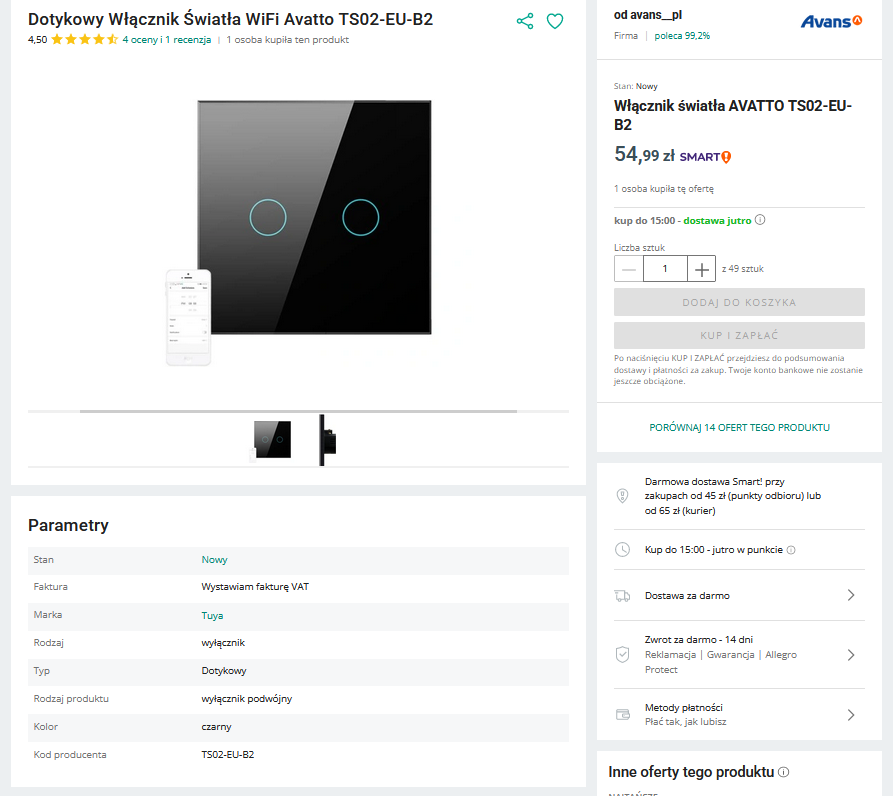
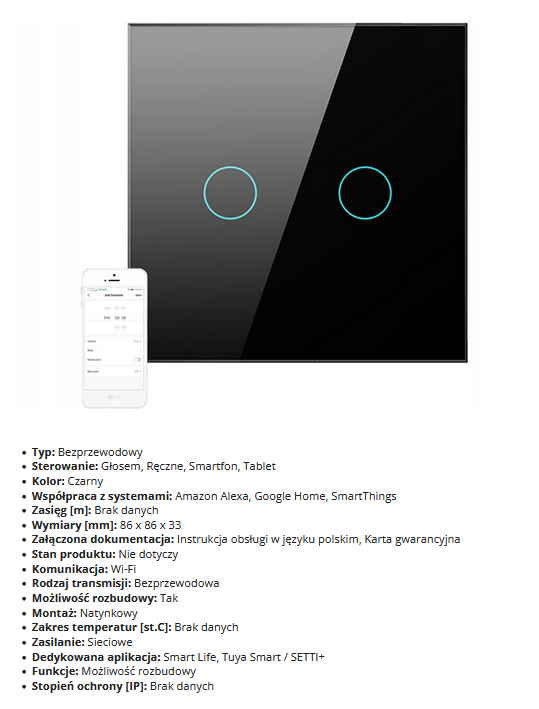
    Dual black WiFi light switch Avatto TS02-EU-B2 with product details.
    Product description - standard, but our goal is to change the firmware, so it does not concern us. This SETTI+ application is interesting, I haven`t tested it yet, but it`s probably another clone of the Tuya application.
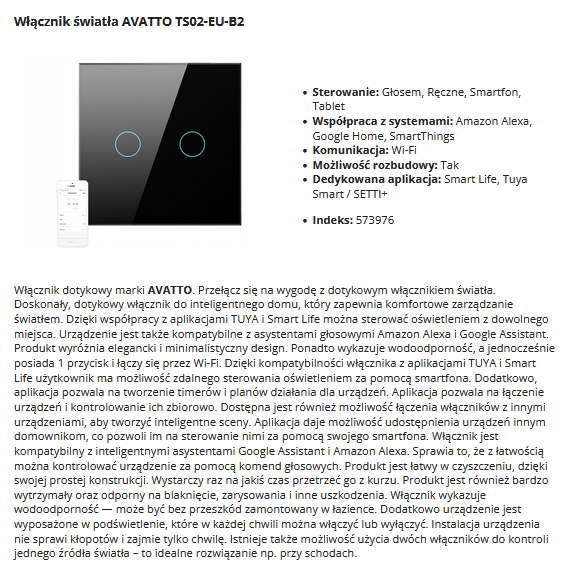
    Black touch light switch AVATTO TS02-EU-B2 with two circular buttons and a smartphone beside it.
    Parameters:
    Black double light switch with a mobile app.
    Packaging:
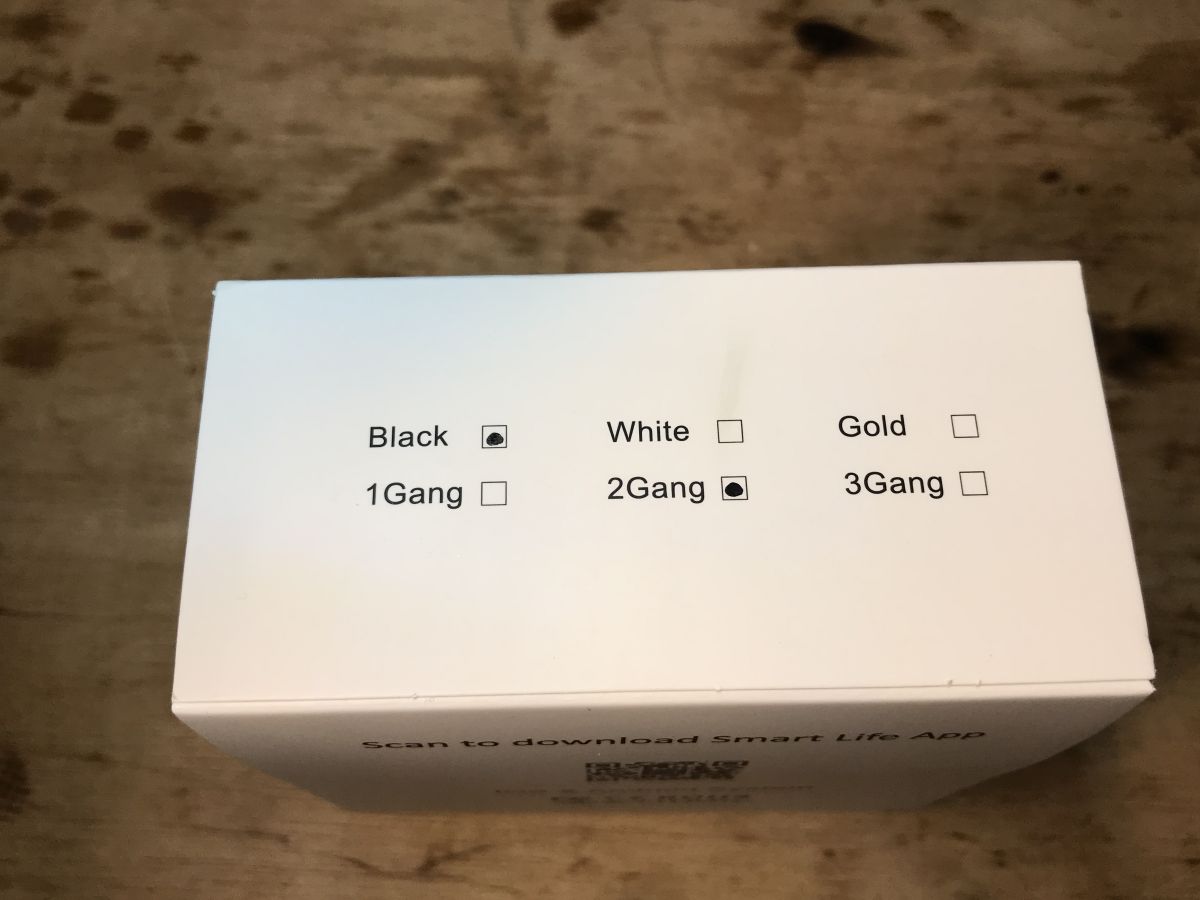
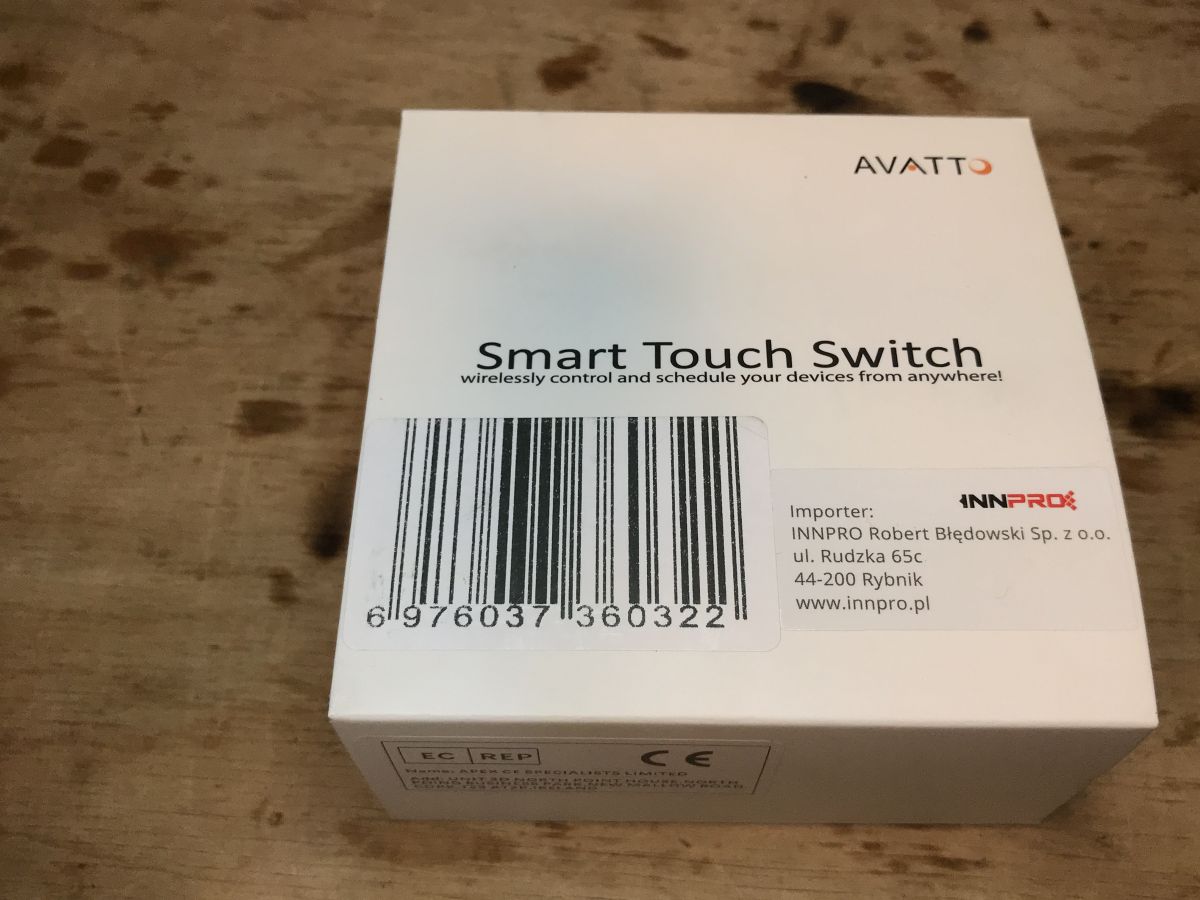
    Top part of the TS02-EU-B2 light switch packaging, indicating color variant and the number of buttons. White box of the Smart Touch Switch by AVATTO on a wooden surface.
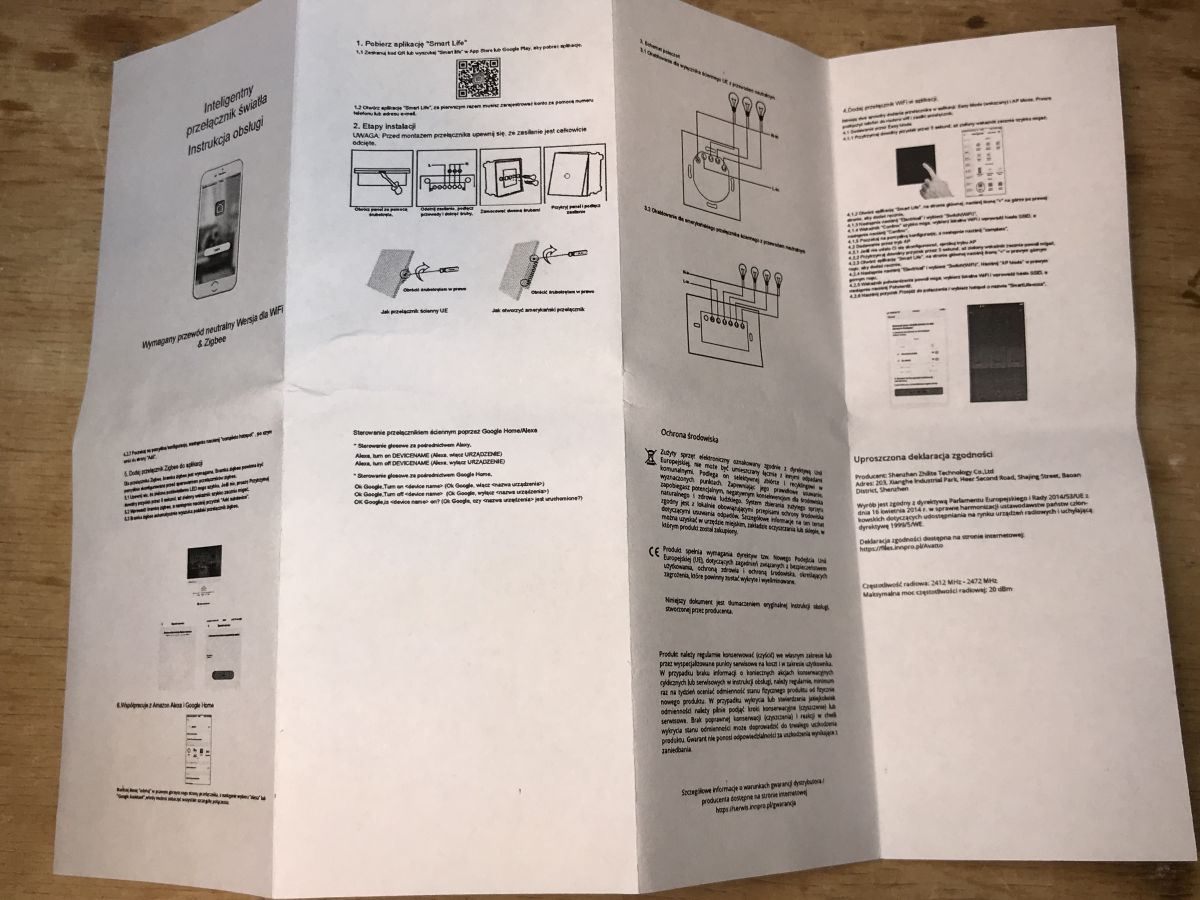
    Instructions, this time in Polish:
    User manual for a smart light switch in Polish.
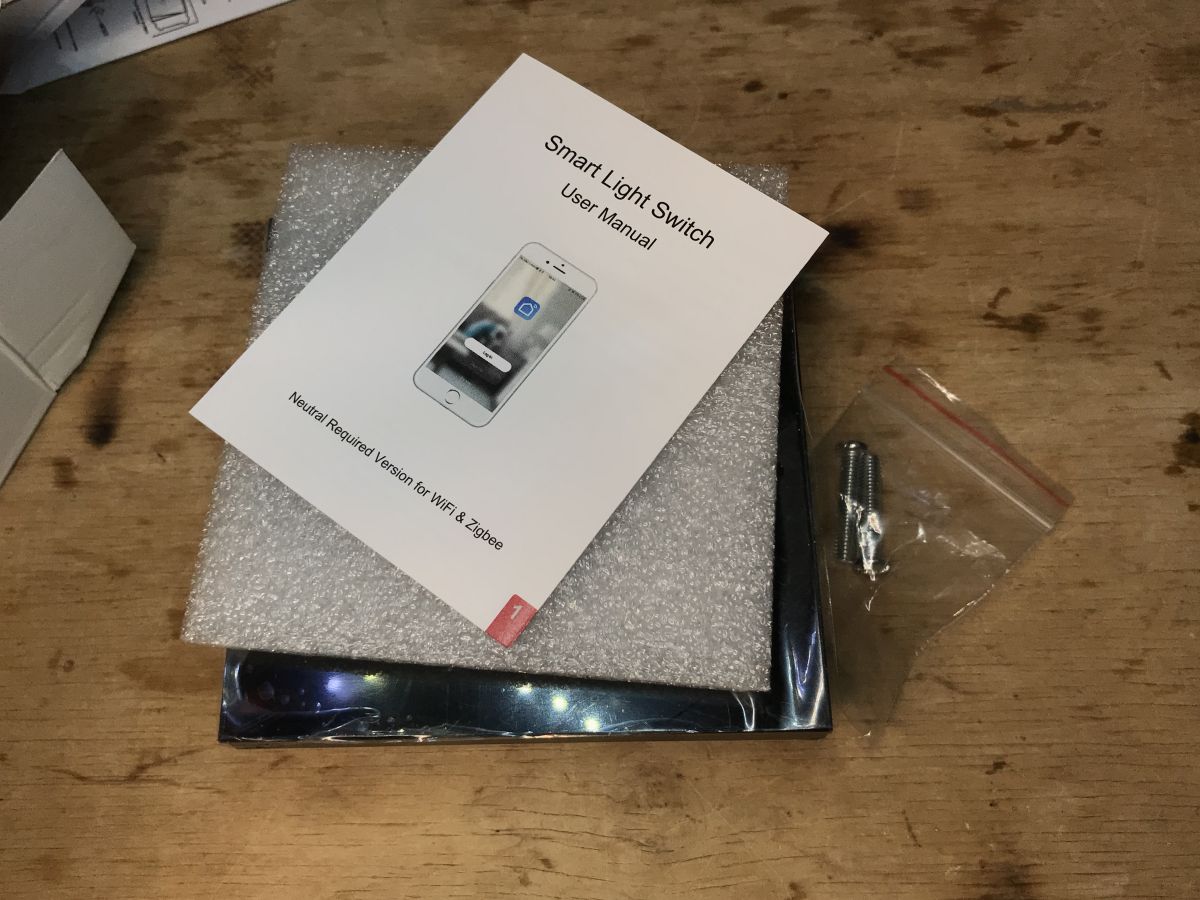
    The set includes mounting screws:
    Instruction manual and accessories for a black dual light switch.
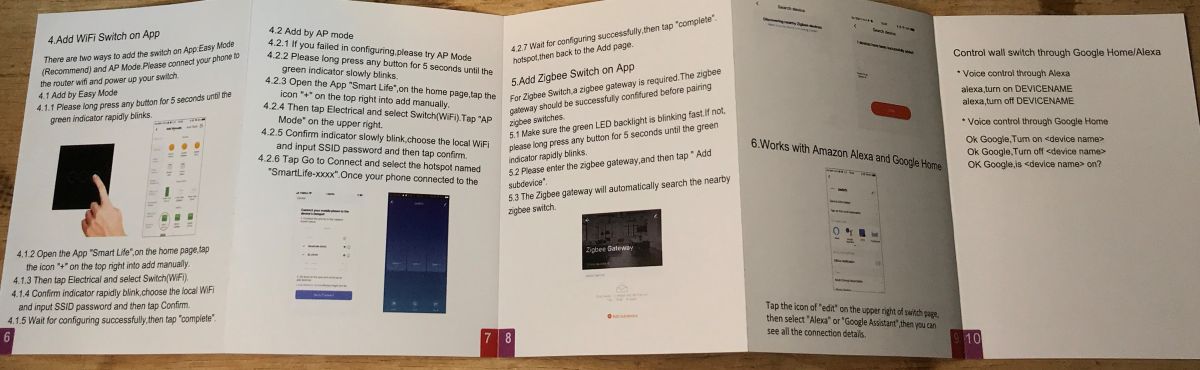
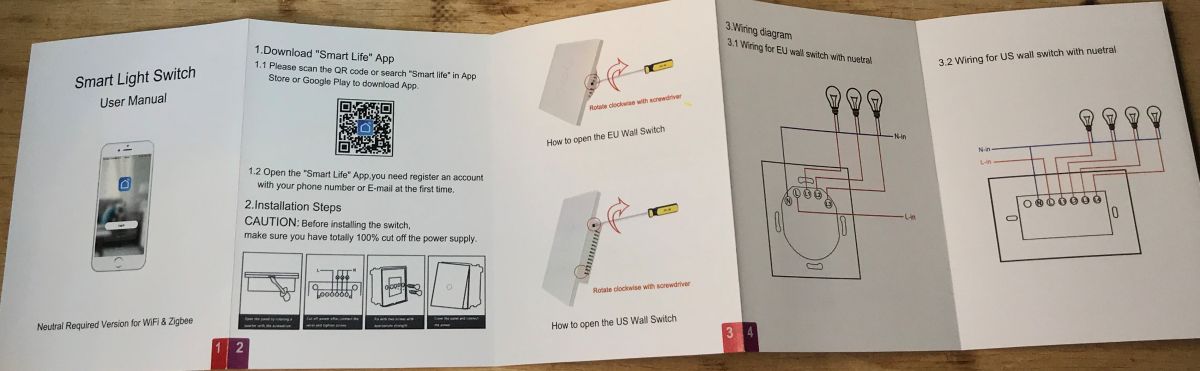
    Manual EN:
    WiFi light switch instruction manual with app guide User manual for a smart light switch in English.
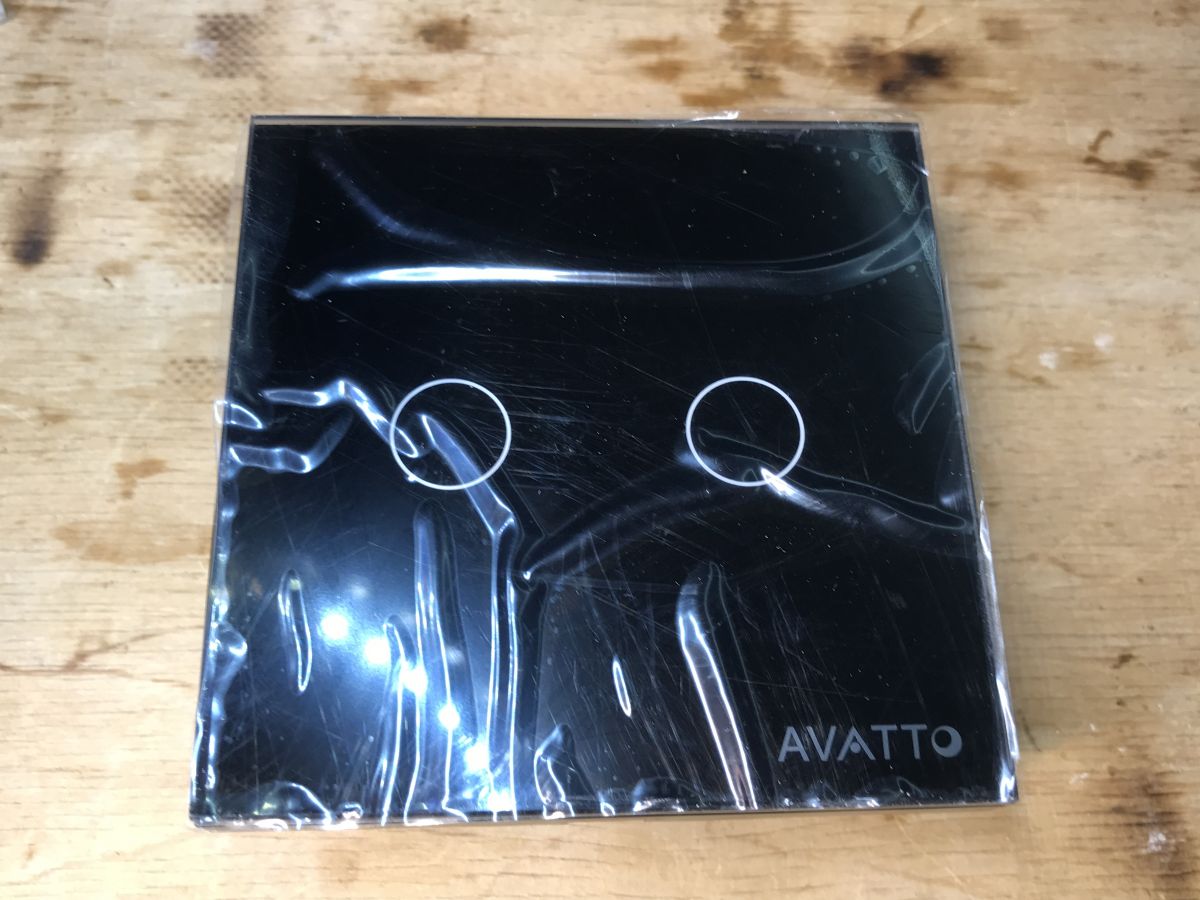
    And the switch itself:
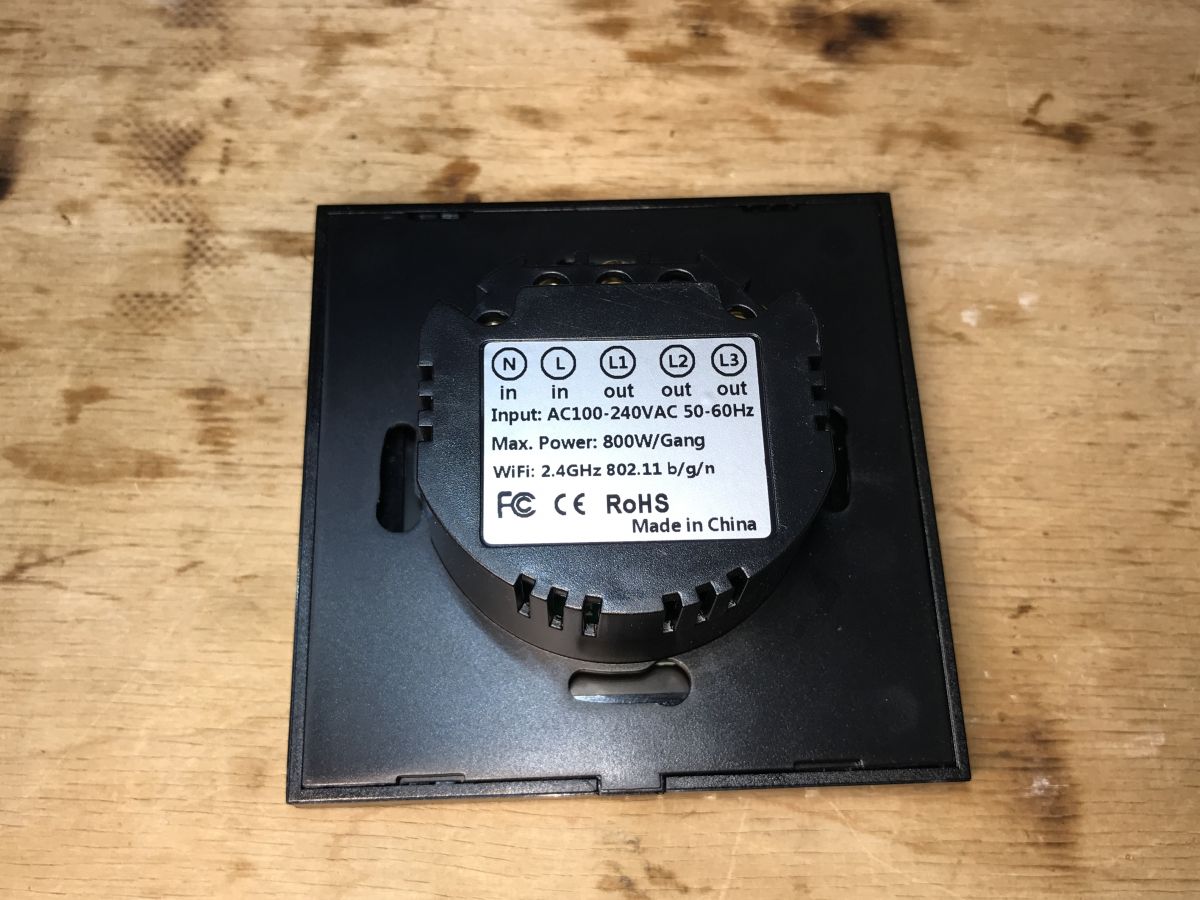
    Black double light switch in packaging. Black dual light switch TS02-EU-B2 from the back on a wooden background.

    ADVERTISEMENT


    Interior of TS02-EU-B2
    We are taking off the front. By the way, we also compare with white, triple version : :
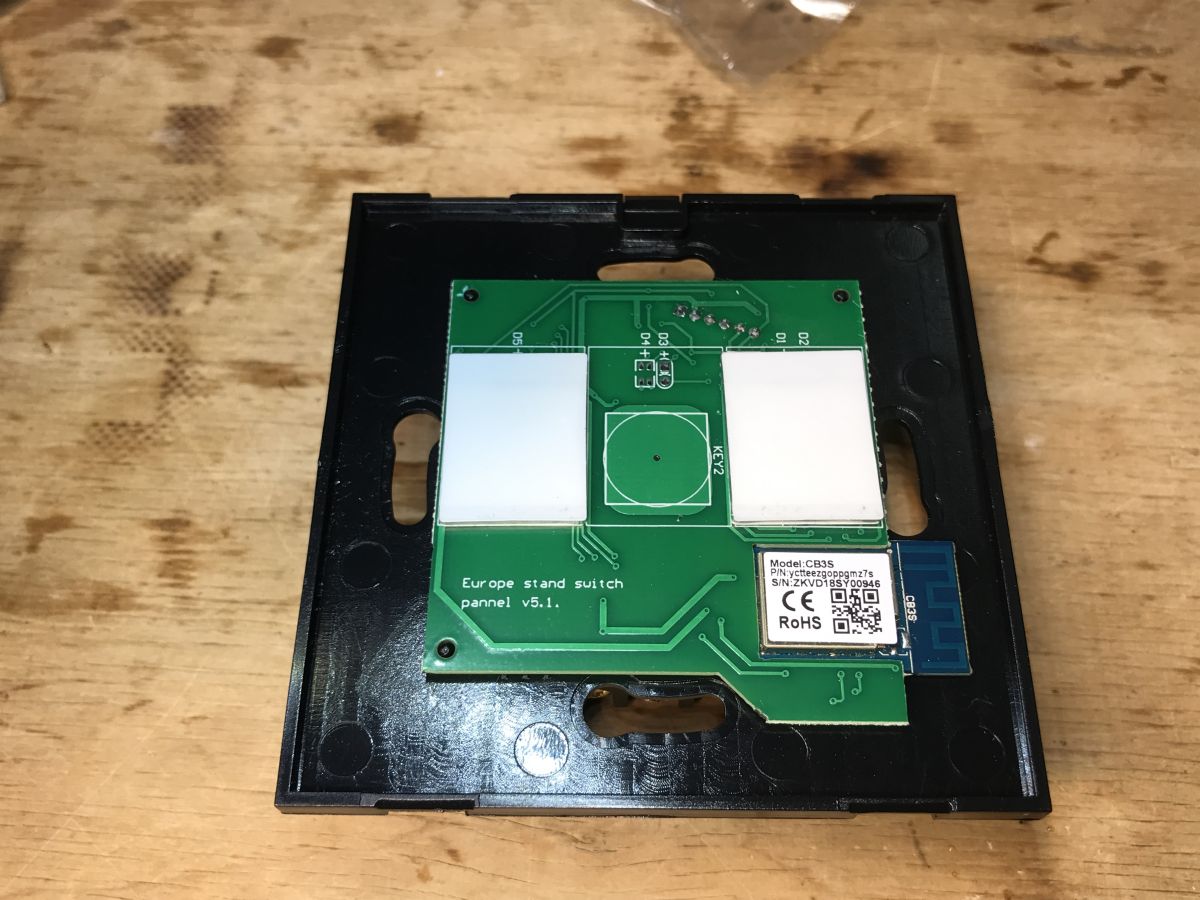
    Close-up of the internal components of the black dual light switch TS02-EU-B2.
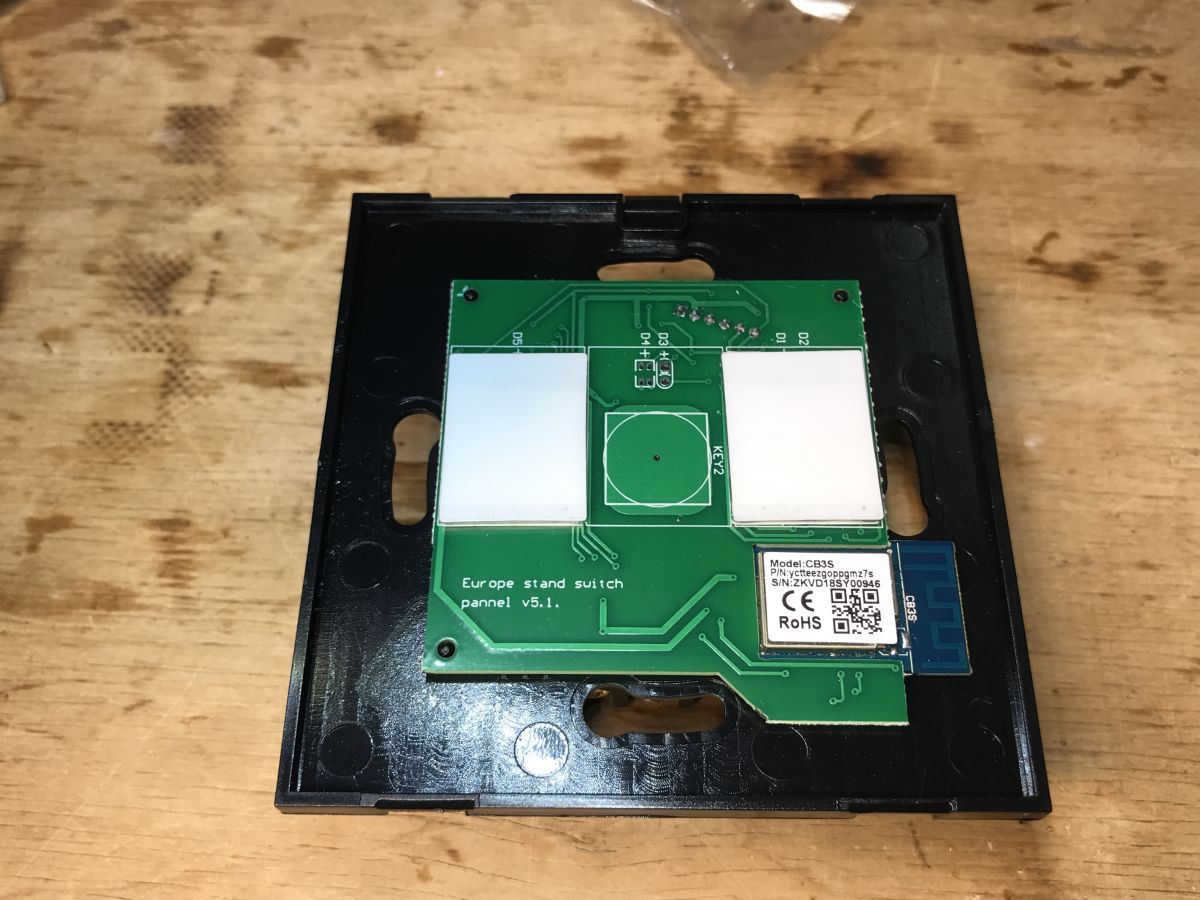
    The WiFi module is the same. One button simply wasn`t installed.
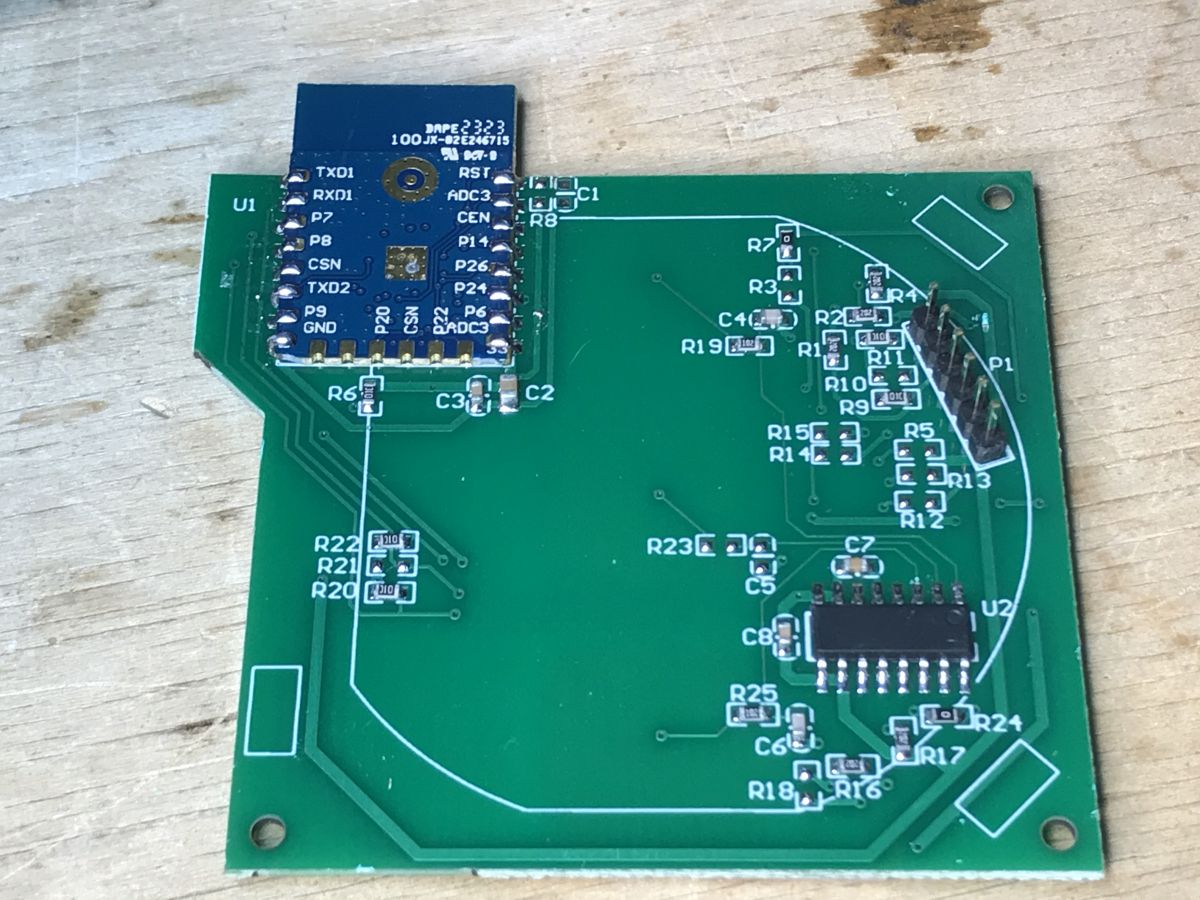
    Circuit board of TS02-EU-B2 switch with visible CB3S WiFi module.
    On the other hand, the tile is slightly different. The button controller has no marking, it has two more pins, and the element numbers on the descriptive layer have also changed.
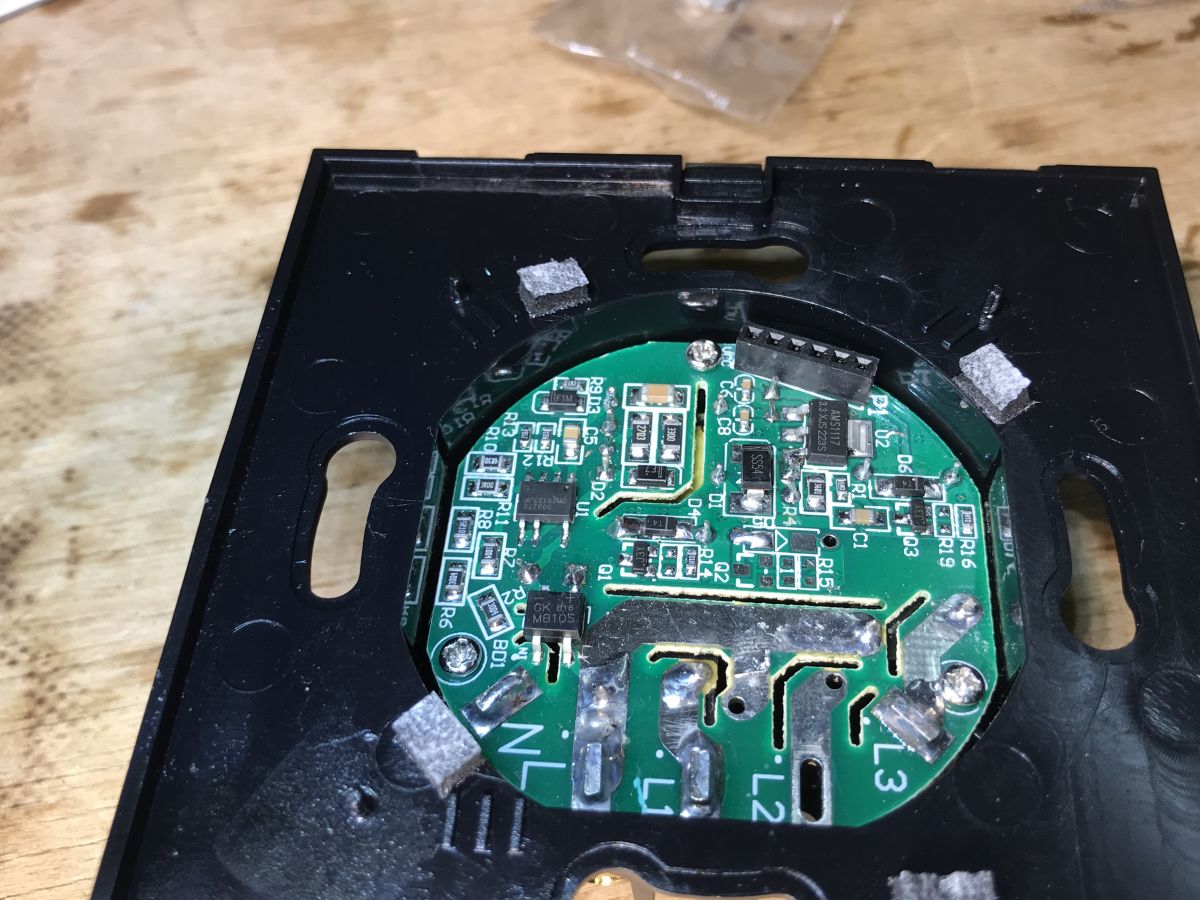
    View of the interior of the black double light switch TS02-EU-B2 against a wooden table background.
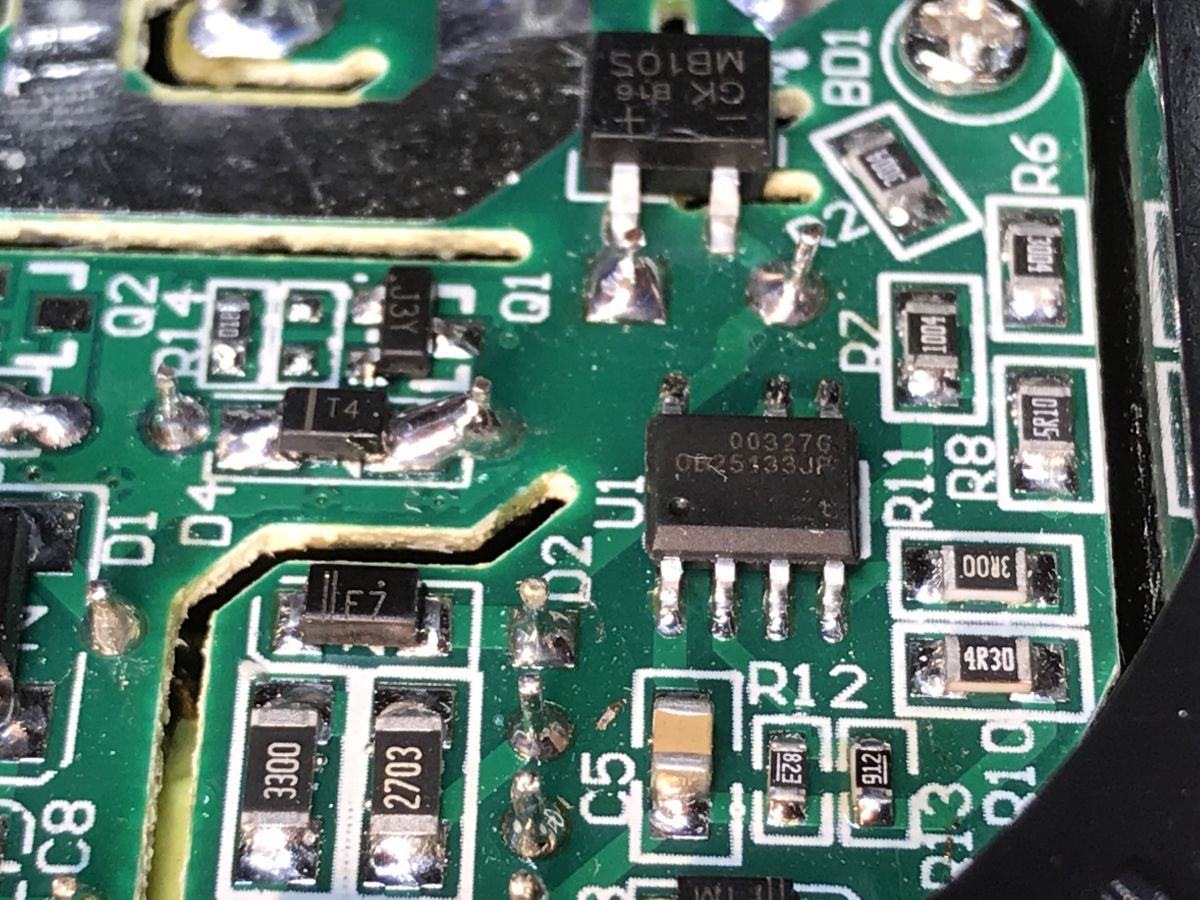
    Close-up of a PCB in the dual black light switch TS02-EU-B2 featuring the OB25133JP chip.
    The power supply is based on OB25133JP. It`s the same in the triple version.
    Here the LDO is also on the board with the power supply:
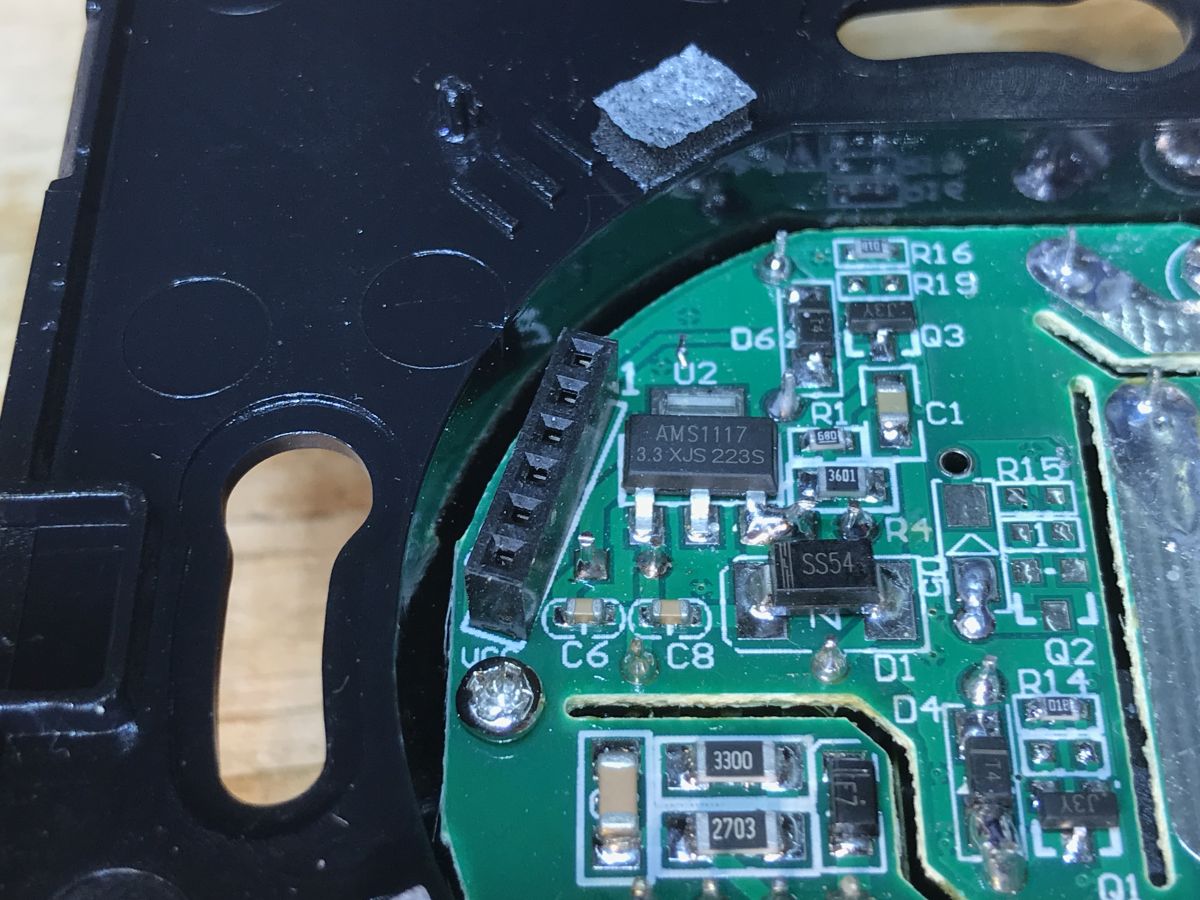
    Close-up of a circuit board with electronic components and markings.

    Changing the TS02-EU-B2 load
    Minor changes to the PCB do not matter here, we program CB3S as in the case white, triple version .
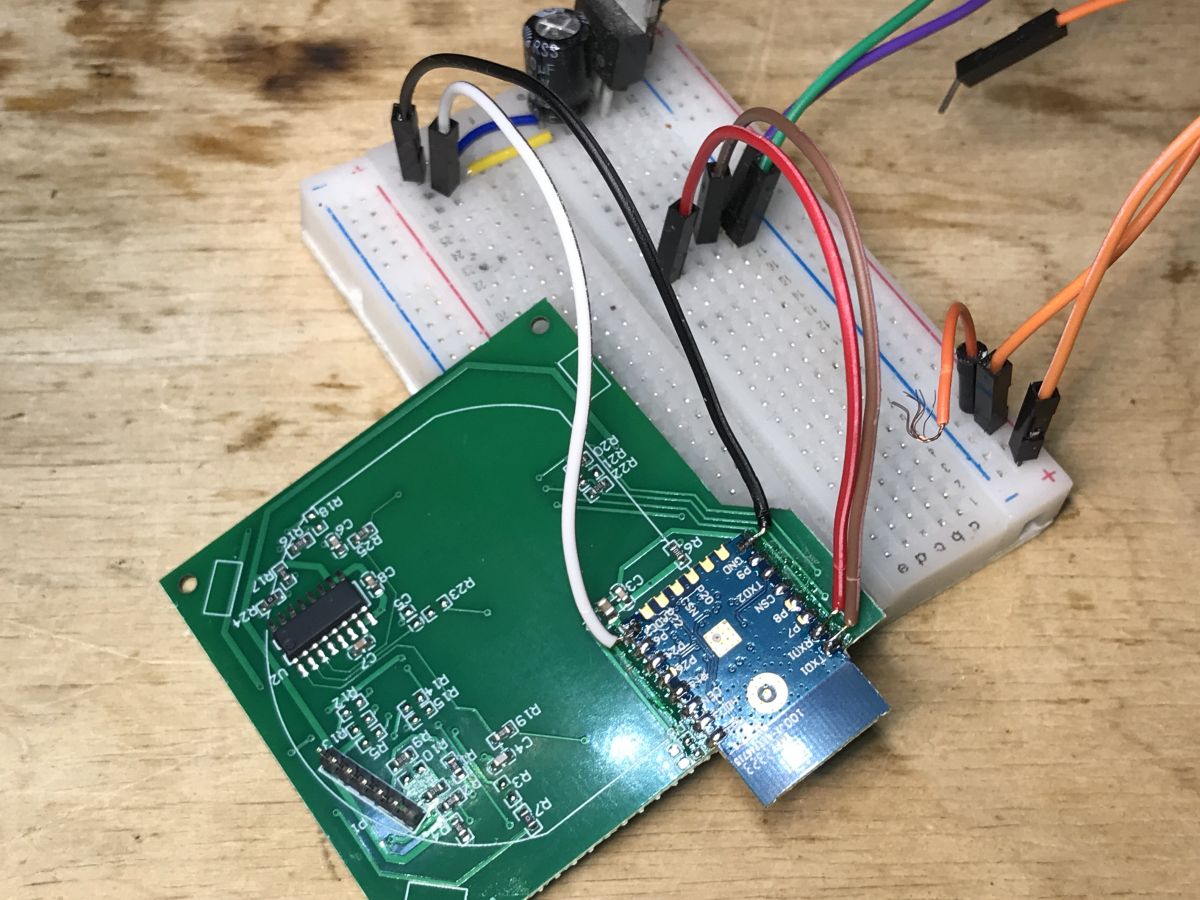
    A few photos:
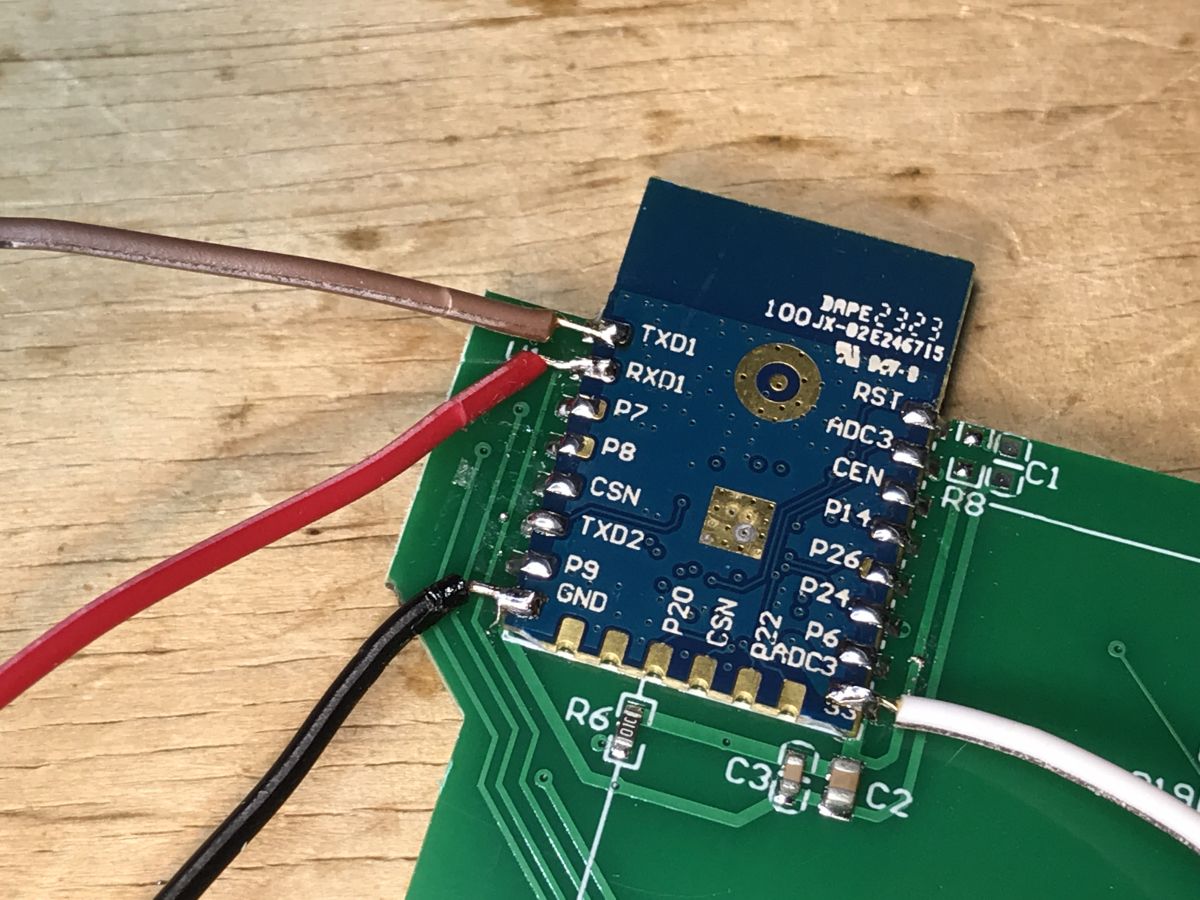
    Close-up of an electronic module with attached wires. Circuit board with attached module and wires.
    Flasher rises to the challenge again and detects the configuration:
    https://github.com/openshwprojects/BK7231GUIFlashTool
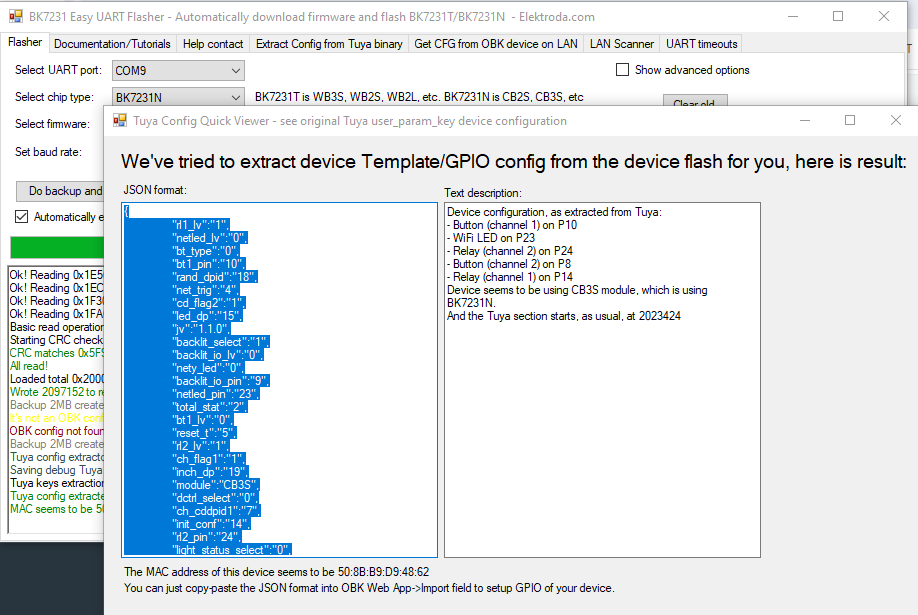
    Software interface for Tuya device configuration showing a JSON format parameter list.
    Tuya configuration:
    Code: JSON
    Log in, to see the code

    Verbal description:
    
    Device configuration, as extracted from Tuya: 
    - Button (channel 1) on P10
    - WiFi LED on P23
    - Relay (channel 2) on P24
    - Button (channel 2) on P8
    - Relay (channel 1) on P14
    Device seems to be using CB3S module, which is using BK7231N.
    And the Tuya section starts, as usual, at 2023424


    OBK template:
    Code: JSON
    Log in, to see the code


    Summary
    I compared tiles from both products and the differences are very small. In the white version (discussed earlier), there is no U8 capacitor at the U2 button controller. The button controller itself has also changed - it has two more pins. This is probably where the change in PCB layout came from. Perhaps the previous batch in the factory ran out or they found a cheaper/better equivalent and modified the layout for it.
    I also compared the templates - the template for the double version matches the triple version. The manufacturer did not change the roles of the pins this time. It will probably fit the single version as well.
    Overall, the product is easy to free from the cloud and you can order it with confidence.

    Cool? Ranking DIY
    Helpful post? Buy me a coffee.

    About Author
    p.kaczmarek2
    Moderator Smart Home
    Offline 
    p.kaczmarek2 wrote 14440 posts with rating 12411, helped 650 times. Been with us since 2014 year.
  • ADVERTISEMENT
📢 Listen (AI):

FAQ

TL;DR: For users who want a local-only Tuya wall switch, this 2-channel TS02-EU-B2 uses a CB3S/BK7231N platform and is easy to reflash. "The product is easy to free from the cloud," and the confirmed mapping keeps 2 relays, 2 buttons, and 1 WiFi LED working under OpenBeken. [#21012255]

Why it matters: This FAQ shows how to identify the hardware, reuse the right pin map, and avoid guesswork when cutting off Tuya cloud control.

Feature TS02-EU-B2 TS02-EU-W3
Color Black White
Channels 2 3
WiFi module CB3S CB3S
Relay/button pin roles Same template family Same template family
Main PCB difference Different button-controller area Slightly different layout

Key insight: The TS02-EU-B2 changed its PCB details, not its core control mapping. That means the CB3S-based OpenBeken template still works because the button, relay, and WiFi LED roles stayed the same.

Quick Facts

  • The TS02-EU-B2 is a 2-channel Tuya wall switch built around a CB3S module with a BK7231N chip, and the extracted Tuya config reports ch_num as 2. [#21012255]
  • The confirmed pin map is specific: P10 button 1, P8 button 2, P14 relay 1, P24 relay 2, and P23 WiFi LED. [#21012255]
  • The Tuya data includes a 5-second reset timer (reset_t: 5) and firmware string 1.1.0 (jv: 1.1.0), which helps identify the shipped configuration before modding. [#21012255]
  • The extracted flash note says the Tuya section starts at address 2,023,424 in flash memory, a key backup checkpoint before rewriting firmware. [#21012255]
  • Compared with the 3-channel TS02-EU-W3, the black double version keeps the same WiFi module and template logic but drops one button and uses a button controller with 2 extra pins. [#21012255]

How do I flash the TS02-EU-B2 double black light switch with OpenBeken to cut off the Tuya cloud?

You flash the CB3S module and then apply the extracted pin template. 1. Open the switch and access the CB3S board. 2. Use BK7231GUIFlashTool, which recognized this device and read its Tuya configuration. 3. Assign P10/P8 to buttons, P14/P24 to relays, and P23 to the WiFi LED in OpenBeken. The author states the switch then works "100% locally," which is the goal of the cloud cut-off. [#21012255]

What is the CB3S module in the TS02-EU-B2, and how does it relate to the BK7231N chip?

The TS02-EU-B2 uses a CB3S module, and that module carries the BK7231N chip. "CB3S" is a Wi‑Fi module that hosts the main controller, exposes GPIO pins, and in this switch serves as the programmable platform for OpenBeken. The extracted device description explicitly says the device uses CB3S and that CB3S uses BK7231N. That relationship matters because the firmware tool and template must match the BK7231N-based CB3S hardware. [#21012255]

Which GPIO pins on the TS02-EU-B2 are used for the two buttons, two relays, and the WiFi LED?

The pin map is P10 for button 1, P8 for button 2, P14 for relay 1, P24 for relay 2, and P23 for the WiFi LED. The verbal extraction and the OpenBeken template match on all five assignments. That consistency is the main reason the template is safe to reuse on this exact TS02-EU-B2 board revision. [#21012255]

What is BK7231GUIFlashTool, and how does it detect the Tuya configuration on a CB3S-based switch?

BK7231GUIFlashTool is the flashing utility the author used to detect this switch’s Tuya setup automatically. It recognized the CB3S-based board, identified the module as BK7231N, and extracted a JSON configuration with fields such as bt1_pin, bt2_pin, rl1_pin, and rl2_pin. In this case, the tool also reported the Tuya section start at flash address 2,023,424, which helps during backup and recovery. [#21012255]

What are the hardware differences inside the TS02-EU-B2 compared with the TS02-EU-W3 triple white switch?

The TS02-EU-B2 keeps the same WiFi module but changes part of the PCB around the buttons. One button is simply not installed in the double version, the button controller has no marking, and that controller has 2 more pins than the one seen in the white triple model. The power supply remains based on the OB25133JP, just as in the TS02-EU-W3. [#21012255]

Why does the TS02-EU-B2 use a slightly different PCB and button controller even though the WiFi module and pin roles stay the same?

The thread points to a production revision, not a functional redesign. The author observed changed element numbers, a different button controller, and a missing U8 capacitor near U2 in the white version comparison, yet the CB3S module and pin roles stayed unchanged. He suggests the factory likely changed the controller because of part availability or a cheaper or better equivalent, while keeping the logical mapping intact. [#21012255]

How can I extract and convert the Tuya JSON configuration from a TS02-EU-B2 into an OpenBeken template?

You can read the Tuya JSON with BK7231GUIFlashTool and translate its pin fields directly into OpenBeken roles. 1. Extract the JSON from the switch. 2. Read the pin keys such as bt1_pin: 10, bt2_pin: 8, rl1_pin: 14, rl2_pin: 24, and netled_pin: 23. 3. Build the OBK template by mapping those to Btn;1, Btn;2, Rel;1, Rel;2, and WifiLED_n;0. The published OBK template in the thread confirms that conversion. [#21012255]

TS02-EU-B2 vs TS02-EU-W3: what changes between the double black and triple white versions besides color and channel count?

Besides black versus white and 2 channels versus 3, the main changes are mechanical and PCB-level. The TS02-EU-B2 lacks one installed button, uses a slightly different board layout, and has a button controller with 2 extra pins. The WiFi module, power-supply family, and usable OpenBeken pin mapping remain effectively the same across the compared models. [#21012255]

Why was the black double switch more expensive than the white triple version, and does the color really affect the price?

The thread confirms only that the black double version cost a few zlotys more than the white triple version. It does not provide a technical reason or any evidence that color alone changed the bill of materials. The author raises the price difference as a surprise and as a question, so the safe conclusion is that the thread documents the price gap but does not prove its cause. [#21012255]

What is the OB25133JP power supply chip used in this switch, and what role does the onboard LDO play?

The OB25133JP is the power-supply controller used on the switch’s supply board, and the board also carries an LDO. The author notes that the OB25133JP is the same as in the triple version and that, on this model, the LDO is located on the power-supply board. That arrangement matters because the mains side, regulator stage, and logic power section stay familiar across both switch variants. [#21012255]

If the TS02-EU-B2 template matches the TS02-EU-W3, how can I tell whether the same pin mapping will also work on the single version?

You cannot confirm the single version from this thread alone, but you can use a concrete check. Compare the module type and the extracted pin roles first: CB3S module, button pins, relay pins, and WiFi LED pin. The author says the mapping will probably fit the single version as well, yet the safe test is matching the same logical roles before applying the template. [#21012255]

What safety precautions should I take when opening and programming a mains-powered Tuya wall switch like the TS02-EU-B2?

The thread shows opening and programming a mains wall switch, so the safe rule is to work only with power removed and to back up the original contents before changing firmware. This device includes a mains power-supply section based on the OB25133JP and a separate logic side on the CB3S board. Because the post focuses on hardware access and reflashing, treat the exposed supply area as hazardous during disassembly and wiring. [#21012255]

Where does the Tuya configuration section start in flash memory on this BK7231N device, and why does that address matter during backup or modding?

The Tuya configuration starts at flash address 2,023,424. That address matters because it marks where the stock configuration data begins, so you can preserve it during backup or inspect it during template conversion. In this thread, the tool reports that location together with the CB3S/BK7231N identification, which makes the extraction reproducible. [#21012255]

What troubleshooting steps should I try if BK7231GUIFlashTool does not recognize my CB3S-based light switch during flashing?

Start by checking whether your hardware still matches the known TS02-EU-B2 platform. Confirm the module is CB3S, then compare visible hardware clues such as 2 channels, the same relay and button layout, and the same five GPIO roles. If your board has a different controller area or the tool cannot extract JSON, do not assume the template is safe. The edge case here is a PCB revision that changes hardware enough to break automatic recognition. [#21012255]

How do I compare two Tuya switch PCB revisions to decide whether the same OpenBeken firmware template is safe to reuse?

Compare functions, not just appearance. Check the WiFi module type first, then verify every active role: buttons, relays, and WiFi LED. In this case, the TS02-EU-B2 and TS02-EU-W3 had visible PCB differences, including 2 extra controller pins and a changed capacitor population, yet the template still matched because the pin roles did not move. Reuse is safe only when the logical mapping remains identical. [#21012255]
Generated by the language model.
ADVERTISEMENT