logo elektroda
logo elektroda
X
logo elektroda

Converting Moes Tuya Matter Bulb with CBLC5 Module to OpenBeken: Discoveries

divadiow 4071 13
ADVERTISEMENT
  • Helpful post
    #1 21216757
    divadiow
    Level 38  
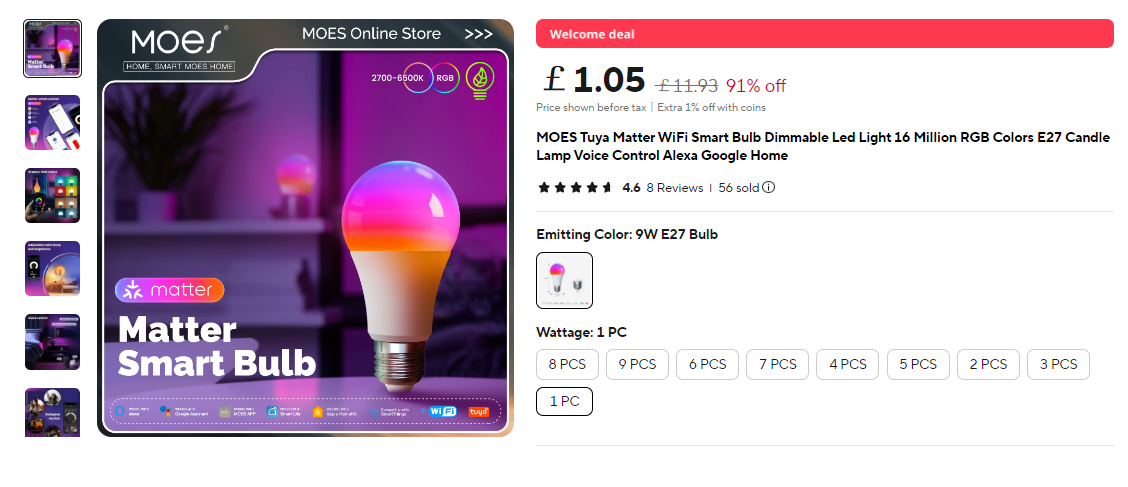
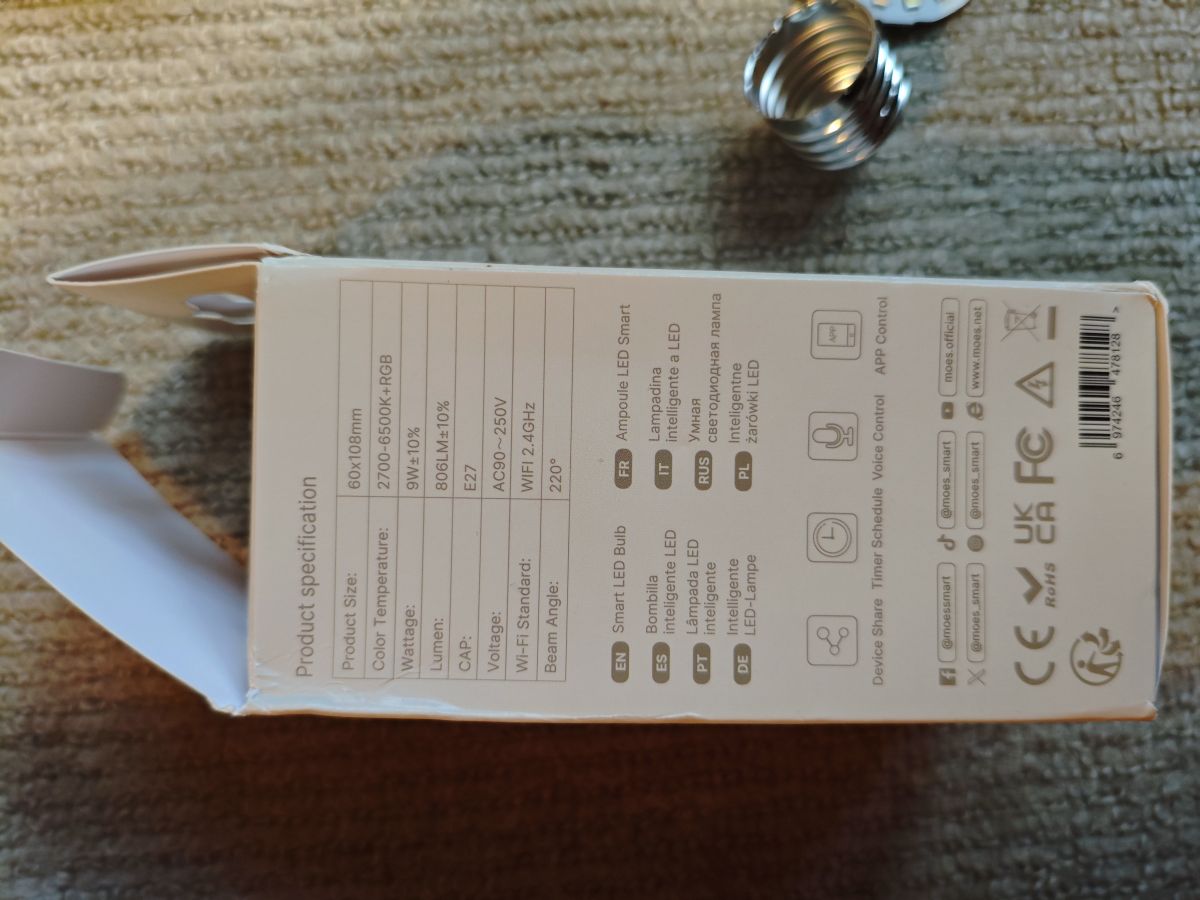
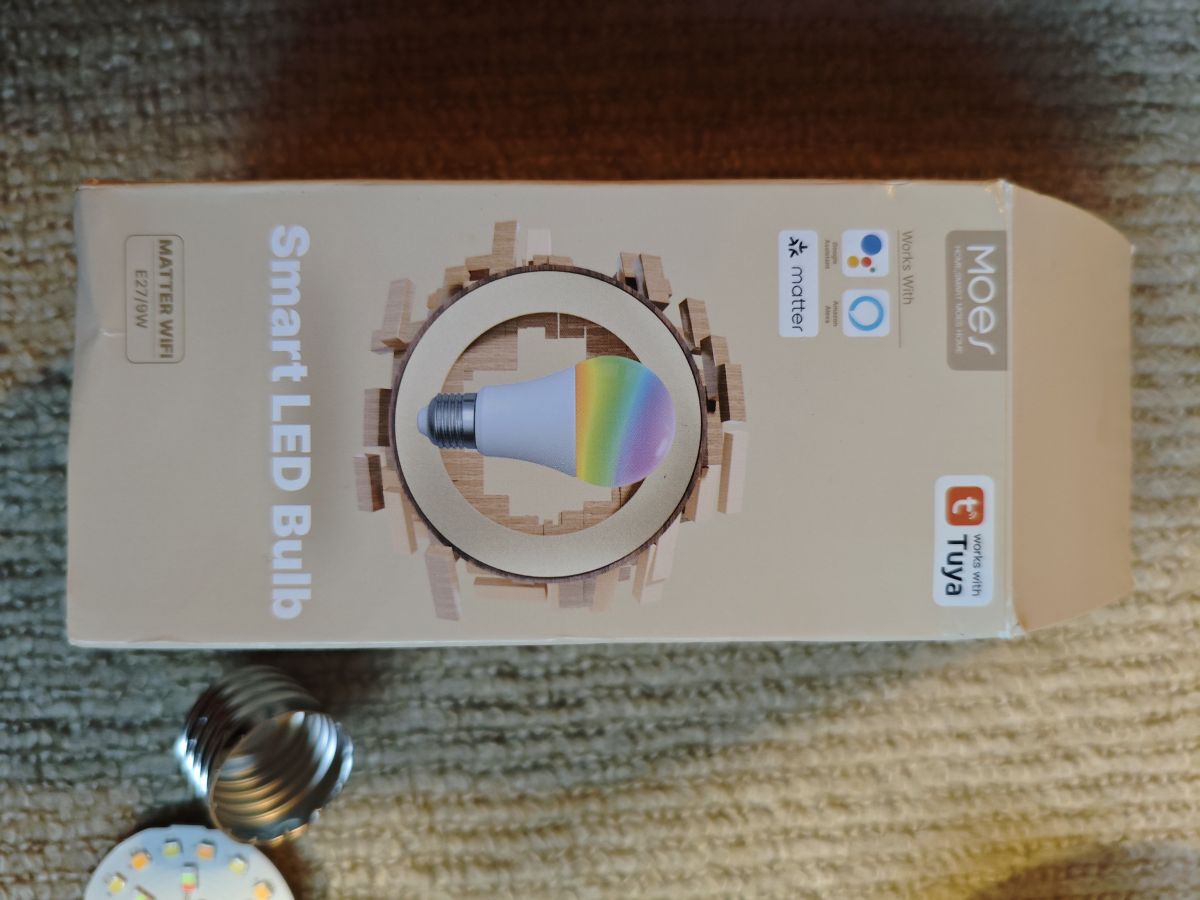
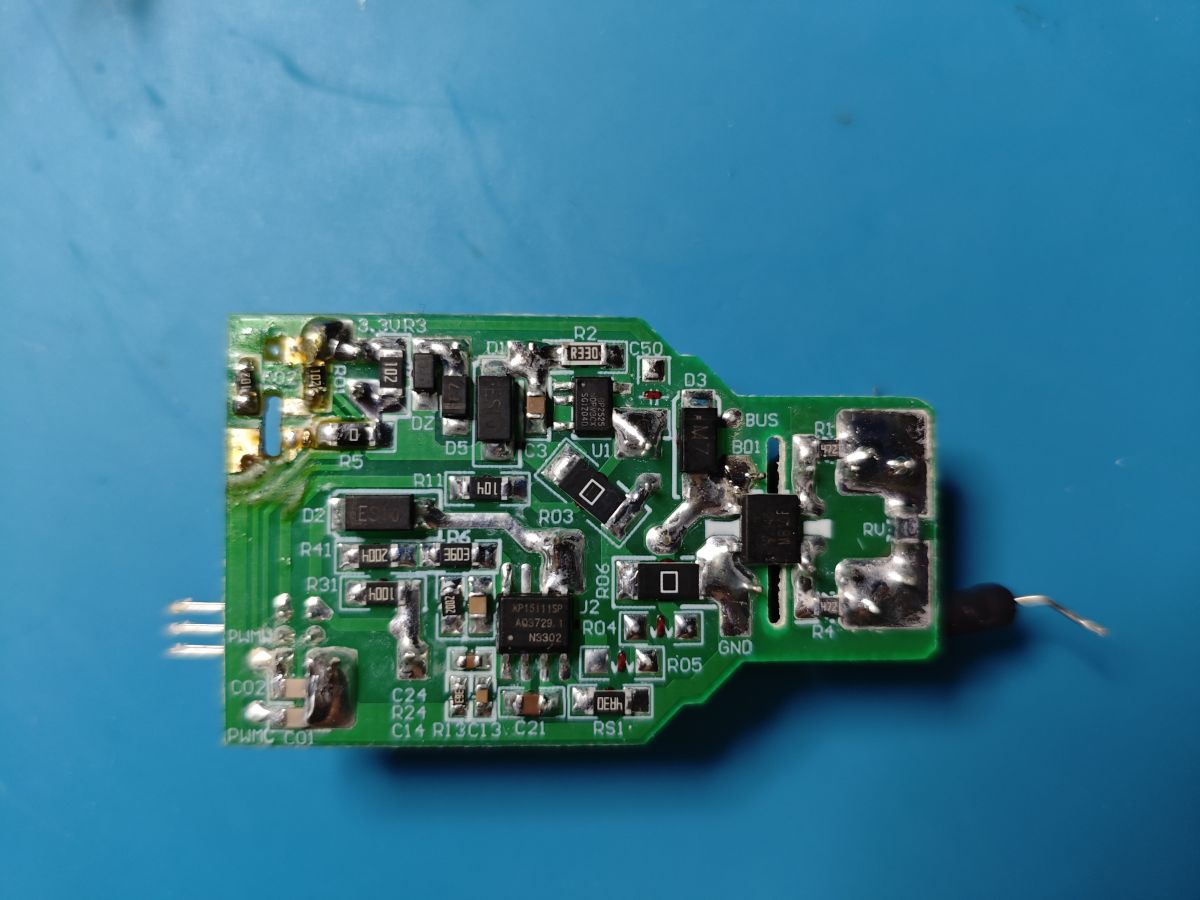
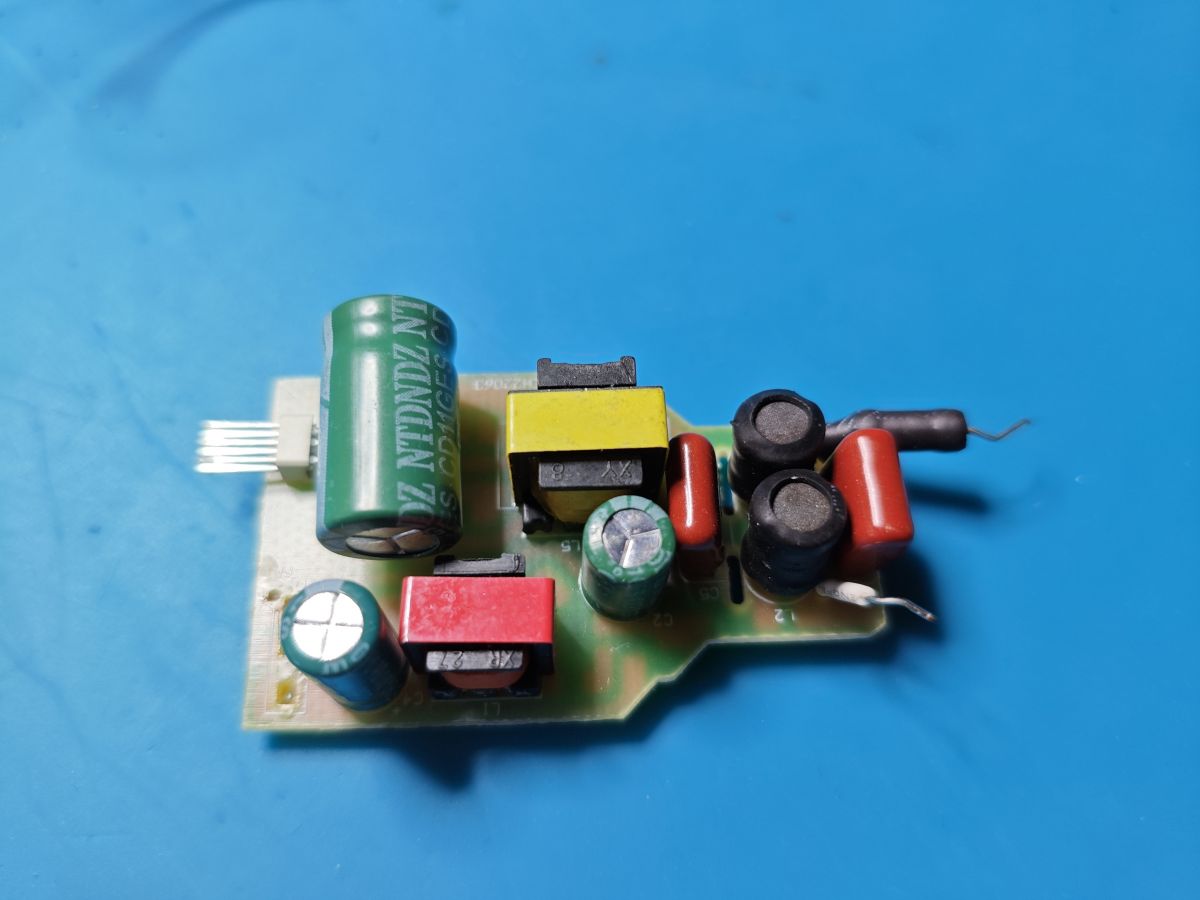
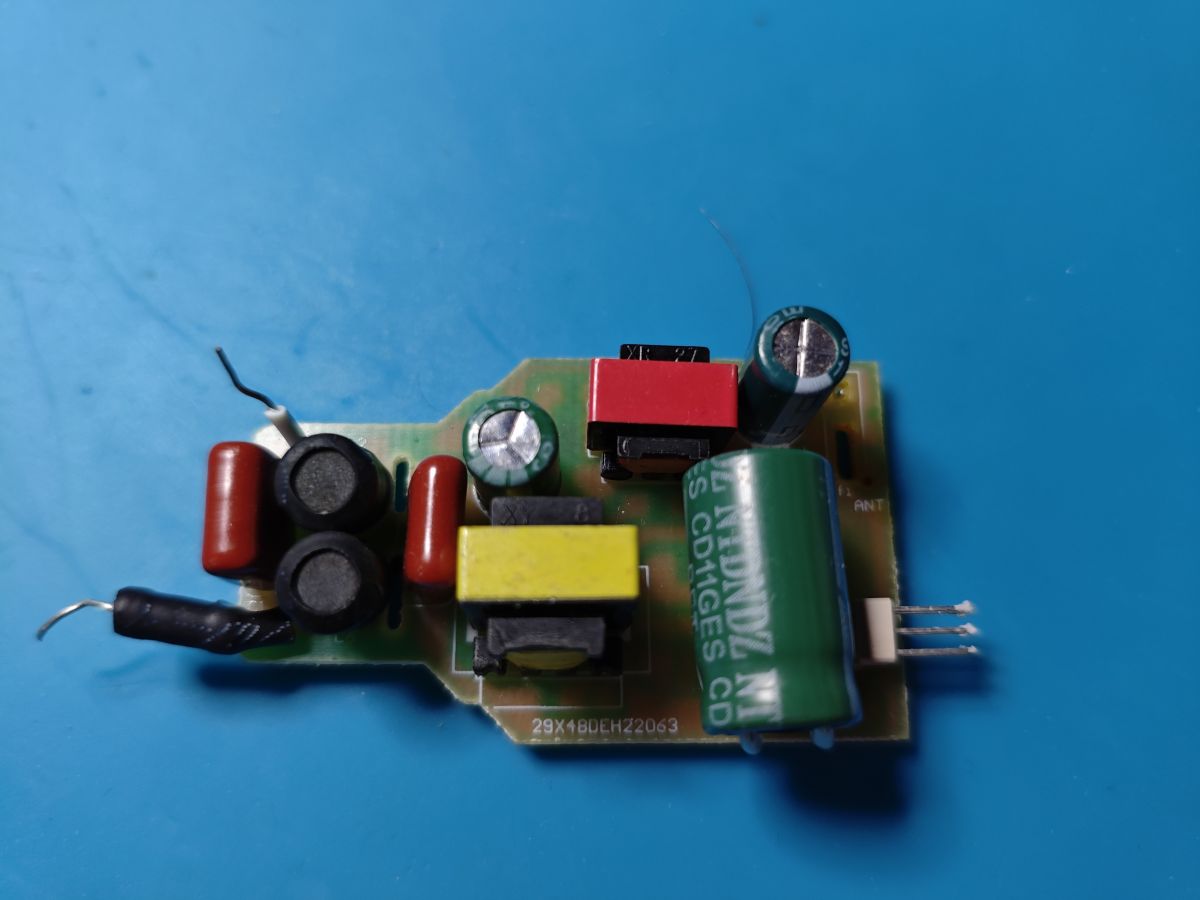
    Unlike the uHome UAMxxx Matter devices with Beken modules and different efuse/coeff keys, this Moes Tuya Matter bulb appears to be a lot easier to convert to OpenBeken.

    https://www.aliexpress.com/item/1005006924194407.html
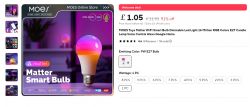
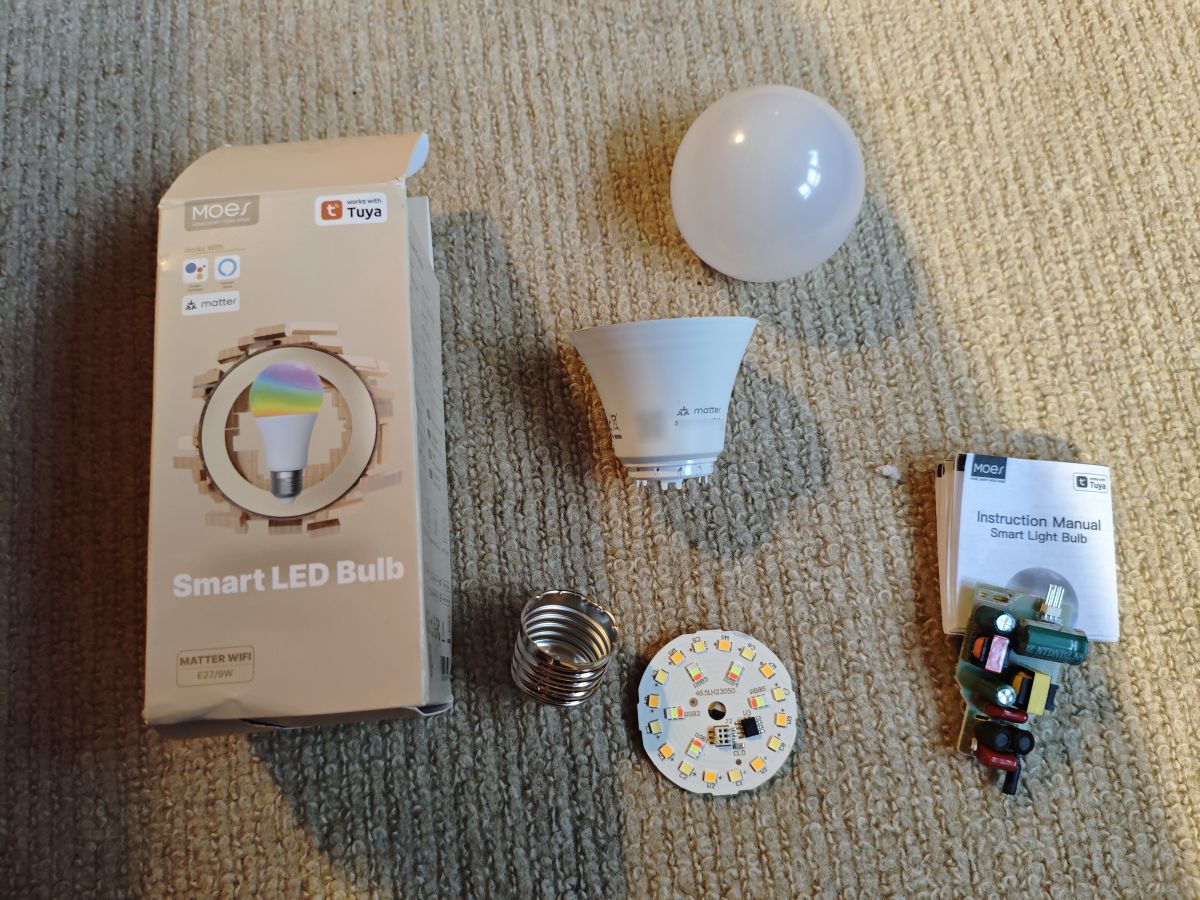
    Moes Tuya Matter smart bulb with WiFi and voice control.

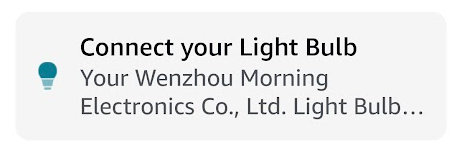
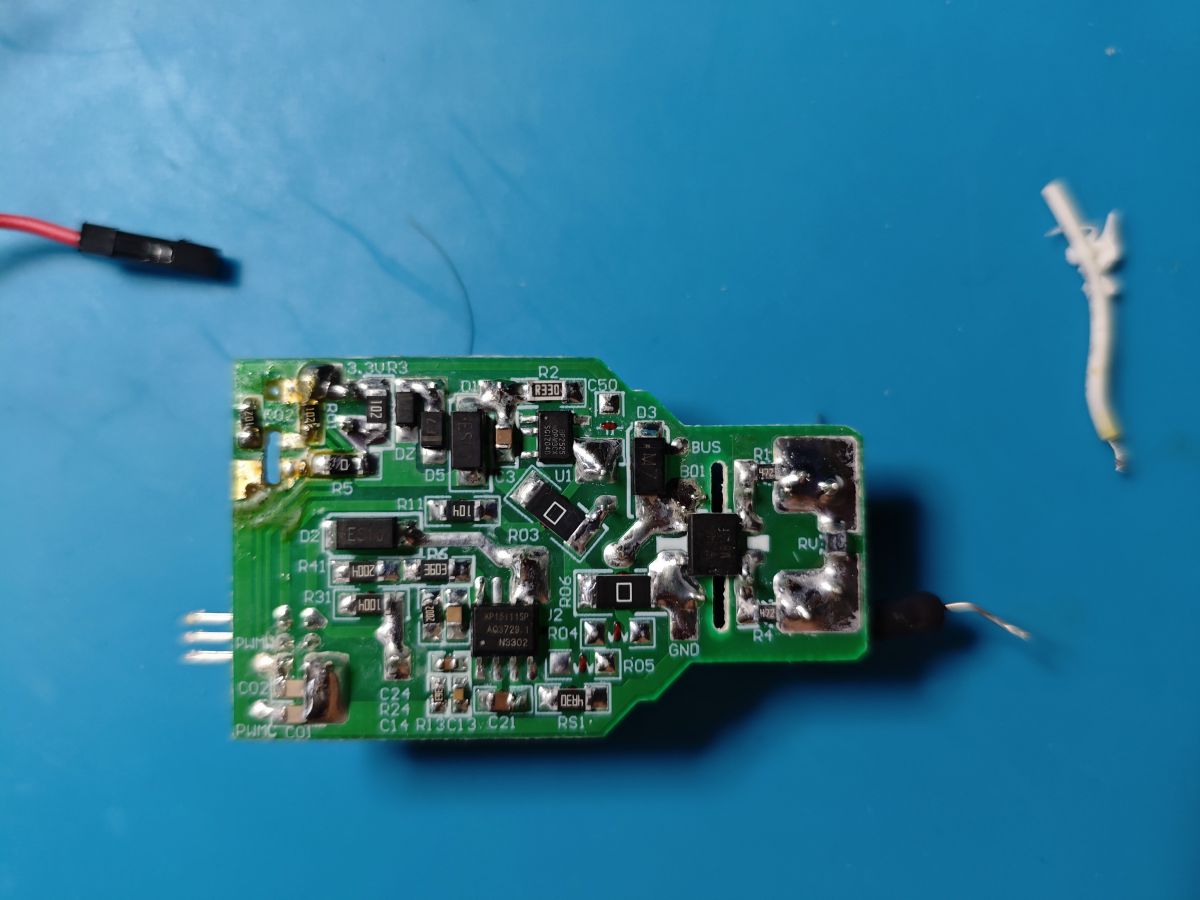
    Inside is a CBLC5 module which when independently powered presented itself to Alexa as
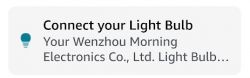
    Connect light bulb message from Wenzhou Morning Electronics Co., Ltd. device

    The boot log
    Code: Text
    Log in, to see the code


    Not seen bootloader BK7231N_2.0.0 before

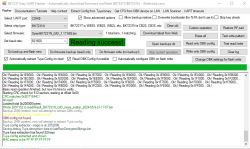
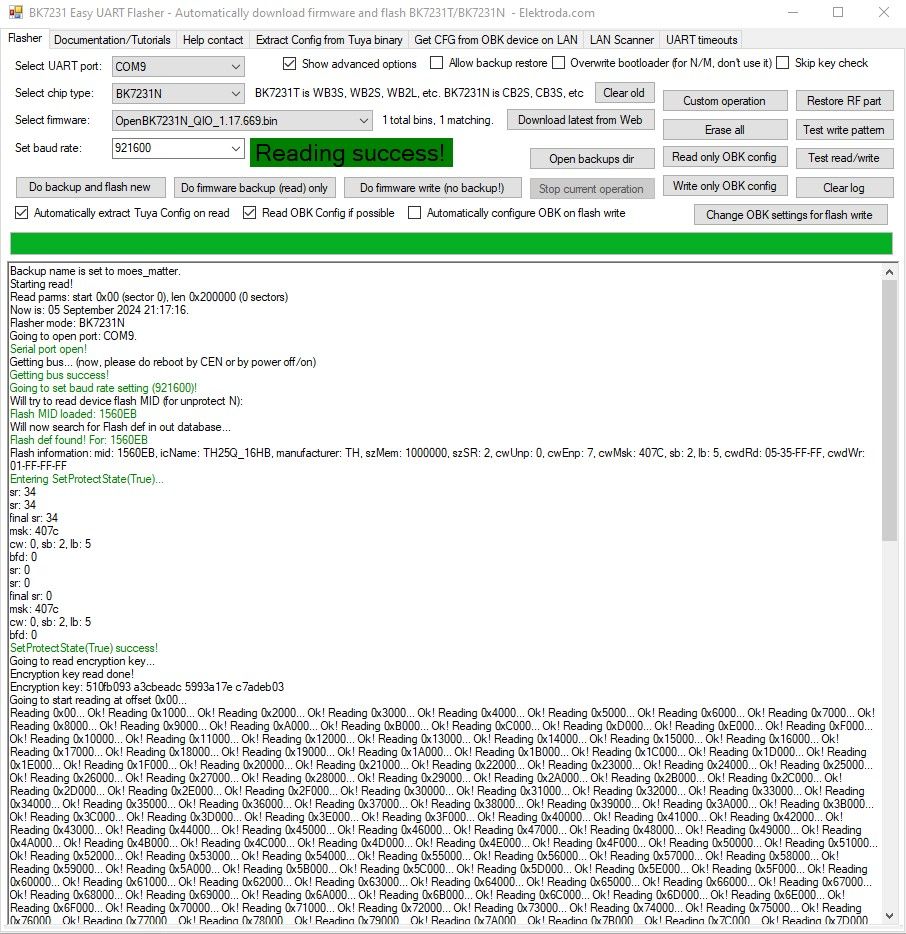
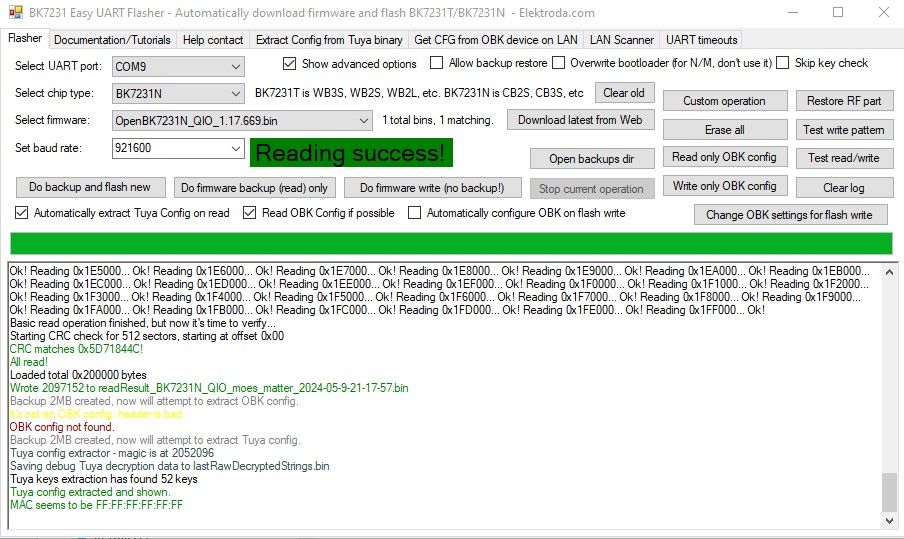
    And Easy Flasher backup. Yes, it uses the standard Tuya key 510fb093 a3cbeadc 5993a17e c7adeb03
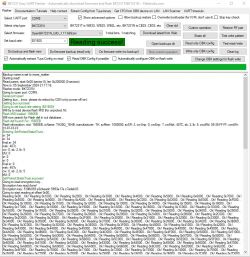
    BK7231 Easy UART Flasher interface with successful flash data reading. BK7231 Easy UART Flasher software successfully reading data

    EF even extracted some config
    Code: Text
    Log in, to see the code

    Code: JSON
    Log in, to see the code


    This was a little worrying at the end of the backup though

    Code: Text
    Log in, to see the code


    Is it like the uHomes with its network info in a different location?

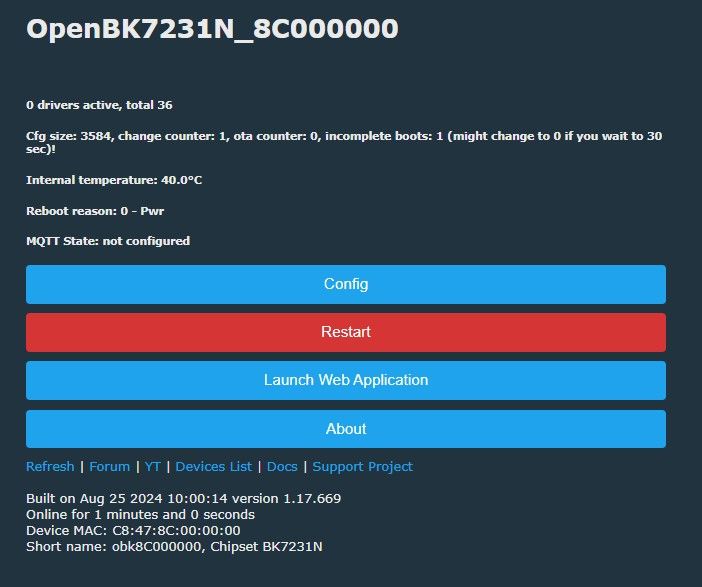
    Flashing OpenBeken was successful but the AP name broadcast was suspiciously generic. PC connected to it and it was accessible
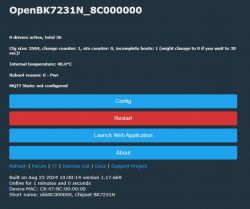
    OpenBK7231N user interface with configuration and restart buttons.

    This OBK flash was with the "overwite bootloader (for N/M)" unchecked. I wanted to see if BL 2.0 was OK booting OpenBeken. It was

    Code: Text
    Log in, to see the code


    Next up, overwrite the BL with standard BK7231N_1.0.1. Boots into OBK fine, but same mac issue

    Code: Text
    Log in, to see the code


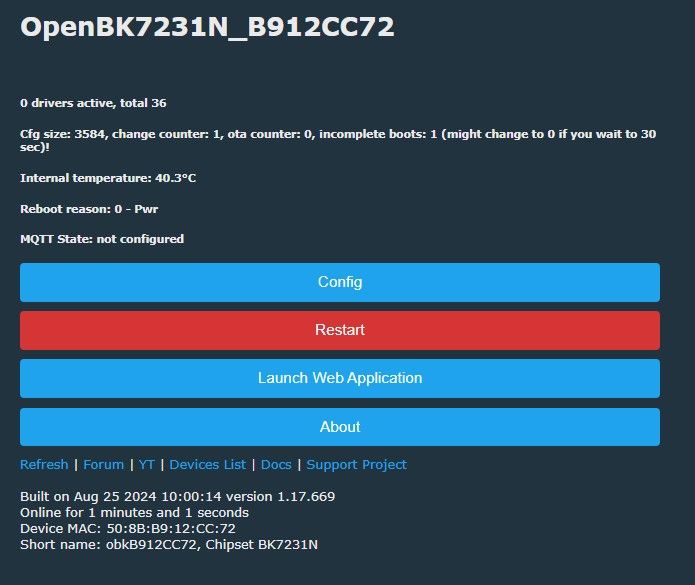
    Next it's time to write the whole of a standard non-Matter Tuya BK7231N factory firmware (from 0x0 - all data) (backup of QM-02L CB2L RGBW Bulb), with network info at the usual address, then flash to OpenBeken. Success. Complete with a unique mac and name derived from the mac.
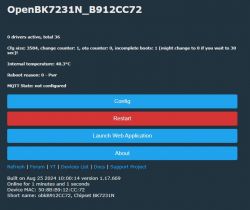
    OpenBK7231N control panel with system information

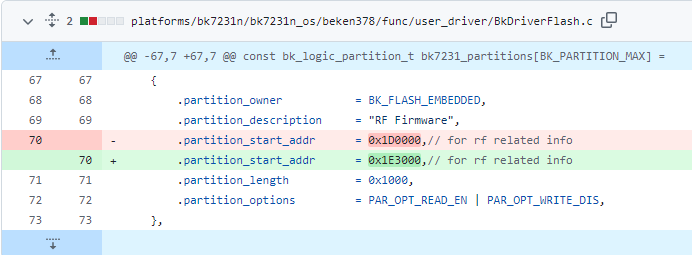
    Next I'll probably try to find the new location of the network info to see if all that needs changing is an address here https://github.com/openshwprojects/OpenBK7231...beken378/func/user_driver/BkDriverFlash.c#L78

    then maybe it can be a new general release binary for Tuya Matter devices, assuming all Tuya Matter devices have the same partitions.

    For the moment, the module is still unsoldered in case more flashing is needed, so not a working finished, proven device conversion yet.
    Attachments:
    • 921600_BKFIL_x1_0_dump_20240905_213705_0x0_0x200000.bin (2 MB) You must be logged in to download this attachment.
    • 921600_readResult_BK7231N_QIO_moes_matter_2024-05-9-21-17-57.bin (2 MB) You must be logged in to download this attachment.
  • ADVERTISEMENT
  • #2 21217310
    p.kaczmarek2
    Moderator Smart Home
    Nice find, maybe it would be possible to check for MAC address after pairing with original app and then search for it in the flash?

    Was there any date code on the board? Bootloader 2.0 may be relatively new thing.
    Helpful post? Buy me a coffee.
  • #3 21217641
    divadiow
    Level 38  
    hmm. no date code on the PCB I can see.

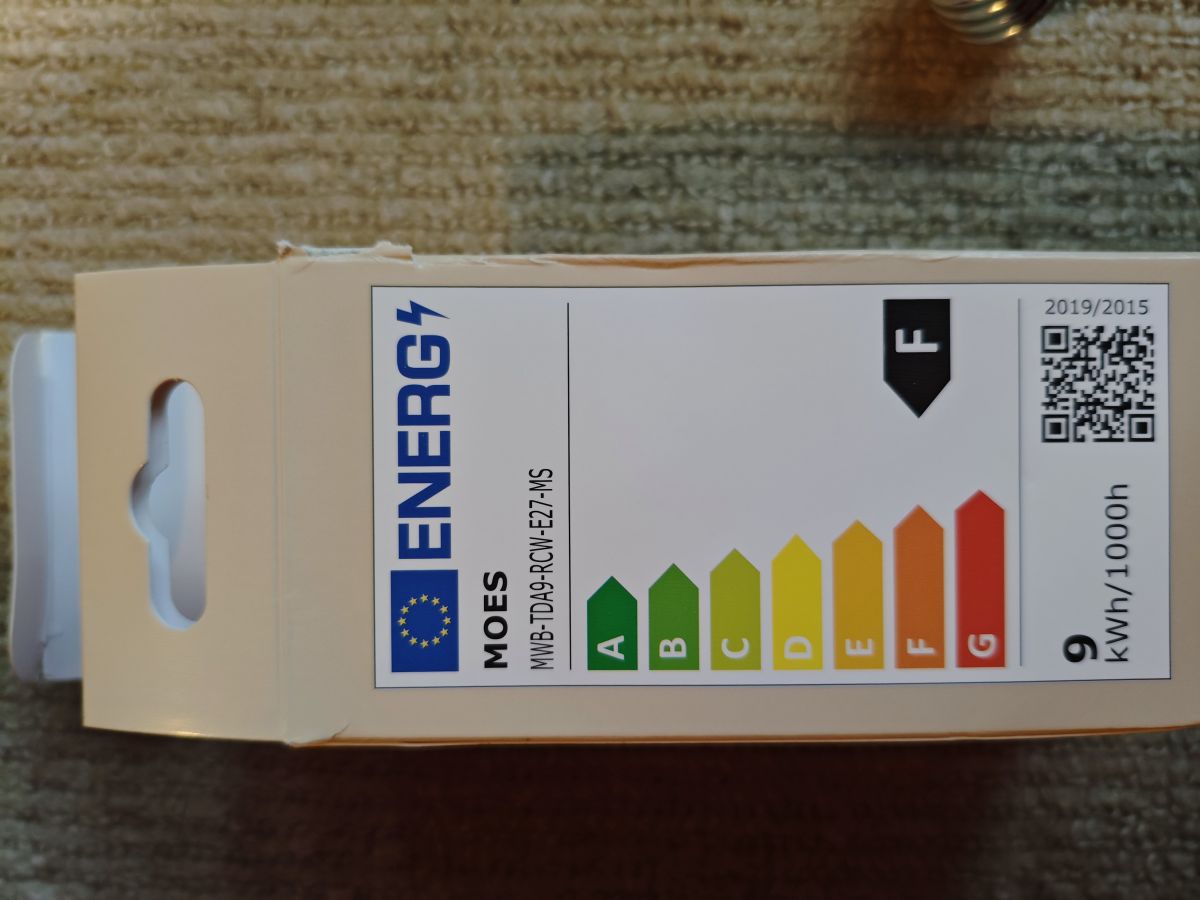
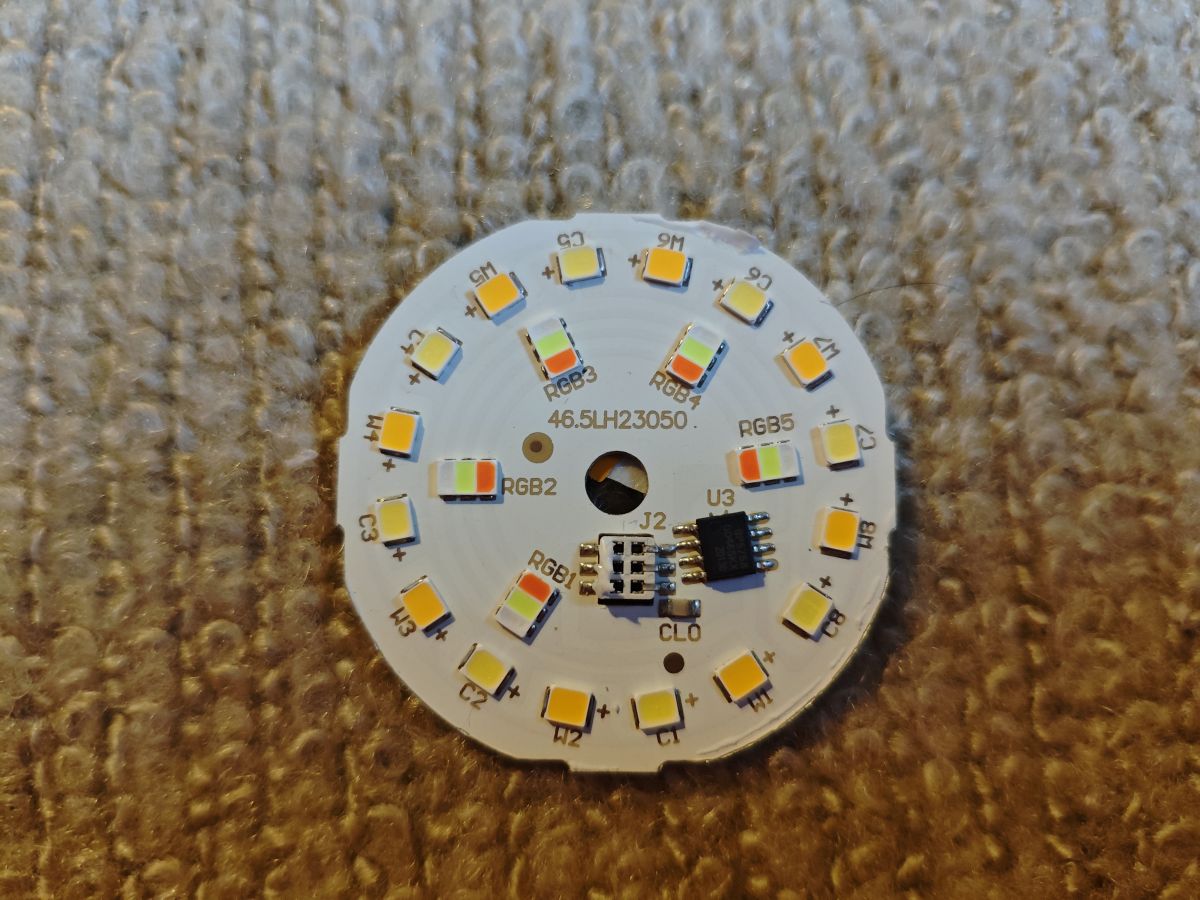
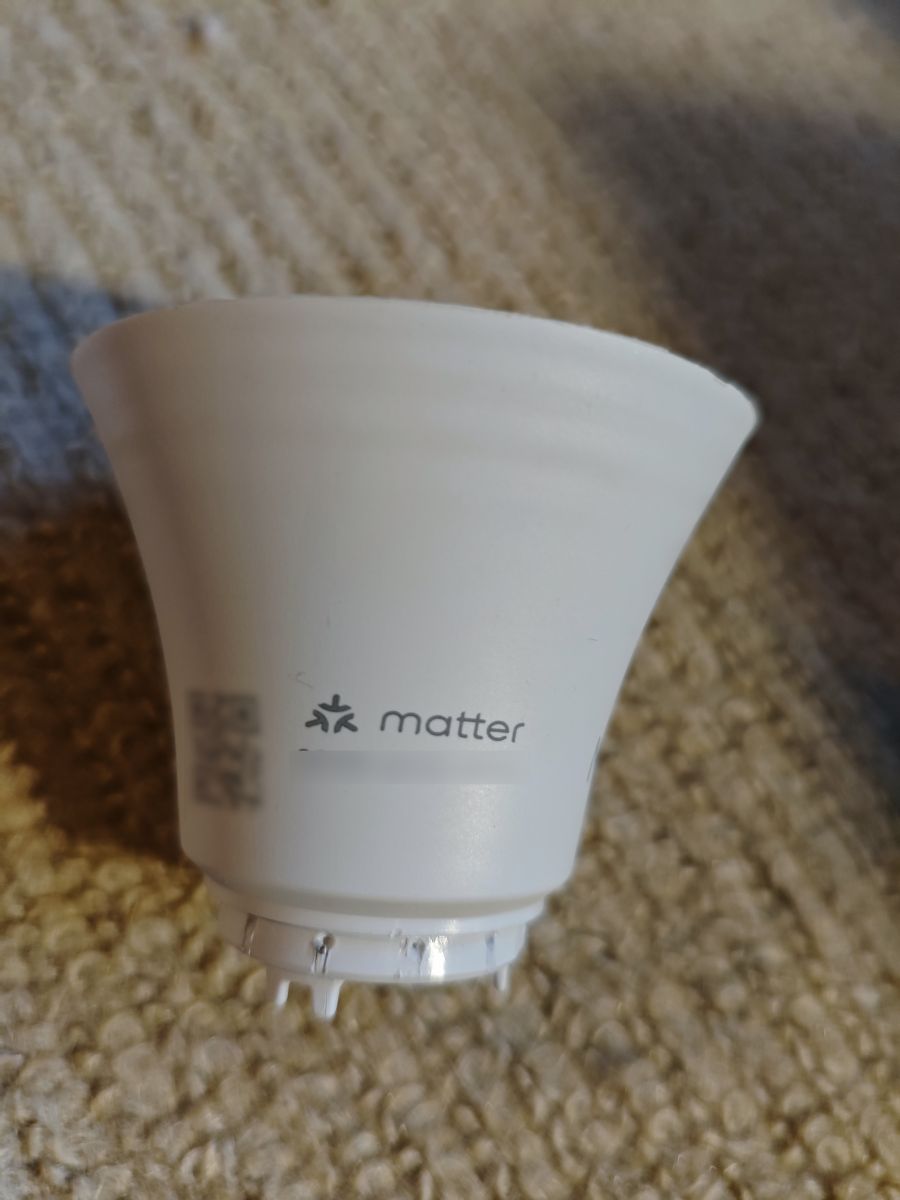
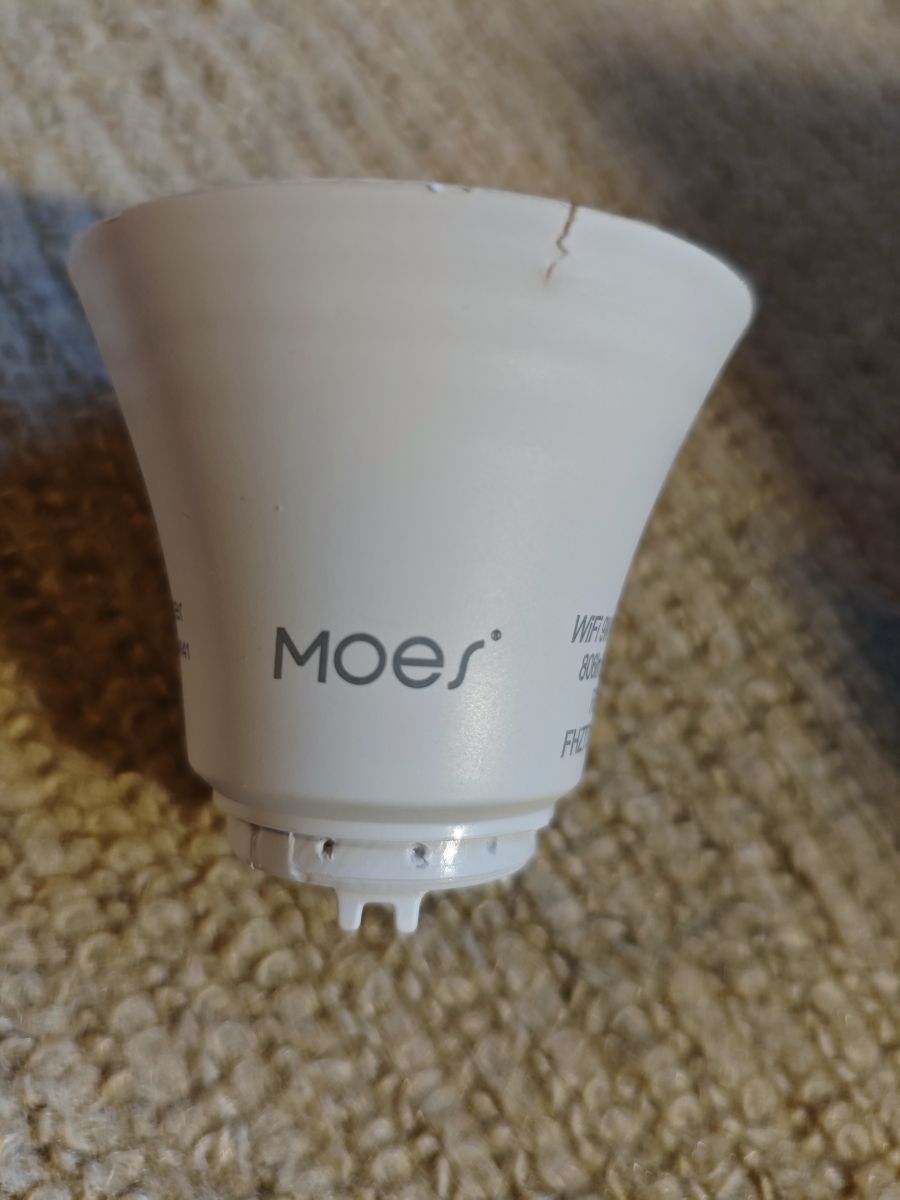
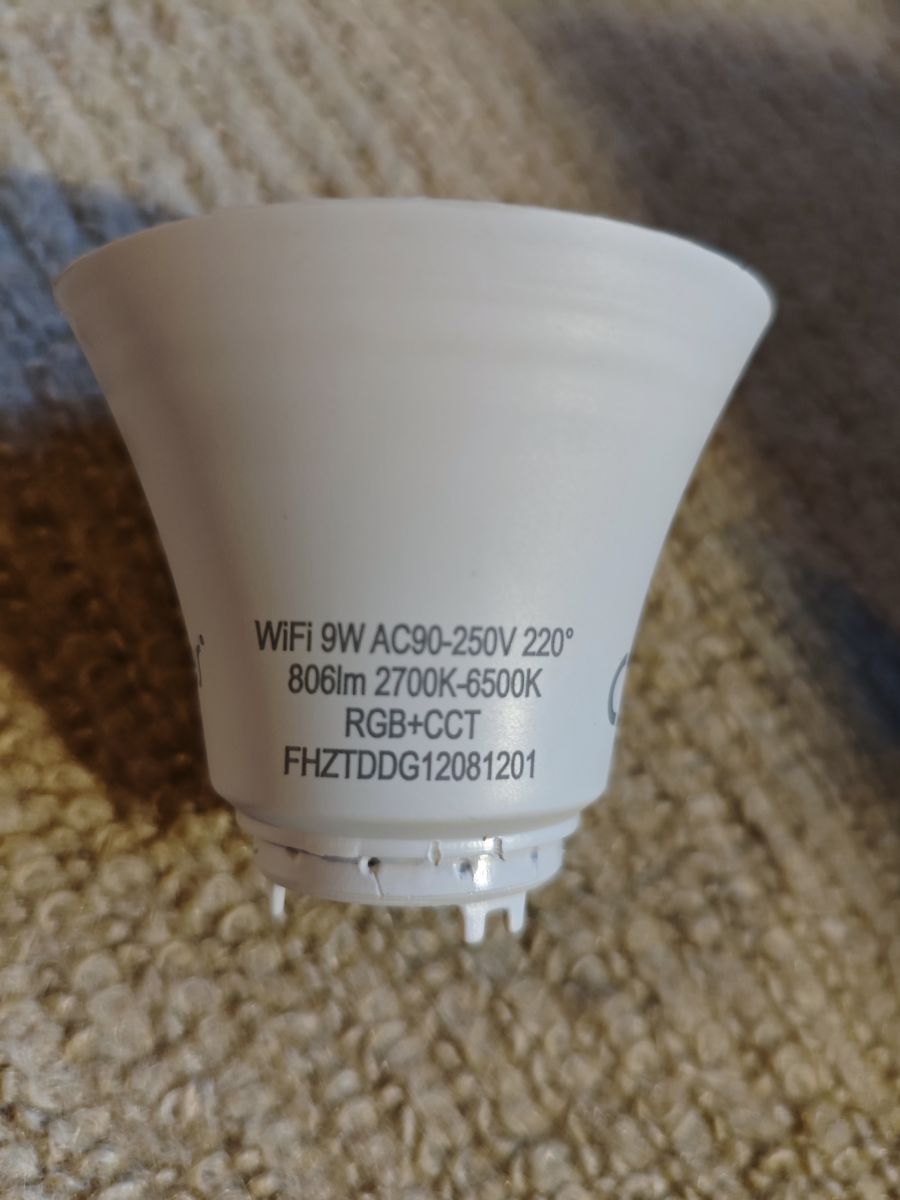
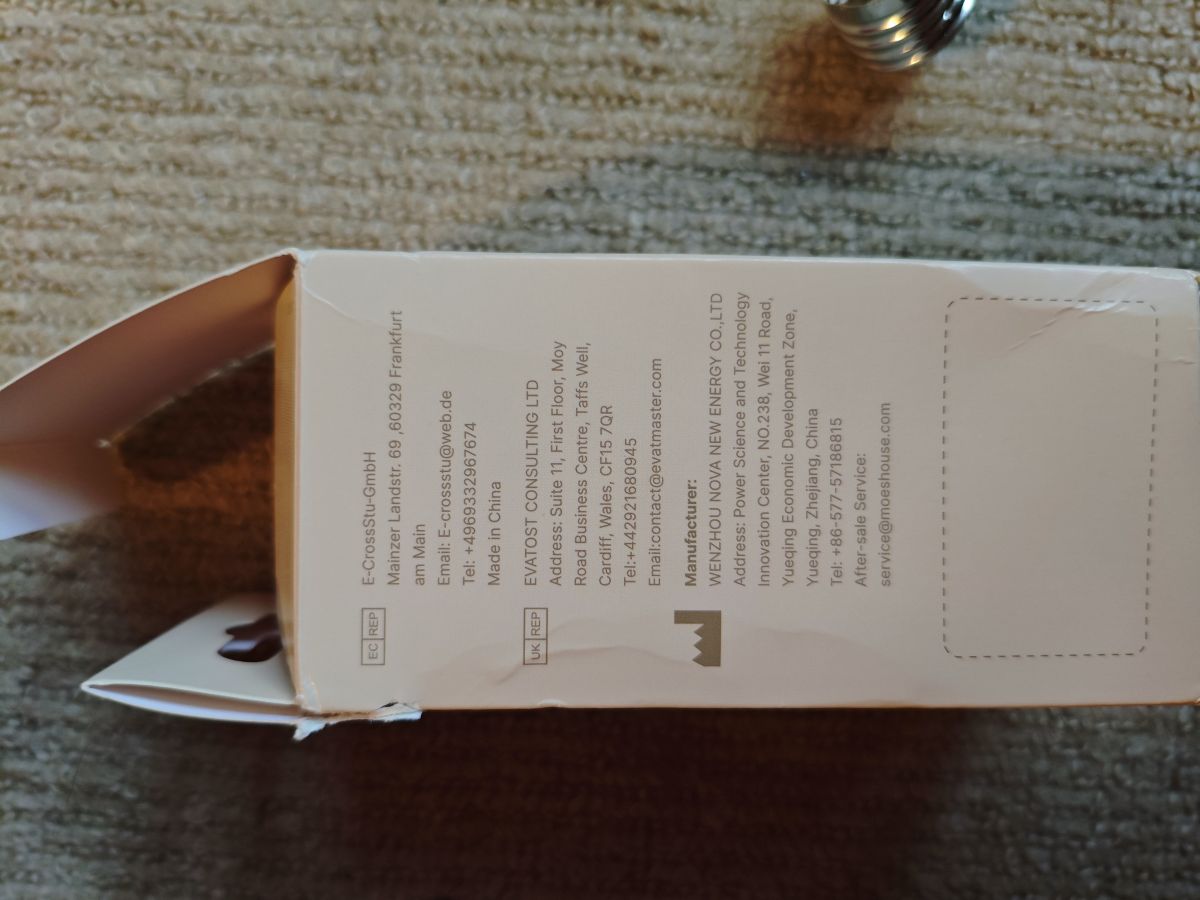
    Image of an electrical product box on a carpet, showing the manufacturer's contact information. Energy label of MOES bulb with class F. LED bulb box with product specifications on the sides. Box of Moes Smart LED Bulb with Matter and Tuya logos. Parts of Moes Smart LED Bulb with packaging and manual. Image of a printed circuit board (PCB) with various electronic components on a blue background. Round circuit board with arranged LEDs and electronic components. A white light bulb with the Matter logo on a beige carpet background. Moes light bulb with a crack on the top section of the casing. WiFi 9W LED bulb with technical specifications on the casing. Close-up of a printed circuit board (PCB) with various electronic components. Printed circuit board with multicolored electronic components. Circuit board with colorful electronic components on a blue background.

    I see 2023 dates in the log firmware compiled at Oct 26 2023 16:39:00

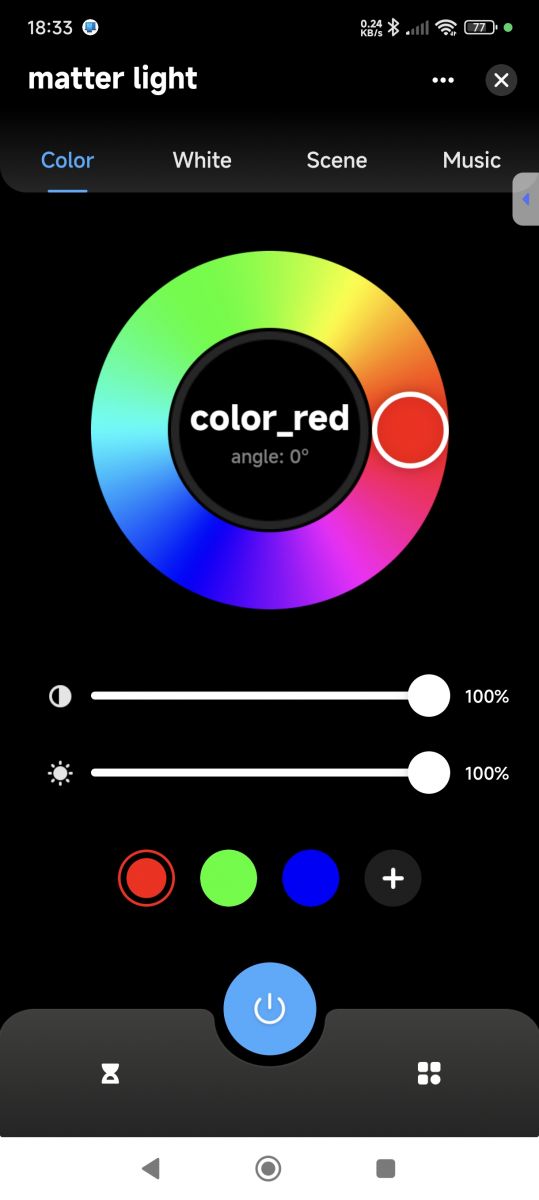
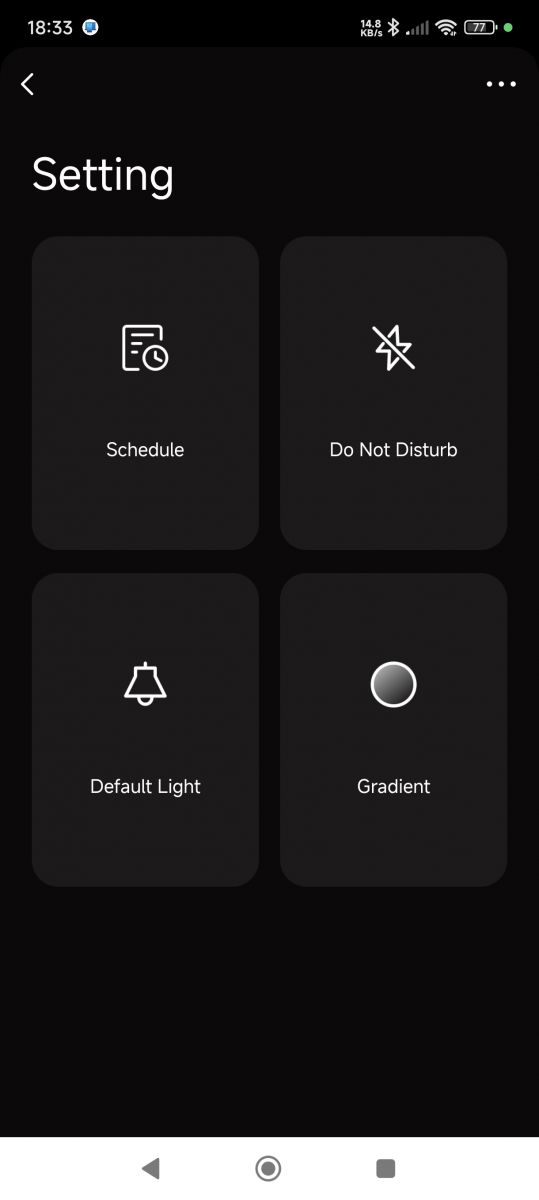
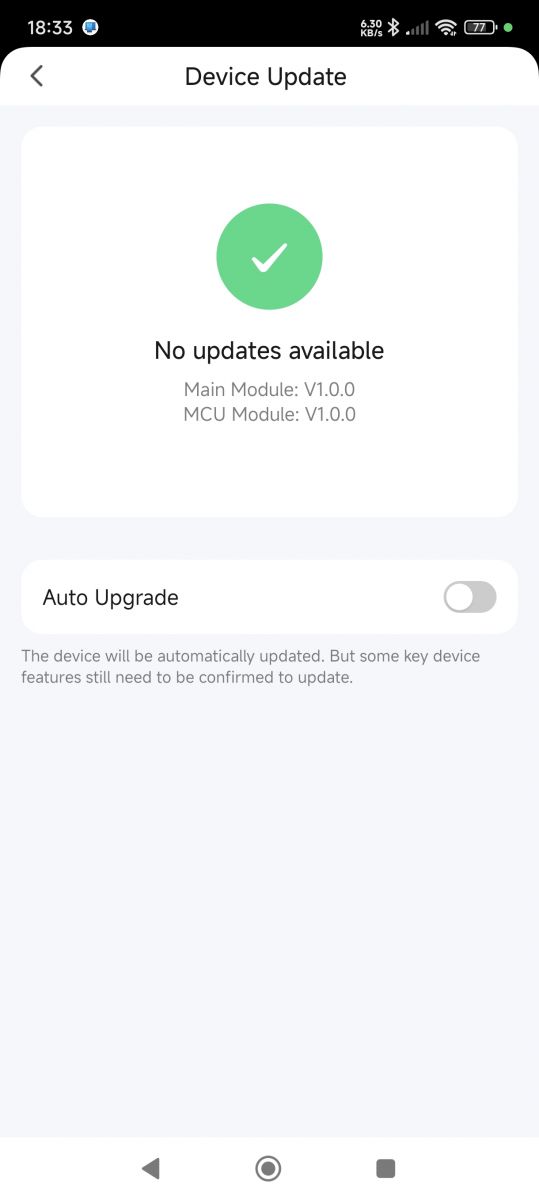
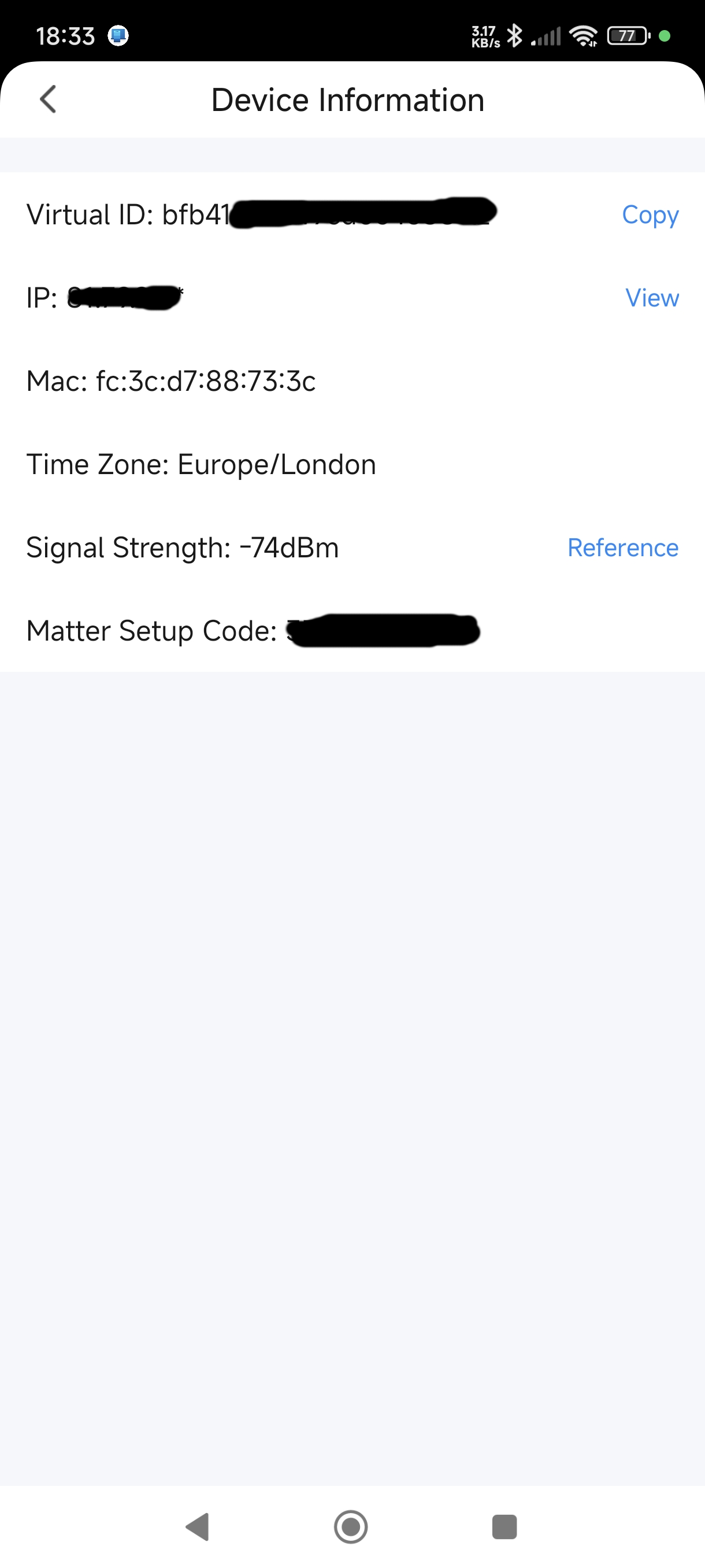
    I've flashed the backup to a CB3S and it boots and broadcasts as if the original bulb. I've paired it to the Tuya app

    Smartphone displaying a lighting control app with a colorful wheel. App settings screen with four options: Schedule, Do Not Disturb, Default Light, and Gradient. Device update screen showing no available updates and an auto upgrade toggle. Screen showing device information with IP and MAC addresses and signal strength.

    not found the network partition start yet

    Added after 8 [minutes]:

    other tools show this is the content of the storage area

    Code: Text
    Log in, to see the code


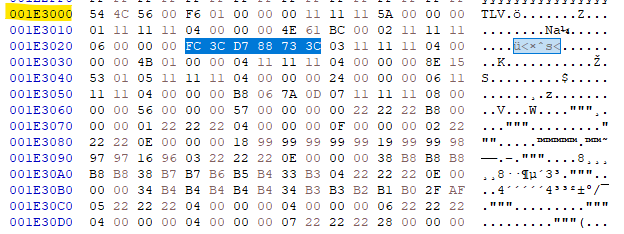
    Added after 1 [hours] 55 [minutes]:

    Screenshot displaying hexadecimal data from memory at address mac 0x1E3000.

    mac. 0x1E3000
  • ADVERTISEMENT
  • #4 21217900
    p.kaczmarek2
    Moderator Smart Home
    TLV also seems to be a good indicator of that partition. If I remember correctly, TLV is a header of flash block used to store variables. Maybe we should add a TLV search for our flasher?
    Helpful post? Buy me a coffee.
  • #5 21217939
    divadiow
    Level 38  
    well that sounds like a cool idea!

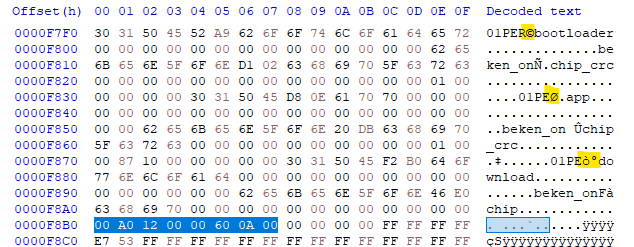
    one step at a time, but if you wanted to extend detected info, the BL/APP/OTA partition addresses could also be read from the BL after location of 01PEbootloader, 01PEapp and 01PEdownload.

    OK so, BL and APP always seem to the same but OTA has varied.

    bootloader has 0 start

    00 00 01 00 -> 0x10000 length
    Screenshot of a hex editor showing a data string with a highlighted segment in yellow.


    app partition 00 00 01 00 -> 0x10000 start
    Screenshot of a hex editor showing binary data and text fragments.
    00 87 10 00 -> 0x108700 length
    Screenshot showing binary data with address and app identifier.


    download partition 00 A0 12 00 -> 0x12A000 start
    Screenshot of a hex editor with a highlighted segment 00 A0 12 00.
    00 60 0A 00 -> 0xA6000 length
    Snippet of code from a hex editor with a highlighted set of bytes.

    Added after 12 [minutes]:

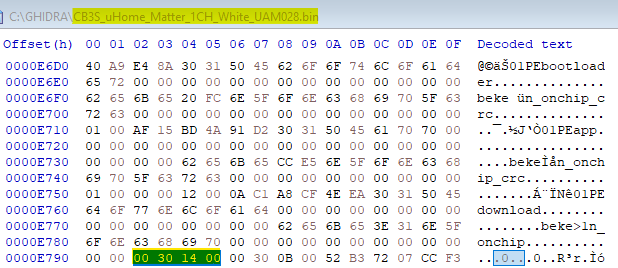
    to demonstrate that further, here is the OTA/download start address for the uHome firmwares on which I've been flashing RBLs to 0x143000
    Screenshot displayed from Ghidra, showing the binary file content with offsets and decoded text.

    Added after 16 [minutes]:

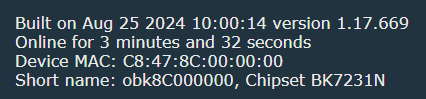
    and now the correct mac address with modified BkDriverFlash.c

    1.17.669 vs 1340_merge_c9033419dbae

    UART to 1340_merge_c9033419dbae from full factory Matter reflash to CB3S.
    Screen displaying device software details with MAC and chipset. ---> Screenshot with device version and parameter information.

    Code snippet showing change of partition start address in BkDriverFlash.c file.
  • #6 21218166
    p.kaczmarek2
    Moderator Smart Home
    Wait, does it apply to all dumps or only those new Matter? It sounds interesting, I could add it to our flasher today or tomorrow.
    Helpful post? Buy me a coffee.
  • ADVERTISEMENT
  • #7 21218246
    divadiow
    Level 38  
    all I believe.

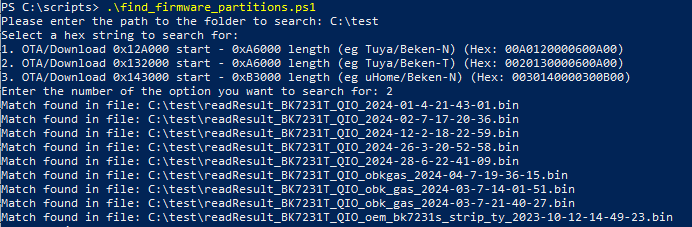
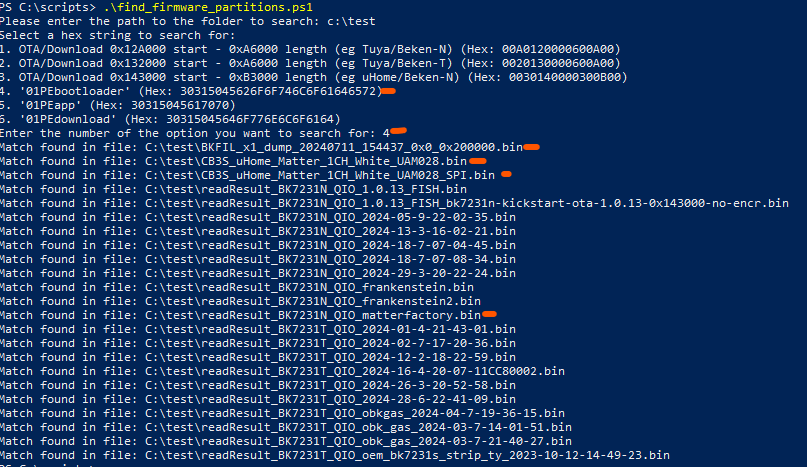
    I made a little script to find strings in all .bin files in a specified folder. Just trying it out on a collection of all my bin files
    eg
    Screenshot of search script results for strings in .bin files.

    and this one for "PEbootloader". It should have detected more but when you open some bin files in HxD there's the odd wrong character in the middle of the decoded text, even though the backup can be flashed back to device and works đŸ€·đŸŒâ€â™‚

    Script searching hex sequences in binary files

    View of a binary file in HxD editor with a highlighted hex sequence.

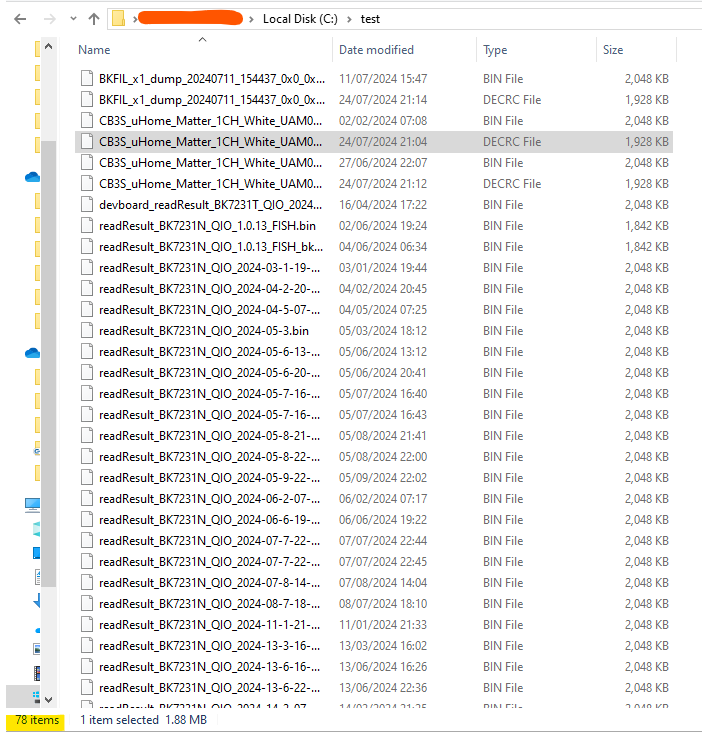
    Screenshot of a file explorer showing a list of .bin and .DECRC files in a test folder.

    Dunno, good idea or not? I don't know how you'd programmatically find the correct byes that are the start and length addresses if theyre not always at the same offset.

    script if any use is:

    Code: Powershell
    Log in, to see the code


    Added after 24 [minutes]:

    obviously "01PE" search would produce more hits
  • Helpful post
    #8 21219777
    divadiow
    Level 38  
    I flashed the CBLC5 back to 100% factory then did OBK again. Module soldered back into PCB and the bulb reconstructed. I appear to have a working Moes RGBCW E27 wifi bulb that was a Matter device. It's working with bootloader BK7231N_2.0.0

    Code: Text
    Log in, to see the code


    Code: JSON
    Log in, to see the code


    https://github.com/OpenBekenIOT/webapp/pull/1...mits/22a3abf3889f29a50fc079e7dc308201331d21d3

    Added after 9 [minutes]:

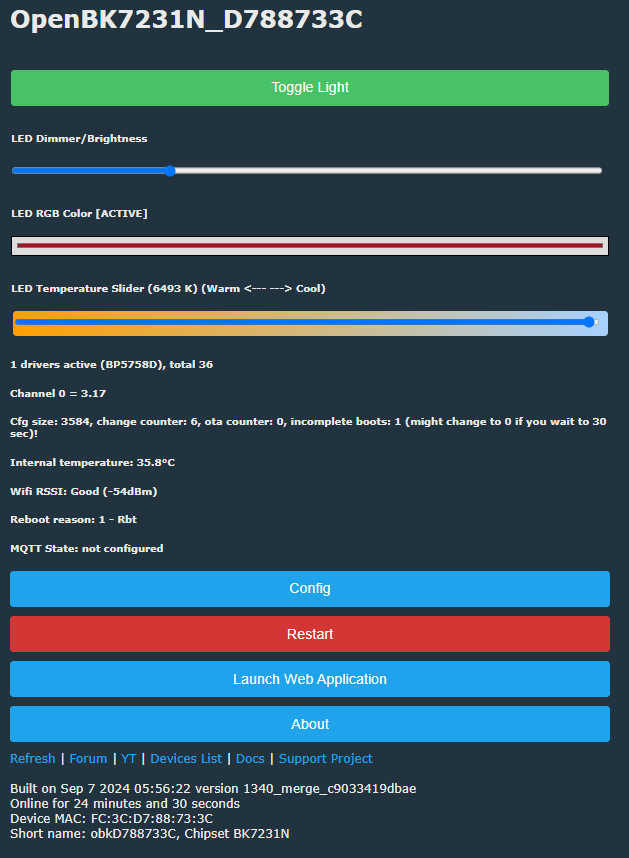
    Screenshot of OpenBK7231N control panel with sliders for brightness, RGB color, and LED temperature.

    anyone doing their own Moes Tuya Matter bulb should use the binaries in https://github.com/openshwprojects/OpenBK7231T_App/actions/runs/10749108481?pr=1340
  • ADVERTISEMENT
  • #9 21221235
    divadiow
    Level 38  
    stable
    Screenshot with information about the operating system online for 1 day, 11 hours, 16 minutes and 4 seconds.
    bulb was lit for >12 hours yesterday and temperatures were fine at 35 degrees or lower
  • #11 21221306
    divadiow
    Level 38  
    oh. I never configured MQTT...
  • #13 21272501
    p.kaczmarek2
    Moderator Smart Home
    Once post is ready, create it as separate topic in Smart Home Tutorials, and here just link to it. Good job!
    Helpful post? Buy me a coffee.
  • #14 21273304
    divadiow
    Level 38  
    done. feel free to amend/revise etc

Topic summary

✨ The discussion revolves around converting the Moes Tuya Matter bulb, equipped with a CBLC5 module, to OpenBeken firmware. Users noted that this conversion is simpler compared to other Matter devices with Beken modules. The boot log indicates the firmware version as BK7231N_2.0.0, compiled on October 26, 2023. Participants explored methods to identify MAC addresses post-pairing and suggested searching for TLV headers in the flash memory. One user successfully flashed the bulb back to factory settings and reconfigured it, achieving stable operation for over 12 hours. However, MQTT configuration was not set up initially. The conversation also included sharing scripts for searching binary files for specific firmware strings and discussing partition addresses for bootloader and application data.

FAQ

TL;DR: OTA starts at 0x12A000 and is 0xA6000; "and now the correct mac address with modified BkDriverFlash.c". Converting Moes Tuya Matter CBLC5 (BK7231N) to OpenBeken is straightforward using 01PE markers and the PR 1340 build. [Elektroda, divadiow, post #21217939]

Why it matters: This FAQ helps tinkerers convert Moes Tuya Matter bulbs to OpenBeken and fix MAC/partition quirks for reliable local control.

Quick Facts

What hardware and pins does the Moes Tuya Matter bulb use?

It uses a CBLC5 module with a BK7231N SoC and a BP5758D LED driver. The Tuya-extracted config maps BP5758D_DAT to P24 and BP5758D_CLK to P26. Use LED_Map 0 1 2 3 4 for proper channel order. This configuration enables full RGBCW control after flashing OpenBeken. [Elektroda, divadiow, post #21216757]

Does BK7231N bootloader 2.0.0 work with OpenBeken without overwriting?

Yes. OpenBeken boots with BK7231N_2.0.0 when “overwrite bootloader (for N/M)” is unchecked. The AP comes up and is accessible. Overwriting with 1.0.1 also boots, but it does not fix a null MAC by itself. Keep BL 2.0.0 unless you have a reason to change it. [Elektroda, divadiow, post #21216757]

How do I fix OpenBeken reporting 00:00:00:00:00:00 MAC?

This appeared right after flashing OBK. Two fixes worked: pre-flash a full standard non‑Matter Tuya BK7231N factory image, then flash OBK; or use the OBK PR 1340 build that reads the Matter MAC location. Both produced a unique MAC and name.
  1. Backup full flash with Easy Flasher.
  2. Flash a full non‑Matter BK7231N factory image, then OBK PR 1340.
  3. Reboot and verify AP name reflects the MAC. This restored a correct MAC and AP name. [Elektroda, divadiow, post #21219777]

Where is the MAC stored in Tuya Matter images?

The MAC appears in storage at flash offset 0x1E3000. The same area contains Matter ‘chip-factory’ data such as vendorId 5245, productId 1412, discriminator 3644, and passcode 57250789. Knowing this offset lets tools and firmware read the right location for identity data. [Elektroda, divadiow, post #21217641]

How can I detect BL/APP/OTA partition starts and sizes?

Read the 01PE markers. Typical layout observed: bootloader at 0x000000 with length 0x10000; APP at 0x10000 with length 0x108700; OTA (download) at 0x12A000 with length 0xA6000. Some firmware, like uHome, uses OTA start 0x143000. Use these to place images correctly and parse dumps. [Elektroda, divadiow, post #21217939]

Should I use TLV markers to locate the storage partition?

Yes. “TLV also seems to be a good indicator of that partition.” Adding a TLV search to your flasher or analysis workflow helps reliably find variable storage blocks across variants. This reduces guesswork when offsets differ between Matter and non‑Matter layouts. [Elektroda, p.kaczmarek2, post #21217900]

Which OpenBeken binary should I flash for this bulb?

Use the PR 1340 GitHub Actions binaries for this CBLC5/BK7231N Matter bulb. As the author noted, “should use the binaries in PR 1340” for correct MAC handling and stable operation. This build also aligns with the updated storage offsets. [Elektroda, divadiow, post #21219777]

Is the bulb stable after conversion, and what temperatures should I expect?

Yes. After conversion, the bulb ran continuously for over 12 hours with temperatures at or below 35°C. This indicates adequate thermal performance with the OpenBeken firmware on the CBLC5 module when driving the BP5758D. Monitor temperatures if you enclose the bulb in tight fixtures. [Elektroda, divadiow, post #21221235]

Do I need to configure MQTT after flashing OpenBeken?

Yes, configure MQTT in the OpenBeken web UI. It is not automatically enabled. In the thread, the device ran without MQTT until the user set it up. As the author admitted: “oh. I never configured MQTT...”. After Wi‑Fi setup, add your broker details and topics. [Elektroda, divadiow, post #21221306]

Can I clone the factory Matter firmware to a CB3S for analysis and pairing?

Yes. The full backup flashed to a CB3S booted and broadcast like the original bulb. It successfully paired with the Tuya app. This approach helps locate storage offsets, validate partitioning, and test network provisioning away from the production device. [Elektroda, divadiow, post #21217641]

Why does Easy Flasher sometimes show FF:FF:FF:FF:FF:FF for MAC in backups?

The backup reported “MAC seems to be FF:FF:FF:FF:FF:FF.” This occurs when the tool reads a legacy offset while Matter firmware stores identity elsewhere. Use updated tools/firmware reading the new storage location or pre-flash a standard non‑Matter image before OBK. [Elektroda, divadiow, post #21216757]

How can I search dumps for OTA partition signatures programmatically?

Search for 01PE tags and known hex patterns. Example: OTA start 0x12A000 with length 0xA6000 corresponds to hex “00A0120000600A00”. The thread includes a PowerShell script that scans .bin files for such sequences to identify partitions quickly. [Elektroda, divadiow, post #21218246]

Is BK7231N bootloader 2.0 relatively new?

It “may be relatively new thing,” noted by a maintainer. If you encounter it, don’t panic; it boots OpenBeken fine. You can still overwrite with BK7231N_1.0.1, but it isn’t required for conversion. Verify partitioning and proceed. [Elektroda, p.kaczmarek2, post #21217310]

How do I build custom OpenBeken firmware for this CBLC5 bulb?

Follow the provided tutorial to build a custom firmware against the latest OpenBeken code. The guide shows a working build pipeline and a demonstration specific to this device class, helping you tune features before flashing. [Elektroda, divadiow, post #21272343]
ADVERTISEMENT