logo elektroda
logo elektroda
X
logo elektroda

Identifying Mini Cam Modules: Hynix HI704 - GalaxyCore GC0329,GC0309,GC0310 - SuperPix SP0A19,SP0828

divadiow 4422 12
ADVERTISEMENT
  • #1 21549325
    divadiow
    Level 38  
    Posts: 4833
    Help: 420
    Rate: 851
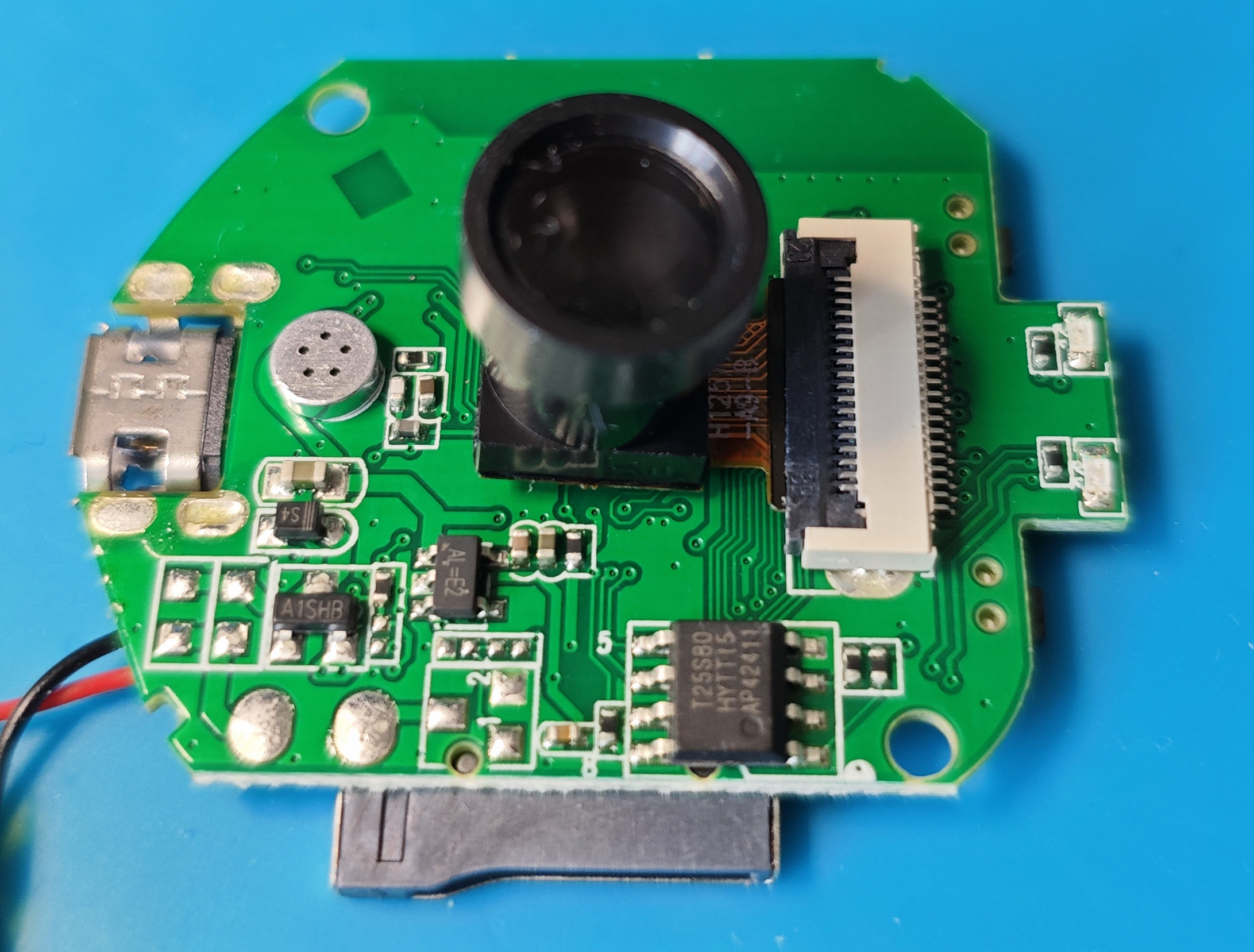
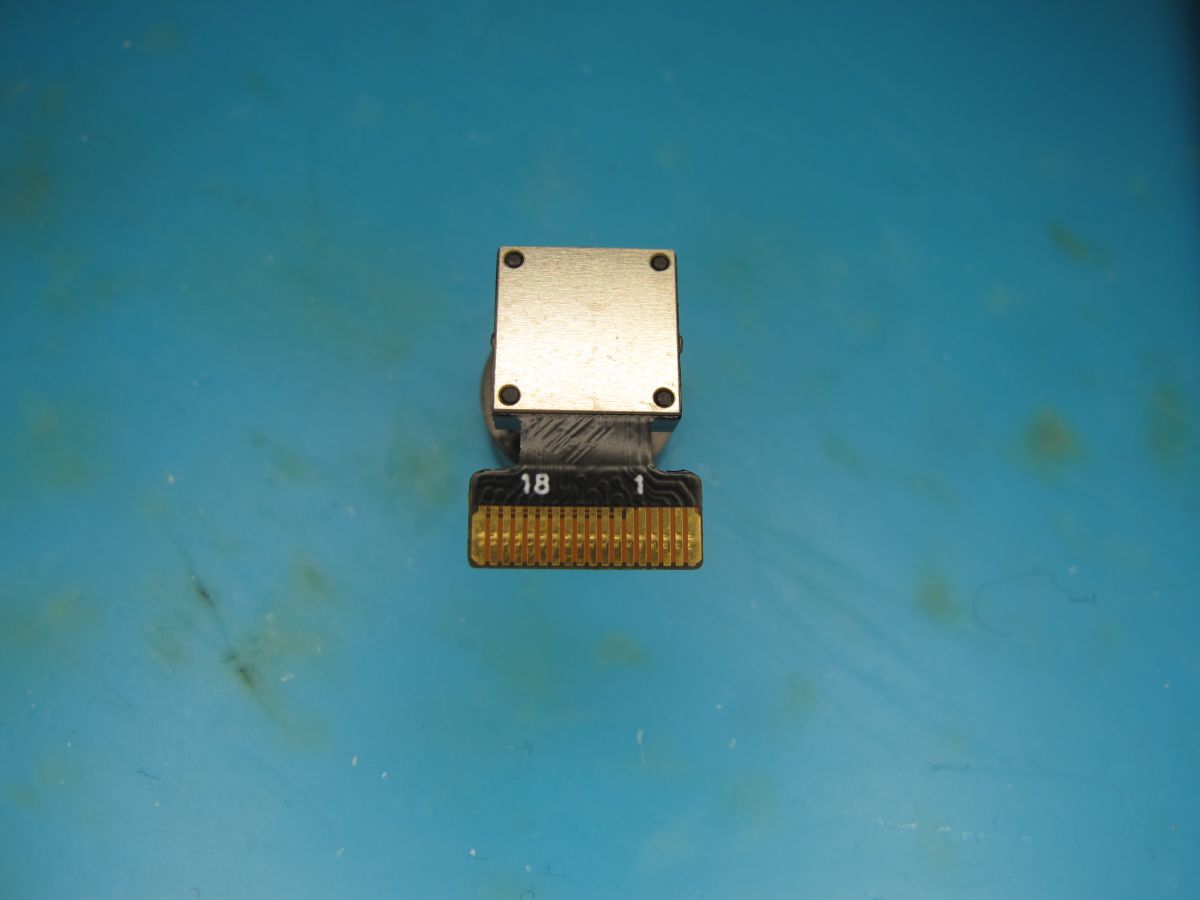
    I have a small collection of X6, A9 and X5 mini spy cams with main chips from Taixin, Beken and XRadioTech. One commonality is the 18-pin FFC (flexible flat cable) ZIF (zero insertion force) connector that the cam modules are connected to the main PCB with.
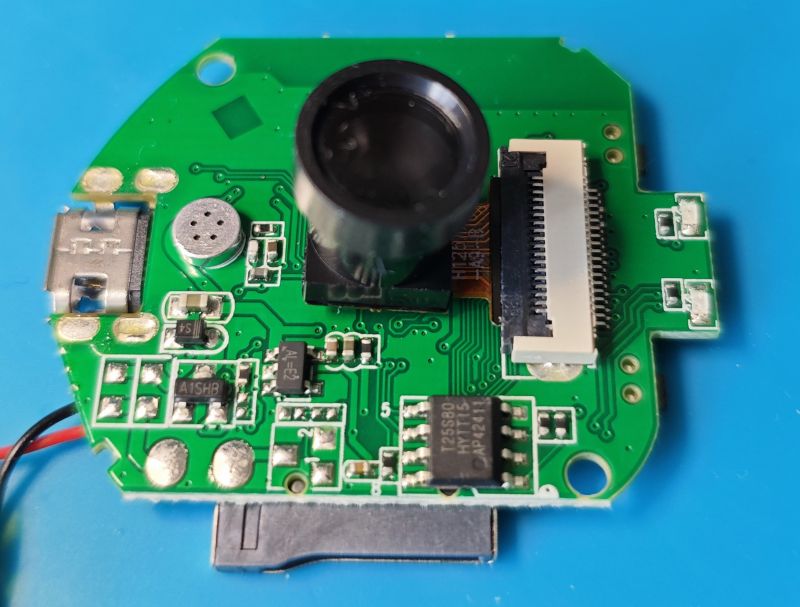
    A mini spy camera circuit board with a microphone, lens, and 18-pin FFC ZIF connector on a blue background.

    From looking at strings in the firmware dump of an XRadio XF16 chip it seems the XF16 might support this list of cams:

    Code: Text
    Log in, to see the code

    The XF16's uart log out is helpful enough to print which one it detects is connected. This presents a good opportunity to identify each cam, assuming the pins are the same. Often identifying text printed on the ribbon doesn't make it immediately obvious what make/model the cam is. Here'll I'll present pics and the relevant XF16 boot log to show initialisation. Maybe this will help others to identify their cameras. It is also a record for me of what I have.


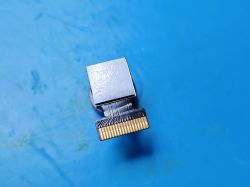
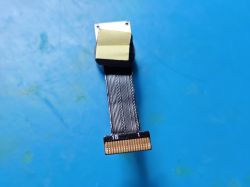
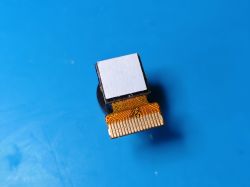
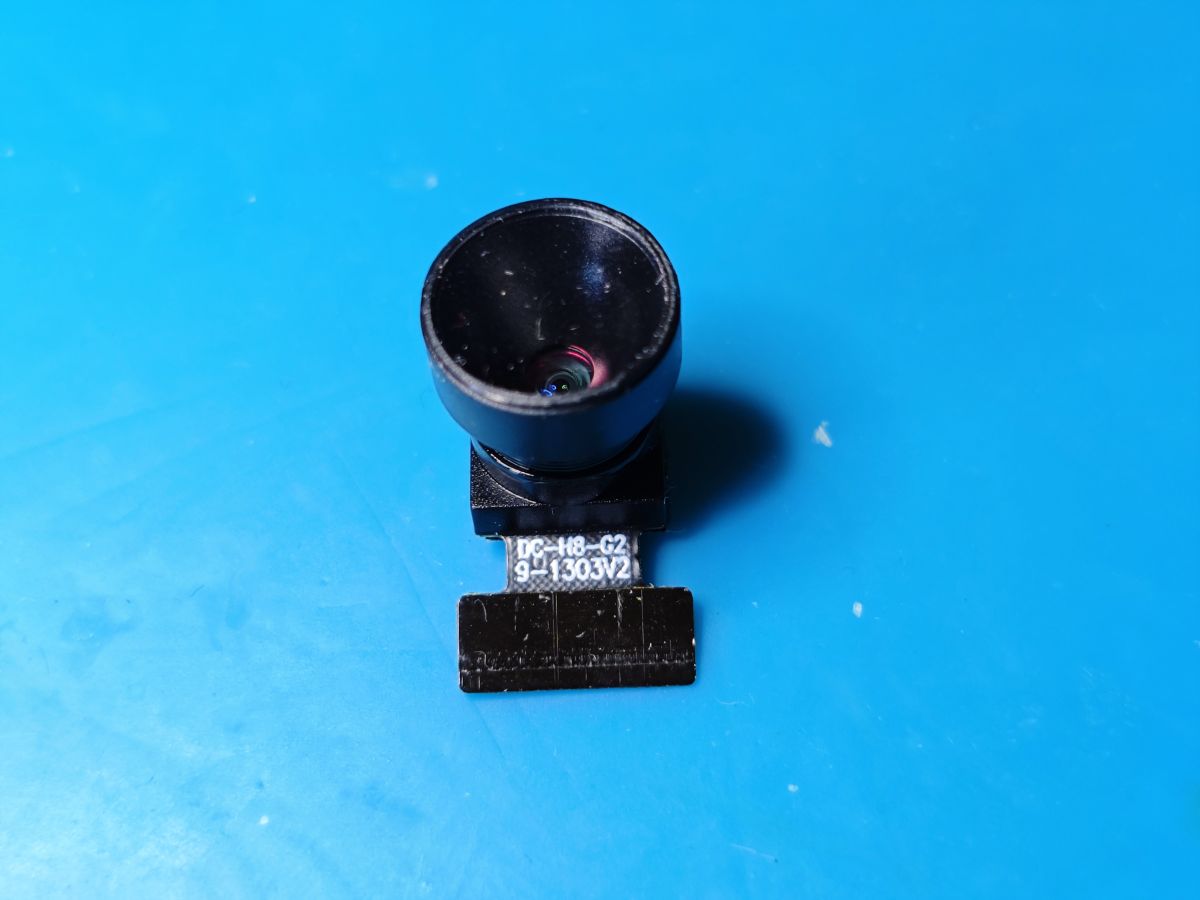
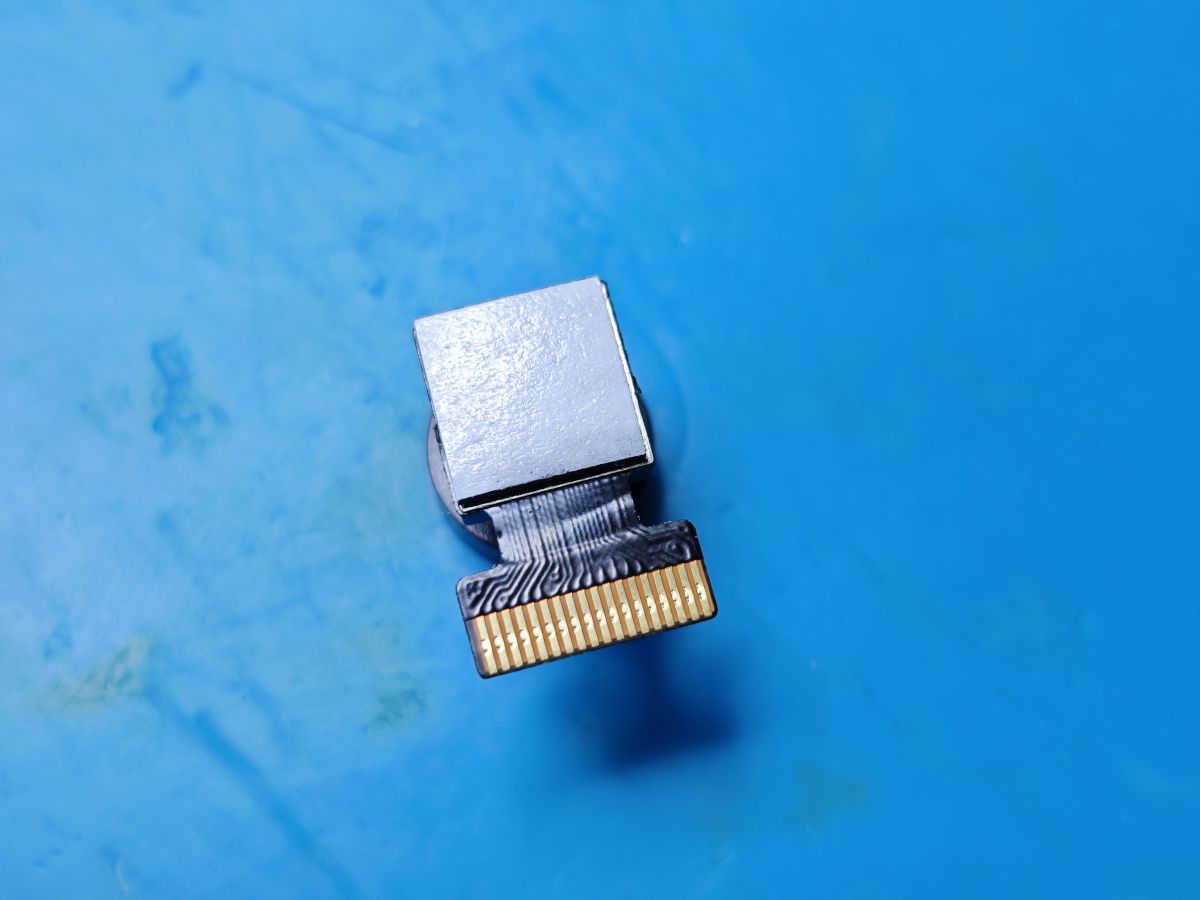
    GalaxyCore GC0329 DC-H8-G2 DC-H8-C2 9-1303V2
    Mini camera module with wide-angle lens and FFC cable on a blue background. Mini camera module with 18-pin FFC ZIF connector, viewed from connector side, on a blue surface.
    Init
    Code: Text
    Log in, to see the code

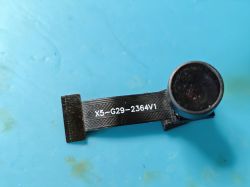
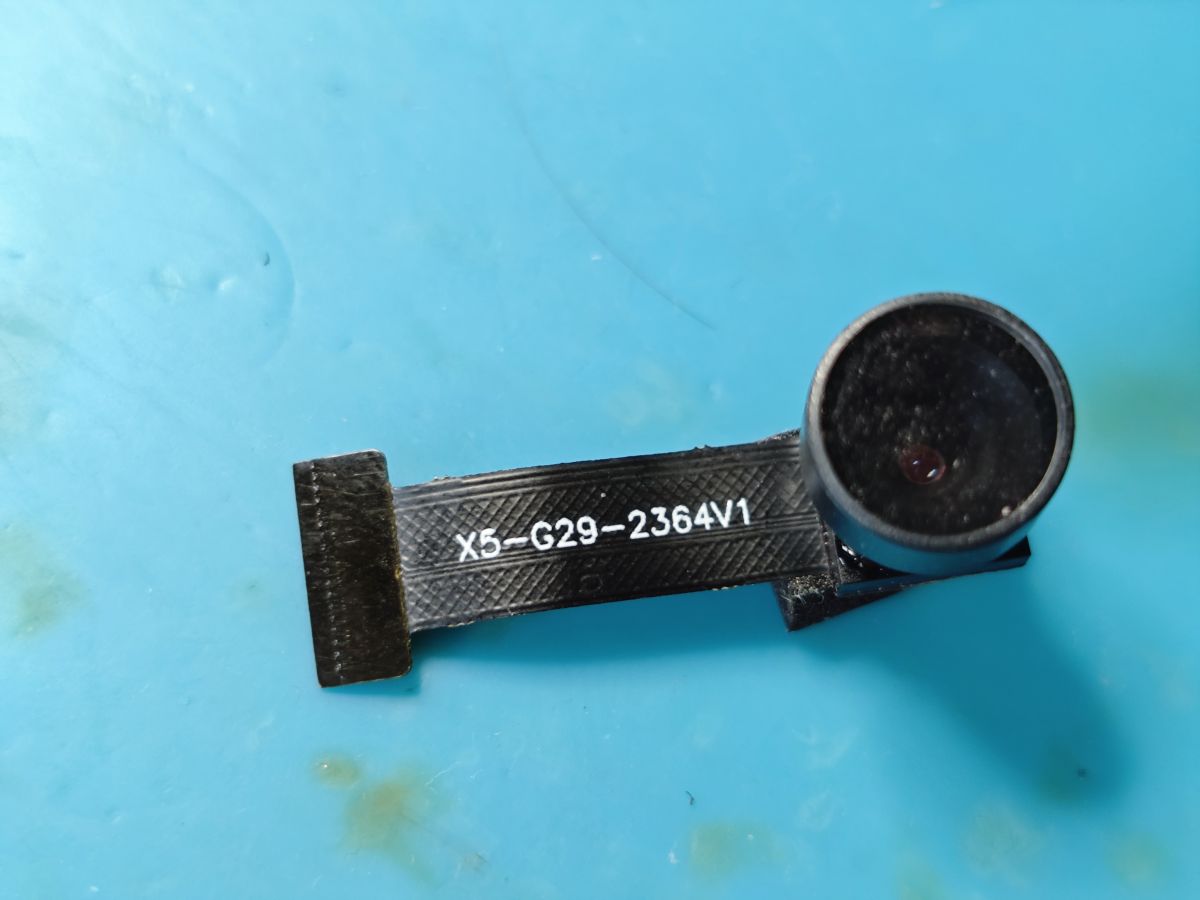
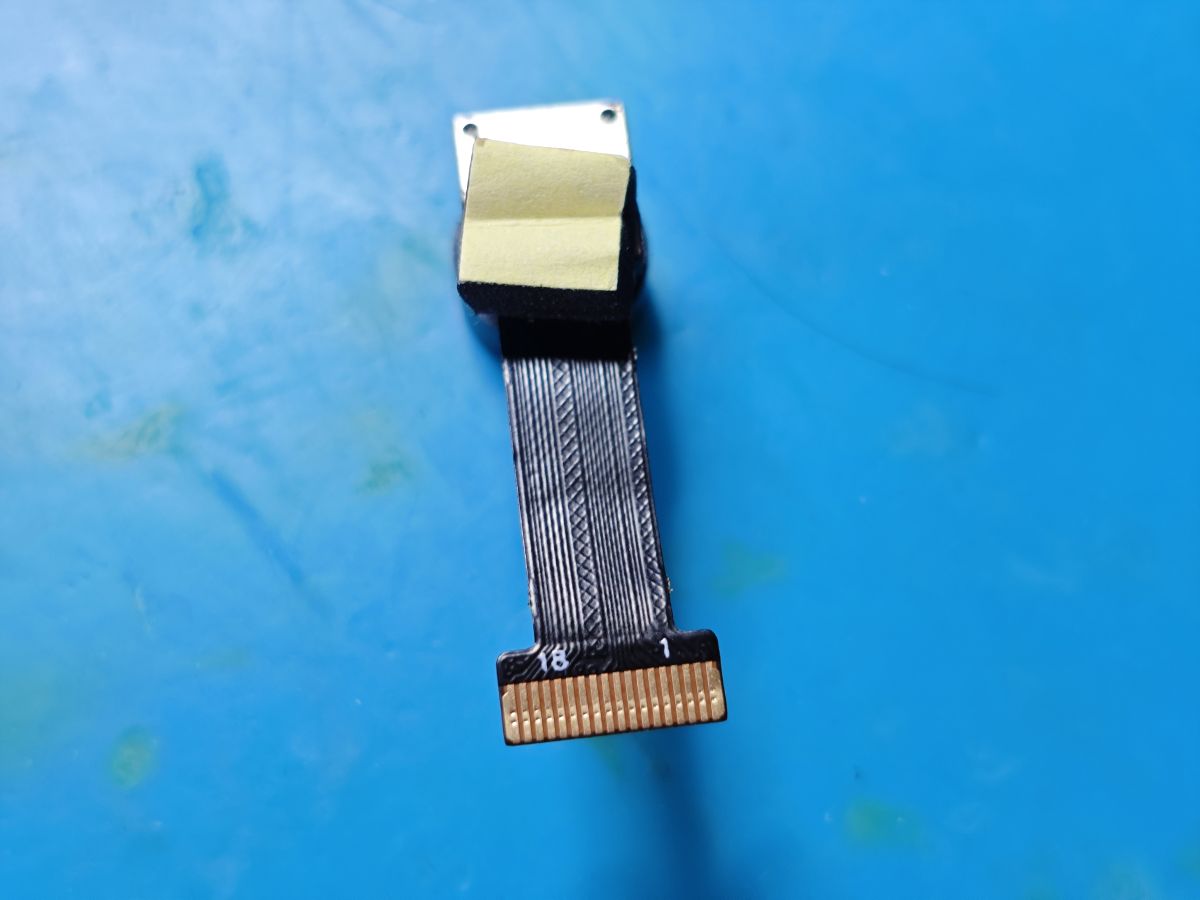
    GalaxyCore GC0329 X5-G29-2364V1
    Camera module with X5-G29-2364V1 printed on a black FFC cable lying on a blue surface. Mini camera module with connected 18-pin FFC cable on a blue surface.
    Init
    Code: Text
    Log in, to see the code


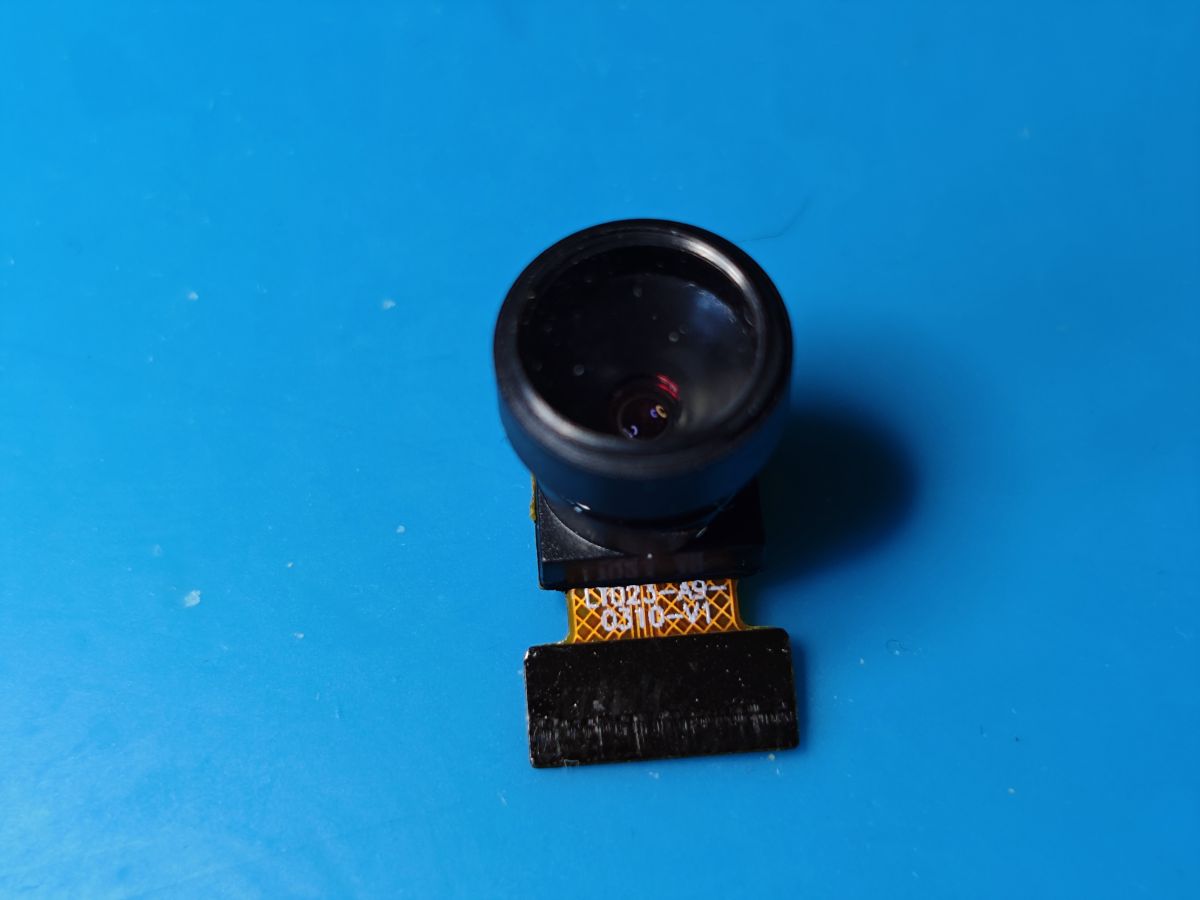
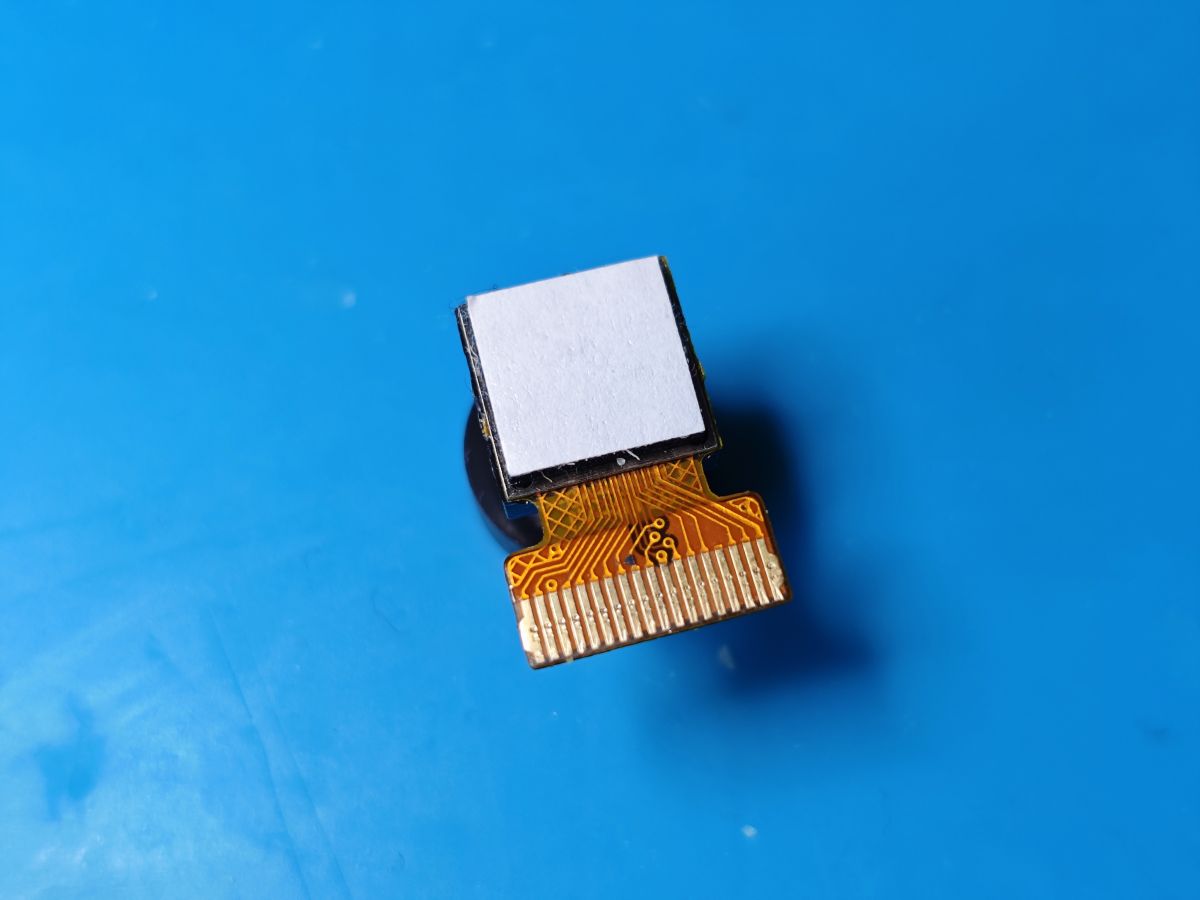
    GalaxyCore GC0310 LY023-A9-0310-V1 LT023-A9-0310-V1
    Mini camera module with fisheye lens and FFC ribbon cable on a blue background. Camera module with a flexible flat FFC cable and 18-pin connector on a blue background.
    Init
    Code: Text
    Log in, to see the code


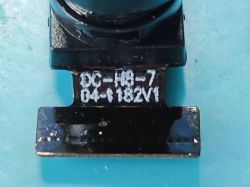
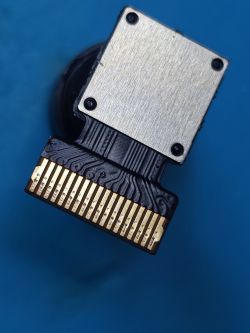
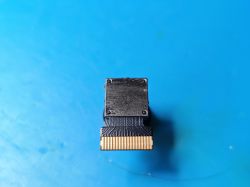
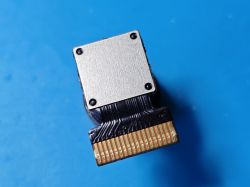
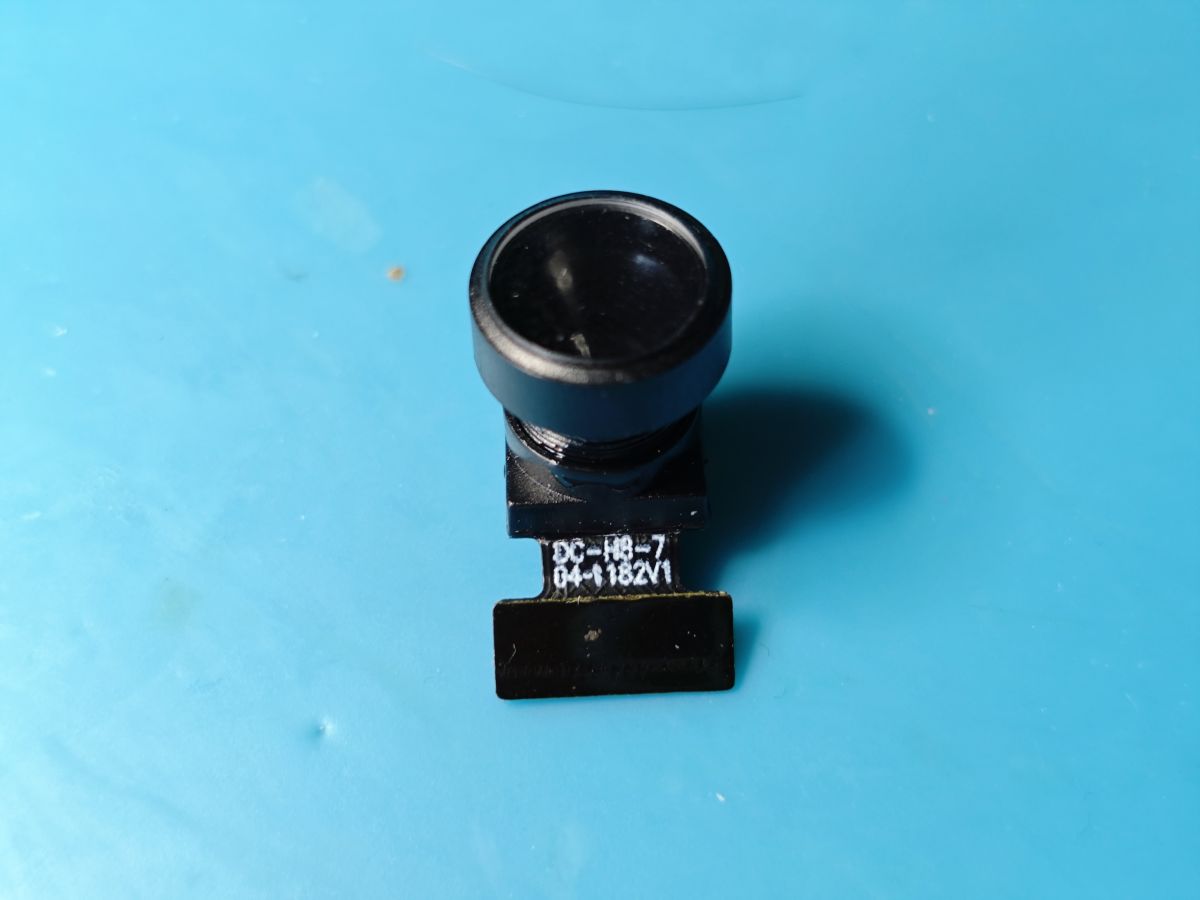
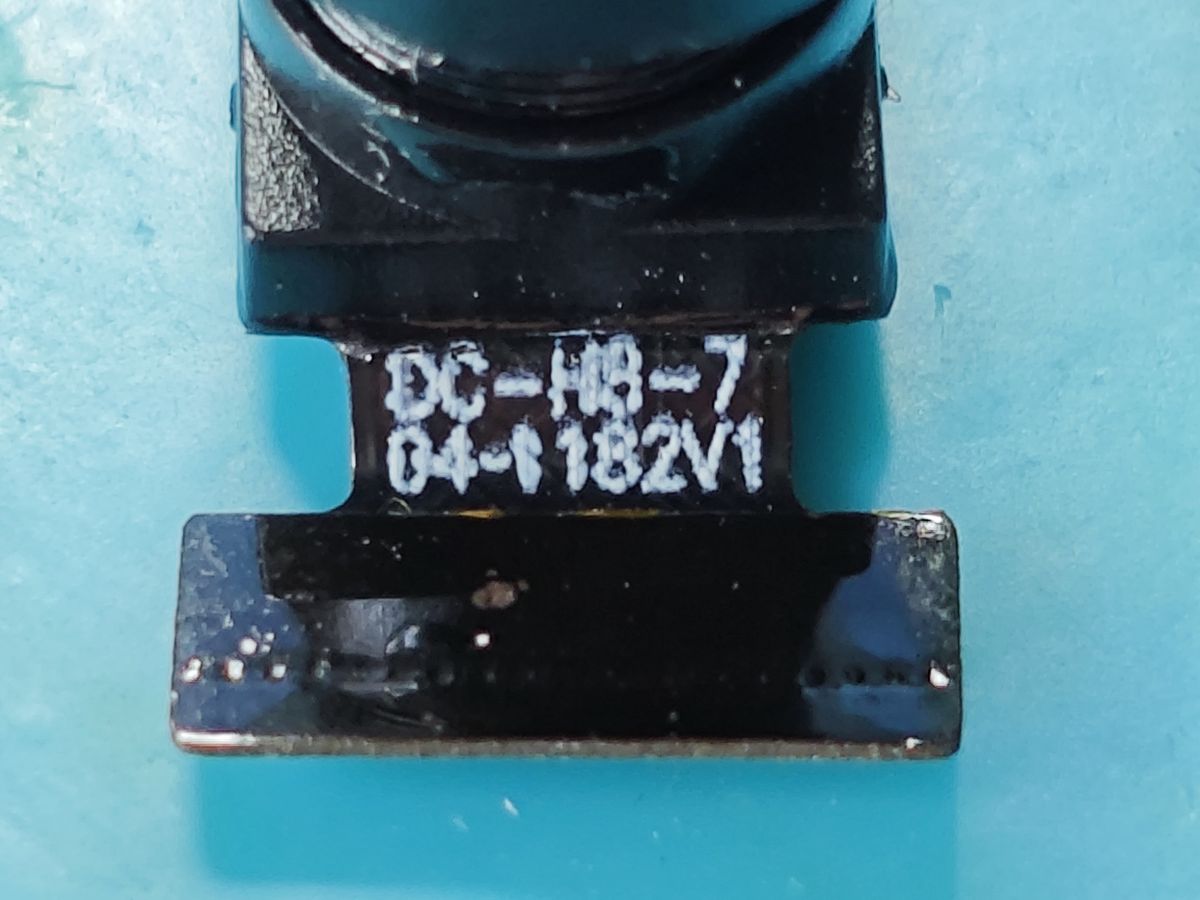
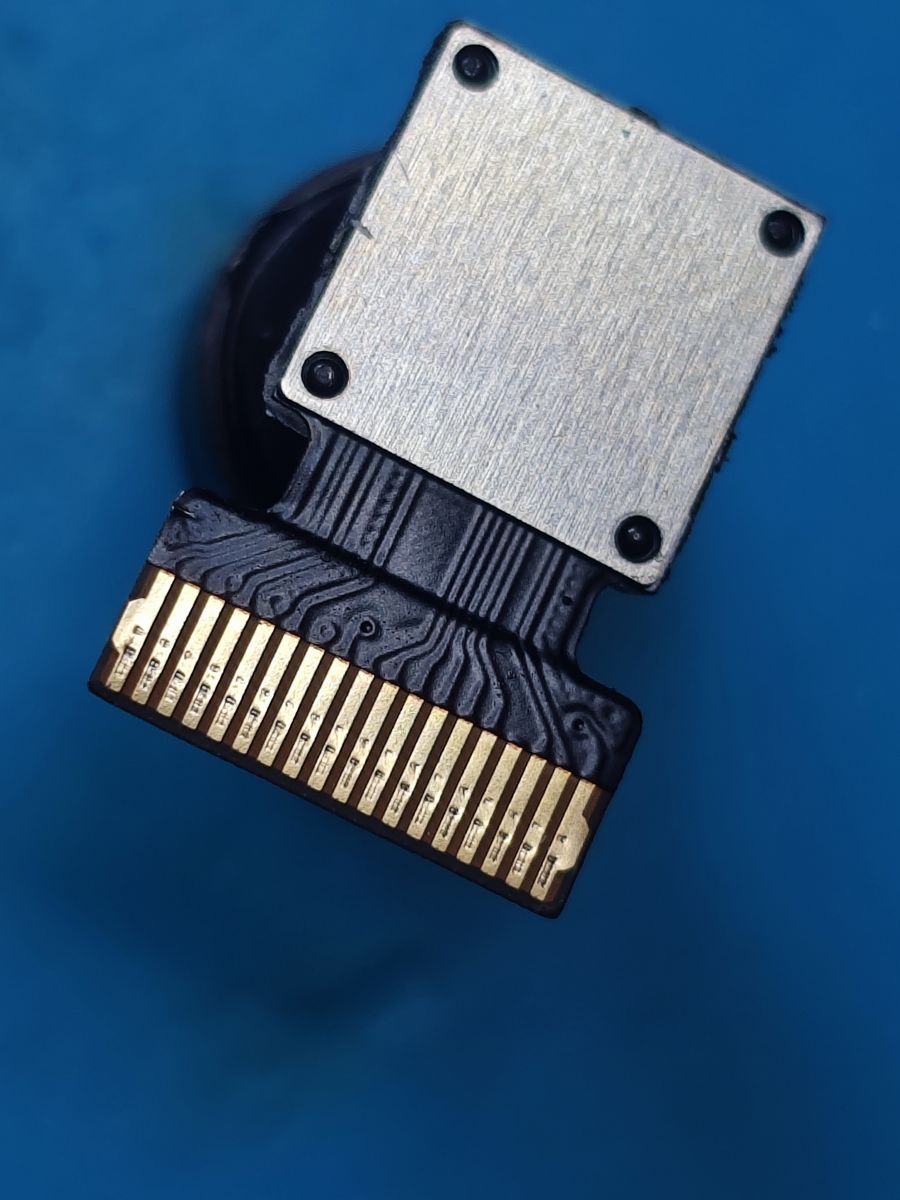
    Hynix HI704 DC-H8-704-6182V1 DC-H0-7040-6182V1
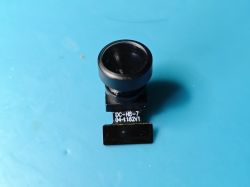
    A small camera module with a wide-angle black lens on a flat cable labeled DC-H8-7 04-1182V1, placed on a blue background. Close-up of a camera module labeled DC-H8-7 04-1182V1 on a blue background. Camera module with metal shield and 18-pin FFC/ZIF connector, front view on blue background.
    Code: Text
    Log in, to see the code


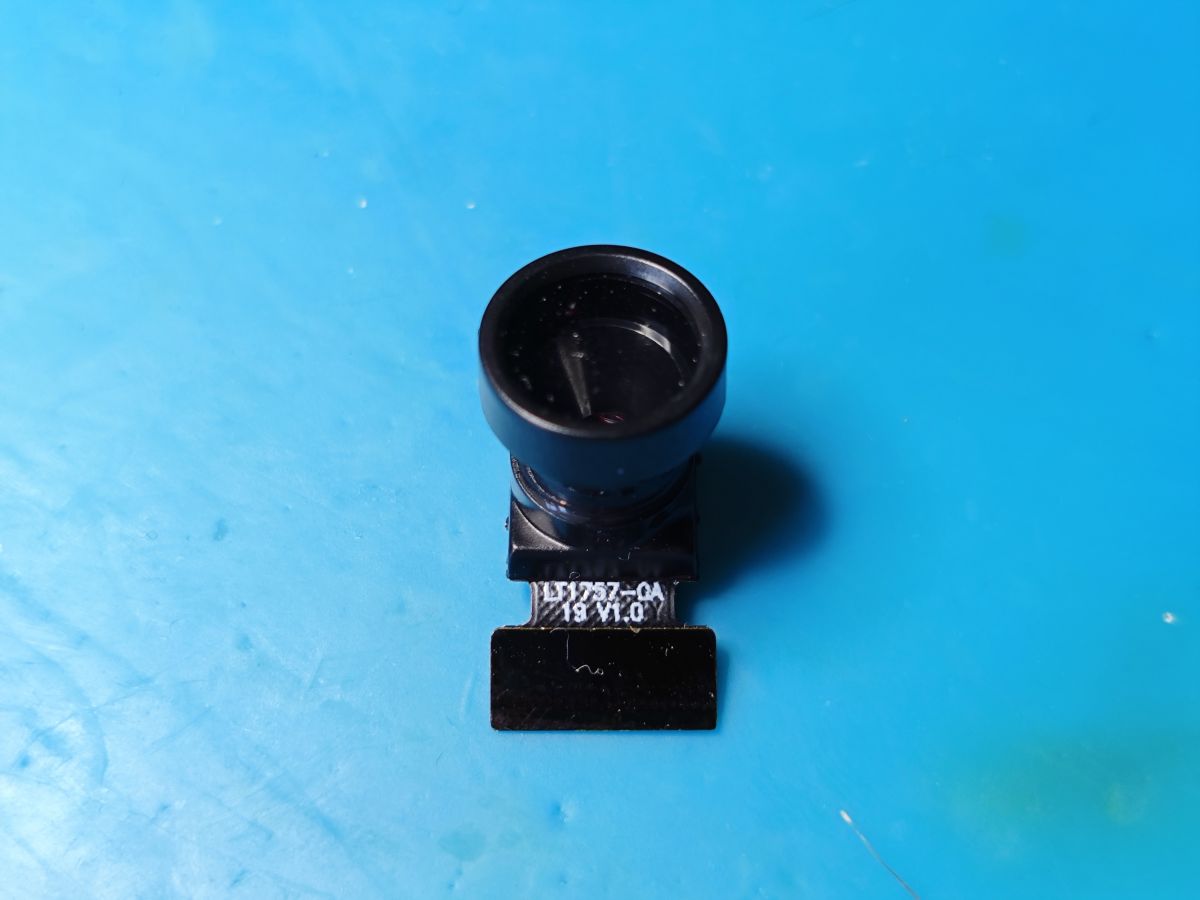
    SuperPix SP0A19 LT1757-OA-10 V1.0 LT1757-QA-19 V1.0
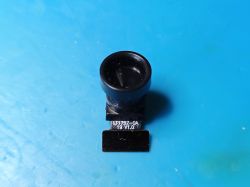
    Mini camera module with a large lens and FFC ribbon labeled LT1757-OA 1.0 on a blue background. Spy camera module with flexible flat cable and 18-pin FFC connector on a blue background.
    Init
    Code: Text
    Log in, to see the code


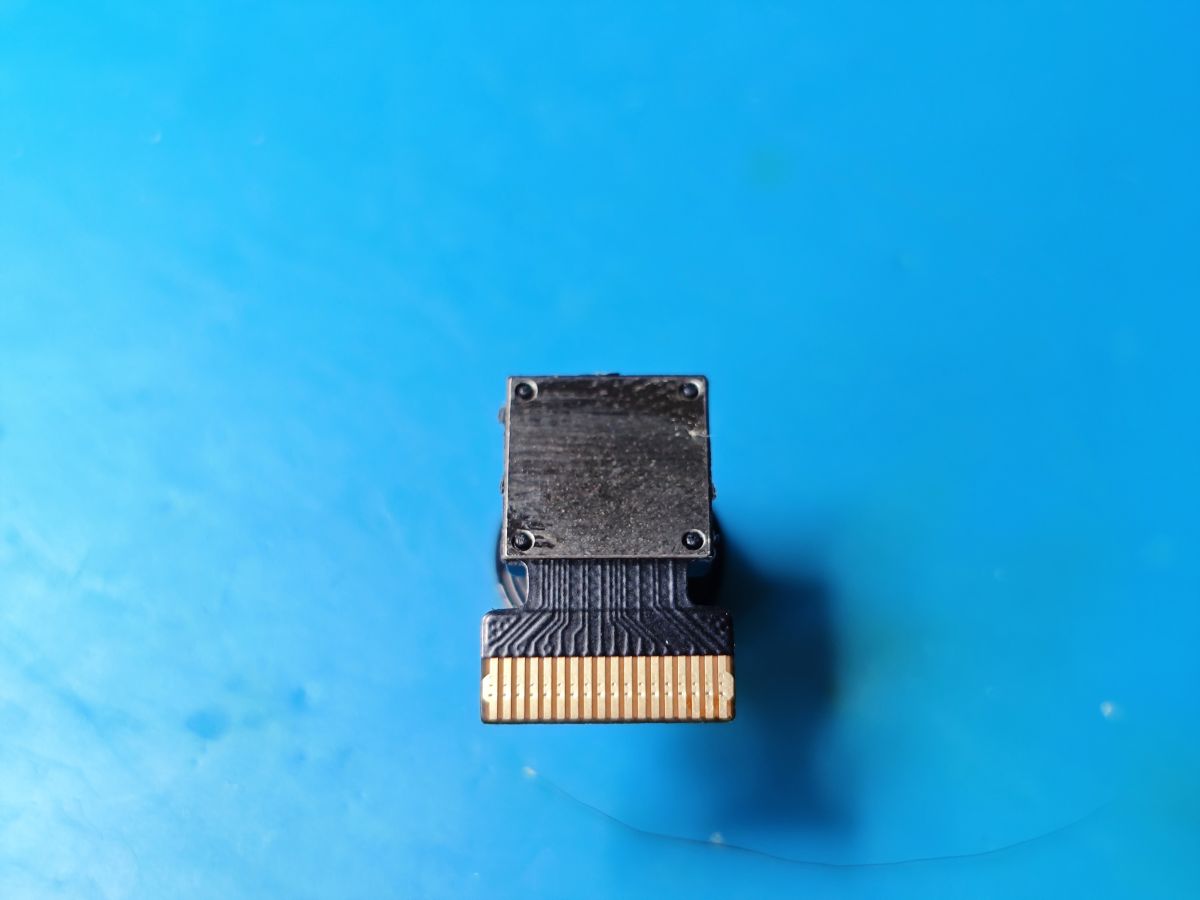
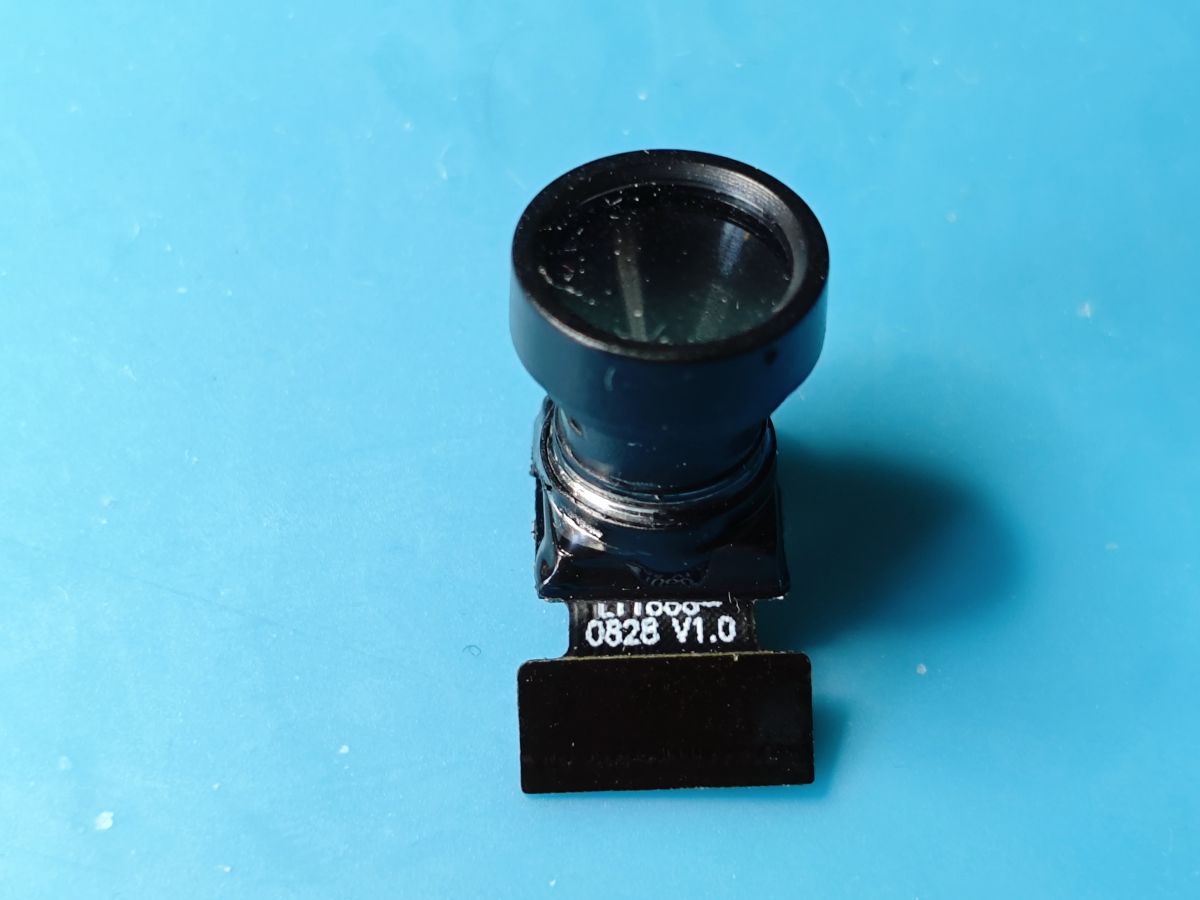
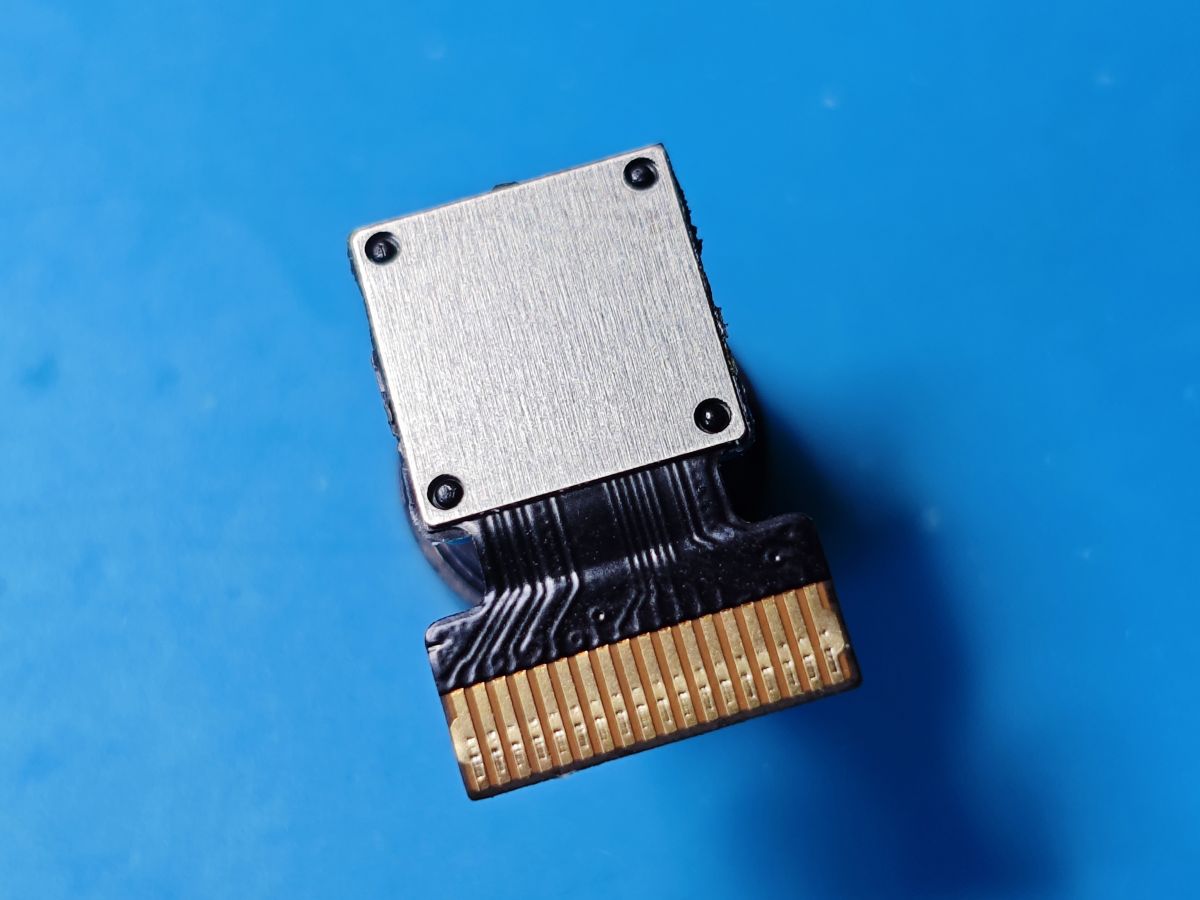
    SuperPix SP0828 LT1888-0828(?) V1.0 L11888-0828(?)
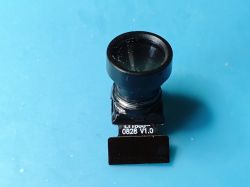
    Miniature camera module on a blue background, with a large lens and 0828 V1.0 marking on the board. Mini camera module with metal cover and 18-pin FFC connector on a blue background.
    Init
    Code: Text
    Log in, to see the code

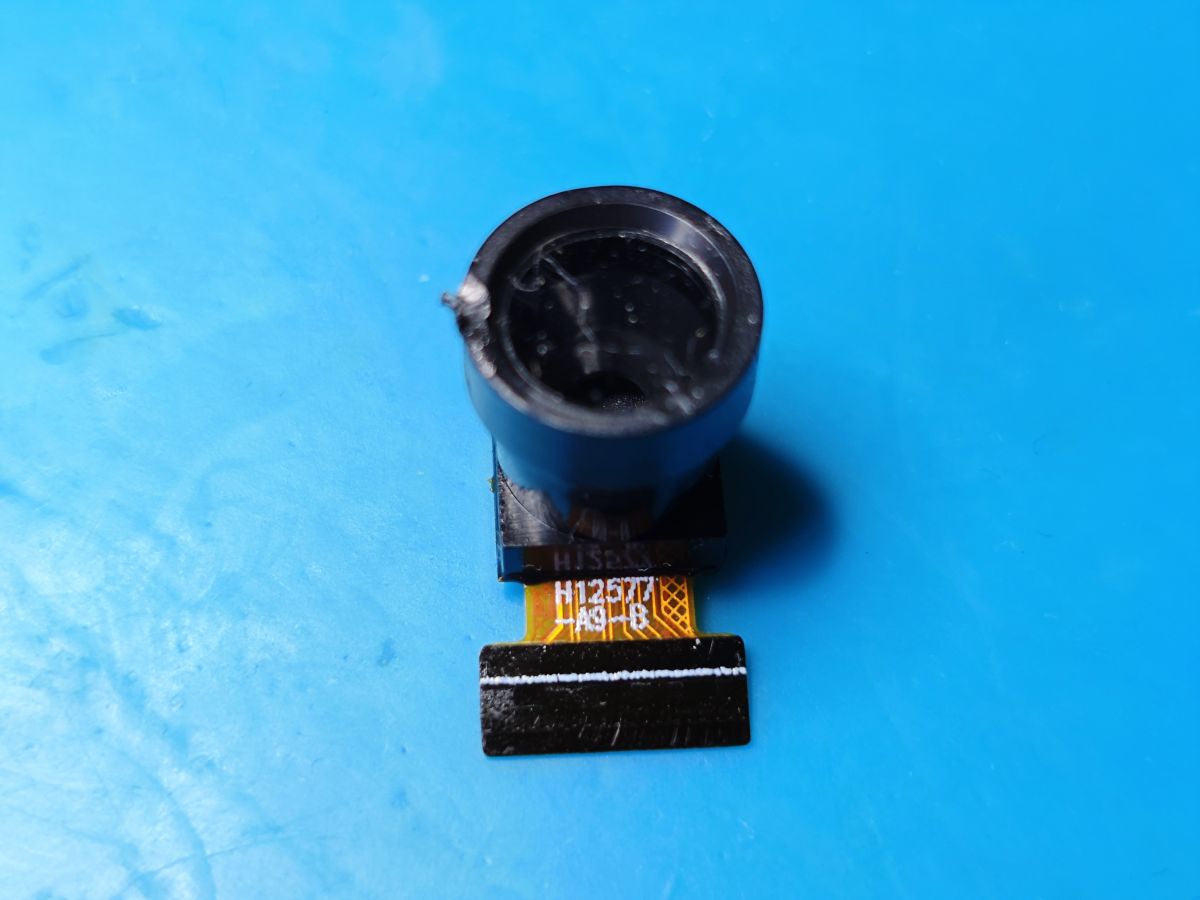
    SuperPix SP0828 HT12577-A9-B H12577-A9-8
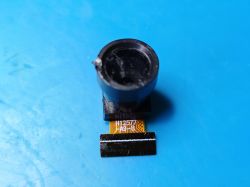
    Miniature camera module with FFC ribbon cable on blue background, marked H12577 A9 B on the cable. Mini camera module with 18-pin FFC ZIF connector on a blue background, viewed from the shielding side.
    Init
    Code: Text
    Log in, to see the code
  • ADVERTISEMENT
  • #2 21550528
    divadiow
    Level 38  
    Posts: 4833
    Help: 420
    Rate: 851
    And from a Tuya mini doorbell (not this one but very similar). Contacts are on the opposite side of ribbon for this one as the cam points back through a hole in the PCB.

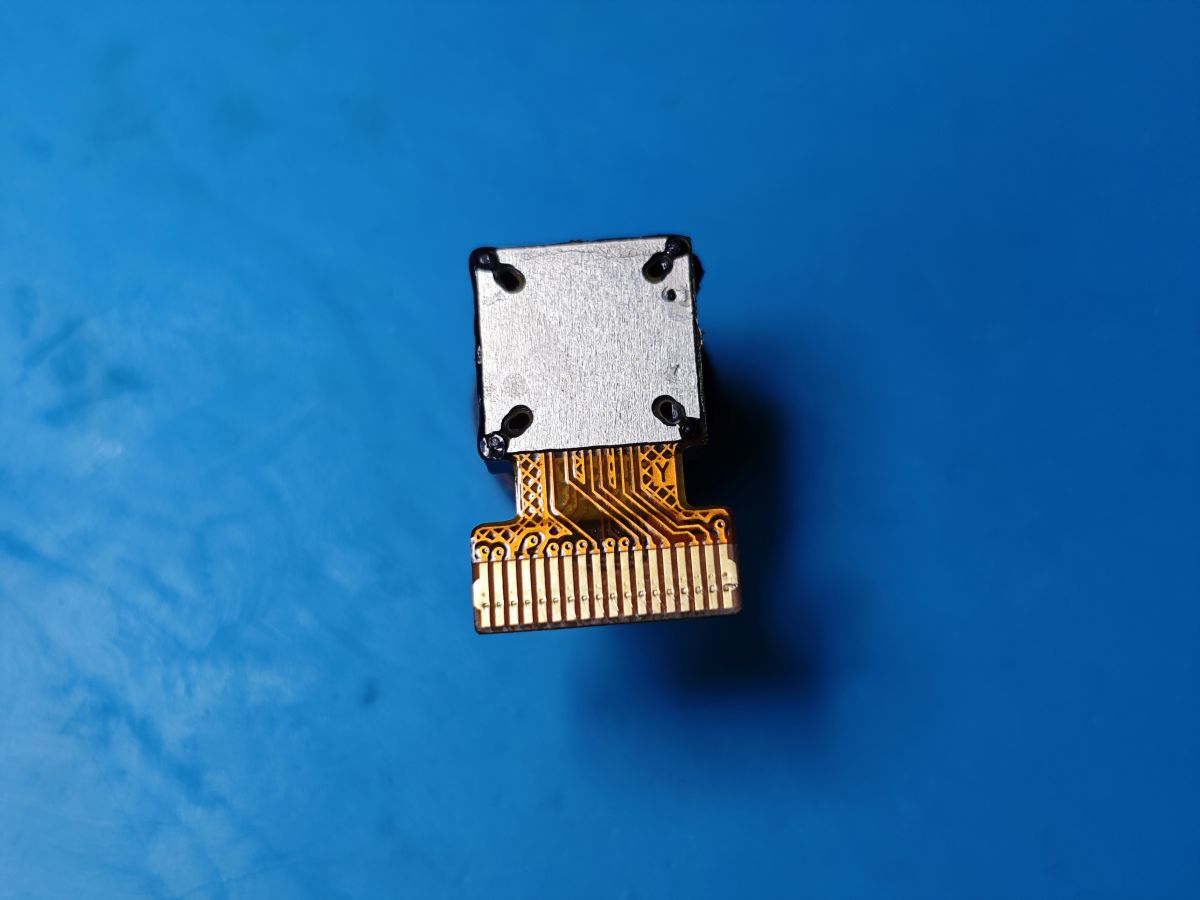
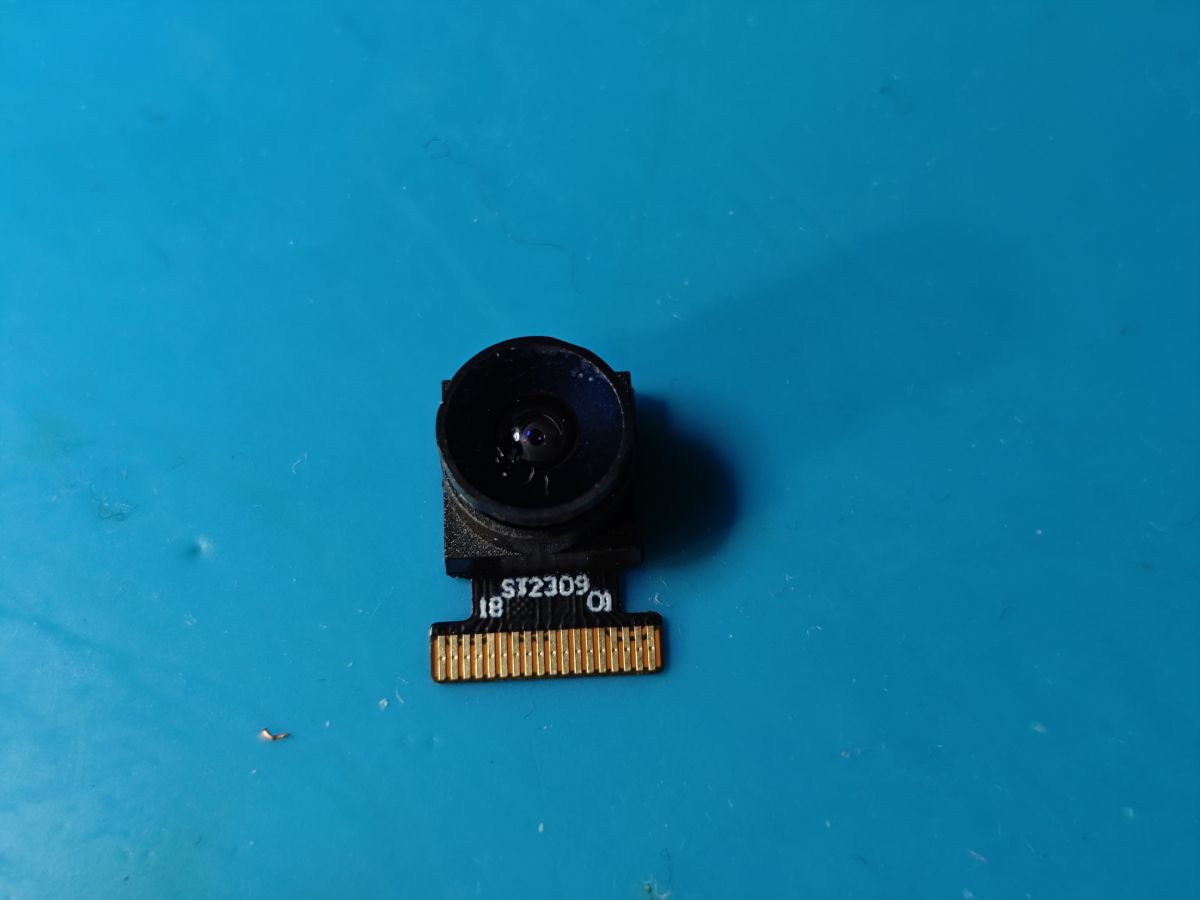
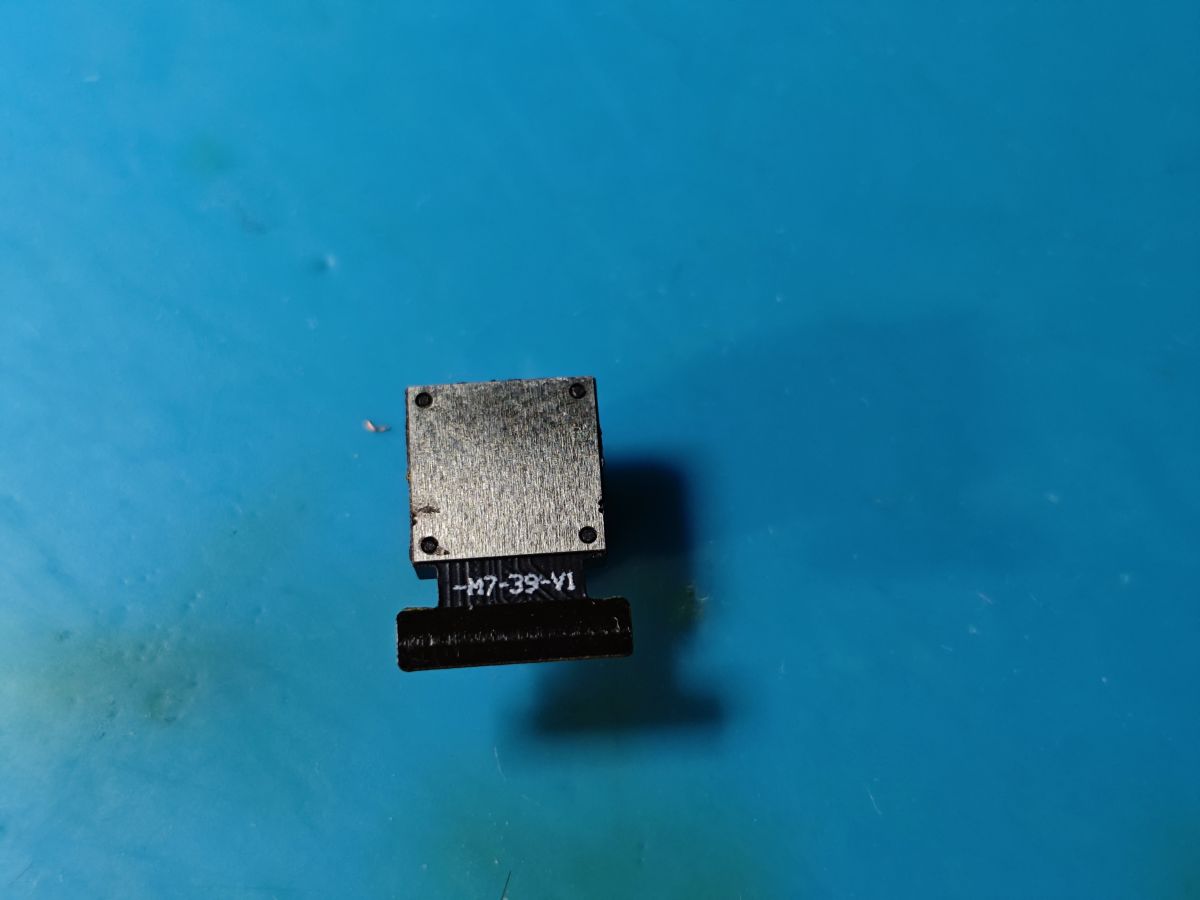
    GalaxyCore GC0309 SI2309 ST2309 -M7-39-V1
    Camera module with lens and electronic connector on a blue background. Metal electronic component with M7-39-V1 marking on a blue background.
    Init
    Code: Text
    Log in, to see the code
  • ADVERTISEMENT
  • #3 21583310
    divadiow
    Level 38  
    Posts: 4833
    Help: 420
    Rate: 851
    from a new BK7252UQN48 device

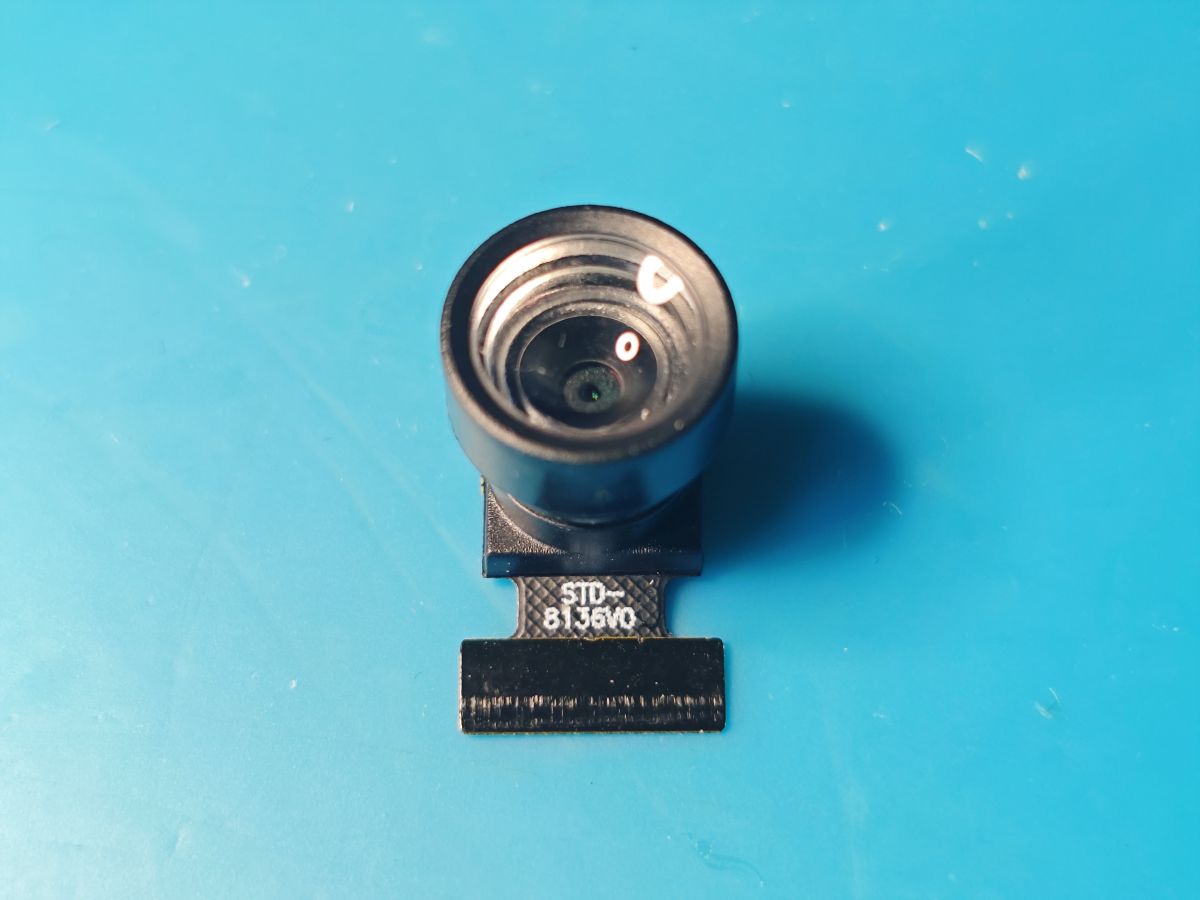
    GalaxyCore GC0312 STD-8136V0 STD-8136VO
    Identifying Mini Cam Modules: Hynix HI704 - GalaxyCore GC0329,GC0309,GC0310 - SuperPix SP0A19,SP0828 Identifying Mini Cam Modules: Hynix HI704 - GalaxyCore GC0329,GC0309,GC0310 - SuperPix SP0A19,SP0828
    Init
    Code: Text
    Log in, to see the code
  • ADVERTISEMENT
  • #5 21710596
    divadiow
    Level 38  
    Posts: 4833
    Help: 420
    Rate: 851
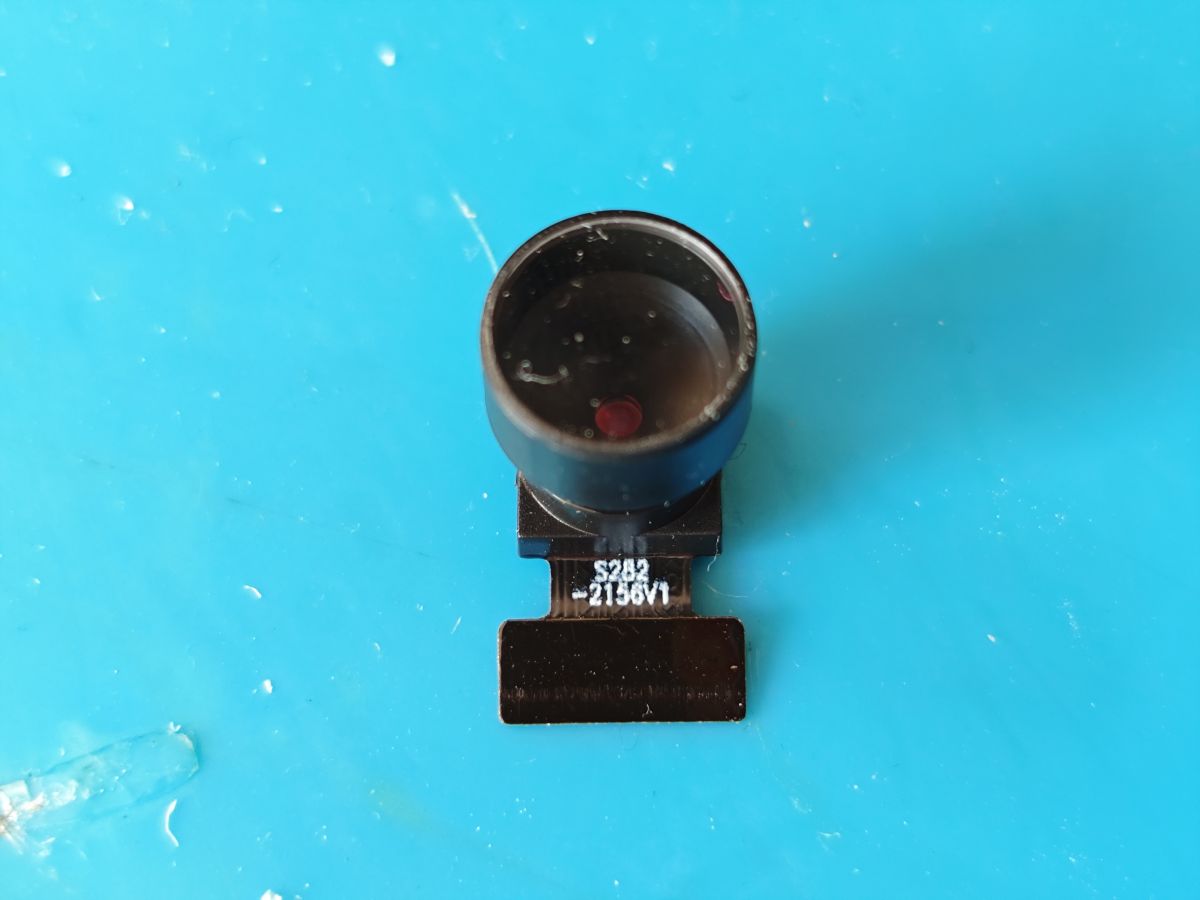
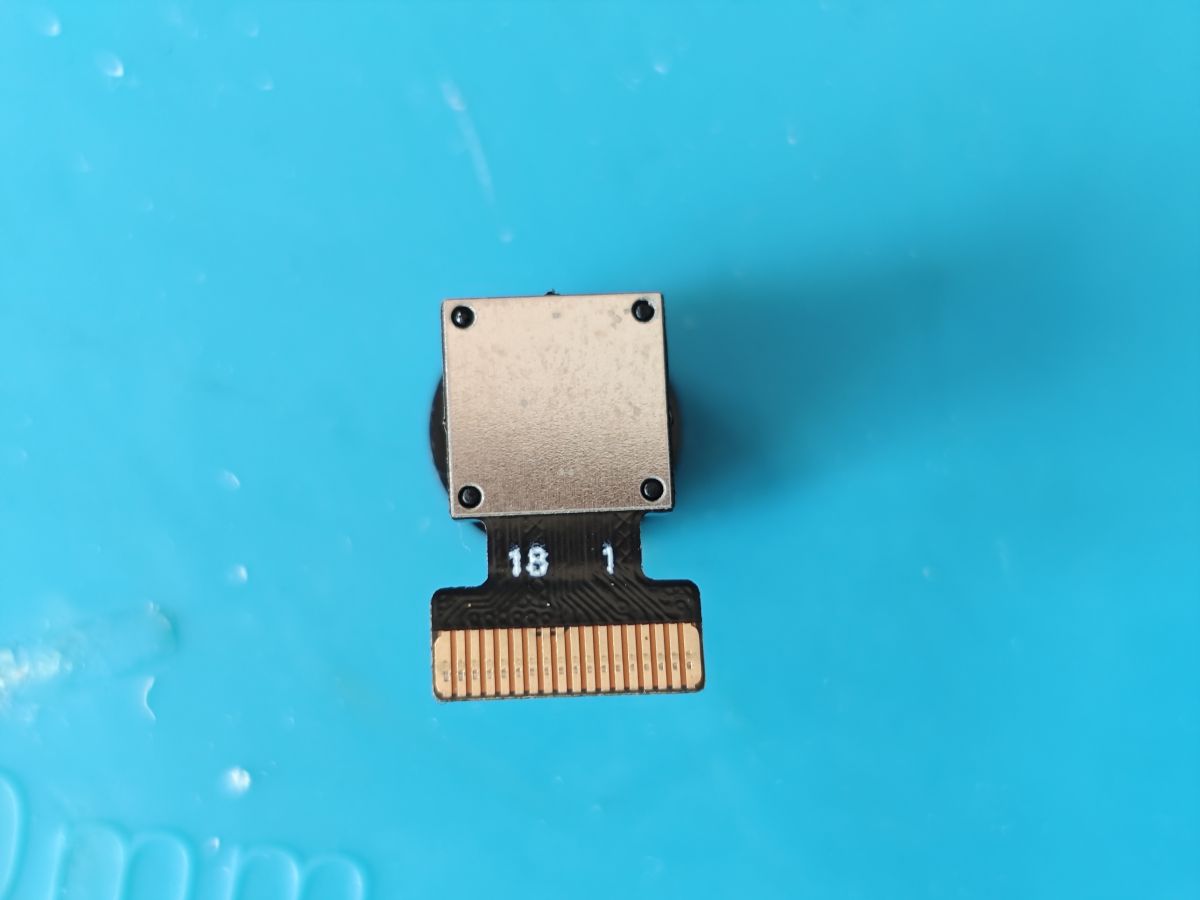
    SuperPix SP0828 S282-2156V1
    Identifying Mini Cam Modules: Hynix HI704 - GalaxyCore GC0329,GC0309,GC0310 - SuperPix SP0A19,SP0828 Identifying Mini Cam Modules: Hynix HI704 - GalaxyCore GC0329,GC0309,GC0310 - SuperPix SP0A19,SP0828
    Init
    Code: Text
    Log in, to see the code


    Added after 30 [minutes]:

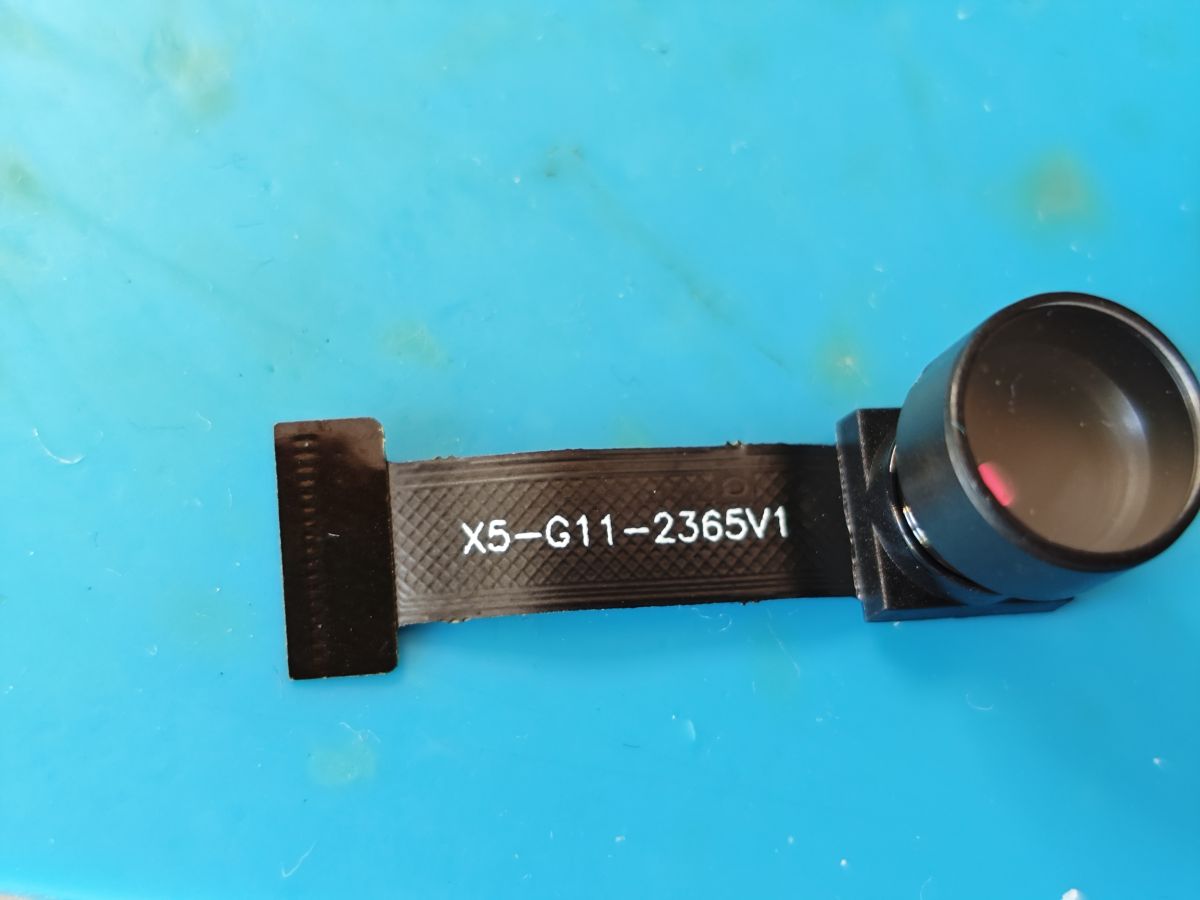
    GalaxyCore GC0311 X5-G11-2365V1
    Identifying Mini Cam Modules: Hynix HI704 - GalaxyCore GC0329,GC0309,GC0310 - SuperPix SP0A19,SP0828 Identifying Mini Cam Modules: Hynix HI704 - GalaxyCore GC0329,GC0309,GC0310 - SuperPix SP0A19,SP0828
    Init
    Code: Text
    Log in, to see the code


    Added after 17 [minutes]:

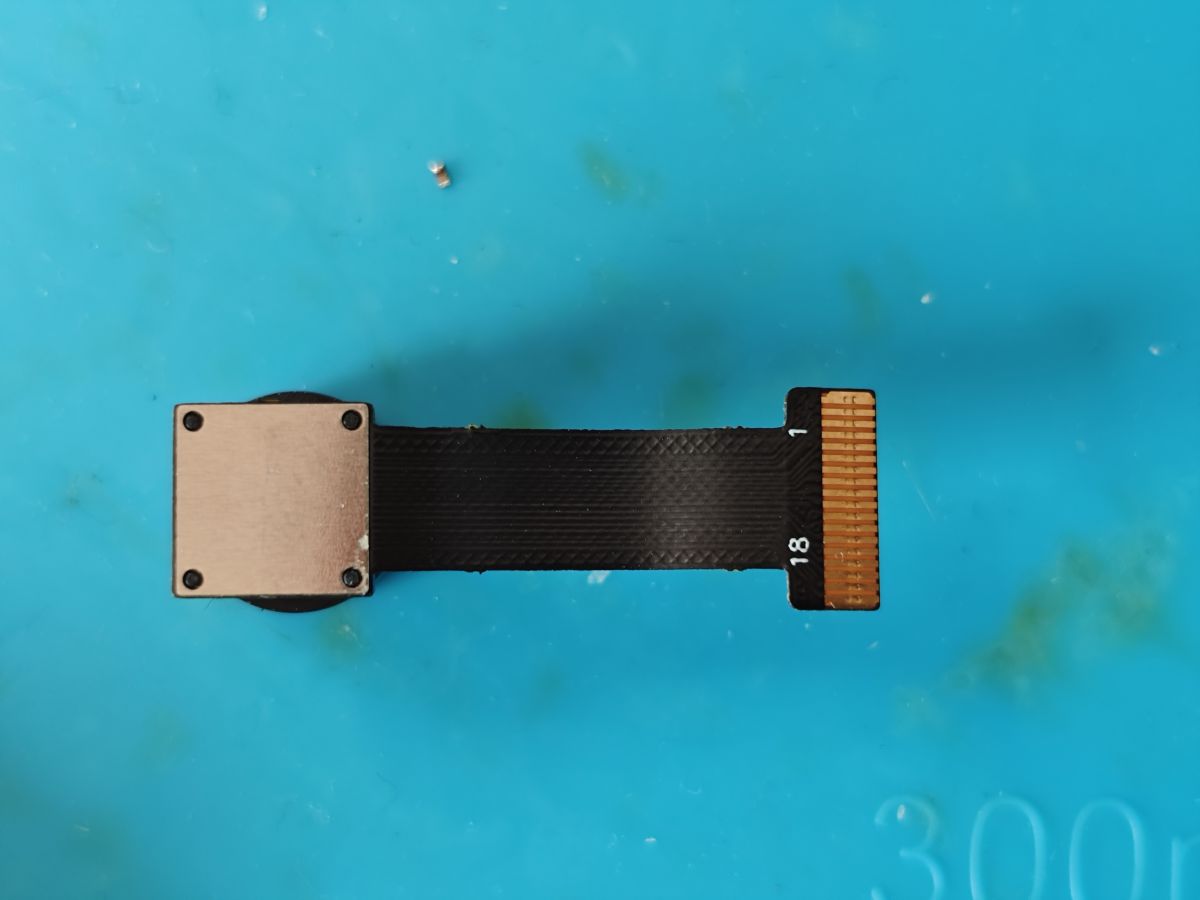
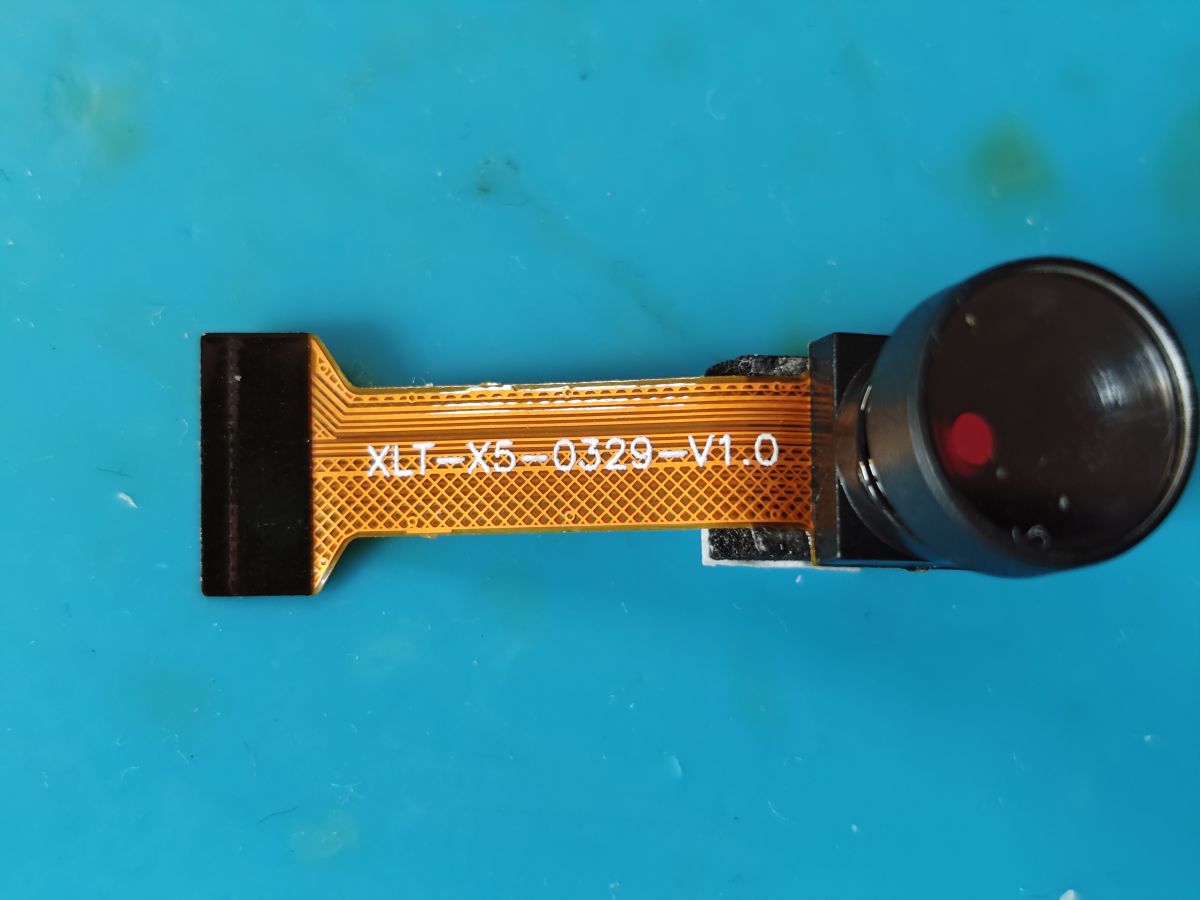
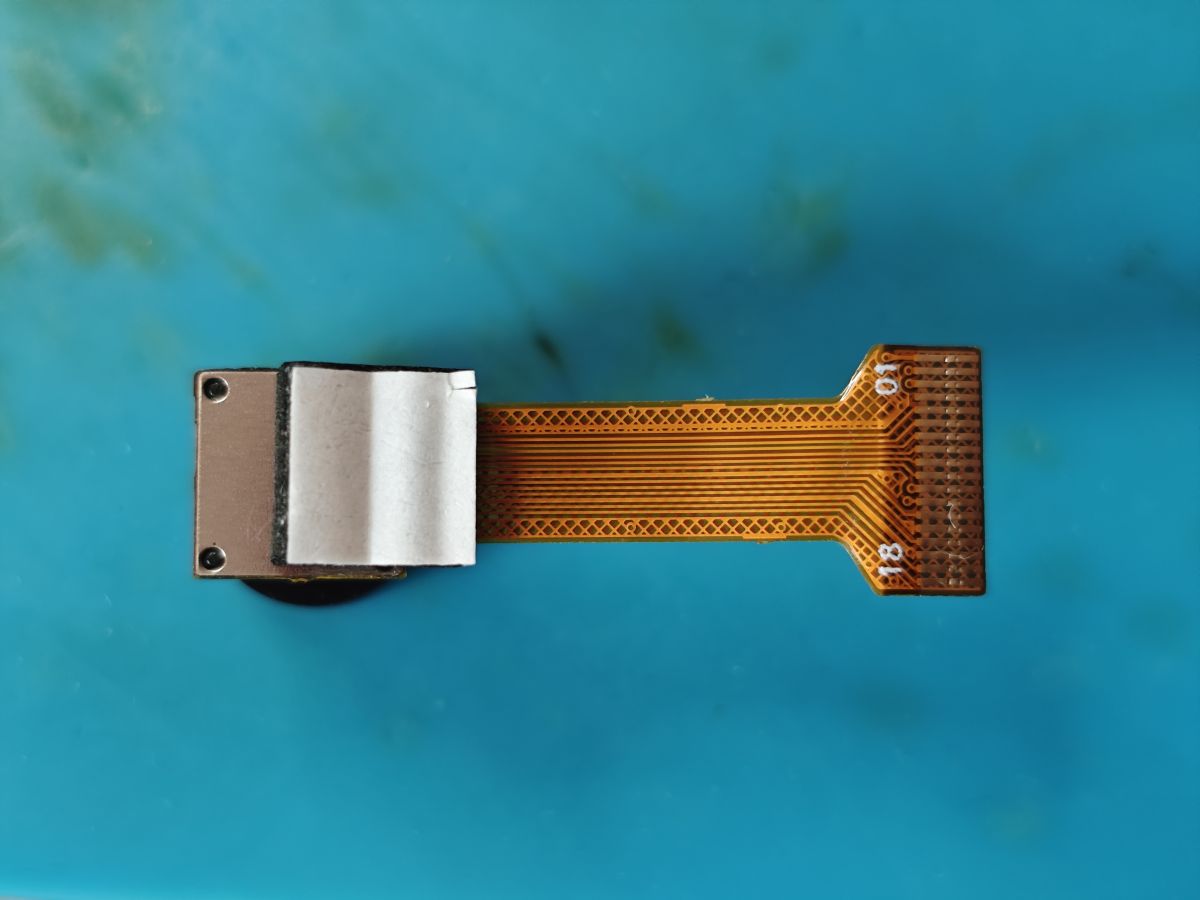
    GalaxyCore GC0329 XLT-X5-0329-V1.0
    Identifying Mini Cam Modules: Hynix HI704 - GalaxyCore GC0329,GC0309,GC0310 - SuperPix SP0A19,SP0828 Identifying Mini Cam Modules: Hynix HI704 - GalaxyCore GC0329,GC0309,GC0310 - SuperPix SP0A19,SP0828
    Init
    Code: Text
    Log in, to see the code
  • #6 21712521
    divadiow
    Level 38  
    Posts: 4833
    Help: 420
    Rate: 851
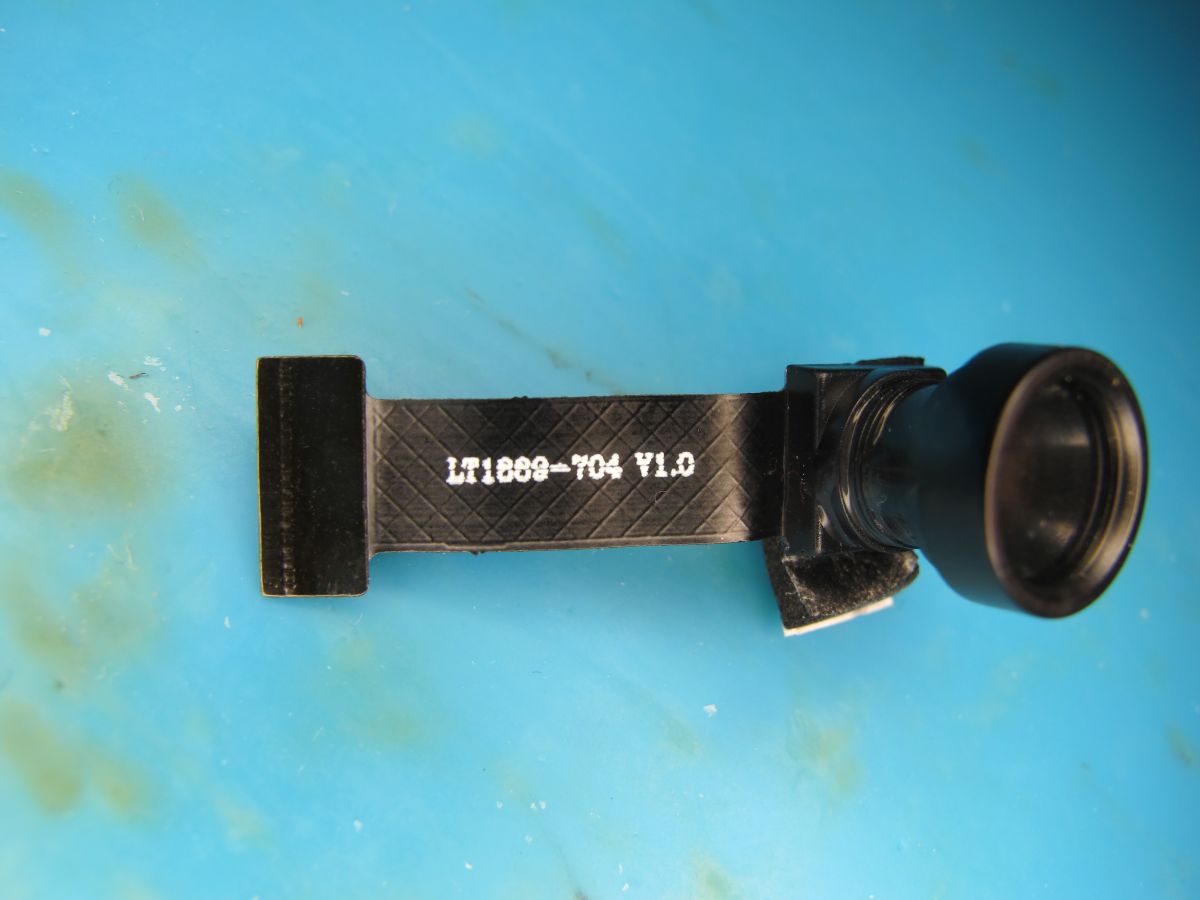
    Hynix HI704 LT1888-704 V1.0 LT1889(?)
    Camera module with LT1868-T04 V1.0 cable on blue background FPC ribbon cable with gold-plated connector and metal end on a blue surface
    Init
    Code: Text
    Log in, to see the code
  • #7 21713076
    divadiow
    Level 38  
    Posts: 4833
    Help: 420
    Rate: 851
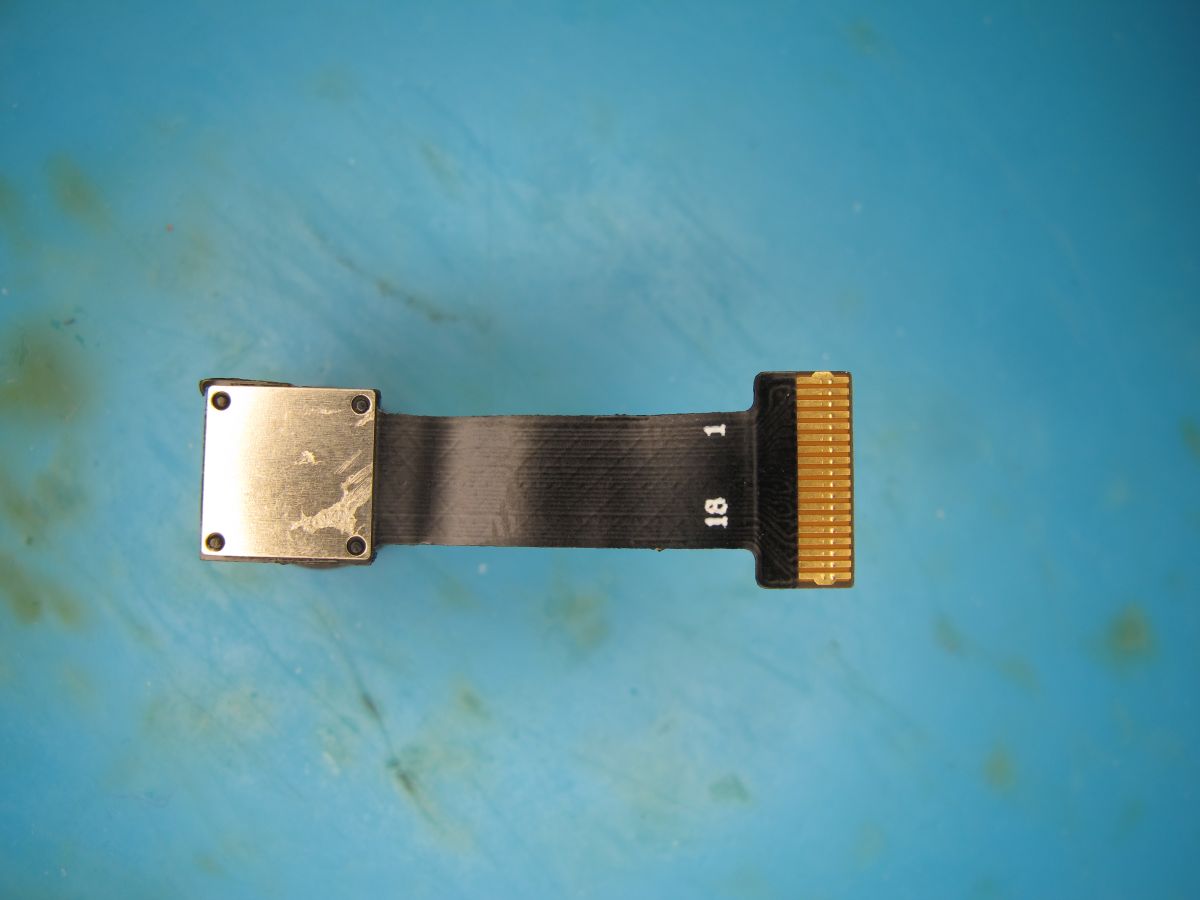
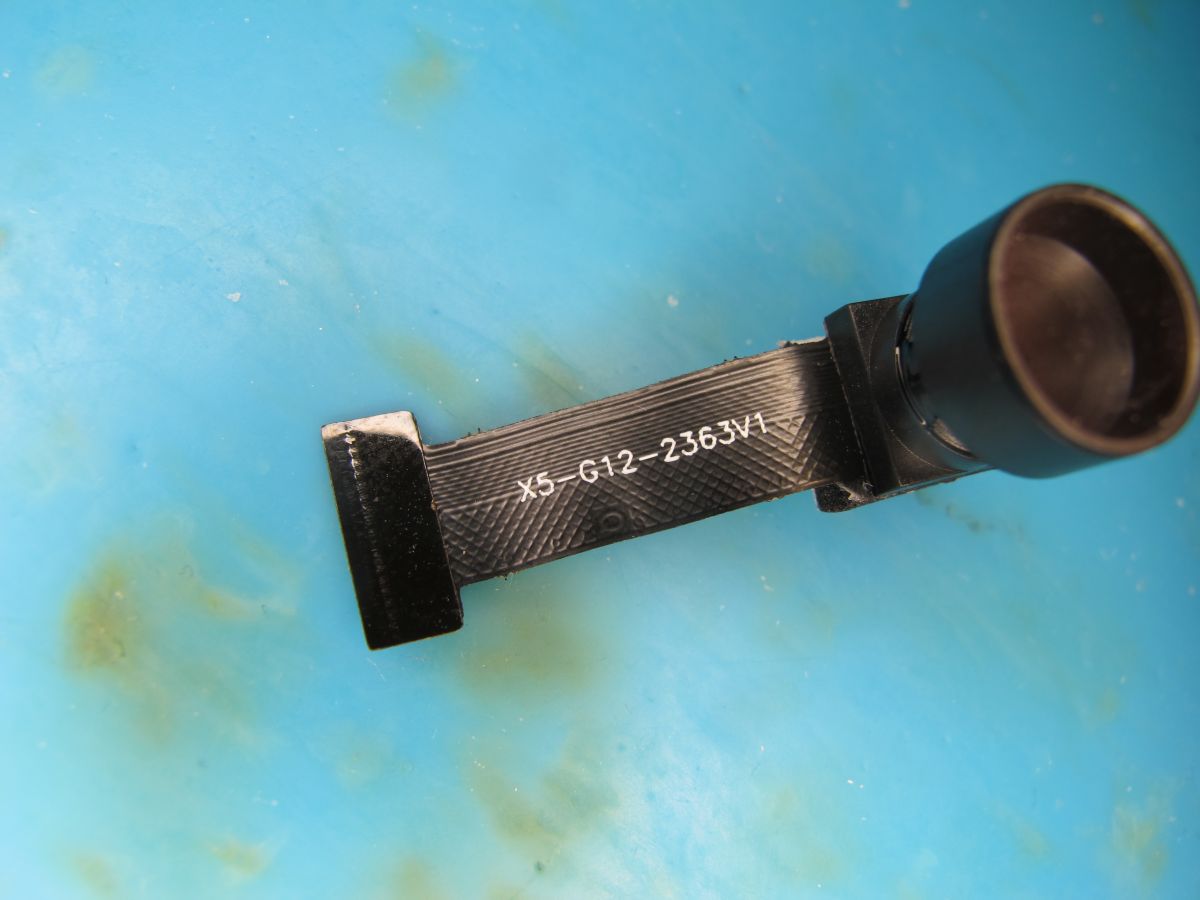
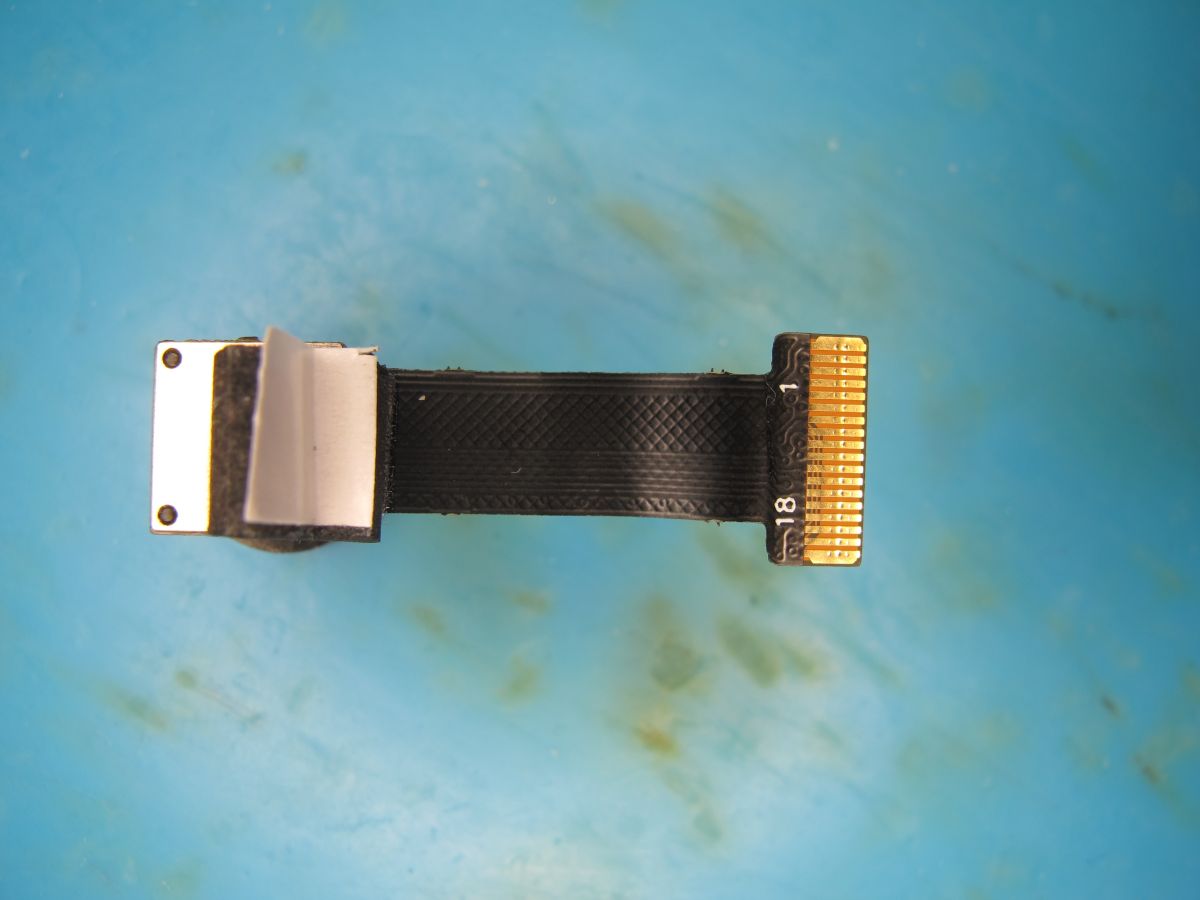
    GalaxyCore GC0312 X5-G12-236V1
    Black camera with X5-G12-2363V1 marking on a blue background Flexible flat cable (FFC) with gold-plated contacts and mounting clip on a blue surface
    Init
    Code: Text
    Log in, to see the code
  • #8 21714889
    divadiow
    Level 38  
    Posts: 4833
    Help: 420
    Rate: 851
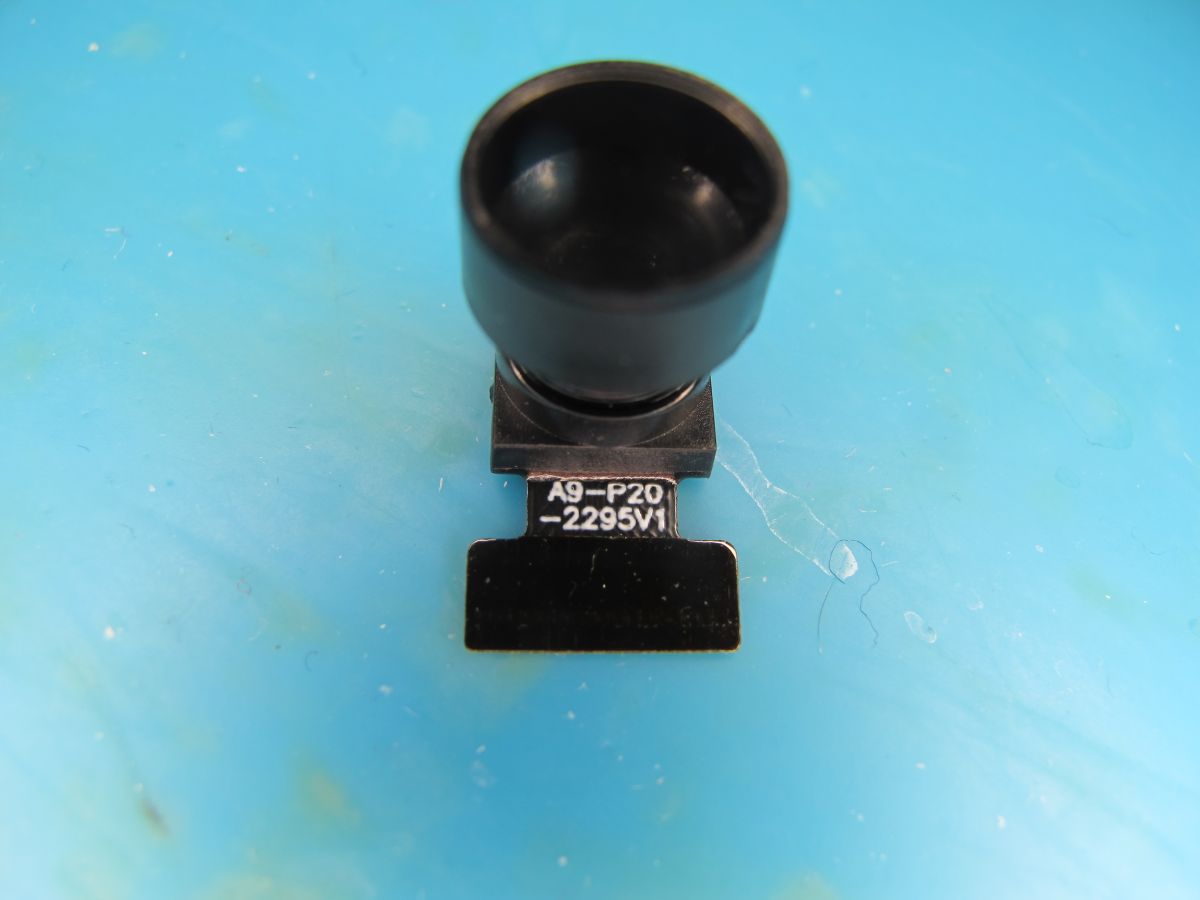
    SuperPix SP0A20 A9-P20-2295V1
    Camera module labeled A9-P20-2295V1 on a blue surface Electronic module with metal shield and contact connector on blue background
    Init
    Code: Text
    Log in, to see the code
  • ADVERTISEMENT
  • #9 21721711
    divadiow
    Level 38  
    Posts: 4833
    Help: 420
    Rate: 851
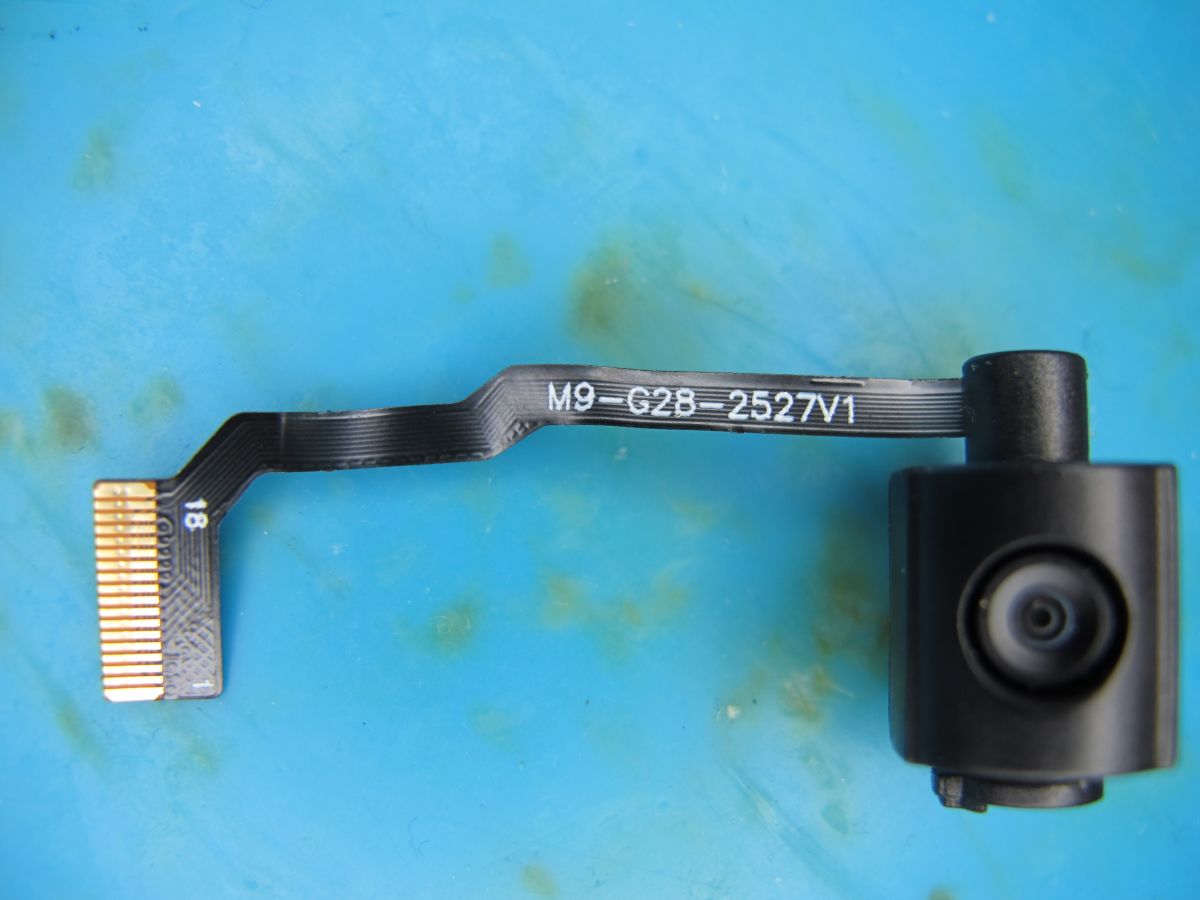
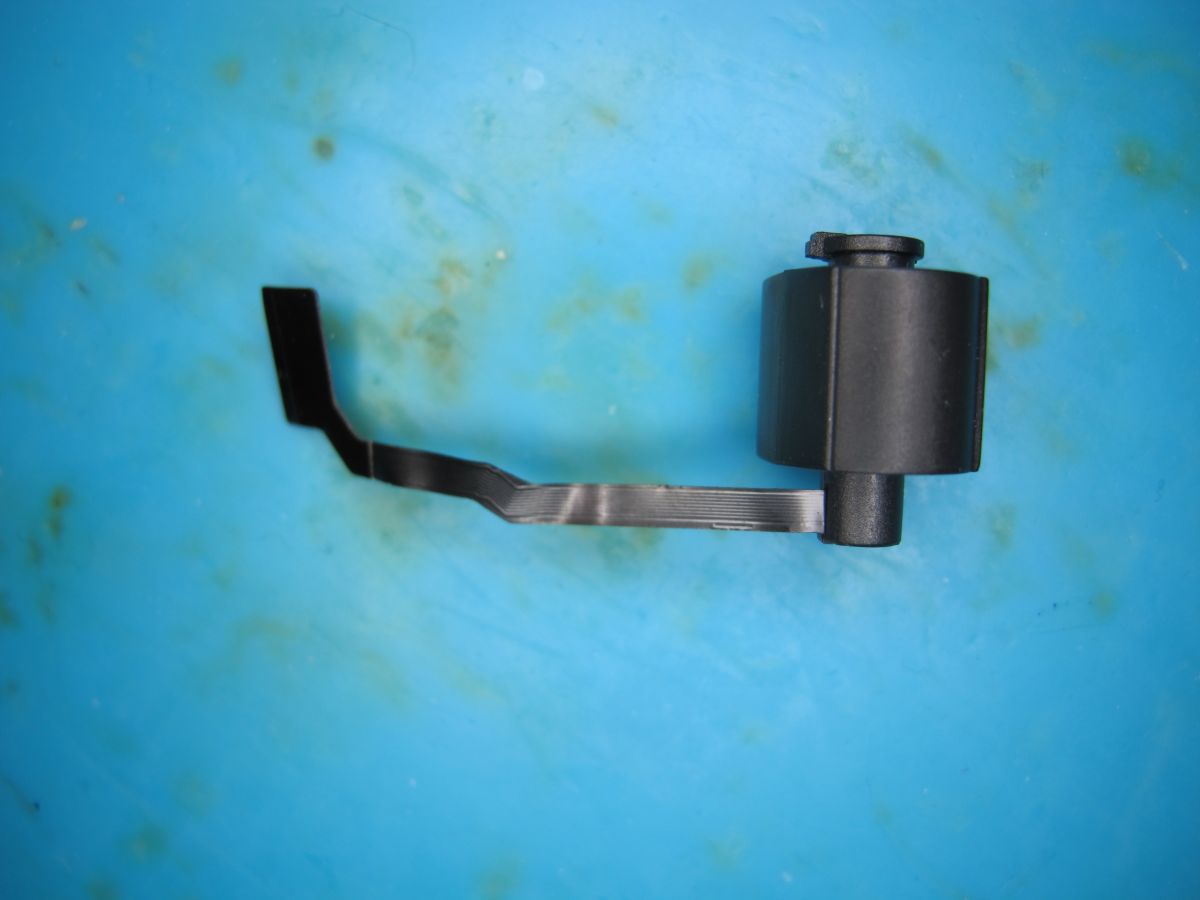
    GalaxyCore GC0328C M9-G28-2527V1
    Camera module with ribbon cable and marking M9-G2B-2527V1 Black camera module with ribbon cable on a blue background
    Init
    Code: Text
    Log in, to see the code
  • #10 21733459
    divadiow
    Level 38  
    Posts: 4833
    Help: 420
    Rate: 851
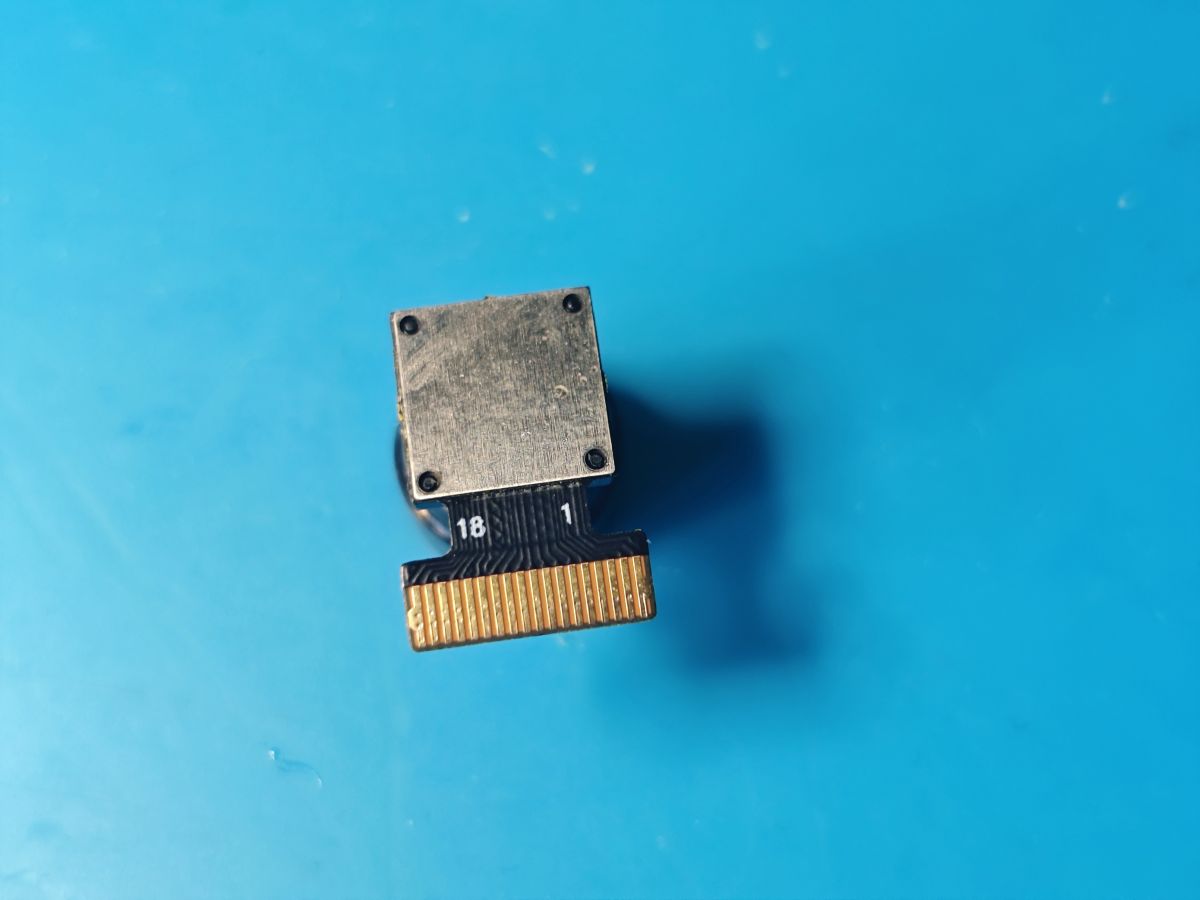
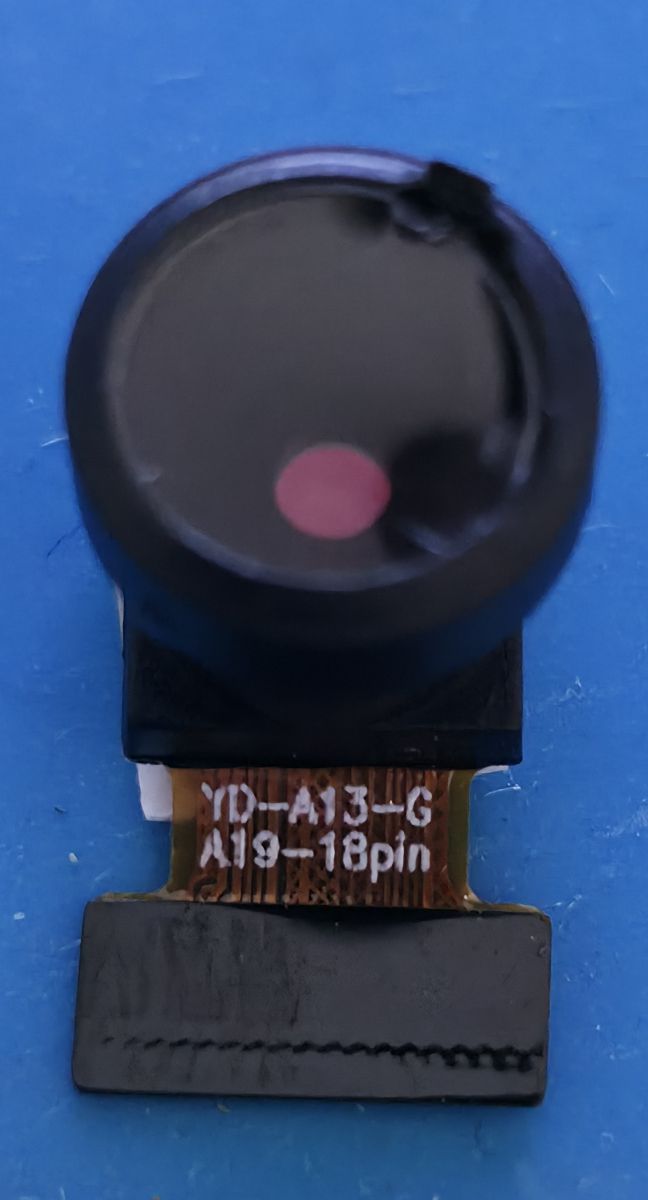
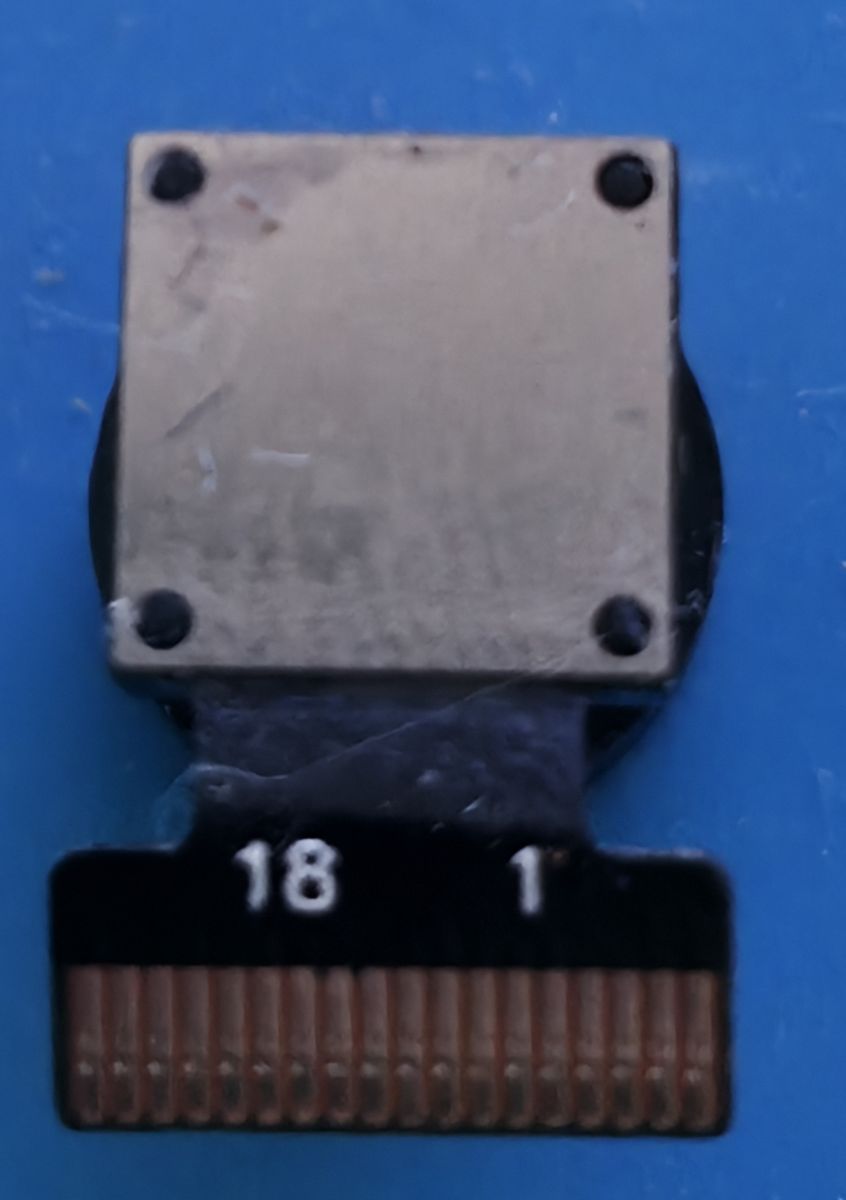
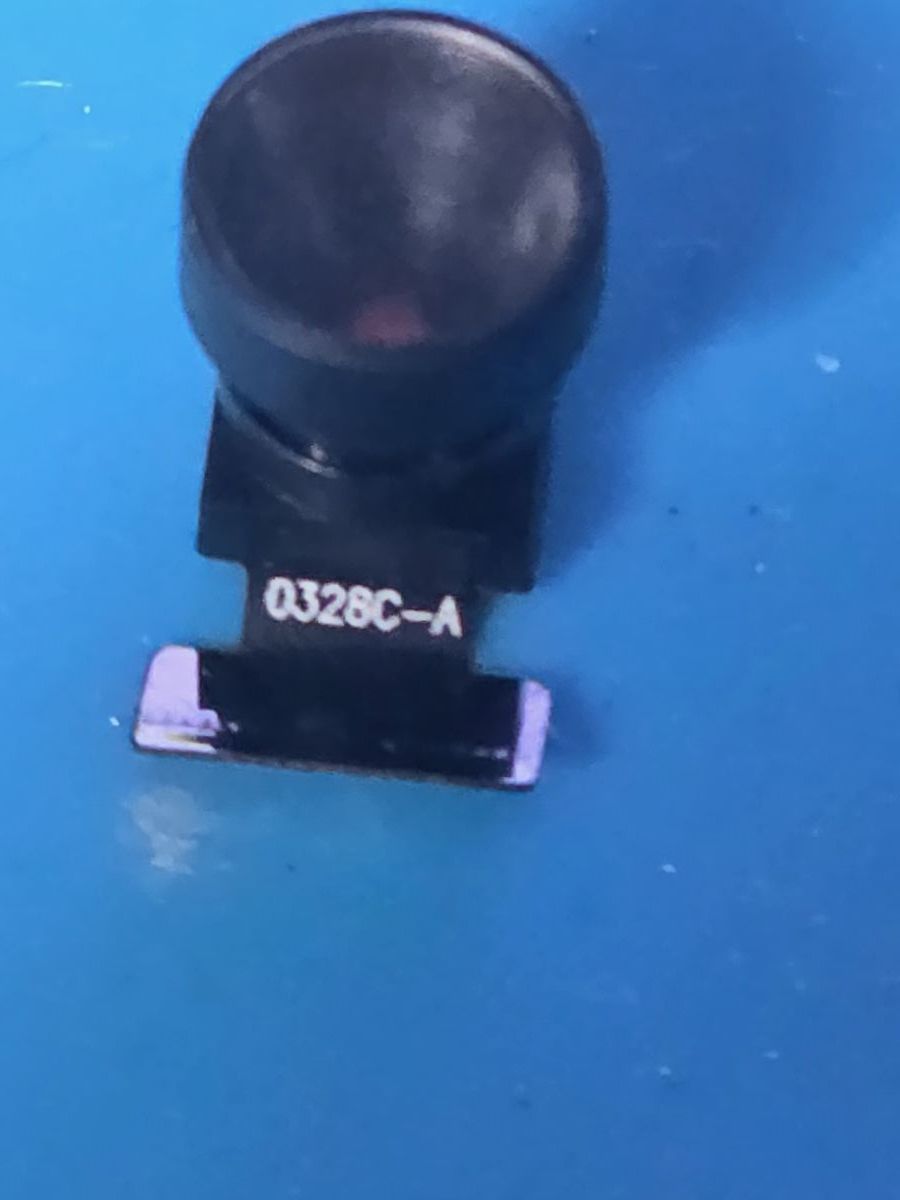
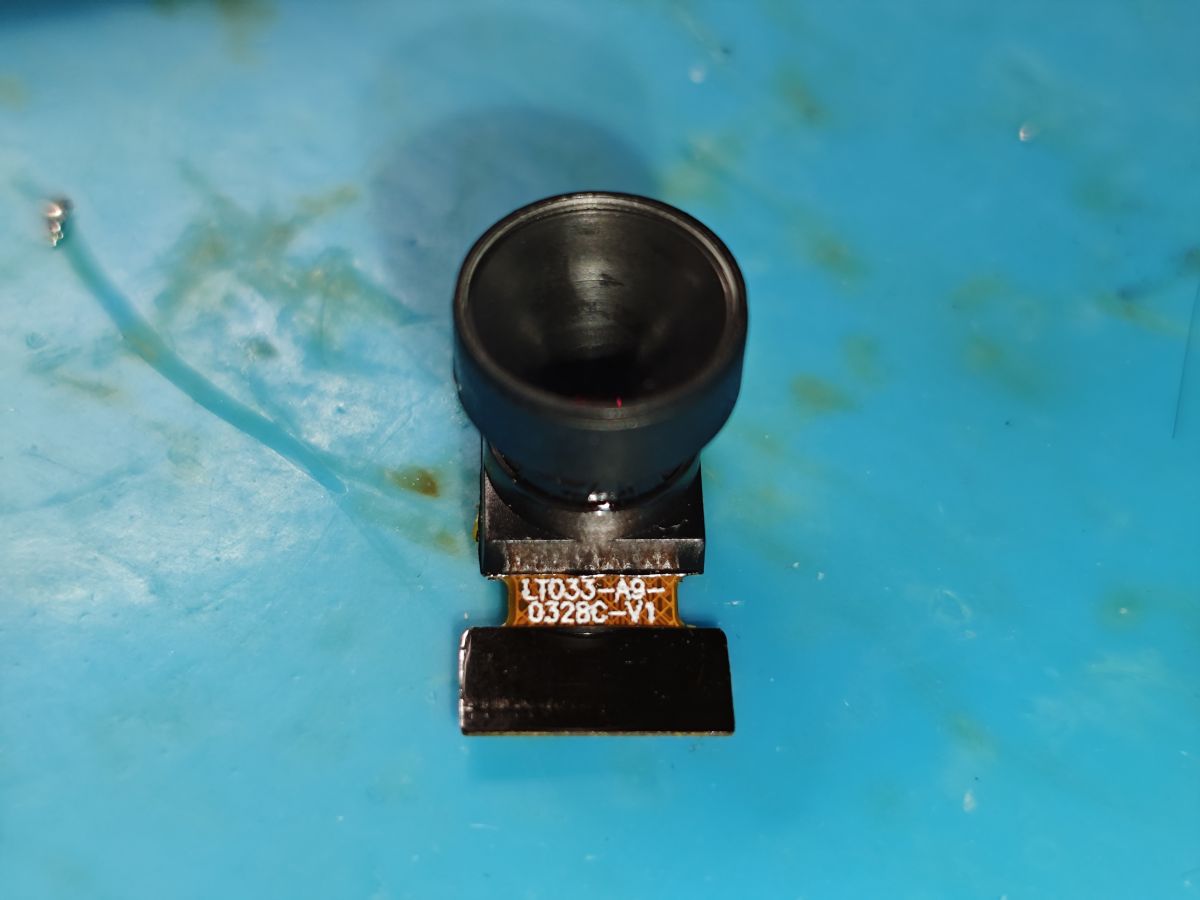
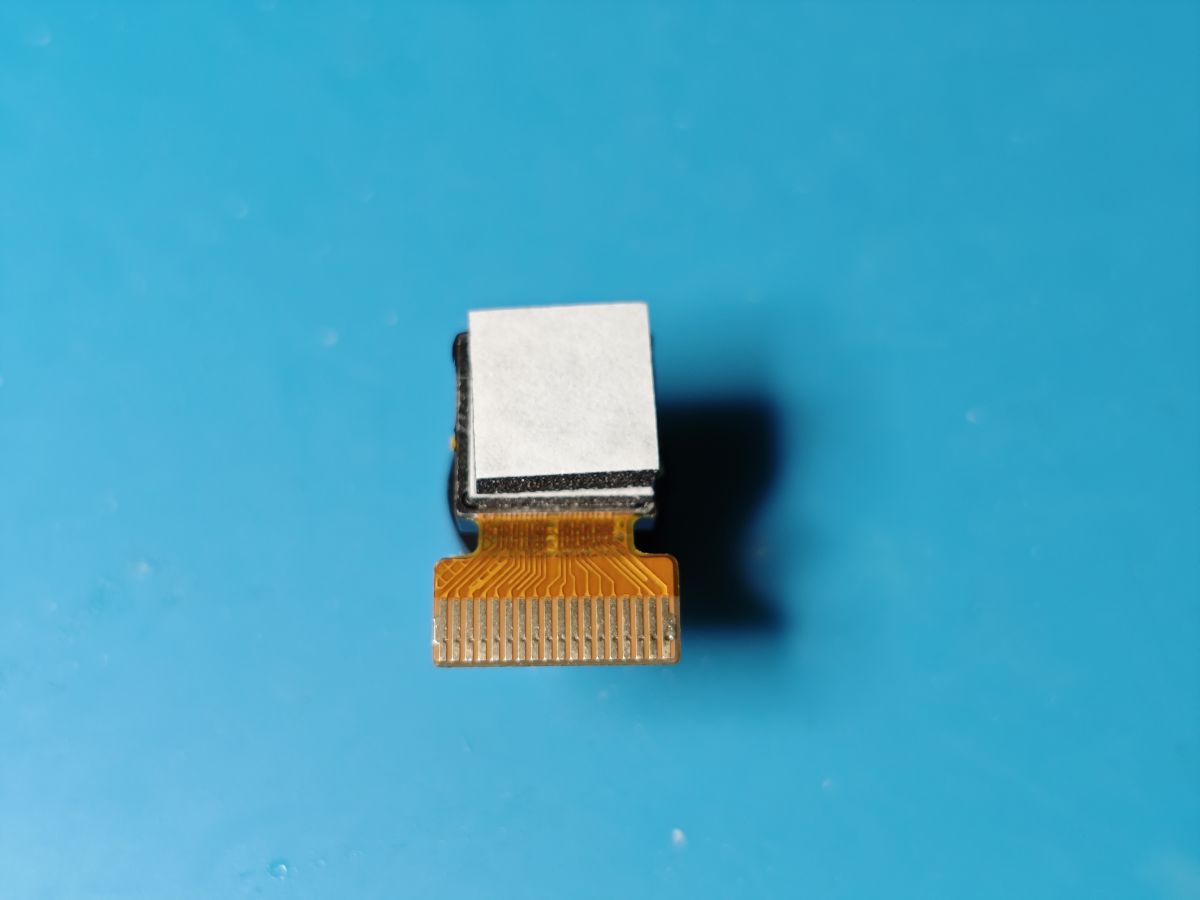
    GalaxyCore GC0328C - LT033-A9-0328C-V1
    Camera module with large lens on a blue surface Electronic module with ribbon connector on a blue background

    Code: Text
    Log in, to see the code
  • #11 21741973
    divadiow
    Level 38  
    Posts: 4833
    Help: 420
    Rate: 851
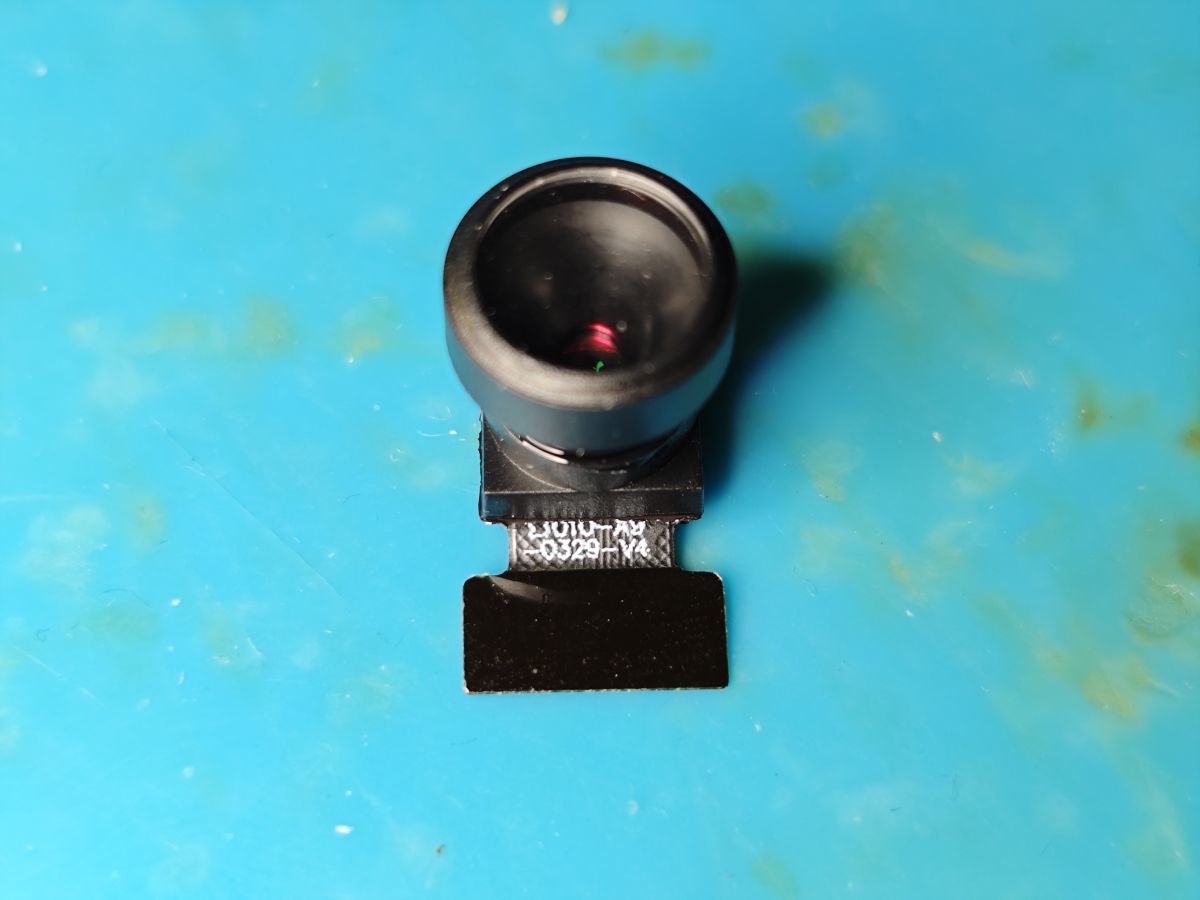
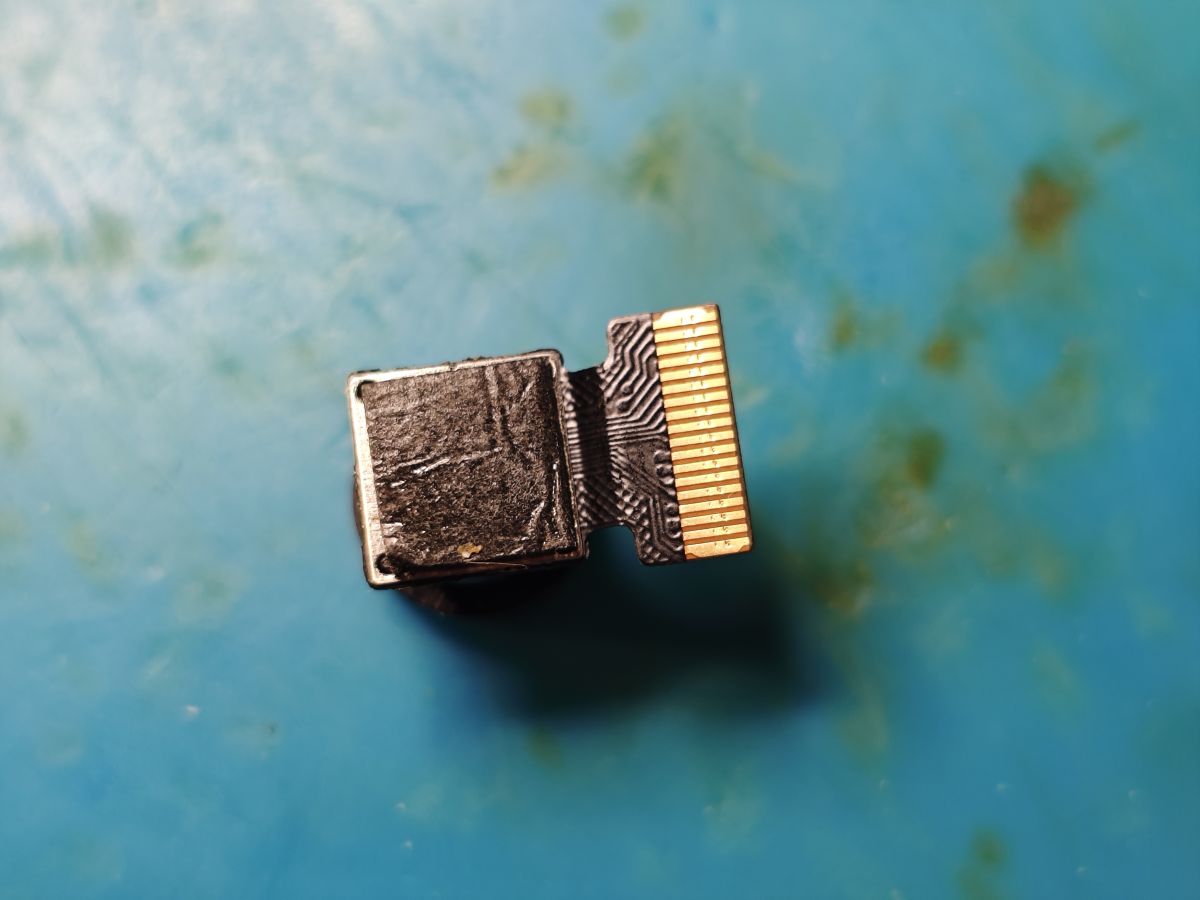
    GalaxyCore GC0329 LT010-A9-0329-V4
    GalaxyCore GC0329 camera module on a blue surface Camera module with flexible ribbon and connector on a blue surface

    Code: Text
    Log in, to see the code
  • #12 21762384
    divadiow
    Level 38  
    Posts: 4833
    Help: 420
    Rate: 851
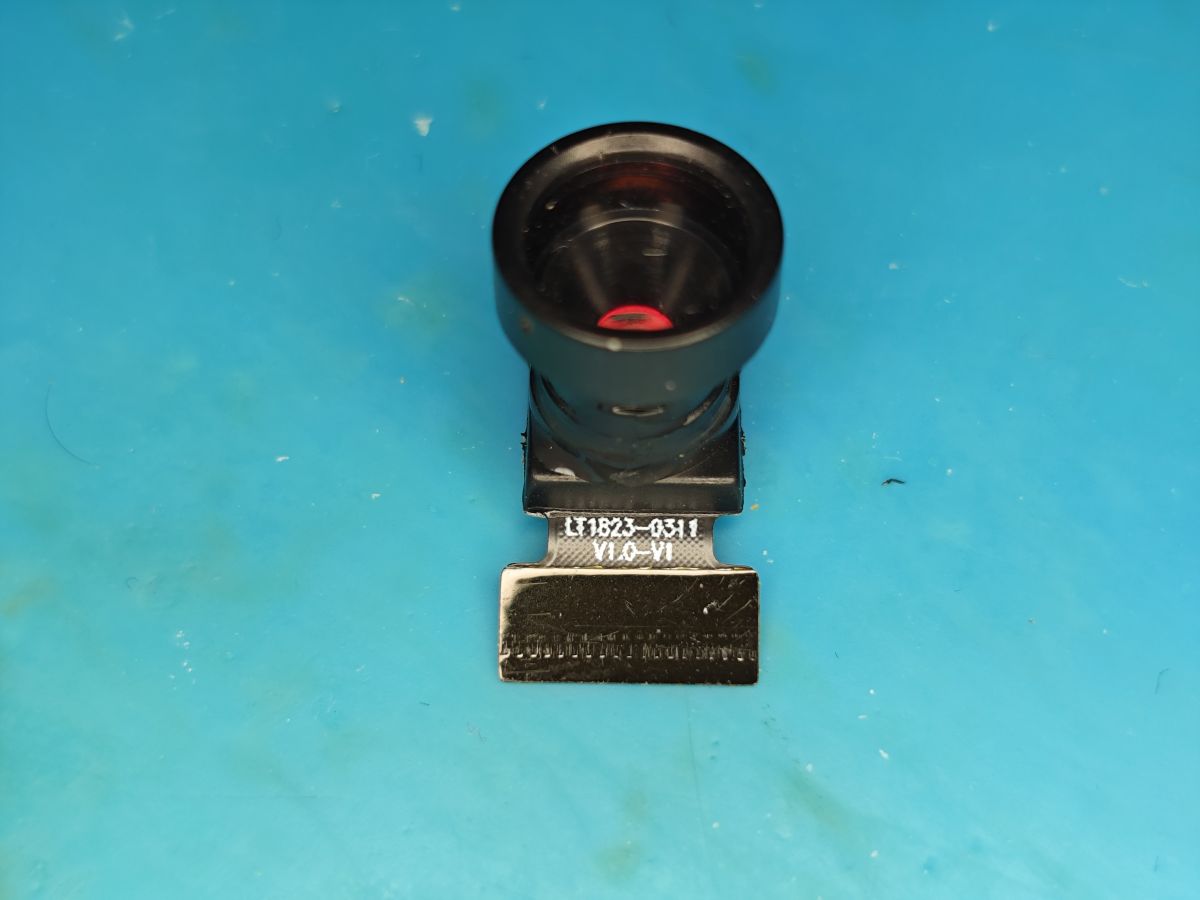
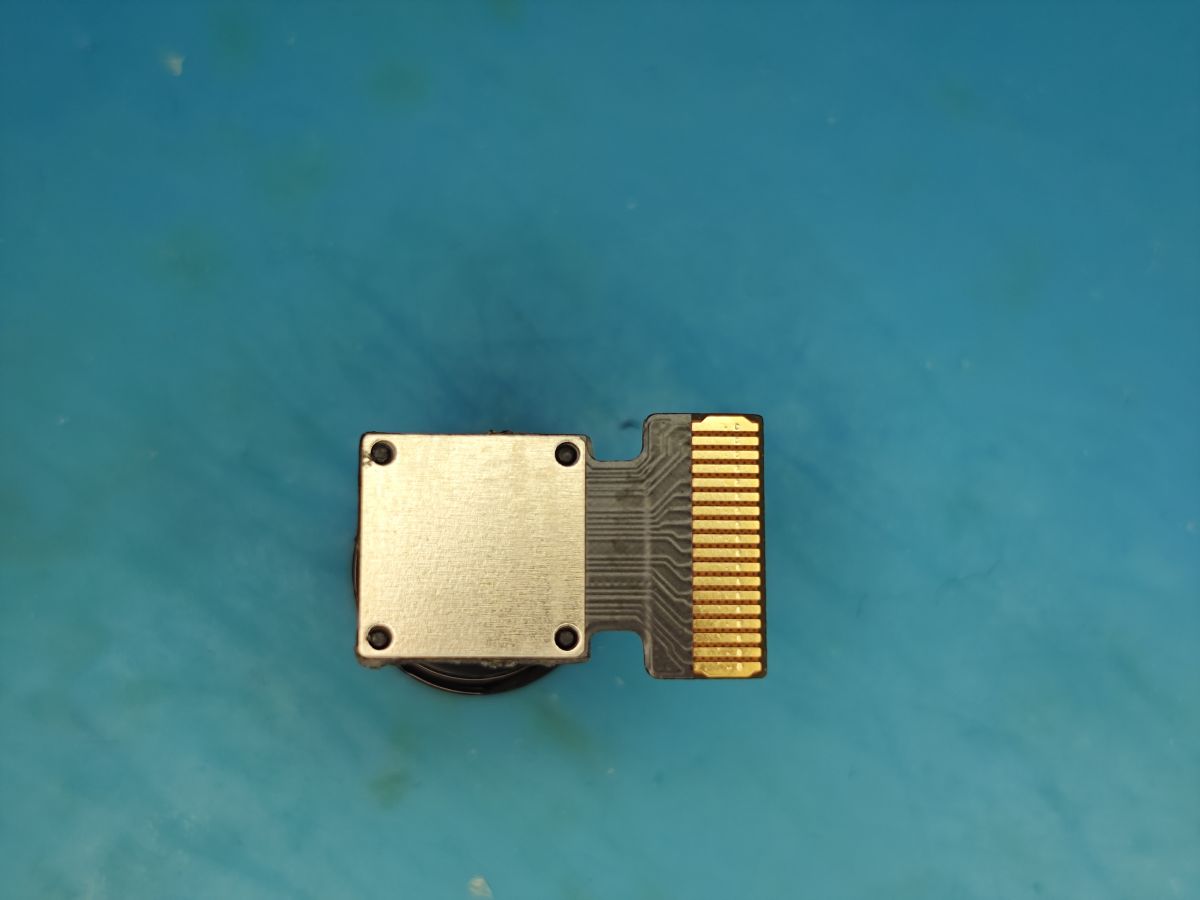
    GalaxyCore GC0311 LT1823-0311 V1.0-V1
    Camera module with wide-angle lens on a blue background Camera module with flat ribbon connector on blue background

    Code: Text
    Log in, to see the code
  • #13 21832957
    divadiow
    Level 38  
    Posts: 4833
    Help: 420
    Rate: 851
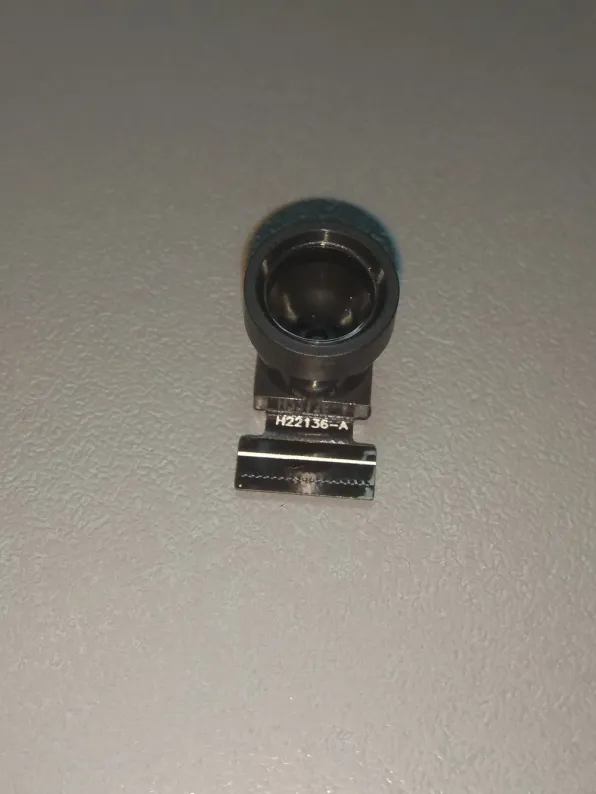
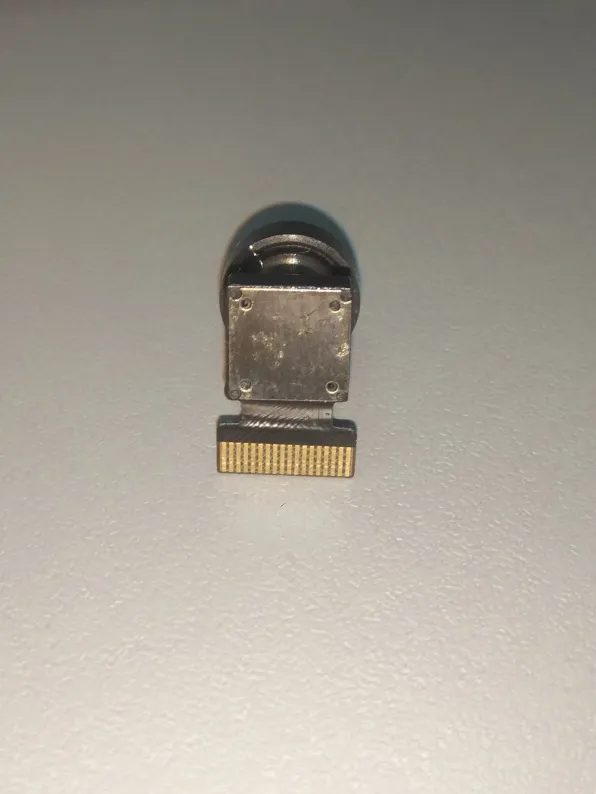
    OmniVision OV7690 H22136-A
    Small camera module with a front-facing lens on a light surface Small metal part with a flat gold contact connector on a light background

    Code: Text
    Log in, to see the code

Topic summary

✨ The discussion focuses on identifying mini camera modules compatible with the XRadio XF16 chip, commonly used in small spy cams such as X6, A9, and X5 models featuring Taixin, Beken, and XRadioTech main chips. These cameras typically use an 18-pin FFC ZIF connector to interface with the main PCB. Firmware dumps from the XF16 chip reveal support for a variety of camera modules including models from GalaxyCore, Hynix, and SuperPix. The XF16 UART boot log aids in detecting connected camera modules by name, facilitating identification despite unclear markings on the ribbon cables. Examples include GalaxyCore GC0309 and GC0312 modules, with initialization logs confirming successful detection and chip ID reads. The discussion also notes variations in connector orientation, such as in Tuya mini doorbell cameras, and provides photographic references for module identification.
Generated by the language model.

FAQ

TL;DR: Most X5/X6/A9 mini cams use an 18‑pin FFC/ZIF; the "uart log prints which one it detects." Use boot logs to map ribbon labels to sensors like GC0329 (0xC0), GC0311 (0xBB), GC0312 (0xB3), HI704 (0x96). [Elektroda, divadiow, post #21549325]

Why it matters: This FAQ helps repairers and tinkerers quickly identify camera modules and avoid wrong sensor inits.

Quick Facts

How do I identify which sensor my X5/X6/A9 camera uses?

Open the UART console and power the board. Watch for lines like “---->detect gc0329” and “chip id read success.” The log tells the driver name and the hex ID. Match that to your ribbon’s board code photos for confirmation. “The uart log prints which one it detects.” [Elektroda, divadiow, post #21549325]

Which board codes map to GC0329?

Examples include XLT-X5-0329-V1.0 and LT010-A9-0329-V4. Their boot logs show “gc0329” detection and ID 0xC0 with 640×480 setup. Use these markings on the ribbon or tiny PCB to shortlist GC0329 modules when the silkscreen is vague. [Elektroda, divadiow, post #21741973]

What’s the chip ID for GC0309 from a Tuya‑style mini doorbell?

GC0309 reports “chip id read success 0xa0” in the init log. That sample also notes the ribbon contacts are on the opposite side because the camera points back through a PCB hole. This helps you avoid flipping the FFC during service. [Elektroda, divadiow, post #21550528]

Does GC0328C work with BK72xx boards and MJPEG streaming?

Yes. Logs show I2C probe, sensor match “0328c id_data:9d,” then “GC0328C init finish,” followed by “start web camerar” and an MJPEG server thread. This confirms capture and streaming on BK7231/7252 class devices. [Elektroda, divadiow, post #21607771]

Are there limitations with SuperPix SP0828 on these cams?

Yes. After successful init, firmware prints “sp0828 not support update bitrate” and “not support update venc.” Expect fixed encoding parameters at runtime. Plan settings at compile or driver level instead of live tuning. [Elektroda, divadiow, post #21710596]

How can I quickly identify an unknown sensor (3‑step method)?

  1. Connect UART and power the board.
  2. Capture boot lines with “---->detect …” and any “chip id read success …”.
  3. Match the detected driver to ribbon codes and stored photos. This yields a positive ID without desoldering. [Elektroda, divadiow, post #21549325]

What board codes and IDs confirm GC0311?

Look for LT1823-0311 V1.0-V1 or X5-G11-2365V1. The boot log prints “GC0311 chip id read success 0xbb,” then Wi‑Fi AP and tasks start. Quote: “GC0311 Init Done.” [Elektroda, divadiow, post #21762384]

What clock rates do these examples use?

Several inits set MCLK to 24 MHz and configure VGA 640×480. For example, a GC0328C sequence shows “mclk:24000000MHz,” then IRQ setup and frame capture start. This is a typical working baseline for these sensors. [Elektroda, divadiow, post #21733459]

My doorbell camera’s ribbon seems flipped. Is that expected?

Yes in some designs. One Tuya mini doorbell sample has contacts on the opposite ribbon side because the lens faces through a PCB hole. That note accompanies a GC0309 with ID 0xA0. Check orientation before insertion to avoid damage. [Elektroda, divadiow, post #21550528]

What is Tuya in this context?

Tuya is an IoT platform frequently used in low‑cost smart doorbells. The thread example labels a unit “Tuya mini doorbell,” providing context for GC0309 identification and ribbon orientation specifics. [Elektroda, divadiow, post #21550528]

What is OpenBeken/BK opencam?

It’s a community firmware effort targeting Beken BK72xx SoCs for camera projects. Shared logs show BK7231BT/BK7252 starting BLE, MJPEG server, and sensor probes for GC03xx/HI704/SuperPix families. [Elektroda, divadiow, post #21607771]

How do I confirm HI704 on my module?

Boot with UART attached. If you see “---->detect hi0704” and “HI0704 chip id read success 0x96,” you have Hynix HI704. The sample also shows AP bring‑up and IR‑cut color set messages. [Elektroda, divadiow, post #21712521]

Which GC0312 ribbons are shown and what does the log say?

Examples include X5-G12-236V1. The boot prints “---->detect gc0312” and “chip id read success 0xb3,” then AP mode and task creation. This confirms correct driver pairing for GC0312 modules. [Elektroda, divadiow, post #21713076]

What failure or edge‑case messages should I expect?

Benign errors include “Drop frame:5..1,” UMAC warnings about ifnet not valid for TX, and missing test files. Systems continue after these messages, but they flag timing or networking races. [Elektroda, divadiow, post #21762384]

Is GC0329 reliably detected on A9 boards?

Yes. A9 samples with LT010‑A9‑0329‑V4 show auto‑check tables and a sensor match at ID 0xC0. After init, the capture IRQ and audio tracks start, confirming full pipeline. [Elektroda, divadiow, post #21741973]

How do I verify SP0A20 on an A9 platform?

The log prints “初始化镜头成功 镜头为SP0a20” and sets 640×480. It lists SID probes and confirms the sensor before enabling CSI interrupts. This validates SP0A20 on the tested A9. [Elektroda, divadiow, post #21714889]
Generated by the language model.
ADVERTISEMENT