logo elektroda
logo elektroda
X
logo elektroda

CY365 BK7252NQN481 Tiny WiFi Camera Teardown, Internal Photos, OpenBK7252N, GC0311

divadiow 1212 0

TL;DR

  • A tiny Beken BK7252NQN481 “Xiaomi” “4k” rear-view car IP camera from AliExpress was opened and examined inside.
  • The plastic case pops apart easily, revealing a 5V micro USB input, blue LED on P13, 26 MHz oscillator, 18-pin FPC sensor connector, mic, button, and 3.3V LDO.
  • The camera uses a GalaxyCore GC0311 sensor labeled LT1823-0311 V1.0-V1, and the BK7252NQN481 board has 2 mb flash with programming pads on P10 and P11.
  • Flashing OpenBK7252N makes it cloud-free, but cam and mic support are still missing, and the available UART log only appears on P11 at 115200 baud.
Generated by the language model.
ADVERTISEMENT
📢 Listen (AI):
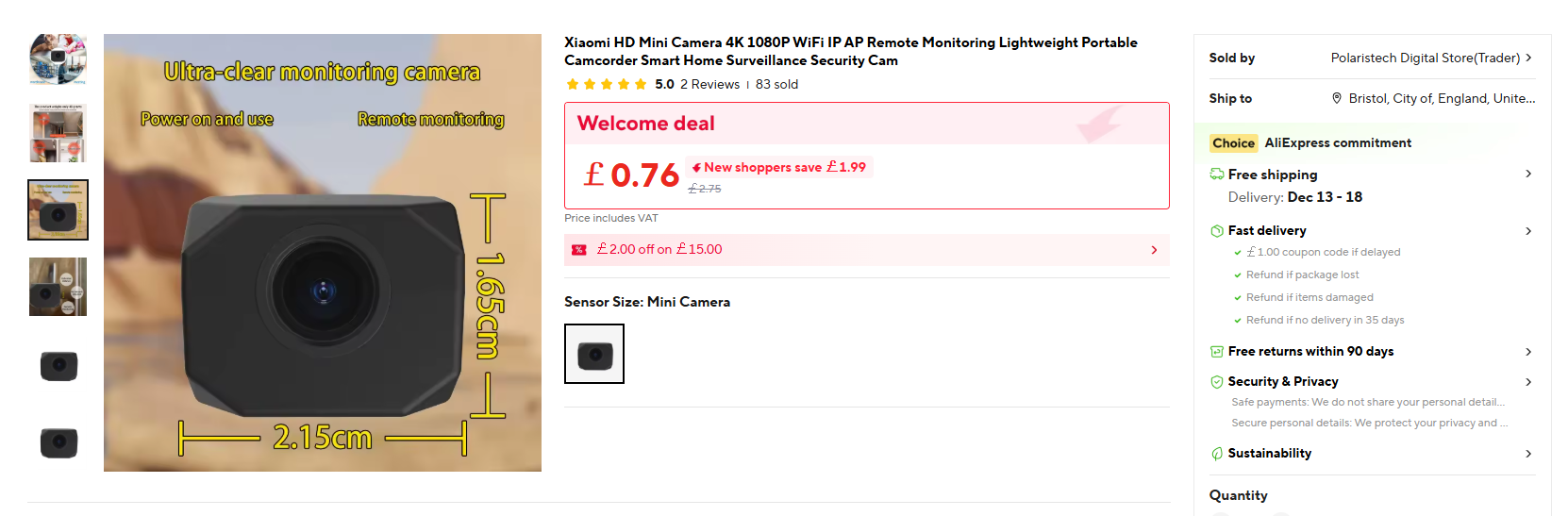
  • Hi, here's a peak at a tiny little Beken BK7252N 'Xiaomi' '4k' Rear View Car IP camera bought from Ali Express.
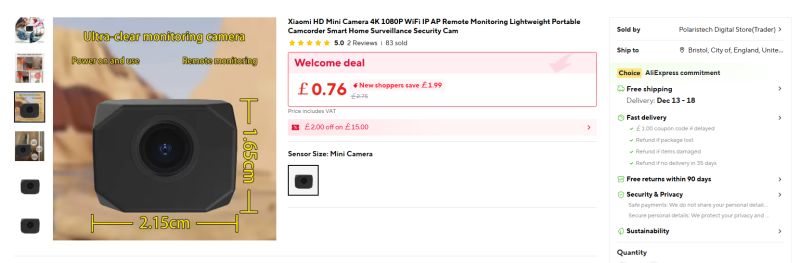
    Screenshot of HD mini camera product listing on AliExpress with device dimensions

    https://www.aliexpress.com/item/1005010353283701.html

    It's far from a full rear-view camera car kit, more like another cheap Chinese mini cam packaged with standard micro USB cable. No mounting options are supplied.
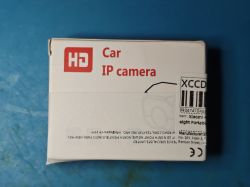
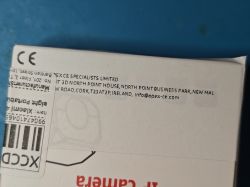
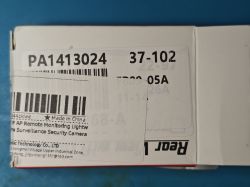
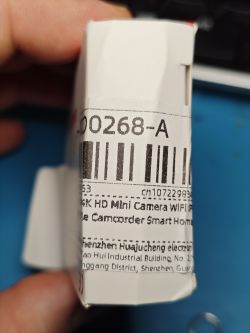
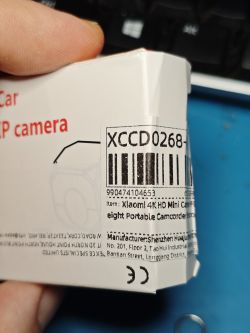
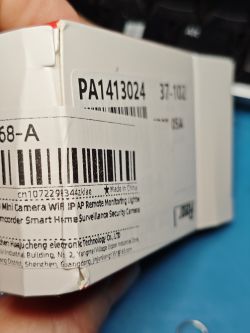
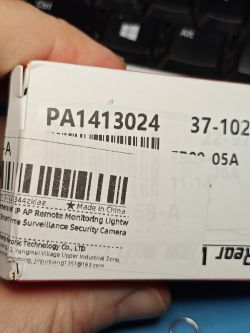
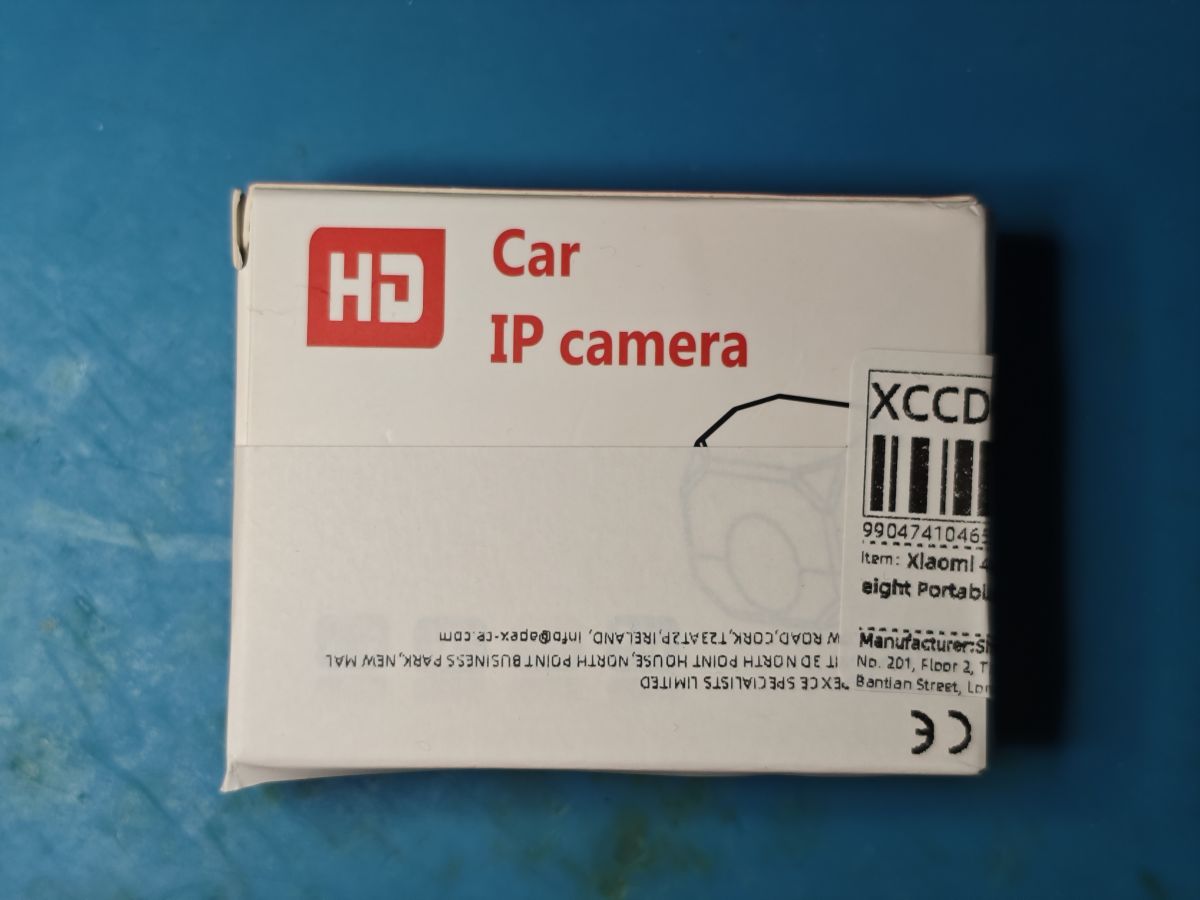
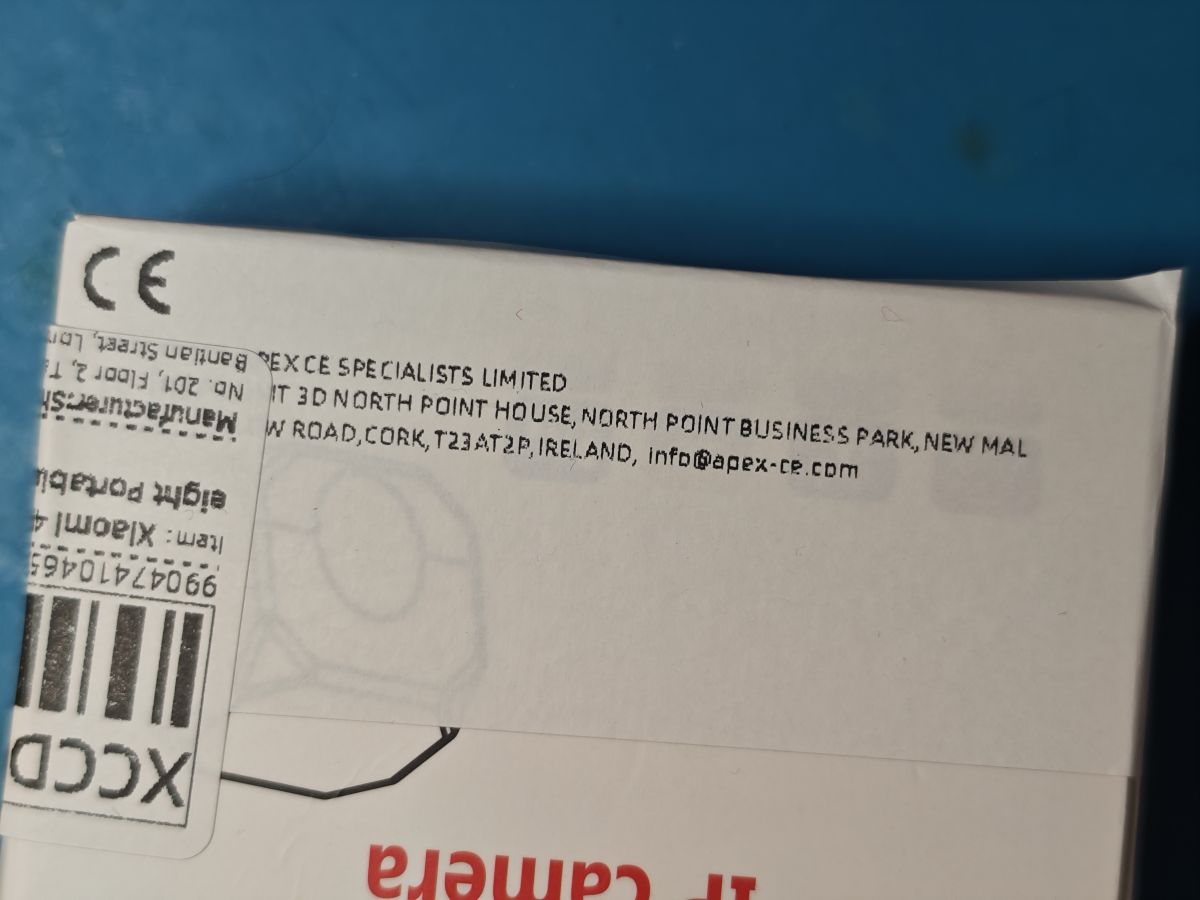
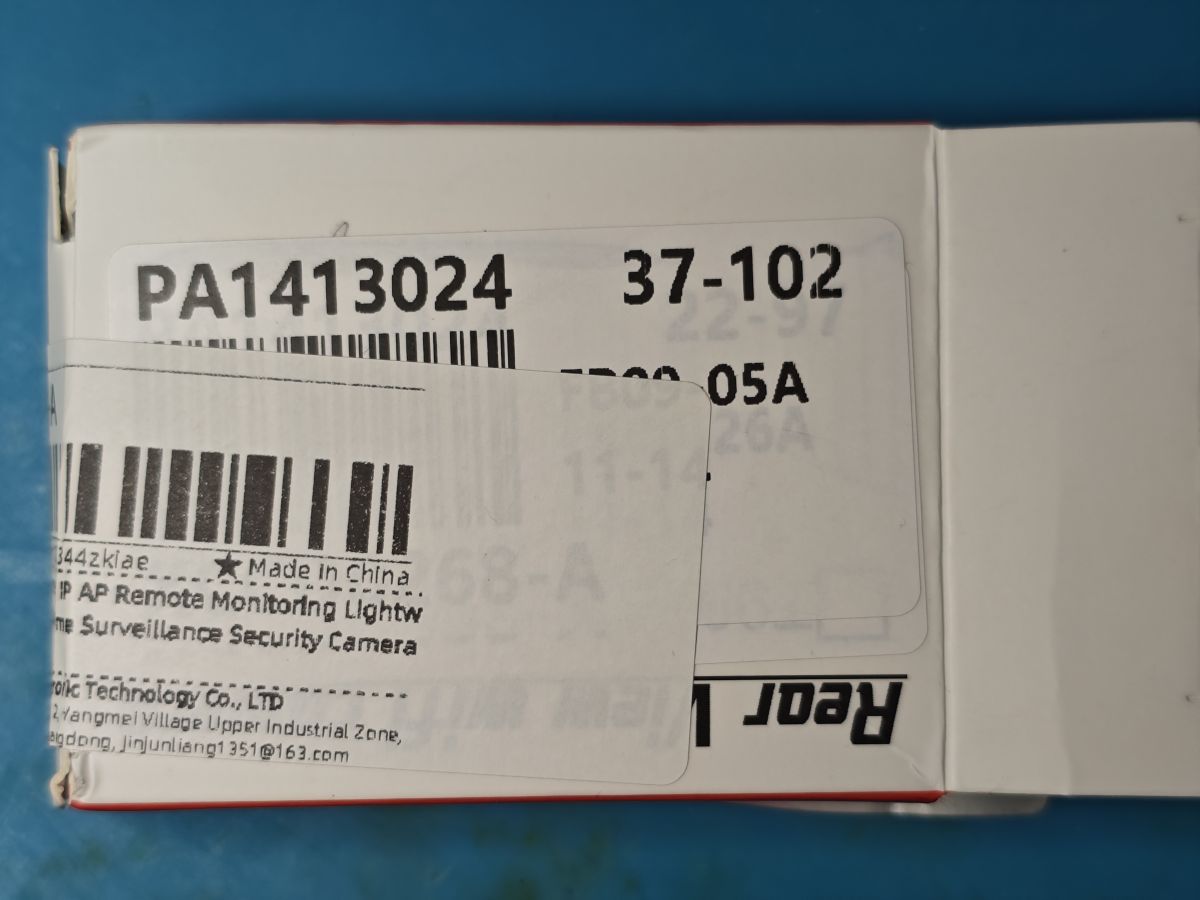
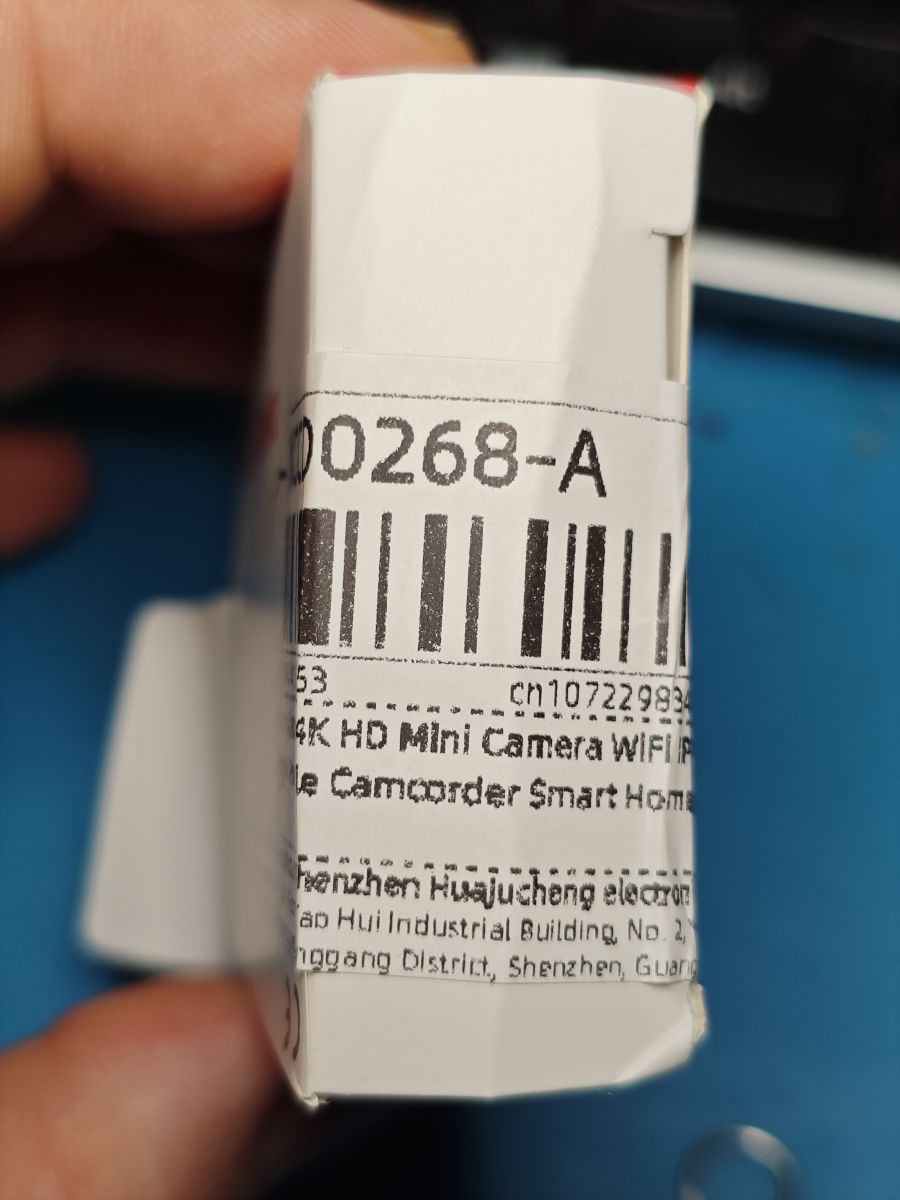
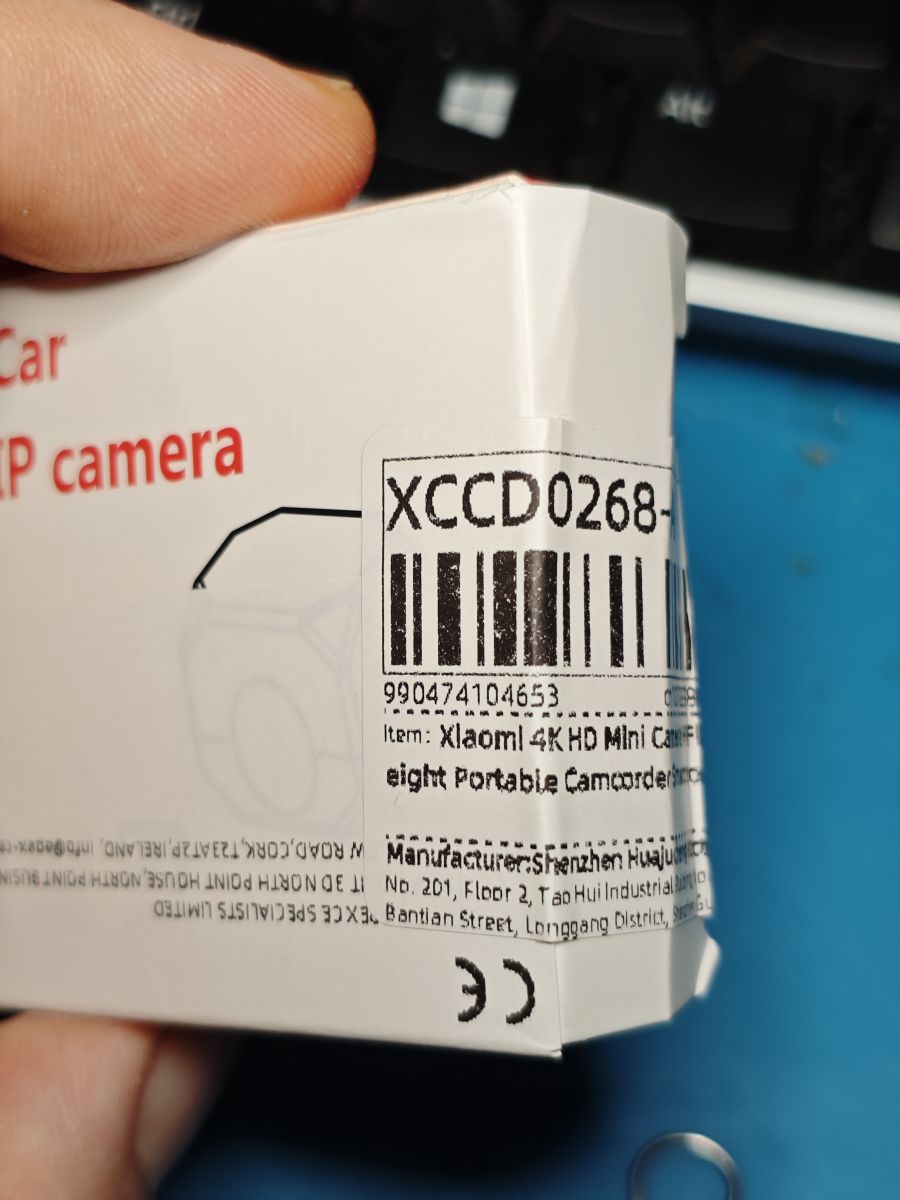
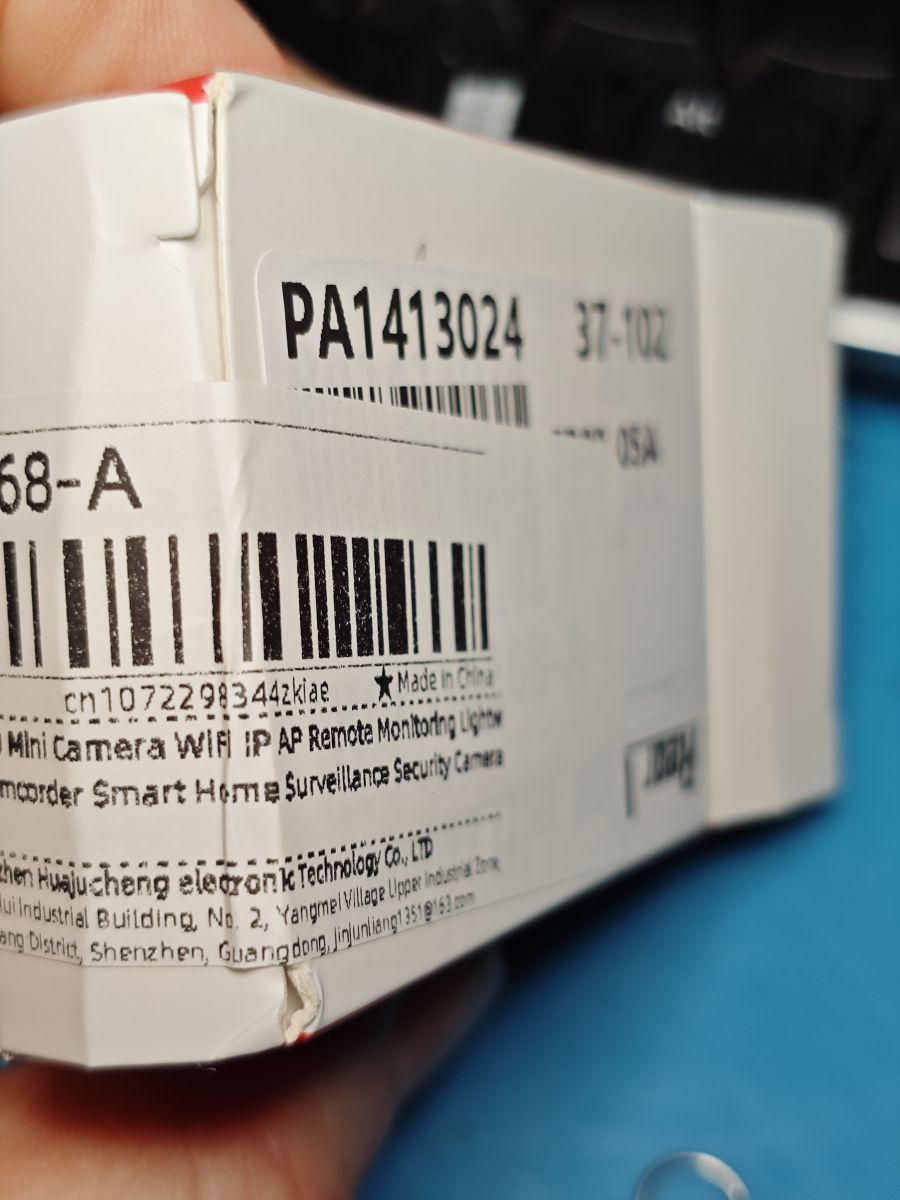
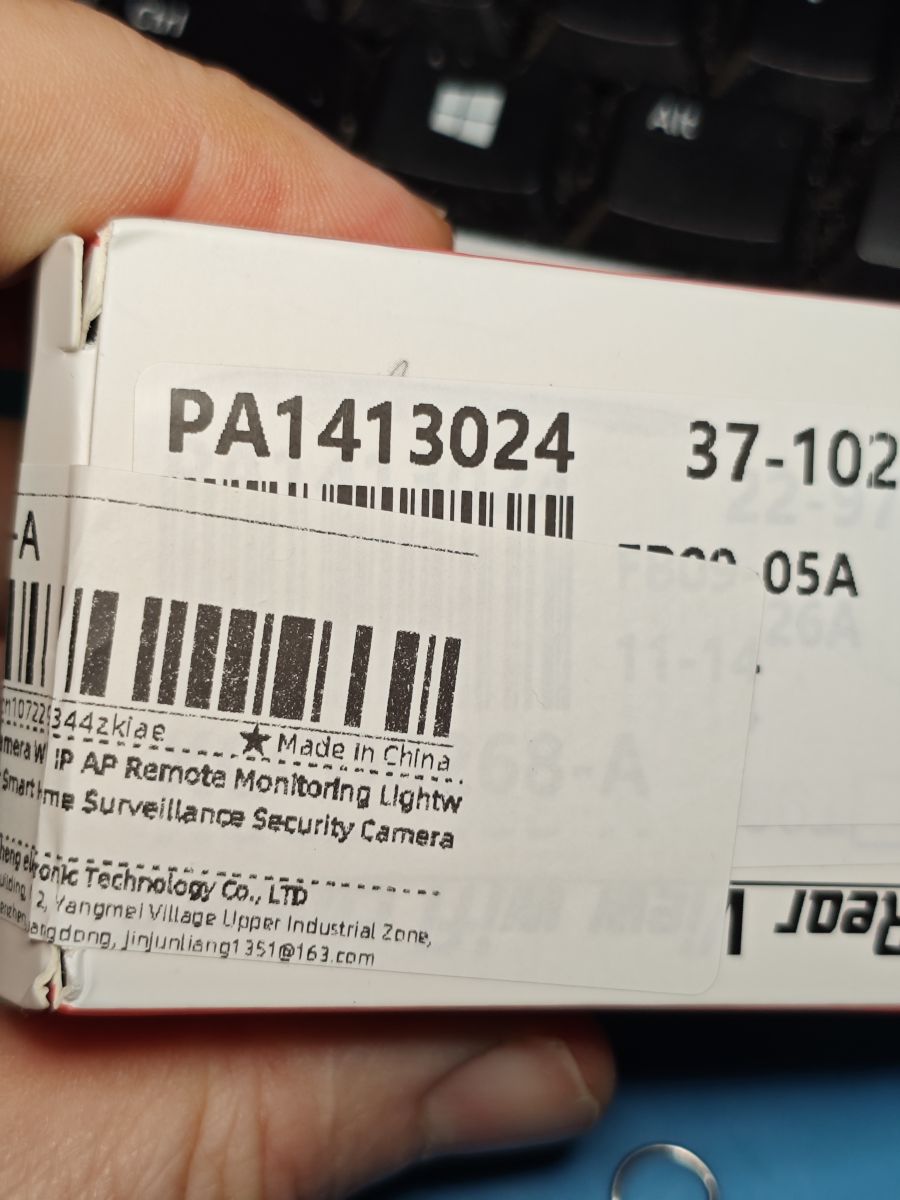
    White box labeled Car IP camera with barcode and XCCD marking Package corner with distributor name, address, and product barcode visible. Stickers with codes and product information on a white electronics box. Close-up of a label on a box reading 4K HD Mini Camera WIFI Close-up of barcode and product label for Xiaomi 4K HD Mini Camera on packaging corner. Close-up of product box label with number PA1413024 and barcode Label with code PA1413024 on a camera IP box with manufacturer details

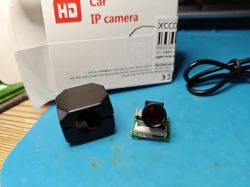
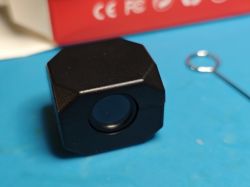
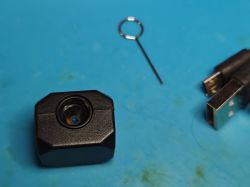
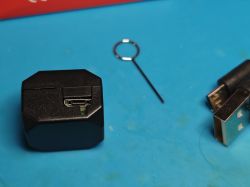
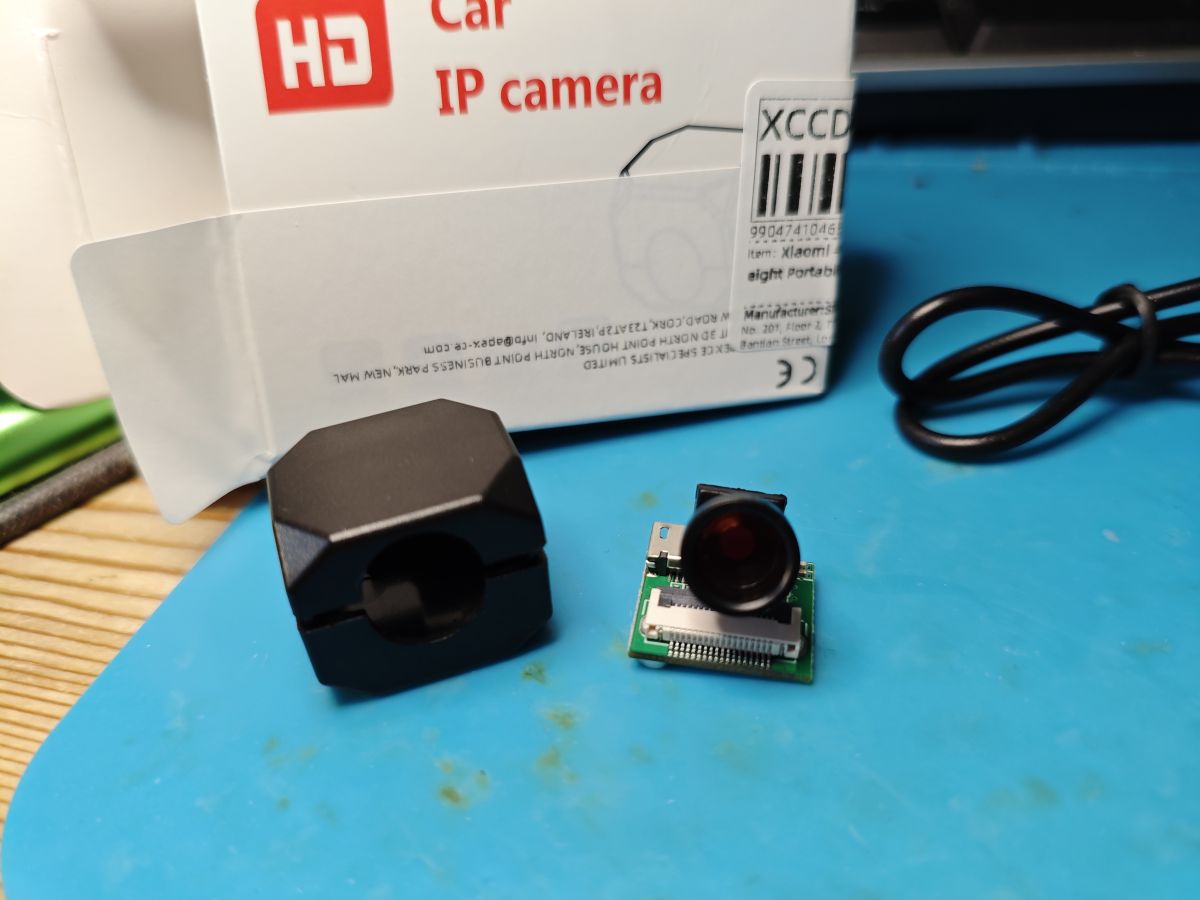
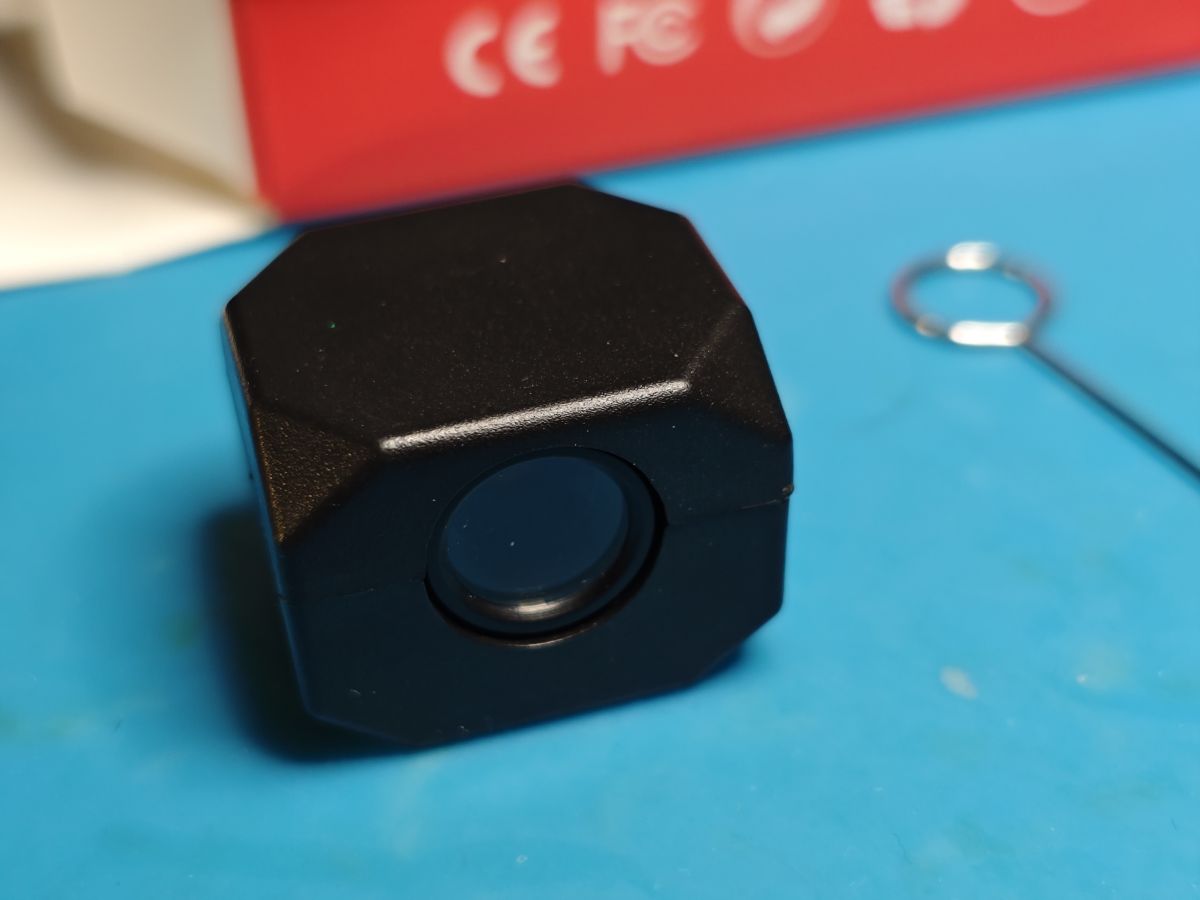
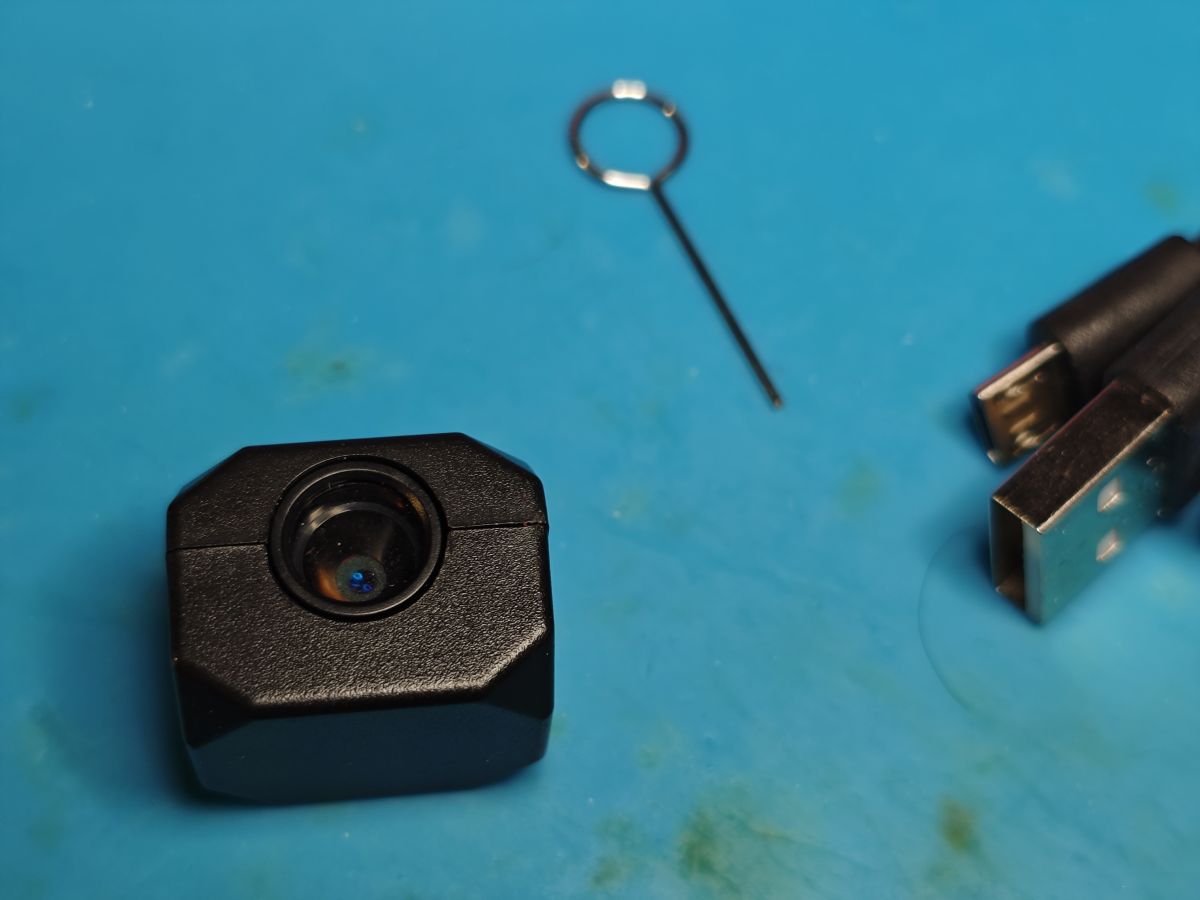
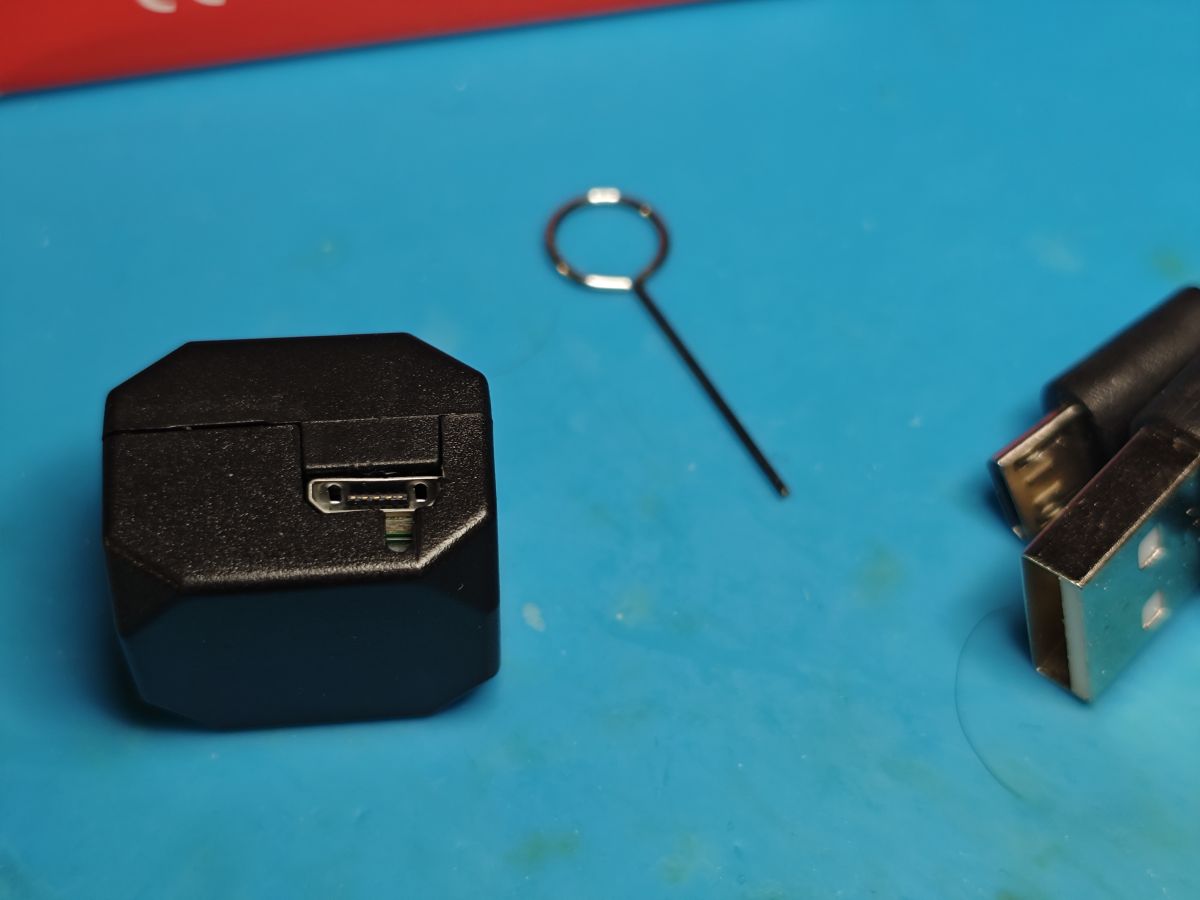
    Disassembled mini car camera with housing and box on a blue service mat. Black cube-shaped camera with lens on blue mat Small camera with black casing beside micro USB cable and SIM tray eject tool Small black camera with micro USB port, SIM-eject pin, and USB plug on blue surface

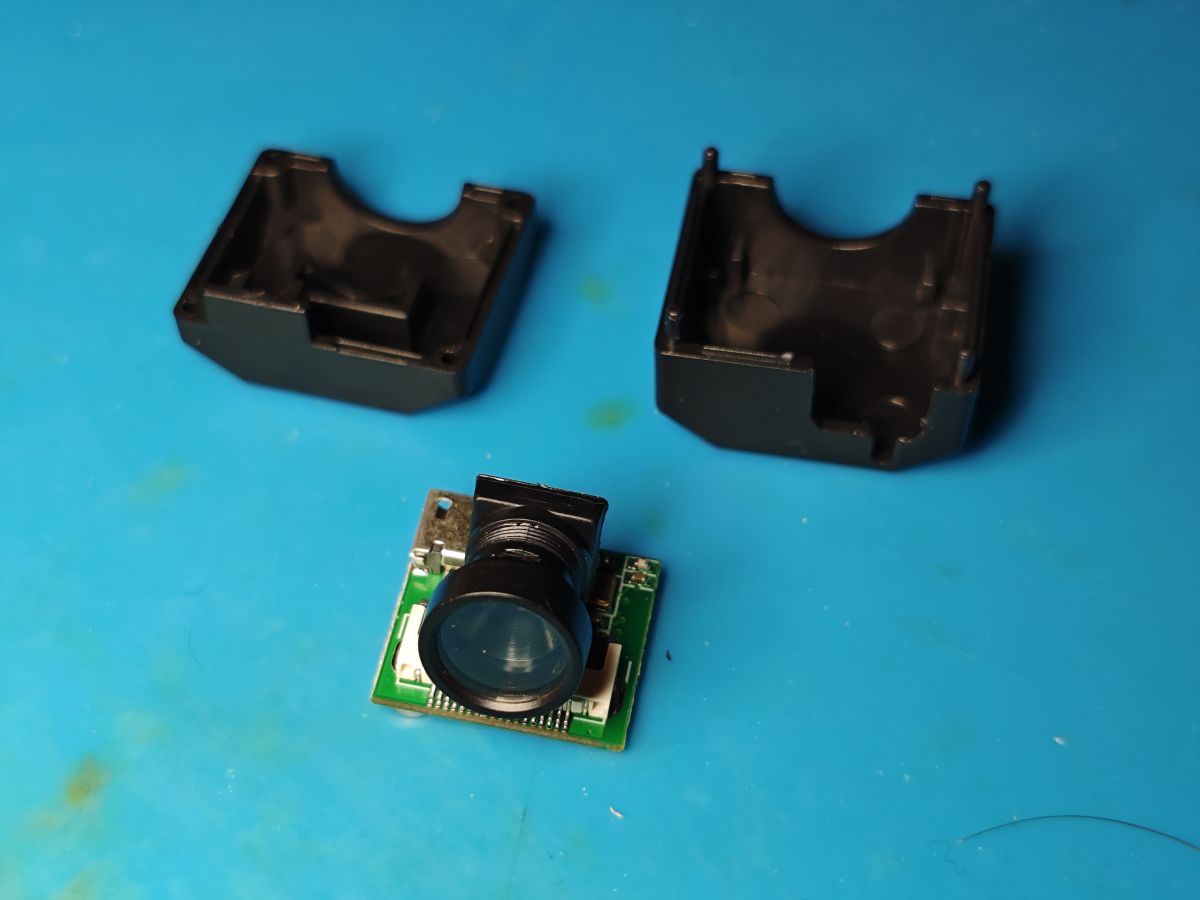
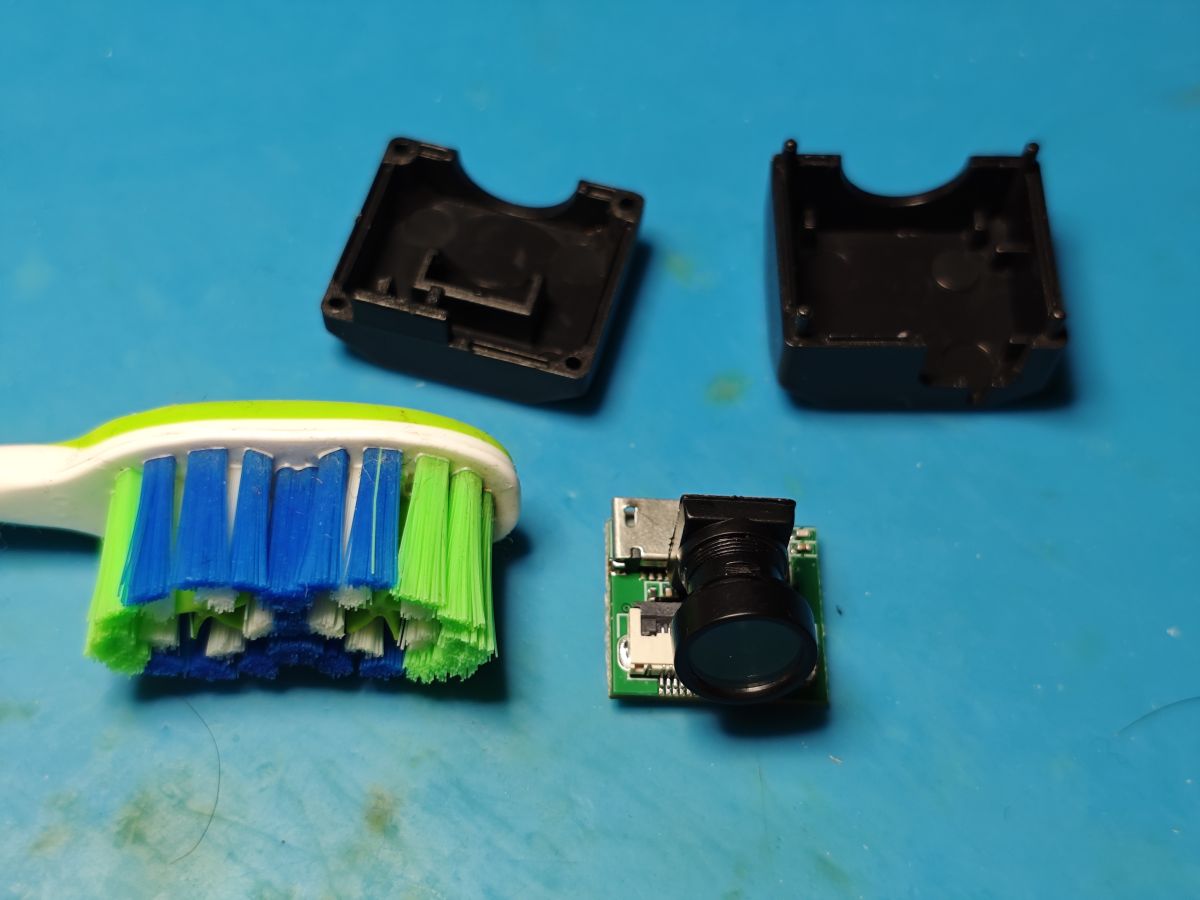
    The case is pried open very easily with only 4 plastic corner pips holding the two main parts together.
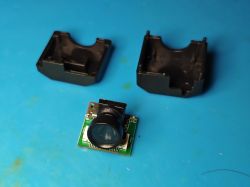
    Disassembled mini car camera with lens module and black casing on blue surface

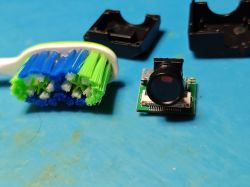
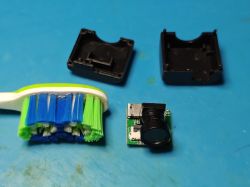
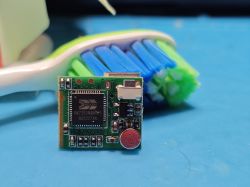
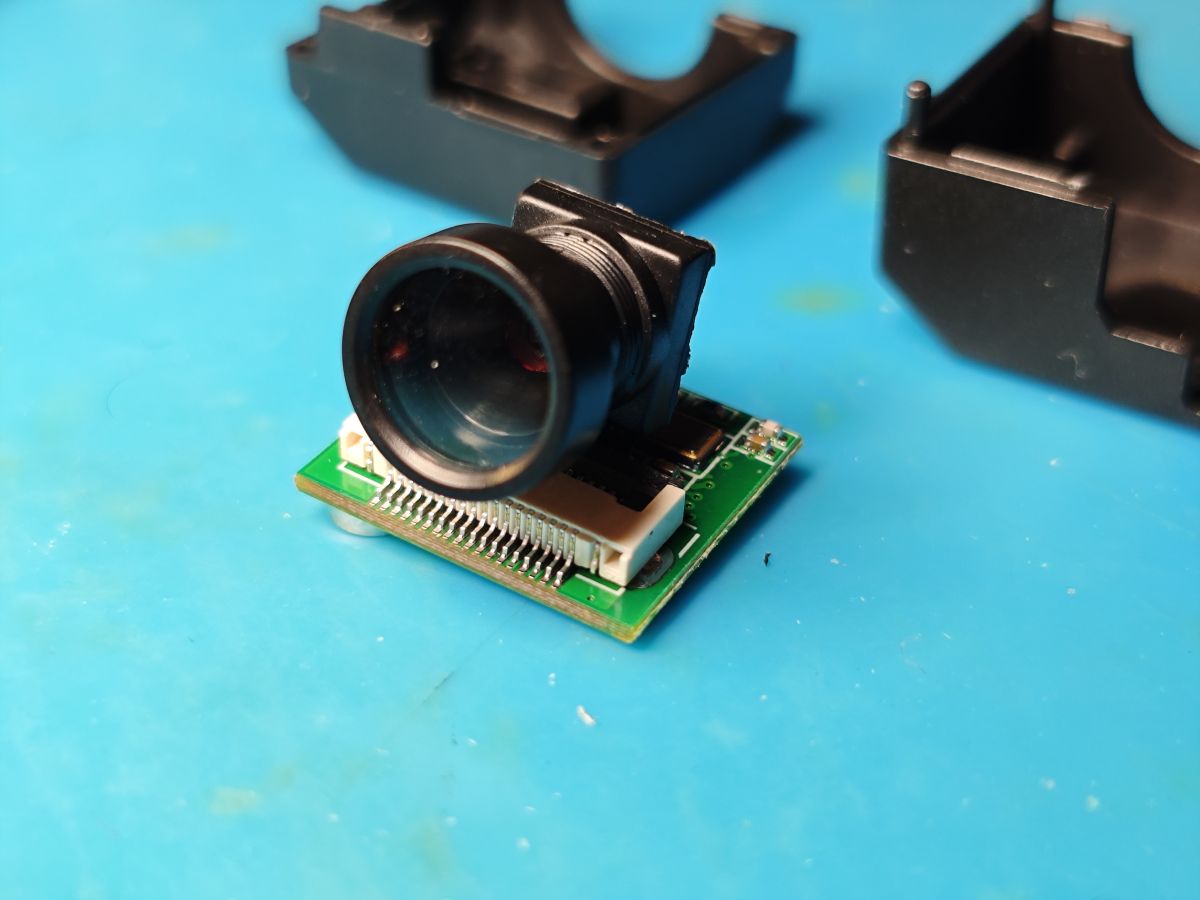
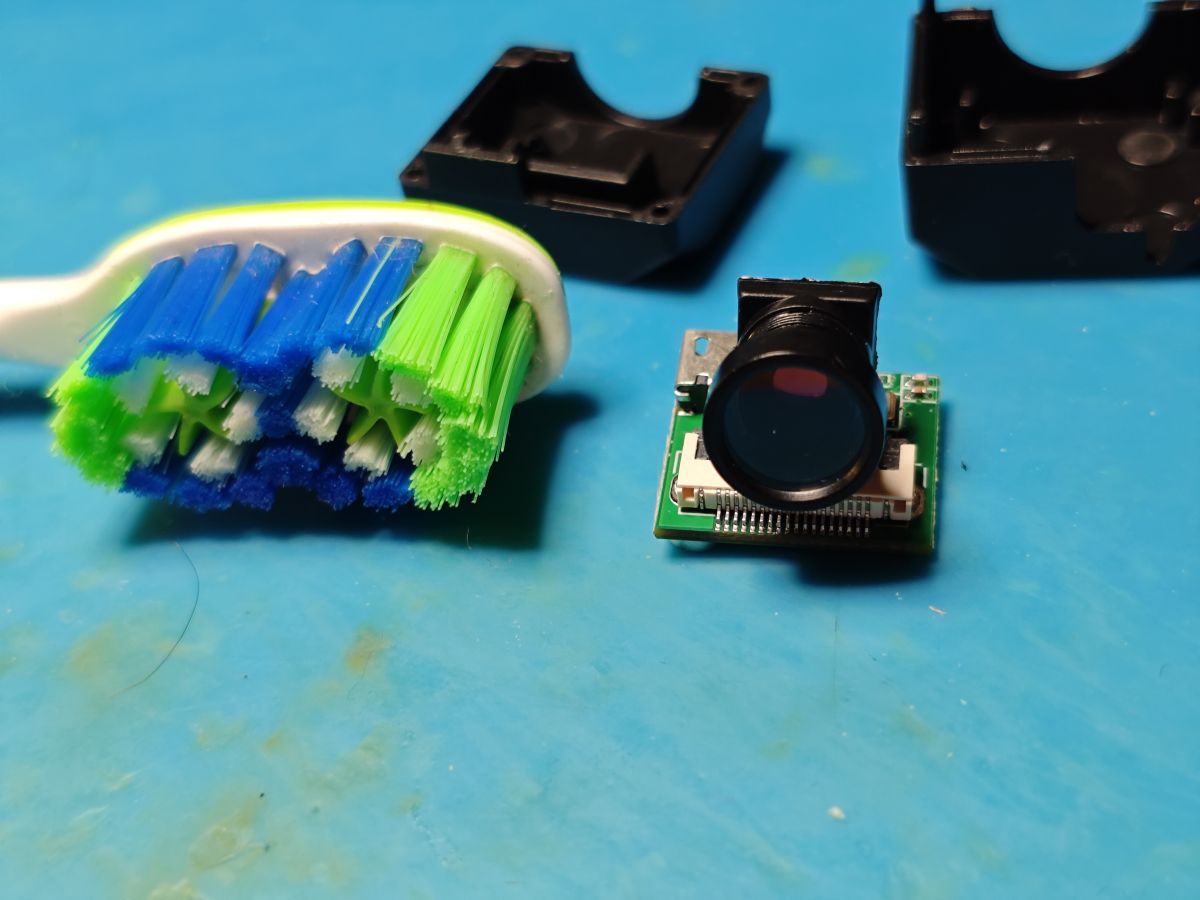
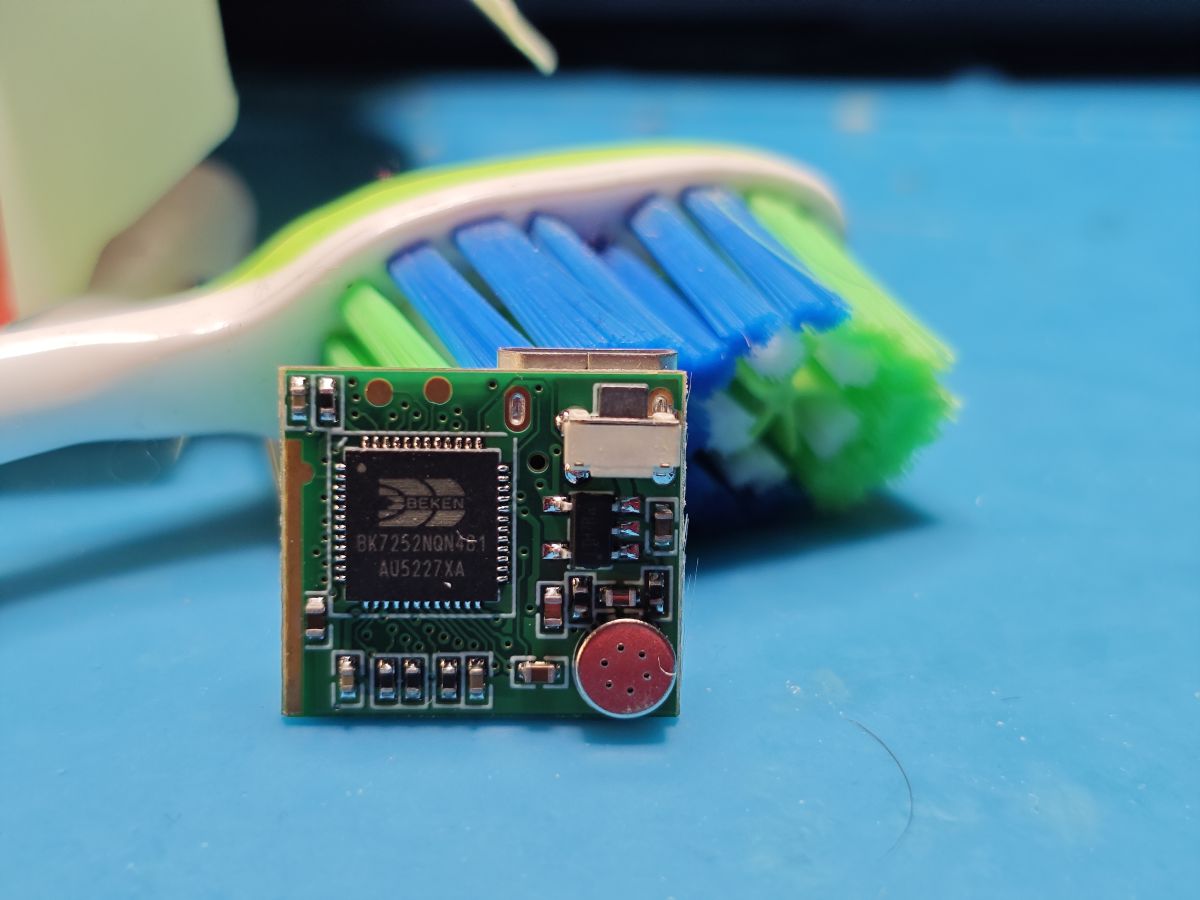
    then the insides. toothbrush for scale
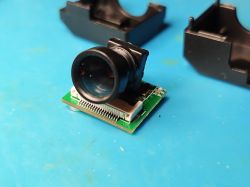
    Camera module with large lens and exposed PCB on a blue background Camera module with lens next to a toothbrush for scale Disassembled mini camera with its casing and a toothbrush for scale PCB module with micro USB port and ribbon cable connector on blue surface. Electronic module with Beken BK7252NQN481 chip and microphone on green PCB Circuit board with Beken BK7252N chip and micro USB port in front of a toothbrush GC0311 camera module with lens on a blue background

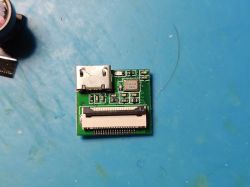
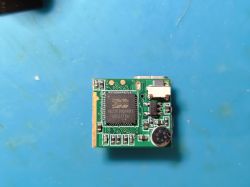
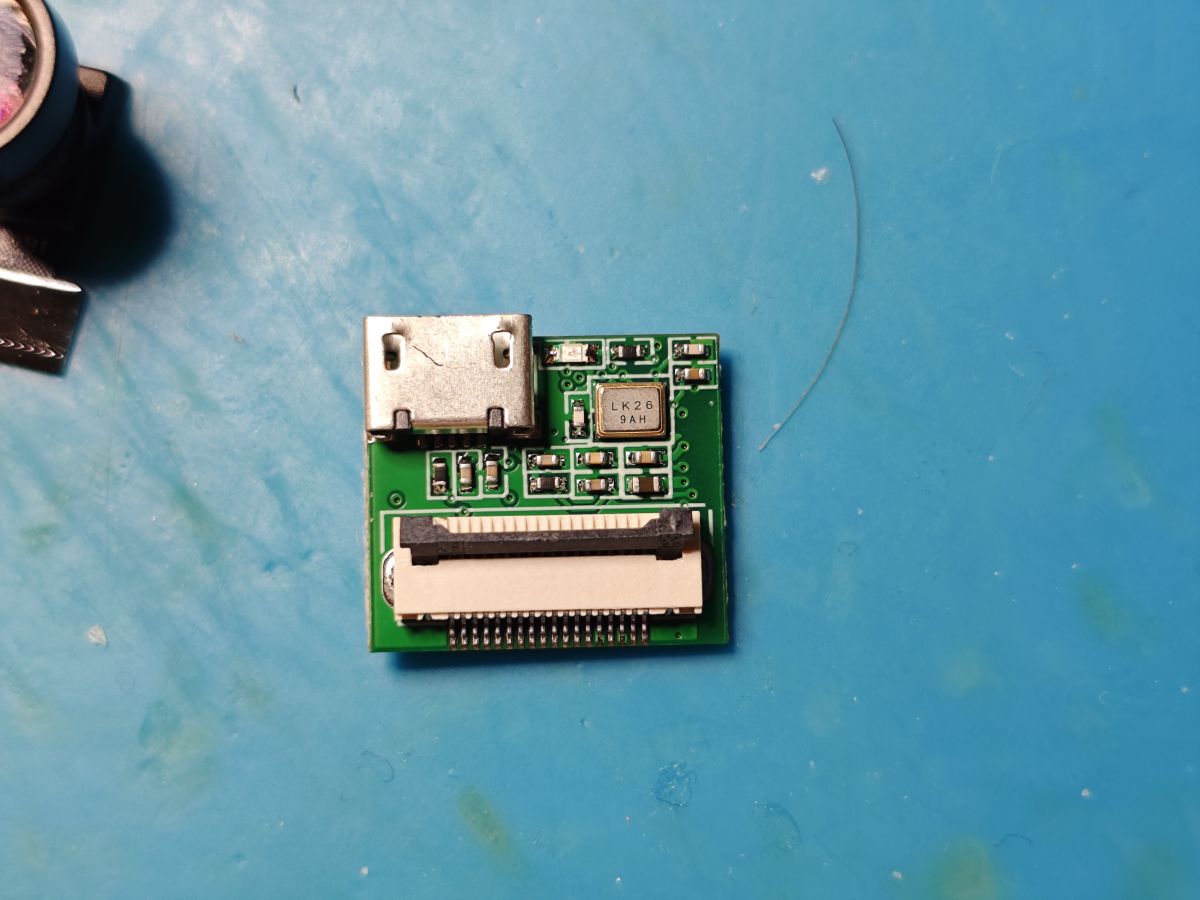
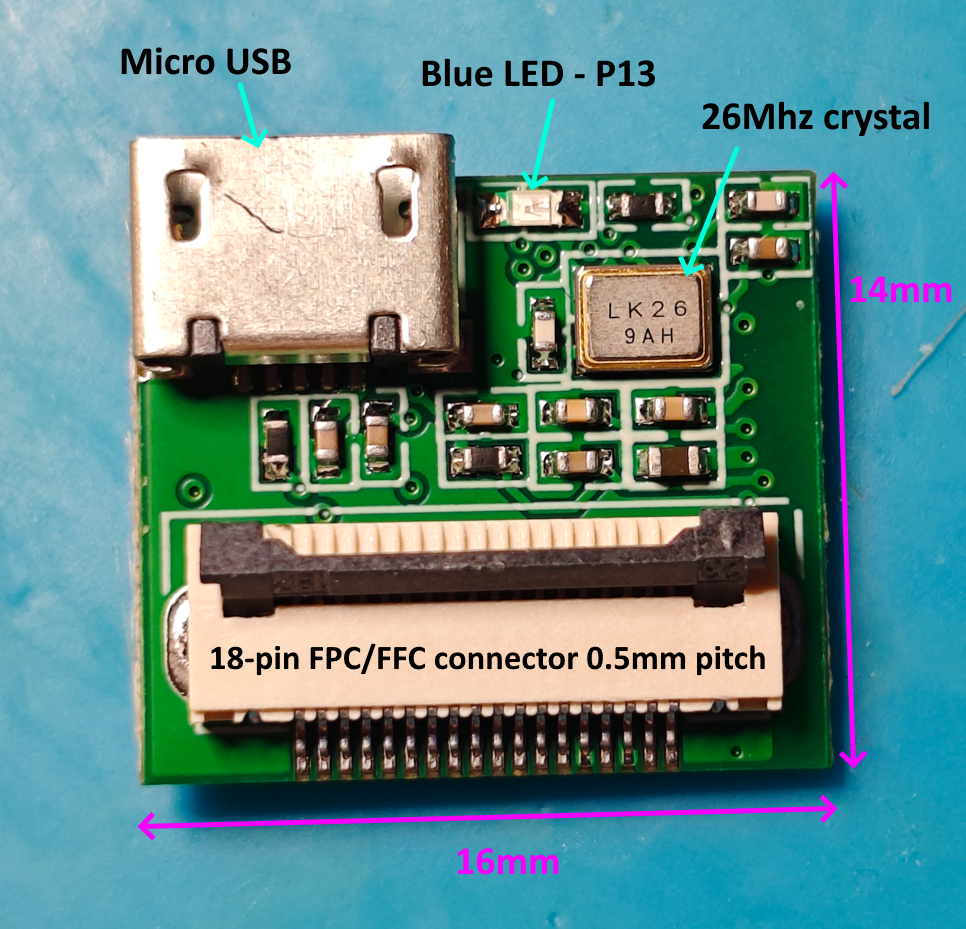
    To break it down a little, on this side we have the 5v micro USB port, a blue LED (connected to P13 of the BK7252N) a 26 MHz oscillator (LK26 9AH), and the now quite-familiar top-lock FPC/FFC, 18-pin, 0.5 mm pitch connector for the cam sensor.
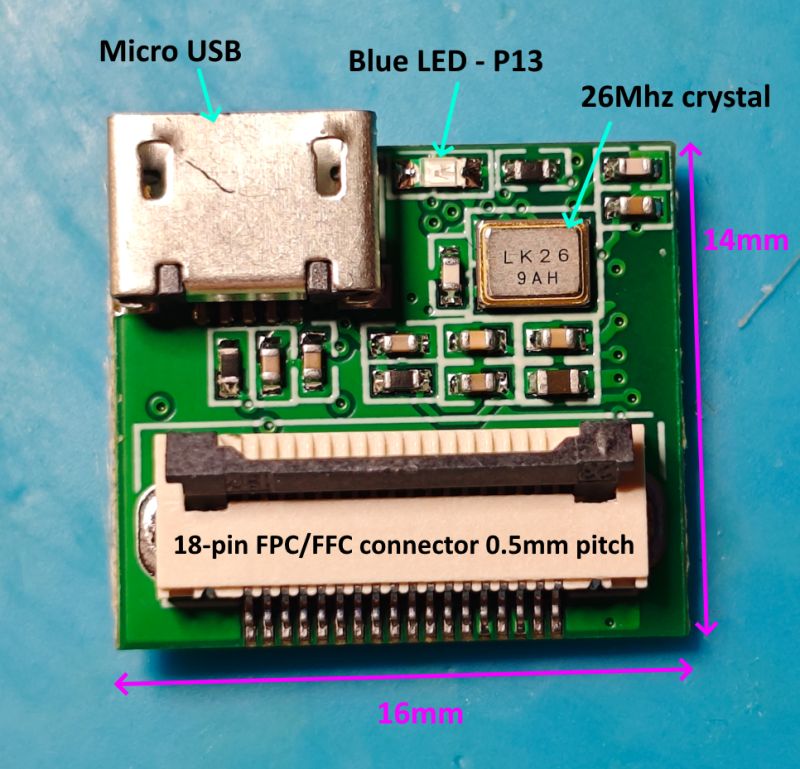
    PCB of camera module with micro USB port, blue LED, and 18-pin FPC connector

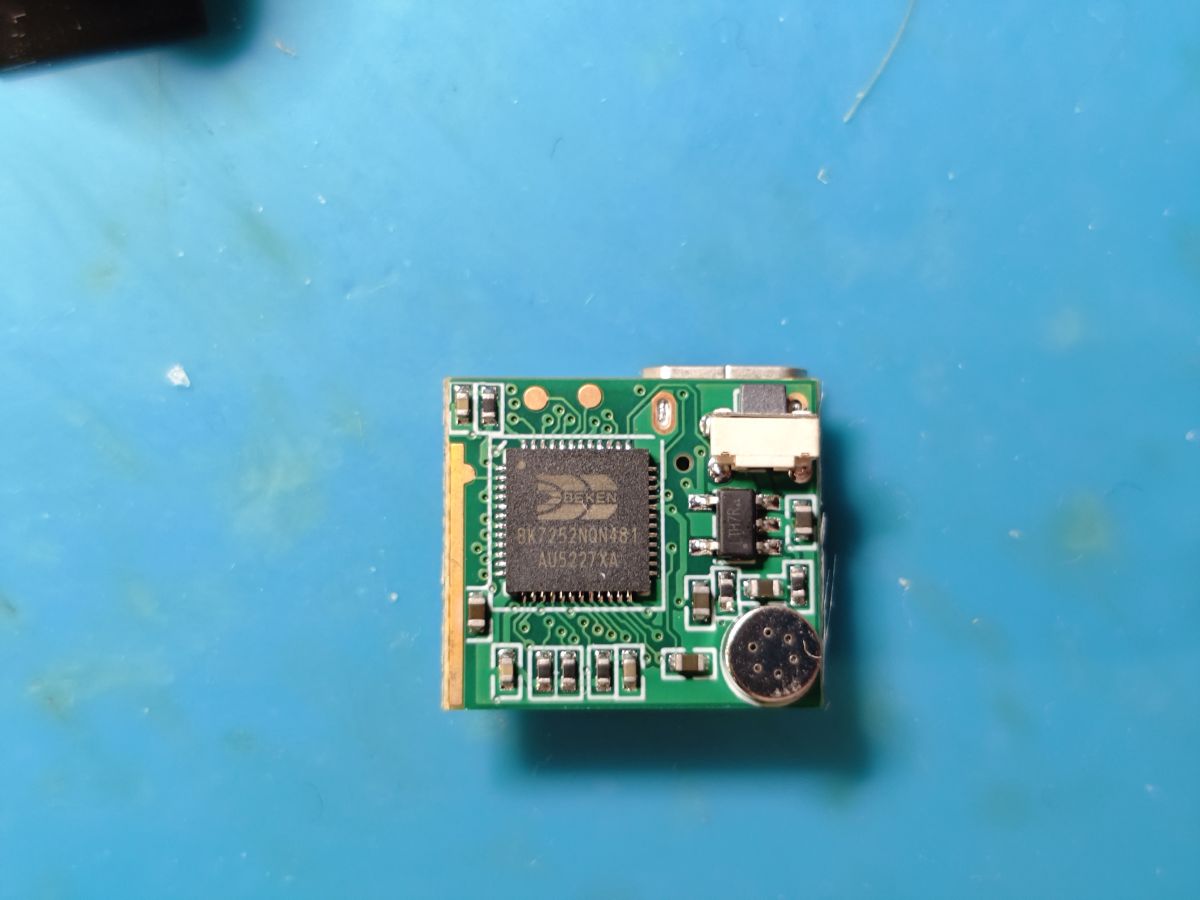
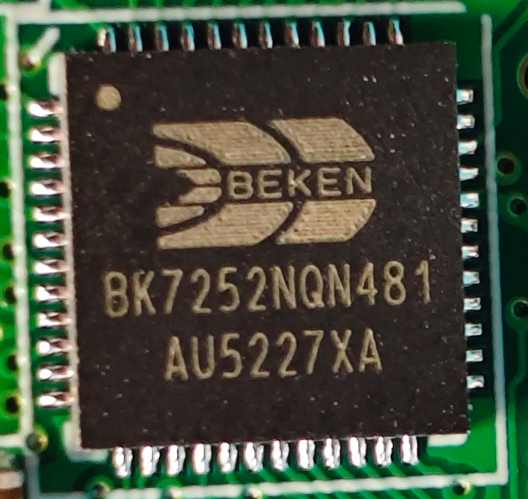
    on the other side, the 2mb Beken BK7252NQN481 MCU (also seen https://www.elektroda.com/rtvforum/topic4118499.html) (datasheet attached)
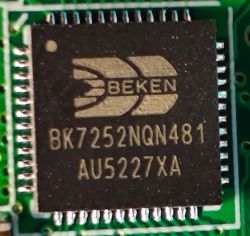
    Close-up of Beken BK7252NQN481 chip on a green PCB.

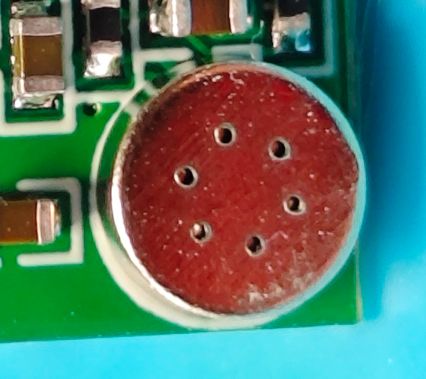
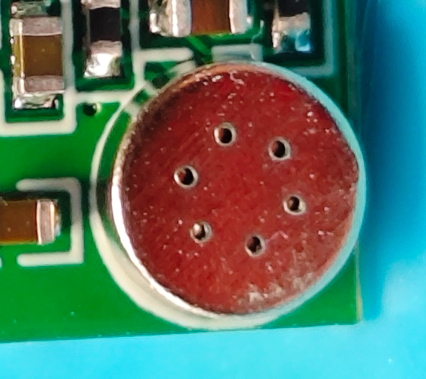
    an analogue electret microphone
    Close-up of electret microphone on a green PCB with blue background

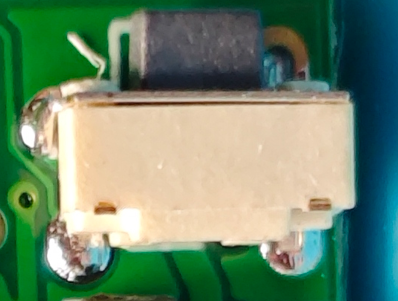
    a standard tactile push button (connected to P7 of the BK7252N)
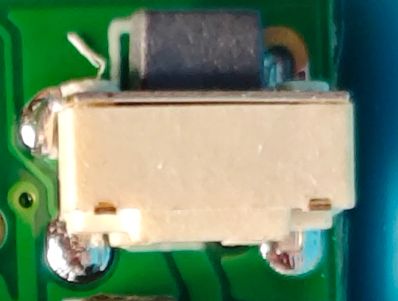
    Close-up of a white tactile switch soldered to a green PCB

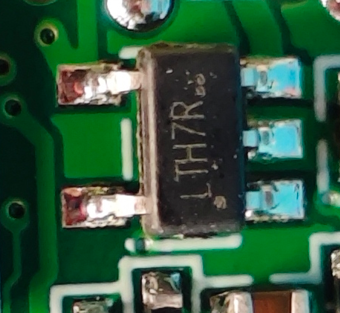
    LTH7R SOT-223-5 (?) 3.3v LDO - supplies 3.3v to the MCU from 5v USB input. Googling seems to suggest it's a Li-ion battery charger chip, but this device was not supplied with battery.
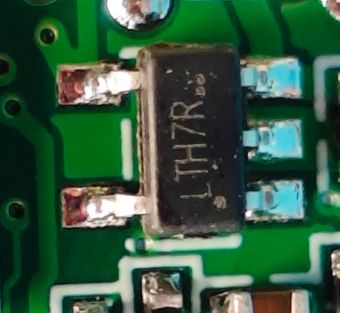
    Close-up of LTH7R chip on a green PCB

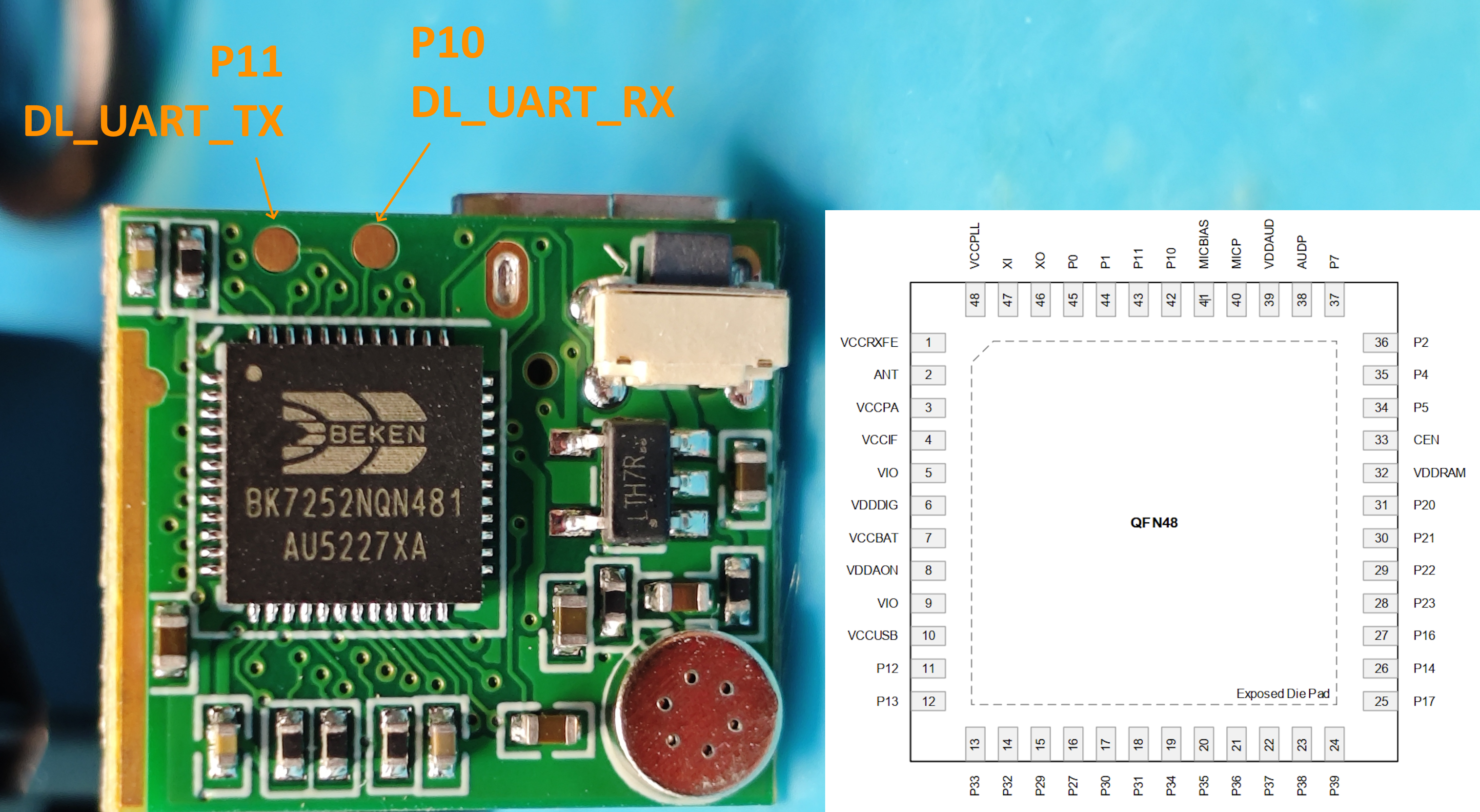
    The only test pads on the PCB are P10 and P11, which are good for programming
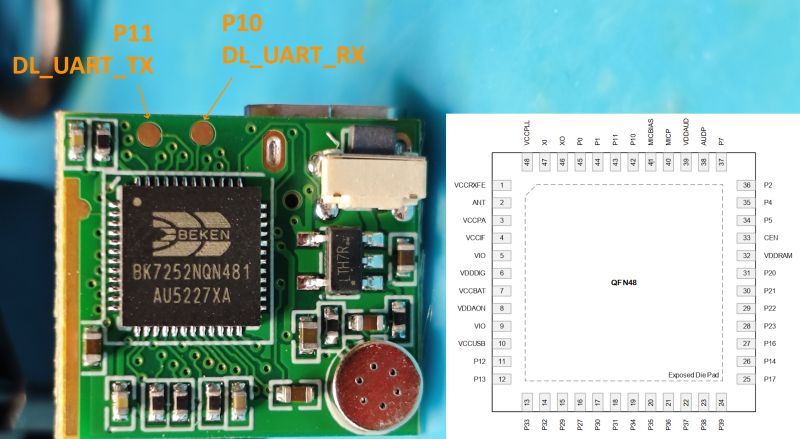
    Module with BK7252NQN481 chip and labeled P10 and P11 pads on PCB

    From P11 we also get this log out at 115200 baud

    Code: Text
    Log in, to see the code


    no log from P0 (UART1_TX)

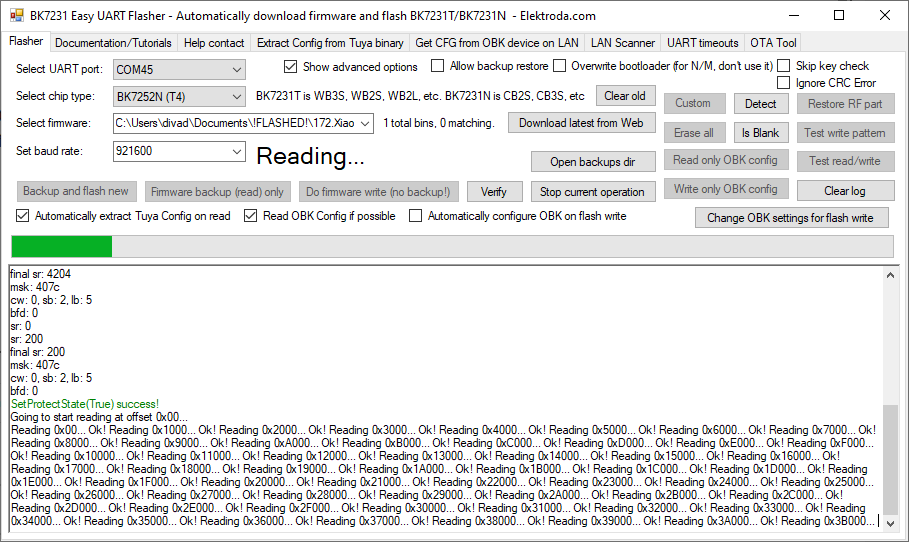
    With Easy Flasher the BK7252N 2mb flash is read with ease.
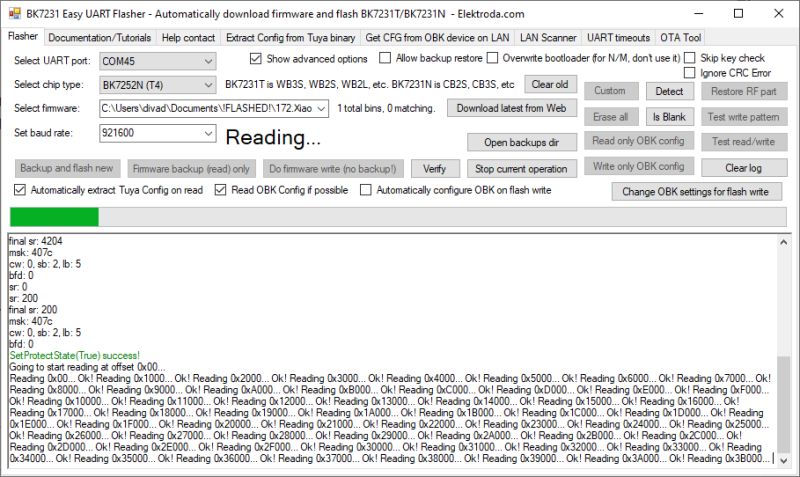
    BK7231 Easy UART Flasher interface reading BK7252N flash memory

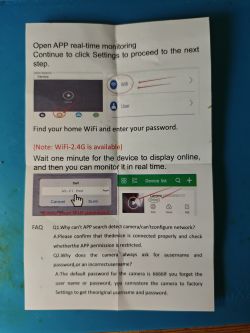
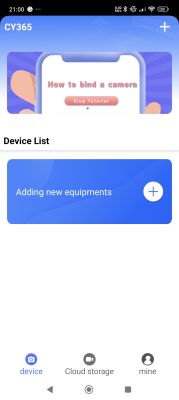
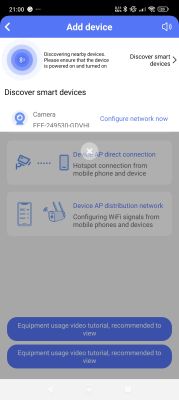
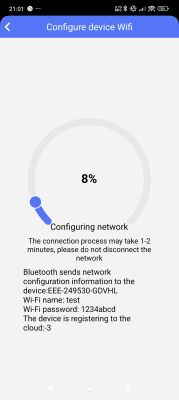
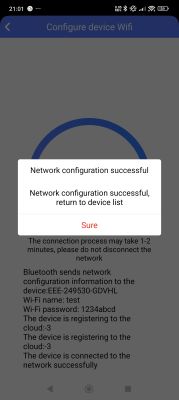
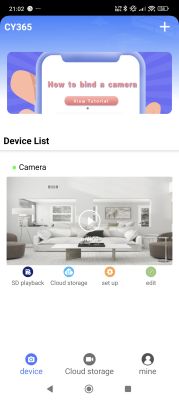
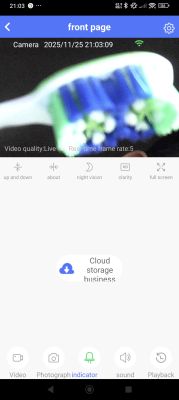
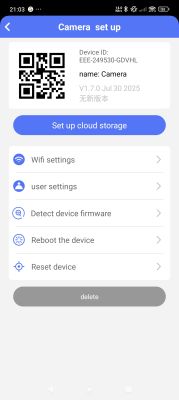
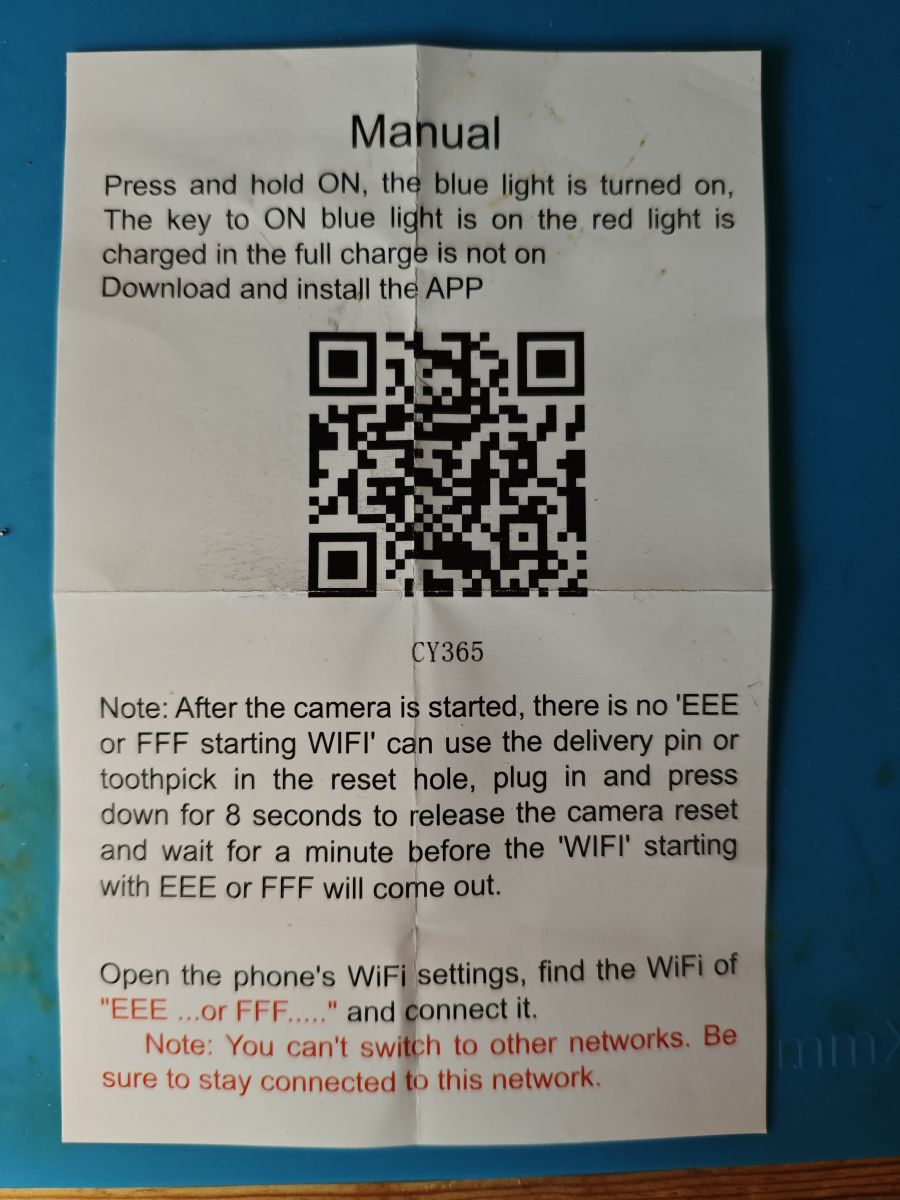
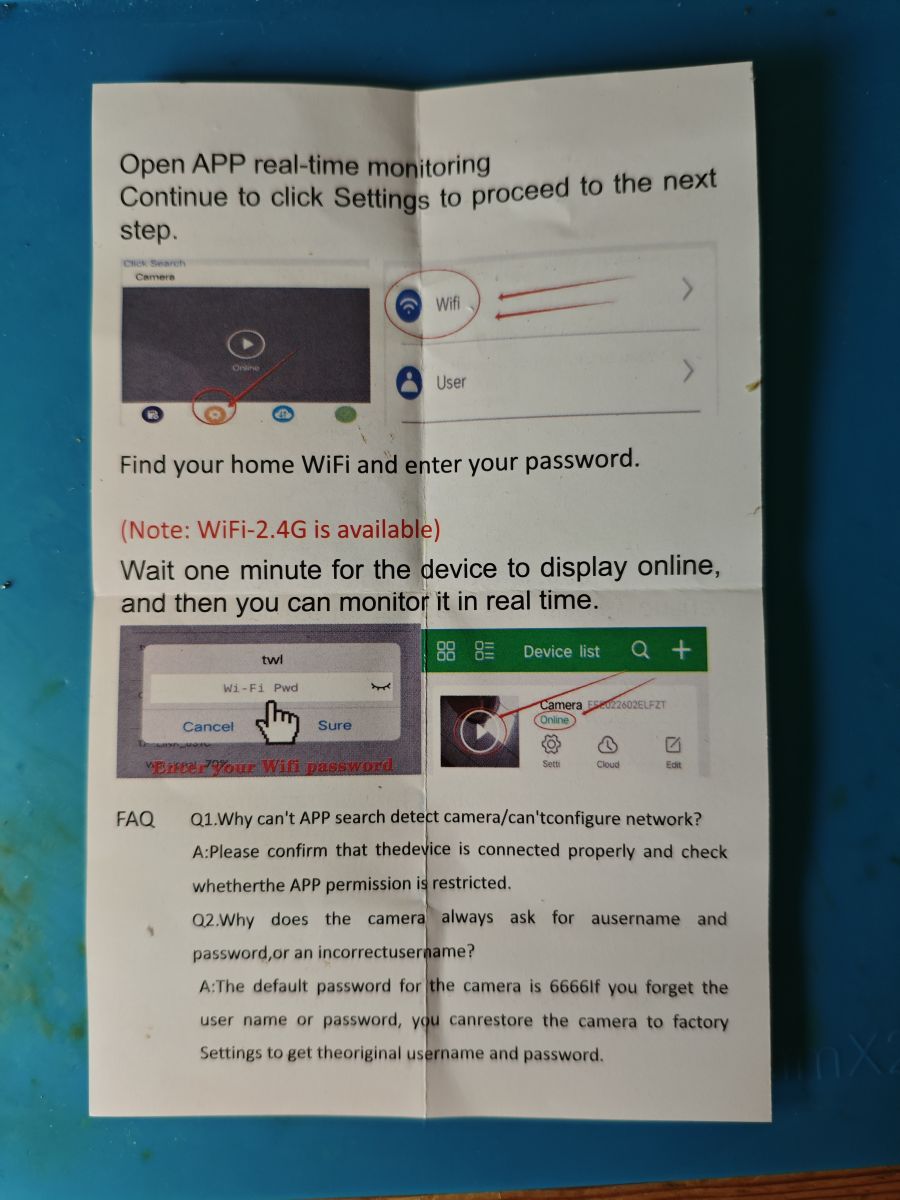
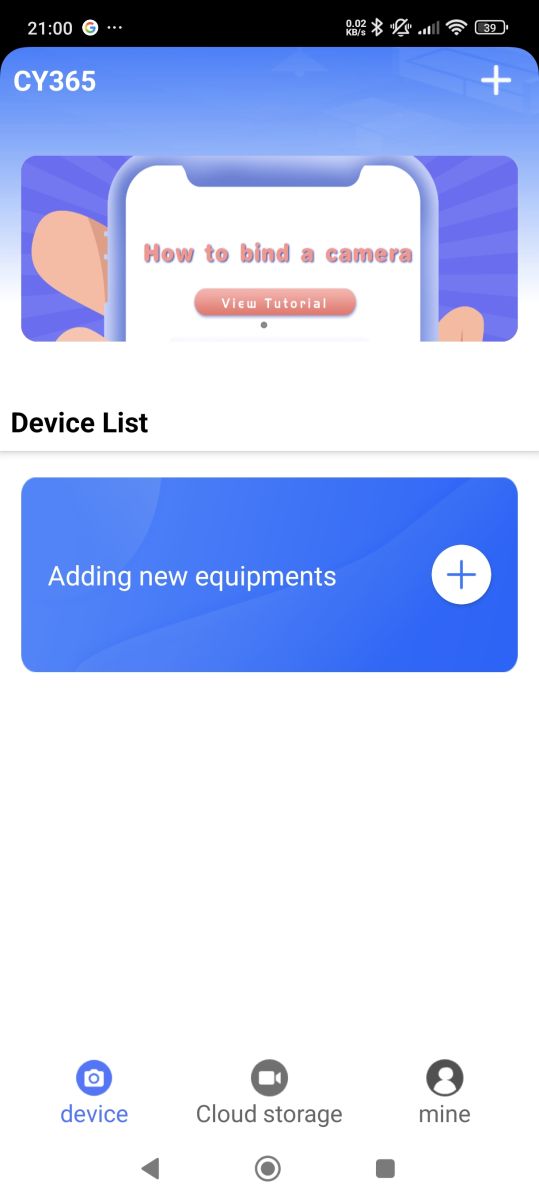
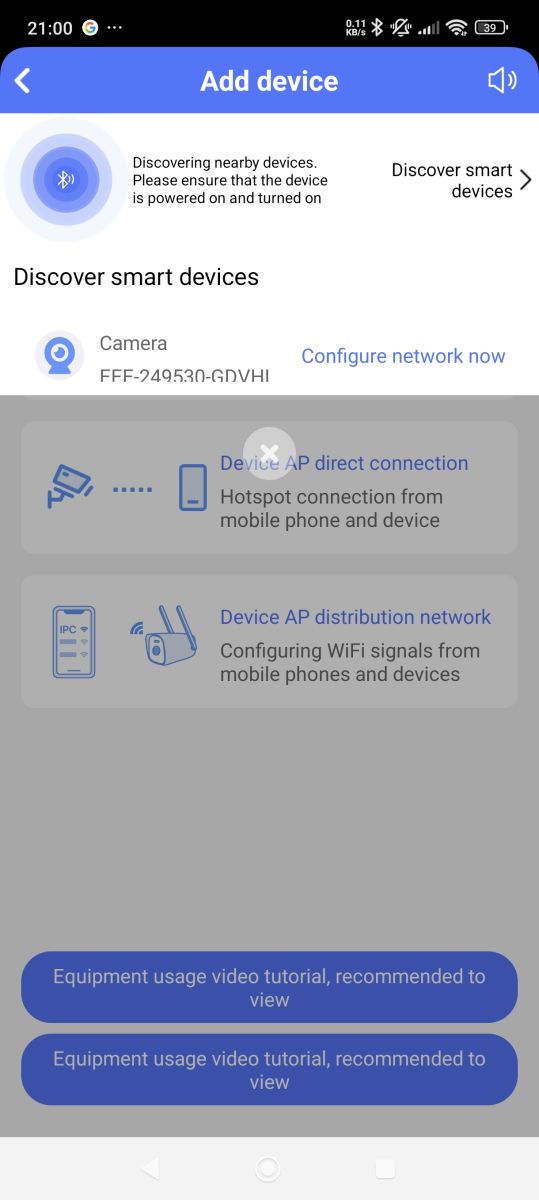
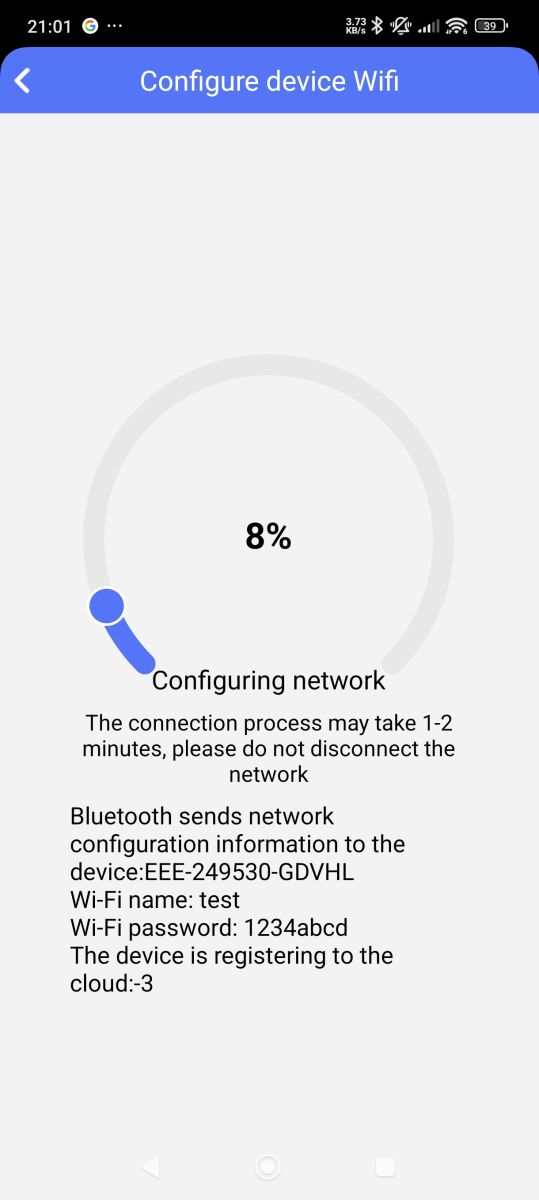
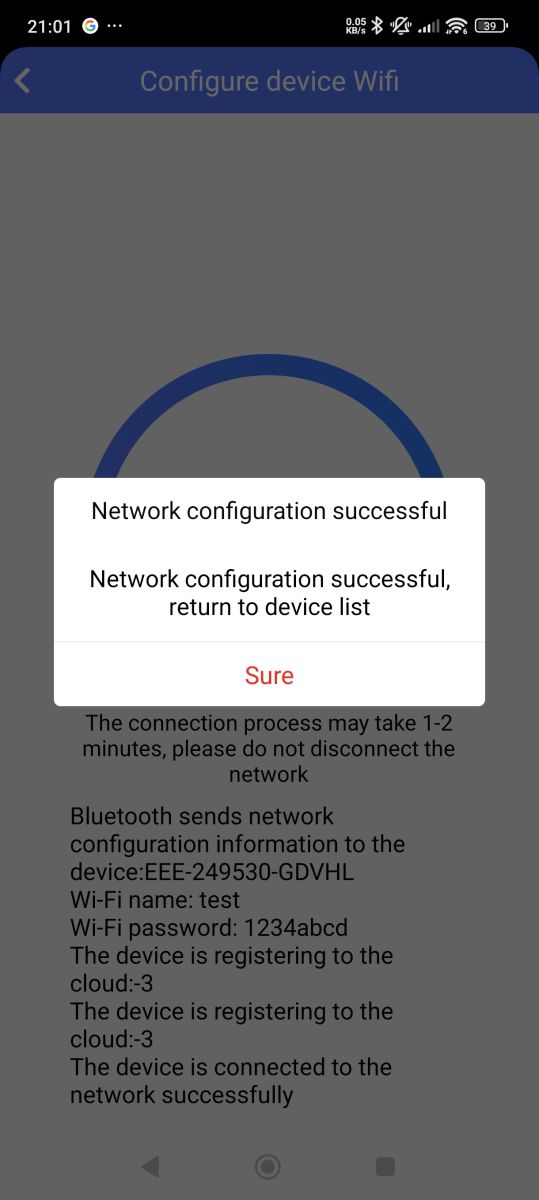
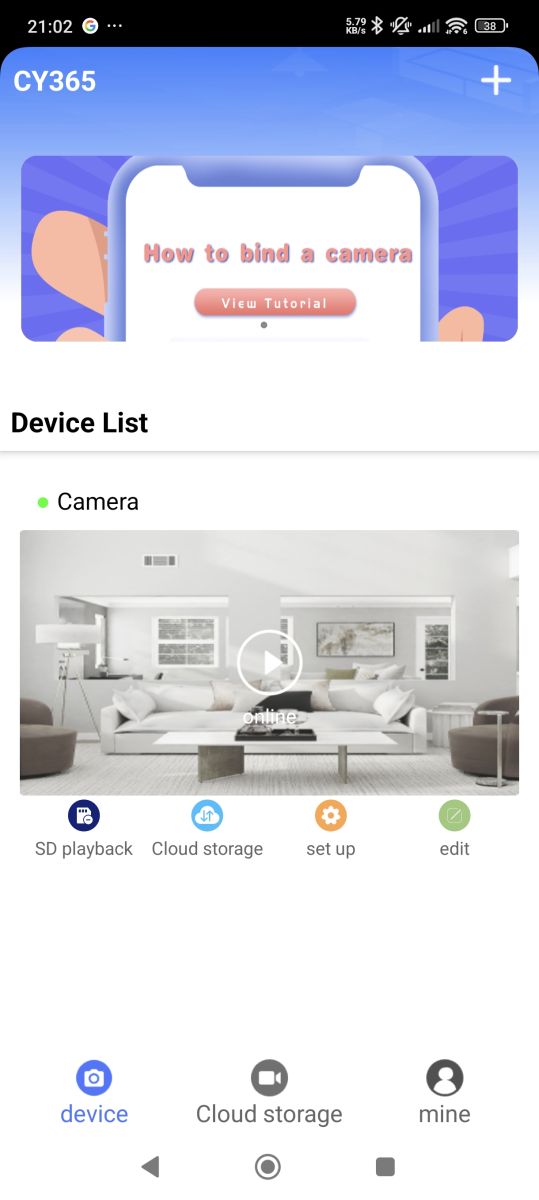
    Regarding the CY365 app (Shix Zhao shix.cy.camera) referenced in the 'manual' to be used when pairing device with phone
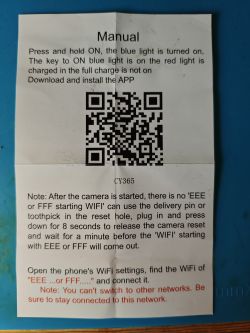
    Instruction leaflet for CY365 camera setup with QR code and English text Instruction leaflet for IP camera setup using a mobile app and WiFi connection

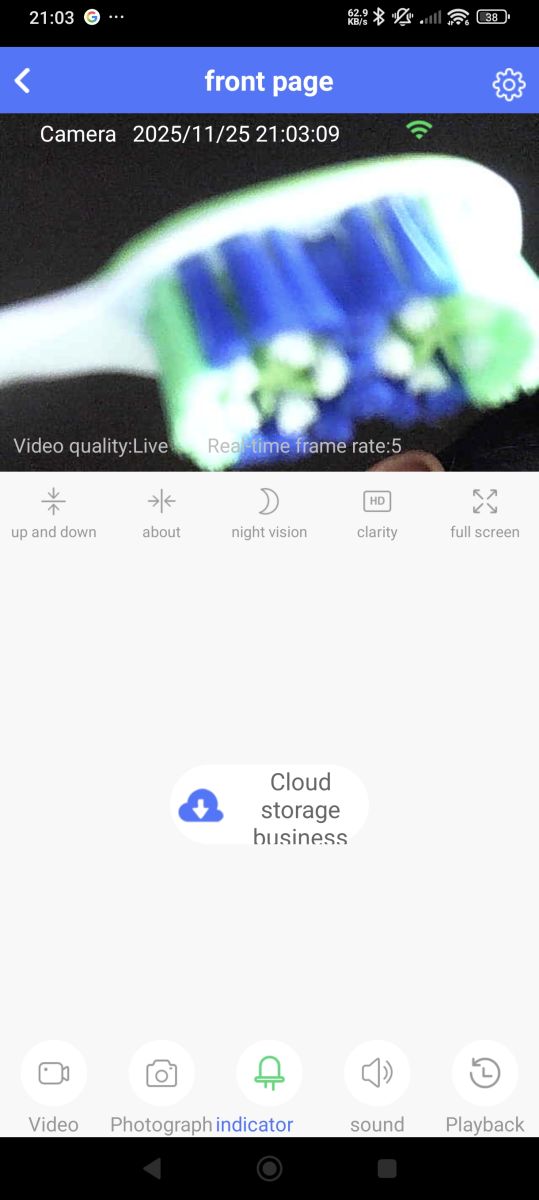
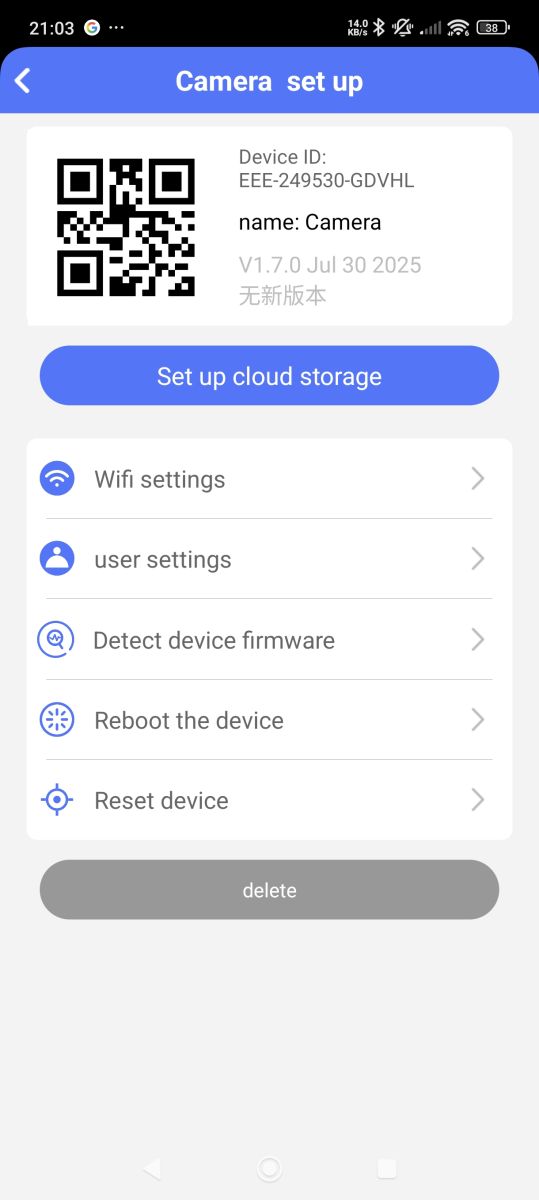
    CY365 app splash screen showing white camera icon on blue background CY365 app screenshot showing device pairing and bottom menu options App screen for adding a device, camera with ID FFF-249530-GDVHI is detected Wi-Fi setup screen showing 8% progress and network details for camera device Device Wi-Fi setup screen showing success message and connection details CY365 app screen showing active camera preview and feature menu. Close-up of a toothbrush captured by a surveillance camera. Camera setup screen with QR code and network configuration options

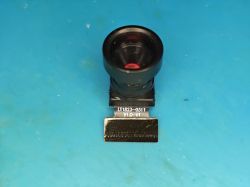
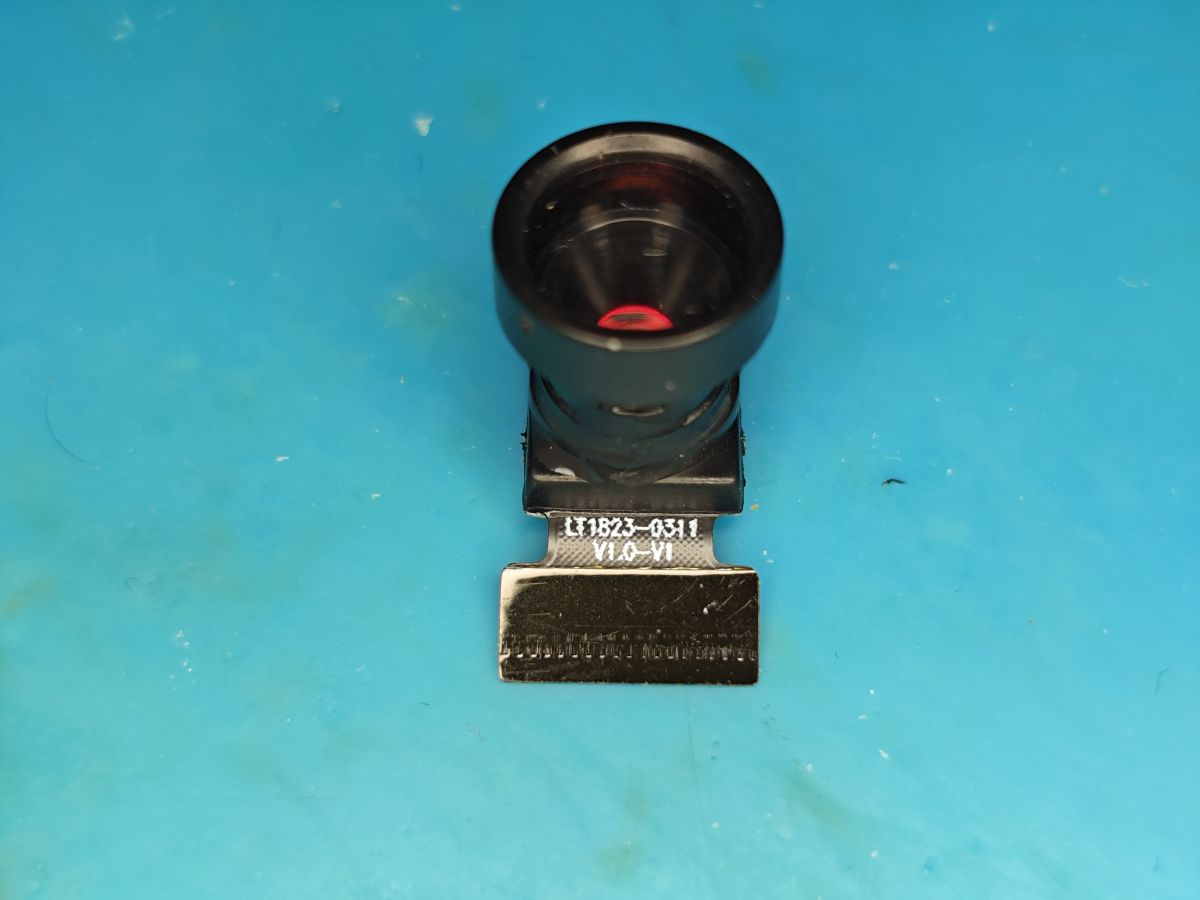
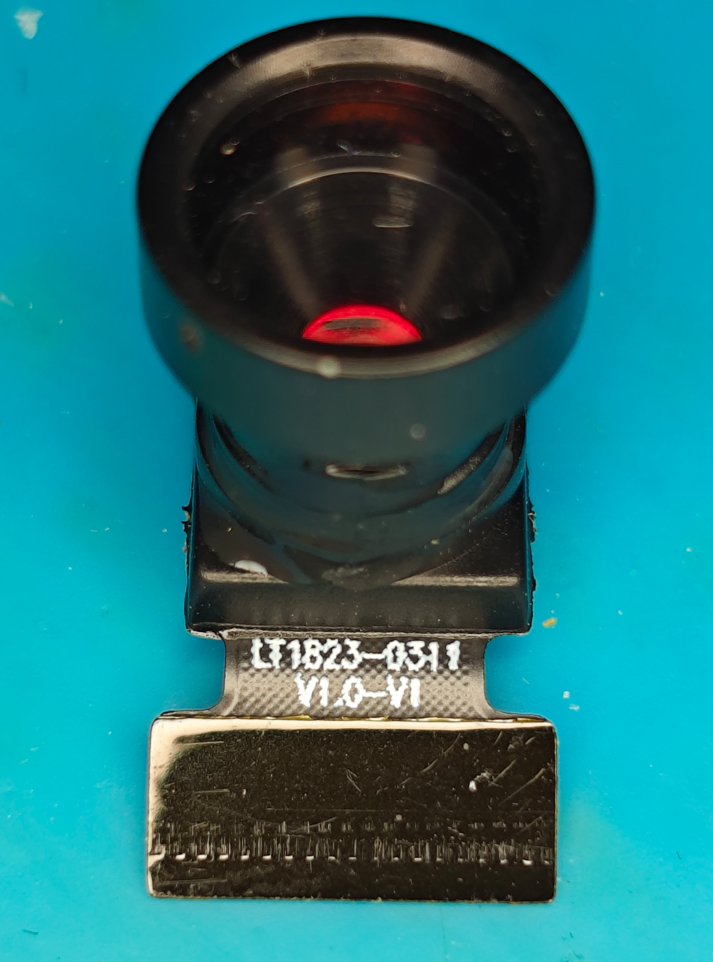
    The sensor itself, labelled as LT1823-0311 V1.0-V1, is a GalaxyCore GC0311 640x480 model.
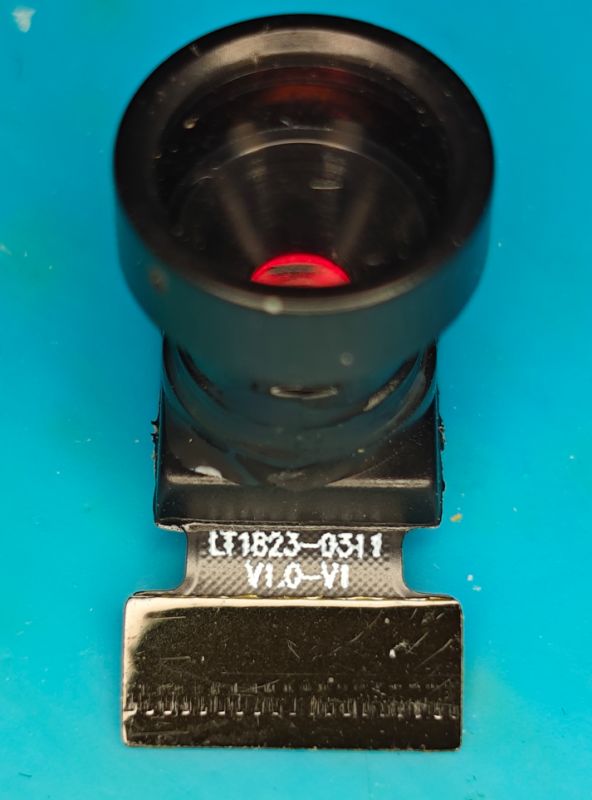
    Camera module with lens and ribbon connector on blue background

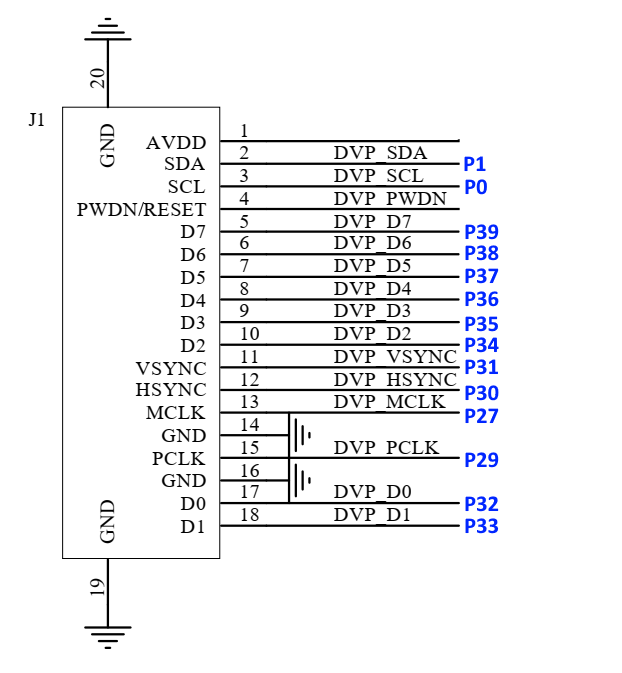
    And tracing from each of the pins on the 18-pin FPC connector we determine the following:
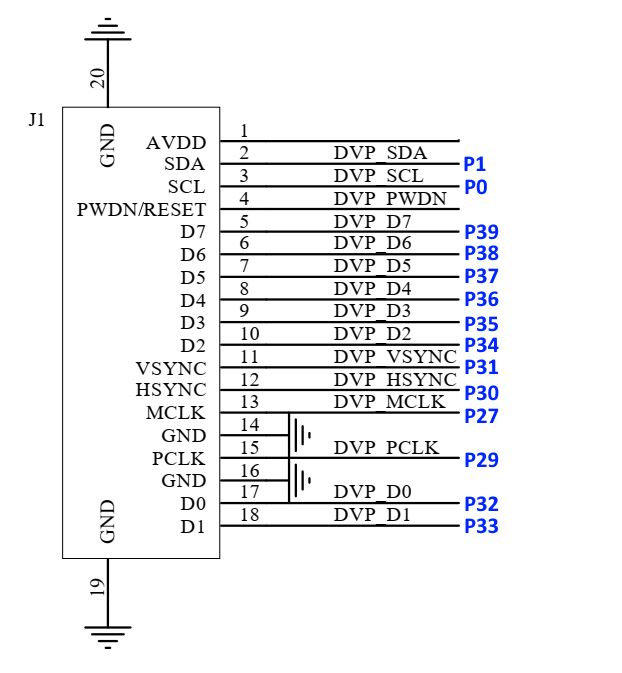
    DVP interface connection diagram with pin mapping for connector J1

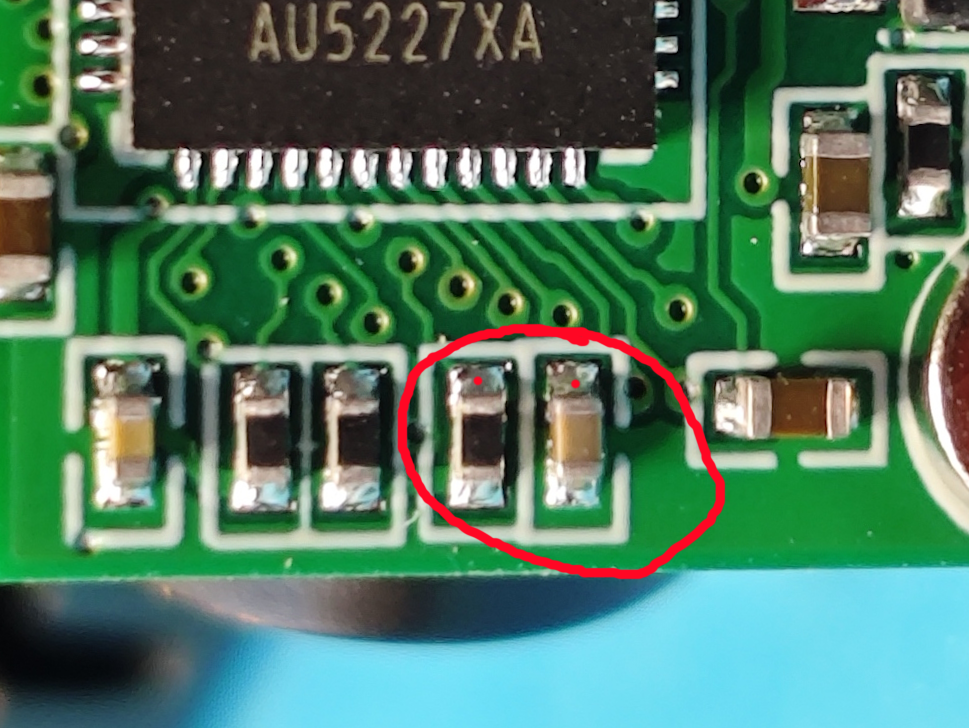
    So P0 is used for SCL. I'm not sure of the role of PWDN/RESET at this stage, but it doesn't directly route to an IO on the BK7252N but rather has continuity to the top contact of these two components on the reverse
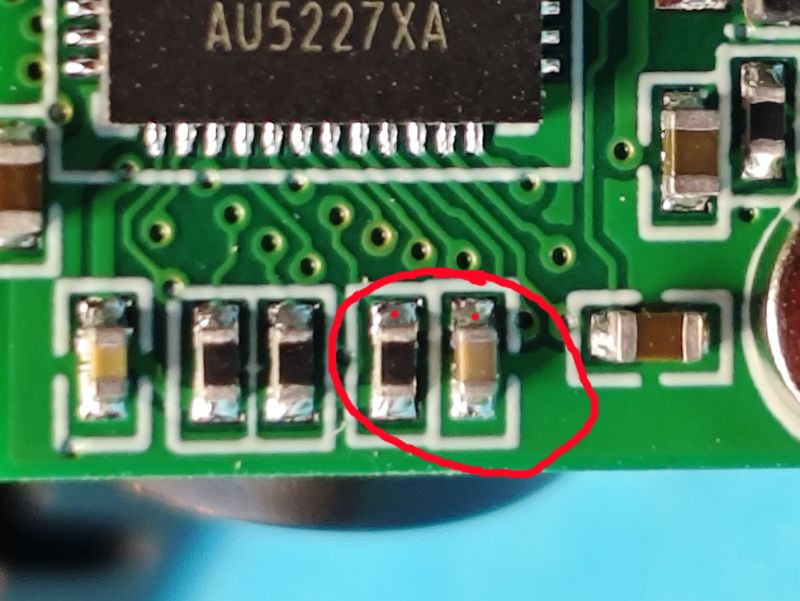
    Close-up of a PCB with two SMD components circled in red

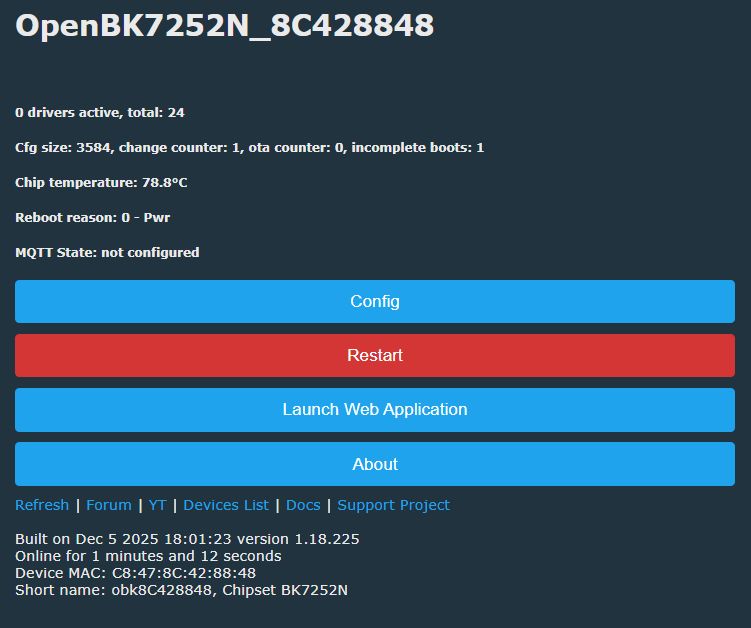
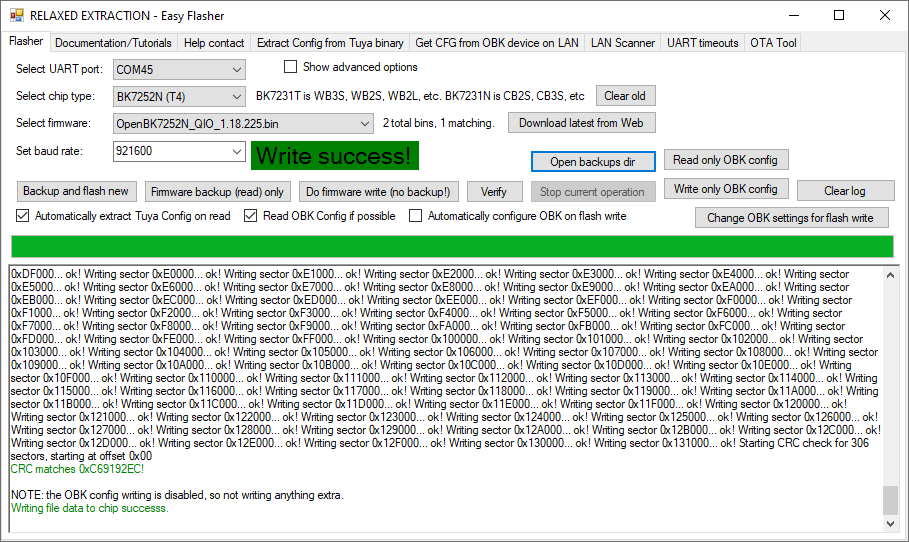
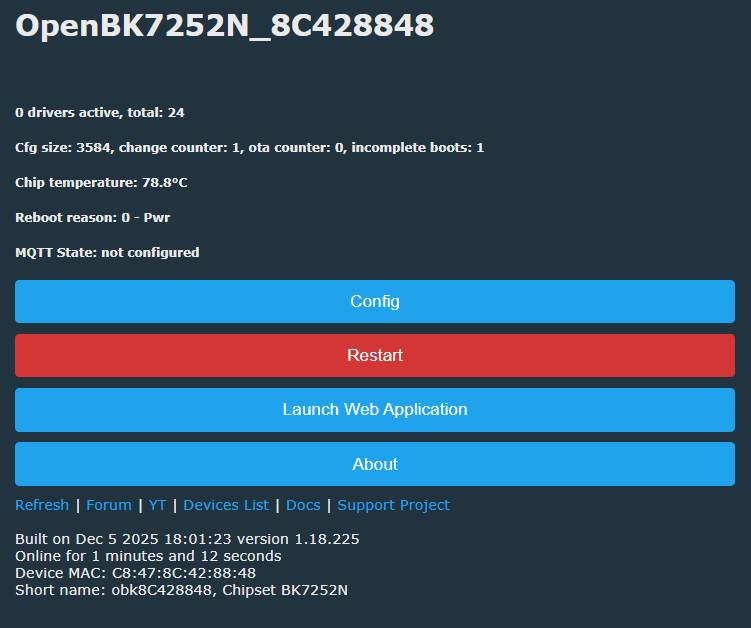
    Flashing OpenBK7252N means a cloud-free device, but currently no cam or mic support
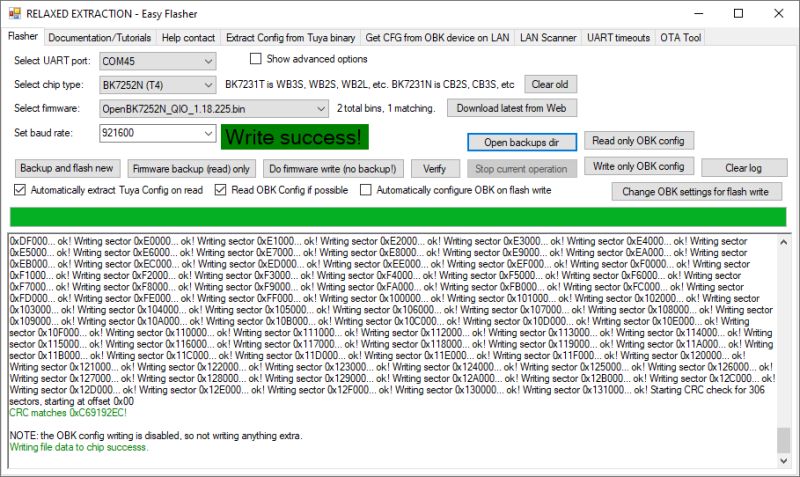
    Easy Flasher interface with Write success! message and flash writing log

    OpenBK7252N interface with chip data and configuration options displayed

    Flash backup: https://github.com/openshwprojects/FlashDumps/commit/b0b370f5244e4b6c42d77cebf199a4c5a36c0c8c


    Device ID:
    EEE-249530-GDVHL
    name: Camera
    V1.7.0 Jul 30 2025
    No new versions

    Strings of possible note

    Code: Text
    Log in, to see the code


    Code: Text
    Log in, to see the code


    Code: Text
    Log in, to see the code


    Code: Text
    Log in, to see the code


    xref:
    https://www.elektroda.com/rtvforum/topic4154701.html
    Attachments:
    • DS-BK7252N-E01 V1.0.pdf (1.08 MB) You must be logged in to download this attachment.

    Cool? Ranking DIY
    About Author
    divadiow
    Level 38  
    Offline 
    divadiow wrote 4826 posts with rating 848, helped 419 times. Live in city Bristol. Been with us since 2023 year.
  • ADVERTISEMENT
📢 Listen (AI):

FAQ

TL;DR: Tiny CY365 “rear-view” IP cam uses a 2 MB BK7252N SoC with a 640×480 GC0311; “Flashing OpenBK7252N means a cloud-free device, but currently no cam or mic support.” [Elektroda, divadiow, post #21772962]

Why it matters: This FAQ helps tinkerers identify pins, flash firmware, and harden security on a cheap Wi‑Fi camera.

Quick Facts

What exactly is the CY365 BK7252NQN481 tiny Wi‑Fi camera?

It’s a low-cost IP camera sold as a mini “rear‑view” unit. Inside is a Beken BK7252NQN481 Wi‑Fi SoC and a GC0311 VGA sensor. It ships with a micro‑USB cable, no mounting hardware, and minimal packaging. The enclosure separates with four plastic corner pips, making teardown easy for repairs or mods. Photos and logs confirm the platform components and pad access for firmware work. [Elektroda, divadiow, post #21772962]

Which image sensor does it use and what resolution can I expect?

The module is labeled LT1823‑0311 and uses the GalaxyCore GC0311 sensor. Resolution is 640×480 (VGA). The camera connects through an 18‑pin, 0.5 mm pitch FPC to the main board for data and control. Strings in the dump also reference other sensors, but this unit identifies GC0311. [Elektroda, divadiow, post #21772962]

How do I open the case without damage?

Pry along the seam at the four corners. Only four plastic pips hold the halves together. Work slowly with a thin spudger to avoid marring the shell or flexing the FPC. The board and lens module lift out once the clips release. A toothbrush in the photos shows the compact scale. [Elektroda, divadiow, post #21772962]

How do I flash OpenBK7252N onto this camera?

Use the accessible test pads and a supported flasher.
  1. Connect to P10/P11 pads as the programming interface.
  2. Use Easy Flasher to read and back up the 2 MB flash.
  3. Write OpenBK7252N, then power‑cycle and test basic GPIO. [Elektroda, divadiow, post #21772962]

Which pads and UART settings should I use for debugging?

Use P11 to view logs at 115200 baud. The captured boot shows firmware versioning and OTA recovery behavior. UART1_TX on P0 did not output in tests. Keep ground reference stable and avoid long leads. Short jumpers reduce noise on high‑speed lines. [Elektroda, divadiow, post #21772962]

Does OpenBK7252N currently support the camera and microphone?

Not yet on this platform. As the post notes, “Flashing OpenBK7252N means a cloud‑free device, but currently no cam or mic support.” You can still exercise GPIOs, LEDs, and buttons while sensor and audio drivers mature. Monitor project updates before relying on video. [Elektroda, divadiow, post #21772962]

What mobile app does stock firmware use, and what firmware version was seen?

The included leaflet references the CY365 app (package shix.cy.camera). The examined device reported firmware V1.7.0 dated July 30, 2025. UI screenshots and strings show P2P and push paths tied to cloud services. Always change any exposed default credentials. [Elektroda, divadiow, post #21772962]

What are the power requirements and regulators on the board?

Input is 5 V via micro‑USB. An LTH7R SOT‑223‑5 regulator derives 3.3 V for the BK7252N and peripherals. No battery was supplied. Despite some search results listing LTH7R as a charger, the board uses it as an LDO for system power. Verify 3.3 V rail before flashing. [Elektroda, divadiow, post #21772962]

How is the camera FPC wired? Any notable control lines?

The 18‑pin 0.5 mm FPC carries pixel data, clock, and control. SCL is on P0. PWDN/RESET does not route directly to a BK7252N IO; it ties through discrete parts on the reverse. Inspect those two components when troubleshooting sensor wake or reset behavior. [Elektroda, divadiow, post #21772962]

Are there security concerns like default passwords or cloud endpoints?

Yes. String dumps show usernames “admin,” passwords like “6666” and “123456789,” and cloud push URLs and P2P identifiers. Change credentials immediately and consider replacing stock firmware. Blocking outbound ports or using OpenBK7252N reduces unsolicited cloud exposure. [Elektroda, divadiow, post #21772962]

Why does the boot log say OTA verify failed and revert to factory?

The serial output at 115200 shows RT‑Thread OTA initializing, then “App verify failed! Need to recovery factory firmware.” This indicates a signature or integrity check failure. The bootloader then jumps to a known‑good partition at 0x10000 for recovery. [Elektroda, divadiow, post #21772962]

Can I reuse the on‑board microphone, LED, and button with custom firmware?

Yes. The electret mic connects to the analog front end. The blue LED maps to P13, and the tactile button connects to P7. You can control these with OpenBK7252N GPIO features even while camera and audio streaming are unsupported. Document states exact pin ties. [Elektroda, divadiow, post #21772962]

Which image sensors are referenced by the firmware strings?

Strings mention GC0312, HI704, OV7670, OV7673, and SP0A38 in addition to the installed GC0311. This suggests a shared codebase supporting multiple VGA‑class sensors. Your board identifies the attached model during init. Replace modules carefully if experimenting. [Elektroda, divadiow, post #21772962]

What is OpenBeken (OpenBK7252N) in simple terms?

OpenBeken is community firmware for Beken Wi‑Fi MCUs, offering local control without vendor clouds. On this camera, flashing it enables GPIO control and configuration, but camera and microphone support are not implemented yet. It’s valued for privacy and flexibility. [Elektroda, divadiow, post #21772962]
Generated by the language model.
ADVERTISEMENT