logo elektroda
logo elektroda
X
logo elektroda

Identifying GND Pin on LN882HKI Mini Smart Socket PCB for Reflashing

vokamut 462 9
ADVERTISEMENT
  • #1 21787662
    vokamut
    Level 5  
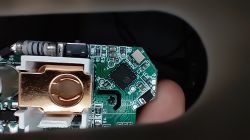
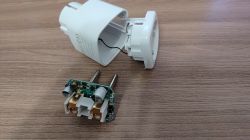
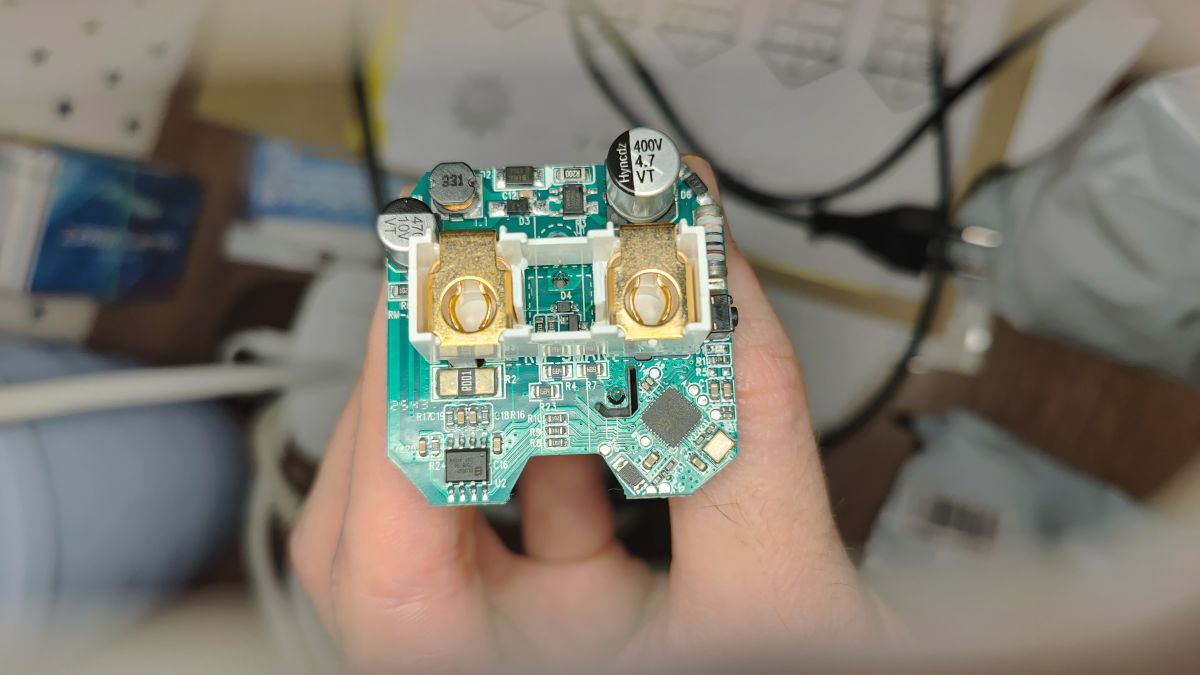
    I'm trying to reflash the socket, but I can't find the GND.
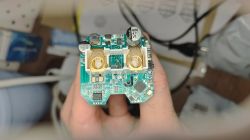
    Close-up of a PCB with large terminals and visible electrolytic capacitors
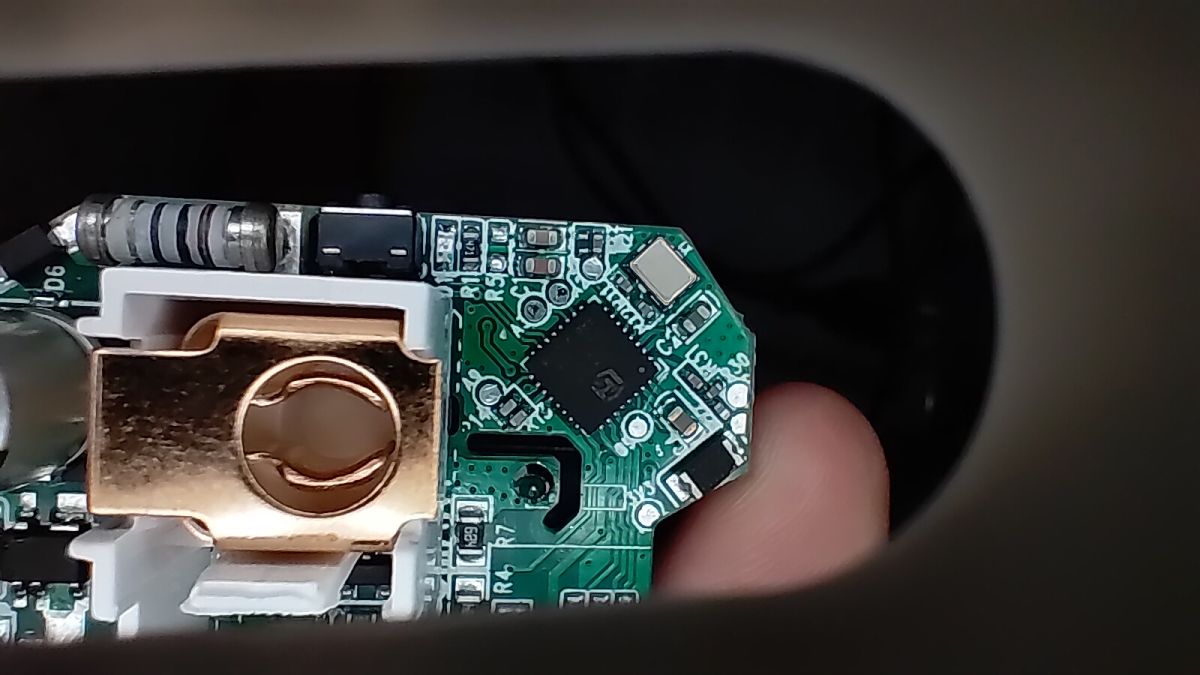
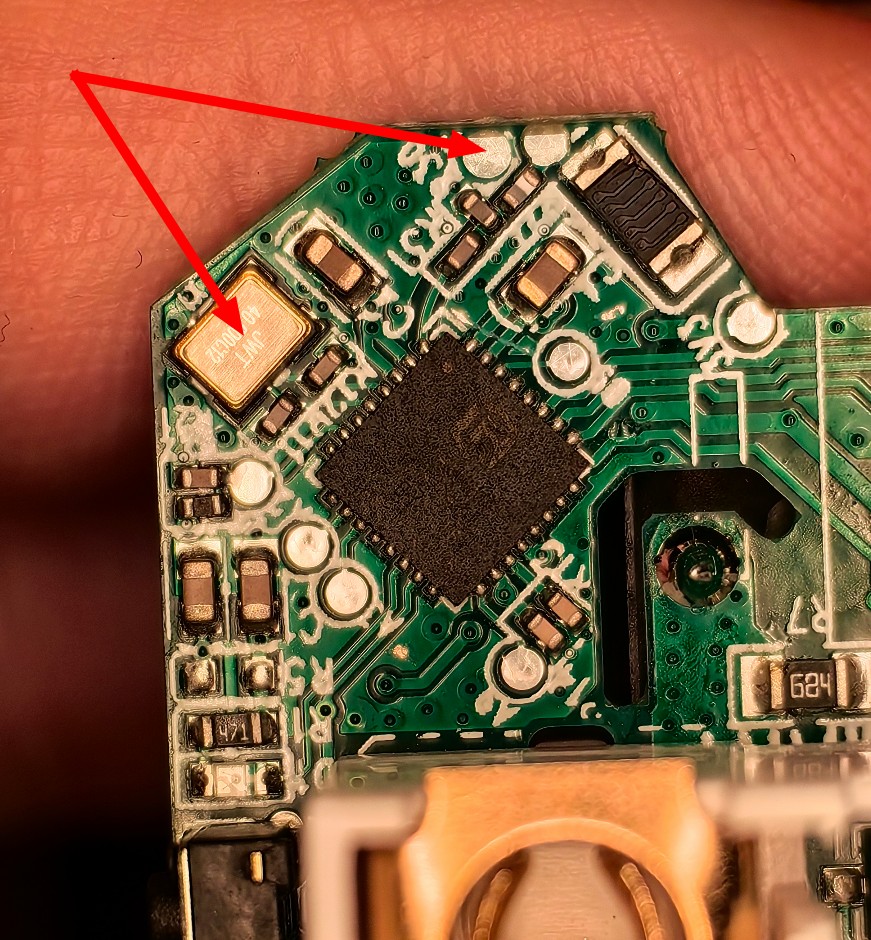
    Close-up of a circuit board with microcontroller and electronic components
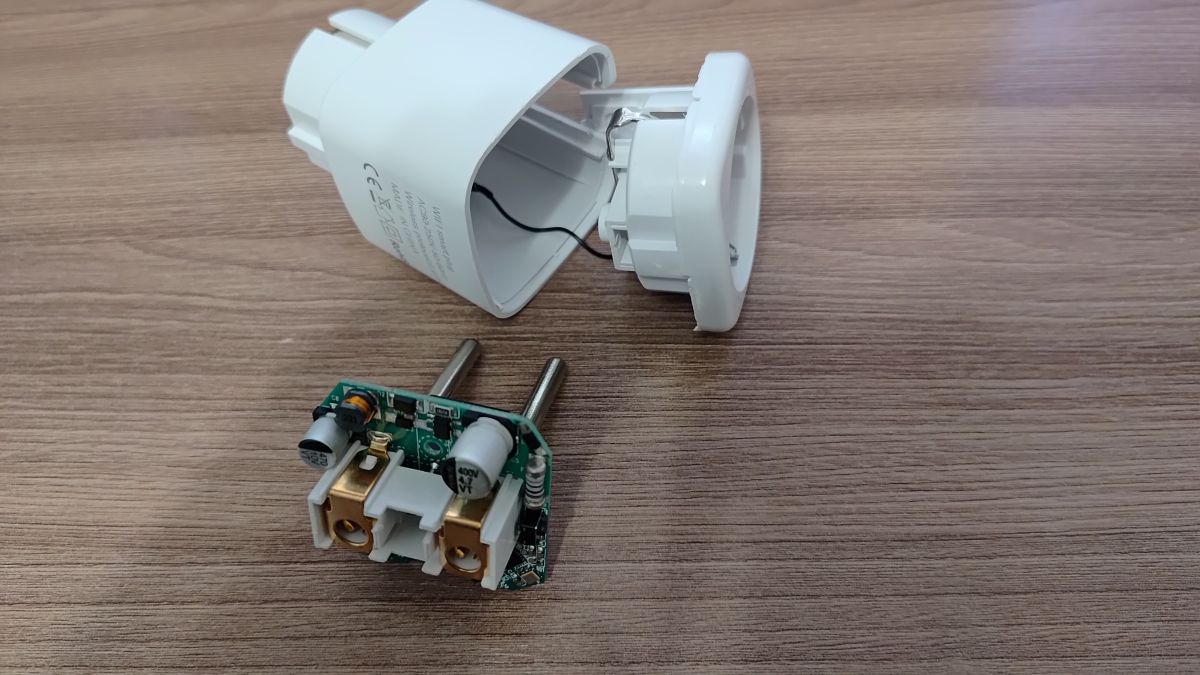
    Disassembled smart plug showing PCB with electronic components and plastic housing
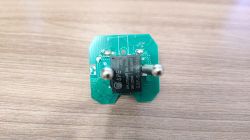
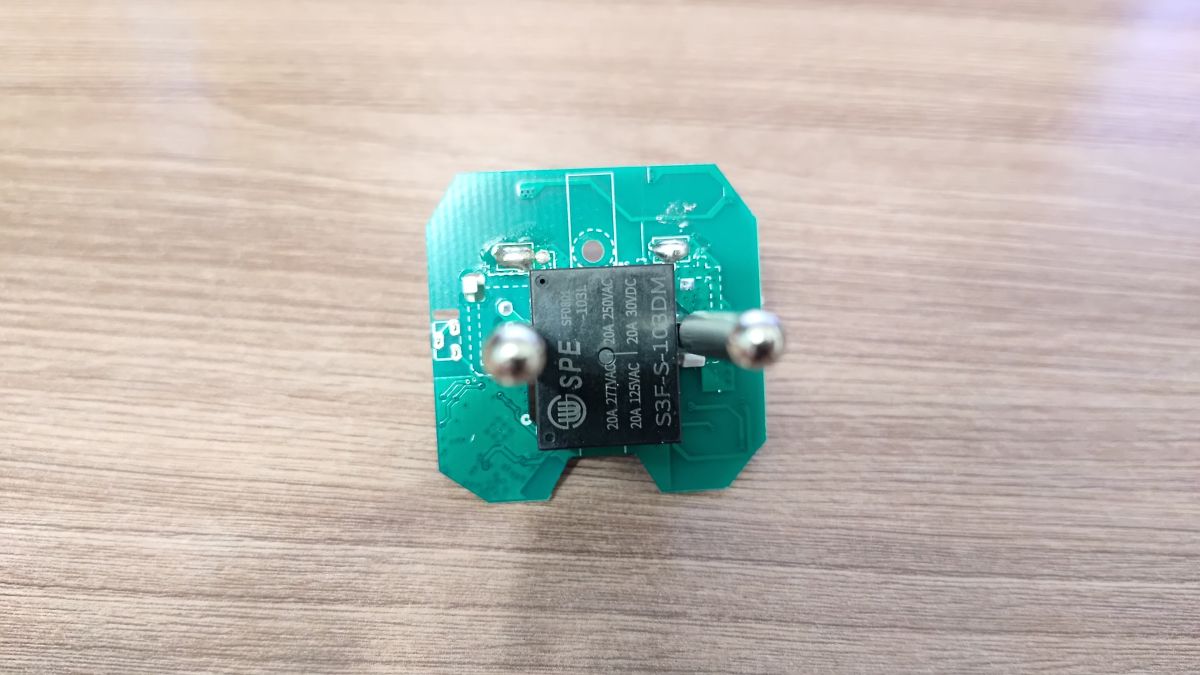
    PCB with SPE relay and two metal pins on a wooden table background
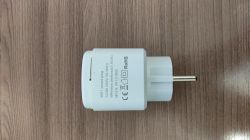
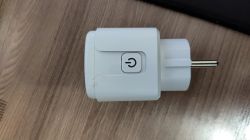
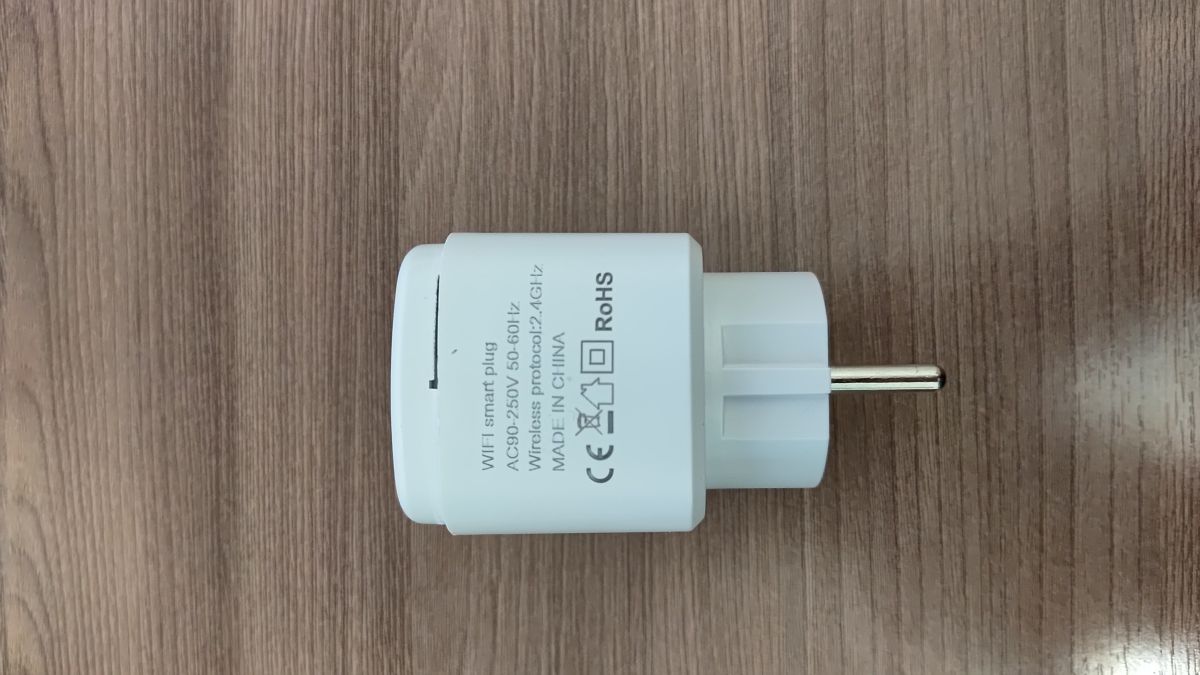
    White Wi-Fi plug with Schuko pin lying on a wood-textured surface
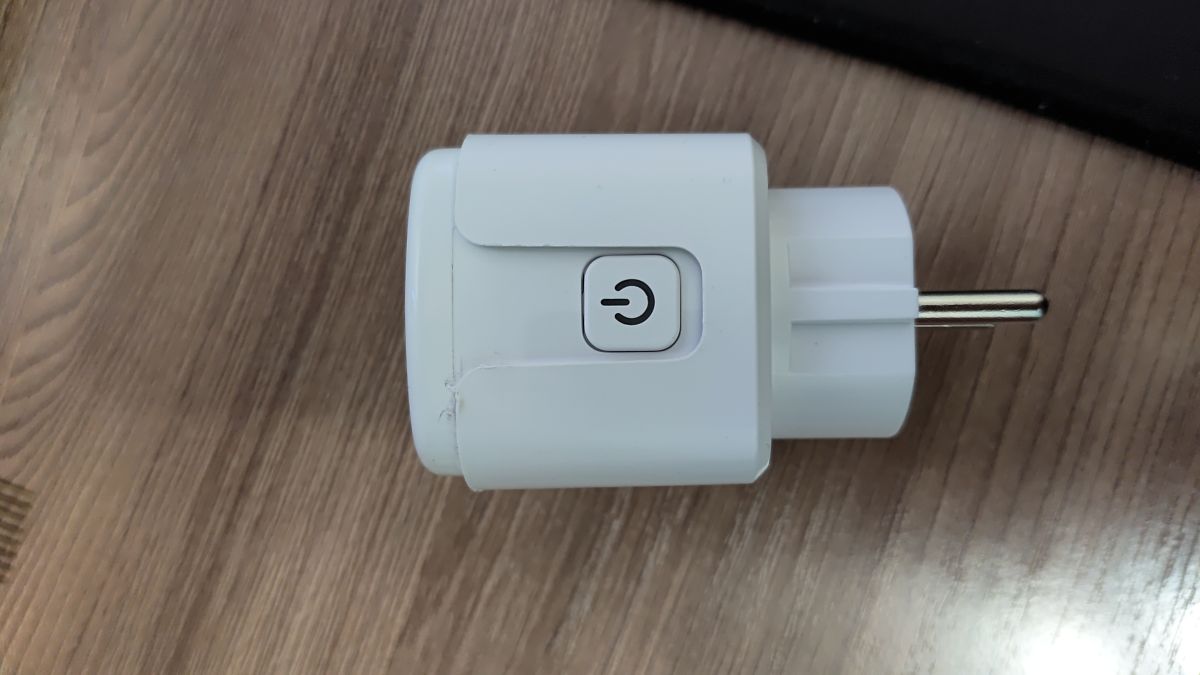
    White plug with a power button lying on a wooden floor
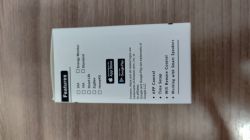
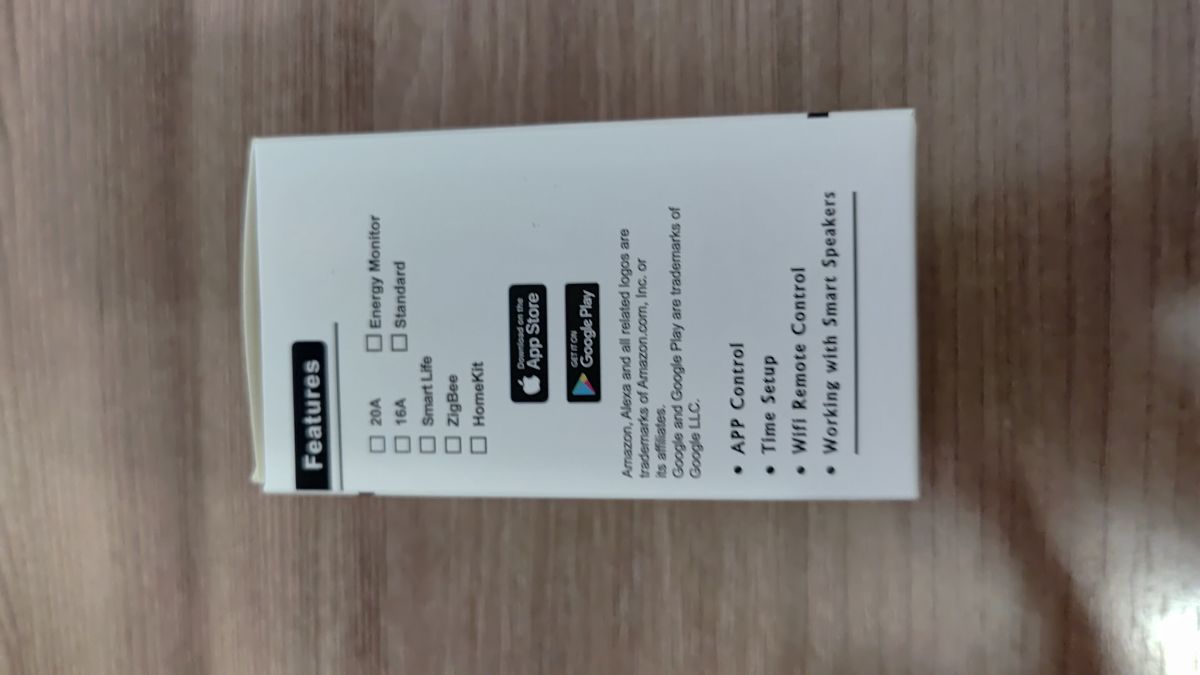
    Box with feature list of a smart energy monitoring device
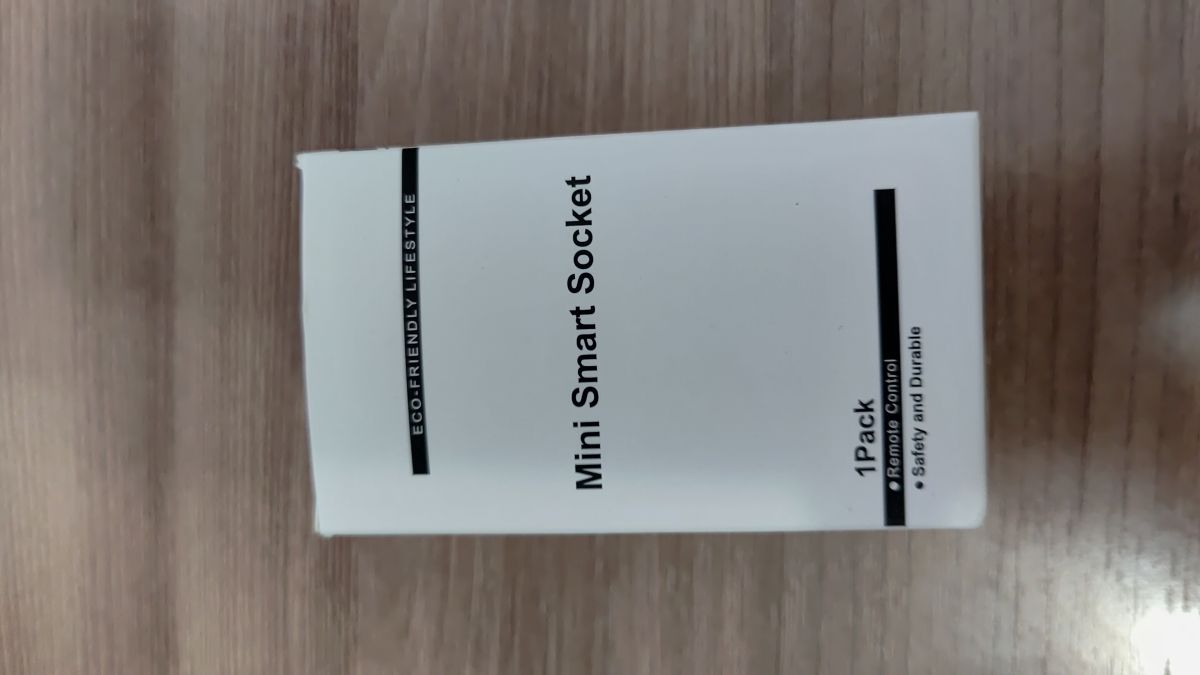
    White box labeled “Mini Smart Socket” on a wooden surface
    Back of white box with Amazon Alexa and Google Assistant logos

    It looks very similar to this device: https://www.elektroda.com/rtvforum/topic4091325.html, but I don't have a GND pin.

    Part Number: LN882HKI

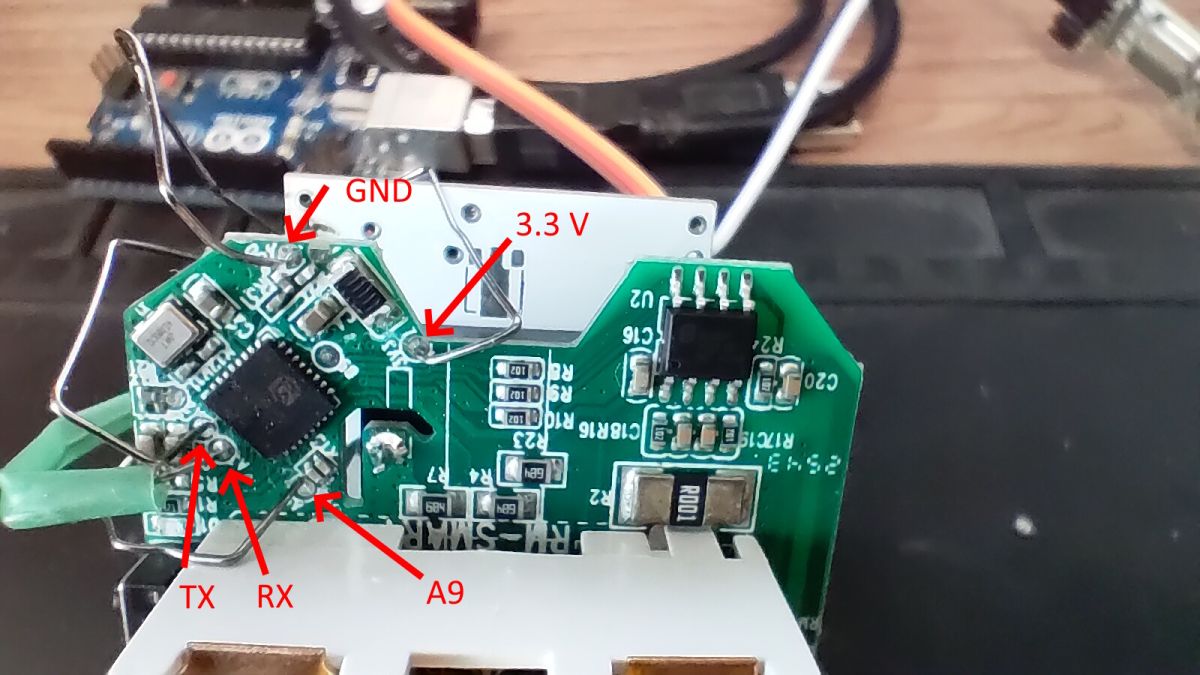
    UPD: The quartz crystal housing is connected to this contact, so I assume it's ground.
    I plugged it into a power outlet and measured the voltage between the 3V3 and this contact with a multimeter. Yes, it is GND.
    Sorry, I'm new to this.
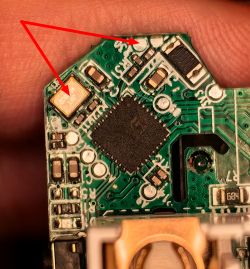
    Close-up of PCB with LN882HKI chip and marked potential ground points
  • ADVERTISEMENT
  • Helpful post
    #2 21789538
    p.kaczmarek2
    Moderator Smart Home
    Yes, this is one of the methods. You can also check the ground side of electrolytic capacitors or of the power supply chip. Also, the large copper pour is often ground. Just make sure to verify your findings first, because there are sometimes cases where capacitor is connected in reverse or when pour is not GND. So it's better to double check.

    Have you managed to take flash backup from the device? Did you flash it with new firmware, how it went?
    Helpful post? Buy me a coffee.
  • Helpful post
    #3 21789589
    max4elektroda
    Level 23  
    One "reliable" way is usually a known component. E.g. it looks like there's a power metering chip on the first picture in the lower left corner. Look up it's pin out and the GND reference should be clear. Another 50% chance (though I'd rather think it's 90%) is the button: one side is connected to the LN882H, the other is "high" or "low" (I've only seen it connected to GND for now).
    Usually one of the contacts of the plug (the ones plugged into an outlet) is connected to GND, too. So if you know one reference point, it's easy to find one which is good to access.
    But the metal housing of a quartz is also a good start...

    Taking a backup is good for our collection and to extract the usage of the pins.

    Last hint: it won't prevent some shorts and possible damage to the plug but reduce the possibility of an electric shock: if you have a power supply with some "higher" voltage you can try to power the complete plug with this. Some even work on 12V, most with an old laptop power supply of 19V. Recently I found an old 48V supply for a PoE powered device which works great. Since the plug is for AC, it doesn't matter where to connect + and -.
    While this voltage is no danger to life, it's still a much higher voltage than 3.3V which can damage your plug or a connected UART, ...
  • ADVERTISEMENT
  • Helpful post
    #4 21789717
    p.kaczmarek2
    Moderator Smart Home
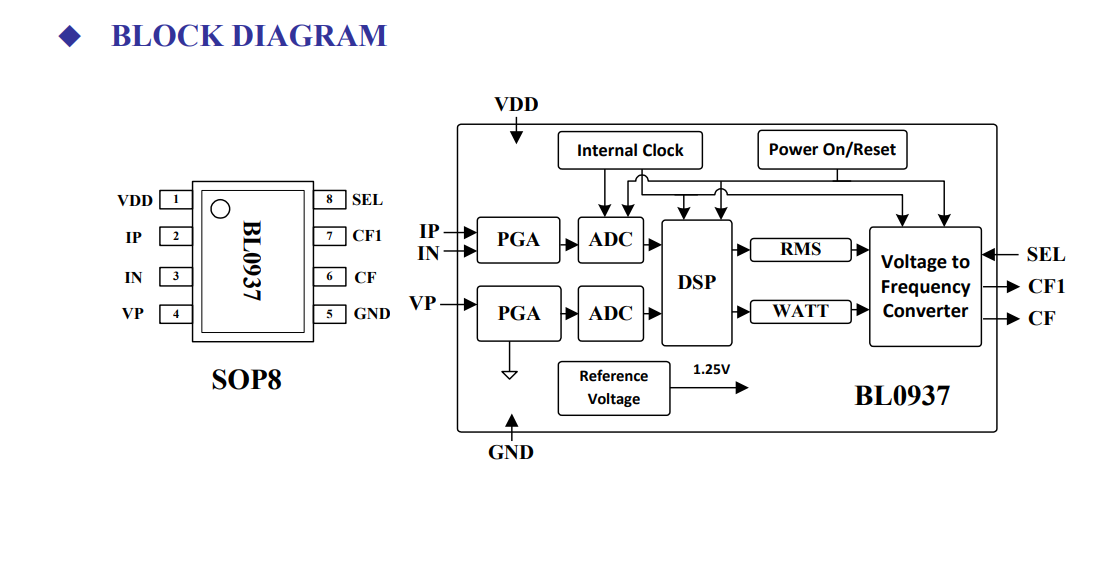
    Ah yes, I can see BL0937 there.
    Block diagram of BL0937 in SOP8 package with labeled pins and internal functional blocks
    The GND location for this chip is known.

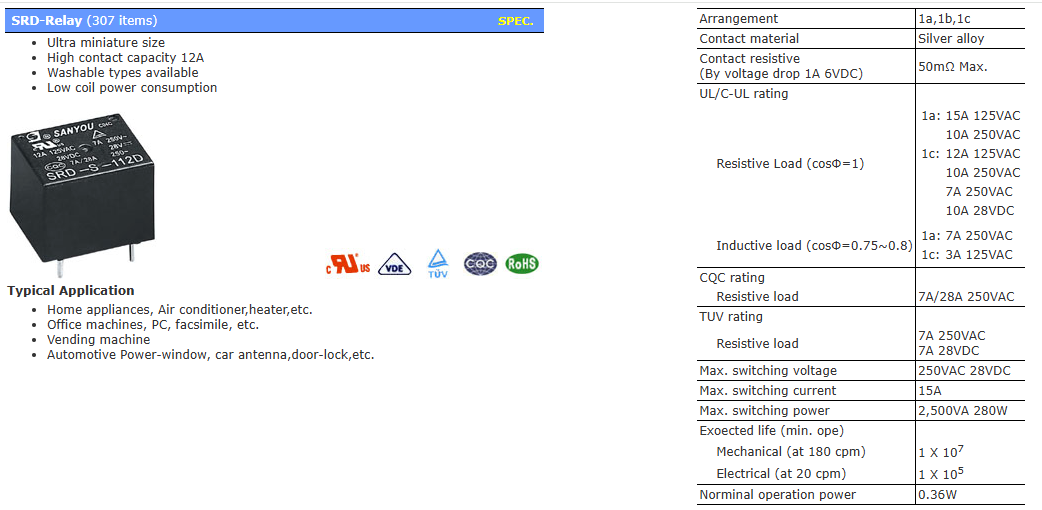
    By the way, an interesting observation - it's yet another no-LDO device. There is no 3.3V LDO on this board. It seems that BP2525 provides 3.3V directly. The relay used there is S3F-S-103DM model, which runs on 3V.
    SANYOU SRD-S-112D relay with technical specifications and application list
    Helpful post? Buy me a coffee.
  • ADVERTISEMENT
  • #5 21791785
    vokamut
    Level 5  
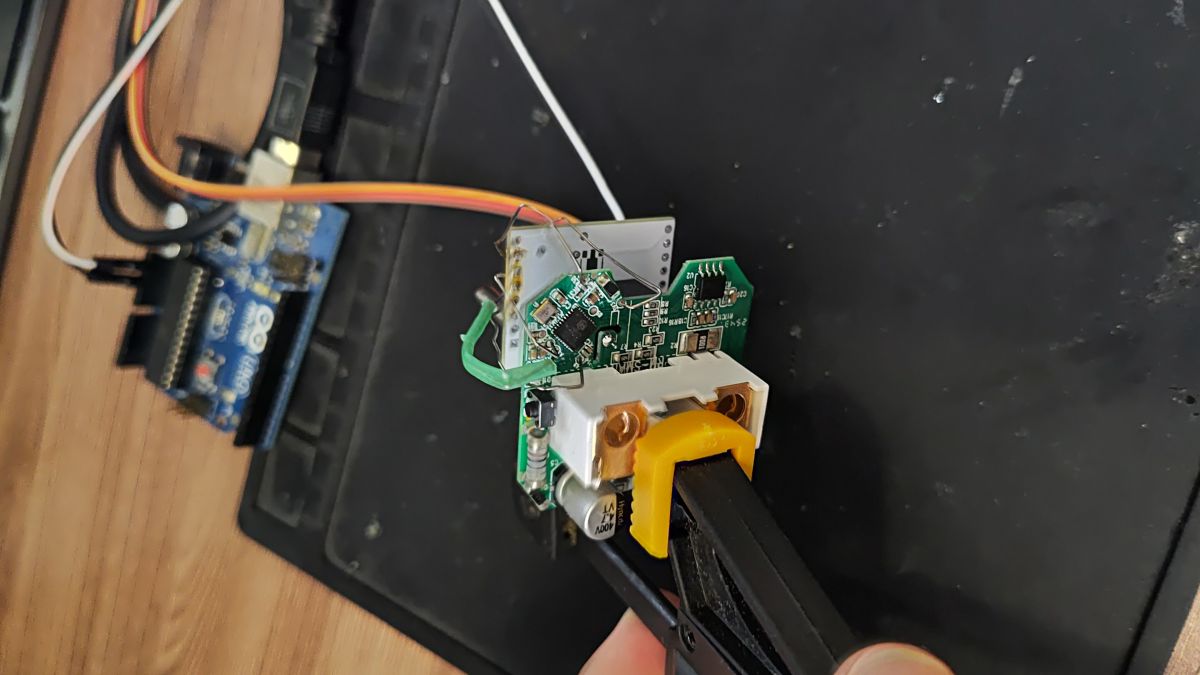
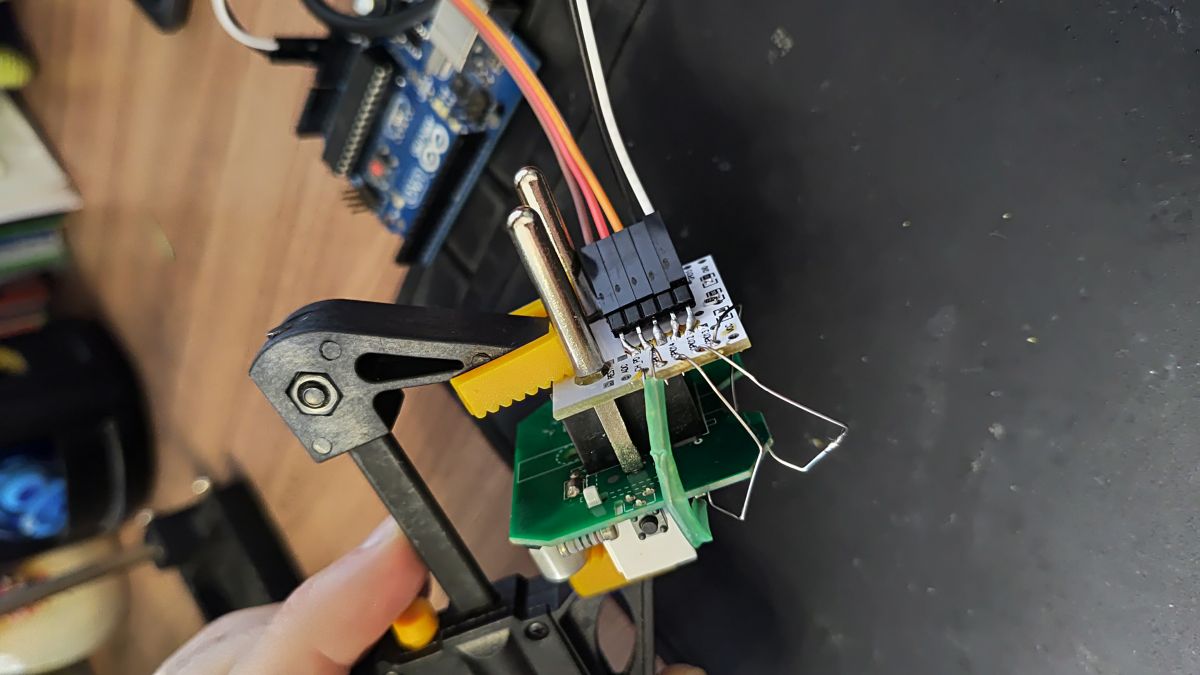
    I soldered together a "spider" from an unused ESP8266 board and stainless steel wire. I have six of these sockets and don't have a soldering iron tip that thin.
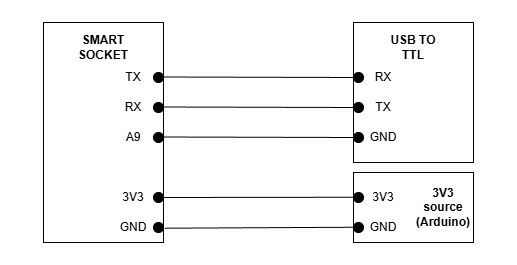
    I successfully re-flashed it. I'm attaching a wiring circuitand the original firmware.

    Config:

    
    {
      "vendor": "SmartLife",
      "bDetailed": "0",
      "name": "Mini Smart Socket EU16/20A Wifi Smart Plug With Power Monitoring",
      "model": "EU20A",
      "chip": "LN882H",
      "board": "on PCB",
      "flags": "1024",
      "keywords": [
        "LN882HKI",
        "BL0937",
        "socket",
        "BP2525"
      ],
      "pins": {
        "6": "LED_n;0",
        "7": "Btn;0",
        "19": "Rel;0",
        "20": "BL0937CF;0",
        "21": "BL0937CF1;0",
        "22": "BL0937SEL;0"
      },
      "command": "setChannelLabel 0 \"Toggle\"",
      "image": "https://obrazki.elektroda.pl/2870202100_1766419999.jpg",
      "wiki": "https://www.elektroda.com/rtvforum/viewtopic.php?p=21787662"
    }


    Connection diagram of SMART SOCKET with USB to TTL and 3.3V power source

    PCB and Arduino Uno connected with wires on a black surface

    Electronic module held by clamp, connected with wires to Arduino board

    Electronic circuit board with labeled GND, 3.3 V, TX, RX, and A9 pins and visible microcontroller.
  • #7 21792856
    p.kaczmarek2
    Moderator Smart Home
    you can use setChannelLabel in short startup command or autoexec.bat
    https://github.com/openshwprojects/OpenBK7231T_App/blob/main/docs/commands.md
    Helpful post? Buy me a coffee.
  • ADVERTISEMENT
  • Helpful post
    #9 21793091
    p.kaczmarek2
    Moderator Smart Home
    Thanks for the PR. So now we're getting to 817 devices. Not bad. I wonder how much did we have at the beggining of 2025? Or 2024.... we would need to look back and check, we'll then know how fast our list is growing.
    https://openbekeniot.github.io/webapp/devicesList.html
    Helpful post? Buy me a coffee.
  • #10 21793495
    vokamut
    Level 5  
    If this helps, here are 5 more firmware versions from other sockets:

    
    {
      "uuid":"d50e43cd35a953c3",
      "psk_key":"null",
      "auth_key":"IqkJXEcEMG0MsYUiccvAdd1xUApkcTak",
      "ap_ssid":"SmartLife",
      "ap_passwd":"null",
      "7 rcs.activebt_hid":"null",
      "prod_test":"false",
      "fac_pin":"qsjrrszpjipdyjpy",
      "psk30_key":"null "
    }
    
    {
      "uuid":"15faa5dcfbe56bb1",
      "psk_key":"null",
      "auth_key":"6AmIK2gwS2S08sJl3SSp9a1mz88jXzgA",
      "ap_ssid":"SmartLife",
      "ap_passwd":"null",
      "7 rcs.activebt_hid":"null",
      "prod_test":"false",
      "fac_pin":"qsjrrszpjipdyjpy",
      "psk30_key":"null "
    }
    {
      "uuid":"ba947f5c297e95f6",
      "psk_key":"null",
      "auth_key":"XYxALTt3OgFzLfc6KtIn8JSqf9zMdgAw",
      "ap_ssid":"SmartLife",
      "ap_passwd":"null",
      "country_code":"null",
      "bt_mac":"null",
      "bt_hid":"null",
      "prod_test":"false",
      "fac_pin":"qsjrrszpjipdyjpy",
      "psk30_key":"null "
    }
    
    {
      "uuid":"b90c5975a049930d",
      "psk_key":"null",
      "auth_key":"C4KUqSD34HNF4iGj4L370bACEeomHXkI",
      "ap_ssid":"SmartLife",
      "ap_passwd":"null",
      "7 rcs.activebt_hid":"null",
      "prod_test":"false",
      "fac_pin":"qsjrrszpjipdyjpy",
      "psk30_key":"null "
    }


Topic summary

The discussion focuses on identifying the ground (GND) pin on the LN882HKI Mini Smart Socket PCB to enable reflashing. The user provided multiple images of the PCB and noted the absence of a clearly marked GND pin, despite similarities to a related device. An update suggests that the quartz crystal housing is connected to a specific contact, which is presumed to be ground. Voltage measurements between the 3.3V line and this contact support this assumption. The challenge lies in accurately locating the GND pin on the LN882HKI module for successful firmware reflashing.
Summary generated by the language model.
ADVERTISEMENT