Here is the teardown of a CATA CT-4010 smart plug found in the Turkish market. It has a CB2S module with a BK721N chipset in it so it's compatible with OpenBeken. It is a relative cheap but usable device. It unfortunately has no power metering.
The packaging:
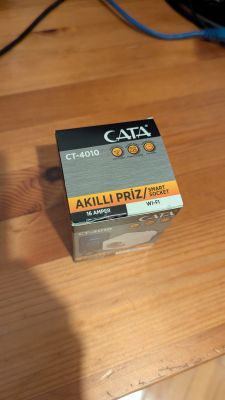
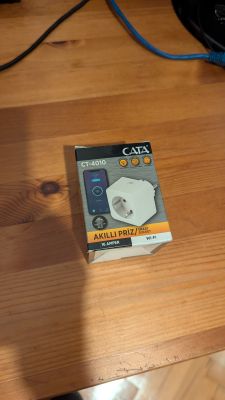
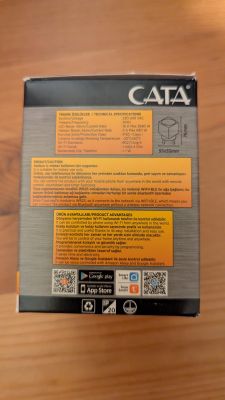
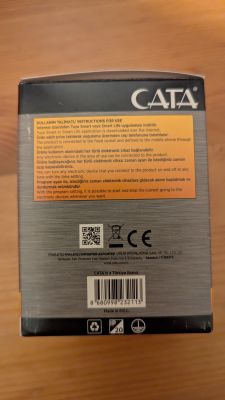
Outside:
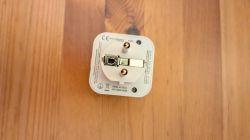
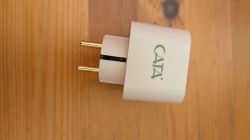
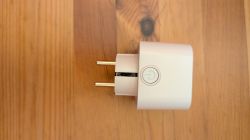
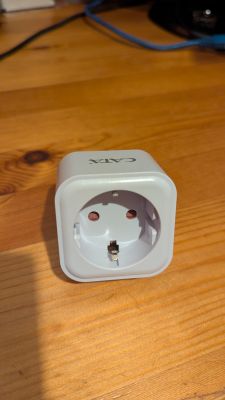
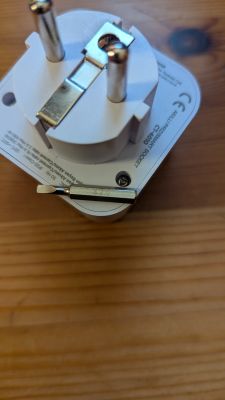
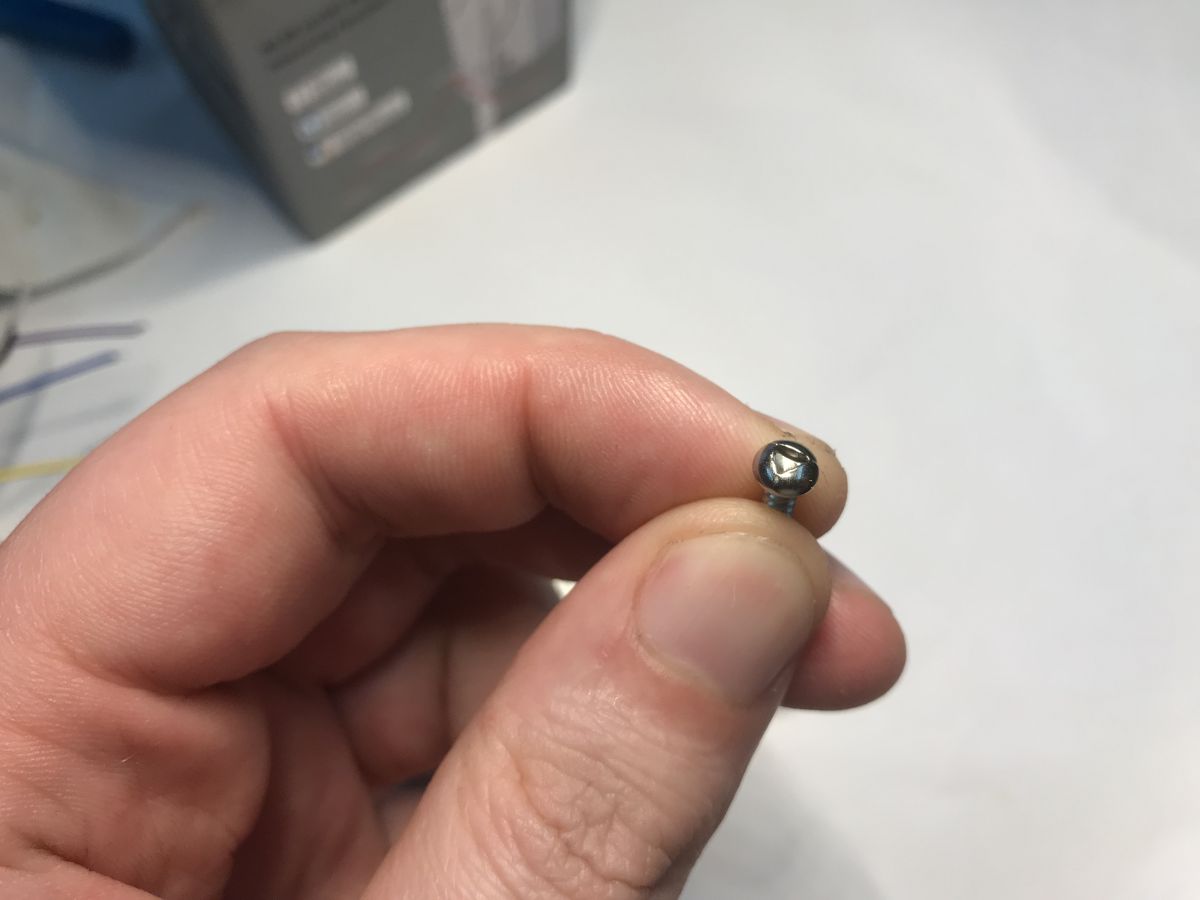
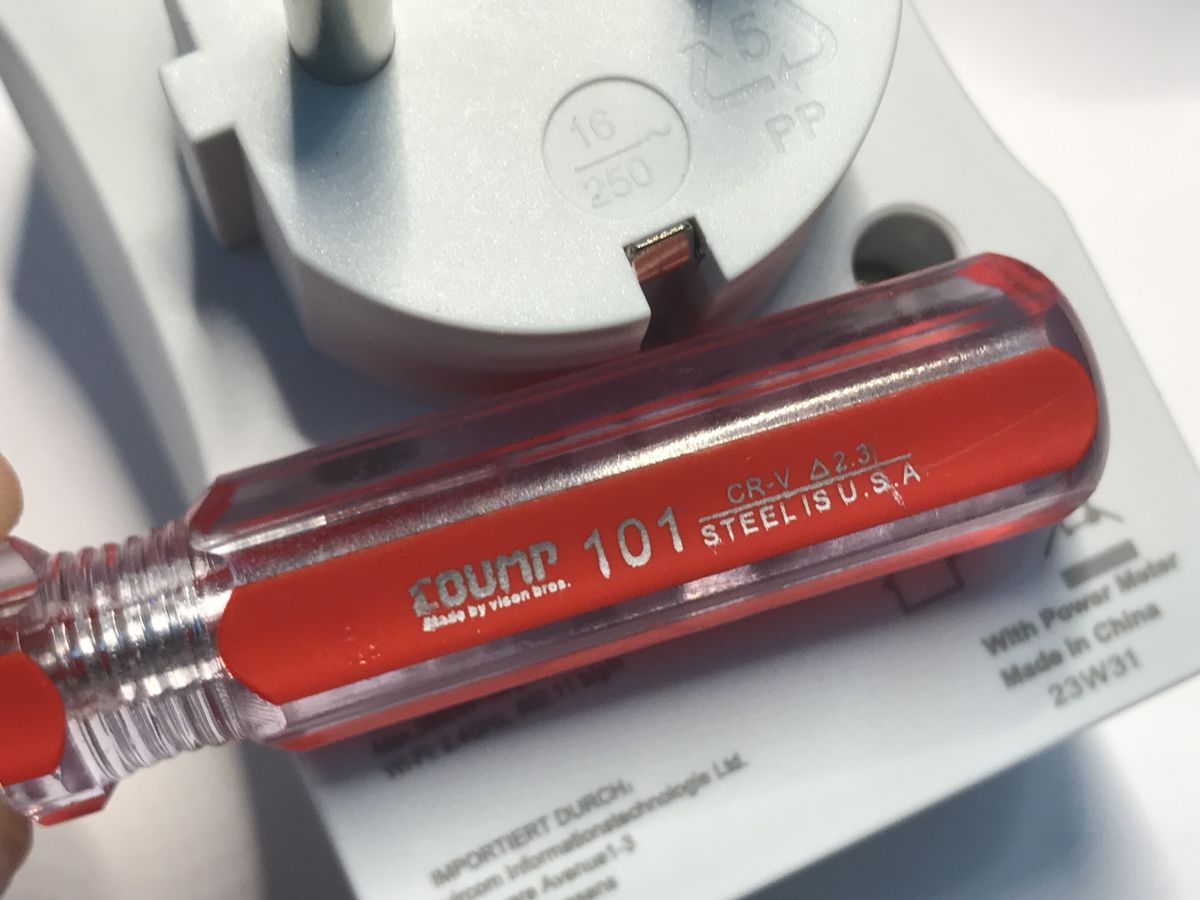
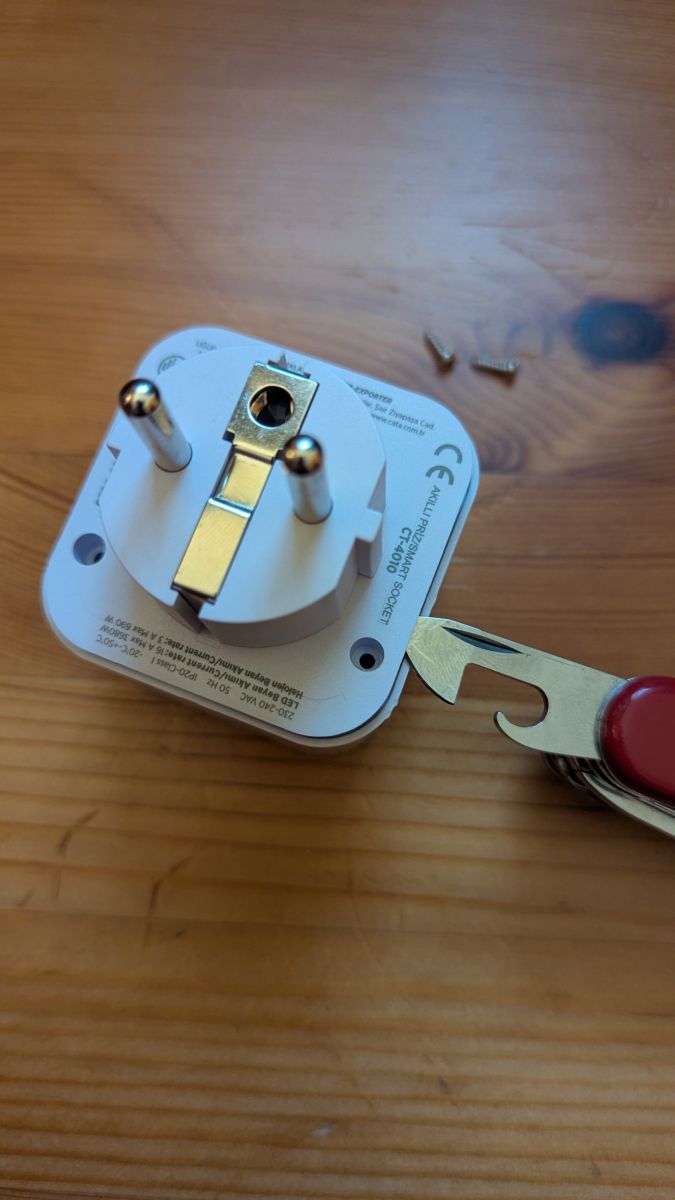
As seen in the last picture, the housing is secured with two 2mm triangular screws. We first have to unscrew those with something like this:
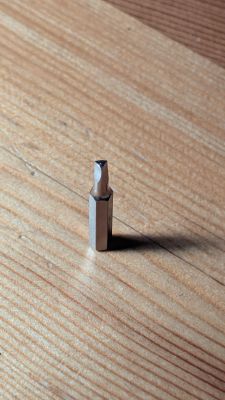
And then pry open the housing:
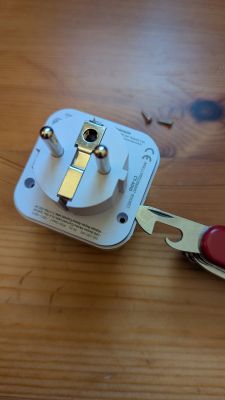
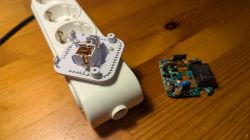
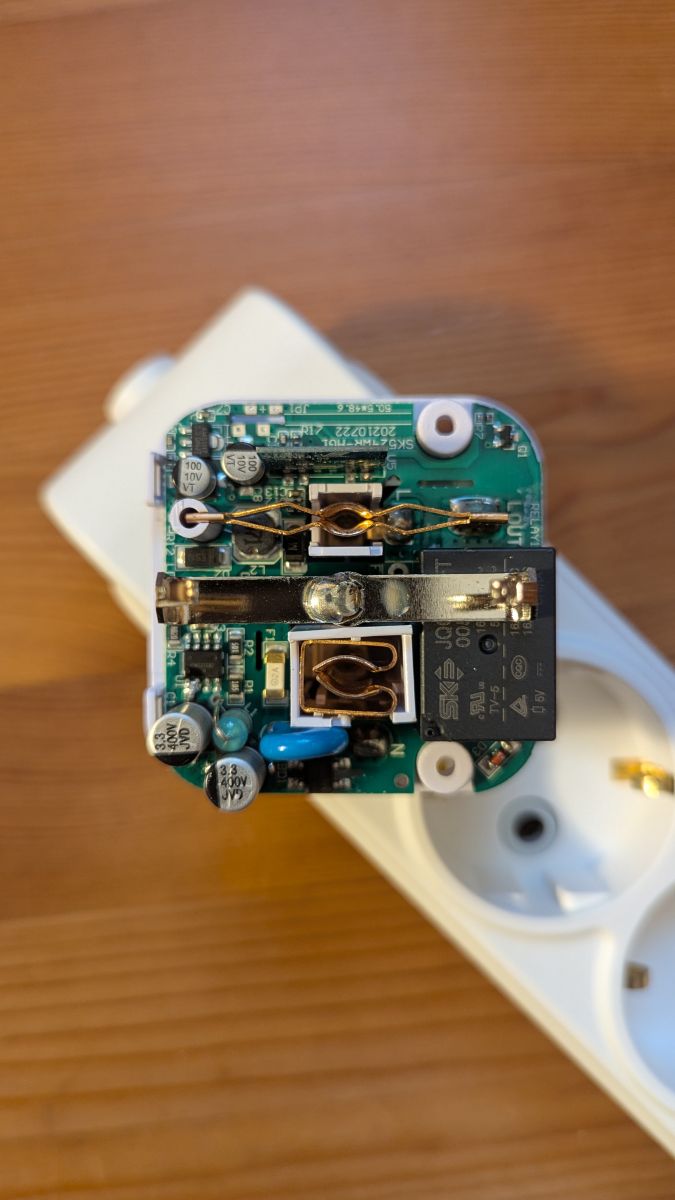
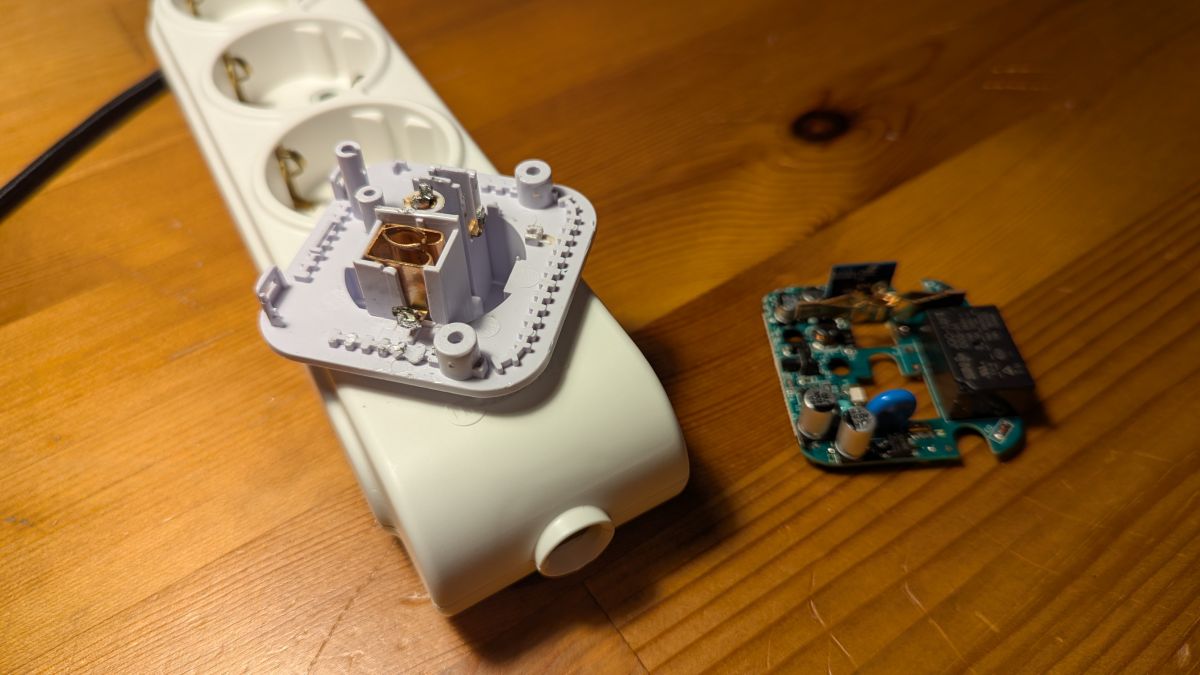
Then we see the inside:
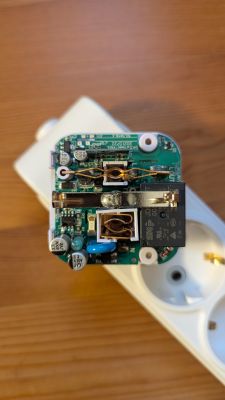
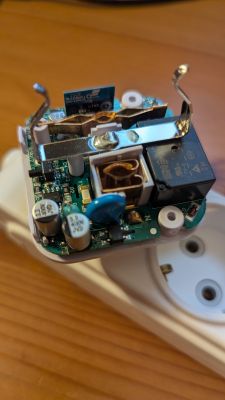
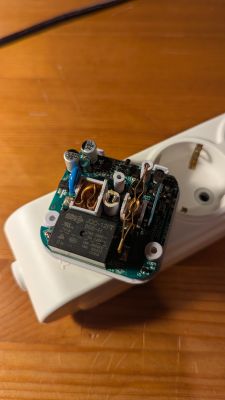
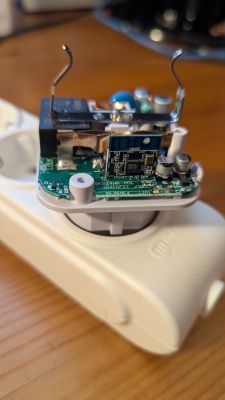
As seen in the last picture, the device has a CB2S module.
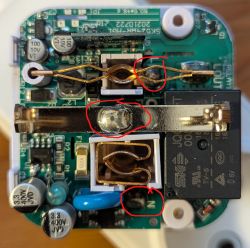
It's not necessary to desolder the module to flash OpenBeken, it's enough to attach PWR, GND, TX and RX lines to the FTDI connector. But the terminals of the module are not accessible and the board is soldered on the lower part of the housing. We first have to desolder it.
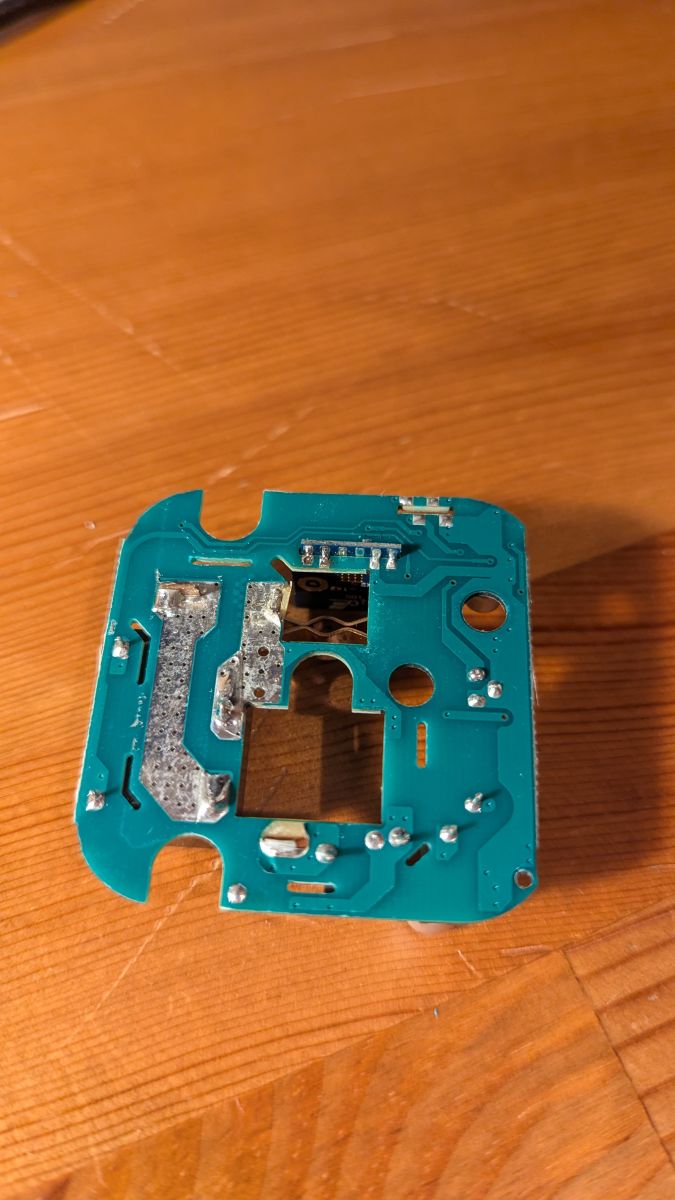
Desoldering points:
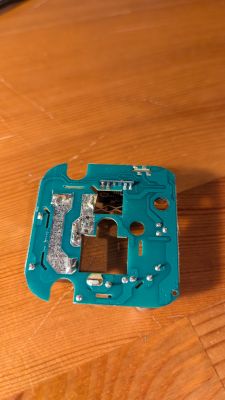
After desoldering, the board looks like this:
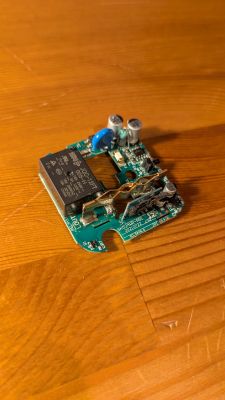
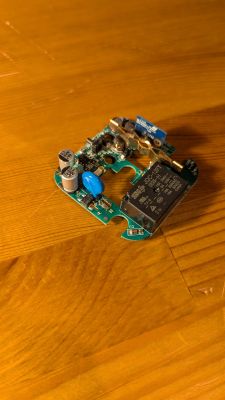
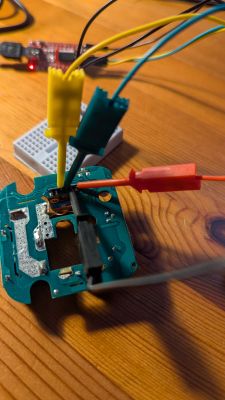
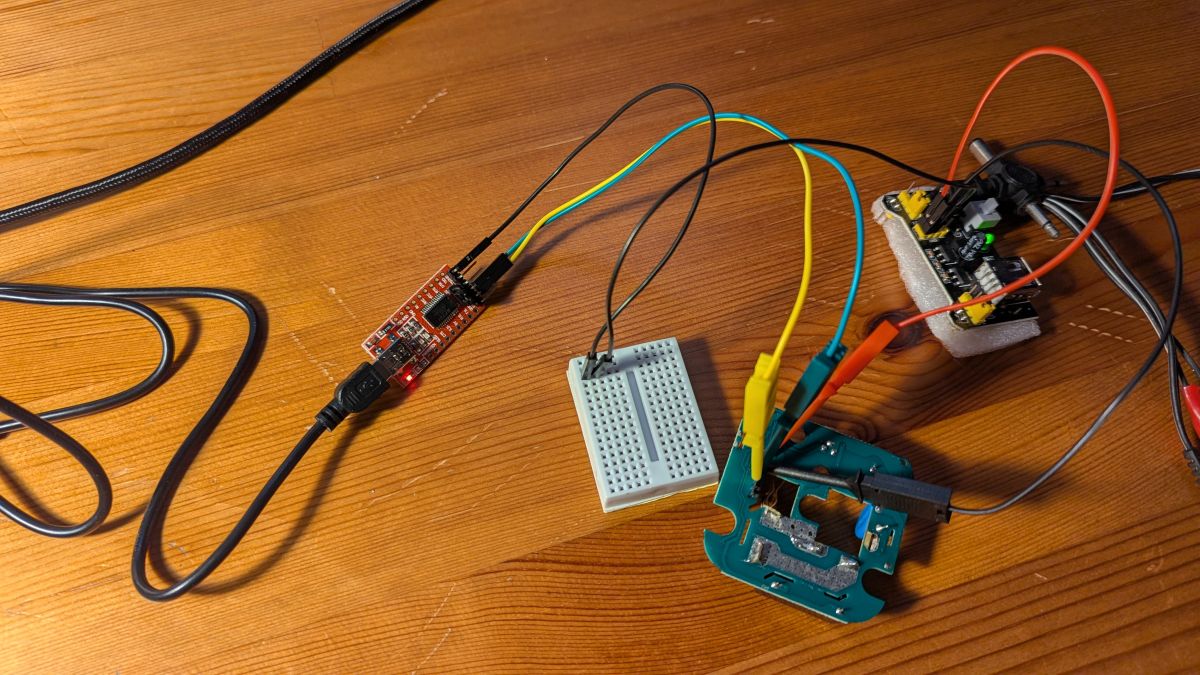
Now we can attach the module to the FTDI connector. For this, we can just use spring hooks or solder some cables.
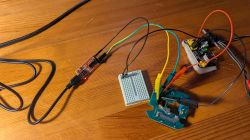
The flashing setup looks like this:
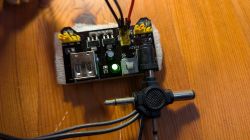
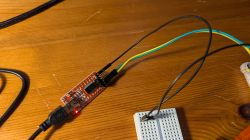
Now you can just use the BK7231GUIFlashTool to flash the device.
I've got two of these devices, and I'm using Linux. Since BK7231GUIFlashTool is a .NET app, I had to use mono to run it. In my experience, I've failed to flash one of the devices using the GUI tool although i could properly get a backup using the GUI tool, so I had to use hid_download_py for that device, which worked flawlessly. I was able to flash the second device using the GUI tool, but i had a kernel update inbetween. Long story short, use GUI tool to flash, it even works on Linux, but YMMV.
Here are the outputs of the GUI tool:
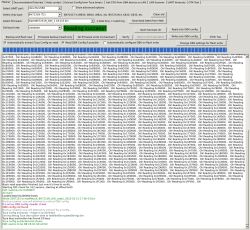
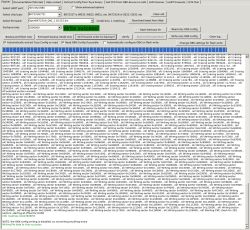
And here is the config dump:
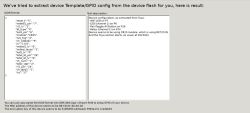
The config generated by the autodump works, but it has some issues regarding the light. Below you can find the corrected version of the config:
After flashing, you have to resolder the spots to fix the board to the housing. After soldering, the board looks like below, no visible difference:
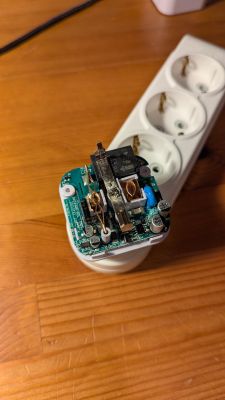
Then you can just screw the housing.
The packaging:
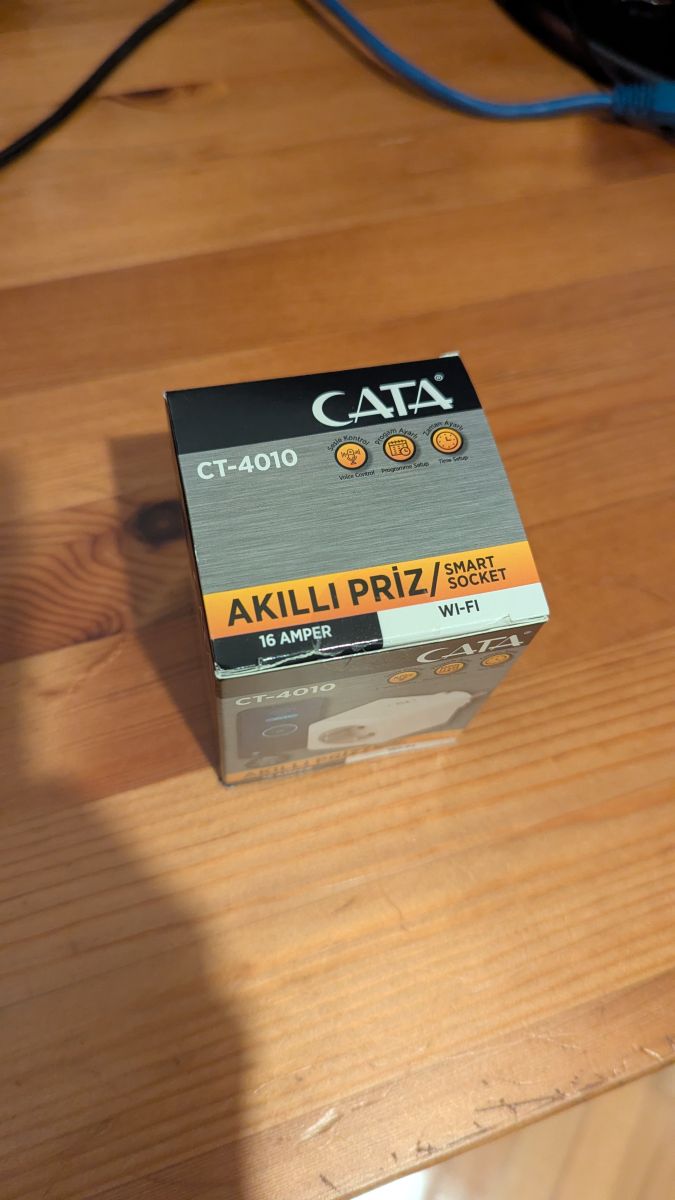
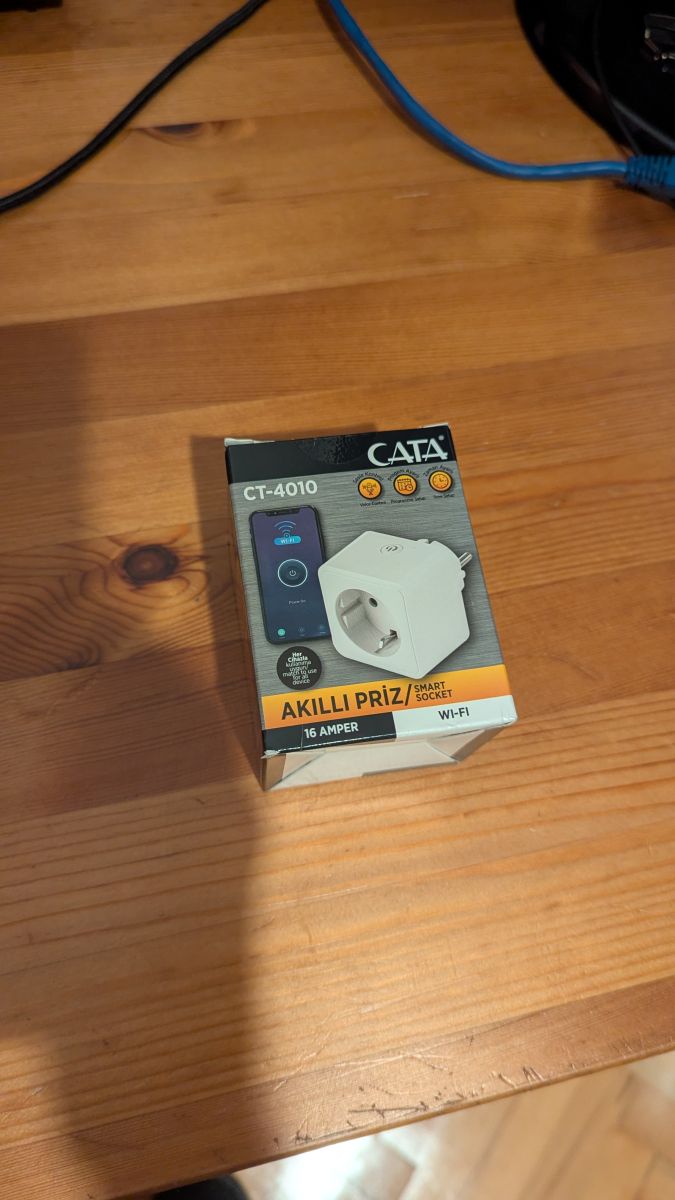
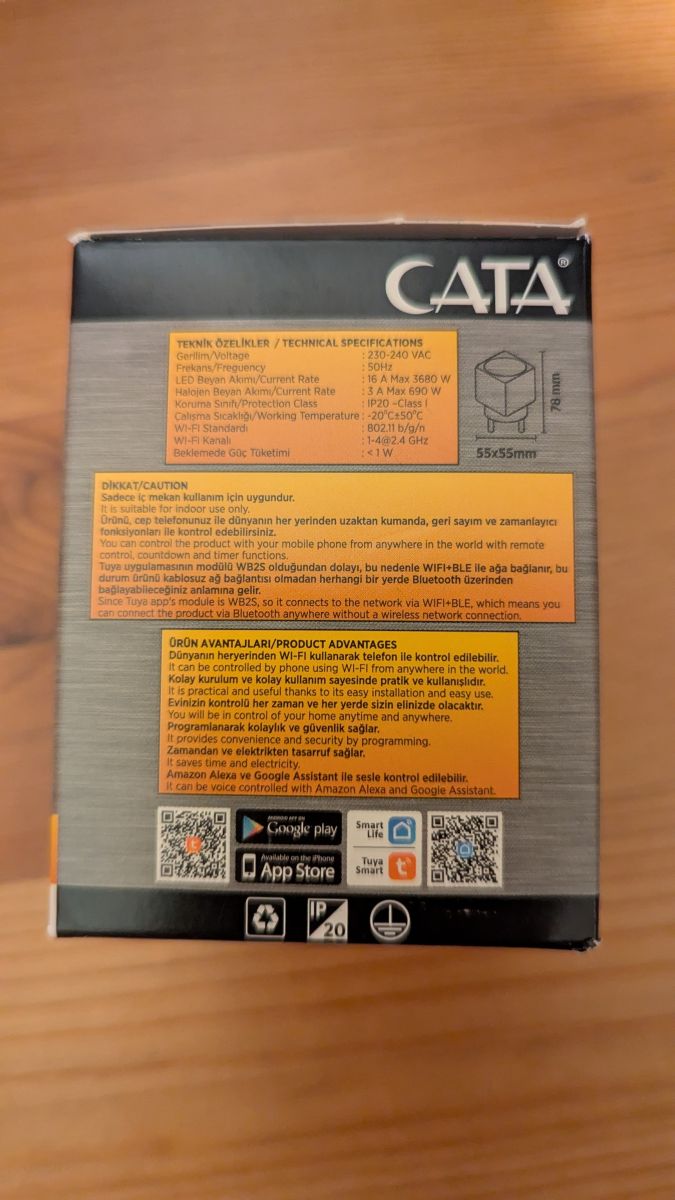
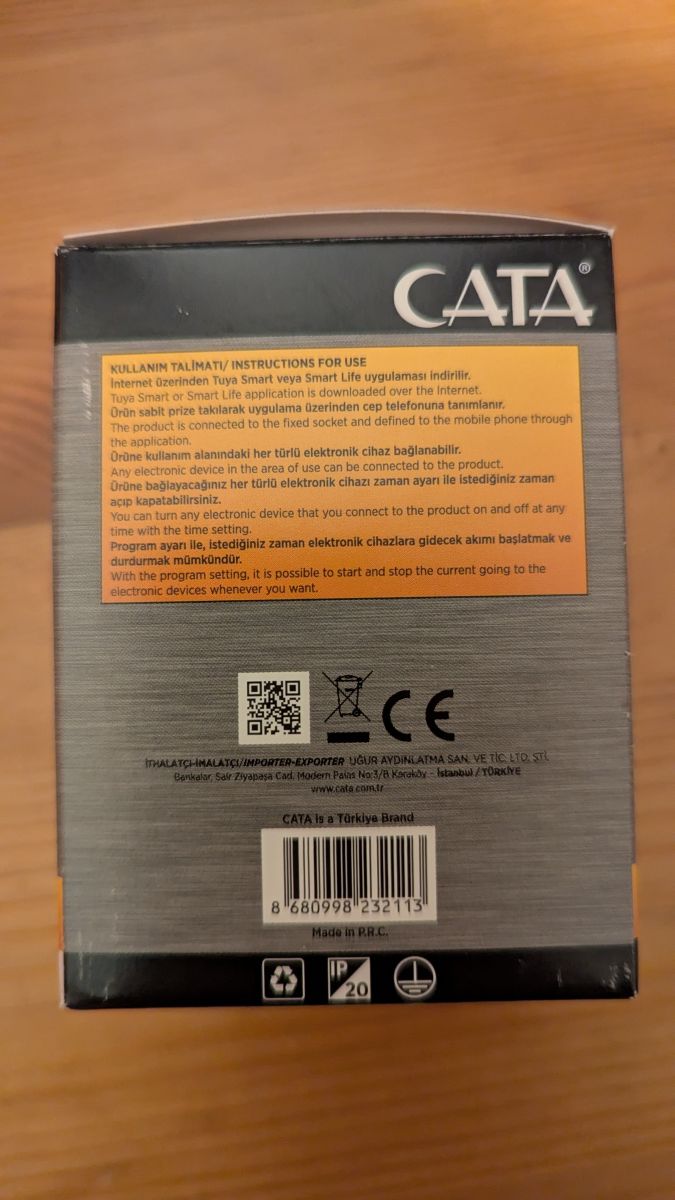
Outside:
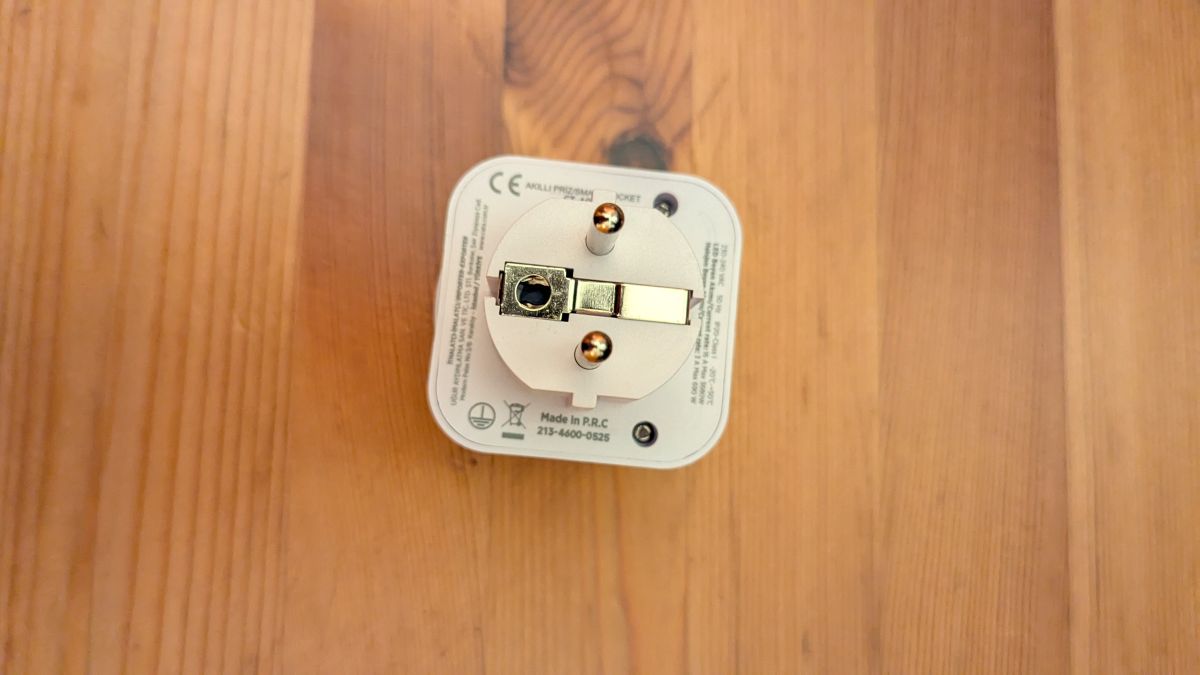
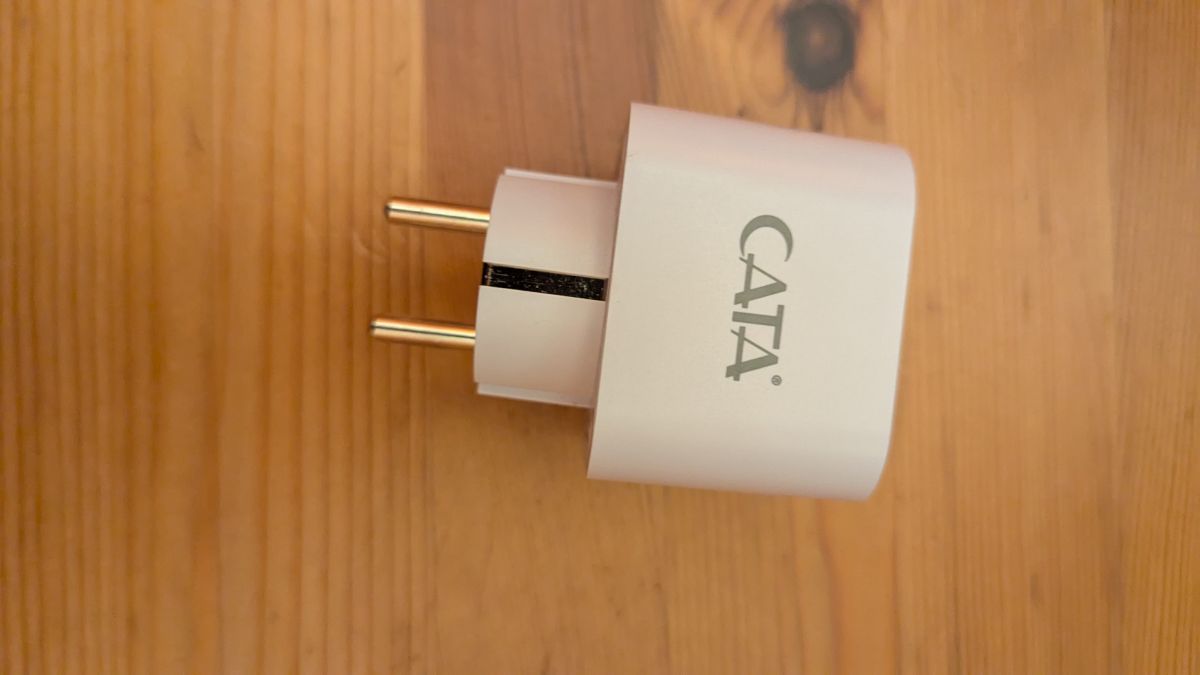
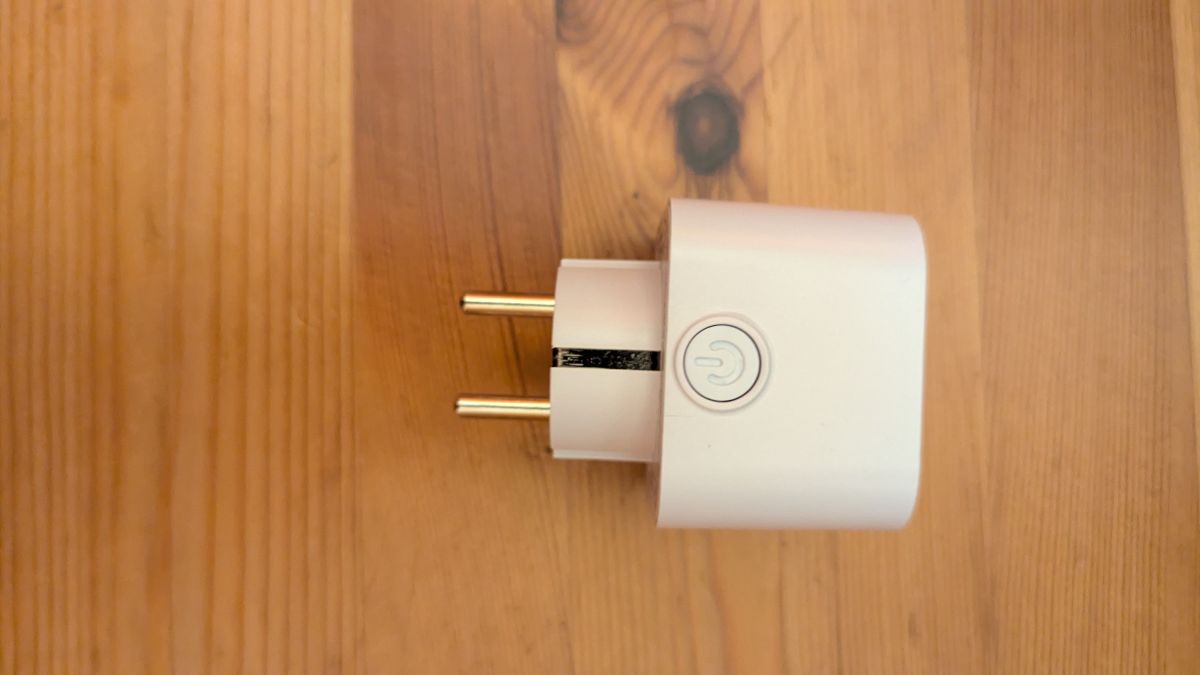
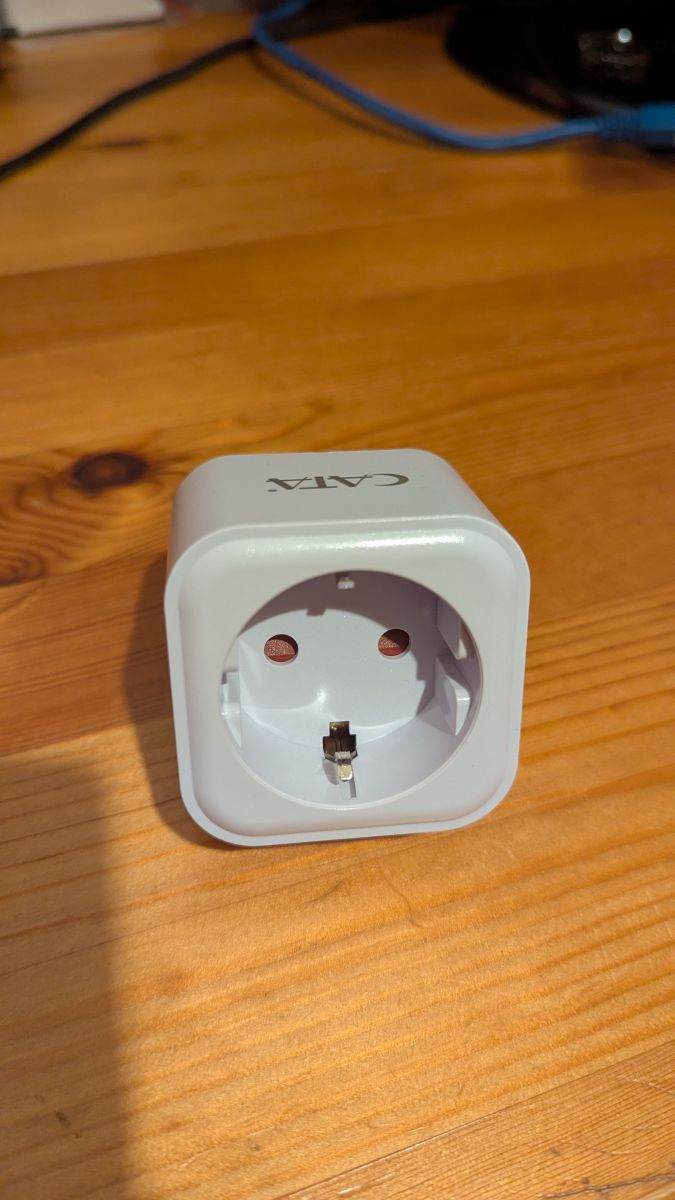
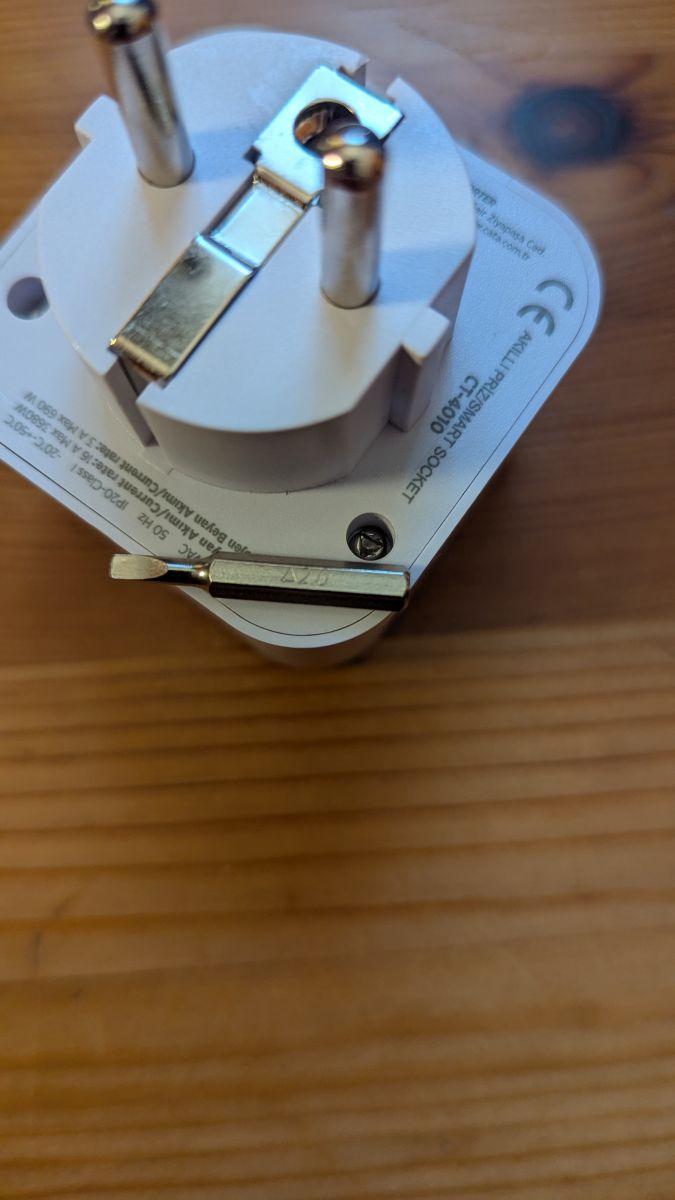
As seen in the last picture, the housing is secured with two 2mm triangular screws. We first have to unscrew those with something like this:
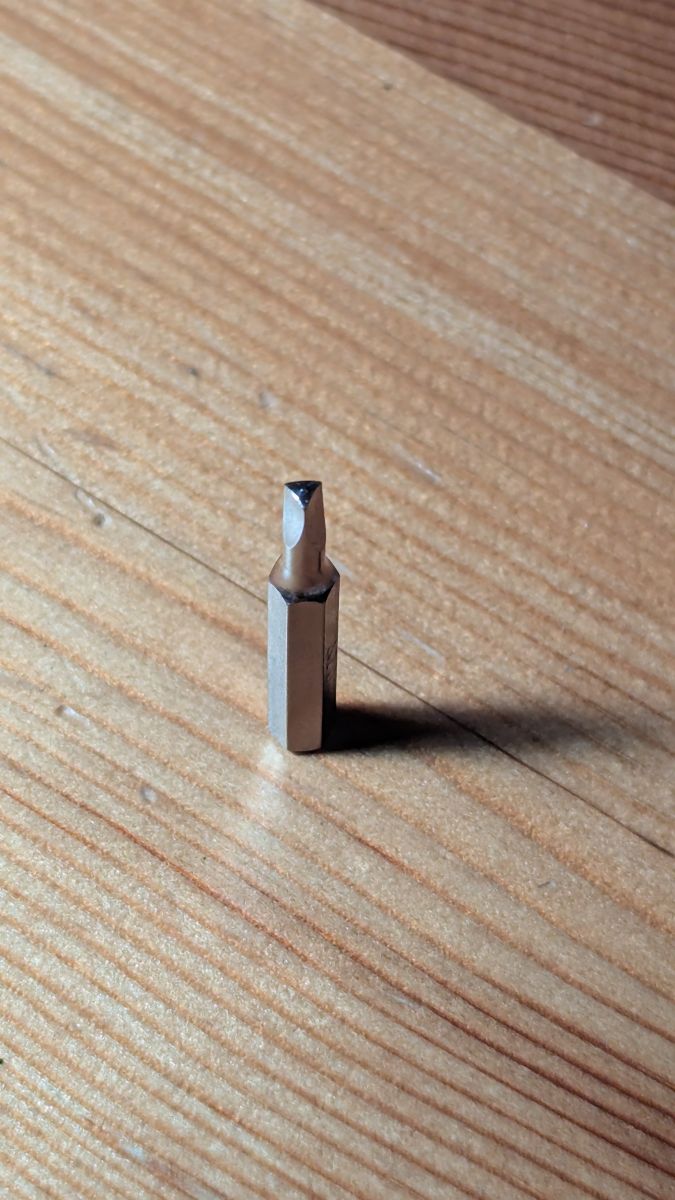
And then pry open the housing:
Then we see the inside:
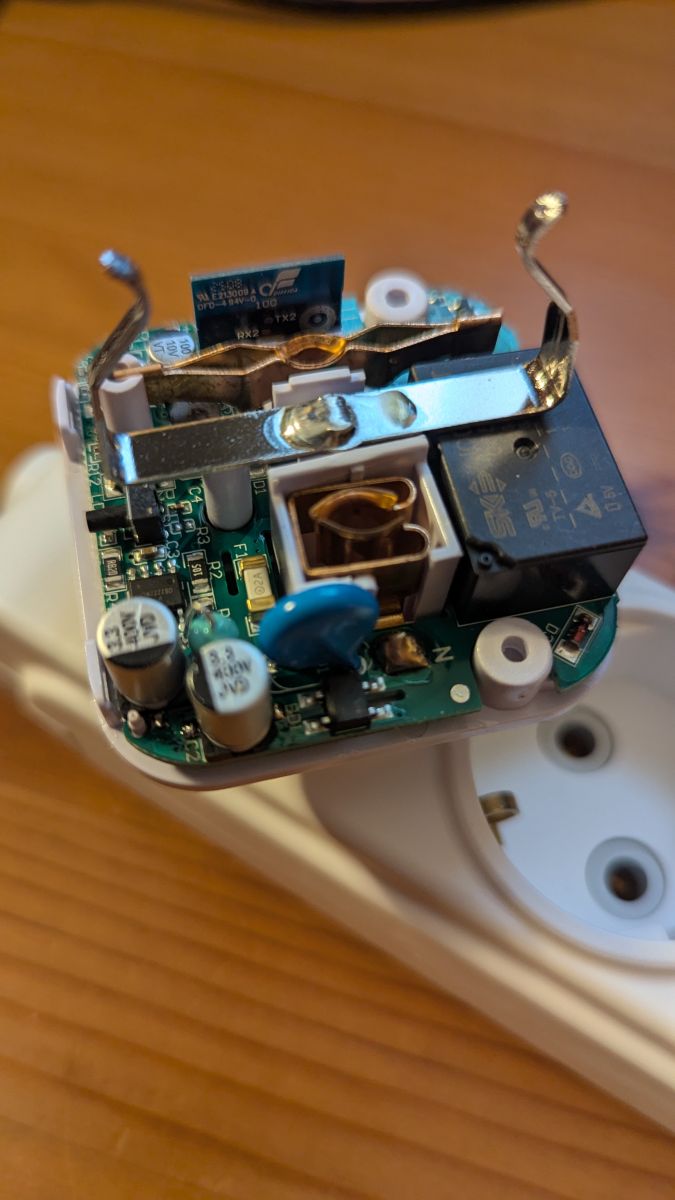
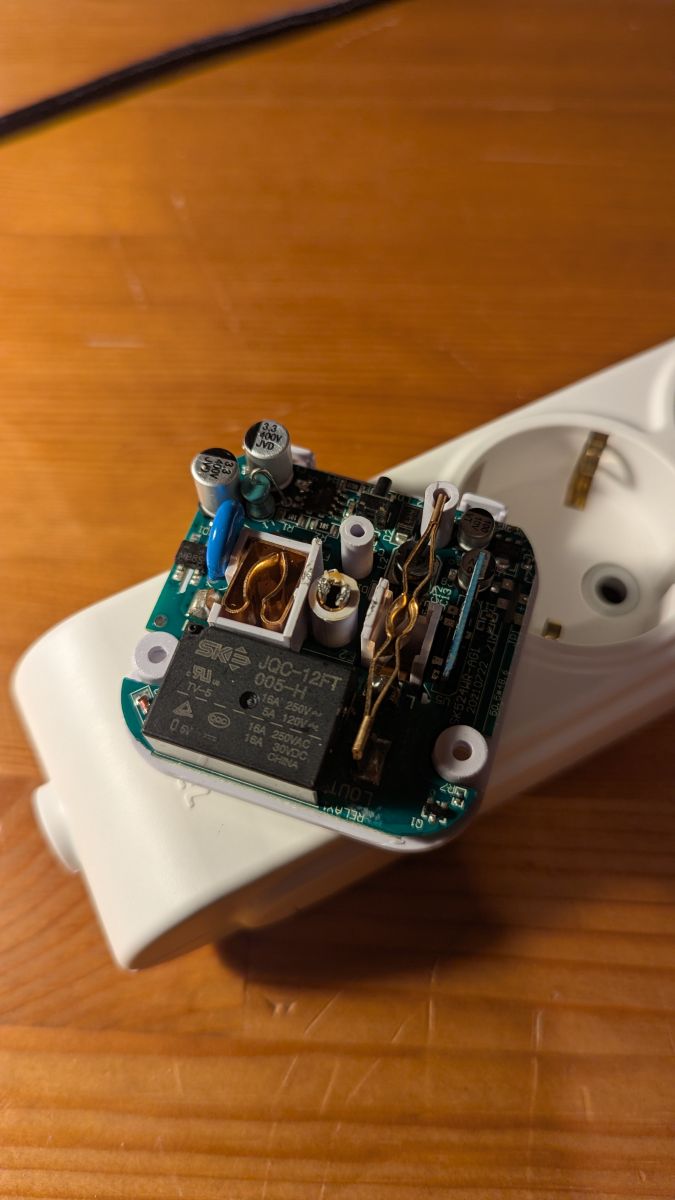
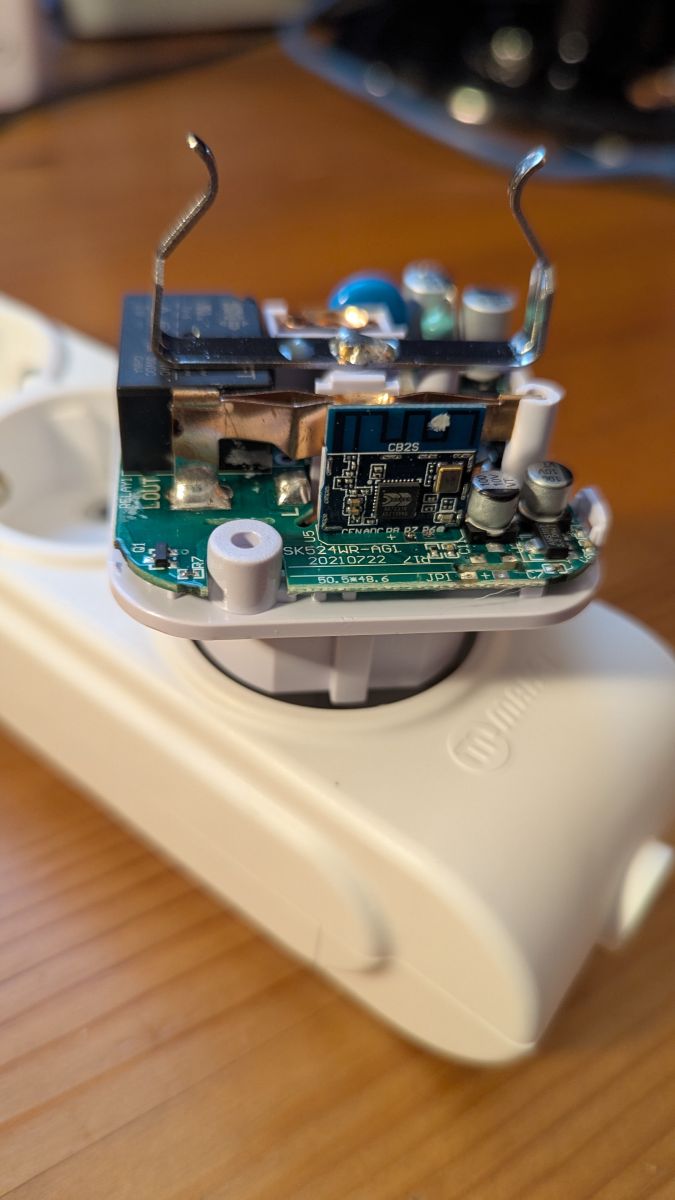
As seen in the last picture, the device has a CB2S module.
It's not necessary to desolder the module to flash OpenBeken, it's enough to attach PWR, GND, TX and RX lines to the FTDI connector. But the terminals of the module are not accessible and the board is soldered on the lower part of the housing. We first have to desolder it.
Desoldering points:
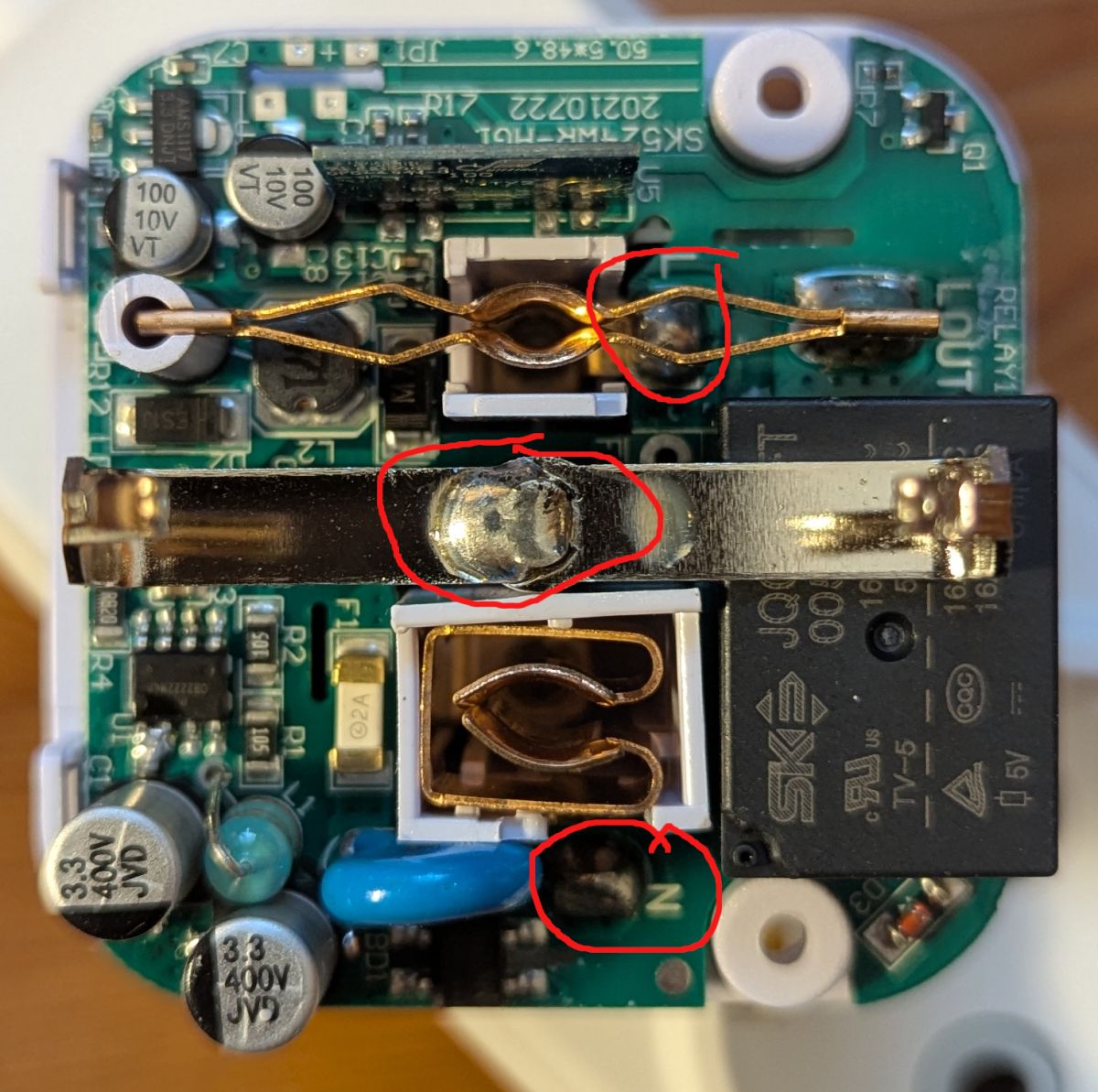
After desoldering, the board looks like this:
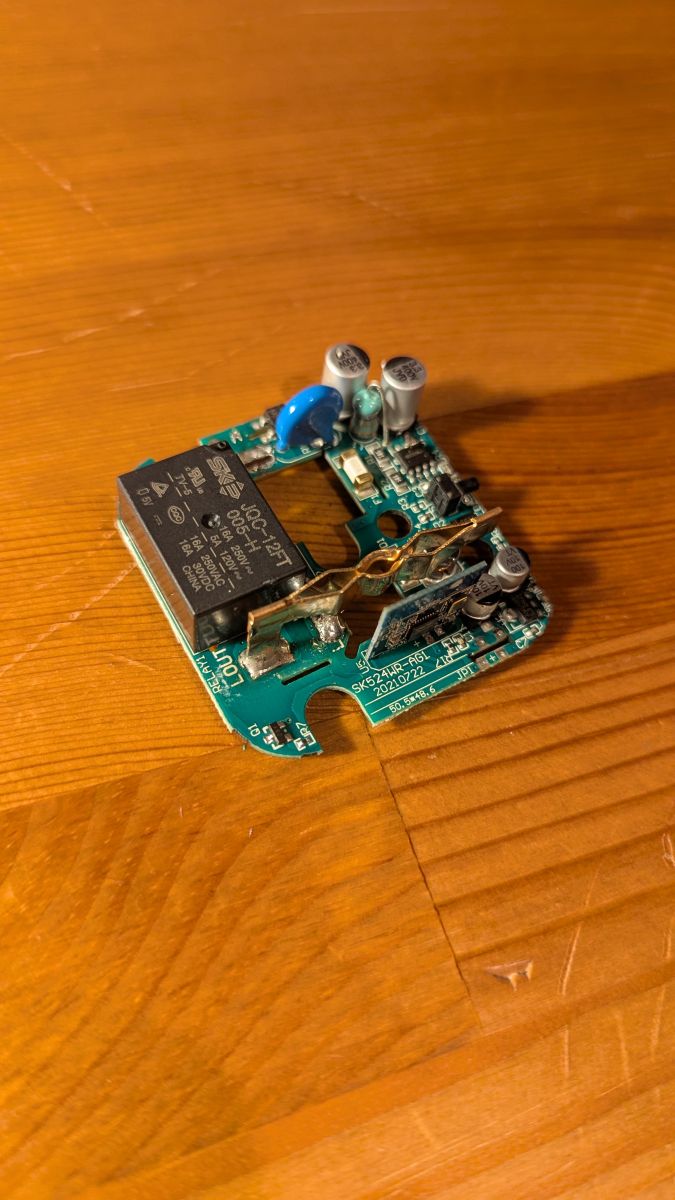
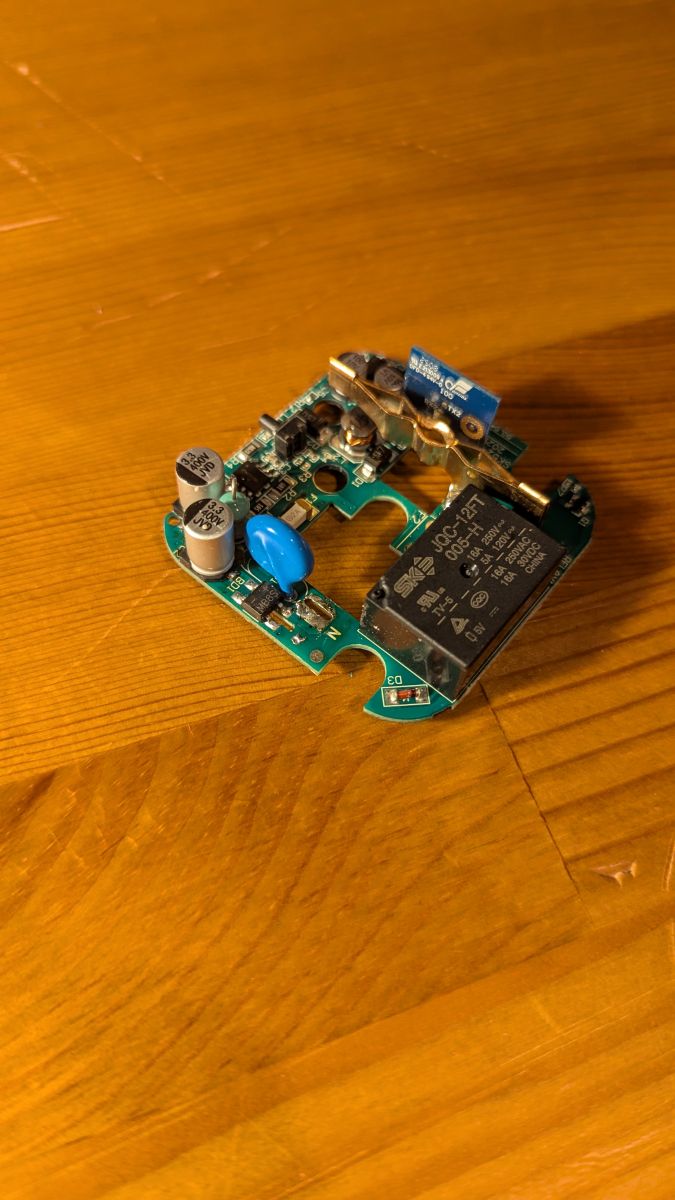
Now we can attach the module to the FTDI connector. For this, we can just use spring hooks or solder some cables.
The flashing setup looks like this:
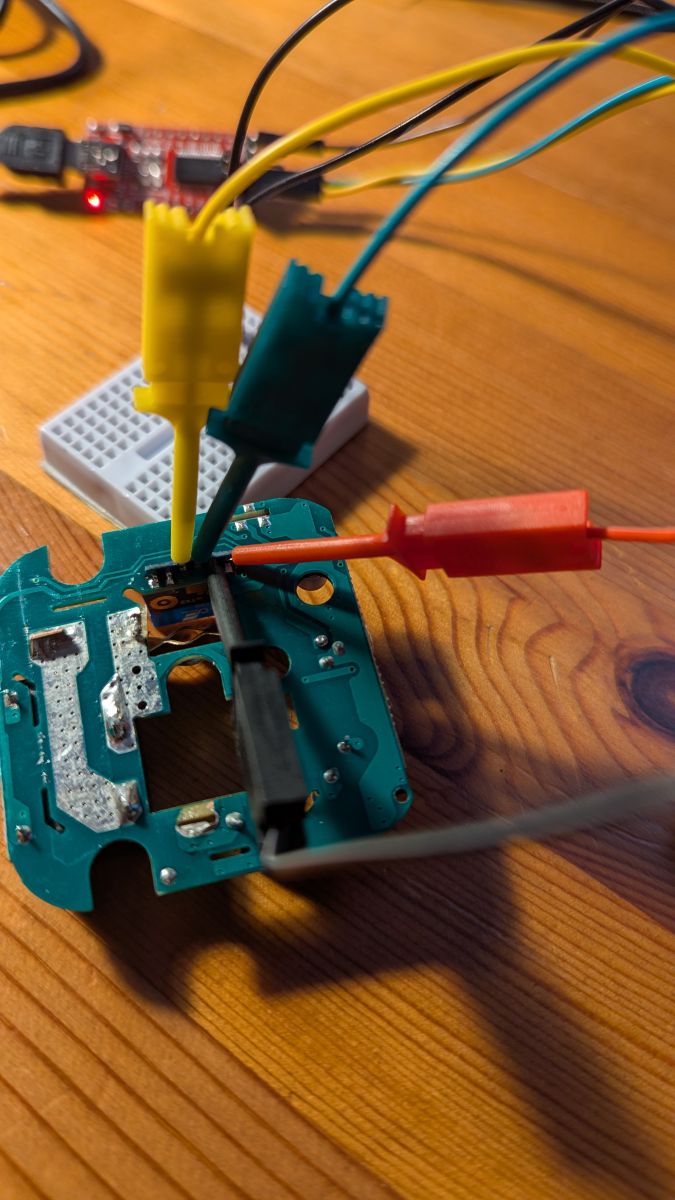
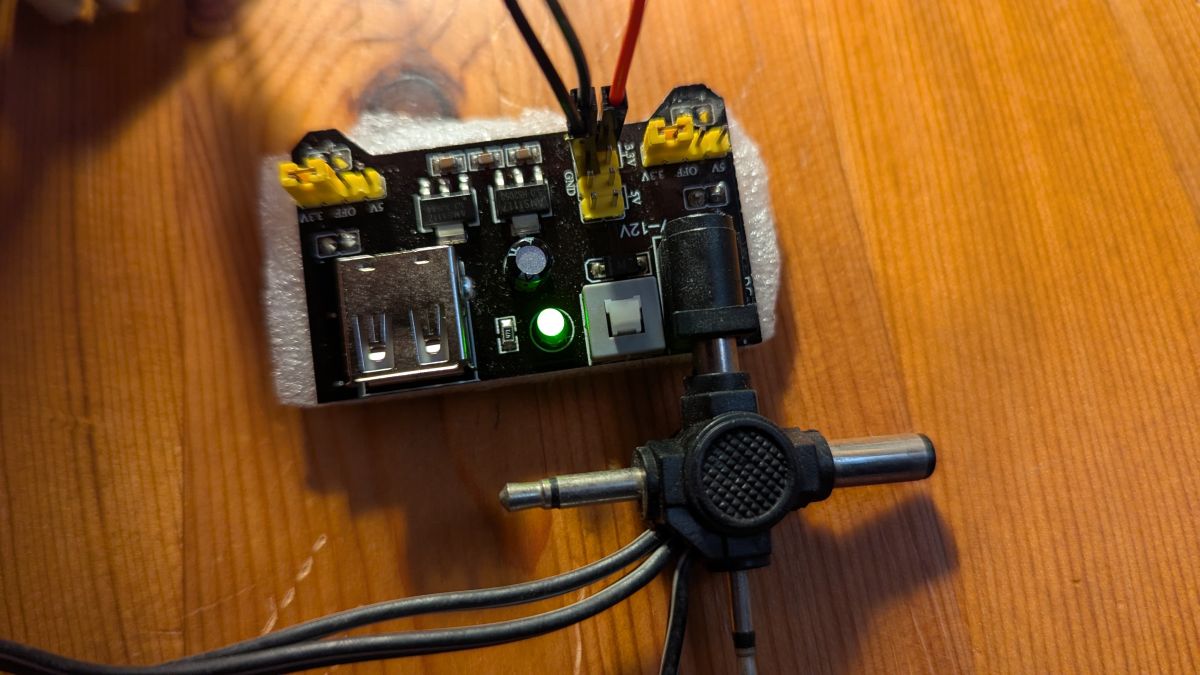
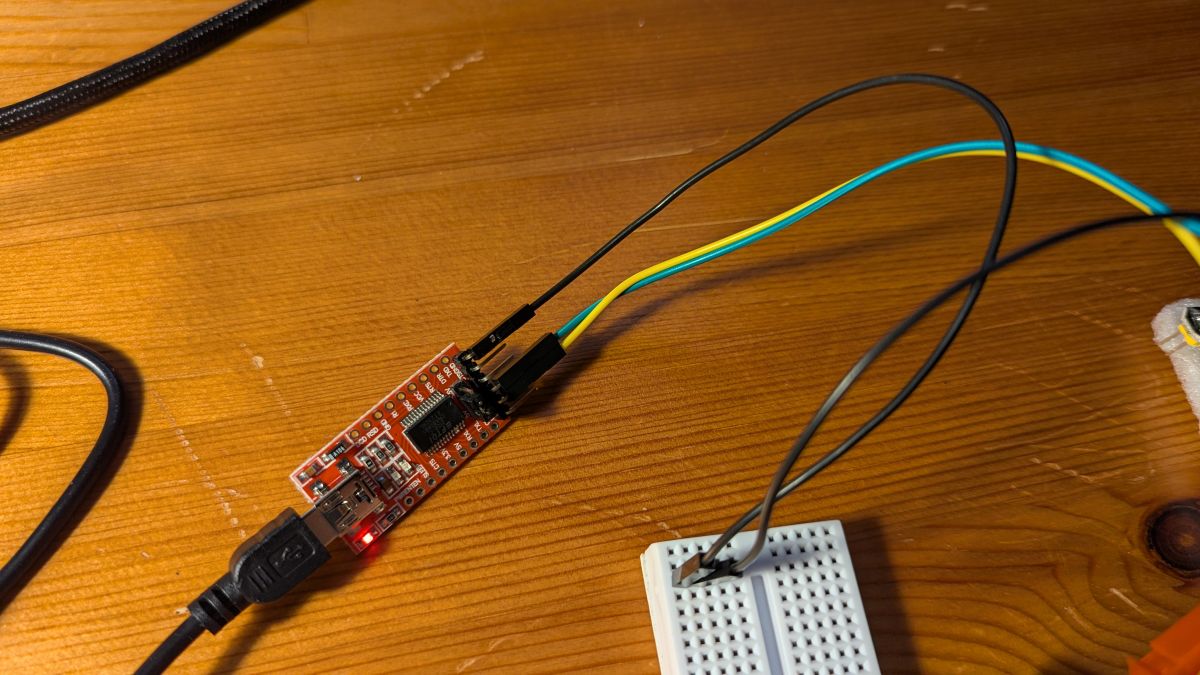
Now you can just use the BK7231GUIFlashTool to flash the device.
I've got two of these devices, and I'm using Linux. Since BK7231GUIFlashTool is a .NET app, I had to use mono to run it. In my experience, I've failed to flash one of the devices using the GUI tool although i could properly get a backup using the GUI tool, so I had to use hid_download_py for that device, which worked flawlessly. I was able to flash the second device using the GUI tool, but i had a kernel update inbetween. Long story short, use GUI tool to flash, it even works on Linux, but YMMV.
Here are the outputs of the GUI tool:
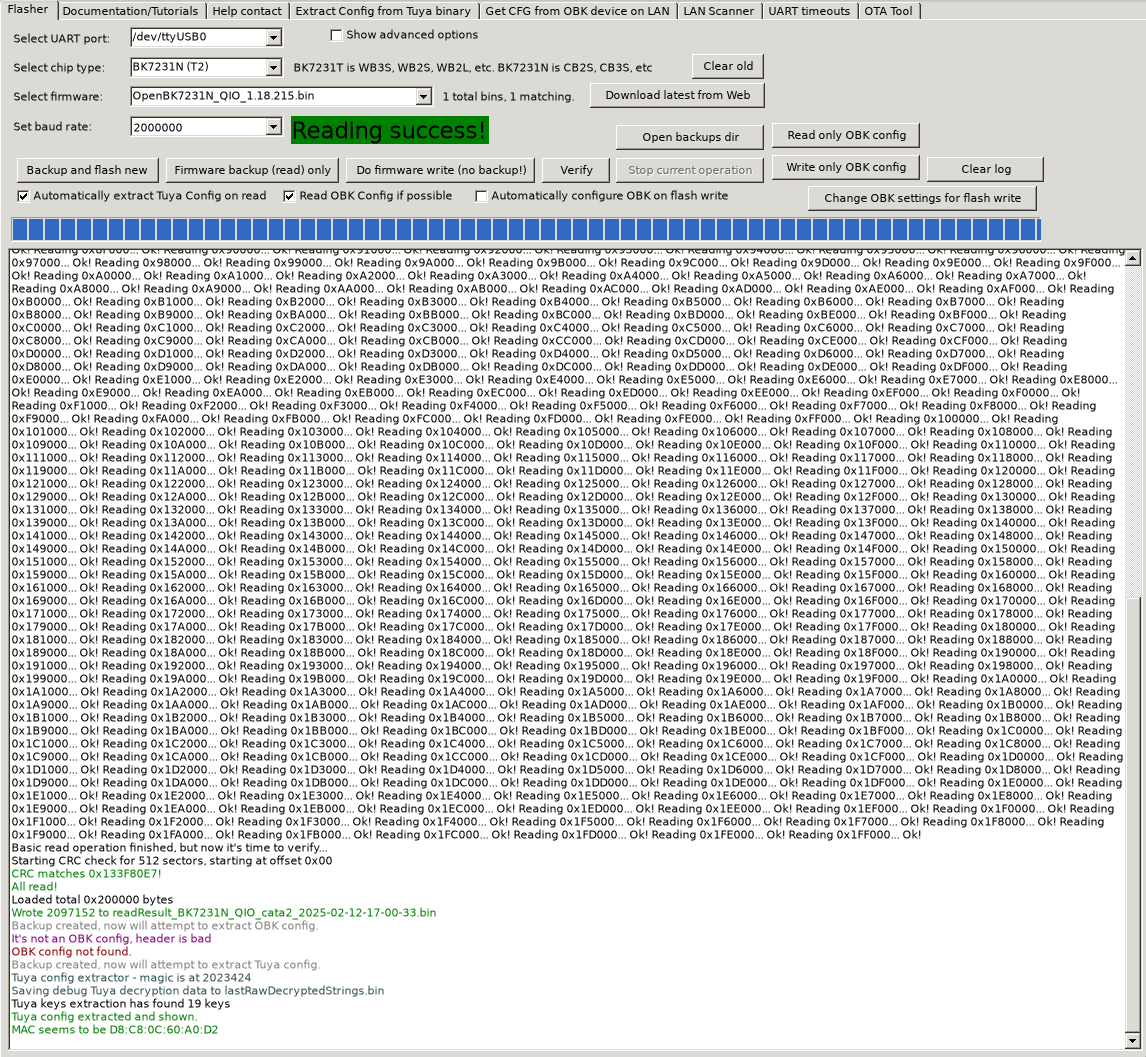
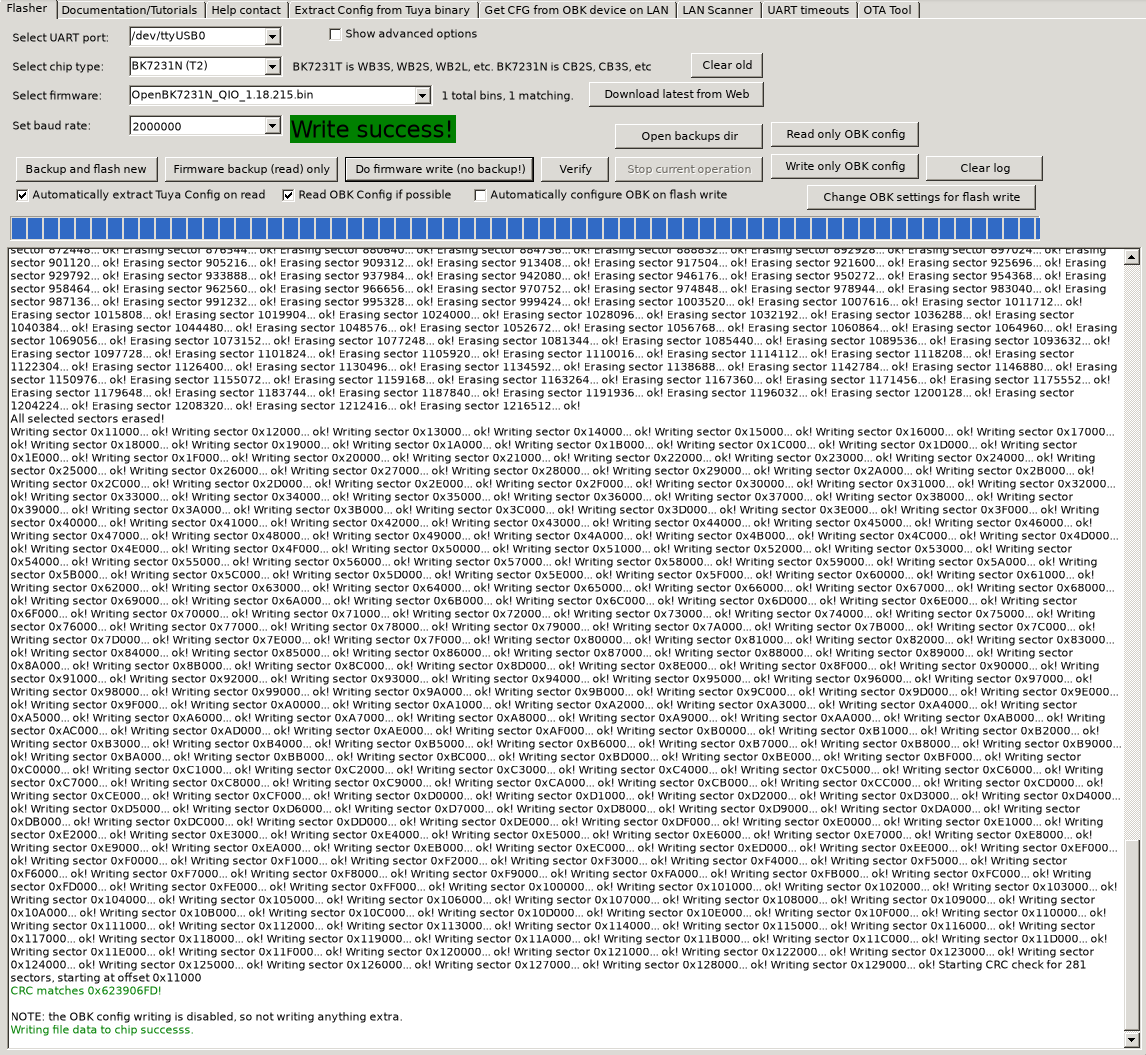
And here is the config dump:
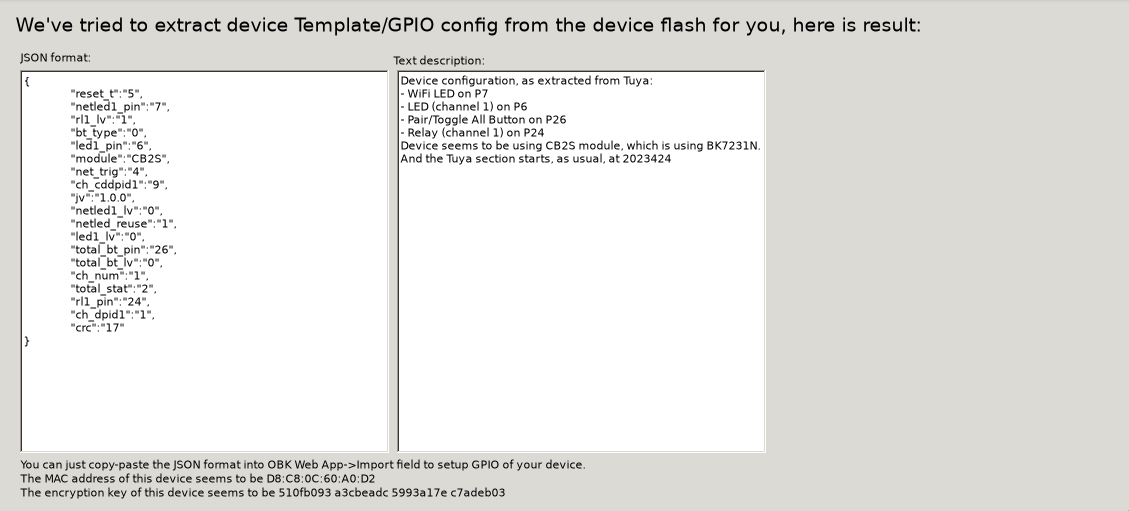
The config generated by the autodump works, but it has some issues regarding the light. Below you can find the corrected version of the config:
Code: JSON
After flashing, you have to resolder the spots to fix the board to the housing. After soldering, the board looks like below, no visible difference:
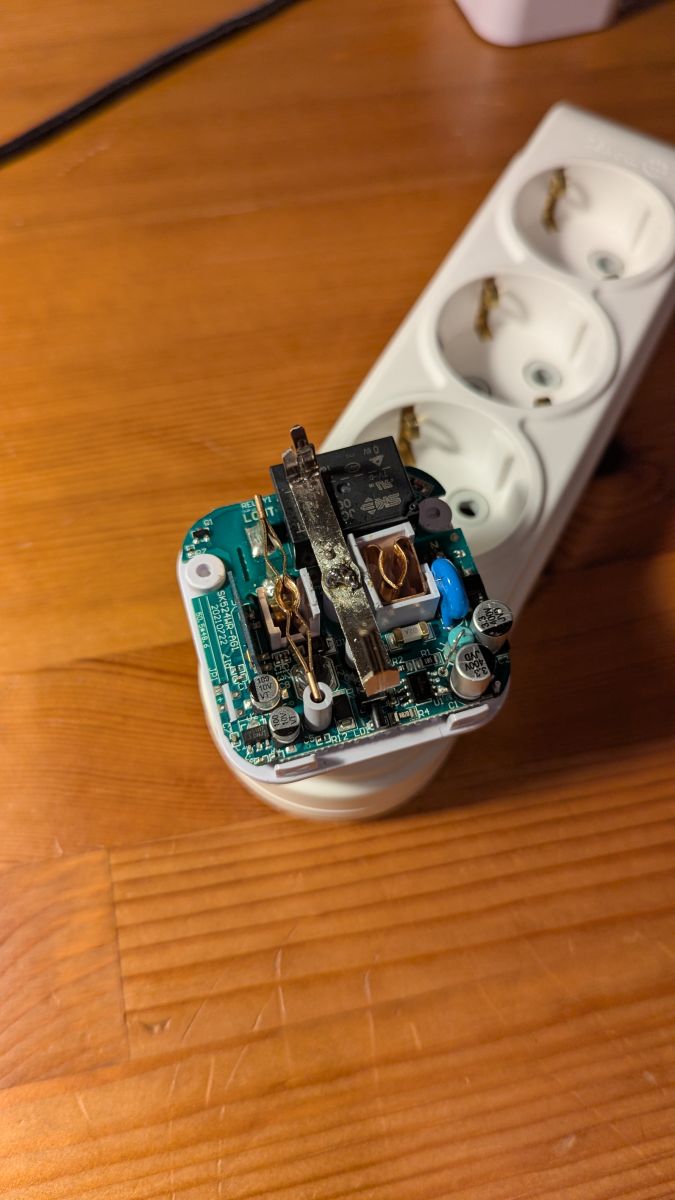
Then you can just screw the housing.