logo elektroda
logo elektroda
X
logo elektroda

Flashing CBU Module in New LSC Ceiling Lamp—Power Supply and CEN Pin Considerations

derKeks 729 16
ADVERTISEMENT
  • #1 21807570
    derKeks
    Level 2  
    Hey there,
    Currently I am working on the new LSC ceiling lamps.

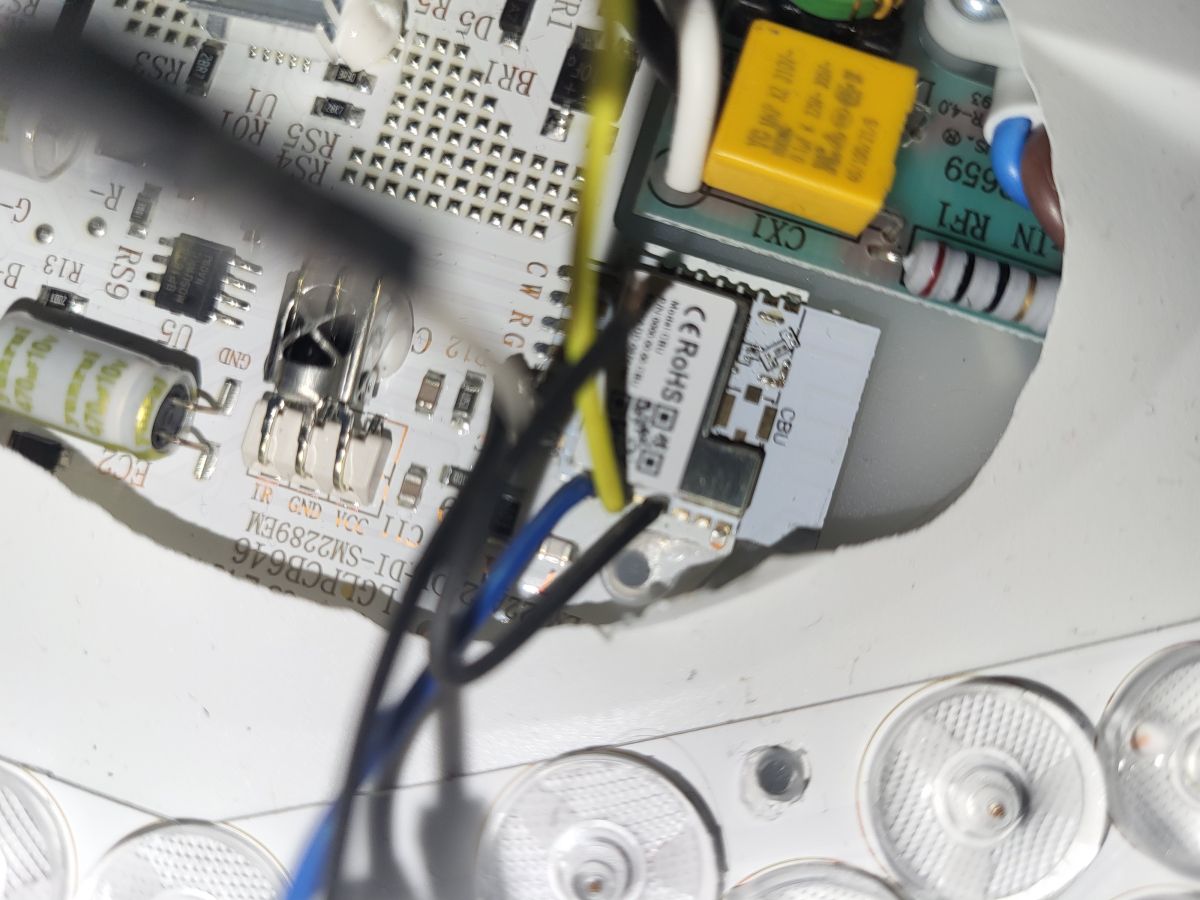
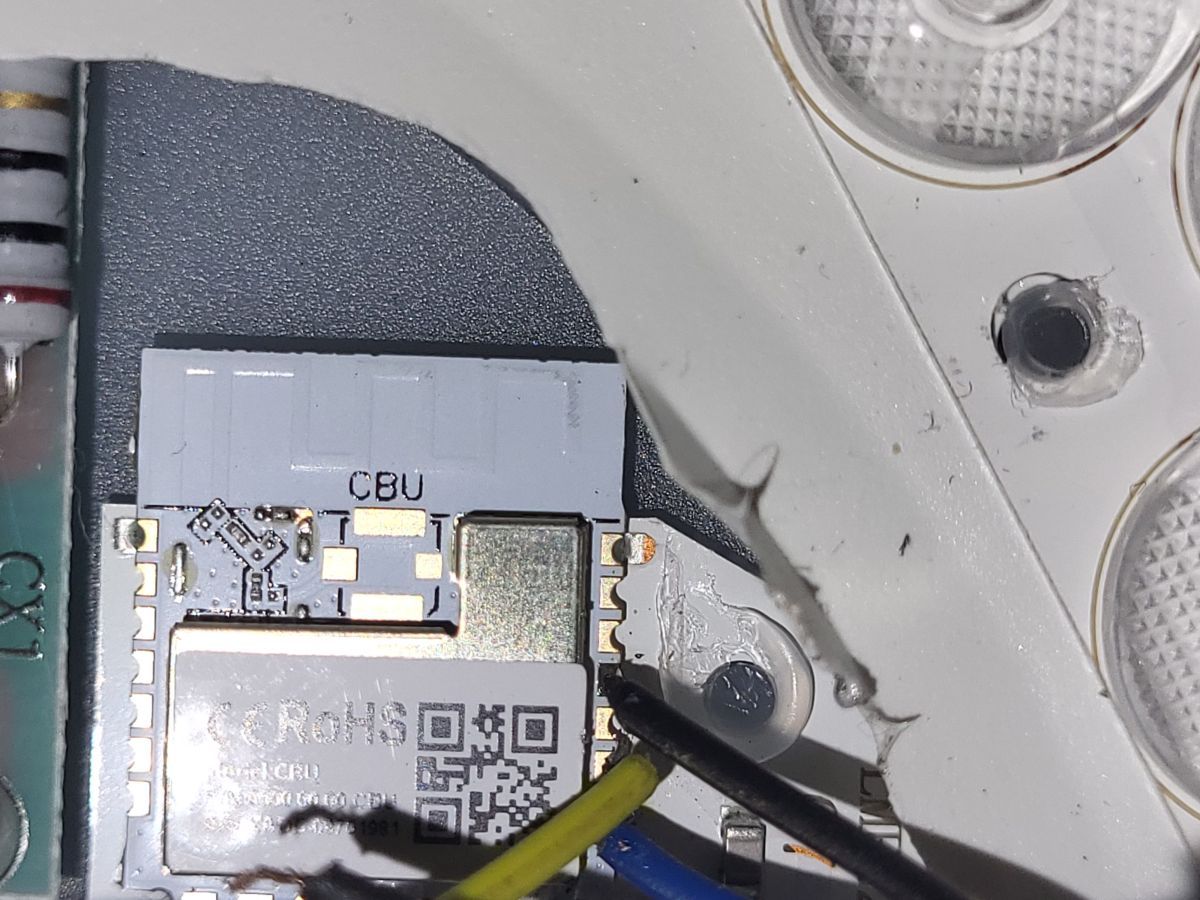
    When I opened the lamp, I found the CBU module which I need to flash.

    I followed the approach of the following topic: https://www.elektroda.de/rtvforum/topic4016628.html

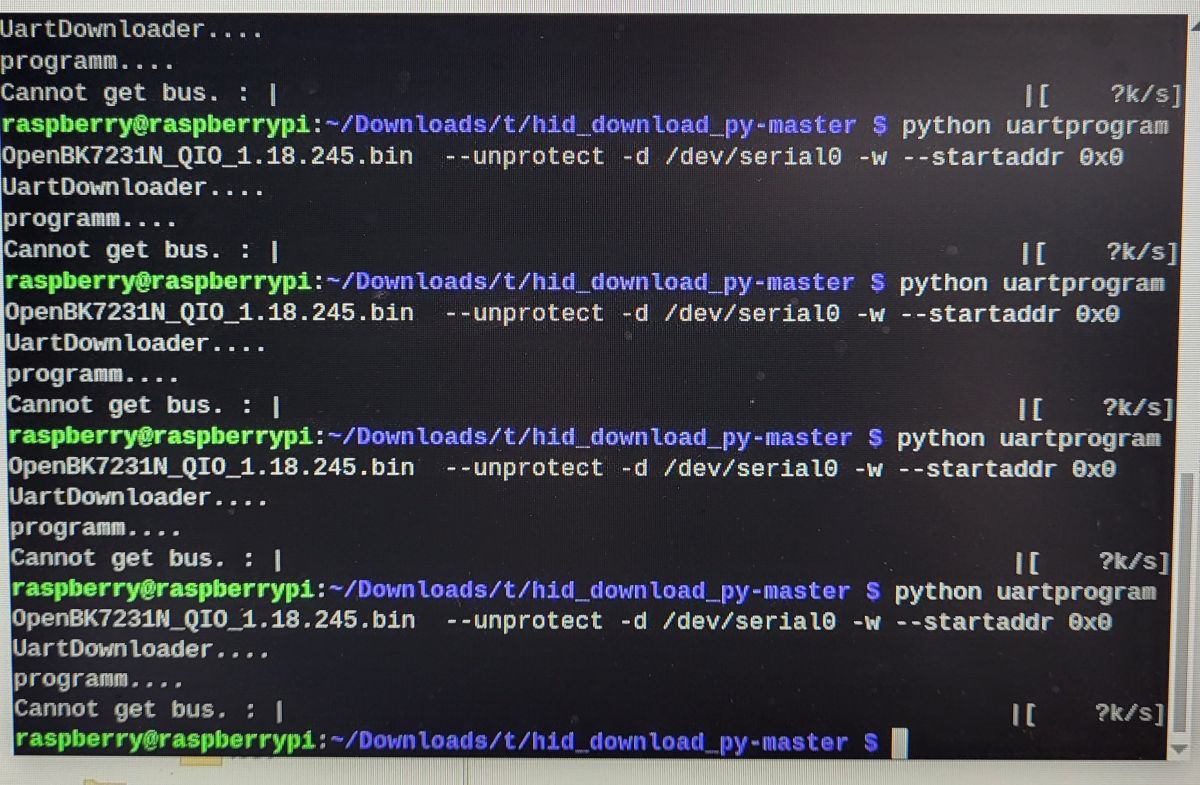
    But it did not work for me. I don't think that my power supply (RasPi) is too weak.

    I did not use the CEN pin because the other person did it without too 😅

    Any ideas?
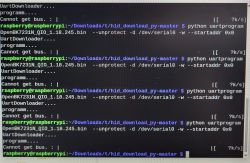

    Raspberry Pi terminal showing UART programming error messages during flashing

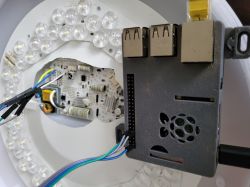
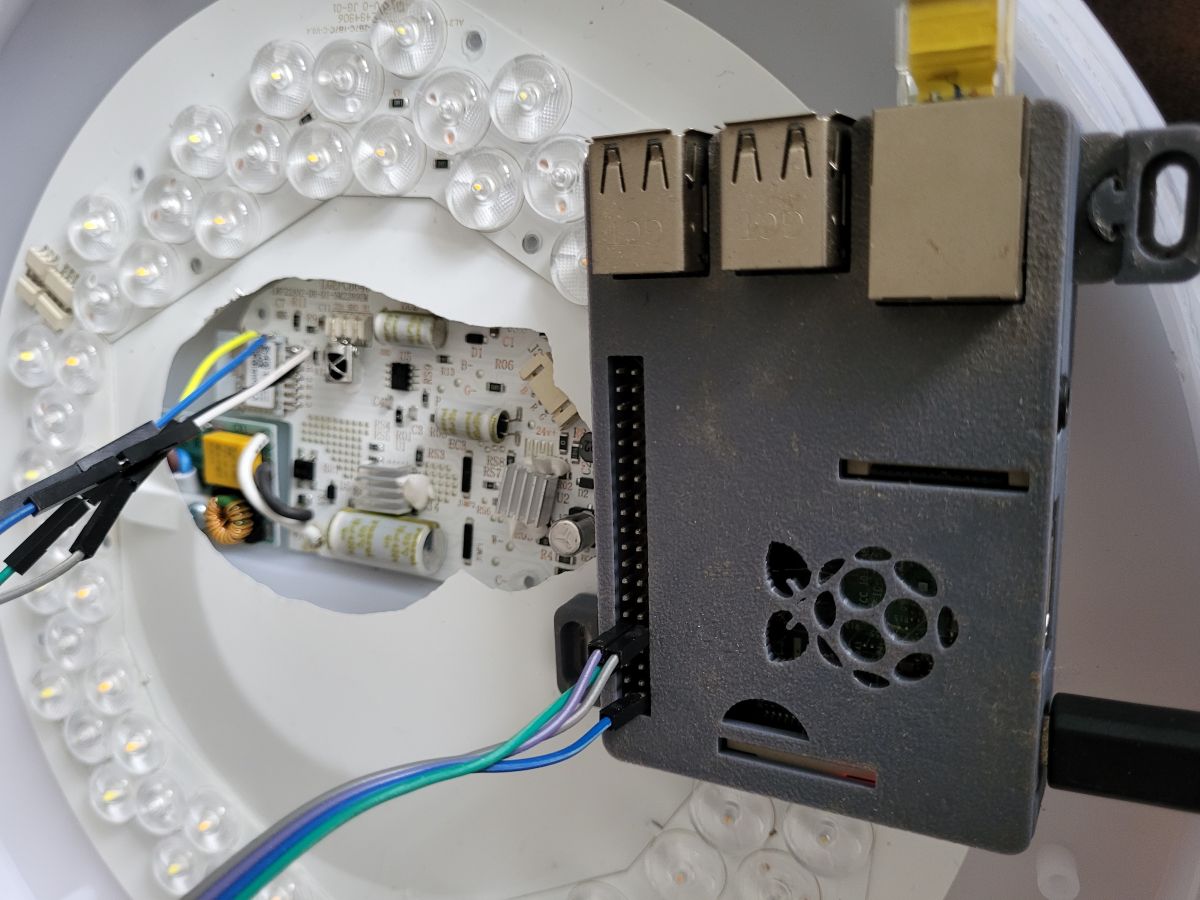
    LED light board with electronics connected to a Raspberry Pi microcomputer

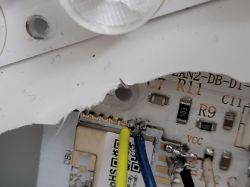
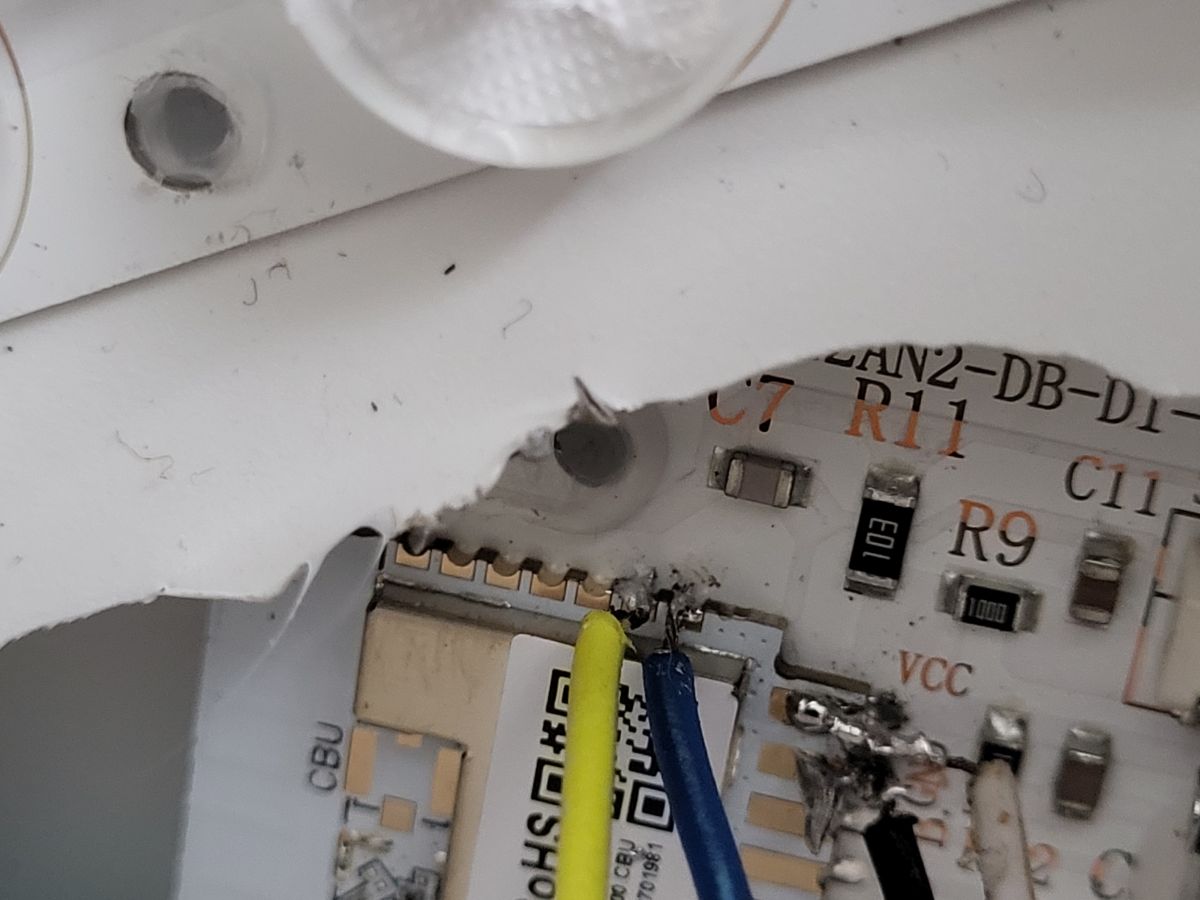
    Close-up of a circuit board with soldered wires and labeled components
  • ADVERTISEMENT
  • #2 21807579
    p.kaczmarek2
    Moderator Smart Home
    Welcome to forum! We will try to help you, let's check each possible fault scenario step by step.

    How long are the wires? Wire length can cause issues.

    Maybe RX and TX is swapped? Try swapping it.

    Are you doing power off/on cycle correctly? By disconnecting 3.3V wire?

    Did you try different baud rates?

    Maybe there is something connected to TX/RX pins of CBU on your device and it interferes with connection?
    Helpful post? Buy me a coffee.
  • ADVERTISEMENT
  • #3 21807591
    derKeks
    Level 2  
    How long are the wires? Wire length can cause issues.
    Less than 15 cm. I don't think that's the issue. I could successfully flash an LN882 chip with this setup (https://www.elektroda.com/rtvforum/topic4091325.html)

    Maybe RX and TX are swapped? Try swapping them.
    Yeah, I tried that already. No success.

    Are you doing power off/on cycle correctly? By disconnecting 3.3 V wire?
    I did not ^^. Can you give me some details on that?

    Did you try different baud rates?
    I used 115200. Still not working
    python3 uartprogram firmware_backup.bin -d /dev/serial0 -r -s 0x0 -l 0x200000 -b 115200
    --> cannot get bus

    Maybe there is something connected to TX/RX pins of CBU on your device and it interferes with connection?
    The RX/TX pin is not soldered to the device. There is no connection between the device and the RX/TX pin.
  • #4 21807876
    p.kaczmarek2
    Moderator Smart Home
    When device is "getting bus", you need to do short power off/on cycles, by detaching 3.3V wire. It's a standard procedure for Beken chips. You must do it exactly when the flasher is trying to "get bus", not before it, and not too late.
    Helpful post? Buy me a coffee.
  • ADVERTISEMENT
  • #5 21808023
    derKeks
    Level 2  
    >>21807876 Seems tricky to do it in a short time span ^^

    The alternative would be to short/bridge CEN to ground?
    Flashing CBU Module in New LSC Ceiling Lamp—Power Supply and CEN Pin Considerations


    I will test both strategies tomorrow. Thanks for the help
  • #6 21808170
    p.kaczmarek2
    Moderator Smart Home
    I think you should use our flasher, it gives more time to get bus.
    https://github.com/openshwprojects/BK7231GUIFlashTool
    Helpful post? Buy me a coffee.
  • ADVERTISEMENT
  • #7 21810003
    derKeks
    Level 2  
    in the beginning I was using my Pi with Linux. I now got a UART USB stick and could try to flash the chip with Windows and the new Windows program.
    I had some poor cable connections, but in the end I managed to flash the new LSC ceiling lamp with no effort. Thanks for the help and suggestions.

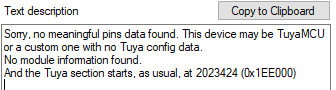
    I tried to extract information from the original firmware, but no luck. Firmware in attachments. Result is:

    Text message stating no config data found for Tuya device, possibly TuyaMCU.


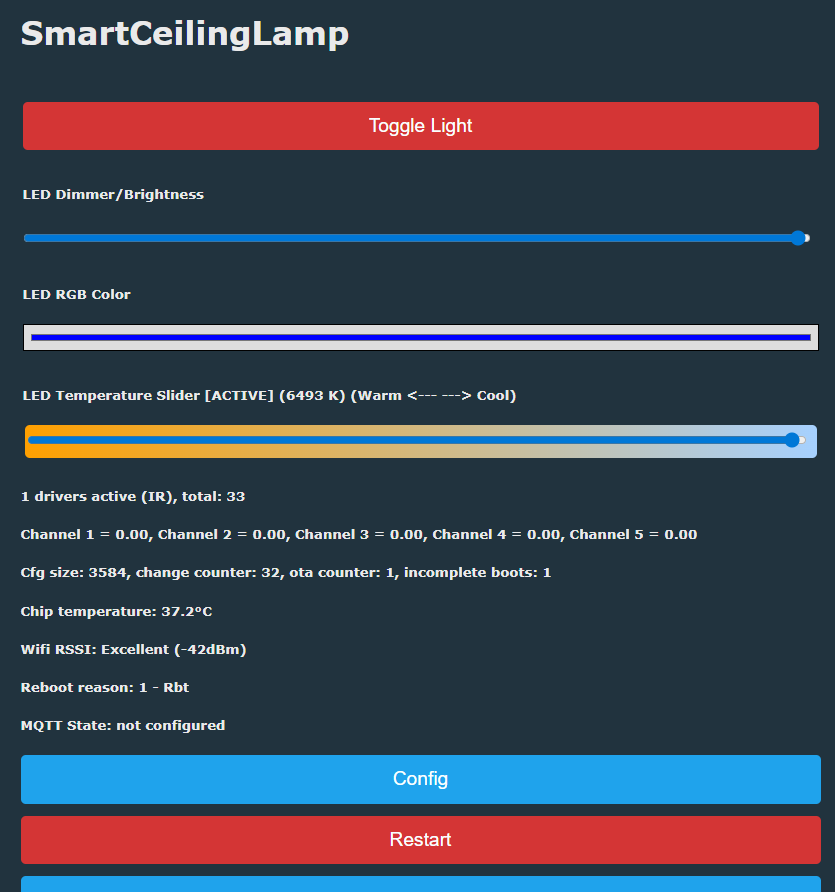
    The new LCS lamp uses a CBU chip with 5 pins (WC/RGB) which I could set up in the web app. I can control the lamp via the web app. New firmware config in attachments.
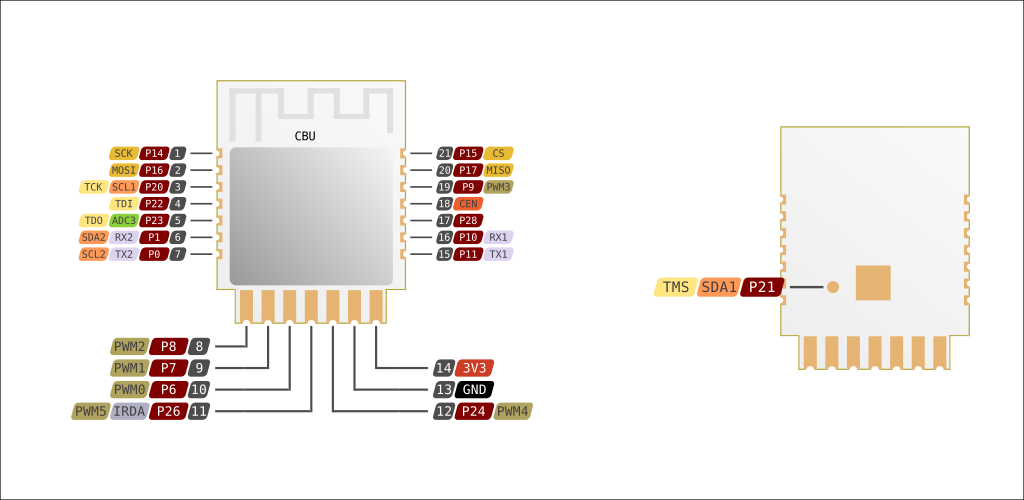
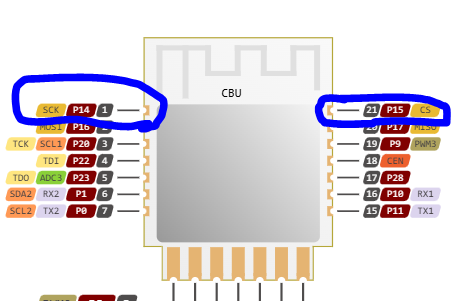
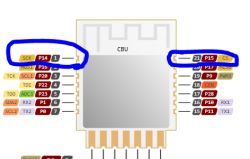
    But the CBU chip has another two pins in the top left and right.

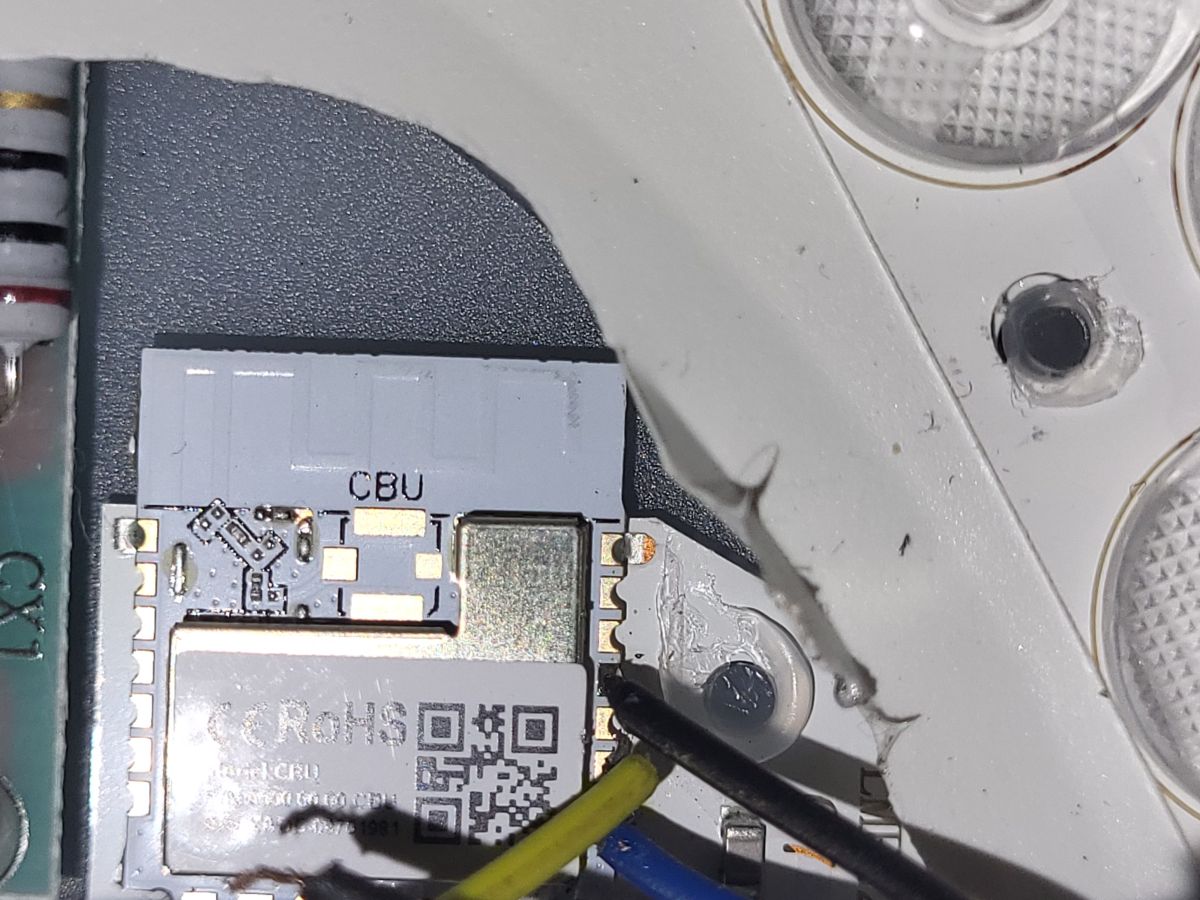
    CBU module diagram with pins P14 (SCK) and P15 (CS) highlighted

    CBU electronic module with wires and part of an LED enclosure


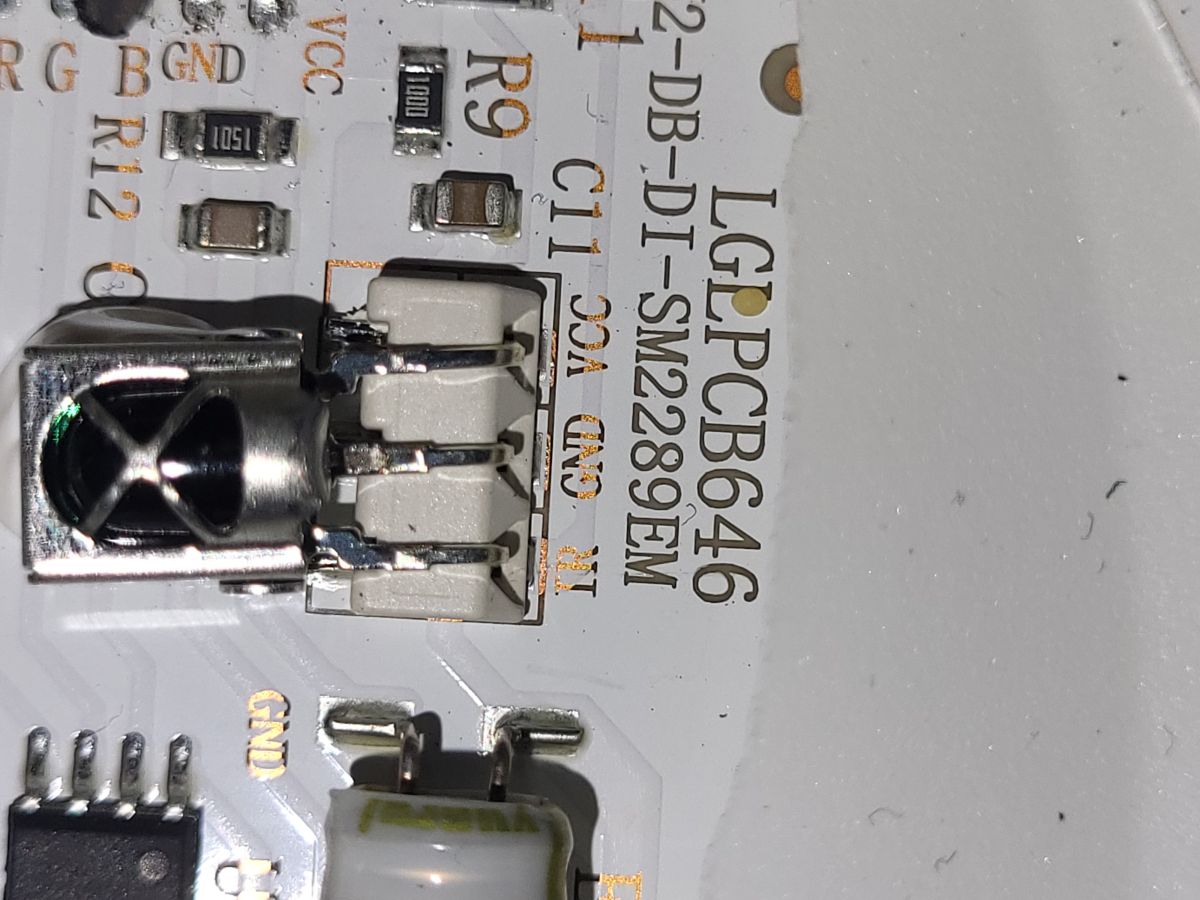
    Close-up of PCB fragment with LG PCB646 marking and electronic components


    My problem is that I cannot use the IR remote anymore.
    My assumption is that the IR sensor on the PCB communicates with the CBU chip via these two pins. But the original firmware does not show the pin layout.


    Any ideas how to set up the OpenBKN firmware so I can use IR again?


    Edit:
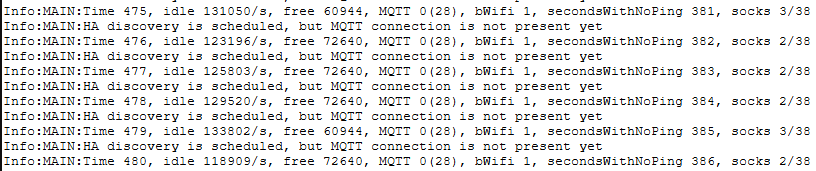
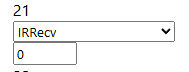
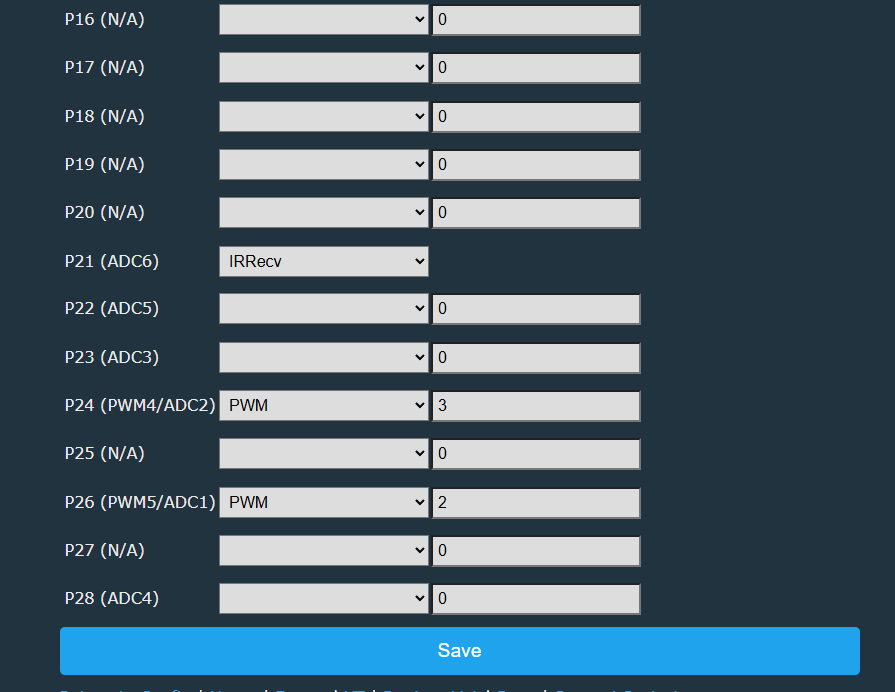
    making pin 21 to ir-receive does not work. it will start the corrosponding drivers but it does not show IR-commands in the log when i press the remote.

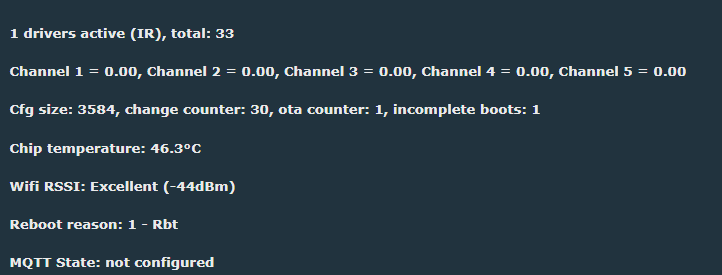
    OpenBKN logs showing idle time and no MQTT connection established

    Dropdown with selected IRRecv and an input field set to 0
    Screenshot of system diagnostics showing 1 active IR driver and chip status data

    Maybe it does get IR-Data but does not do anything with it because the lamp is not connected to homeassistant? does it need a mqtt connection to be able to receive IR-data?
  • #8 21814099
    derKeks
    Level 2  
    @p.kaczmarek2 Hey there,
    I hope I don't bother you. 🙈

    I could successfully flash my new LSC lamp because of your help! Thanks a lot.

    Perhaps do you have an idea why my IR module is not working after flashing?
  • #9 21814305
    p.kaczmarek2
    Moderator Smart Home
    Is IR driver running? Is IR pin role set? Disable PowerSave 1 if it's running.

    You need to reboot after setting IRRecv role.

    No MQTT is needed to receive IR data.

    This topic can show you how to setup IR:
    https://www.elektroda.com/rtvforum/topic4133695.html
    It's using different BK but the procedure is 100% the same.
    Helpful post? Buy me a coffee.
  • #10 21814642
    derKeks
    Level 2  
    Is IR driver running? Is IR pin role set? Disable PowerSave 1 if it's running.
    1. IR is running.
    2. I set up pin 21 as IRRecv.
    3. It is not running

    You need to reboot after setting IRRecv role.
    I did

    No MQTT is needed to receive IR data.
    Thanks for the info

    This topic can show you how to set up IR:
    https://www.elektroda.com/rtvforum/topic4133695.html
    It's using a different BK, but the procedure is 100% the same.

    I followed the tutorial. Still no luck.


    I can confirm that pin 21 is the correct pin. I can see the trace going from the IR to the CBU chip. I have set up OpenBeken, but the web app shows no response in the log after pressing the IR remote.

    (I guess it is because of Pin 14 SCK. It is connected to the CBU chip [last picture you can see it] but was not referenced in the OpenBeken setup. i guess it it used to communicate to the IR-receiver.)


    CBU module pin diagram with pins P14 and P21 highlighted in blue

    Screenshot of configuration interface with dropdowns for pins P16–P28SmartCeilingLamp control panel with sliders and system status information visibleElectronic module with CE and RoHS labels on LED circuit boardClose-up of electronic module labeled CBU with connected wires on a circuit board.
    @p.kaczmarek2
  • #11 21815116
    p.kaczmarek2
    Moderator Smart Home
    Is there a voltage between GND and VCC of IR Receiver? Check with multimeter.

    Maybe you need to set one of the pins to AlwaysHigh, so it enables power of IR receiver? I am just guessing.

    Disconnect device from power, and check with multimeter - is VCC of IR Receiver connected to VCC of CBU module?
    Helpful post? Buy me a coffee.
  • #12 21815403
    derKeks
    Level 2  
    Added after 8 [hours]:

    It is working now! Thanks you a lot!!!! As a gift i will make a good template for the database. with a good picture of the box and all information.

    The error: in the module configuration i used PIN21 instead of PIN 15.... ^^

    I can send and receive commands with the ir remote. i need to manually programm the remote. i already tried the on button and it worked after setting up eventHandler. :)

    I will make a little tutorial on this LSC ceiling lamp from Action because it is quite affordable/available. i will make a picture of the box and attach as many information as i can. i saw that you asked for a special number.
    p.kaczmarek2 wrote:
    Are you able to tell the Action store model for that particular lamp you've shown?


    Do you need any other information?`
    @p.kaczmarek2
  • Helpful post
    #13 21815954
    p.kaczmarek2
    Moderator Smart Home
    Ahh, wrong pin... well, I'm glad it's resolved.

    It's always good to try to do extraction:


    Do you have full Action device number? They have model numbers, it's making their identification easier.

    Please do a tutorial, I'd love to read more and it will certainly help our other users.
    Helpful post? Buy me a coffee.
  • #14 21816012
    divadiow
    Level 38  
    do you have any more info about product itself so the template can be completed? Is this correct so far? Are you able to supply info to fill-in the ??

    Code: JSON
    Log in, to see the code
  • #15 21816513
    derKeks
    Level 2  
    >>21815954

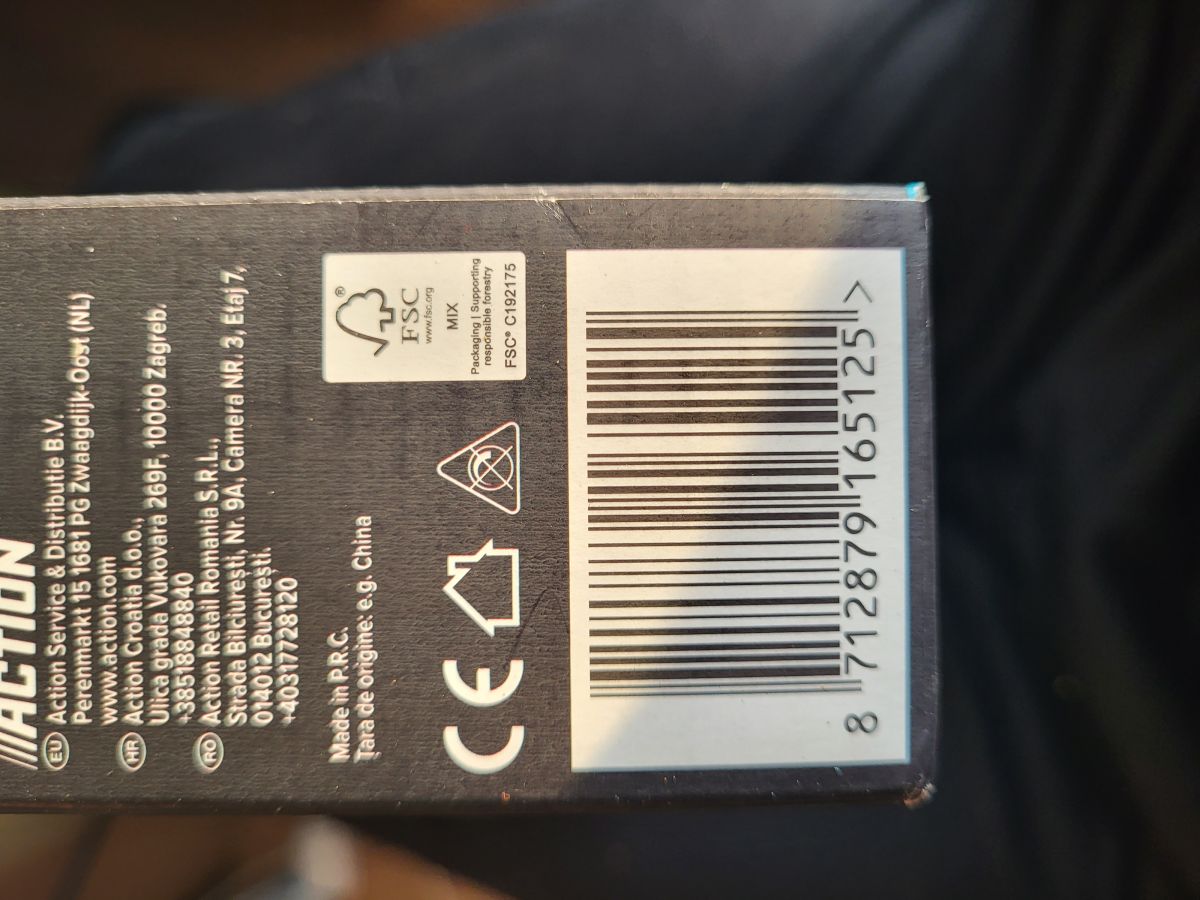
    Do you mean the barcode? @p.kaczmarek2

    Barcode, FSC logo, and CE markings on a black-grey product packaging

    Added after 4 [minutes]:

    >>21816012

    I will make a new, fresh topic with all needed information. This topic here is already filled with my errors 😅.

    I don't know what the you mean exactly by
    Model
    The second keyword?
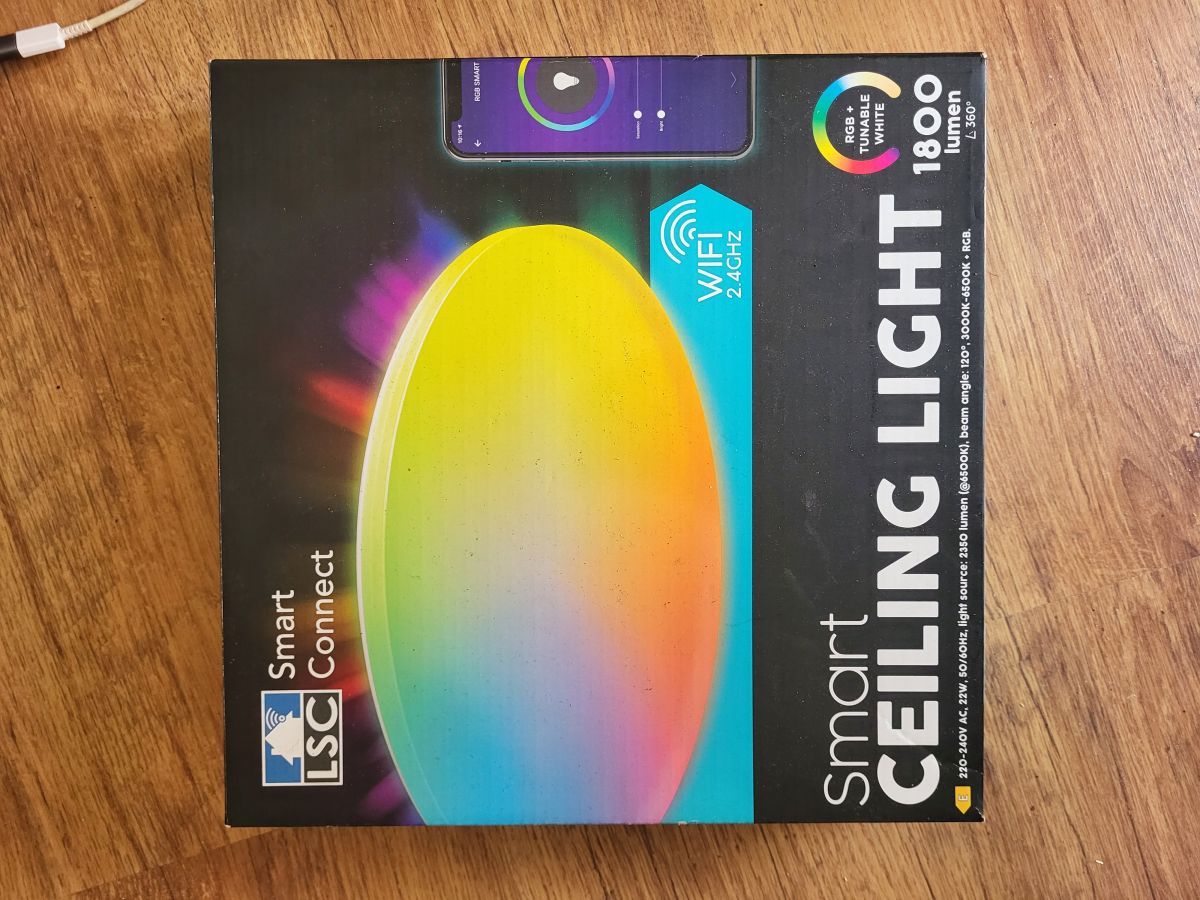
    Here is the image.

    Packaging of LSC smart ceiling light with colorful gradient illustration


    (better if you don't use the picture yet until I made the new post. I will put the picture in the new topic)

    Can you help me?
  • #16 21816520
    divadiow
    Level 38  
    derKeks wrote:
    I Dont know what the you mean exactly by
    Model
    The Second keyword?
    Here is the Image.

    ah sorry, I didn't notice @p.kaczmarek2 already requested more info in the text below Youtube video
  • #17 21816539
    derKeks
    Level 2  
    I already tried the GPIO extraction. https://www.elektroda.com/rtvforum/topic4160870.html#21810003

    Sorry, no meaningful pins data found. This device may be TuyaMCU or a custom one with no Tuya config data.
    No module information found.
    And the Tuya section starts at an UNCOMMON POSITION 0 (0x0).

    Added after 51 [minutes]:

    I moved the tutorial to https://www.elektroda.com/rtvforum/topic4162084.html#21816561 @p.kaczmarek2.

     {
          "vendor": "Action",
          "bDetailed": "0",
          "name": "LSC RGBCW Ceiling Lamp",
          "model": "3218147",
          "chip": "BK7231N",
          "board": "CBU",
          "flags": "138434323",
          "keywords": [
            "LGLPCB646",
            "LMF22AN2-DB-DI-SM2289EM"
          ],
          "pins": {
            "6": "PWM;1",
            "7": "PWM;5",
            "8": "PWM;4",
            "15": "IRRecv;0",        
            "24": "PWM;3",
            "26": "PWM;2"
          },
          "command": "",
          "image": "https://obrazki.elektroda.pl/6739741800_1769098083.png",
          "wiki": "https://www.elektroda.com/rtvforum/viewtopic.php?p=21816561"
        }

Topic summary

The discussion addresses difficulties flashing the CBU module inside new LSC ceiling lamps using a Raspberry Pi as the power supply and programmer. The user followed a prior method but failed to establish communication, suspecting the omission of the CEN pin connection. Key troubleshooting steps include verifying wire length (under 15 cm, deemed adequate), ensuring RX and TX lines are not swapped, and performing correct power cycling by disconnecting the 3.3V line precisely when the flasher attempts to "get bus," a standard procedure for Beken chips. The user’s initial attempt lacked this power cycling, which is critical for successful flashing. An alternative approach suggested is to short the CEN pin to ground to facilitate flashing. Additionally, using a dedicated flasher tool like BK7231GUIFlashTool is recommended, as it provides more time to establish bus communication. The RX/TX pins on the device are not soldered, eliminating interference concerns. Baud rate 115200 was used without success, and the user is advised to try different baud rates and verify timing of power cycles.
Summary generated by the language model.
ADVERTISEMENT