logo elektroda
logo elektroda
X
logo elektroda
Dostępna jest polska wersja

Czy wolisz polską wersję strony elektroda?

Nie, dziękuję Przekieruj mnie tam

Info on BL602 Module SDV-002_V1.2 from Aliexpress 3-Gang Switch, Pin Compatibility & GPIOs

patentjyp 19593 66
Best answers

How can I identify the pinout and flashing/boot connections for the SDV-002_V1.2 BL602 module in a 3-gang Aliexpress wall switch?

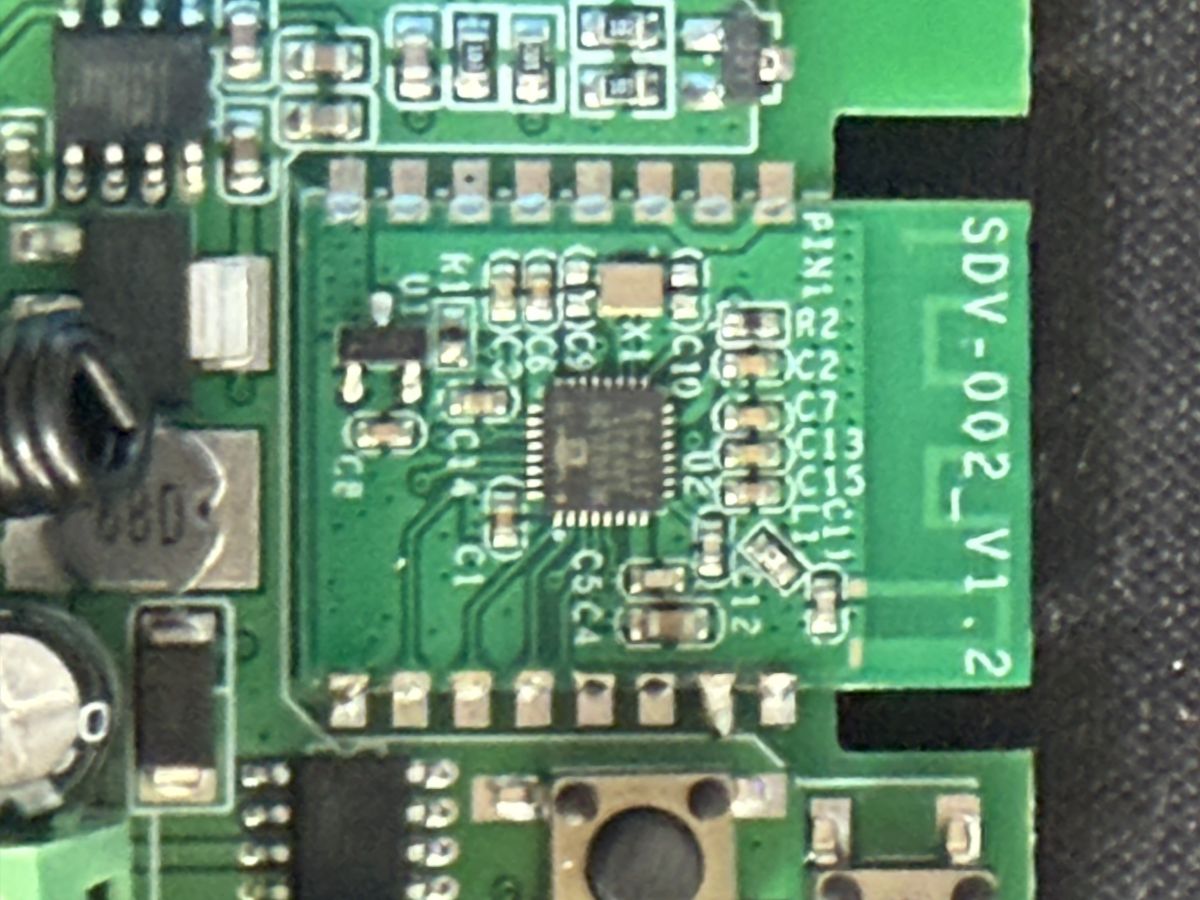
You can flash it by using the standard BL602 UART pins plus the BOOT strap: TX and RX are on the expected pads, VCC/GND are on the main board pads, and pulling R2 up to 3.3 V during power-up reliably puts the module into boot mode [#20533595] For the 3-gang version, the working OpenBeken mapping found in the thread is pin 1 = Rel;2, pin 2 = Btn;2, pin 3 = Rel;1, pin 12 = WifiLED;0, pin 14 = Btn;1, pin 20 = Btn;0, and pin 21 = Rel;0 [#20535155] The same mapping was later packaged into a full device template for the SDV-002_V1.2 board, confirming the 1/2/3-gang relay and button assignments [#20535955] A later teardown also identified the module as SDV-002_V1.2 / TI602B3S made by Trolink [#21125557]
Summary generated by AI based on the discussion content.
ADVERTISEMENT
  • #31 20869886
    p.kaczmarek2
    Moderator Smart Home
    Posts: 14677
    Help: 656
    Rate: 12705
    Can you provide OBK templates for those devices and maybe some model numbers or manufacturer names/codes, so I can add them to our devices list?
    Helpful post? Buy me a coffee.
  • ADVERTISEMENT
  • #32 20869906
    aike
    Level 7  
    Posts: 8
    Help: 1
    Rate: 3
    Yes, I edited my previous message and added a photo of the packaging. Devices are simply called "wall switch" and have SKUs 696124744016 and 696439453921. Unfortunately, now I’m not sure which SKU is from which version. Also, I was hoping to use the templates suggested by @gyenchev in this post: https://www.elektroda.com/rtvforum/topic3970659.html#20535955. I'll try to check them out soon and report back.

    @p.kaczmarek2 , so i have tested the @gyenchev configurations on my devices and they work. I prepared code for my devices, but in essence they are similar. Anyway i'm attaching codes for 2-gang and 3-gang wall switches.

    2-Gang
    
    {
      "vendor": "Shenzhen Qingning Tongchuang Technology Co.Ltd",
      "bDetailed": "0",
      "name": "EWelink Smart Life Light Switch",
      "model": "2-Gang",
      "chip": "BL602",
      "board": "SDV-002_V1.2",
      "flags": "1024",
      "keywords": [
        "Wall switch",
    	"Switch",
        "2-Gang"
      ],
      "pins": {
        "1": "Rel;1",
        "2": "Btn;1",
        "12": "WifiLED;0",
        "20": "Btn;0",
        "21": "Rel;0"
      },
      "command": "",
      "image": "https://obrazki.elektroda.pl/6767295300_1703067357.jpg",
      "wiki": "https://www.elektroda.com/rtvforum/topic3970659.html"
    }


    3-Gang
    
    {
      "vendor": "Shenzhen Qingning Tongchuang Technology Co.Ltd",
      "bDetailed": "0",
      "name": "EWelink Smart Life Light Switch",
      "model": "3-Gang",
      "chip": "BL602",
      "board": "SDV-002_V1.2",
      "flags": "1024",
      "keywords": [
        "Wall switch",
    	"Switch",
        "3-Gang"
      ],
        "pins": {
        "1": "Rel;2",
        "2": "Btn;2",
        "3": "Rel;1",
        "12": "WifiLED;0",
        "14": "Btn;1",
        "20": "Btn;0",
        "21": "Rel;0"
      },
      "command": "",
      "image": "https://obrazki.elektroda.pl/1389703800_1703067376.jpg",
      "wiki": "https://www.elektroda.com/rtvforum/topic3970659.html"
    }

    
  • #33 20871434
    p.kaczmarek2
    Moderator Smart Home
    Posts: 14677
    Help: 656
    Rate: 12705
    Thank you for sharing. I have added your templates to our database:
    https://github.com/OpenBekenIOT/webapp/commit/15899d5a1baa710d5259cf8fbfe3ef59e9c47076
    They should be soon live at: https://openbekeniot.github.io/webapp/devicesList.html
    Helpful post? Buy me a coffee.
  • ADVERTISEMENT
  • #34 20888344
    SuperXL
    Level 2  
    Posts: 2

    Hi everyone!
    I also became the proud owner of these switches.
    I would like to express my deep gratitude to the people who, with their posts above, helped me reflash these switches and wean them off the external cloud.
    I replaced all the switches in my apartment.
    One thing I didn't like about these switches is the long response time when pressing the sensor, it takes about 1...1.5 seconds to turn the light on or off. This happens on all my switches.
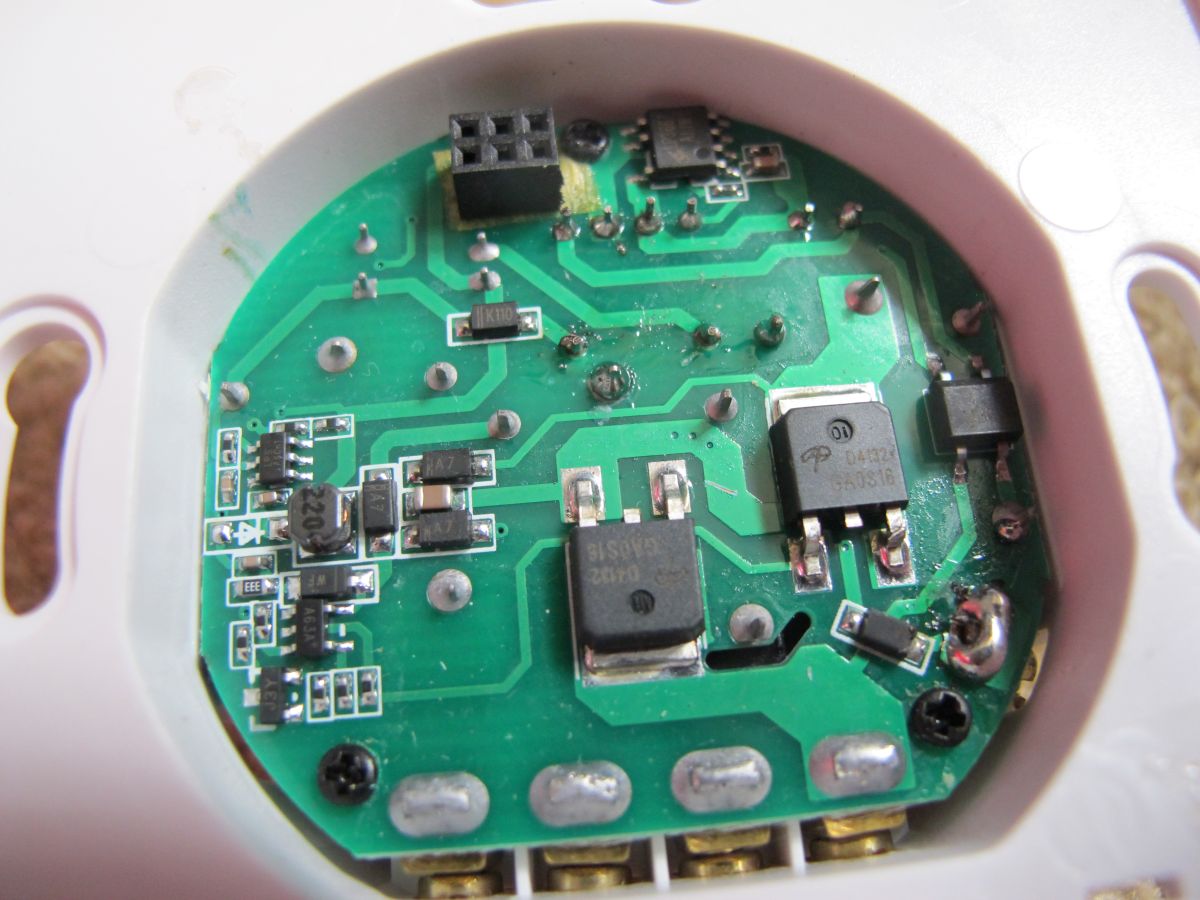
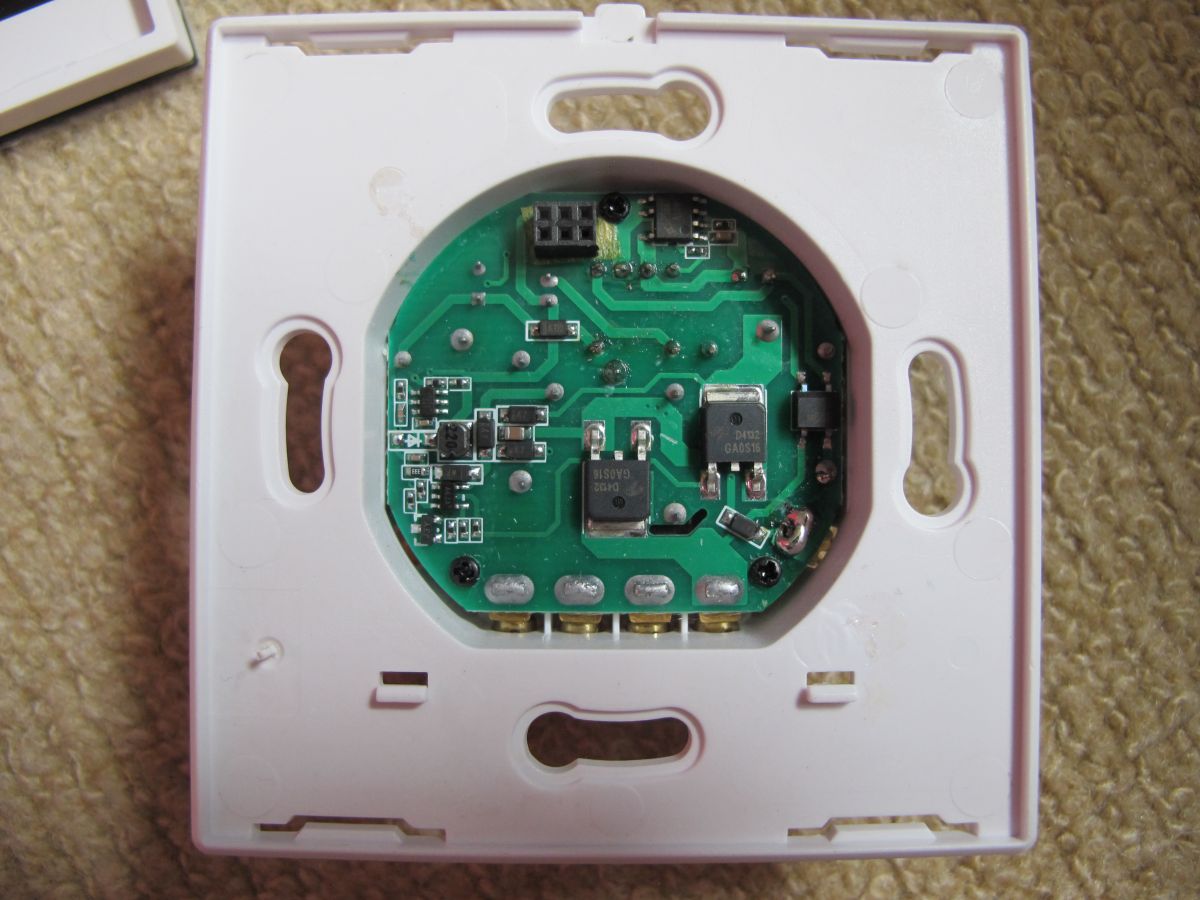
    As I understand from the circuit diagram (compiled from the images above), the sensor (chip) gives a command to the Wi-Fi module, and the module controls the transistors that are connected to the relay on the main board.
    Please tell me, does this happen to all owners (long response time)?
    I'm guessing it's a software delay.
    I wonder if it is possible to reduce this delay?
  • #35 20888403
    p.kaczmarek2
    Moderator Smart Home
    Posts: 14677
    Help: 656
    Rate: 12705
    Helpful post? Buy me a coffee.
  • ADVERTISEMENT
  • #36 20888453
    SuperXL
    Level 2  
    Posts: 2

    Great!
    This helped me. I set the flag number 6 and the sensor became instant!
    Thank you for your help!
  • Helpful post
    #37 21125557
    divadiow
    Level 38  
    Posts: 5121
    Help: 441
    Rate: 904
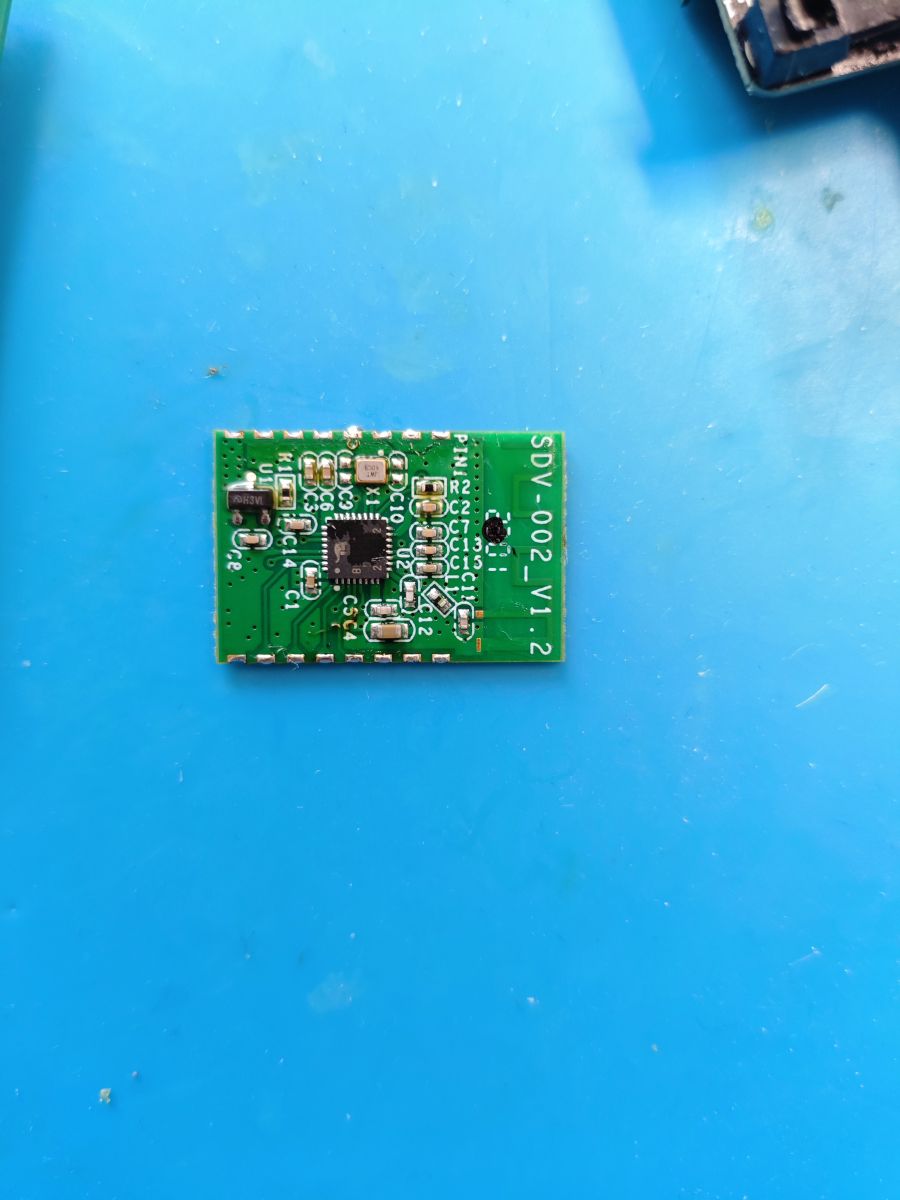
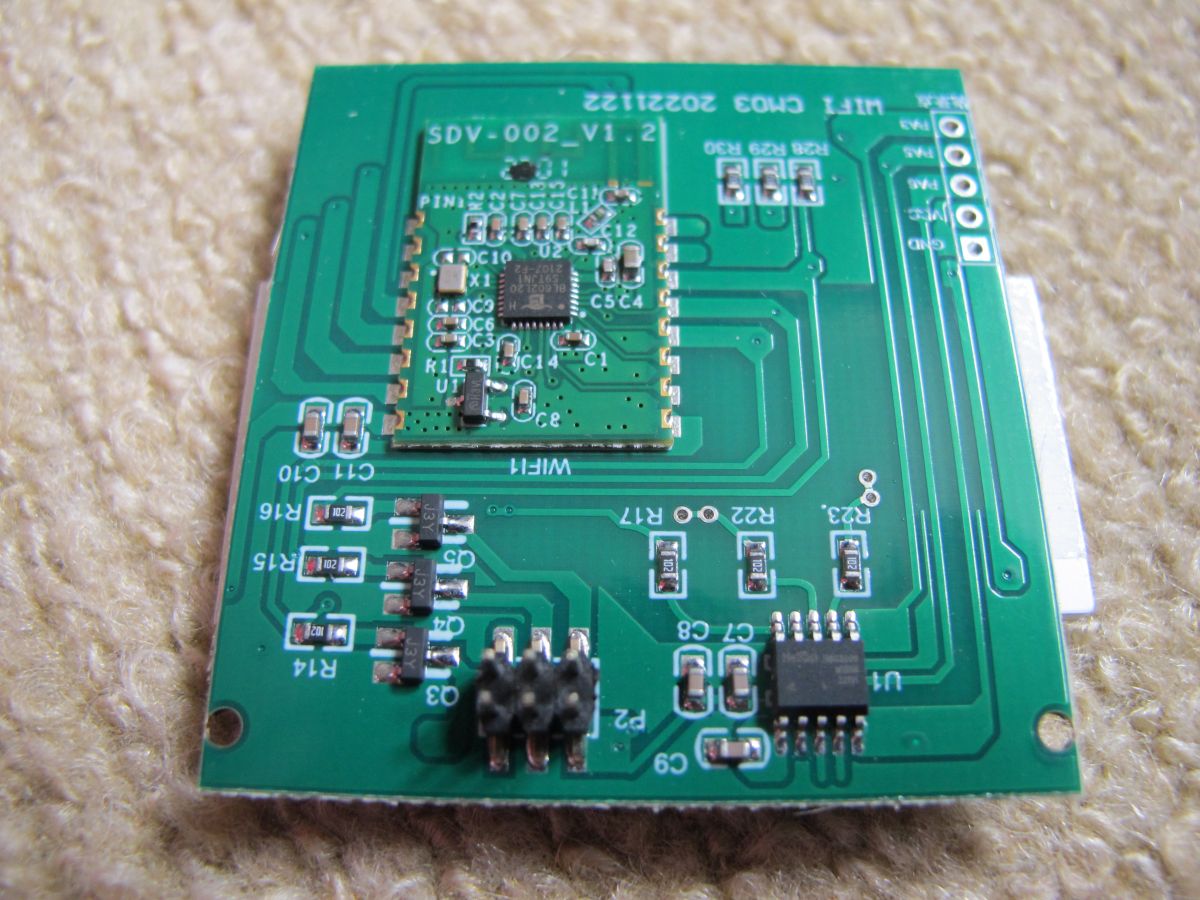
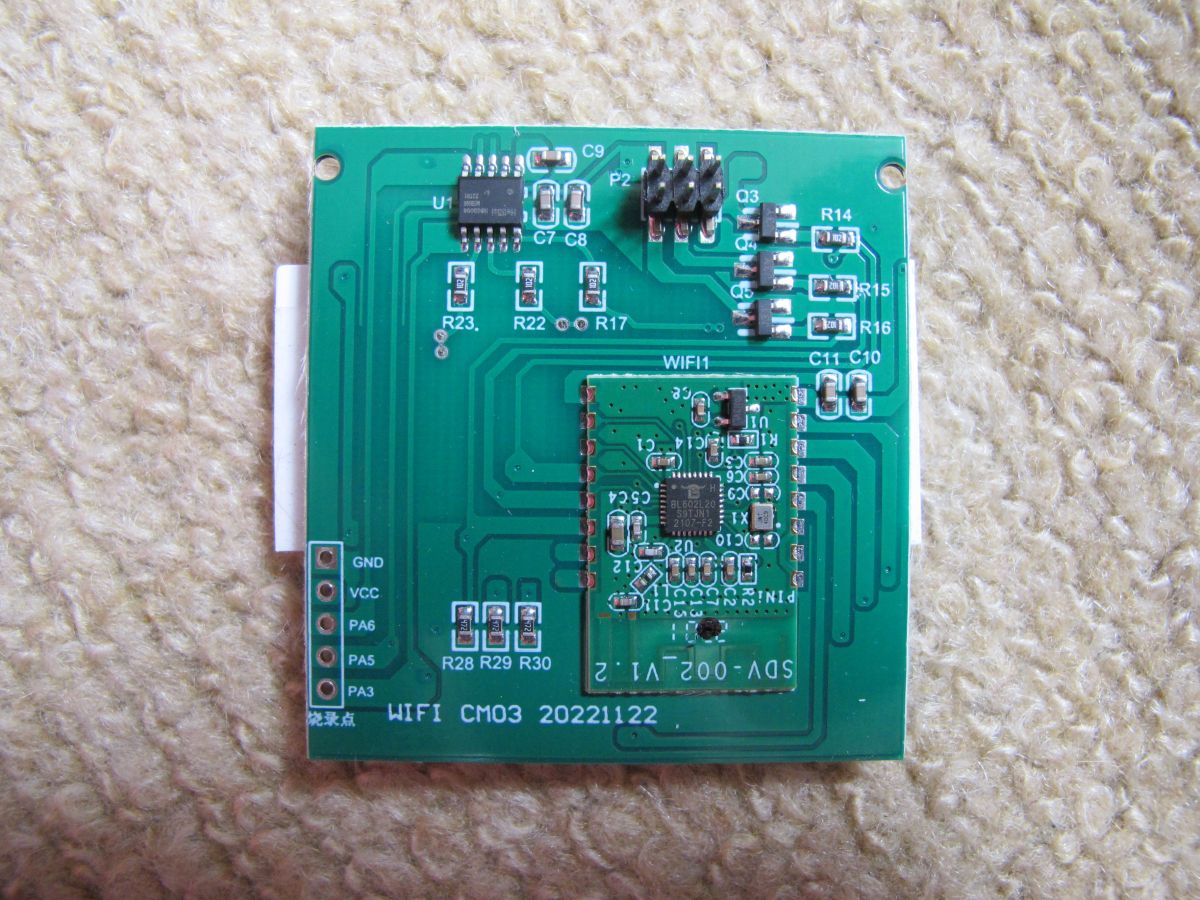
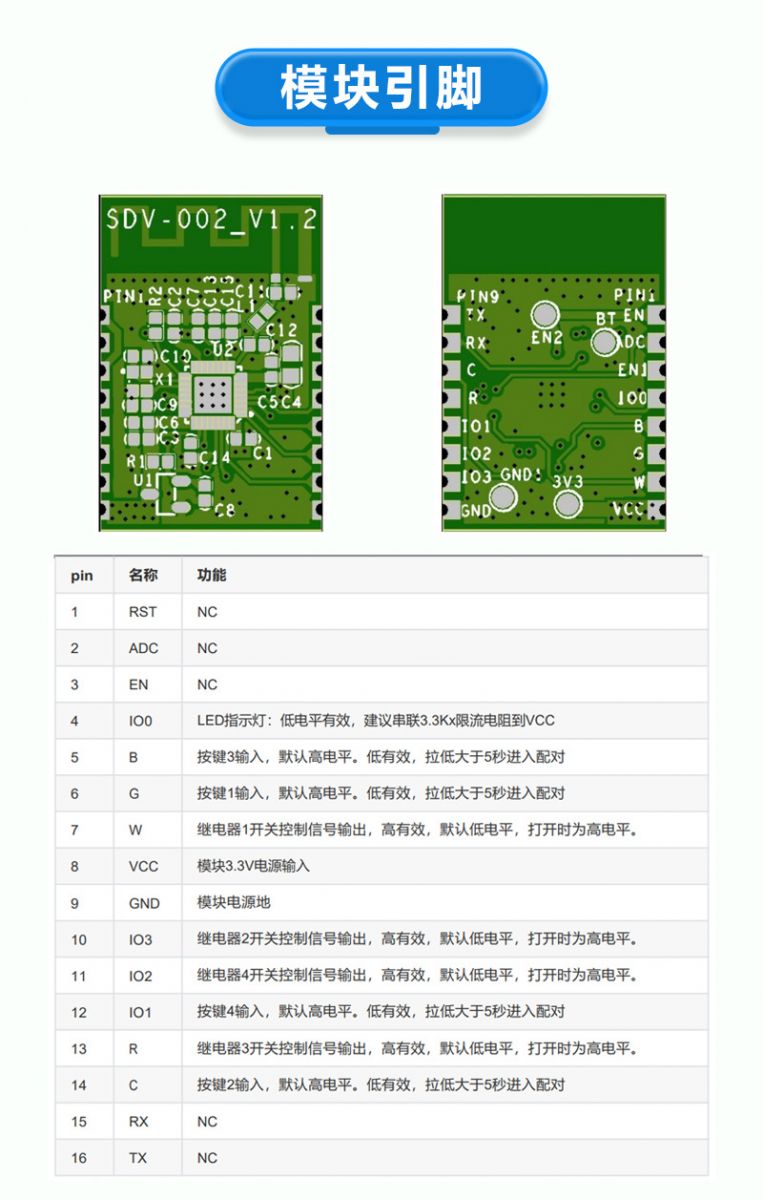
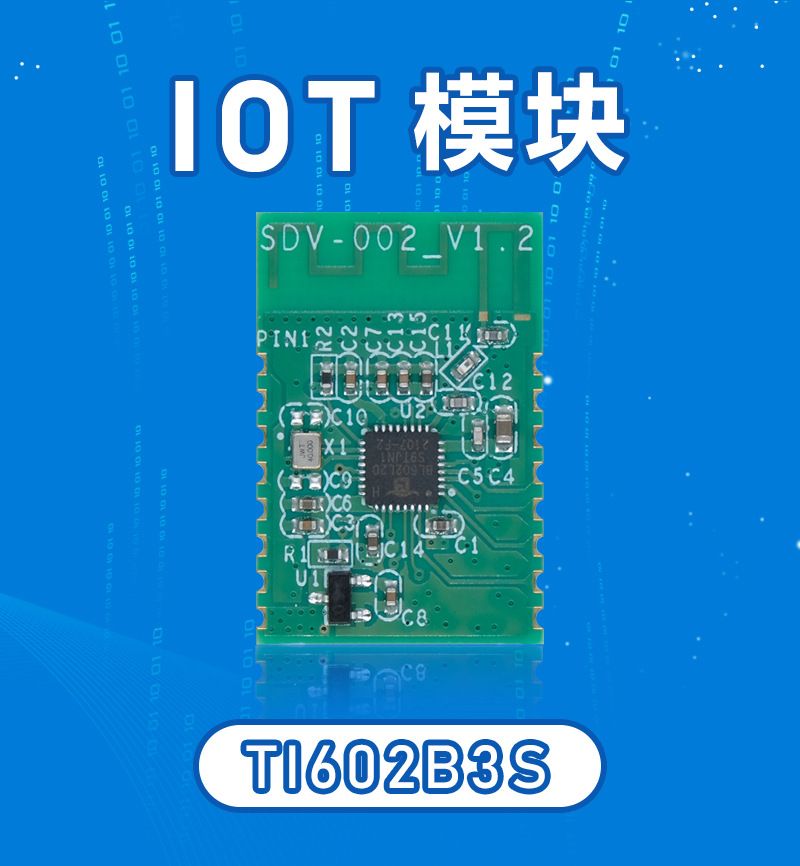
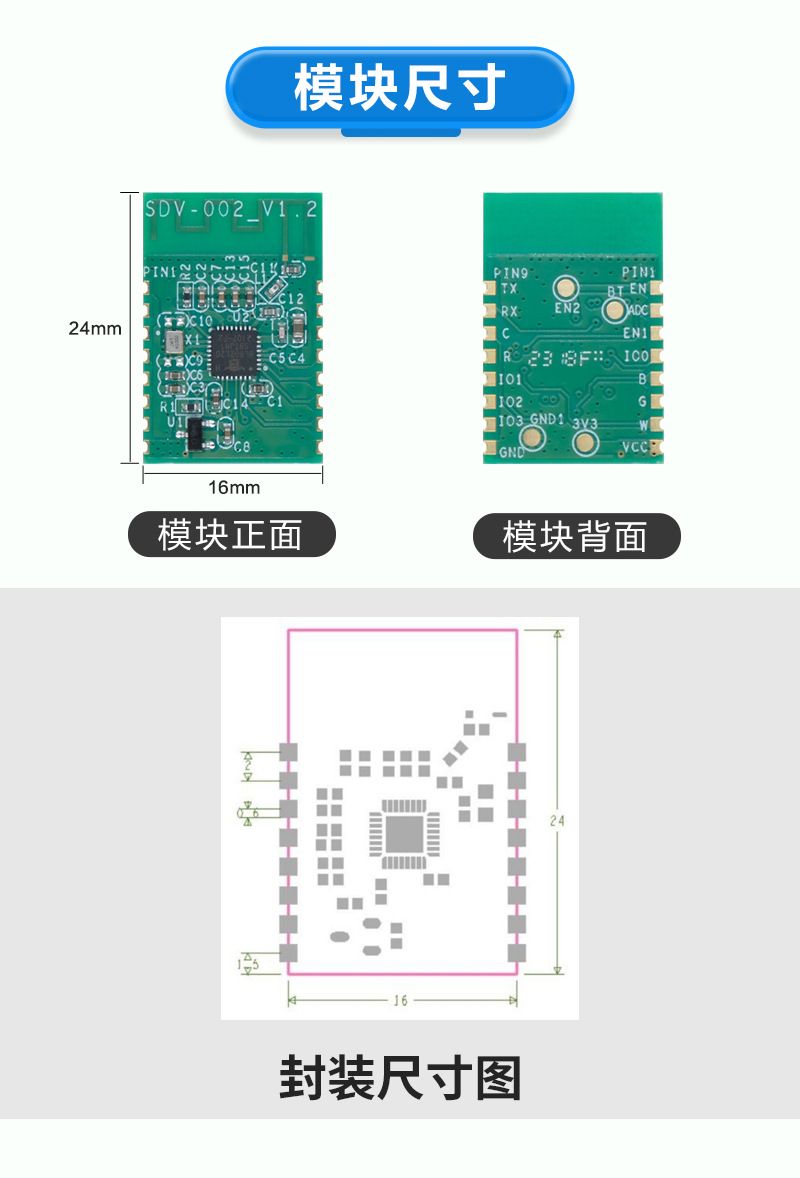
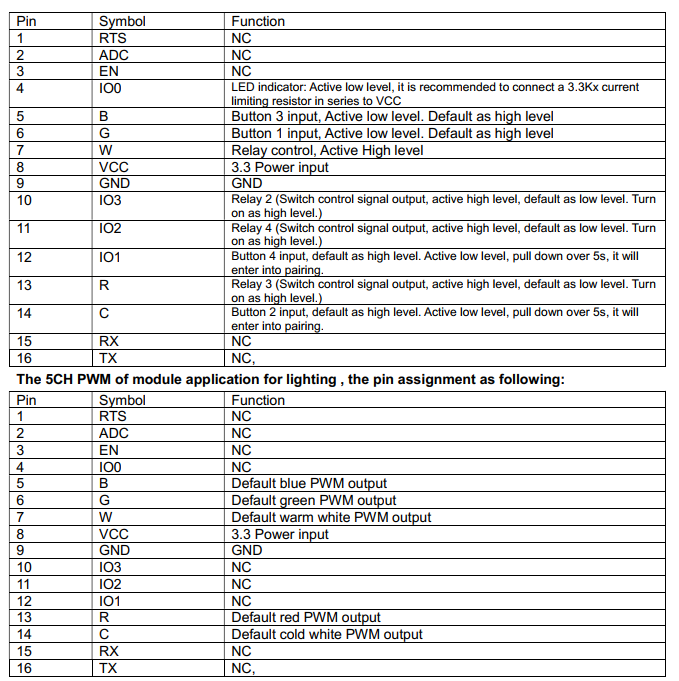
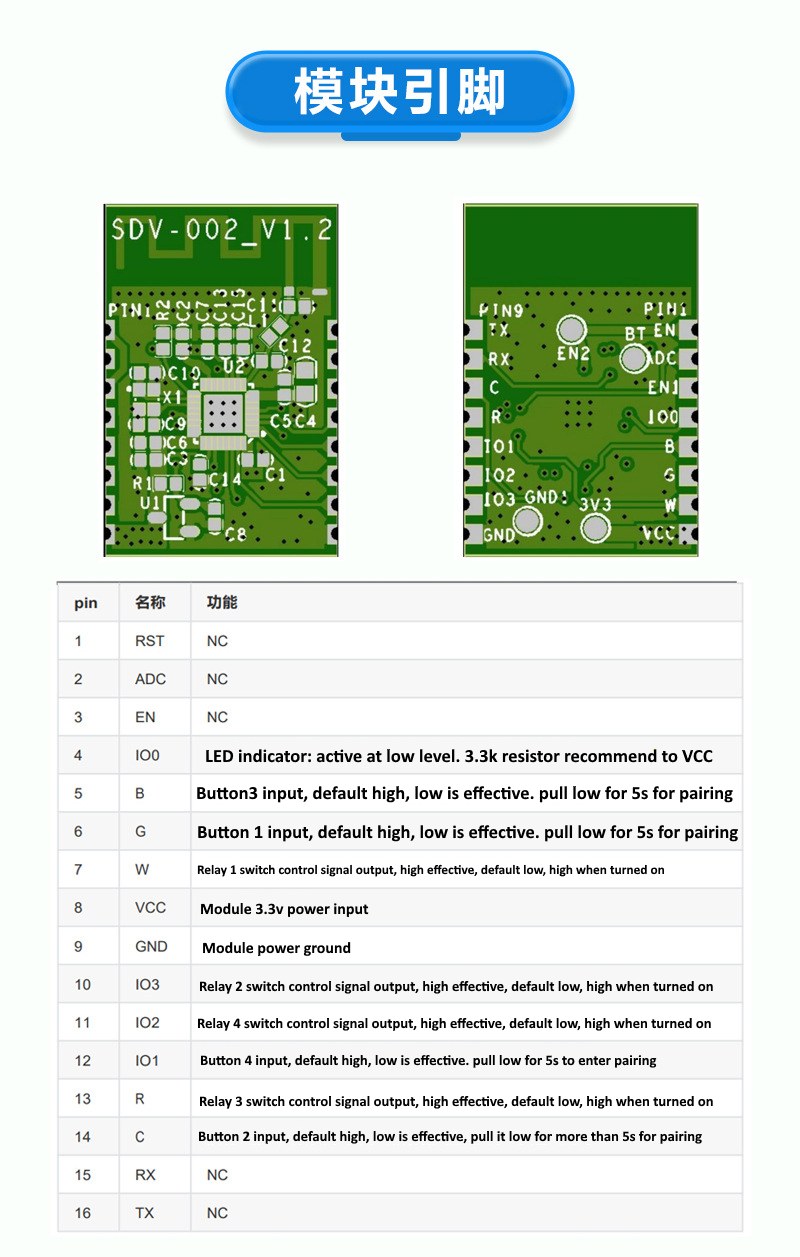
    The SDV-002_V1.2 (TI602B3S) module is made by Trolink. Datasheet attached.

    Table showing pin assignments and functions for the SDV-002_V1.2 module produced by Trolink. The image shows the SDV-002_V1.2 module from Trolink, along with a table explaining the functions of its pins. SDV-002_V1.2 module with pin diagram and pinout table. SDV-002_V1.2 module on a blue background labeled TI602B3S. Image of the SDV-002_V1.2 (TI602B3S) module by Trolink, front and back views, with a component layout diagram.
    Attachments:
    • TI602B3S Datasheet.pdf (964.12 KB) You must be logged in to download this attachment.
  • #38 21196966
    muzzthegreat
    Level 3  
    Posts: 5
    Hi Thanks for this post.
    I recently bought the ST-DC2 which is a 2 channel relay switch but this one came with the BL602 chip. I now see how I can flash this device thanks to this post.
    I would like to put ESPHome on it and link it to my Home Assistant. Has anyone tried this and is it possible?
    Thanks again
  • Helpful post
    #39 21196987
    divadiow
    Level 38  
    Posts: 5121
    Help: 441
    Rate: 904
    muzzthegreat wrote:
    I would like to put ESPHome on it and link it to my Home Assistant. Has anyone tried this and is it possible?


    I'm afraid ESPHome does not support BL602. OpenBeken is your only option I think.
  • #40 21197305
    p.kaczmarek2
    Moderator Smart Home
    Posts: 14677
    Help: 656
    Rate: 12705
    The recommended firmware for new Tuya chips is here:
    https://github.com/openshwprojects/OpenBK7231T_App
    You can find our devices list here:
    https://openbekeniot.github.io/webapp/devicesList.html
    Here are flashing tutorials:
    https://www.youtube.com/@elektrodacom
    Supported platforms:
    
    BK7231T (WB3S, WB2S, WB2L, etc)
    BK7231N (CB2S, CB2L, WB2L_M1, etc)
    BK7231M, this is a non-Tuya version of BK7231N with 00000000 keys, also sometimes in BL2028 flavour
    T34 (T34 is based on BK7231N), see flashing trick
    BL2028N (BL2028N is a Belon version of BK7231N)
    XR809 (XR3, etc)
    BL602 (SM-028_V1.3 etc), see also BL602 flash OBK via OTA tutorial
    LF686 (flash it as BL602)
    W800 (W800-C400, WinnerMicro WiFi & Bluetooth), W801
    W600 (WinnerMicro chip), W601 (WIS600, ESP-01W, TW-02, TW-03, etc)
    LN882H by Lightning Semi - datasheet, see flashing how-to, see sample device teardown and flashing, see new flash tool, see dev board
    Windows, via simulator
    
    Helpful post? Buy me a coffee.
  • #41 21202155
    muzzthegreat
    Level 3  
    Posts: 5
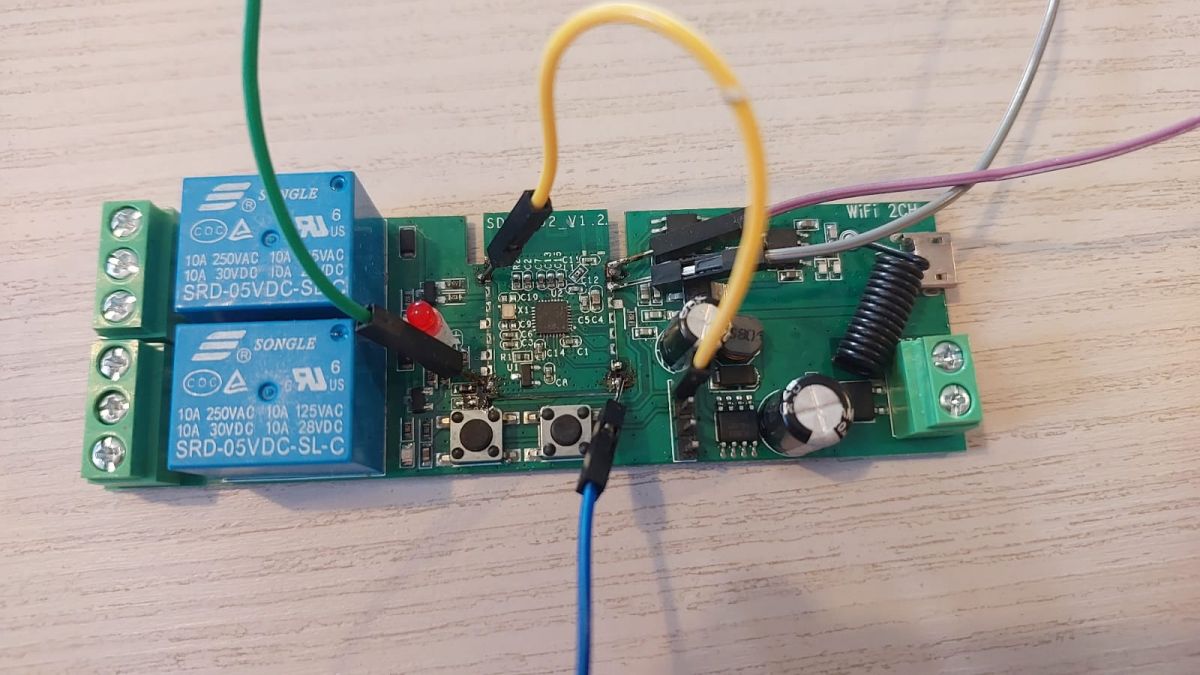
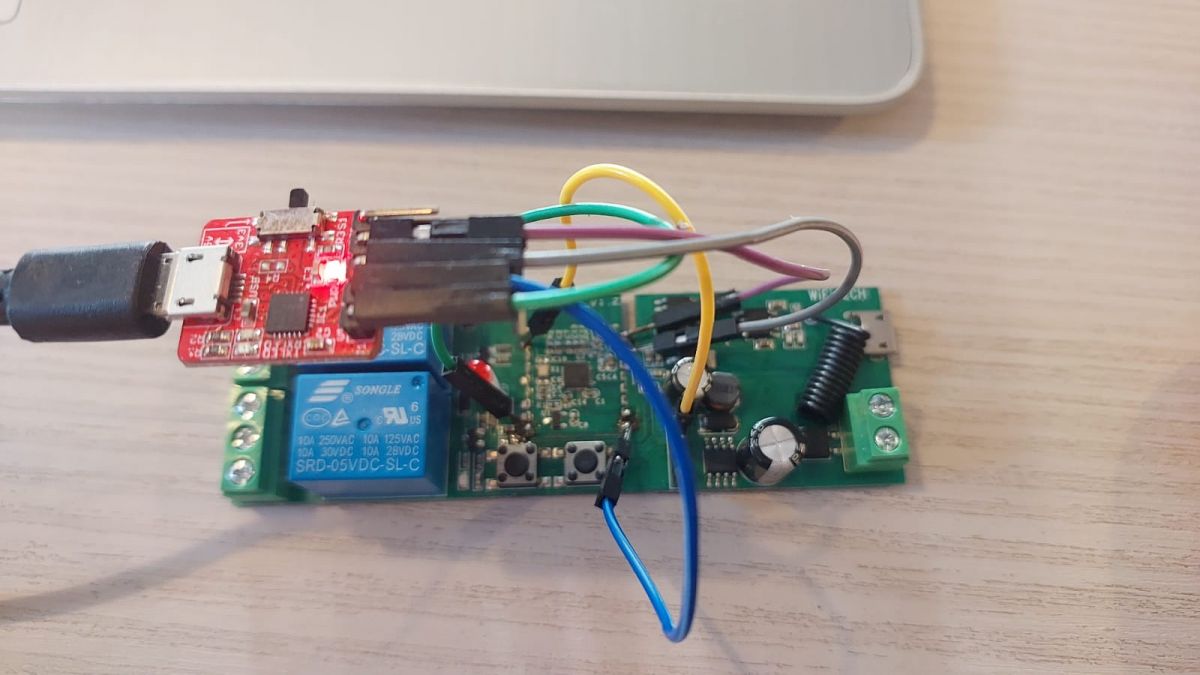
    Thanks for this great post. I have a BL602 chip on the SDV-002 which is a 2 channel LV switch and I have been following these instructions but the Flash keeps saying Error:{ErrorCode: 0050, ErrorMsg: BFLB IMG LOAD SHAKEHAND FAIL}.
    I have checked the RX and TX and even changed them around to check, but still nothing.
    I have connected the EN pin to 3.3V and when I start up I am getting a single flash on and off of the Red LED which I assume means boot mode, If I disconnect this, it has multiple flashes while trying to connect to eWelink.
    This USB to UART device doesn't pick up in the simple flasher, but it does in the newer version of the BLDevCube. I'm not sure if this is the reason, but I do use this device for flashing with ESPhome.
    Any help will be appreciated.

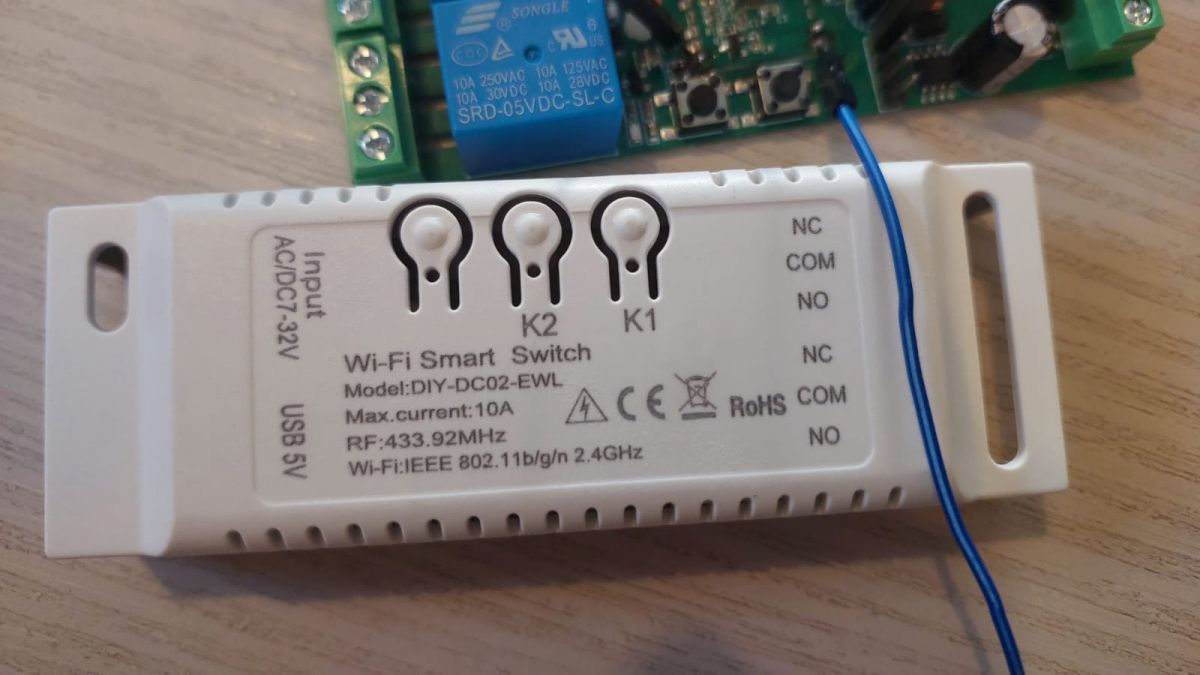
    Electronic circuit with USB to UART module and dual-channel switch. Green PCB with a BL602 chip on SDV-002 module, featuring two blue relays, a red LED, and various wires connected to pins. Close-up of a Wi-Fi Smart Switch DIY-DC02-EWL with visible labels and connectors.
  • #42 21202165
    divadiow
    Level 38  
    Posts: 5121
    Help: 441
    Rate: 904
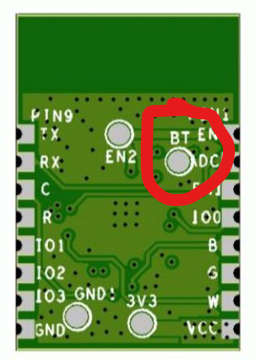
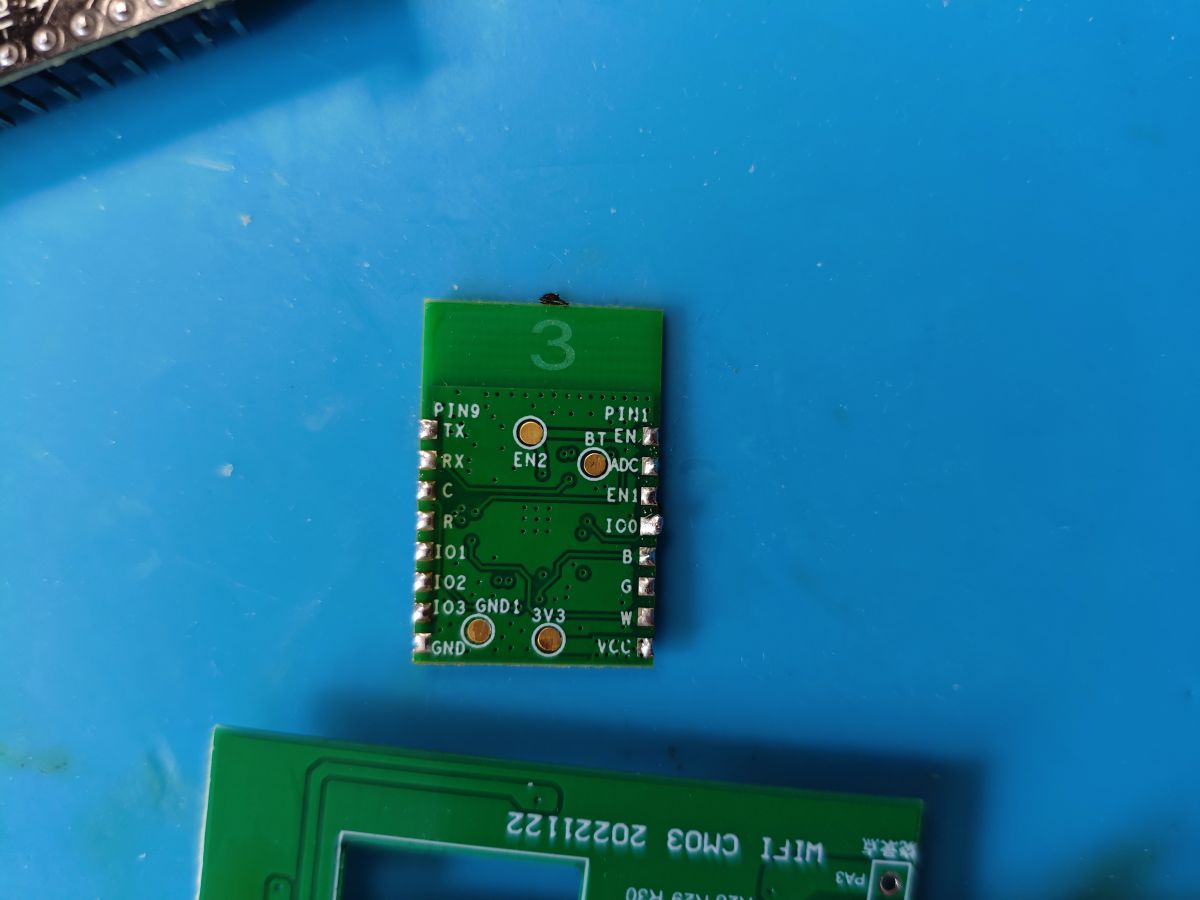
    Hi. You need to pull the BOOT (BT/GPIO8) pin high with a 10K resistor on BL602 to get into UART download mode. This is demonstrated here https://www.youtube.com/watch?v=bs0ylC6xRs0

    The SDV-002_V1.2 module has this pad on the underside

    The image shows the underside of a module with pin labels and a red circle highlighting the BT_EN pad on the circuit board.

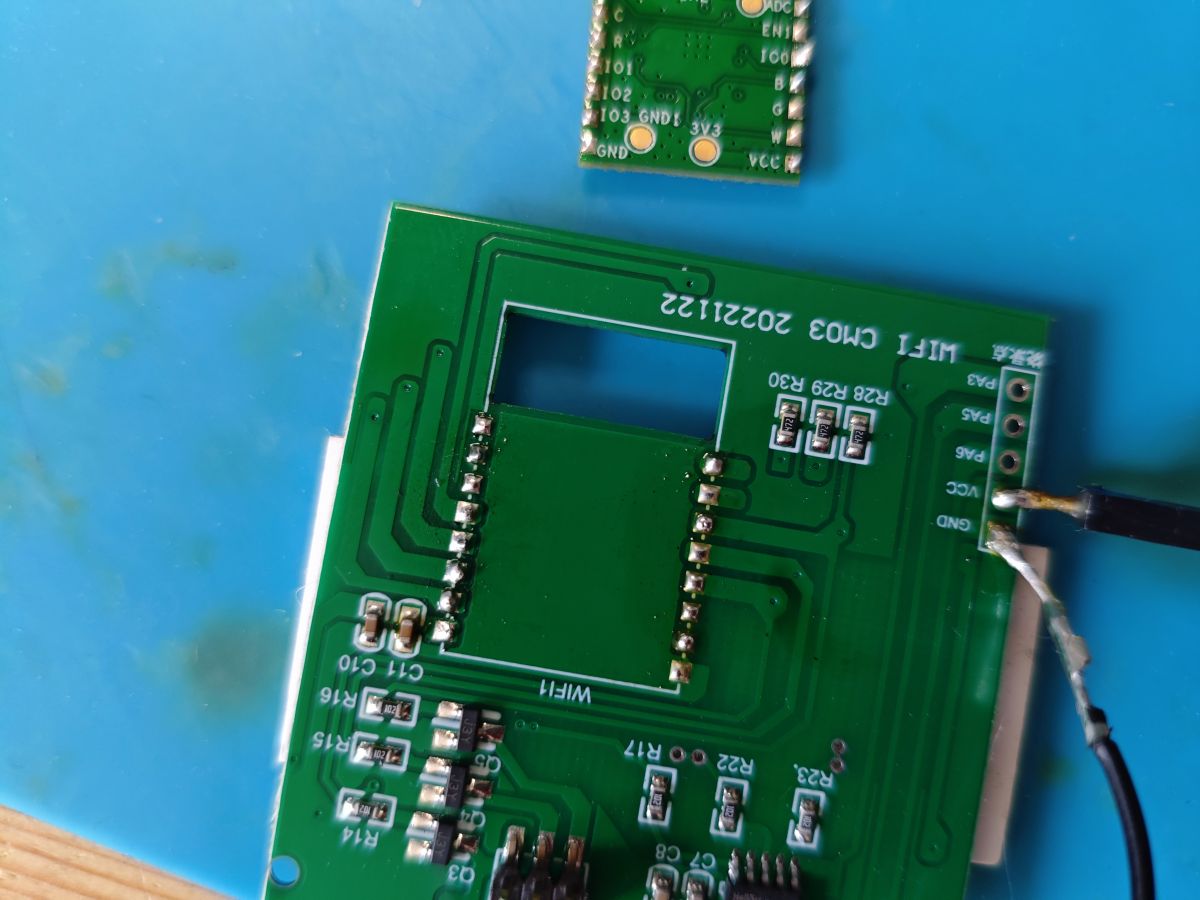
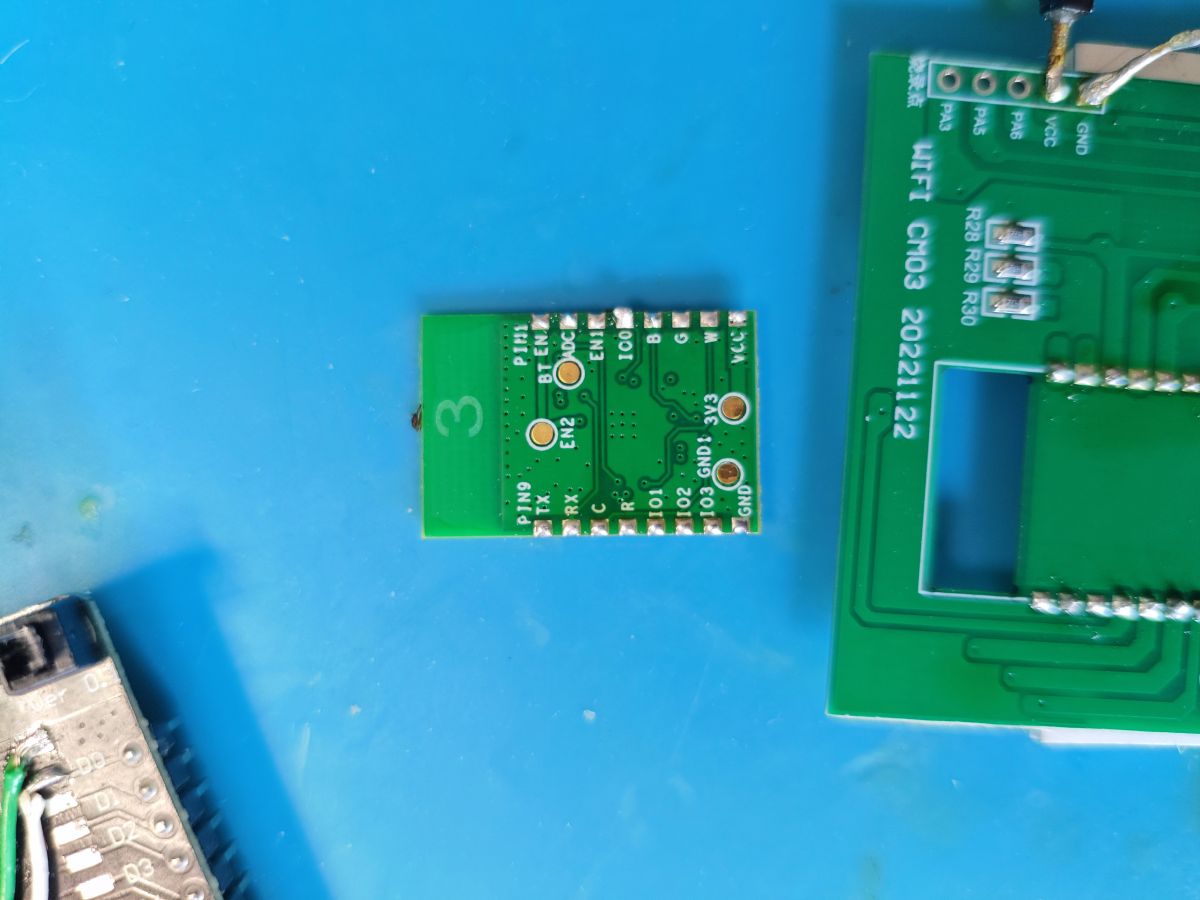
    so you may have to unsolder module if that doesn't trace anywhere else on the main PCB

    Added after 2 [minutes]:

    https://www.elektroda.com/rtvforum/topic3889041.html
  • ADVERTISEMENT
  • #43 21202593
    p.kaczmarek2
    Moderator Smart Home
    Posts: 14677
    Help: 656
    Rate: 12705
    I don't think this tiny USB to UART converter can provide enough current for BL602 to work correctly.,.
    Helpful post? Buy me a coffee.
  • #44 21206179
    muzzthegreat
    Level 3  
    Posts: 5
    patentjyp wrote:
    Here, BT_EN is connected to pin 14 (CHIP_EN) of BL602 (tested with multimeter). Therefore, this BT_EN pin is indeed BOOT.
    The previous post by patentjyp states that the BT_EN pin is the BOOT pin, so I did pull this pin high (albeit not through a 10k resistor, would this matter?).
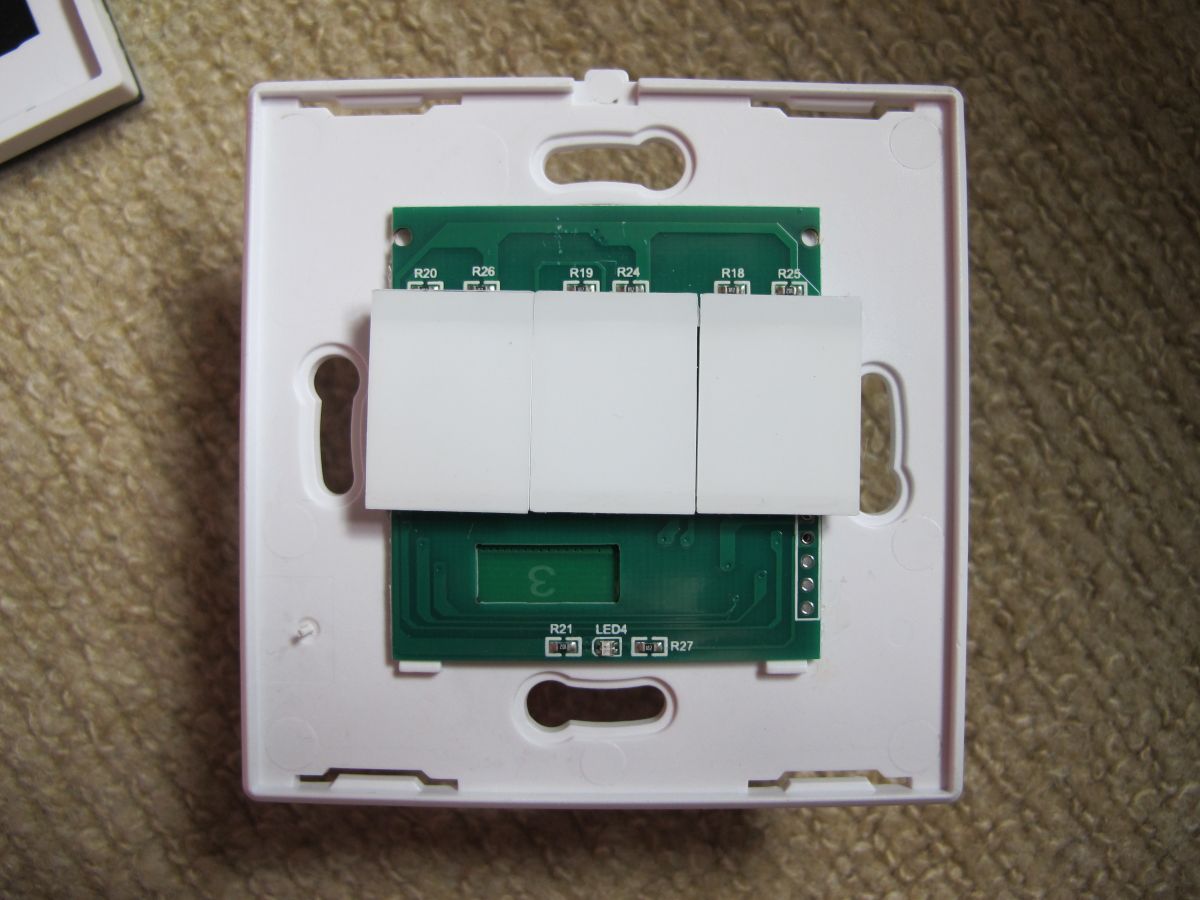
    I am really hoping I don't need to unsolder the board to get to the BT pad. Can anyone confirm this?
    Thanks
  • #45 21206206
    divadiow
    Level 38  
    Posts: 5121
    Help: 441
    Rate: 904
    I do not have an SDV-002_V1.2 to check.

    But the BT and the EN are different labels, one for each pad, not BT_EN for one pad.
  • Boot handshake failure suggests wrong boot mode

    #46 21214288
    muzzthegreat
    Level 3  
    Posts: 5
    I've tried a few different setups trying to boot the SDV-002_V1.2 and I keep getting the same error message in the log

    [22:15:08.999] - shake hand fail
    [22:15:09.121] - Load helper bin time cost(ms): 2958.368408203125
    [22:15:09.121] - {"ErrorCode": "0003","ErrorMsg":"BFLB LOAD HELP BIN FAIL"}
    [22:15:09.121] - Burn Retry
    [22:15:09.121] - 0
    [22:15:09.122] - Burn return with retry fail

    Does this mean that I am not getting it into boot mode?
    The last resort is for me to take the SDV-002_V1.2 off the rest of the board to get to the BT pad at the back, but I have tried to connect directly to the BL602 GPIO8 which I believe is the Boot pin, but still no luck. Any other suggestions that I might try?
    Thanks for the help
  • #47 21214312
    divadiow
    Level 38  
    Posts: 5121
    Help: 441
    Rate: 904
    I'm not sure what else to suggest. Getting to the BT pin or pad is a must to get it into UART download mode.

    Which pin have you connected to? Do you have any clear detailed pics?
  • Flash via R2 pull-up and ESP32-C2 replacement

    #48 21214352
    insmod
    Level 31  
    Posts: 1412
    Help: 164
    Rate: 445
    Before I replaced this module, I successfully flashed it by soldering a wire to R2 and connecting it to 3.3v.
    This method is shown in https://www.elektroda.com/rtvforum/topic3970659.html#20533595.
    If you have the ability to remove the module, why not replace it with an ESP?
    (if you truly decide on ESP, then you will have to pull up the strapping pin (IO0 on ESP-12) through a resistor. I used an esp32-c2 module and 1K resistor)
  • #49 21214457
    muzzthegreat
    Level 3  
    Posts: 5
    >>21214352
    This was exactly what I did, I connected R2 to 3.3V through a resistor.
    The light on the board flashes differently so I believe that something is happening, but it keeps telling me "shake hand fail".
    Could it be that my usb converter is not working or is it definitely not getting into boot mode?
  • #50 21214638
    p.kaczmarek2
    Moderator Smart Home
    Posts: 14677
    Help: 656
    Rate: 12705
    You can try lower baud rates, swapping RX and TX, or different USB to UART converter
    Helpful post? Buy me a coffee.
  • Helpful post

    BL602 4-gang switch flashed with OPNBKN pin map

    #52 21452814
    dullu
    Level 5  
    Posts: 3
    Help: 1
    Rate: 2
    HI,
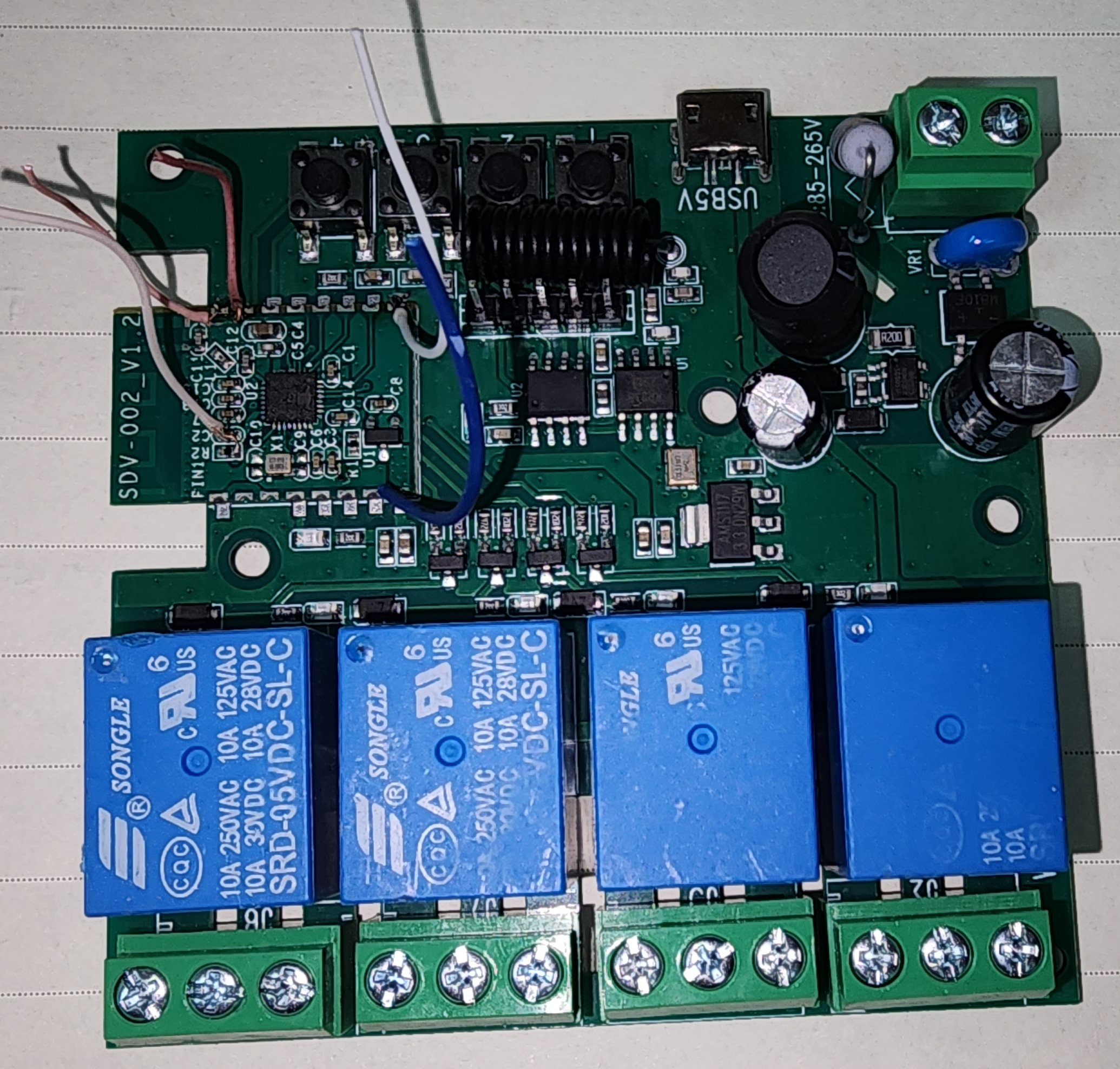
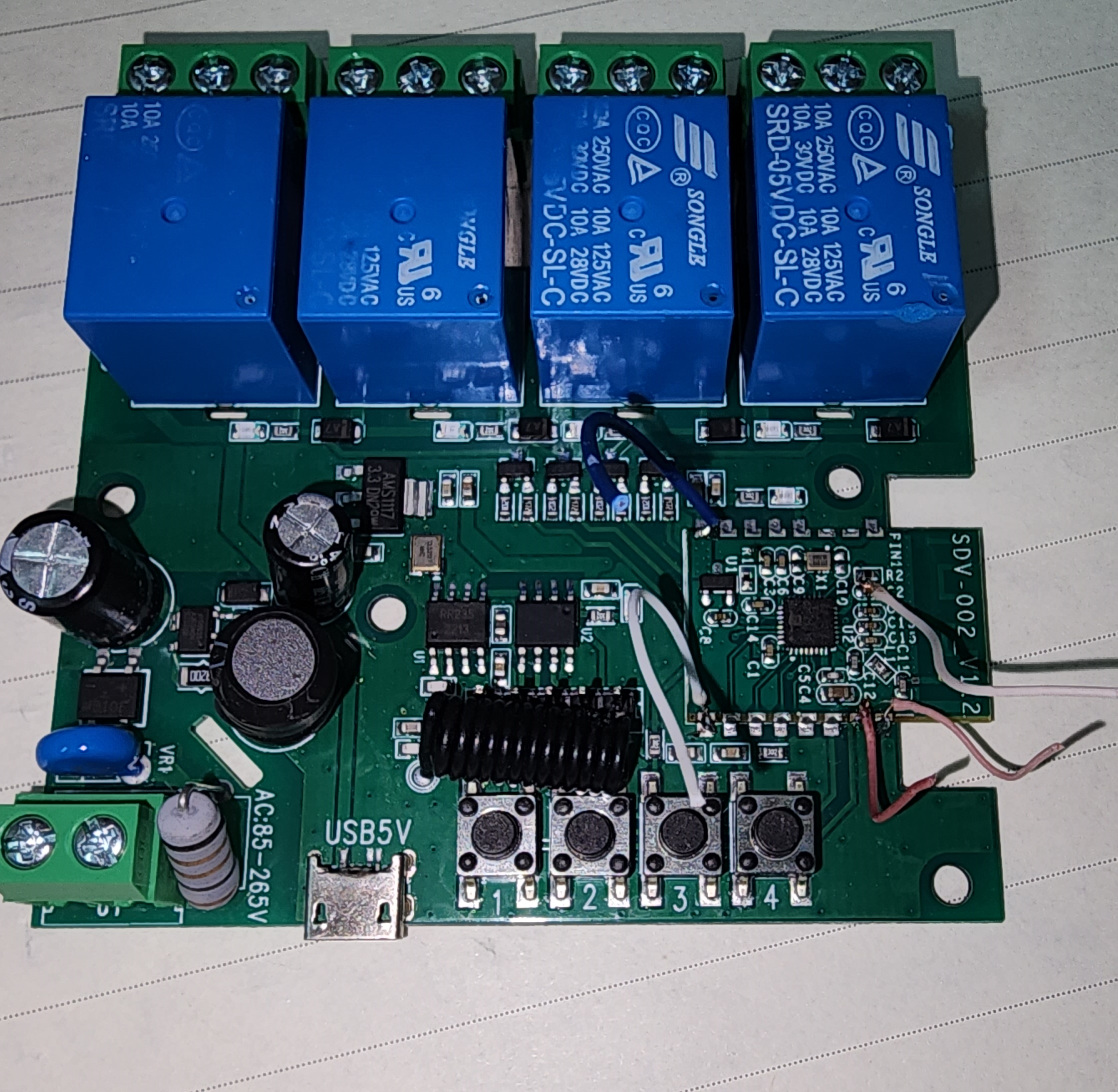
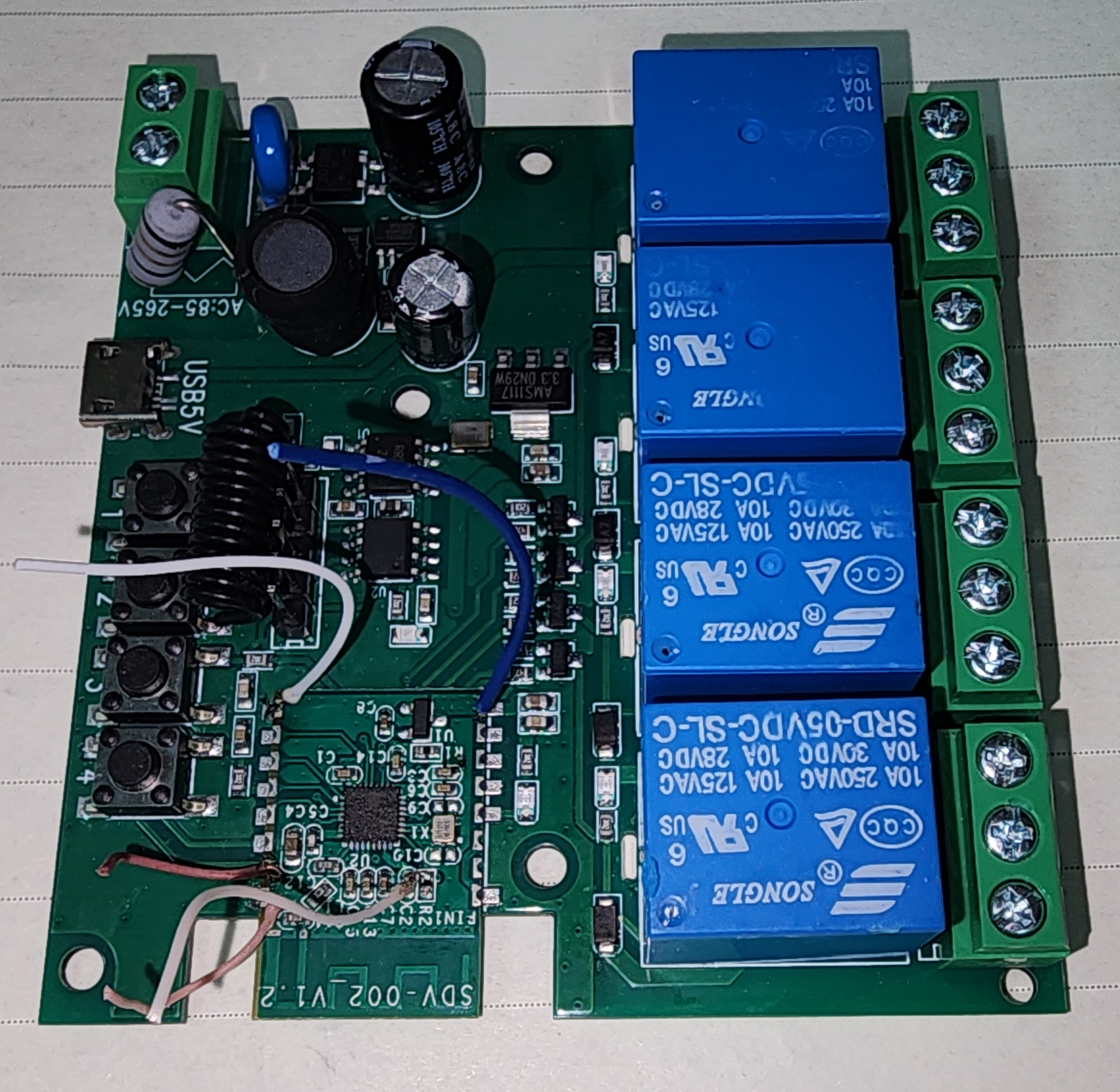
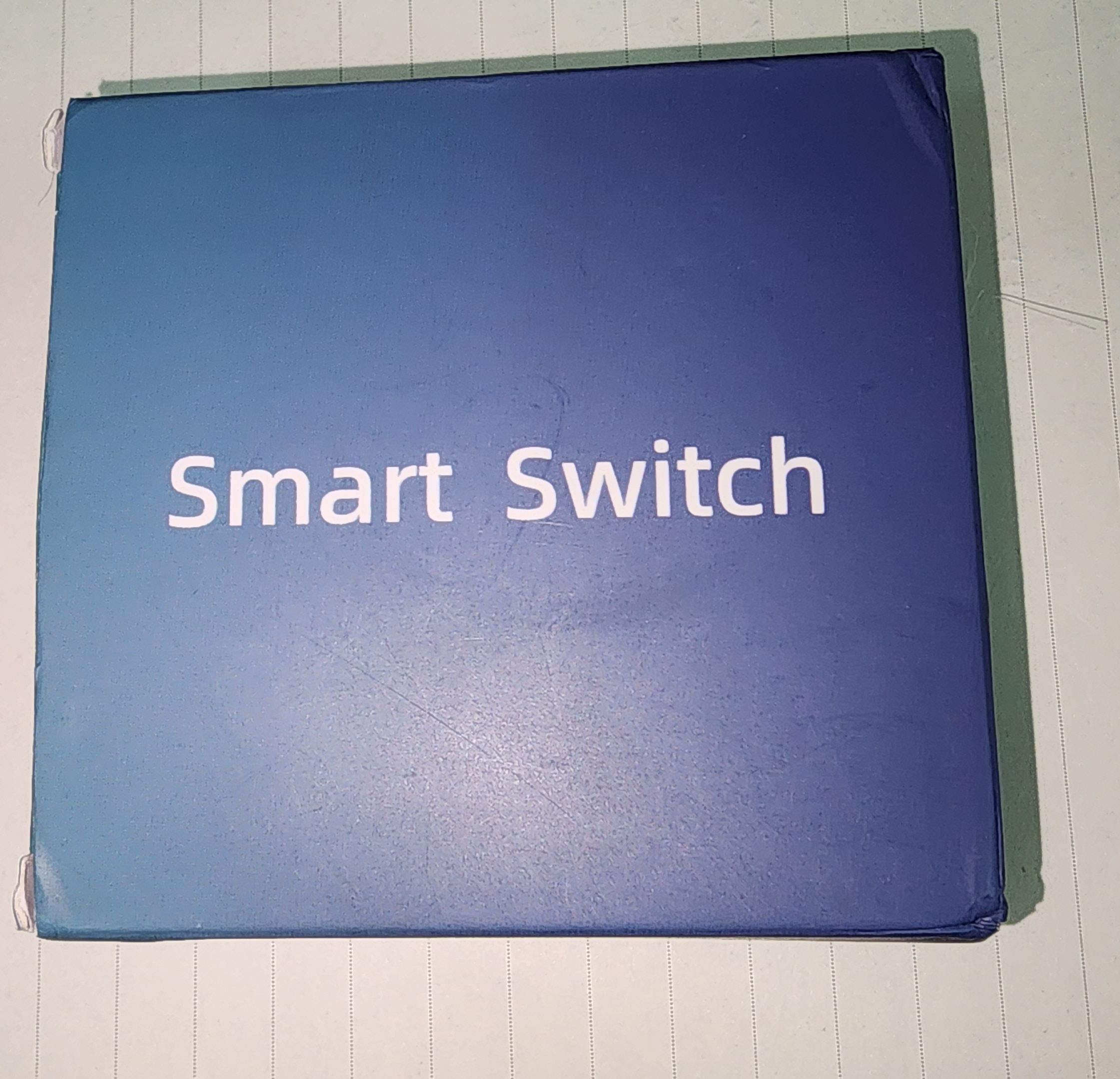
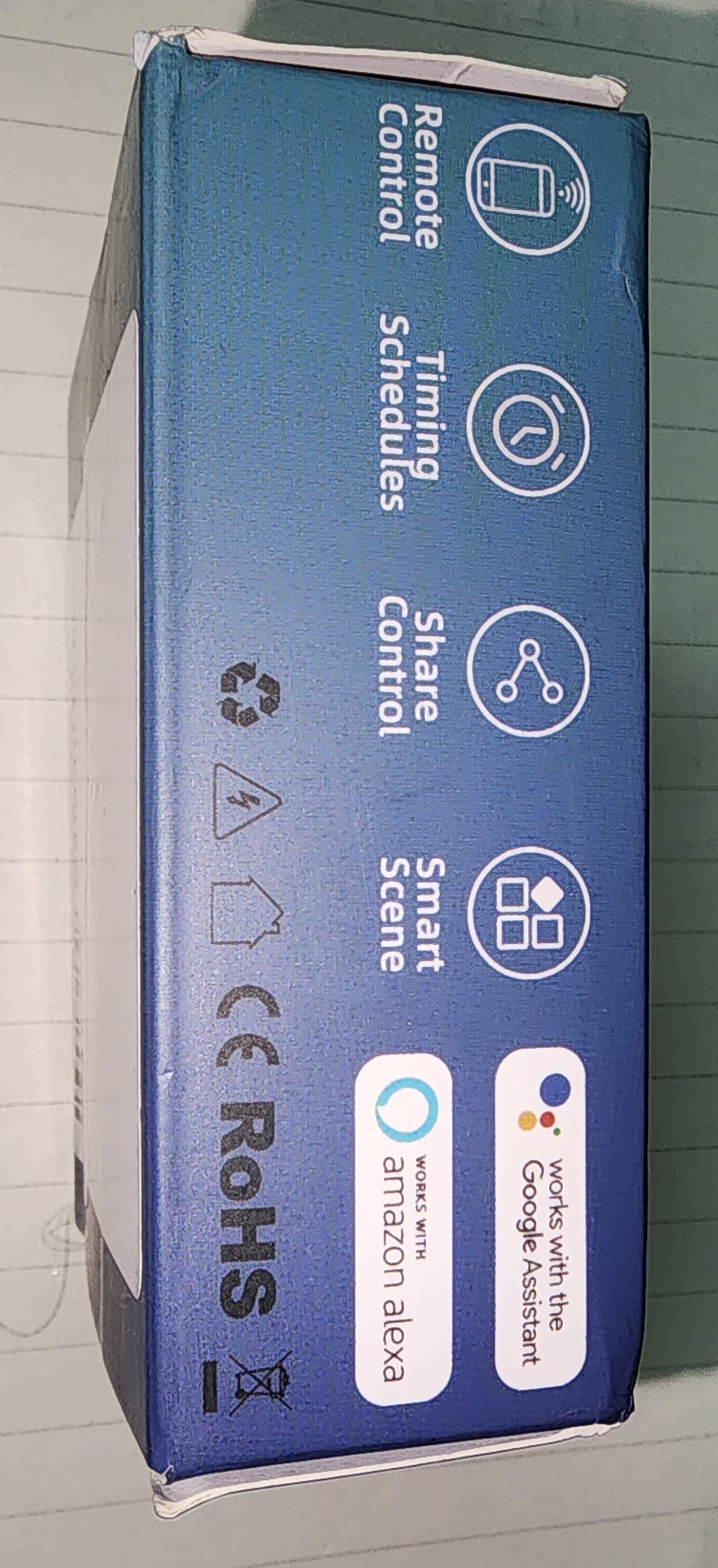
    I am posting this to help if someone has the same 4-ch and wants to flash it.
    I received a 4-Gang switch from Aliexpress.
    opened it and found BL602L20 Module SDV-002_V1.2 (it can be configured via Ewelink app)
    This has 4 relays, 4 buttons, WIFI 433MHz
    Blue box with the text Smart Switch on top.
    Smart home device packaging showing features like remote control and schedules.
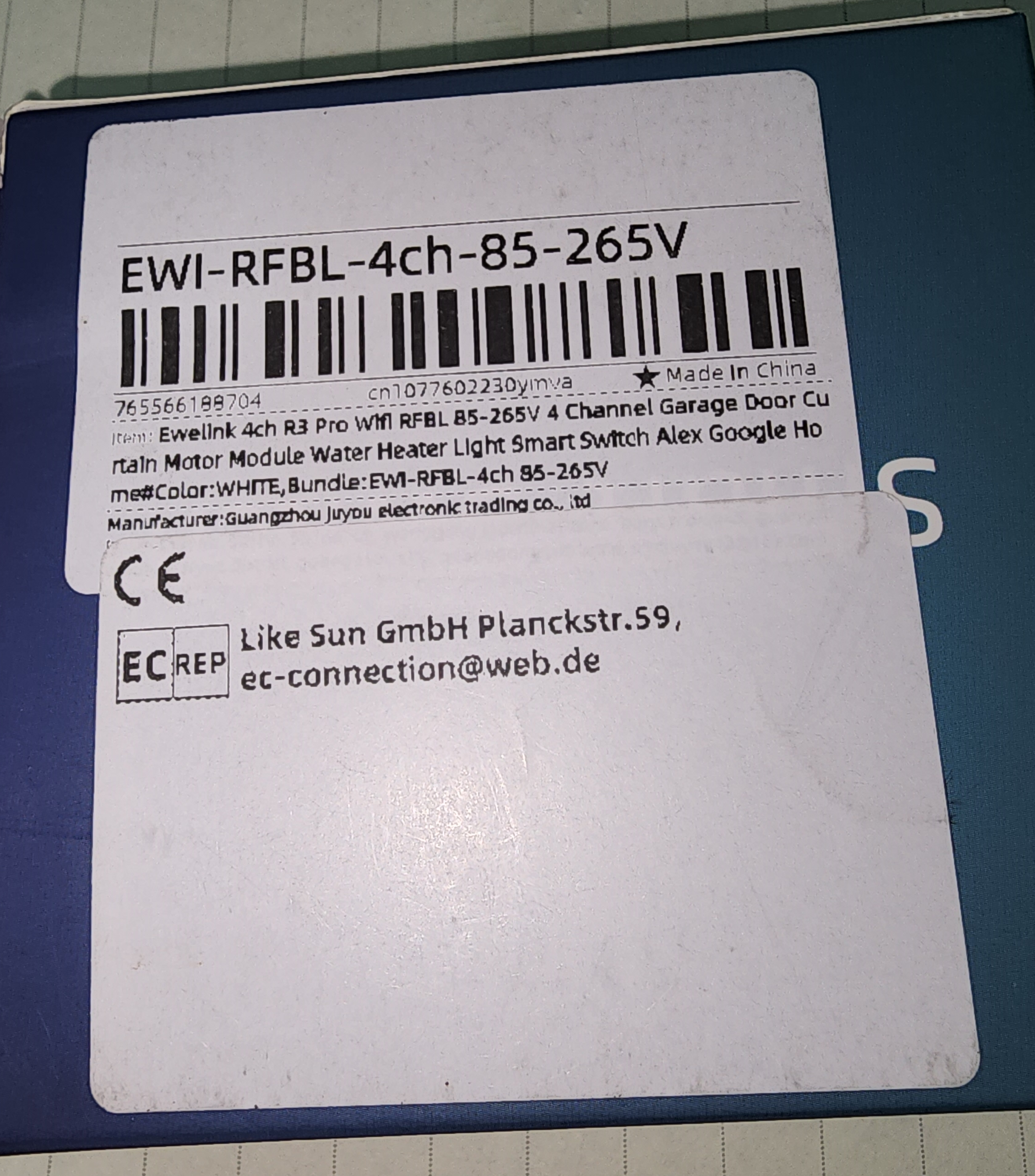
    Product label with barcode and information about a smart module.

    With the help of this forum thread, I successfully flashed the latest version of OPNBKN on it.

    Circuit board with blue relays and various electronic components.
    Close-up of an electronic PCB with four blue relays.
    Electronic circuit board with blue relays and various components.

    I tried to use an already available template for 4-ch but its pin assignment was different than this board.
    So, I used GPIO finder and assigned each 4 nos. of relays and buttons to their correct pins.

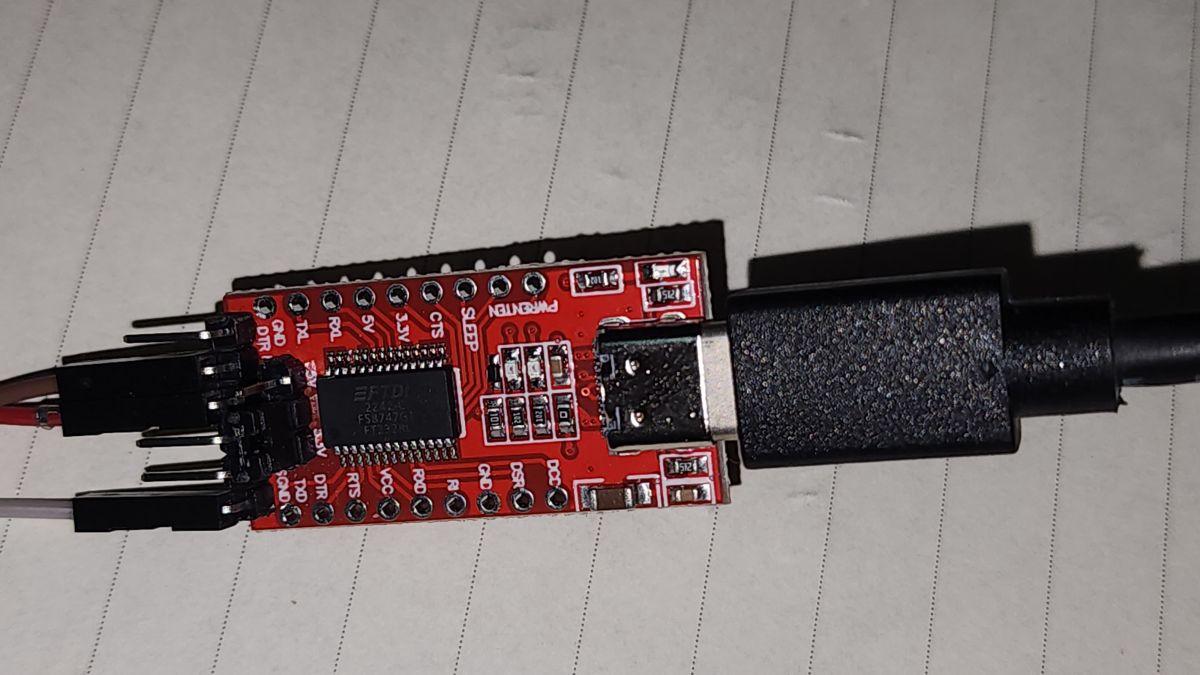
    By the way, I used FTDI usb to TTL adaptor. which was working nicely up to 1000000 baud (even works with 2000000 baud with short wire lengths.)

    FTDI USB to UART adapter on white paper.

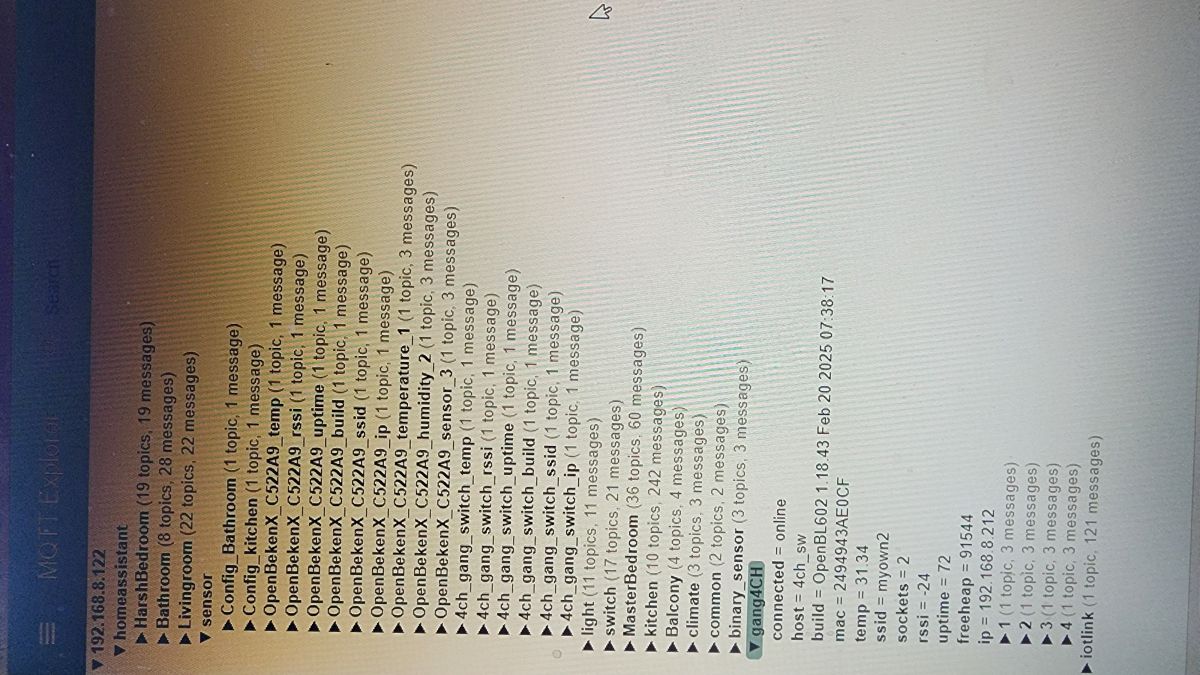
    configured MQTT etc. and finally it showed up as a device in Home-assistant.
    Screen of the MQTT Explorer application with topics and messages.

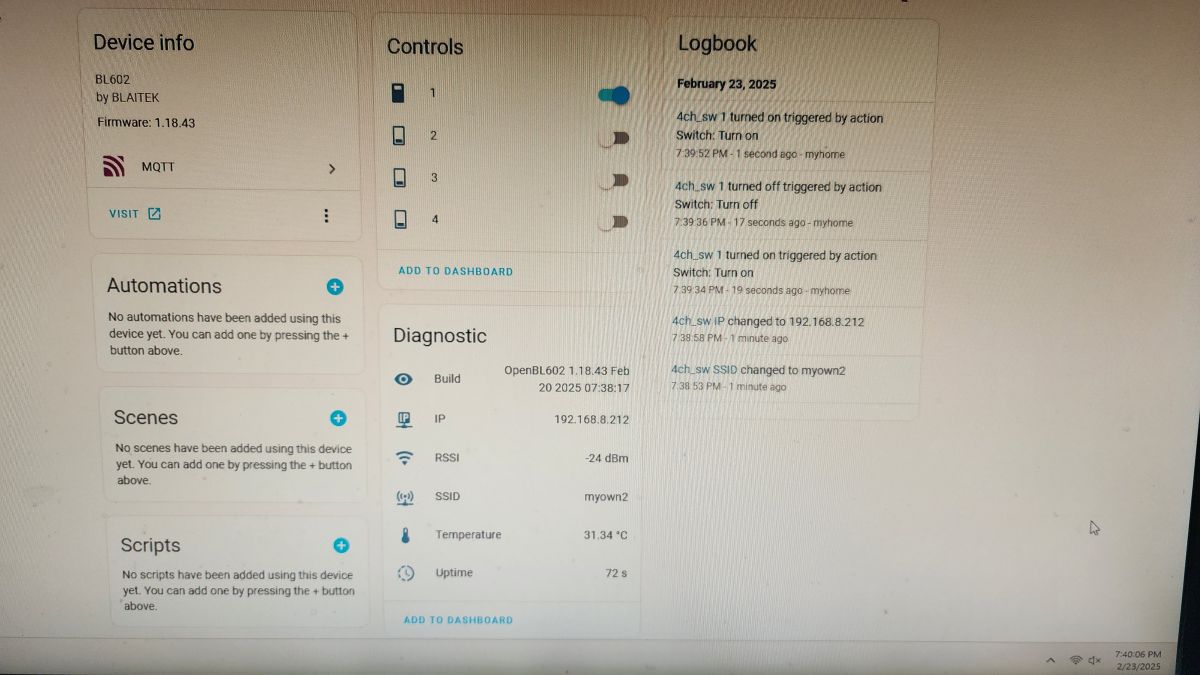
    and in home assistant it showed up instantly.....
    Display of BL602 device interface with control panel, diagnostics, and logs.

    My config is as below....
    Spoiler:

    {
    "vendor": "Tuya",
    "bDetailed": "0",
    "name": "Full Device Name Here",
    "model": "enter short model name here",
    "chip": "BL602",
    "board": "TODO",
    "flags": "134218820",
    "keywords": [
    "TODO",
    "TODO",
    "TODO"
    ],
    "pins": {
    "0": "Rel;4",
    "1": "Btn;4",
    "2": "Rel;1",
    "3": "Rel;3",
    "14": "Btn;1",
    "20": "Btn;3",
    "21": "Btn;2",
    "22": "Rel;2"
    },
    "command": "",
    "image": "https://obrazki.elektroda.pl/YOUR_IMAGE.jpg",
    "wiki": "https://www.elektroda.com/rtvforum/topic_YOUR_TOPIC.html"
    }


    Original device image backup before OPNBK flashing is attached here.
    4gang_BL60...0_baud.zip (588.35 kB)You must be logged in to download this attachment.
  • Helpful post

    Backup flashed and eWeLink pairing confirmed

    #53 21454829
    divadiow
    Level 38  
    Posts: 5121
    Help: 441
    Rate: 904
    >>21452814
    https://github.com/OpenBekenIOT/webapp/pull/185

    Added after 6 [minutes]:

    >>21452814

    no wifi LED?

    Added after 2 [minutes]:

    boot log

    Code: Text
    Log in, to see the code


    Added after 23 [minutes]:

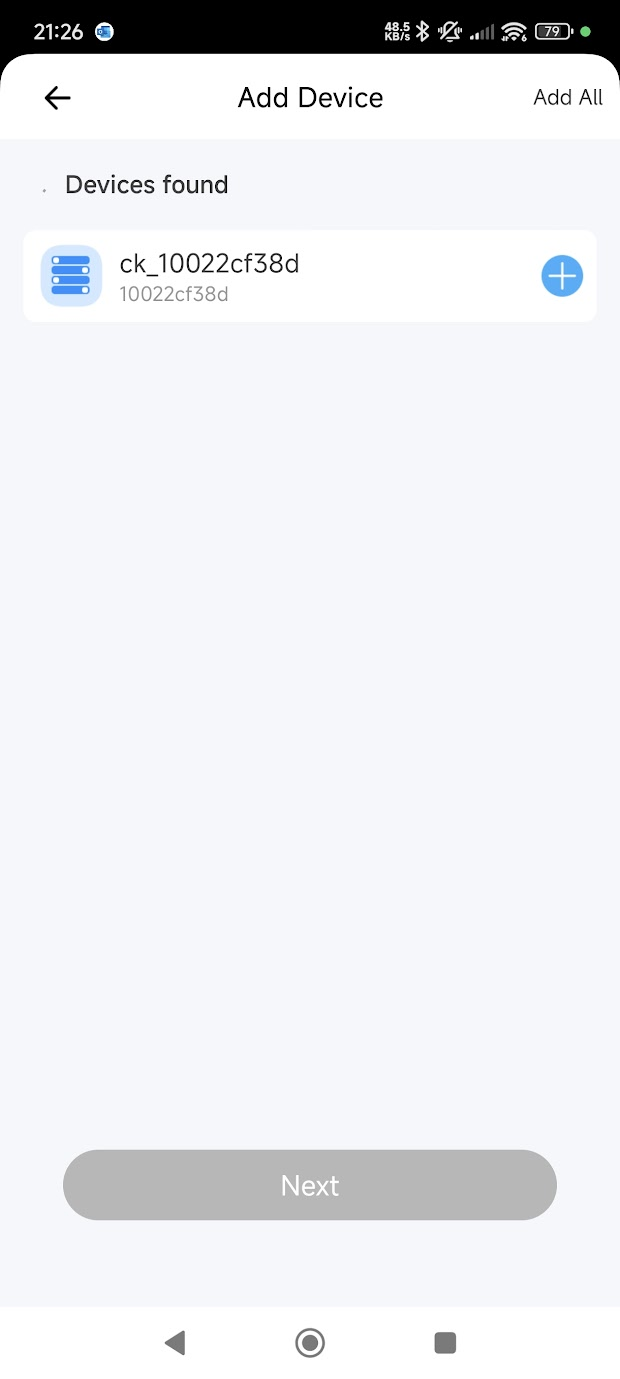
    I flashed your backup and was able to pair it in eWeLink app.

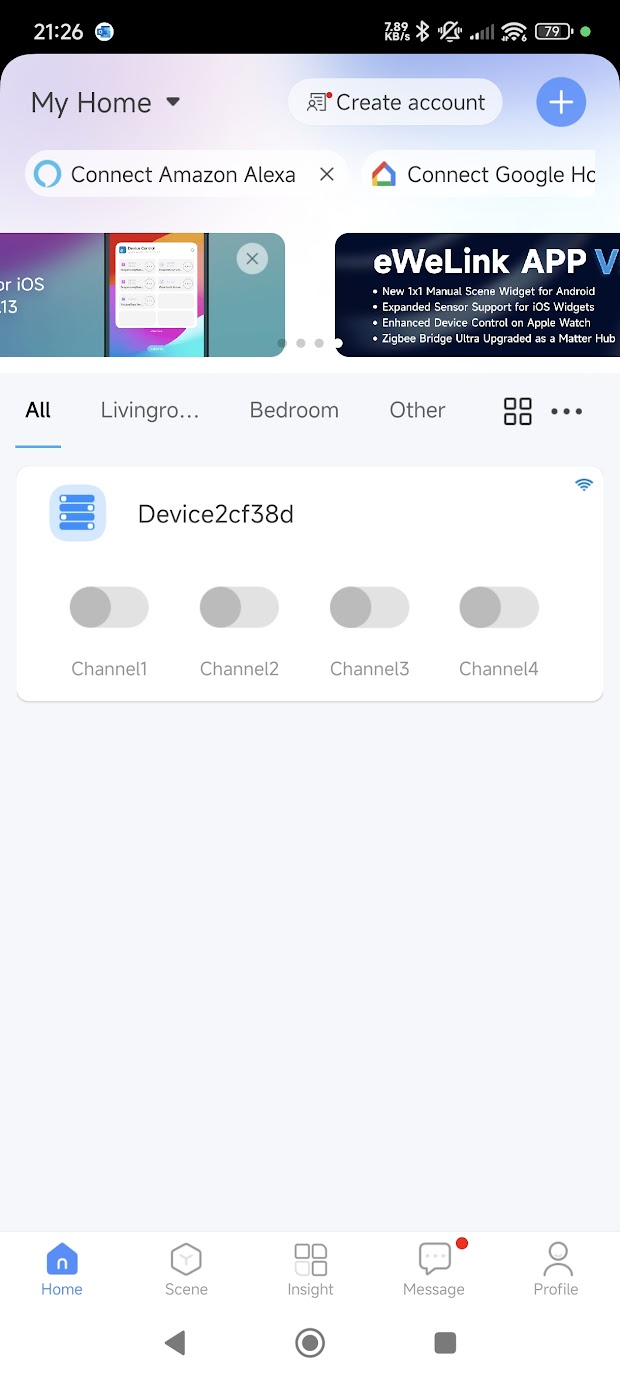
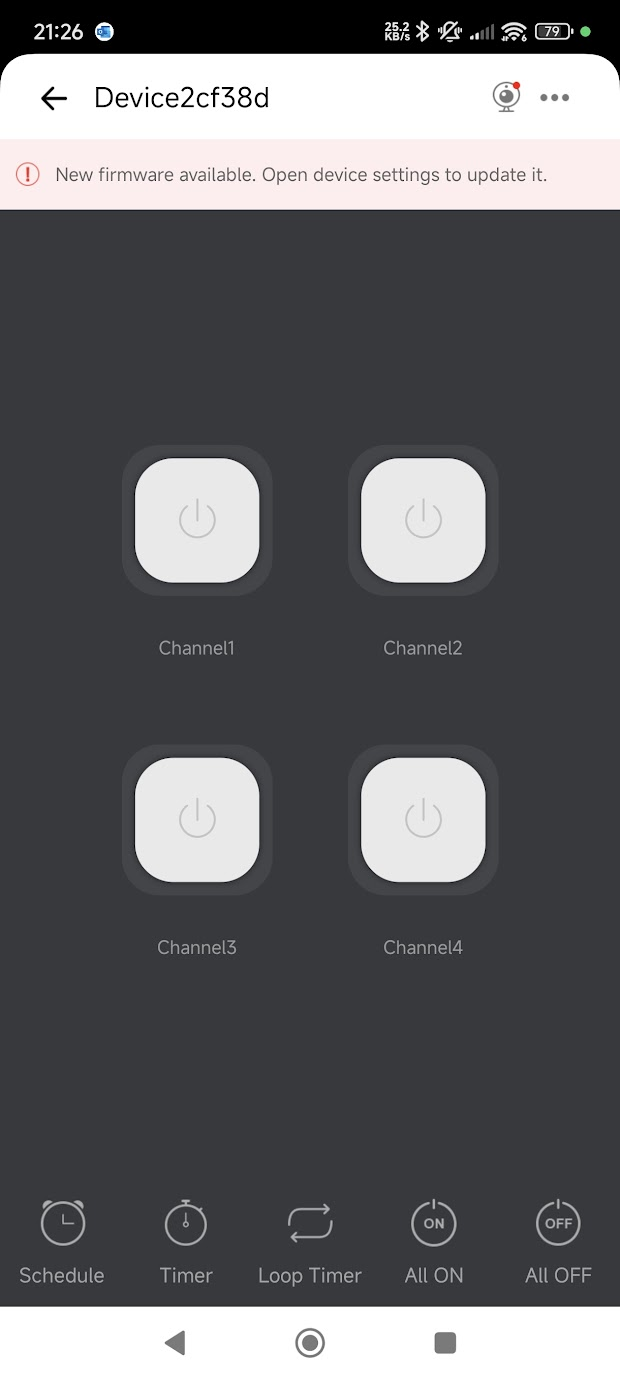
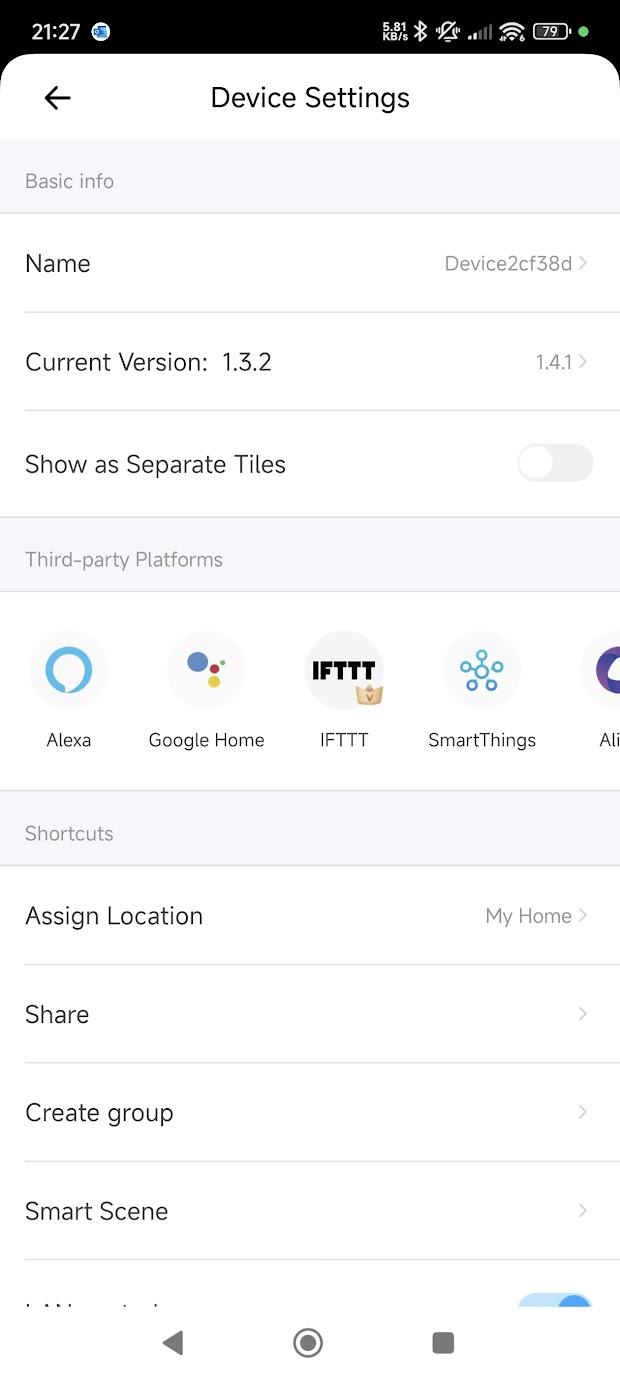
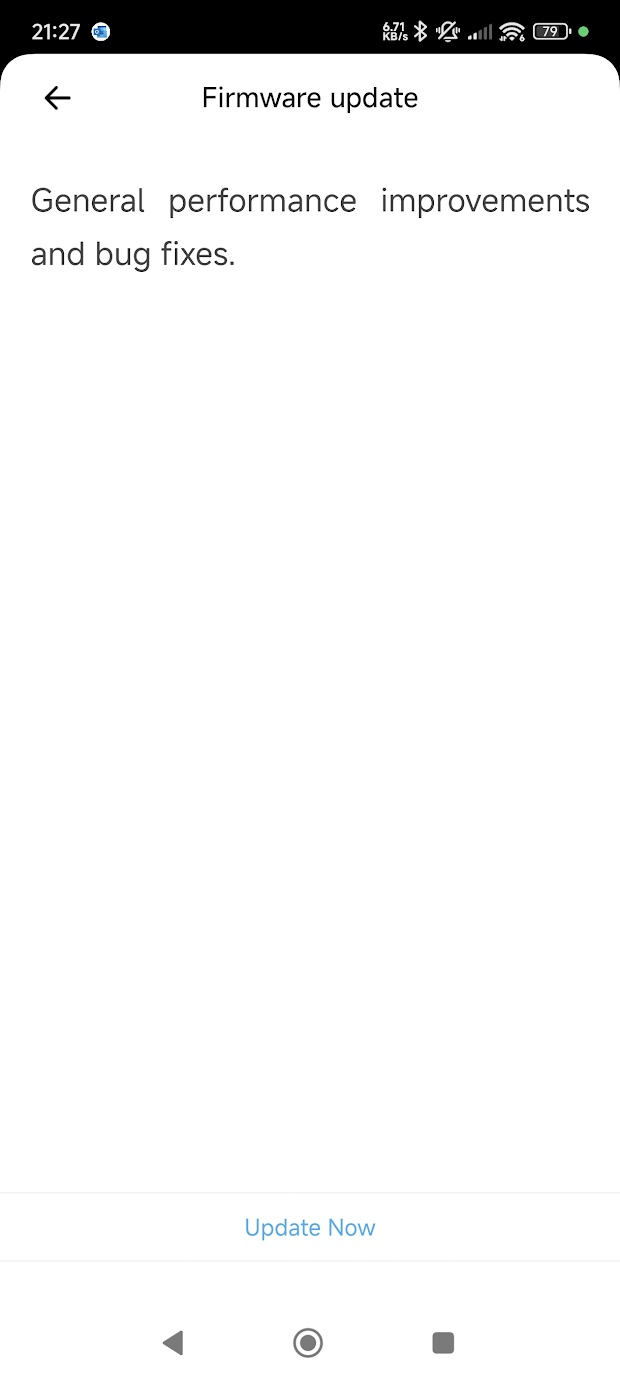
    It also offers a firmware update from 1.3.2 to 1.4.1. After update the boot log is more verbose
    App screen for adding a device, showing a found device named ck_10022cf38d.
    Screenshot showing a home device management app interface. Screenshot of a remote device control app with four channel buttons. Device settings with version 1.3.2 and integrations with Alexa, Google Home, IFTTT, SmartThings, and AliGenie platforms. Firmware update screen with performance improvements and bug fixes. Firmware update screen with a message about performance improvements and device restart.

    Code: Text
    Log in, to see the code


    both versions will be here in a pairing state https://github.com/openshwprojects/FlashDumps/tree/main/IoT/BL602

    eWeLink_4Ch_Relay_PCB_(FWSW-HSBL602-SWITCH-BL602L)_(CK-BL602-4SW-HS)_xxx.bin
  • ESP-12S pinout appears compatible with SDV-002_V1.2

    #54 21483420
    feldsam
    Level 1  
    Posts: 1
    Hello guy, I am looking to buy two of these single relay modules to control my garage door and gate: https://www.aliexpress.com/item/1005006140417293.html, they have 7-32V AC/DC input, which is great for this application. Standard VCC on openers is 24V AC. When I am looking on this SDV-002_V1.2 module, it is very similar to ESP-12S. When I am checking pinout from post #37 and comparing to ESP-12S pinout, then there is a match! I am going to order these modules along with ESP-12S and I think it is possible to just replace the control module by ESP one and load ESPHome onto it. Does anybody try this?
  • #55 21483654
    insmod
    Level 31  
    Posts: 1412
    Help: 164
    Rate: 445
    >>21483420
    I don't know if ESP-12S internal 10K pull-up on GPIO0 is enough to start the module. You may have to add 1K resistor like i did in #48.
  • No datasheet found for Hellosi H8G chip

    #56 21534158
    divadiow
    Level 38  
    Posts: 5121
    Help: 441
    Rate: 904
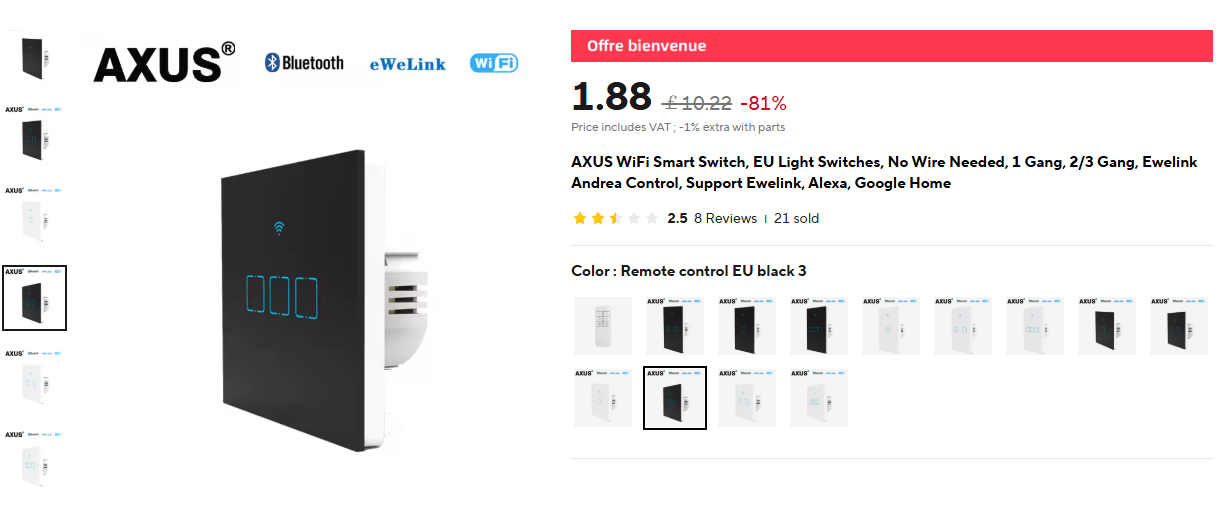
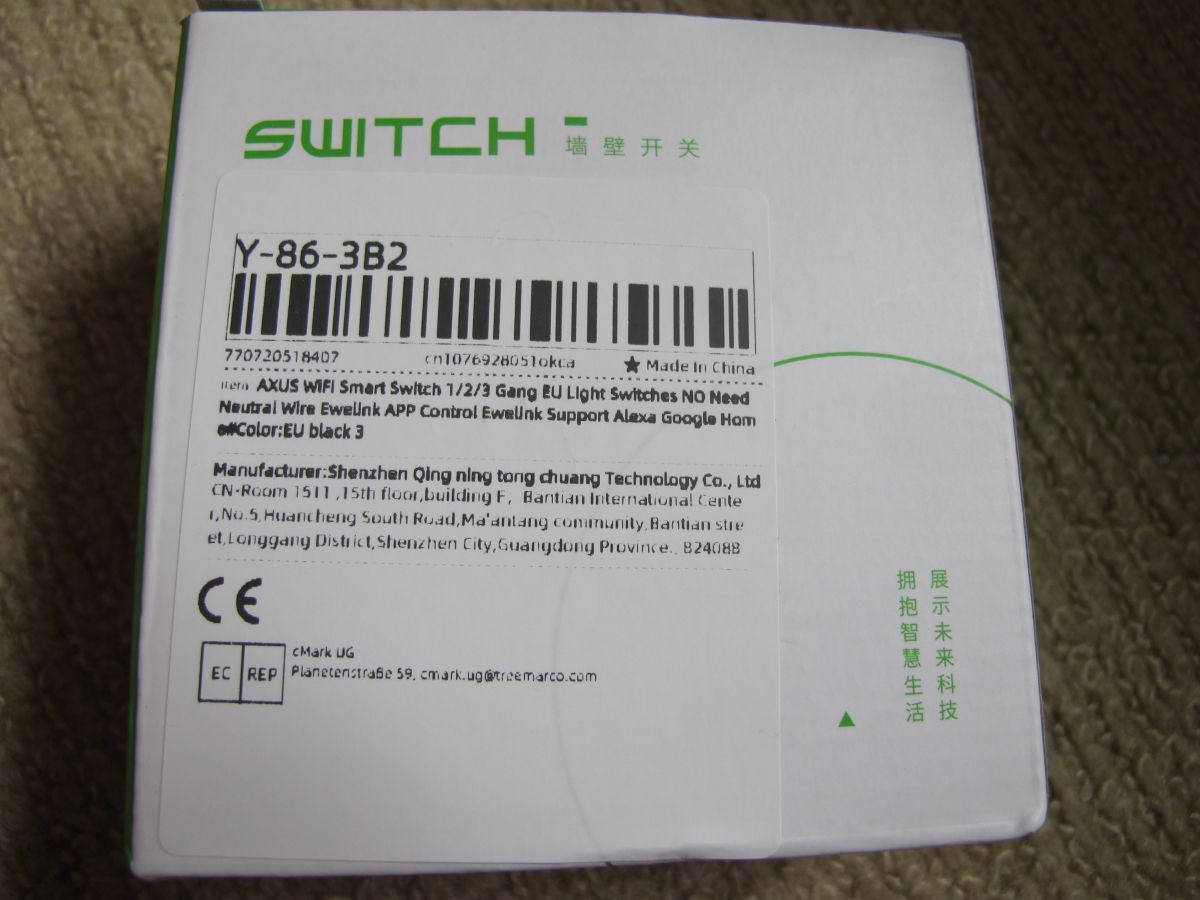
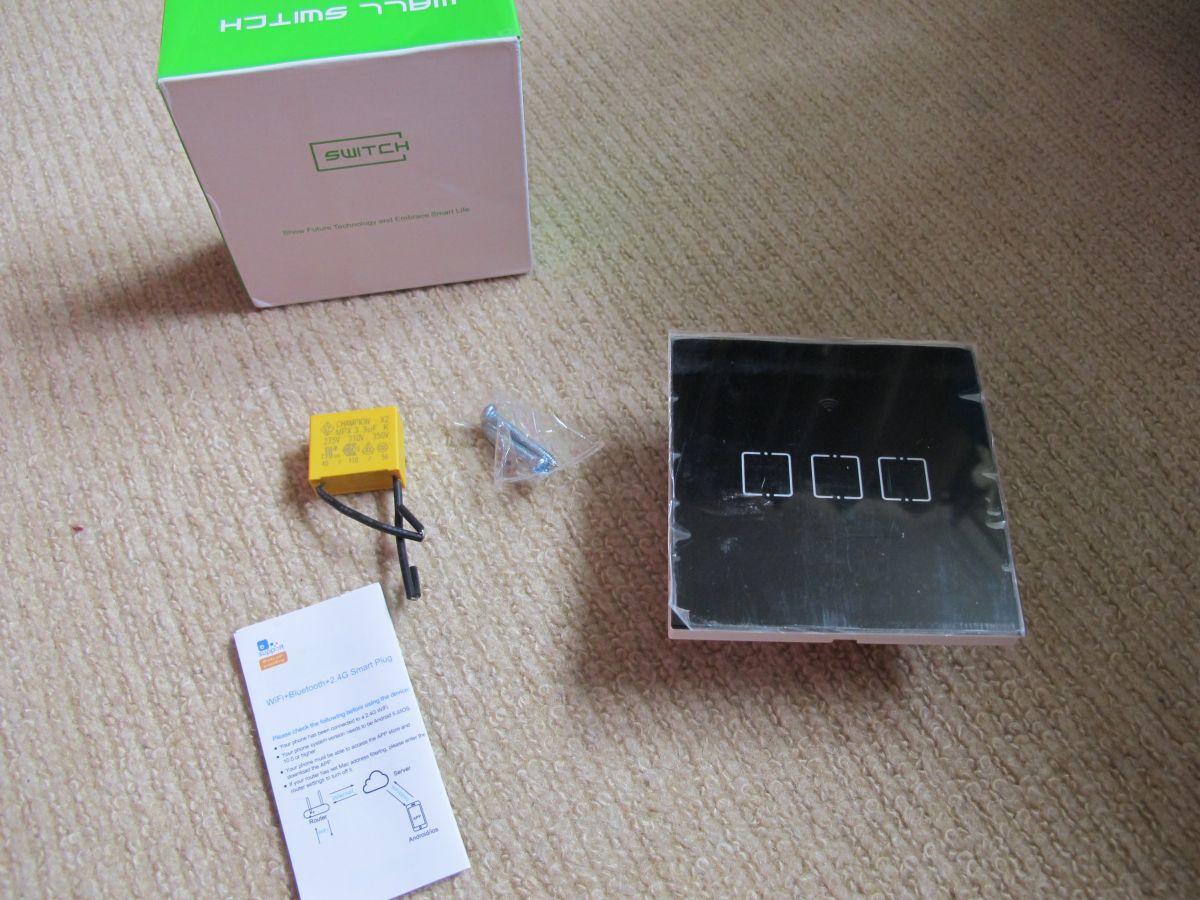
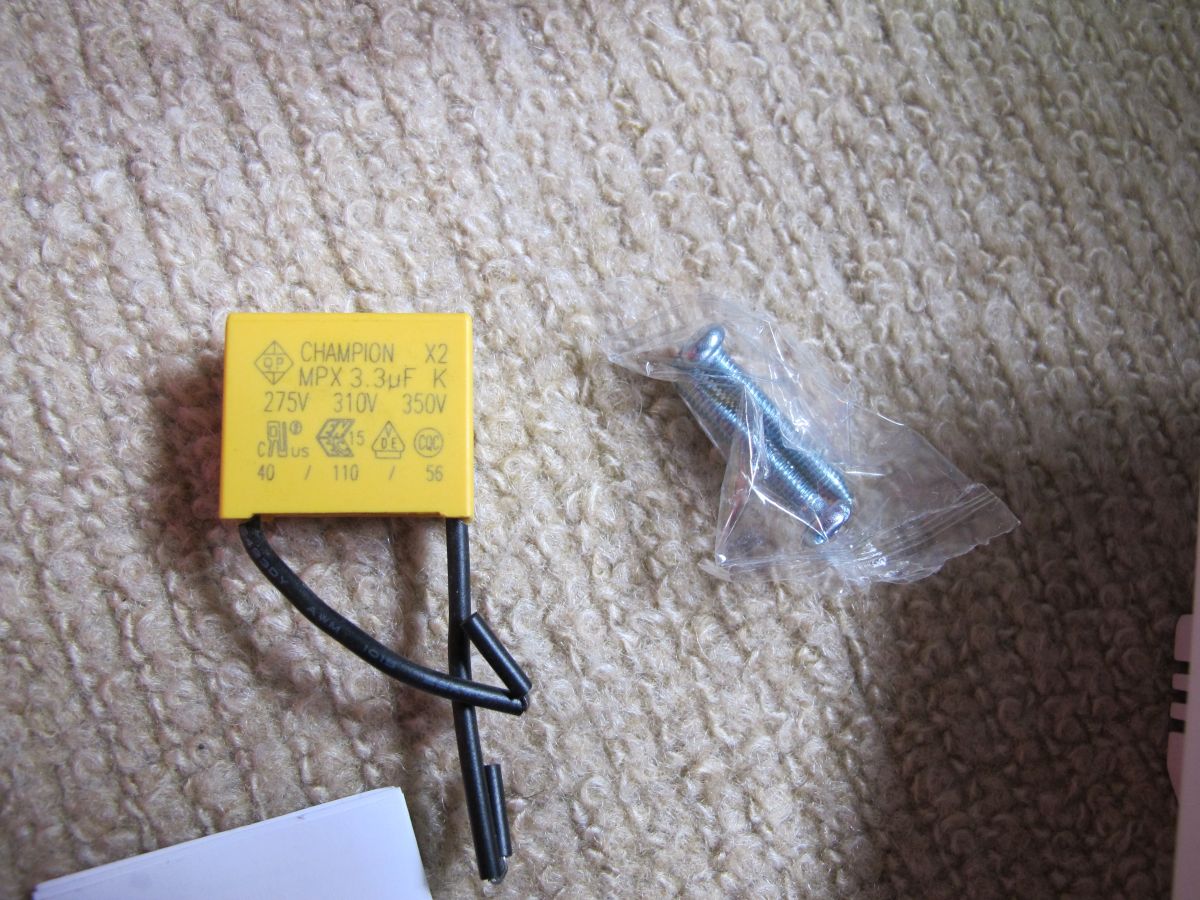
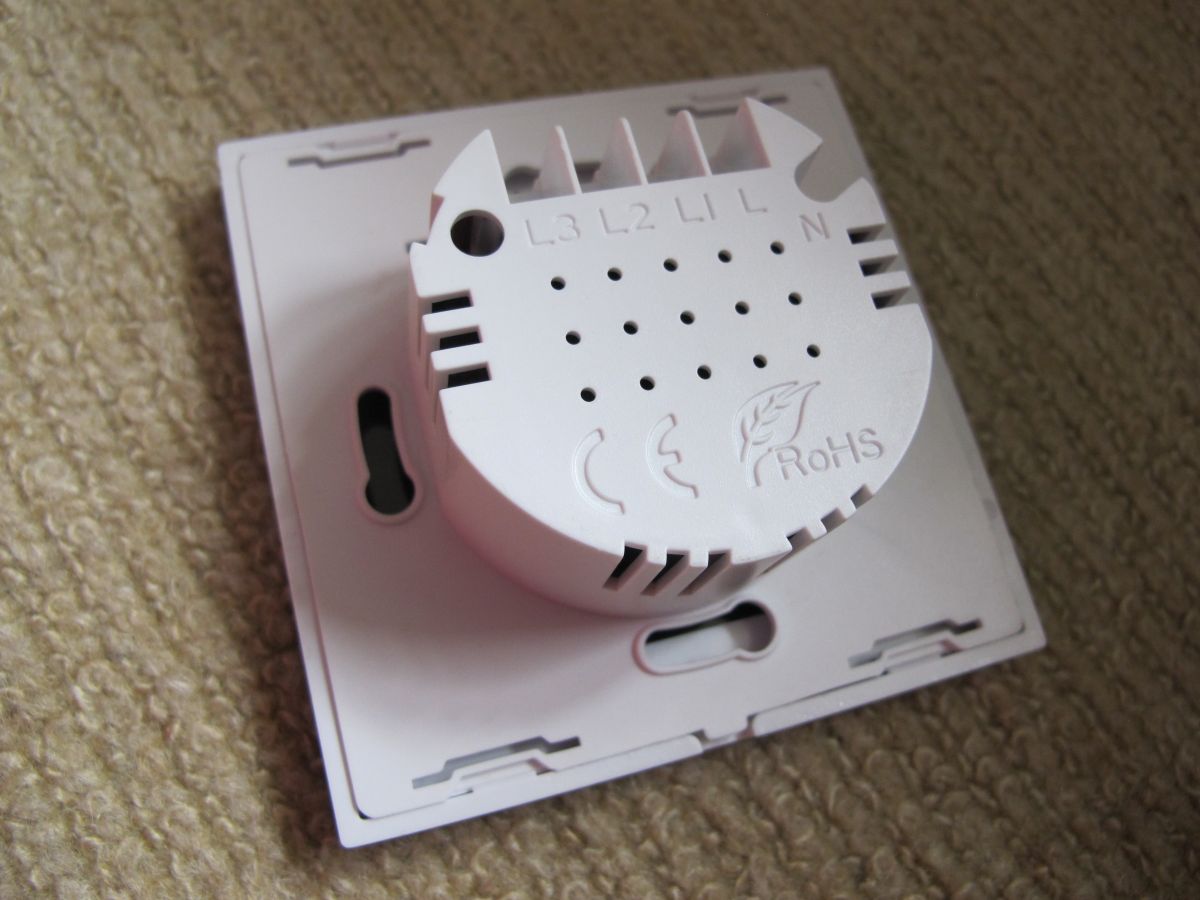
    Back to the original device type posted - I have a related 3-gang touch light switch device from "Axus" https://fr.aliexpress.com/item/1005006625784259.html
    AXUS black WiFi touch light switch with three buttons, shown on a product page with Bluetooth, eWeLink, and Wi-Fi logos.


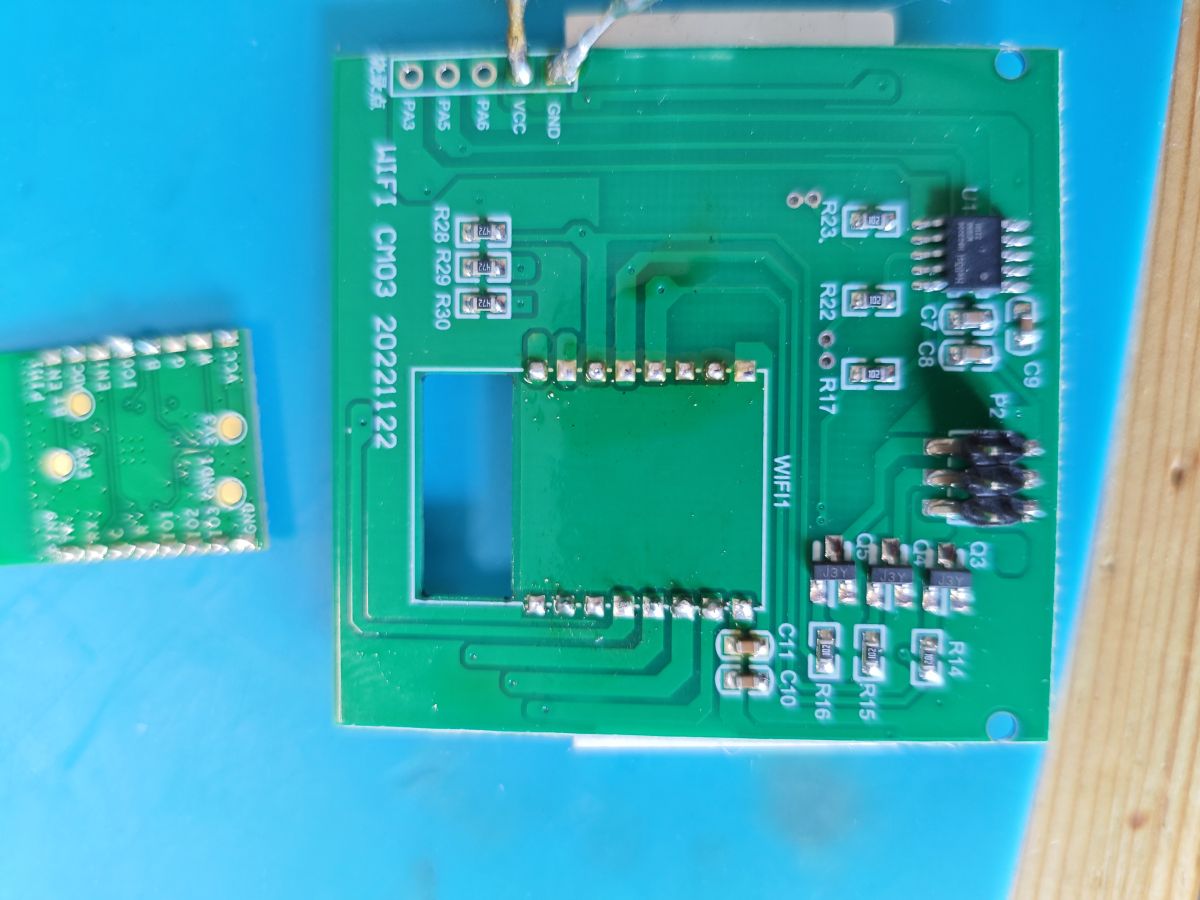
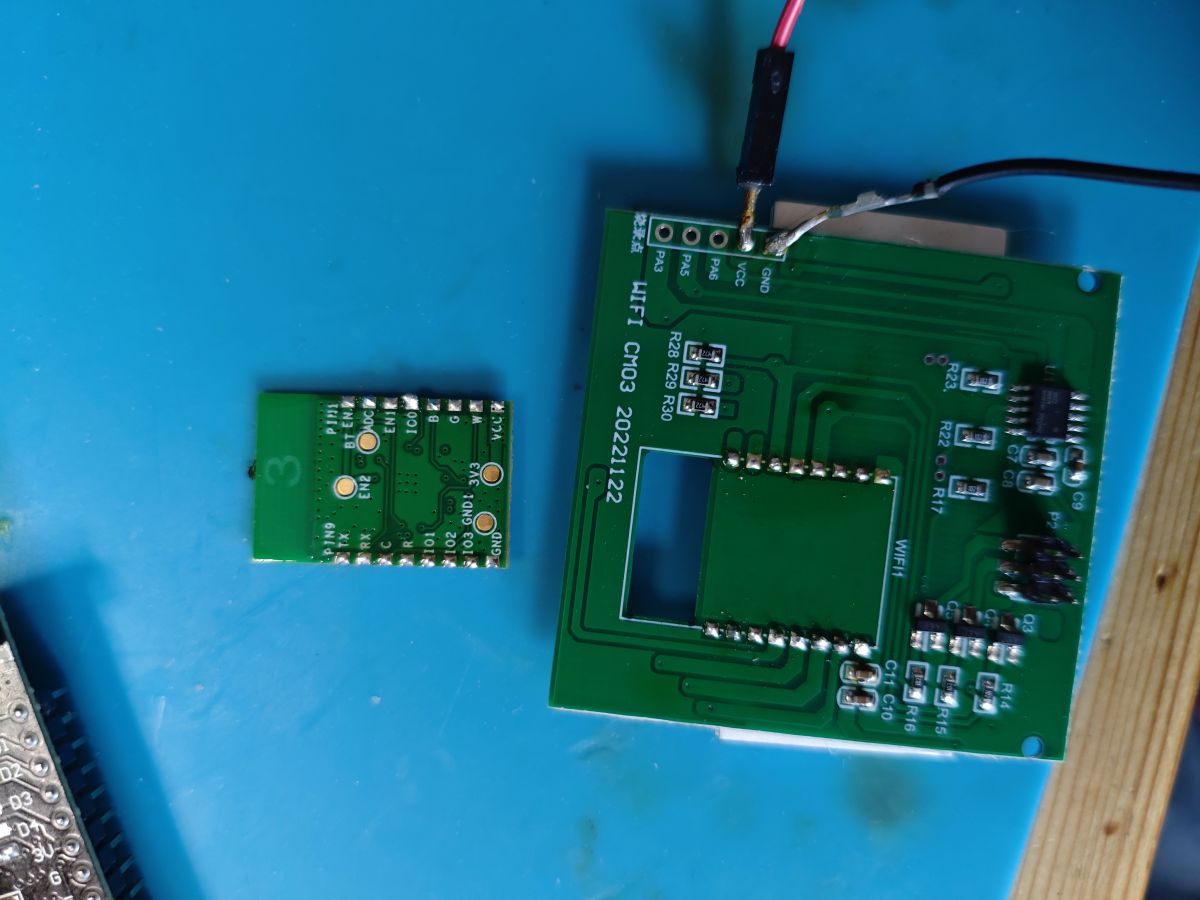
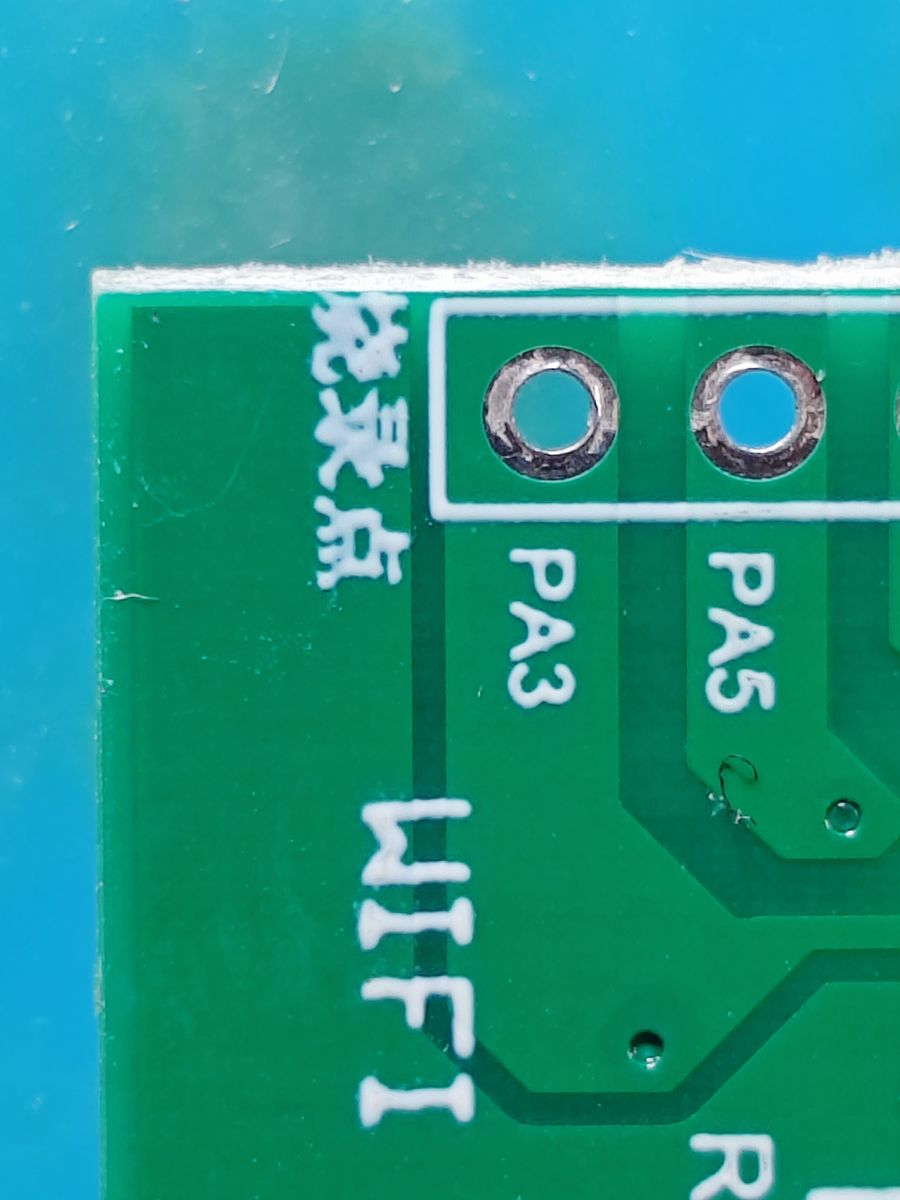
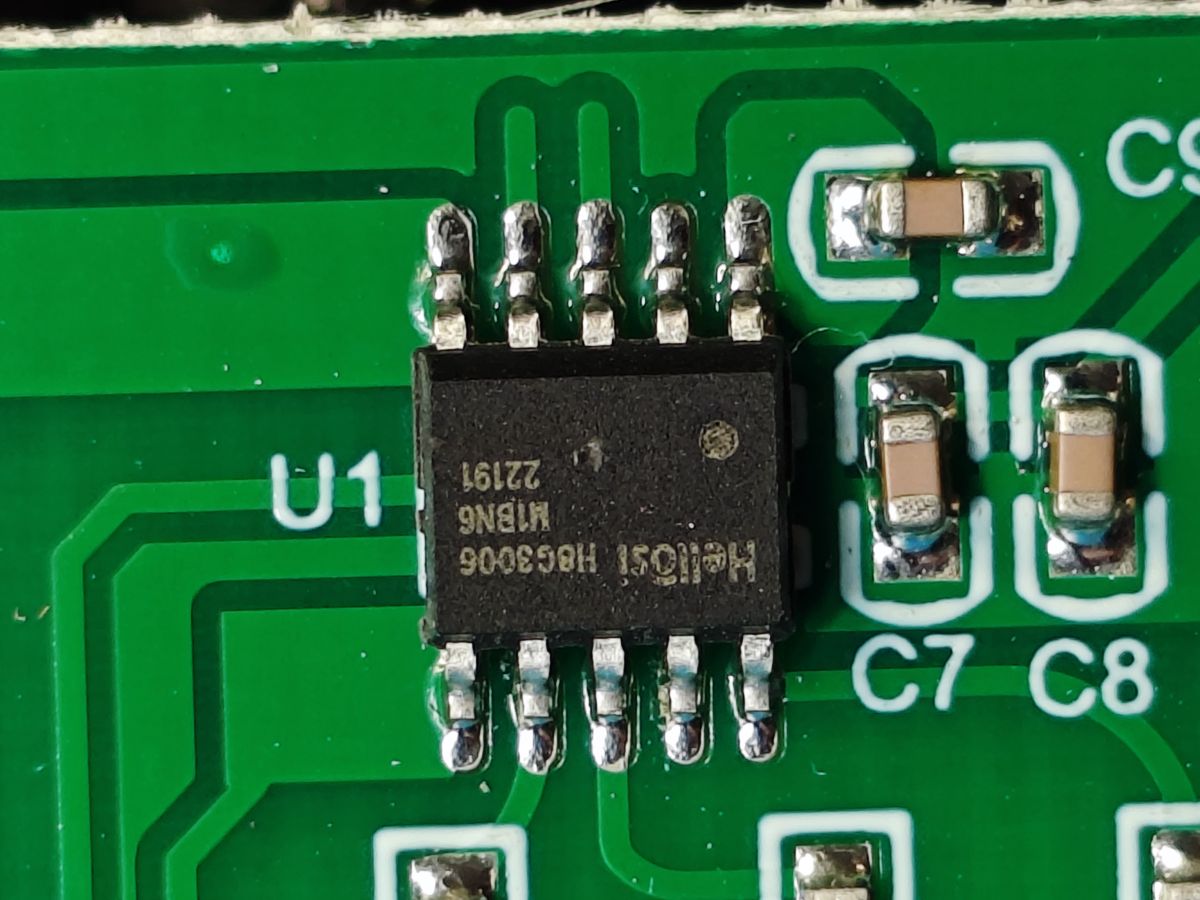
    Here's a dump of some more stuff, even though it's pretty well covered in the first posts anyway

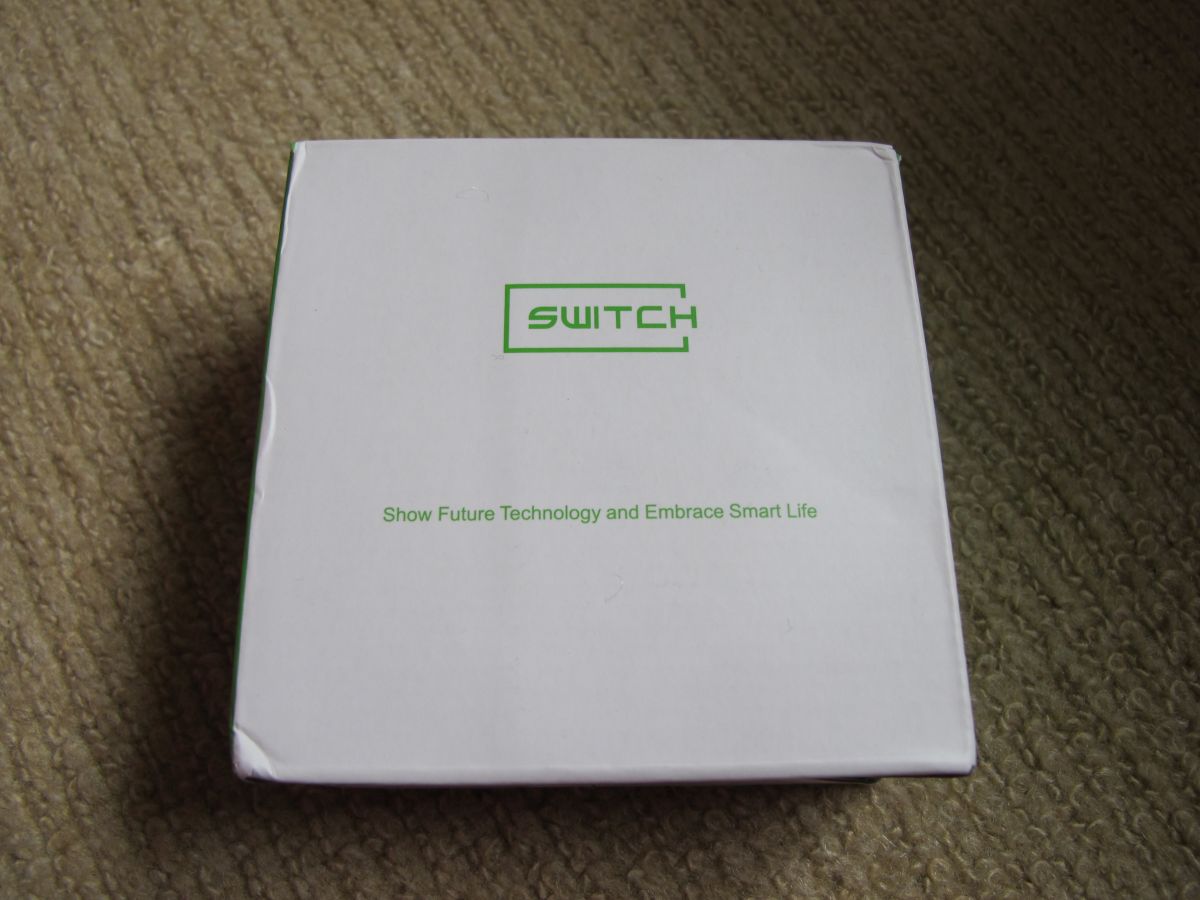
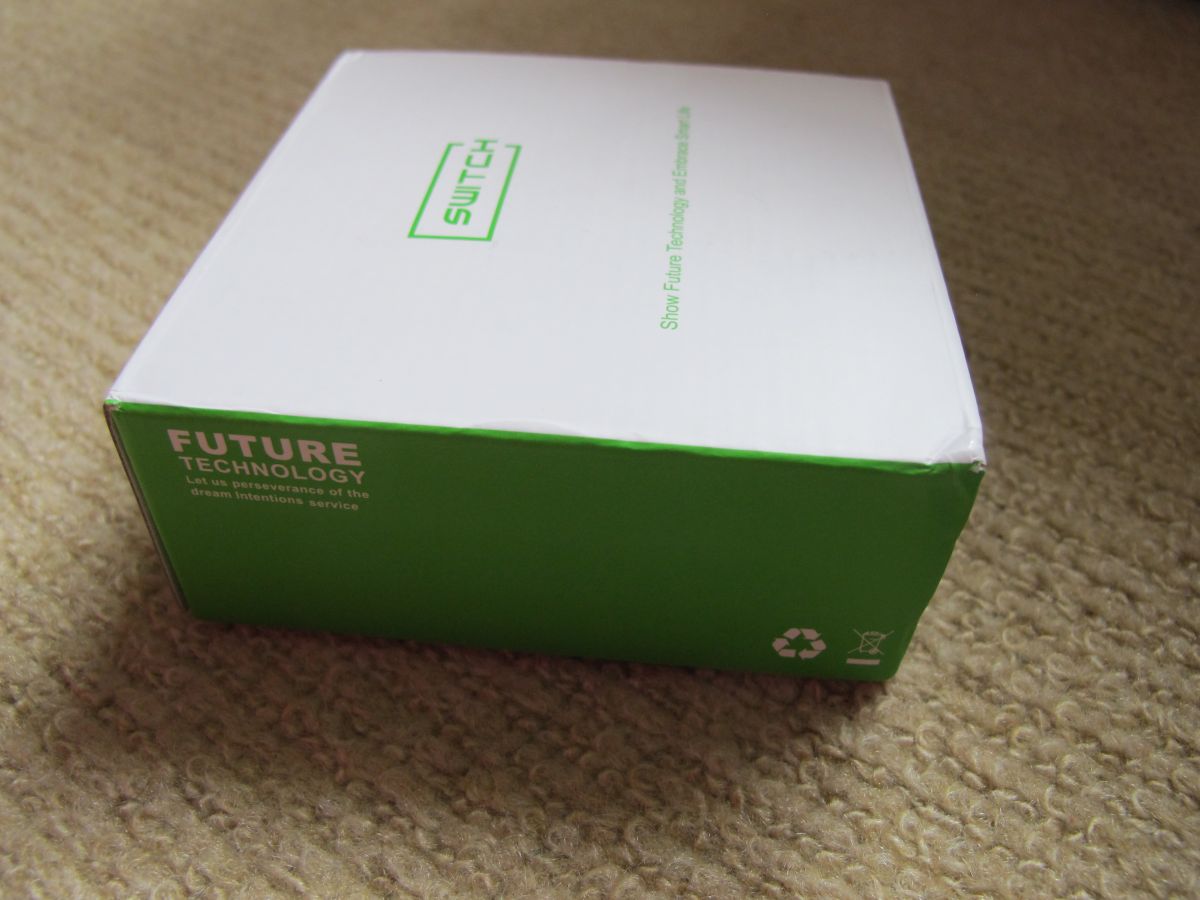
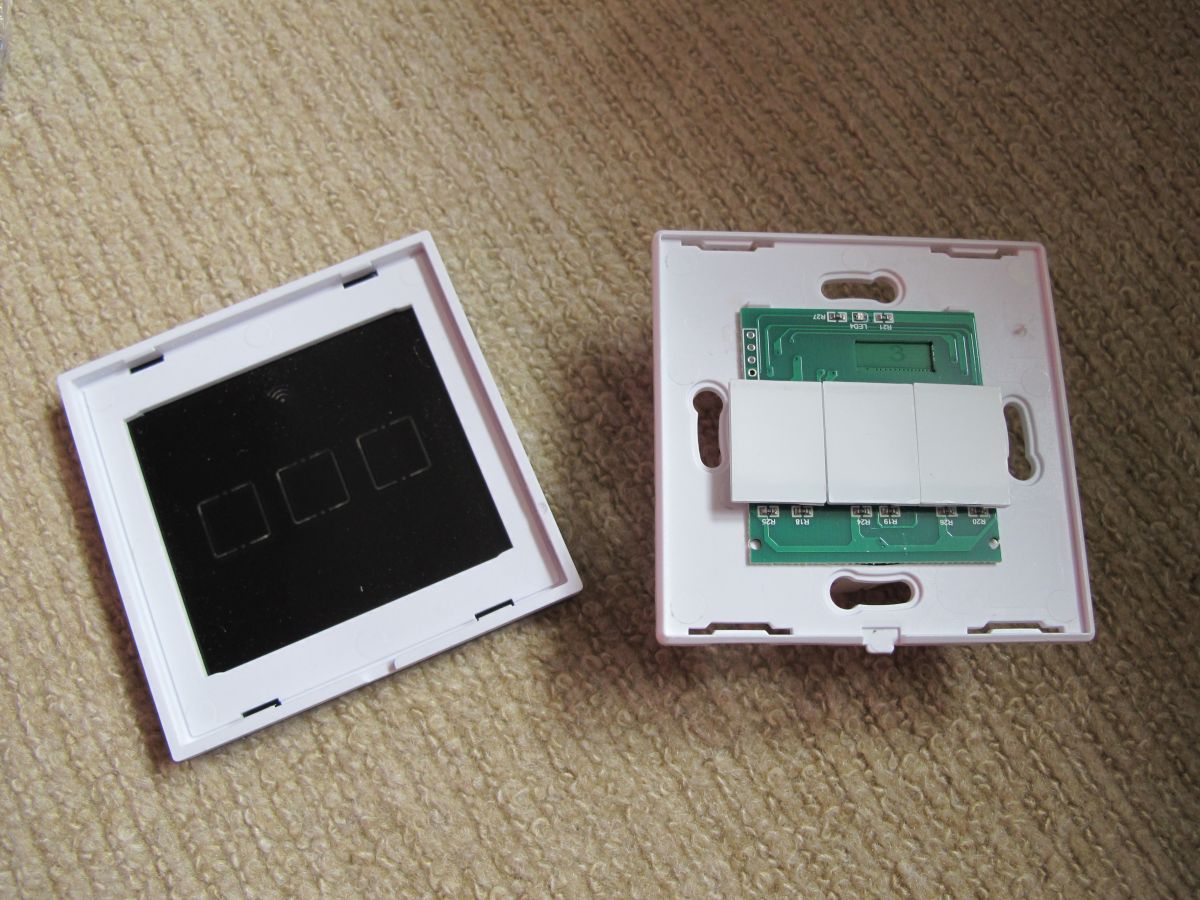
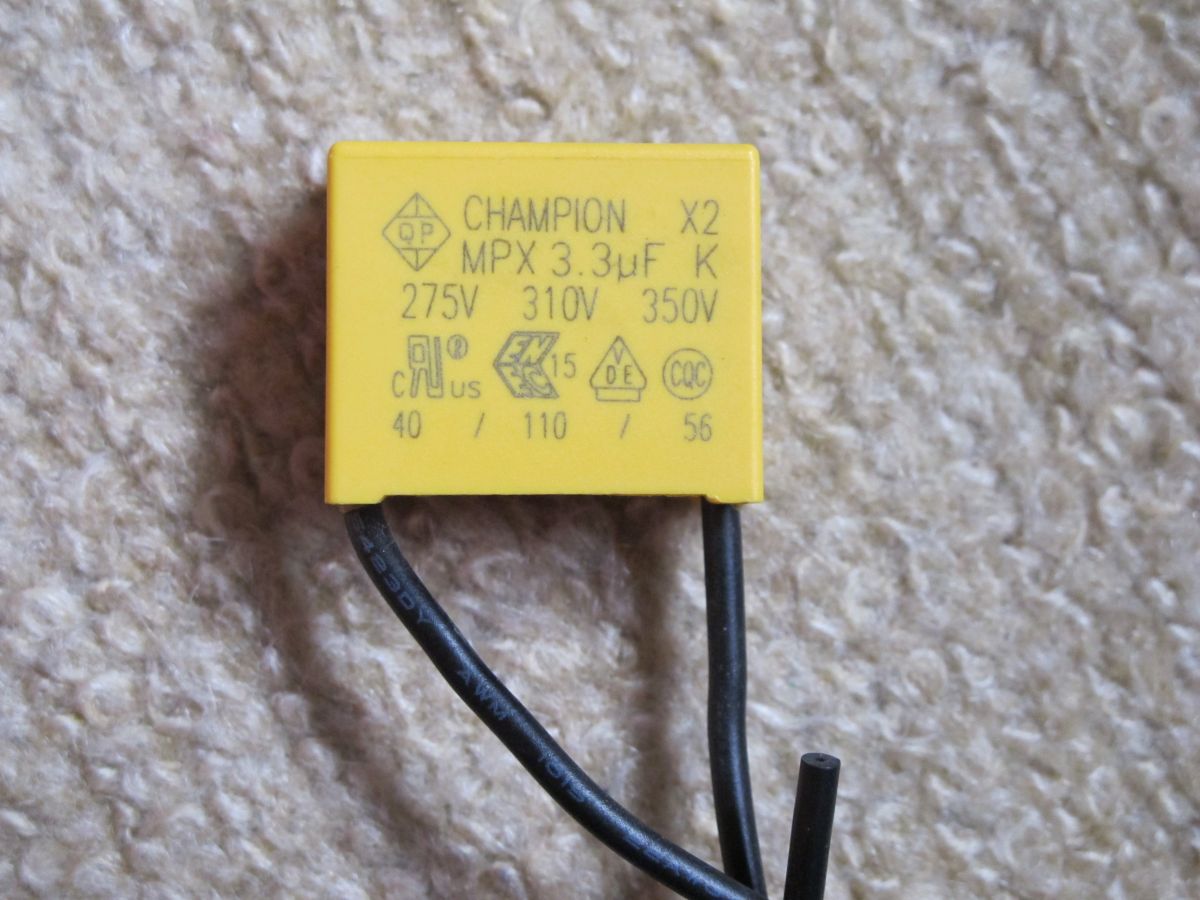
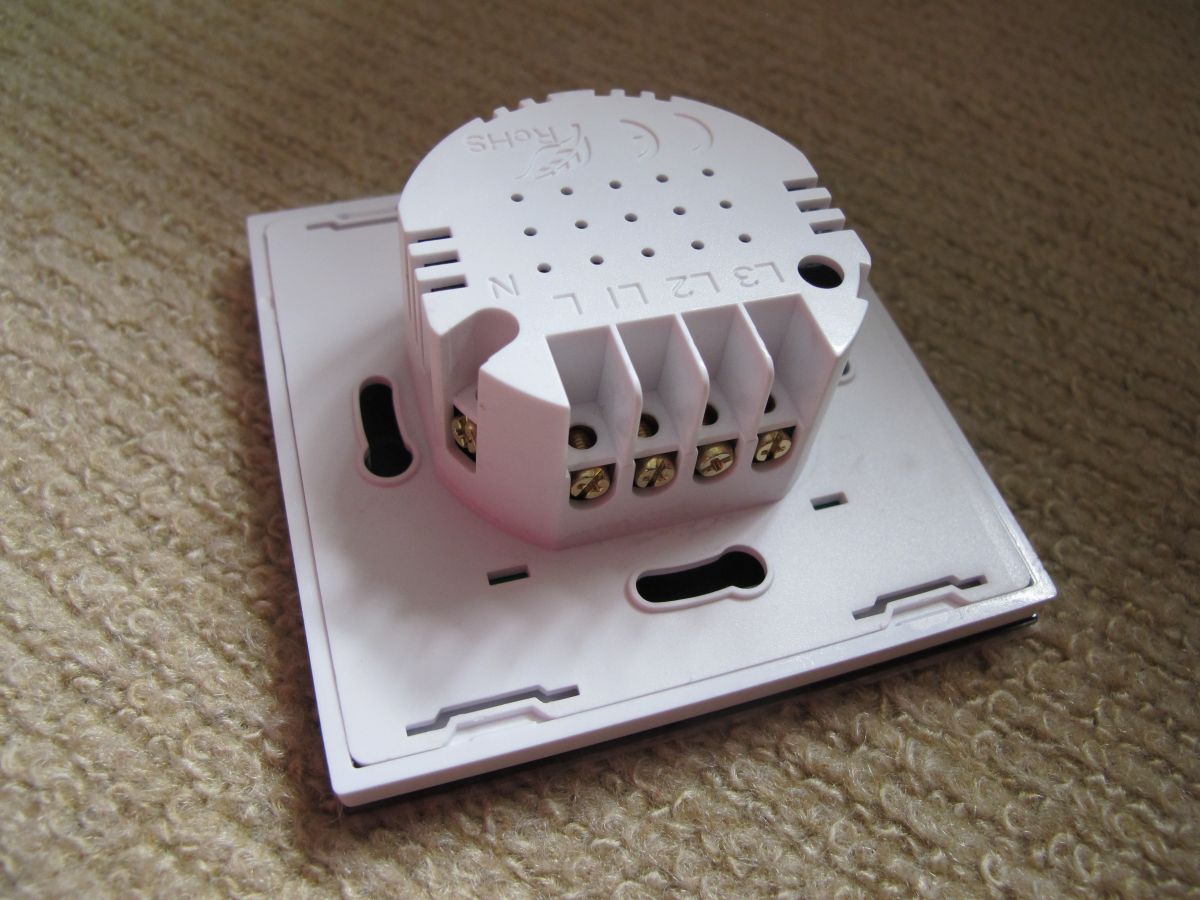
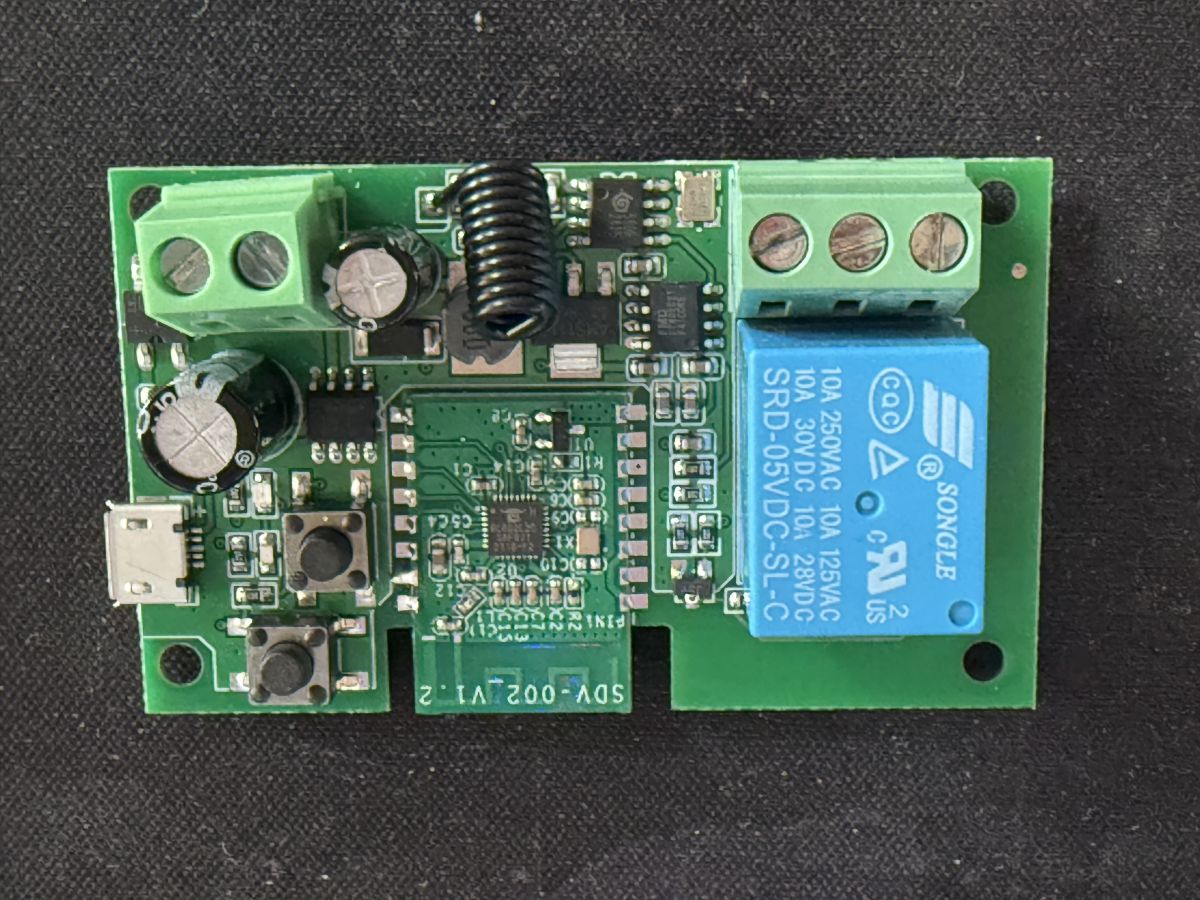
    White box with green SWITCH label and the slogan Show Future Technology and Embrace Smart Life. Product box labeled SWITCH and FUTURE TECHNOLOGY on the side, placed on a carpet. White product box with a large information sticker and barcode, labeled AXUS WiFi Smart Switch. Touch wall switch kit: three-button panel, yellow module, screws, manual, and box. A yellow CHAMPION X2 MPX 3.3µF capacitor with two black wires and two metal screws in a plastic bag on a beige carpet. Back of a white Axus three-touch light switch with markings L1, L2, L3, and N. Printed circuit board of the SDV-002 V1.2 electronic module on a blue background. Green PCB module with labeled pins including PIN9, TX, RX, IO1, IO2, IO3, GND, 3V3, PIN13, BTN, ADC, EN1, EN2, IO0, and GND. PCB with a removed WiFi module, visible solder pads and pin rows, on a blue work surface. Small green PCB module with labeled pins and mounting holes, resting on a blue surface next to a larger printed circuit board. Two printed circuit boards: one larger with a socket for a module, and a smaller one partly out of frame. Close-up of two printed circuit boards – a small electronic module on the left, and a larger board with a socket and connected wire on the right. A section of a green PCB showing the labels “WIFI”, “PA3”, “PA5”, Chinese characters, and two mounting holes. Close-up of a Hellosi H8G3006 chip on a green PCB, with visible U1 marking and nearby SMD capacitors. Electronic module with Hellosi H8G3006 M1BN6 chip and pin header on a green PCB. Close-up of an electronic device's PCB with visible integrated circuits and a pin header. Close-up of a green PCB with a Wi-Fi module and SMD electronic components, lying on a carpet. Close-up of a green PCB with electronic components and pin headers, lying on a light carpet. PCB board with a Wi-Fi module and electronic components on a green substrate. Wi-Fi module PCB with BL602 chip and various connectors and electronic components. Close-up of a printed circuit board with electronic components inside a case, visible IC chips and connectors. Open case of a touch light switch showing the circuit board with electronic components inside. Top view of an open Axus 3-gang touch light switch, showing its PCB and three large touch buttons. Disassembled Axus touch light switch with three touch zones, showing front panel and PCB. Yellow CHAMPION X2 MPX 3.3µF film capacitor on carpet background, with voltage ratings and certification marks. Rear view of a white Axus touch light switch with terminals labeled L, N, 1, 2, 3.

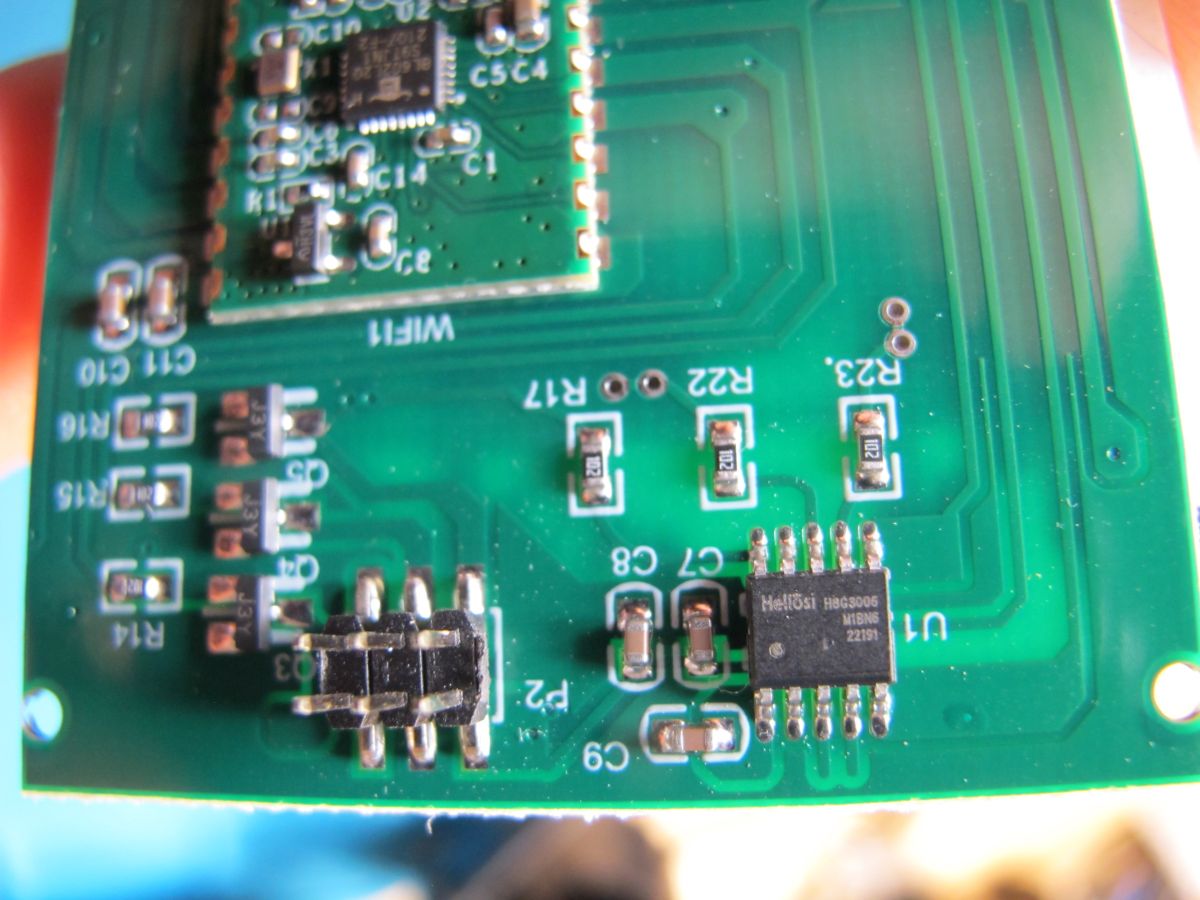
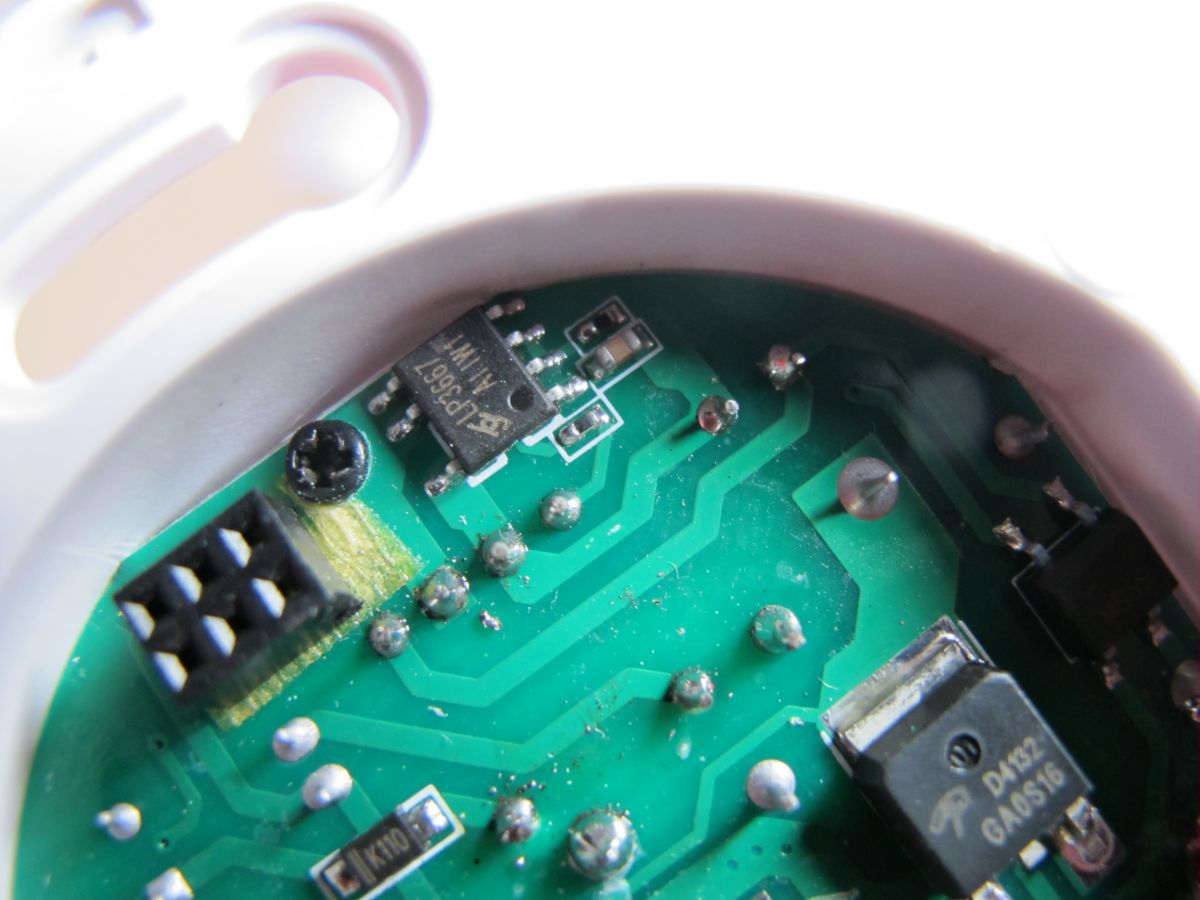
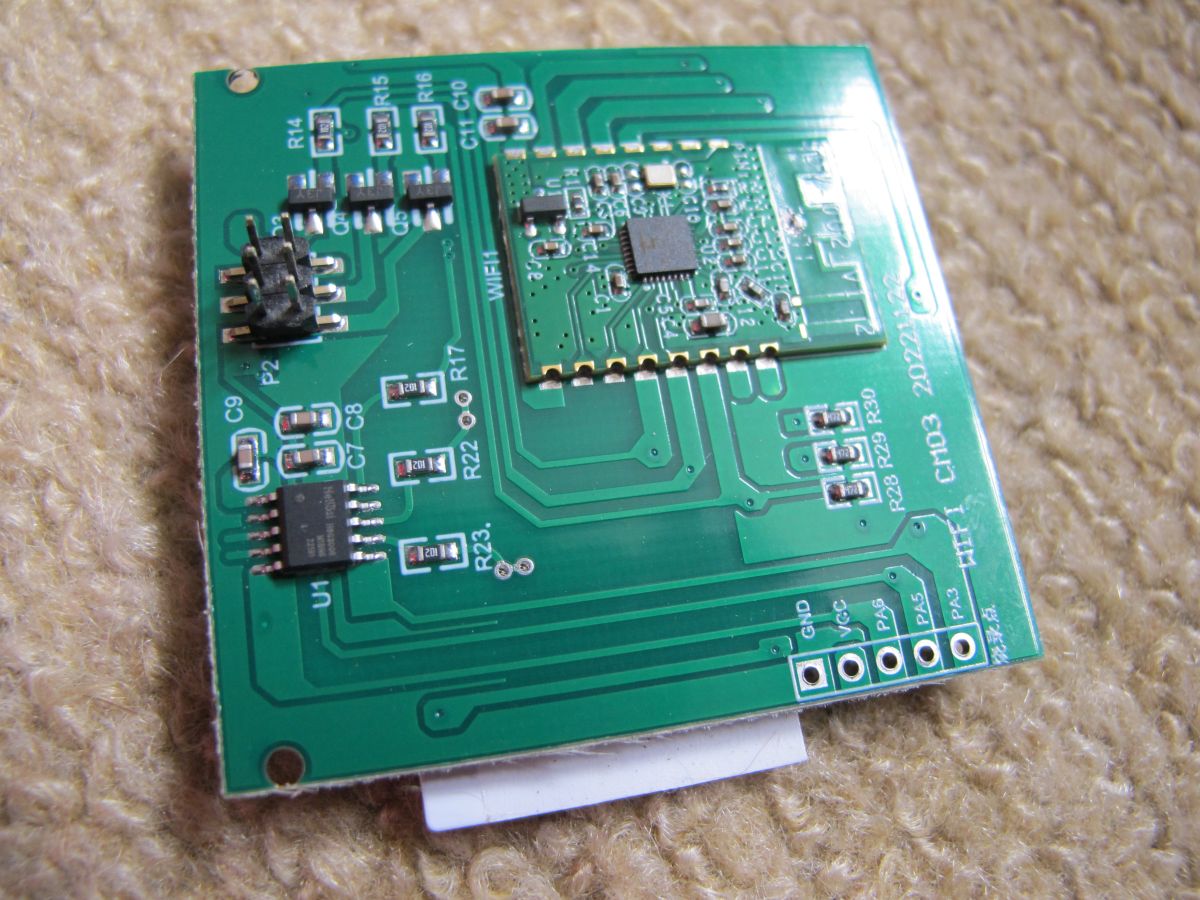
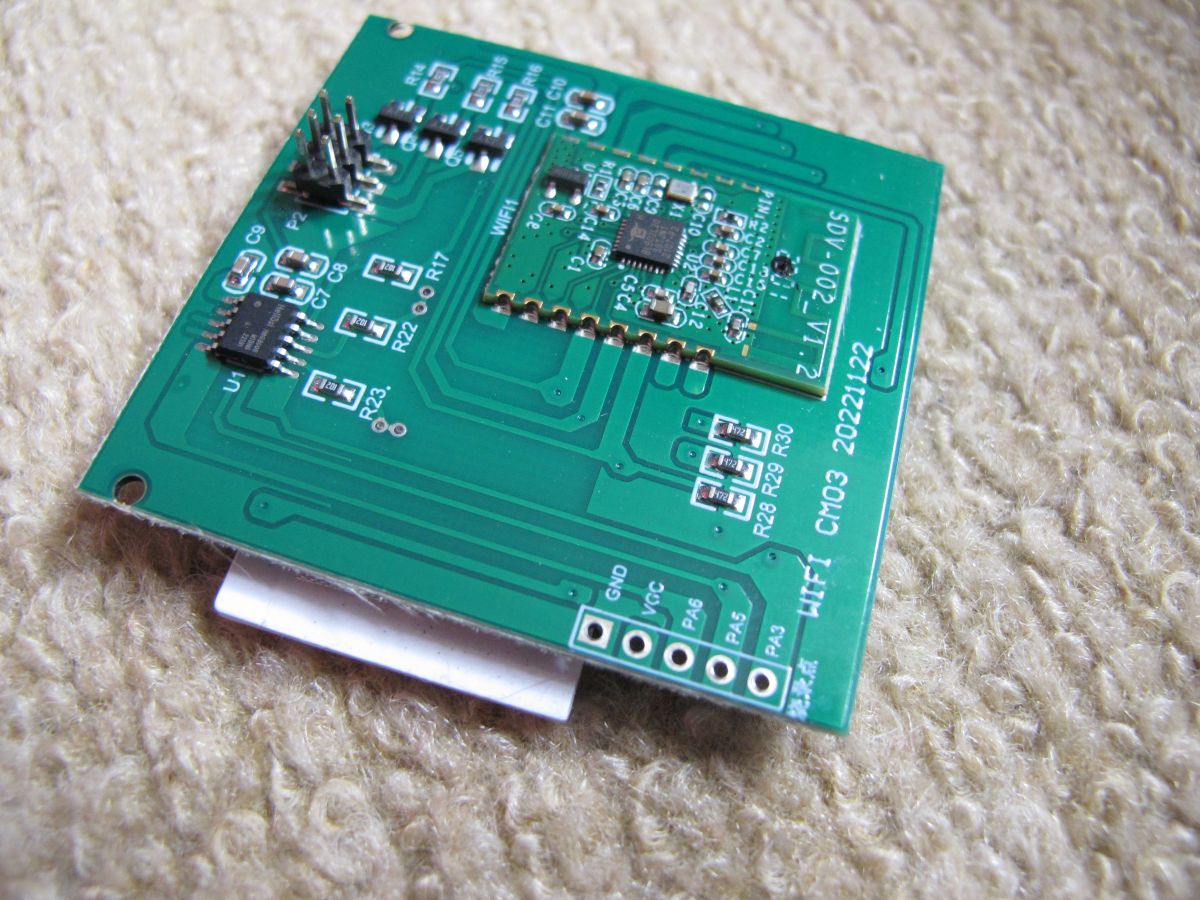
    I couldn't find any datasheets for or even company information regarding the Hellosi H8G300H M1BN6 touch chip.


    original fw boot log

    Code: Text
    Log in, to see the code


    eWeLink pairing and firmware update

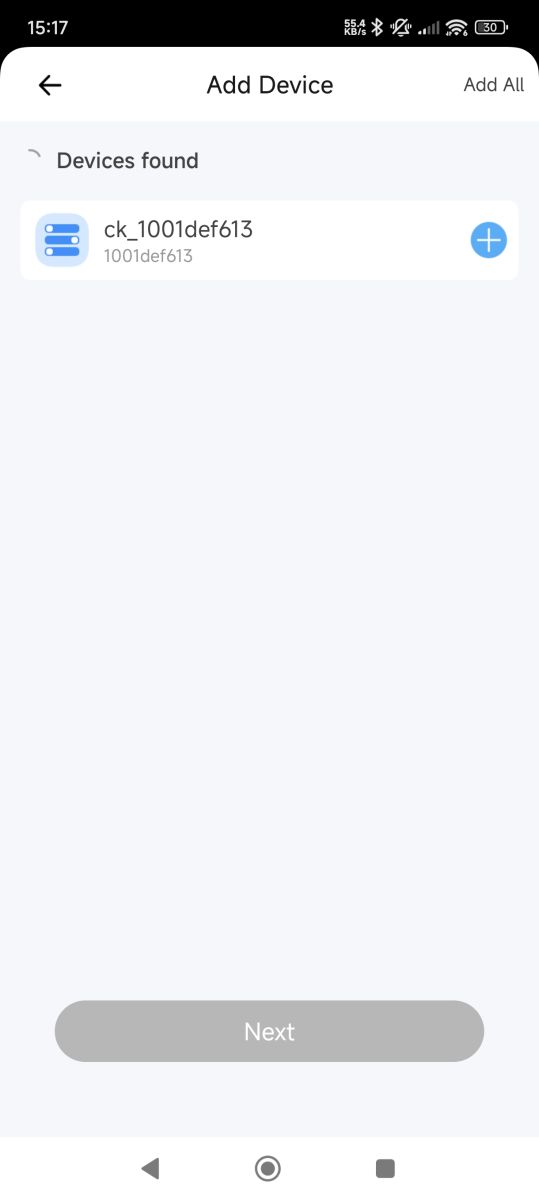
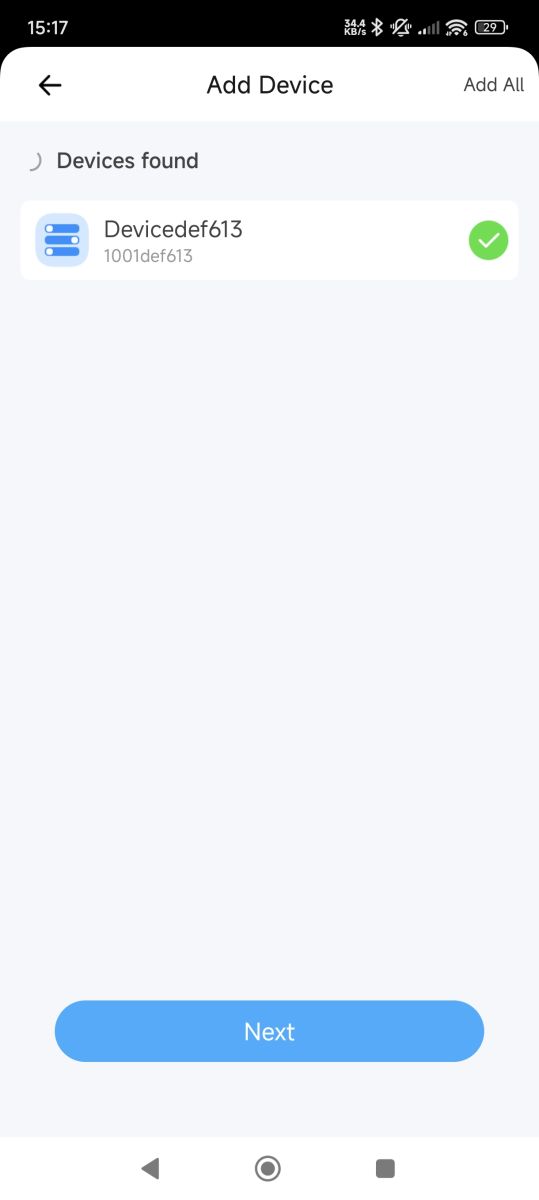
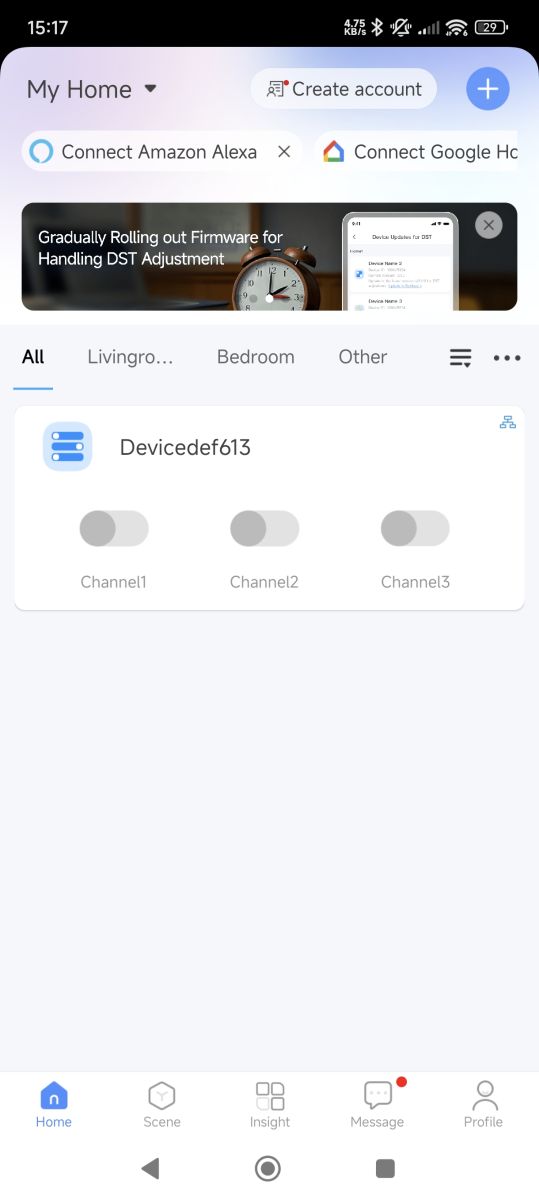
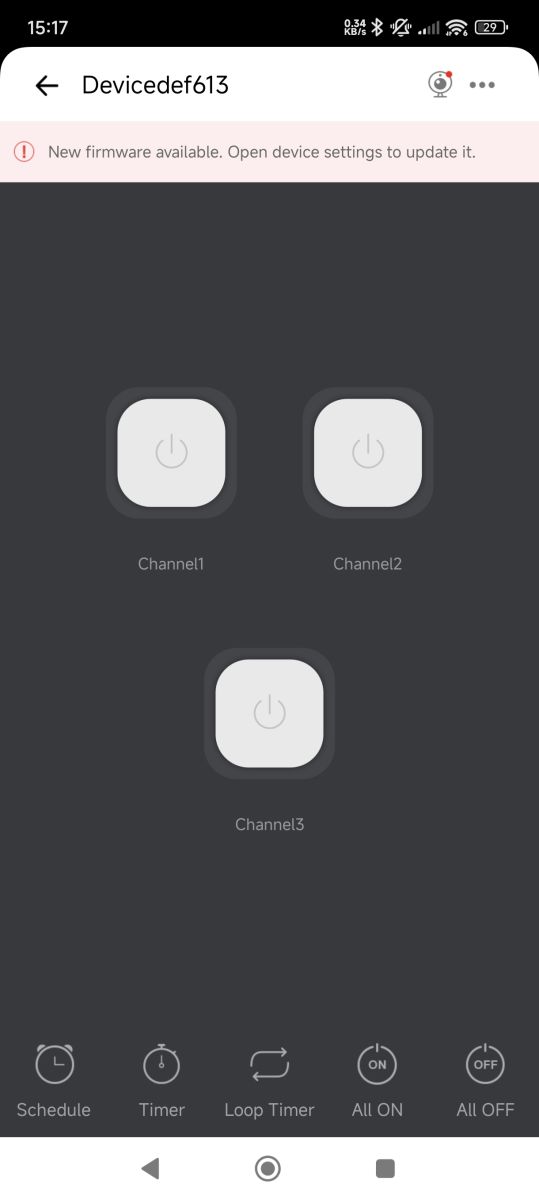
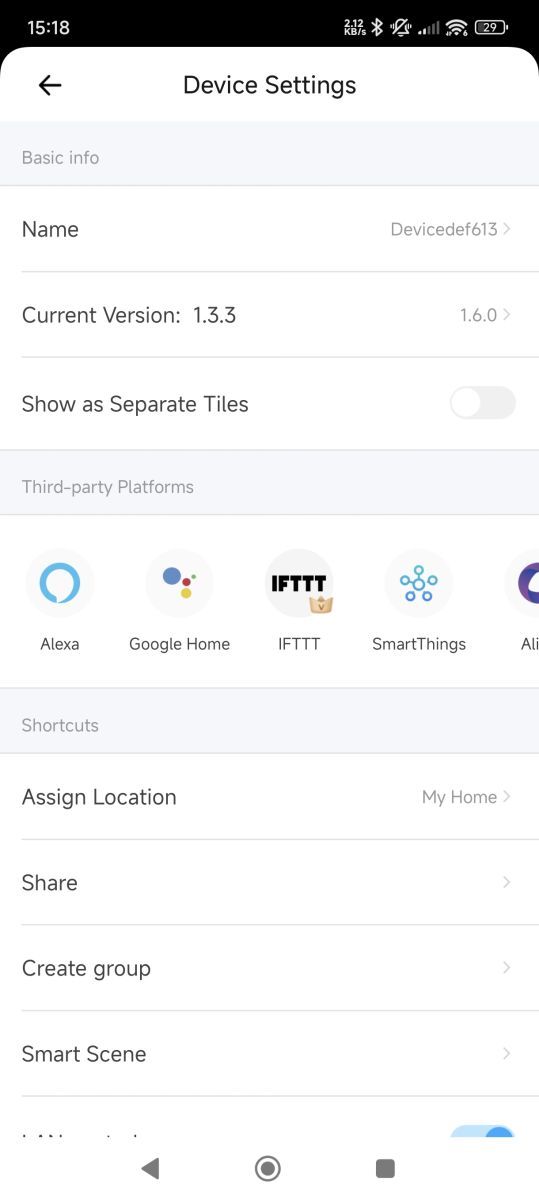
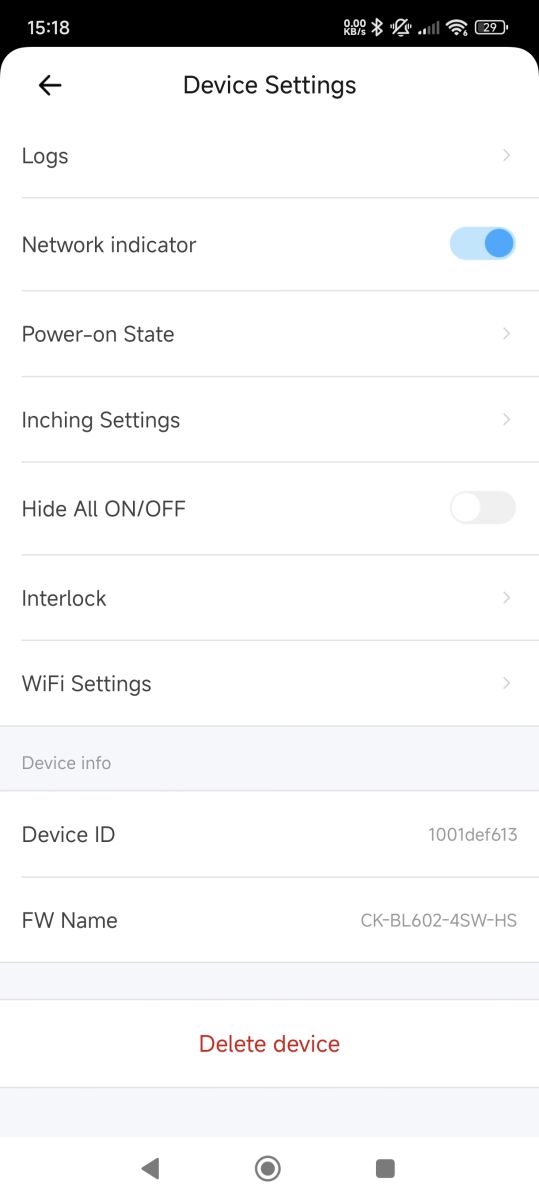
    Screenshot from a device adding app – one device found named ck_1001def613. Mobile app screen showing a found device named Devicedef613 with a green checkmark and a Next button at the bottom. Screenshot of a smart home control app showing a device named Devicedef613 with three switchable channels. A device control app screen showing three channel buttons and a notification about a new firmware update. Device settings screen in a mobile app showing device name, firmware versions, and integrations with Alexa, Google Home, IFTTT, and SmartThings. Screenshot of a smart device settings screen showing options like network indicator, power-on state, WiFi settings, and device information.

    ota update comes from http://52.57.99.135:8088/ota/rom/6B0Tvxb25CAj...67afd99d8c4597e9f9ea30e7afb90afb4b6eddc05aeba

    updated fw boot log

    Code: Text
    Log in, to see the code


    fw dump https://github.com/openshwprojects/FlashDumps/commit/47ae54944b881af3f317f87401c638b939e4def8
    Attachments:
    • Info on BL602 Module SDV-002_V1.2 from Aliexpress 3-Gang Switch, Pin Compatibility & GPIOs IMG_5387.JPG (5.92 MB) You must be logged in to download this attachment.
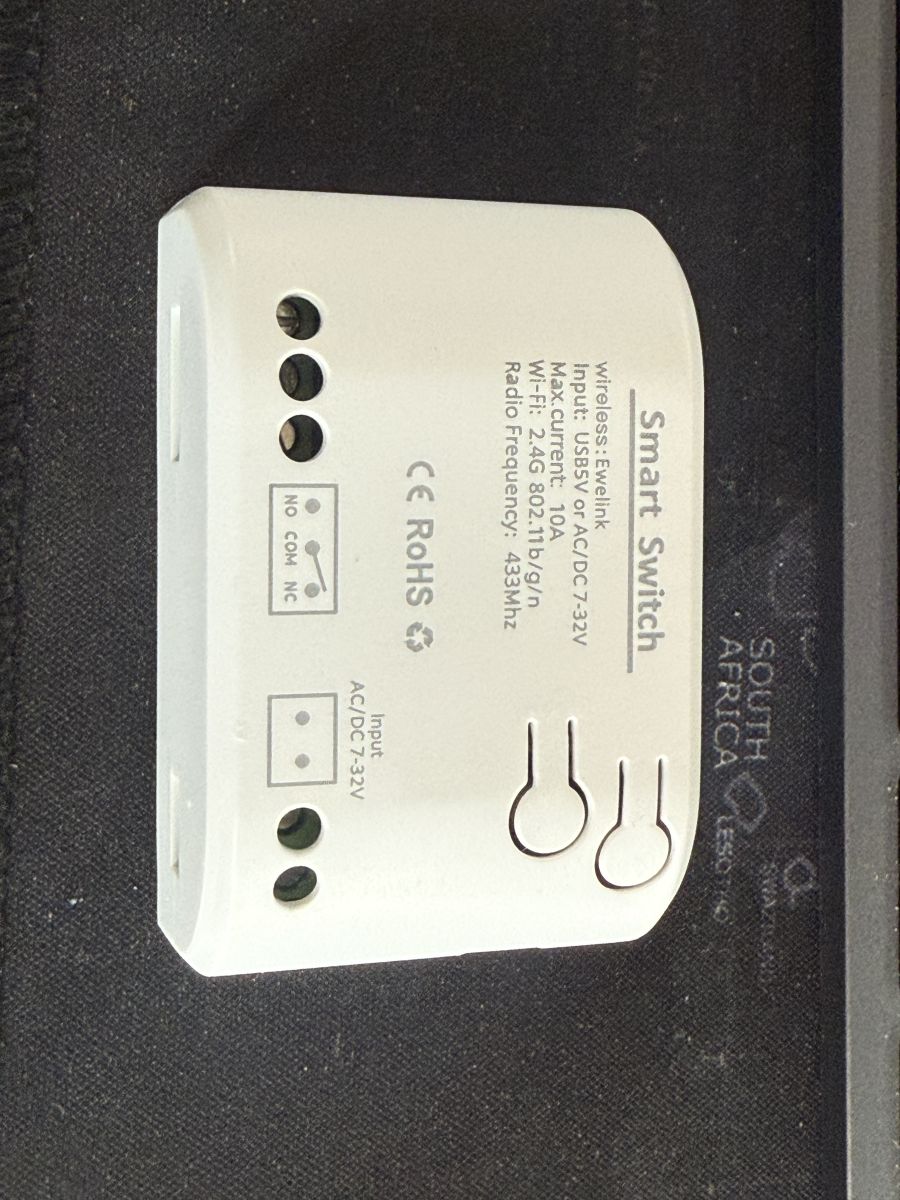
    • Info on BL602 Module SDV-002_V1.2 from Aliexpress 3-Gang Switch, Pin Compatibility & GPIOs IMG_5386.JPG (2.63 MB) You must be logged in to download this attachment.
  • Wi-Fi settings not saving after OpenBeken flash

    #57 21589351
    ausalex
    Level 3  
    Posts: 5
    Hi

    Thanks to this thread I have managed to flash the below device with OpenBeken release 1.18.125. I get the local hotspot and can connect with my phone or iPad but the wifi settings are never saved. The submit button goes to a darker blue but nothing happens.

    I've tried re-flashing to an earlier version and back to latest OTA, creating a wifi network with no password, a different network, always the same result.

    Any ideas?

    Thanks Alex

    Info on BL602 Module SDV-002_V1.2 from Aliexpress 3-Gang Switch, Pin Compatibility & GPIOs
    Info on BL602 Module SDV-002_V1.2 from Aliexpress 3-Gang Switch, Pin Compatibility & GPIOs
    Info on BL602 Module SDV-002_V1.2 from Aliexpress 3-Gang Switch, Pin Compatibility & GPIOs
  • #58 21589418
    p.kaczmarek2
    Moderator Smart Home
    Posts: 14677
    Help: 656
    Rate: 12705
    Are you saying that once you click save and refresh page, the WiFi SSID name and password are still not in the field?

    This is very strange. What about using commands?
    https://github.com/openshwprojects/OpenBK7231T_App/blob/main/docs/commands.md
    Ssid1 / Password1
    Helpful post? Buy me a coffee.
  • #59 21589553
    ausalex
    Level 3  
    Posts: 5
    >>21589418

    Thanks.

    Yes, it never seemed to stick. I've got it connected in the meantime, via a PC. There is a pop-up asking are you sure that wasn't appearing on my phone or two different iPads.

    It appears now if I go to the config page now it is on the network.

    Now trying to learn the pins.
  • #60 21589603
    p.kaczmarek2
    Moderator Smart Home
    Posts: 14677
    Help: 656
    Rate: 12705
    Ahhh... this is interesting. So you're saying that Safari (Apple browser) is not showing our confirm call?
    Code: C / C++
    Log in, to see the code
    Helpful post? Buy me a coffee.

Topic summary

✨ Discussion centers on identifying and flashing the BL602-based SDV-002_V1.2 module used in AliExpress 1/2/3/4-gang smart wall switches. The pinout was mapped by continuity testing and comparison with BL602/TYWE3S-style layouts: TX/RX, VCC/GND, relay control pins, button inputs, Wi‑Fi LED, and touch-chip connections were traced, while the BOOT function was confirmed via the BT/BT_EN pad and GPIO8/CHIP_EN-related wiring. Flashing was achieved using BLDevCube/blflash/OpenBK firmware, with boot mode entered by pulling the boot pad high through a resistor or wiring R2 to 3.3 V; several users reported handshake failures caused by weak USB-UART adapters or insufficient power. Final templates for OpenBeken/OpenBK were shared for 1-, 2-, 3-, and 4-gang variants, and the touch response delay was reduced using the “instant touch reaction” flag.
Summary generated by AI based on the discussion content.

FAQ

TL;DR: For BL602 SDV-002_V1.2 switches with 1–4 gangs, “BOOT is GPIO8”: flash OpenBeken by using 3.3 V UART, RX/TX/GND, and the BT/R2 boot path; use verified GPIO templates to map relays, touch buttons, and Wi-Fi LED without cloud firmware. [#20533595] Why it matters: These low-cost eWeLink/AliExpress wall switches can run locally with OpenBeken, MQTT, and Home Assistant when flashed and powered correctly.

Option BL602 SDV-002_V1.2 support Home Assistant path Key limitation
OpenBeken Yes MQTT and Home Assistant discovery LittleFS disabled on BL602
ESPHome No BL602 support stated in thread Requires ESP module replacement Needs ESP strapping-pin care
Original eWeLink firmware Yes Cloud/app ecosystem Vendor cloud dependency

Key insight: The module is not an ESP module; it is a Trolink TI602B3S/SDV-002_V1.2 BL602 module. Treat BT/GPIO8 as the boot signal, not EN/CHIP_EN, and use a real 3.3 V supply.
Quick Facts

  • The SDV-002_V1.2 module was later identified as Trolink TI602B3S, using a BL602/BL602L20 family module in these switch boards. [#21125557]
  • Verified 3-gang OpenBeken mapping uses GPIO 1, 3, and 21 for relays; GPIO 2, 14, and 20 for buttons; GPIO 12 for Wi-Fi LED. [#20535155]
  • A 4-gang BL602L20 wall switch used GPIO 0, 2, 3, and 22 for relays, and GPIO 1, 14, 20, and 21 for buttons. [#21452814]
  • One PL2303 adapter board exposed only a 3.3 V LDO rated at 4 mA, which was insufficient for booting Wi-Fi reliably. [#20815848]
  • BL602 UART logs in the thread used 2,000,000 baud for one debug path and 115,200 baud for another UART path. [#20814624]

What is the SDV-002_V1.2 or TI602B3S BL602 module used in AliExpress eWeLink 1-gang, 2-gang, 3-gang, and 4-gang wall switches?

The SDV-002_V1.2 is a Trolink TI602B3S module based on Bouffalo Lab BL602/BL602L20. "BL602" is a Wi-Fi/Bluetooth microcontroller family that runs the switch logic, stores firmware, and exposes GPIO pins for relays, touch inputs, LEDs, UART, reset, and boot mode. It appears in eWeLink-compatible 1-gang, 2-gang, 3-gang, and 4-gang AliExpress wall switches. The thread also shows a 4-gang unit with Wi-Fi and 433 MHz support. [#21125557]

How do I identify the TX, RX, VCC, GND, EN, BT, and GPIO pins on an SDV-002_V1.2 BL602 module with a multimeter?

Use continuity mode to trace module pads to BL602 pins, relay transistors, touch chip lines, VCC, and GND. Compare the board pads against the known BL602 pinout and the TYWE3S-like footprint. TX and RX pads may exist on the module but be unconnected on the carrier PCB. EN maps to CHIP_EN, while BT maps to GPIO8 boot. Relay outputs usually trace through Q3, Q4, or Q5. Touch inputs trace toward the 10-pin touch controller. [#20531756]

How can I put the BL602 SDV-002_V1.2 module into UART boot/download mode without desoldering it from the switch PCB?

Pull the BT/GPIO8 boot path high during power-up; on tested boards, soldering to R2 and connecting it to 3.3 V worked. 1. Connect GND, TX, RX, and stable 3.3 V power. 2. Pull the R2 boot point to VCC during power-on. 3. Start BLDevCube or blflash, then remove the boot pull-up after flashing. One user confirmed that this R2 method entered boot mode without removing the module. [#20533595]

What is the correct OpenBeken pin configuration for SDV-002_V1.2 BL602 1-gang, 2-gang, and 3-gang touch wall switches?

Use the verified OpenBeken mappings from tested 1-gang and 2-gang units, with a later-tested 3-gang template. 1-gang: GPIO3 Rel, GPIO14 Btn, GPIO12 WifiLED. 2-gang: GPIO21 Rel0, GPIO20 Btn0, GPIO1 Rel1, GPIO2 Btn1, GPIO12 WifiLED. 3-gang: GPIO21 Rel0, GPIO20 Btn0, GPIO3 Rel1, GPIO14 Btn1, GPIO1 Rel2, GPIO2 Btn2, GPIO12 WifiLED. Channel order matters; wrong channels make one button switch another relay. [#20535155]

What OpenBeken template works for the 4-gang BL602L20 SDV-002_V1.2 eWeLink wall switch with four relays and four buttons?

Use GPIO0, GPIO2, GPIO3, and GPIO22 for relays, and GPIO1, GPIO14, GPIO20, and GPIO21 for buttons. The posted 4-gang template mapped GPIO0 Rel4, GPIO1 Btn4, GPIO2 Rel1, GPIO3 Rel3, GPIO14 Btn1, GPIO20 Btn3, GPIO21 Btn2, and GPIO22 Rel2. A later boot log from the original firmware also listed Wi-Fi LED as GPIO12. [#21454829]

Why does BLDevCube show BFLB IMG LOAD SHAKEHAND FAIL or BFLB LOAD HELP BIN FAIL when flashing a BL602 module?

The error usually means the flasher cannot complete UART boot handshaking with the BL602. Check three concrete causes first: BT/GPIO8 not held high at reset, RX/TX swapped or poorly soldered, and insufficient 3.3 V power. Then try a lower baud rate, shorter wires, or another USB-to-UART adapter. One user saw repeated “shake hand fail” and received the advice to test lower baud rates, swap RX/TX, and use another converter. [#21214638]

What power supply should I use when flashing BL602 modules, and why can cheap PL2303 USB-to-UART adapters cause boot or Wi-Fi failures?

Use a stable external 3.3 V supply or regulator, not the weak 3.3 V pin from cheap USB-to-UART adapters. One PL2303 board exposed only a 4 mA 3.3 V LDO, which cannot power a Wi-Fi module. The failure looked like successful flashing followed by no access point or repeated resets. A power bank or external regulator fixed the issue in the thread. [#20815848]

How do I flash OpenBeken to a BL602 SDV-002_V1.2 switch using BLDevCube on Windows or blflash on macOS/Linux?

Flash it through UART boot mode with BLDevCube on Windows or blflash on macOS/Linux. 1. Wire 3.3 V, GND, RX, TX, and pull BT/GPIO8 high during power-up. 2. In BLDevCube or blflash, select BL602 and the OpenBeken BL602 binary. 3. Flash, remove the boot pull-up, reset, then connect to the OpenBeken access point. One user flashed the devices on macOS using blflash after entering boot mode. [#20535290]

What is OpenBeken, and how does it integrate BL602-based eWeLink switches with Home Assistant and MQTT?

OpenBeken is custom firmware for Tuya-style and BL602 devices that provides local web configuration, MQTT, and Home Assistant integration. "MQTT" is a lightweight messaging protocol that lets the switch publish relay states and receive commands locally, avoiding the original cloud path. A 4-gang BL602L20 switch appeared instantly in Home Assistant after OpenBeken flashing and MQTT setup. [#21452814]

What is BLDevCube, and how is it used for flashing or backing up firmware on Bouffalo Lab BL602 devices?

BLDevCube is Bouffalo Lab’s Windows flashing utility for BL602 devices. "BLDevCube" is a vendor flash tool that loads a helper over UART boot mode, writes images to BL602 flash, verifies hashes, and can make backups in advanced mode. The thread mentions an older BlDevCube.exe inside the OpenBL602 SDK and recommends advanced mode for binary backup. [#20535243]

What is LittleFS, and why is it not enabled on BL602 builds of OpenBeken?

LittleFS is not enabled on BL602 OpenBeken builds because the chip has limited memory in this port. "LittleFS" is a small embedded flash file system that stores files such as scripts, web assets, or configuration data, but it needs firmware space and RAM. The recommended workaround is OpenBeken’s “Short startup command” instead of FileSystem tab scripts. [#20816125]

ESPHome vs OpenBeken for BL602 devices — which firmware option works for SDV-002_V1.2 modules and Home Assistant?

OpenBeken works on BL602 SDV-002_V1.2 modules; ESPHome support was stated as unavailable for BL602. A forum responder said, “ESPHome does not support BL602. OpenBeken is your only option.” For Home Assistant, use OpenBeken with MQTT or replace the module with an ESP-based module and then use ESPHome. The replacement route requires hardware changes, not just a firmware flash. [#21196987]

How can I reduce the 1–1.5 second touch response delay on OpenBeken BL602 touch wall switches?

Enable OpenBeken flag 6, the “instant touch reaction” flag. One user reported a 1–1.5 second delay on all touch switches after flashing. After setting flag number 6, the sensor response became instant. This is a software configuration fix, not a relay or touch-chip hardware modification. It applies when button events are delayed but GPIO mapping already works. [#20888453]

How do I fix OpenBeken Wi-Fi settings not saving from the device hotspot page on iPhone or iPad Safari?

Use a PC browser or open the OpenBeken page directly, because the iOS captive-portal view may hide the confirmation popup. One user on iOS 18.6 found the submit button darkened but settings did not save. The same device accepted Wi-Fi credentials from a PC, where the “Are you sure?” confirmation appeared. After joining the network, Safari worked when browsing directly to the device. [#21589553]

When replacing an SDV-002_V1.2 BL602 module with an ESP-12S or ESP32-C2 module, which strapping pins and pull-up resistors need to be considered?

Consider the ESP boot strapping pins, especially GPIO0 on ESP-12S. The module footprint can resemble ESP-12S, but boot requirements differ from BL602. One hardware replacement used an ESP32-C2 module with a 1 kΩ resistor. Another reply warned that the ESP-12S internal 10 kΩ pull-up on GPIO0 may not be enough, so an added pull-up may be required. [#21483654]
Summary generated by AI based on the discussion content.
ADVERTISEMENT