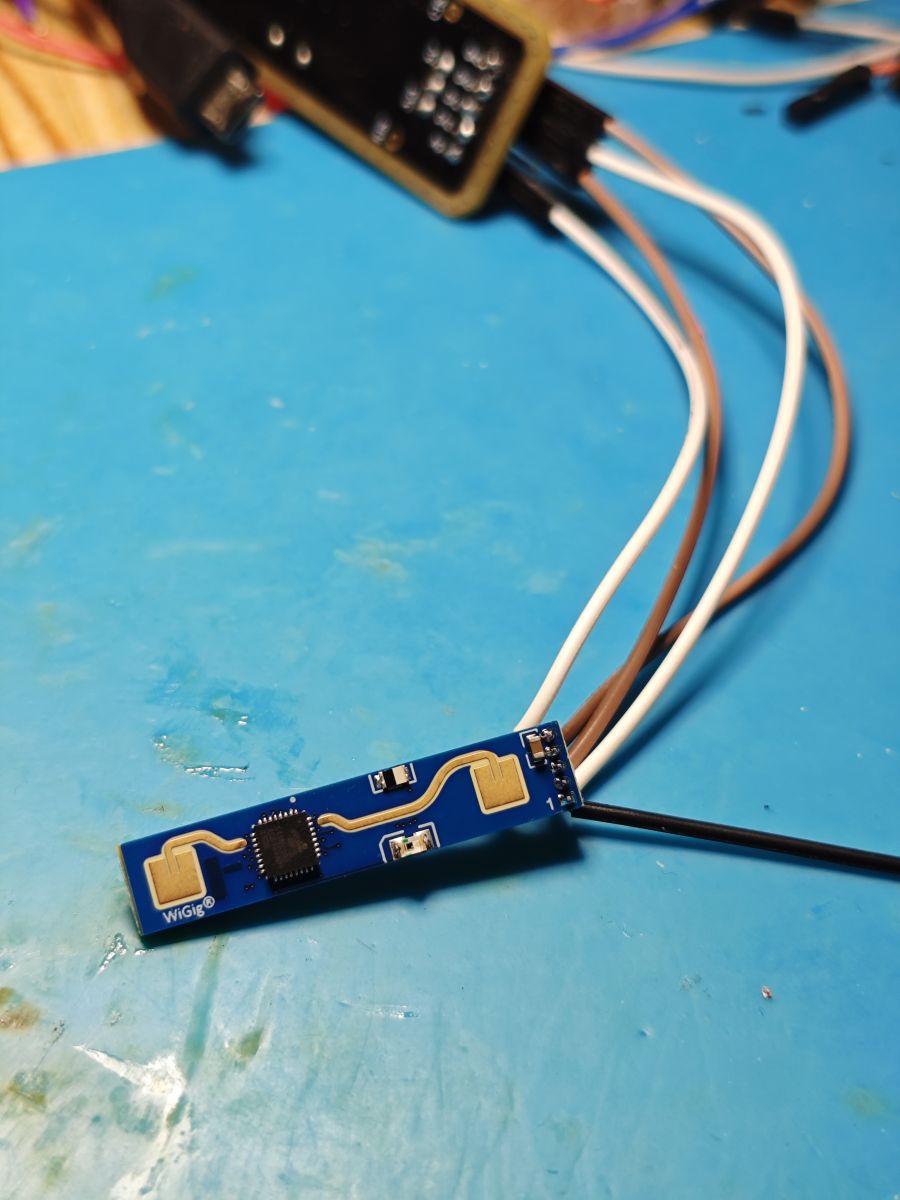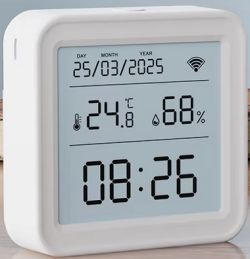
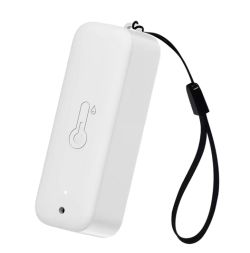
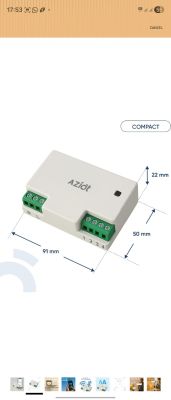
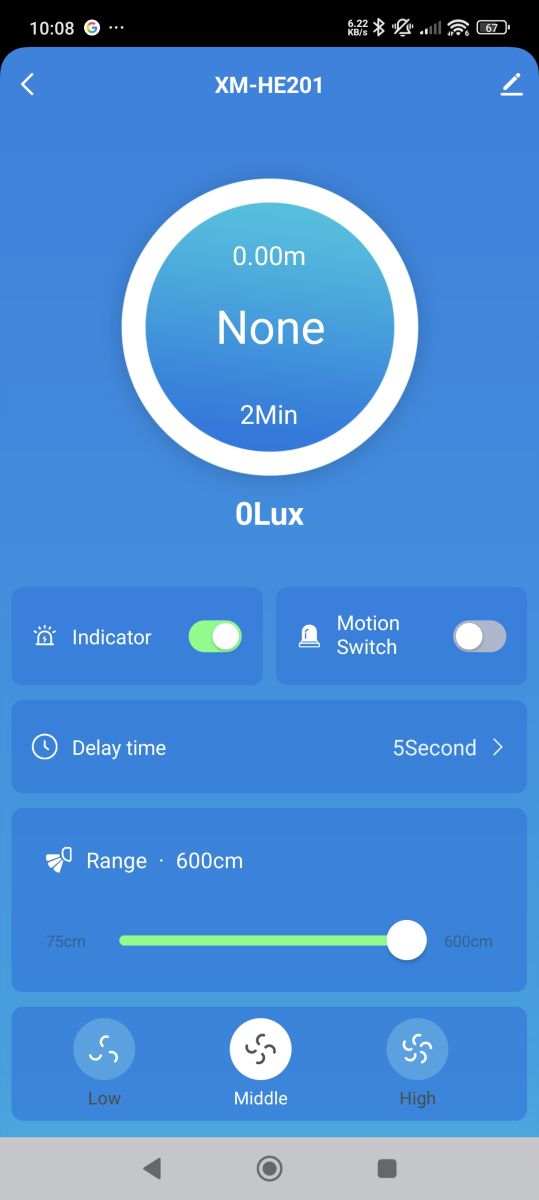
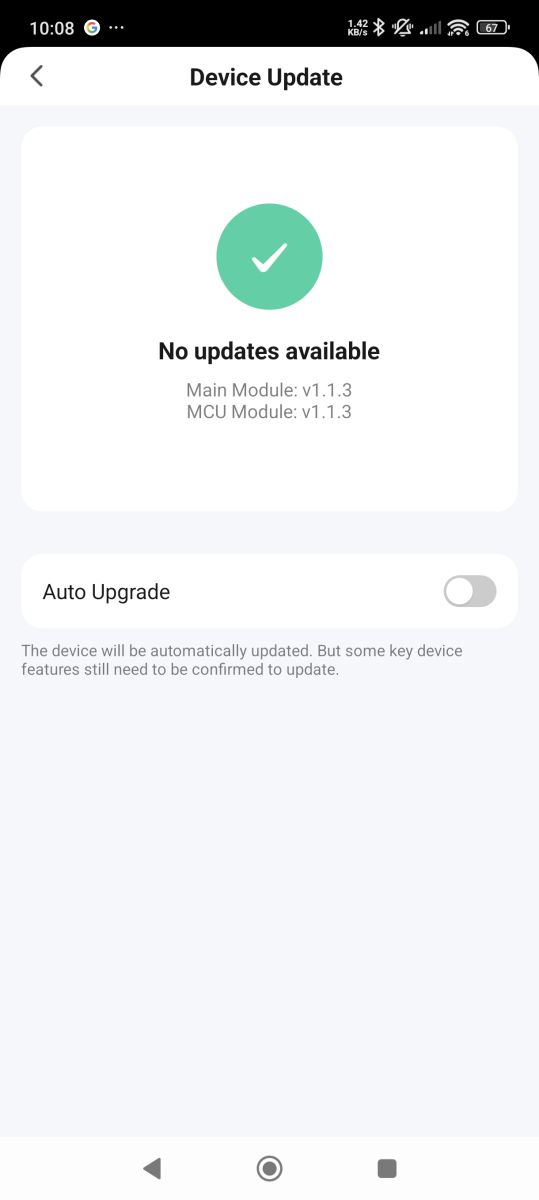
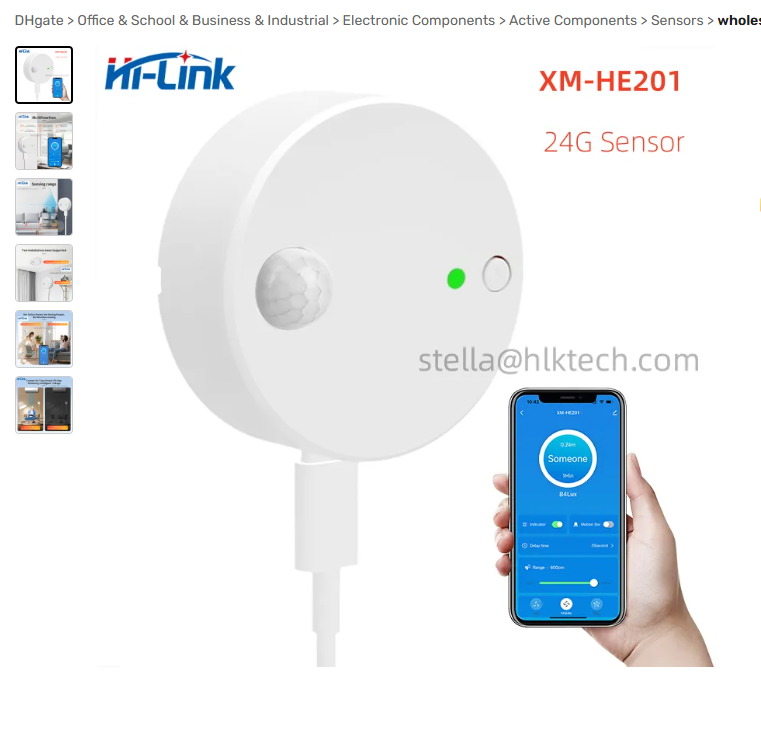
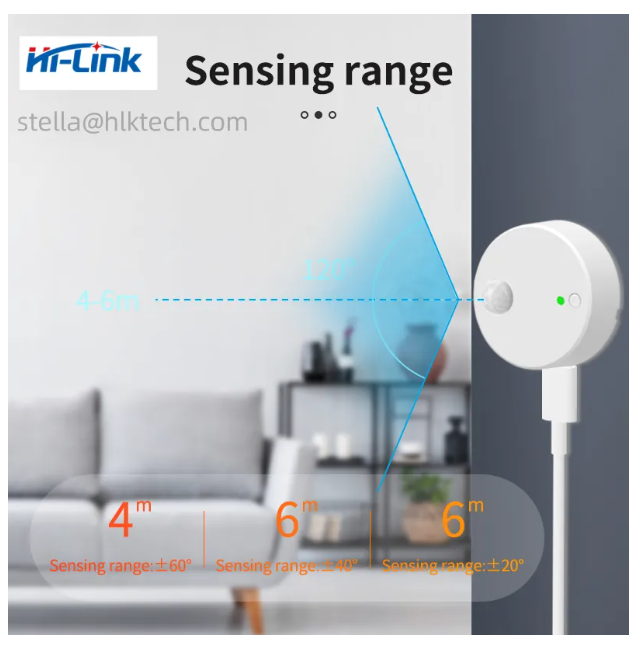
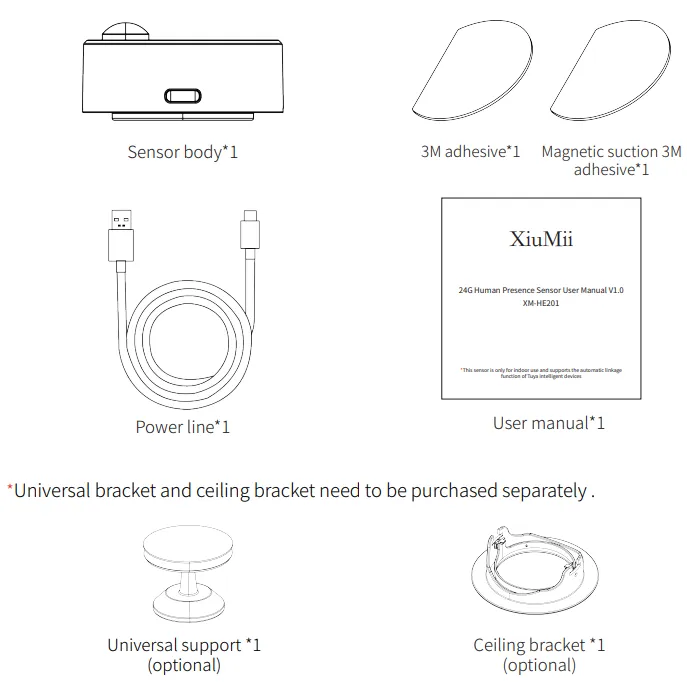
XM-HE201 24 GHz Human Presence Sensor. I've managed to flash one of these to OpenBeken but I am struggling to get all the sensors working.
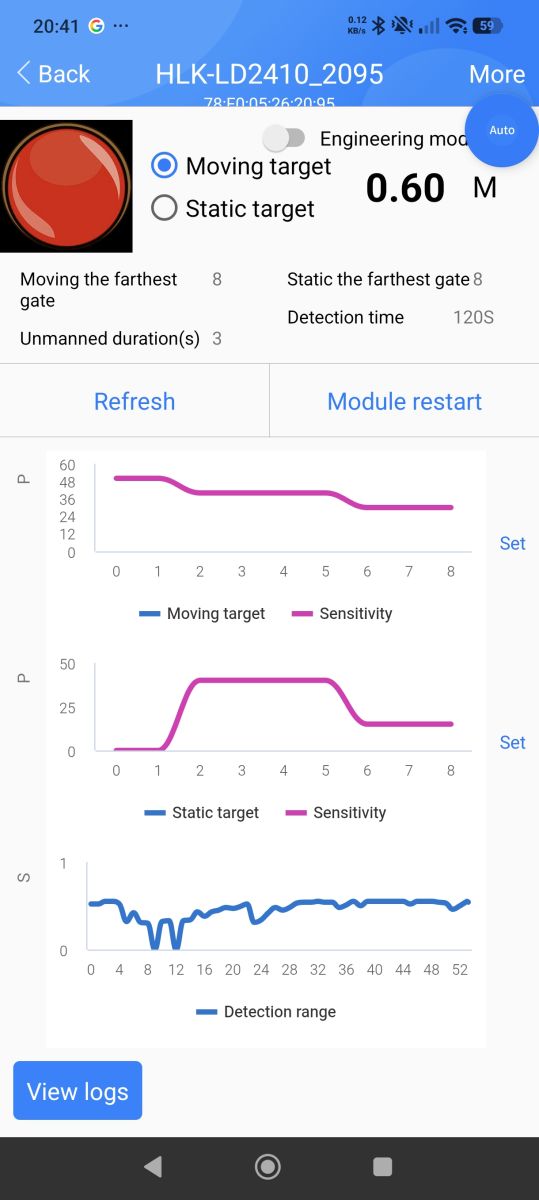
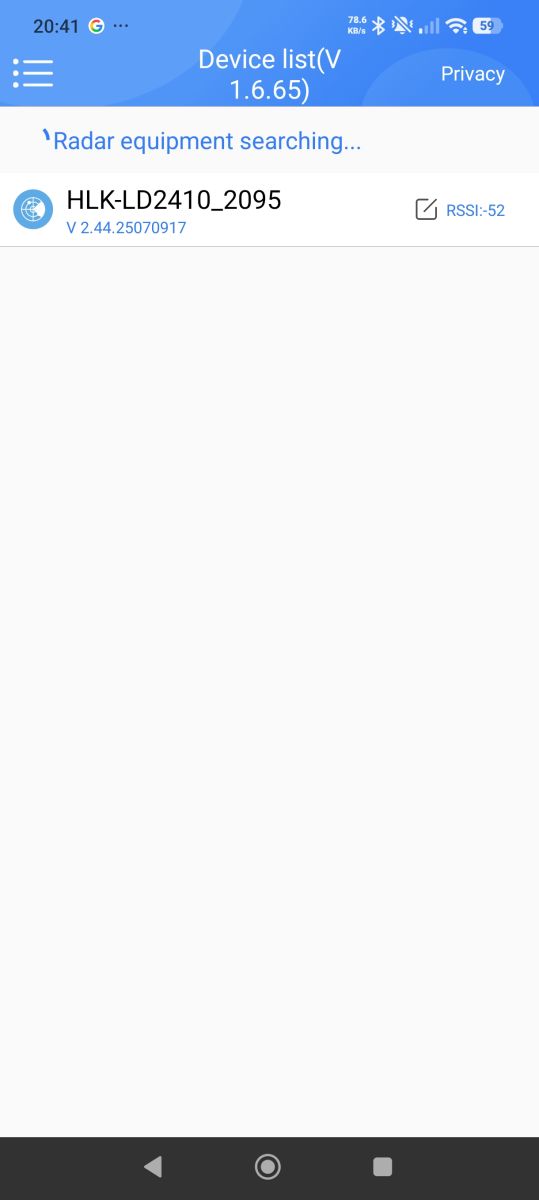
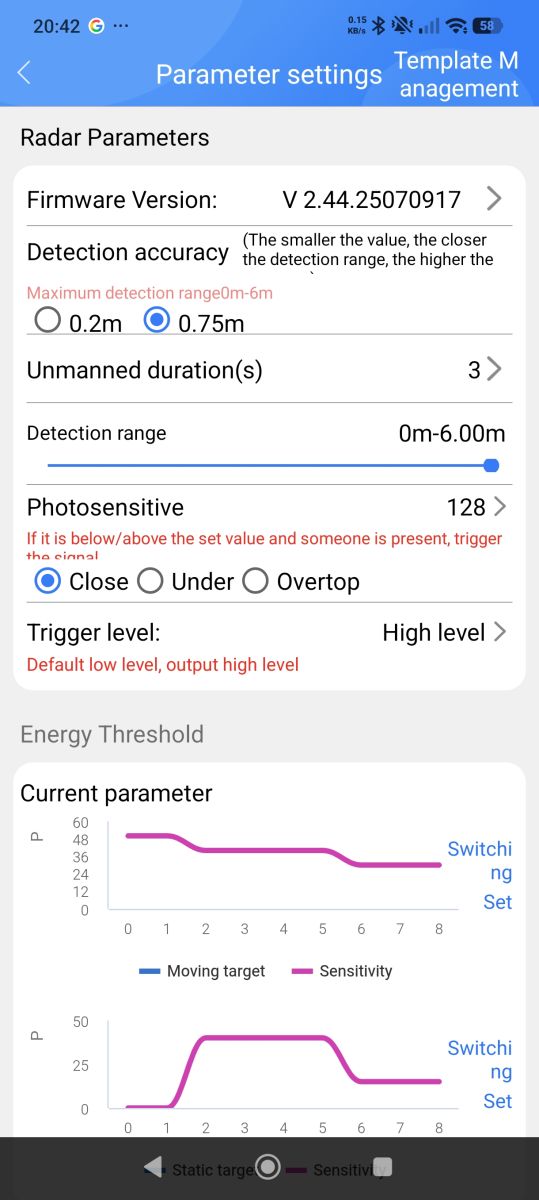
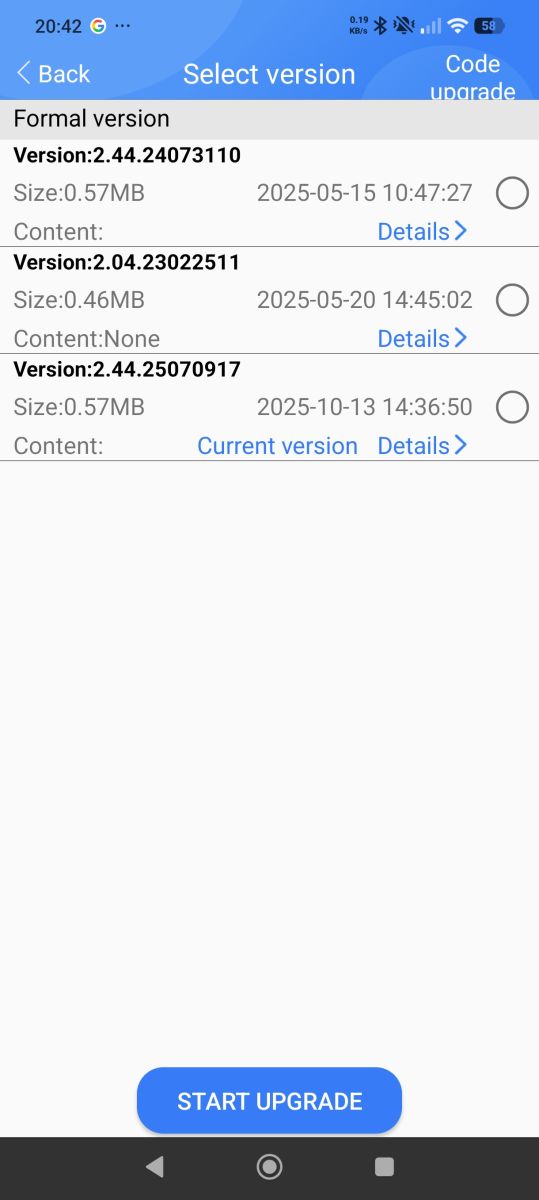
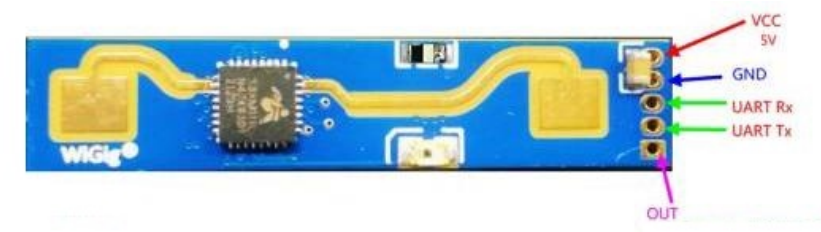
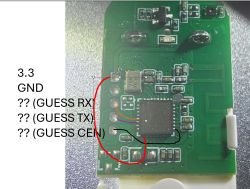
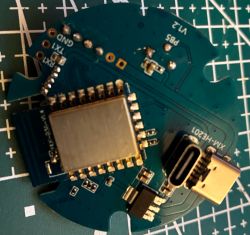
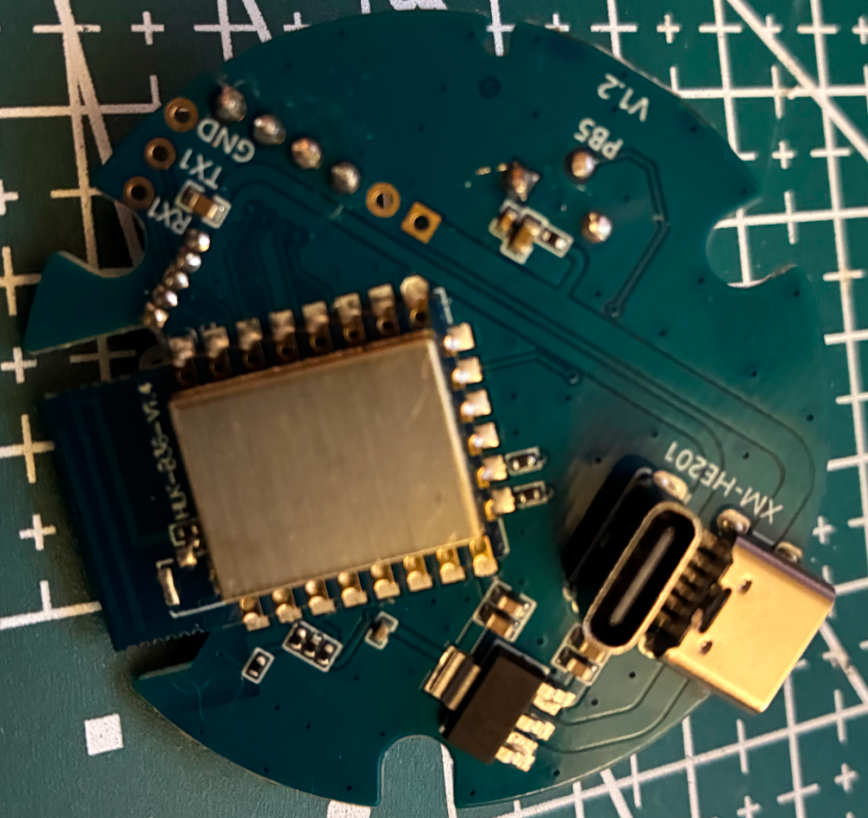
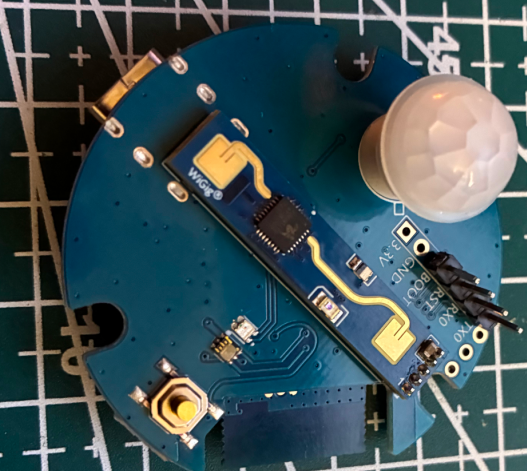
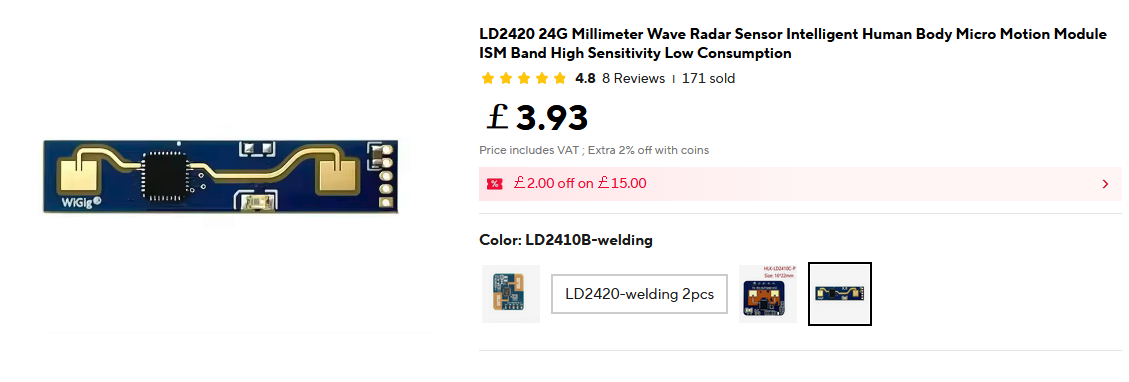
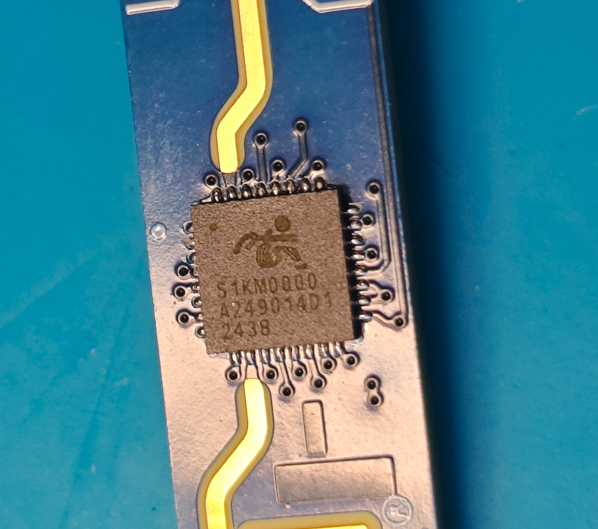
To flash to OpenBeken you need to tie the boot pin to ground on startup, UART will output "C" continuously when it's ready to receive the firmware from wm_tool.exe. Use TX0/RX0 to flash the firmware; TX1/RX1 are connected to the mmWave sensor (LD2410B.)
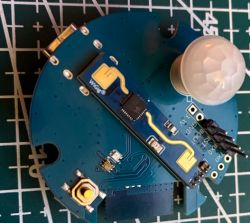
Pin 21 is connected to the PIR sensor and Pin 24 to the mmWave sensor's GPIO pin; setting them to DoorSnsrWSleep has them working. I believe the illuminance sensor is between the button and the LED and one of its pins did have continuity with pin 4 but I don't know how to identify it or configure it with OpenBeken. To fully support this device I believe a driver would have to be written to interface the LD2410B UART; way beyond my depth, barely got it flashed with LLM assistance.
AI: When you try to configure or read from the illuminance sensor in OpenBeken, what exactly happens—do you get any readings, errors, or does it just not show up at all?
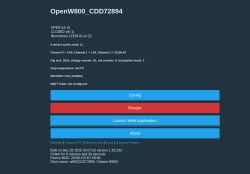
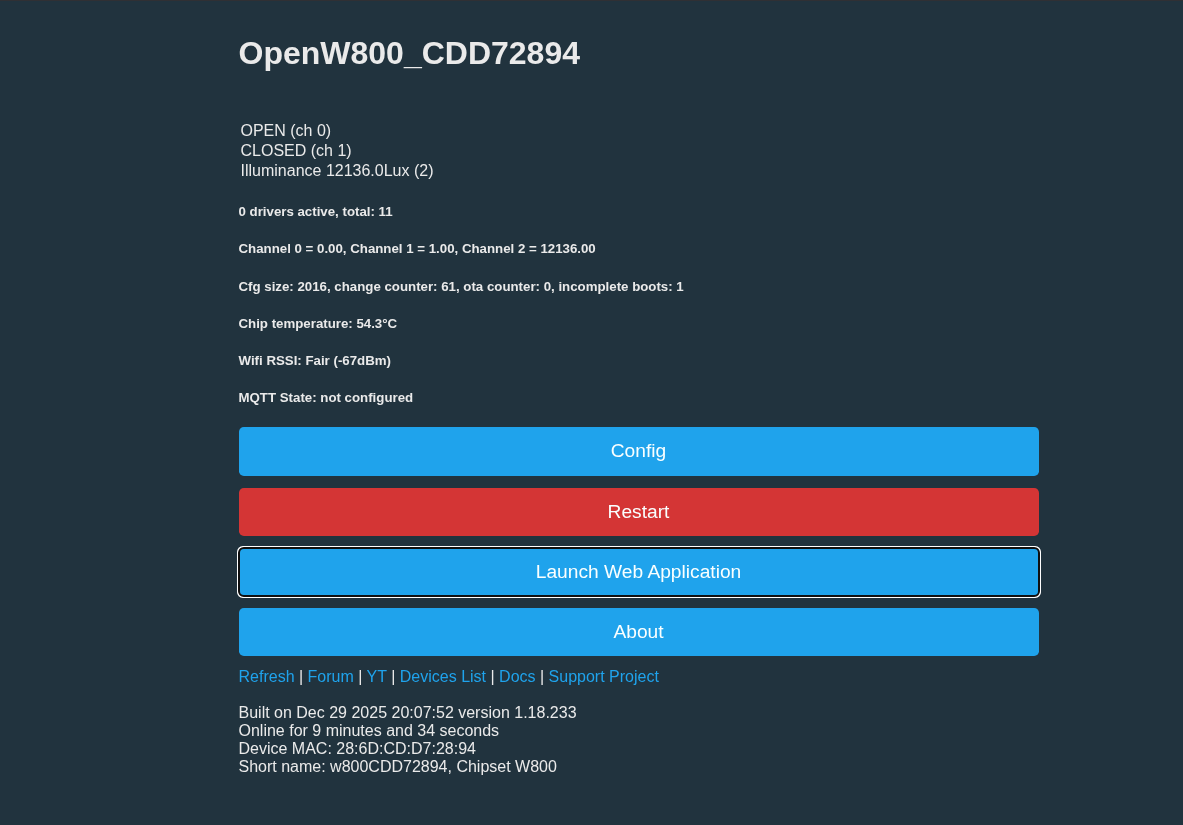
I set the pin to ADC. The value stays between 10k and 12k whether the device is covered or a flashlight is shined directly on it. This is all on the advice of an LLM so it didn't really seem appropriate to even post as it's based on nothing tangible.
AI: Have you tried any specific OpenBeken settings, commands, or logs to identify or configure the illuminance sensor, and if so, what were the results?
I wouldn't know what to try; I tried dumping the OEM firmware from a second device, but OpenBK7231T_App couldn't extract the Tuya GPIO information from the dump. The dump had my SSID and network pass inside, so I'm fairly certain it's valid.
To flash to OpenBeken you need to tie the boot pin to ground on startup, UART will output "C" continuously when it's ready to receive the firmware from wm_tool.exe. Use TX0/RX0 to flash the firmware; TX1/RX1 are connected to the mmWave sensor (LD2410B.)
Pin 21 is connected to the PIR sensor and Pin 24 to the mmWave sensor's GPIO pin; setting them to DoorSnsrWSleep has them working. I believe the illuminance sensor is between the button and the LED and one of its pins did have continuity with pin 4 but I don't know how to identify it or configure it with OpenBeken. To fully support this device I believe a driver would have to be written to interface the LD2410B UART; way beyond my depth, barely got it flashed with LLM assistance.
AI: When you try to configure or read from the illuminance sensor in OpenBeken, what exactly happens—do you get any readings, errors, or does it just not show up at all?
I set the pin to ADC. The value stays between 10k and 12k whether the device is covered or a flashlight is shined directly on it. This is all on the advice of an LLM so it didn't really seem appropriate to even post as it's based on nothing tangible.
AI: Have you tried any specific OpenBeken settings, commands, or logs to identify or configure the illuminance sensor, and if so, what were the results?
I wouldn't know what to try; I tried dumping the OEM firmware from a second device, but OpenBK7231T_App couldn't extract the Tuya GPIO information from the dump. The dump had my SSID and network pass inside, so I'm fairly certain it's valid.
![[w800] XM-HE201 24G Sensor flashed to OpenBeken, sensors partially working](https://obrazki.elektroda.pl/8121159300_1767522380.jpg "[w800] XM-HE201 24G Sensor flashed to OpenBeken, sensors partially working")
![[w800] XM-HE201 24G Sensor flashed to OpenBeken, sensors partially working](https://static.elektroda.pl/attach/IMG_0339_1301102.jpg "[w800] XM-HE201 24G Sensor flashed to OpenBeken, sensors partially working")
![[w800] XM-HE201 24G Sensor flashed to OpenBeken, sensors partially working](https://static.elektroda.pl/attach/IMG_0338_1970950.jpg "[w800] XM-HE201 24G Sensor flashed to OpenBeken, sensors partially working")